
Funny Character-Based Appliance Advertisement
Transforms an uploaded character into a humorous, self-deprecating Japanese household appliance advertisement with retro retail aesthetics.
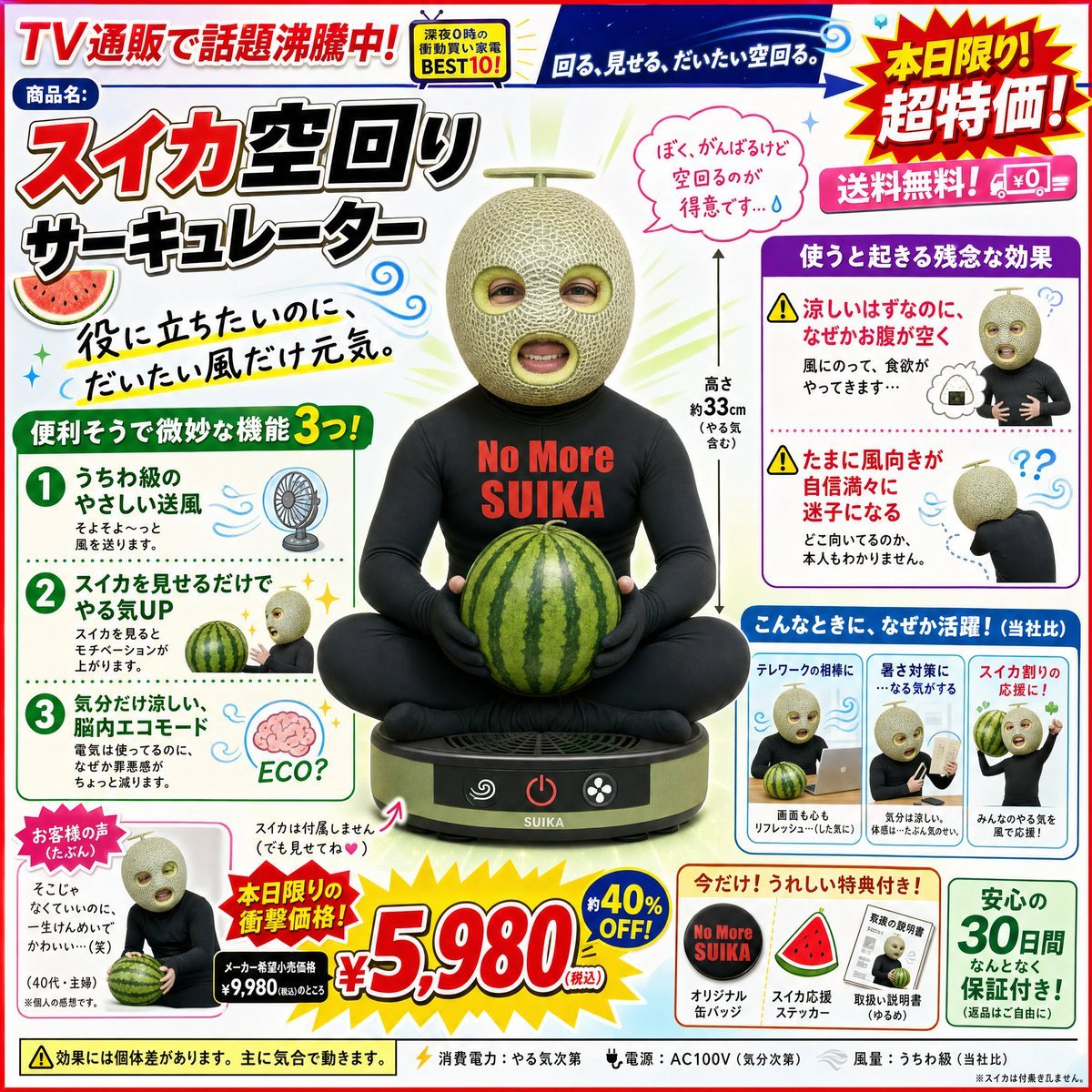
- Prompt included
- Model and format preset
- Premium template
The prompt behind this image
Copy the exact prompt behind Funny Character-Based Appliance Advertisement, or open it in the studio and make it yours.
Using the attached character as a reference, please create an advertising visual for a fictional "self-deprecating novelty home appliance." Carefully read the attached character's appearance, color scheme, outfit, expression, accessories, and overall vibe, and convert them into a home appliance product that naturally connects to them. The ad's mood should be an overly-the-top promotional visual, like a mix of point-of-purchase displays from a Japanese electronics retailer, late-night TV shopping, and old-school internet ads. Place the appliance, which retains the attached character's distinctive features, large in the center of the image. Fill the surrounding area busily with price tags, feature descriptions, emphasis marks, review comments, and so on. The text should be in Japanese, short, bold, and easy to read. Include red and yellow price tags, eye-catching headlines, and pop-style decorations.
How to use Funny Character-Based Appliance Advertisement in 3 steps
- 1Upload ImagePNG, JPG or paste
Add your photo
Upload the photo the template builds on. The prompt, model and format are already set.
- 2…a portrait of your subject in softgolden-hour light, 85mm…
Personalize
Edit the subject and creative details for your destination.
- 3Generate
Generate
Press Generate — your image is created in PicX Studio, so you can compare it with the original and refine one variable at a time.
More like this
Templates with the same subject, style or setup. Open one to see its prompt.

Newspaper Advertisement Campaign Template

Newspaper Advertisement Template

Cute Sticker
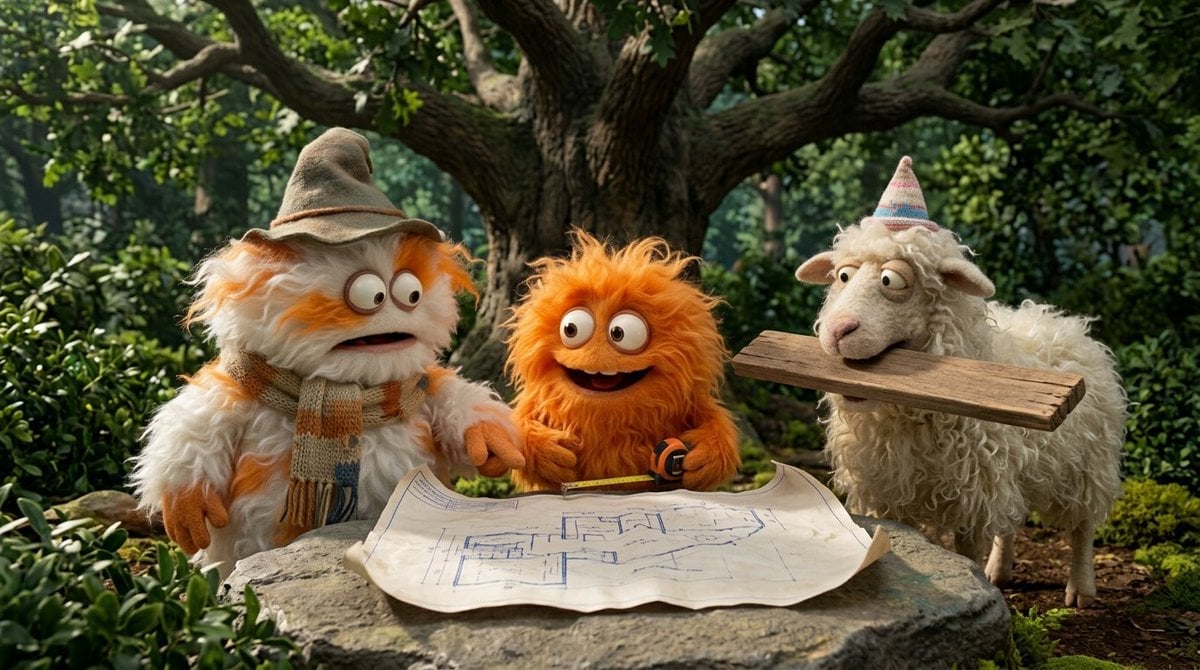
Funny 4-part story featuring 3 fluffy creatures building a treehouse
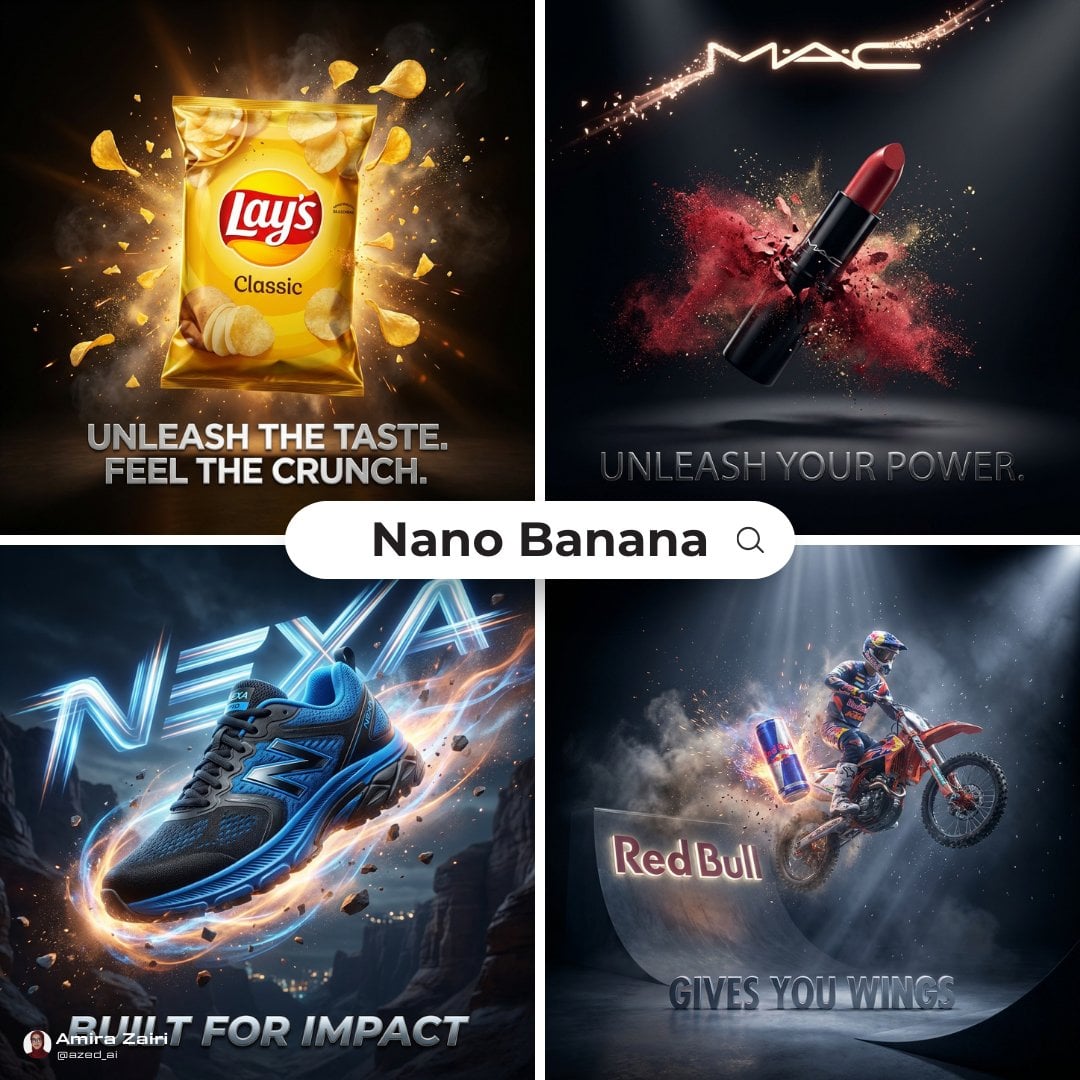
Cinematic 3D action-packed advertisement captured in an intense

A luxury brand advertisement featuring three stylish arranged
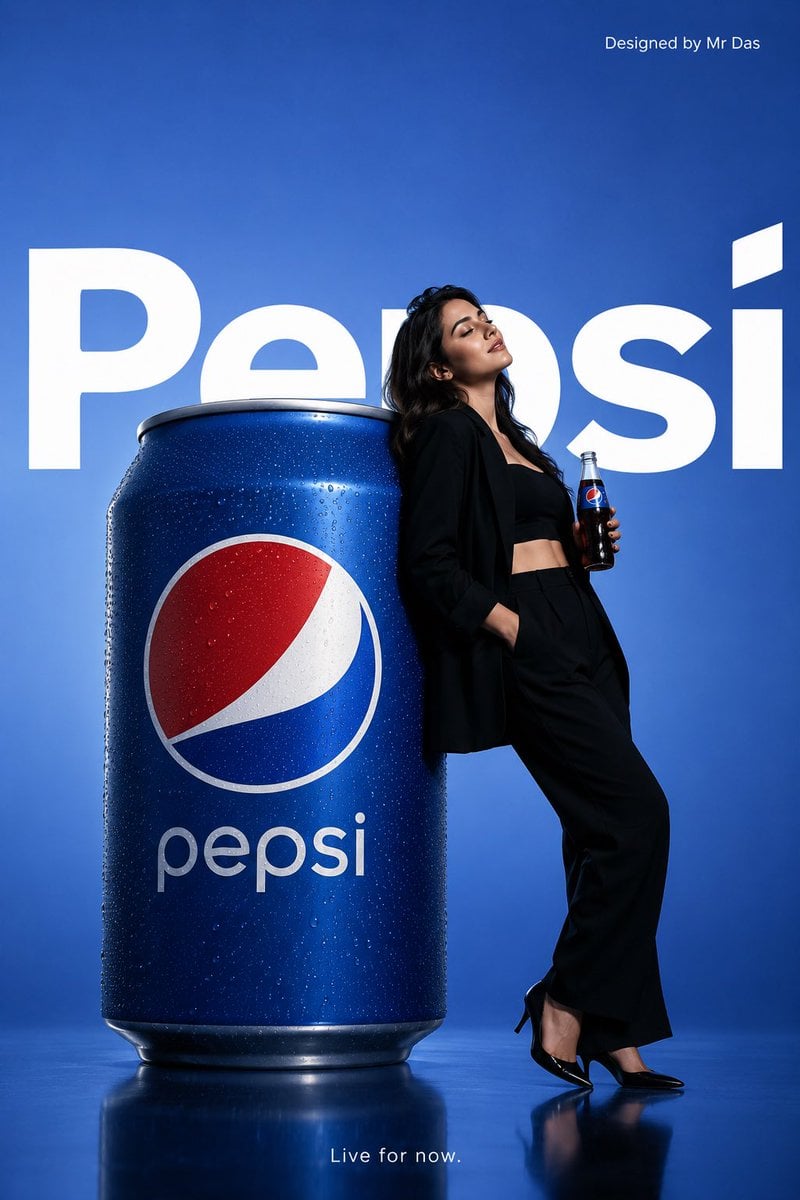
Minimalist Pepsi Commercial Advertisement
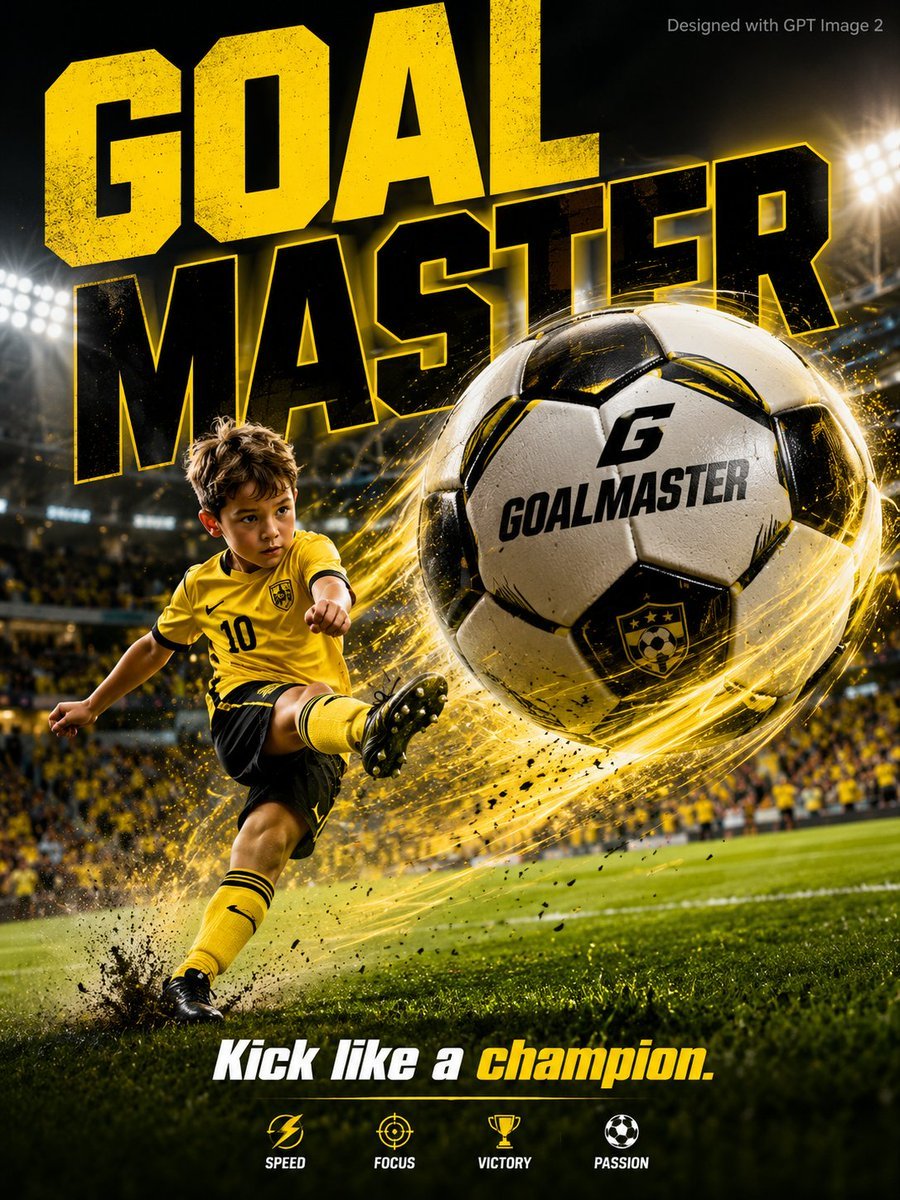
Vibrant Sports Advertisement Poster

Skydancer Kite Advertisement Poster
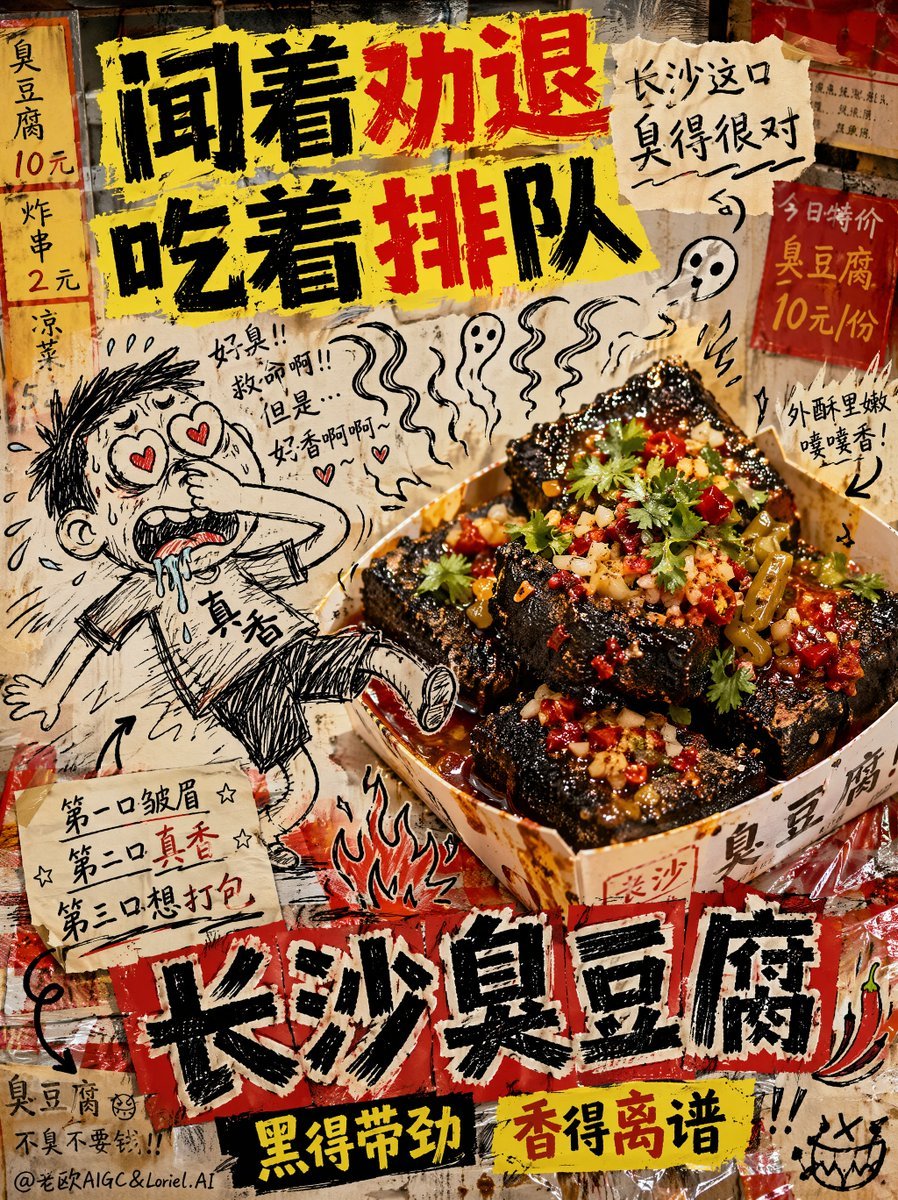
Anti-Design Stinky Tofu Advertisement
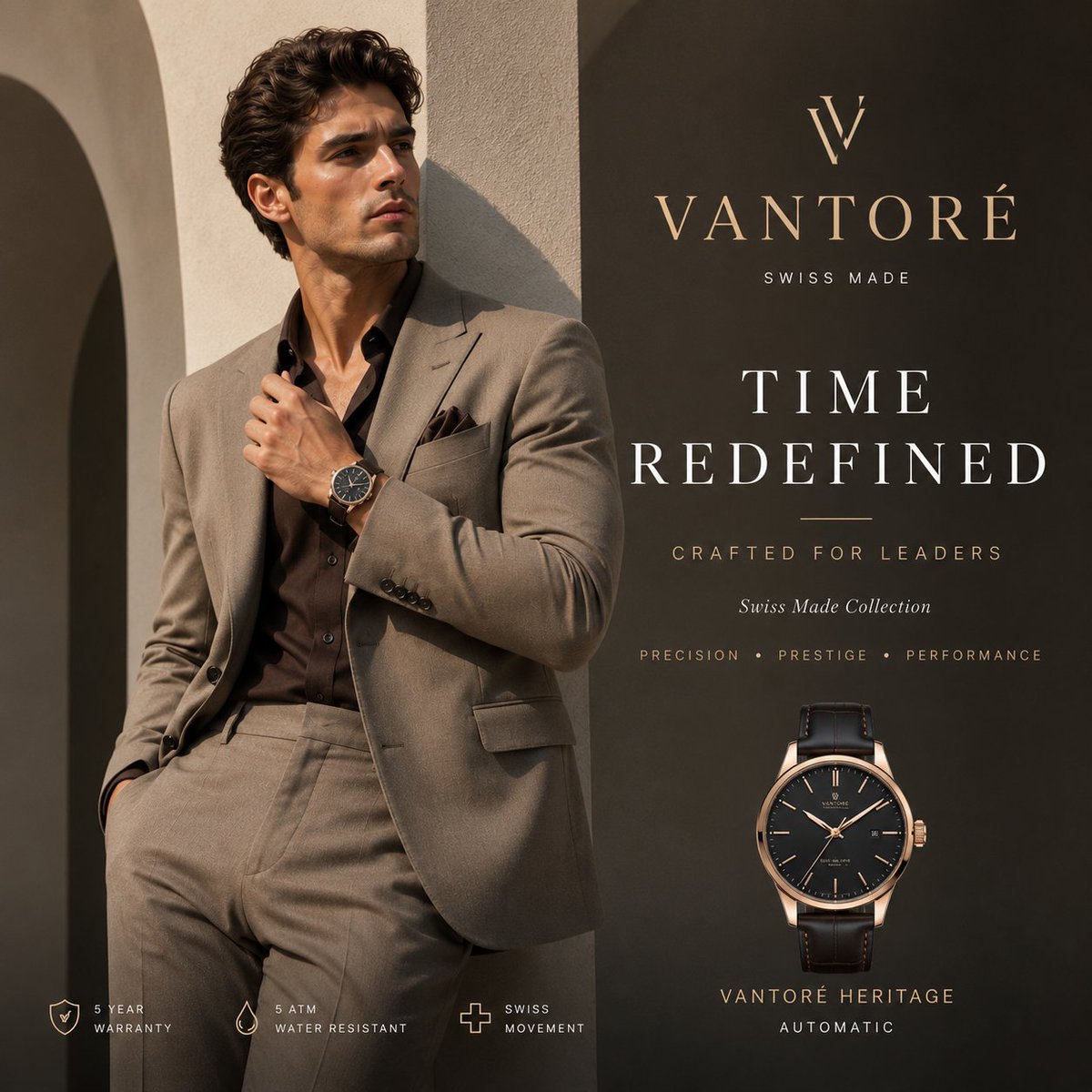
Luxury VANTORÉ Watch Advertisement

Luxury Citrus Sparkling Drink Advertisement
Make it yours
Funny Character-Based Appliance Advertisement works as-is. These are the safest ways to change it without losing the look.
Change one field
Copy a single group, rewrite it, and generate again so you can see what that field is doing.
Keep the frame, change the subject
Hold the composition and light of Funny Character-Based Appliance Advertisement, then swap wardrobe, props or the person for a new take.
| If the result… | Why | Fix |
|---|---|---|
| The result drifts from the preview | Too many fields changed at once. | Reuse Funny Character-Based Appliance Advertisement as-is first, then change one group — subject, light, or setting. |
| The model over-stylizes the scene | The prose prompt leaves finish and camera underspecified. | Add one camera or lighting sentence and stay on GPT Image 2. |
More GPT Image 2 templates
Other prompts made for GPT Image 2.

Six VTuber Japanese Logo Sheet

Realistic Portrait of Woman and Deer

The Vista Modular Condo Poster

AI Model Routing Comparison Infographic

2.5D Anime Art Board

Isometric Productivity Desk Scene

New York Double Exposure Poster

Four-Panel AI Landscape Comparison

Japanese Tatami Lifestyle Magazine Cover

NESCAFÉ Coffee Map Poster
More image prompts
Fresh picks from across the catalog.
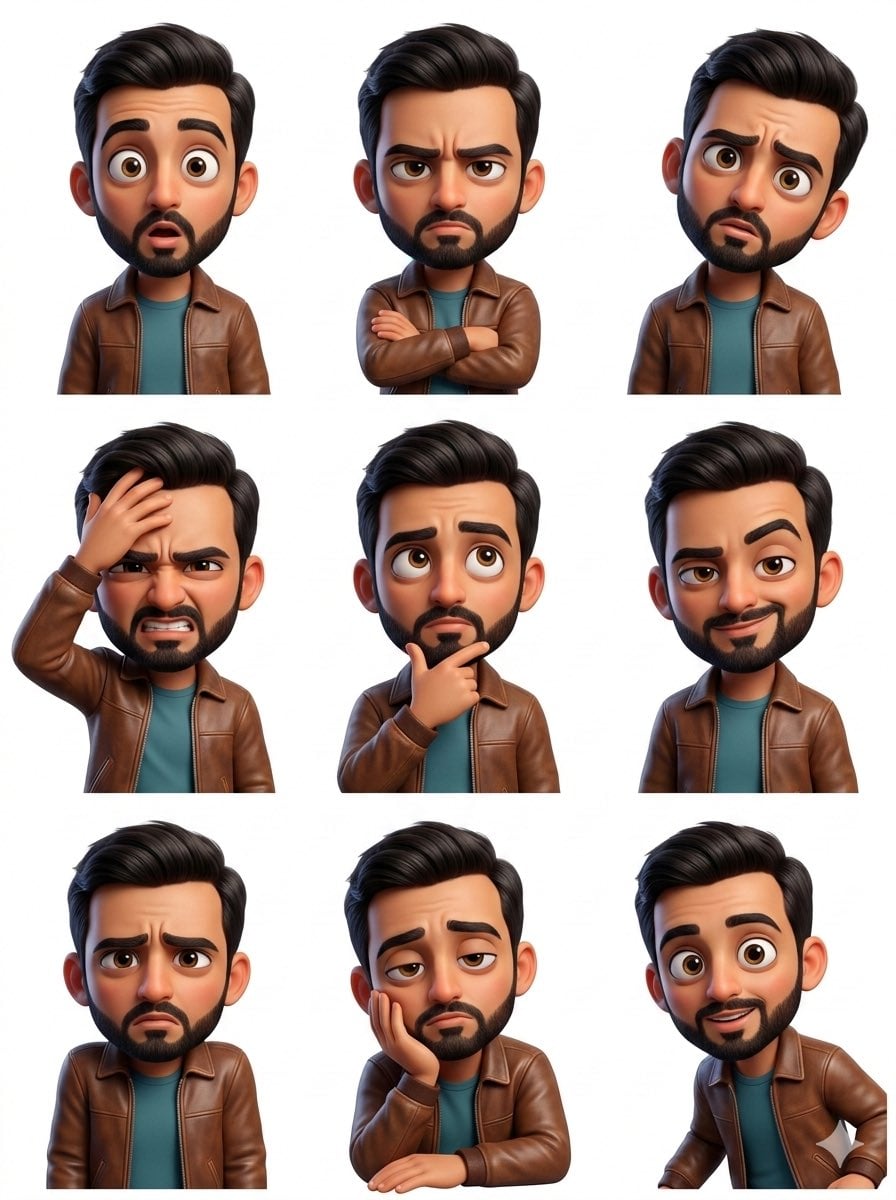
Pixar Sticker Set 3x3 Grid of Emotions
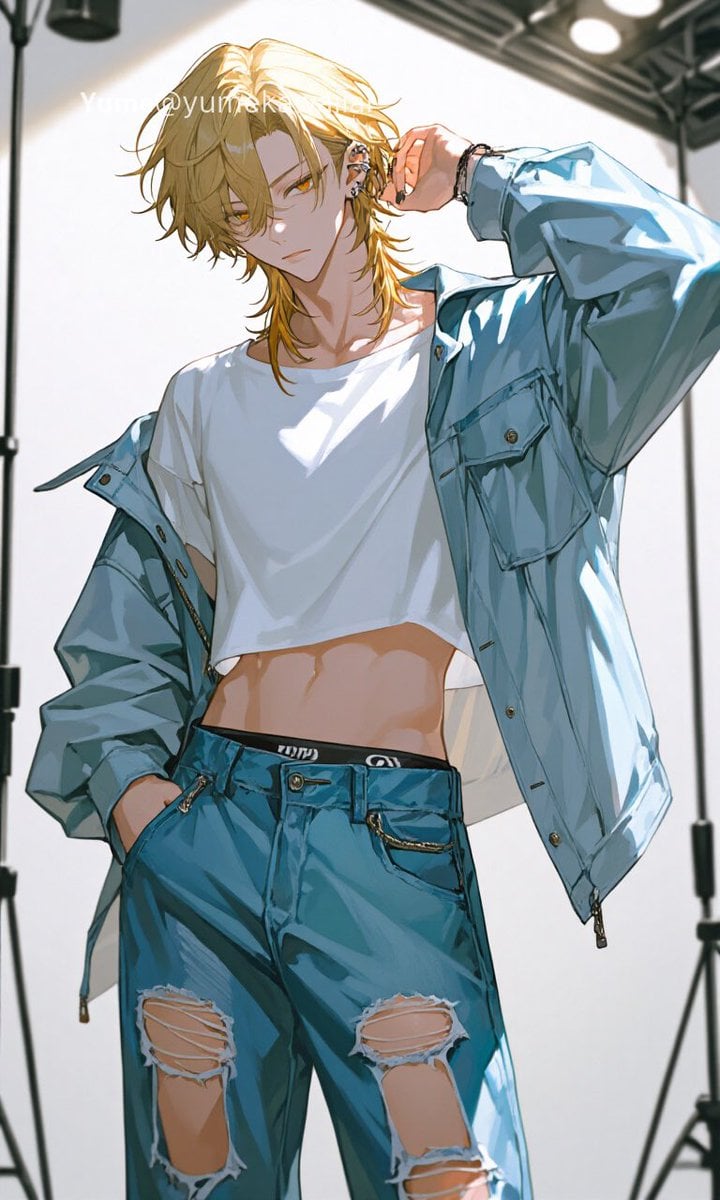
Y2K Anime Streetwear Model
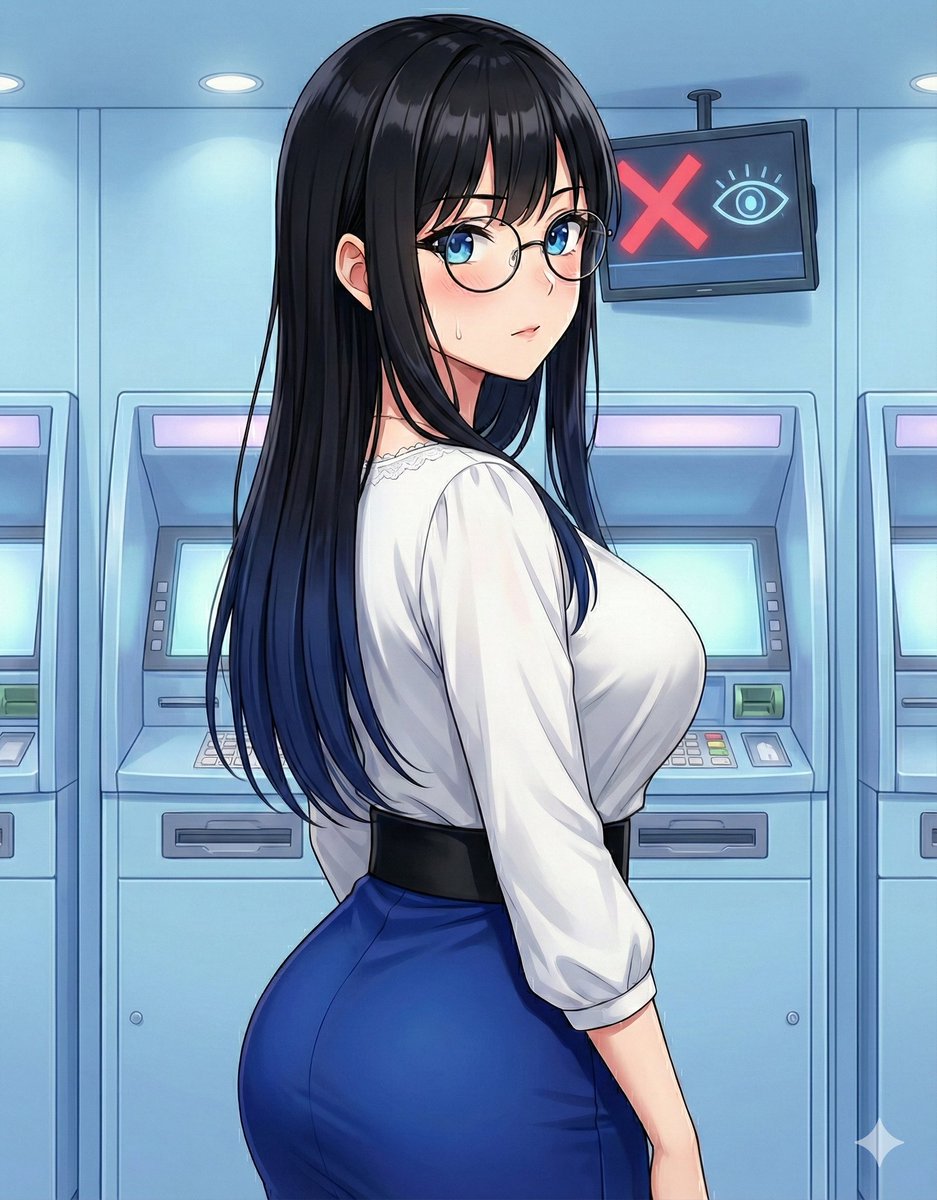
Quick Stop Scenario Prompt

Cinematic Moody Portrait

One Piece Devil Fruit Transformation Template
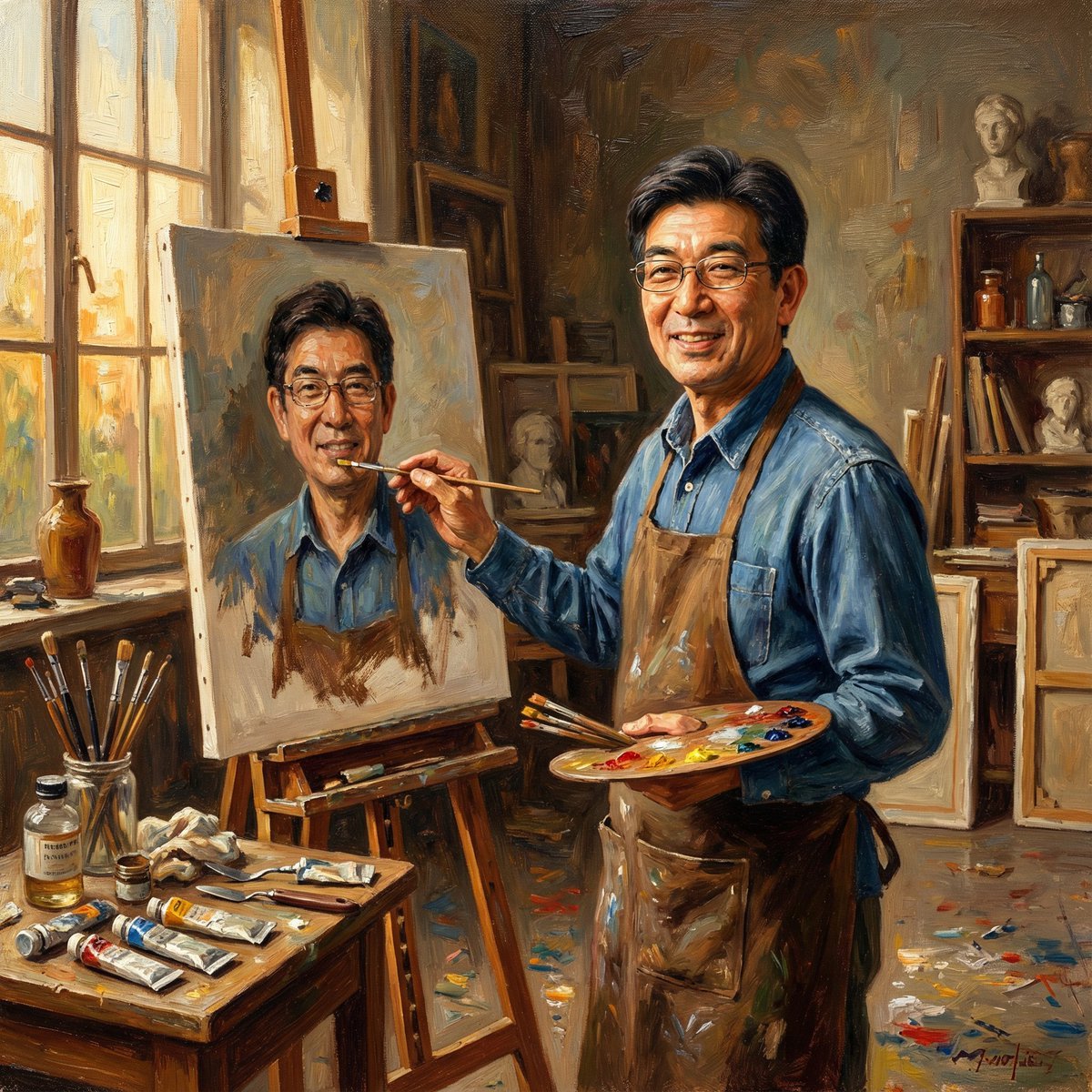
Nano Banana Pro: Artist and Neon Styles
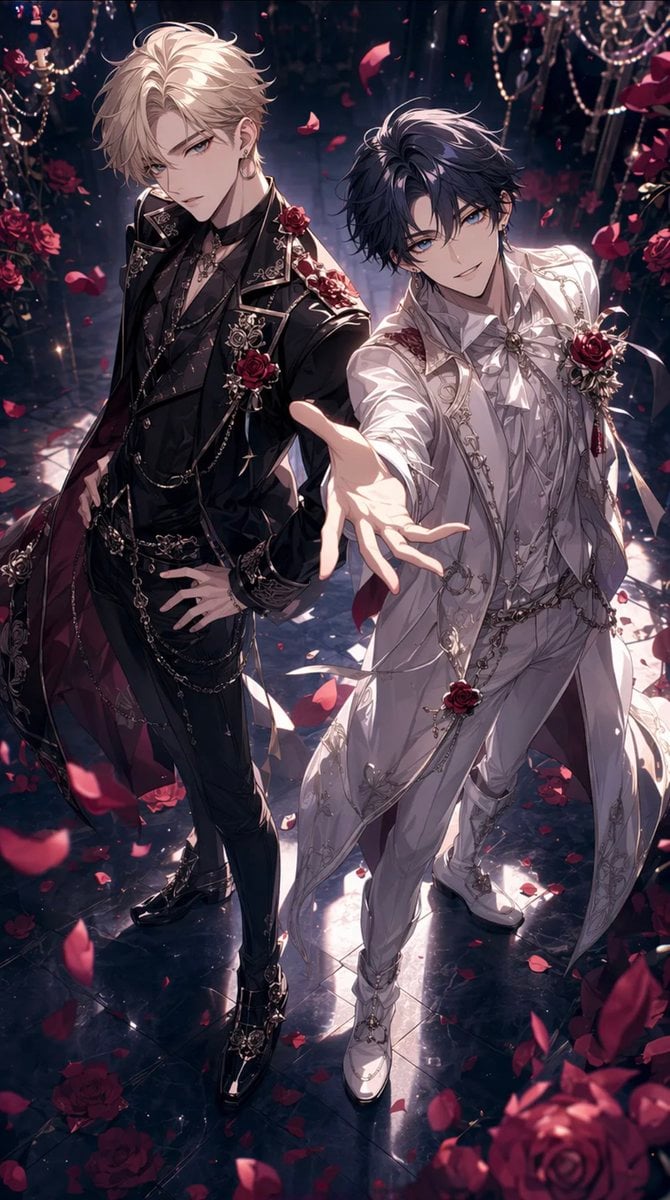
Gothic Rose Ballroom Duo
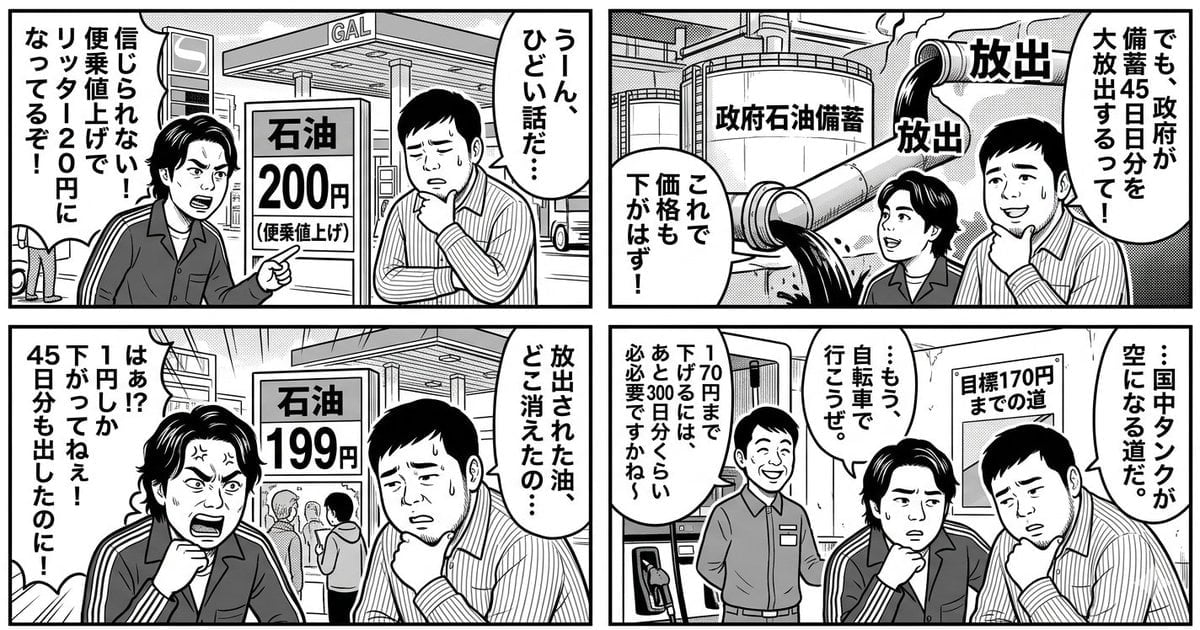
Panel Manga: The Long Road to 170 Yen Gasoline Price
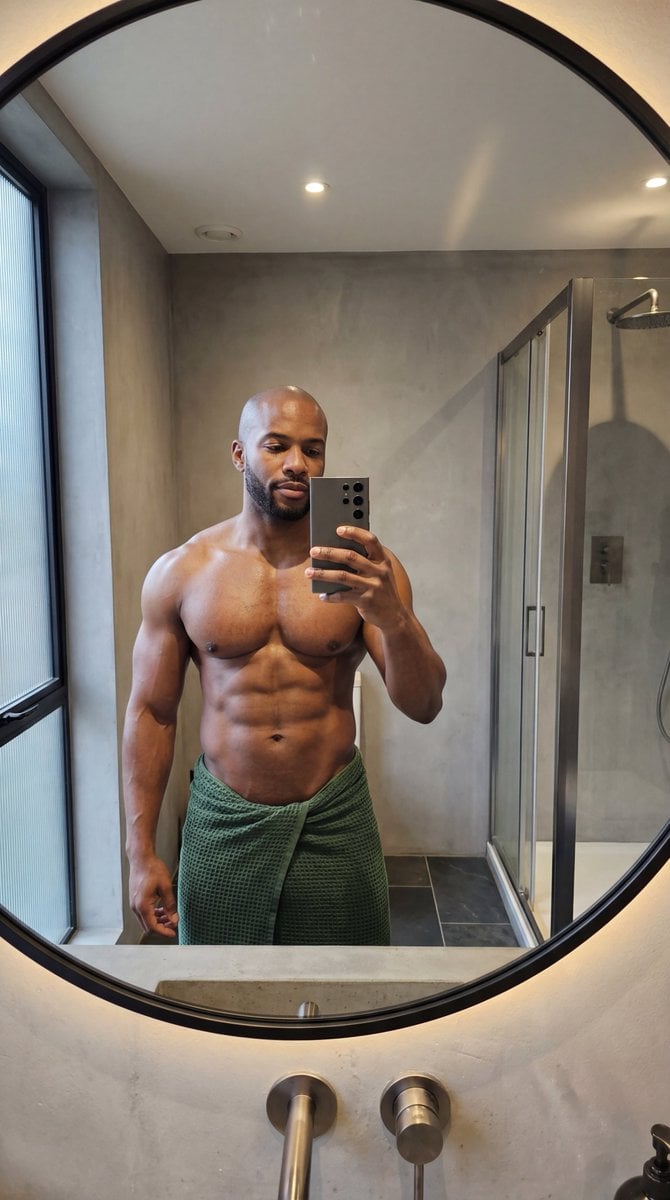
Photorealistic Anatomy-Locked Mirror Selfie Prompt
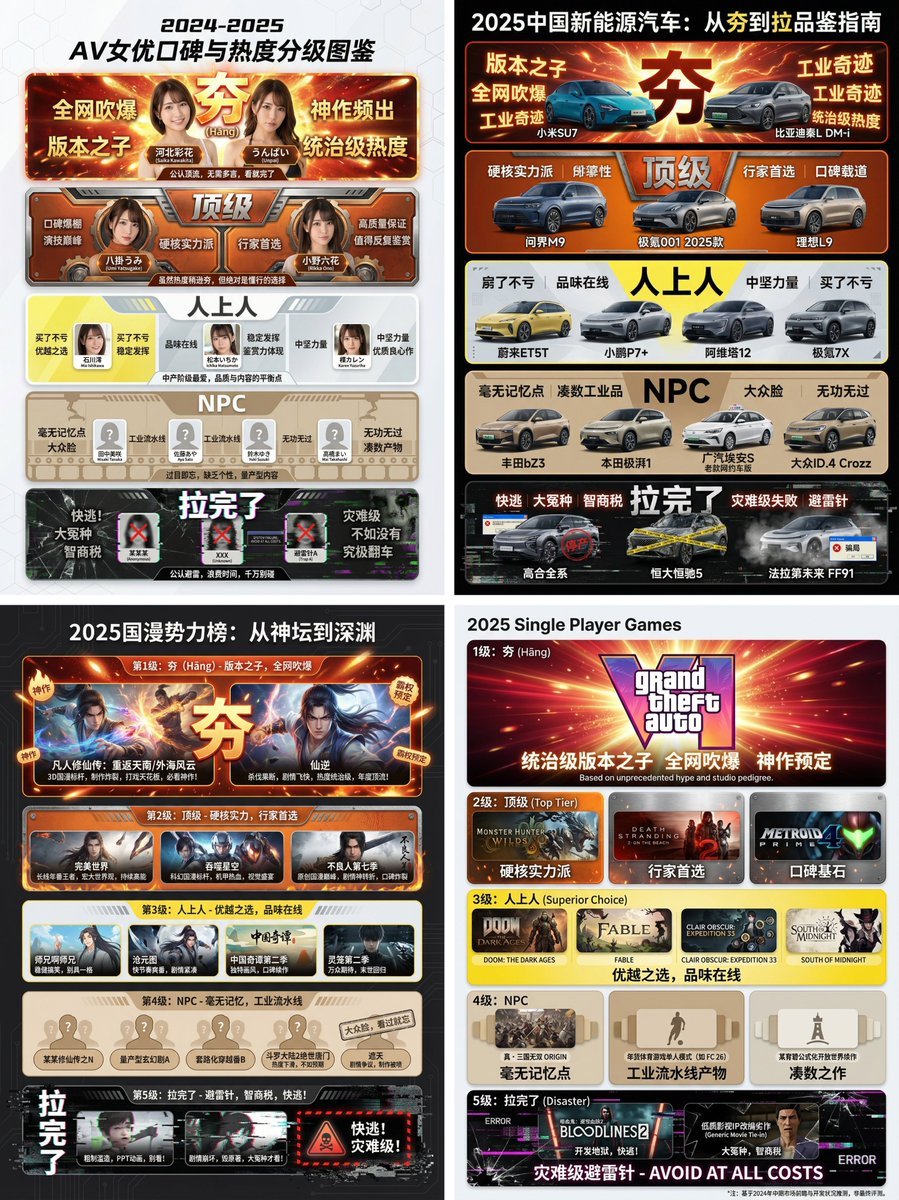
Hāng to Lā (Good to Bad) Rating Infographic Prompt
Browse template categories
Funny Character-Based Appliance Advertisement questions
How do I use the Funny Character-Based Appliance Advertisement template?
Add your photo if the template asks for one, edit the prompt if you like — the template's model and format are already selected — and press Generate. Your version opens in PicX Studio.
Can I customize the Funny Character-Based Appliance Advertisement template?
Yes. You can change the subject, setting, lighting, mood, format, and available model controls before creating your image.
Is the Funny Character-Based Appliance Advertisement template free?
Opening and editing this template is free. Generating uses credits, shown on the Generate button when you are signed in.
Which AI model should I use?
Start with GPT Image 2, which is the model associated with this template. You can compare another compatible model for a different finish.
Looking for something else? Browse all templates.

Your photo, any look
Thousands of ready templates for every top image and video model, from one credit balance.