
Ethereal Angel Thank You Illustration
A soft pastel anime portrait of an angelic male character kissing a hand, ideal for follower milestone or thank-you artwork.
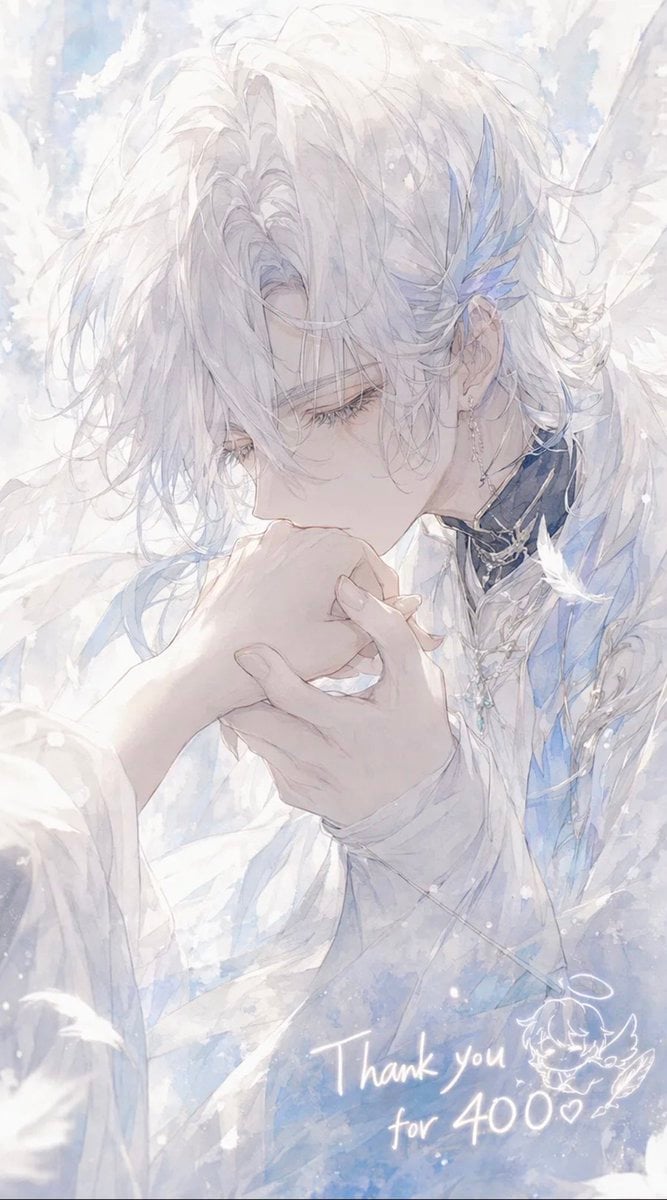
- Prompt included
- Model and format preset
- Free template
The prompt behind this image
Copy the exact prompt behind Ethereal Angel Thank You Illustration, or open it in the studio and make it yours.
Create a delicate vertical anime-style illustration of {argument name="character name" default="Celestin"}, an ethereal angelic young man with very pale skin and soft, messy {argument name="hair color" default="snow-white"} hair falling over his eyes, shown in close-up three-quarter profile as he gently kisses the back of someone’s hand. His expression is calm, reverent, and slightly melancholic, with long eyelashes and downcast eyes. He wears layered white ceremonial clothing with translucent fabric, pale blue accents, ornate silver jewelry, a dark high collar with metallic trim, dangling earrings, and blue crystal-feather ornaments near one ear. Large soft white wings and drifting feathers surround him, filling the background with a dreamy heavenly atmosphere. Use a luminous watercolor and pencil-sketch aesthetic, very soft pastel whites, icy blues, pearly grays, high-key lighting, airy brush textures, sparkling snow-like particles, and a romantic shoujo manga composition. The foreground hand should be gracefully held in both of his hands as he kisses it, with elegant slender fingers. Add handwritten glowing white text near the lower right reading {argument name="thank you message" default="Thank you for 400♡"}, plus a small cute doodle of a winged chibi face or angel mascot beside it. Canvas should be vertical 9:16, intimate cropped portrait, no hard outlines, no modern objects, no watermark.
How to use Ethereal Angel Thank You Illustration in 3 steps
- 1Upload ImagePNG, JPG or paste
Add your photo
Upload the photo the template builds on. The prompt, model and format are already set.
- 2…a portrait of your subject in softgolden-hour light, 85mm…
Personalize
Edit the subject and creative details for your destination.
- 3Generate
Generate
Press Generate — your image is created in PicX Studio, so you can compare it with the original and refine one variable at a time.
More like this
Templates with the same subject, style or setup. Open one to see its prompt.
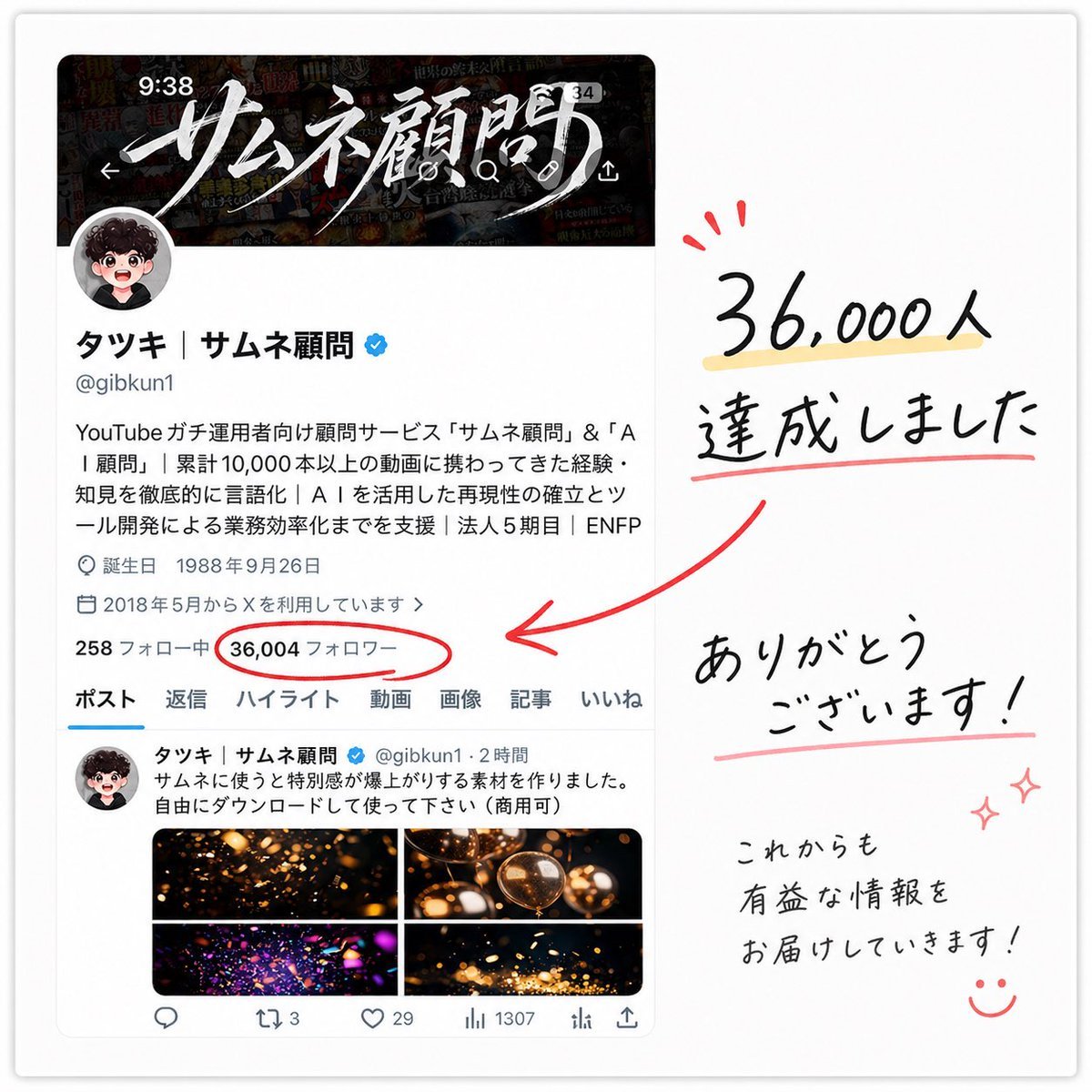
Japanese Follower Milestone Thank-You Graphic
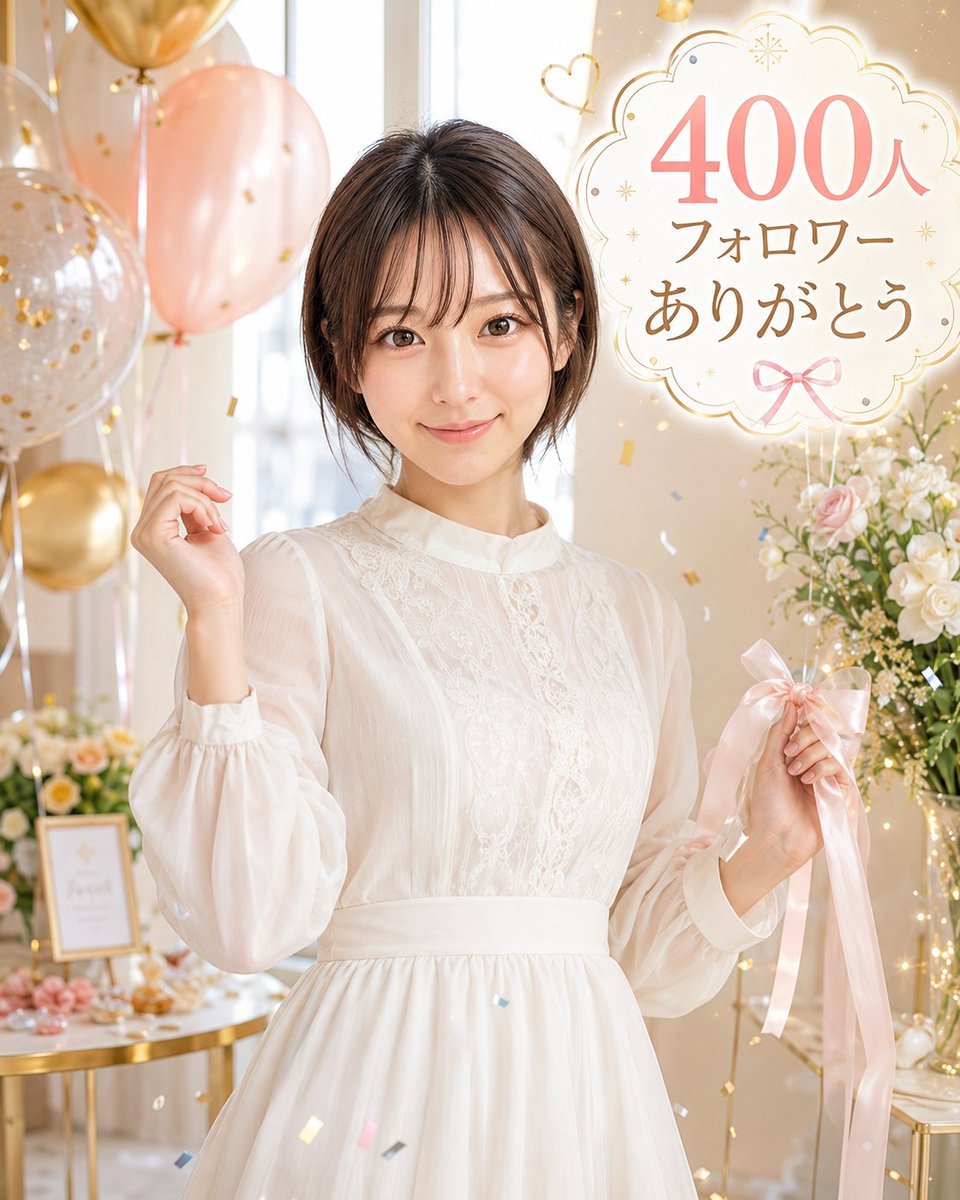
400 Followers Thank You Portrait
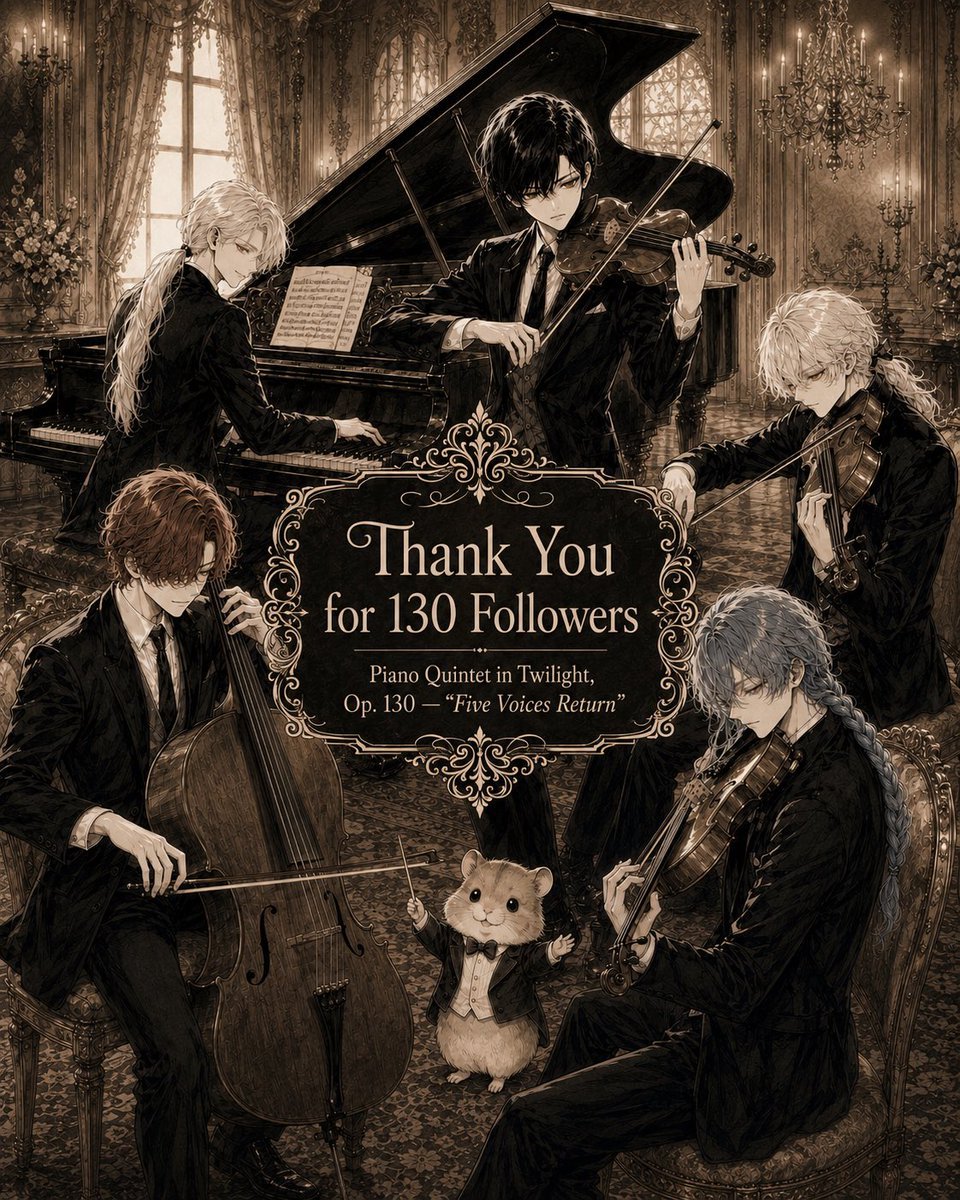
Sepia Gothic Quintet Thank You Poster

Quiet Minimalist Anime Style Guide

Real Illustration Split Portrait Transition
Quiet Minimalist Anime Style Guide

Watercolor Café Cheesecake Editorial Illustration
Real Illustration Split Portrait Transition

Bold Side Profile Superhero Poster

Hero Portrait Comic Multi-Panel Poster

Spider-Verse Painterly Portrait Poster

Captain Tsubasa Anime World Cup Poster
Make it yours
Ethereal Angel Thank You Illustration works as-is. These are the safest ways to change it without losing the look.
Change one field
Copy a single group, rewrite it, and generate again so you can see what that field is doing.
Keep the frame, change the subject
Hold the composition and light of Ethereal Angel Thank You Illustration, then swap wardrobe, props or the person for a new take.
| If the result… | Why | Fix |
|---|---|---|
| The result drifts from the preview | Too many fields changed at once. | Reuse Ethereal Angel Thank You Illustration as-is first, then change one group — subject, light, or setting. |
| The model over-stylizes the scene | The prose prompt leaves finish and camera underspecified. | Add one camera or lighting sentence and stay on GPT Image 2. |
More GPT Image 2 templates
Other prompts made for GPT Image 2.

Six VTuber Japanese Logo Sheet

Realistic Portrait of Woman and Deer

The Vista Modular Condo Poster

AI Model Routing Comparison Infographic

2.5D Anime Art Board

Isometric Productivity Desk Scene

New York Double Exposure Poster

Four-Panel AI Landscape Comparison

Japanese Tatami Lifestyle Magazine Cover

NESCAFÉ Coffee Map Poster
More image prompts
Fresh picks from across the catalog.

Japanese Beauty Editorial Collage
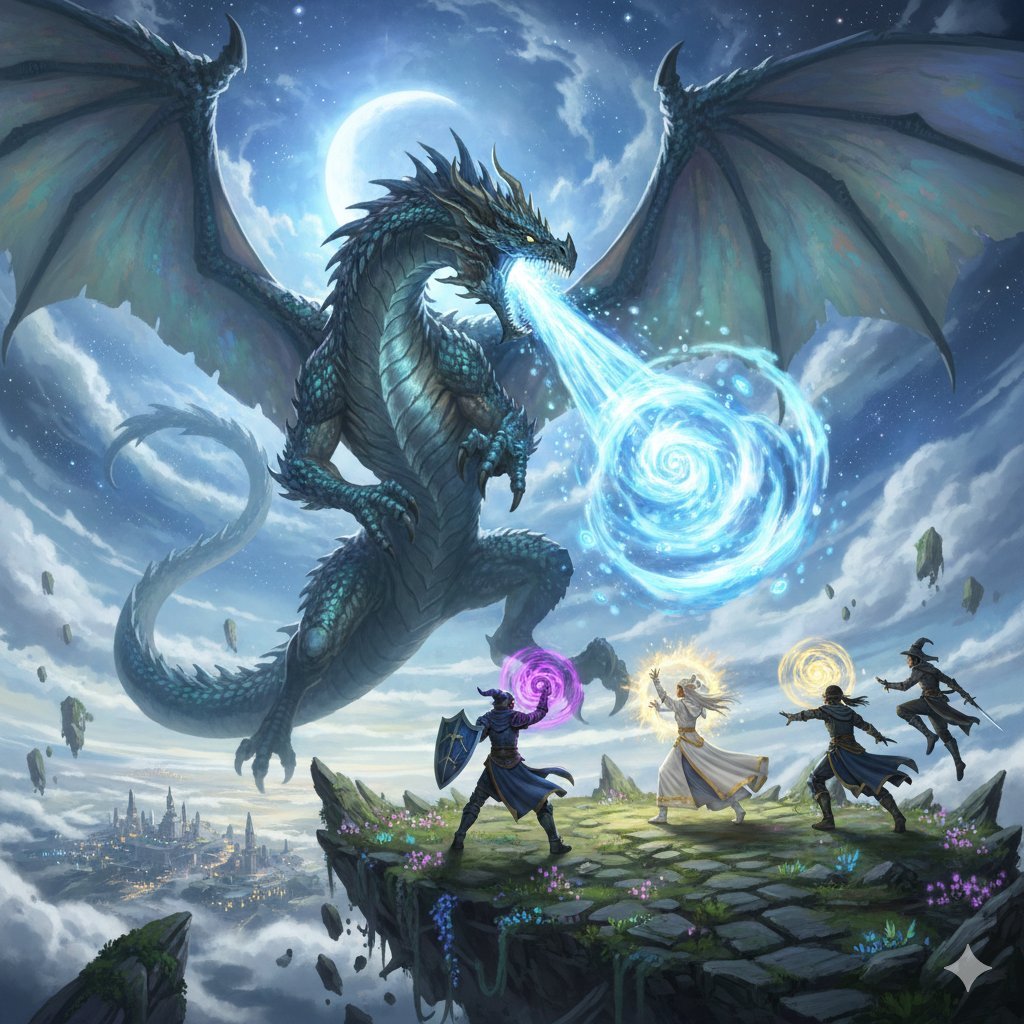
Final Fantasy Bahamut VS Player Generation
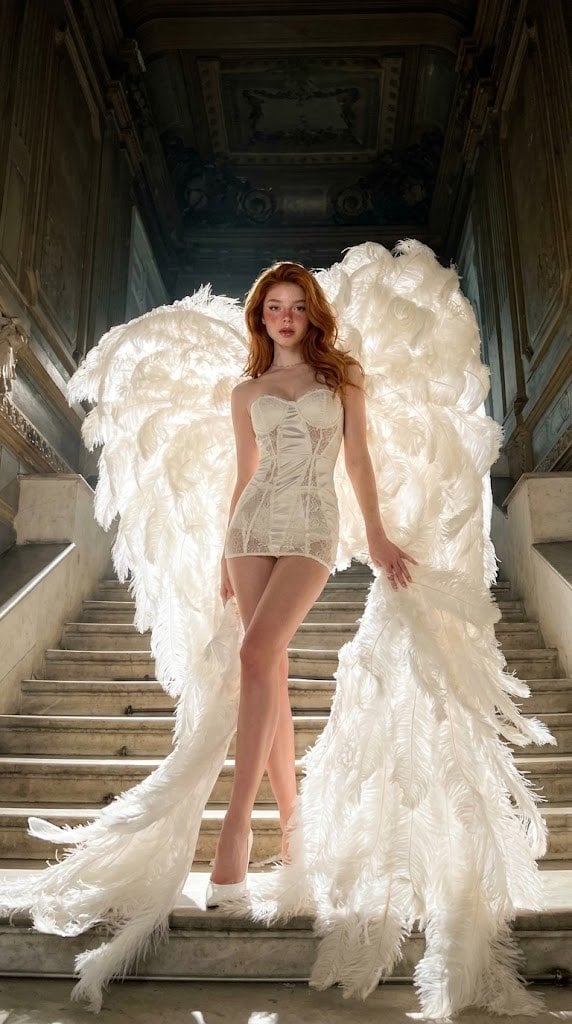
Angelic Haute Couture Editorial
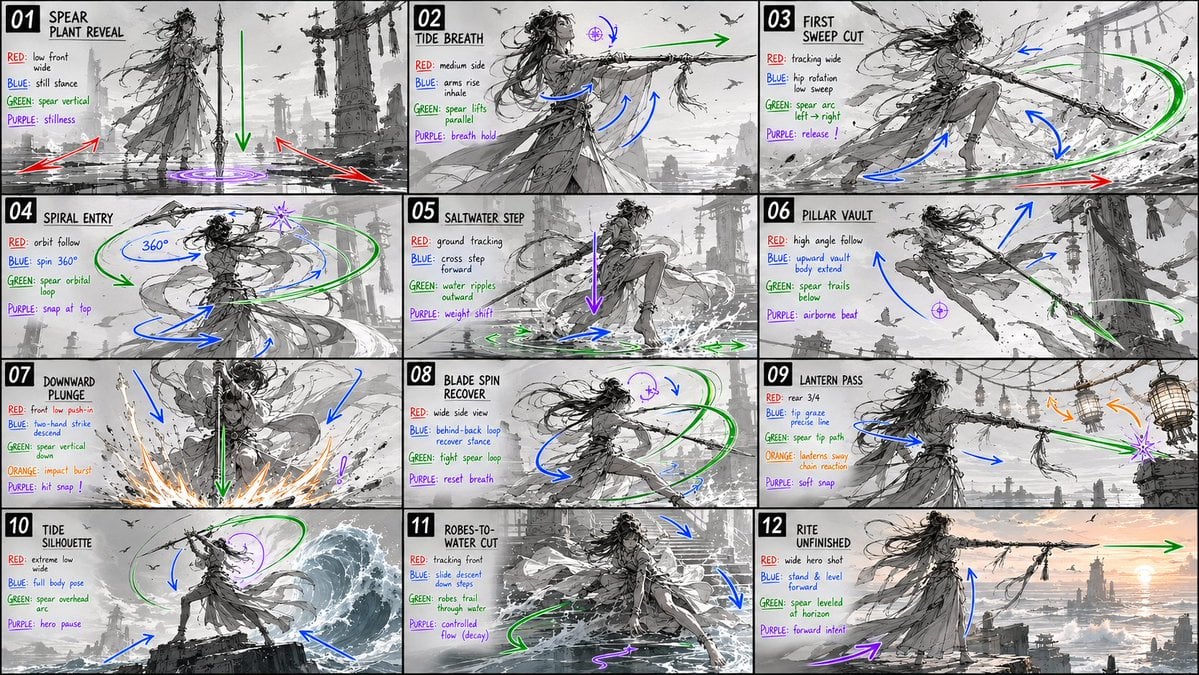
Panel Spear Sakuga Storyboard

Dark Samurai Ink Wash Poster

Chic Mirror Selfie Fashion Illustration
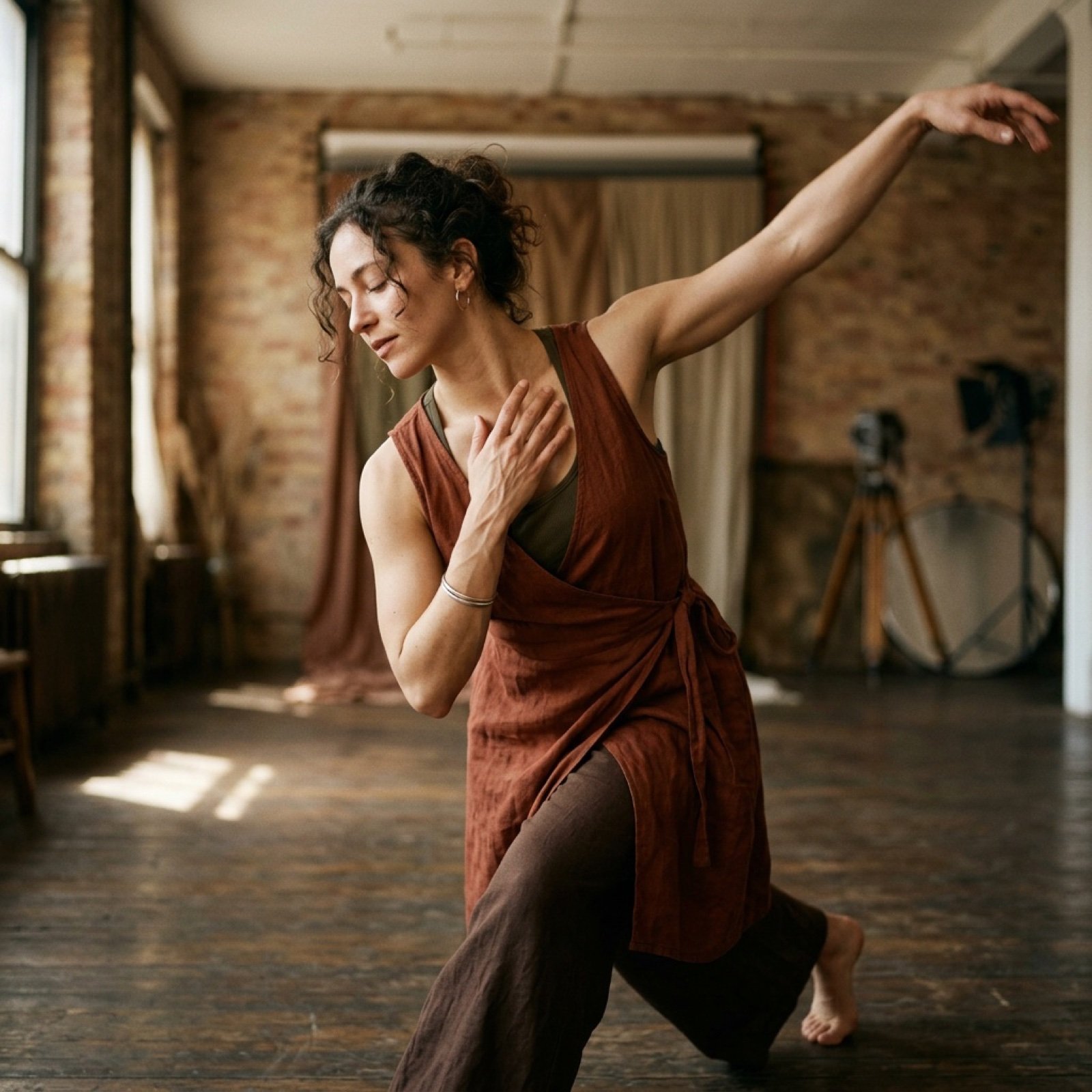
Cinematic Dance Video Prompt (Image and Video Generation)
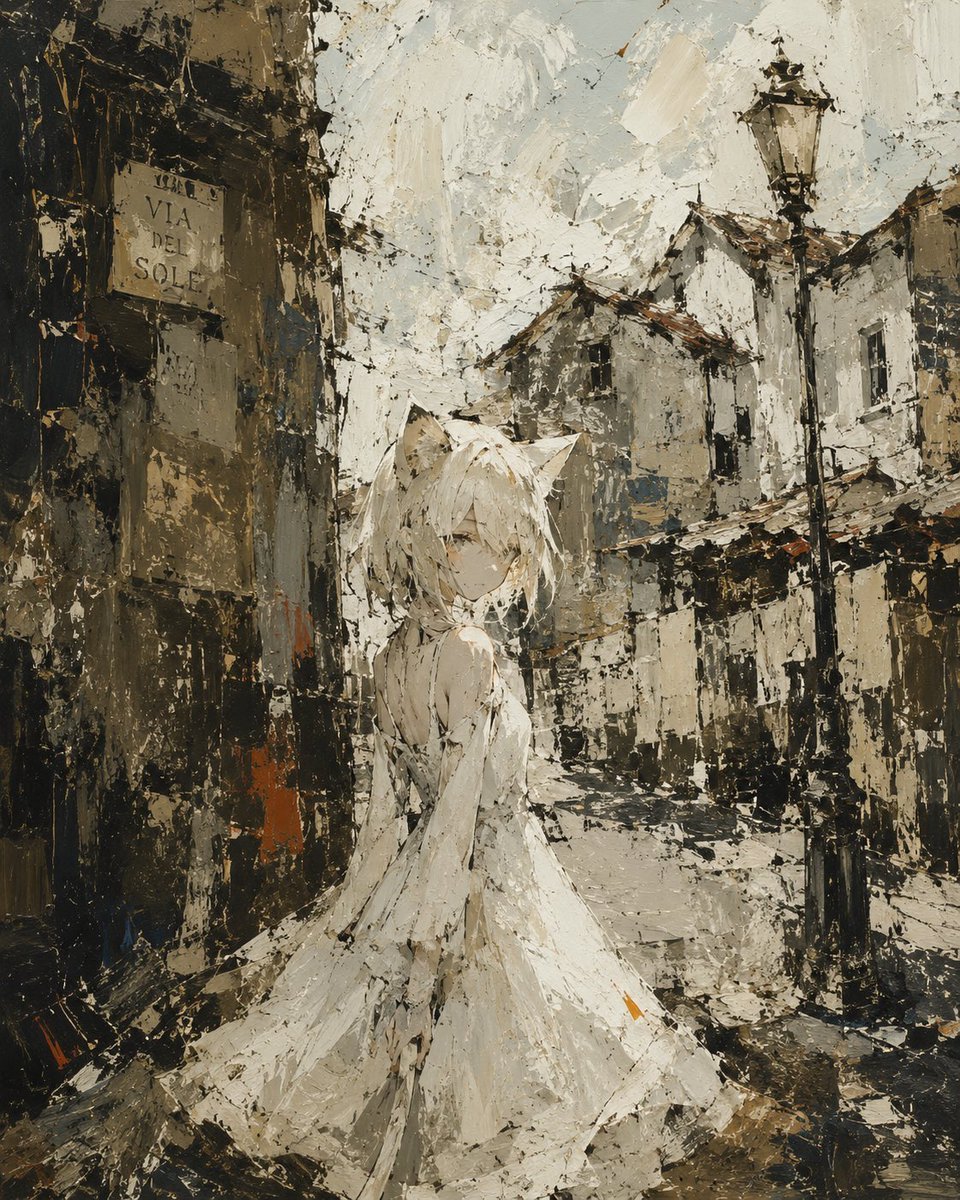
Rough Oil Painting Style Illustration
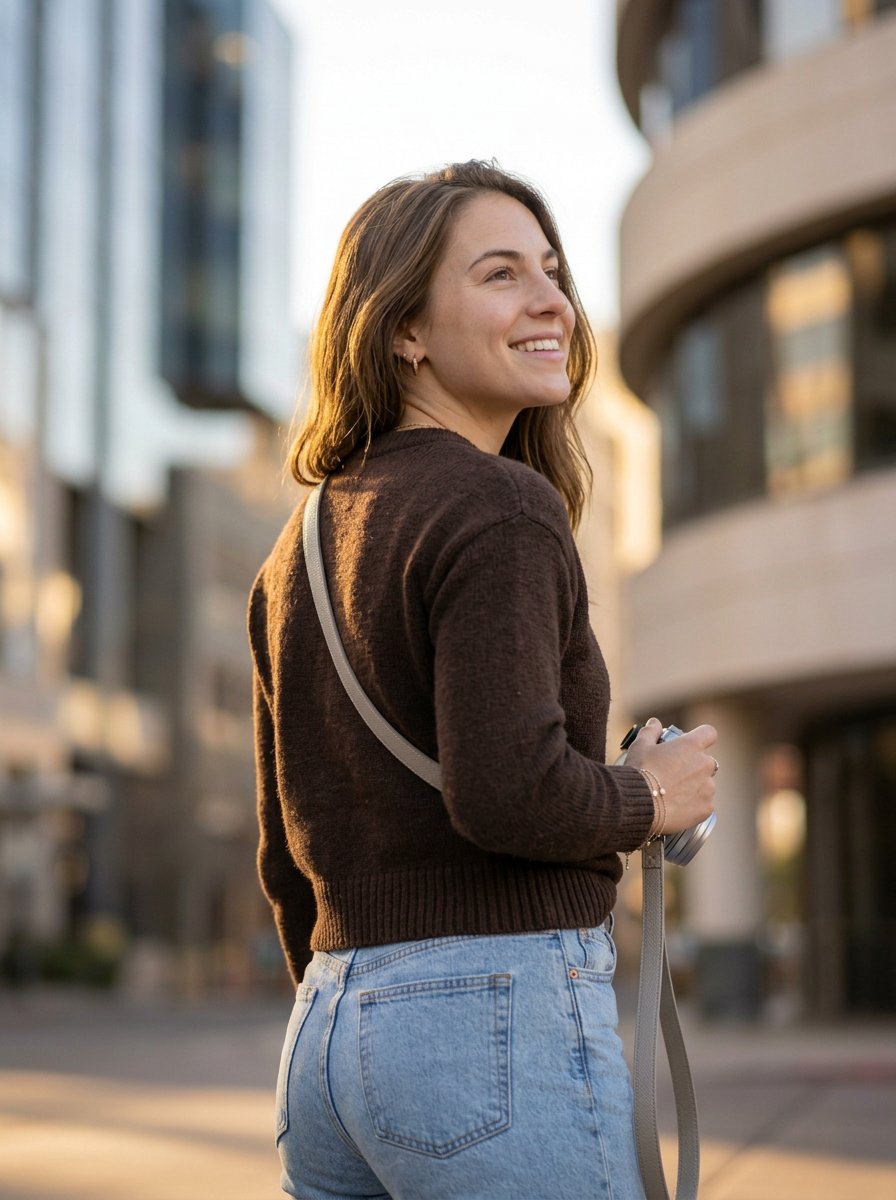
Urban Photographer Lifestyle Portrait
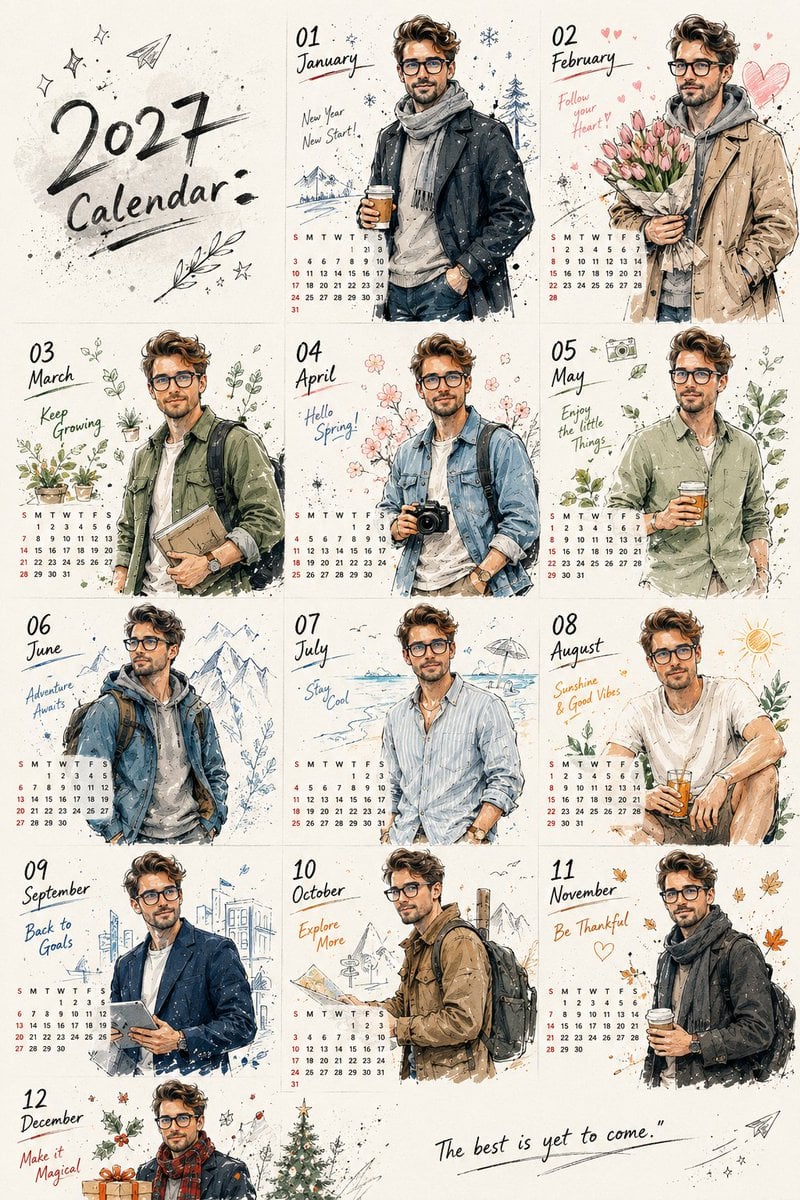
Korean Doodle Style Custom Calendar
Browse template categories
Ethereal Angel Thank You Illustration questions
How do I use the Ethereal Angel Thank You Illustration template?
Add your photo if the template asks for one, edit the prompt if you like — the template's model and format are already selected — and press Generate. Your version opens in PicX Studio.
Can I customize the Ethereal Angel Thank You Illustration template?
Yes. You can change the subject, setting, lighting, mood, format, and available model controls before creating your image.
Is the Ethereal Angel Thank You Illustration template free?
Opening and editing this template is free. Generating uses credits, shown on the Generate button when you are signed in.
Which AI model should I use?
Start with GPT Image 2, which is the model associated with this template. You can compare another compatible model for a different finish.
Looking for something else? Browse all templates.

Your photo, any look
Thousands of ready templates for every top image and video model, from one credit balance.