
Japanese Follower Milestone Thank-You Graphic
This generates a clean social-media celebration image showing an X profile screenshot with annotated handwritten Japanese text, ideal for milestone announcements and follower thank-you posts.
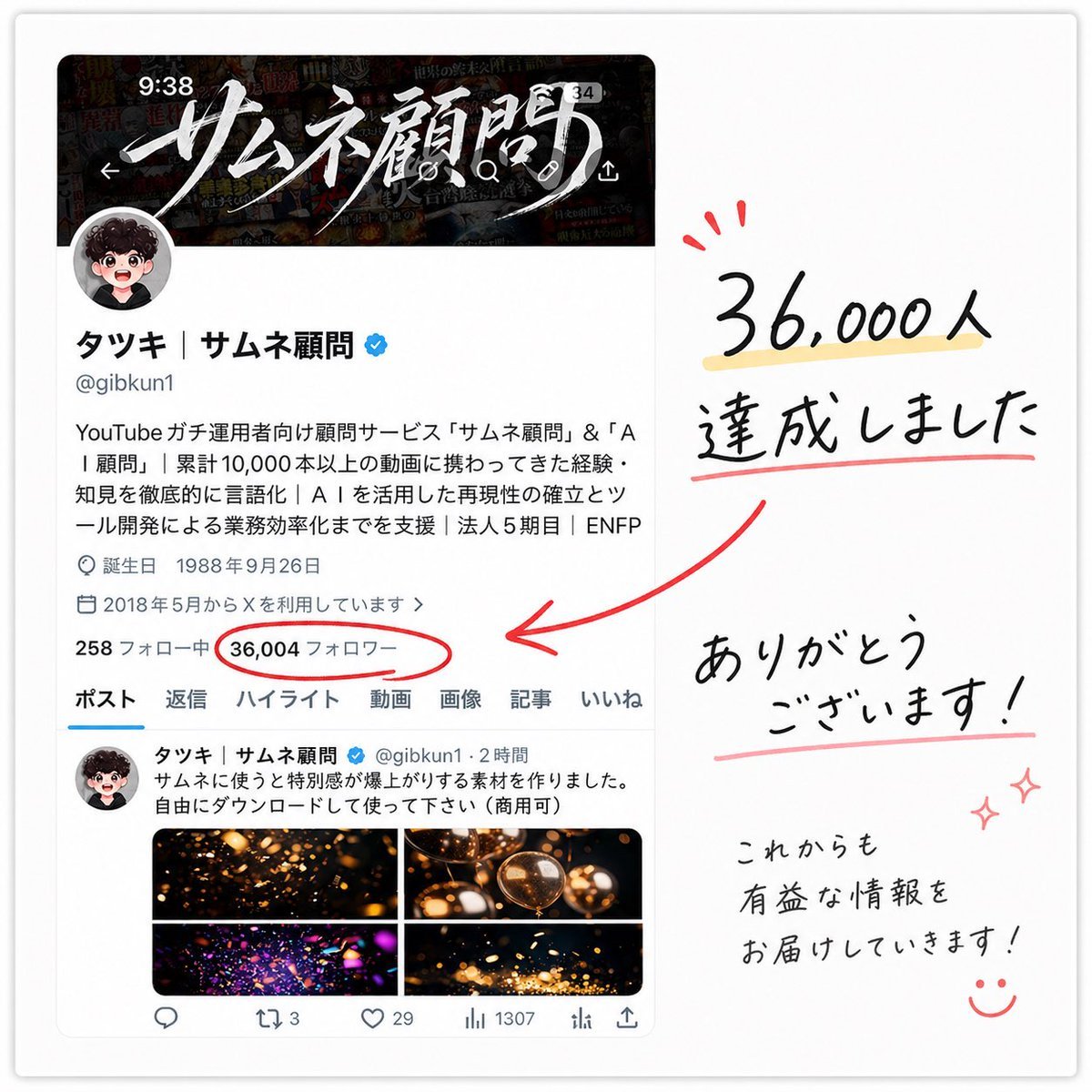
- Prompt included
- Model and format preset
- Free template
The prompt behind this image
Copy the exact prompt behind Japanese Follower Milestone Thank-You Graphic, or open it in the studio and make it yours.
A clean celebratory social-media milestone graphic on a soft white background, styled like a screenshot of an X profile page placed on the left and handwritten thank-you lettering on the right. The left side shows a realistic mobile-style profile card for a Japanese creator account with a dark banner image at the top featuring dramatic white brush-calligraphy Japanese text, a circular profile icon overlapping the banner, the display name “タッキ | サムネ顧問” with a blue verification badge, the handle @gibkun1, and several lines of Japanese bio text in a standard app UI font. Include small profile metadata lines such as birth date and join date, then a stats row where the follower count is the focal point: “36,004 フォロワー” circled in red. Below that, show the profile navigation tabs with exactly 7 labels: ポスト, 返信, ハイライト, 動画, 画像, 記事, いいね. Under the tabs, include one visible post preview with a small avatar, Japanese post text, and a 2 by 2 image grid containing 4 warm glowing abstract thumbnail images in black, gold, and orange tones. On the right side, create large casual handwritten Japanese text in black reading “36,000人 達成しました” with a pale yellow highlight under the number and a red underline beneath the second line, plus 3 small red celebratory accent marks above the number. Add a thick hand-drawn red arrow pointing from the right-side message toward the circled follower count on the profile screenshot. Beneath that, place another handwritten message reading “ありがとう ございます!” with a soft pink underline, and in the lower right add smaller handwritten text reading “これからも 有益な情報を お届けしていきます!” followed by a simple smiling face doodle and 2 small pink sparkle doodles. The overall composition should feel like a polished appreciation post made from a screenshot and marker annotations, with subtle drop shadow around the screenshot card, balanced spacing, crisp Japanese typography in the UI, and expressive brush-pen handwriting for the celebratory notes.
How to use Japanese Follower Milestone Thank-You Graphic in 3 steps
- 1Upload ImagePNG, JPG or paste
Add your photo
Upload the photo the template builds on. The prompt, model and format are already set.
- 2…a portrait of your subject in softgolden-hour light, 85mm…
Personalize
Edit the subject and creative details for your destination.
- 3Generate
Generate
Press Generate — your image is created in PicX Studio, so you can compare it with the original and refine one variable at a time.
More like this
Templates with the same subject, style or setup. Open one to see its prompt.

400 Followers Thank You Portrait

Minecraft Japanese Research Lab Exploration

Ethereal Angel Thank You Illustration
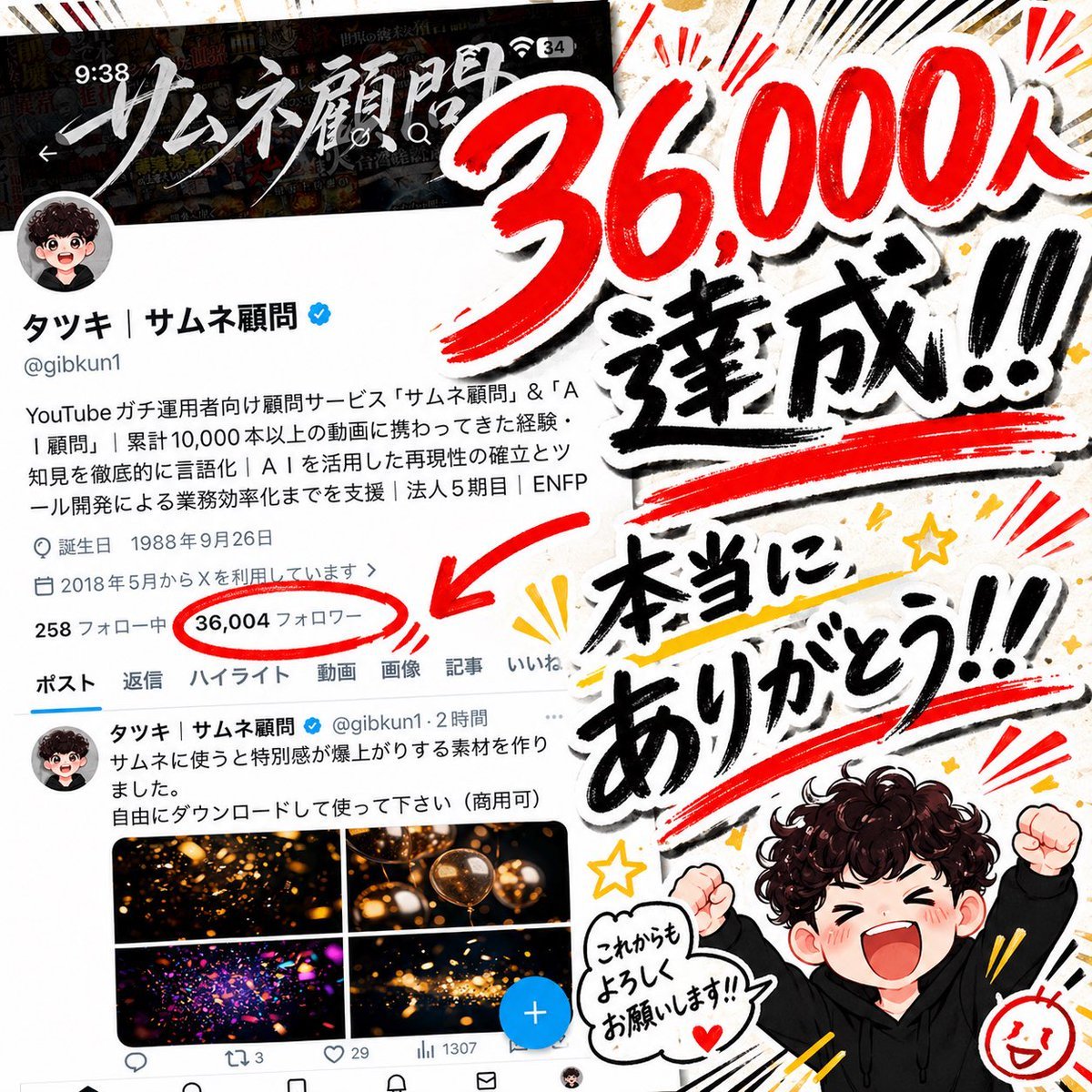
Japanese 36,000 Followers Celebration Post
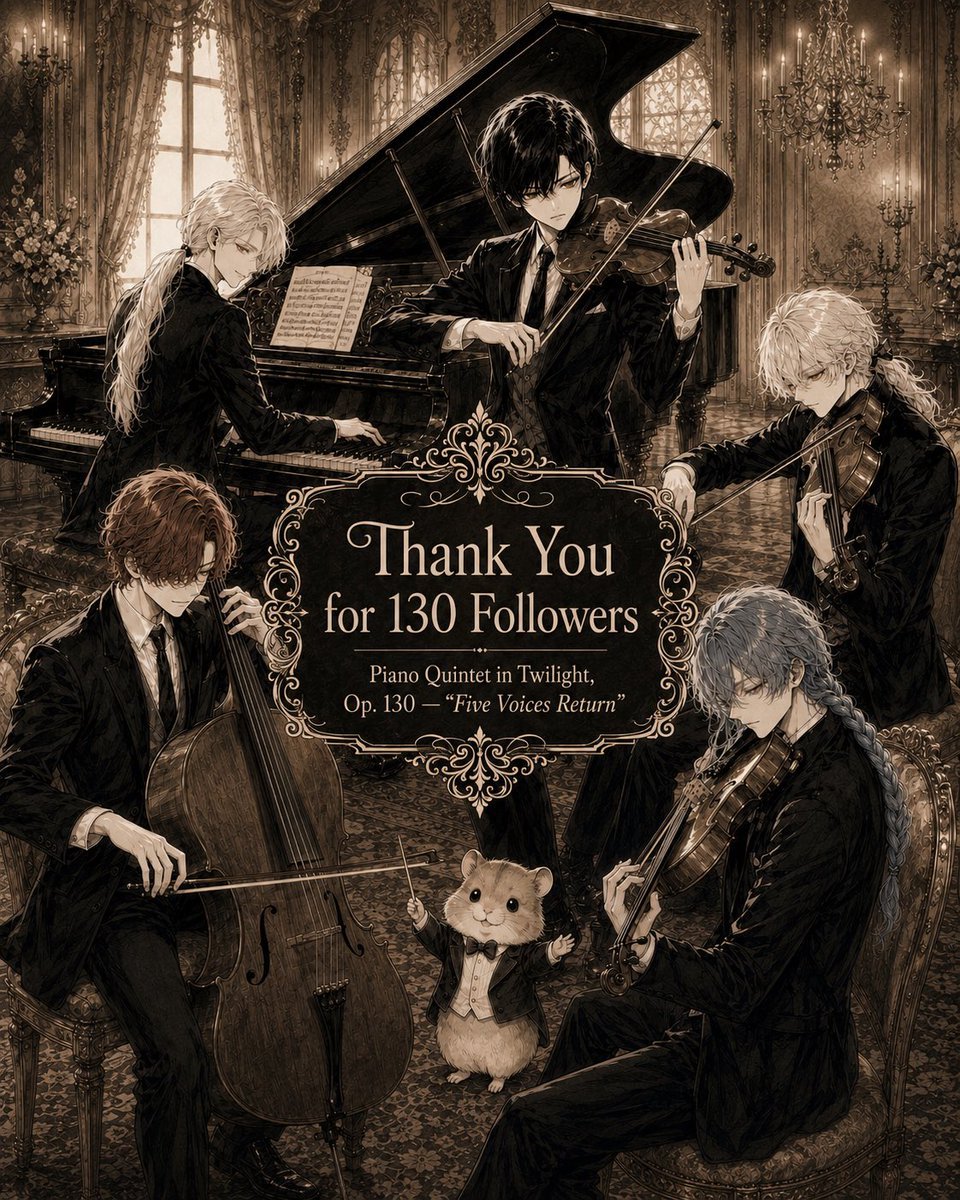
Sepia Gothic Quintet Thank You Poster

Japanese Pediatric Disease Infographic

Japanese Architectural Concrete Studio Fashion Campaign

Japanese Minimalist Concrete Studio Fashion Editorial

Blue Backdrop Luxury Fashion Portrait Campaign
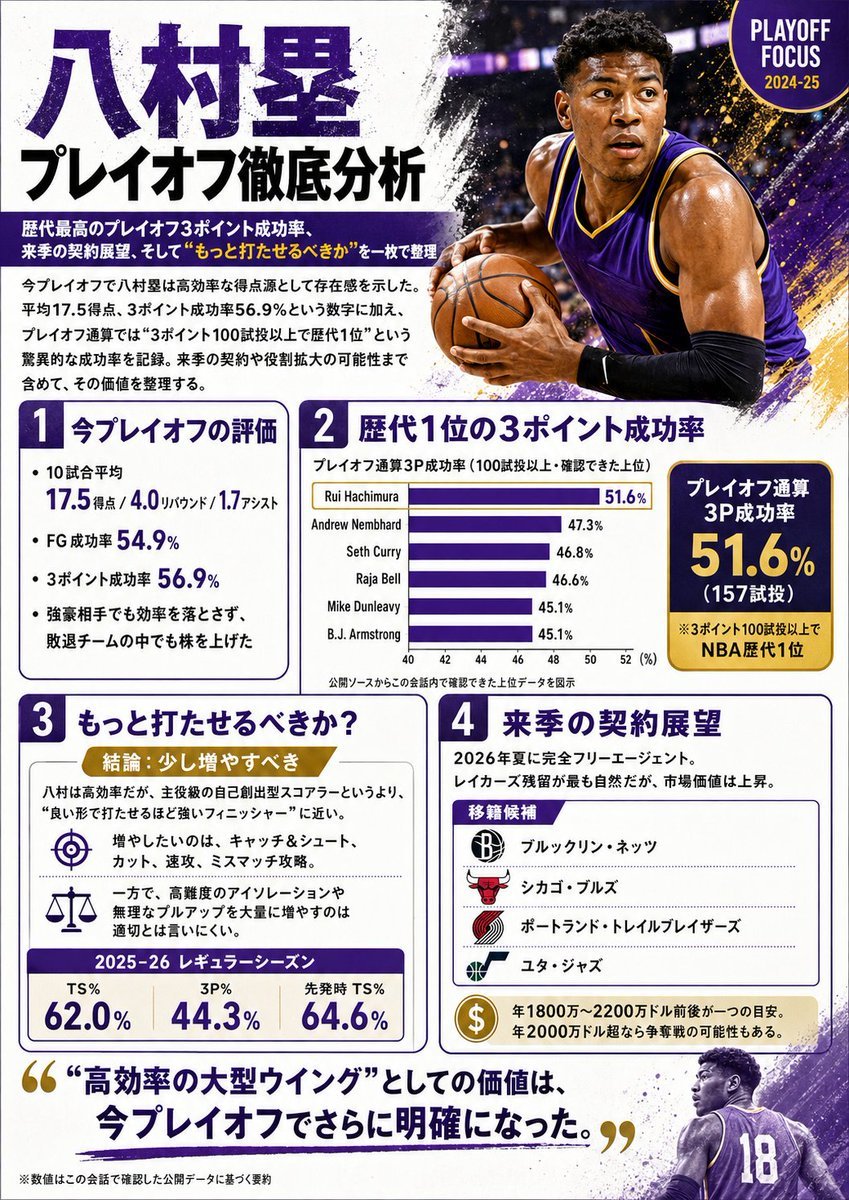
Japanese NBA Playoff Analysis Infographic

Japanese Stormworks Guide Infographic

Anime Follower Milestone Poster
Make it yours
Japanese Follower Milestone Thank-You Graphic works as-is. These are the safest ways to change it without losing the look.
Change one field
Copy a single group, rewrite it, and generate again so you can see what that field is doing.
Keep the frame, change the subject
Hold the composition and light of Japanese Follower Milestone Thank-You Graphic, then swap wardrobe, props or the person for a new take.
| If the result… | Why | Fix |
|---|---|---|
| The result drifts from the preview | Too many fields changed at once. | Reuse Japanese Follower Milestone Thank-You Graphic as-is first, then change one group — subject, light, or setting. |
| The model over-stylizes the scene | The prose prompt leaves finish and camera underspecified. | Add one camera or lighting sentence and stay on GPT Image 2. |
More GPT Image 2 templates
Other prompts made for GPT Image 2.

Six VTuber Japanese Logo Sheet

Realistic Portrait of Woman and Deer

The Vista Modular Condo Poster

AI Model Routing Comparison Infographic

2.5D Anime Art Board

Isometric Productivity Desk Scene

New York Double Exposure Poster

Four-Panel AI Landscape Comparison

Japanese Tatami Lifestyle Magazine Cover

NESCAFÉ Coffee Map Poster
More image prompts
Fresh picks from across the catalog.
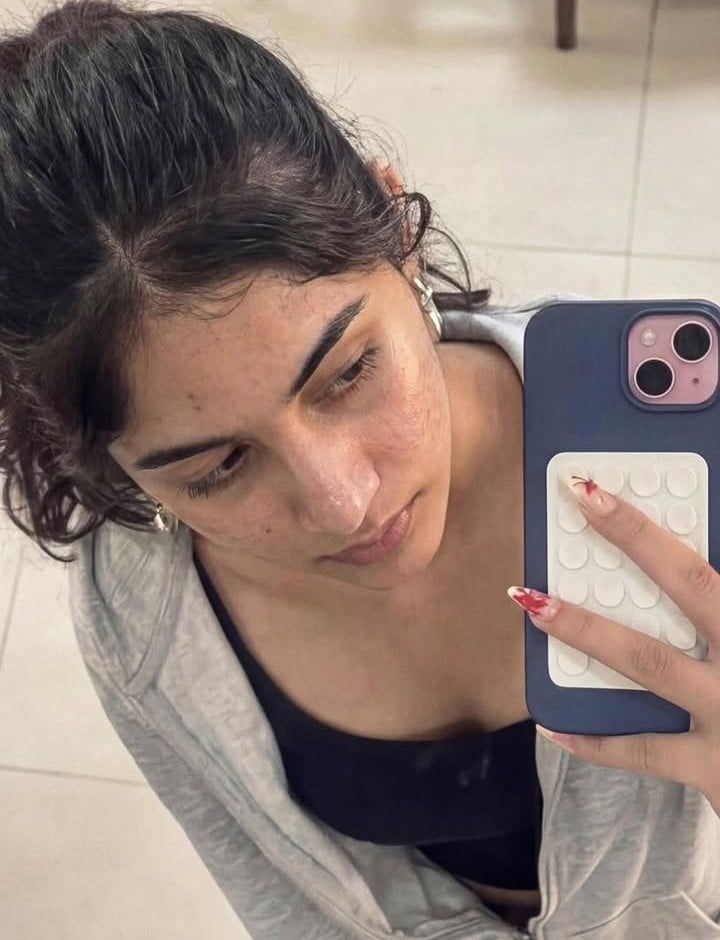
Image-to-Image Editing Example

Ultra-realistic cinematic early-1990s indoor film still generation prompt
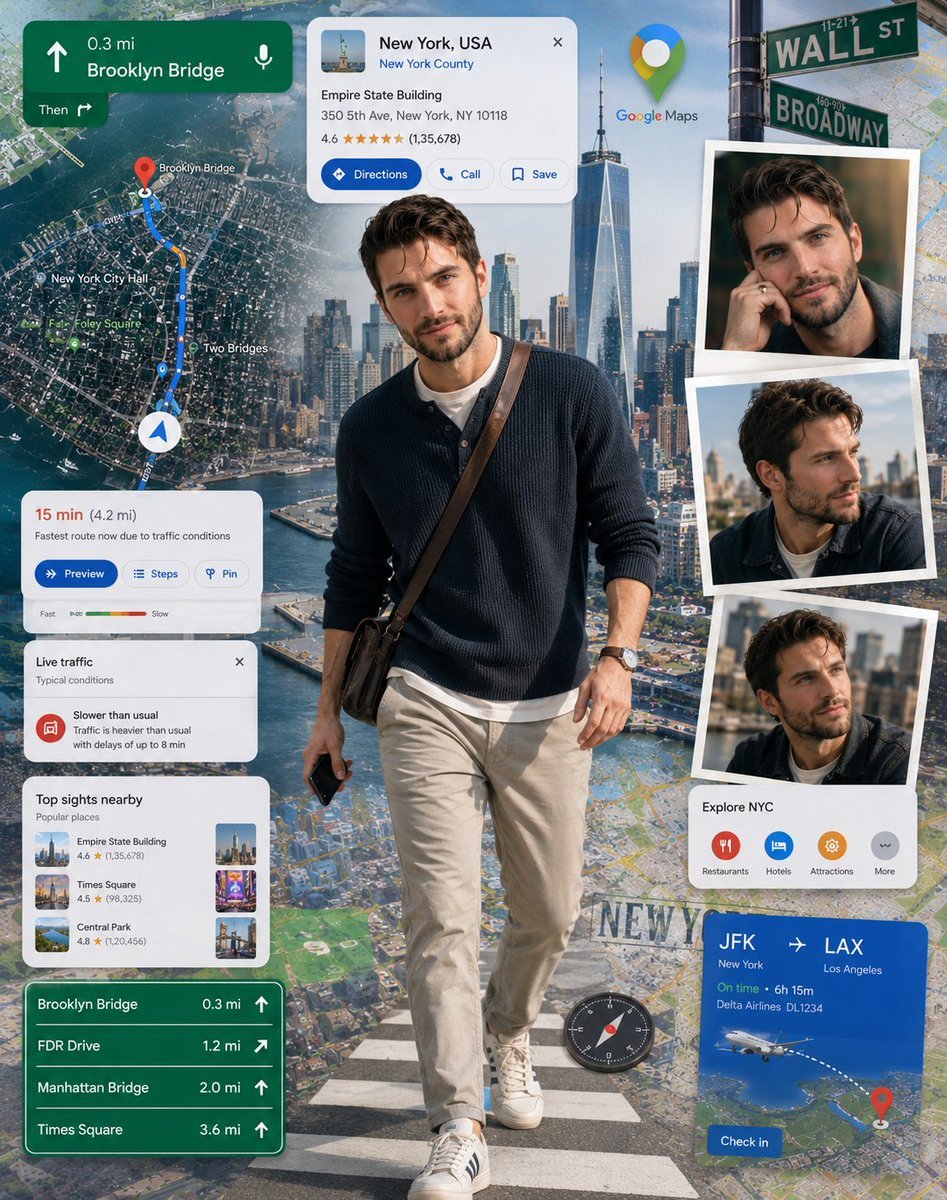
Google Maps Inspired Digital Collage Poster

Gym Mirror Selfie Portrait Prompt

untitled
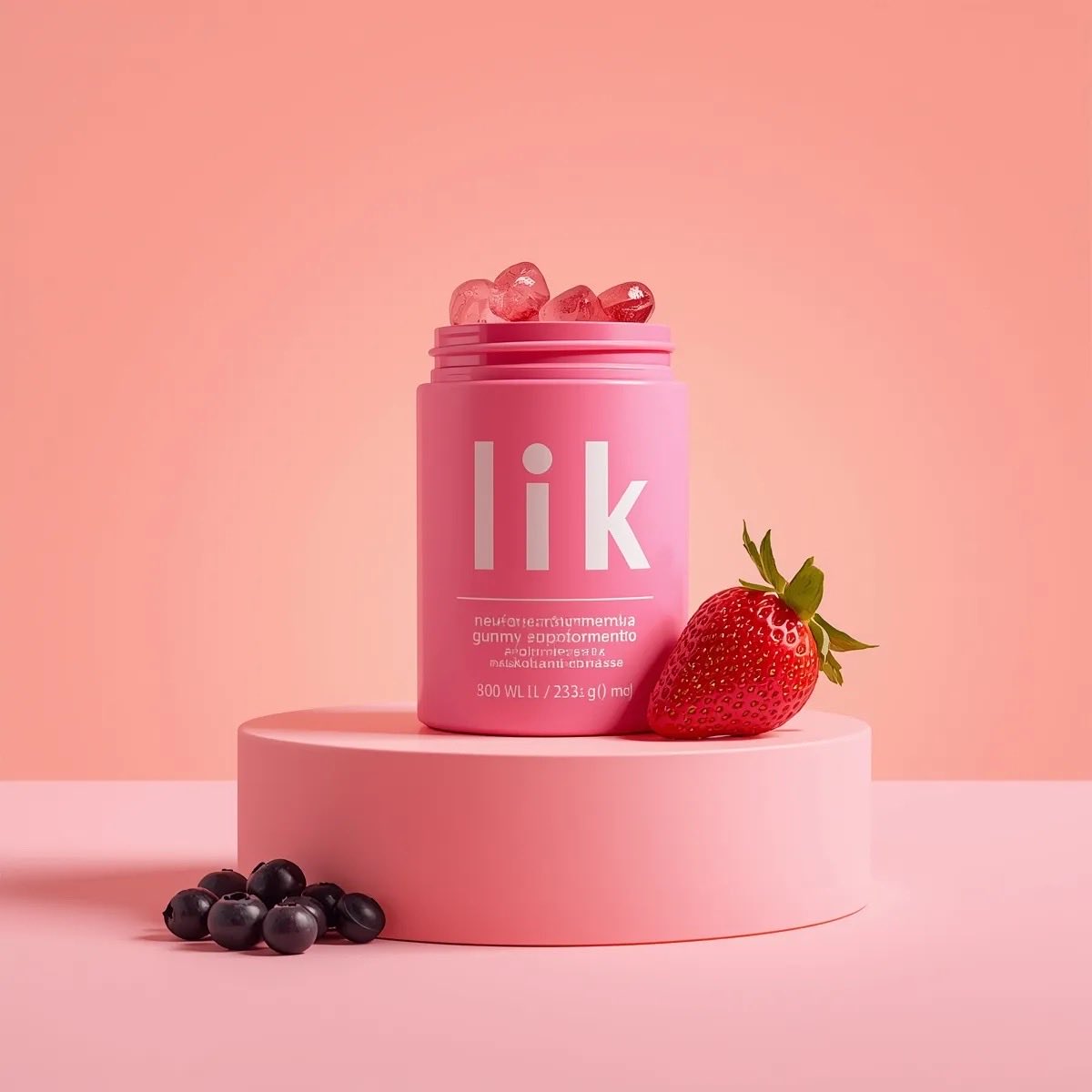
3D Product Render of Gummy Vitamin Jars (4 Variations)

Athletic female portrait in studio

Rugged Man Chiaroscuro Portrait

Crayon Style Picture Book Illustration
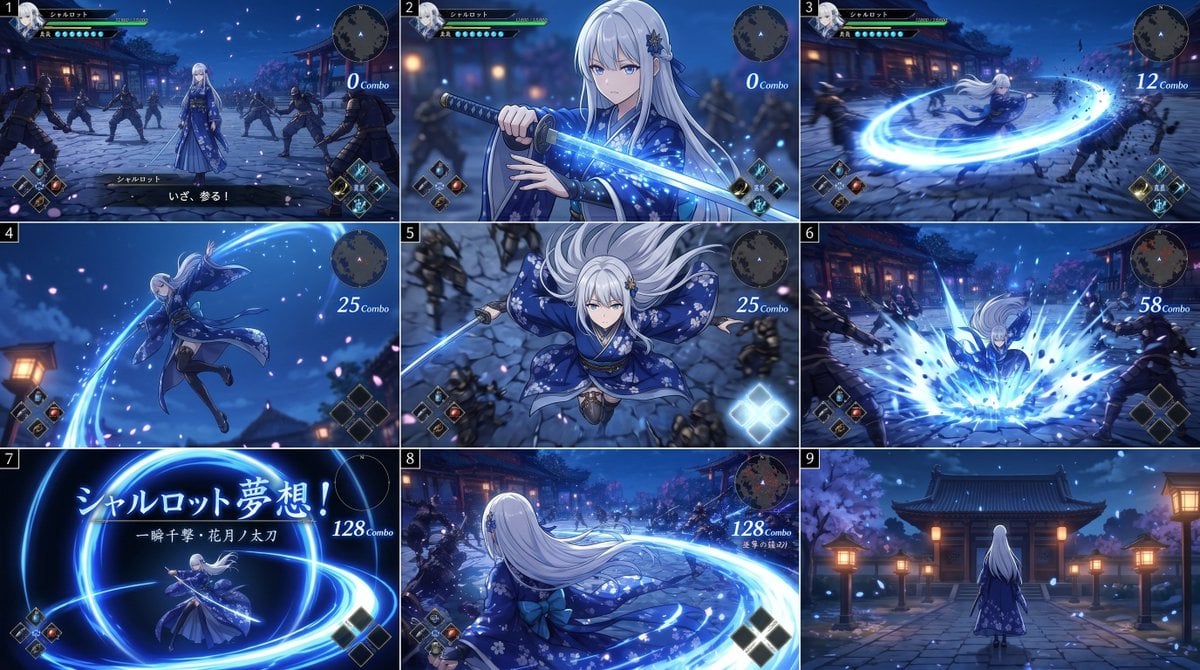
Anime RPG Sword Attack Storyboard
Browse template categories
Japanese Follower Milestone Thank-You Graphic questions
How do I use the Japanese Follower Milestone Thank-You Graphic template?
Add your photo if the template asks for one, edit the prompt if you like — the template's model and format are already selected — and press Generate. Your version opens in PicX Studio.
Can I customize the Japanese Follower Milestone Thank-You Graphic template?
Yes. You can change the subject, setting, lighting, mood, format, and available model controls before creating your image.
Is the Japanese Follower Milestone Thank-You Graphic template free?
Opening and editing this template is free. Generating uses credits, shown on the Generate button when you are signed in.
Which AI model should I use?
Start with GPT Image 2, which is the model associated with this template. You can compare another compatible model for a different finish.
Looking for something else? Browse all templates.

Your photo, any look
Thousands of ready templates for every top image and video model, from one credit balance.