
Anime Follower Milestone Poster
Generates a pastel flat-color anime celebration poster for follower milestones or social media thank-you announcements.

- Prompt included
- Model and format preset
- Free template
The prompt behind this image
Copy the exact prompt behind Anime Follower Milestone Poster, or open it in the studio and make it yours.
Create a bright flat-color anime-style celebratory social media poster with no visible line art, soft pastel shading, and a Kindle-cover-like clean graphic finish. The main subject is a cheerful young anime girl in a flowing pink kimono, positioned left of center and cropped dynamically, with long wavy {argument name="hair color" default="pink"} hair sweeping in the wind; her face is intentionally covered by a solid pale pink square censor block. She reaches one open hand toward the viewer from the upper left while her other hand is clenched happily near her chest. Her outfit is a pale sakura-pink kimono with wide sleeves, small white cherry blossom motifs, a bright blue obi with gold crisscross patterning, a yellow bow, and a thin red cord tied at the waist. On the right side, place a large soft white circular text area containing the celebratory message: elegant green script {argument name="headline text" default="Thank you!"}, huge coral-pink numerals {argument name="milestone number" default="1400"}, and bold coral Japanese text {argument name="Japanese message" default="フォロワー 人感謝!"}. Surround the character and text with abundant spring foliage: fresh lime-green leaves, white cherry blossoms, scattered pink petals, yellow and green confetti, and soft bokeh-like light. Use a vibrant palette of pink, coral, lime green, white, turquoise, and sky blue, with a joyful festive atmosphere, diagonal motion, soft bloom lighting, and a 4:3 landscape composition.
How to use Anime Follower Milestone Poster in 3 steps
- 1Upload ImagePNG, JPG or paste
Add your photo
Upload the photo the template builds on. The prompt, model and format are already set.
- 2…a portrait of your subject in softgolden-hour light, 85mm…
Personalize
Edit the subject and creative details for your destination.
- 3Generate
Generate
Press Generate — your image is created in PicX Studio, so you can compare it with the original and refine one variable at a time.
More like this
Templates with the same subject, style or setup. Open one to see its prompt.

Captain Tsubasa Anime World Cup Poster

Gpt2 Youtube Thumbnail Anime Music Bootcamp Promo Poster
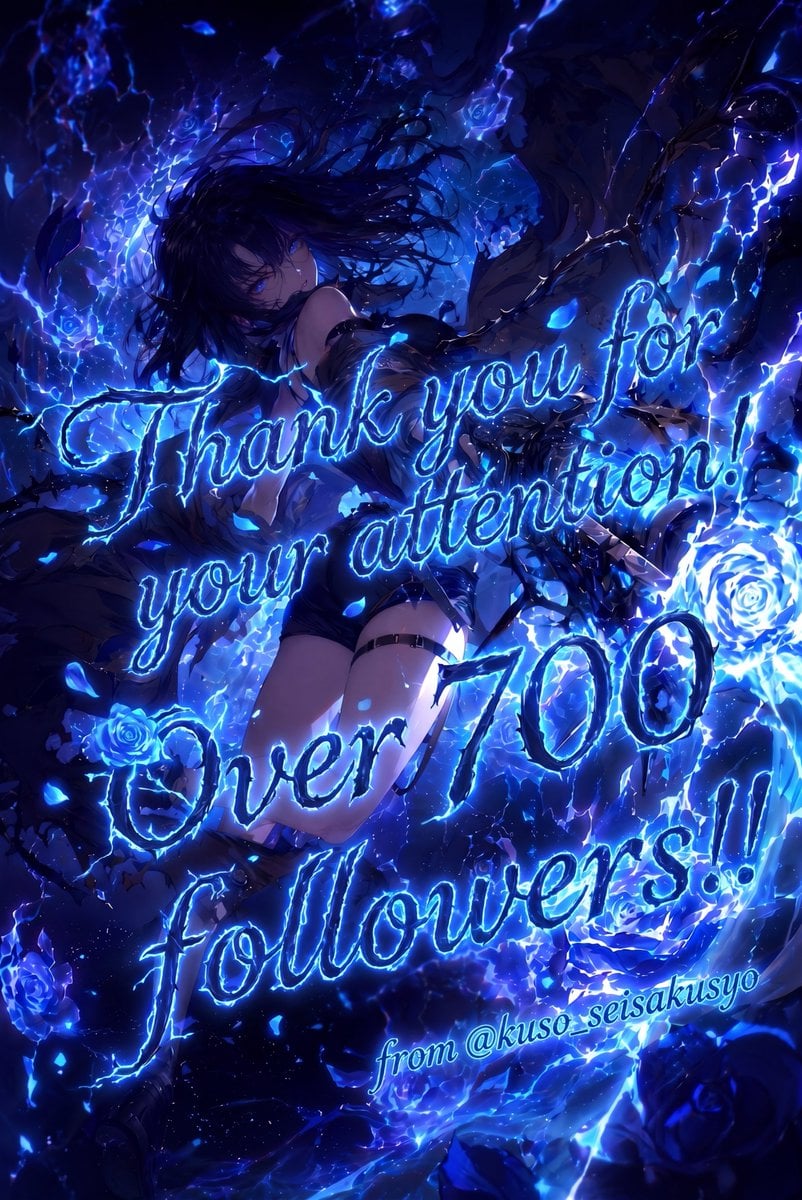
Electric Blue 700 Followers Anime Poster

Japan Travel Brochure Poster
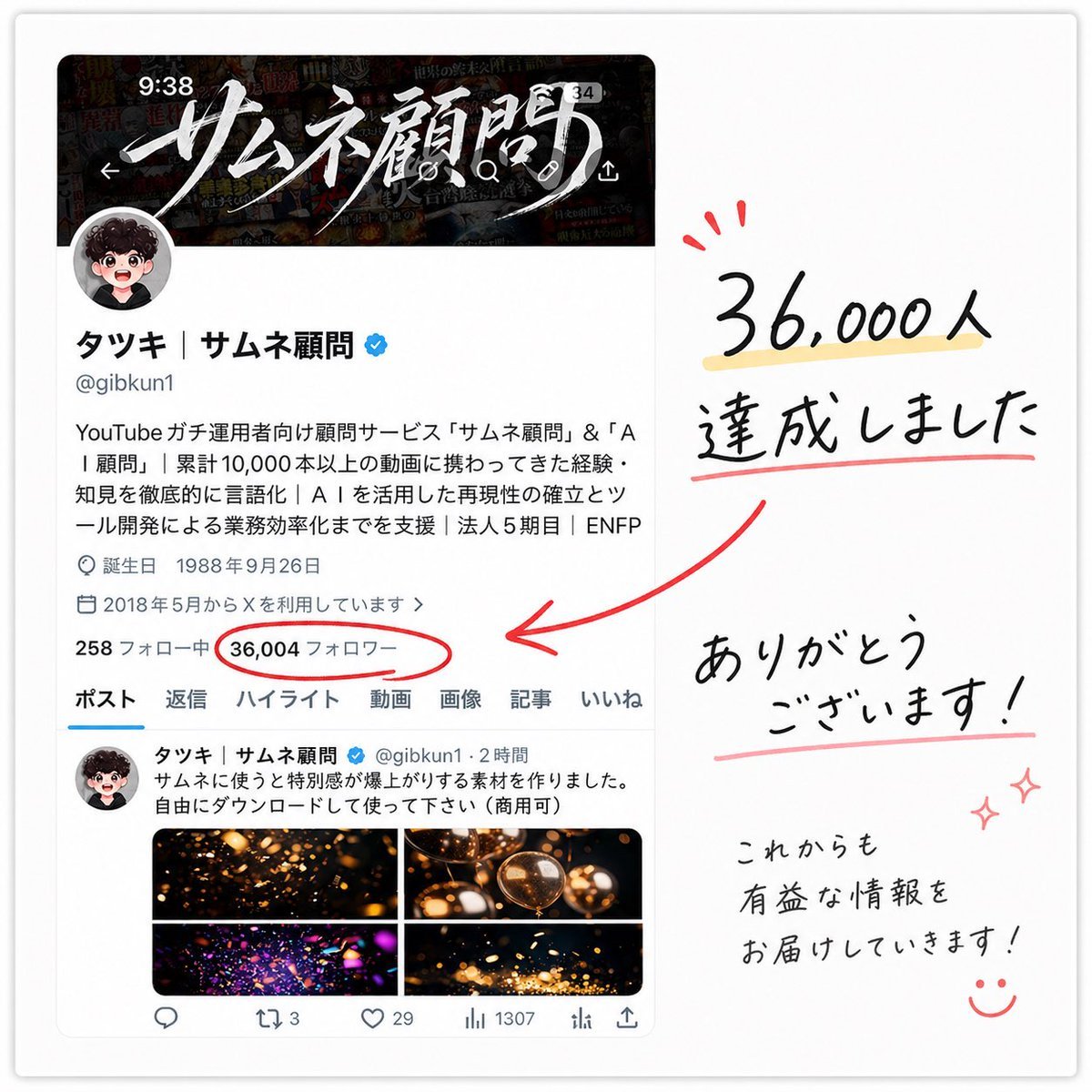
Japanese Follower Milestone Thank-You Graphic

Cel 2D Finale Fireworks

Cel 2D Garden Maze

Cel 2D Rooftop Concert

Cel 2D Bicycle Coast

Cel 2D Castle Gate

Cel 2D Kitchen Chaos

Cel 2D Carnival Ride
Make it yours
Anime Follower Milestone Poster works as-is. These are the safest ways to change it without losing the look.
Change one field
Copy a single group, rewrite it, and generate again so you can see what that field is doing.
Keep the frame, change the subject
Hold the composition and light of Anime Follower Milestone Poster, then swap wardrobe, props or the person for a new take.
| If the result… | Why | Fix |
|---|---|---|
| The result drifts from the preview | Too many fields changed at once. | Reuse Anime Follower Milestone Poster as-is first, then change one group — subject, light, or setting. |
| The model over-stylizes the scene | The prose prompt leaves finish and camera underspecified. | Add one camera or lighting sentence and stay on GPT Image 2. |
More GPT Image 2 templates
Other prompts made for GPT Image 2.

Six VTuber Japanese Logo Sheet

Realistic Portrait of Woman and Deer

The Vista Modular Condo Poster

AI Model Routing Comparison Infographic

2.5D Anime Art Board

Isometric Productivity Desk Scene

New York Double Exposure Poster

Four-Panel AI Landscape Comparison

Japanese Tatami Lifestyle Magazine Cover

NESCAFÉ Coffee Map Poster
More image prompts
Fresh picks from across the catalog.
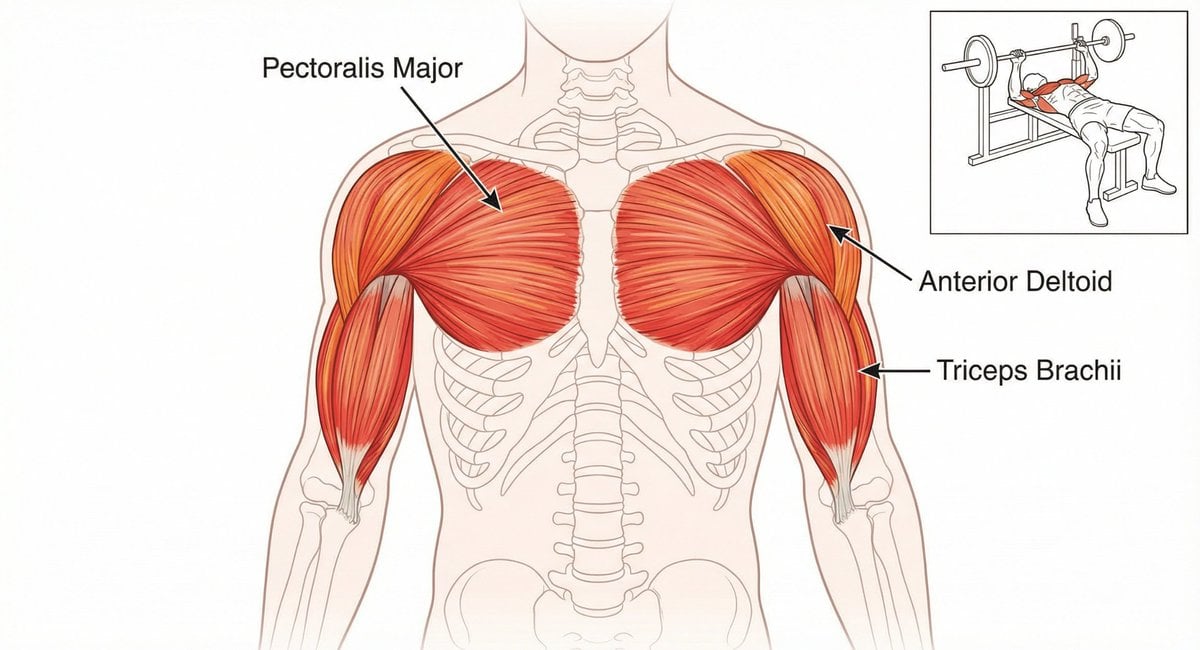
Bench press muscle diagram

Cinematic Karate Pizza Chef Storyboard

Live Streaming App UI Mockup
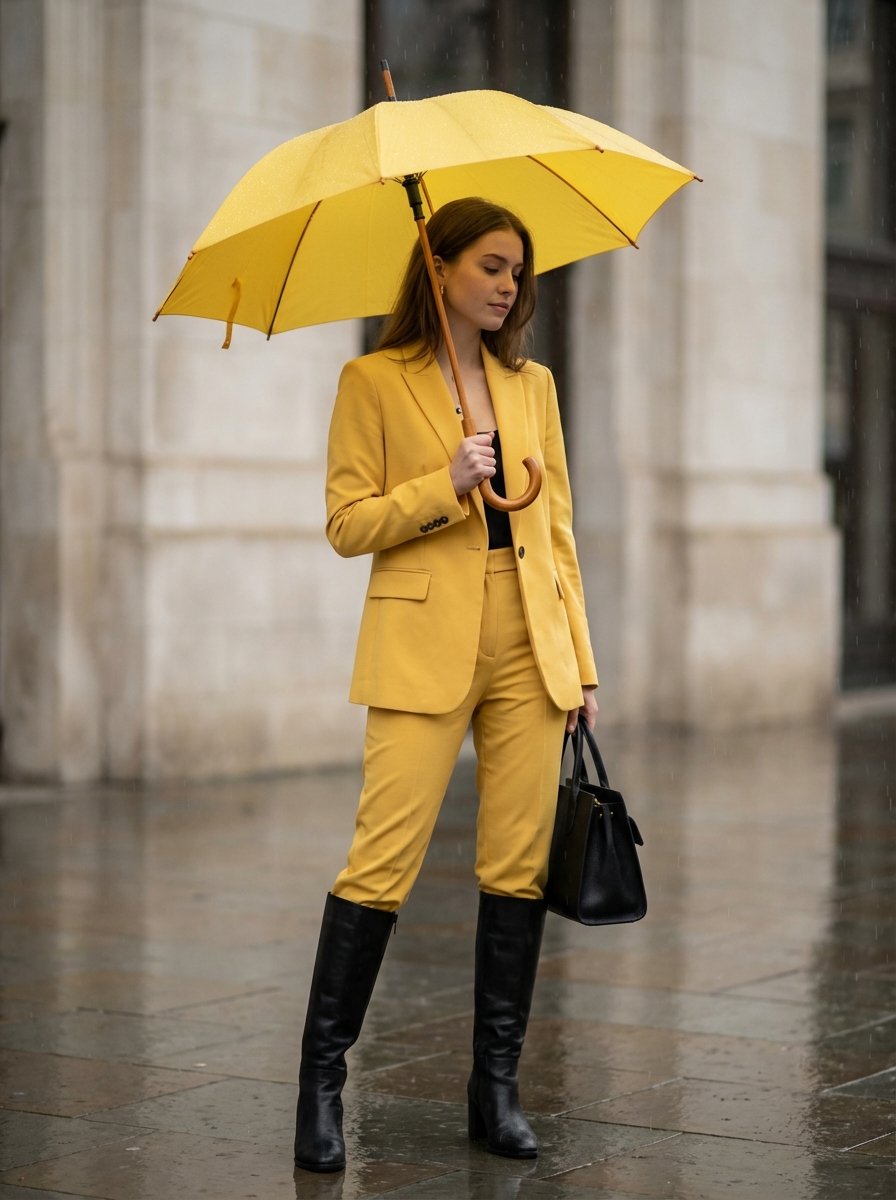
Rainy Day Yellow Power Suit Editorial Prompt

Cinematic 4-Cut Video Prompt of Women Chatting
Sleepy Girl at Laptop Illustration
Black Spider Girl Symbiote Cosplay

Spanish Sports Newspaper Front Page
Surreal Mixed-Media Glitch Portrait Prompt
Japanese Anime AI Launch Poster
Browse template categories
Anime Follower Milestone Poster questions
How do I use the Anime Follower Milestone Poster template?
Add your photo if the template asks for one, edit the prompt if you like — the template's model and format are already selected — and press Generate. Your version opens in PicX Studio.
Can I customize the Anime Follower Milestone Poster template?
Yes. You can change the subject, setting, lighting, mood, format, and available model controls before creating your image.
Is the Anime Follower Milestone Poster template free?
Opening and editing this template is free. Generating uses credits, shown on the Generate button when you are signed in.
Which AI model should I use?
Start with GPT Image 2, which is the model associated with this template. You can compare another compatible model for a different finish.
Looking for something else? Browse all templates.

Your photo, any look
Thousands of ready templates for every top image and video model, from one credit balance.