
Image Transformation to Minimal Vector Poster
A complex, structured prompt for Nano Banana Pro designed to transform an existing image into a clean, minimalist vector-style poster.
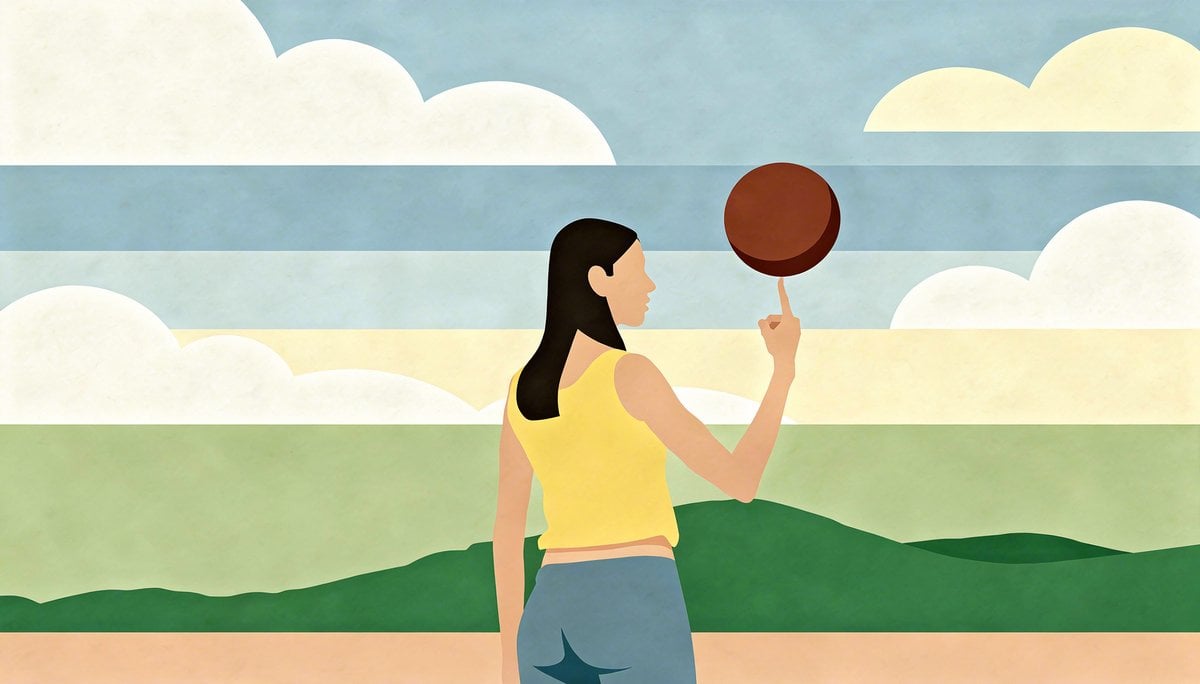
- Prompt included
- Model and format preset
- Free template
The prompt behind this image
Copy the exact prompt behind Image Transformation to Minimal Vector Poster, or open it in the studio and make it yours.
- Task
- Transform the provided image into a minimal vector-style poster.
- Style › Overall Look
- Flat-design, geometric simplification, minimalist vector art
- Style › Color Palette › Type
- restricted
- Style › Color Palette › Description
- Use a reduced palette of 3–6 harmonious colors with clean tonal separation and no gradients.
- Style › Color Palette › Constraints
- No photorealistic rendering, No texture or noise, Avoid excessive detail
- Style › Shapes › Treatment
- Reduce all forms to essential geometric contours and solid shapes.
- Style › Shapes › Linework
- Use clean, even-weight line art or optionally no outlines depending on poster coherence.
- Style › Shapes › Abstraction Level
- High, but not so high that the subject becomes unrecognizable.
- Style › Lighting › Handling
- Remove realistic lighting. Replace shadows and highlights with simplified, flat blocks of color or omit them entirely.
- Style › Lighting › Allowed Effects
- Hard-edge shadow shapes, Subtle tonal areas
- Style › Lighting › Forbidden Effects
- Soft shadows, Complex reflections, Photographic highlights
- Subject Preservation › Identity
- Maintain recognizable identity through silhouette, proportions, key facial landmarks, and essential features.
- Subject Preservation › Proportions
- Keep accurate relative scale of body, head, and major elements.
- Subject Preservation › Essential Details
- Define only the most important features needed for recognition., Remove fine texture, hair strands, pores, and small clothing details.
- Composition › Framing
- Match the original crop unless specified otherwise.
- Composition › Background › Treatment
- Simplify into 1–2 large flat color fields or abstract geometric forms.
- Composition › Background › Forbidden Details
- Real textures, Complex scenery, Photographic depth of field
- Composition › Hierarchy
- Subject should remain the focal point, with background serving as supportive minimal structure.
- Color And Balance › Poster Aesthetic
- High clarity, bold contrast, and legible silhouette.
- Color And Balance › White Balance
- Neutral; avoid warm or cool photographic shifts.
- Color And Balance › Edge Integrity
- All edges must be crisp, clean, and consistently stylized.
- Output Requirements › Format
- Flat, poster-like vector appearance (though raster output is acceptable).
- Output Requirements › Resolution
- Match original image resolution unless otherwise instructed.
- Output Requirements › Consistency
- No added text, logos, watermarks, or elements not present in the original.
Raw JSON
{ "task": "Transform the provided image into a minimal vector-style poster.", "style": { "overall_look": "Flat-design, geometric simplification, minimalist vector art", "color_palette": { "type": "restricted", "description": "Use a reduced palette of 3–6 harmonious colors with clean tonal separation and no gradients.", "constraints": [ "No photorealistic rendering", "No texture or noise", "Avoid excessive detail" ] }, "shapes": { "treatment": "Reduce all forms to essential geometric contours and solid shapes.", "linework": "Use clean, even-weight line art or optionally no outlines depending on poster coherence.", "abstraction_level": "High, but not so high that the subject becomes unrecognizable." }, "lighting": { "handling": "Remove realistic lighting. Replace shadows and highlights with simplified, flat blocks of color or omit them entirely.", "allowed_effects": ["Hard-edge shadow shapes", "Subtle tonal areas"], "forbidden_effects": ["Soft shadows", "Complex reflections", "Photographic highlights"] } }, "subject_preservation": { "identity": "Maintain recognizable identity through silhouette, proportions, key facial landmarks, and essential features.", "proportions": "Keep accurate relative scale of body, head, and major elements.", "essential_details": [ "Define only the most important features needed for recognition.", "Remove fine texture, hair strands, pores, and small clothing details." ] }, "composition": { "framing": "Match the original crop unless specified otherwise.", "background": { "treatment": "Simplify into 1–2 large flat color fields or abstract geometric forms.", "forbidden_details": ["Real textures", "Complex scenery", "Photographic depth of field"] }, "hierarchy": "Subject should remain the focal point, with background serving as supportive minimal structure." }, "color_and_balance": { "poster_aesthetic": "High clarity, bold contrast, and legible silhouette.", "white_balance": "Neutral; avoid warm or cool photographic shifts.", "edge_integrity": "All edges must be crisp, clean, and consistently stylized." }, "output_requirements": { "format": "Flat, poster-like vector appearance (though raster output is acceptable).", "resolution": "Match original image resolution unless otherwise instructed.", "consistency": "No added text, logos, watermarks, or elements not present in the original." }, "prohibited_changes": [ "Do not alter identity.", "Do not add new objects or remove essential ones.", "No stylization that contradicts minimal vector aesthetics (e.g., painterly strokes, gradients, 3D shading)." ], "goal_summary": "Create a clean, minimalist vector-style interpretation of the original image, preserving silhouette, proportions, and essential identity while removing all non-essential details and realistic lighting cues." }How to use Image Transformation to Minimal Vector Poster in 3 steps
- 1Upload ImagePNG, JPG or paste
Add your photo
Upload the photo the template builds on. The prompt, model and format are already set.
- 2…a portrait of your subject in softgolden-hour light, 85mm…
Personalize
Edit the subject and creative details for your destination.
- 3Generate
Generate
Press Generate — your image is created in PicX Studio, so you can compare it with the original and refine one variable at a time.
More like this
Templates with the same subject, style or setup. Open one to see its prompt.

Luxury Sliced Wordmark Player Poster

Premium Editorial Branding Poster Charcoal Green

Premium Vintage Travel Poster Landscape

Japan Travel Brochure Poster

Minimalist Olive Green Editorial Poster
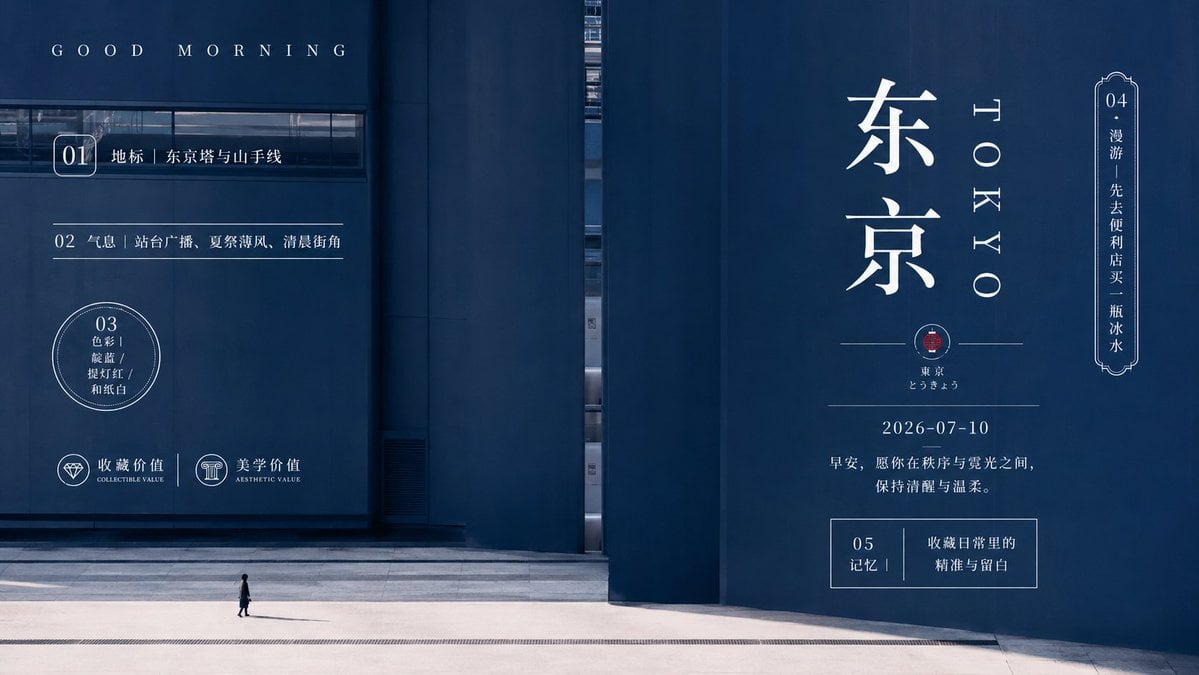
Minimal Tokyo Morning Poster
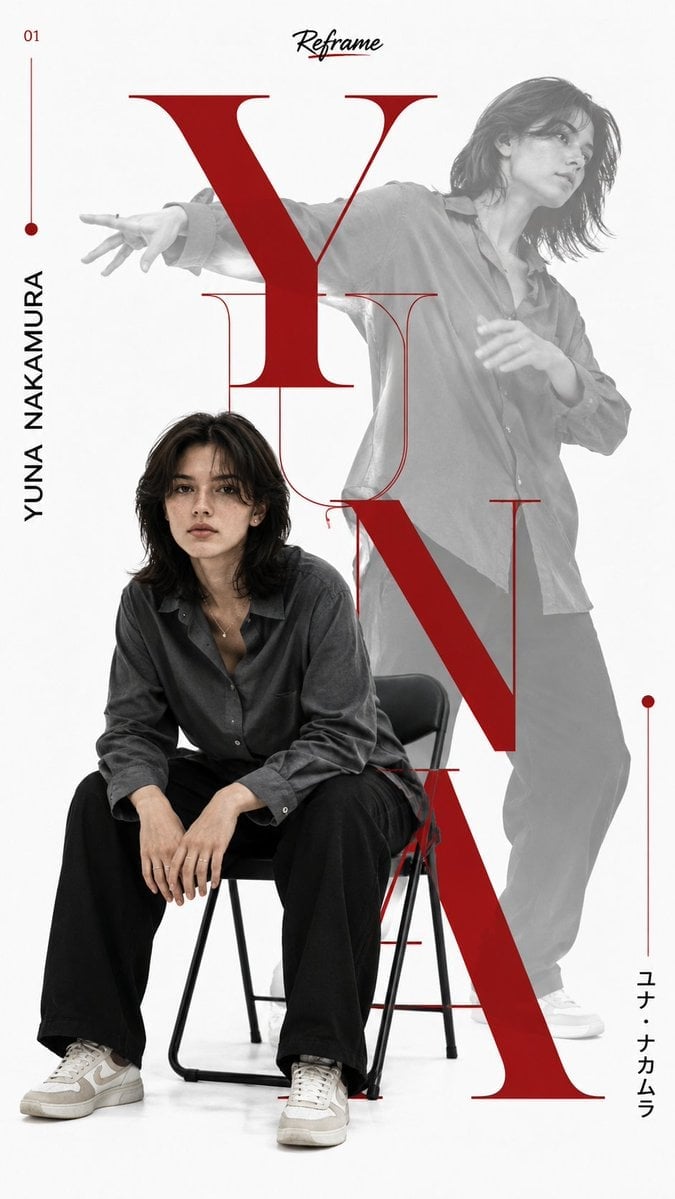
Japanese Minimalist Editorial Fashion Poster
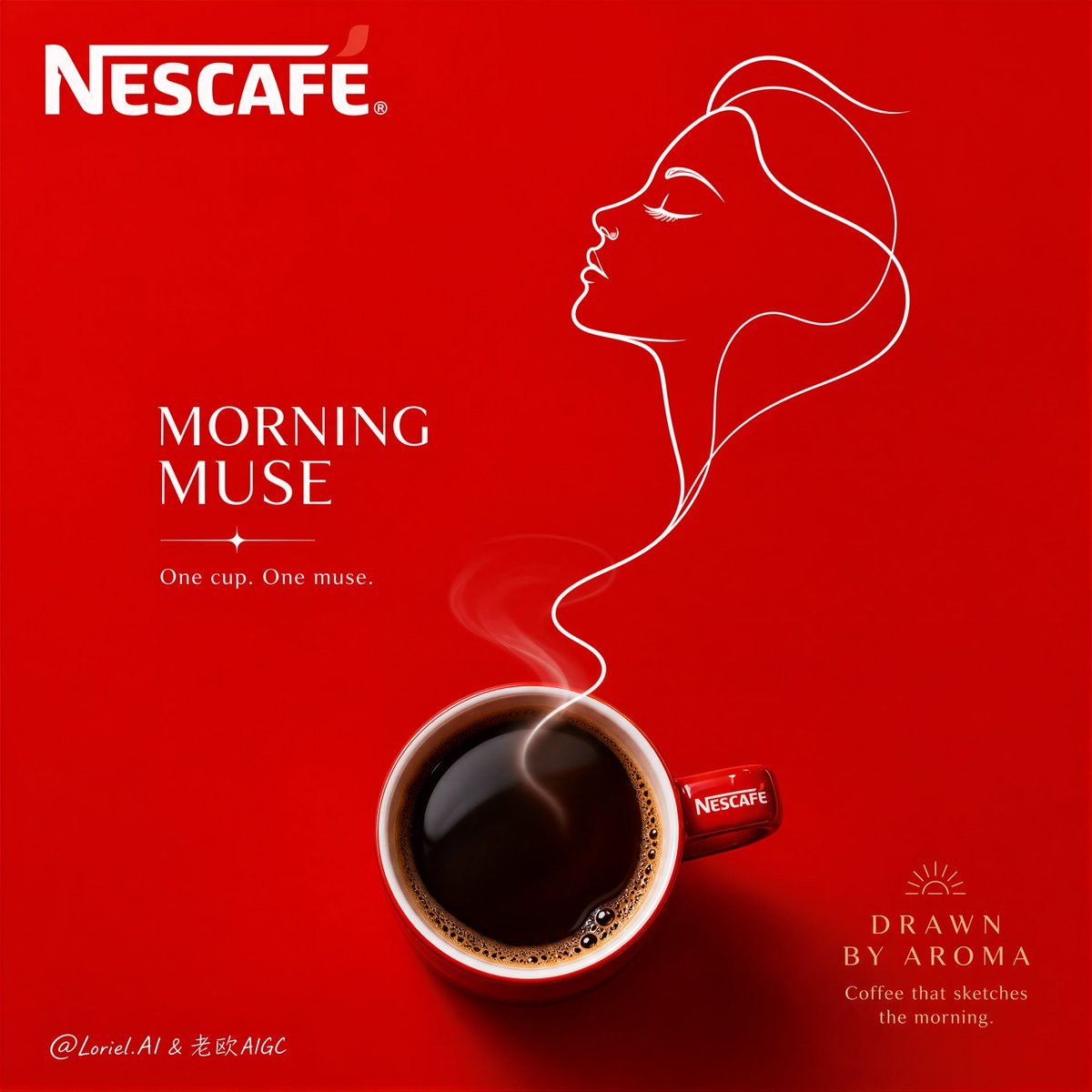
Minimalist Nescafé Brand Poster

Cartoon TV Show Poster Pack

Trendy Cafe Drink Promo Poster

Urban Fashion Editorial Collage Streetwear Poster

Japanese Architectural Concrete Studio Fashion Campaign
Make it yours
Image Transformation to Minimal Vector Poster works as-is. These are the safest ways to change it without losing the look.
Swap the setting
Keep the rest of the prompt and replace the location block. The current setting is “Simplify into 1–2 large flat color fields or abstract geometric forms.”.
Swap the light
One lighting change is enough to compare takes. Current light: “Remove realistic lighting. Replace shadows and highlights with simplified, flat ”.
Change one field
Copy a single group, rewrite it, and generate again so you can see what that field is doing.
| If the result… | Why | Fix |
|---|---|---|
| The result drifts from the preview | Too many fields changed at once. | Reuse Image Transformation to Minimal Vector Poster as-is first, then change one group — subject, light, or setting. |
| Nano Banana 2 ignores part of the JSON | Some models flatten or skip nested keys. | Keep the same values and paste them as a short paragraph instead. |
More Nano Banana 2 templates
Other prompts made for Nano Banana 2.

Photorealistic Leaf Shaped Like a Dragon

K-Pop Idol Portrait Grid for Rapid Selection

Poetic Rain Forest Portrait During Golden Hour

Urban Street Portrait with Cartoon Inner Self Duo

Candid Nighttime Photo with Cat Prompt

High-Concept 3D Diorama Generation Prompt

Cinematic Futuristic Studio Portrait Template

Skincare Editorial Photography Collage Prompt

Hyper-Realistic Commercial Product Photography (Splash Effect)

Hyper-Realistic Nightclub Portrait Prompt
More image prompts
Fresh picks from across the catalog.
Realistic Gym Mirror Selfie Prompt
Mushroom Stone Texture Replacement
Pixar 3D Character Portrait with Fennec Fox
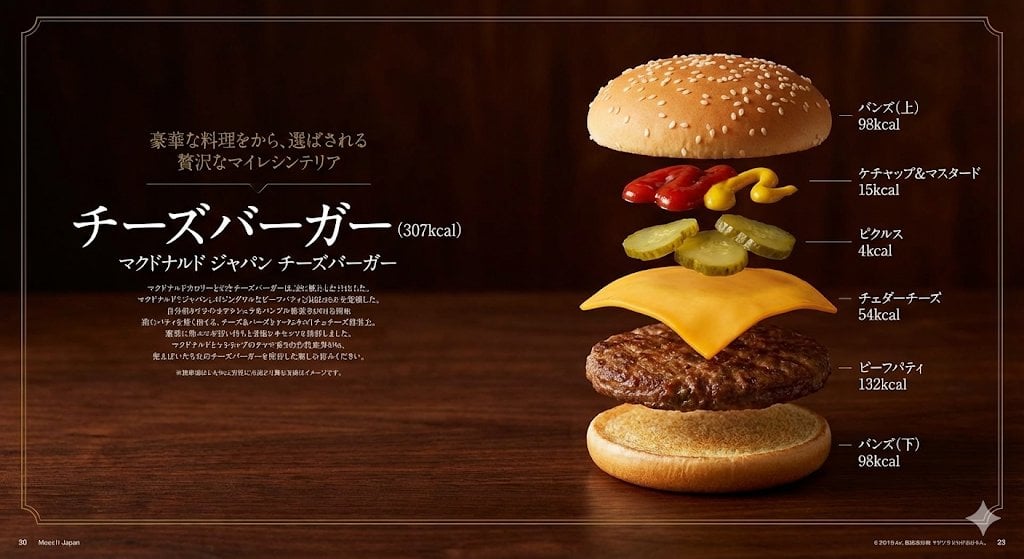
Image Generation Prompt: Exploded Diagram of McDonald's Cheeseburger

Surreal Video: Still Subject in Chaotic Flood
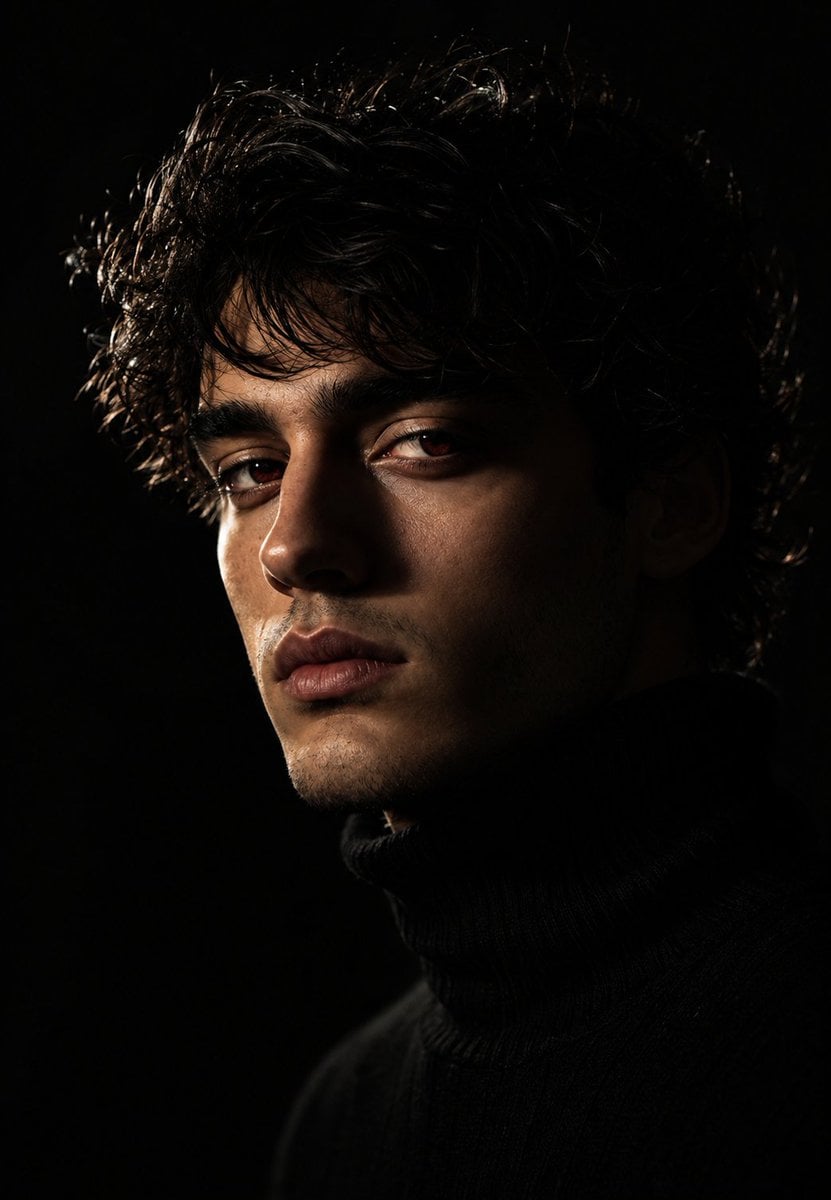
Moody Chiaroscuro Studio Portrait
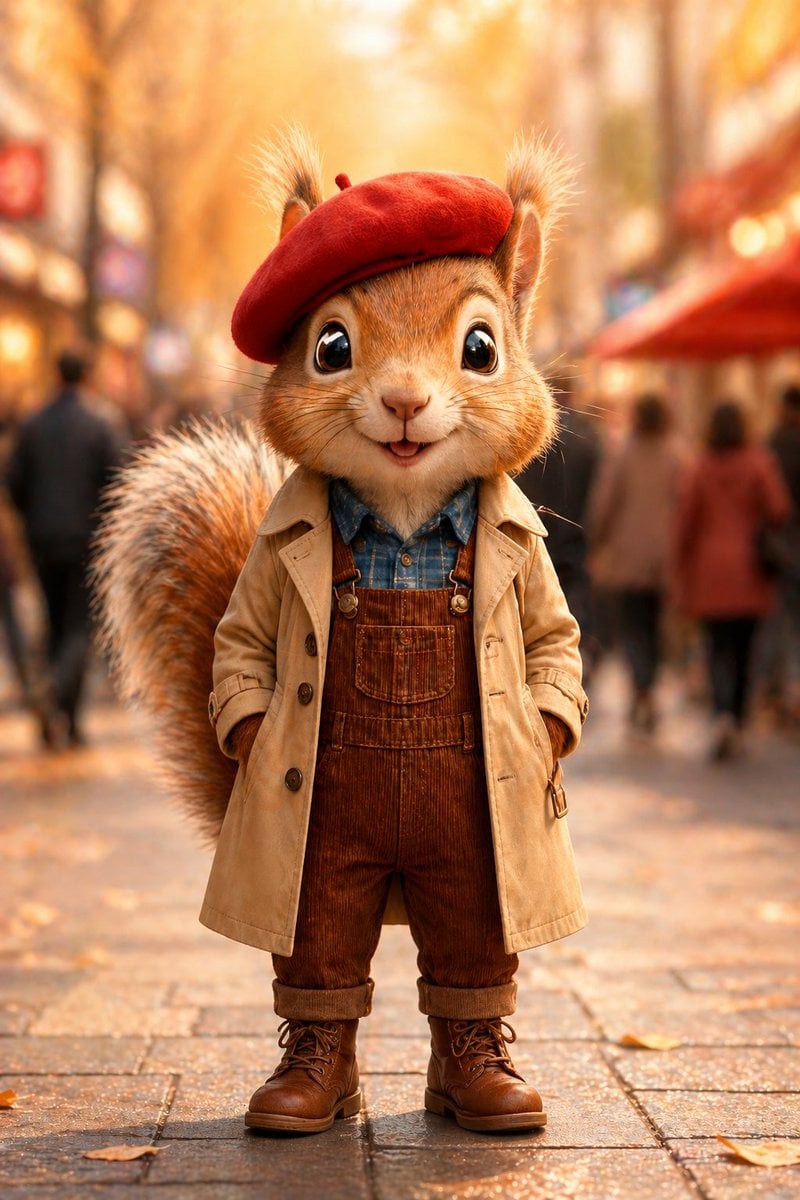
Autumn Squirrel Child Street Portrait
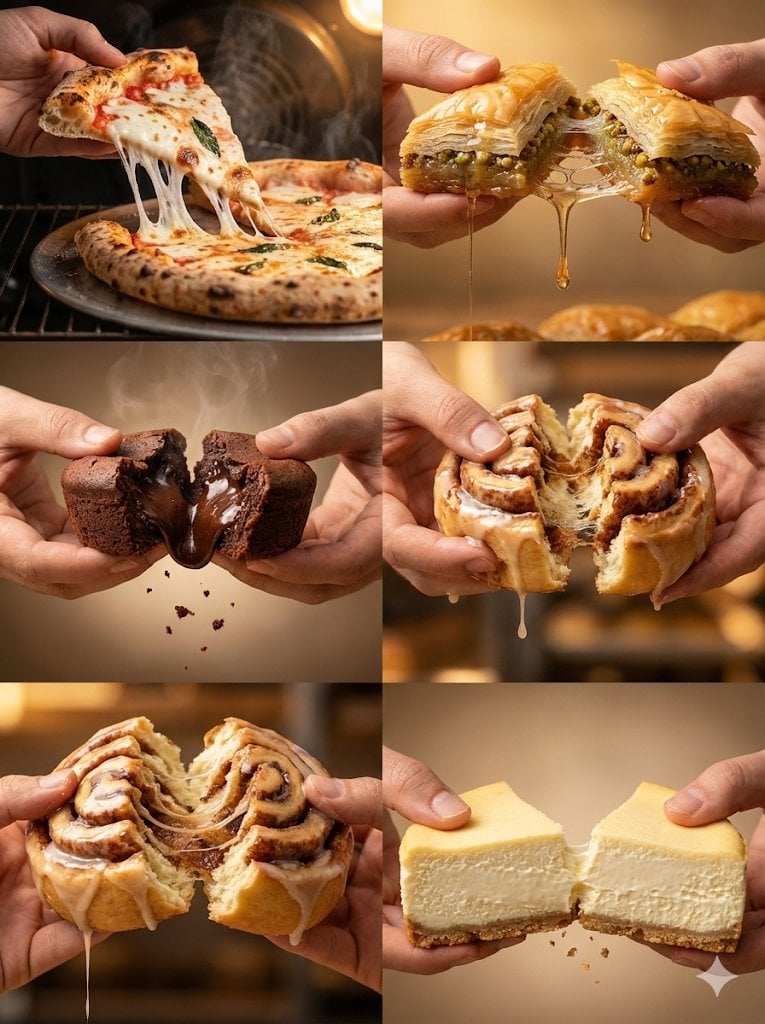
Food Action Photography Series Prompt (Cheese Pull, Syrup Drip)
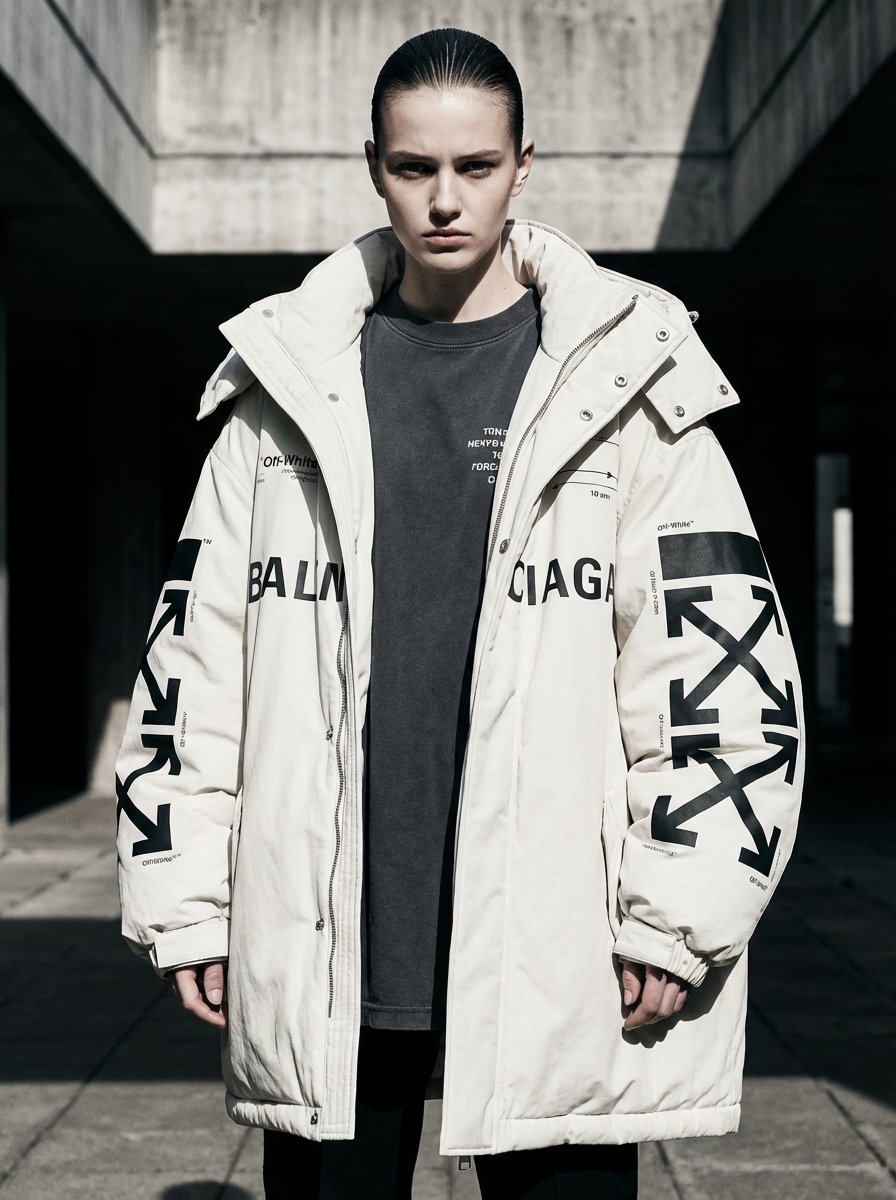
Off-White × Balenciaga Hypebeast Editorial

Ishihara Color Blindness Test Plate
Browse template categories
Image Transformation to Minimal Vector Poster questions
How do I use the Image Transformation to Minimal Vector Poster template?
Add your photo if the template asks for one, edit the prompt if you like — the template's model and format are already selected — and press Generate. Your version opens in PicX Studio.
Can I customize the Image Transformation to Minimal Vector Poster template?
Yes. You can change the subject, setting, lighting, mood, format, and available model controls before creating your image.
Is the Image Transformation to Minimal Vector Poster template free?
Opening and editing this template is free. Generating uses credits, shown on the Generate button when you are signed in.
Which AI model should I use?
Start with Nano Banana 2, which is the model associated with this template. You can compare another compatible model for a different finish.
Looking for something else? Browse all templates.

Your photo, any look
Thousands of ready templates for every top image and video model, from one credit balance.