
Dragon Queen in Black and Gold
This prompt generates a vertical fantasy character illustration of a regal dragon-themed queen with ornate black-and-gold attire, a ceremonial sword, and a giant dragon silhouette, ideal for epic AI art and character…
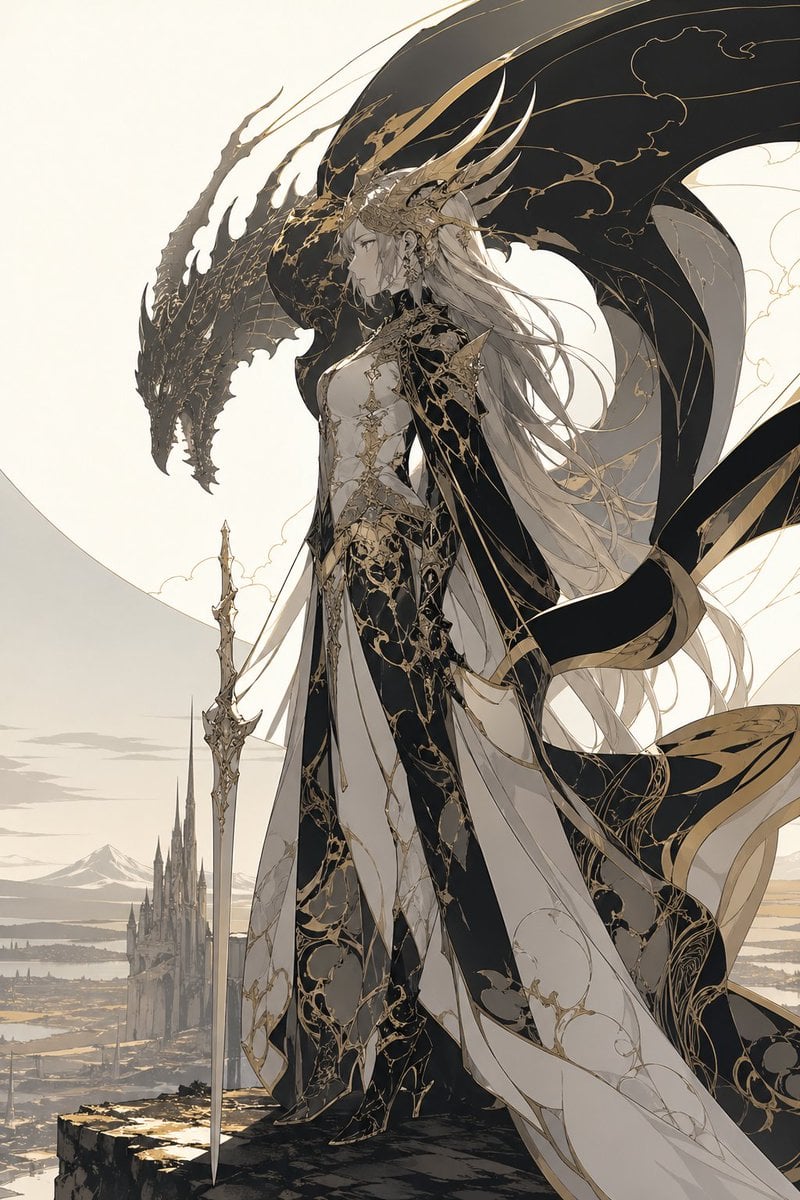
- Prompt included
- Model and format preset
- Free template
The prompt behind this image
Copy the exact prompt behind Dragon Queen in Black and Gold, or open it in the studio and make it yours.
A majestic high-fantasy illustration of a regal dragon queen standing on the edge of a cliff, shown in full body and side profile facing left. She has {argument name="hair color" default="silver-white"} hair flowing in long layered strands far past her waist, a calm stern expression, and an elaborate crown-like headdress with multiple long horn-shaped golden spines sweeping backward. Her outfit is an ornate fusion of royal gown and armored bodysuit in {argument name="primary palette" default="black, ivory, and antique gold"}, covered with intricate filigree, vine-like gilded tracery, and elegant cracked-marble style patterns. The costume has 4 major visible garment elements: a fitted black-and-ivory armored torso, a long layered split skirt with flowing panels, a dark sweeping cape with gold trim, and thigh-high fitted leg armor or boots. She holds 1 long ceremonial sword planted vertically at her side, slim and highly decorative. Behind and around her rises the silhouette of 1 enormous black dragon with a long snarling head and vast arcing wings, its body framing her like a guardian shadow; the wings are detailed with subtle gold vein patterns. The background shows a pale, minimalist fantasy landscape with 1 distant gothic castle spire complex below, open plains, faint water or marshland, and far mountains under a soft cream sky. Composition is vertical, elegant, and cinematic, with the character centered slightly right, the dragon head to the upper left, and long ribbons and fabric streaming in the wind. Style is refined anime-inspired fantasy concept art with ultra-detailed linework, restrained colors, luminous ivory negative space, luxurious black-and-gold ornamentation, ethereal atmosphere, sharp silhouette design, and a noble sacred-draconic mood.
How to use Dragon Queen in Black and Gold in 3 steps
- 1Upload ImagePNG, JPG or paste
Add your photo
Upload the photo the template builds on. The prompt, model and format are already set.
- 2…a portrait of your subject in softgolden-hour light, 85mm…
Personalize
Edit the subject and creative details for your destination.
- 3Generate
Generate
Press Generate — your image is created in PicX Studio, so you can compare it with the original and refine one variable at a time.
More like this
Templates with the same subject, style or setup. Open one to see its prompt.
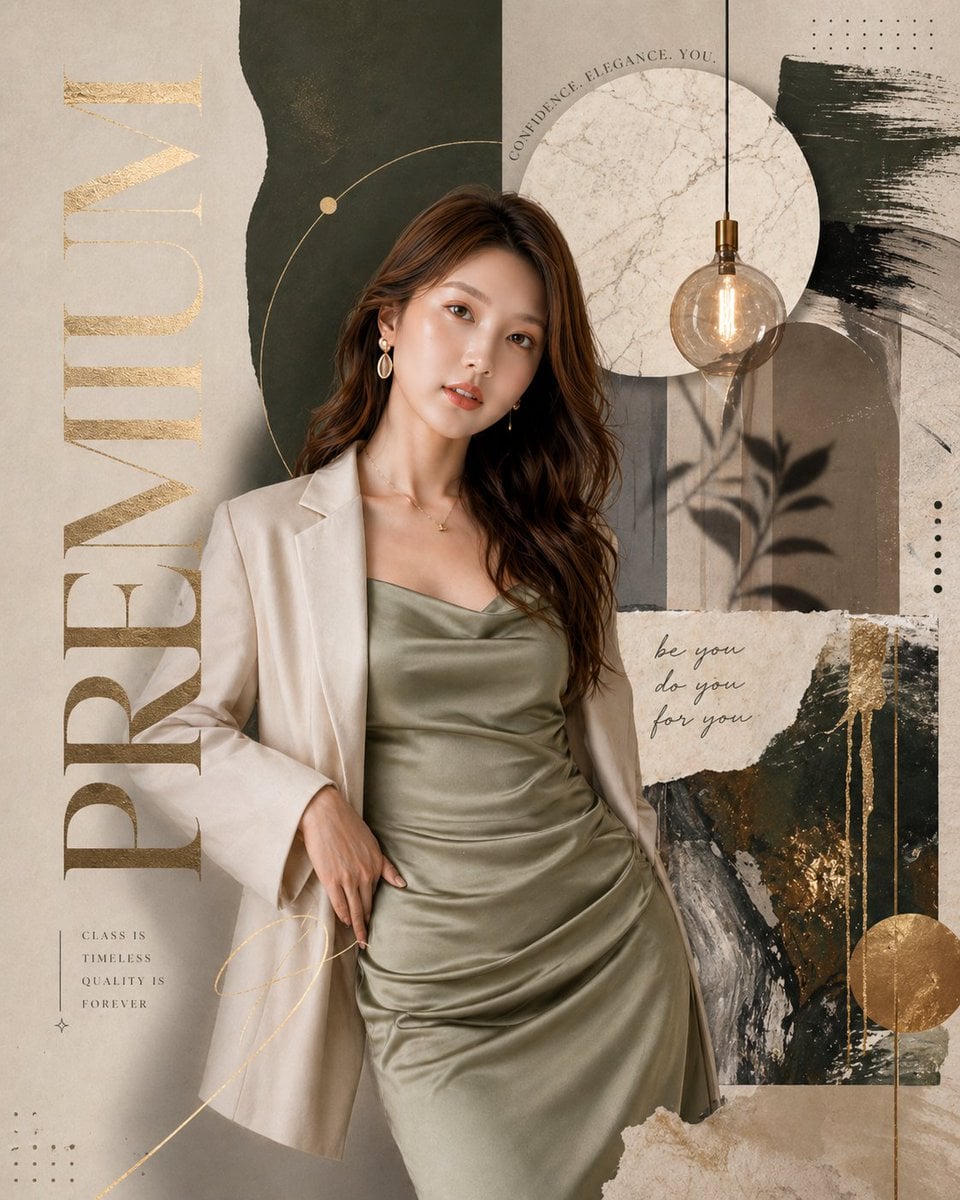



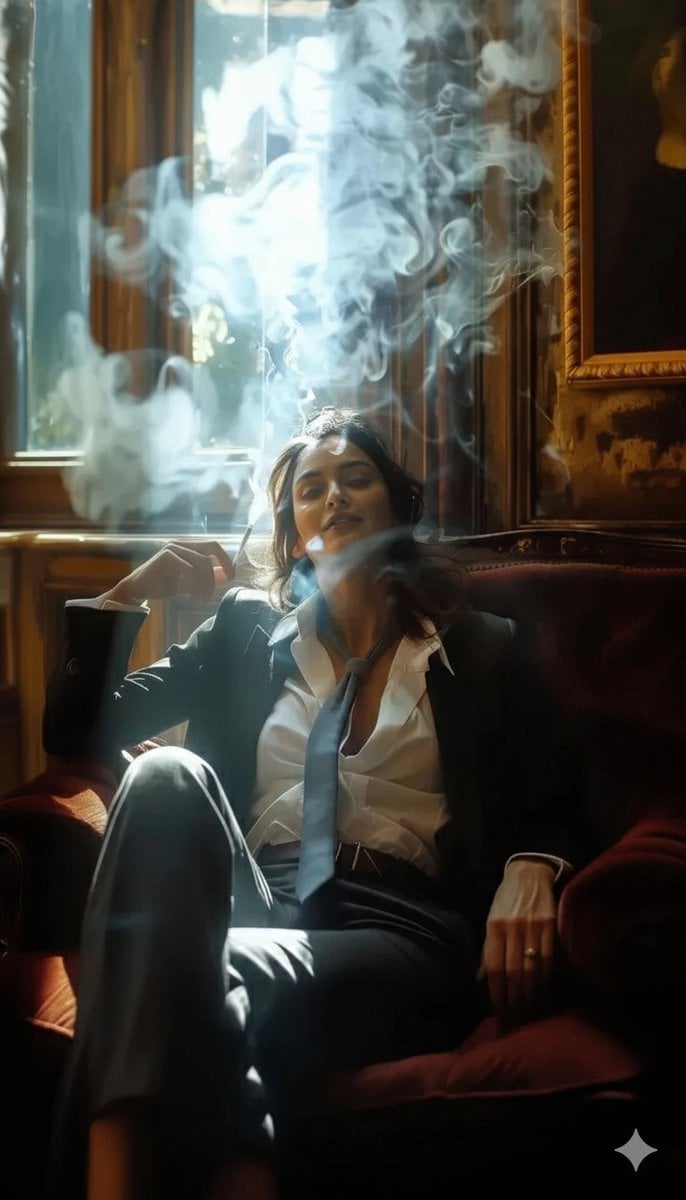

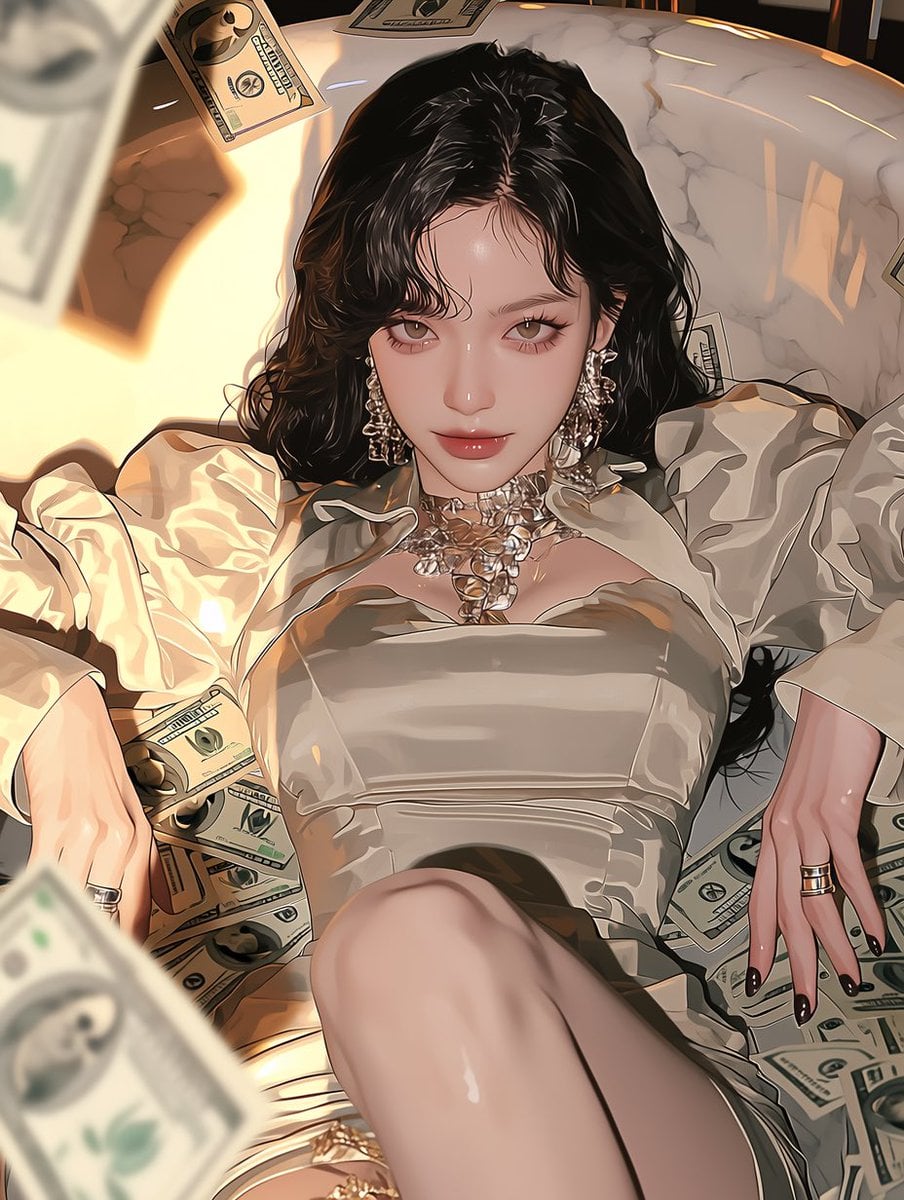
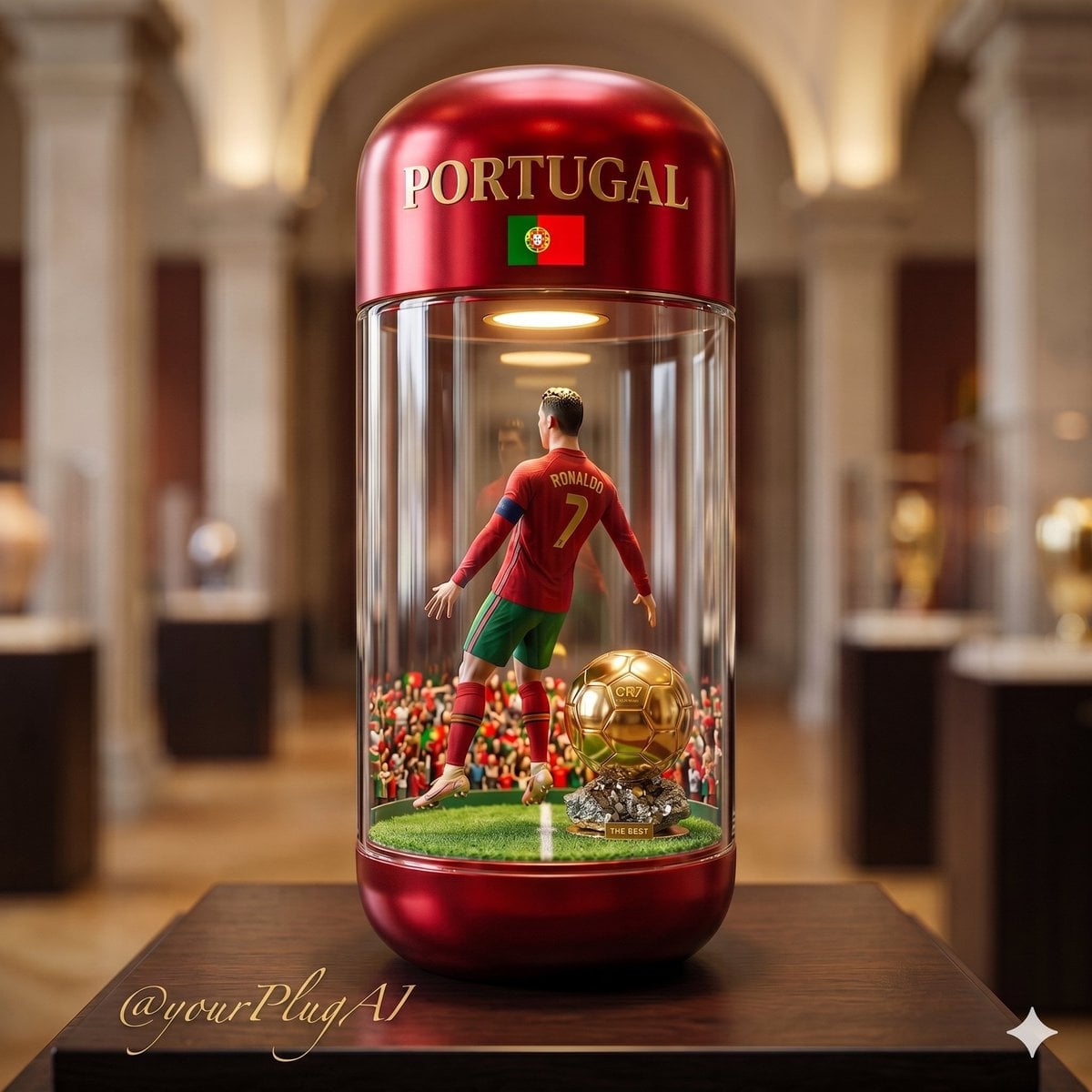
Make it yours
Dragon Queen in Black and Gold works as-is. These are the safest ways to change it without losing the look.
Change one field
Copy a single group, rewrite it, and generate again so you can see what that field is doing.
Keep the frame, change the subject
Hold the composition and light of Dragon Queen in Black and Gold, then swap wardrobe, props or the person for a new take.
| If the result… | Why | Fix |
|---|---|---|
| The result drifts from the preview | Too many fields changed at once. | Reuse Dragon Queen in Black and Gold as-is first, then change one group — subject, light, or setting. |
| The model over-stylizes the scene | The prose prompt leaves finish and camera underspecified. | Add one camera or lighting sentence and stay on GPT Image 2. |
More GPT Image 2 templates
Other prompts made for GPT Image 2.

Six VTuber Japanese Logo Sheet

Realistic Portrait of Woman and Deer

The Vista Modular Condo Poster

AI Model Routing Comparison Infographic

2.5D Anime Art Board

Isometric Productivity Desk Scene

New York Double Exposure Poster

Four-Panel AI Landscape Comparison

Japanese Tatami Lifestyle Magazine Cover

NESCAFÉ Coffee Map Poster
More image prompts
Fresh picks from across the catalog.
Chengdu Gourmet Walking Map
Sci-Fi Movie Poster and Production Design Sheet
Child-like Crayon and Colored Pencil City Drawing
Profile URL to Magazine Infographic Prompt
Anime Rapunzel Tower Scene

Futuristic Data-Driven Skincare Ad
Melancholic Sad Boy in the Rain (Reference Face)
Hyper-Realistic Cinematic Night Portrait in Rain
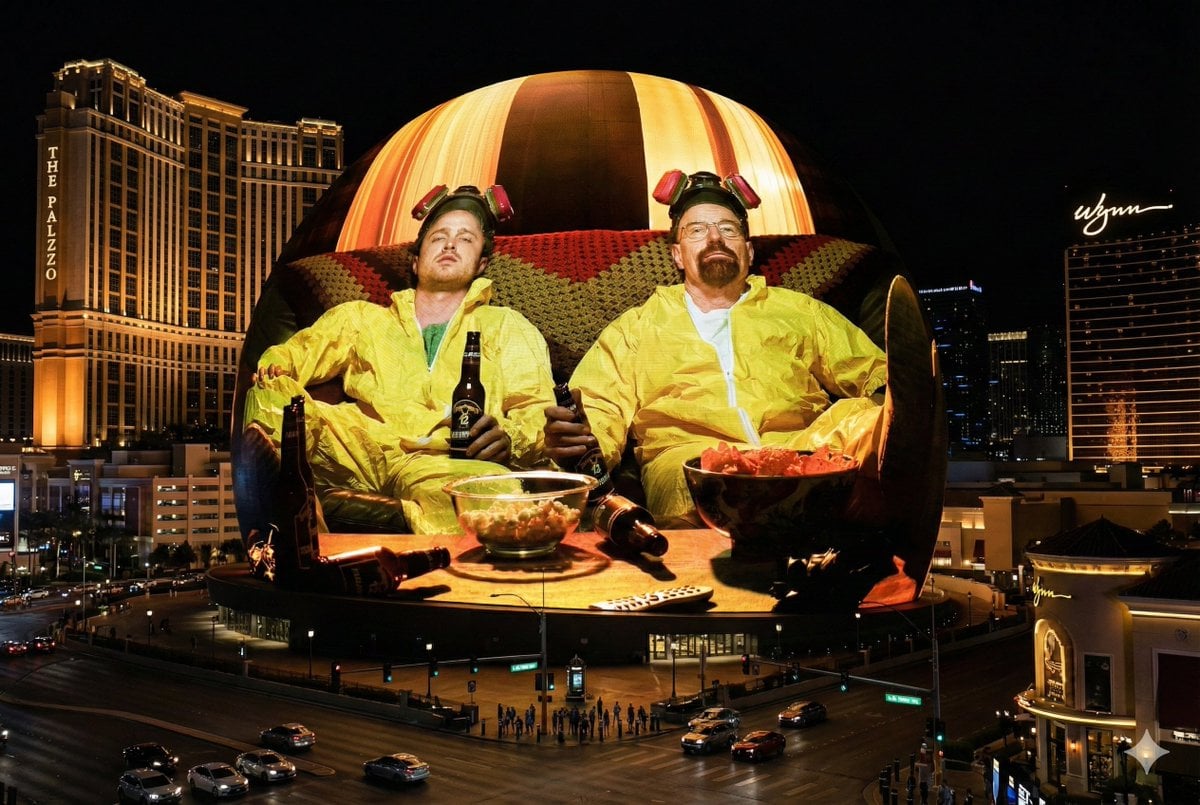
Image Projection onto Las Vegas Sphere
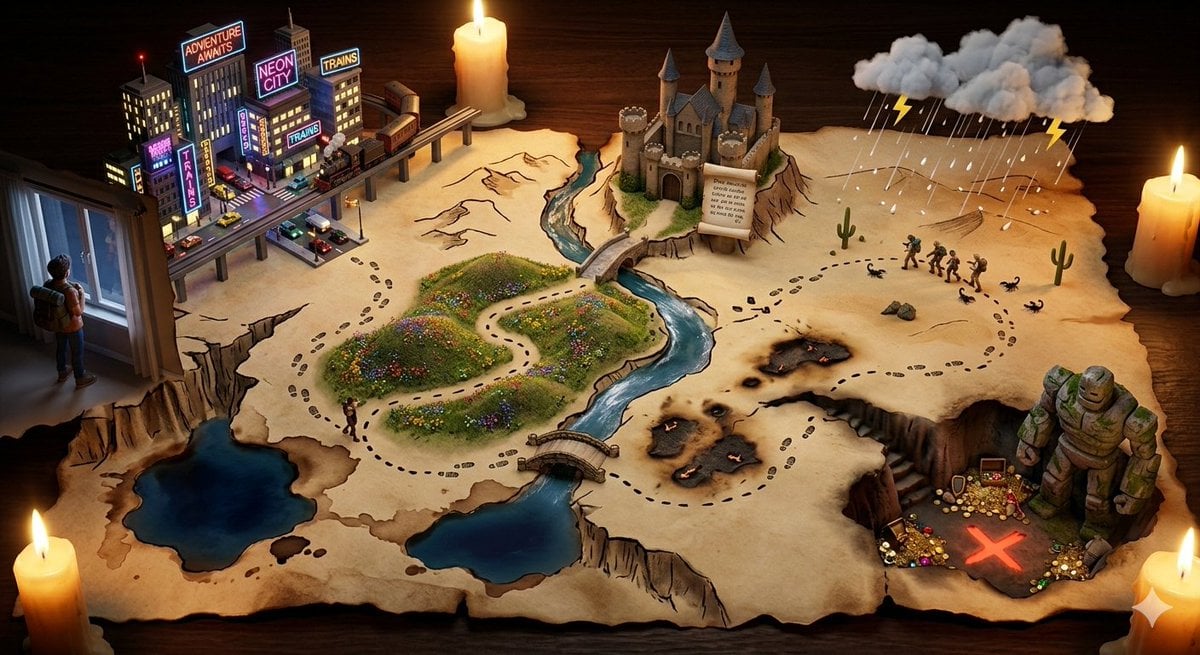
Treasure Map Adventure Prompt for Nano Banana 2
Browse template categories
Dragon Queen in Black and Gold questions
How do I use the Dragon Queen in Black and Gold template?
Add your photo if the template asks for one, edit the prompt if you like — the template's model and format are already selected — and press Generate. Your version opens in PicX Studio.
Can I customize the Dragon Queen in Black and Gold template?
Yes. You can change the subject, setting, lighting, mood, format, and available model controls before creating your image.
Is the Dragon Queen in Black and Gold template free?
Opening and editing this template is free. Generating uses credits, shown on the Generate button when you are signed in.
Which AI model should I use?
Start with GPT Image 2, which is the model associated with this template. You can compare another compatible model for a different finish.
Looking for something else? Browse all templates.

Your photo, any look
Thousands of ready templates for every top image and video model, from one credit balance.