
Adventurer and Tamed Slime Journey
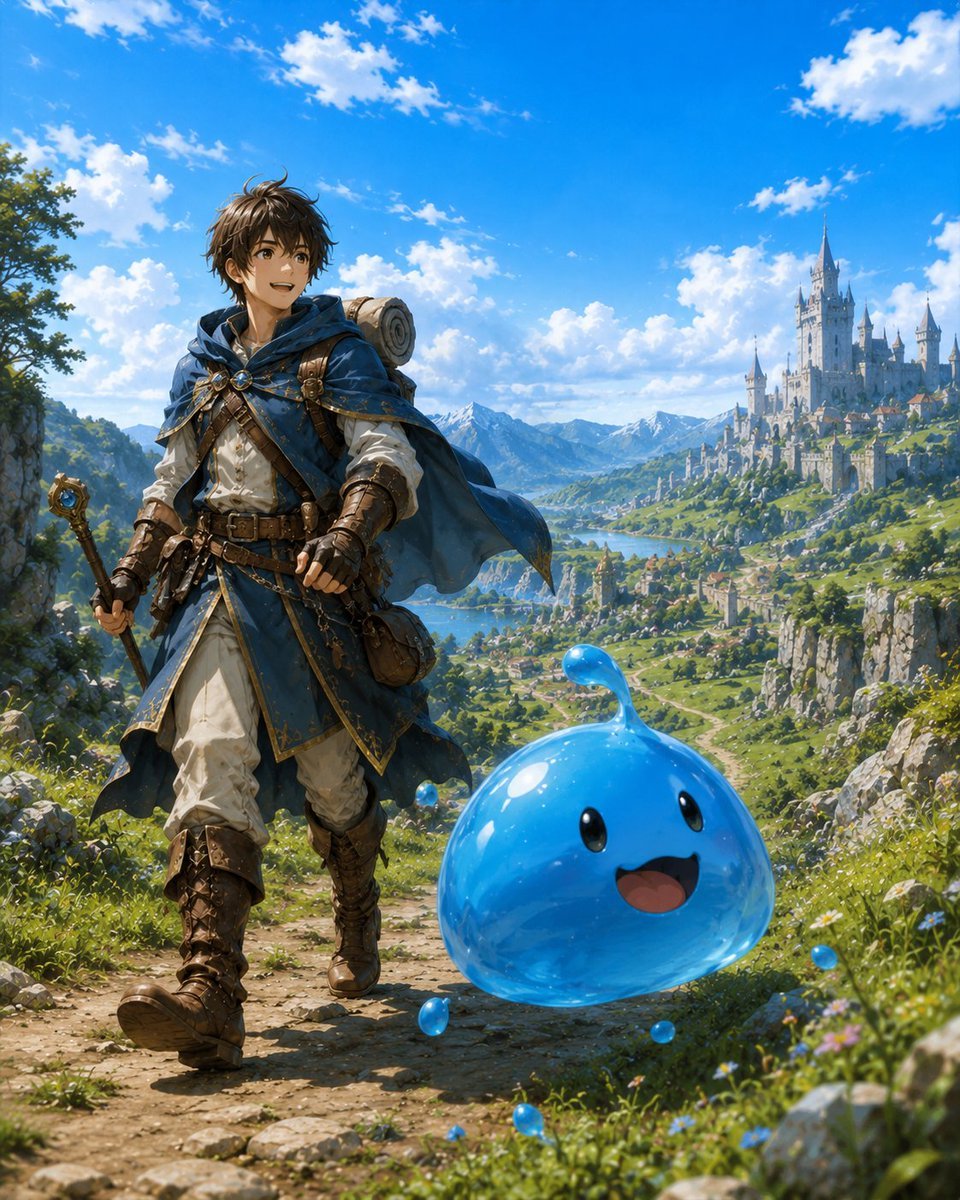
A bright anime fantasy scene showing a young adventurer walking through a scenic valley with a cheerful blue slime companion.
- Prompt included
- Model and format preset
- Free template
The prompt behind this image
Copy the exact prompt behind Adventurer and Tamed Slime Journey, or open it in the studio and make it yours.
Create a vibrant anime-style fantasy adventure illustration of {argument name="character name" default="a young male adventurer"} traveling with a tamed slime companion. The scene is a sunlit mountain path in a lush high-fantasy valley, vertical 4:5 composition. In the left foreground, show the adventurer walking forward with an excited smile, looking toward the right and slightly upward, with tousled dark brown hair, warm brown eyes, a blue hooded cloak fluttering in the wind, white tunic, layered leather belts and pouches, brown gloves, tall worn leather boots, a rolled bedroll on his back, and a staff or wand in one hand. In the right foreground, place exactly 1 large translucent glossy blue slime companion, floating or bouncing beside him, with a rounded teardrop body, a small curved droplet antenna on top, 2 black oval eyes, and 1 open happy smiling mouth. Add exactly 6 tiny blue slime droplets around it: one near the adventurer’s waist, one beside the large slime’s left lower edge, one on the path in front, one near the grass at the bottom, one to the right in the wildflowers, and one behind the slime. The background should show a sweeping valley with green hills, cliffs, a river or lake, distant snowy mountains, and a grand white fairytale castle city with many towers on the right hillside. Use a bright blue sky with scattered white clouds, sparkling midday sunlight, saturated colors, detailed painterly anime rendering, crisp character detail, atmospheric depth, joyful adventurous mood, no text, no watermark.
How to use Adventurer and Tamed Slime Journey in 3 steps
- 1Upload ImagePNG, JPG or paste
Add your photo
Upload the photo the template builds on. The prompt, model and format are already set.
- 2…a portrait of your subject in softgolden-hour light, 85mm…
Personalize
Edit the subject and creative details for your destination.
- 3Generate
Generate
Press Generate — your image is created in PicX Studio, so you can compare it with the original and refine one variable at a time.
More like this
Templates with the same subject, style or setup. Open one to see its prompt.
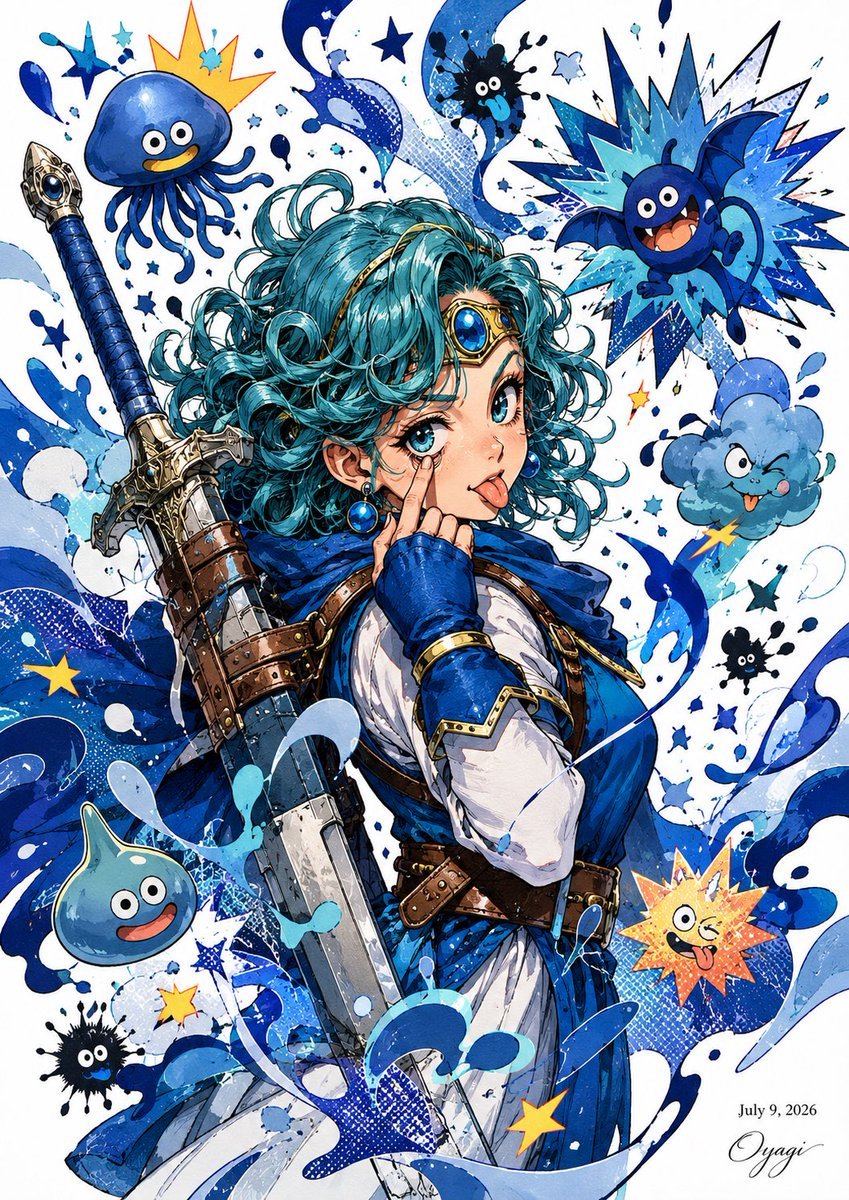
Blue Slime Adventurer Anime Poster
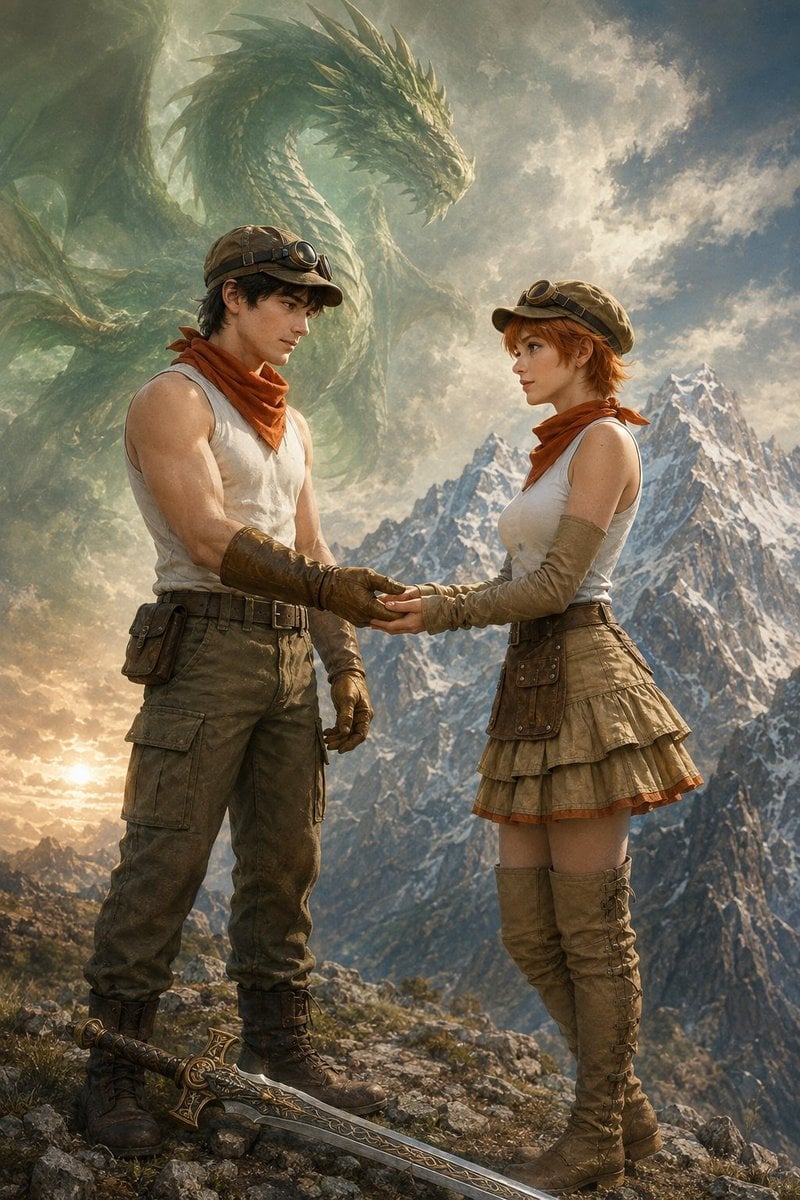
Fantasy Adventurers and Sky Dragon
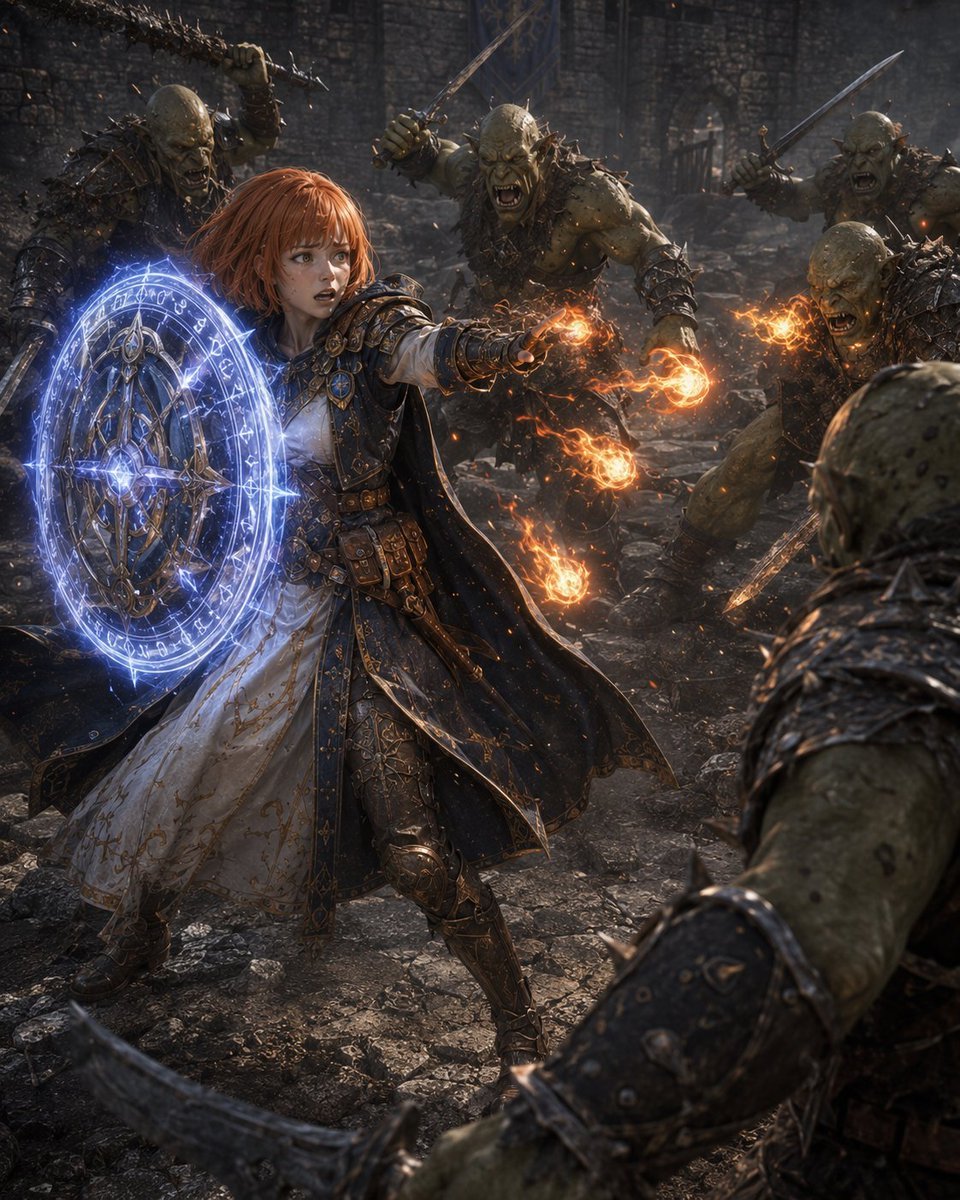
Former Tank Mage Adventurer
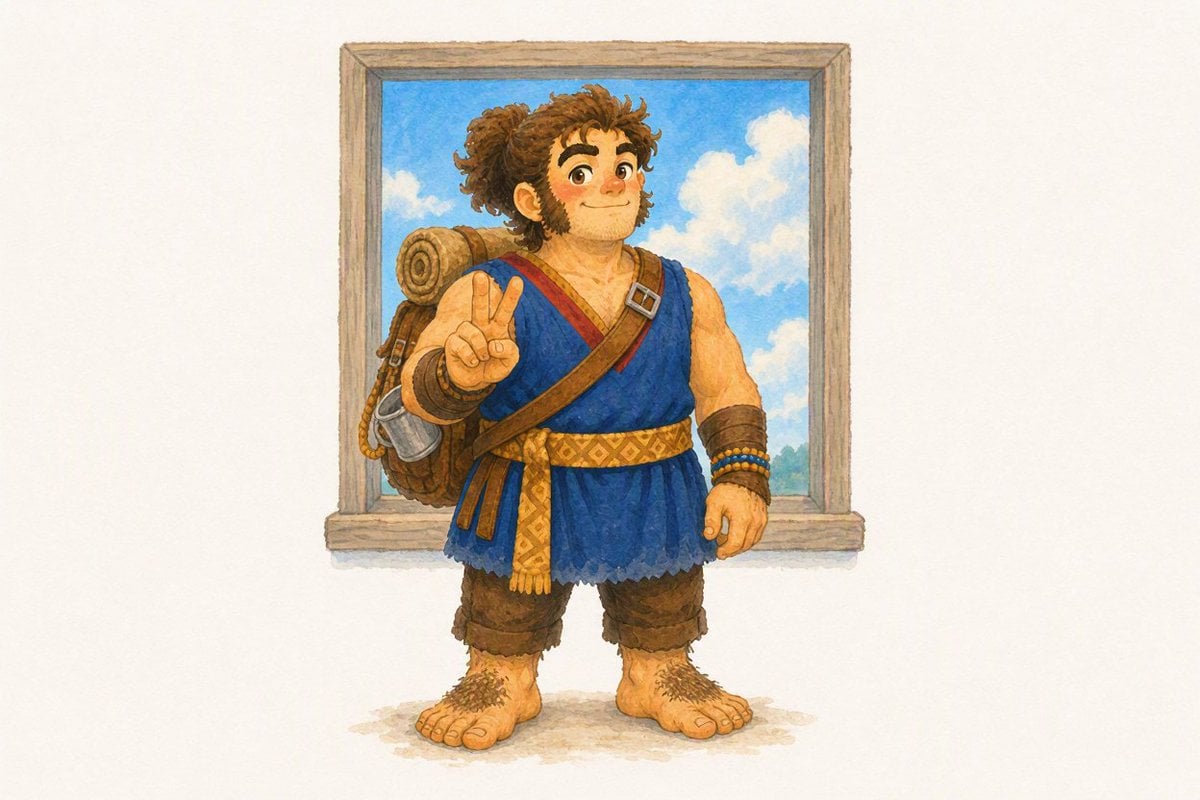
Watercolor Hobbit Adventurer

Cute Blue Water Slime Pixel Sprite
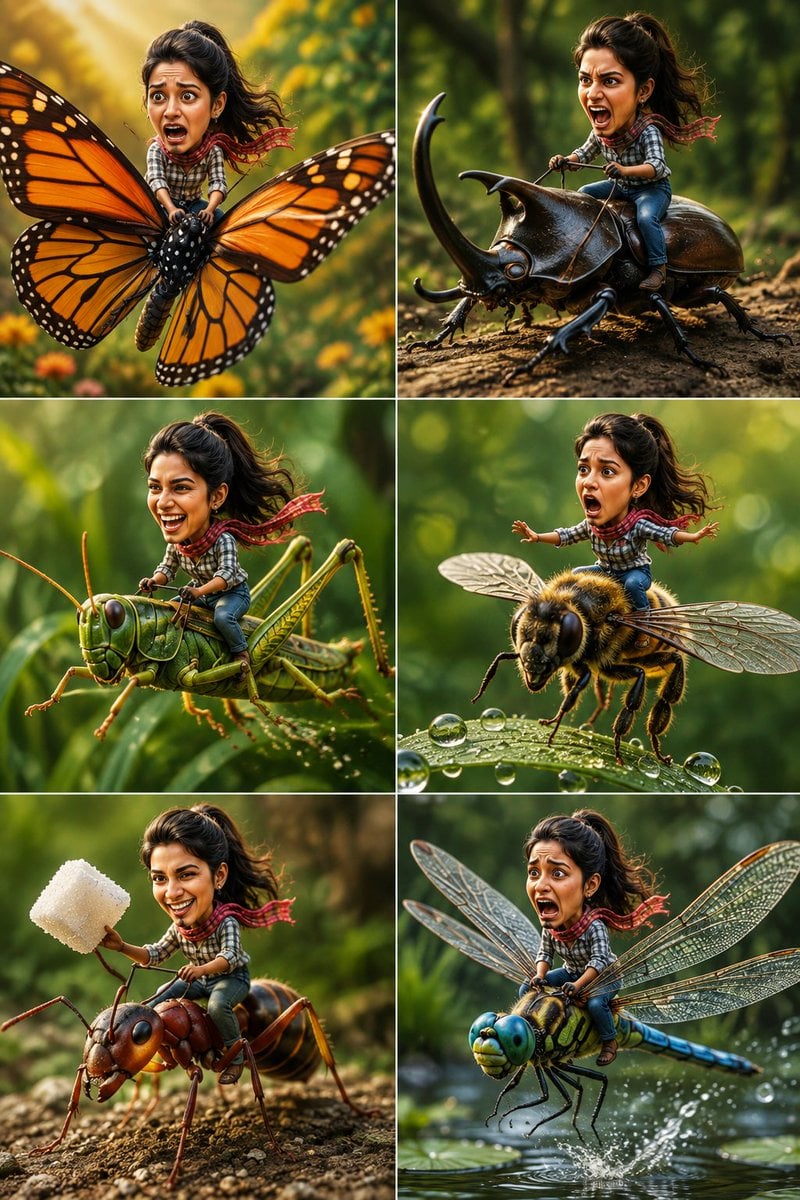
Tiny Adventurer Giant Insect Collage
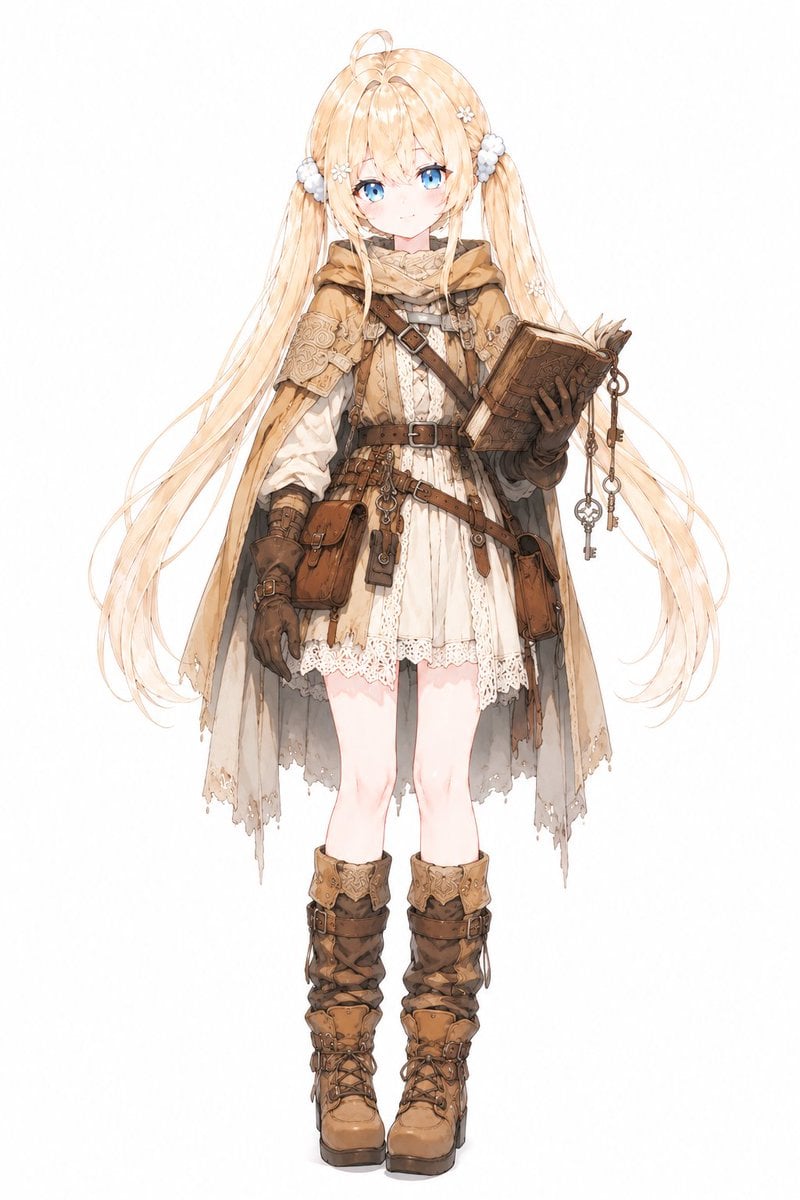
Anime Summoner Adventurer Character
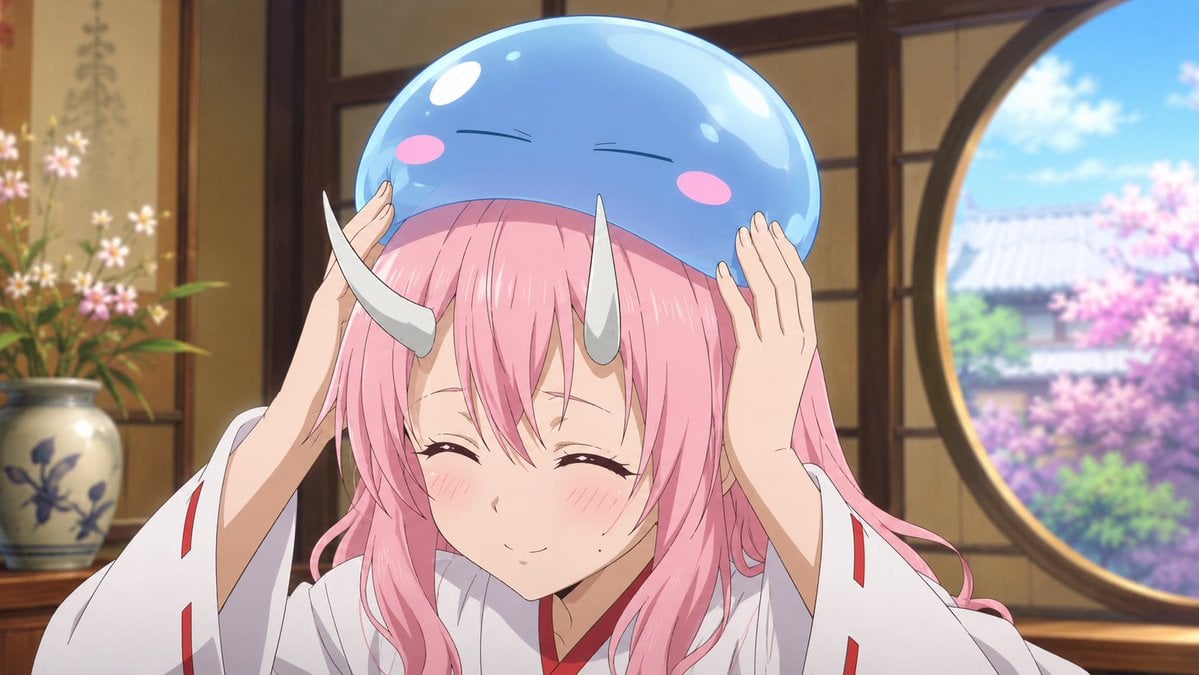
Anime Girl with Blue Slime Hat
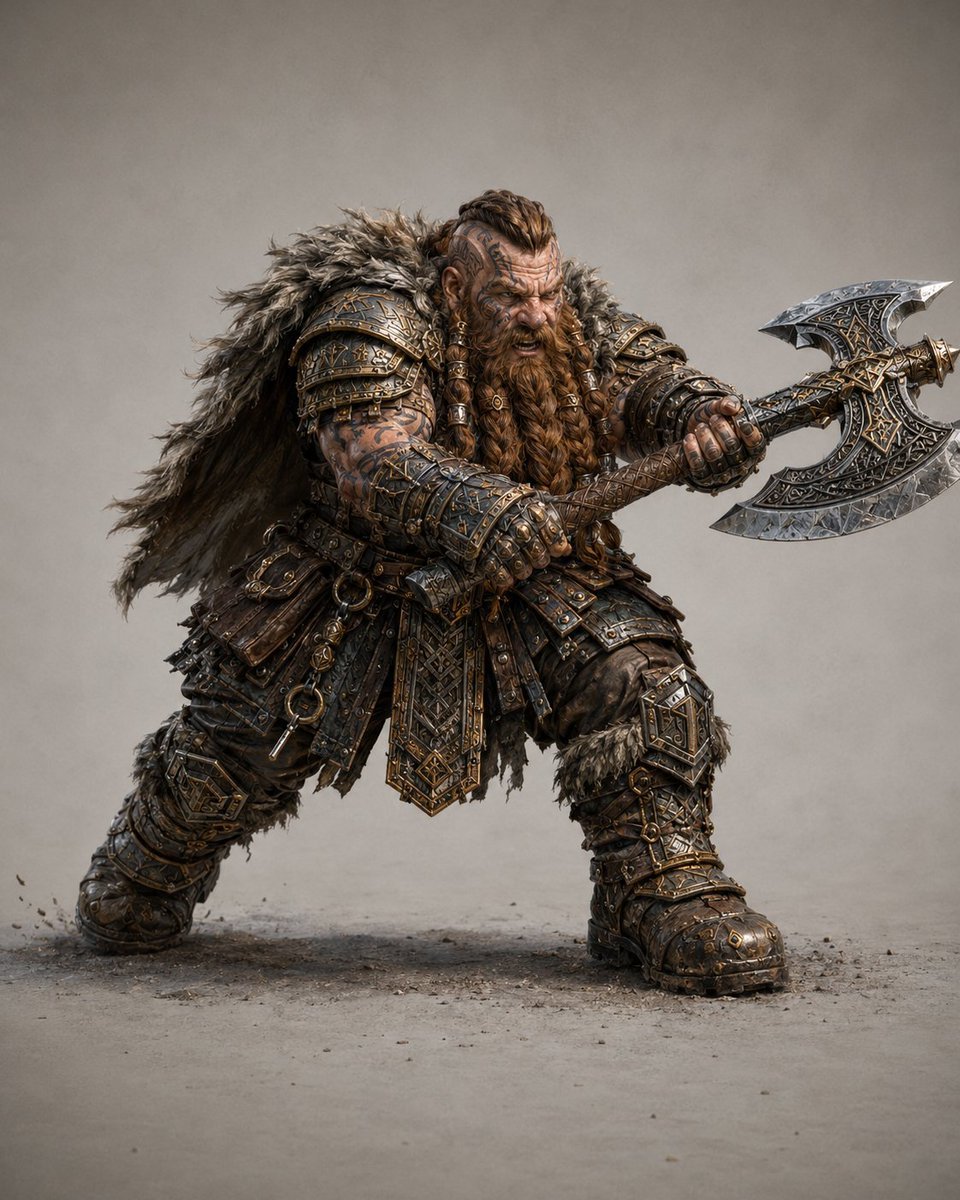
Dwarf Great Axe Adventurer
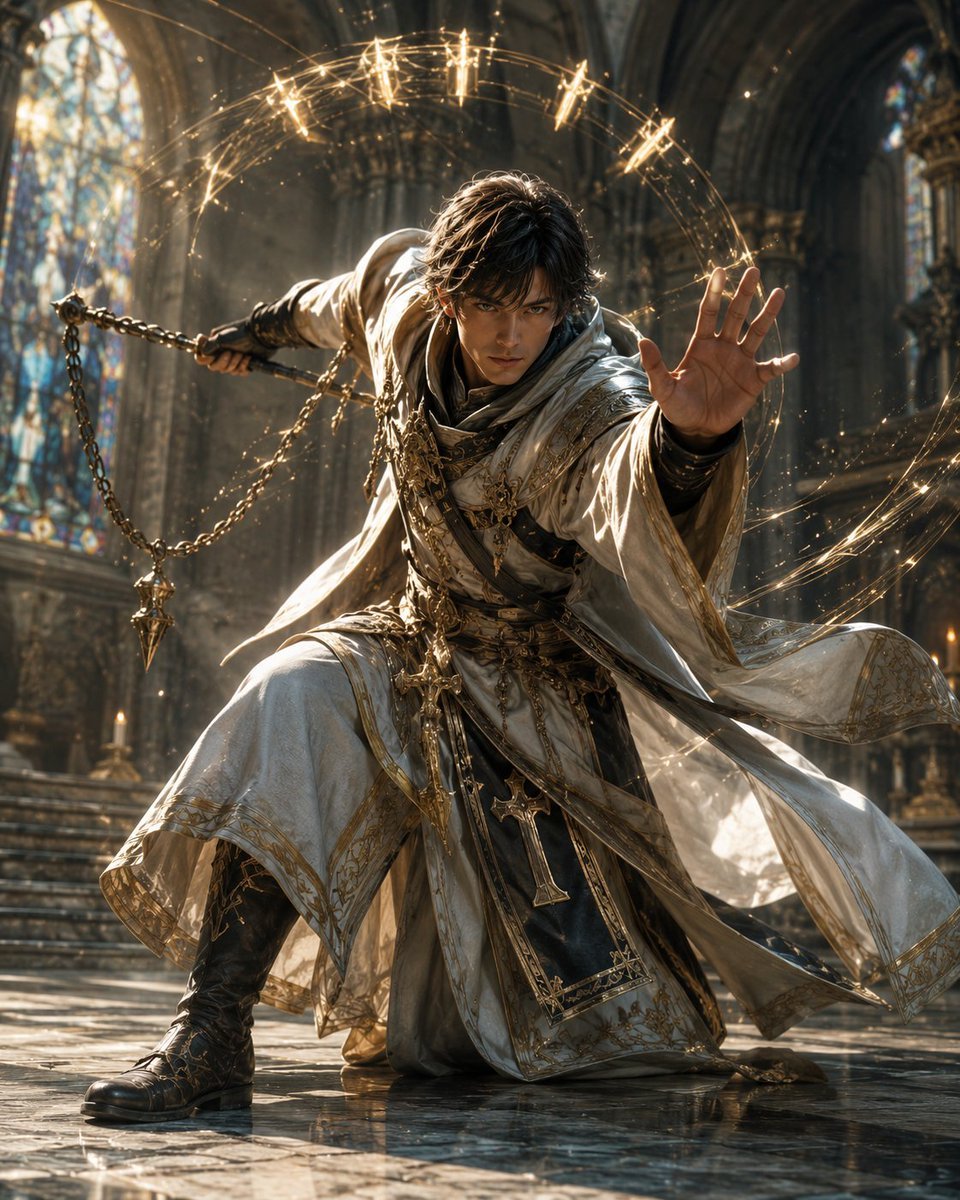
Solo Adventurer Cleric Illustration
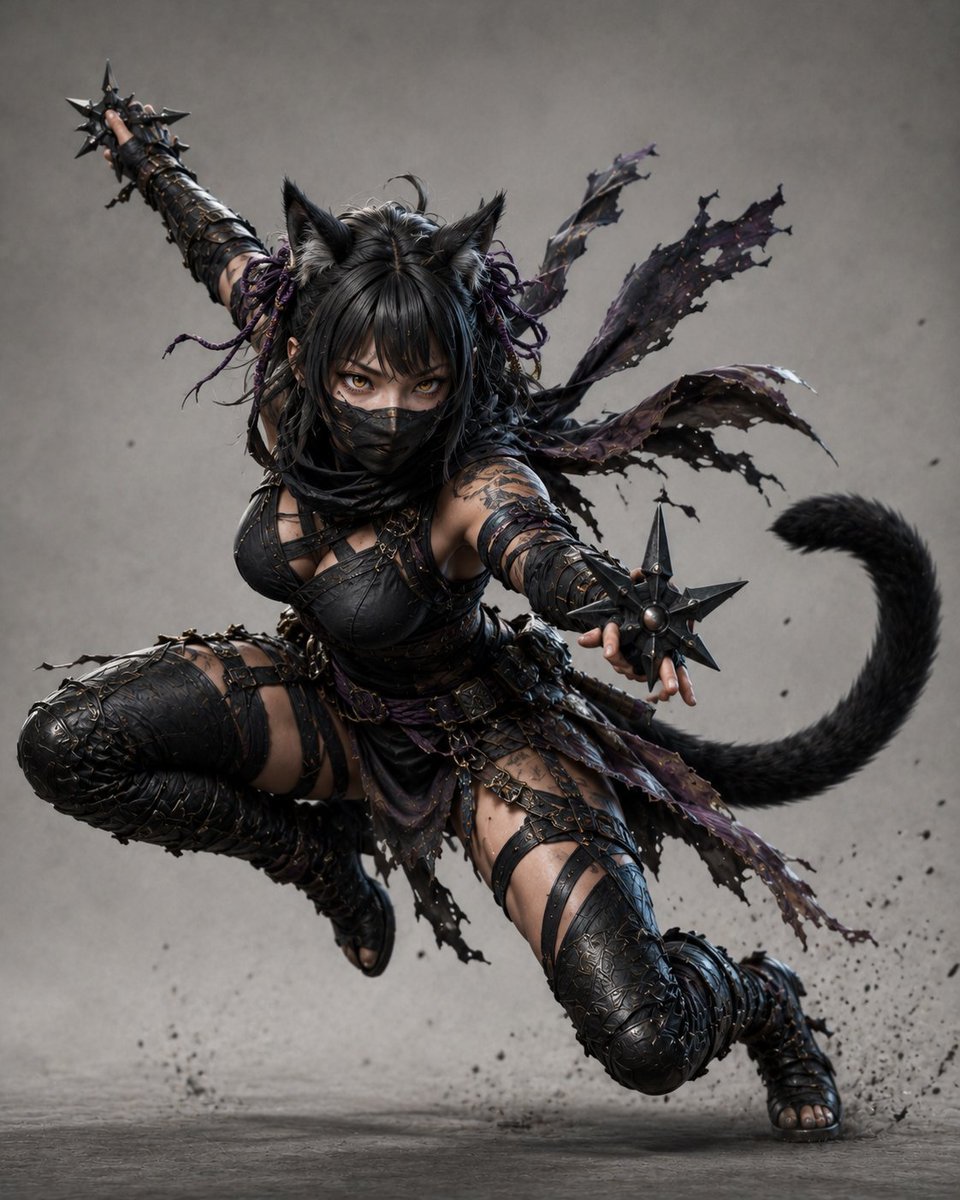
Kunoichi Black Cat Adventurer
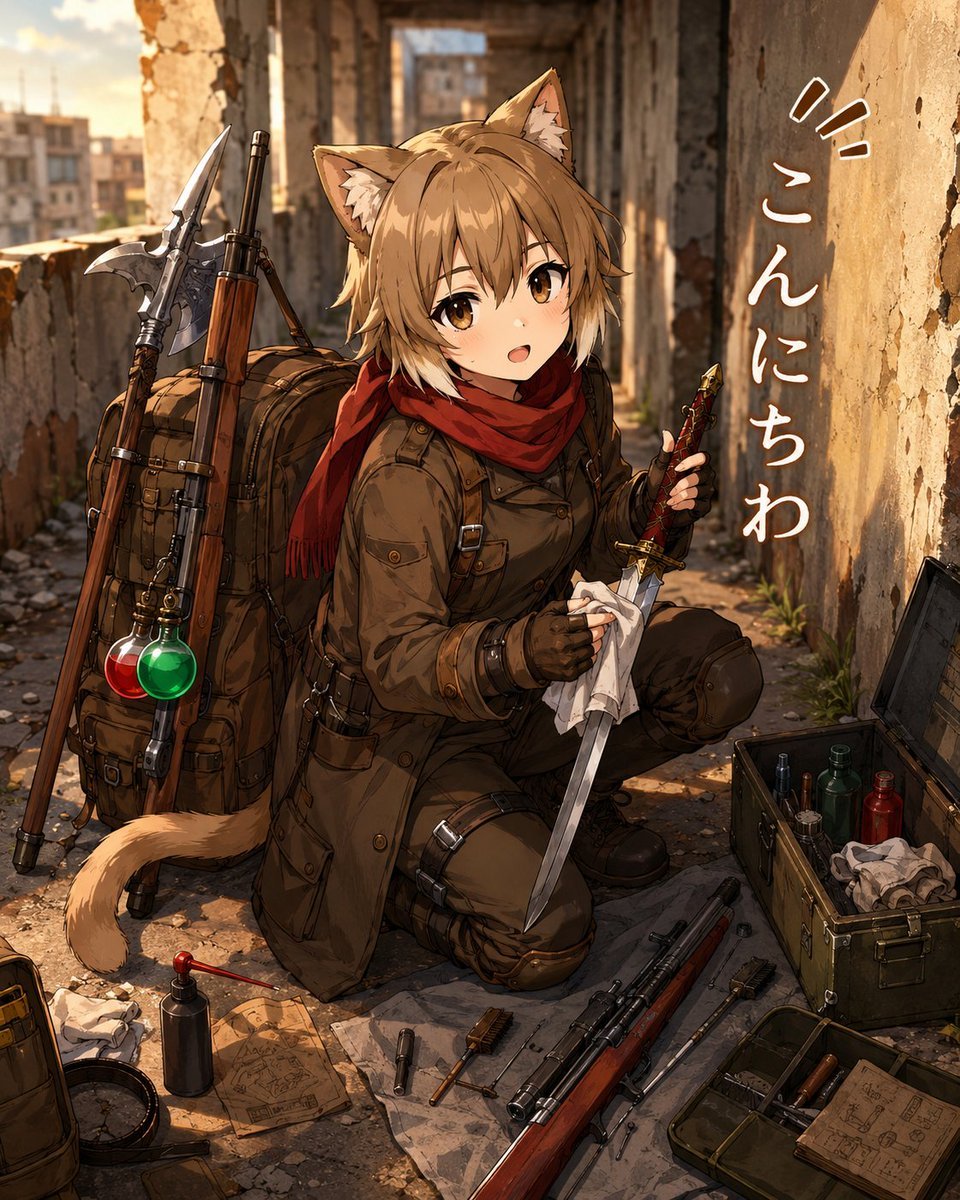
Cat-Eared Adventurer Gear Maintenance
Make it yours
Adventurer and Tamed Slime Journey works as-is. These are the safest ways to change it without losing the look.
Change one field
Copy a single group, rewrite it, and generate again so you can see what that field is doing.
Keep the frame, change the subject
Hold the composition and light of Adventurer and Tamed Slime Journey, then swap wardrobe, props or the person for a new take.
| If the result… | Why | Fix |
|---|---|---|
| The result drifts from the preview | Too many fields changed at once. | Reuse Adventurer and Tamed Slime Journey as-is first, then change one group — subject, light, or setting. |
| The model over-stylizes the scene | The prose prompt leaves finish and camera underspecified. | Add one camera or lighting sentence and stay on GPT Image 2. |
More GPT Image 2 templates
Other prompts made for GPT Image 2.

Six VTuber Japanese Logo Sheet

Realistic Portrait of Woman and Deer

The Vista Modular Condo Poster

AI Model Routing Comparison Infographic

2.5D Anime Art Board

Isometric Productivity Desk Scene

New York Double Exposure Poster

Four-Panel AI Landscape Comparison

Japanese Tatami Lifestyle Magazine Cover

NESCAFÉ Coffee Map Poster
More image prompts
Fresh picks from across the catalog.
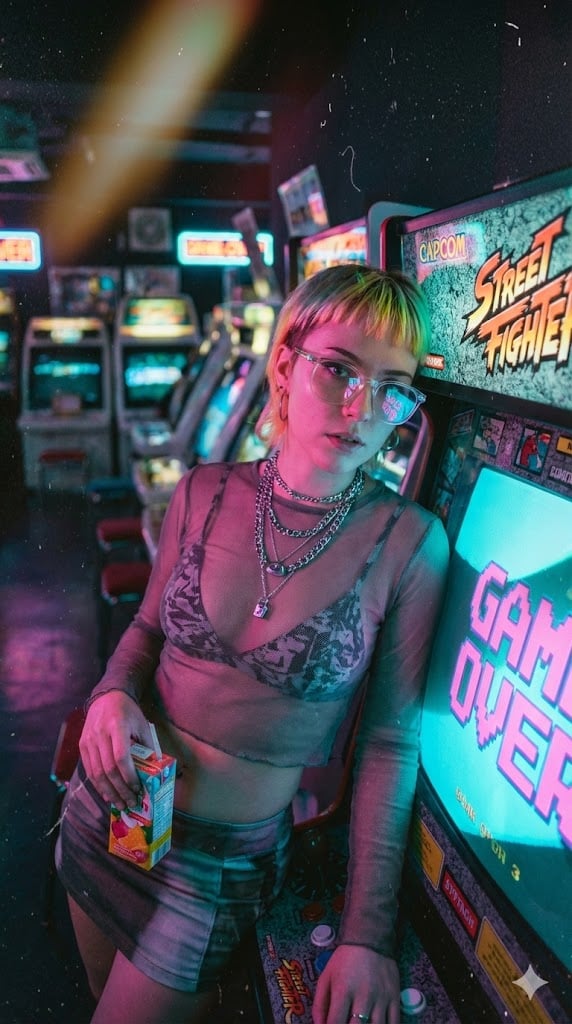
Retro-Futuristic Arcade Photography Portrait
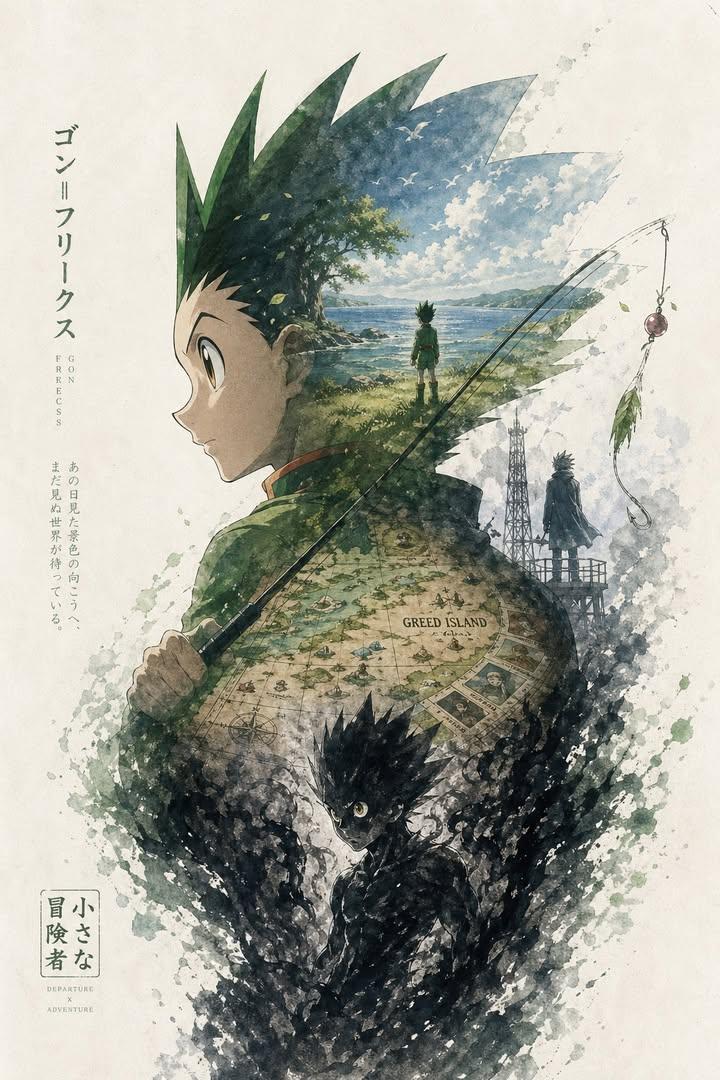
Anime Silhouette Narrative Poster
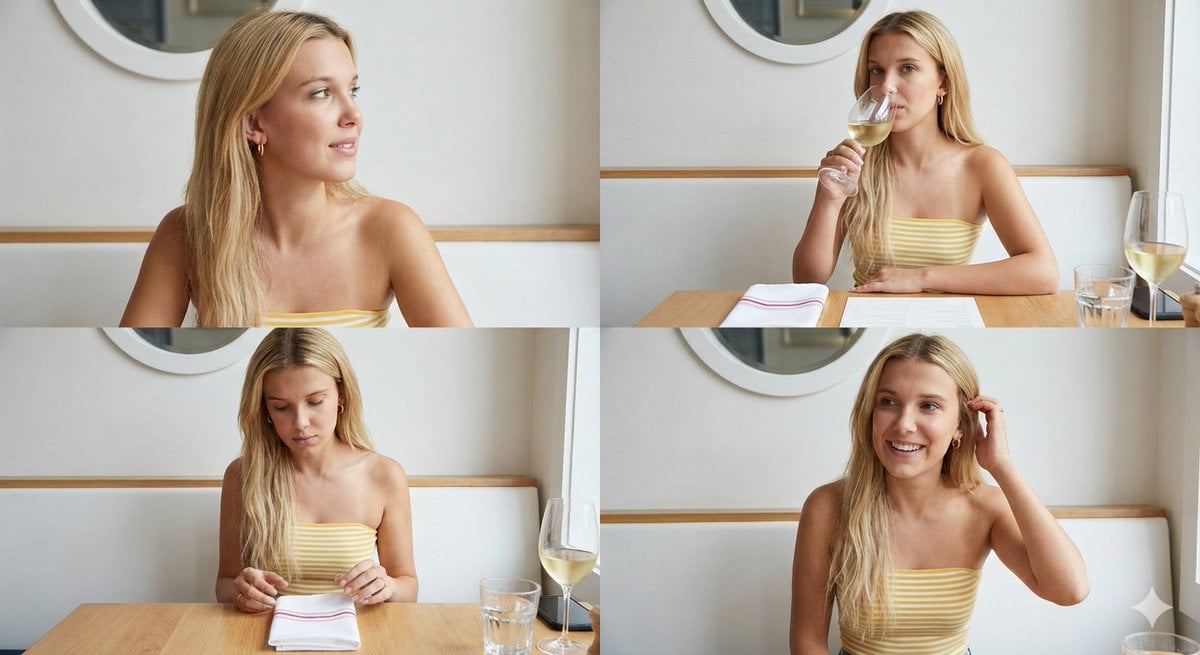
Four-Image Summer Lifestyle Editorial Collage Prompt
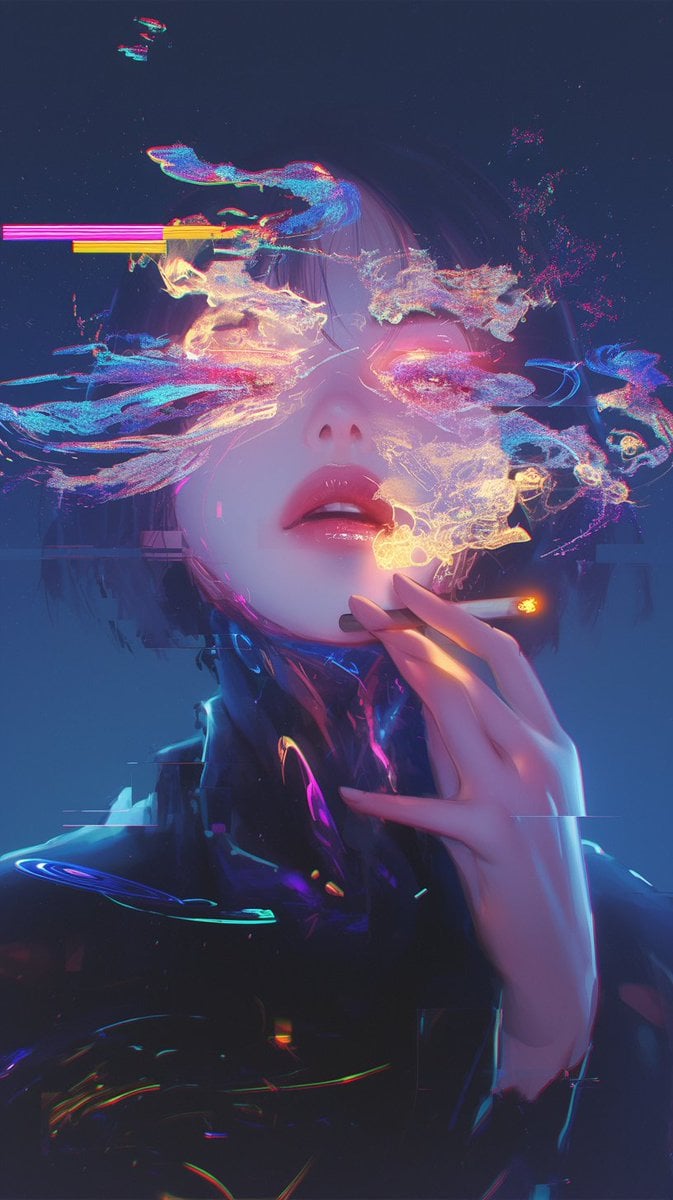
Image Repair and Inpainting Prompt
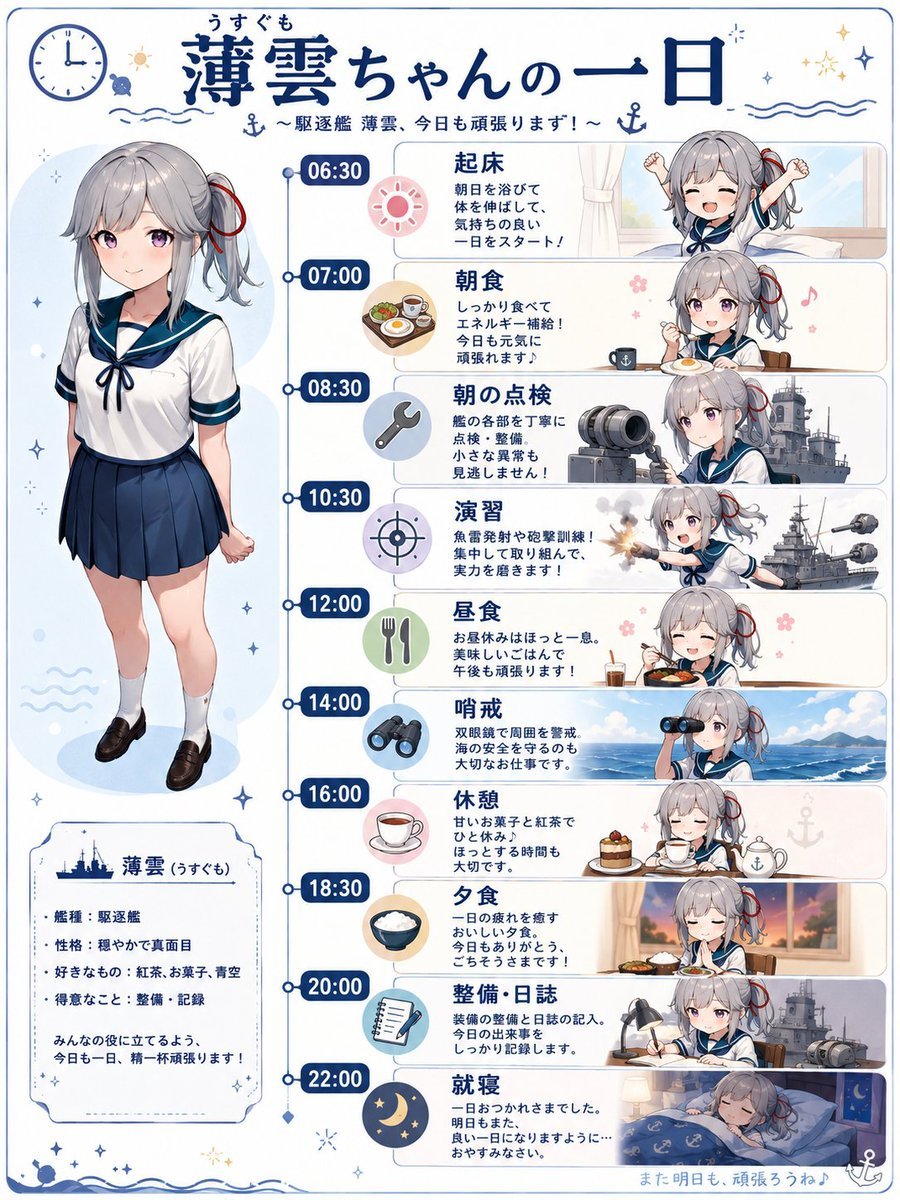
Ship Girl Daily Schedule Poster
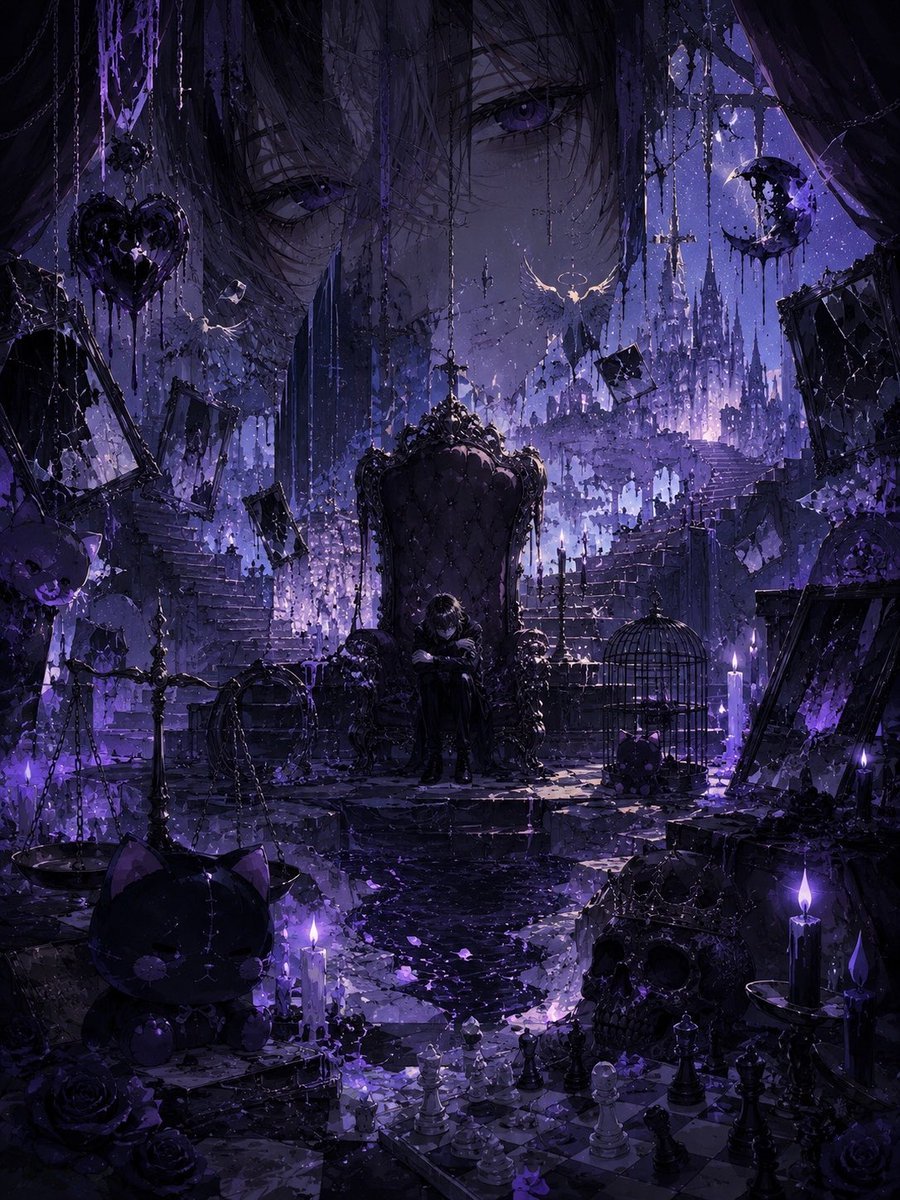
Gothic Violet Throne Fantasy
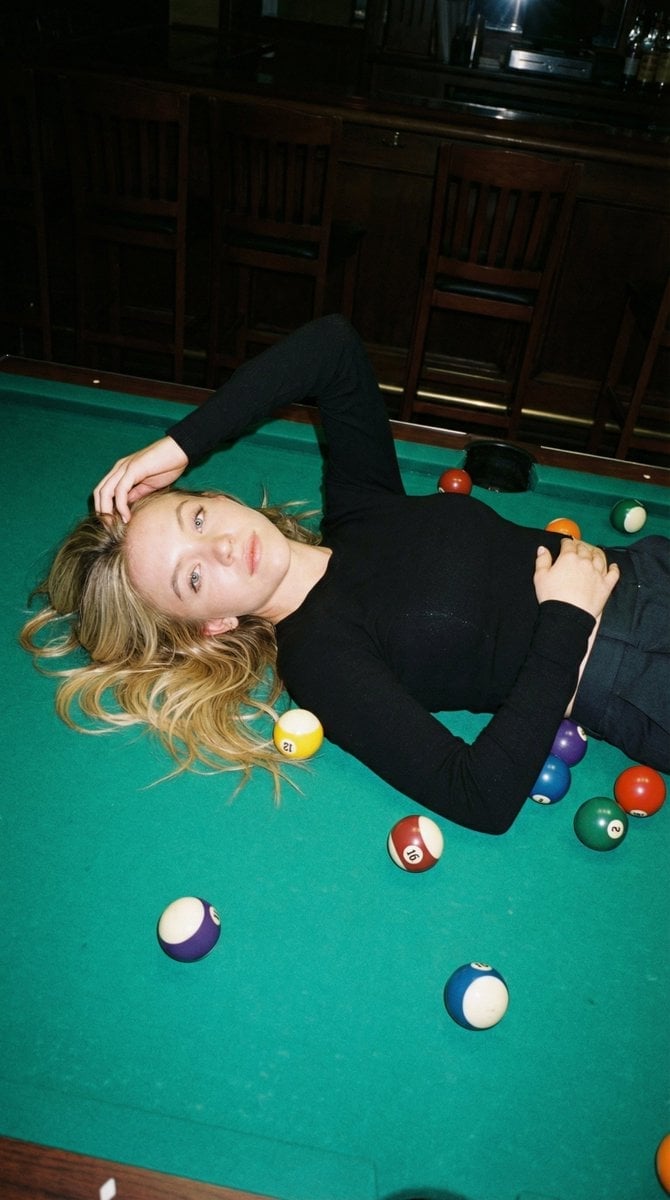
Editorial Nightlife Candid on a Billiards Table
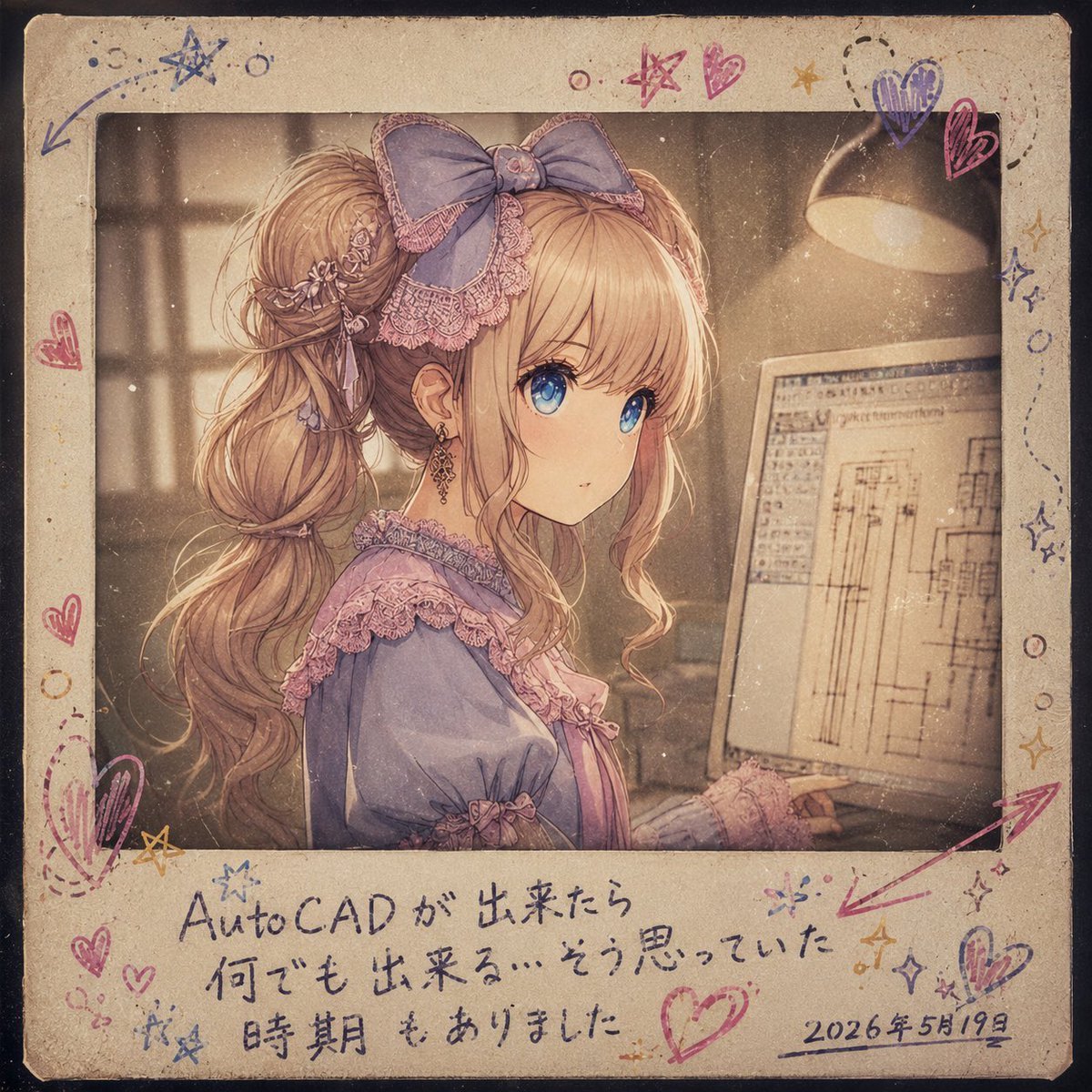
Melancholy AutoCAD Working Girl Polaroid
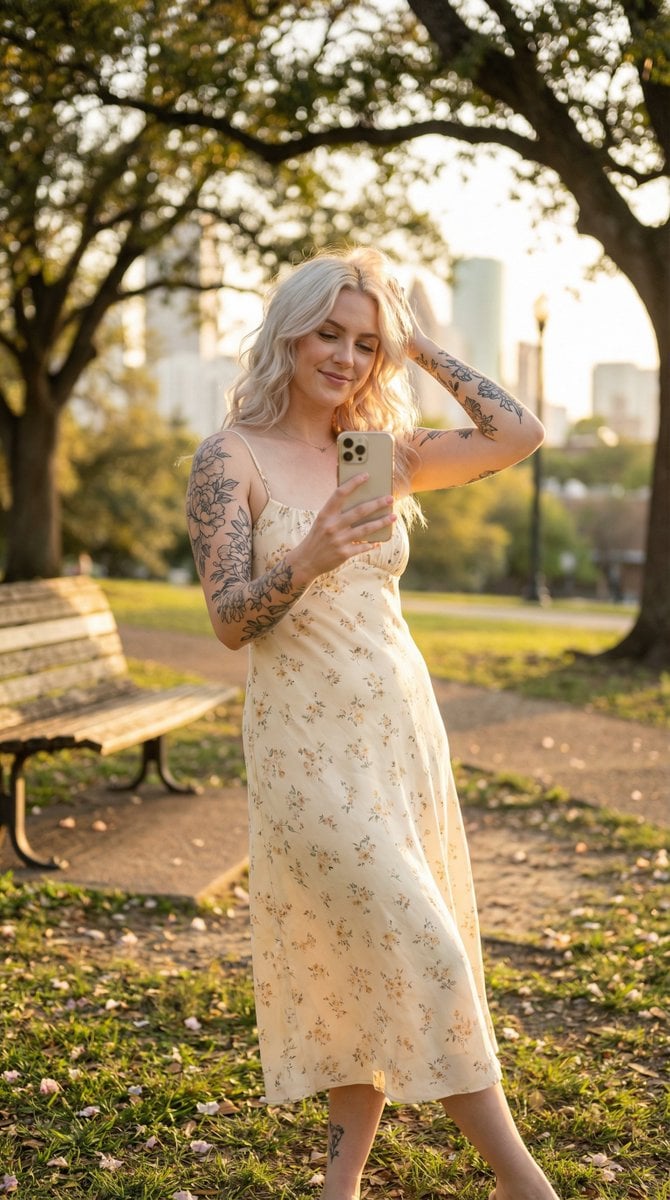
Golden Hour Outdoor Lifestyle Portrait Prompt
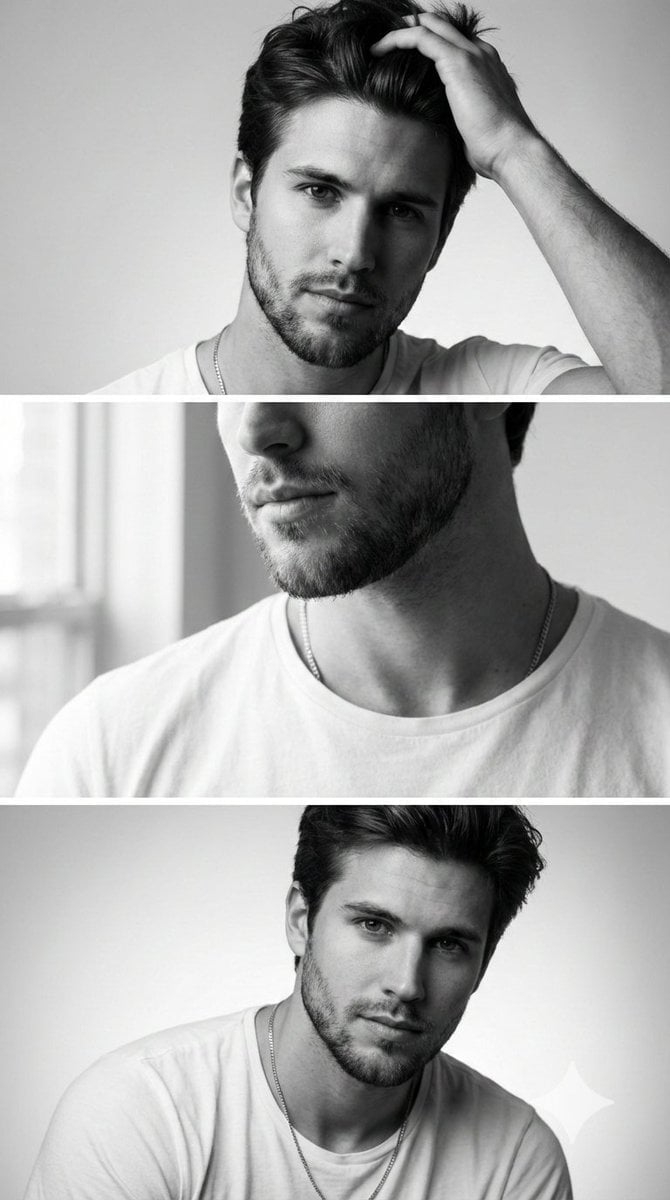
Modern Sculpture Monochrome Triptych Prompt
Browse template categories
Adventurer and Tamed Slime Journey questions
How do I use the Adventurer and Tamed Slime Journey template?
Add your photo if the template asks for one, edit the prompt if you like — the template's model and format are already selected — and press Generate. Your version opens in PicX Studio.
Can I customize the Adventurer and Tamed Slime Journey template?
Yes. You can change the subject, setting, lighting, mood, format, and available model controls before creating your image.
Is the Adventurer and Tamed Slime Journey template free?
Opening and editing this template is free. Generating uses credits, shown on the Generate button when you are signed in.
Which AI model should I use?
Start with GPT Image 2, which is the model associated with this template. You can compare another compatible model for a different finish.
Looking for something else? Browse all templates.

Your photo, any look
Thousands of ready templates for every top image and video model, from one credit balance.