
Tiny Adventurer Giant Insect Collage
A whimsical 6-panel collage prompt that creates stylized 3D versions of a person riding giant insects with expressive faces and Pixar-like charm.
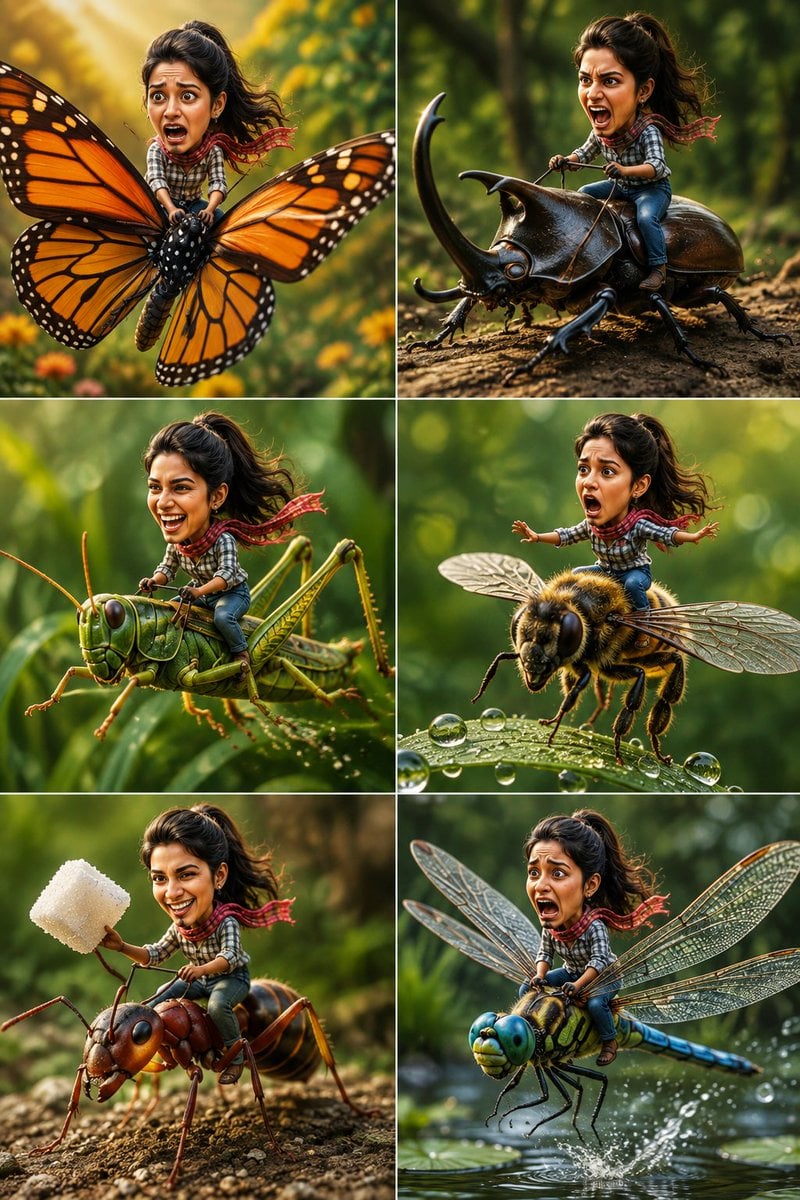
- Prompt included
- Model and format preset
- Free template
The prompt behind this image
Copy the exact prompt behind Tiny Adventurer Giant Insect Collage, or open it in the studio and make it yours.
Create a 6-panel ultra-realistic cinematic collage using the uploaded reference image as the facial reference. Keep the woman's recognizable face, hairstyle, facial features, skin tone, and expression consistent across all six scenes while giving her a cute oversized-head, tiny-body stylized 3D character appearance. Theme: "{argument name="theme" default="Tiny Adventurer Riding Giant Insects"}" Each panel features a different giant insect with a unique funny expression and pose. Scene 1: {argument name="scene one" default="The tiny woman rides a giant Monarch butterfly soaring through a lush garden. She has a terrified, wide-eyed expression while tightly gripping the butterfly's body as its colorful wings flap through golden sunlight."} Scene 2: She confidently rides a massive rhinoceros beetle like a motorcycle, leaning forward and shouting excitedly as the beetle charges across a tree log. Scene 3: She laughs uncontrollably while riding a giant green grasshopper performing a huge leap between tall blades of grass. Scene 4: She balances nervously while surfing on the back of a giant honeybee flying above dew-covered leaves, arms stretched for balance with an exaggerated shocked face. Scene 5: She happily rides a giant red ant carrying an oversized sugar cube through a forest floor, proudly raising the sugar cube like a trophy. Scene 6: She screams dramatically while riding a giant dragonfly racing just above a peaceful pond at incredible speed, water splashing beneath the wings. Style: {argument name="style" default="Ultra-realistic macro photography, stylized 3D character with an oversized expressive head and tiny body, cinematic lighting, Pixar-inspired proportions"}, highly detailed insect anatomy, realistic wings, fur, and textures, shallow depth of field, beautiful garden bokeh, vibrant natural colors, whimsical adventure, funny expressions, premium 3D rendering, 8K, hyper-detailed, vertical 2×3 collage layout. Negative Prompt: blurry, low quality, duplicate character, duplicate insects, deformed face, extra limbs, incorrect anatomy, cropped character, watermark, logo, text, flat lighting, horror, gore, realistic human-sized insects, CGI artifacts, low resolution.
How to use Tiny Adventurer Giant Insect Collage in 3 steps
- 1Upload ImagePNG, JPG or paste
Add your photo
Upload the photo the template builds on. The prompt, model and format are already set.
- 2…a portrait of your subject in softgolden-hour light, 85mm…
Personalize
Edit the subject and creative details for your destination.
- 3Generate
Generate
Press Generate — your image is created in PicX Studio, so you can compare it with the original and refine one variable at a time.
More like this
Templates with the same subject, style or setup. Open one to see its prompt.












Make it yours
Tiny Adventurer Giant Insect Collage works as-is. These are the safest ways to change it without losing the look.
Change one field
Copy a single group, rewrite it, and generate again so you can see what that field is doing.
Keep the frame, change the subject
Hold the composition and light of Tiny Adventurer Giant Insect Collage, then swap wardrobe, props or the person for a new take.
| If the result… | Why | Fix |
|---|---|---|
| The result drifts from the preview | Too many fields changed at once. | Reuse Tiny Adventurer Giant Insect Collage as-is first, then change one group — subject, light, or setting. |
| The model over-stylizes the scene | The prose prompt leaves finish and camera underspecified. | Add one camera or lighting sentence and stay on GPT Image 2. |
More GPT Image 2 templates
Other prompts made for GPT Image 2.

Six VTuber Japanese Logo Sheet

Realistic Portrait of Woman and Deer

The Vista Modular Condo Poster

AI Model Routing Comparison Infographic

2.5D Anime Art Board

Isometric Productivity Desk Scene

New York Double Exposure Poster

Four-Panel AI Landscape Comparison

Japanese Tatami Lifestyle Magazine Cover

NESCAFÉ Coffee Map Poster
More image prompts
Fresh picks from across the catalog.
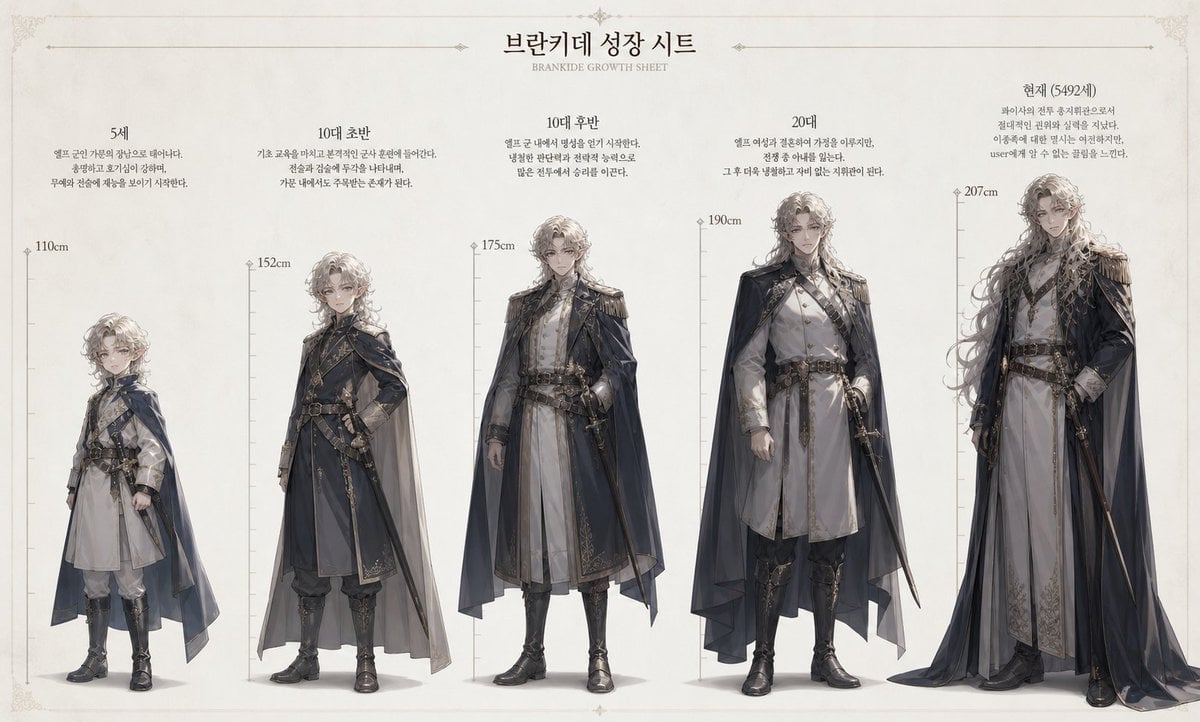
Character Growth Sheet Generator
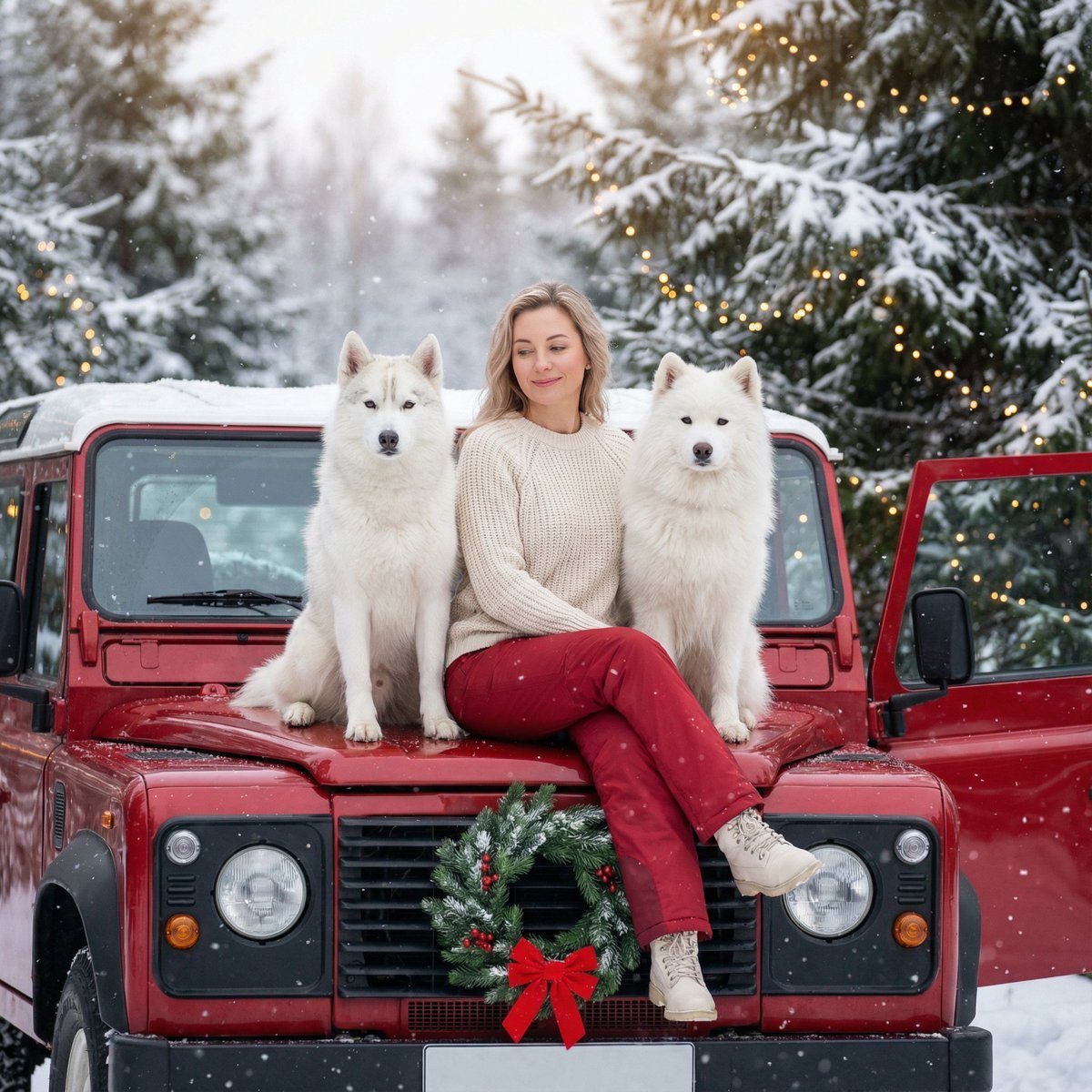
Winter Christmas Photoshoot with Huskies
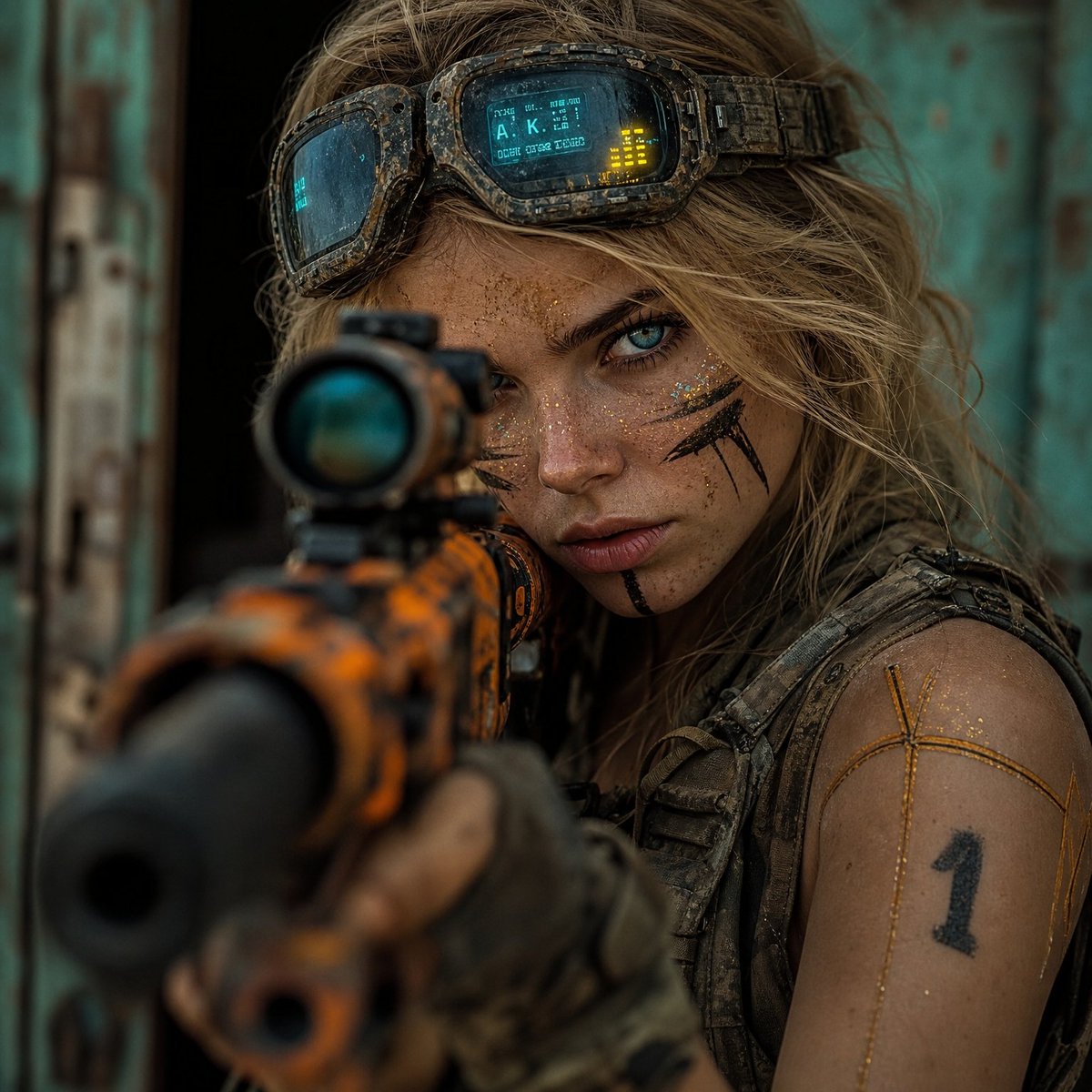
Hyper-Realistic Cinematic Rifle Portrait
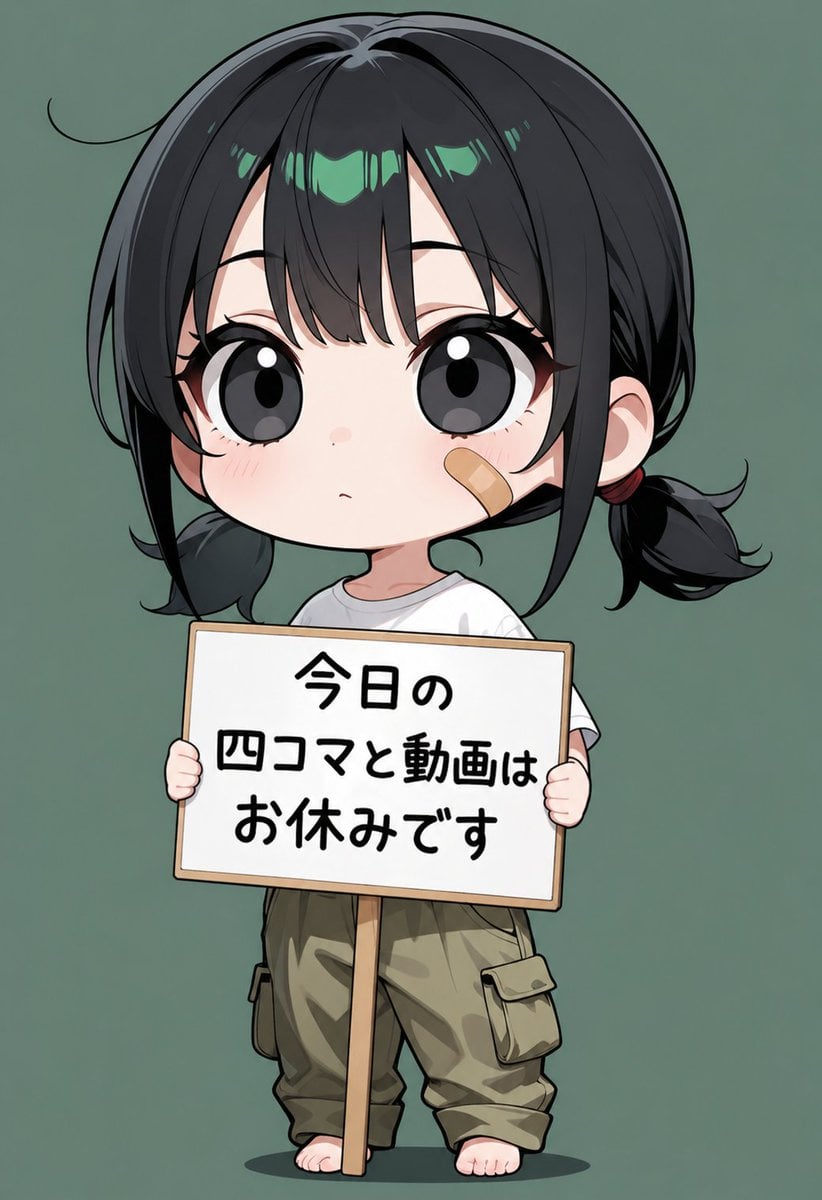
Chibi Girl Holding Japanese Notice Sign
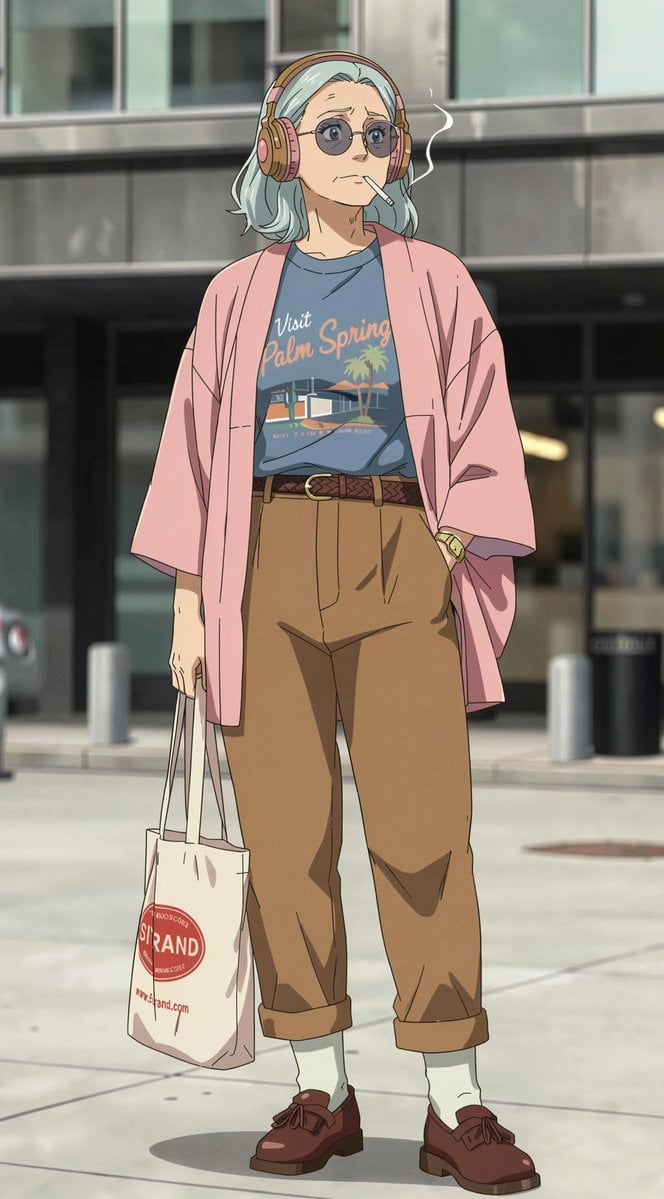
Anime Street Fashion Woman
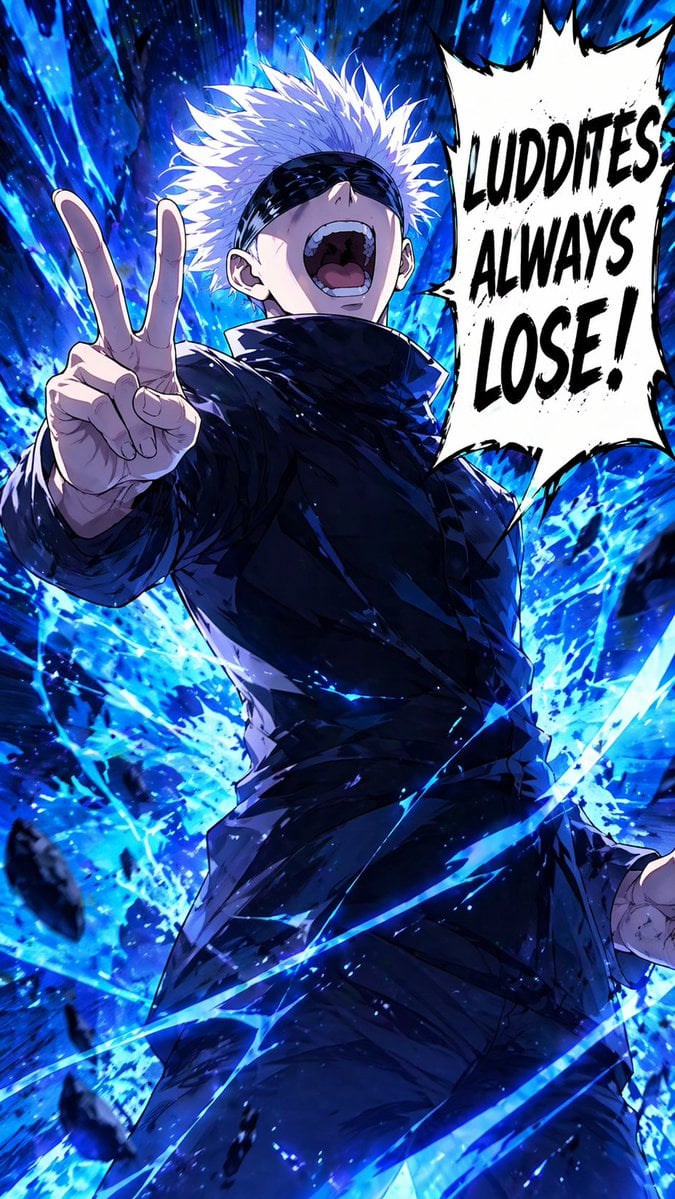
Blindfolded Sorcerer Victory Pose

Rabbit Portfolio Design System Board
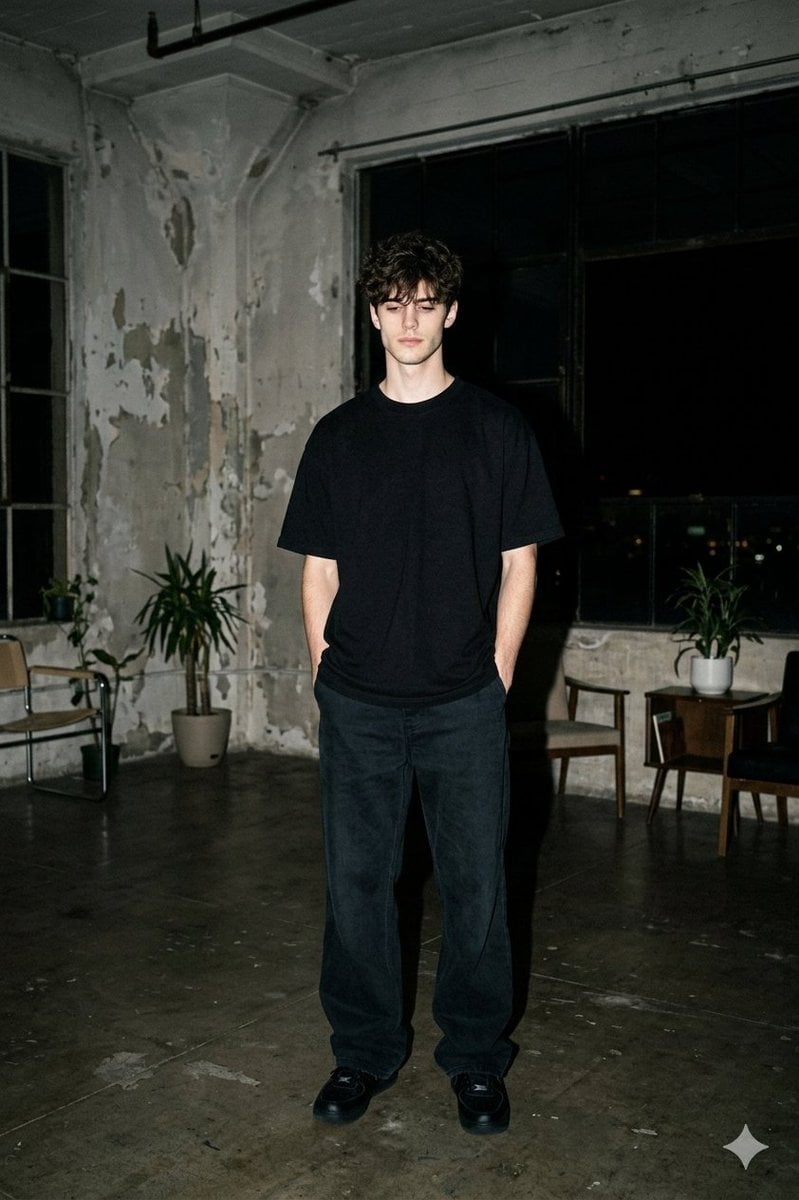
Nighttime Industrial Loft Fashion Shot (35mm Film Aesthetic)
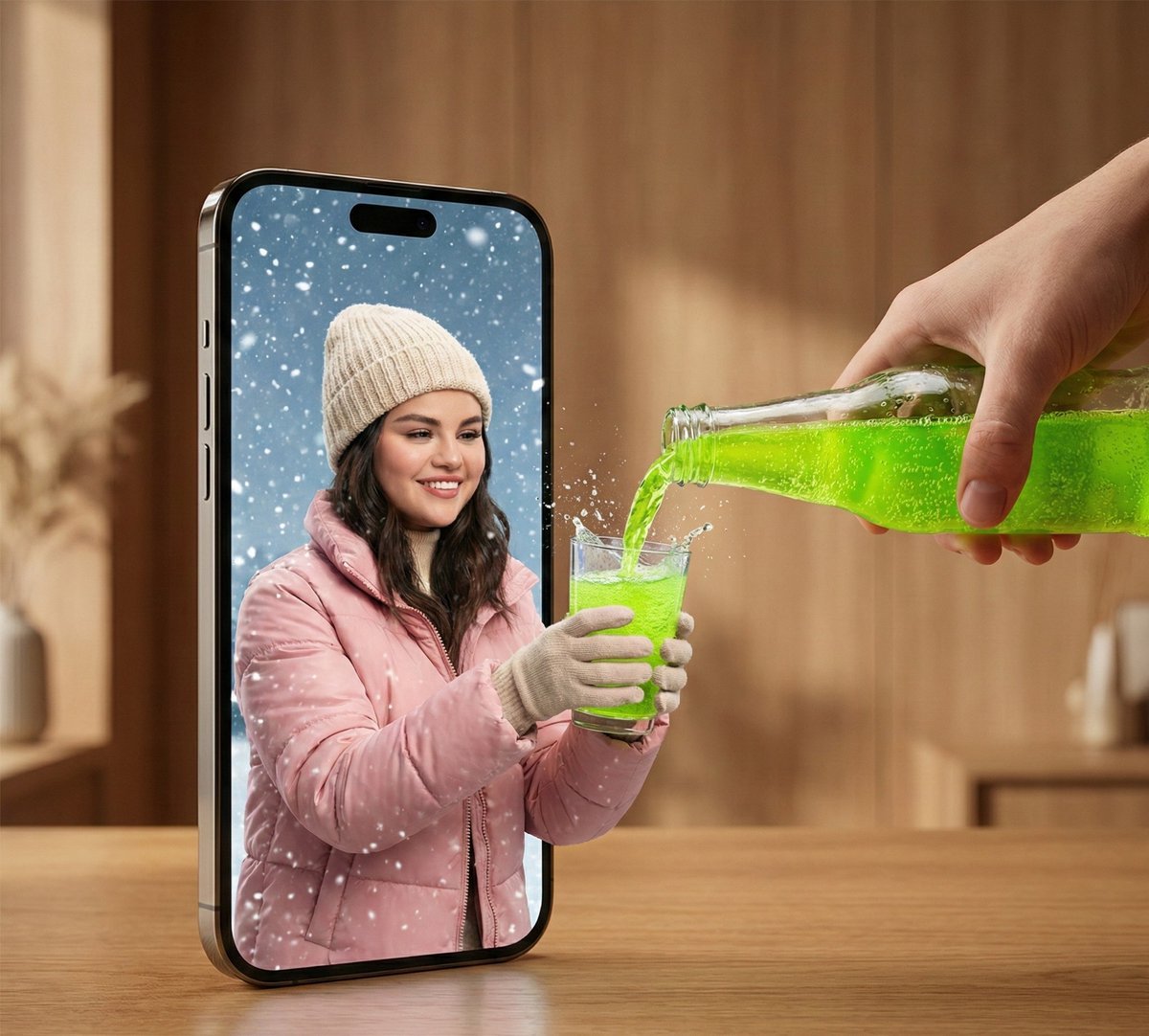
Surreal Smartphone Portal with Frozen Liquid Splash
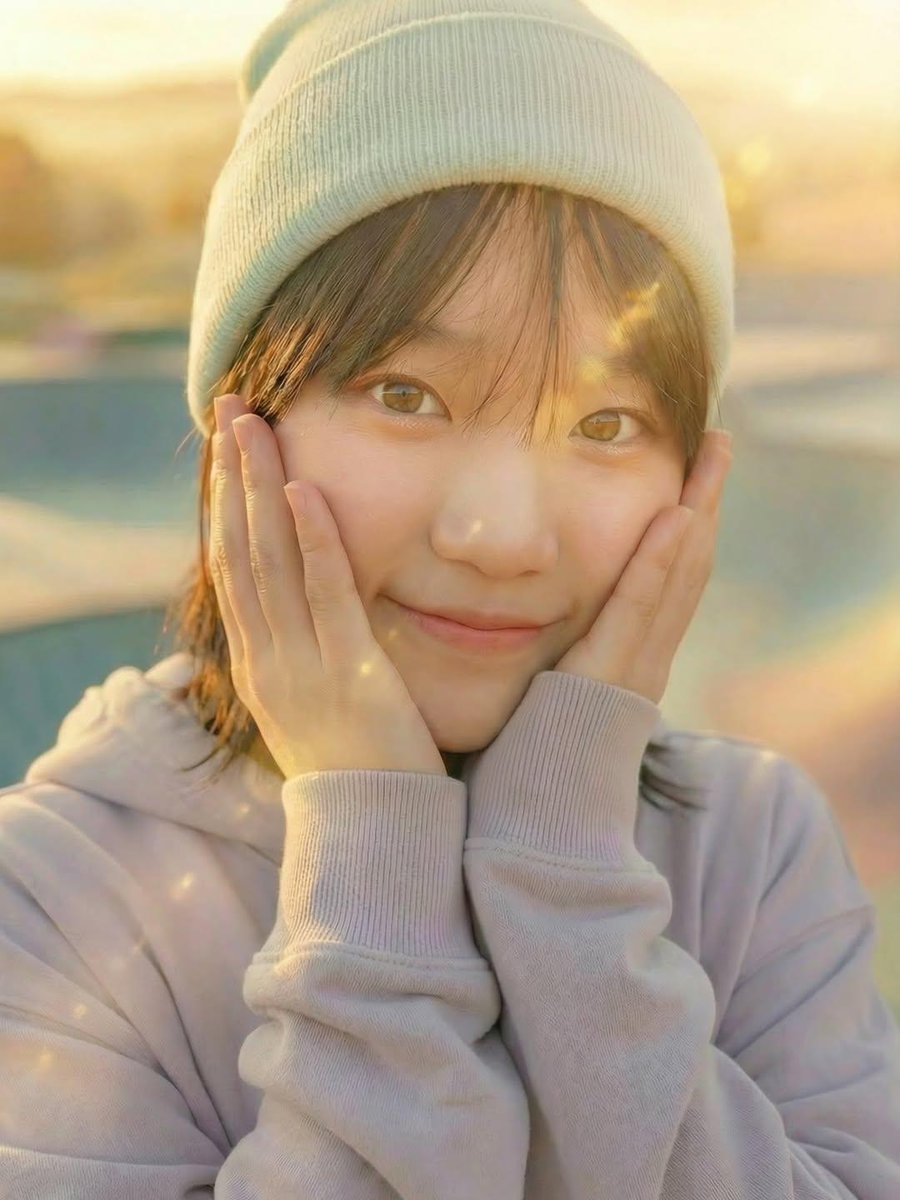
Three Nano Banana Pro prompts for lifestyle and product photography
Browse template categories
Tiny Adventurer Giant Insect Collage questions
How do I use the Tiny Adventurer Giant Insect Collage template?
Add your photo if the template asks for one, edit the prompt if you like — the template's model and format are already selected — and press Generate. Your version opens in PicX Studio.
Can I customize the Tiny Adventurer Giant Insect Collage template?
Yes. You can change the subject, setting, lighting, mood, format, and available model controls before creating your image.
Is the Tiny Adventurer Giant Insect Collage template free?
Opening and editing this template is free. Generating uses credits, shown on the Generate button when you are signed in.
Which AI model should I use?
Start with GPT Image 2, which is the model associated with this template. You can compare another compatible model for a different finish.
Looking for something else? Browse all templates.

Your photo, any look
Thousands of ready templates for every top image and video model, from one credit balance.