
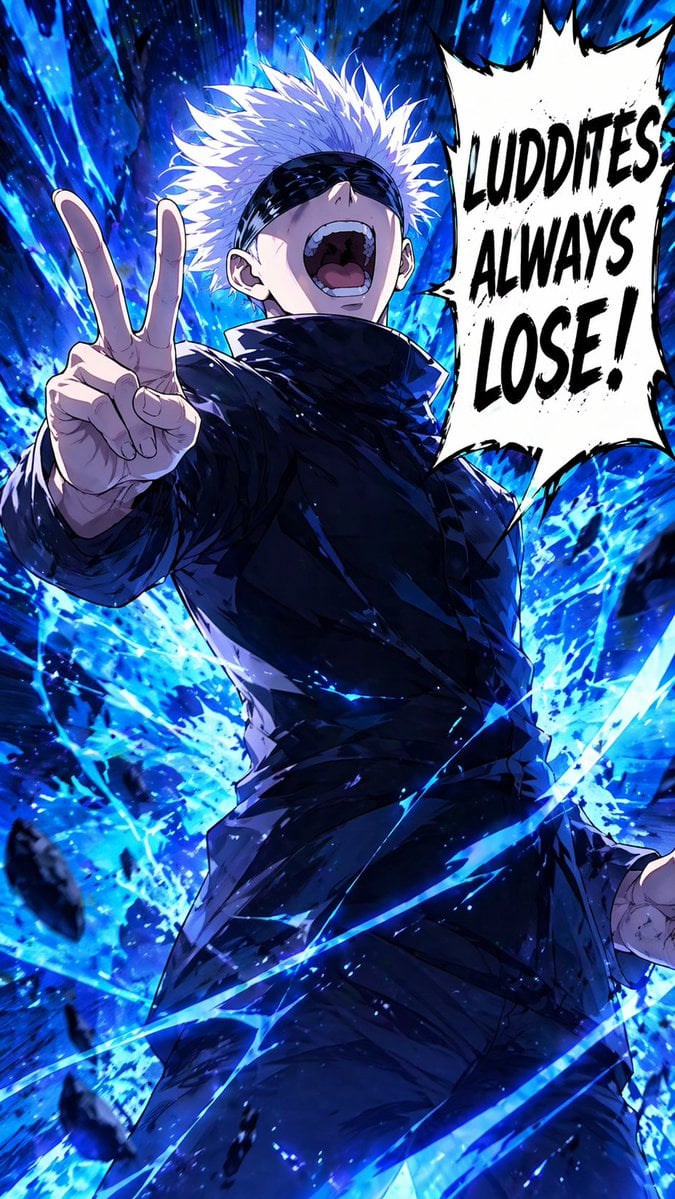
Blindfolded Sorcerer Victory Pose
This prompt generates a dramatic vertical anime action poster of a blindfolded white-haired sorcerer with explosive blue energy and a bold manga speech bubble, ideal for stylized character art or fandom-inspired visuals.
- Prompt included
- Model and format preset
- Free template
The prompt behind this image
Copy the exact prompt behind Blindfolded Sorcerer Victory Pose, or open it in the studio and make it yours.
A high-impact shonen manga anime illustration of a powerful white-haired sorcerer in a dramatic low-angle full-body pose, laughing with his head thrown back and mouth wide open, wearing a sleek black high-collar uniform and a black blindfold over his eyes. His left hand is thrust toward the viewer making a two-finger peace sign, with strong foreshortening that makes the hand large in the foreground, while his right arm hangs lower at his side. Surround him with explosive {argument name="energy color" default="electric blue"} supernatural energy, violent brushstroke-like aura trails, flying debris, sparks, and swirling curved streaks cutting across the frame. The background should be a dark, abstract, chaotic energy burst with glowing blue shards and motion lines, creating a sense of overwhelming power. Use bold cel-shaded anime rendering with painterly highlights, sharp linework, intense contrast, and glossy fabric folds on the black outfit. On the right side, add 1 large jagged white manga speech bubble with thick black outline containing the text {argument name="speech bubble text" default="LUDDITES ALWAYS LOSE!"} in huge distressed black uppercase letters. Vertical composition, dynamic action poster framing, confident triumphant attitude, modern dark fantasy anime aesthetic.
How to use Blindfolded Sorcerer Victory Pose in 3 steps
- 1Upload ImagePNG, JPG or paste
Add your photo
Upload the photo the template builds on. The prompt, model and format are already set.
- 2…a portrait of your subject in softgolden-hour light, 85mm…
Personalize
Edit the subject and creative details for your destination.
- 3Generate
Generate
Press Generate — your image is created in PicX Studio, so you can compare it with the original and refine one variable at a time.
More like this
Templates with the same subject, style or setup. Open one to see its prompt.
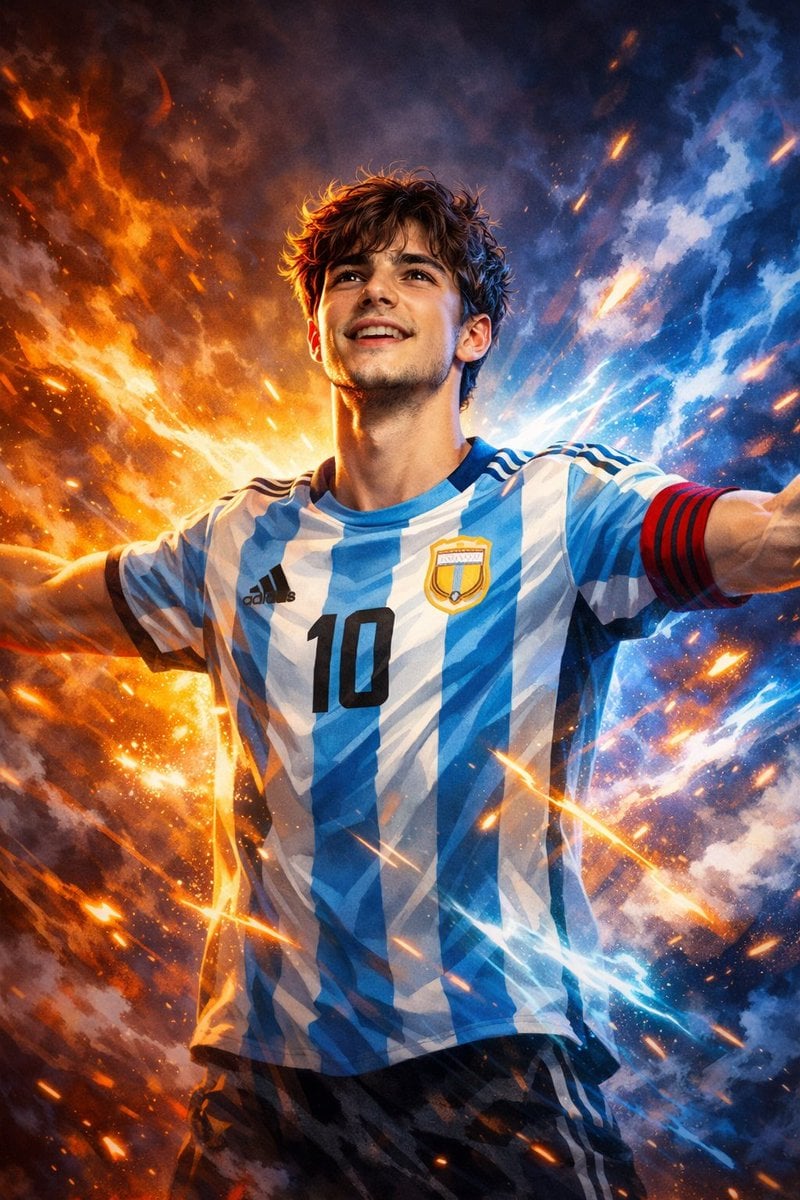
Victory Aura Superhero Neon Poster
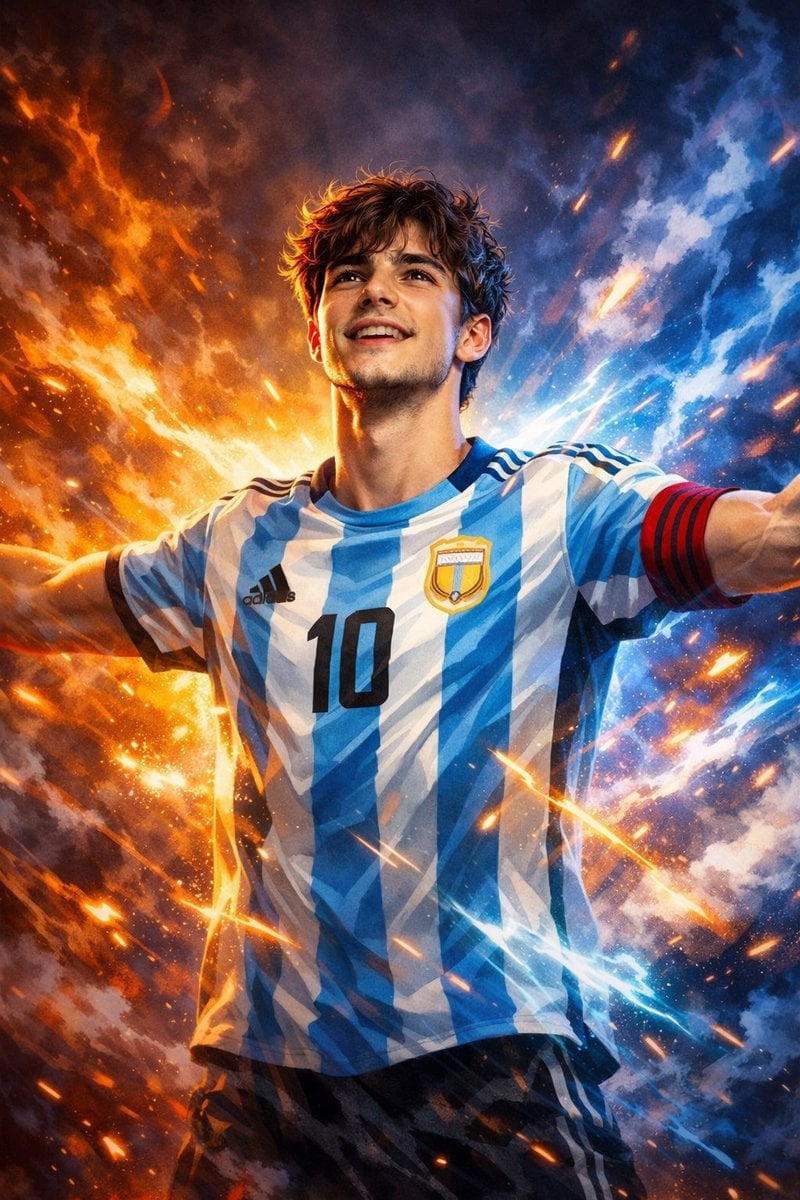
Victory Aura Football Poster
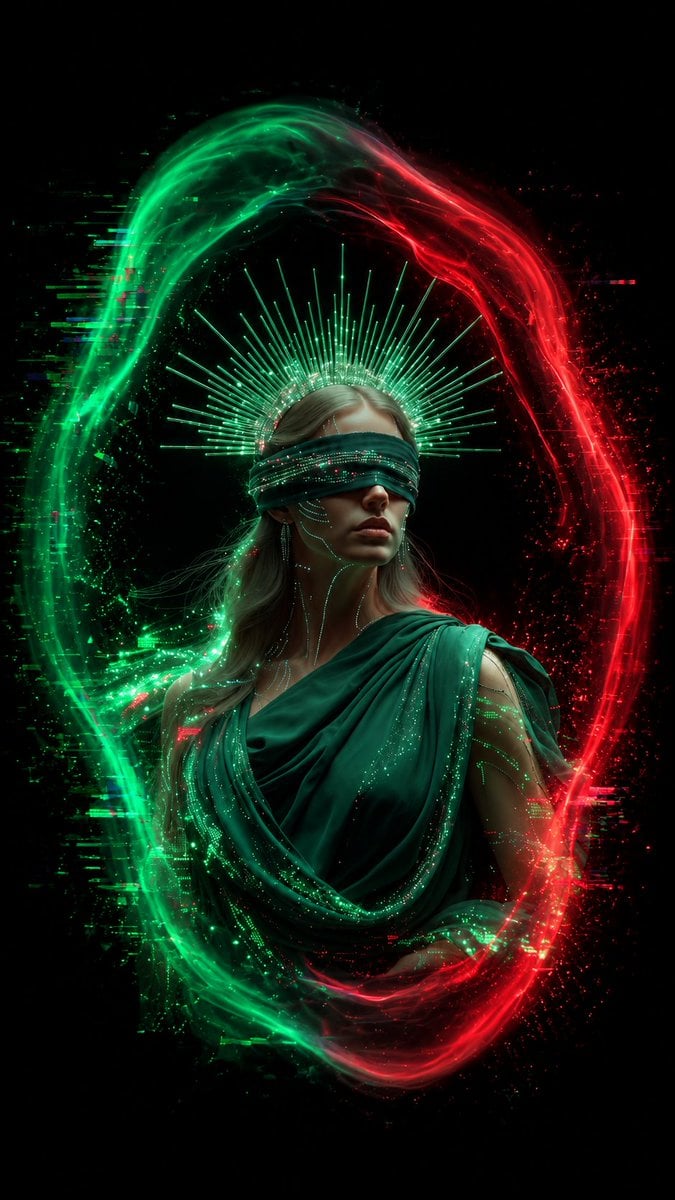
Blindfolded Digital Oracle
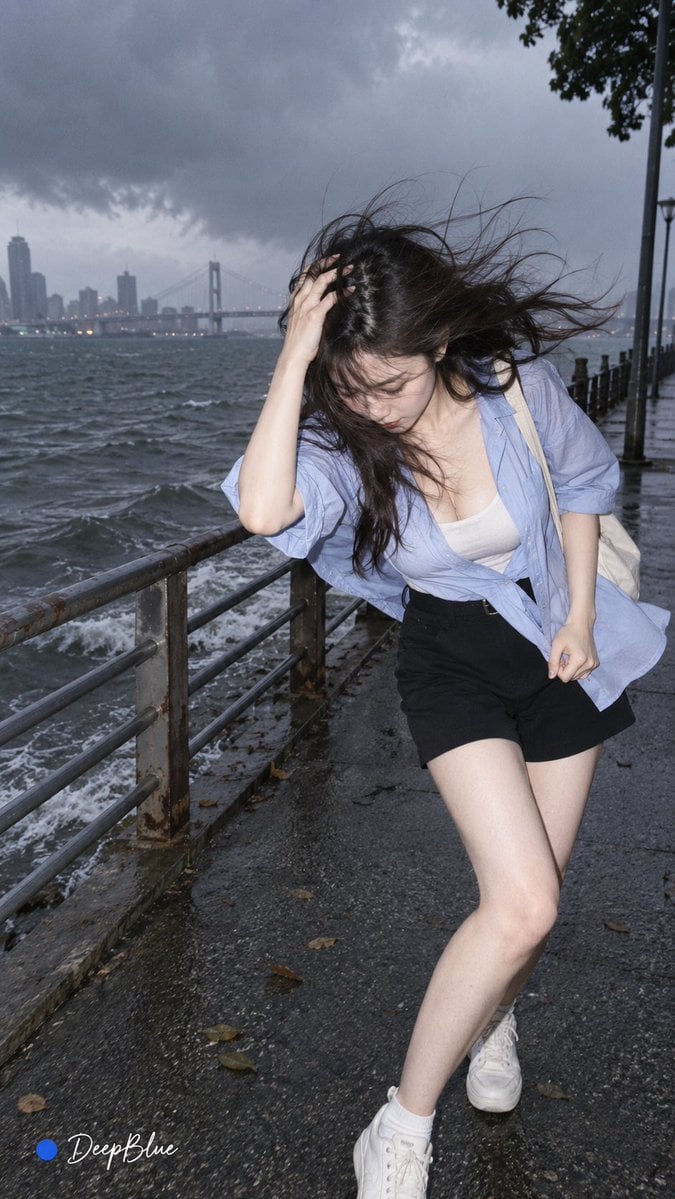
Random Photo Pose Generator

Soccer Superstar Victory Portrait
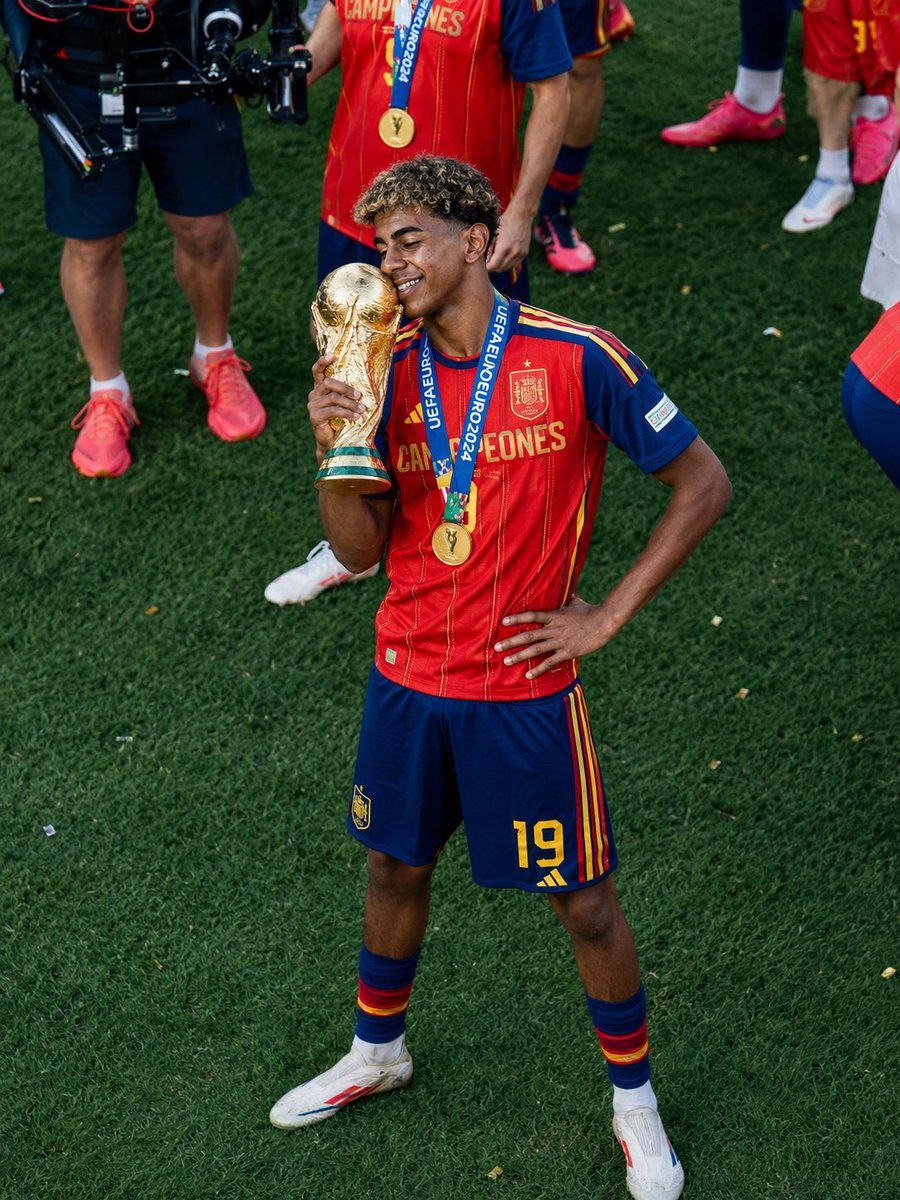
Football Player Championship Victory Celebration
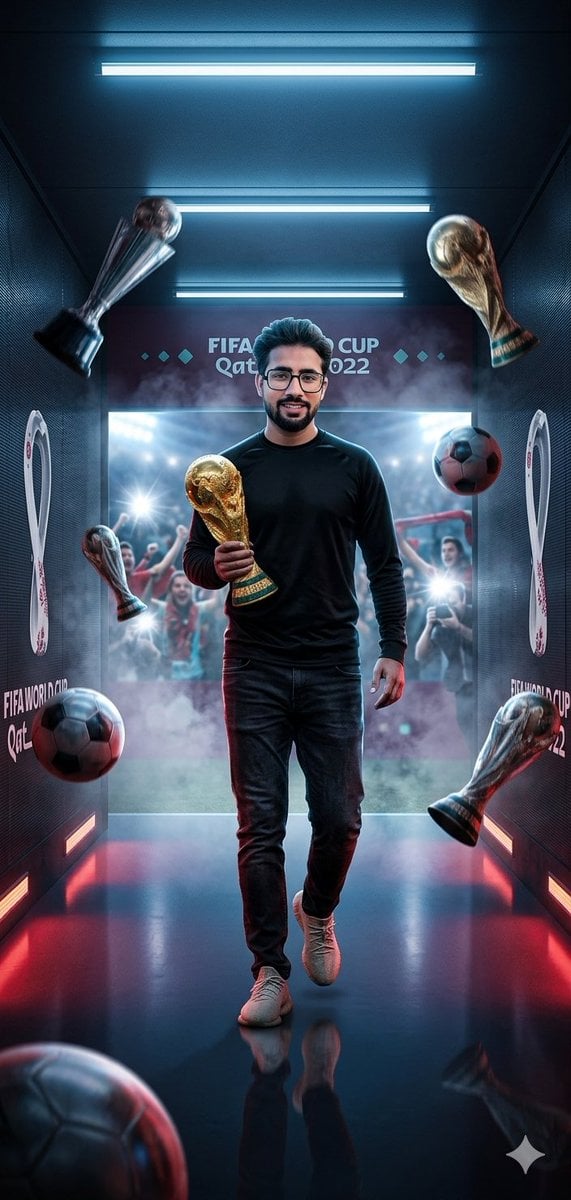
World Cup Victory Tunnel Scene

FIFA World Cup Victory Throne
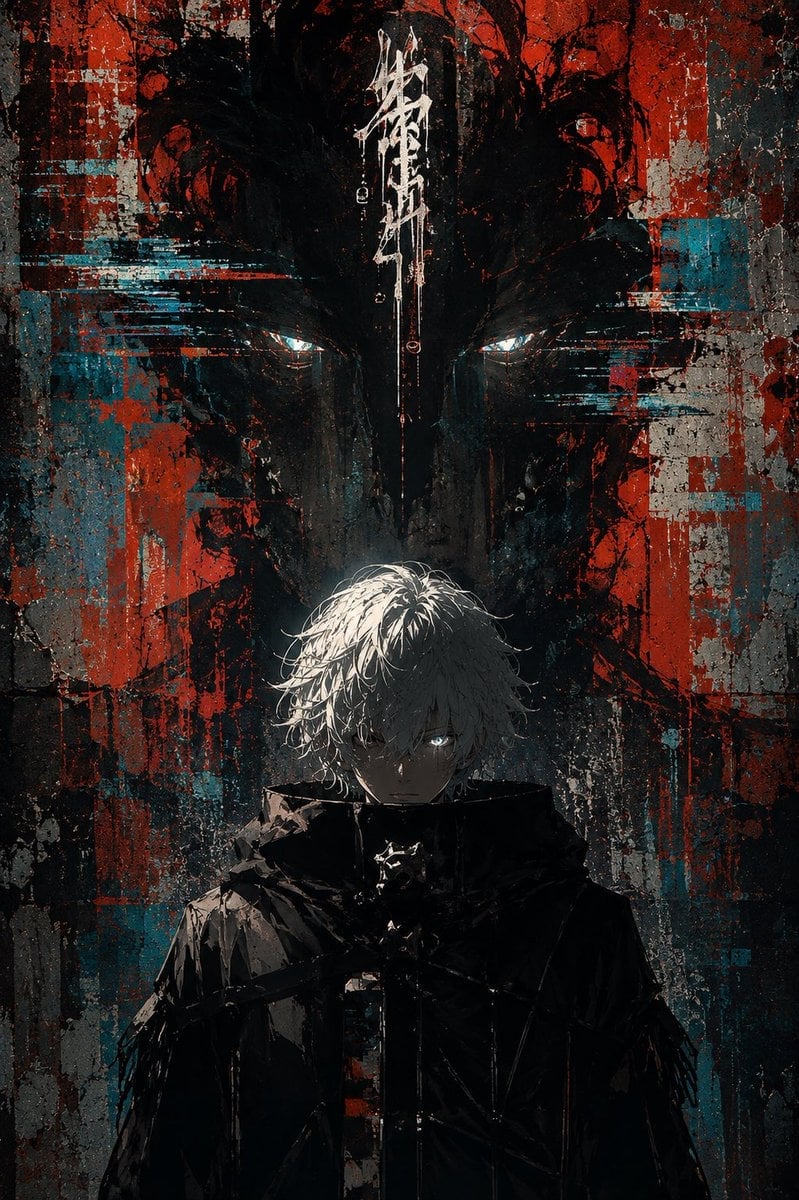
Glitch Street Sorcerer Poster
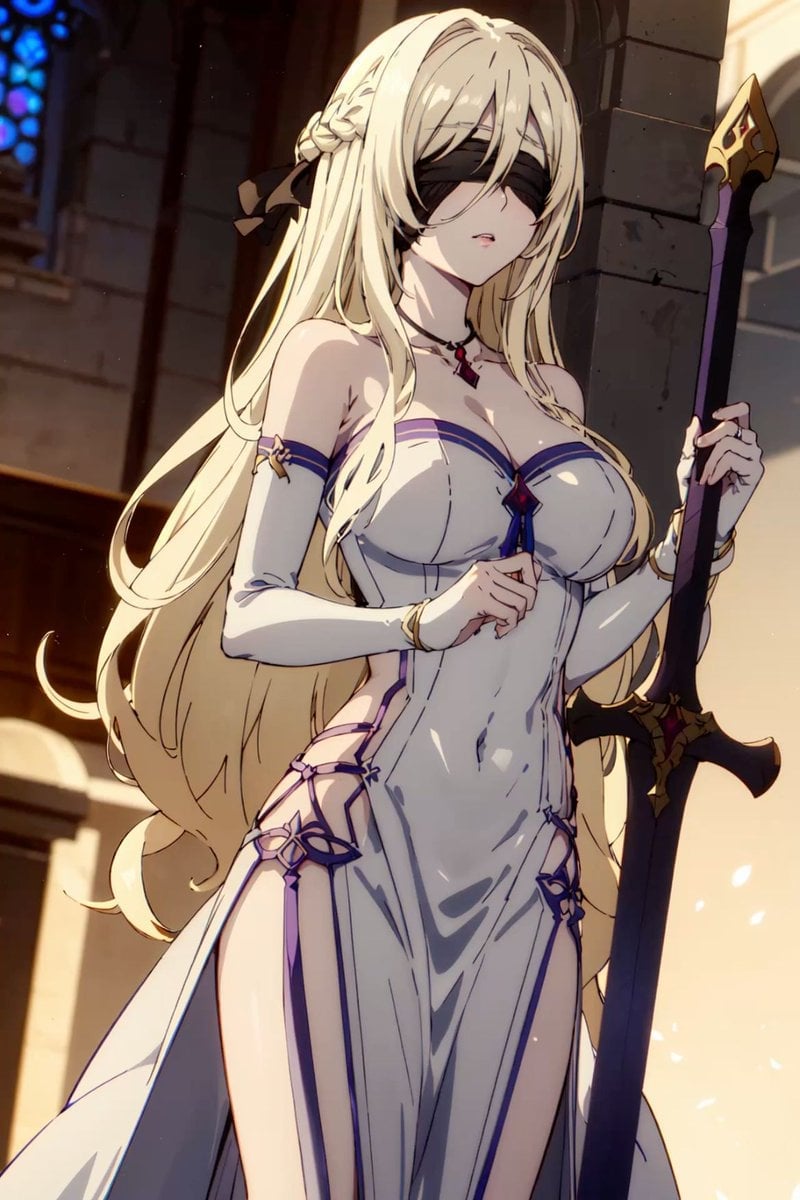
Blindfolded Cathedral Priestess
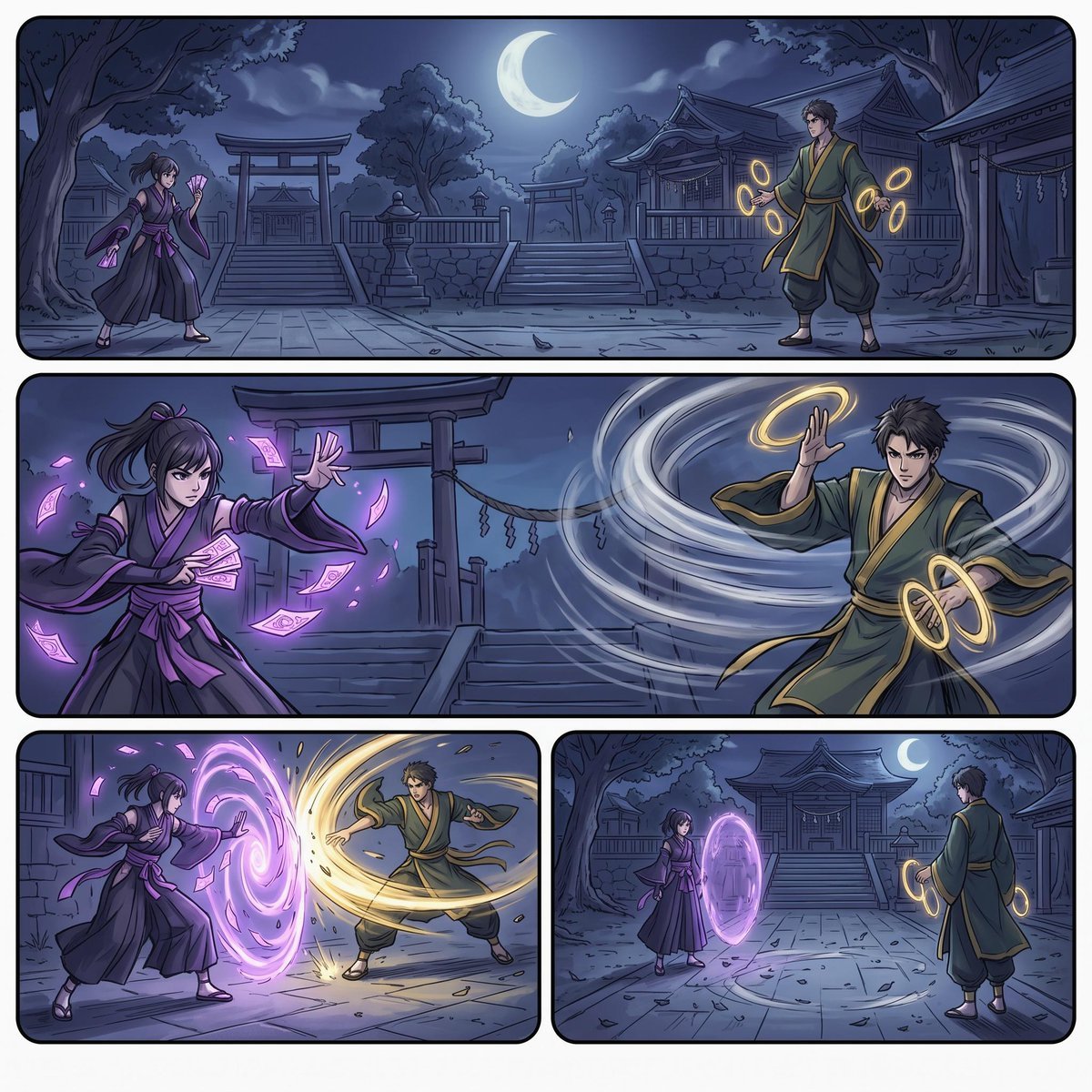
Moonlit Shrine Sorcerer Duel Comic

Yoga Pose Editorial Collage
Make it yours
Blindfolded Sorcerer Victory Pose works as-is. These are the safest ways to change it without losing the look.
Change one field
Copy a single group, rewrite it, and generate again so you can see what that field is doing.
Keep the frame, change the subject
Hold the composition and light of Blindfolded Sorcerer Victory Pose, then swap wardrobe, props or the person for a new take.
| If the result… | Why | Fix |
|---|---|---|
| The result drifts from the preview | Too many fields changed at once. | Reuse Blindfolded Sorcerer Victory Pose as-is first, then change one group — subject, light, or setting. |
| The model over-stylizes the scene | The prose prompt leaves finish and camera underspecified. | Add one camera or lighting sentence and stay on GPT Image 2. |
More GPT Image 2 templates
Other prompts made for GPT Image 2.

Six VTuber Japanese Logo Sheet

Realistic Portrait of Woman and Deer

The Vista Modular Condo Poster

AI Model Routing Comparison Infographic

2.5D Anime Art Board

Isometric Productivity Desk Scene

New York Double Exposure Poster

Four-Panel AI Landscape Comparison

Japanese Tatami Lifestyle Magazine Cover

NESCAFÉ Coffee Map Poster
More image prompts
Fresh picks from across the catalog.
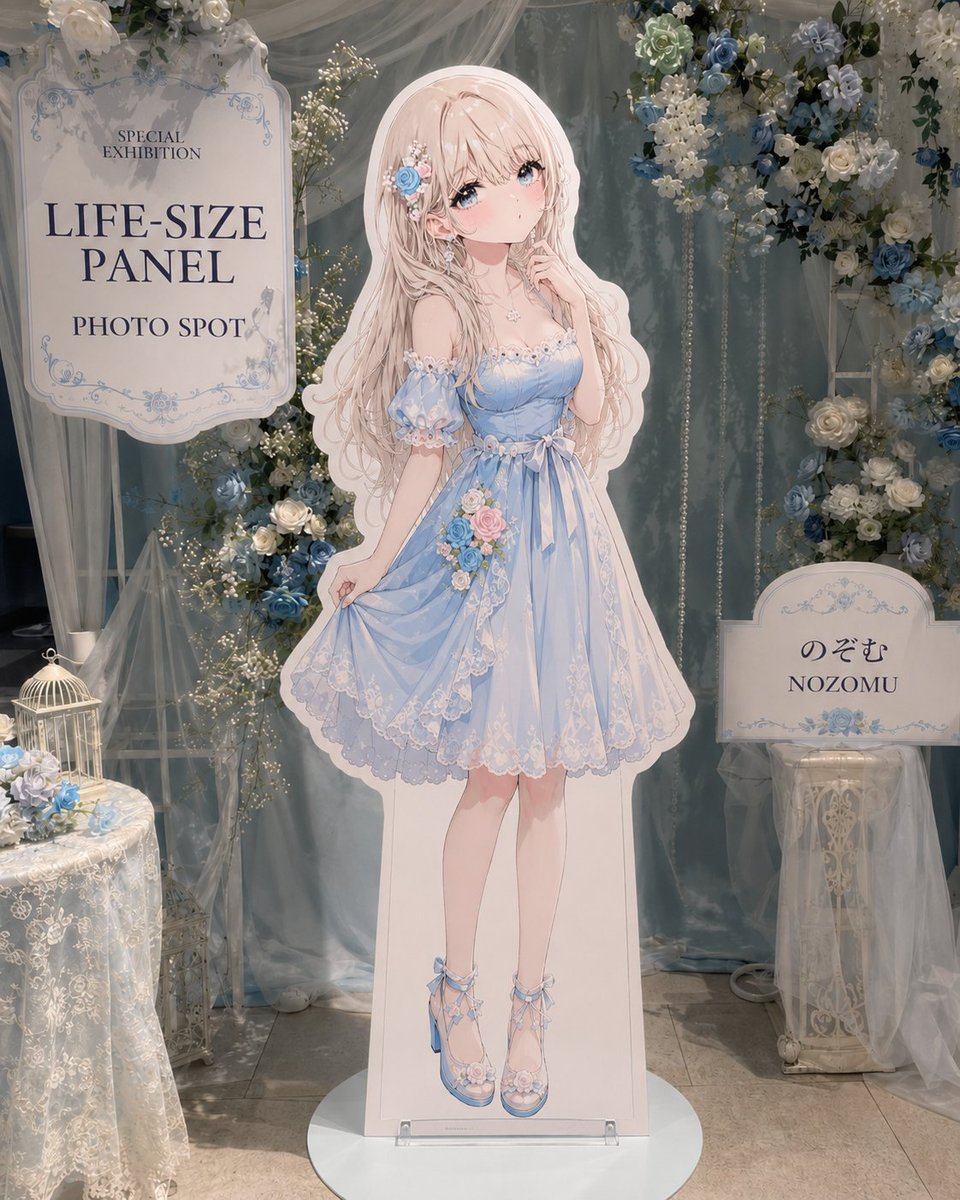
Anime Life-Size Panel Photo Spot
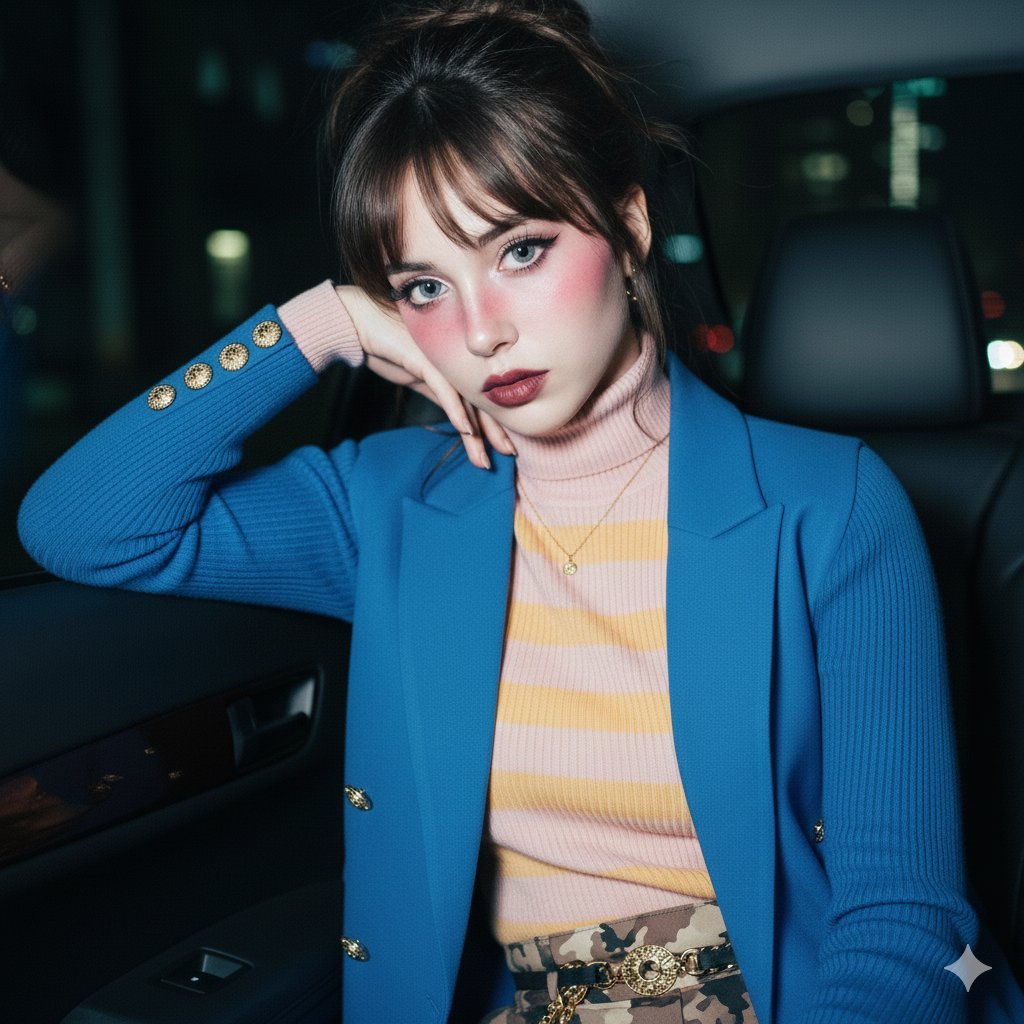
Ethereal Doll-like Portrait in a Night Car Interior
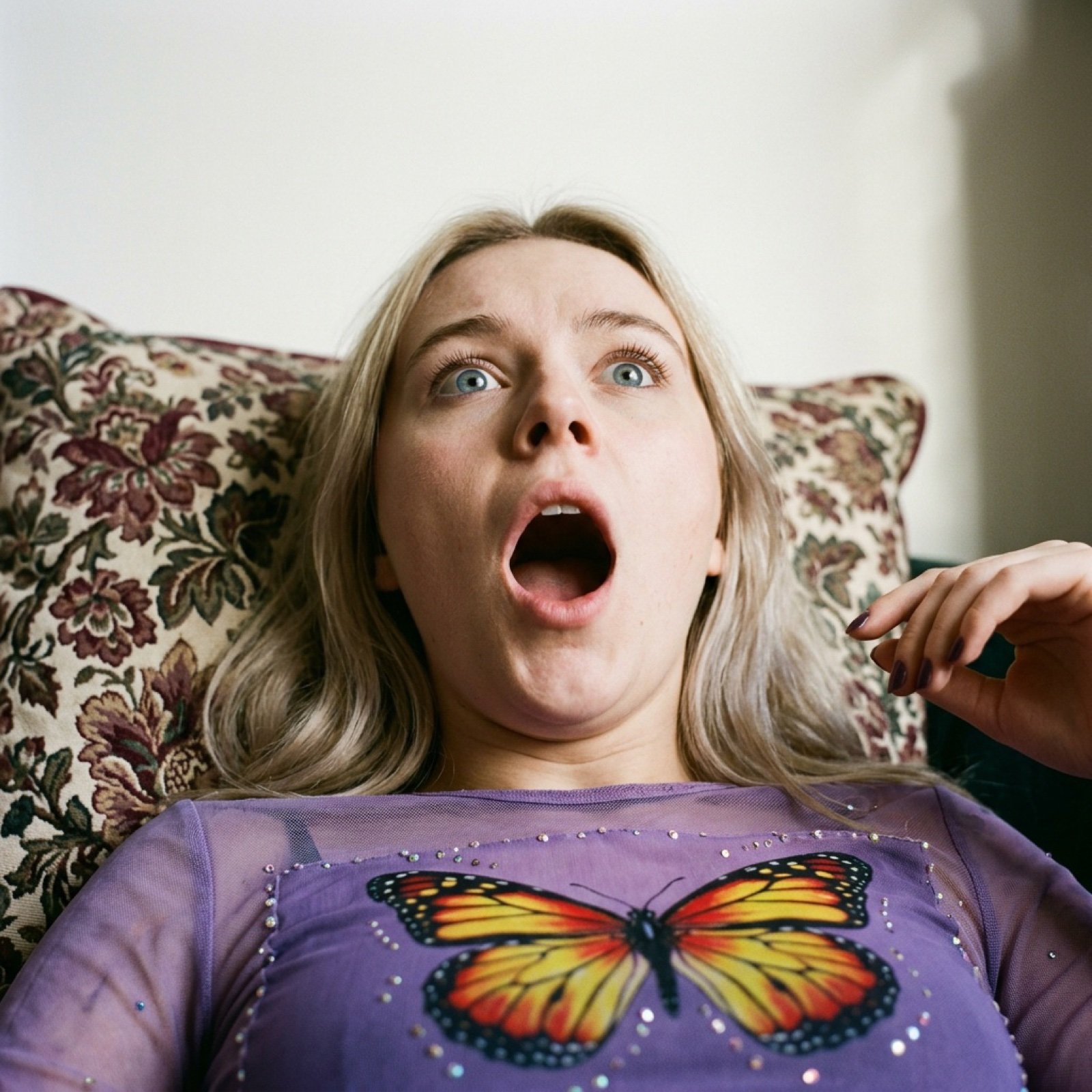
Shocked Expression Candid Photo Prompt
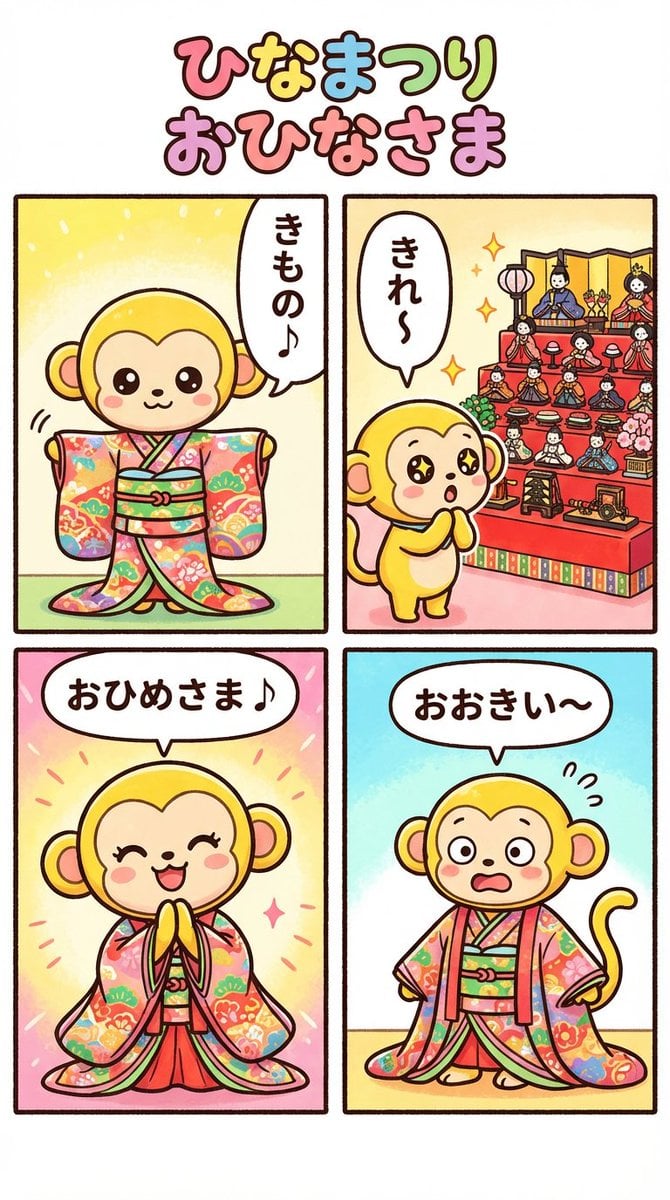
Nano Banana Pro 4-panel comic: Hina Matsuri
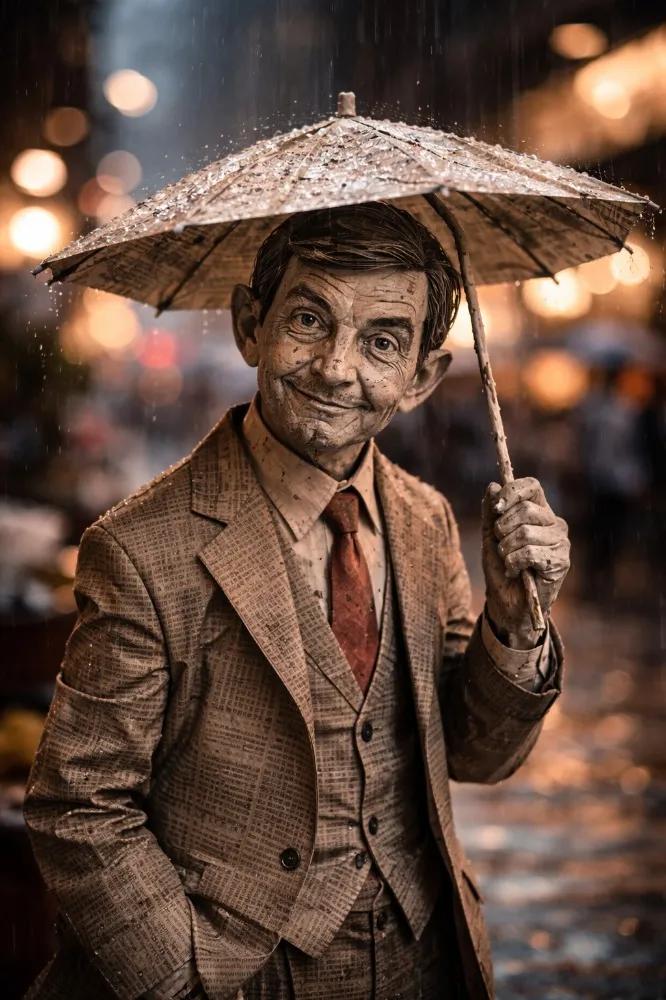
Cinematic Paper Figure in the Rain
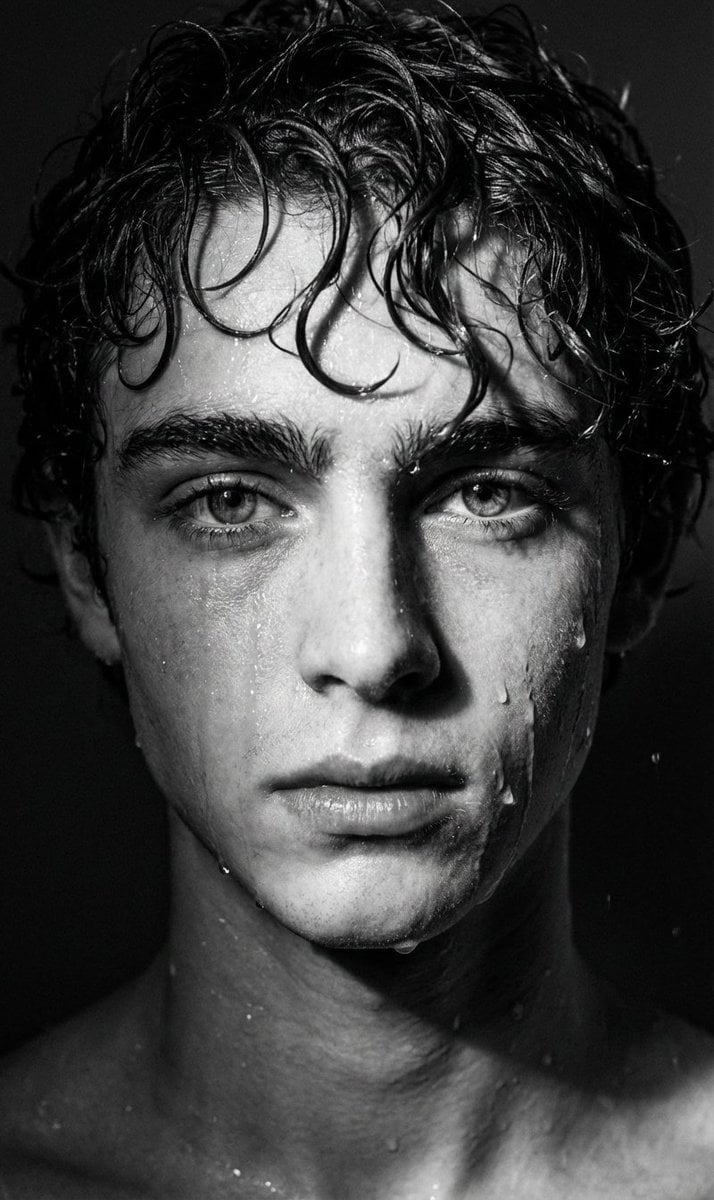
Dramatic Black and White Wet Portrait Prompt
Retro Magazine Upside-Down Portrait
Photorealistic Portrait Promoting Body Positivity

Luxury Drink Advertisement Poster
Old Photo Restoration to DSLR Quality
Browse template categories
Blindfolded Sorcerer Victory Pose questions
How do I use the Blindfolded Sorcerer Victory Pose template?
Add your photo if the template asks for one, edit the prompt if you like — the template's model and format are already selected — and press Generate. Your version opens in PicX Studio.
Can I customize the Blindfolded Sorcerer Victory Pose template?
Yes. You can change the subject, setting, lighting, mood, format, and available model controls before creating your image.
Is the Blindfolded Sorcerer Victory Pose template free?
Opening and editing this template is free. Generating uses credits, shown on the Generate button when you are signed in.
Which AI model should I use?
Start with GPT Image 2, which is the model associated with this template. You can compare another compatible model for a different finish.
Looking for something else? Browse all templates.

Your photo, any look
Thousands of ready templates for every top image and video model, from one credit balance.