
Blindfolded Digital Oracle
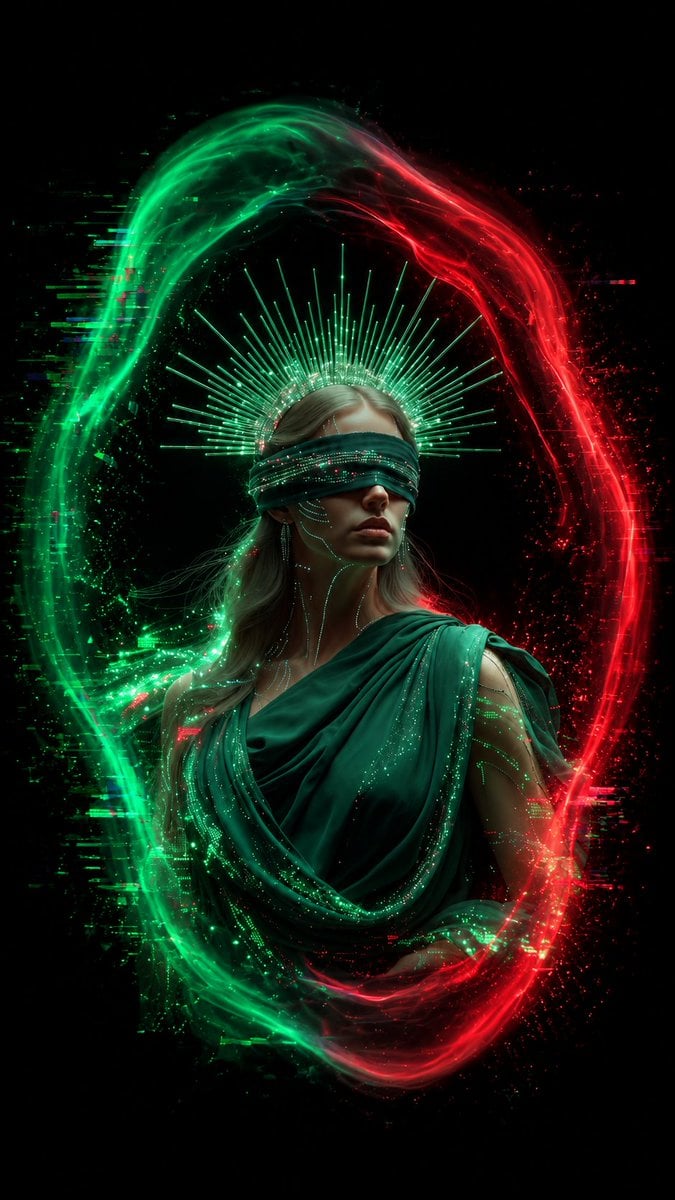
A cinematic cyber-mystic portrait of a blindfolded oracle surrounded by a red and green neon energy portal.
- Prompt included
- Model and format preset
- Free template
The prompt behind this image
Copy the exact prompt behind Blindfolded Digital Oracle, or open it in the studio and make it yours.
Create a vertical cinematic fantasy portrait on a pure black background: a solemn young woman styled as a cyberpunk oracle or blindfolded goddess, centered from the waist up, with pale skin, long ash-blonde hair, and a calm serious expression. She wears a deep emerald draped toga-like garment with layered folds and a dark green futuristic blindfold covering her eyes, the blindfold embedded with tiny glowing green and red data lights. Add fine luminous circuit-trace markings across her cheeks, neck, shoulders, and arms. Behind her head place a radiant halo made of many thin green light rays, like a digital saint crown. Surround her entire body with one large vertical oval energy ring made from two opposing colors: the left half is vivid neon green and the right half is intense neon red, both formed from smoky plasma, particles, scanline glitches, and fragmented digital noise. The ring should look like a flowing yin-yang-shaped portal, with green energy sweeping upward on the left and red energy sweeping downward on the right, scattering sparks outward. Use dramatic low-key lighting, high contrast, ultra-detailed realistic skin and fabric, glowing particle effects, volumetric haze, sharp focus on the face and torso, and a mystical sci-fi editorial poster aesthetic. Customize the subject as {argument name="character name" default="blindfolded digital oracle"}, the garment color as {argument name="garment color" default="deep emerald green"}, the left energy color as {argument name="left energy color" default="neon green"}, the right energy color as {argument name="right energy color" default="neon red"}, and the mood as {argument name="mood" default="solemn and prophetic"}. No text, no logo, no watermark.
How to use Blindfolded Digital Oracle in 3 steps
- 1Upload ImagePNG, JPG or paste
Add your photo
Upload the photo the template builds on. The prompt, model and format are already set.
- 2…a portrait of your subject in softgolden-hour light, 85mm…
Personalize
Edit the subject and creative details for your destination.
- 3Generate
Generate
Press Generate — your image is created in PicX Studio, so you can compare it with the original and refine one variable at a time.
More like this
Templates with the same subject, style or setup. Open one to see its prompt.
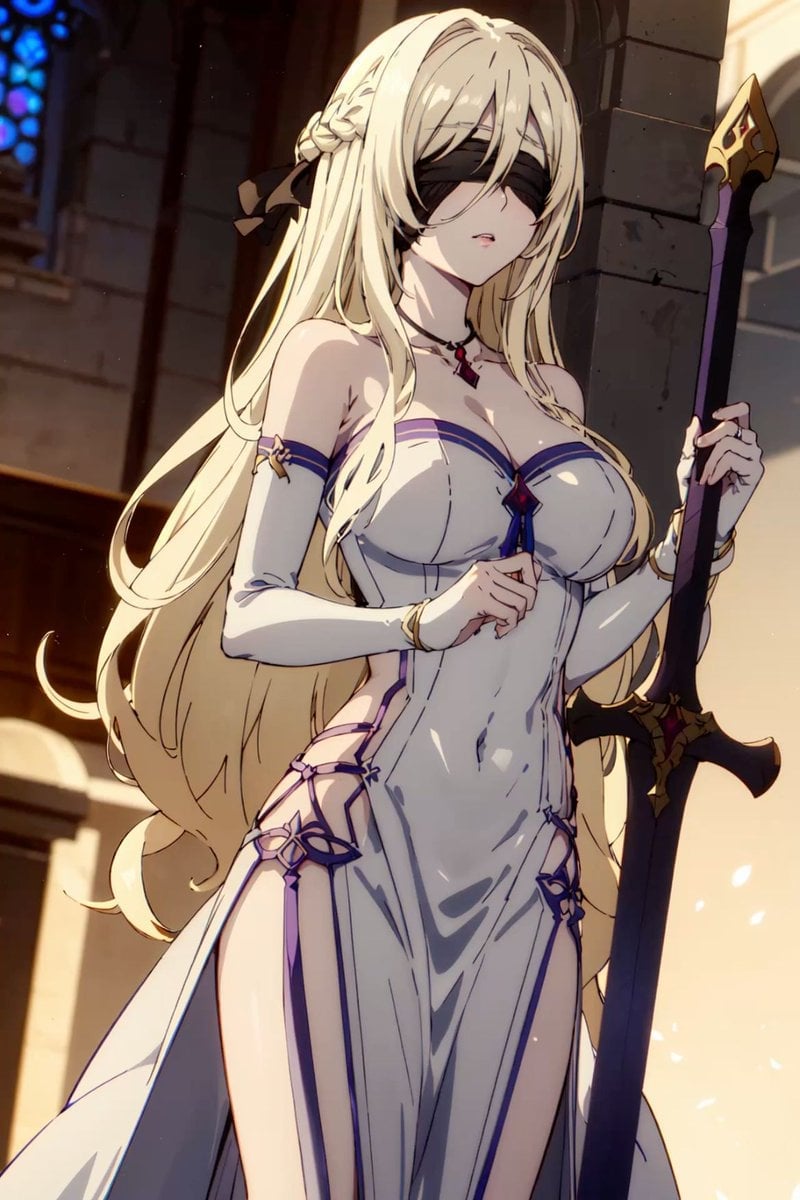
Blindfolded Cathedral Priestess
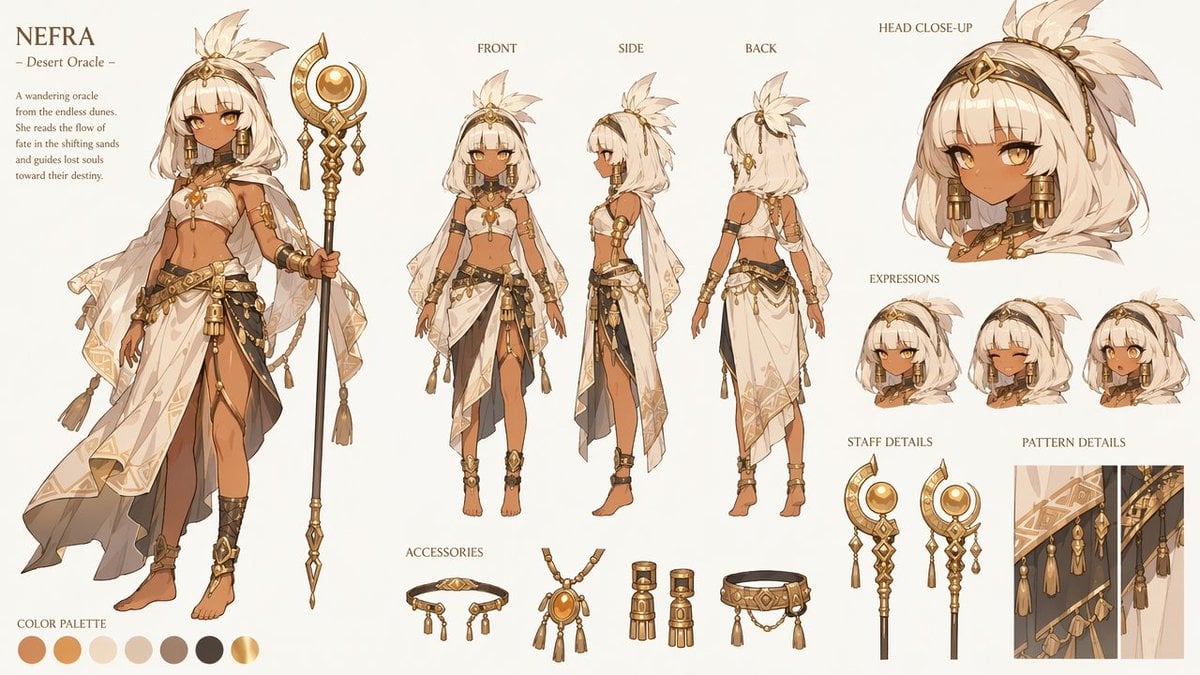
Nefra Desert Oracle Character Sheet

Blindfolded Sorcerer Victory Pose
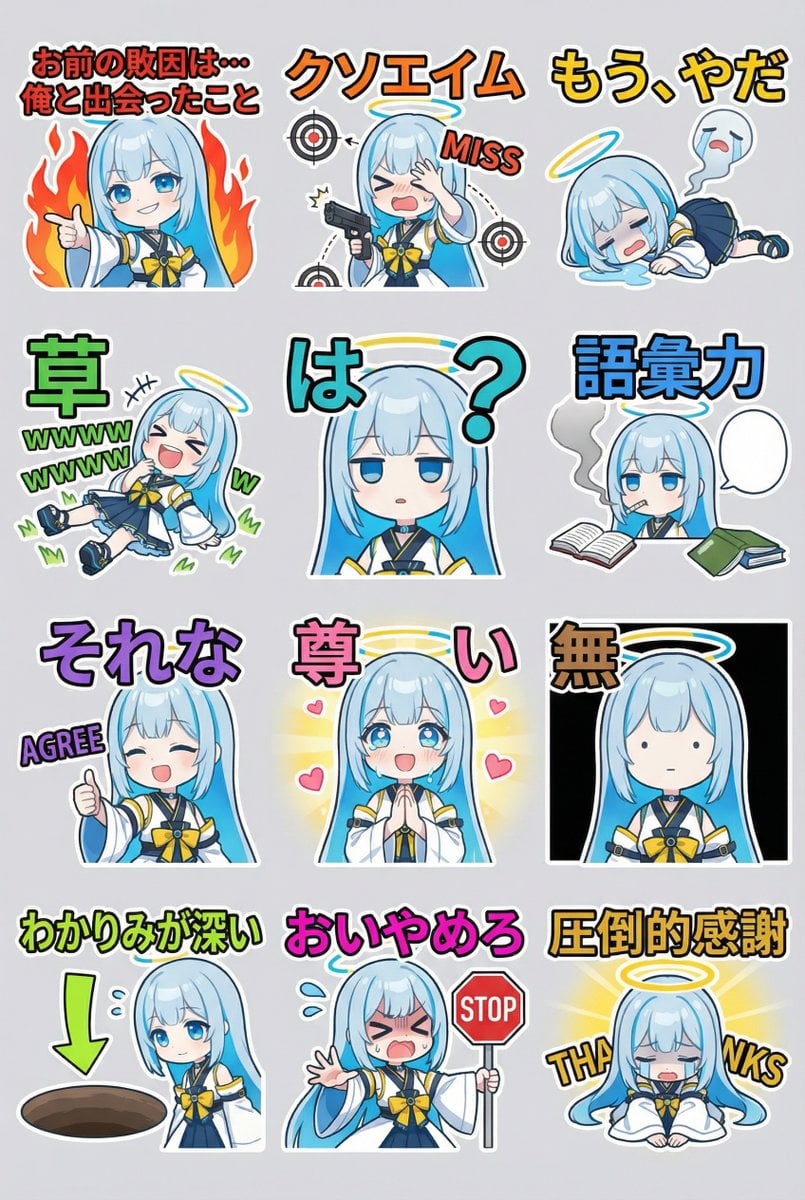
Humorous LINE sticker sheet for Oracle-chan
Dreamy Y2K Digital Camera Mirror Selfie
X Timeline Breakout Digital Art
Y2K Style Digital Portrait
Fitness Journey Digital Collage
Cyber Spiritualism Digital Monk
Digital Creator Mirror Selfie Poster
Neon Digital Sketch Portrait
Ultra-Detailed Stylized Digital Portrait
Make it yours
Blindfolded Digital Oracle works as-is. These are the safest ways to change it without losing the look.
Change one field
Copy a single group, rewrite it, and generate again so you can see what that field is doing.
Keep the frame, change the subject
Hold the composition and light of Blindfolded Digital Oracle, then swap wardrobe, props or the person for a new take.
| If the result… | Why | Fix |
|---|---|---|
| The result drifts from the preview | Too many fields changed at once. | Reuse Blindfolded Digital Oracle as-is first, then change one group — subject, light, or setting. |
| The model over-stylizes the scene | The prose prompt leaves finish and camera underspecified. | Add one camera or lighting sentence and stay on GPT Image 2. |
More GPT Image 2 templates
Other prompts made for GPT Image 2.

Six VTuber Japanese Logo Sheet

Realistic Portrait of Woman and Deer

The Vista Modular Condo Poster

AI Model Routing Comparison Infographic

2.5D Anime Art Board

Isometric Productivity Desk Scene

New York Double Exposure Poster

Four-Panel AI Landscape Comparison

Japanese Tatami Lifestyle Magazine Cover

NESCAFÉ Coffee Map Poster
More image prompts
Fresh picks from across the catalog.
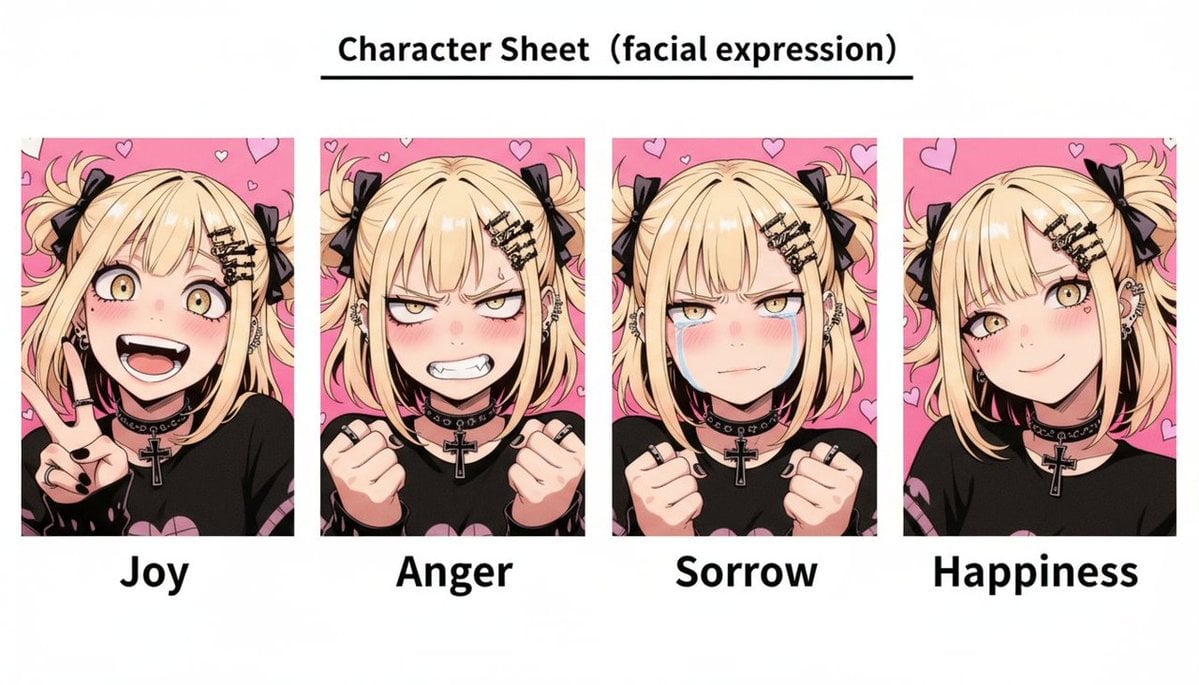
Gothic Anime Facial Expression Sheet
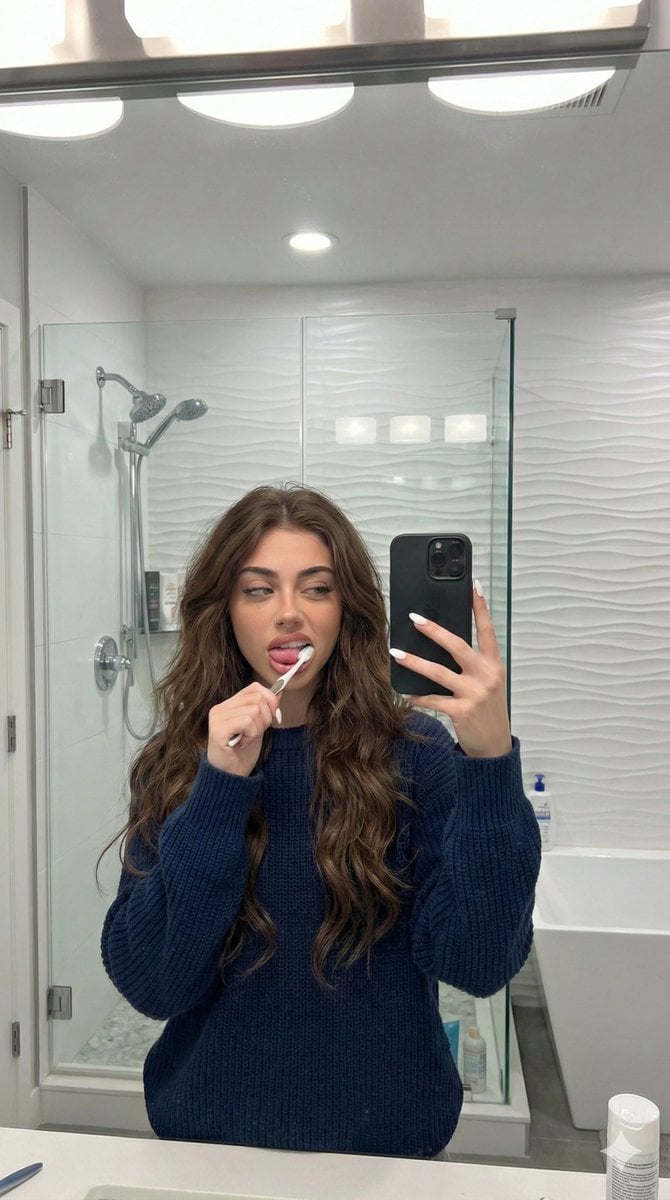
Candid Mirror Selfie Prompt for Image Generation
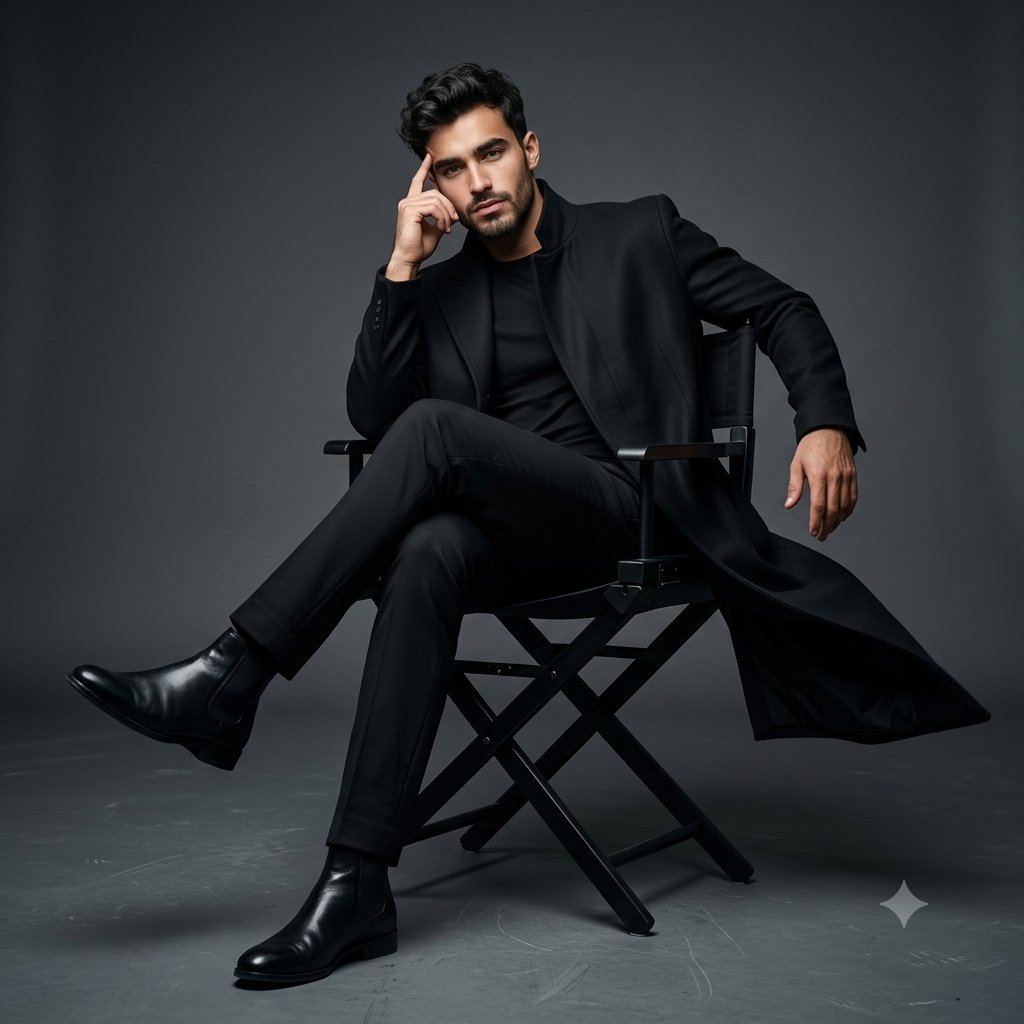
Full Body Cinematic Studio Portrait
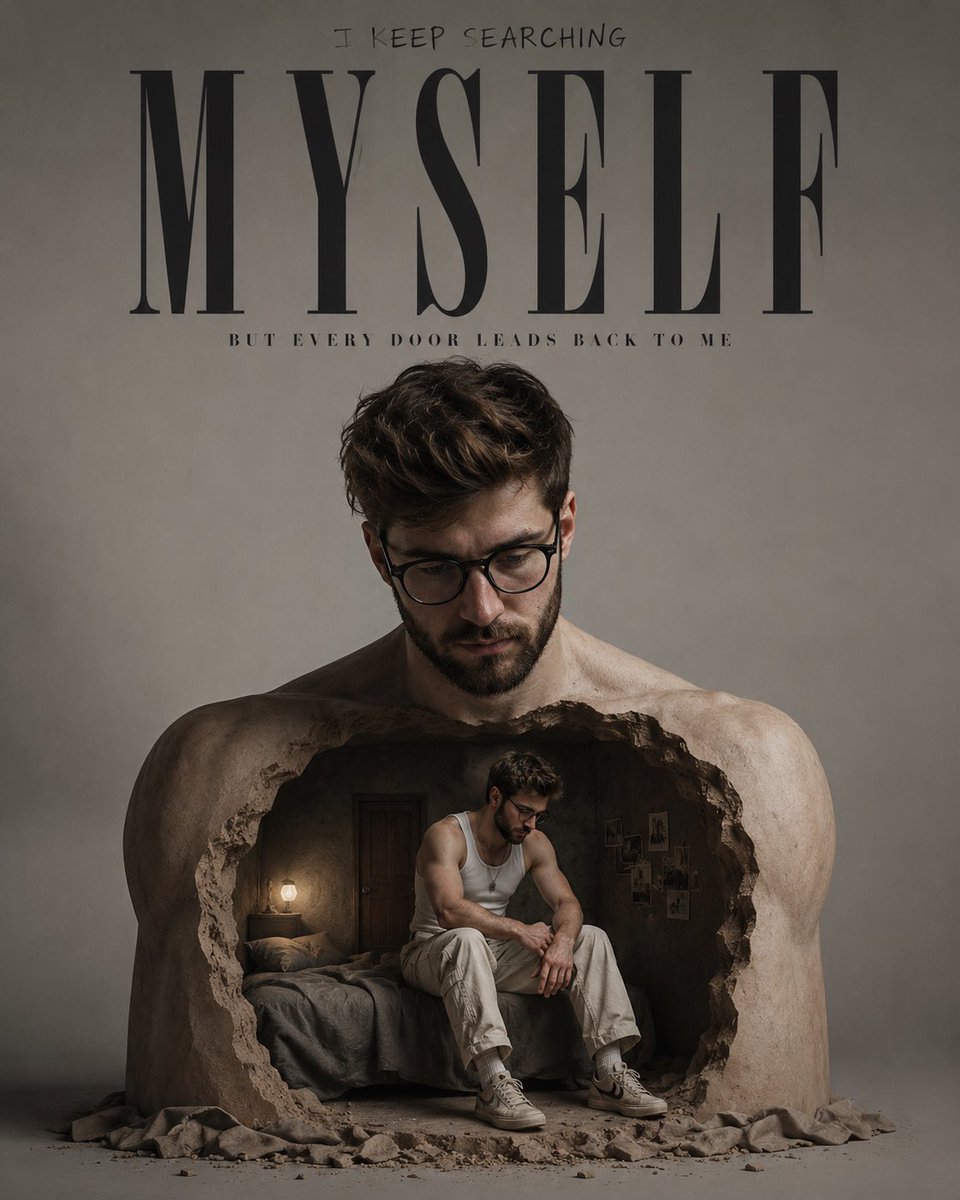
Surreal Introspective Fashion Campaign

Japanese Supermarket Cashier Portrait

Ultra-Photoreal Lifestyle Portrait in an Art Studio with Pink Paint
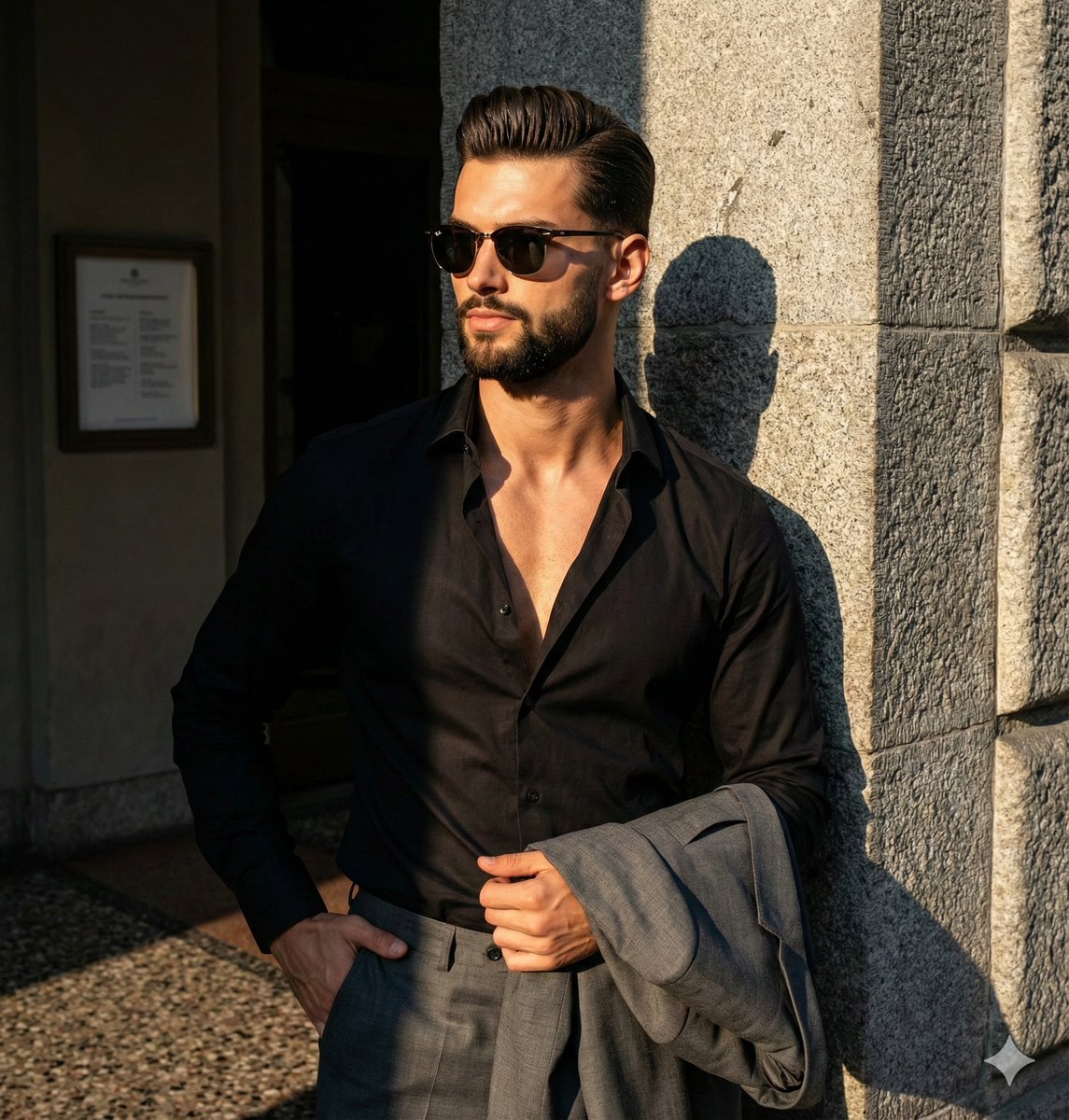
Dramatic High-Contrast Editorial Portrait Prompt

Water Bottle Spilling in Desert
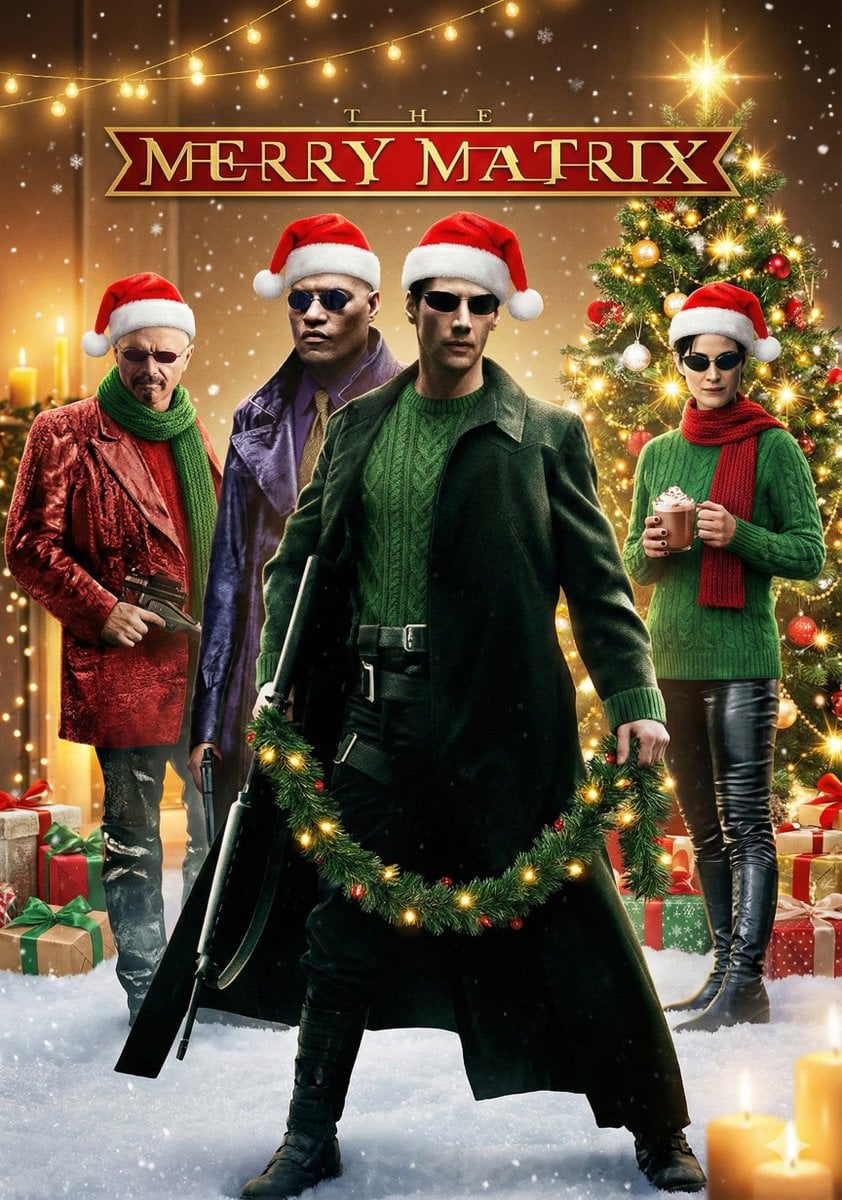
Cinematic Christmas Transformation with Composition Lock
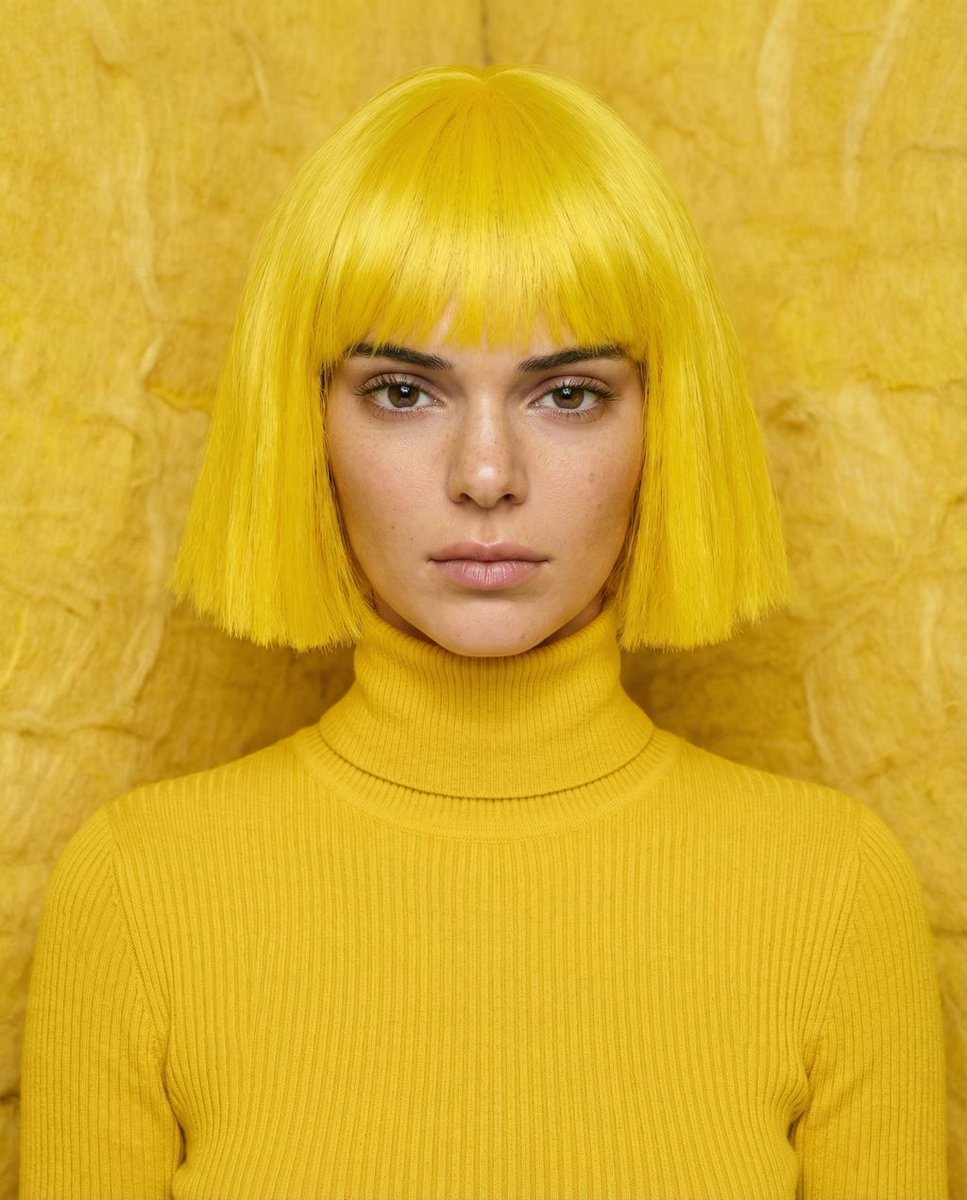
Monochromatic canary yellow portrait of Kendall Jenner in an isolation booth
Browse template categories
Blindfolded Digital Oracle questions
How do I use the Blindfolded Digital Oracle template?
Add your photo if the template asks for one, edit the prompt if you like — the template's model and format are already selected — and press Generate. Your version opens in PicX Studio.
Can I customize the Blindfolded Digital Oracle template?
Yes. You can change the subject, setting, lighting, mood, format, and available model controls before creating your image.
Is the Blindfolded Digital Oracle template free?
Opening and editing this template is free. Generating uses credits, shown on the Generate button when you are signed in.
Which AI model should I use?
Start with GPT Image 2, which is the model associated with this template. You can compare another compatible model for a different finish.
Looking for something else? Browse all templates.

Your photo, any look
Thousands of ready templates for every top image and video model, from one credit balance.