How do I use the Neon Digital Sketch Portrait template?
Choose the primary action to open PicX Studio with the available template settings. Review the model and format, personalize the creative direction, and generate when ready.
A creative portrait prompt that blends hyper-realistic textures with artistic, hand-drawn neon elements and sketchy shadows.
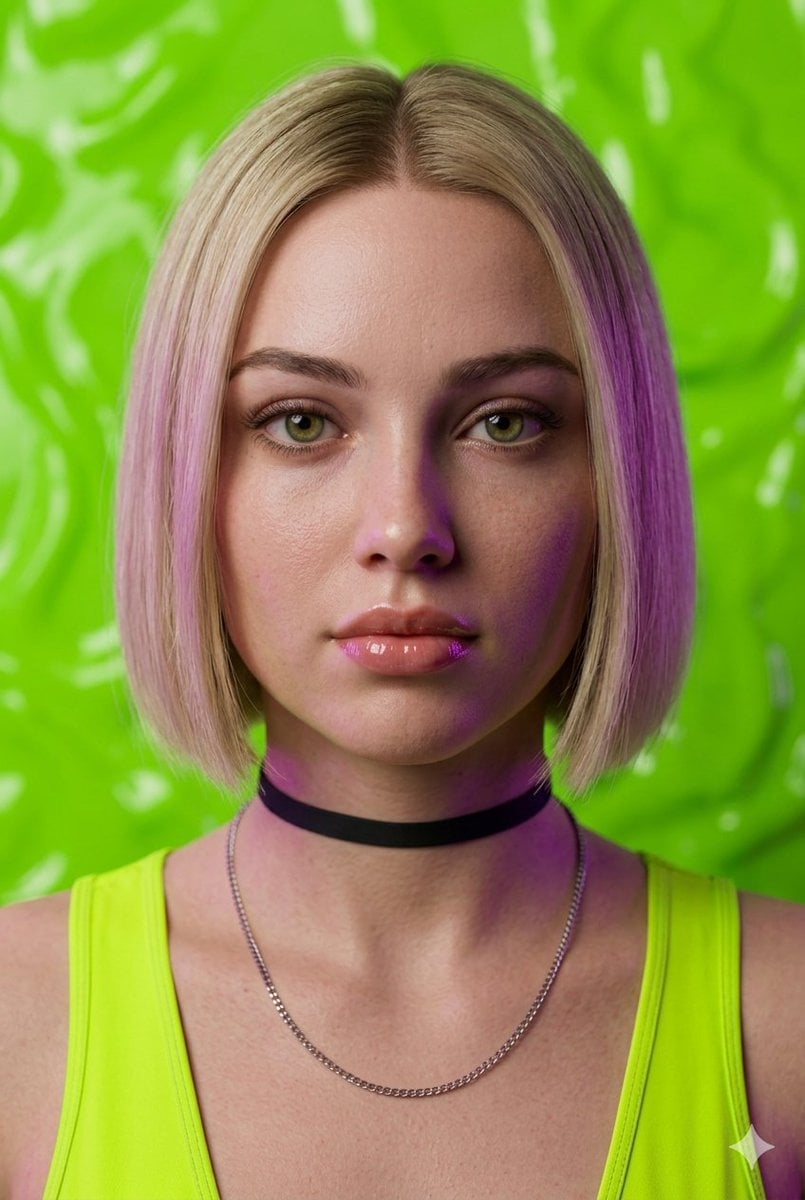
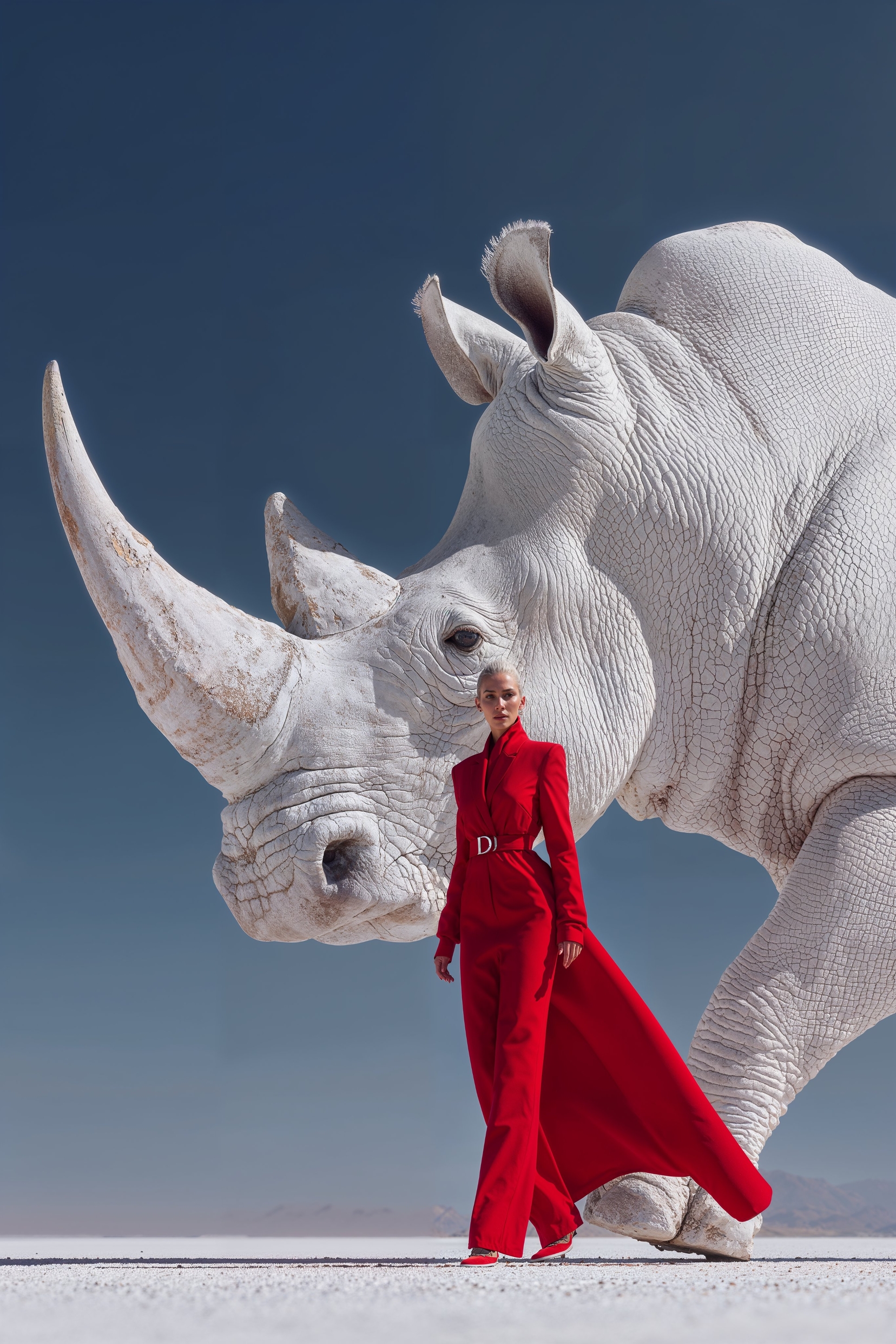
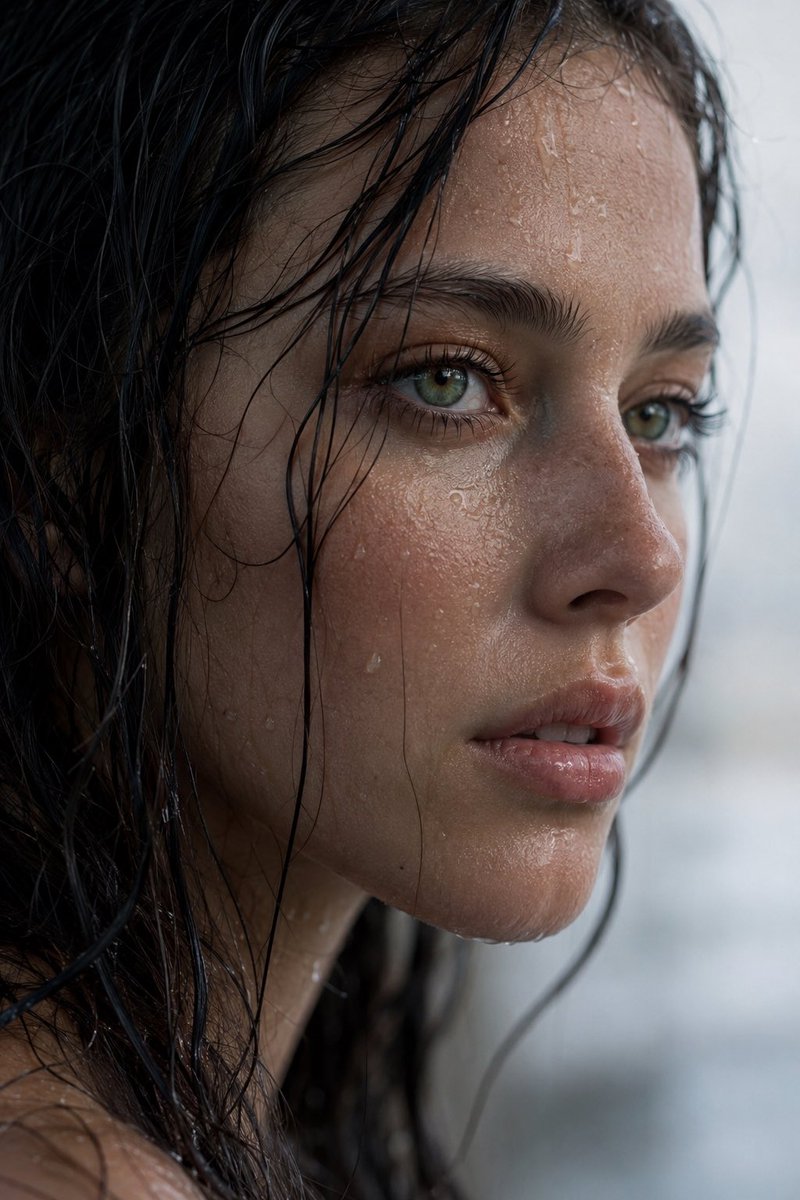
A highly detailed, ultra-premium portrait of a {argument name="subject" default="woman"} that seamlessly blends hyper-realistic textures with {argument name="artistic style" default="artistic, hand-drawn elements"}. She has a {argument name="hair style" default="sleek blonde bob haircut with soft pink highlights"}, striking green eyes, and glossy lips. She wears a vibrant lime green tank top, a black fabric choker necklace, and a delicate silver chain. Her skin shows realistic, fine texture, but one side of her face, neck, and shoulder is cast in dramatic, sketchy purple neon shadows, mimicking a colored pencil overlay. The background is a stark contrast, featuring a textured, glossy lime green surface interwoven with loose, playful doodle art, including abstract green swirls and small purple star and sun motifs. The lighting is cinematic, creating a unique hybrid look between commercial fashion photography and a vivid digital sketch.
Choose the primary action to open PicX Studio with the available template settings. Review the model and format, personalize the creative direction, and generate when ready.
Yes. You can change the subject, setting, lighting, mood, format, and available model controls before creating your image.
This template is free to open and customize. Generation usage is shown in PicX Studio before you create.
Start with Nano Banana 2, which is the model associated with this template. You can compare another compatible model for a different finish.
Follow a topic to a crawlable collection of related PicX Studio templates.