
Nefra Desert Oracle Character Sheet
A detailed fantasy RPG character bible sheet for an anime desert oracle, ideal for concept art and game character design references.
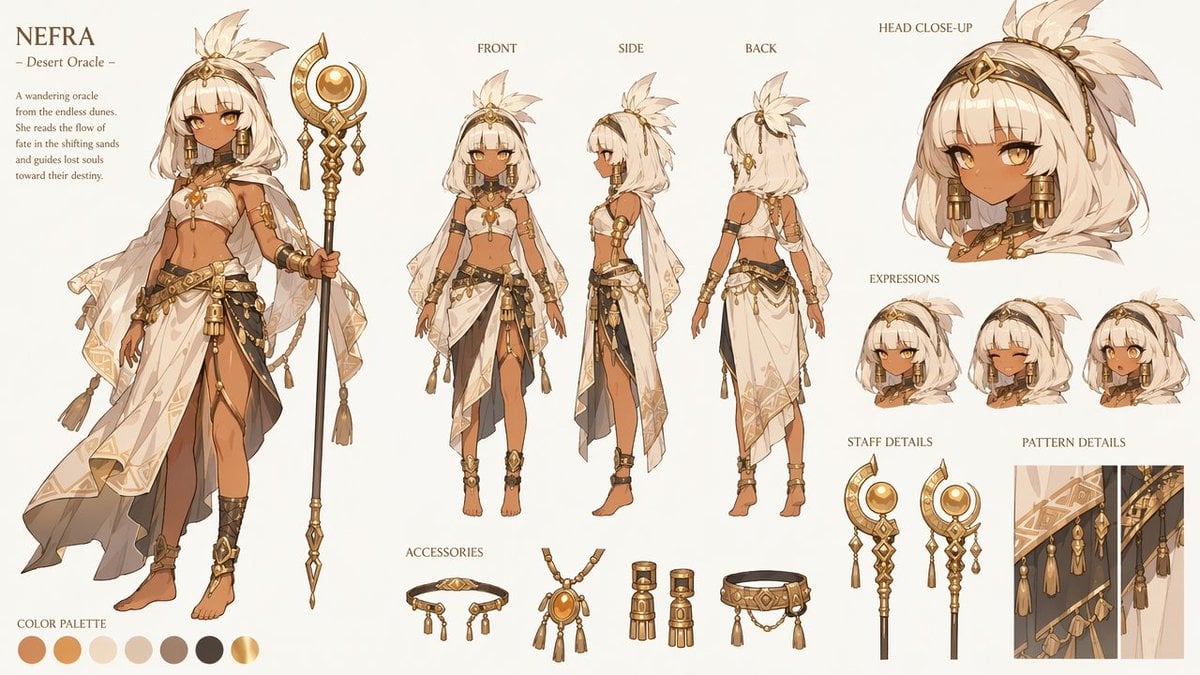
- Prompt included
- Model and format preset
- Premium template
The prompt behind this image
Copy the exact prompt behind Nefra Desert Oracle Character Sheet, or open it in the studio and make it yours.
Goal: Create an ultra-detailed 16:9 fantasy RPG character design sheet for {argument name="character name" default="NEFRA"}, titled {argument name="character title" default="Desert Oracle"}, presented like an official AAA fantasy game character bible on an elegant ivory background with minimal luxury UI. Canvas: Wide horizontal 16:9 layout, warm off-white parchment/ivory backdrop, refined editorial spacing, thin serif labels in dark brown, soft gold accents, no border, no watermark. Main character: A young anime-style desert oracle woman with warm brown skin, golden amber eyes, short white bobbed hair with blunt bangs, a large cream feather plume tied at the crown, and ornate gold head jewelry. She wears an elegant white-and-gold desert dancer/oracle outfit: cropped bandeau top, sheer translucent veil sleeves and cape, layered asymmetrical white skirt with gold geometric trim, black and dark charcoal sash panels, many gold chains, tassels, beads, bangles, armlets, anklets, and barefoot sandals. She holds a tall black-and-gold ceremonial staff topped with a crescent moon, circular amber orb, dangling ornaments, and a spear-like bottom finial. Overall palette is ivory, sand, ochre, amber gold, bronze, warm tan, charcoal, and black. Layout: On the far left, place the title block reading “{argument name="character name" default="NEFRA"}” with the subtitle “— {argument name="character title" default="Desert Oracle"} —” and a short lore paragraph: “A wandering oracle from the endless dunes. She reads the flow of fate in the shifting sands and guides lost souls toward their destiny.” Beneath and beside this text, show one large full-body hero illustration of the character facing forward, holding the staff vertically. At the bottom left, include a color palette row labeled “COLOR PALETTE” with exactly 7 circular swatches: burnt terracotta, orange ochre, pale sand, warm ivory, taupe gray, near-black charcoal, and metallic gold. Center turnaround section: Show exactly 3 smaller full-body model views labeled “FRONT”, “SIDE”, and “BACK”. They should depict the same character in consistent costume and proportions, standing neutrally, showing outfit construction from each angle. Right reference section: At the upper right, include one large “HEAD CLOSE-UP” portrait showing her face, white hair, feather plume, gold forehead ornament, amber eyes, and heavy gold rectangular earrings. Below it, create an “EXPRESSIONS” row with exactly 3 small bust portraits: neutral serious expression, happy closed-eye smile, and surprised open-mouth expression. Bottom reference section: Add an “ACCESSORIES” row with exactly 4 isolated accessory studies: a gold choker/headband-like jewelry piece with dangling tassels, an amber pendant necklace with tassels, a pair of cylindrical gold earrings, and a belt/waist ornament with chains and tassels. Add “STAFF DETAILS” with exactly 2 staff close-ups: one full top section with crescent and orb, and one alternate closer view emphasizing the dangling gold ornaments. Add “PATTERN DETAILS” with exactly 1 vertical rectangular fabric-detail inset showing the white veil and dark sash patterns, gold geometric border motifs, chains, and tassels. Visual style: High-end Japanese anime fantasy concept art, clean crisp linework, soft cel shading blended with painterly rendering, ornate gold material detail, delicate fabric transparency, luxurious desert-priestess design language, balanced negative space, consistent character proportions across all views. Constraints: Keep all labels in English uppercase serif text; include exactly 1 hero full-body illustration, exactly 3 turnaround full-body views, exactly 1 head close-up, exactly 3 expression portraits, exactly 4 accessory items, exactly 2 staff-detail drawings, exactly 1 pattern-detail inset, and exactly 7 color swatches. Avoid extra characters, scenery, logos, signatures, or dense background decoration.
How to use Nefra Desert Oracle Character Sheet in 3 steps
- 1Upload ImagePNG, JPG or paste
Add your photo
Upload the photo the template builds on. The prompt, model and format are already set.
- 2…a portrait of your subject in softgolden-hour light, 85mm…
Personalize
Edit the subject and creative details for your destination.
- 3Generate
Generate
Press Generate — your image is created in PicX Studio, so you can compare it with the original and refine one variable at a time.
More like this
Templates with the same subject, style or setup. Open one to see its prompt.

Saudi Arabia Paper Cut Travel Poster

Dancer Character - Four View Reference Sheet

Movement Sheet - Dance Reference (Seedance 2.0)
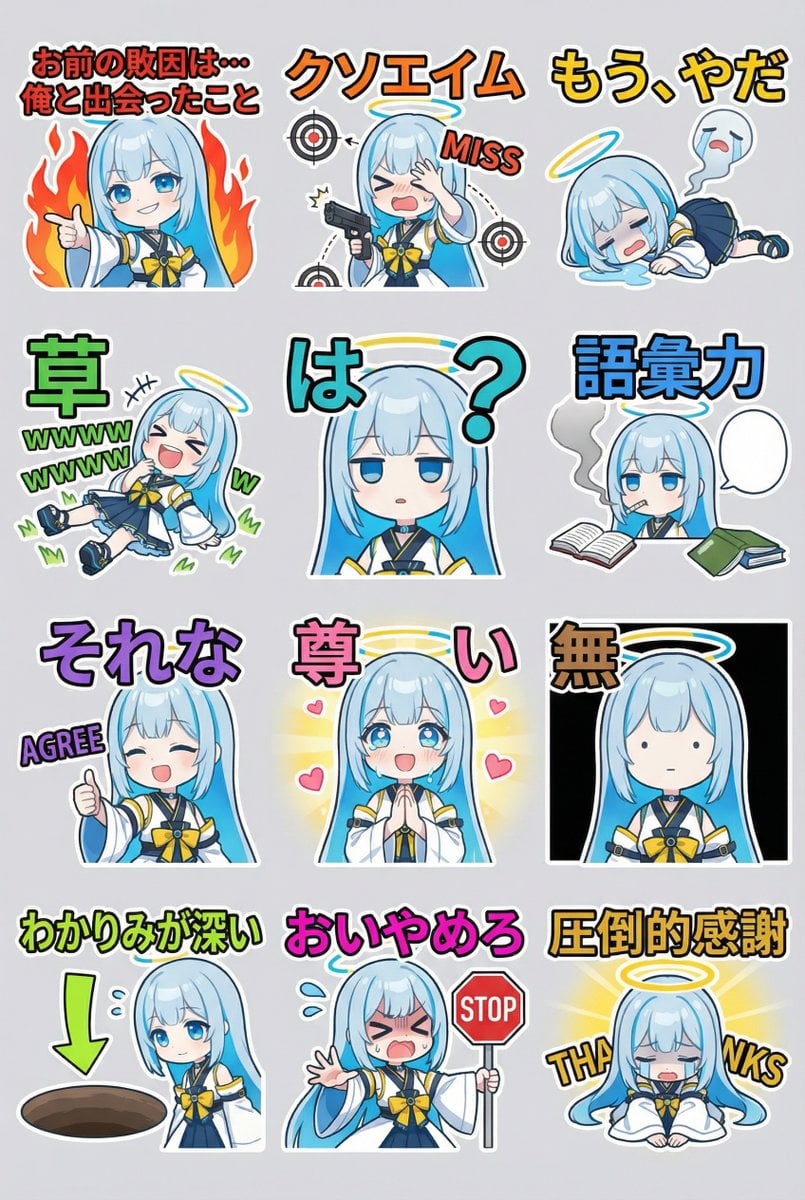
Humorous LINE sticker sheet for Oracle-chan
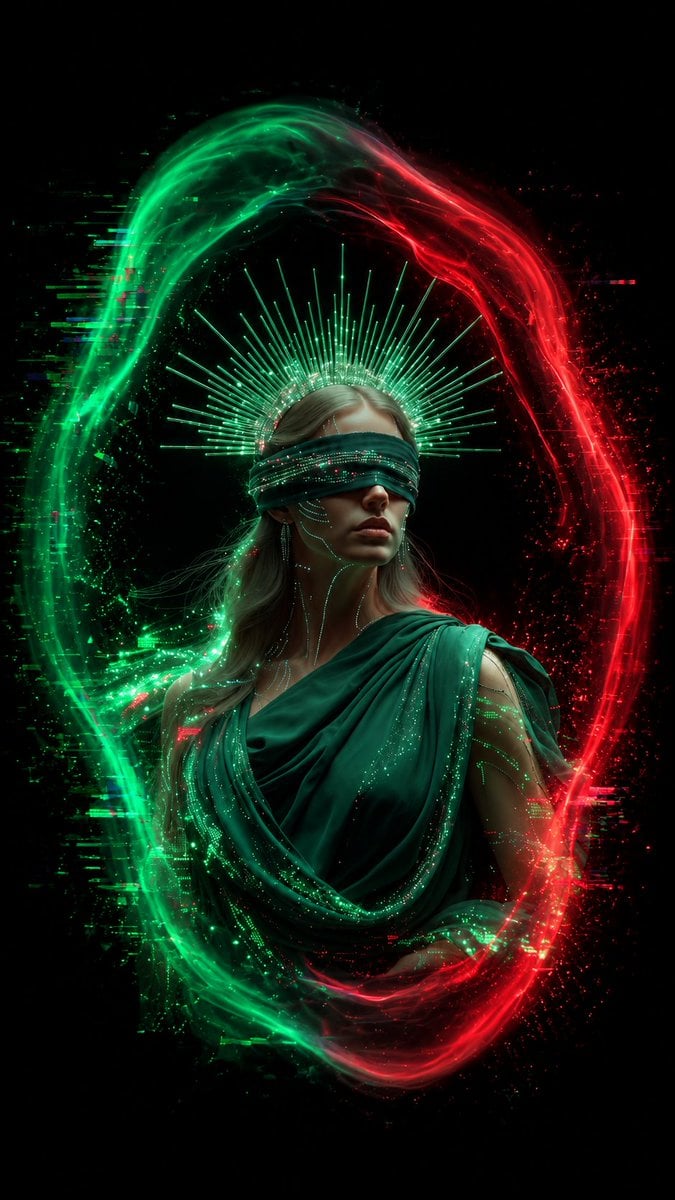
Blindfolded Digital Oracle
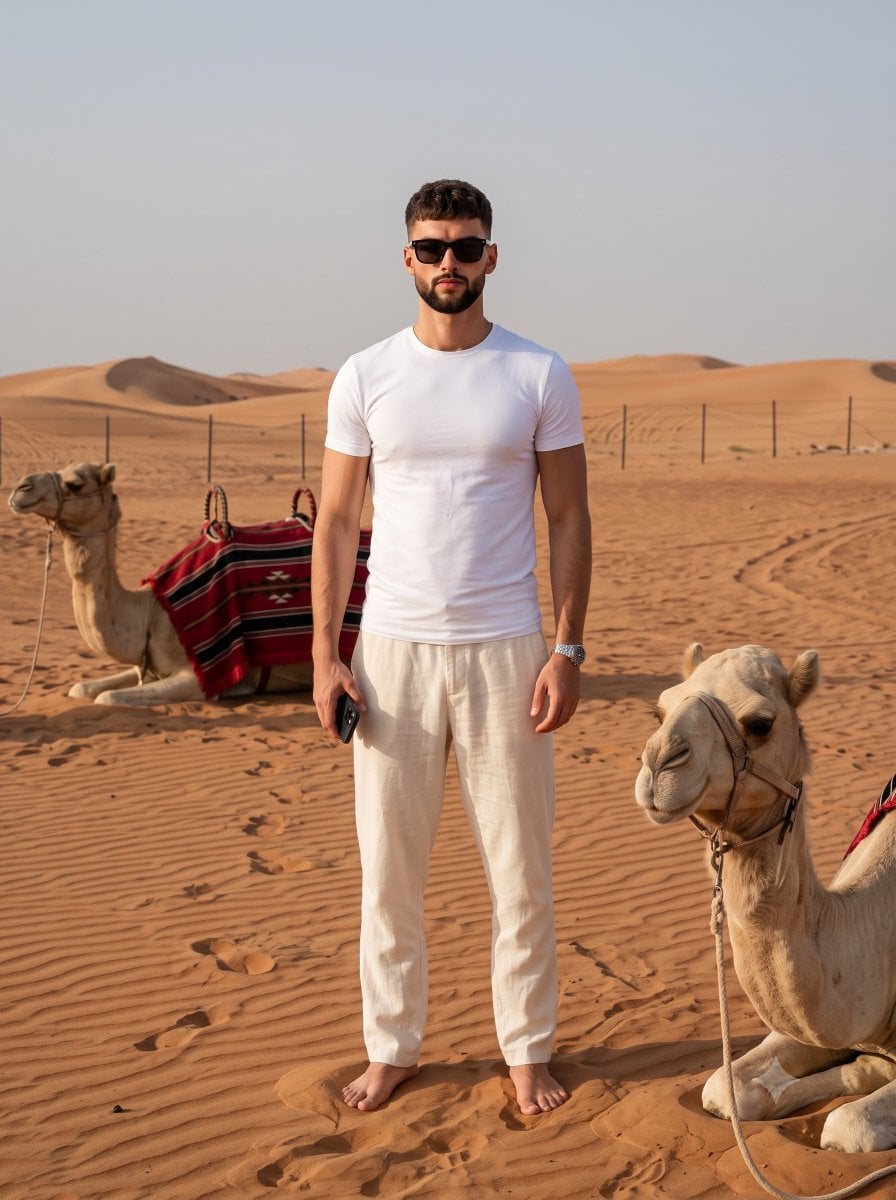
Desert Travel Lifestyle Portrait
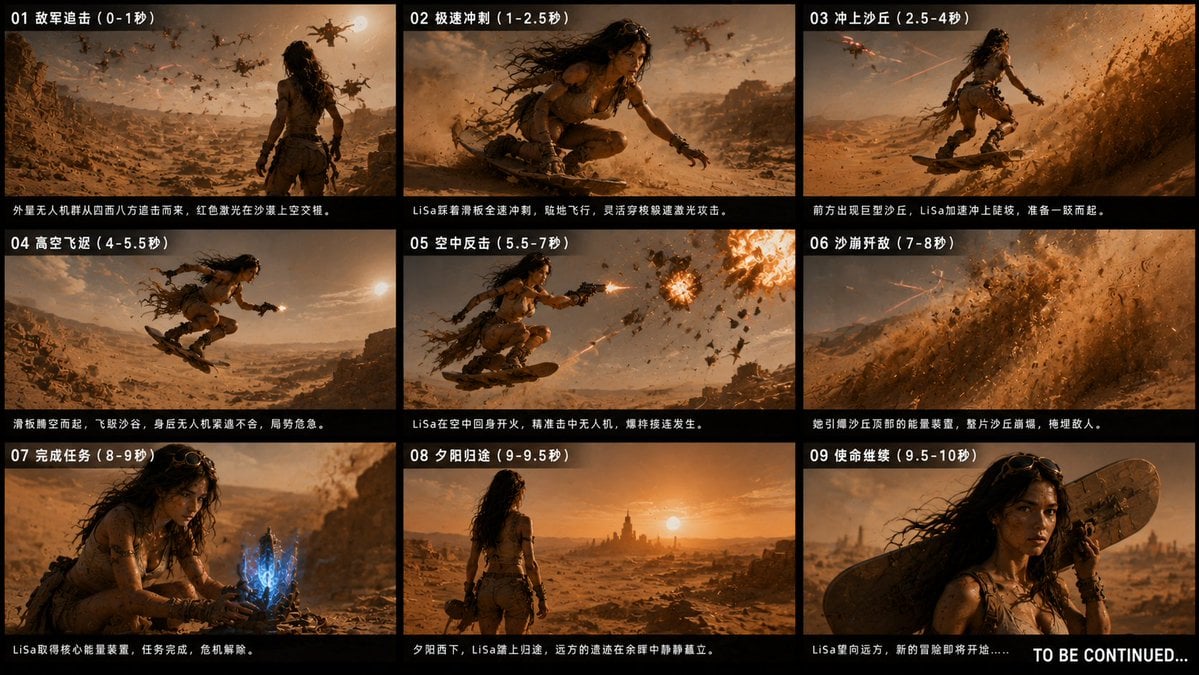
Desert Drone Chase Storyboard
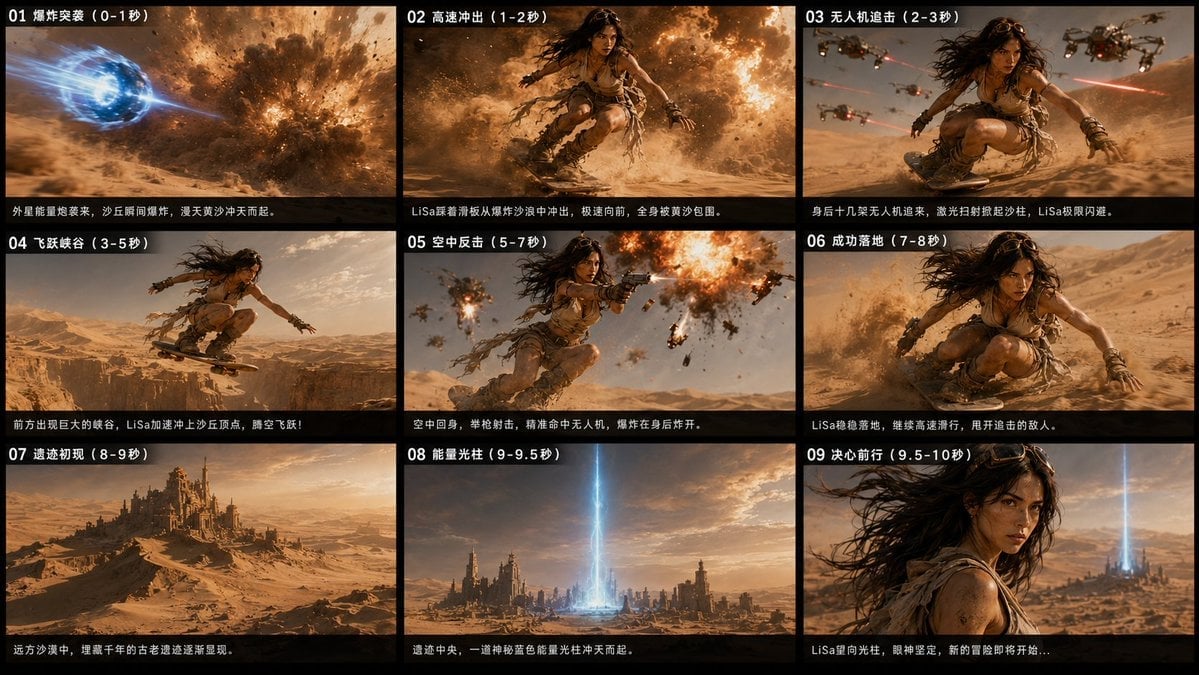
Desert Sci-Fi Action Storyboard
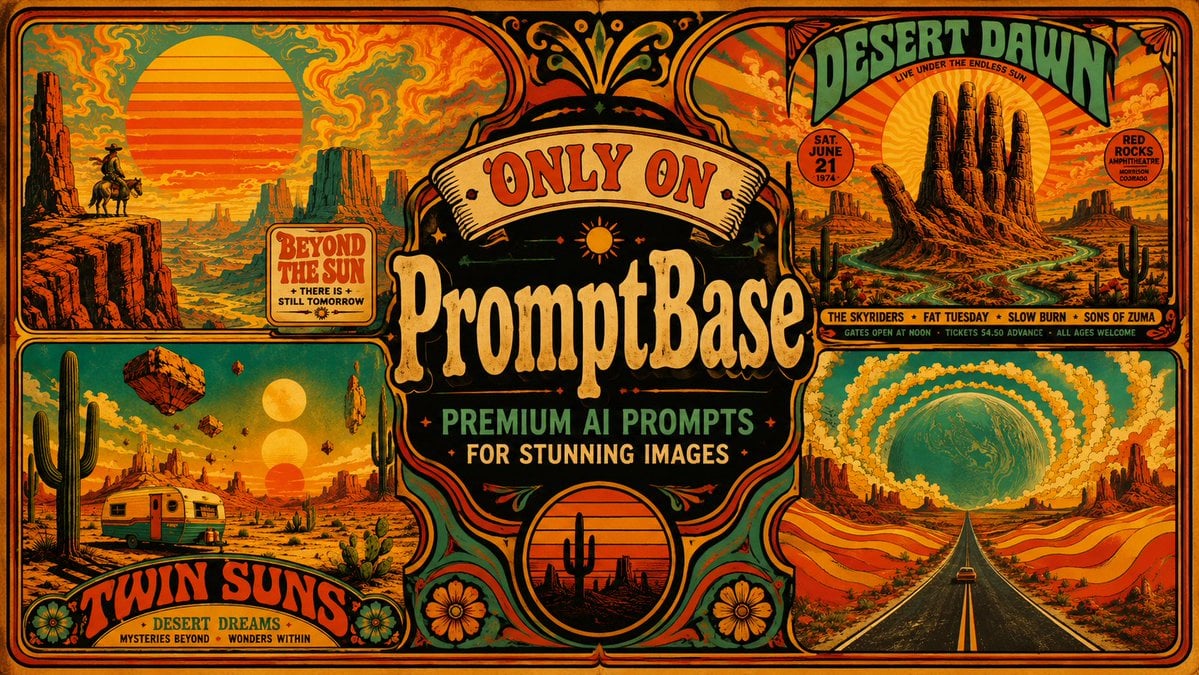
Retro Psychedelic Desert Poster
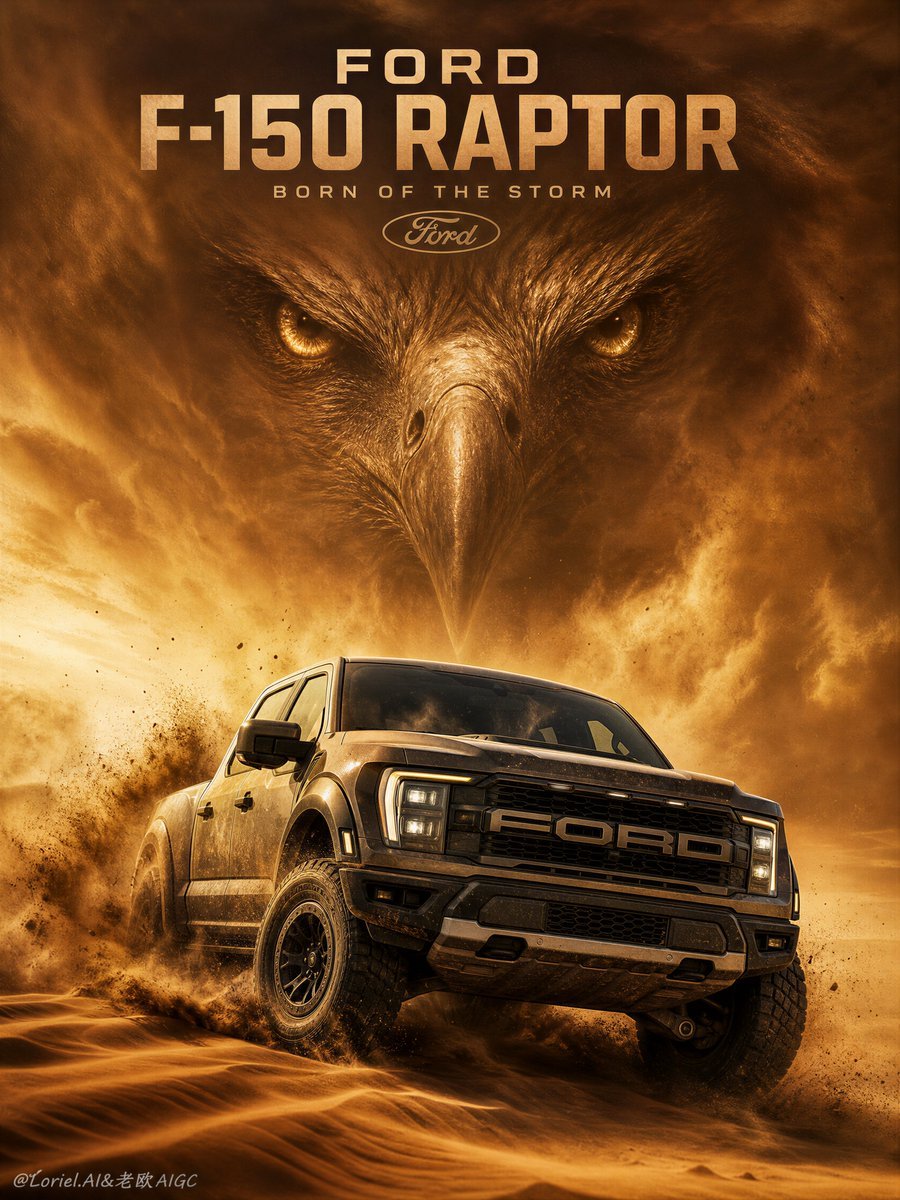
Ford F-150 Raptor Desert Sandstorm
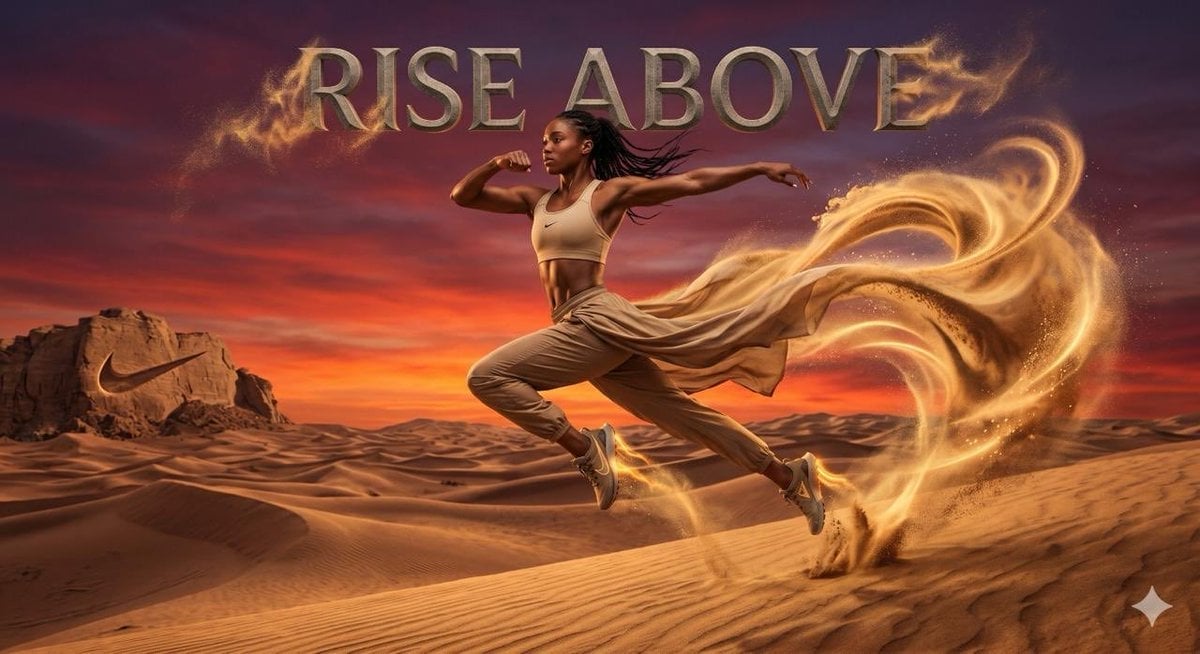
Surreal desert athletic campaign
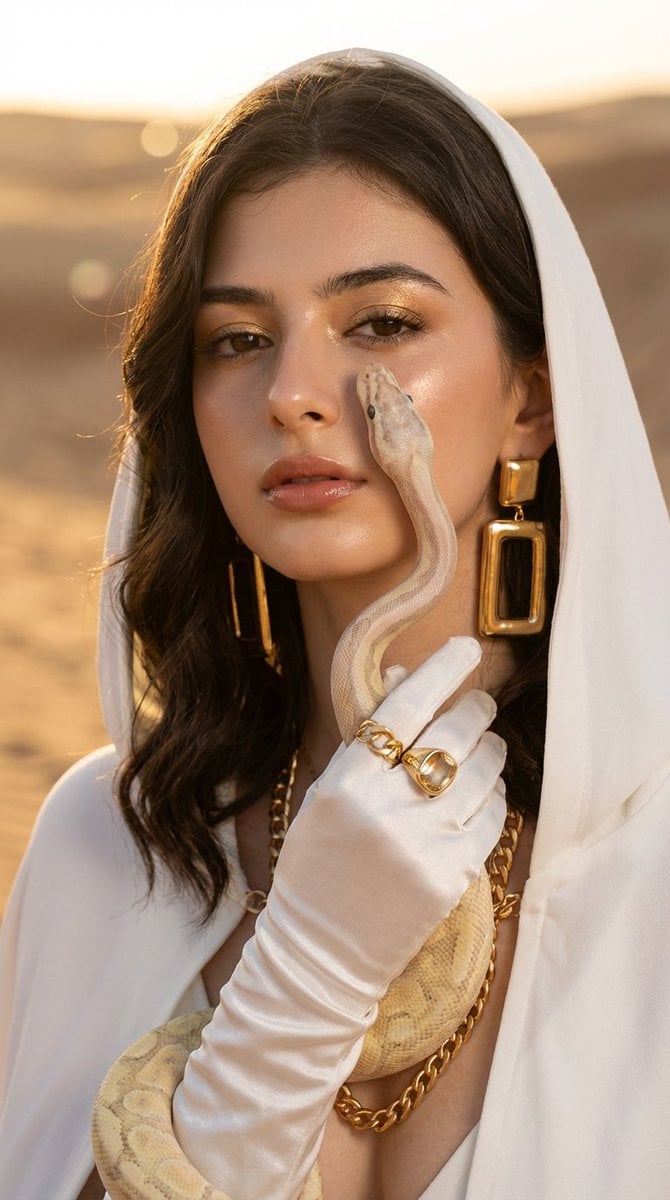
Desert Fashion with Python
Make it yours
Nefra Desert Oracle Character Sheet works as-is. These are the safest ways to change it without losing the look.
Change one field
Copy a single group, rewrite it, and generate again so you can see what that field is doing.
Keep the frame, change the subject
Hold the composition and light of Nefra Desert Oracle Character Sheet, then swap wardrobe, props or the person for a new take.
| If the result… | Why | Fix |
|---|---|---|
| The result drifts from the preview | Too many fields changed at once. | Reuse Nefra Desert Oracle Character Sheet as-is first, then change one group — subject, light, or setting. |
| The model over-stylizes the scene | The prose prompt leaves finish and camera underspecified. | Add one camera or lighting sentence and stay on GPT Image 2. |
More GPT Image 2 templates
Other prompts made for GPT Image 2.

Six VTuber Japanese Logo Sheet

Realistic Portrait of Woman and Deer

The Vista Modular Condo Poster

AI Model Routing Comparison Infographic

2.5D Anime Art Board

Isometric Productivity Desk Scene

New York Double Exposure Poster

Four-Panel AI Landscape Comparison

Japanese Tatami Lifestyle Magazine Cover

NESCAFÉ Coffee Map Poster
More image prompts
Fresh picks from across the catalog.

Four Japanese Travel Ad Panels
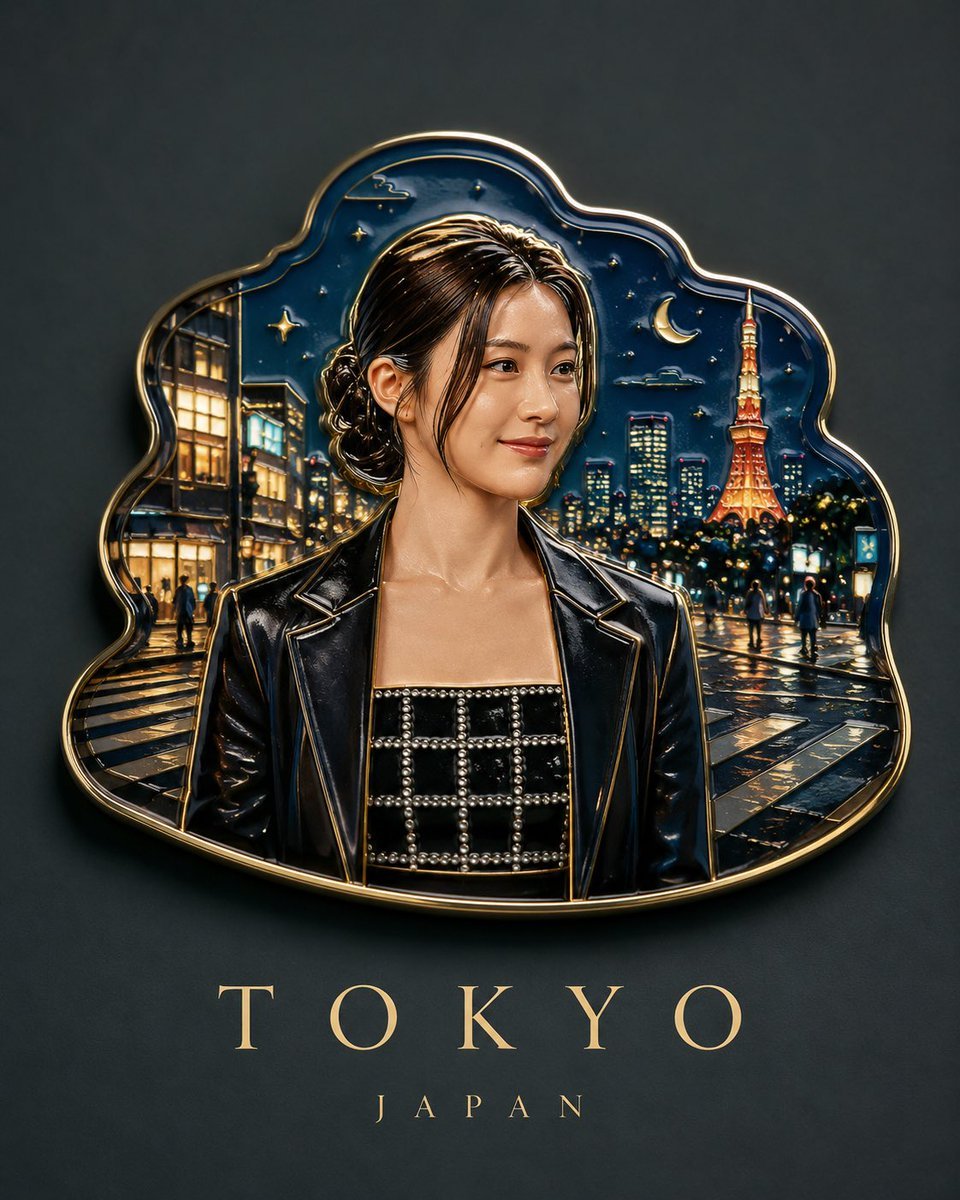
Handmade Enamel Souvenir Magnet Design
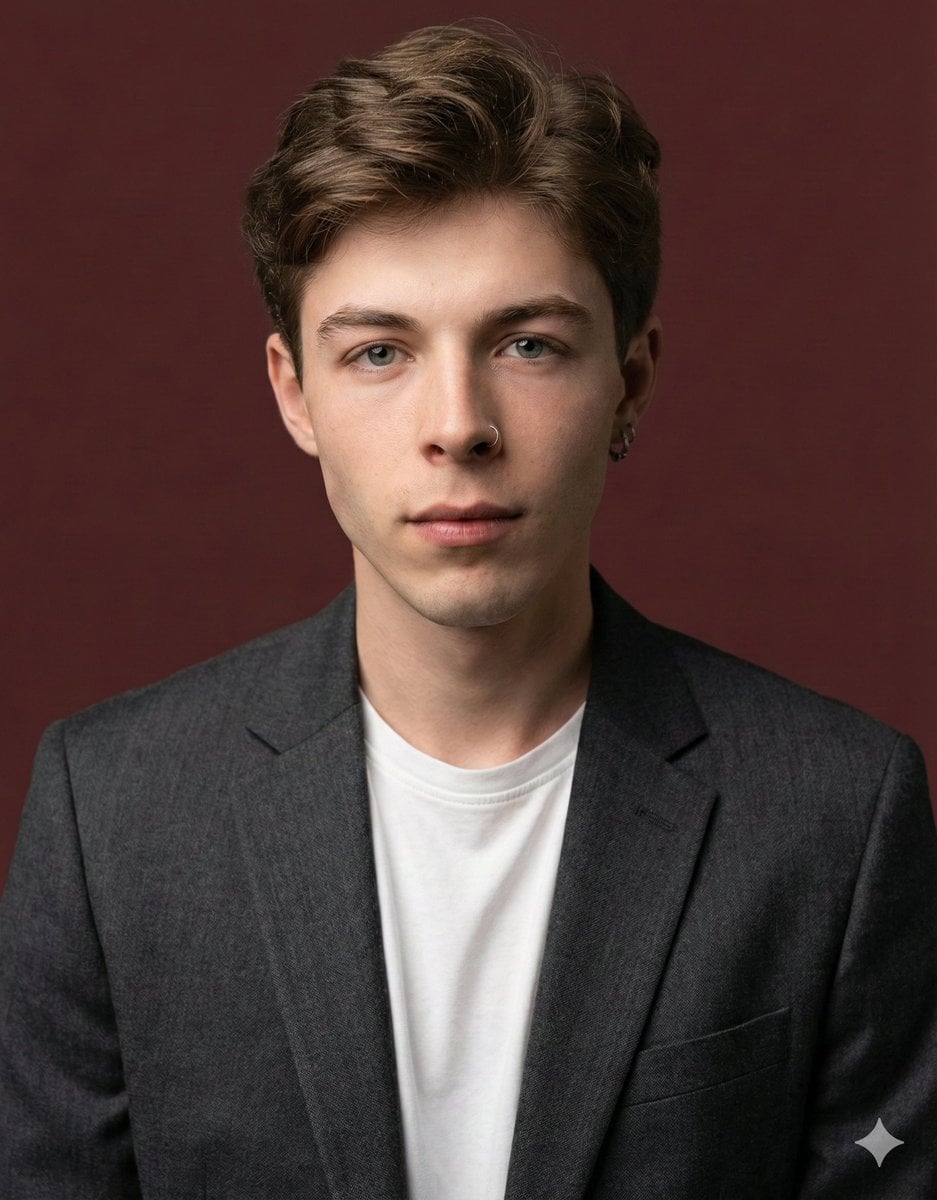
Professional profile photo prompt for Nano Banana Pro
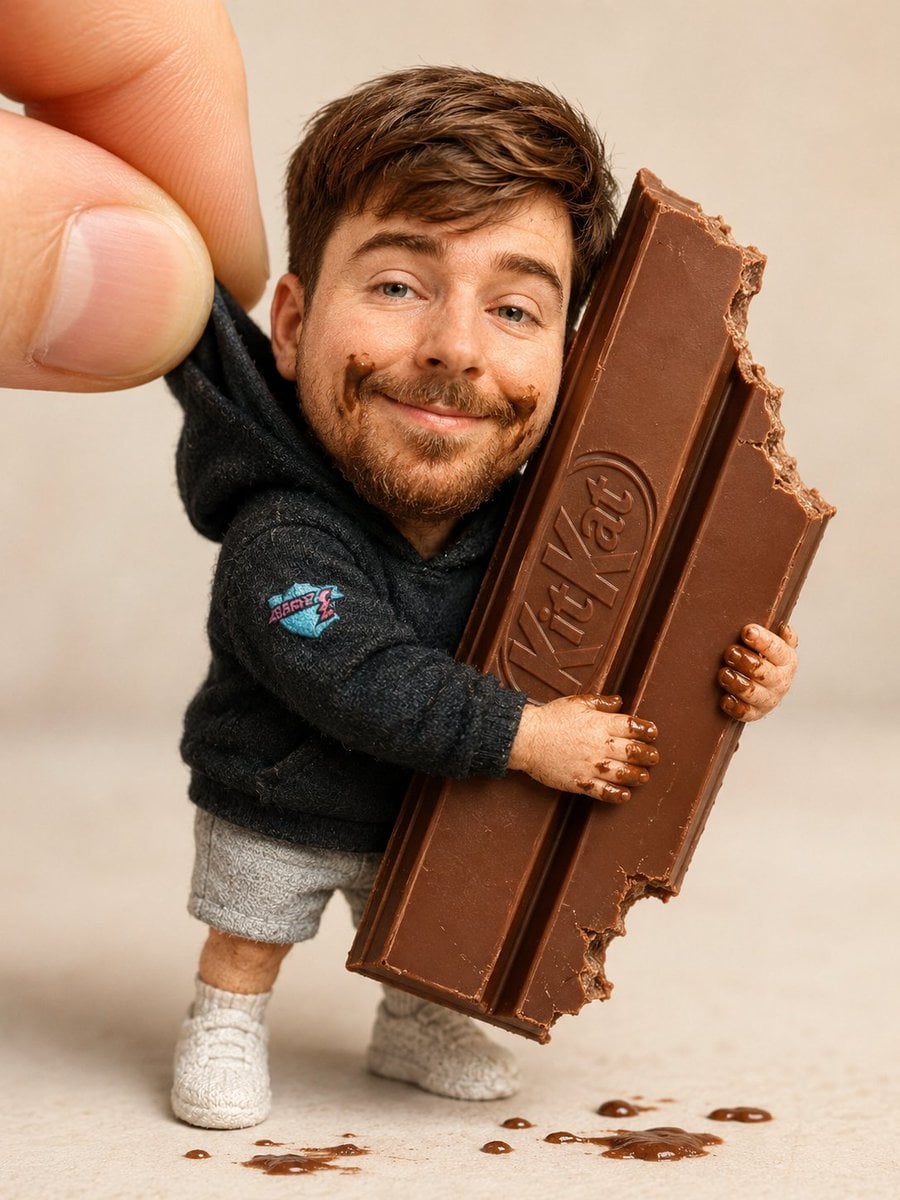
Handmade Collectible Male Doll
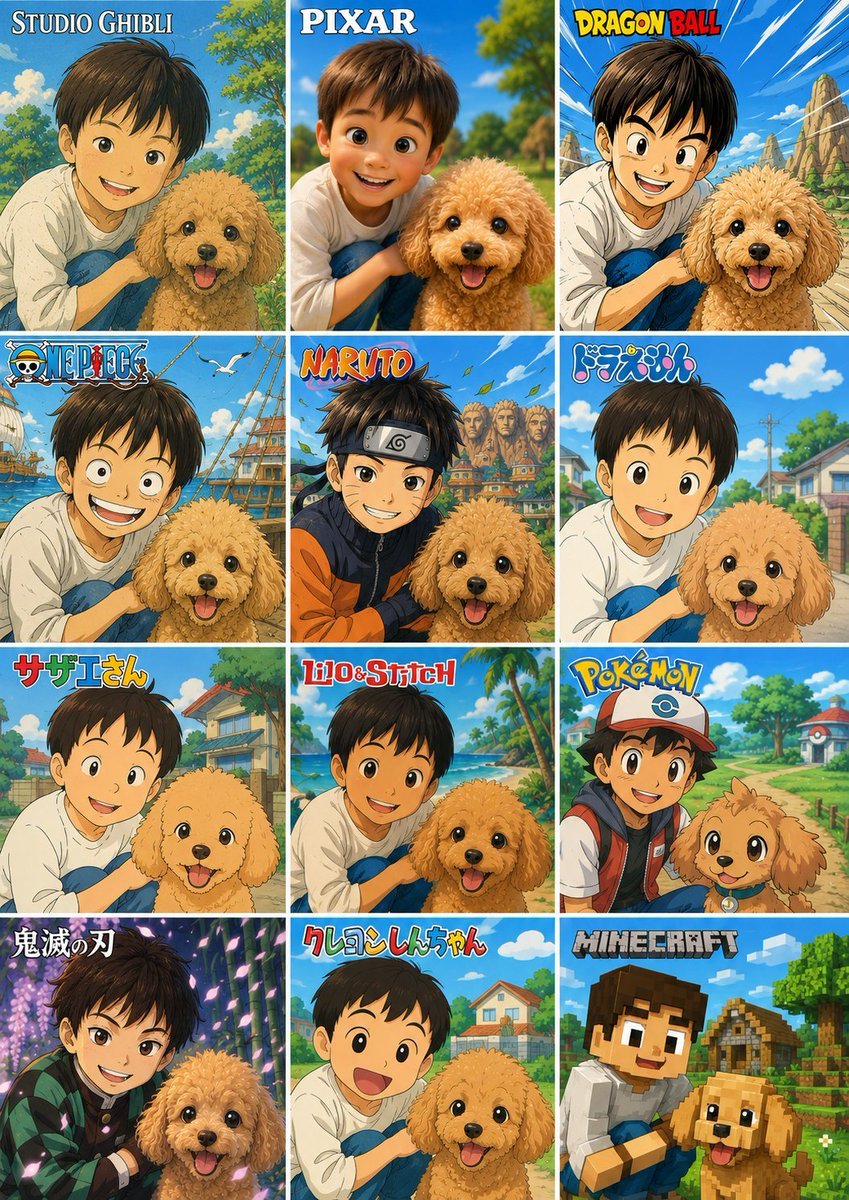
Style Anime Pet Collage
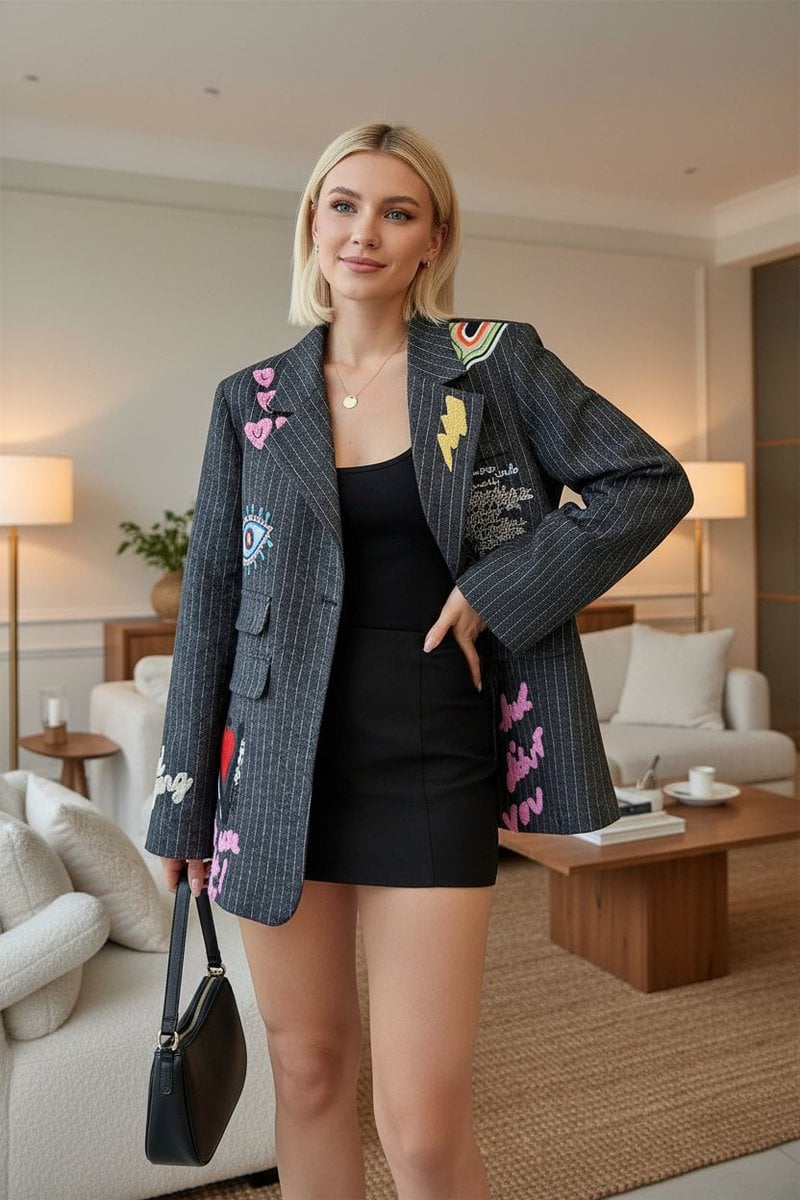
E-commerce Product Listing: Embroidered Pinstripe Blazer

Nightlife Fashion Portrait in Luxury Car
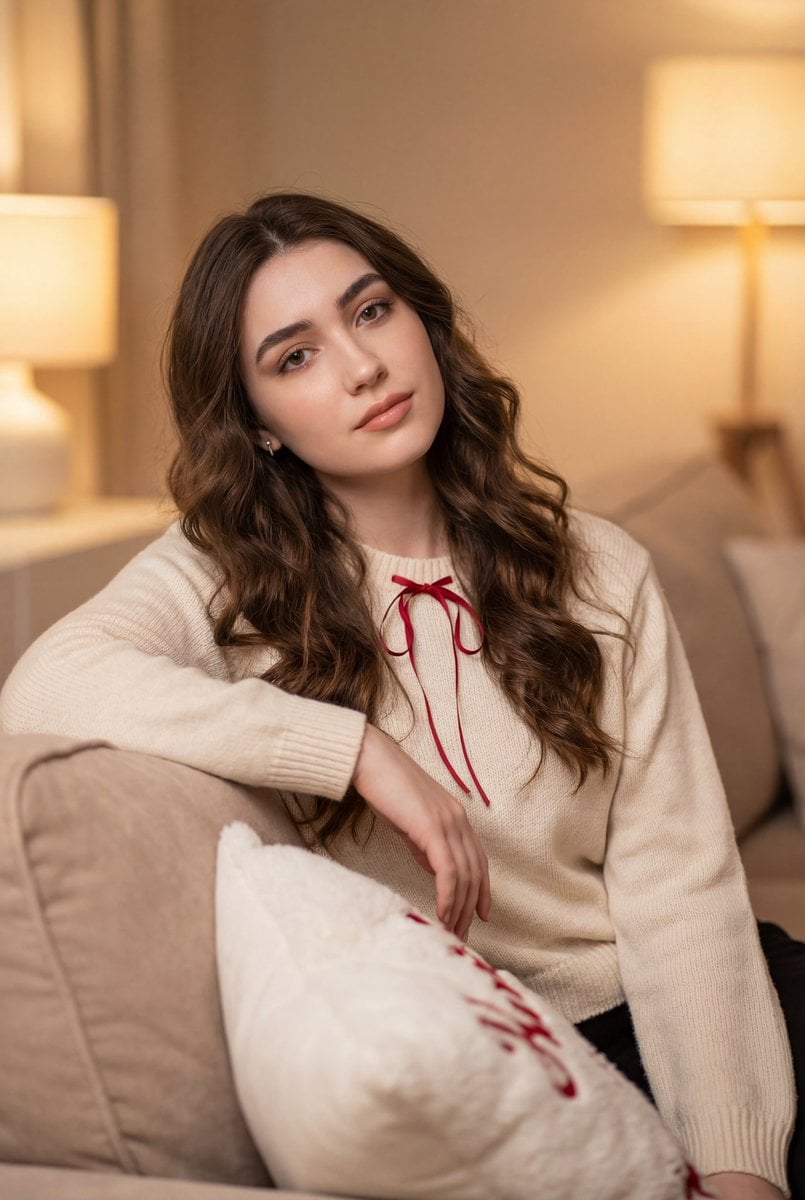
Cozy Indoor Lifestyle Portrait
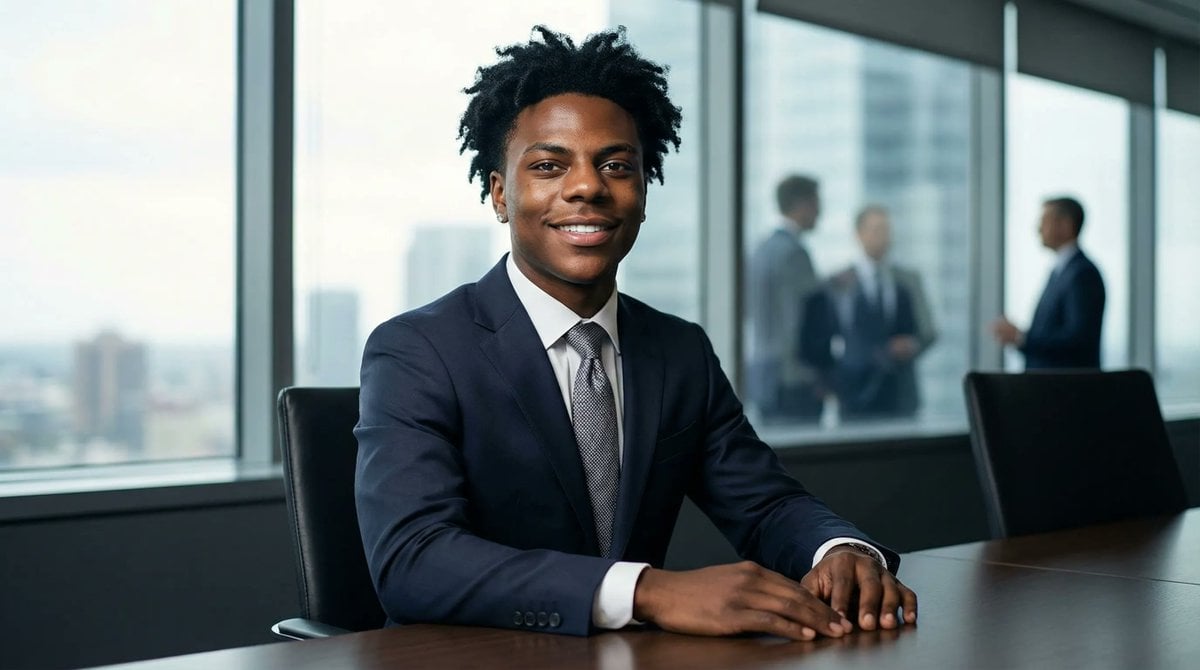
Formal Boardroom Portrait AI Prompt
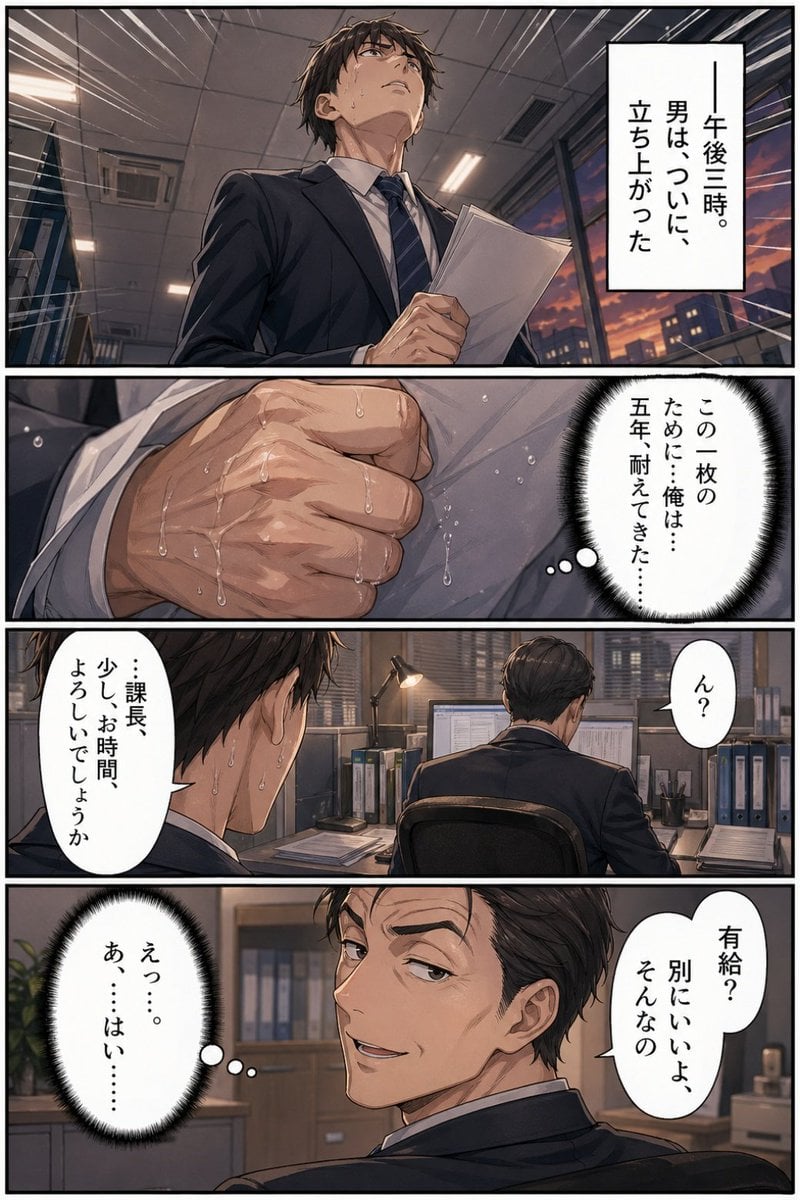
Business Office Manga Page
Browse template categories
Nefra Desert Oracle Character Sheet questions
How do I use the Nefra Desert Oracle Character Sheet template?
Add your photo if the template asks for one, edit the prompt if you like — the template's model and format are already selected — and press Generate. Your version opens in PicX Studio.
Can I customize the Nefra Desert Oracle Character Sheet template?
Yes. You can change the subject, setting, lighting, mood, format, and available model controls before creating your image.
Is the Nefra Desert Oracle Character Sheet template free?
Opening and editing this template is free. Generating uses credits, shown on the Generate button when you are signed in.
Which AI model should I use?
Start with GPT Image 2, which is the model associated with this template. You can compare another compatible model for a different finish.
Looking for something else? Browse all templates.

Your photo, any look
Thousands of ready templates for every top image and video model, from one credit balance.