
Ultra-Detailed Stylized Digital Portrait
An expressive digital painting prompt that uses a reference image to create a high-detail portrait with acrylic textures and a stylized artistic fade.
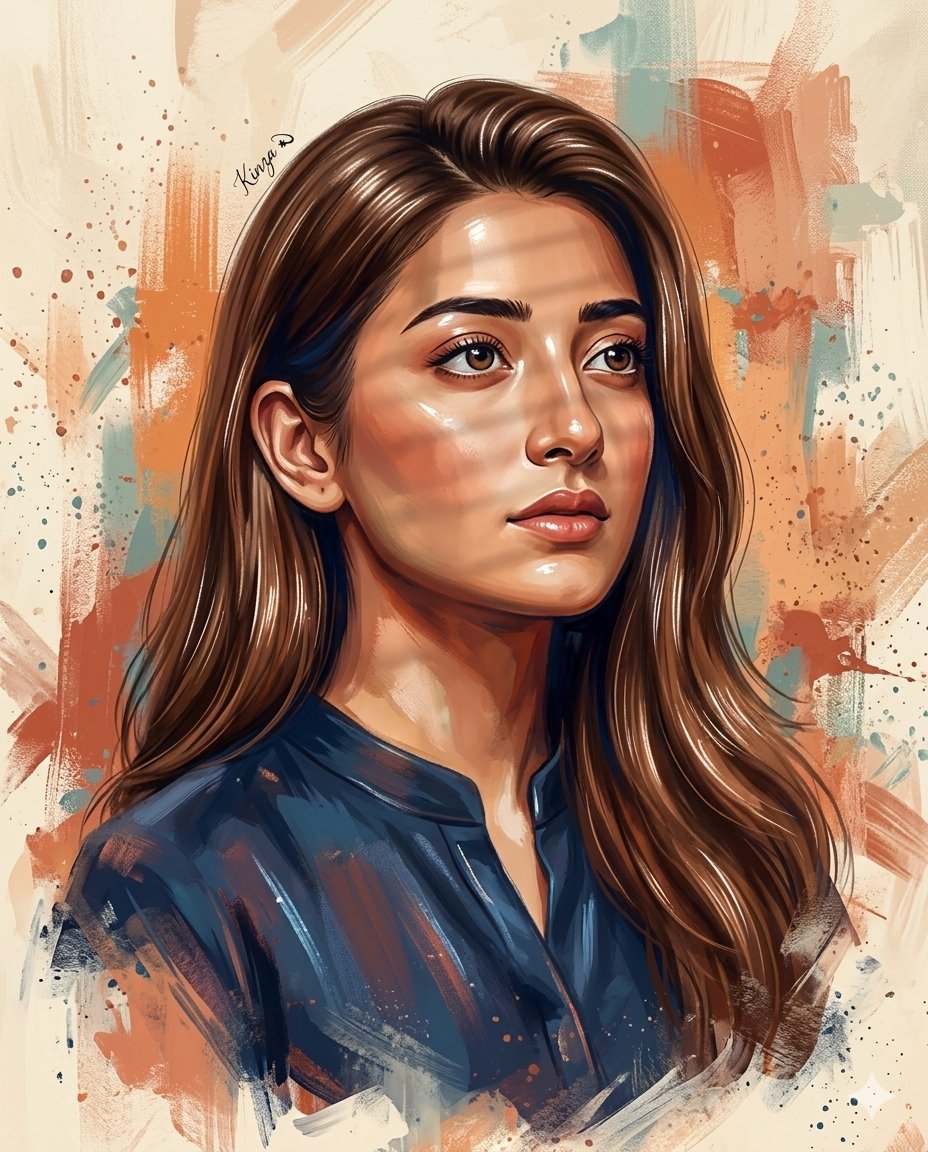
- Prompt included
- Model and format preset
- Premium template
The prompt behind this image
Copy the exact prompt behind Ultra-Detailed Stylized Digital Portrait, or open it in the studio and make it yours.
Create a 4K ultra-detailed digital portrait painting based on the provided reference image. A beautiful young woman shown from the shoulders up in a three-quarter view, looking slightly upward and to the right with a thoughtful, determined expression. The portrait must accurately match the subject’s identity, age, face, facial structure, proportions, hairstyle, hairline, and hair texture from the reference image. The subject has tan skin, naturally styled, voluminous hair, bright, enhanced eye colour, a defined nose, and a prominent cheekbones. Lighting: soft direct window light from the front illuminating the face, ears, and hair. Glossy painted highlight reflections on the forehead, nose bridge, cheekbones, chin, and lips, with defined specular highlights on individual hair strands to create a polished shine effect similar to editorial portrait painting. Subtle window-blind shadow bars fall across the face only. Hair strands catch the light with a natural shine. Rendering quality: ultra-detailed 4K digital painting with strong emphasis on facial features, ear detail, skin texture, and individual hair strands. Clothing: dark blue kurta shirt, minimally detailed but rendered with the same expressive acrylic brush strokes, painterly shading, color blending, and subtle highlight reflections as the face, including visible paint texture and stylized lighting accents on fabric folds. Lower fade effect: the lower portion of the portrait gradually dissolves into painterly brush strokes, with the shoulders and clothing softly fading into abstract paint textures rather than ending with a hard edge. The transition blends smoothly into the background using loose acrylic strokes, soft opacity falloff, and scattered paint splashes, creating a natural artistic fade-out from the chest downward while keeping the face fully sharp and detailed. Color palette: rich, saturated painterly tones with warm colors – burnt orange, terracotta, and peach – combined with deep navy and cool blue shadow accents. High color depth and contrast similar to modern editorial illustration. Background: abstract painterly backdrop with a cream and beige base, layered orange and terracotta brush strokes, muted teal accents, splattered paint marks, and textured acrylic-style strokes. Style: expressive acrylic and oil painting, modern editorial illustration, centered portrait composition. Add a very small, legible handwritten calligraphy signature '' floating above the subject's left shoulder, with clear, high-quality detail that perfectly matches the image layout. Resolution: 4K, ultra-sharp focus, rich color grading. Aspect ratio: 4:5.
How to use Ultra-Detailed Stylized Digital Portrait in 3 steps
- 1Upload ImagePNG, JPG or paste
Add your photo
Upload the photo the template builds on. The prompt, model and format are already set.
- 2…a portrait of your subject in softgolden-hour light, 85mm…
Personalize
Edit the subject and creative details for your destination.
- 3Generate
Generate
Press Generate — your image is created in PicX Studio, so you can compare it with the original and refine one variable at a time.
More like this
Templates with the same subject, style or setup. Open one to see its prompt.

Stylized 3d Clay Character Transformatio
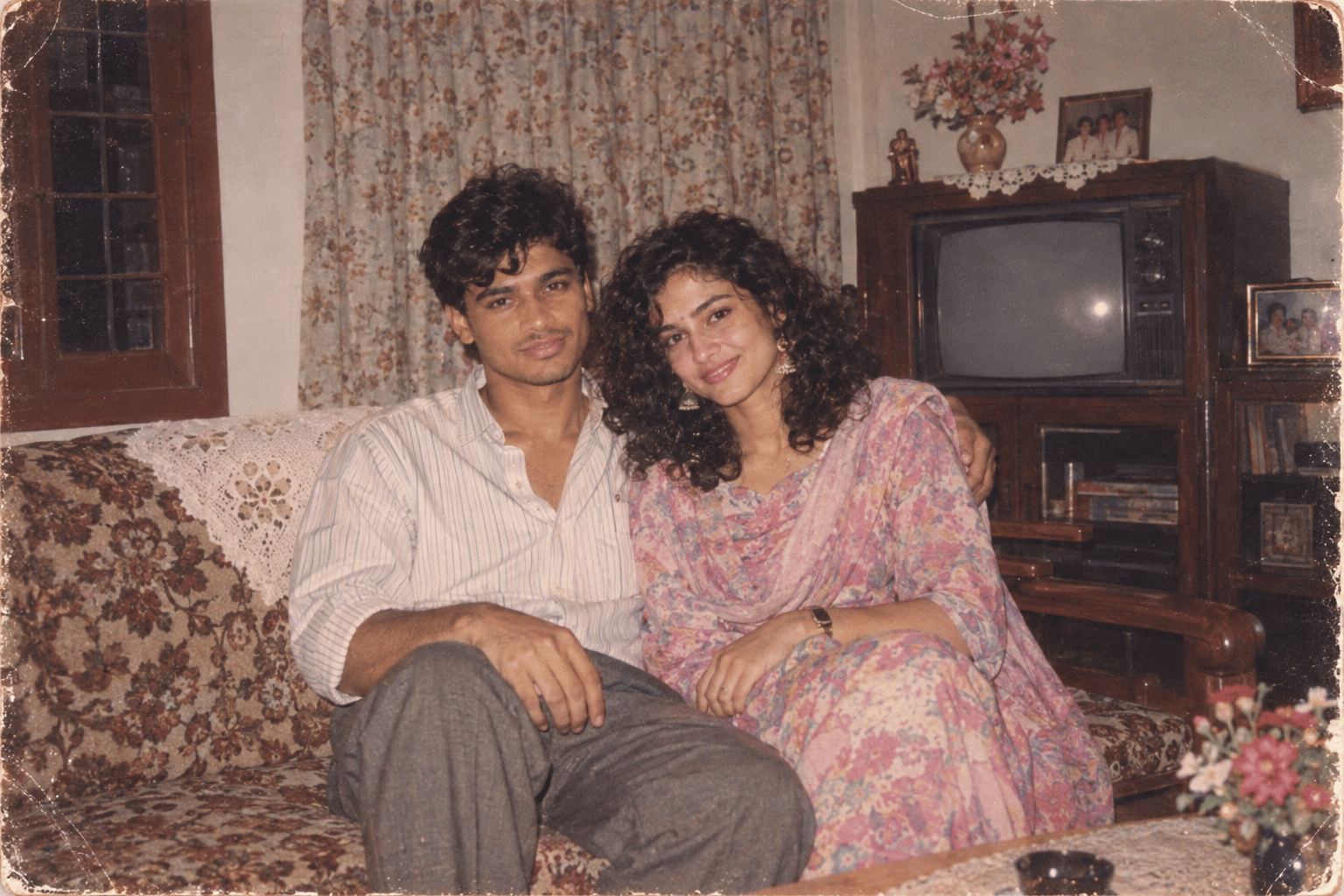
Found Photograph: Us, 1970
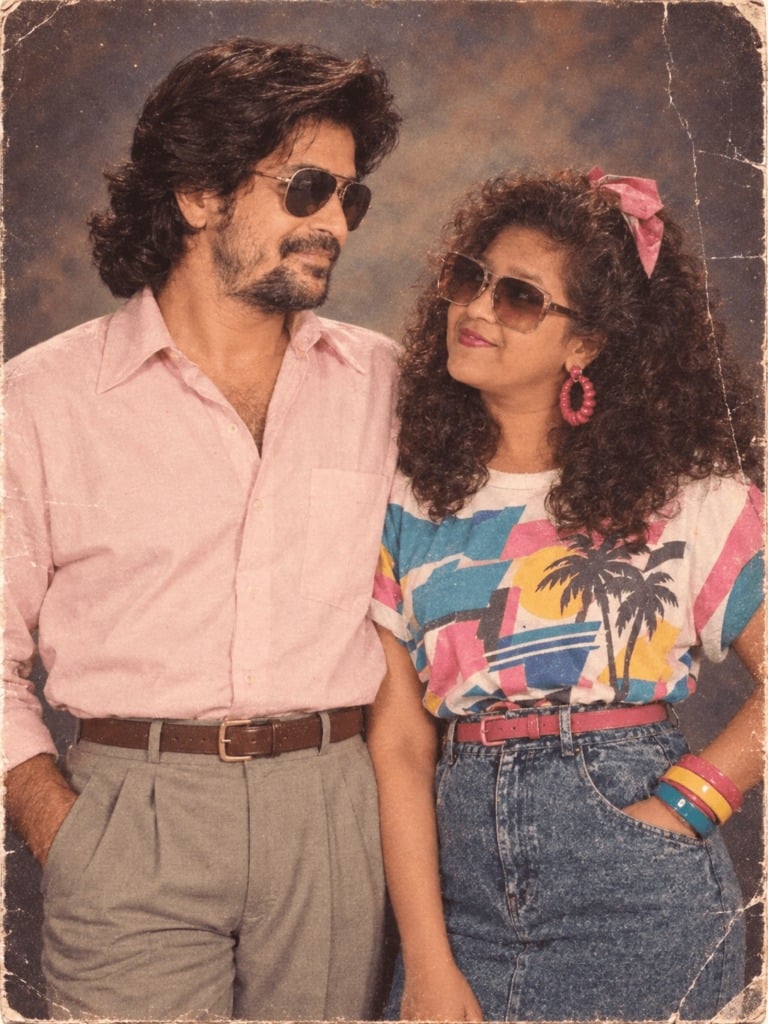
80s Couple Studio Portrait
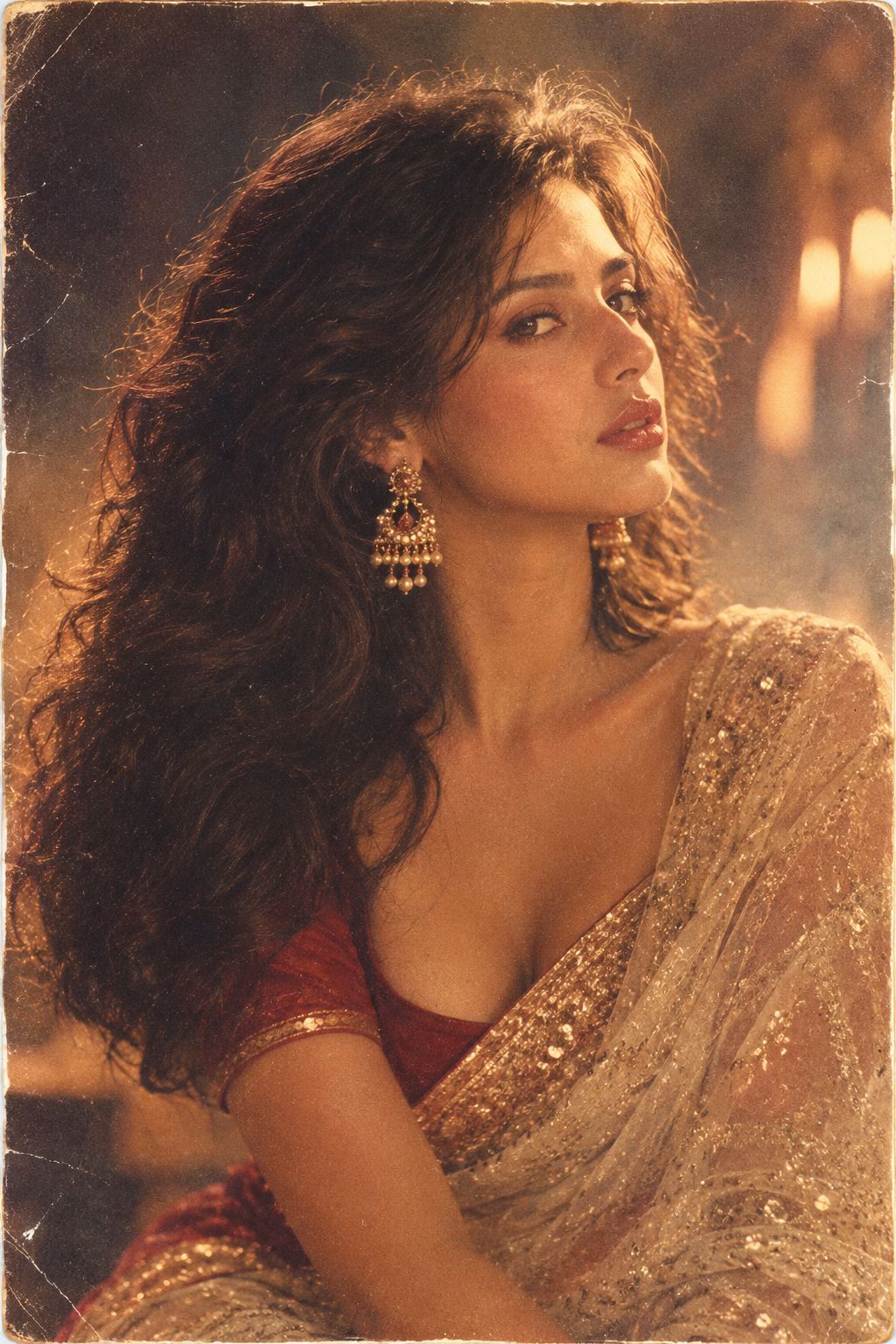
80s Bollywood Star
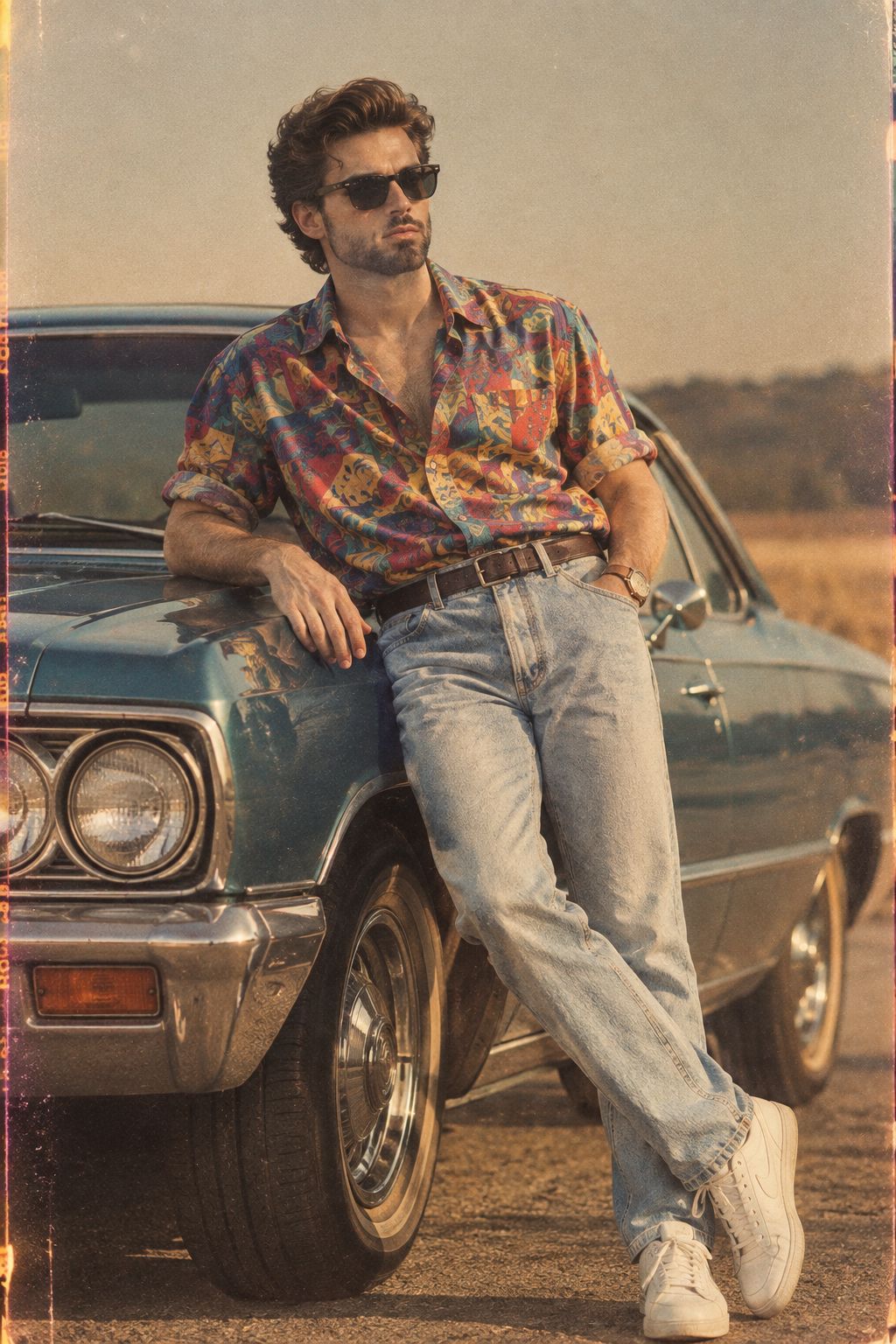
80s Golden Hour Cinema
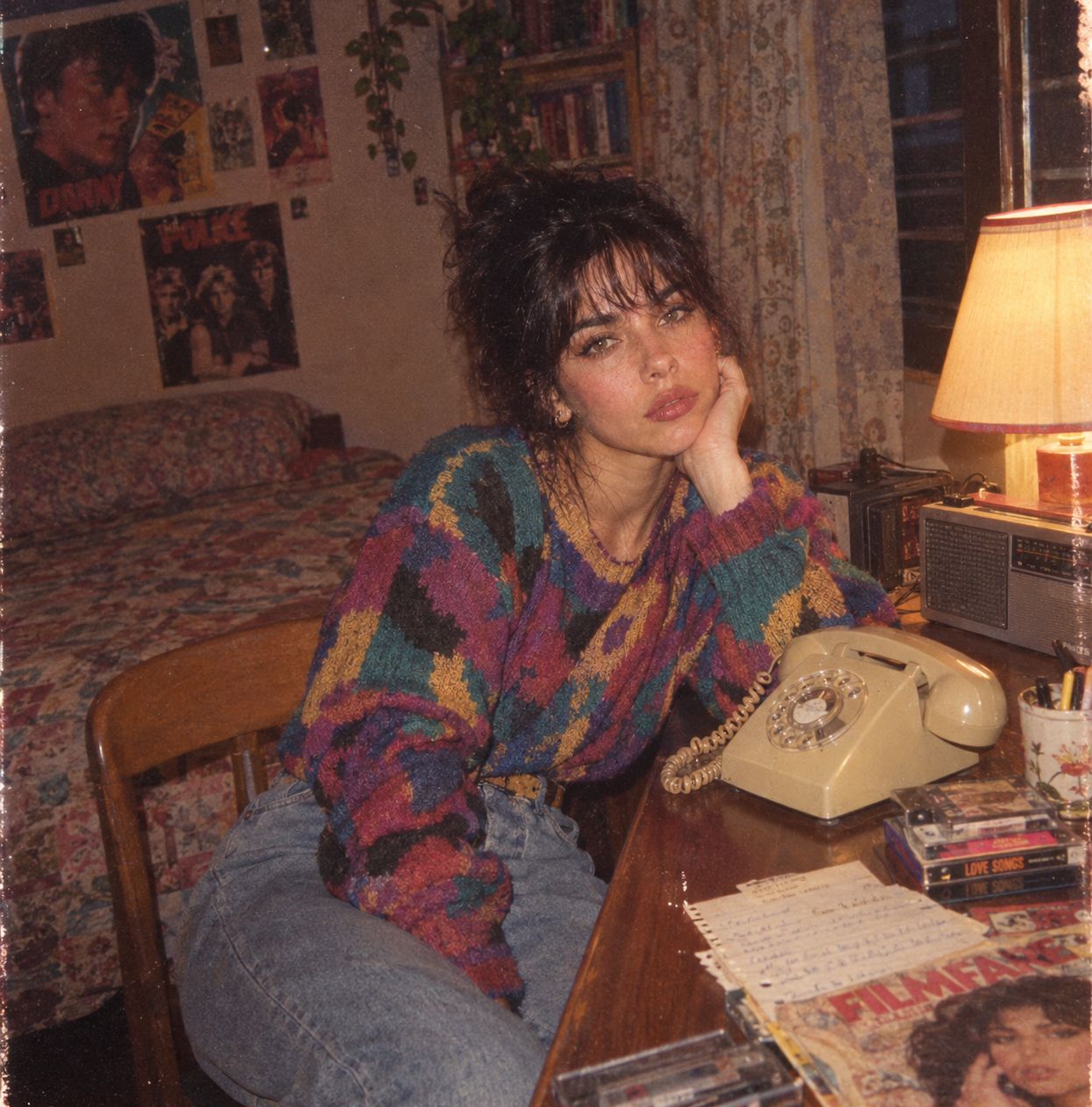
Me in 1985
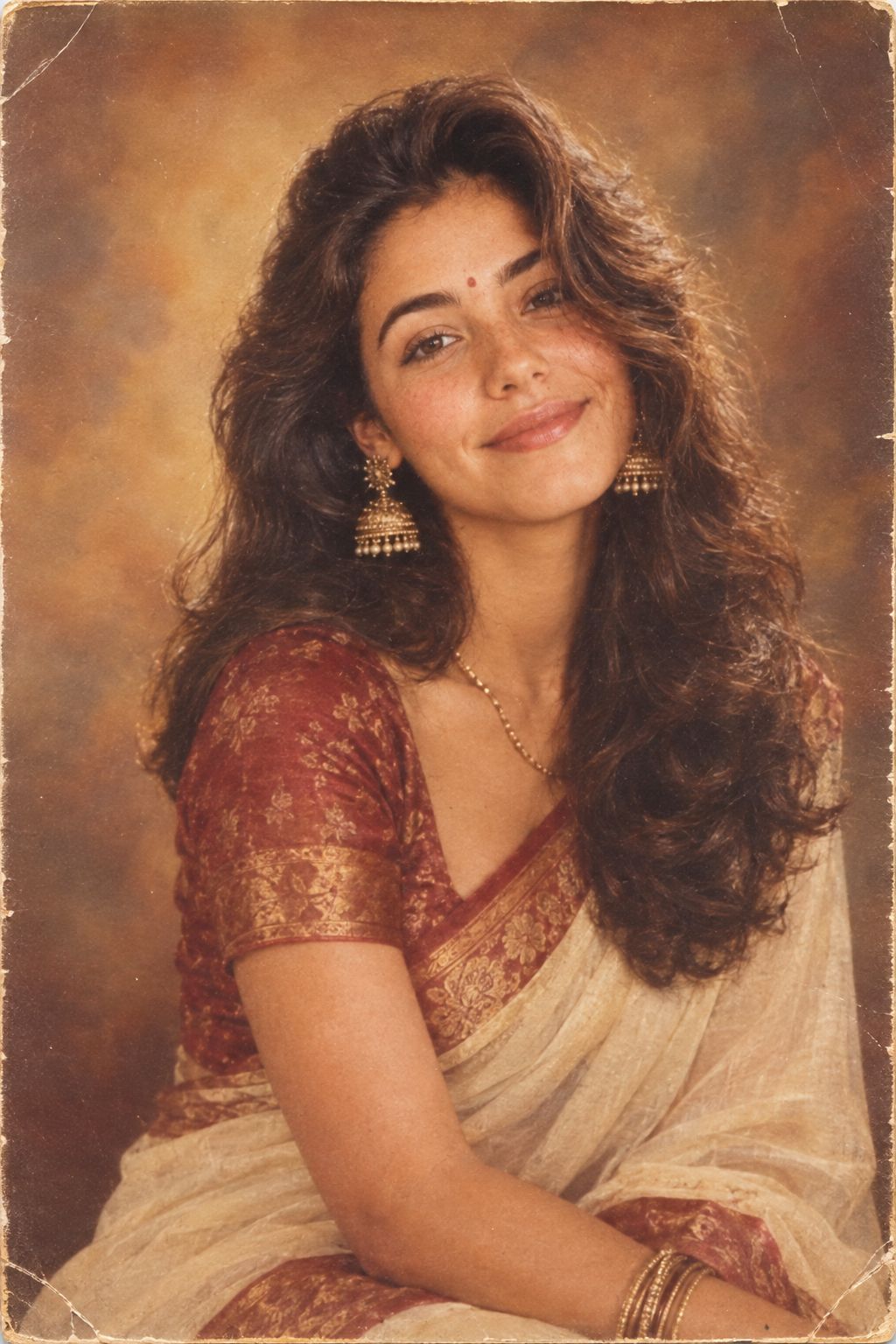
1985 Studio Portrait
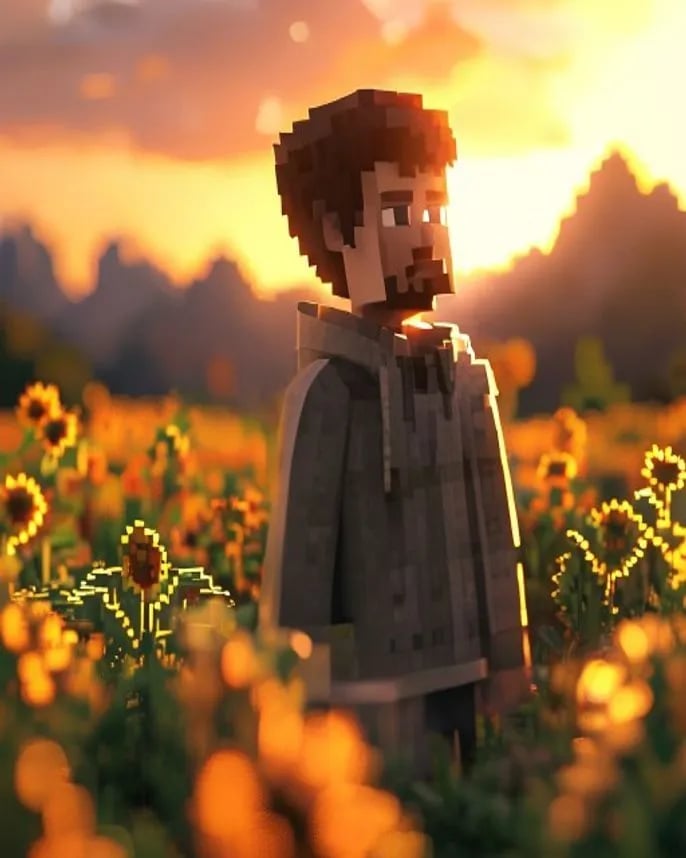
Hyper-Realistic Minecraft POV Portrait
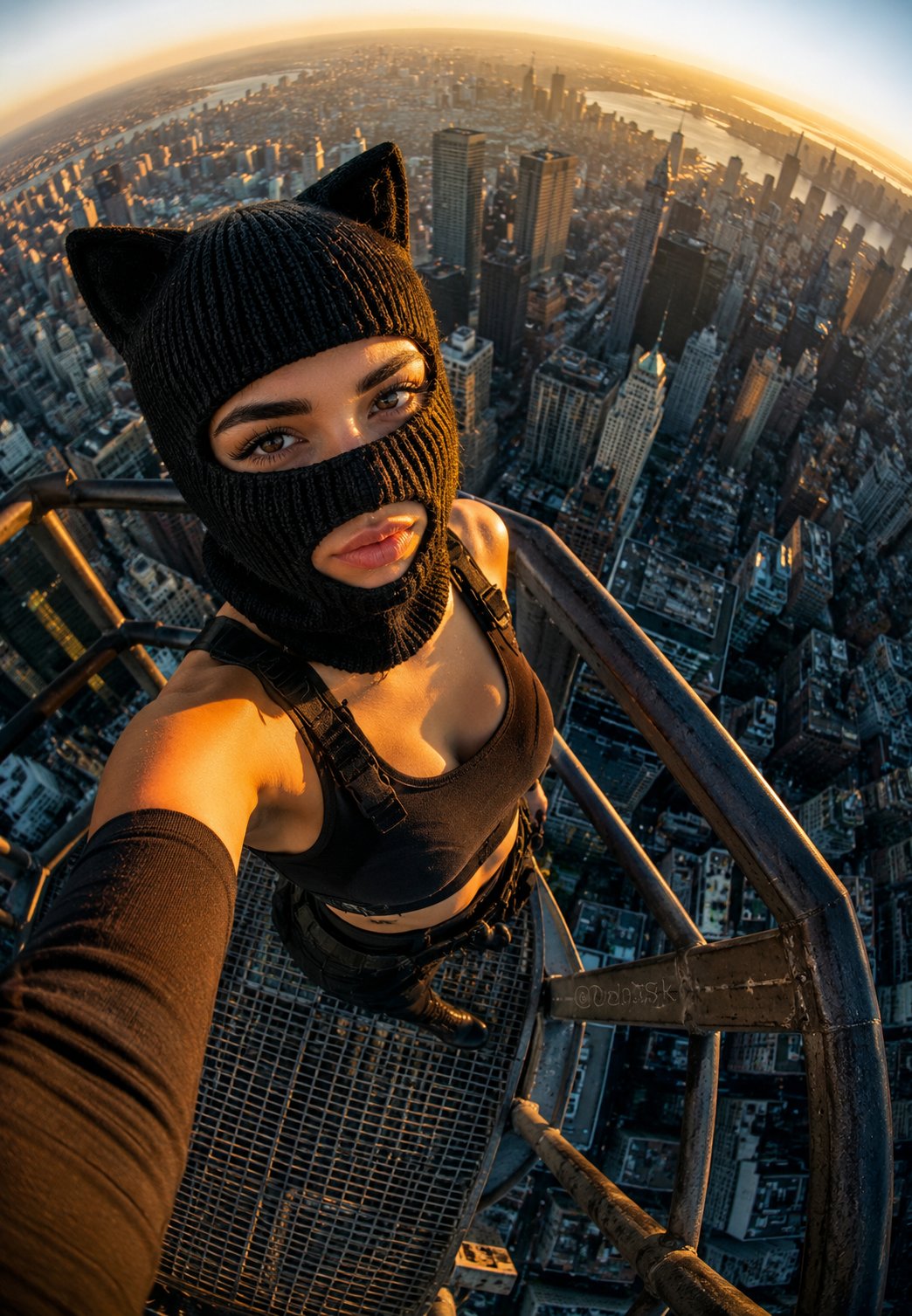
Rooftop Fisheye — Cat-Ear Balaclava at Golden Hour
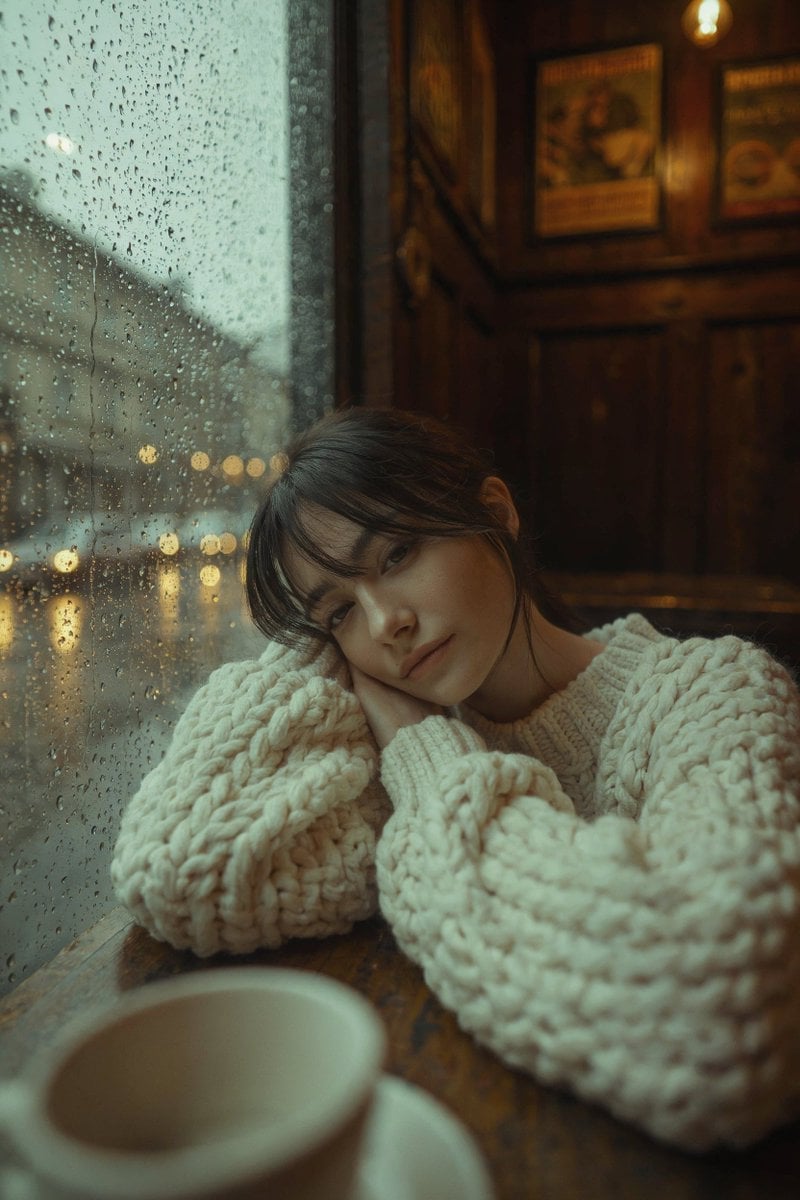
Rainy Café Window Moody Portrait
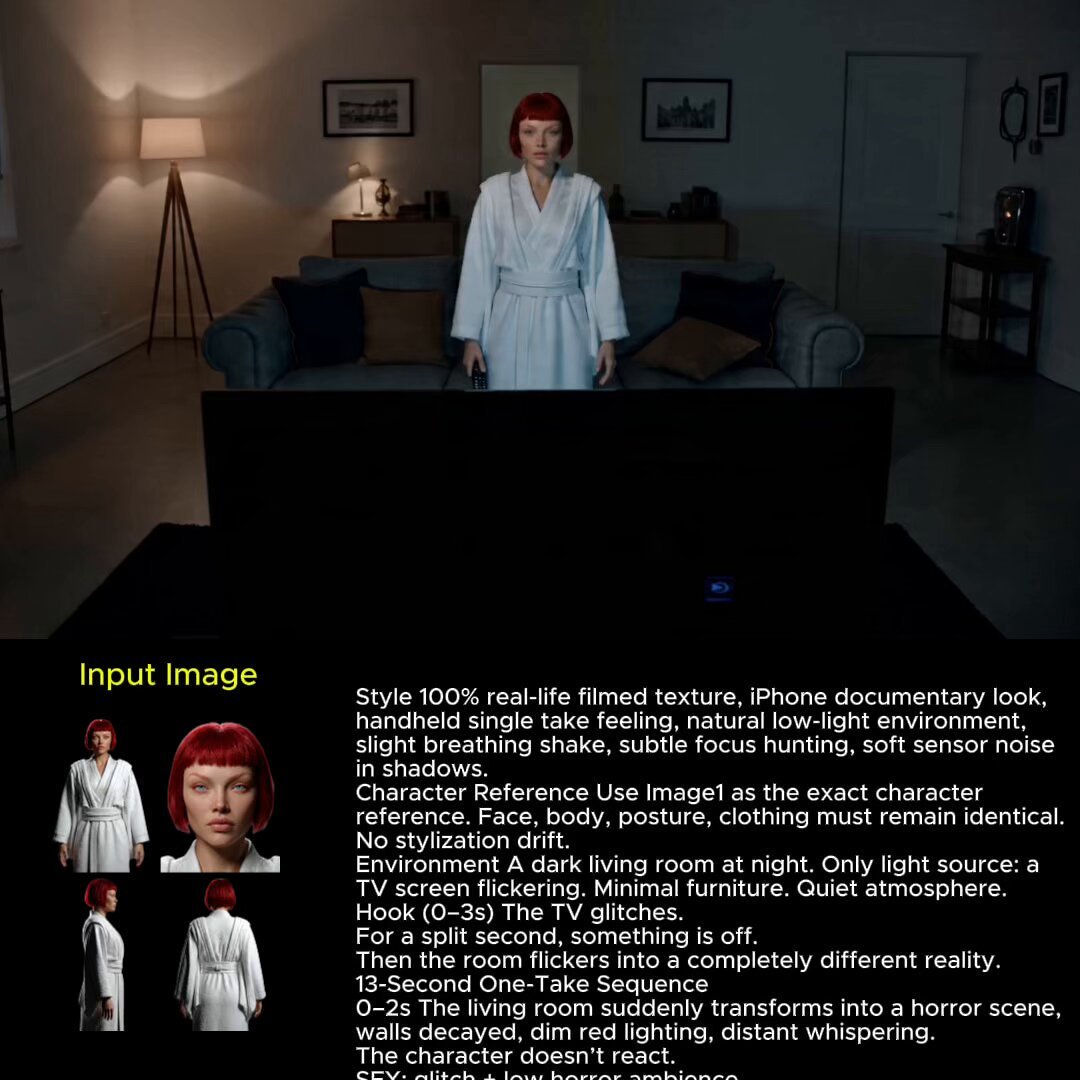
2025 Aesthetic Photography
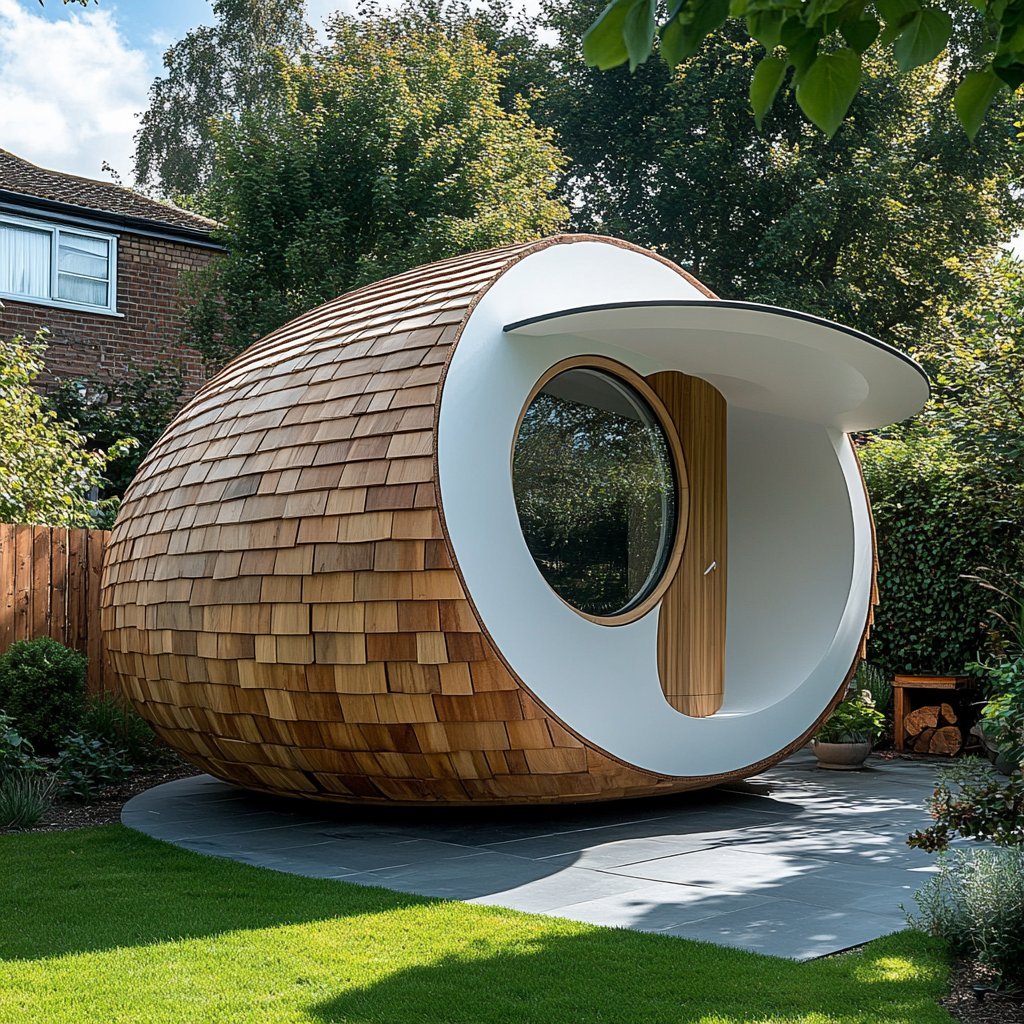
Nano Banana Is So Addictive
Make it yours
Ultra-Detailed Stylized Digital Portrait works as-is. These are the safest ways to change it without losing the look.
Change one field
Copy a single group, rewrite it, and generate again so you can see what that field is doing.
Keep the frame, change the subject
Hold the composition and light of Ultra-Detailed Stylized Digital Portrait, then swap wardrobe, props or the person for a new take.
| If the result… | Why | Fix |
|---|---|---|
| The result drifts from the preview | Too many fields changed at once. | Reuse Ultra-Detailed Stylized Digital Portrait as-is first, then change one group — subject, light, or setting. |
| The model over-stylizes the scene | The prose prompt leaves finish and camera underspecified. | Add one camera or lighting sentence and stay on Nano Banana 2. |
More Nano Banana 2 templates
Other prompts made for Nano Banana 2.
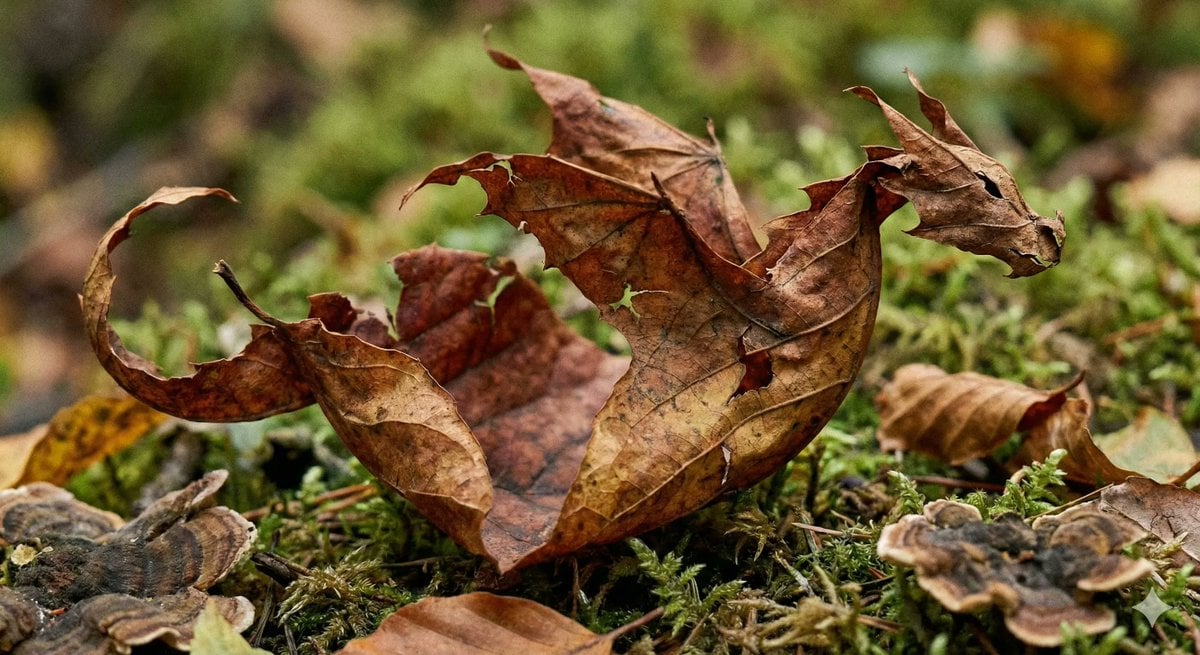
Photorealistic Leaf Shaped Like a Dragon
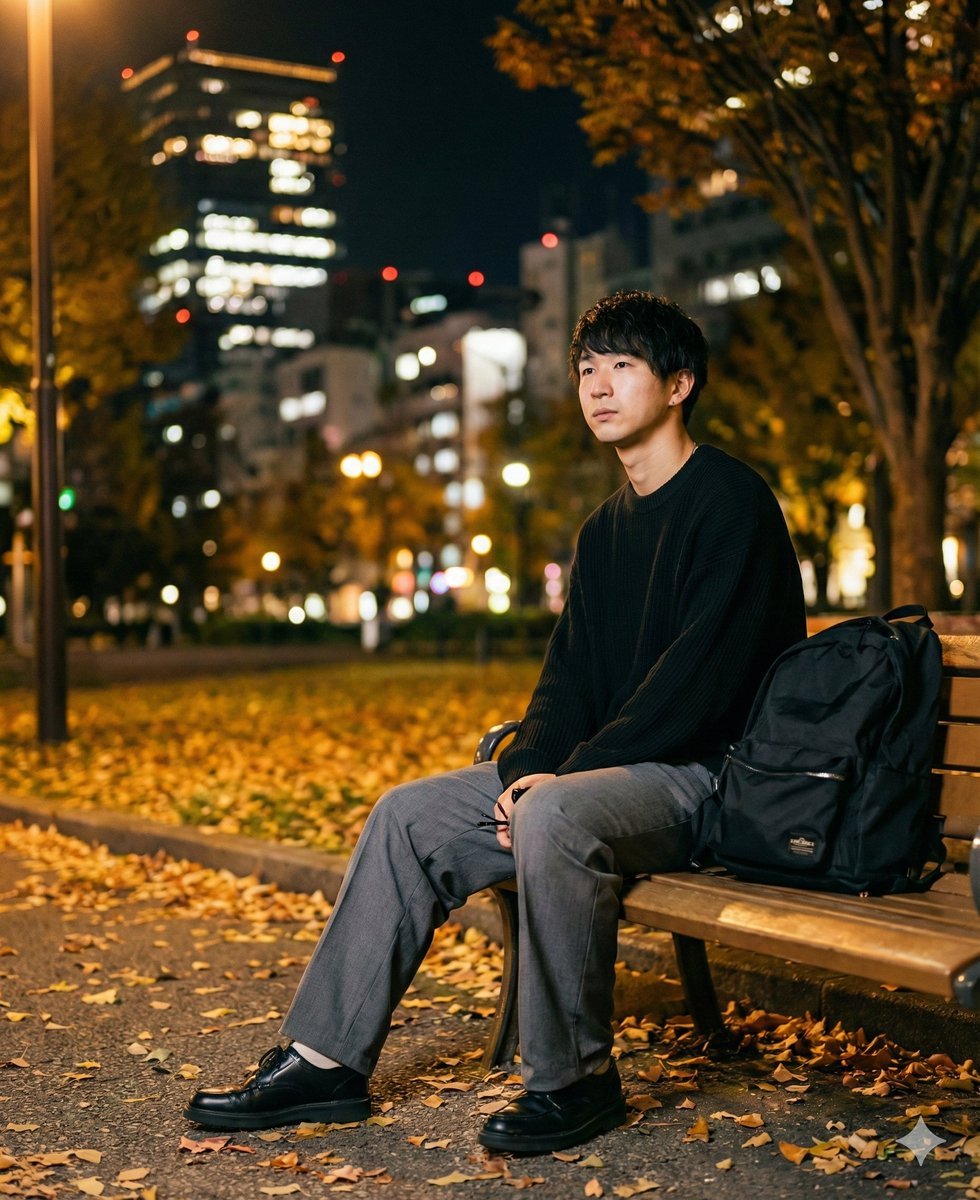
K-Pop Idol Portrait Grid for Rapid Selection
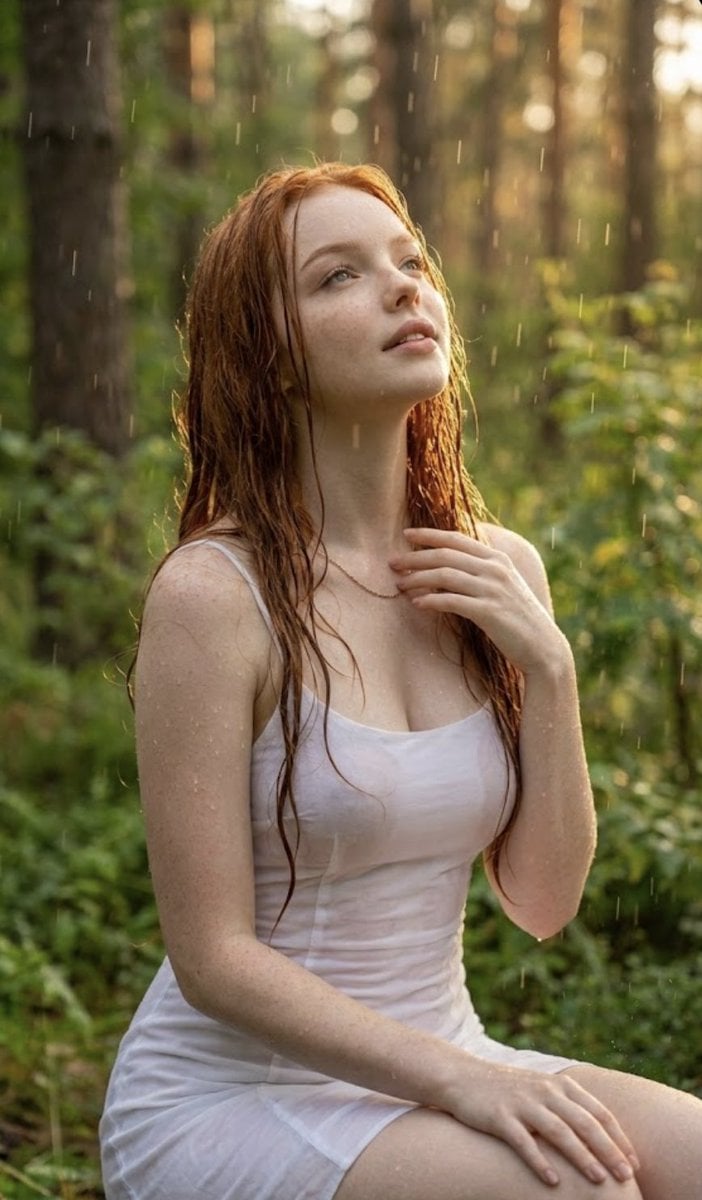
Poetic Rain Forest Portrait During Golden Hour
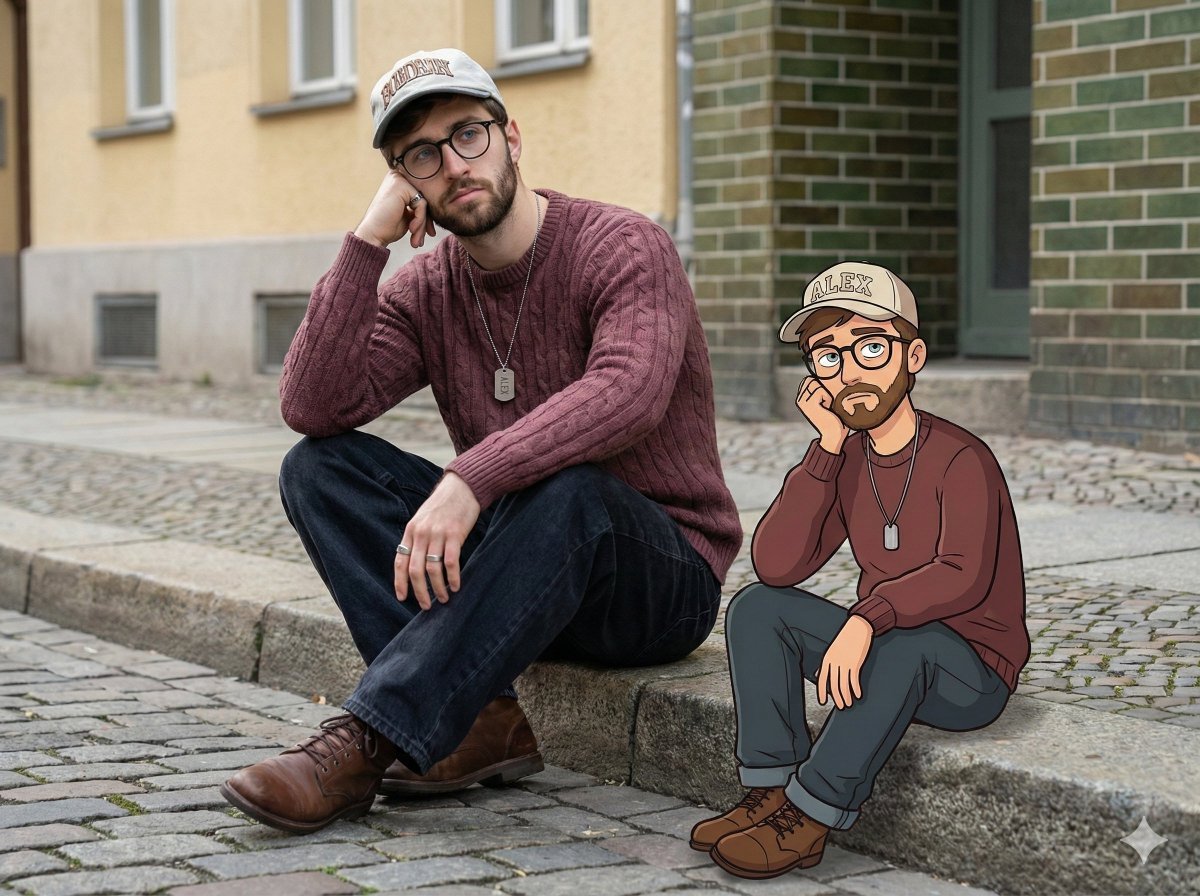
Urban Street Portrait with Cartoon Inner Self Duo
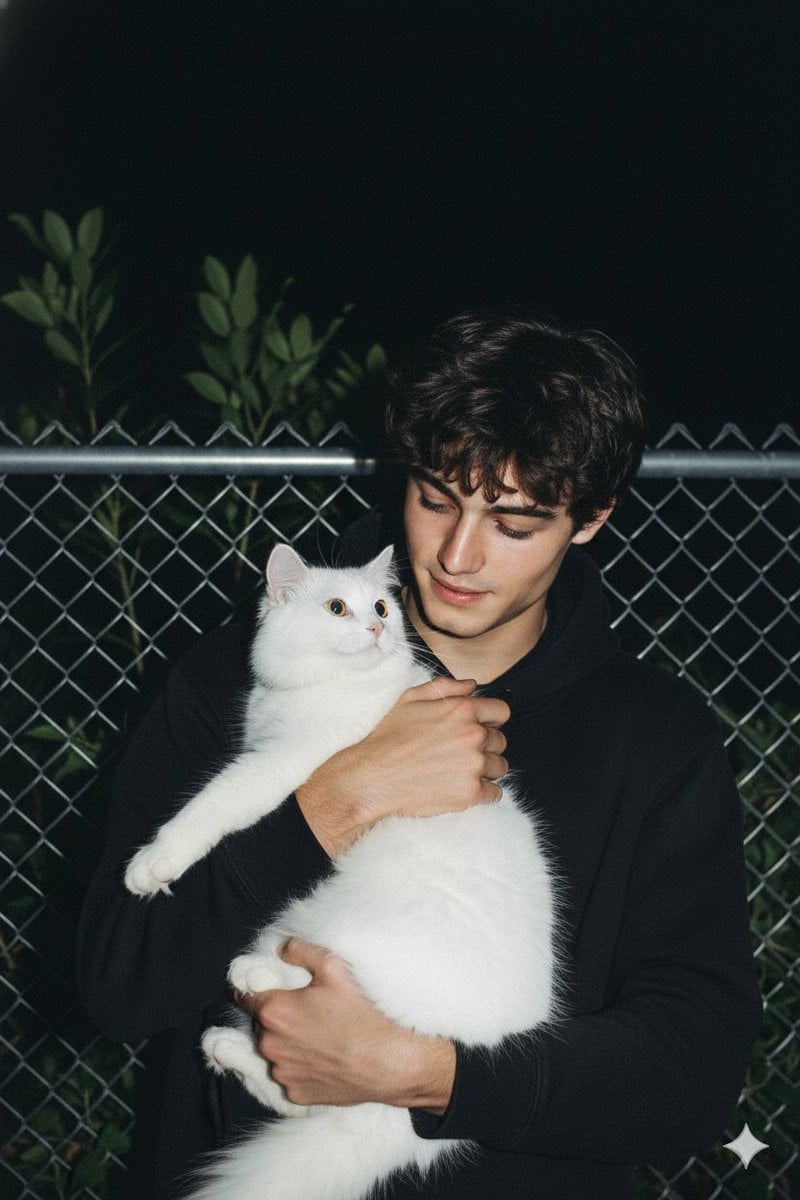
Candid Nighttime Photo with Cat Prompt
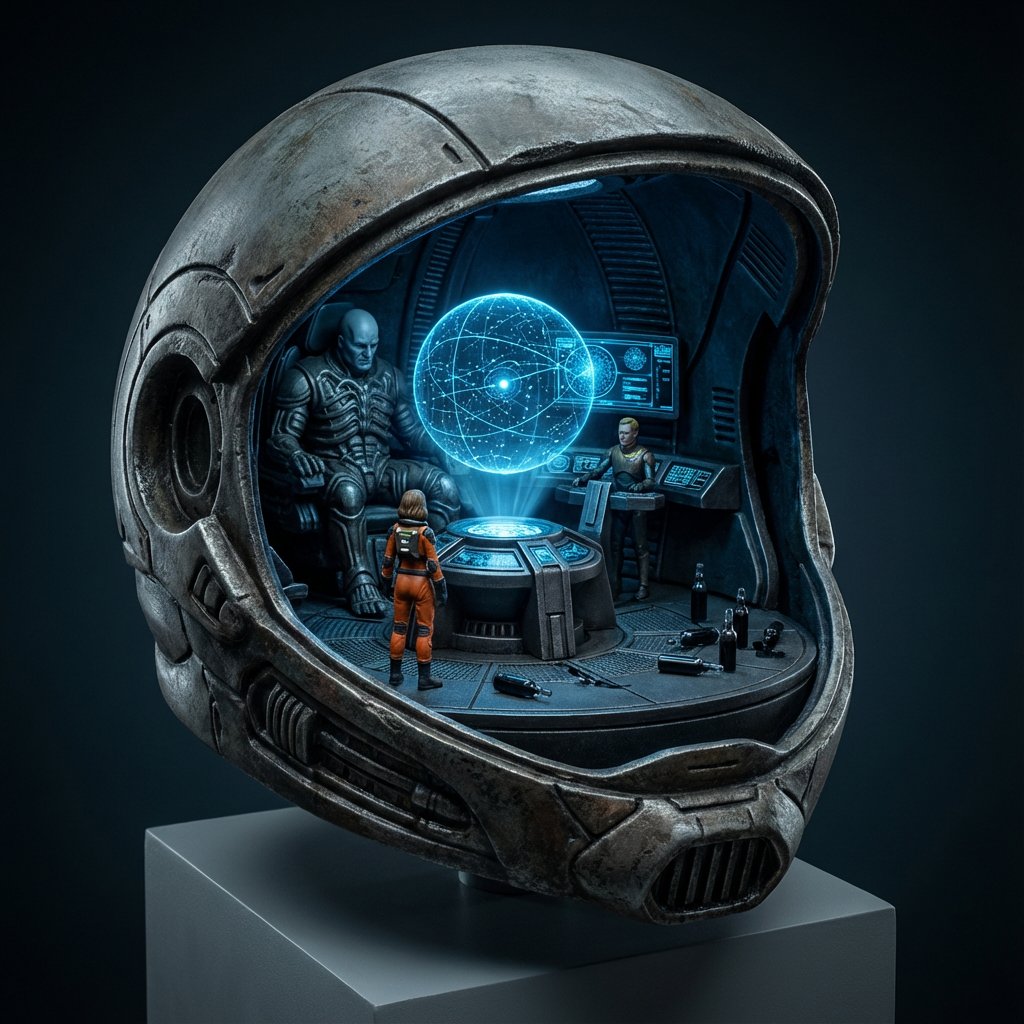
High-Concept 3D Diorama Generation Prompt
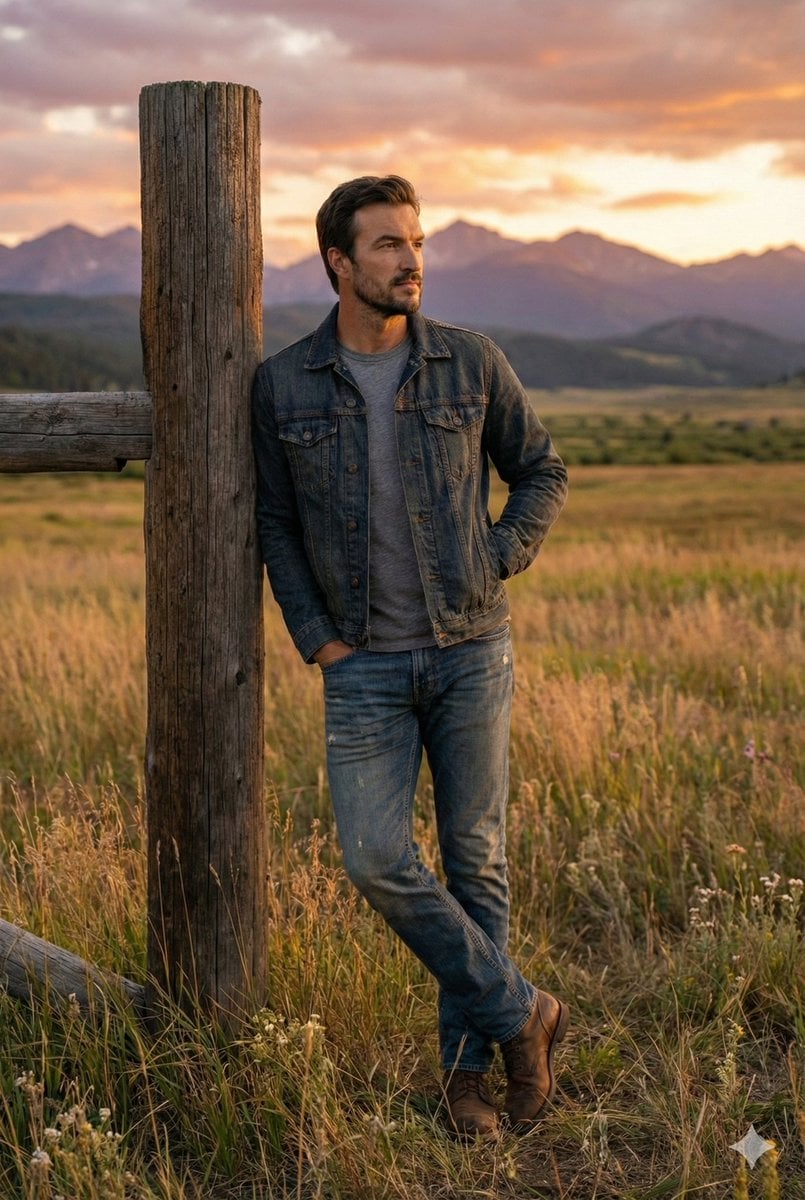
Cinematic Futuristic Studio Portrait Template
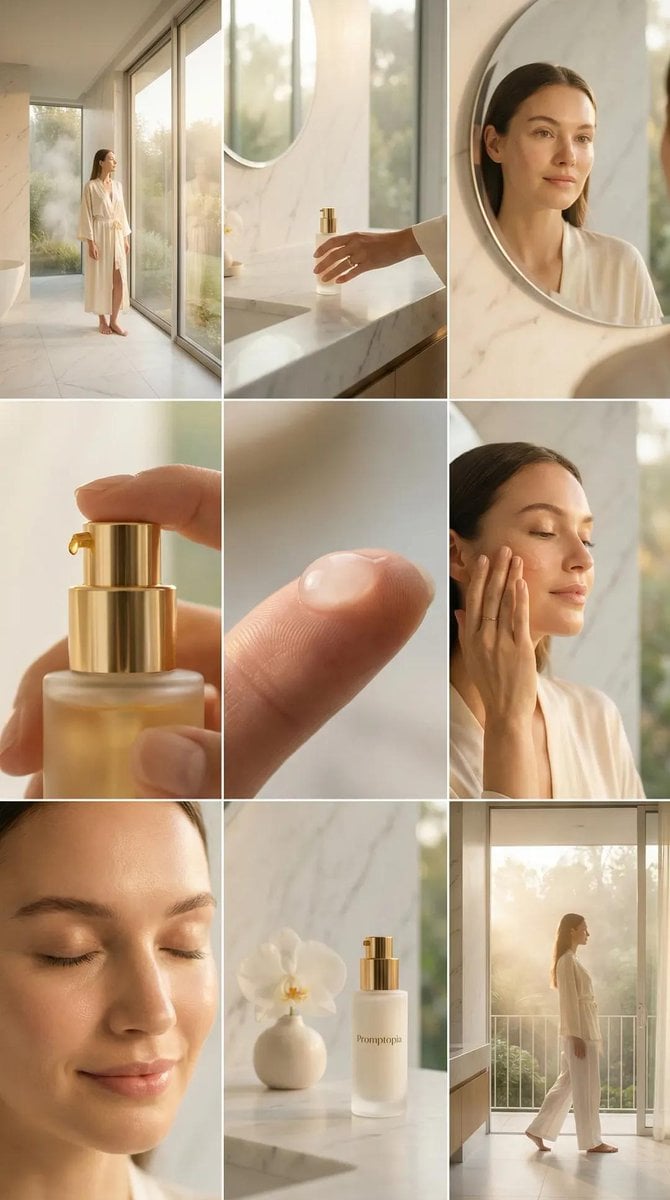
Skincare Editorial Photography Collage Prompt
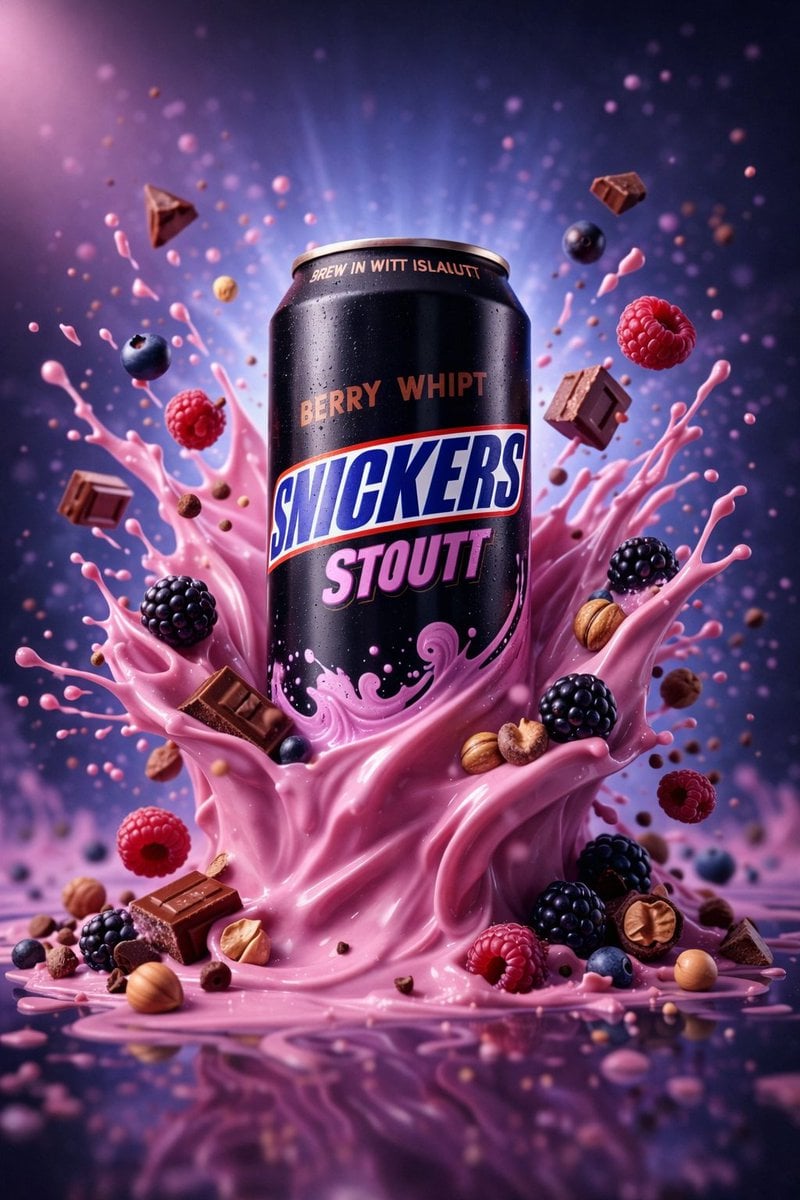
Hyper-Realistic Commercial Product Photography (Splash Effect)
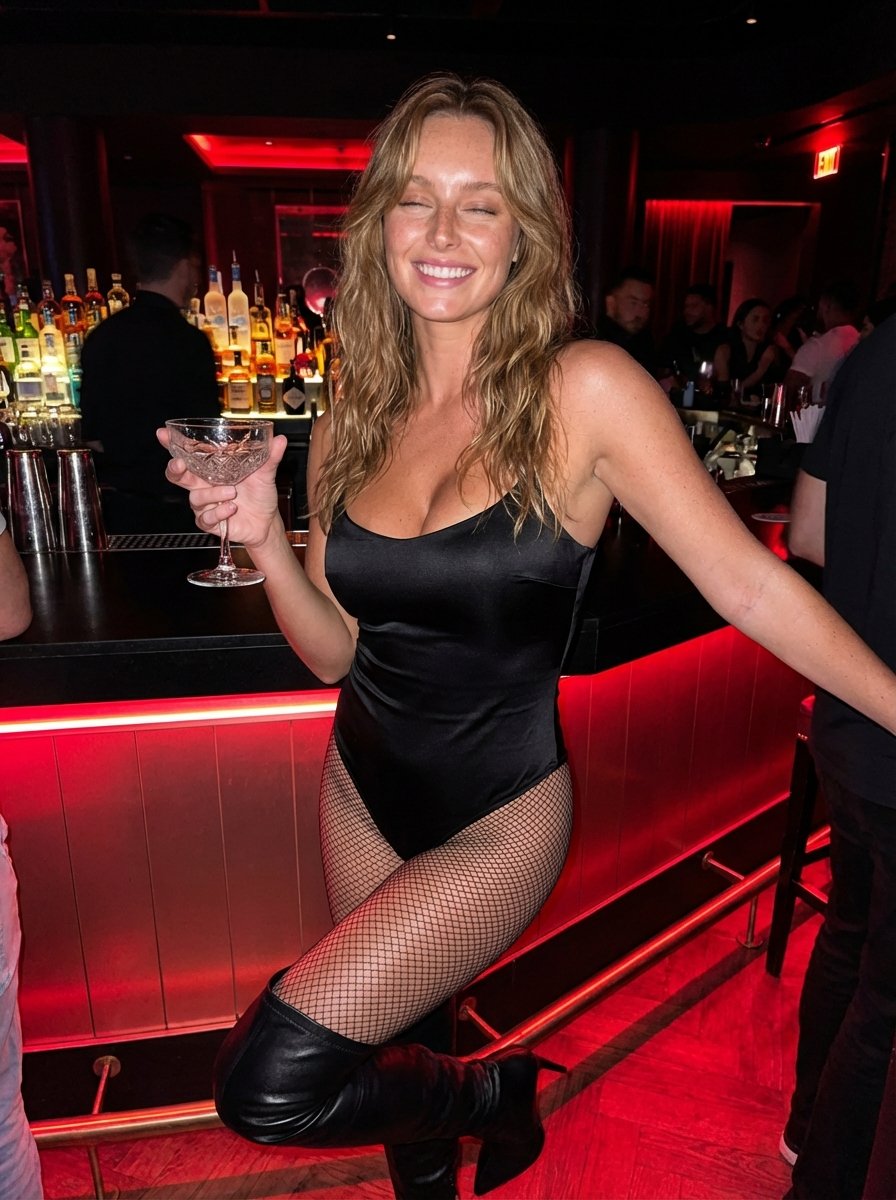
Hyper-Realistic Nightclub Portrait Prompt
More image prompts
Fresh picks from across the catalog.
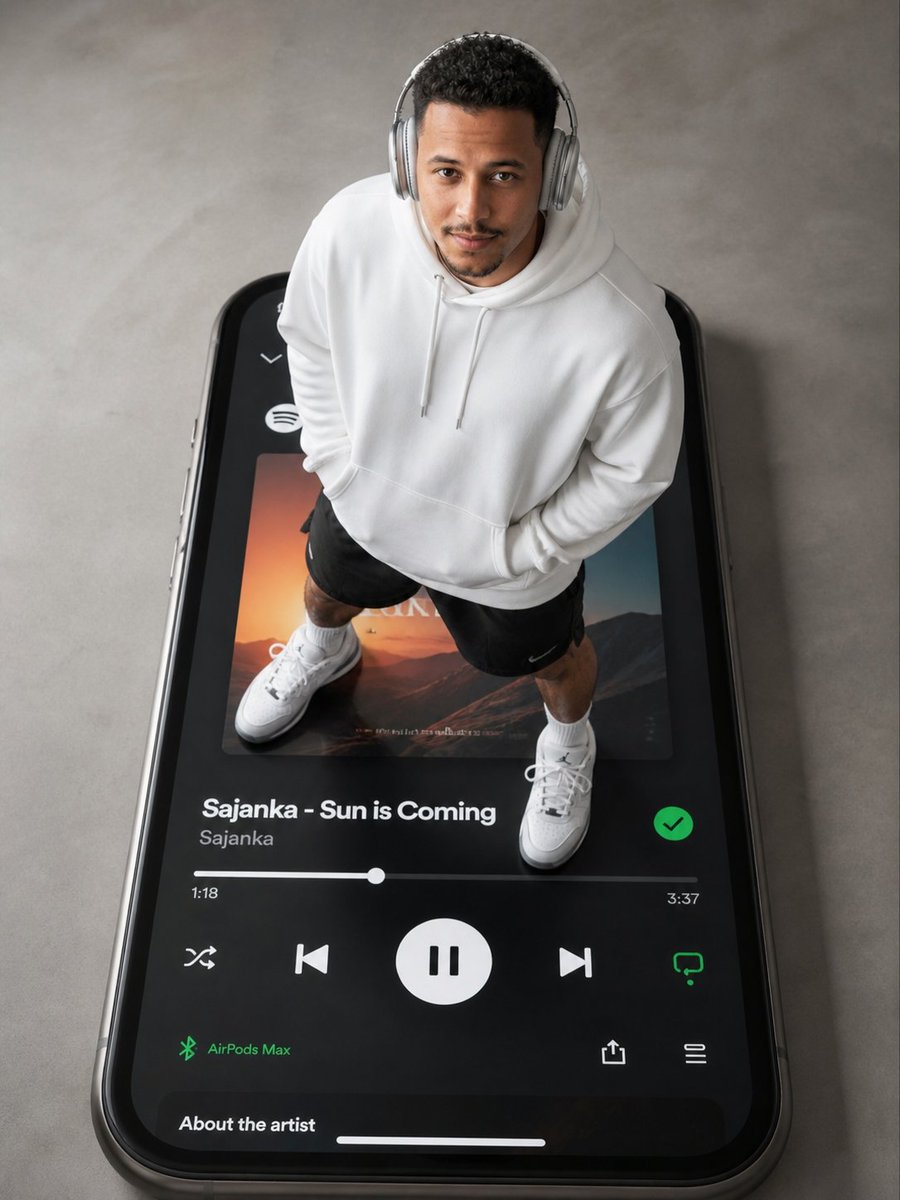
Surreal Top-Down iPhone Fashion

untitled
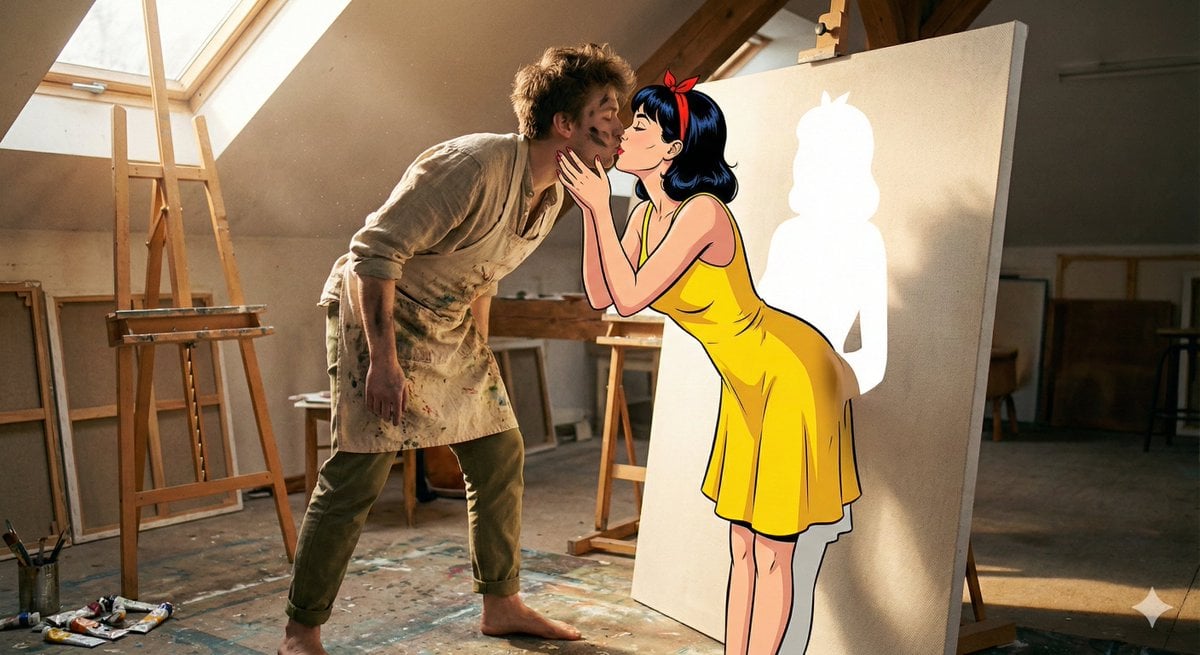
Surreal 2D to 3D Transition Kiss Prompt for Gemini 3
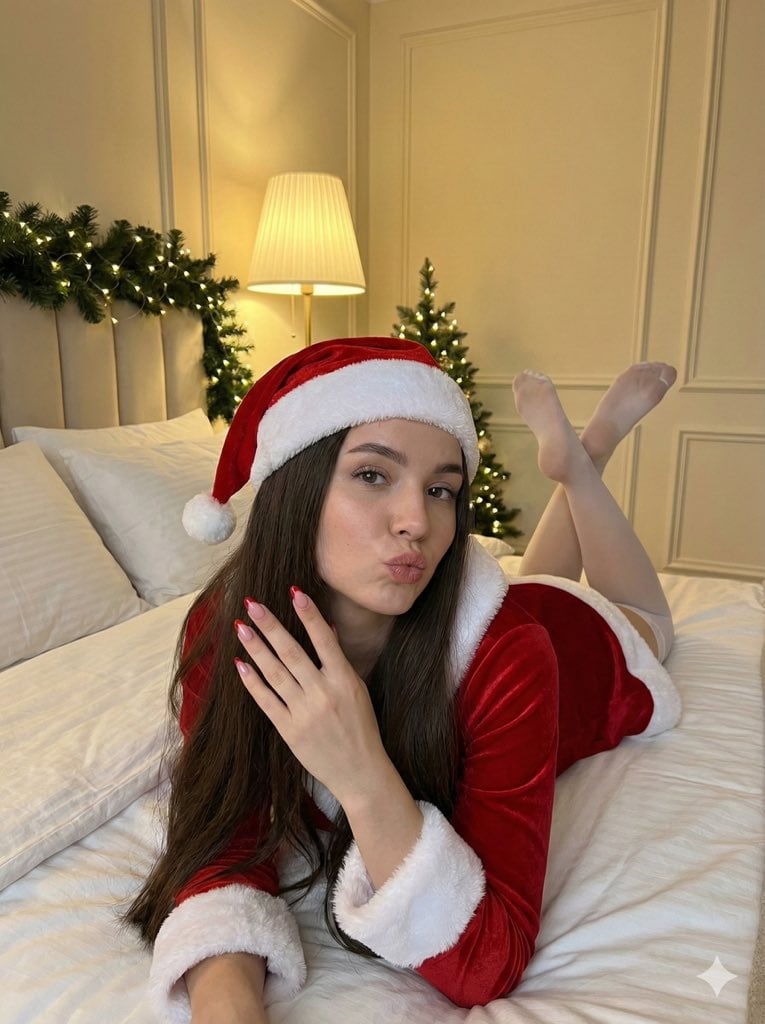
Christmas Santa Hat Bedroom Pose Prompt
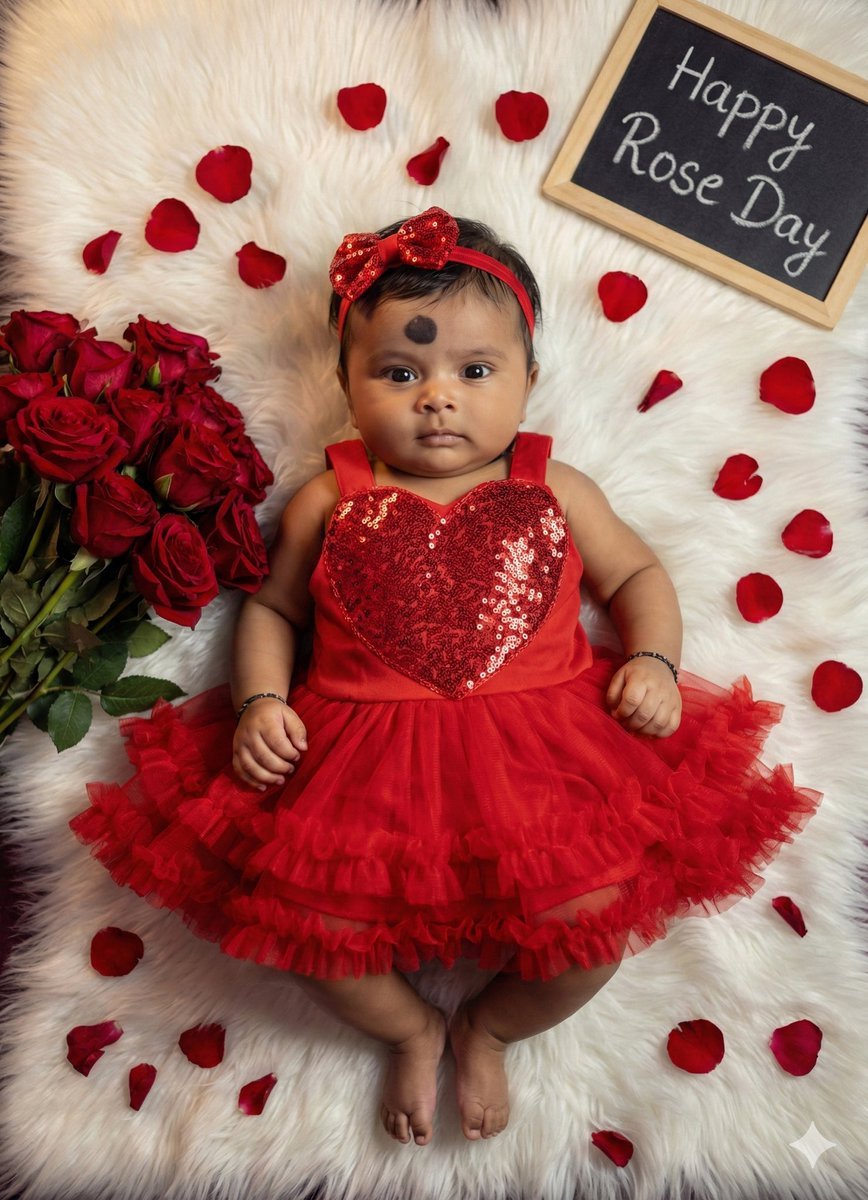
Valentine's Day Baby Girl Portrait Prompt
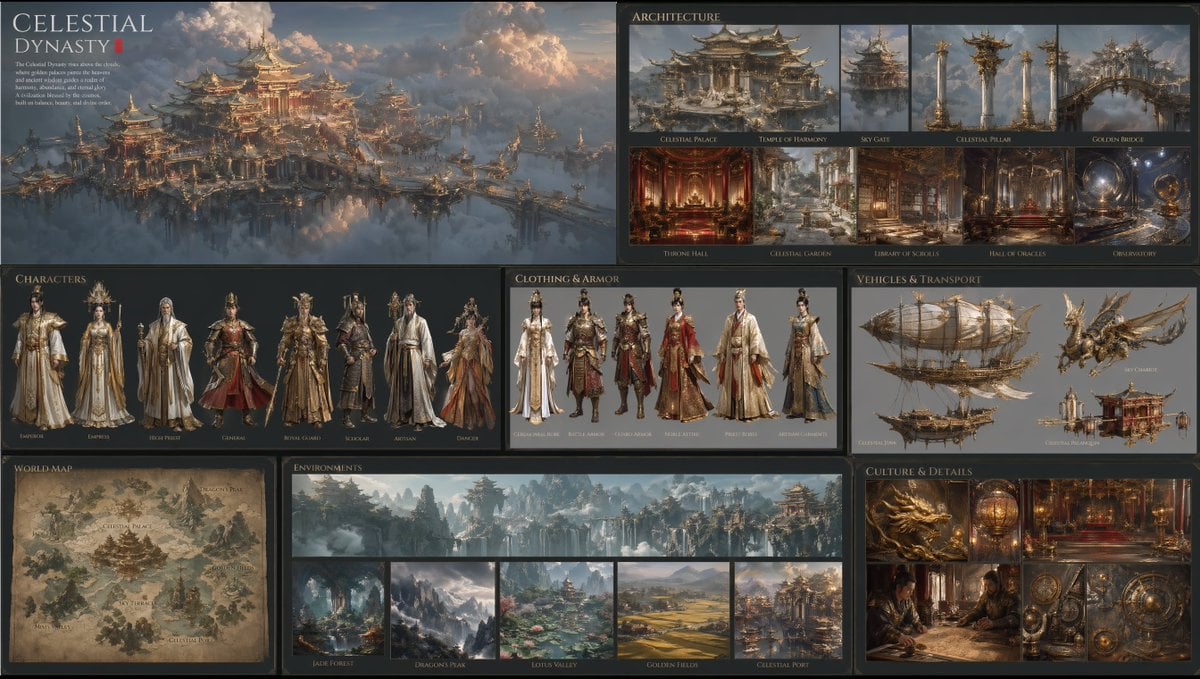
Celestial Dynasty World Bible Board
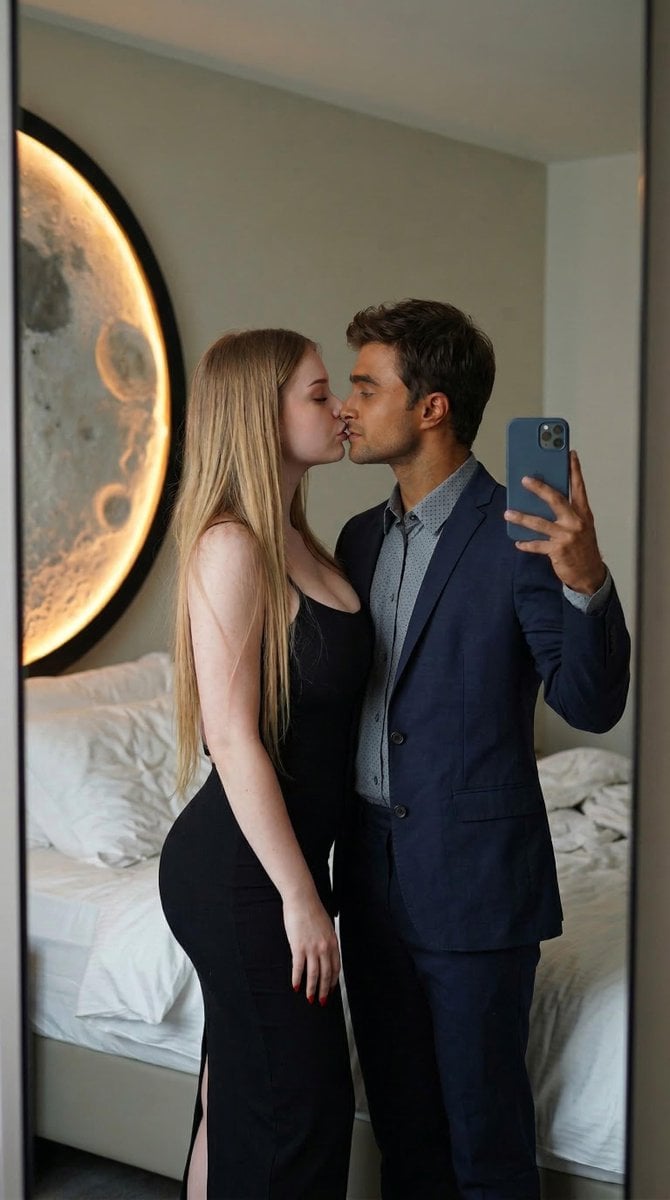
Romantic Couple Mirror Selfie Kiss
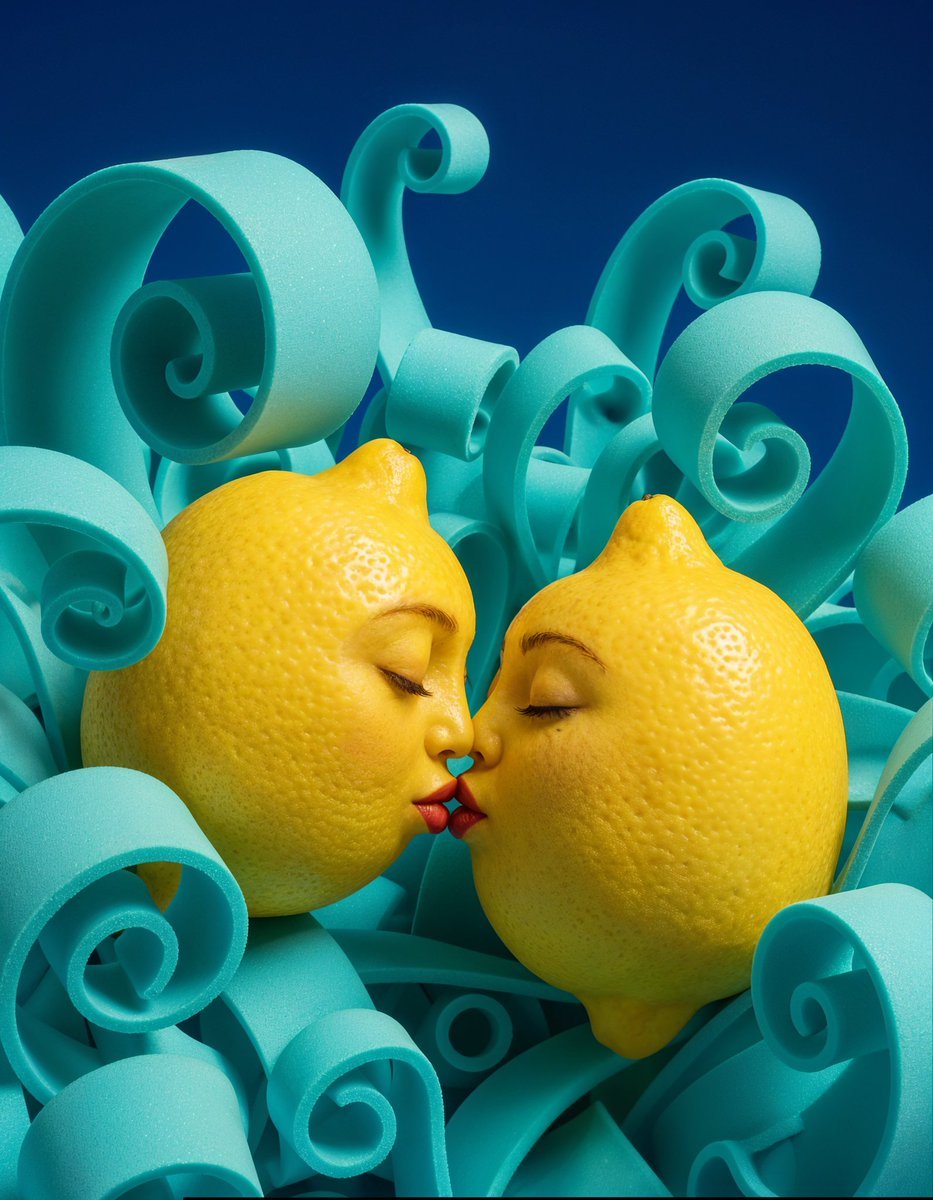
Surreal Anthropomorphic Lemon Still Life Prompt
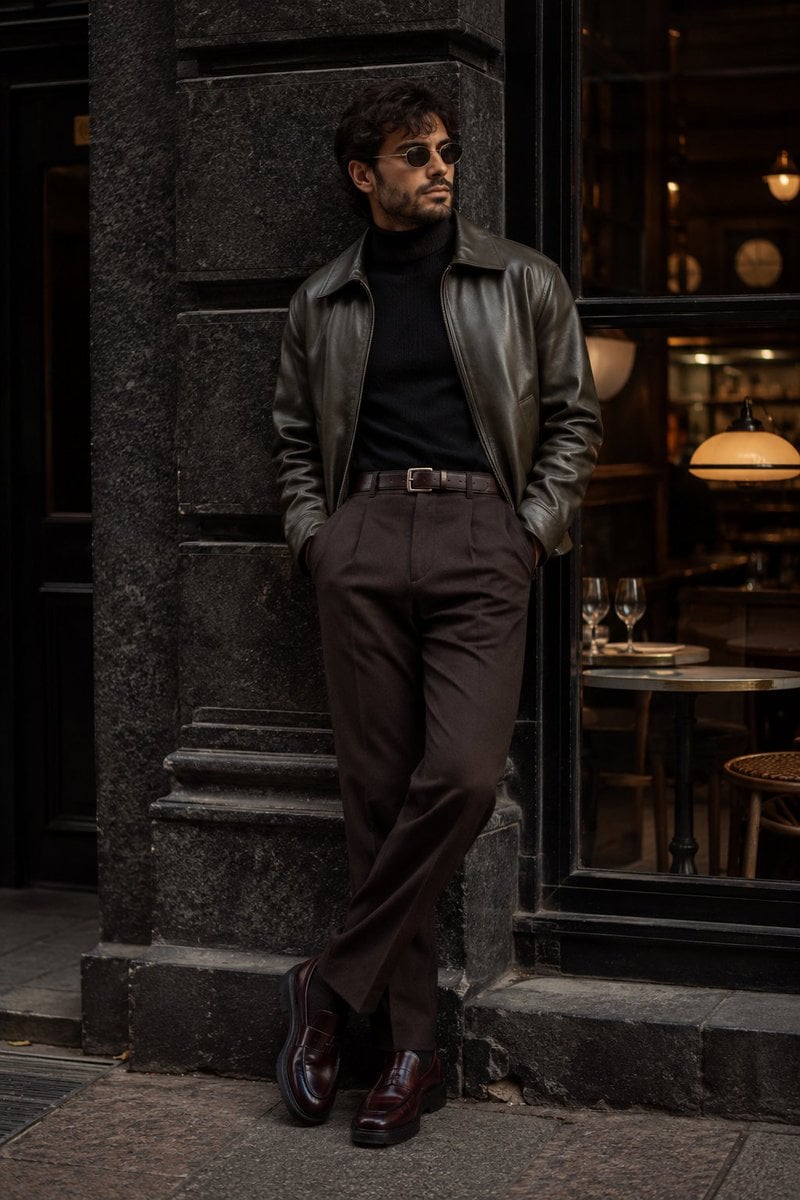
Cinematic Urban Menswear Portrait
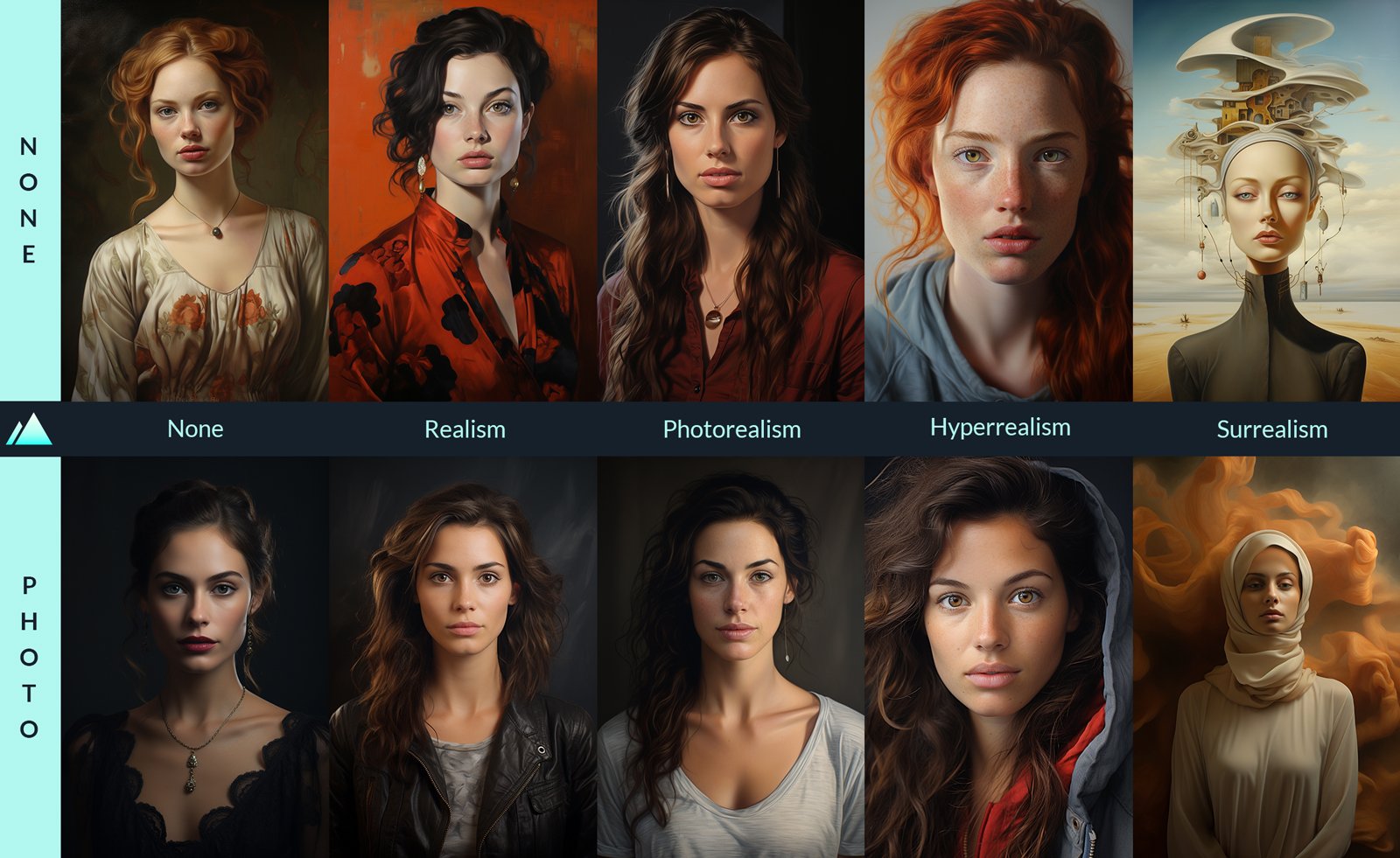
How to Generate Ai Humans That Look 100
Browse template categories
Ultra-Detailed Stylized Digital Portrait questions
How do I use the Ultra-Detailed Stylized Digital Portrait template?
Add your photo if the template asks for one, edit the prompt if you like — the template's model and format are already selected — and press Generate. Your version opens in PicX Studio.
Can I customize the Ultra-Detailed Stylized Digital Portrait template?
Yes. You can change the subject, setting, lighting, mood, format, and available model controls before creating your image.
Is the Ultra-Detailed Stylized Digital Portrait template free?
Opening and editing this template is free. Generating uses credits, shown on the Generate button when you are signed in.
Which AI model should I use?
Start with Nano Banana 2, which is the model associated with this template. You can compare another compatible model for a different finish.
Looking for something else? Browse all templates.

Your photo, any look
Thousands of ready templates for every top image and video model, from one credit balance.