
Blindfolded Cathedral Priestess
A vertical anime fantasy portrait of a blindfolded blonde priestess-warrior holding an ornate staff in a sunlit cathedral.
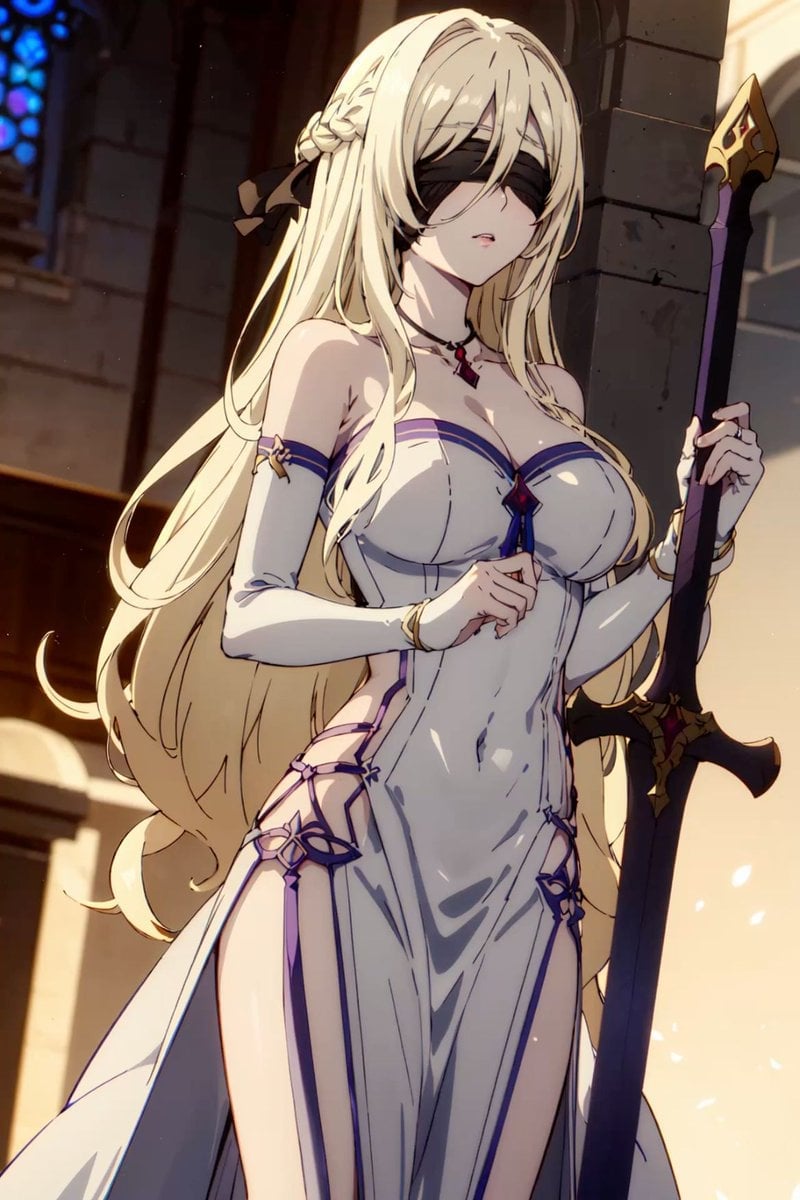
- Prompt included
- Model and format preset
- Free template
The prompt behind this image
Copy the exact prompt behind Blindfolded Cathedral Priestess, or open it in the studio and make it yours.
Create a polished anime fantasy character illustration of an elegant blindfolded priestess-warrior standing inside a cathedral. The character is a tall young woman with very long flowing {argument name="hair color" default="platinum blonde"} hair, soft pale skin, and a calm, slightly parted-lips expression. She wears a black cloth blindfold covering her eyes, with a braided side section and a large black ribbon tied behind her hair. Her outfit is a fitted white ceremonial gown with deep side slits, purple-blue trim, gold accents, long white detached sleeves, a small red gemstone pendant at the neck, and ornamental straps and flower-like decorations at the hips and thighs; the design is refined, fantasy-inspired, and glamorous but not explicit. She holds a tall dark staff or spear in her right hand, with a gold spearhead at the top and a black-and-gold ornate guard near the lower visible section. Pose her in a three-quarter front view from mid-thigh upward, body turned slightly left, one hand gently raised near her chest, the other gripping the staff. Set the background in a grand stone cathedral interior with tall pillars, warm sunlight streaming from the right, and a blue stained-glass window blurred in the upper left. Use dramatic warm rim lighting, soft dust particles and glowing petals in the air, detailed cel-shaded anime rendering, crisp line art, glossy fabric highlights, high detail, vertical portrait composition, cinematic fantasy atmosphere, no text, no watermark.
How to use Blindfolded Cathedral Priestess in 3 steps
- 1Upload ImagePNG, JPG or paste
Add your photo
Upload the photo the template builds on. The prompt, model and format are already set.
- 2…a portrait of your subject in softgolden-hour light, 85mm…
Personalize
Edit the subject and creative details for your destination.
- 3Generate
Generate
Press Generate — your image is created in PicX Studio, so you can compare it with the original and refine one variable at a time.
More like this
Templates with the same subject, style or setup. Open one to see its prompt.
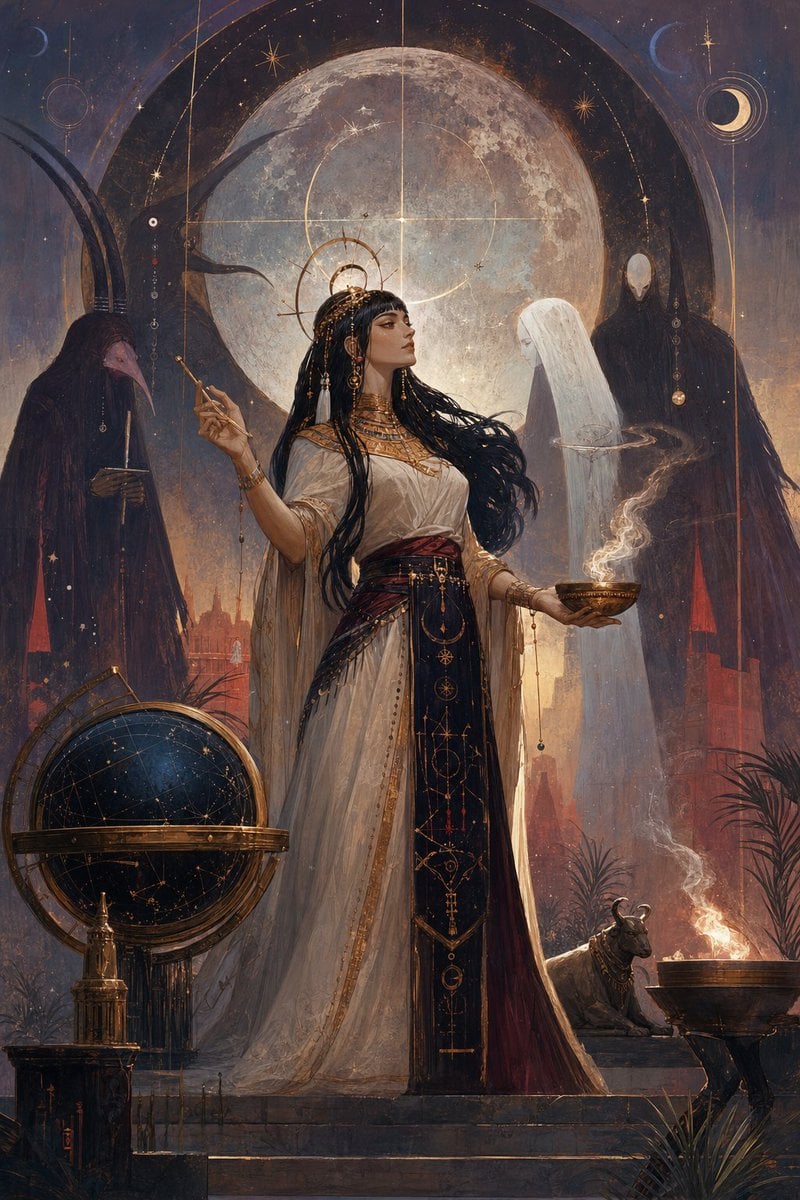
Egyptian Moon Priestess Ritual
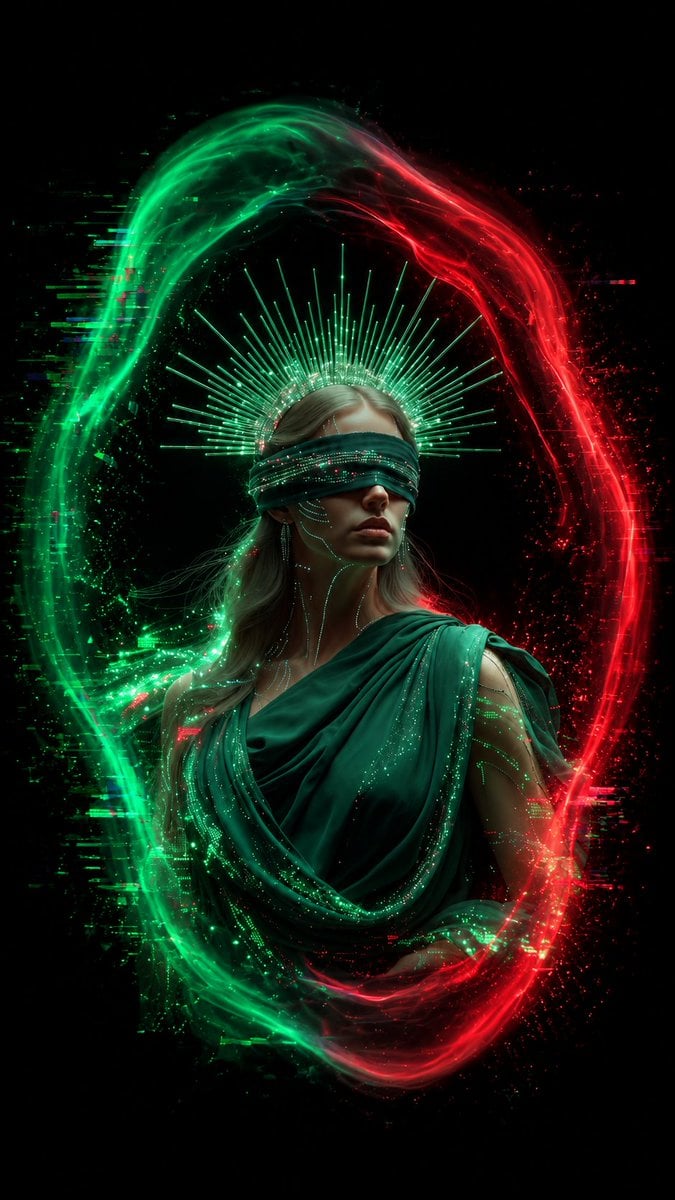
Blindfolded Digital Oracle
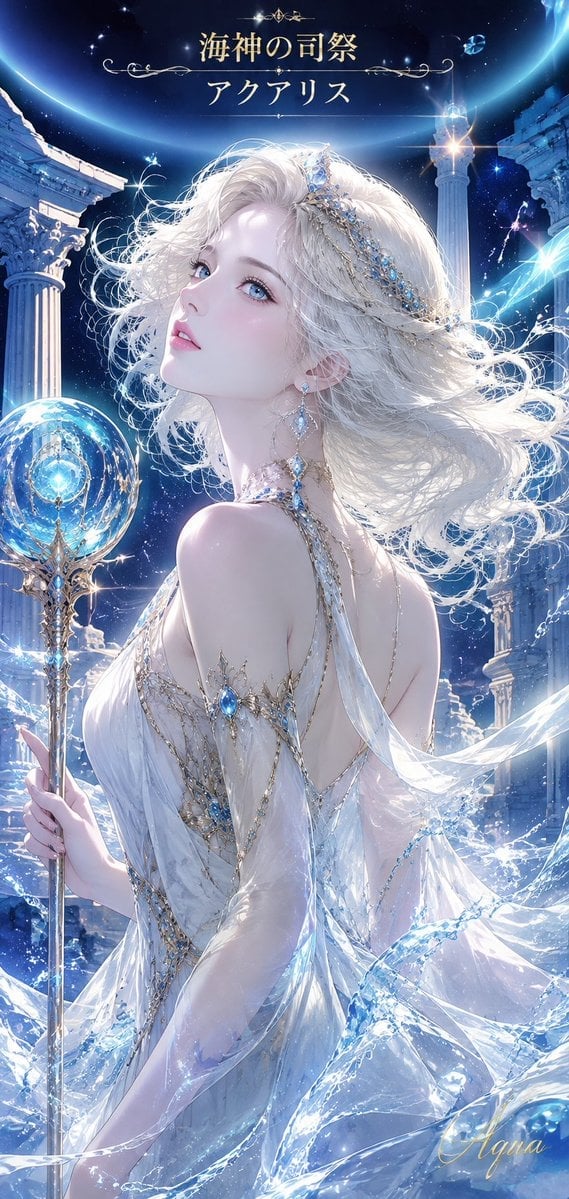
Aquarius Sea Priestess Poster
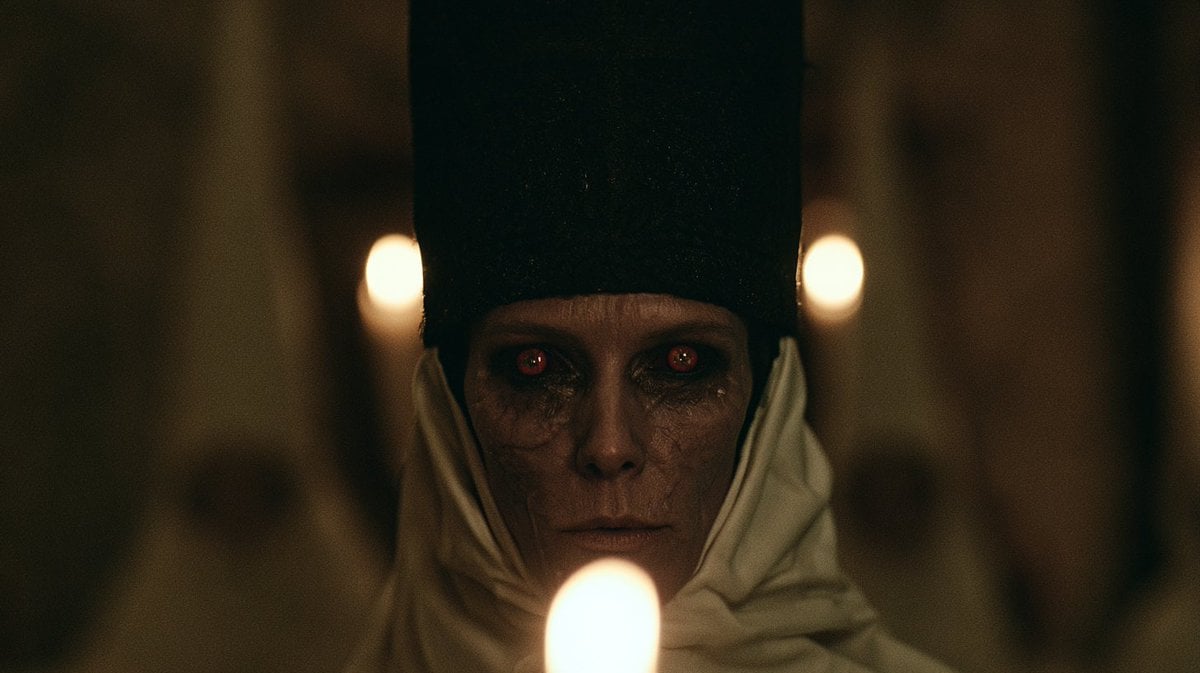
Candlelit Occult Priestess Close-Up
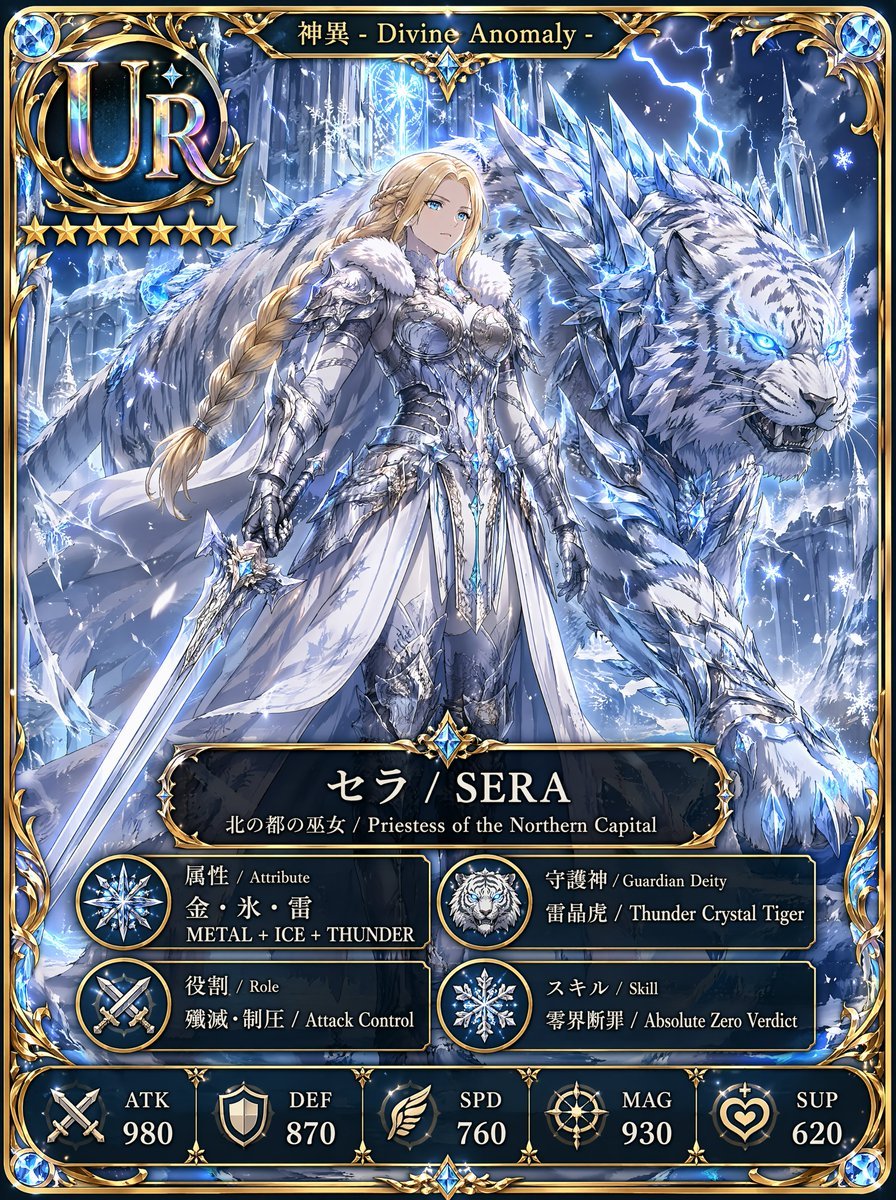
UR Ice Priestess Fantasy Card
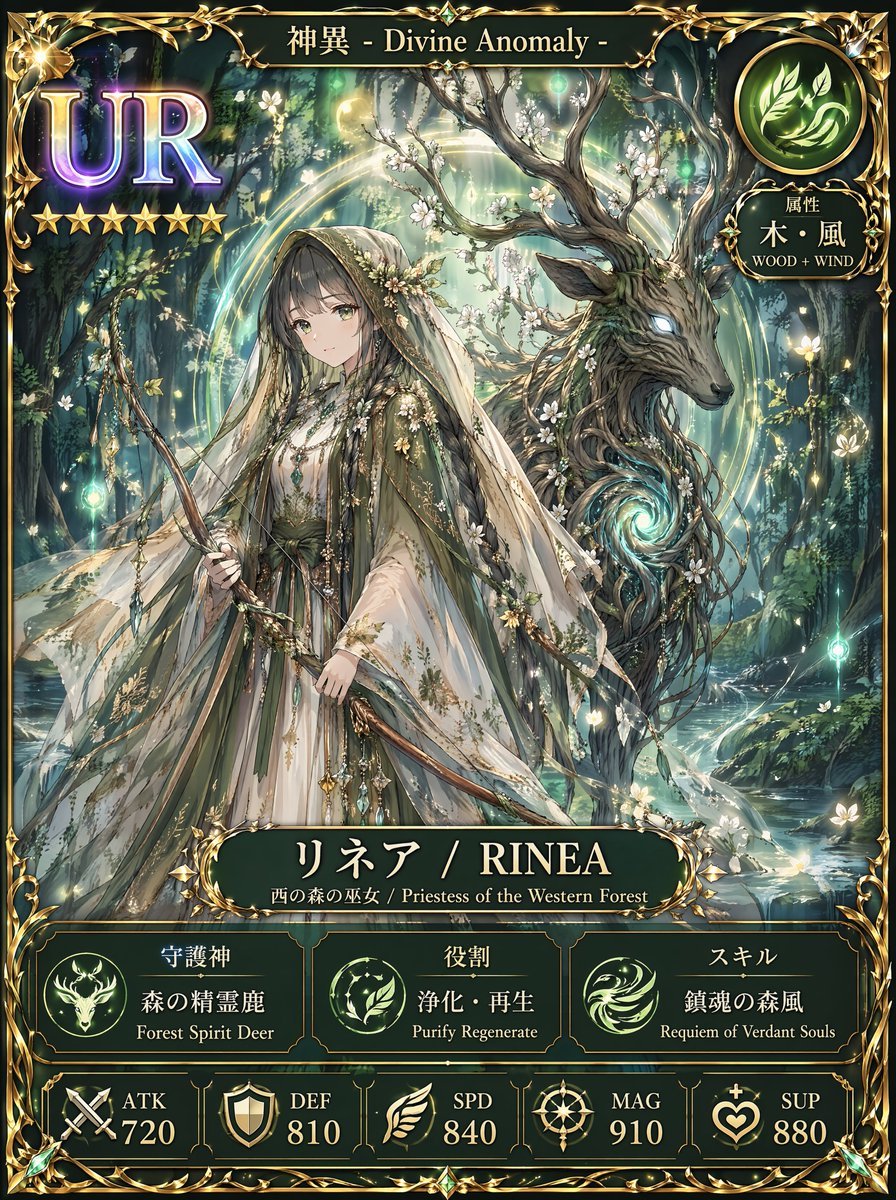
Fantasy UR Forest Priestess Card
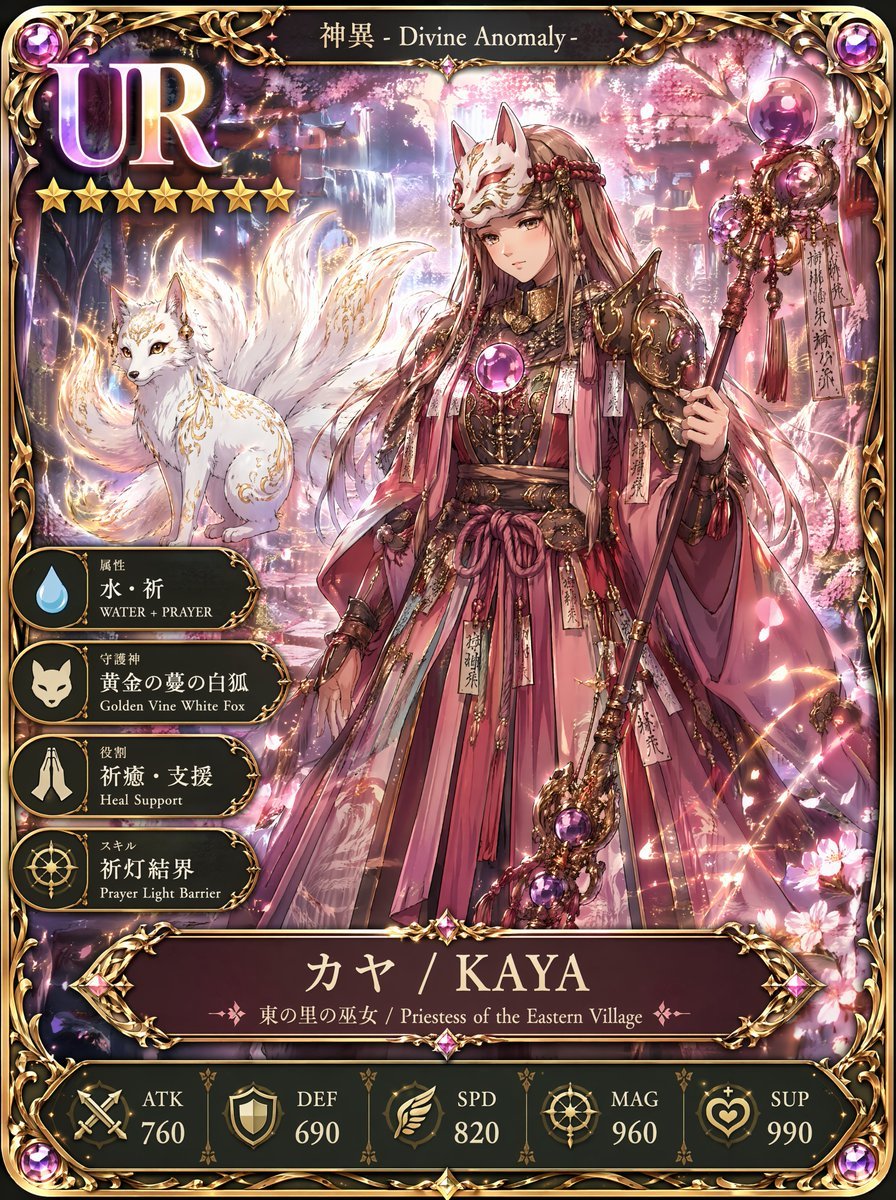
UR Fox Priestess Fantasy Card

Fantasy Tide Priestess Character Sheet
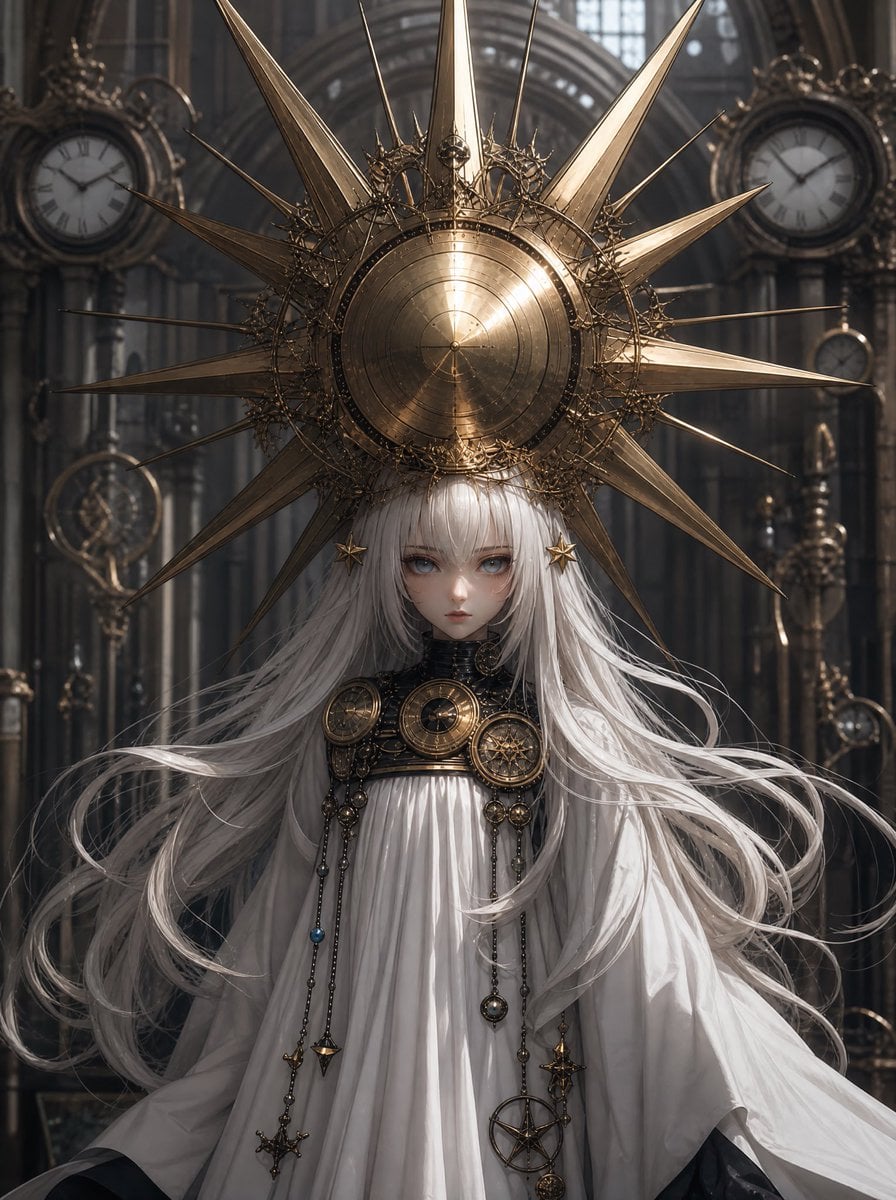
Steampunk Sun Crown Priestess

Blindfolded Sorcerer Victory Pose
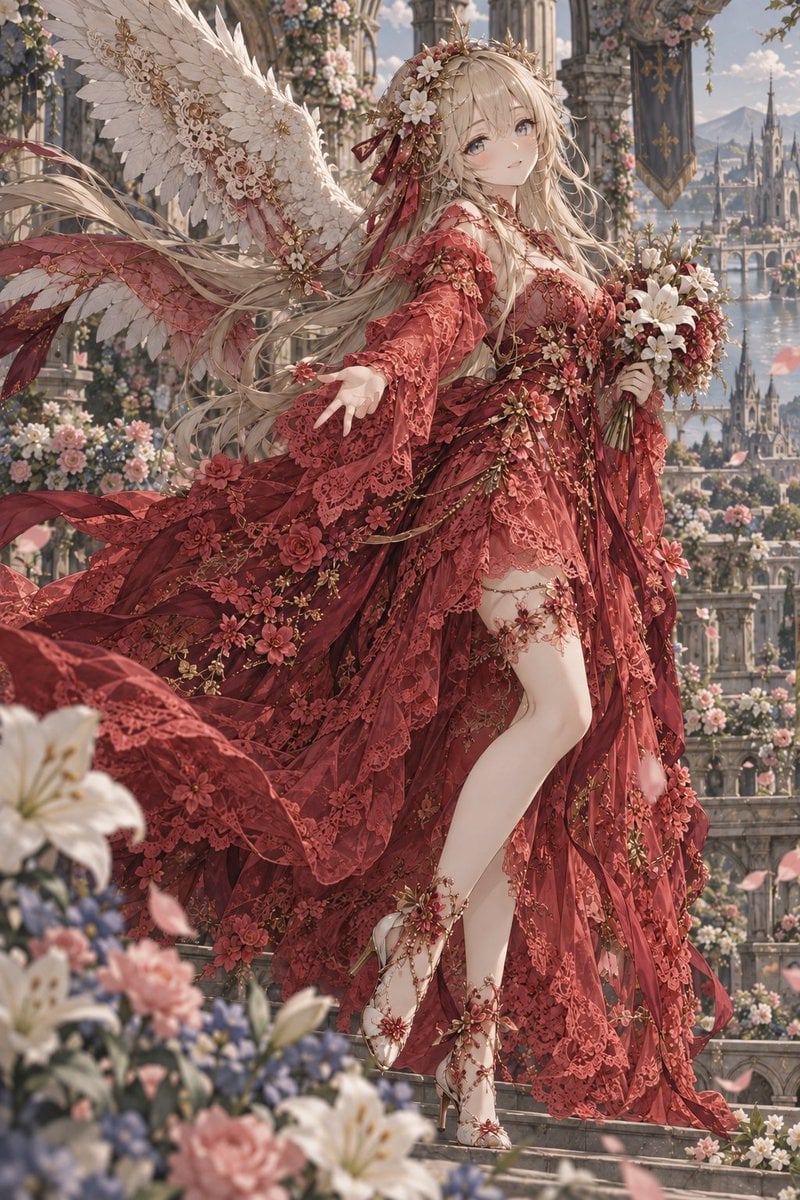
Crimson Angel Princess in Floral Cathedral
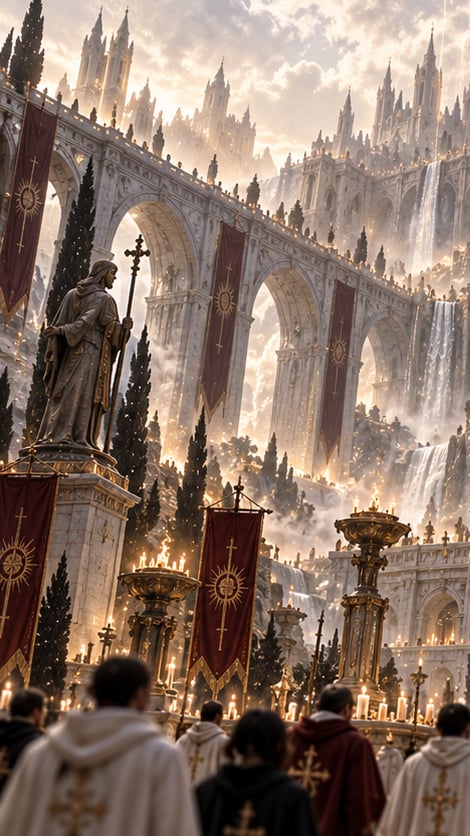
Gothic Saint Pilgrimage Cathedral
Make it yours
Blindfolded Cathedral Priestess works as-is. These are the safest ways to change it without losing the look.
Change one field
Copy a single group, rewrite it, and generate again so you can see what that field is doing.
Keep the frame, change the subject
Hold the composition and light of Blindfolded Cathedral Priestess, then swap wardrobe, props or the person for a new take.
| If the result… | Why | Fix |
|---|---|---|
| The result drifts from the preview | Too many fields changed at once. | Reuse Blindfolded Cathedral Priestess as-is first, then change one group — subject, light, or setting. |
| The model over-stylizes the scene | The prose prompt leaves finish and camera underspecified. | Add one camera or lighting sentence and stay on GPT Image 2. |
More GPT Image 2 templates
Other prompts made for GPT Image 2.

Six VTuber Japanese Logo Sheet

Realistic Portrait of Woman and Deer

The Vista Modular Condo Poster

AI Model Routing Comparison Infographic

2.5D Anime Art Board

Isometric Productivity Desk Scene

New York Double Exposure Poster

Four-Panel AI Landscape Comparison

Japanese Tatami Lifestyle Magazine Cover

NESCAFÉ Coffee Map Poster
More image prompts
Fresh picks from across the catalog.
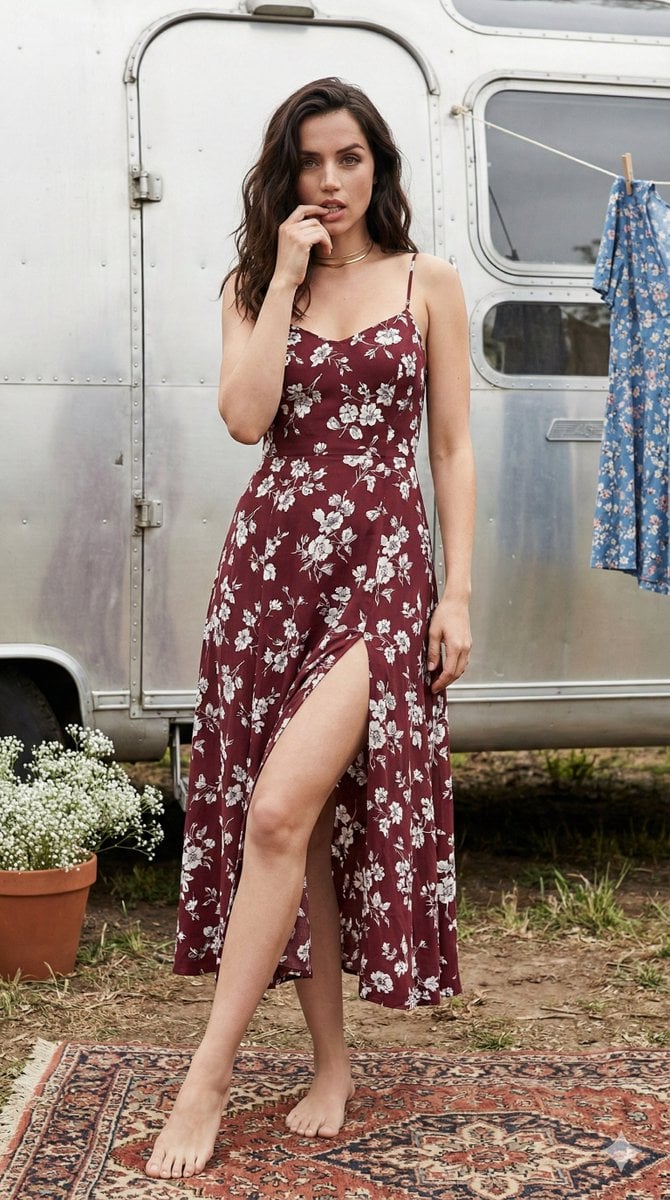
Bohemian Summer Airstream Portrait Prompt
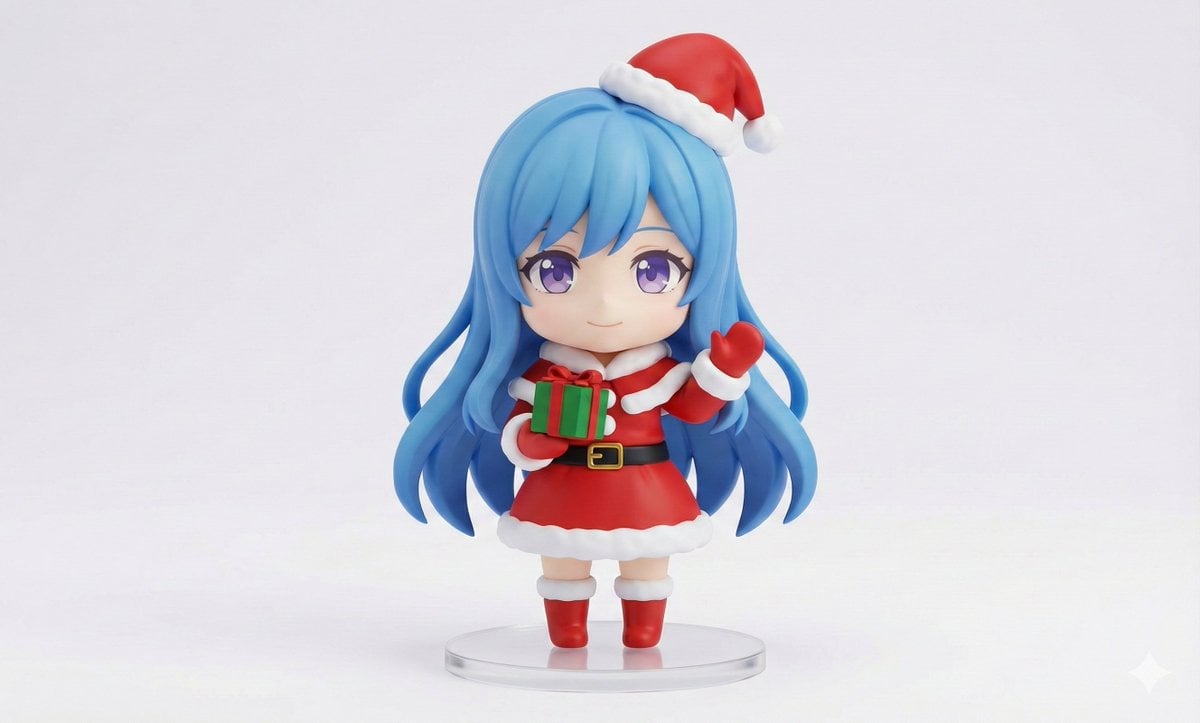
Chibi Santa Character Figure Generation Prompt
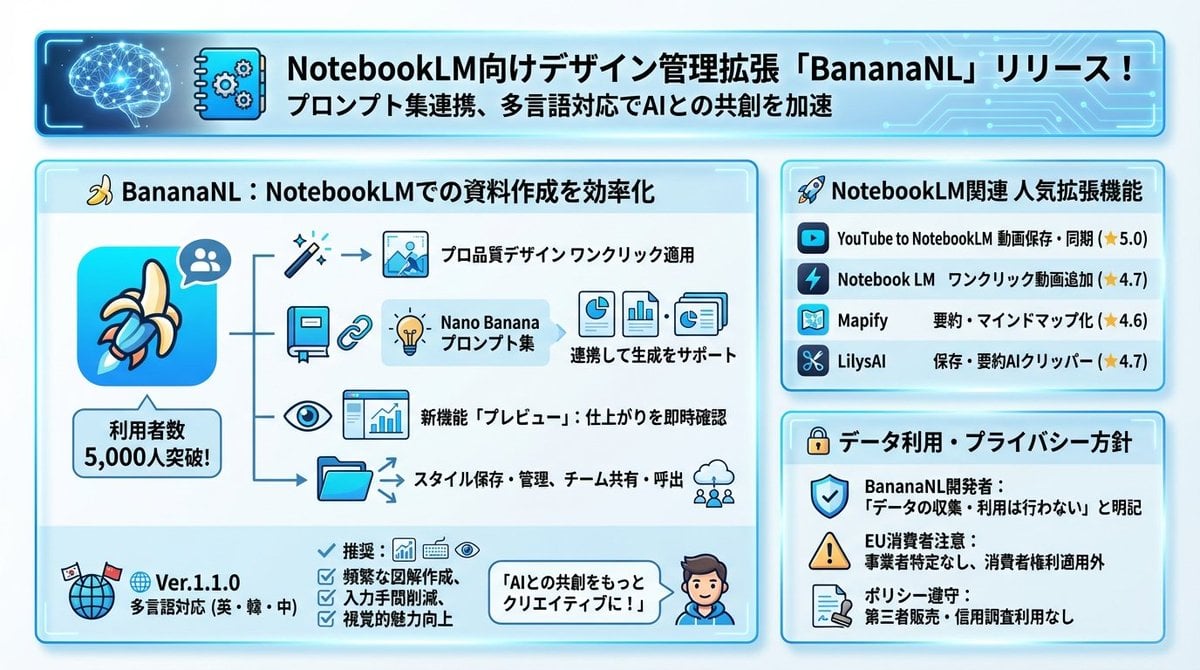
Design Management Prompt Template for NotebookLM

Cute Chinese Tokenization Infographic

Crimson Winged Giant Mecha

1950s Americana VW Samba Bus Campsite Portrait

Dynamic Golf Swing Portrait
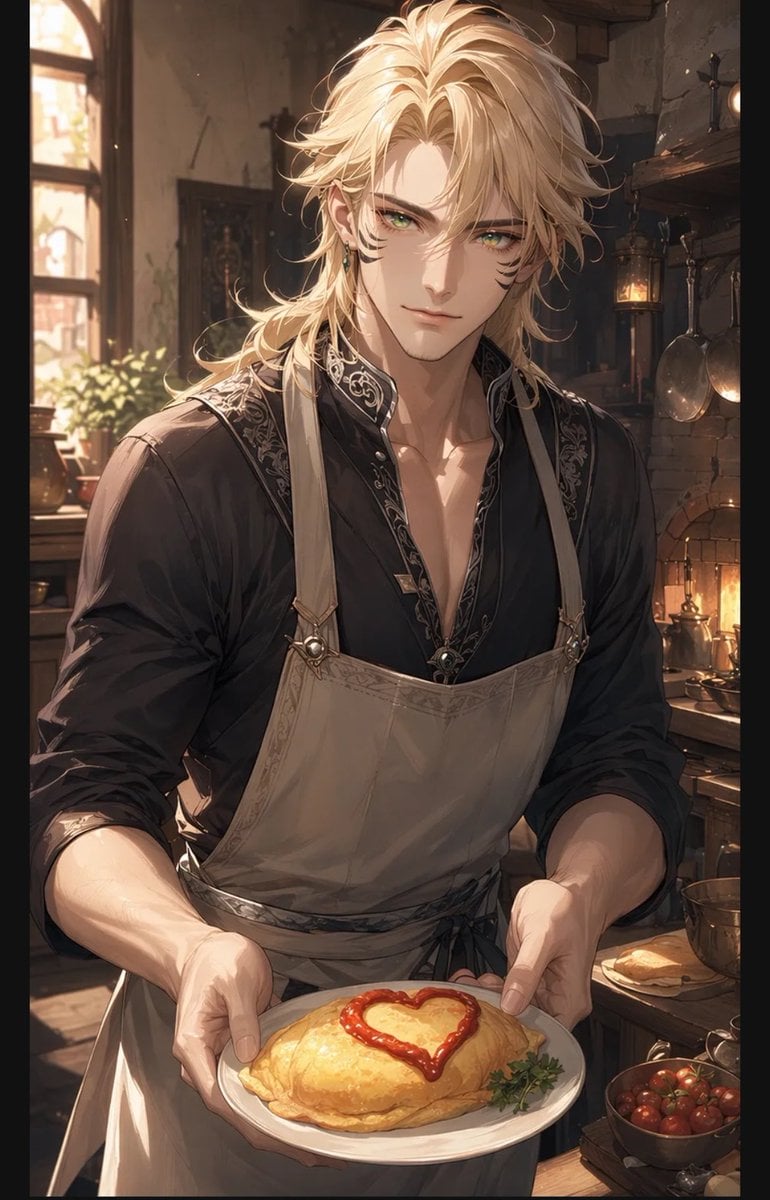
Blond Apron Man Serving Heart Omurice

Cinematic Product Photography Prompt: Strawberry Energy Drink Explosion
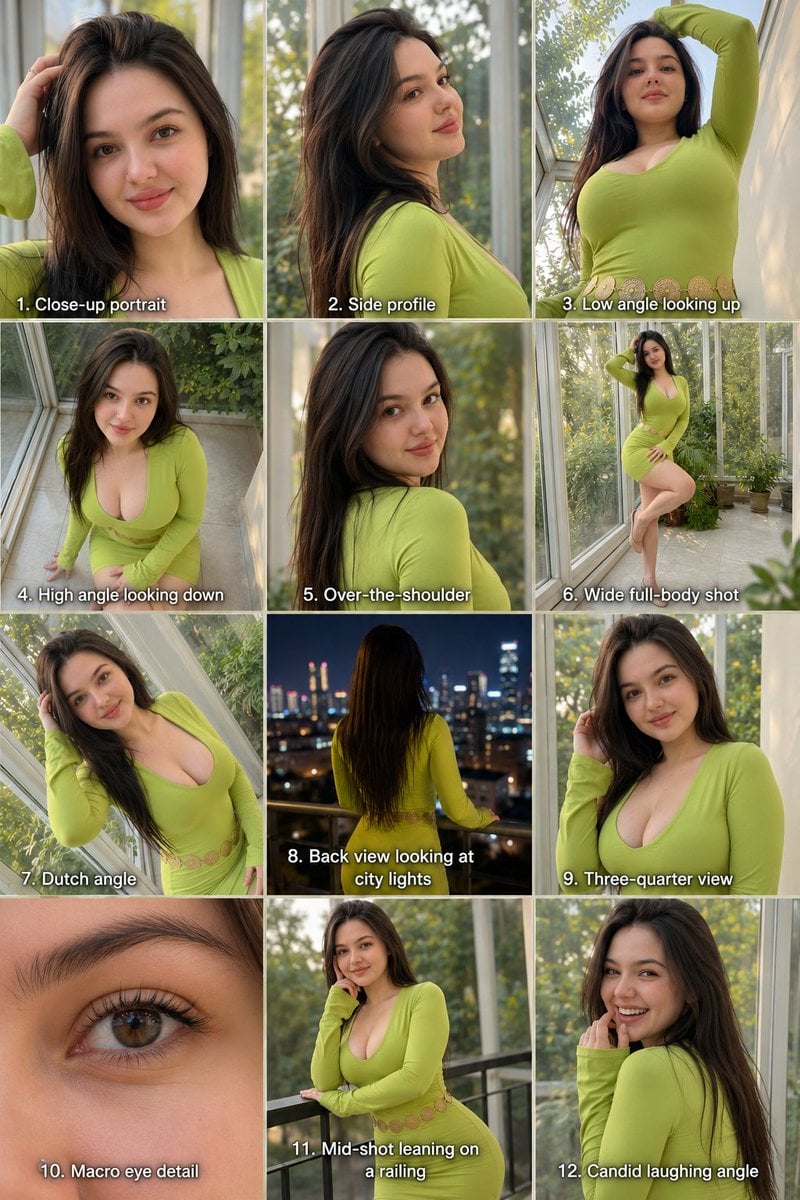
Twelve Angle Multi-View Face Grid
Browse template categories
Blindfolded Cathedral Priestess questions
How do I use the Blindfolded Cathedral Priestess template?
Add your photo if the template asks for one, edit the prompt if you like — the template's model and format are already selected — and press Generate. Your version opens in PicX Studio.
Can I customize the Blindfolded Cathedral Priestess template?
Yes. You can change the subject, setting, lighting, mood, format, and available model controls before creating your image.
Is the Blindfolded Cathedral Priestess template free?
Opening and editing this template is free. Generating uses credits, shown on the Generate button when you are signed in.
Which AI model should I use?
Start with GPT Image 2, which is the model associated with this template. You can compare another compatible model for a different finish.
Looking for something else? Browse all templates.

Your photo, any look
Thousands of ready templates for every top image and video model, from one credit balance.