
Anime Life-Size Panel Photo Spot
Generates a romantic exhibition photo spot with a custom anime character displayed as an official life-size standee.
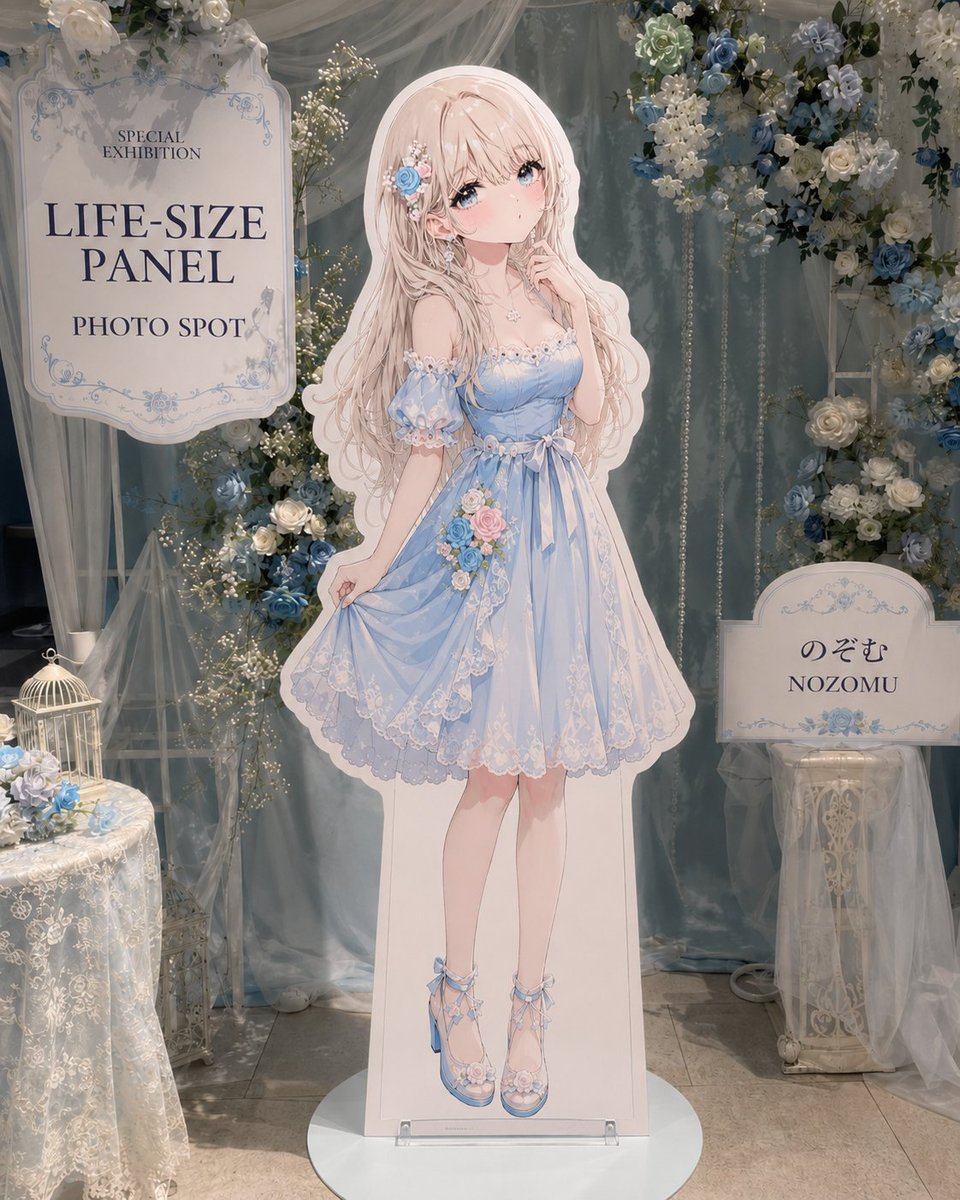
- Prompt included
- Model and format preset
- Free template
The prompt behind this image
Copy the exact prompt behind Anime Life-Size Panel Photo Spot, or open it in the studio and make it yours.
Create a realistic event-venue photo spot featuring an official life-size cardboard standee of an original anime girl character, as if photographed at an exhibition booth. Center the composition on one full-body vertical standee of {argument name="character name" default="Nozomu"}, printed with a white cutout border and mounted on a round white floor base with a small clear acrylic support at the feet. The character is a delicate pastel anime girl with very long wavy {argument name="hair color" default="pale blush pink"} hair, large blue eyes, soft pink cheeks, and a shy elegant pose with one hand near her face and the other lightly holding her skirt. She wears a light powder-blue off-shoulder lace dress with puff sleeves, pearl and flower trim, a ribbon waist bow, layered translucent skirt, white lace embroidery, a small bouquet of pink and blue roses at the waist, and matching blue ribbon heels with floral details. Add a blue rose and pearl hair ornament on one side of her hair. Set the booth background in a dreamy romantic blue-and-white floral theme. Use pale blue satin drapes, sheer white tulle curtains, hanging pearl strands, warm fairy lights, and abundant flower arrangements of white roses, cream flowers, baby’s breath, and dusty blue roses. Include exactly three main display props around the standee: 1) a large ornate signboard on the upper left with the text “SPECIAL EXHIBITION”, “{argument name="main sign text" default="LIFE-SIZE PANEL"}”, and “PHOTO SPOT” in elegant dark serif lettering, framed by pale blue decorative flourishes; 2) a smaller cream signboard on the right on a white pedestal with the text “のぞむ” above “NOZOMU”, decorated with blue floral ornaments; 3) a lace-covered round table on the lower left holding a small white birdcage and blue-white flowers. Add additional white vintage stands, sheer fabric, and floral garlands to make the installation feel immersive but not cluttered. Use a vertical 4:5 composition, front-facing eye-level camera, soft indoor exhibition lighting, realistic floor tiles, subtle shadows, and a polished photographed-at-the-venue atmosphere. The visual style should combine photorealistic event decor with a high-quality printed anime standee illustration. Keep all visible text crisp and centered on the signs, preserve the Japanese name exactly as “のぞむ”, and avoid extra people, logos, watermarks, or unrelated signage.
How to use Anime Life-Size Panel Photo Spot in 3 steps
- 1Upload ImagePNG, JPG or paste
Add your photo
Upload the photo the template builds on. The prompt, model and format are already set.
- 2…a portrait of your subject in softgolden-hour light, 85mm…
Personalize
Edit the subject and creative details for your destination.
- 3Generate
Generate
Press Generate — your image is created in PicX Studio, so you can compare it with the original and refine one variable at a time.
More like this
Templates with the same subject, style or setup. Open one to see its prompt.
A clean 3 3 storyboard grid with nine equal-sized panels and an overall
Woman Posing With Life-Size Tom Cat

Four-Panel Anime Face Comparison

Real-Life and Anime Character Composite

Cel 2D Finale Fireworks

Cel 2D Garden Maze

Cel 2D Rooftop Concert

Cel 2D Bicycle Coast

Cel 2D Castle Gate

Cel 2D Kitchen Chaos

Cel 2D Carnival Ride

Cel 2D Rainy Bus Stop
Make it yours
Anime Life-Size Panel Photo Spot works as-is. These are the safest ways to change it without losing the look.
Change one field
Copy a single group, rewrite it, and generate again so you can see what that field is doing.
Keep the frame, change the subject
Hold the composition and light of Anime Life-Size Panel Photo Spot, then swap wardrobe, props or the person for a new take.
| If the result… | Why | Fix |
|---|---|---|
| The result drifts from the preview | Too many fields changed at once. | Reuse Anime Life-Size Panel Photo Spot as-is first, then change one group — subject, light, or setting. |
| The model over-stylizes the scene | The prose prompt leaves finish and camera underspecified. | Add one camera or lighting sentence and stay on GPT Image 2. |
More GPT Image 2 templates
Other prompts made for GPT Image 2.

Six VTuber Japanese Logo Sheet

Realistic Portrait of Woman and Deer

The Vista Modular Condo Poster

AI Model Routing Comparison Infographic

2.5D Anime Art Board

Isometric Productivity Desk Scene

New York Double Exposure Poster

Four-Panel AI Landscape Comparison

Japanese Tatami Lifestyle Magazine Cover

NESCAFÉ Coffee Map Poster
More image prompts
Fresh picks from across the catalog.
Warm Kimchi Noodles Delivery Ad
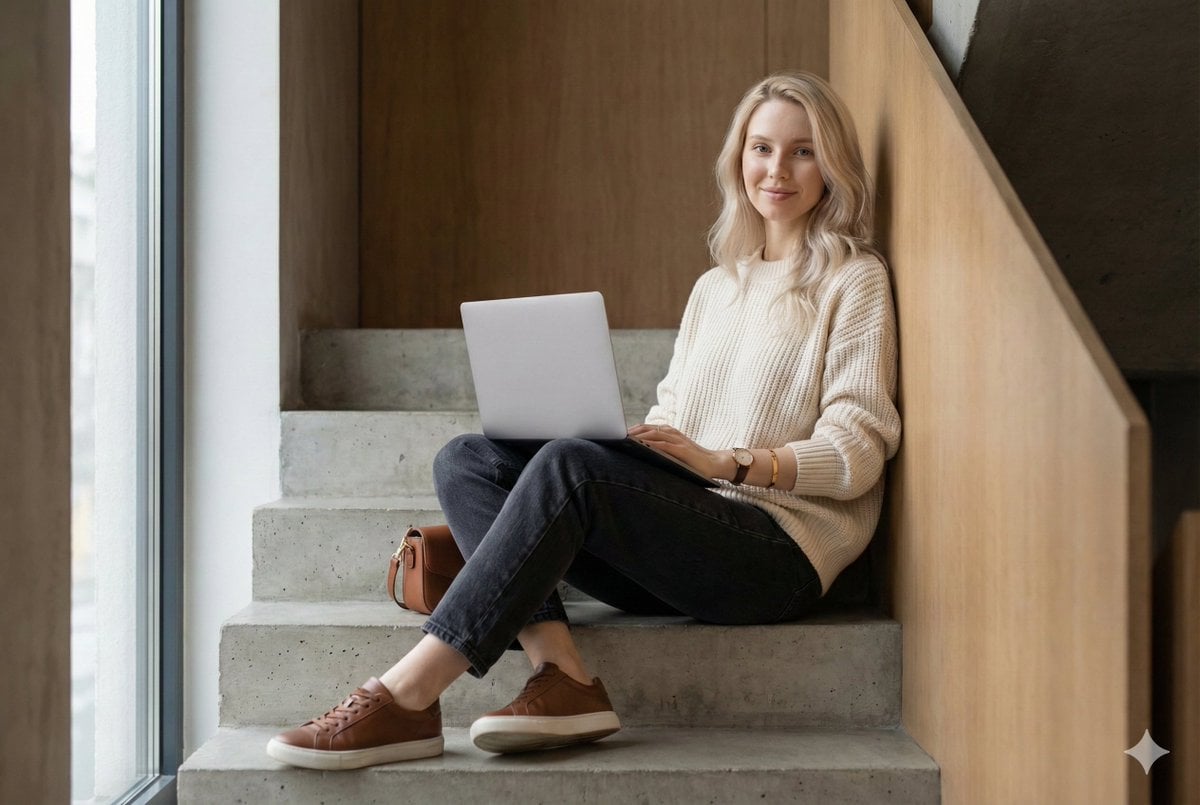
Modern Loft Staircase Portrait Identity Preservation Prompt
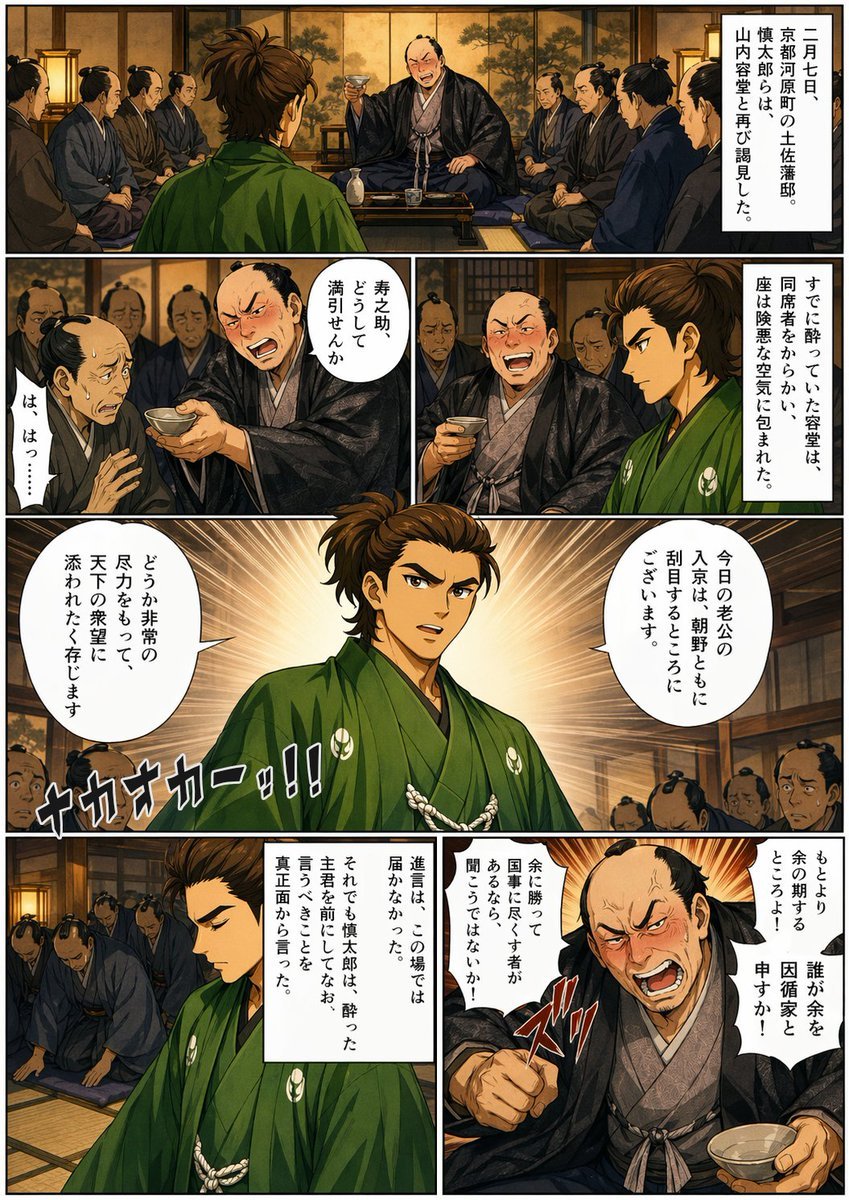
Bakumatsu Confrontation Manga Page
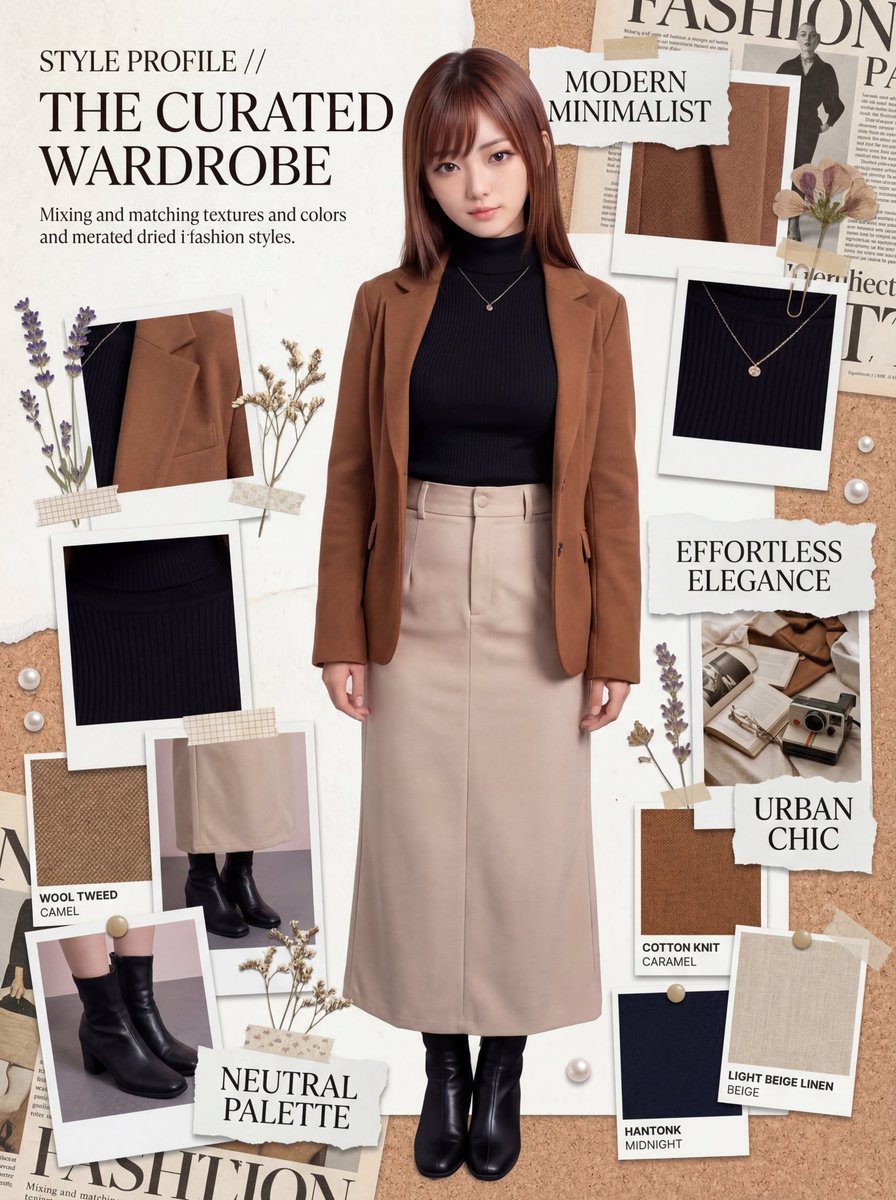
Photorealistic Moodboard Generation Prompt (Nano Banana 2)
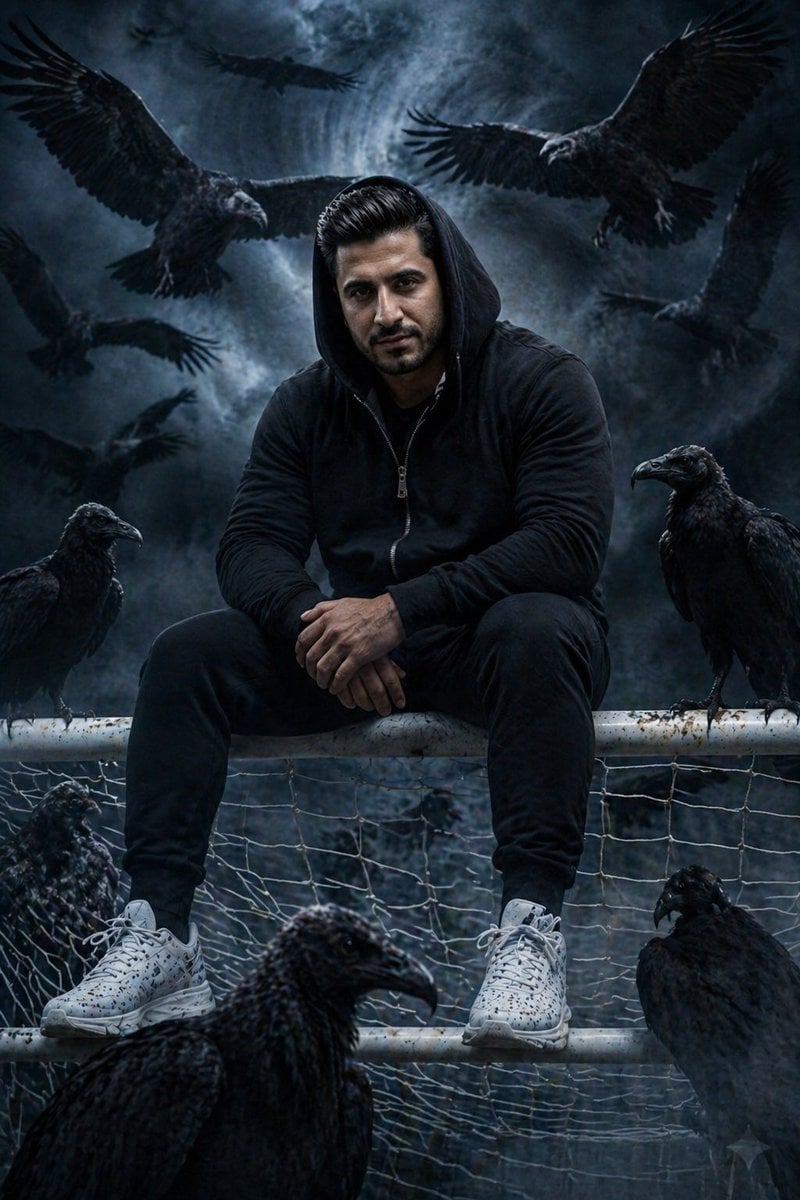
Cinematic South Asian Male Portrait with Vultures

Gpt2 E Commerce Main Image Skincare Product Studio Shot
Dramatic Grayscale Portrait with Abstract Background
Deserted Times Square Protector
Melancholic Marble Bust Portrait
World Cup Soccer Girl High Fashion Poster
Browse template categories
Anime Life-Size Panel Photo Spot questions
How do I use the Anime Life-Size Panel Photo Spot template?
Add your photo if the template asks for one, edit the prompt if you like — the template's model and format are already selected — and press Generate. Your version opens in PicX Studio.
Can I customize the Anime Life-Size Panel Photo Spot template?
Yes. You can change the subject, setting, lighting, mood, format, and available model controls before creating your image.
Is the Anime Life-Size Panel Photo Spot template free?
Opening and editing this template is free. Generating uses credits, shown on the Generate button when you are signed in.
Which AI model should I use?
Start with GPT Image 2, which is the model associated with this template. You can compare another compatible model for a different finish.
Looking for something else? Browse all templates.

Your photo, any look
Thousands of ready templates for every top image and video model, from one credit balance.