
Woman Posing With Life-Size Tom Cat
A square cinematic park portrait of a casually dressed young woman standing arm-in-arm with a life-size Tom Cat character.
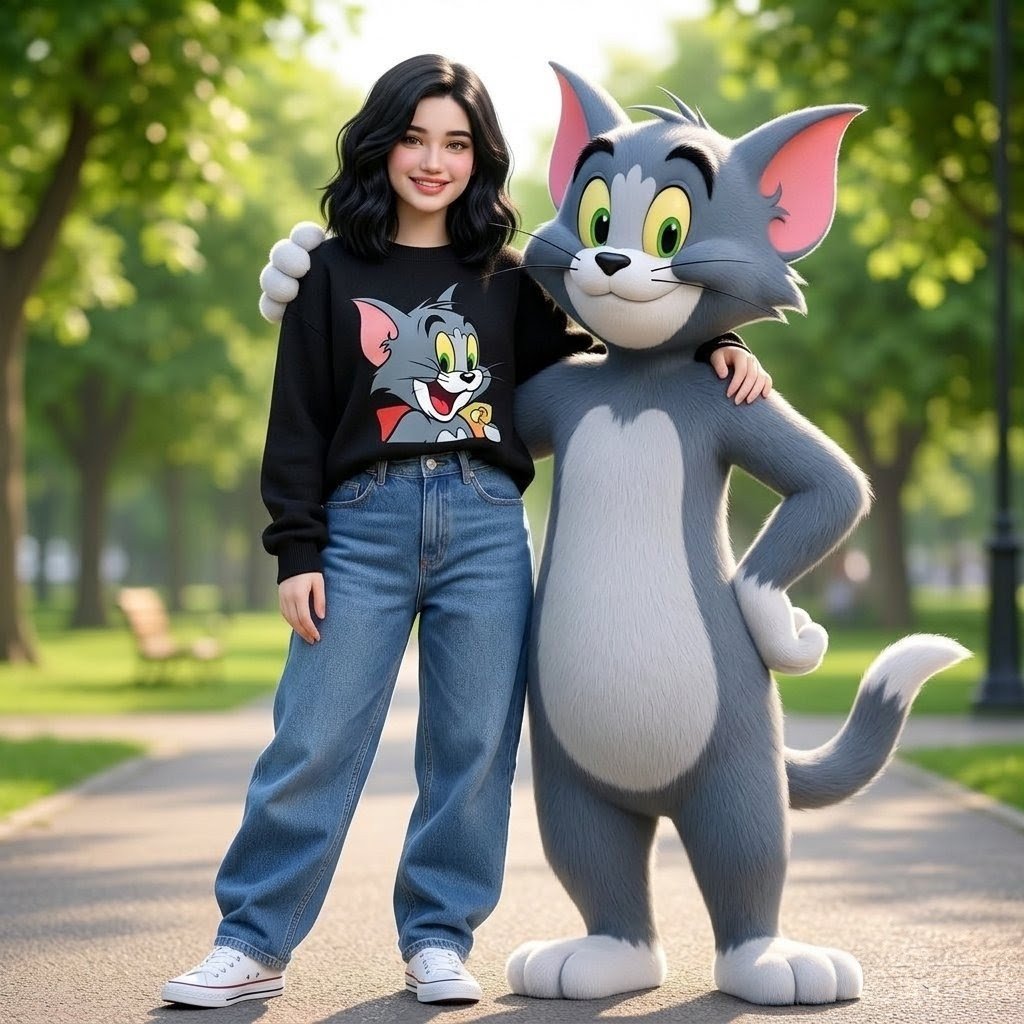
- Prompt included
- Model and format preset
- Free template
The prompt behind this image
Copy the exact prompt behind Woman Posing With Life-Size Tom Cat, or open it in the studio and make it yours.
Create a cheerful full-body photorealistic/3D hybrid portrait in a sunny park: a young woman with {argument name="hair style" default="shoulder-length wavy black hair"}, expressive eyes, a warm smile, and an adorable face stands confidently in a casual stylish pose beside a life-size Tom Cat character from Tom and Jerry. Her face should be softly anonymized/blurred, while the rest of the scene remains sharp. She wears exactly 4 visible outfit pieces: a cozy black crewneck sweater with a large colorful Tom Cat cartoon print on the front, baggy high-waisted blue jeans, white Converse-style low-top sneakers, and no visible accessories. Tom is a tall gray-blue anthropomorphic cat mascot with soft plush-like fur, a white belly and paws, pink inner ears, green-yellow eyes, black eyebrows, whiskers, and a friendly smile; he stands to her right with one arm around her shoulders and the other hand resting on his hip, tail curved behind him. The woman stands with one arm relaxed at her side and the other around Tom’s back/shoulder area. Use a square 1:1 composition, full-body framing, eye-level camera, shallow depth of field, warm golden daylight, soft bokeh trees, a paved park path, green grass, distant benches, and a black lamppost in the background. Make the image polished, cute, wholesome, high-resolution, and cinematic, with realistic fabric folds, denim texture, sneaker details, and fluffy character fur. Avoid extra characters, logos beyond the Tom print, text, watermarks, or cropped feet.
How to use Woman Posing With Life-Size Tom Cat in 3 steps
- 1Upload ImagePNG, JPG or paste
Add your photo
Upload the photo the template builds on. The prompt, model and format are already set.
- 2…a portrait of your subject in softgolden-hour light, 85mm…
Personalize
Edit the subject and creative details for your destination.
- 3Generate
Generate
Press Generate — your image is created in PicX Studio, so you can compare it with the original and refine one variable at a time.
More like this
Templates with the same subject, style or setup. Open one to see its prompt.

Floating Woman Above Cityscape with Notifications
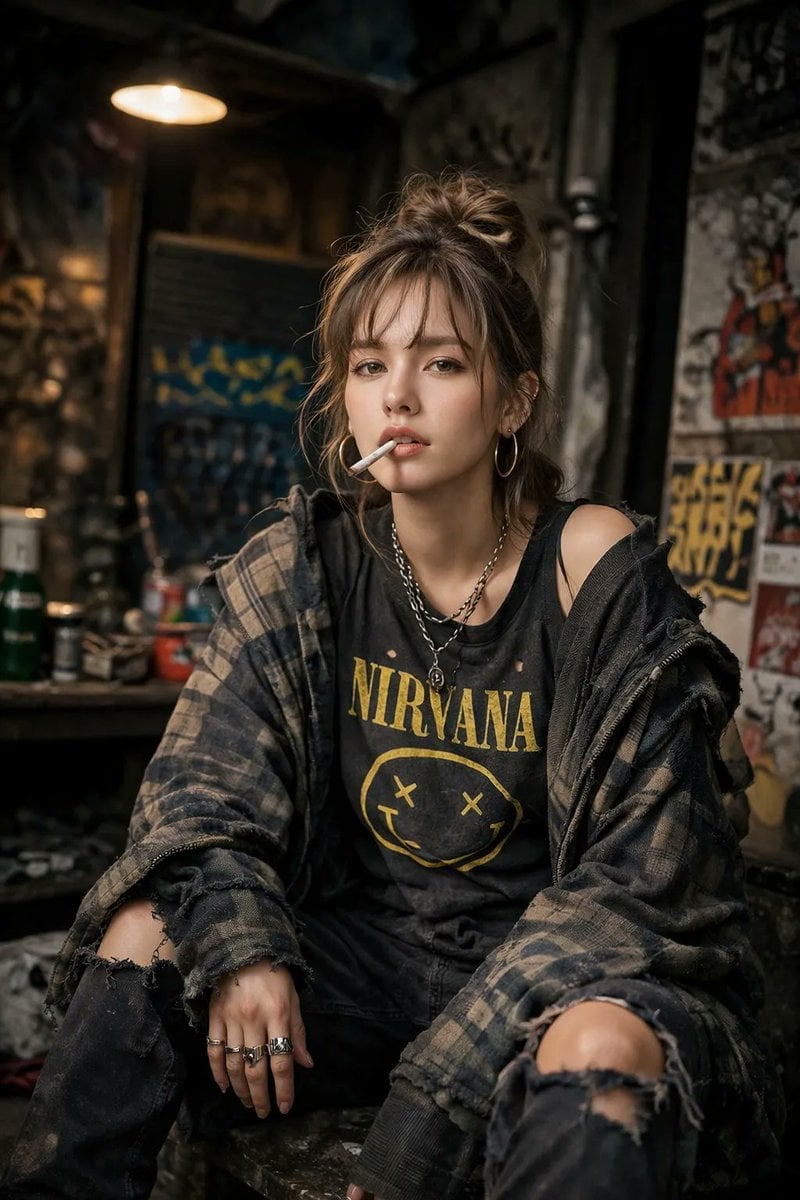
A high-detail photograph of a defiant woman posing nonchalantly
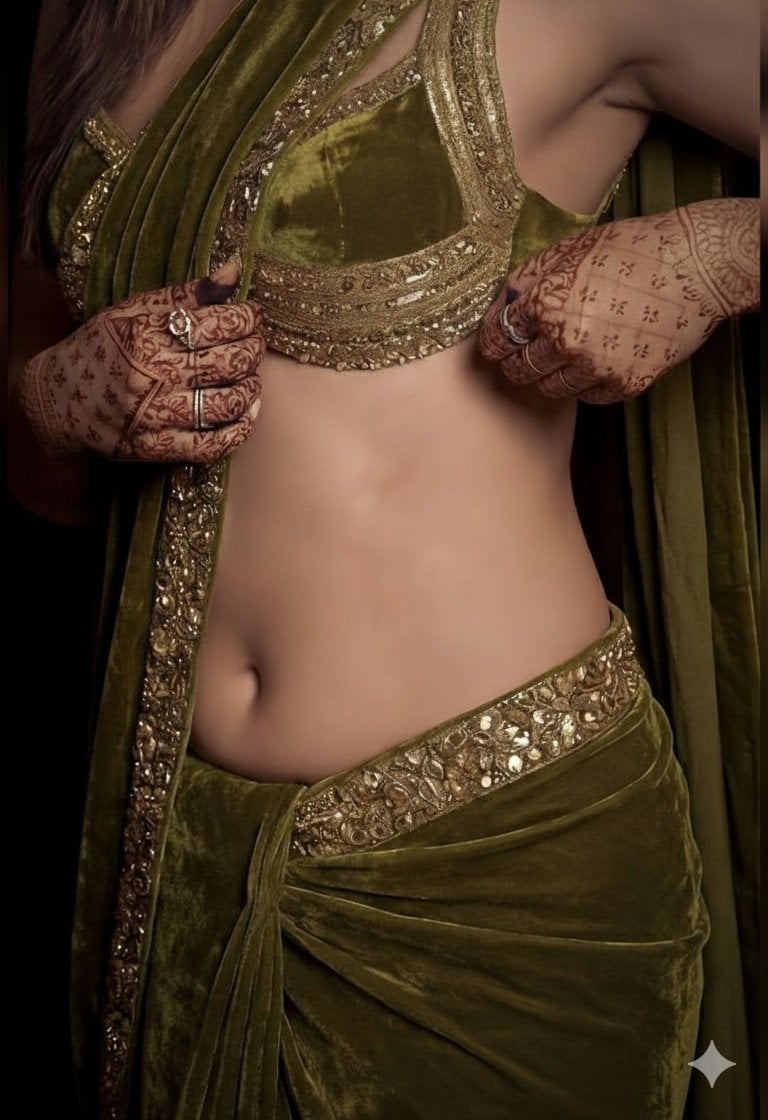
A detailed, high-fashion studio photograph of a woman posing gracefully

Cat Photobomb Selfie — 0.5x Wide Angle Café Chaos

Surreal Cat Astronaut — Humanoid Face Freefall
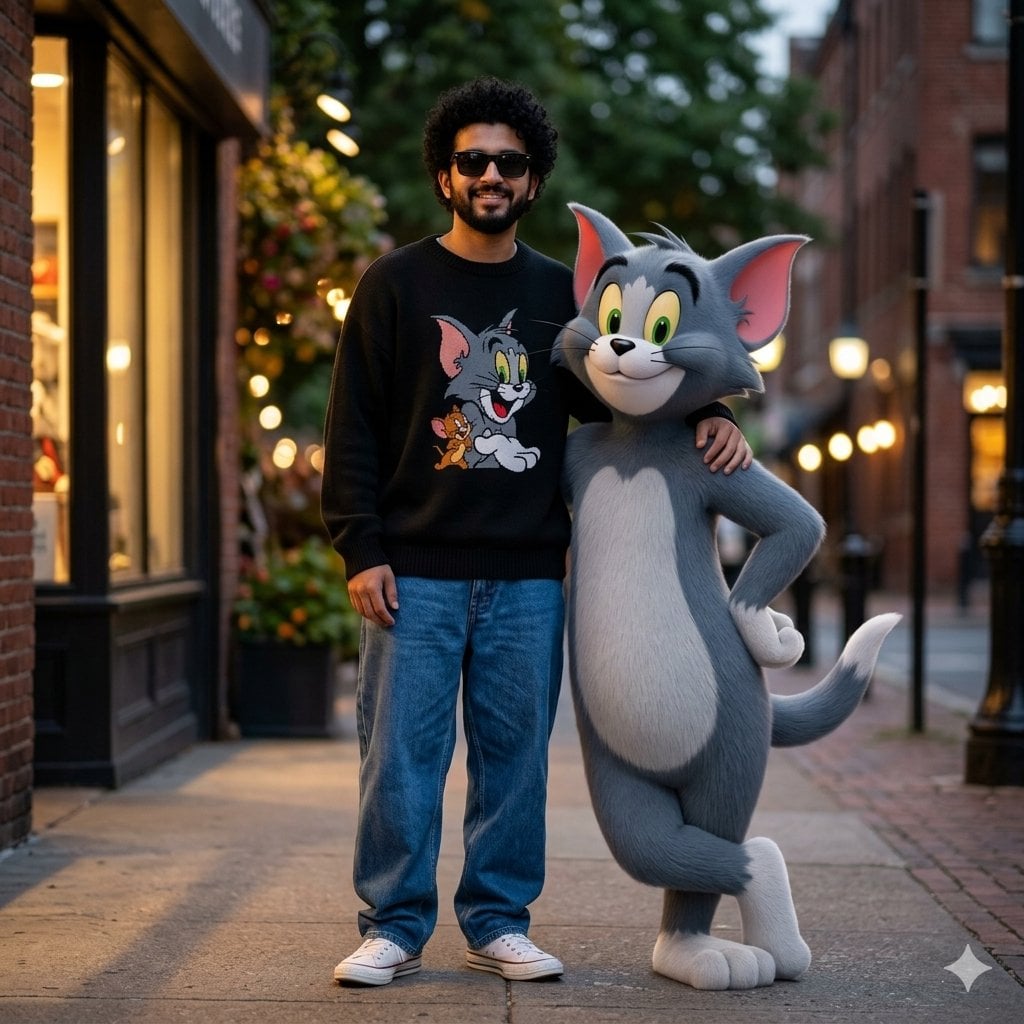
Cinematic Scene with Tom the Cat

Low Angle Floor Selfie With Upside Down Cat
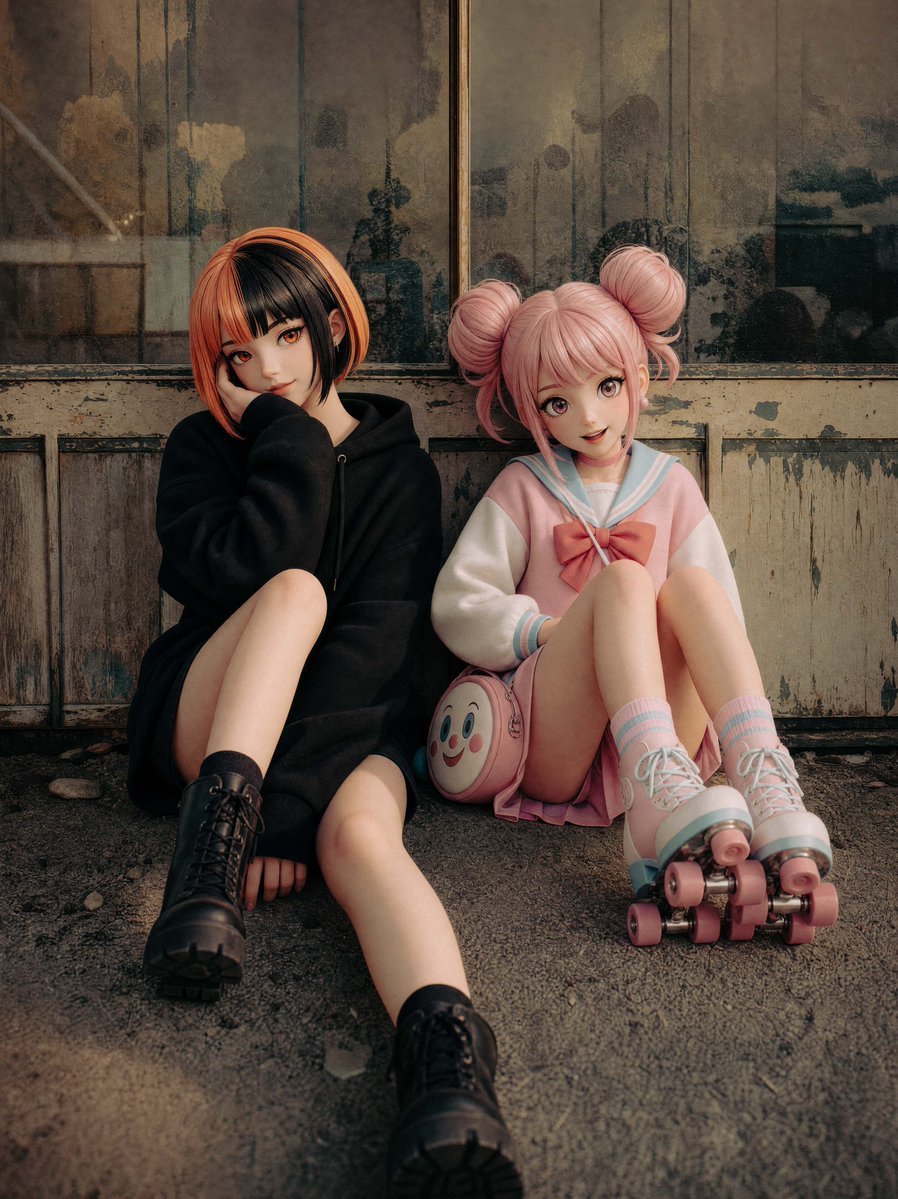
Life-Size Figure Transformation
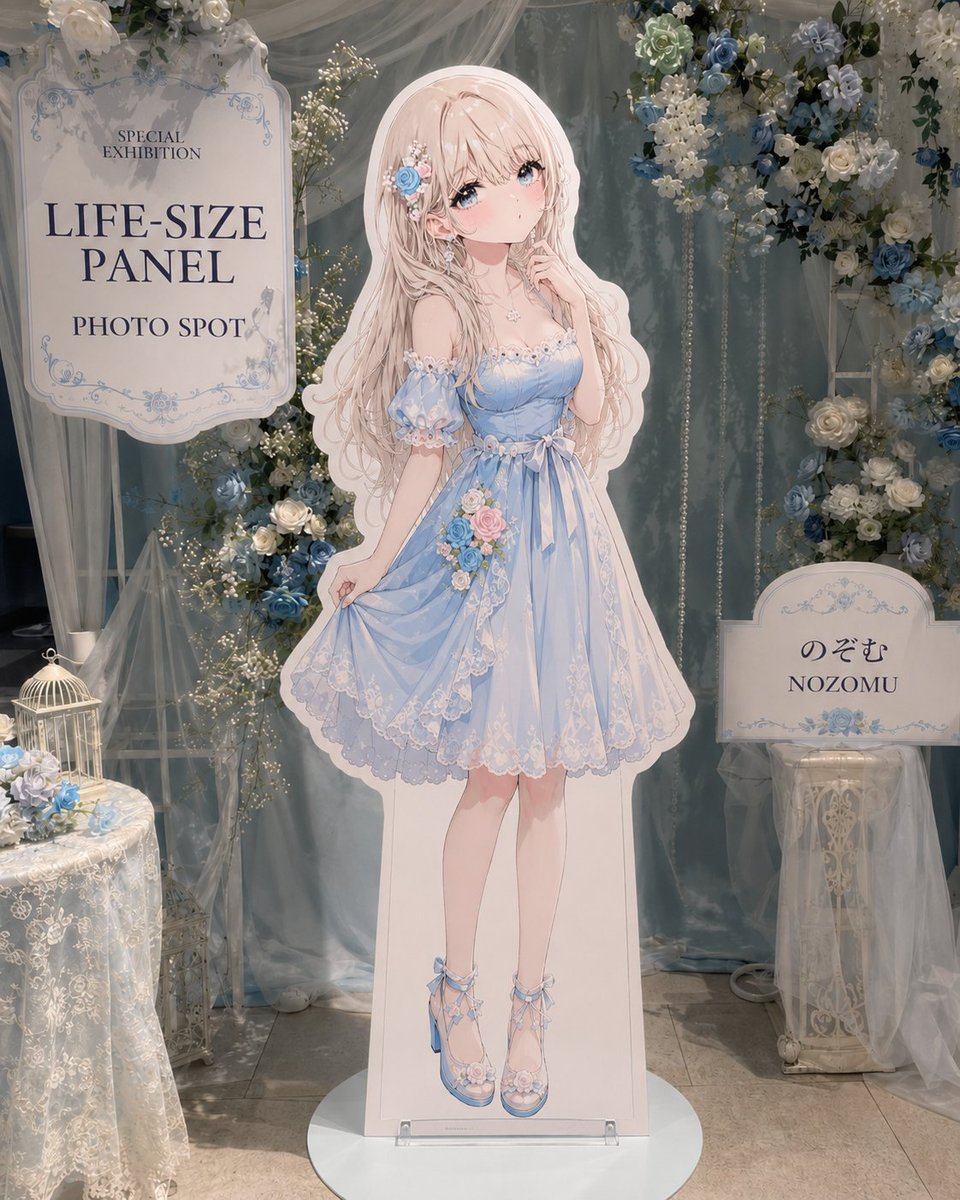
Anime Life-Size Panel Photo Spot

Woman in Mall with Chanel Bag - Heart Gesture
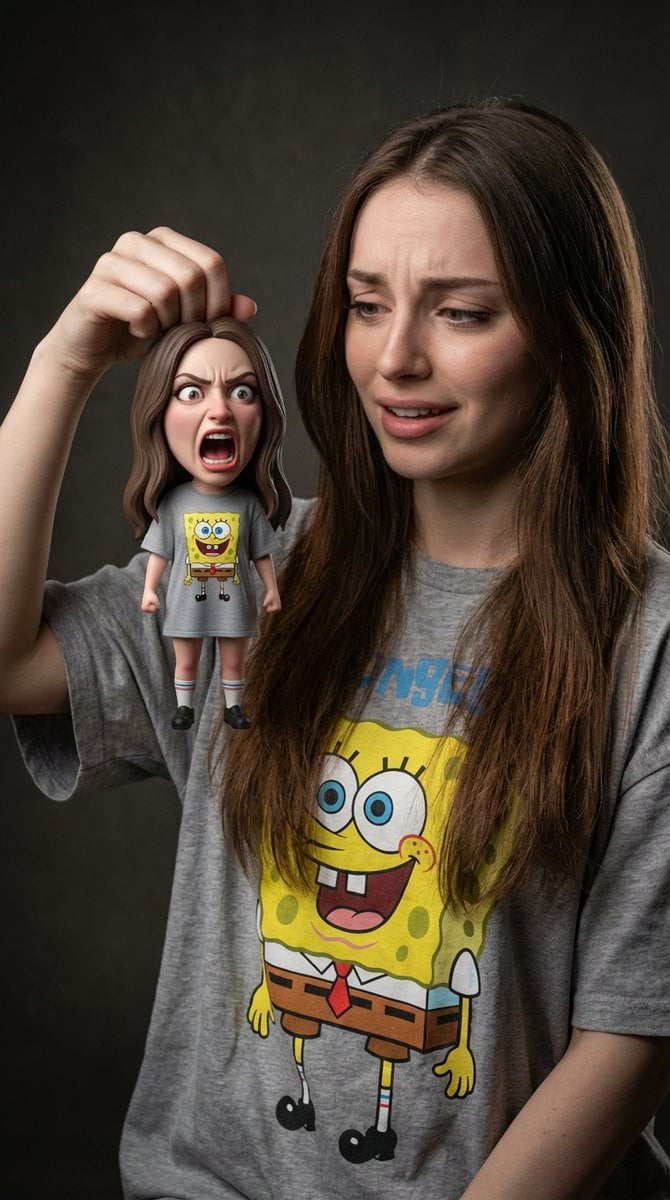
Life-Size Holding Miniature Self Prompt
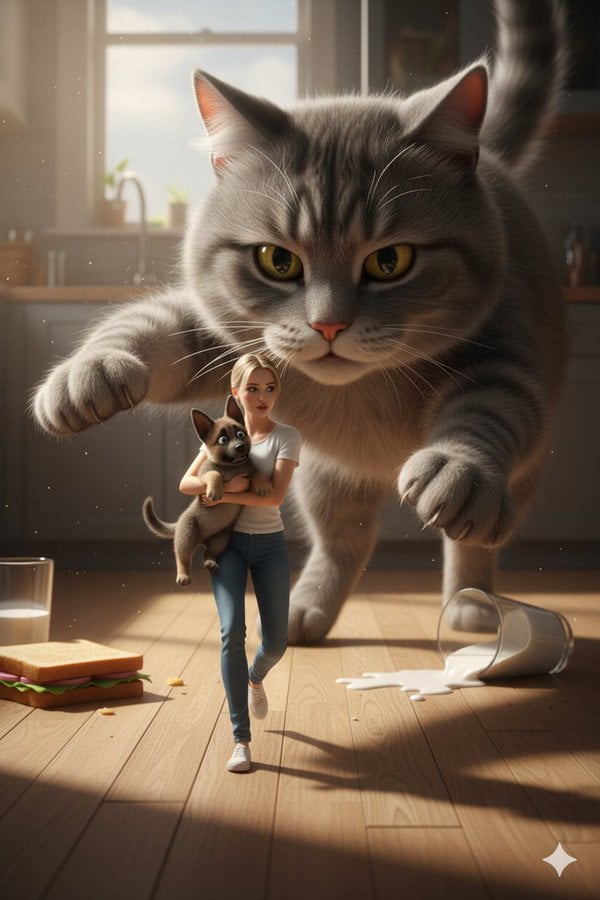
Cinematic Giant Cat Chasing Tiny Woman
Make it yours
Woman Posing With Life-Size Tom Cat works as-is. These are the safest ways to change it without losing the look.
Change one field
Copy a single group, rewrite it, and generate again so you can see what that field is doing.
Keep the frame, change the subject
Hold the composition and light of Woman Posing With Life-Size Tom Cat, then swap wardrobe, props or the person for a new take.
| If the result… | Why | Fix |
|---|---|---|
| The result drifts from the preview | Too many fields changed at once. | Reuse Woman Posing With Life-Size Tom Cat as-is first, then change one group — subject, light, or setting. |
| The model over-stylizes the scene | The prose prompt leaves finish and camera underspecified. | Add one camera or lighting sentence and stay on GPT Image 2. |
More GPT Image 2 templates
Other prompts made for GPT Image 2.

Six VTuber Japanese Logo Sheet

Realistic Portrait of Woman and Deer

The Vista Modular Condo Poster

AI Model Routing Comparison Infographic

2.5D Anime Art Board

Isometric Productivity Desk Scene

New York Double Exposure Poster

Four-Panel AI Landscape Comparison

Japanese Tatami Lifestyle Magazine Cover

NESCAFÉ Coffee Map Poster
More image prompts
Fresh picks from across the catalog.
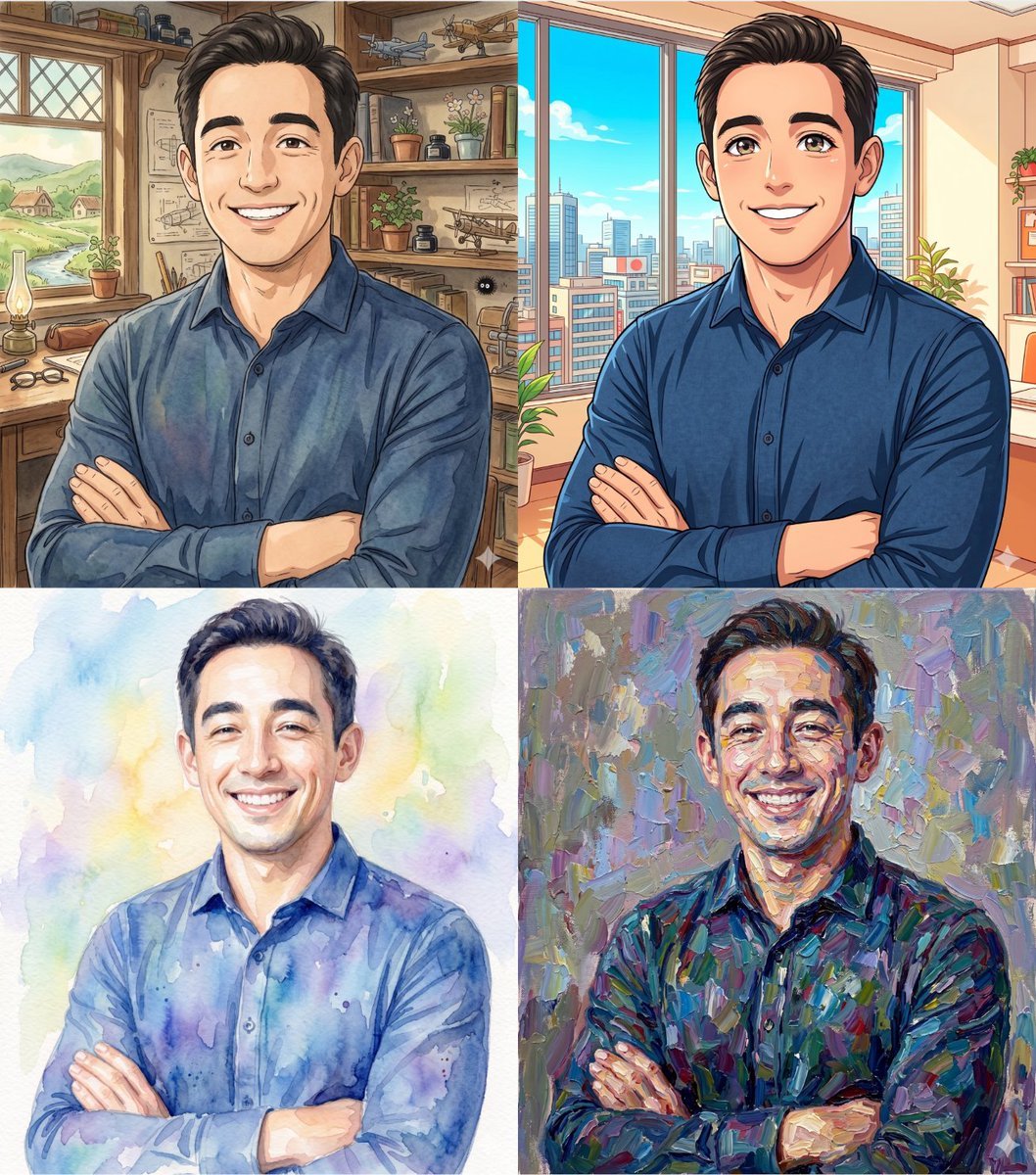
Ghibli and Anime Style Photo Transformation

Image-to-Image: Changing Background to Anti-AI Protest
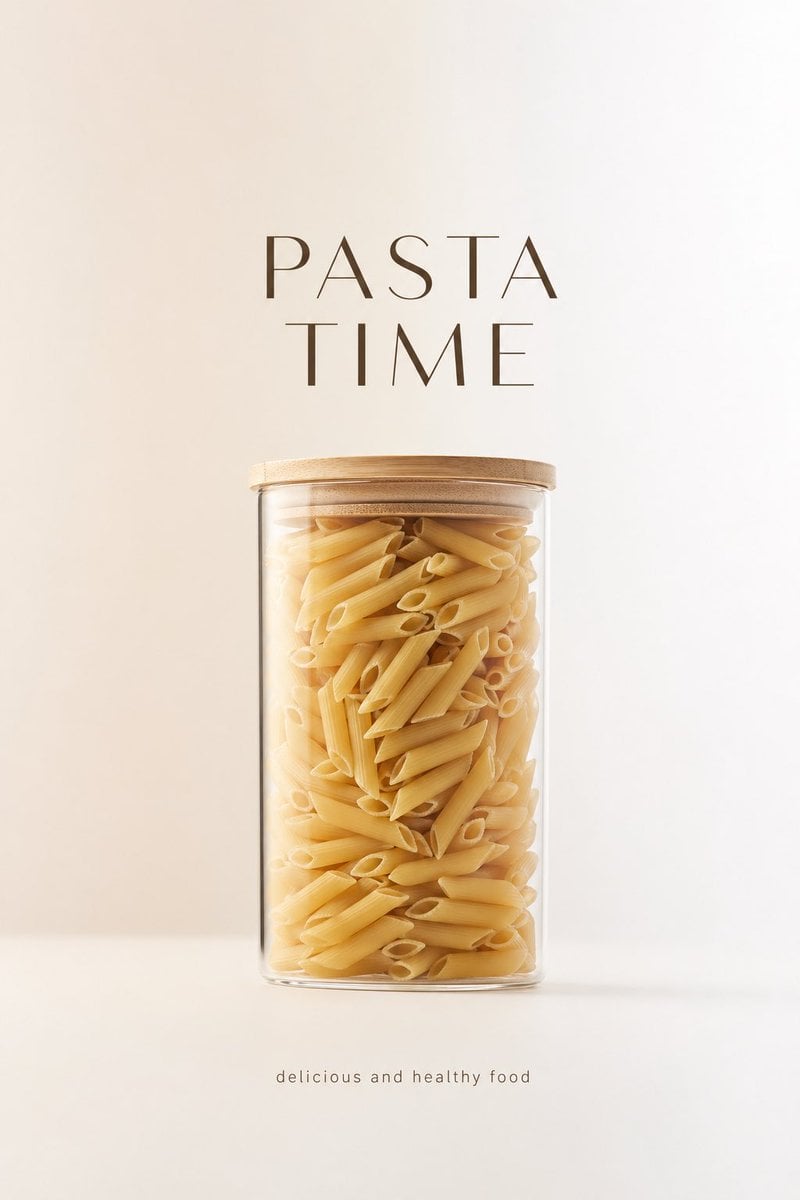
Minimalist Product Advertisement
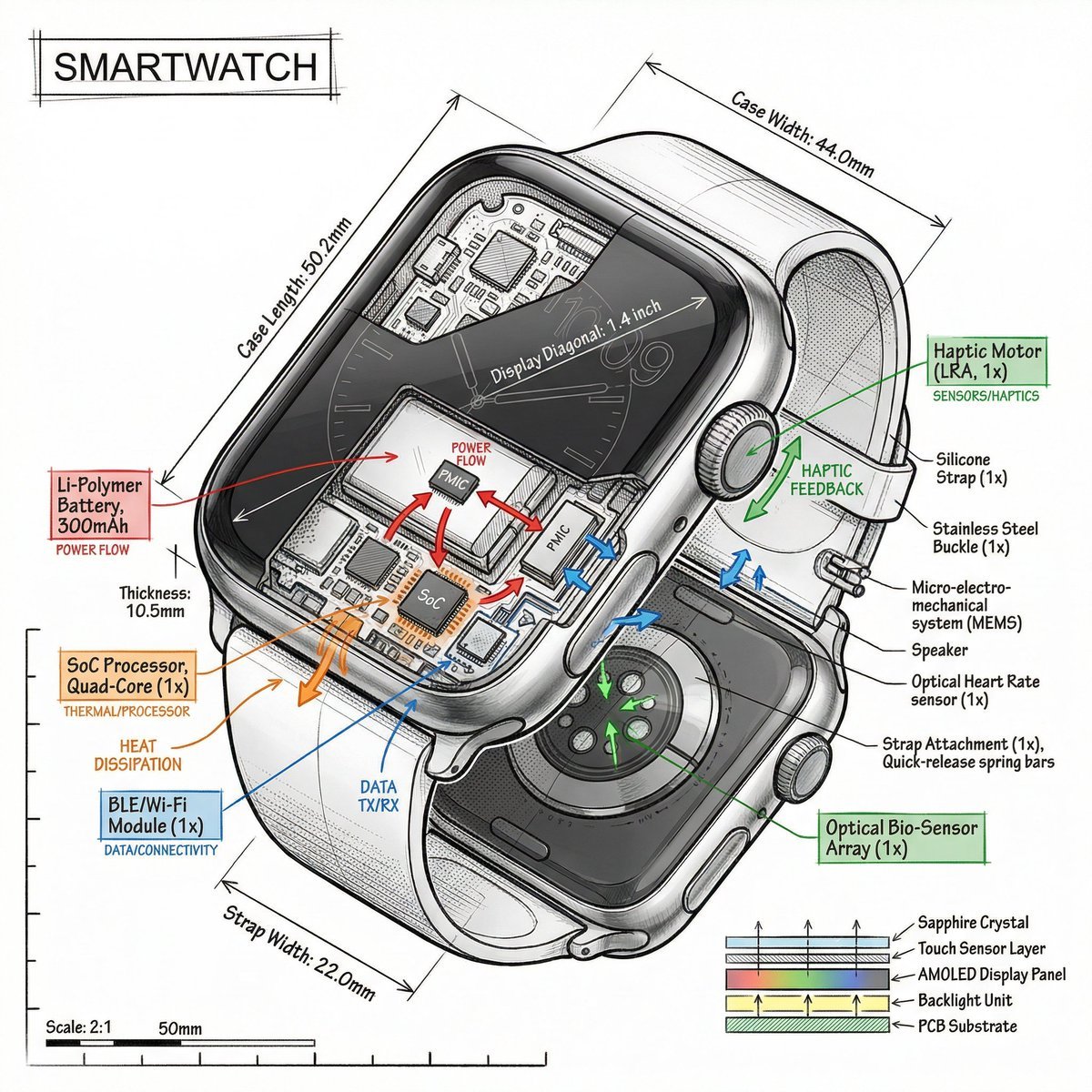
Technical Infographic Prompt Template
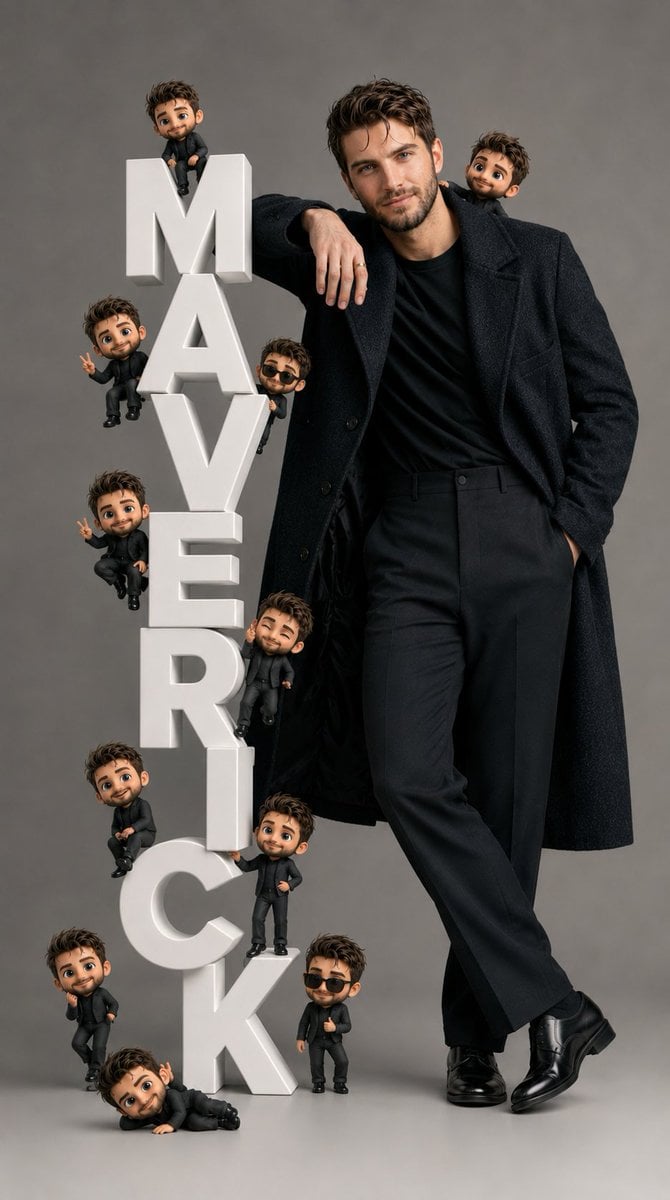
Pixar-Style Chibi Editorial Portrait
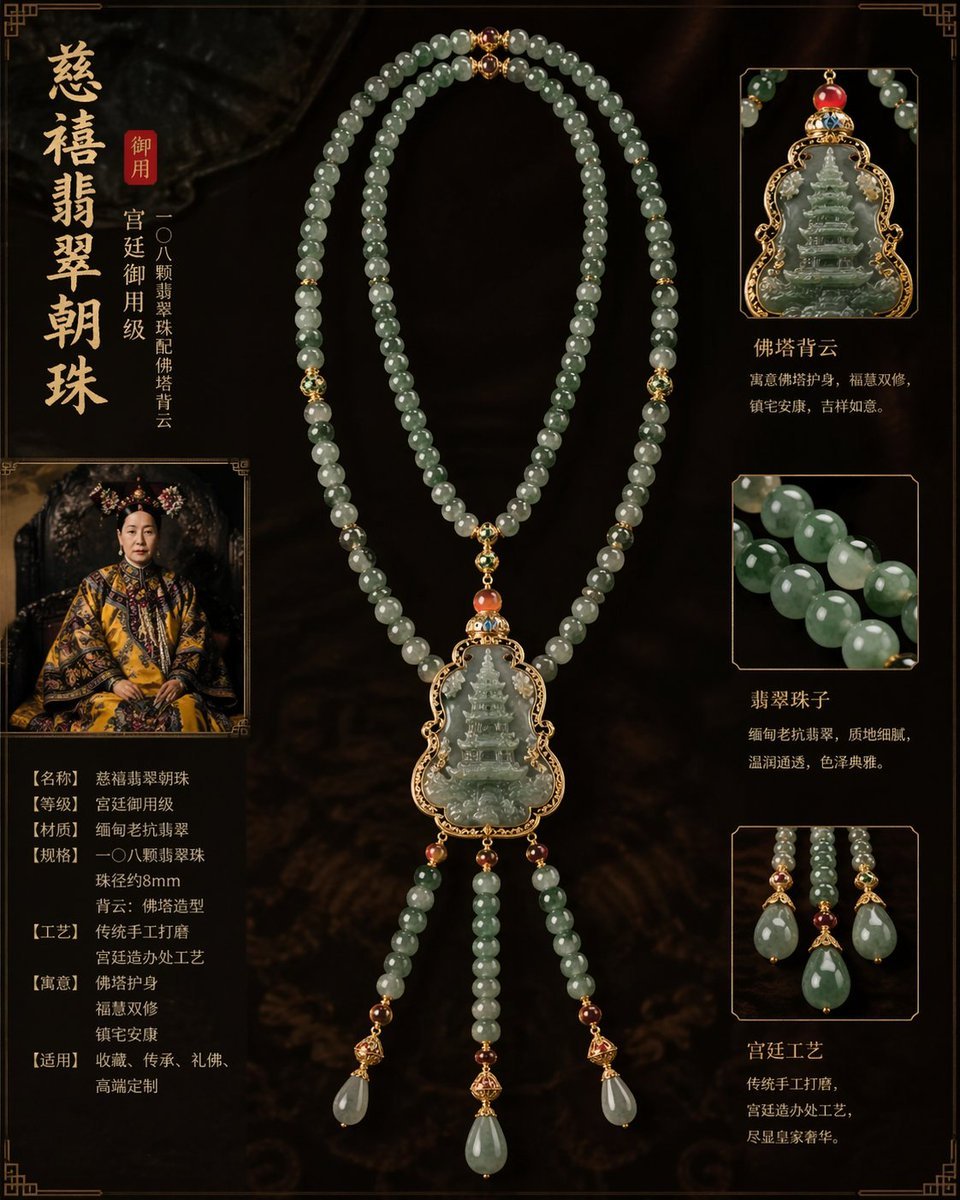
Imperial jewelry design prompt
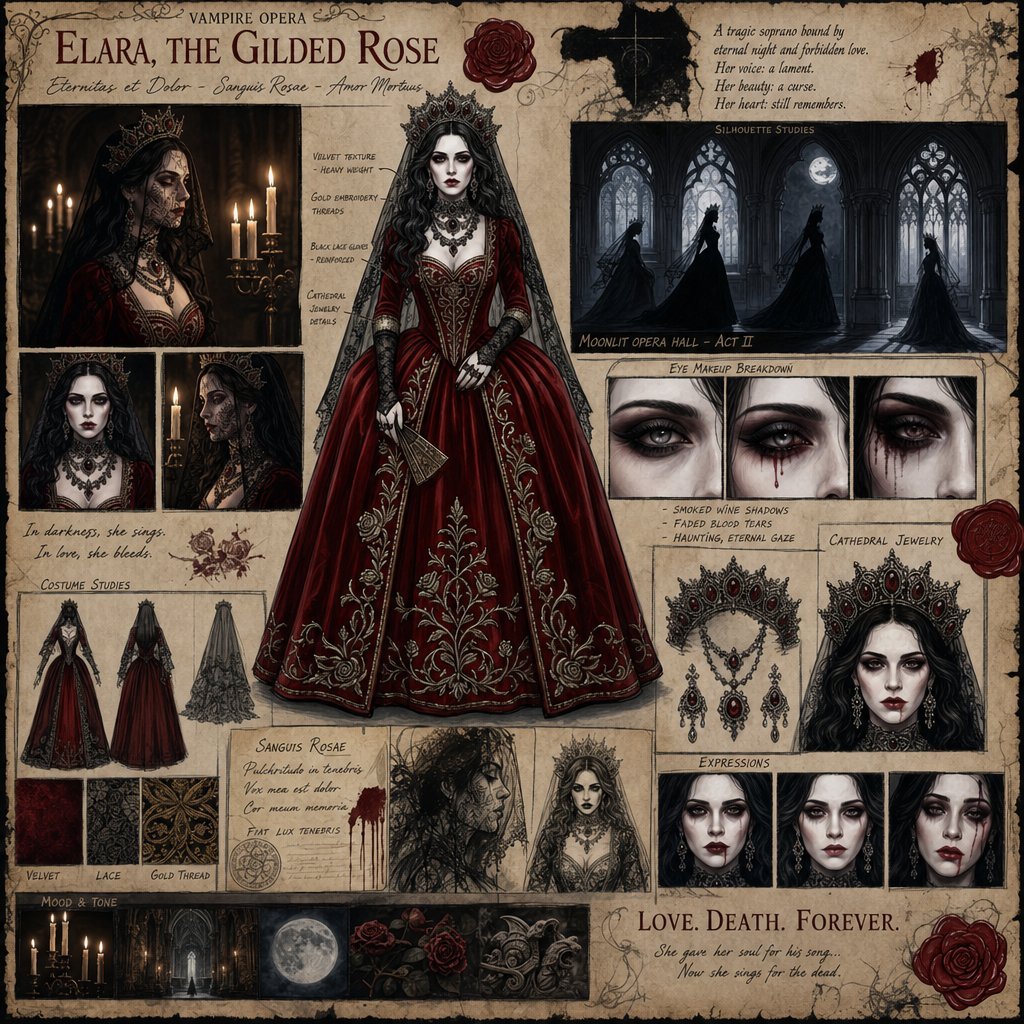
Dark Gothic Vampire Opera Character Design
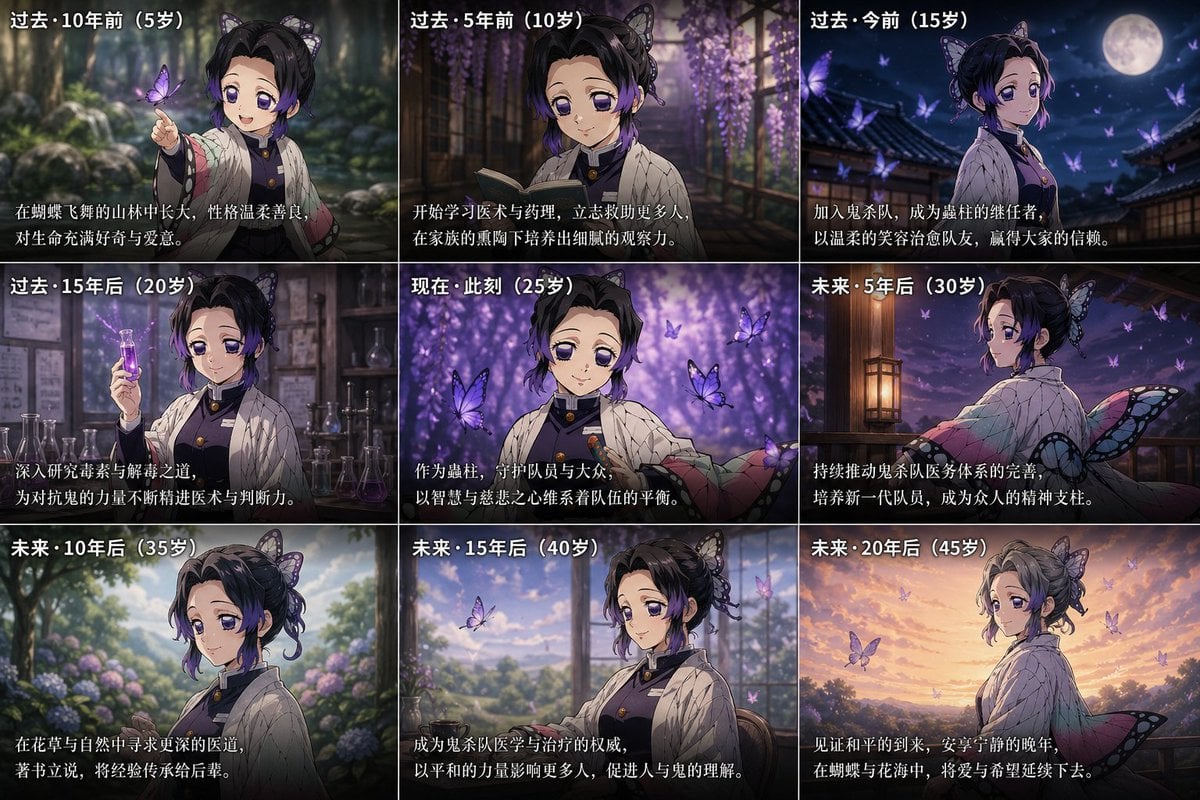
Life Story Grid Prompt
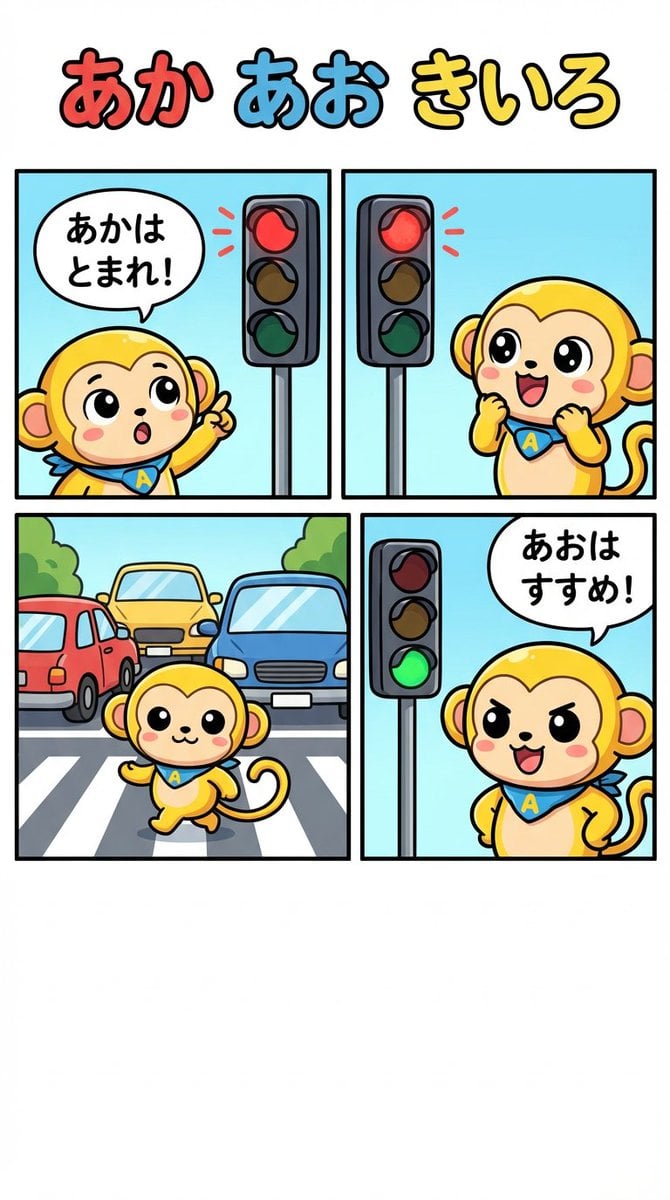
Four-Panel Comic: Red, Blue, Yellow Theme
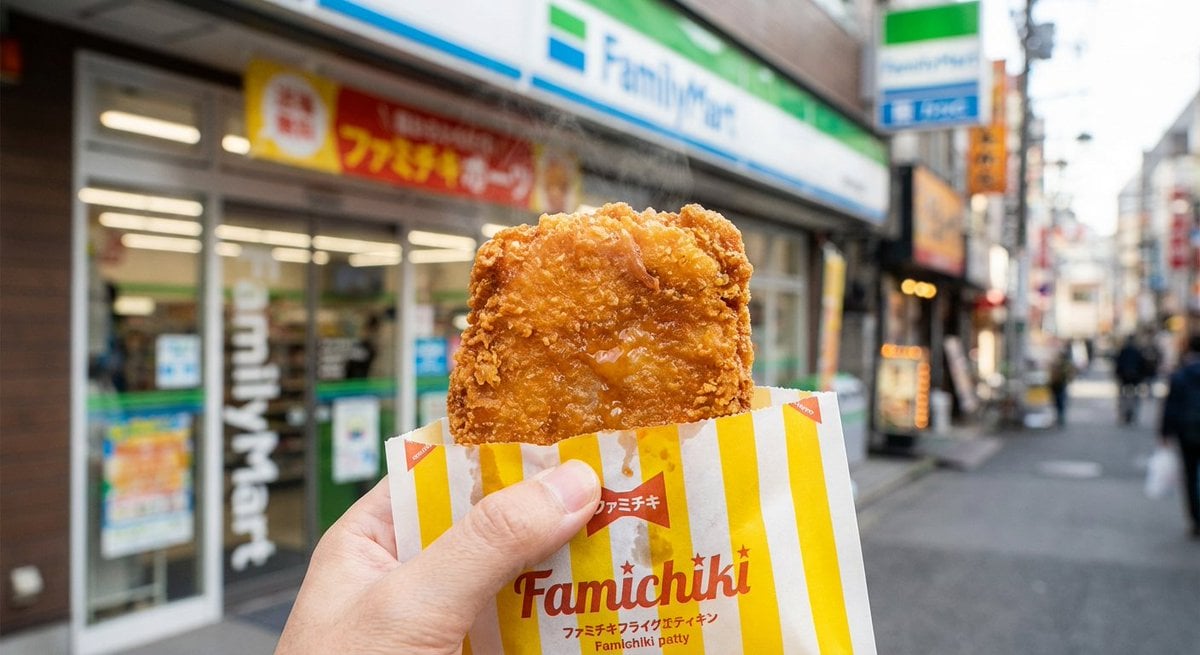
Generating 'Famichiki' Image with Nano Banana Pro
Browse template categories
Woman Posing With Life-Size Tom Cat questions
How do I use the Woman Posing With Life-Size Tom Cat template?
Add your photo if the template asks for one, edit the prompt if you like — the template's model and format are already selected — and press Generate. Your version opens in PicX Studio.
Can I customize the Woman Posing With Life-Size Tom Cat template?
Yes. You can change the subject, setting, lighting, mood, format, and available model controls before creating your image.
Is the Woman Posing With Life-Size Tom Cat template free?
Opening and editing this template is free. Generating uses credits, shown on the Generate button when you are signed in.
Which AI model should I use?
Start with GPT Image 2, which is the model associated with this template. You can compare another compatible model for a different finish.
Looking for something else? Browse all templates.

Your photo, any look
Thousands of ready templates for every top image and video model, from one credit balance.