
Glitch Street Sorcerer Poster
A dark anime-style vertical poster of a white-haired urban sorcerer beneath a looming shadow face, suited for edgy cyberpunk street-art character visuals.
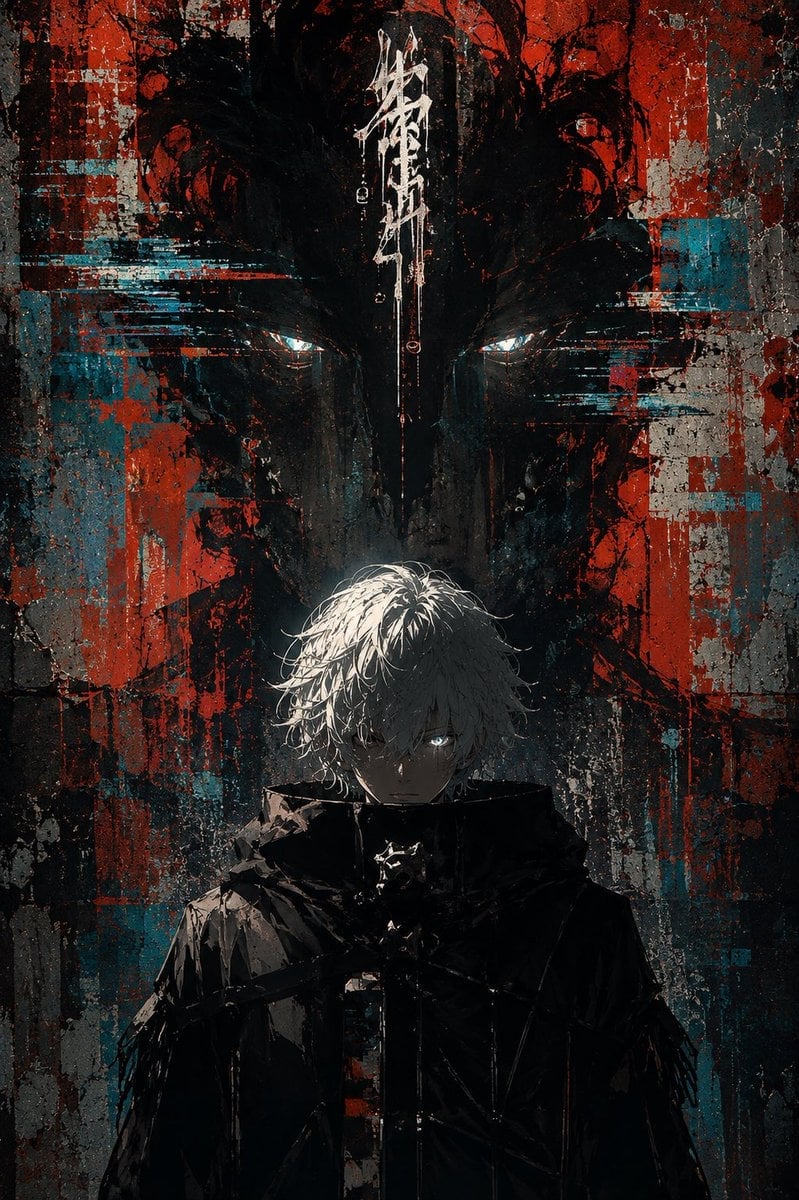
- Prompt included
- Model and format preset
- Free template
The prompt behind this image
Copy the exact prompt behind Glitch Street Sorcerer Poster, or open it in the studio and make it yours.
Create a dark vertical anime street-art poster featuring {argument name="character name" default="Gojo-like white-haired sorcerer"} standing centered in the lower half, facing forward with a cold intense expression. He has messy {argument name="hair color" default="white-silver"} hair falling over his forehead, pale skin, one visible glowing icy-blue eye peering from shadow, and a high-collared black tactical coat or cloak with angular straps and glossy wet highlights. Behind him, fill the entire background with a huge ominous shadow face or demonic mask silhouette, only two narrow glowing cyan-white eyes visible near the upper middle, looming over him. Use a gritty urban grunge wall texture with cracked concrete, heavy black ink, distressed paint, red and teal/cyan glitch blocks, horizontal digital smear artifacts, scratches, splatters, drips, and torn poster-like layers. Add a single vertical white graffiti/calligraphy sigil at the top center above the character, abstract and illegible, like Japanese brush strokes. Composition should be symmetrical and cinematic, portrait orientation 2:3, high contrast, mostly black and charcoal with strong blood-red and turquoise accents, dramatic top/back lighting on the hair, deep shadows on the face and coat, cyberpunk glitch horror mood, painterly anime illustration mixed with street graffiti and digital distortion. No readable typography except the abstract sigil, no watermark, no extra characters.
How to use Glitch Street Sorcerer Poster in 3 steps
- 1Upload ImagePNG, JPG or paste
Add your photo
Upload the photo the template builds on. The prompt, model and format are already set.
- 2…a portrait of your subject in softgolden-hour light, 85mm…
Personalize
Edit the subject and creative details for your destination.
- 3Generate
Generate
Press Generate — your image is created in PicX Studio, so you can compare it with the original and refine one variable at a time.
More like this
Templates with the same subject, style or setup. Open one to see its prompt.

Neon Glitch Cyber Symbiote Music Poster

Urban Fashion Editorial Collage Streetwear Poster

Ultra-Stylized High-Fashion Streetwear Poster

Gpt2 Product Marketing Streetwear Sneaker Poster Ad
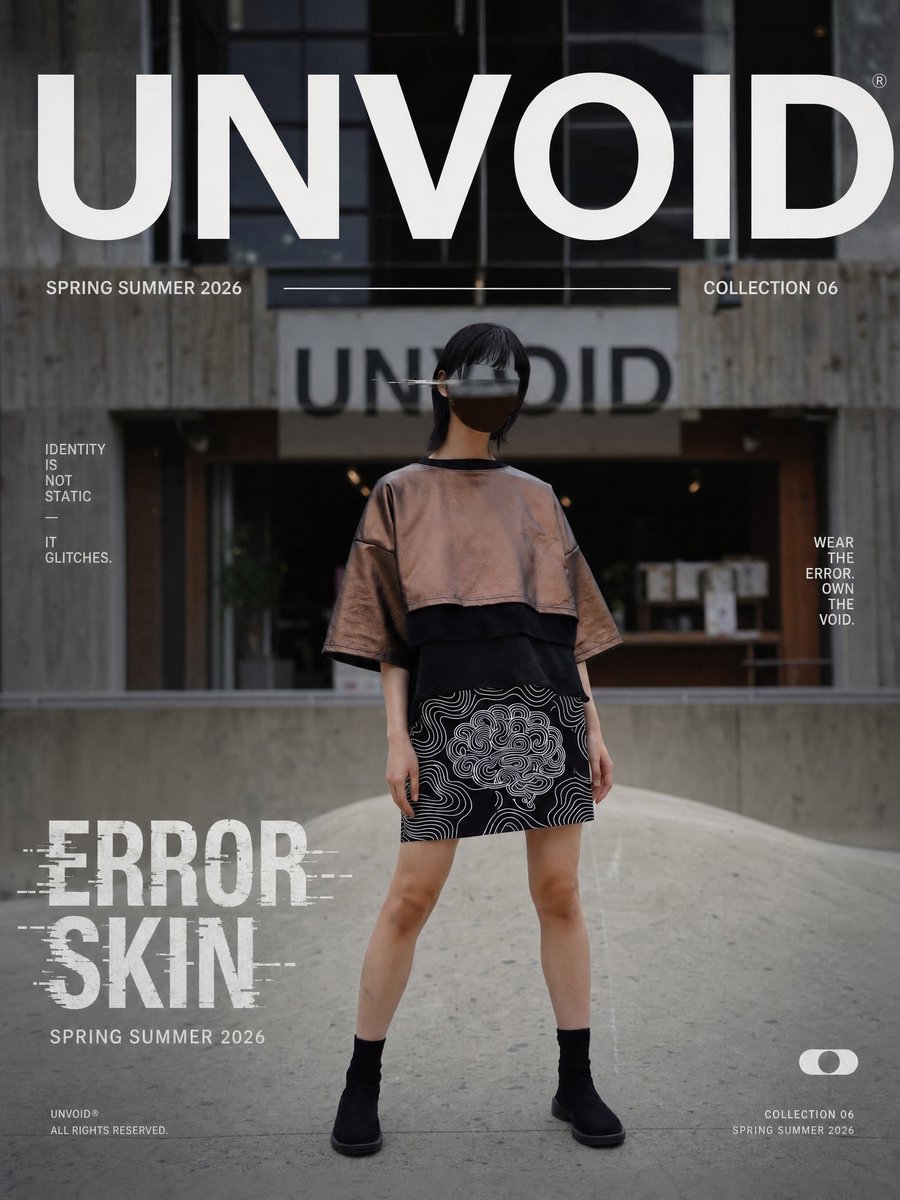
UNVOID Glitch Streetwear Poster

Two Tickets, One Night

Meet Me When It Rains

Two Hearts. One Scooter.

1986 Street Couple

1985 Street Scene

Japan Travel Brochure Poster

Cartoon TV Show Poster Pack
Make it yours
Glitch Street Sorcerer Poster works as-is. These are the safest ways to change it without losing the look.
Change one field
Copy a single group, rewrite it, and generate again so you can see what that field is doing.
Keep the frame, change the subject
Hold the composition and light of Glitch Street Sorcerer Poster, then swap wardrobe, props or the person for a new take.
| If the result… | Why | Fix |
|---|---|---|
| The result drifts from the preview | Too many fields changed at once. | Reuse Glitch Street Sorcerer Poster as-is first, then change one group — subject, light, or setting. |
| The model over-stylizes the scene | The prose prompt leaves finish and camera underspecified. | Add one camera or lighting sentence and stay on GPT Image 2. |
More GPT Image 2 templates
Other prompts made for GPT Image 2.

Six VTuber Japanese Logo Sheet

Realistic Portrait of Woman and Deer

The Vista Modular Condo Poster

AI Model Routing Comparison Infographic

2.5D Anime Art Board

Isometric Productivity Desk Scene

New York Double Exposure Poster

Four-Panel AI Landscape Comparison

Japanese Tatami Lifestyle Magazine Cover

NESCAFÉ Coffee Map Poster
More image prompts
Fresh picks from across the catalog.
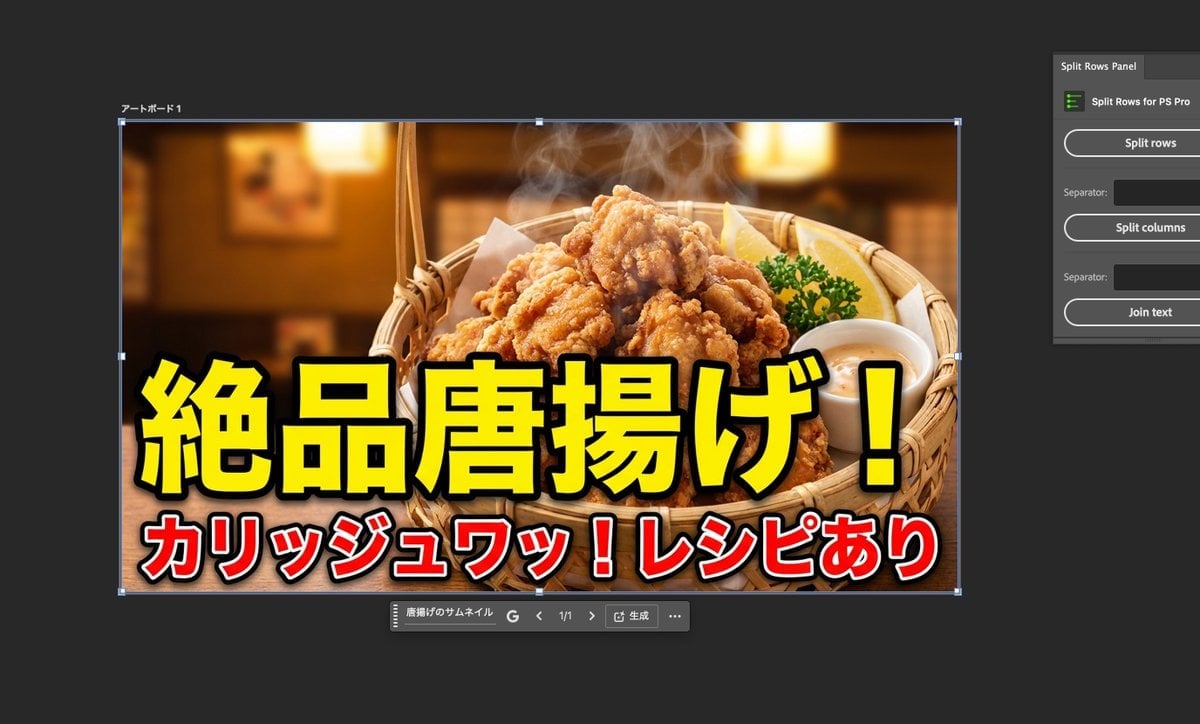
Food thumbnails and product shots
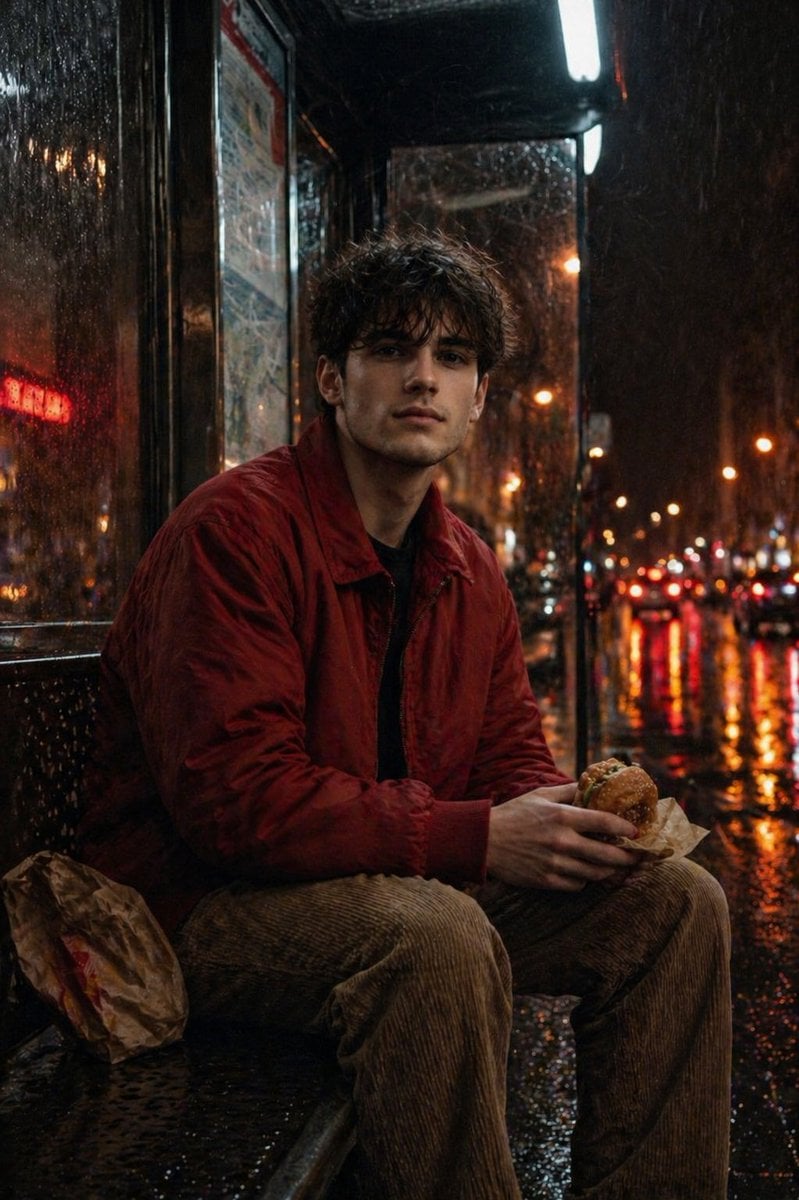
Atmospheric Nighttime Rainy Portrait
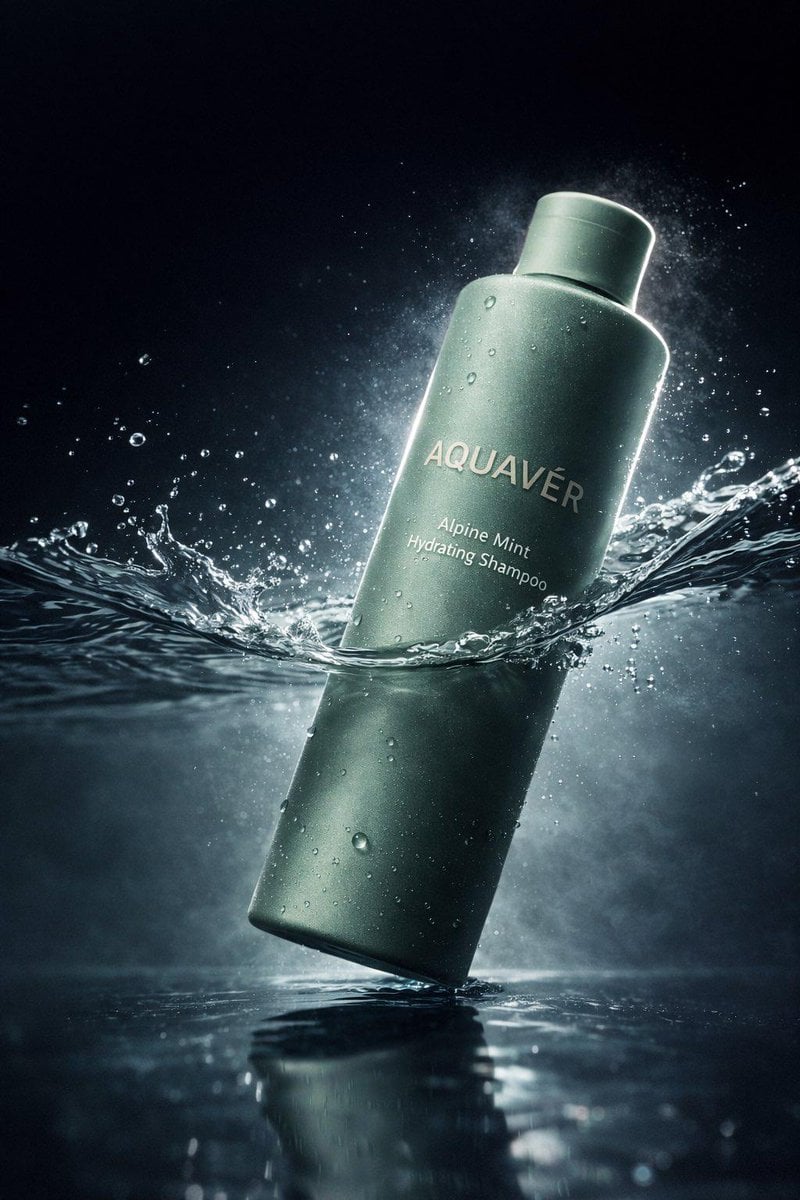
Luxury Shampoo Bottle Splash Commercial
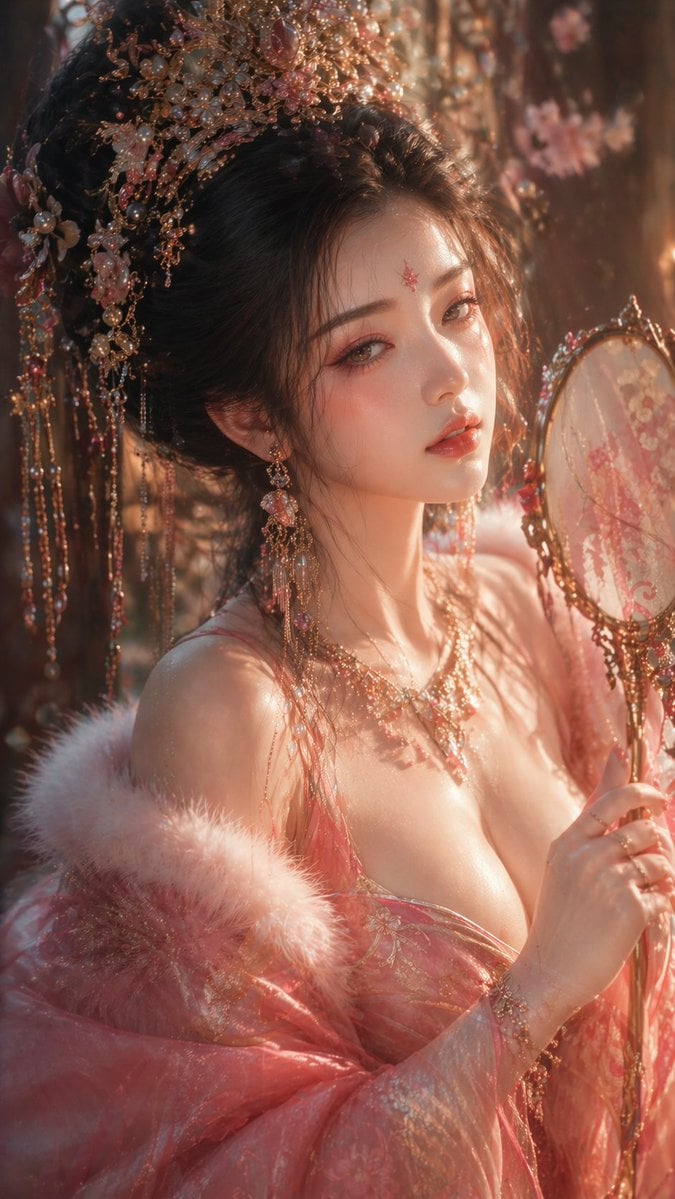
Tang Dynasty Aesthetic CG Illustration

Miniature People Cinematic World Prompt
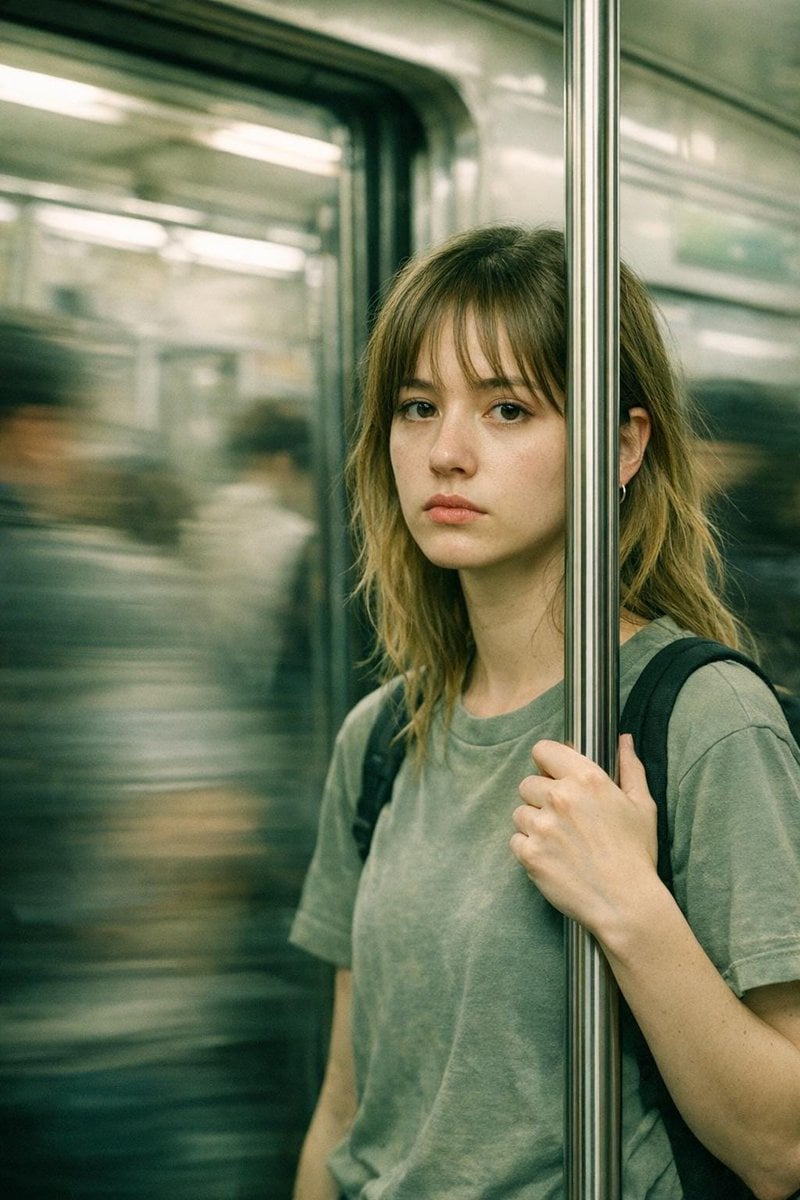
Abstract Cinematic Portrait Style Prompt
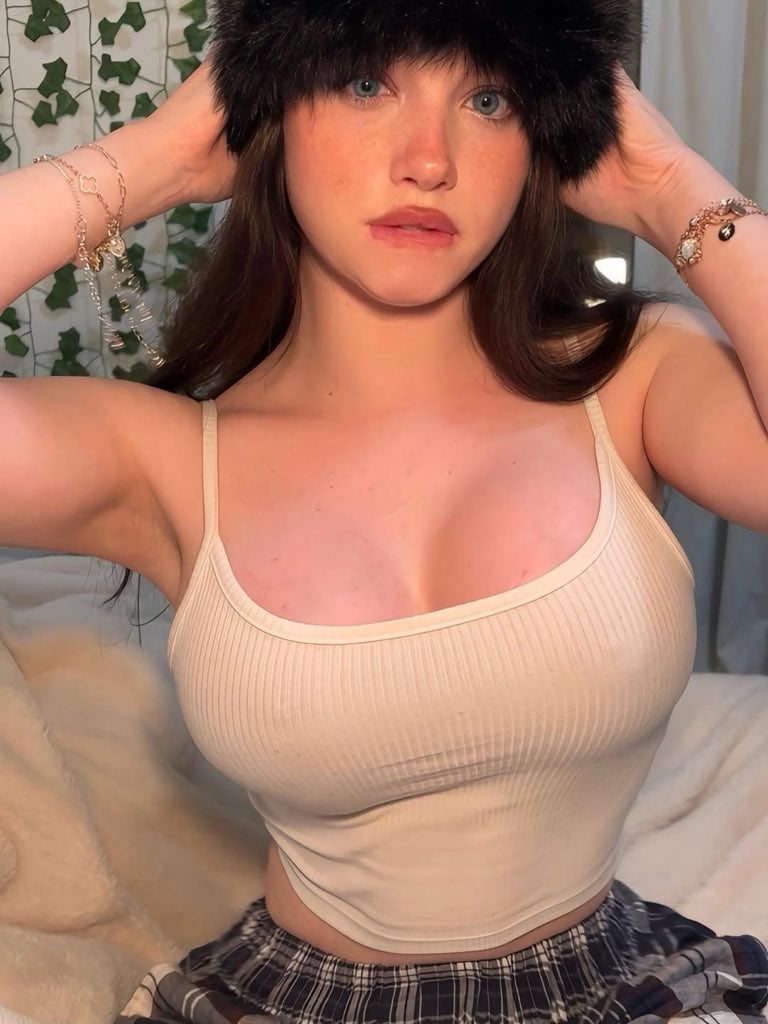
Coquette Aesthetic Cozy Portrait Prompt
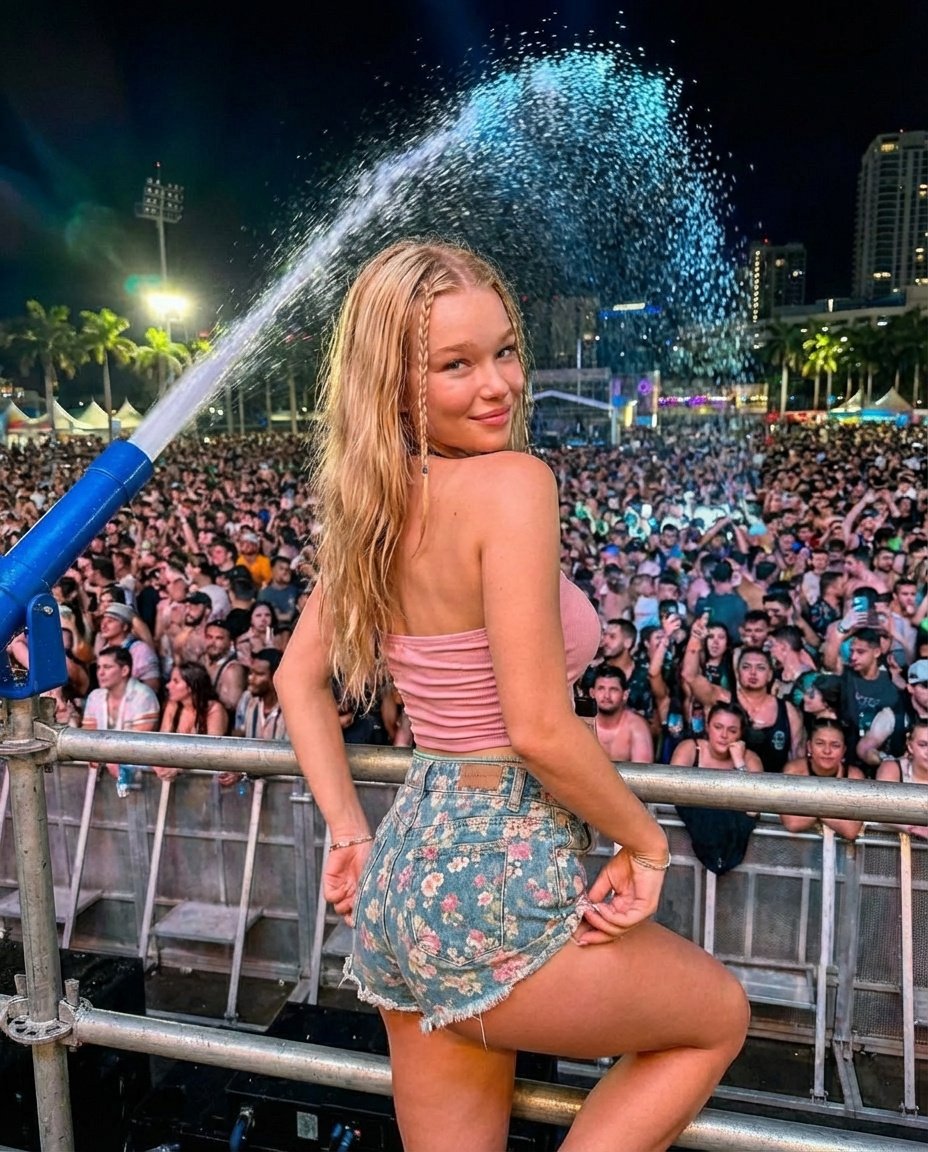
Nighttime Music Festival Photography Prompt
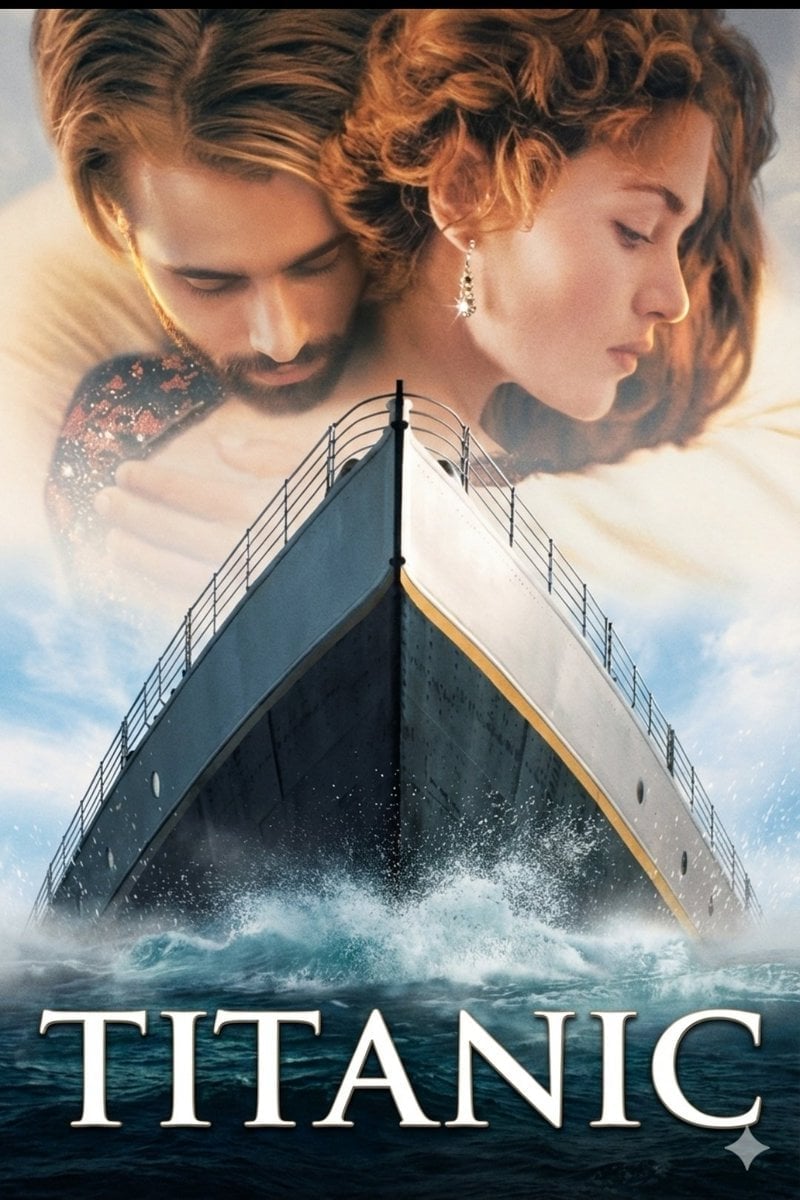
Image-to-Image Titanic Movie Poster Prompt
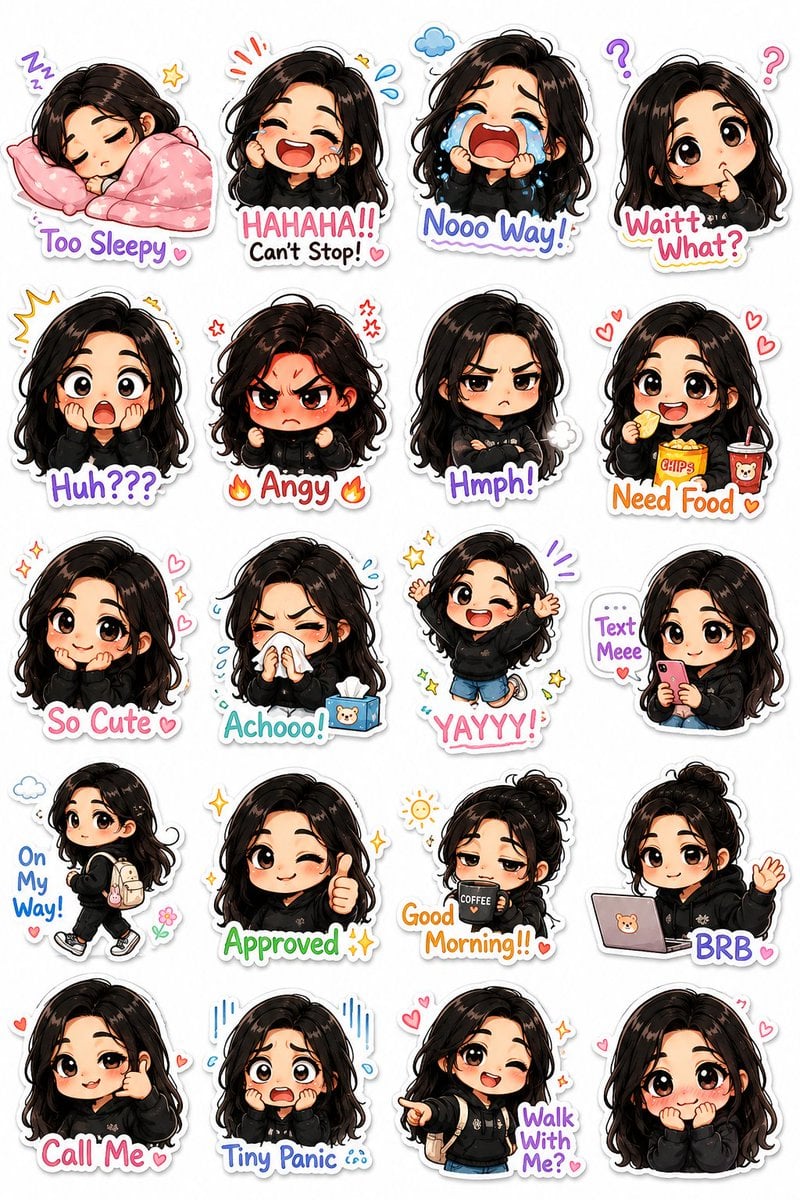
Kawaii Chibi Sticker Pack Creator
Browse template categories
Glitch Street Sorcerer Poster questions
How do I use the Glitch Street Sorcerer Poster template?
Add your photo if the template asks for one, edit the prompt if you like — the template's model and format are already selected — and press Generate. Your version opens in PicX Studio.
Can I customize the Glitch Street Sorcerer Poster template?
Yes. You can change the subject, setting, lighting, mood, format, and available model controls before creating your image.
Is the Glitch Street Sorcerer Poster template free?
Opening and editing this template is free. Generating uses credits, shown on the Generate button when you are signed in.
Which AI model should I use?
Start with GPT Image 2, which is the model associated with this template. You can compare another compatible model for a different finish.
Looking for something else? Browse all templates.

Your photo, any look
Thousands of ready templates for every top image and video model, from one credit balance.