
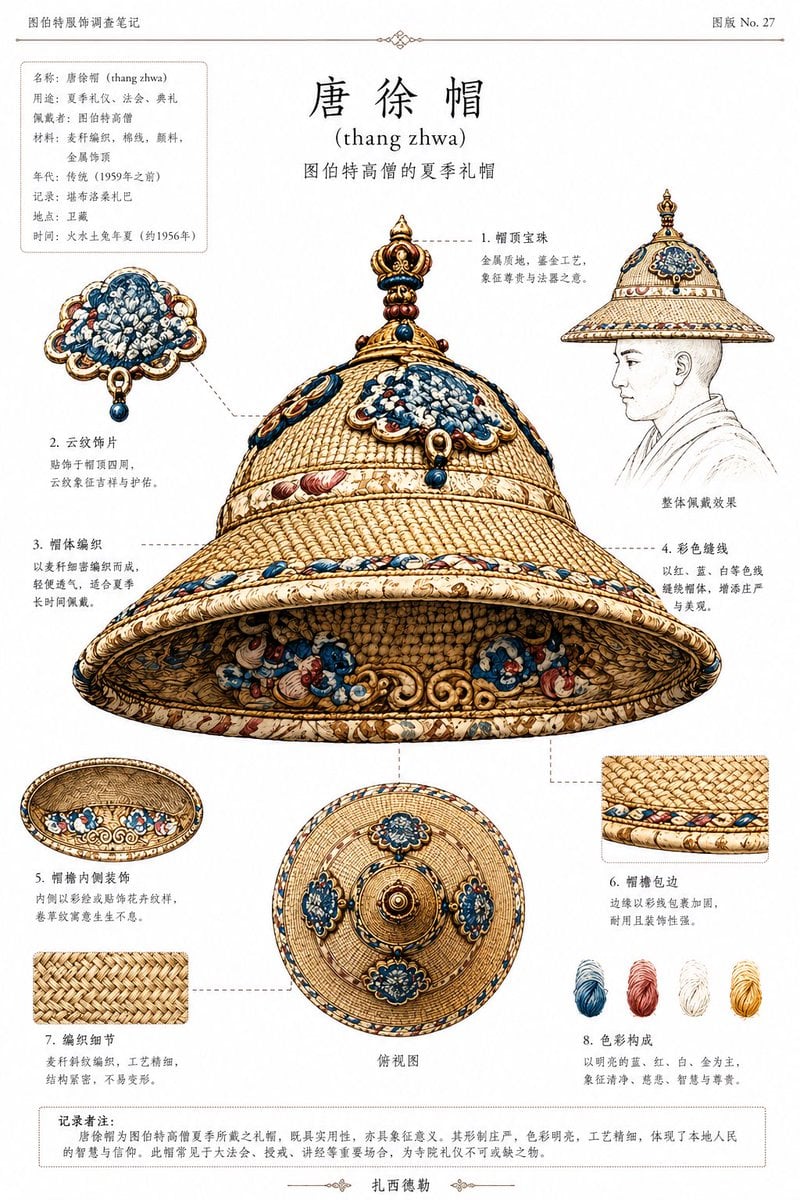
Ethnographic Plate for Tibetan Ceremonial Hat
This prompt turns historical reference photos into a museum-style Chinese archival diagram sheet documenting a Tibetan ceremonial hat for catalog, research, or exhibition use.
- Prompt included
- Model and format preset
- Free template
The prompt behind this image
Copy the exact prompt behind Ethnographic Plate for Tibetan Ceremonial Hat, or open it in the studio and make it yours.
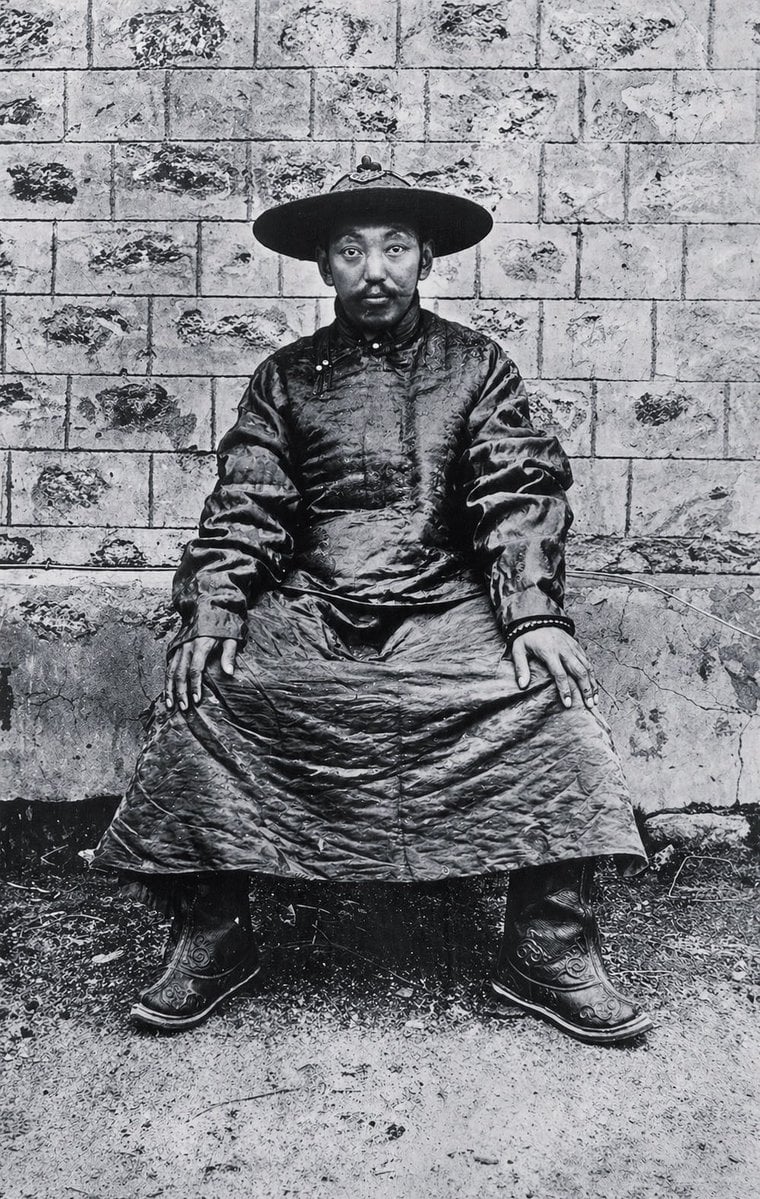
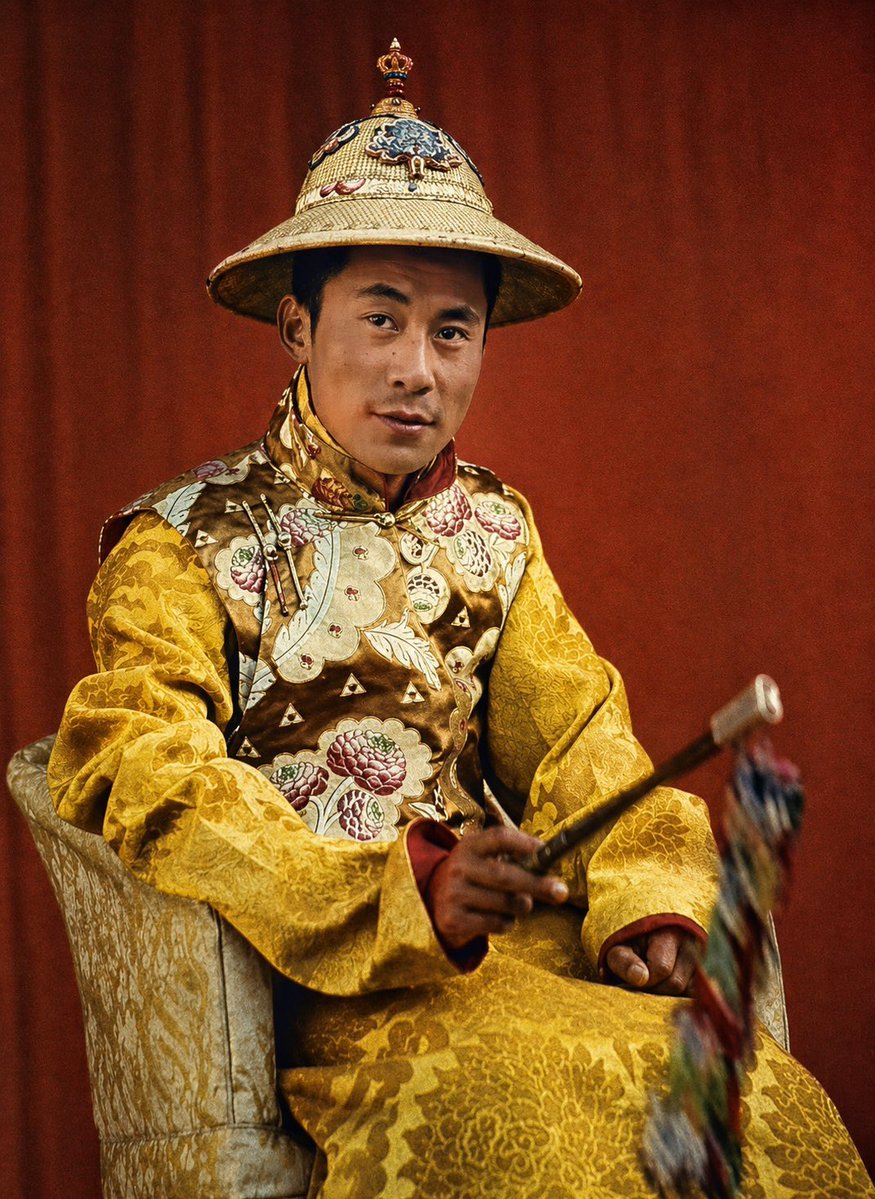
Using REFERENCE_0 and REFERENCE_1, create a clean ethnographic archive plate focused on the ceremonial hat. Use REFERENCE_0 as the historical Tibetan context and silhouette reference, and REFERENCE_1 as the color, material, and ornament reference for the hat. Isolate and reconstruct the hat as a museum-style object study, removing the seated body as the main subject. Present the hat on an off-white document page as a scholarly catalog sheet in Chinese with small romanization. Add 8 numbered callouts around the object with fine dashed leader lines, each pointing to a specific structural detail. The centerpiece should be one large three-quarter underside view of the hat. Also include exactly 4 supplementary views/details: 1 side-profile wearing sketch with a faint line-drawn bust, 1 underside interior view, 1 top-down view, and 2 square close-up material swatches. Add exactly 4 thread-color samples near the lower right: blue, red, white, and yellow. At the top center, add the large title {argument name="headline text" default="唐徐帽"} with the romanization {argument name="romanization" default="(thang zhwa)"} beneath it, plus a smaller subtitle describing it as a summer ceremonial hat of high-ranking Tibetan monks. In the upper left, add a boxed metadata panel with multiple short Chinese fields, and in the upper right add a plate number reading {argument name="plate number" default="图版 No. 27"}. At the bottom, add one bordered note paragraph in Chinese. Overall style: meticulous archival infographic, anthropological catalog illustration, historically informed, precise woven texture, ivory-gold base with blue and red ornament, elegant print layout, thin rules and decorative divider marks, high-detail object rendering on a plain paper background.
Reference images included
Ethnographic Plate for Tibetan Ceremonial Hat needs input media to work. They load alongside the prompt when you open it in the studio.
How to use Ethnographic Plate for Tibetan Ceremonial Hat in 3 steps
- 1Upload ImagePNG, JPG or paste
Add your photo
Upload the photo the template builds on. The prompt, model and format are already set.
- 2…a portrait of your subject in softgolden-hour light, 85mm…
Personalize
Edit the subject and creative details for your destination.
- 3Generate
Generate
Press Generate — your image is created in PicX Studio, so you can compare it with the original and refine one variable at a time.
More like this
Templates with the same subject, style or setup. Open one to see its prompt.

Gpt2 Infographic Edu Visual Ethnographic Plate for Tibetan Ceremonial Hat
Elfina Fantasy Porcelain Plate
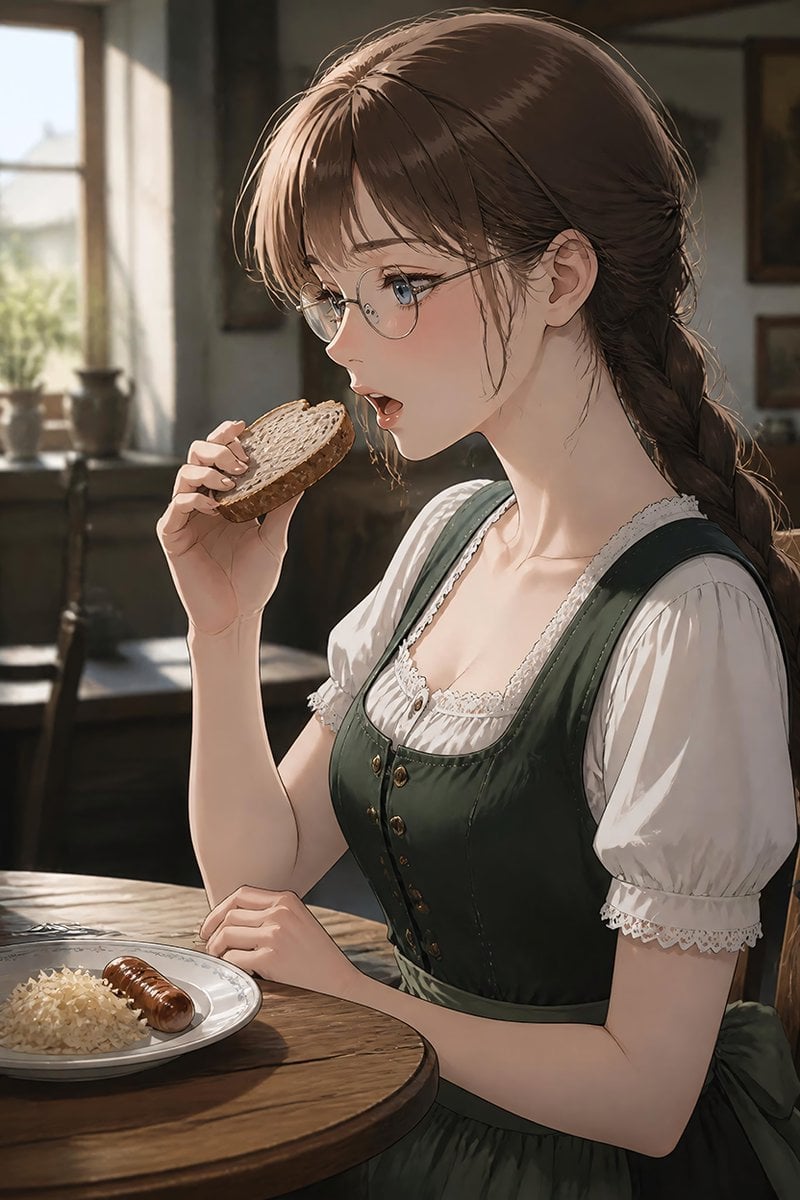
German Sausage Breakfast Plate
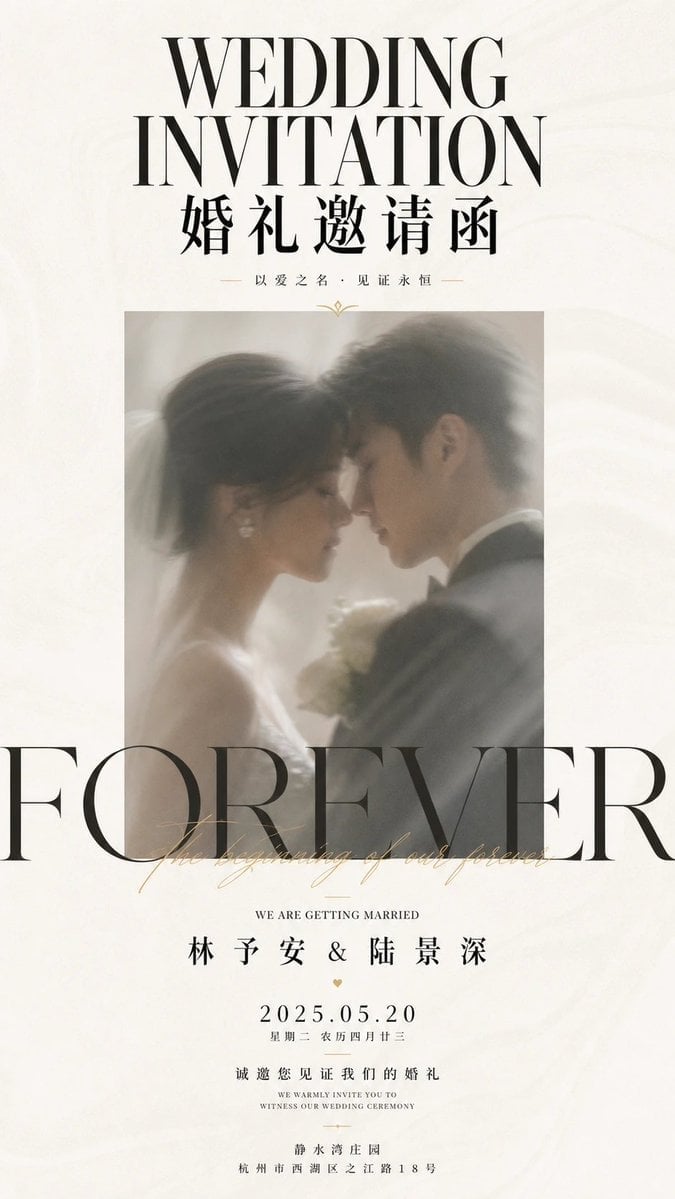
Minimalist Ceremonial Poster Layout
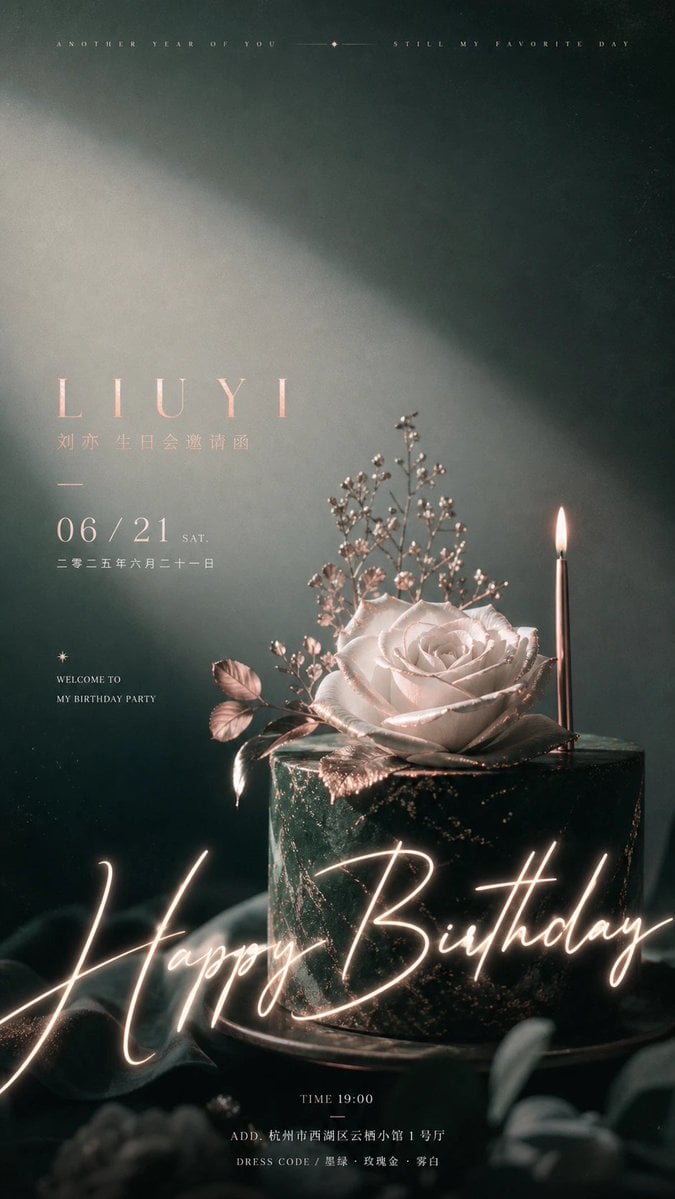
Ceremonial Celebration Visual Poster
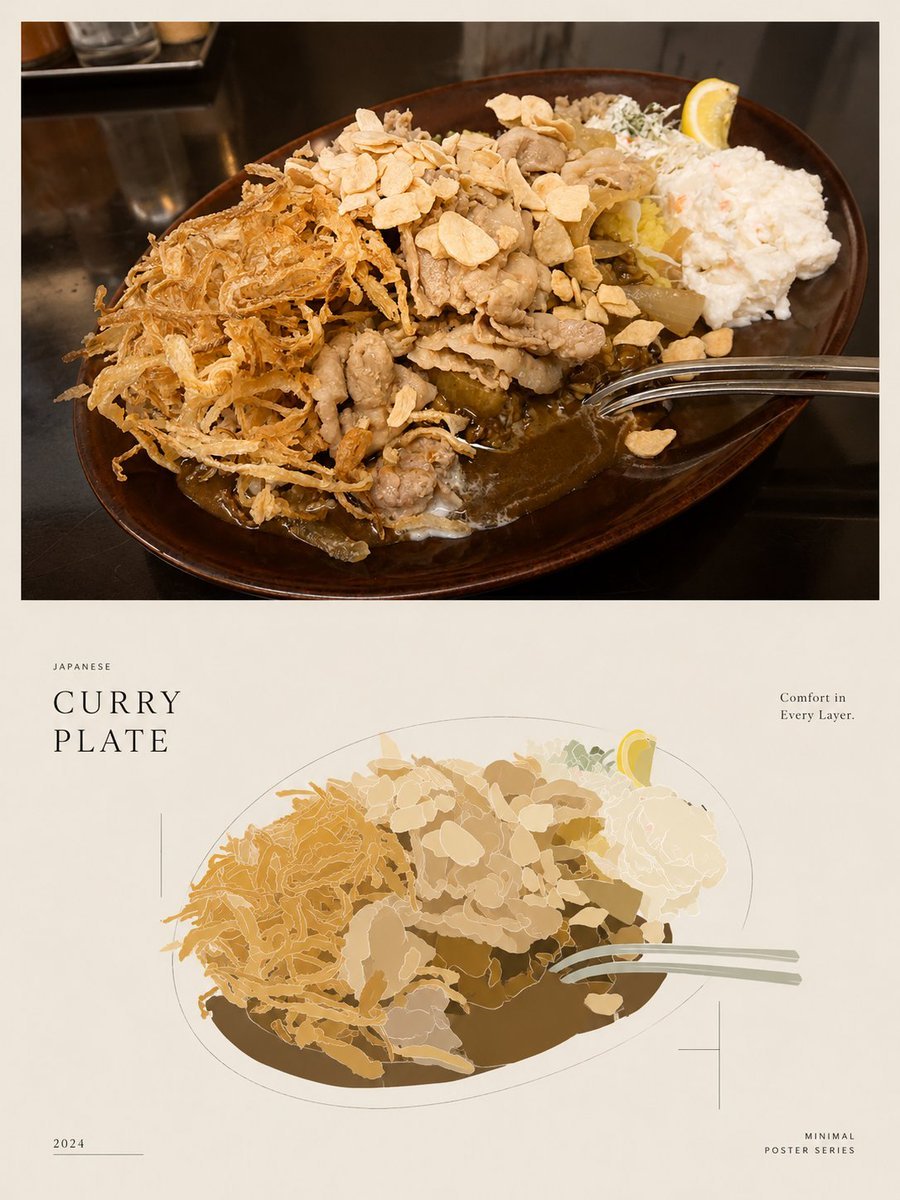
Minimal Japanese Curry Plate Poster
In stiff, ornamental ceremonial attire
Golden buttery croissant on a white plate with strawberries
Car License Plate Removal and Scene Transformation
Sunflower Straw Hat Portrait
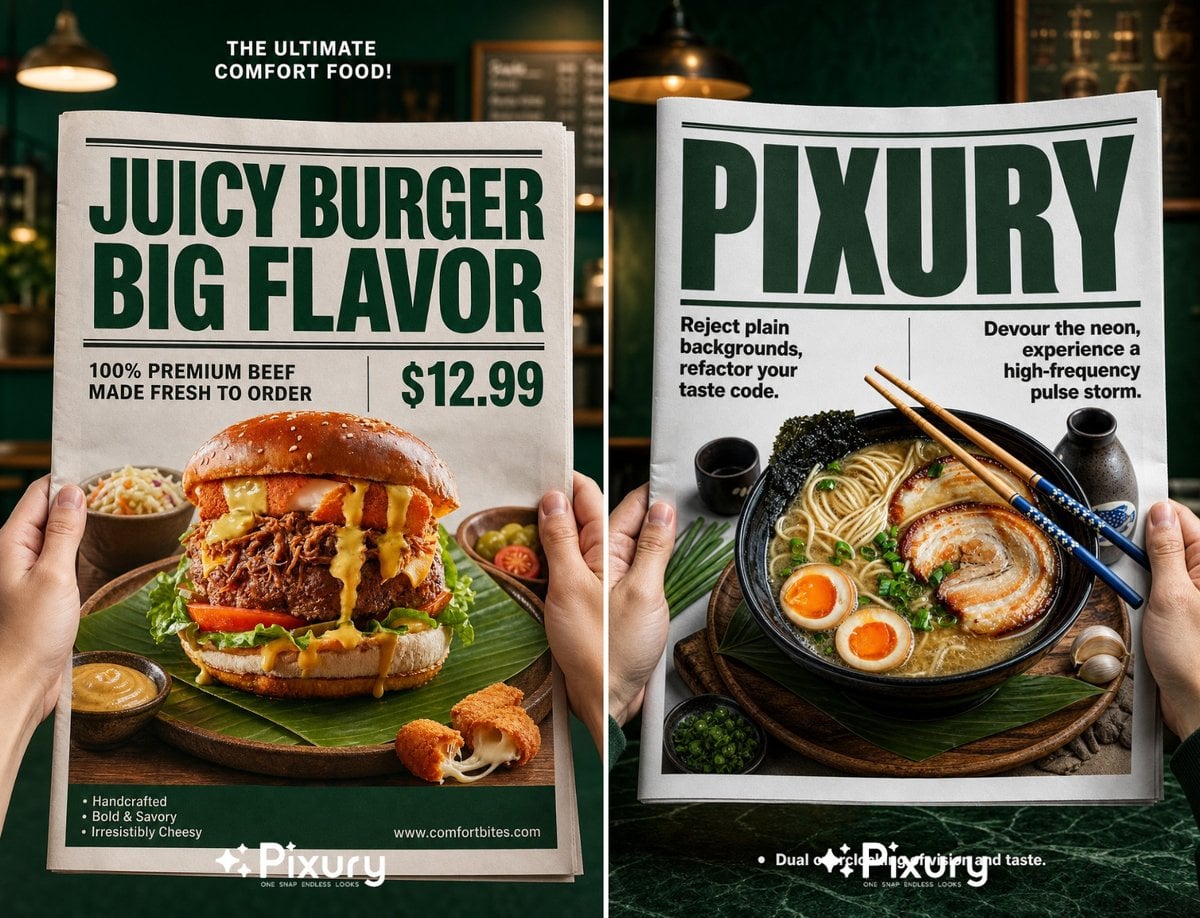
Newspaper Layout Food Poster Template
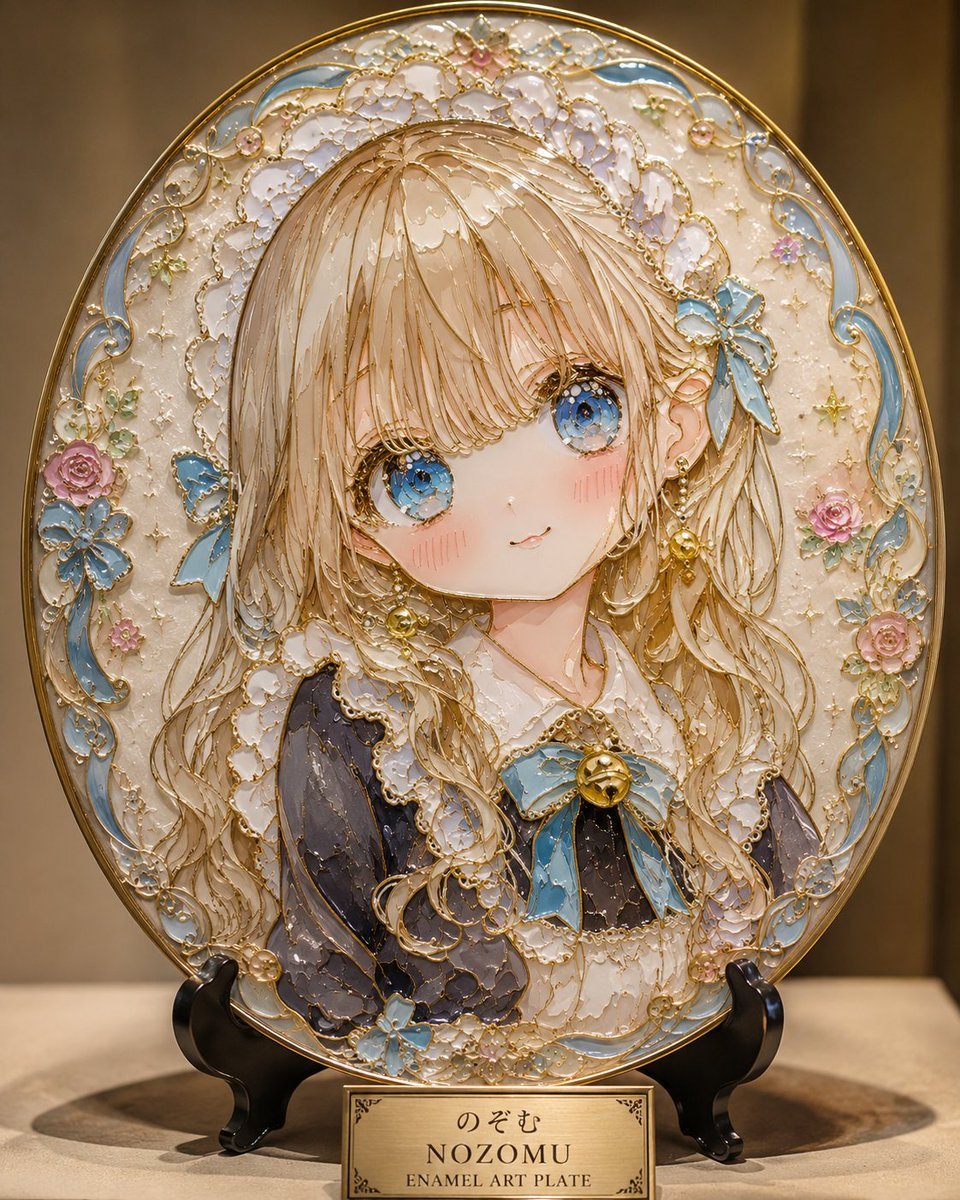
Cloisonné Anime Art Plate
Make it yours
Ethnographic Plate for Tibetan Ceremonial Hat works as-is. These are the safest ways to change it without losing the look.
Change one field
Copy a single group, rewrite it, and generate again so you can see what that field is doing.
Keep the frame, change the subject
Hold the composition and light of Ethnographic Plate for Tibetan Ceremonial Hat, then swap wardrobe, props or the person for a new take.
| If the result… | Why | Fix |
|---|---|---|
| The result drifts from the preview | Too many fields changed at once. | Reuse Ethnographic Plate for Tibetan Ceremonial Hat as-is first, then change one group — subject, light, or setting. |
| The model over-stylizes the scene | The prose prompt leaves finish and camera underspecified. | Add one camera or lighting sentence and stay on GPT Image 2. |
More GPT Image 2 templates
Other prompts made for GPT Image 2.

Six VTuber Japanese Logo Sheet

Realistic Portrait of Woman and Deer

The Vista Modular Condo Poster

AI Model Routing Comparison Infographic

2.5D Anime Art Board

Isometric Productivity Desk Scene

New York Double Exposure Poster

Four-Panel AI Landscape Comparison

Japanese Tatami Lifestyle Magazine Cover

NESCAFÉ Coffee Map Poster
More image prompts
Fresh picks from across the catalog.

Low-Poly Geometric Character Art
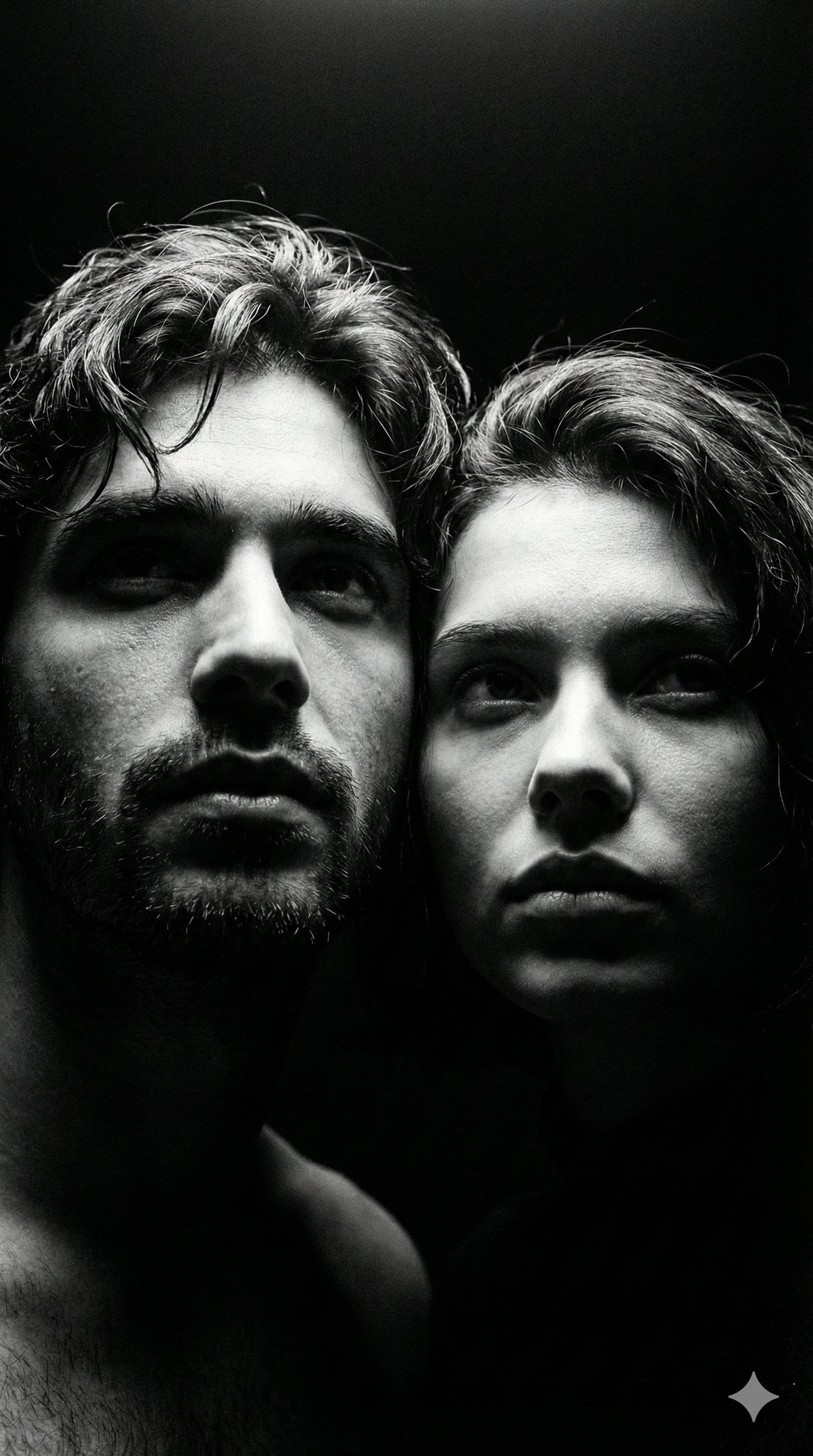
Ultra Realistic Juicy Cheeseburger

Hyper-Realistic Cinematic Macro Portrait with JSON Structure
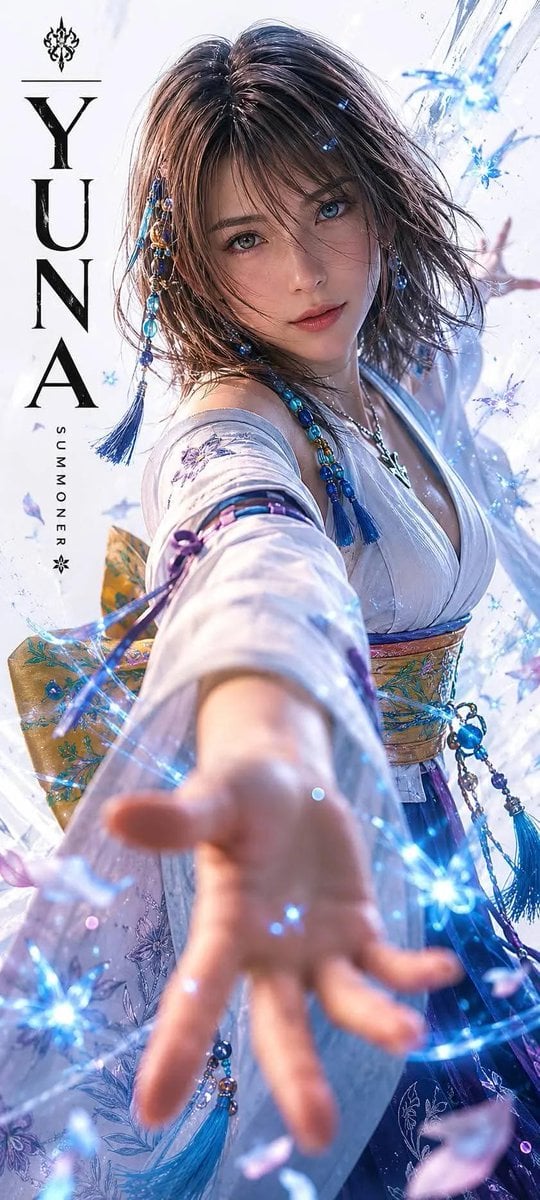
Realistic Live-Action Rikku Portrait
Hand-Drawn Pencil Sketch Portrait

Face-Locked Image Edit with Cat

Cyber-Noir Stylized Portrait
Playful Laundry Room Portrait Prompt
Vintage Lolita Portrait With Face Glitch

Detailed JSON Prompt for Lifestyle Portrait Photography
Browse template categories
Ethnographic Plate for Tibetan Ceremonial Hat questions
How do I use the Ethnographic Plate for Tibetan Ceremonial Hat template?
Add your photo if the template asks for one, edit the prompt if you like — the template's model and format are already selected — and press Generate. Your version opens in PicX Studio.
Can I customize the Ethnographic Plate for Tibetan Ceremonial Hat template?
Yes. You can change the subject, setting, lighting, mood, format, and available model controls before creating your image.
Is the Ethnographic Plate for Tibetan Ceremonial Hat template free?
Opening and editing this template is free. Generating uses credits, shown on the Generate button when you are signed in.
Which AI model should I use?
Start with GPT Image 2, which is the model associated with this template. You can compare another compatible model for a different finish.
Looking for something else? Browse all templates.

Your photo, any look
Thousands of ready templates for every top image and video model, from one credit balance.