
Japanese Salaryman Character Sheet
Creates a detailed anime-style Japanese business character reference sheet with profile data, outfit callouts, color swatches, and detail panels.
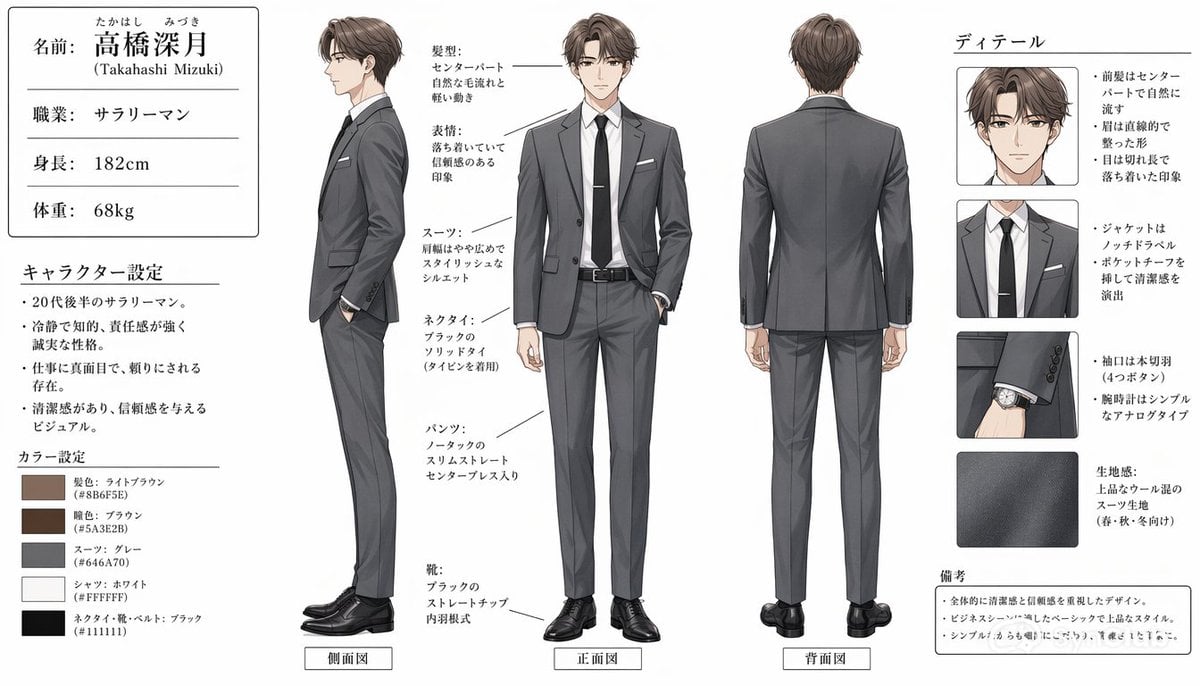
- Prompt included
- Model and format preset
- Free template
The prompt behind this image
Copy the exact prompt behind Japanese Salaryman Character Sheet, or open it in the studio and make it yours.
Goal: Create a clean anime-style male character design sheet for a modern Japanese office worker, with the character's face intentionally obscured by a soft square blur in every portrait. Canvas: Wide horizontal character-reference sheet on a white background, approximately 16:9. Use thin black divider lines, neat Japanese editorial layout, and muted professional colors. Layout: Place a left information column, three full-body character views across the center, and a right detail column. The overall look should resemble a polished commercial character settings document. Left information column: At the top, draw a bordered profile card with exactly 4 labeled rows: name, occupation, height, and weight. Use Japanese text for the visible labels and values: 「名前: {argument name="character name" default="高橋深月"}」 with small furigana above the name and “(Takahashi Mizuki)” underneath, 「職業: サラリーマン」, 「身長: 182cm」, 「体重: 68kg」. Below it, add a section titled 「キャラクター設定」 with exactly 4 bullet points describing him as a salaryman in his late twenties, calm and intellectual with a strong sense of responsibility, serious and trusted at work, and clean-looking with a trustworthy impression. At the bottom, add a section titled 「カラー設定」 with exactly 5 color swatches: hair light brown #8B6F5E, eyes brown #5A3E2B, suit gray #646A70, shirt white #FFFFFF, tie/shoes/belt black #111111. Center character views: Show exactly 3 full-body views of the same man wearing a fitted gray business suit: left side view labeled 「側面図」, center front view labeled 「正面図」, and right back view labeled 「背面図」. The man is tall and slim, with light-brown center-parted hair, a white dress shirt, black slim tie with a tie pin, gray notch-lapel jacket, matching slim straight trousers with center crease, black belt, black dress shoes, and a simple analog wristwatch. In the side view, show one hand in pocket and a relaxed upright posture. In the front view, show one hand in pocket and the other relaxed at his side. In the back view, show the suit jacket seams and clean tapered silhouette. Center annotation callouts: Add thin leader lines and Japanese labels pointing to the outfit and traits. Include callouts for hairstyle, expression, suit, necktie, pants, and shoes. The hairstyle note should describe a center part with naturally flowing hair; the expression note should describe a calm and slightly smiling trustworthy impression; the suit note should describe a crisp fitted silhouette; the necktie note should describe a black solid tie with tie pin; the pants note should describe slim straight slacks with a center crease; the shoes note should describe black straight-tip dress shoes. Right detail column: Title the column 「ディテール」. Include exactly 4 rectangular detail panels stacked vertically: 1) close-up head and hair with blurred face, 2) close-up chest showing lapels, shirt, tie, tie pin, and pocket square, 3) close-up sleeve cuff and simple analog watch, 4) close-up fabric texture swatch. Add Japanese bullet notes beside these panels: bangs are center-parted and flow naturally, hair has neat straight texture, eyes are calm and composed, jacket has notch lapels and a pocket square, sleeves show four real buttons, watch is a simple analog type, fabric is a high-quality wool-blend suit material suitable for spring, autumn, and winter. Bottom-right notes: Add a small bordered box titled 「備考」 with exactly 3 bullet points emphasizing cleanliness and trustworthiness, a basic refined business-suit style, and a simple but polished design. Visual style: Semi-realistic anime illustration, clean line art, soft cel shading, realistic suit folds, elegant muted palette, magazine-like Japanese character sheet design, crisp legible typography, no decorative background, no watermark.
How to use Japanese Salaryman Character Sheet in 3 steps
- 1Upload ImagePNG, JPG or paste
Add your photo
Upload the photo the template builds on. The prompt, model and format are already set.
- 2…a portrait of your subject in softgolden-hour light, 85mm…
Personalize
Edit the subject and creative details for your destination.
- 3Generate
Generate
Press Generate — your image is created in PicX Studio, so you can compare it with the original and refine one variable at a time.
More like this
Templates with the same subject, style or setup. Open one to see its prompt.

Six VTuber Japanese Logo Sheet

Minecraft Japanese Research Lab Exploration

Japanese Architectural Concrete Studio Fashion Campaign

Japanese Minimalist Concrete Studio Fashion Editorial

Blue Backdrop Luxury Fashion Portrait Campaign

Dancer Character - Four View Reference Sheet

Movement Sheet - Dance Reference (Seedance 2.0)

Japanese Film Reflection Idol

Japanese Tatami Lifestyle Magazine Cover
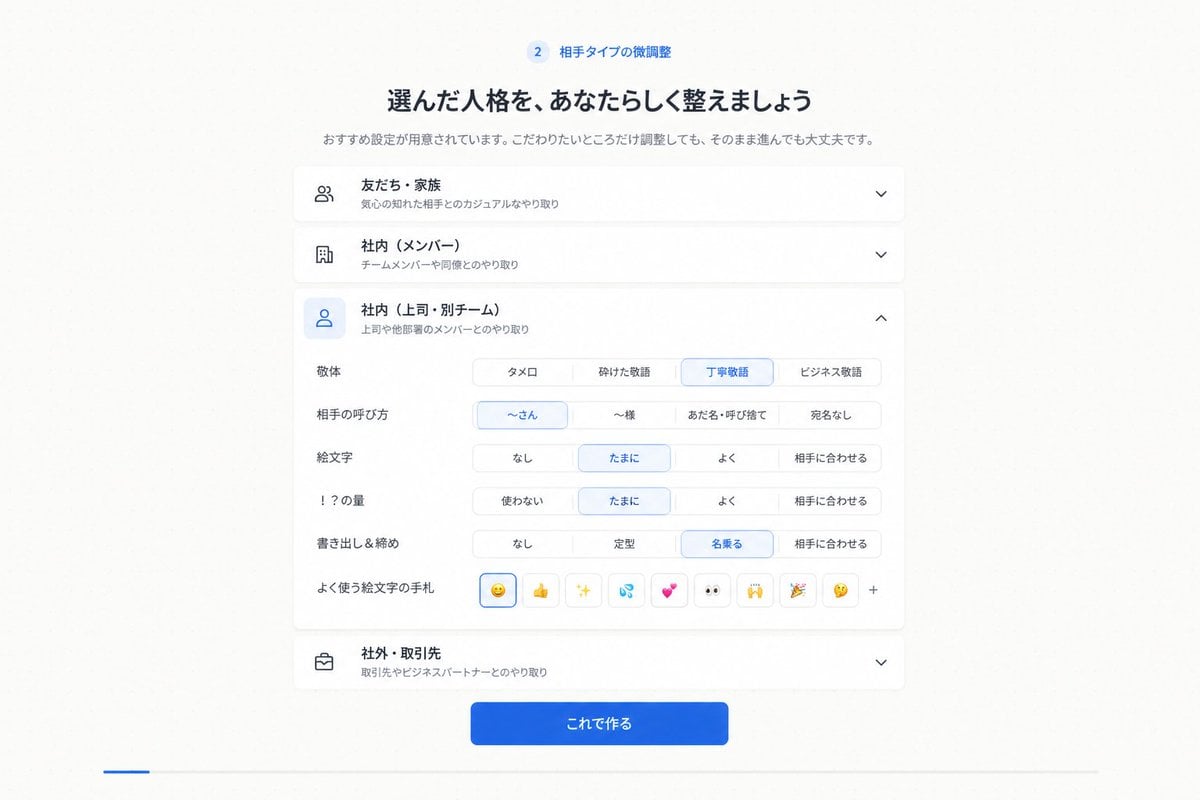
Japanese Personality Settings UI
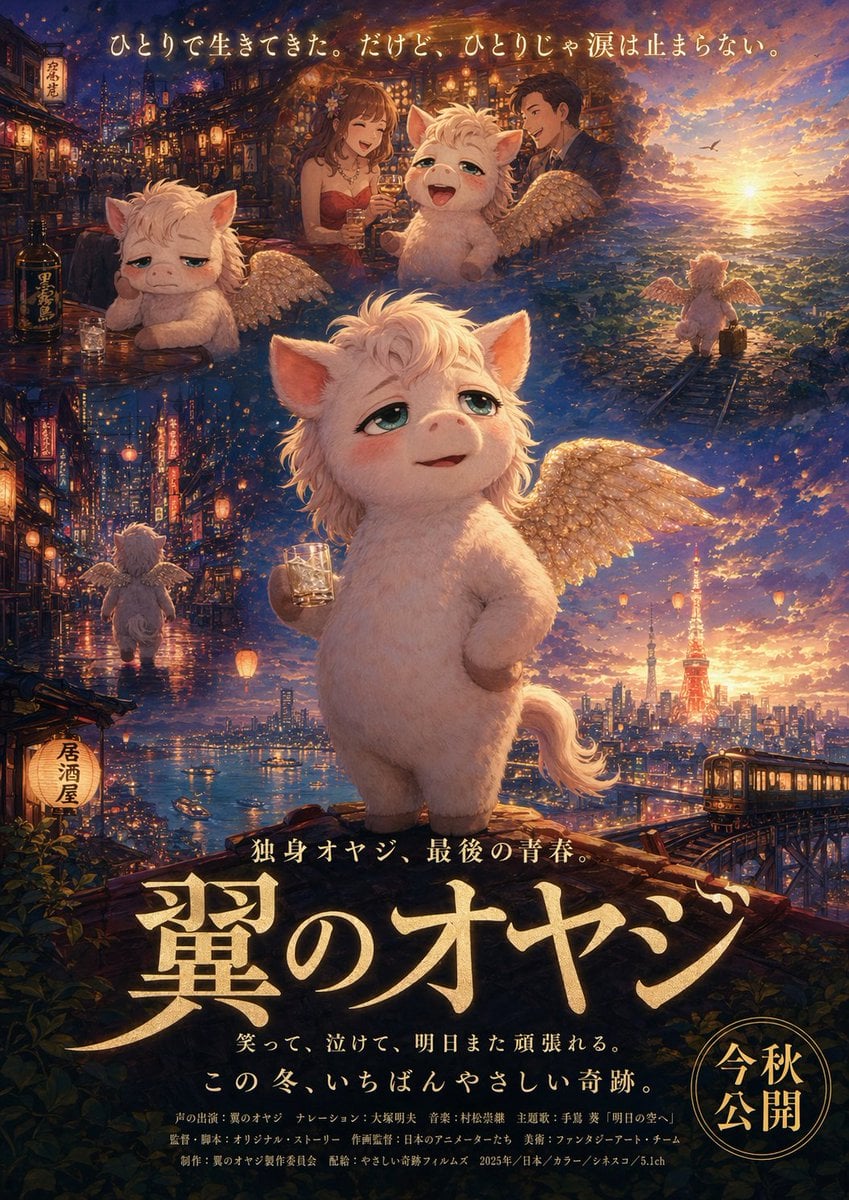
Japanese Fantasy Winged Pig Film Poster

Retro Manga StackChan Concept Sheet
Make it yours
Japanese Salaryman Character Sheet works as-is. These are the safest ways to change it without losing the look.
Change one field
Copy a single group, rewrite it, and generate again so you can see what that field is doing.
Keep the frame, change the subject
Hold the composition and light of Japanese Salaryman Character Sheet, then swap wardrobe, props or the person for a new take.
| If the result… | Why | Fix |
|---|---|---|
| The result drifts from the preview | Too many fields changed at once. | Reuse Japanese Salaryman Character Sheet as-is first, then change one group — subject, light, or setting. |
| The model over-stylizes the scene | The prose prompt leaves finish and camera underspecified. | Add one camera or lighting sentence and stay on GPT Image 2. |
More GPT Image 2 templates
Other prompts made for GPT Image 2.

Realistic Portrait of Woman and Deer

The Vista Modular Condo Poster

AI Model Routing Comparison Infographic

2.5D Anime Art Board

Isometric Productivity Desk Scene

New York Double Exposure Poster

Four-Panel AI Landscape Comparison

NESCAFÉ Coffee Map Poster

Brutalist Cogito Chinese Typography Poster

Cinematic Luxury Terrace Portrait
More image prompts
Fresh picks from across the catalog.
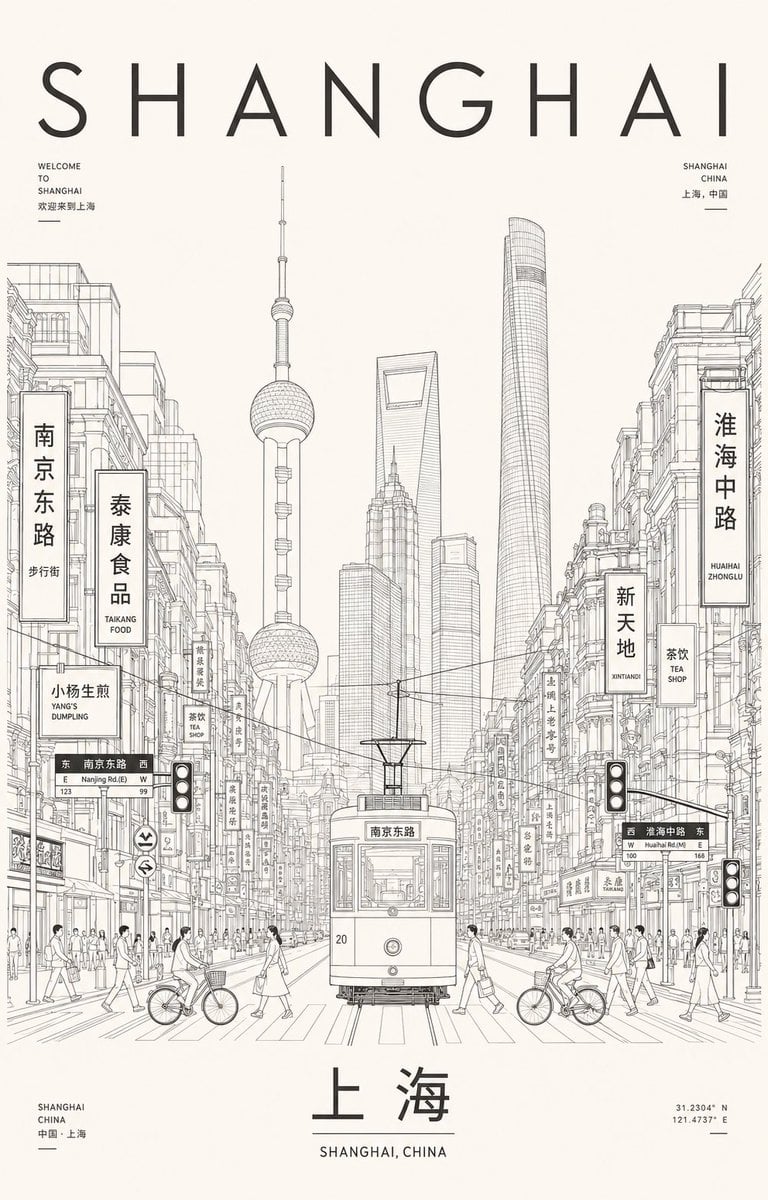
Minimalist Shanghai Line Art Poster

Fine-Art Cinematic Monochrome Studio Portrait Prompt (Reference Match)
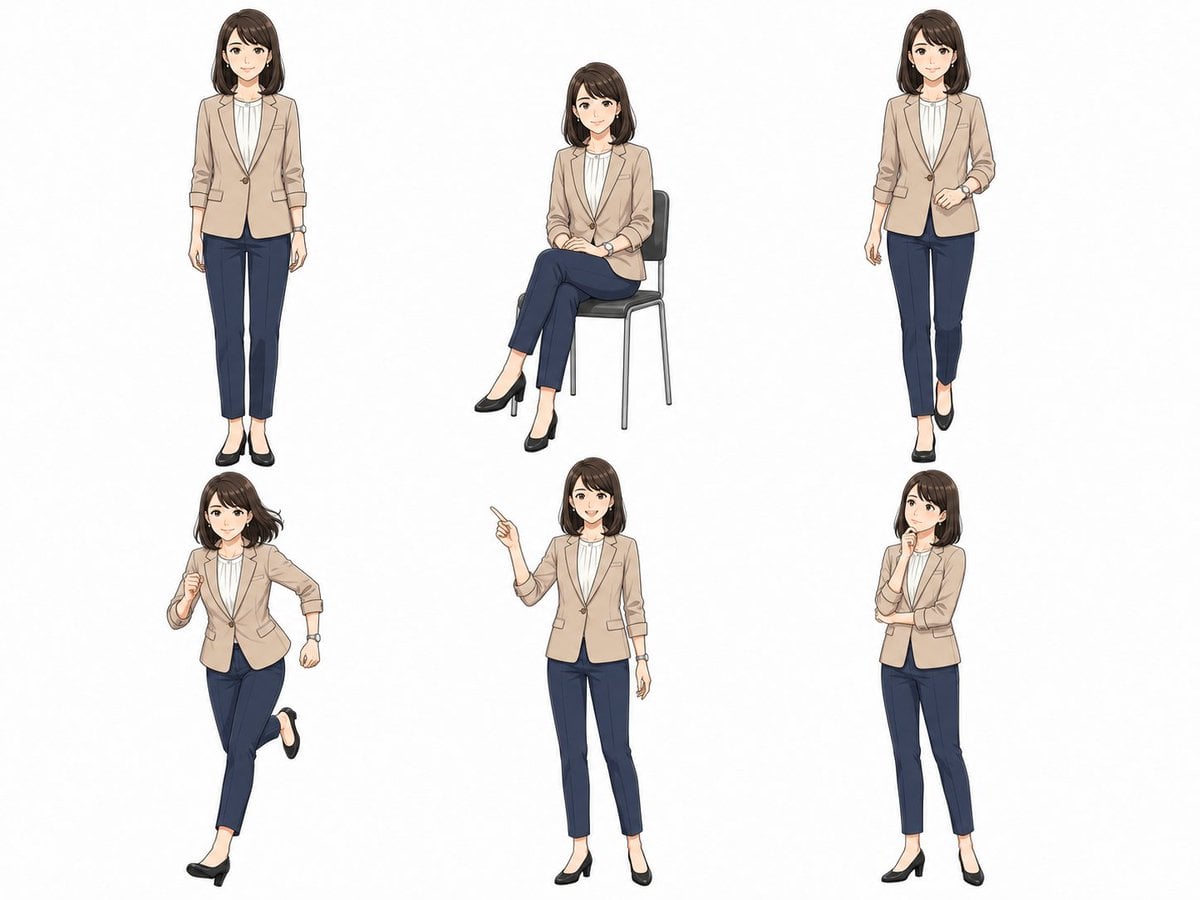
Anime Businesswoman Pose Sheet
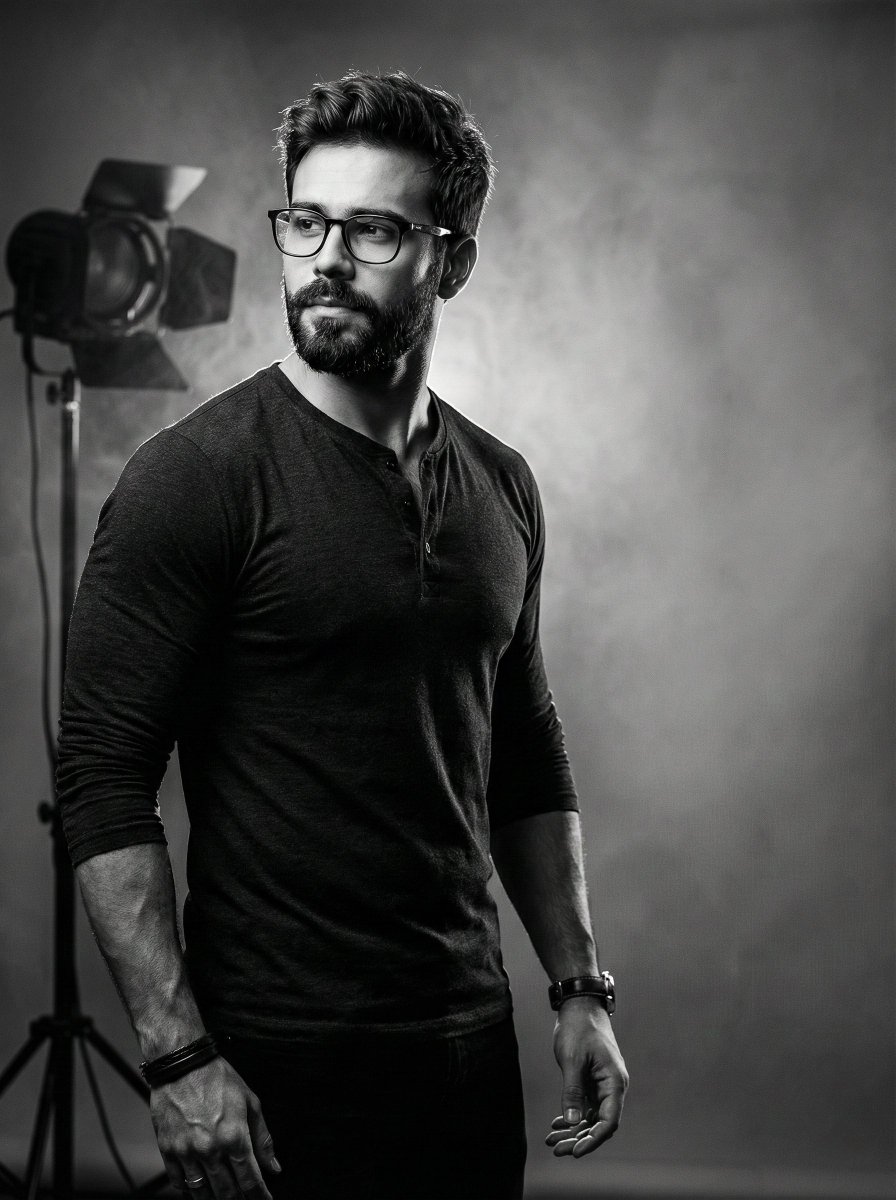
Film Noir Cinematic Portrait Prompt
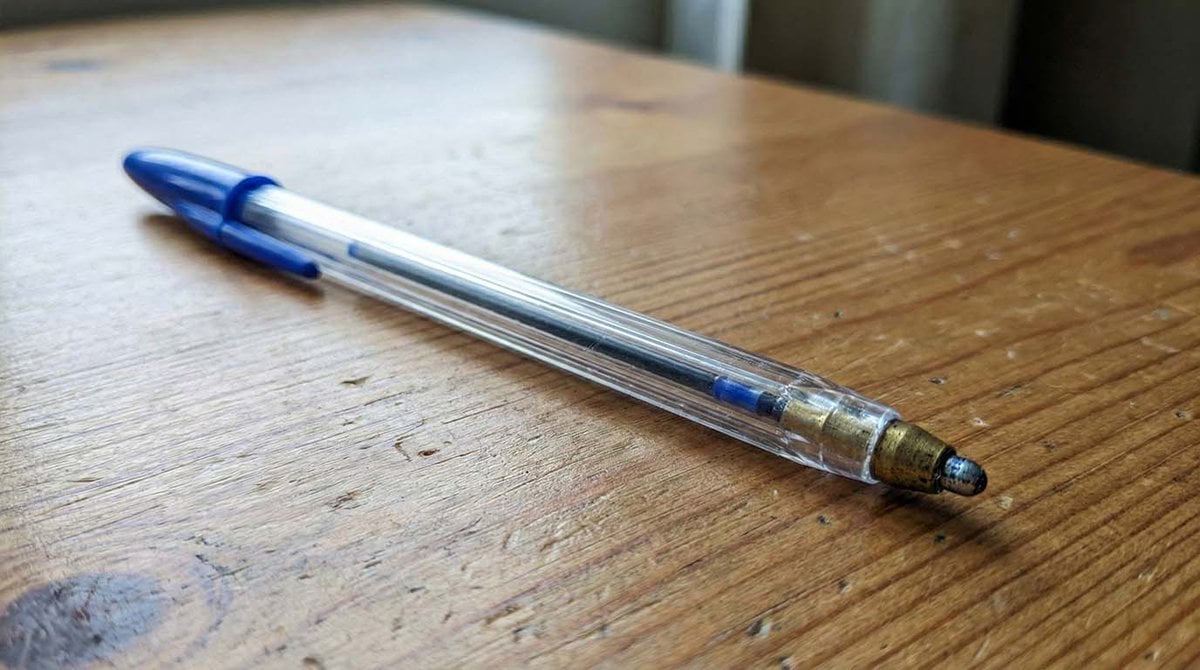
Microscopic Pencil Tip to Proton Zoom
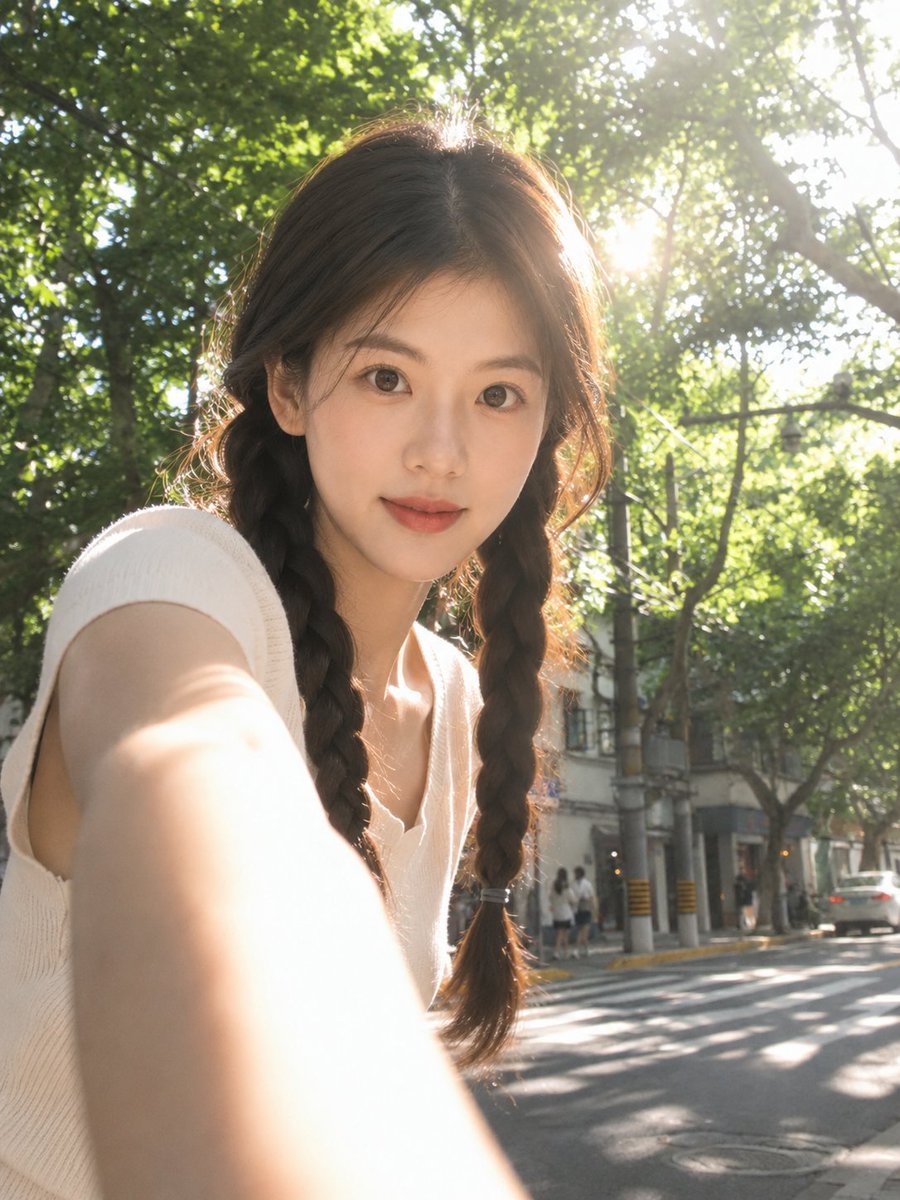
Sun-Drenched Candid Selfie Portrait
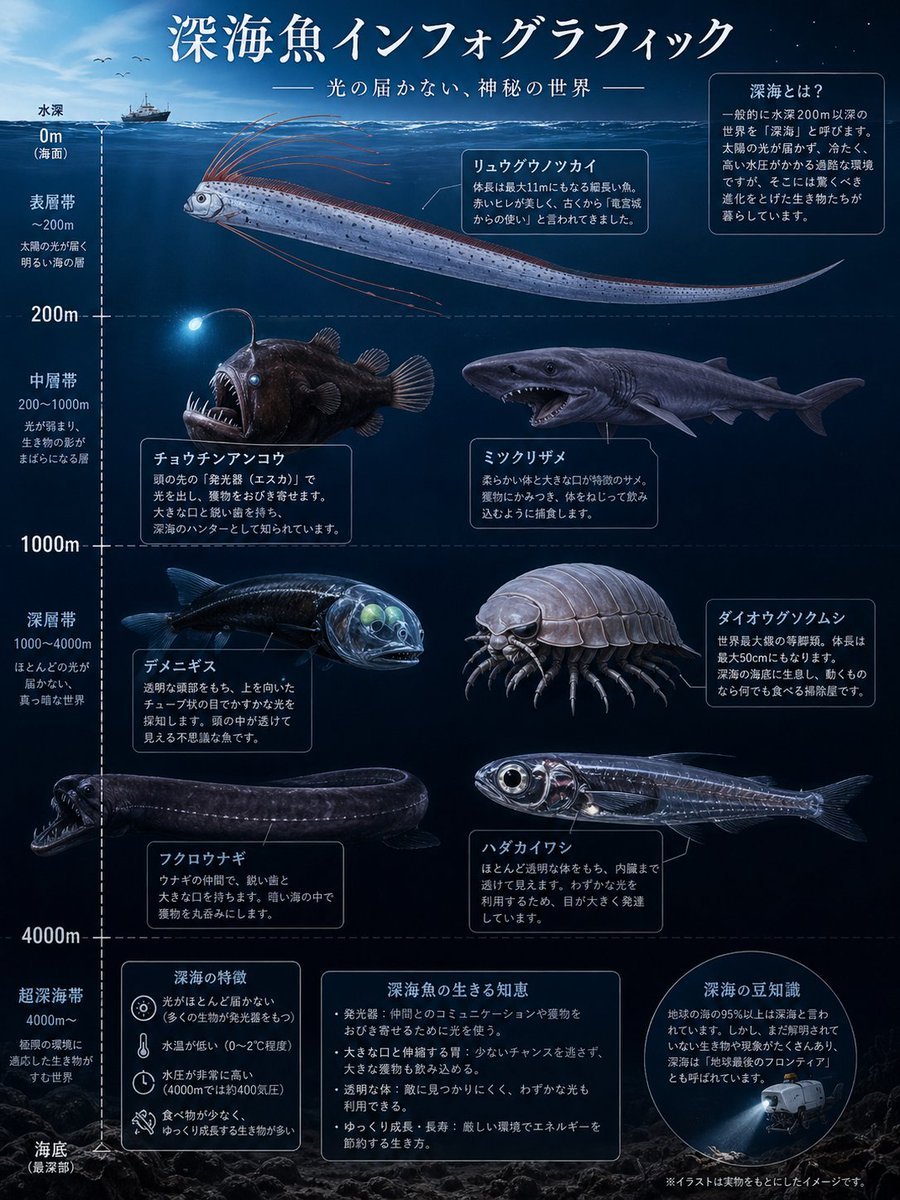
Deep-Sea Fish Infographic Poster

Top-Down Desert Footprint Portrait

Gym Mirror Selfie Portrait

Pixar-Style Girl on a Floating Cloud
Browse template categories
Japanese Salaryman Character Sheet questions
How do I use the Japanese Salaryman Character Sheet template?
Add your photo if the template asks for one, edit the prompt if you like — the template's model and format are already selected — and press Generate. Your version opens in PicX Studio.
Can I customize the Japanese Salaryman Character Sheet template?
Yes. You can change the subject, setting, lighting, mood, format, and available model controls before creating your image.
Is the Japanese Salaryman Character Sheet template free?
Opening and editing this template is free. Generating uses credits, shown on the Generate button when you are signed in.
Which AI model should I use?
Start with GPT Image 2, which is the model associated with this template. You can compare another compatible model for a different finish.
Looking for something else? Browse all templates.

Your photo, any look
Thousands of ready templates for every top image and video model, from one credit balance.