
Hyper-Realistic Miniature Scene in a WeChat Chat Bubble
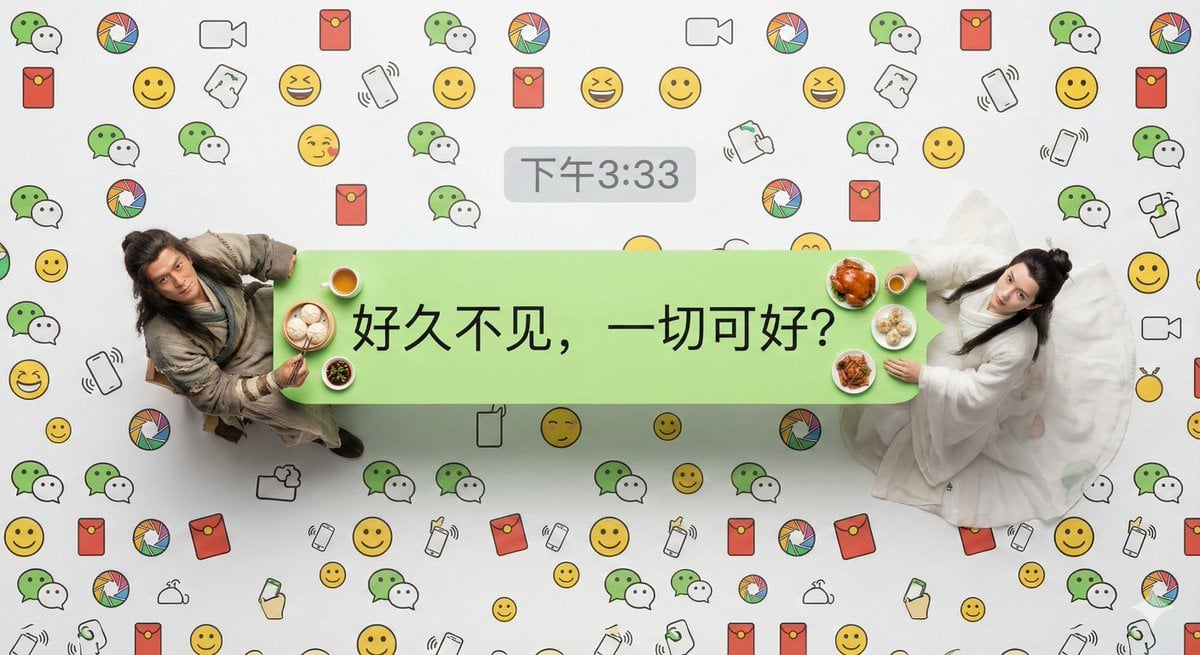
A prompt for Nano Banana Pro that generates a hyper-realistic, overhead macro photograph of two miniature people sitting at a table made from a standard WeChat chat bubble.
- Prompt included
- Model and format preset
- Free template
The prompt behind this image
Copy the exact prompt behind Hyper-Realistic Miniature Scene in a WeChat Chat Bubble, or open it in the studio and make it yours.
指定人物:两个缩小到微缩比例的真实的活人,见参考图 文字内容:{argument name="文字内容" default="[文字内容]"} 时间戳:{argument name="时间戳" default="下午3:33"} 超写实主义的俯拍微距摄影作品。主体是一个标准的微信发送方浅绿色聊天气泡框,它被当作一张长餐桌。[指定人物]坐在气泡框的两端。 关键人物细节:强调他们绝不是塑料模型;他们拥有清晰可见的皮肤毛孔、自然的头发细节以及极其逼真的布料纹理和褶皱。他们正在享用看起来热气腾腾、新鲜烹饪的符合人物身份的真实食物微缩模型,抬头看向镜头。 微信独有视觉元素:气泡框内部只有文字内容:“[文字内容]”。在气泡框的正上方外部,居中显示一个灰色的微信风格时间戳:“[时间戳]”。 背景细节:整个背景完全被高密度的、无缝连接的定制微信主题线条图案所填满(包含微信标志性的双气泡Logo、朋友圈图标、红包图标、“摇一摇”手势、经典黄脸表情包等线条艺术),从边缘到边缘覆盖整个画面,没有空隙,模仿密集的聊天背景壁纸风格。 技术参数:采用专业演播室级微距布光,强调质感,8K超高分辨率,整个平面焦点极其锐利。
How to use Hyper-Realistic Miniature Scene in a WeChat Chat Bubble in 3 steps
- 1
Open
The prompt is already in the box next to the preview, with the template's model and format selected.
- 2…a portrait of your subject in softgolden-hour light, 85mm…
Personalize
Edit the subject and creative details for your destination.
- 3Generate
Generate
Press Generate — your image is created in PicX Studio, so you can compare it with the original and refine one variable at a time.
More like this
Templates with the same subject, style or setup. Open one to see its prompt.

Paper Tunnel Book Architecture
Surreal Miniature Universe Bubble Portrait

Isometric Brand Store Diorama
ChatGPT App Showing WeChat Moments Screenshot
WeChat Official Account Cover Image Generator
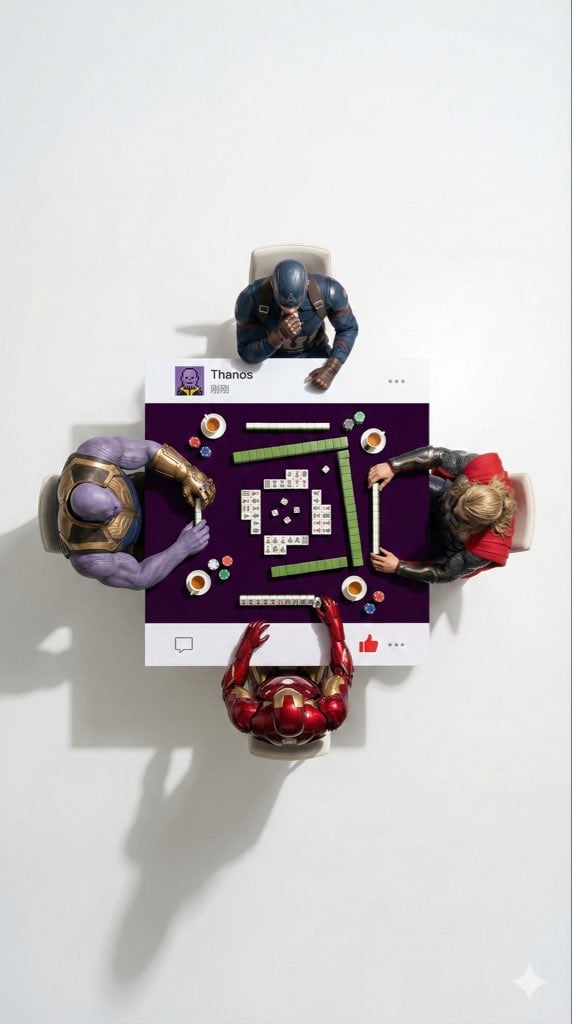
Overhead Superhero Mahjong Scene Prompt (WeChat Moments Style)
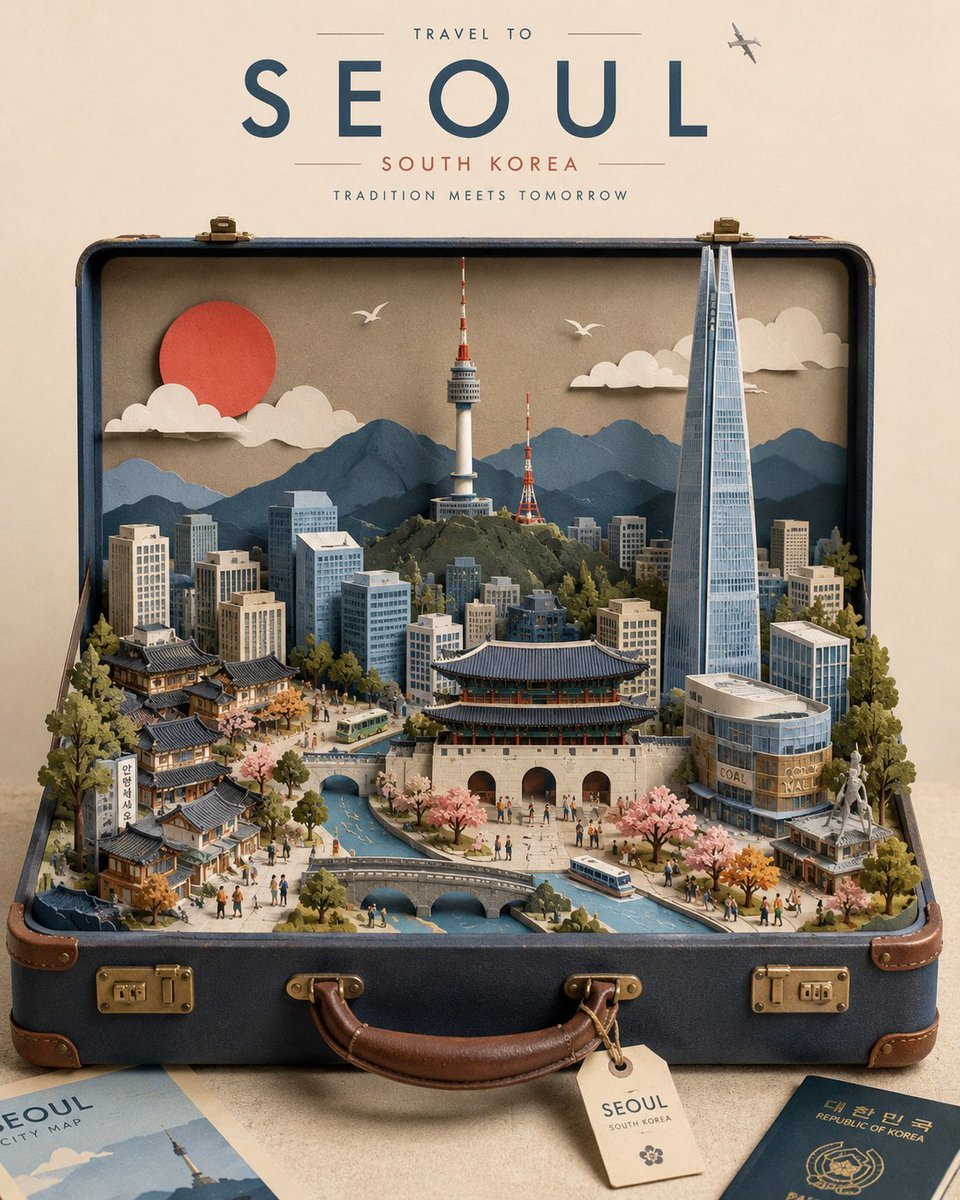
Miniature Suitcase Travel Poster

Miniature Sick Day Diorama
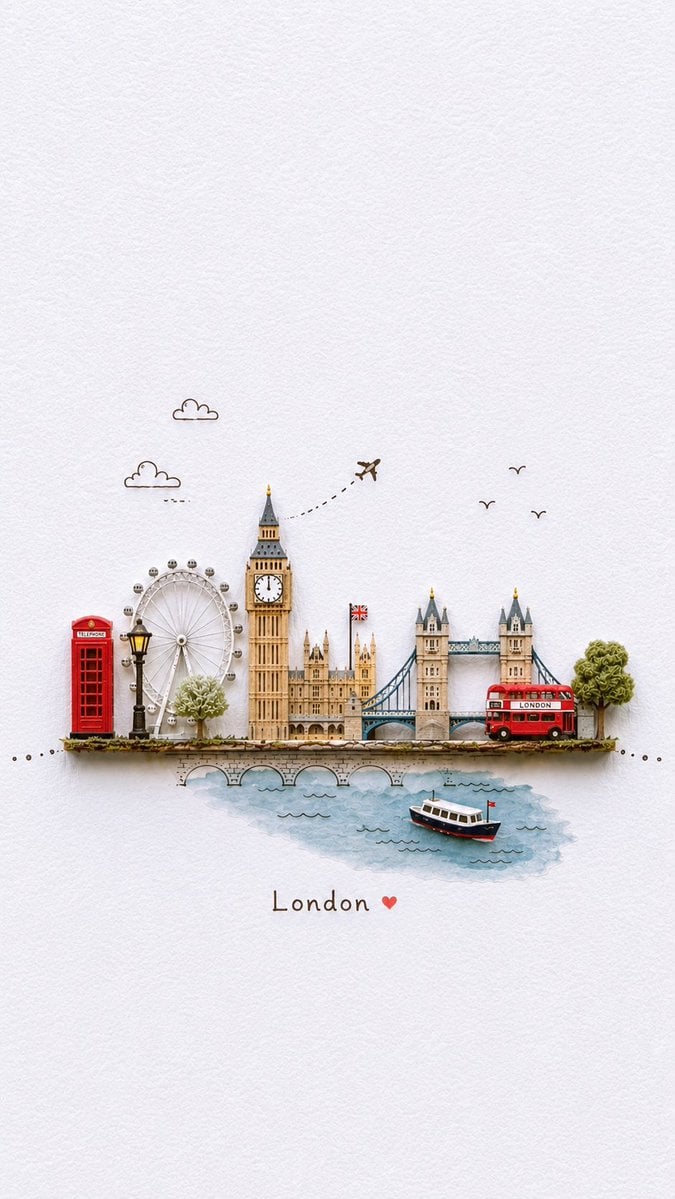
Miniature Paper-Craft Travel Illustration

Stylized Miniature 3D Diorama Craft
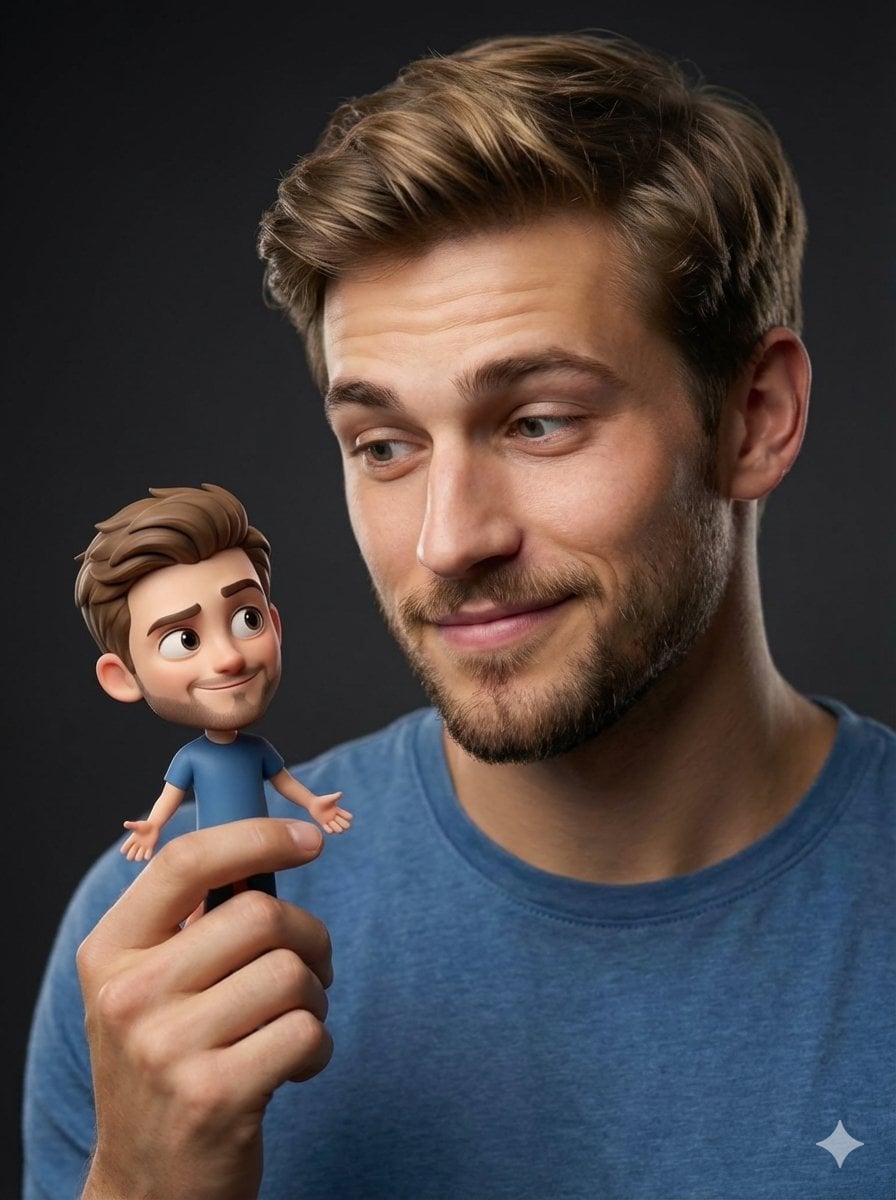
Human with Miniature 3D Self Portrait

Cozy Isometric Bathroom Miniature Diorama
Make it yours
Hyper-Realistic Miniature Scene in a WeChat Chat Bubble works as-is. These are the safest ways to change it without losing the look.
Change one field
Copy a single group, rewrite it, and generate again so you can see what that field is doing.
Keep the frame, change the subject
Hold the composition and light of Hyper-Realistic Miniature Scene in a WeChat Chat Bubble, then swap wardrobe, props or the person for a new take.
| If the result… | Why | Fix |
|---|---|---|
| The result drifts from the preview | Too many fields changed at once. | Reuse Hyper-Realistic Miniature Scene in a WeChat Chat Bubble as-is first, then change one group — subject, light, or setting. |
| The model over-stylizes the scene | The prose prompt leaves finish and camera underspecified. | Add one camera or lighting sentence and stay on Nano Banana 2. |
More Nano Banana 2 templates
Other prompts made for Nano Banana 2.

Photorealistic Leaf Shaped Like a Dragon

K-Pop Idol Portrait Grid for Rapid Selection

Poetic Rain Forest Portrait During Golden Hour

Urban Street Portrait with Cartoon Inner Self Duo

Candid Nighttime Photo with Cat Prompt

High-Concept 3D Diorama Generation Prompt

Cinematic Futuristic Studio Portrait Template

Skincare Editorial Photography Collage Prompt

Hyper-Realistic Commercial Product Photography (Splash Effect)

Hyper-Realistic Nightclub Portrait Prompt
More image prompts
Fresh picks from across the catalog.
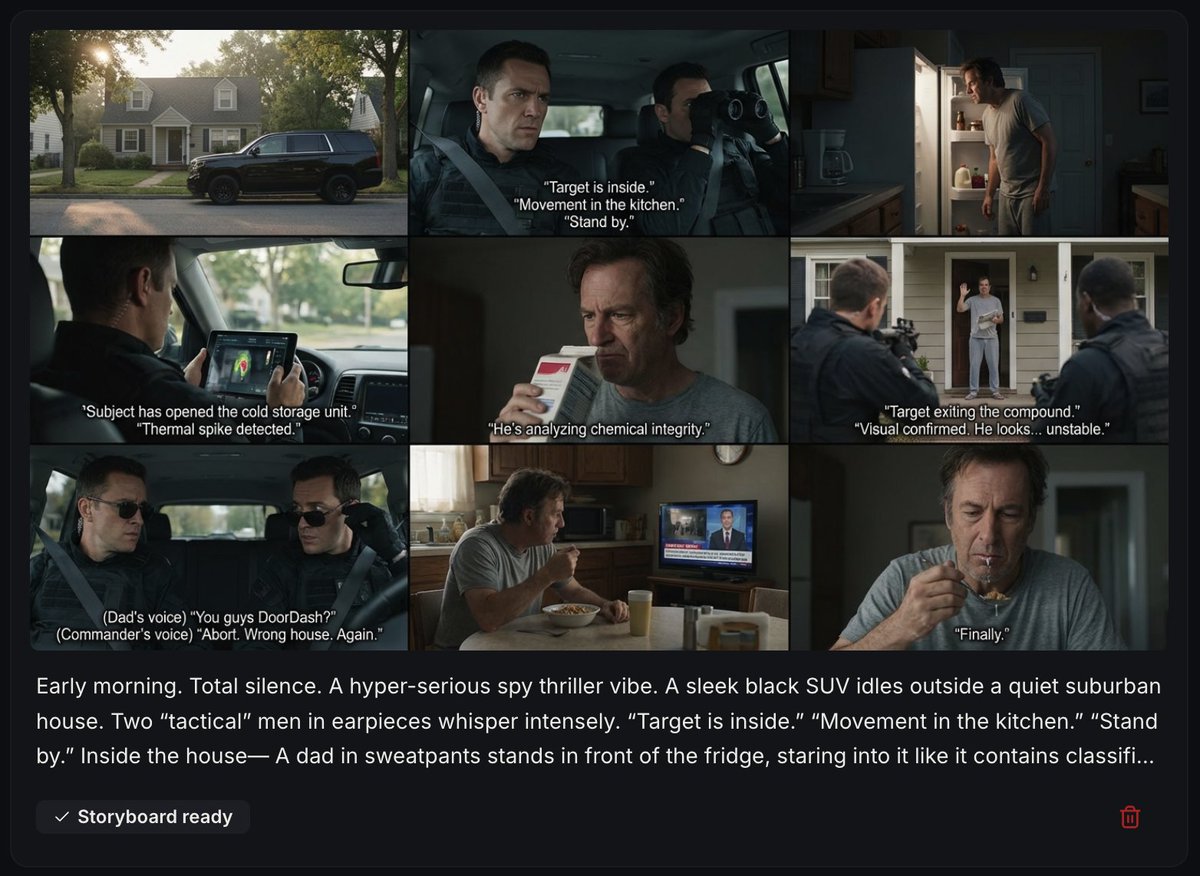
Spy Thriller Comedy Storyboard Prompt
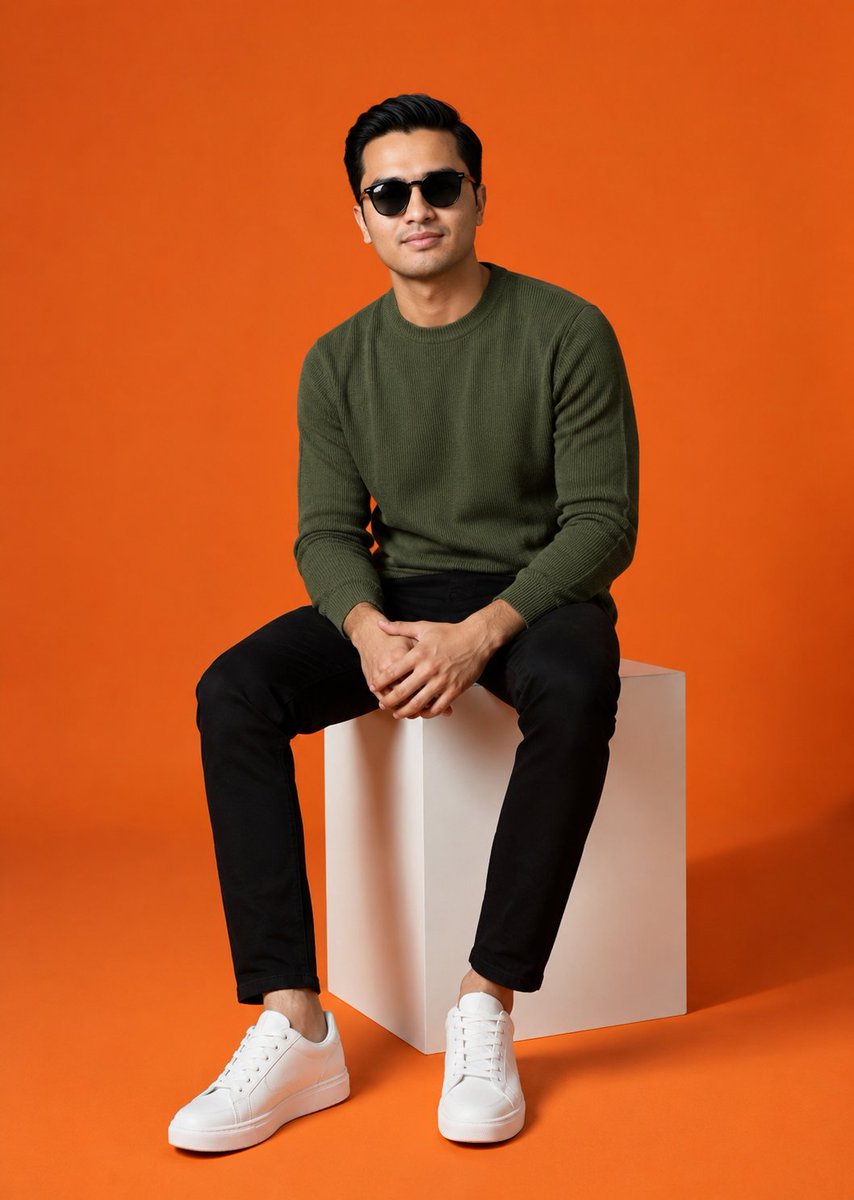
Minimalist Studio Fashion Shot
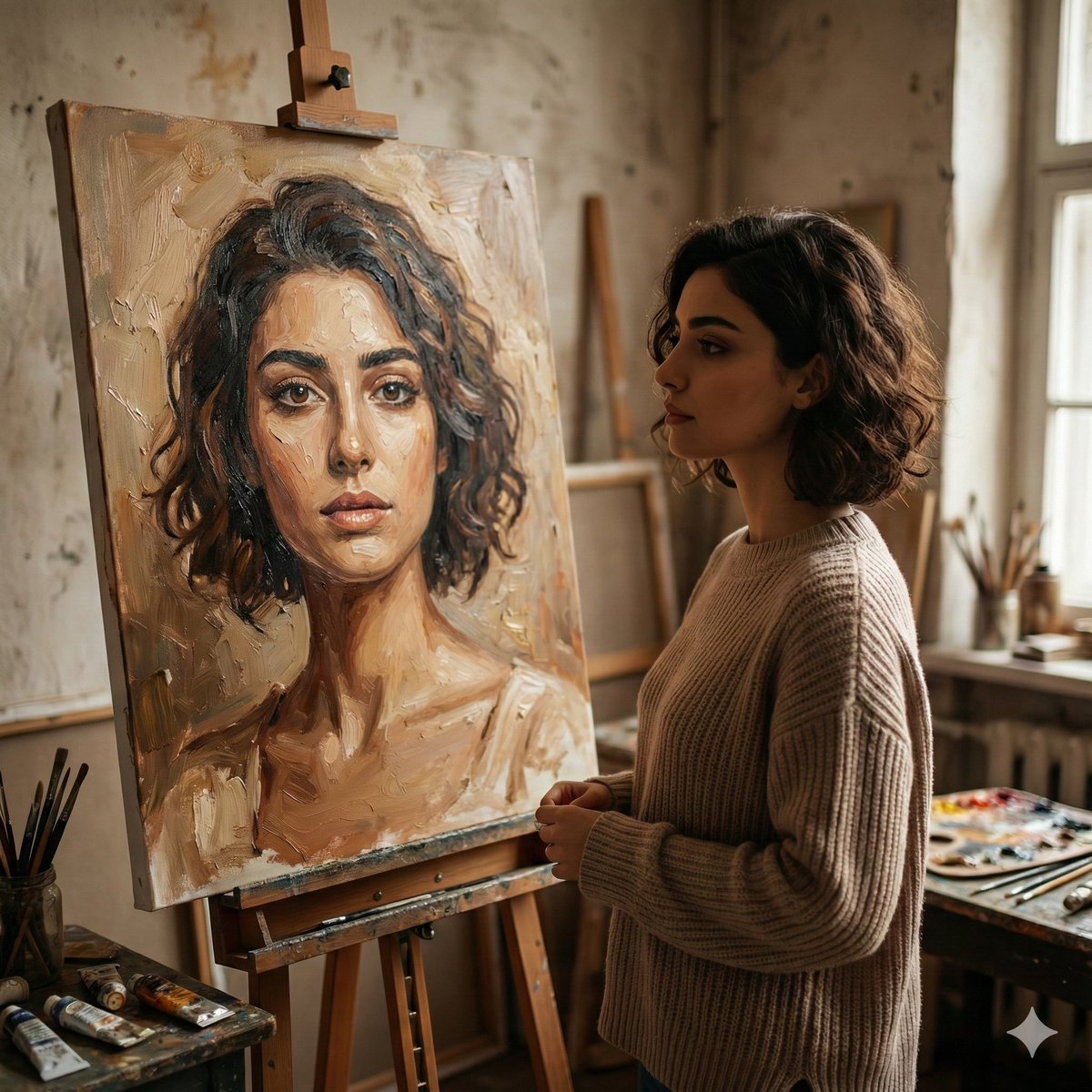
Cinematic Studio Scene of Woman Observing Portrait
untitled
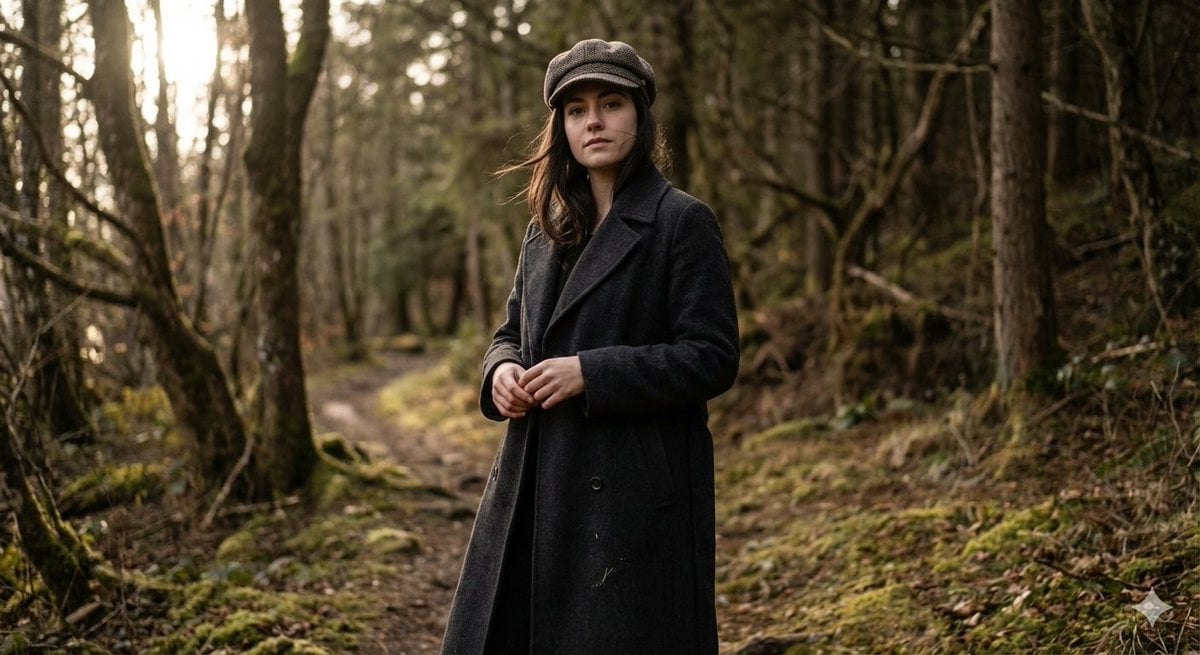
Realistic Full-Body Portrait in Forest Prompt
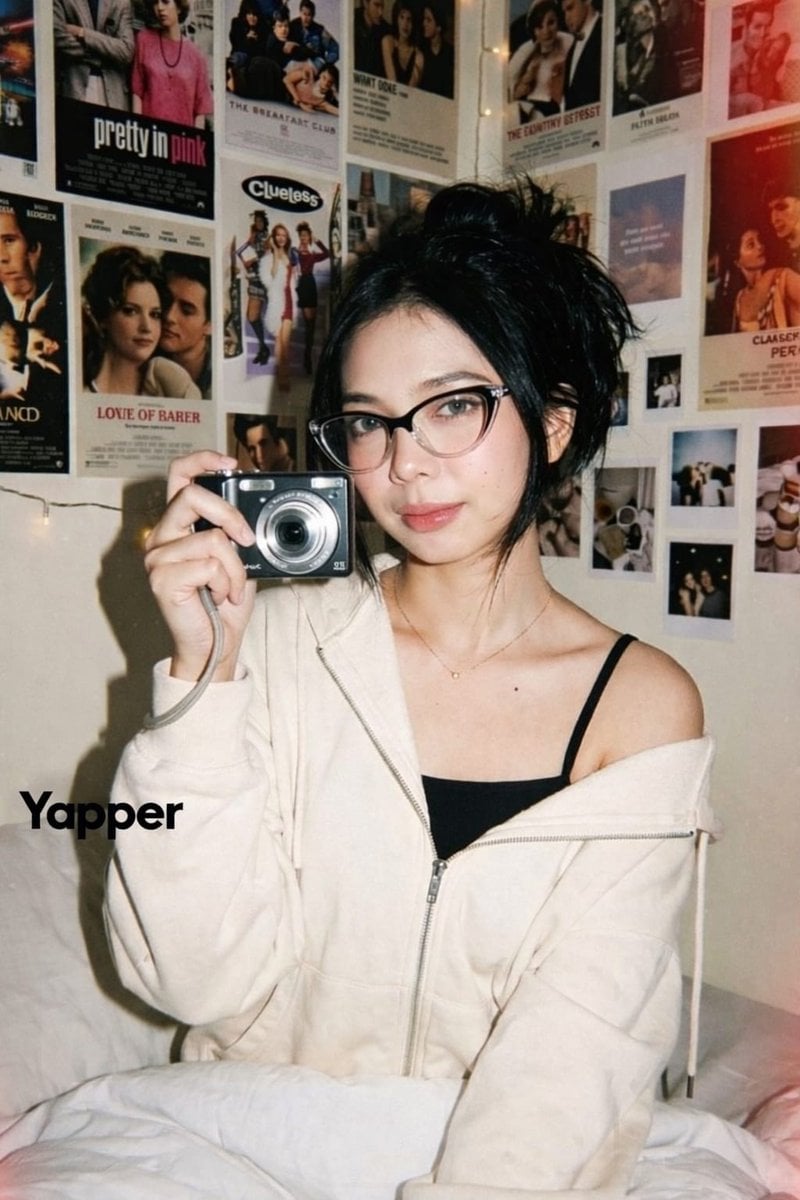
Y2K Candid Digital Camera Portrait of a Young Woman
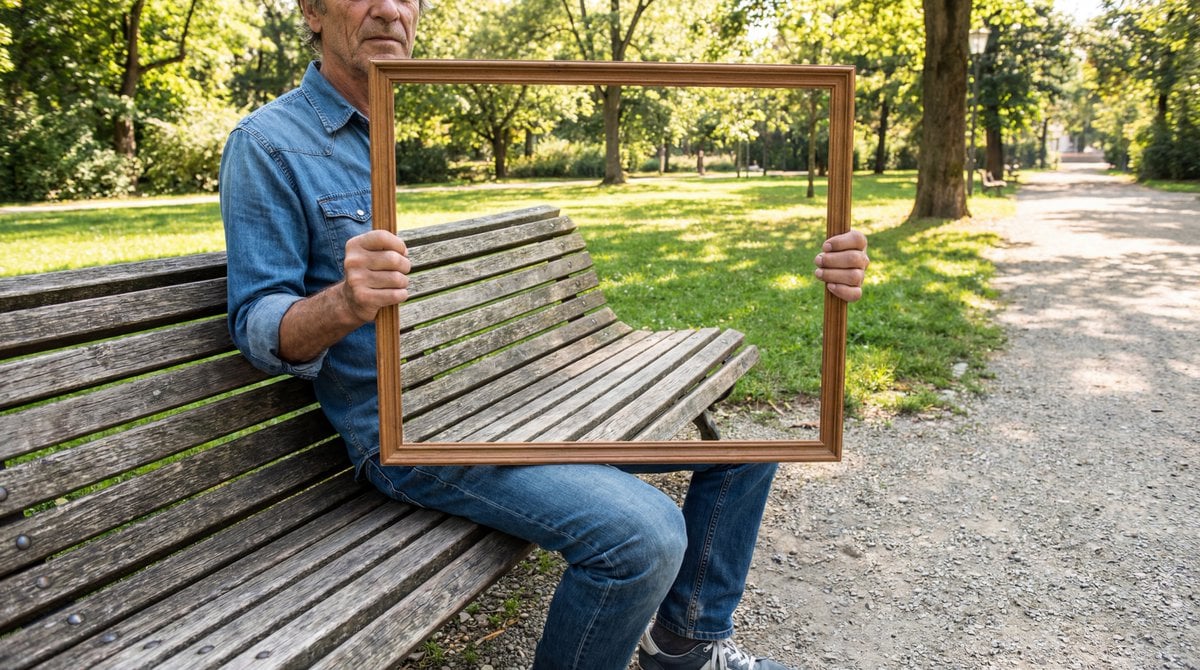
Illusion Image: Invisible Torso Cut-Out
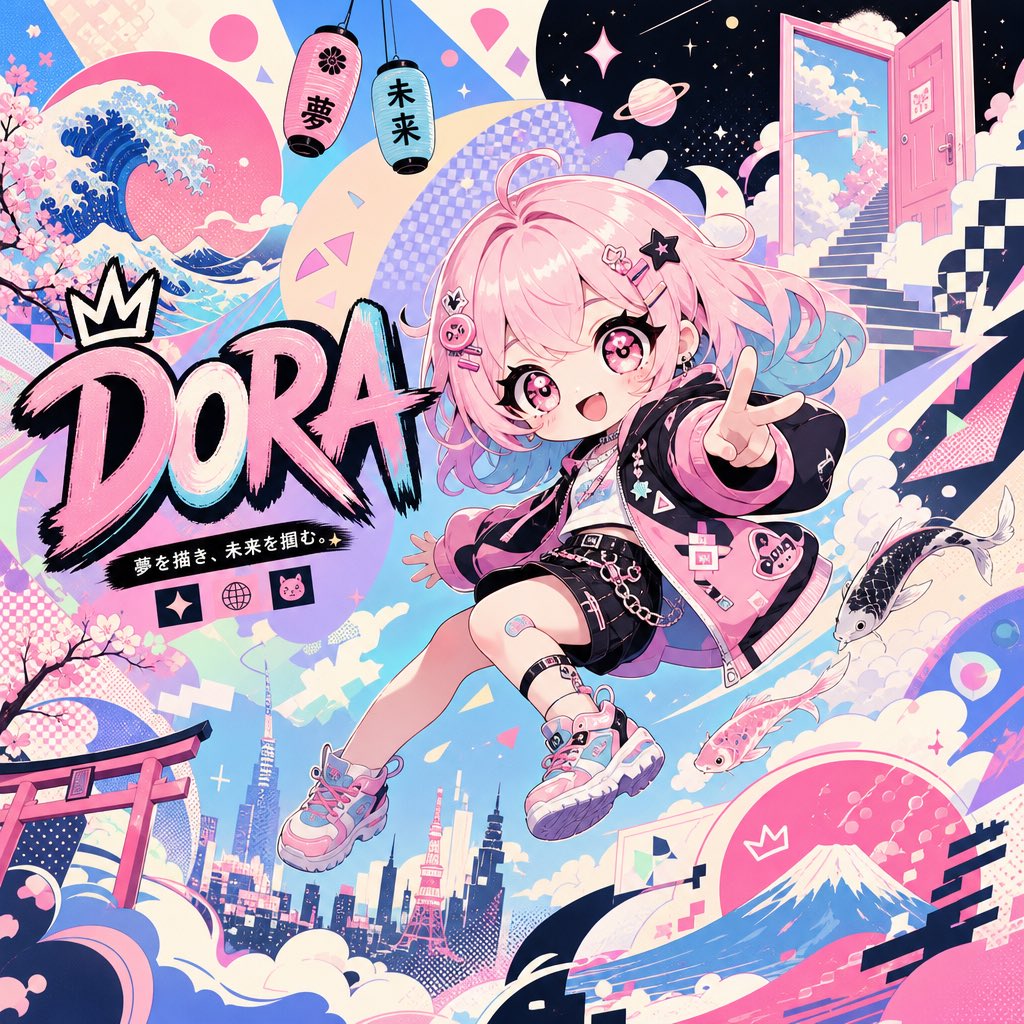
Surreal Japanese Pop Art Twitter Banner
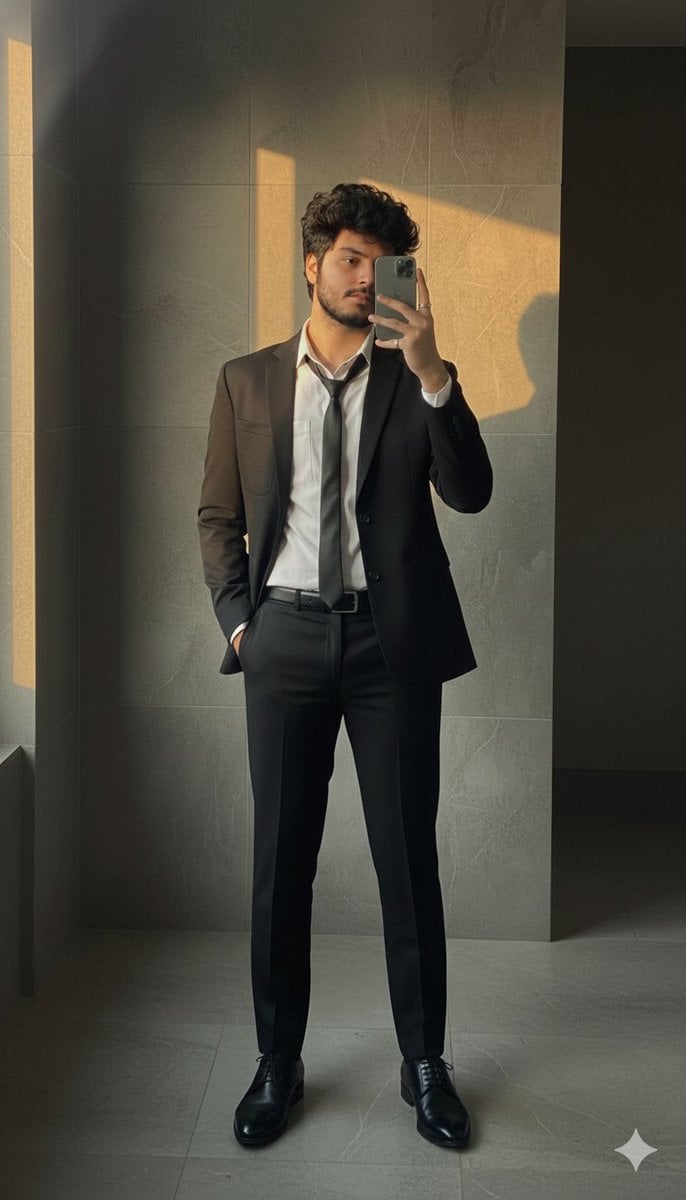
Formal Suit Mirror Selfie with Face Reference Prompt
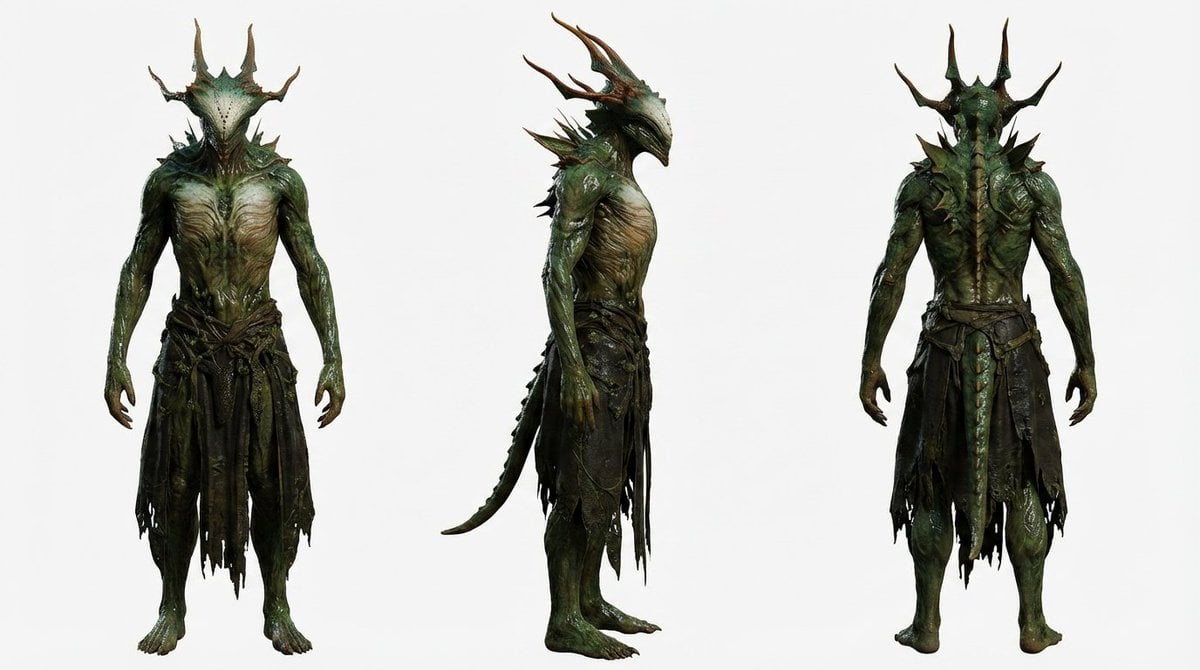
Basic Character Sheet Template
Browse template categories
Hyper-Realistic Miniature Scene in a WeChat Chat Bubble questions
How do I use the Hyper-Realistic Miniature Scene in a WeChat Chat Bubble template?
Add your photo if the template asks for one, edit the prompt if you like — the template's model and format are already selected — and press Generate. Your version opens in PicX Studio.
Can I customize the Hyper-Realistic Miniature Scene in a WeChat Chat Bubble template?
Yes. You can change the subject, setting, lighting, mood, format, and available model controls before creating your image.
Is the Hyper-Realistic Miniature Scene in a WeChat Chat Bubble template free?
Opening and editing this template is free. Generating uses credits, shown on the Generate button when you are signed in.
Which AI model should I use?
Start with Nano Banana 2, which is the model associated with this template. You can compare another compatible model for a different finish.
Looking for something else? Browse all templates.

Your photo, any look
Thousands of ready templates for every top image and video model, from one credit balance.