
Rain-Soaked Formula Race Car Action
This prompt generates a cinematic, ultra-realistic Formula 1-style racing photo in heavy rain, ideal for sports posters, editorial visuals, and dramatic motorsport content.
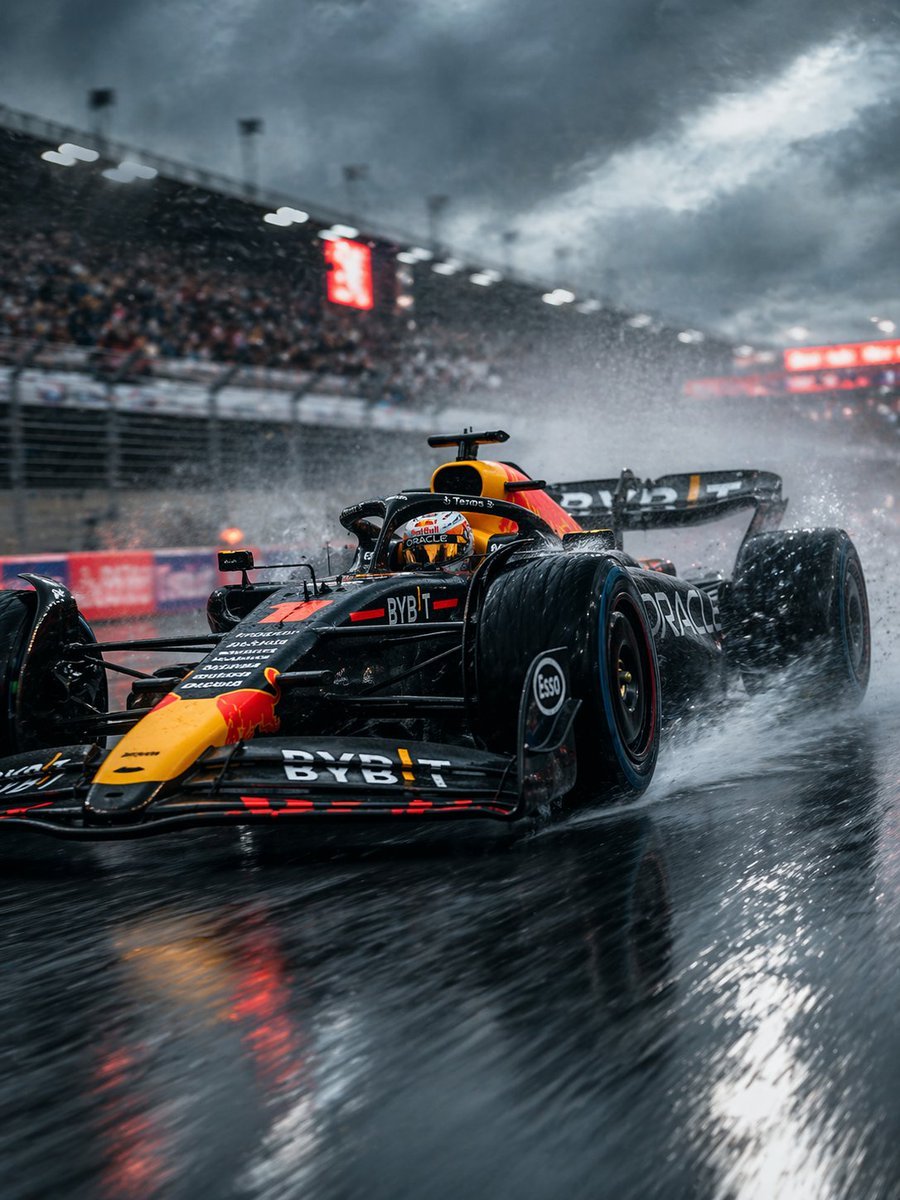
- Prompt included
- Model and format preset
- Free template
The prompt behind this image
Copy the exact prompt behind Rain-Soaked Formula Race Car Action, or open it in the studio and make it yours.
A dramatic ultra-realistic motorsport action photograph of a modern Formula 1 race car in {argument name="team livery" default="dark navy with red and yellow accents"} charging through heavy rain on a soaked circuit, shot from a very low trackside angle near the front-left corner of the car. The car dominates the foreground, with slick aerodynamic bodywork, exposed wet tires throwing up massive sprays of water, glowing red reflections on the wet asphalt, and sharp sponsor-style markings across the nose, front wing, sidepod, and rear wing. Capture the sensation of high speed with subtle motion blur in the background and water streaks, while keeping the car body mostly crisp and detailed. The scene takes place in a packed stadium-like racetrack with 1 main grandstand full of blurred spectators along the left side, 2 bright red illuminated signage boards in the distance, 1 safety fence running parallel to the track, and 1 reflective rain-soaked racing surface stretching toward the camera. Overhead, dense storm clouds fill the sky, creating a moody cinematic atmosphere with cold blue-gray tones contrasted by the car’s vivid warm colors. Emphasize dramatic spray, reflections, realism, tension, and the feeling of a championship race in brutal weather, as if captured on a professional sports telephoto-lens camera with shallow depth of field, high contrast, and editorial motorsport photography styling.
How to use Rain-Soaked Formula Race Car Action in 3 steps
- 1Upload ImagePNG, JPG or paste
Add your photo
Upload the photo the template builds on. The prompt, model and format are already set.
- 2…a portrait of your subject in softgolden-hour light, 85mm…
Personalize
Edit the subject and creative details for your destination.
- 3Generate
Generate
Press Generate — your image is created in PicX Studio, so you can compare it with the original and refine one variable at a time.
More like this
Templates with the same subject, style or setup. Open one to see its prompt.

Meet Me When It Rains
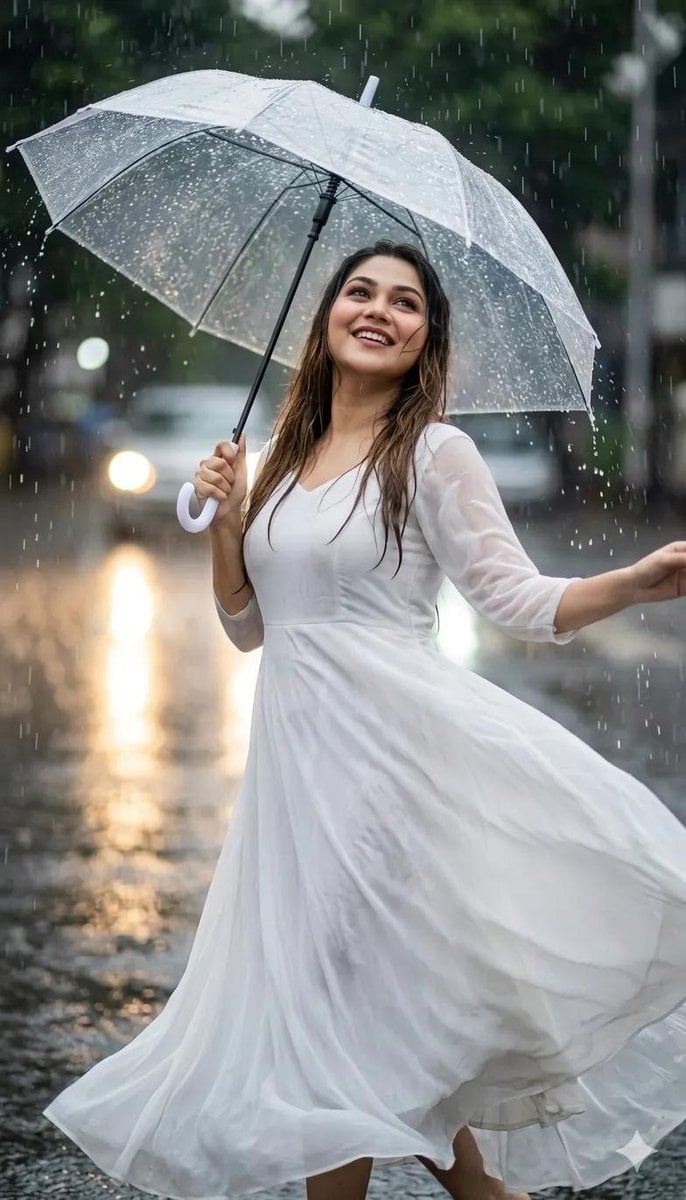
Graceful Dancing in the Rain Portrait

Rainy Night Android Cyberpunk Portrait

Venom SpongeBob Hyperreal Cinematic Mix

Hero Portrait Comic Multi-Panel Poster

Spider-Man Noir Detective Rain Alley

Panning Motion Soccer Kick Poster
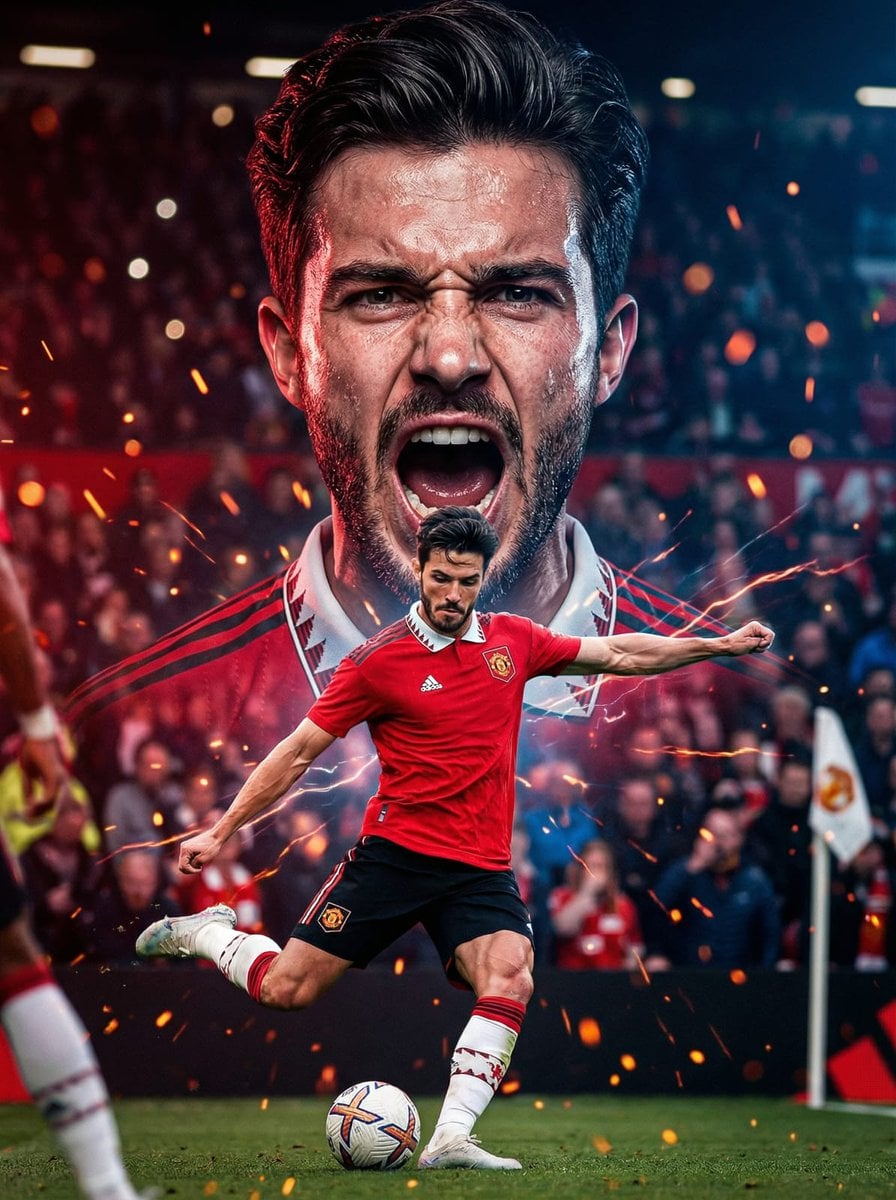
Dual Composition Hero Action Football Poster
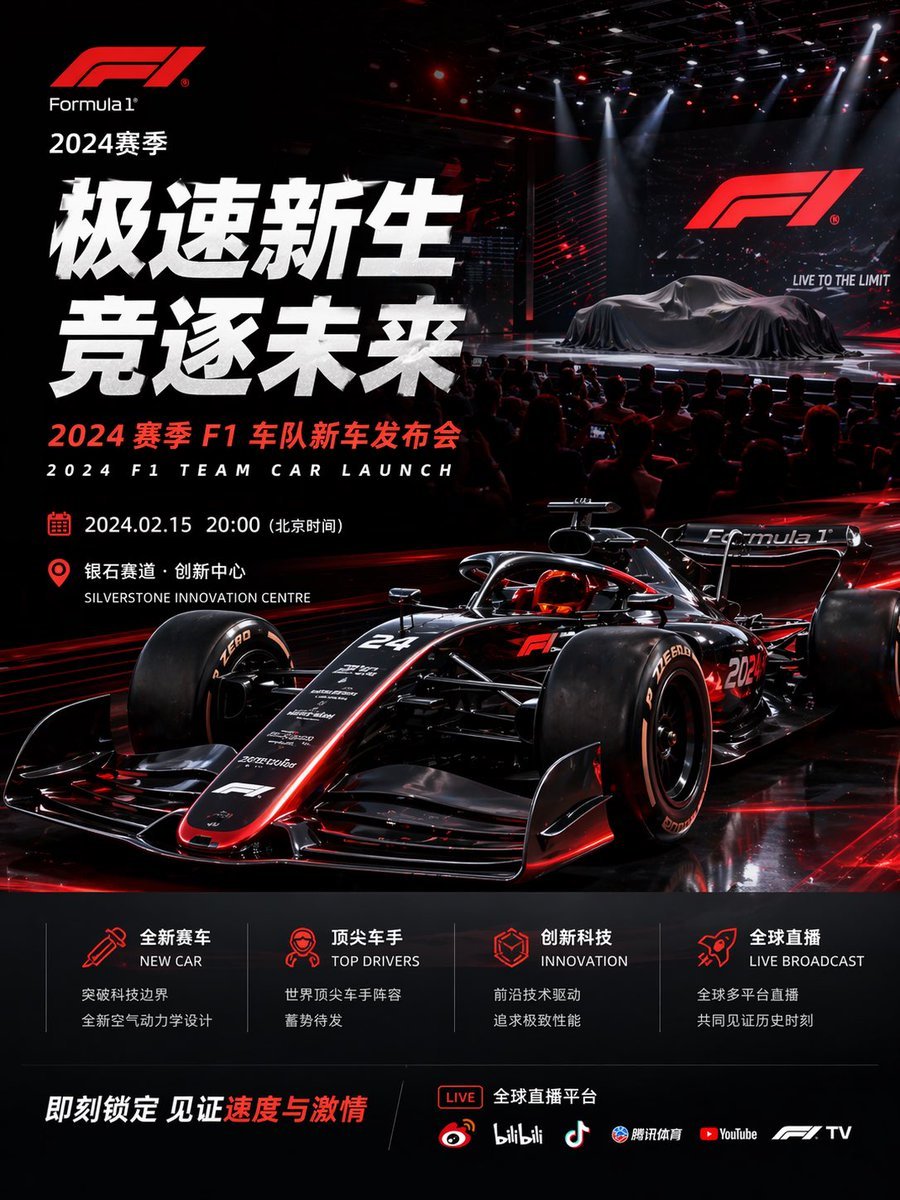
Formula 1 Team Car Launch Poster
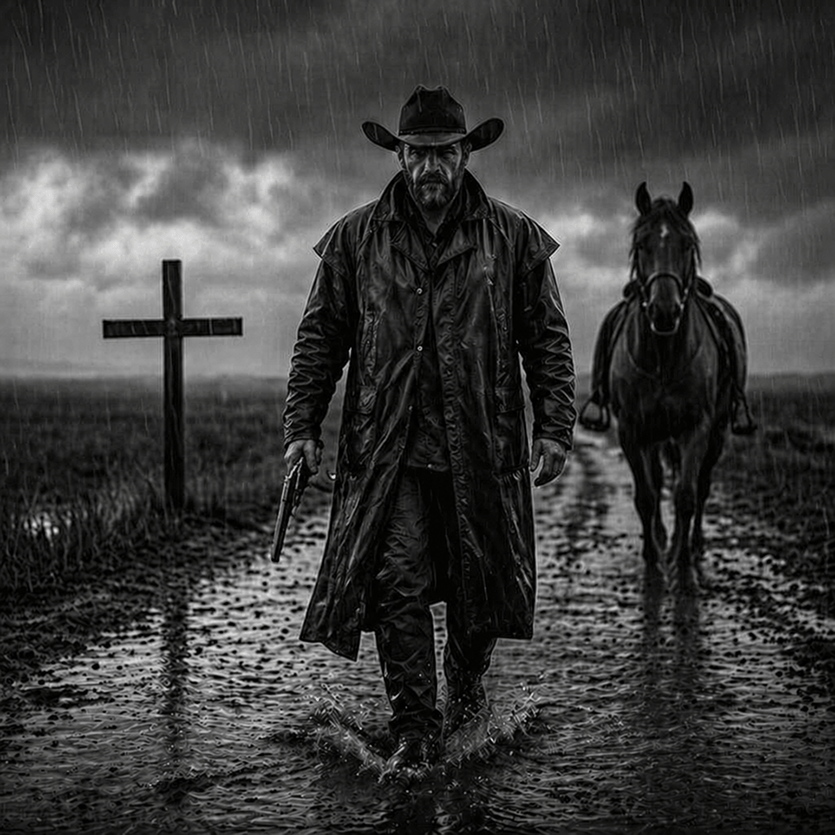
Rain-Soaked Dark Western Gunslinger
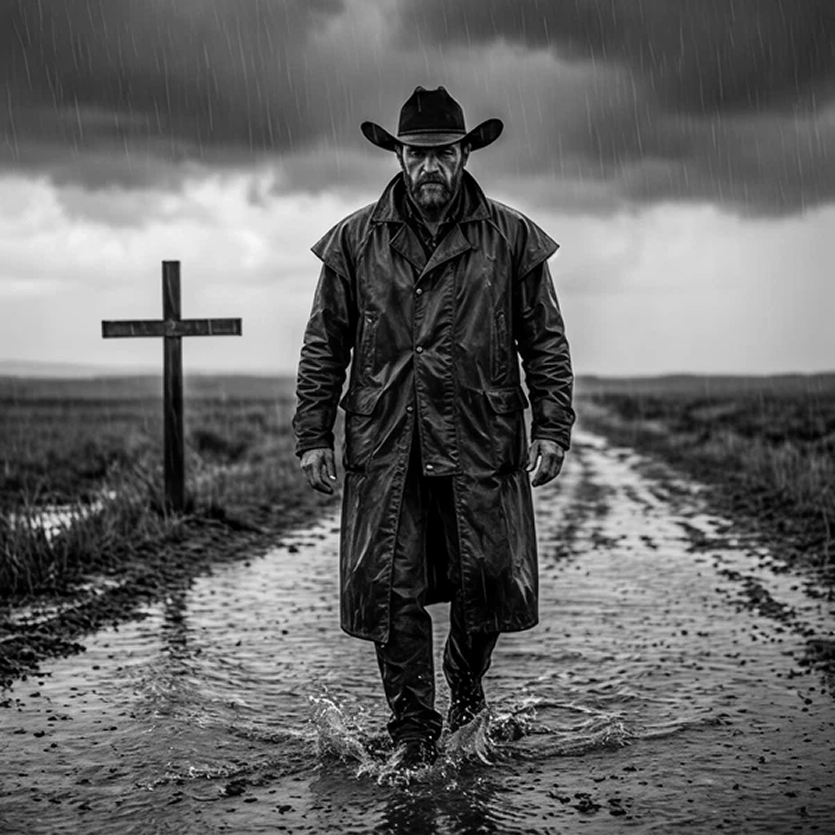
Rain-Soaked Anonymous Cowboy
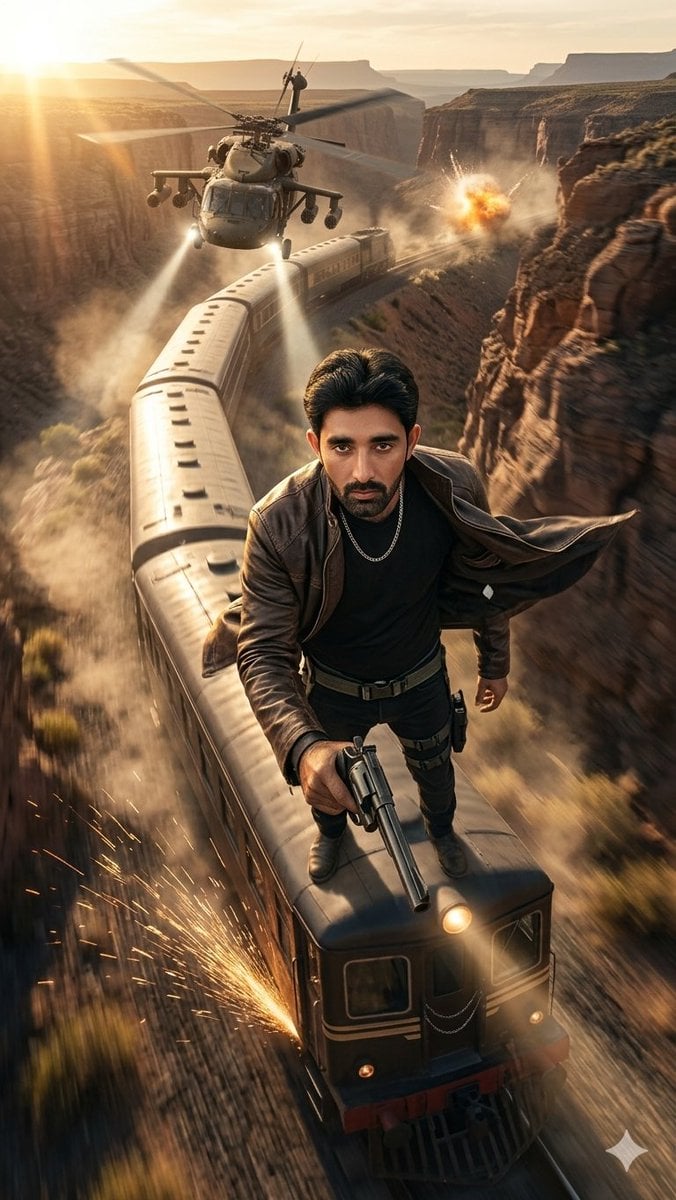
Canyon Train Action Hero
Make it yours
Rain-Soaked Formula Race Car Action works as-is. These are the safest ways to change it without losing the look.
Change one field
Copy a single group, rewrite it, and generate again so you can see what that field is doing.
Keep the frame, change the subject
Hold the composition and light of Rain-Soaked Formula Race Car Action, then swap wardrobe, props or the person for a new take.
| If the result… | Why | Fix |
|---|---|---|
| The result drifts from the preview | Too many fields changed at once. | Reuse Rain-Soaked Formula Race Car Action as-is first, then change one group — subject, light, or setting. |
| The model over-stylizes the scene | The prose prompt leaves finish and camera underspecified. | Add one camera or lighting sentence and stay on GPT Image 2. |
More GPT Image 2 templates
Other prompts made for GPT Image 2.

Six VTuber Japanese Logo Sheet

Realistic Portrait of Woman and Deer

The Vista Modular Condo Poster

AI Model Routing Comparison Infographic

2.5D Anime Art Board

Isometric Productivity Desk Scene

New York Double Exposure Poster

Four-Panel AI Landscape Comparison

Japanese Tatami Lifestyle Magazine Cover

NESCAFÉ Coffee Map Poster
More image prompts
Fresh picks from across the catalog.
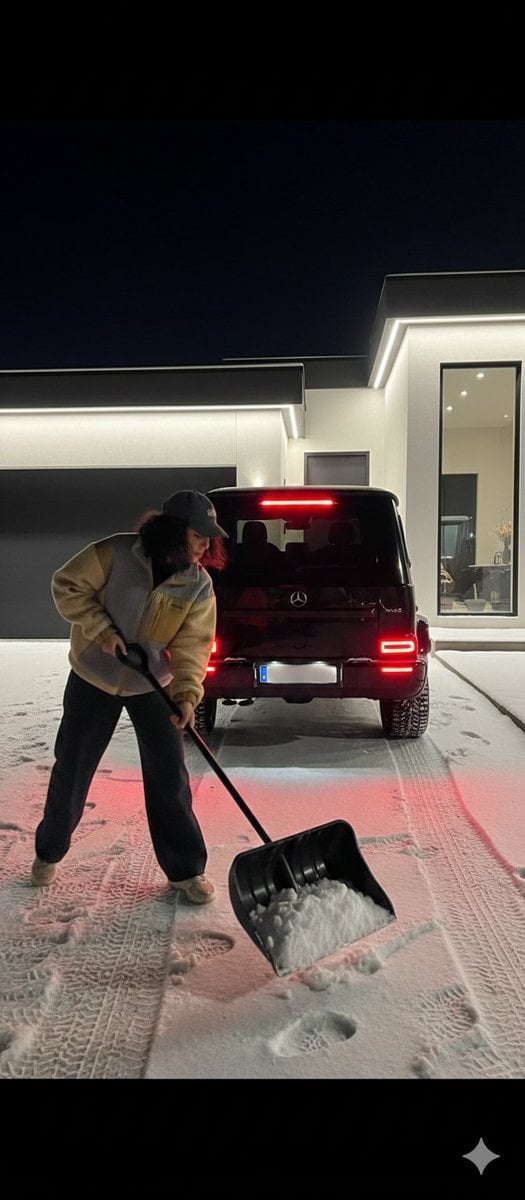
Night Photography Prompt: Clearing Snow with Mercedes G 63 AMG
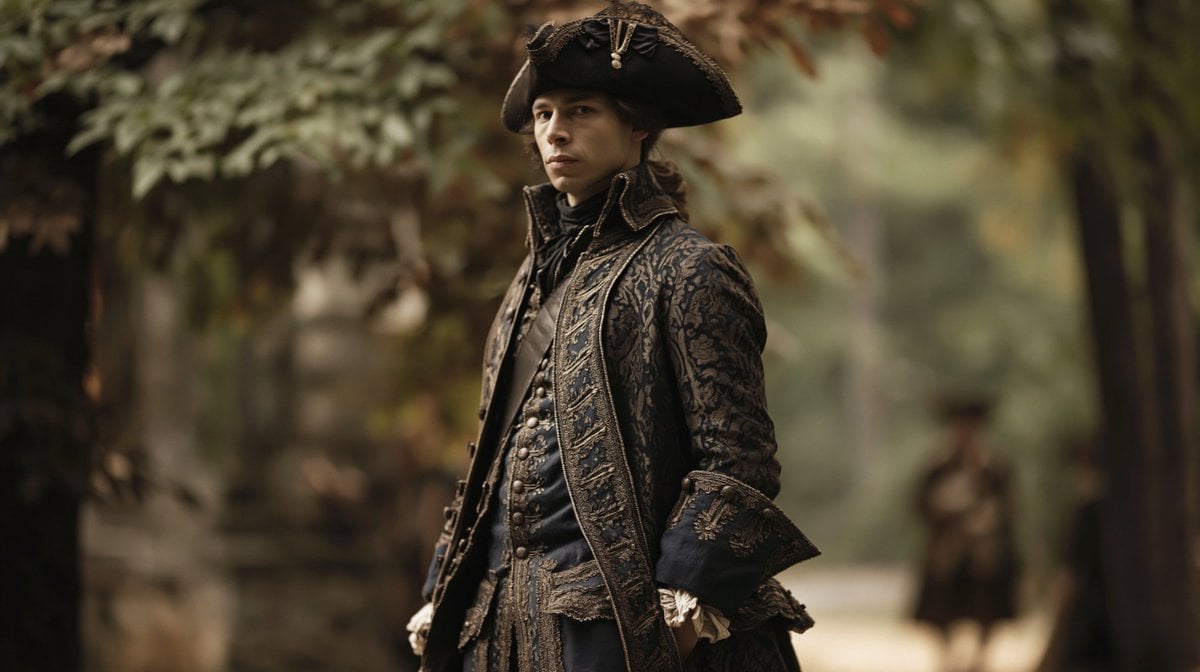
Character Swap Into Period Portrait
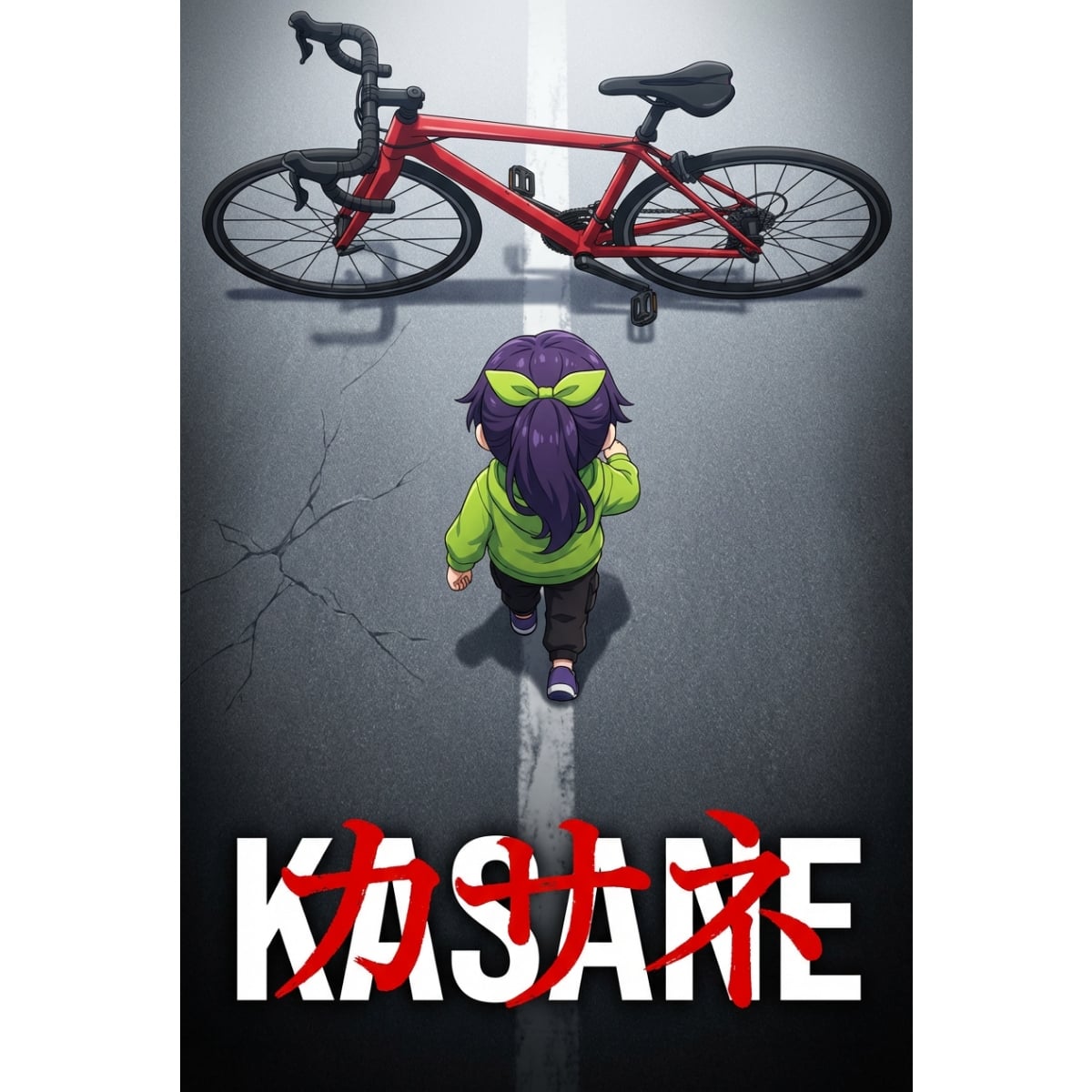
Anime Movie Poster Prompt: Chibi Character and Road Bike
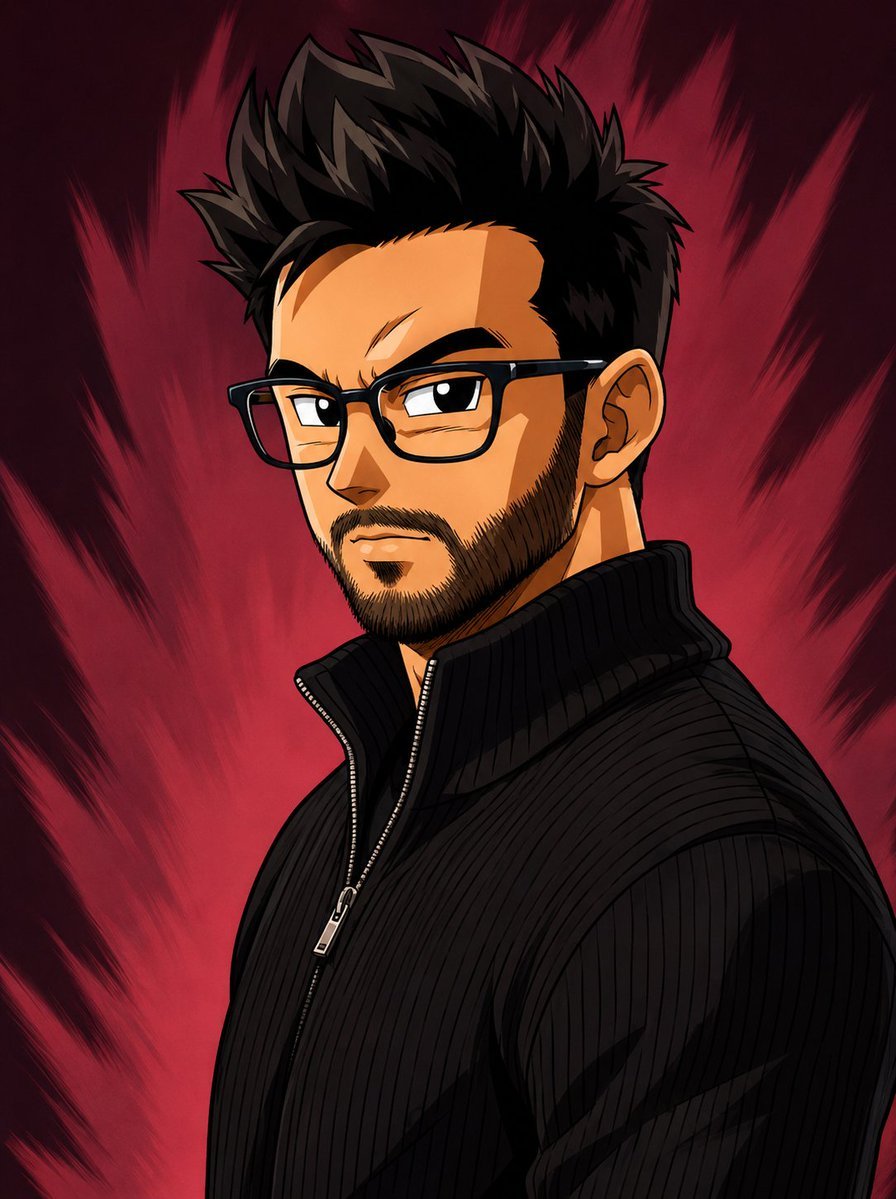
Dragon Ball Art Style Transformation

Whimsical Mono-Punk Floating Miniature Diorama Generator (Duplicate)
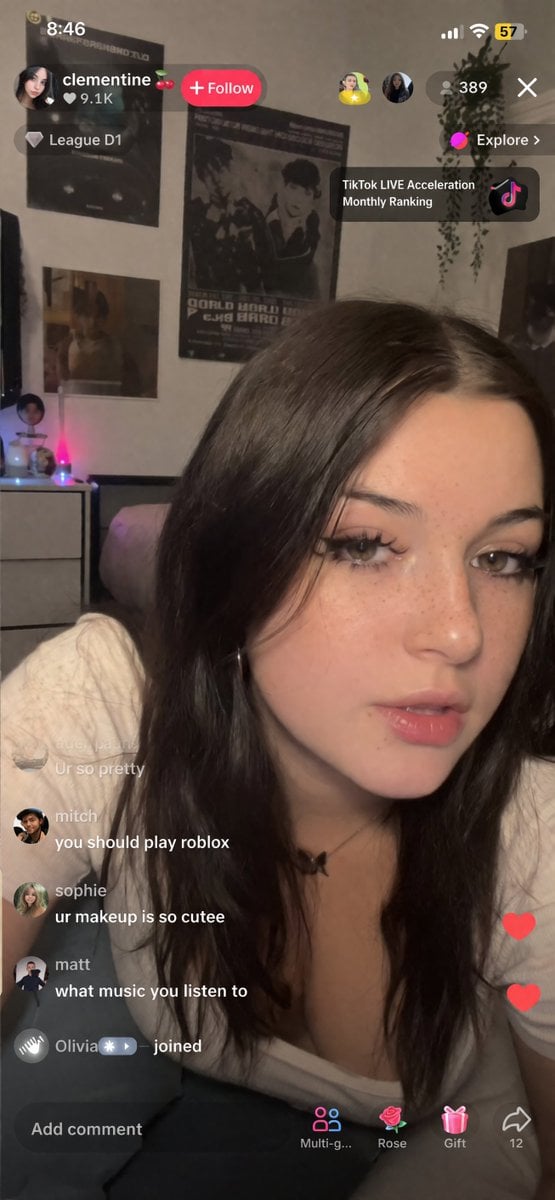
TikTok Streamer UGC Style Prompt
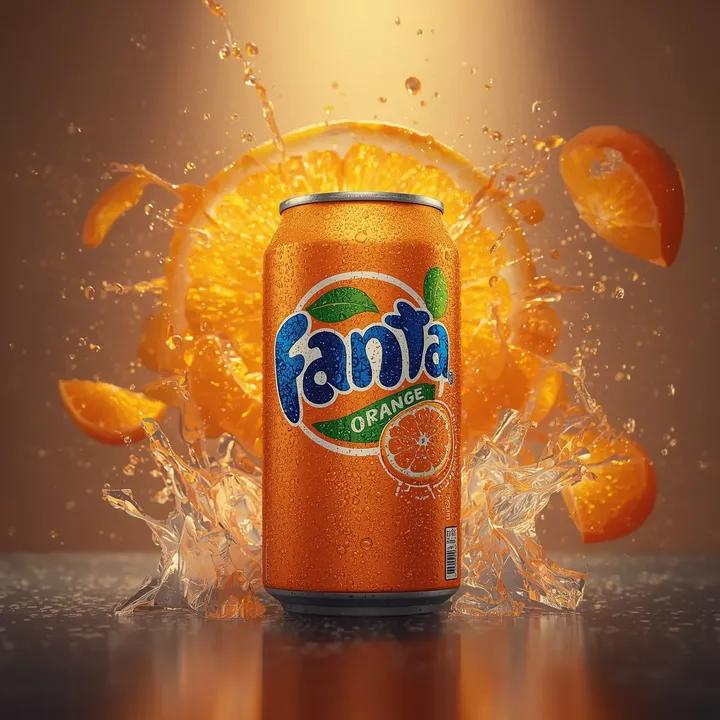
Ultra-Fast, High-Energy Product Video Generation Prompt
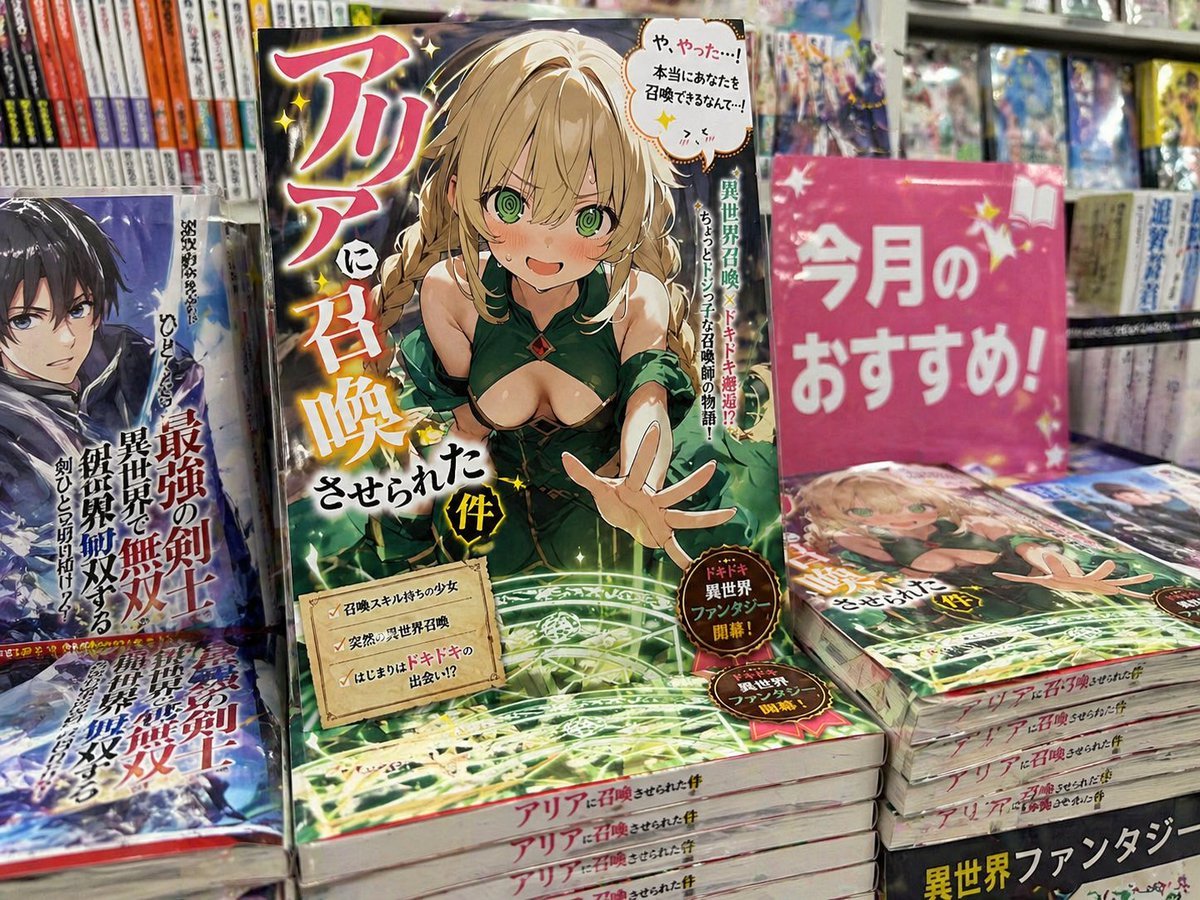
Light novel cover and bookstore display
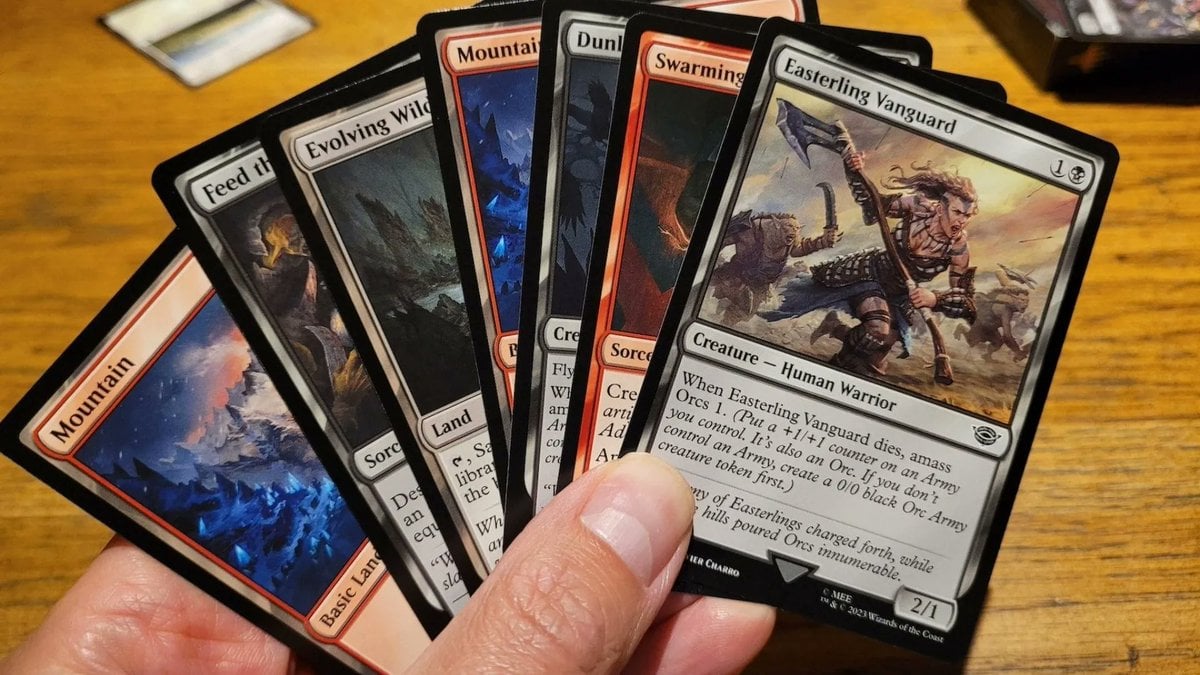
Cards, Shakespeare, and Nabokov scenes
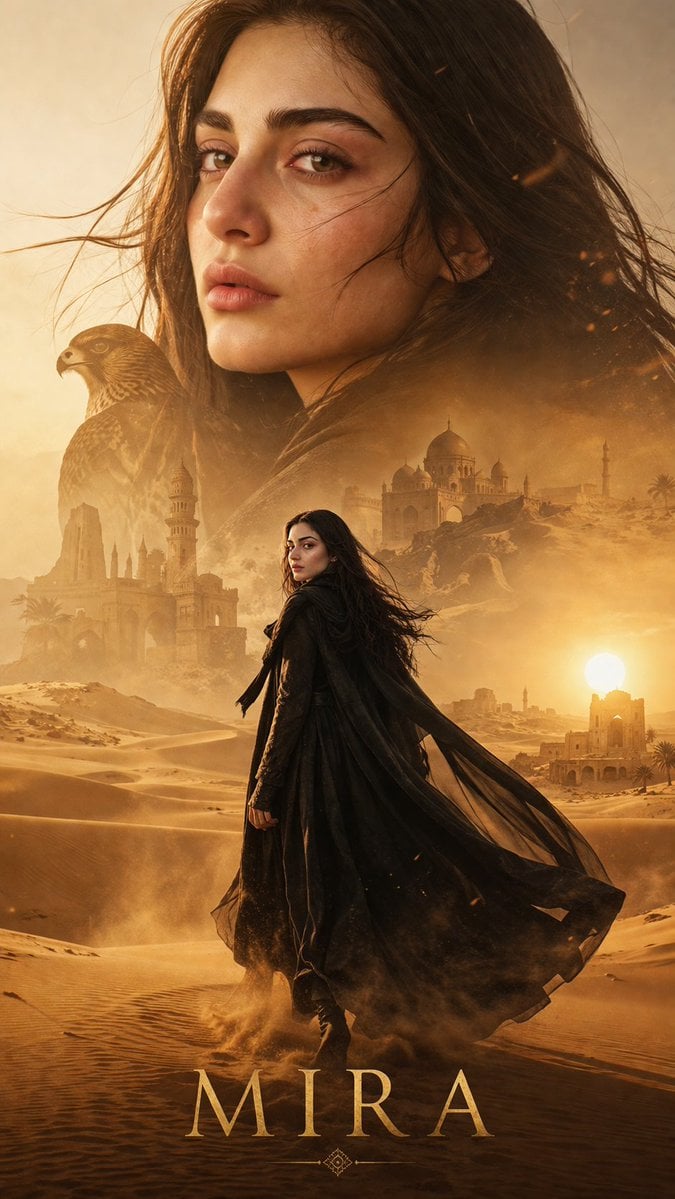
Desert Character Cinematic Poster
Browse template categories
Rain-Soaked Formula Race Car Action questions
How do I use the Rain-Soaked Formula Race Car Action template?
Add your photo if the template asks for one, edit the prompt if you like — the template's model and format are already selected — and press Generate. Your version opens in PicX Studio.
Can I customize the Rain-Soaked Formula Race Car Action template?
Yes. You can change the subject, setting, lighting, mood, format, and available model controls before creating your image.
Is the Rain-Soaked Formula Race Car Action template free?
Opening and editing this template is free. Generating uses credits, shown on the Generate button when you are signed in.
Which AI model should I use?
Start with GPT Image 2, which is the model associated with this template. You can compare another compatible model for a different finish.
Looking for something else? Browse all templates.

Your photo, any look
Thousands of ready templates for every top image and video model, from one credit balance.