
Nano Banana Pro meme-style clothing cut lines illustration prompt
A structured Japanese prompt for Nano Banana Pro that redraws a character as a meme-style illustration showing dotted cut lines with like and repost counts, while preserving only design elements from a reference image.
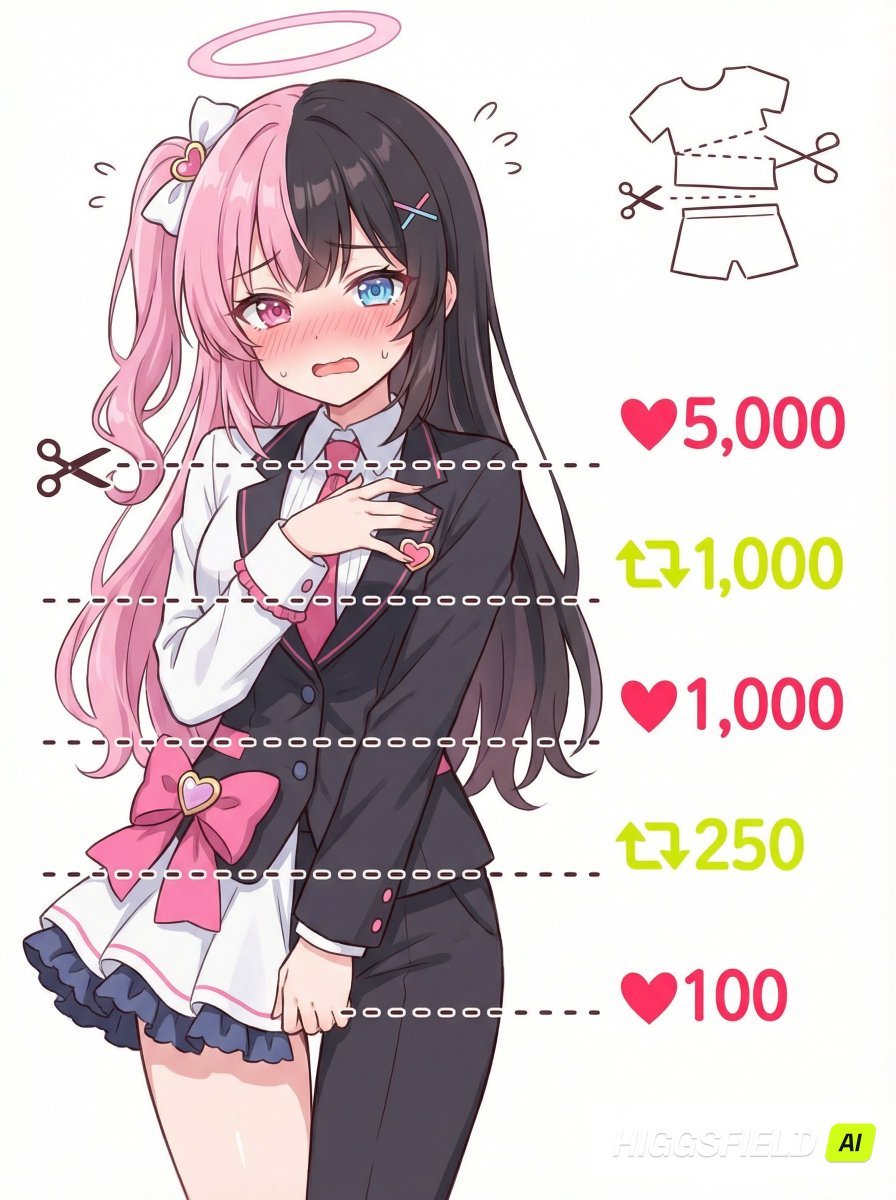
- Prompt included
- Model and format preset
- Free template
The prompt behind this image
Copy the exact prompt behind Nano Banana Pro meme-style clothing cut lines illustration prompt, or open it in the studio and make it yours.
【目的】 ユーザーがアップロードしたキャラクター画像を参照し、デザイン要素だけ引き継ぎつつ、表情・ポーズを描き直した「♥&🔄で服がカットされていくミーム風イラスト」を作成する。 【参照の扱い】 ・髪型・色・衣装・雰囲気のみ参照 ・表情とポーズは必ず新規描き直し ・参照画像の完全コピーは行わない 【構図】 ・正面寄りのバストアップ〜腰まで ・キャラクターは左側に配置 ・背景は白でシンプル ・キャラクターの前面に、**短い点線の水平ラインを5本**配置(画面全体には伸ばさない。キャラ幅より少し長い程度) ・5本の水平線は肩、胸元、腹部、腰、股下で分割。必ず5本の水平線を描く ・一番上の水平点線の左側に✂アイコン ・水平線の右側には、各点線と“中央の高さを完全に揃える”形で♥/🔄+数字を配置。 ・画面右上に「衣装が切れていく図解」を小さく追加(文字は書かない) 【右側の表示(上から順)】 1. ♥5,000(明るい赤) 2. 🔄1,000(明るい黄緑) 3. ♥1,000(明るい赤) 4. 🔄250(明るい黄緑) 5. ♥100(明るい赤) ・🔄はXのリポストアイコン風 ・フォントは全て可愛い手書きスタイル 【キャラクター描写】 ・参照キャラと分かる外見の特徴(髪・目・色・衣装など) ・赤面して困り+照れの混ざった表情 ・体を隠す恥じらいのあるポーズ ・衣装は参照ベースで変更せず、切ったり脱がしたりしない 【イラストスタイル】 ・ポップで可愛い二次元アニメ調 ・柔らかくゆるい線画と明るい色 ・ミーム画像として視認性を重視 ・余計な装飾は入れず、清潔でシンプルな構成
How to use Nano Banana Pro meme-style clothing cut lines illustration prompt in 3 steps
- 1
Open
The prompt is already in the box next to the preview, with the template's model and format selected.
- 2…a portrait of your subject in softgolden-hour light, 85mm…
Personalize
Edit the subject and creative details for your destination.
- 3Generate
Generate
Press Generate — your image is created in PicX Studio, so you can compare it with the original and refine one variable at a time.
More like this
Templates with the same subject, style or setup. Open one to see its prompt.

Woman in Mall with Chanel Bag - Heart Gesture

City Posters by Nano Banana Pro
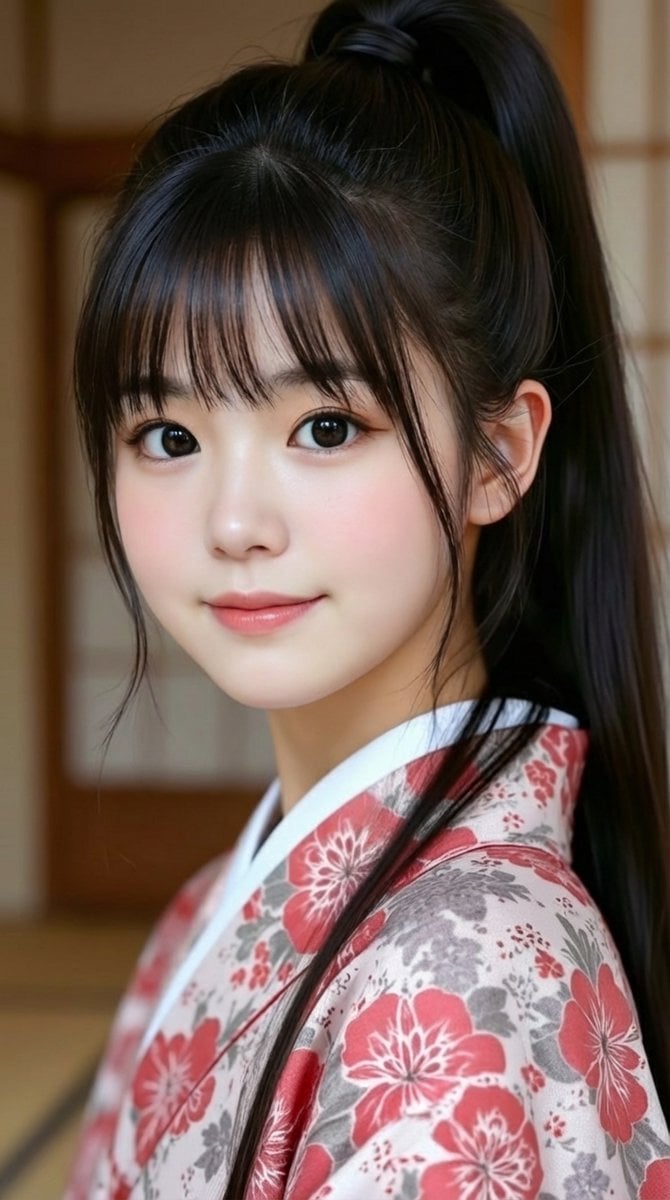
Generating 'Meme Hybrid' Beauties using Nano Banana Pro
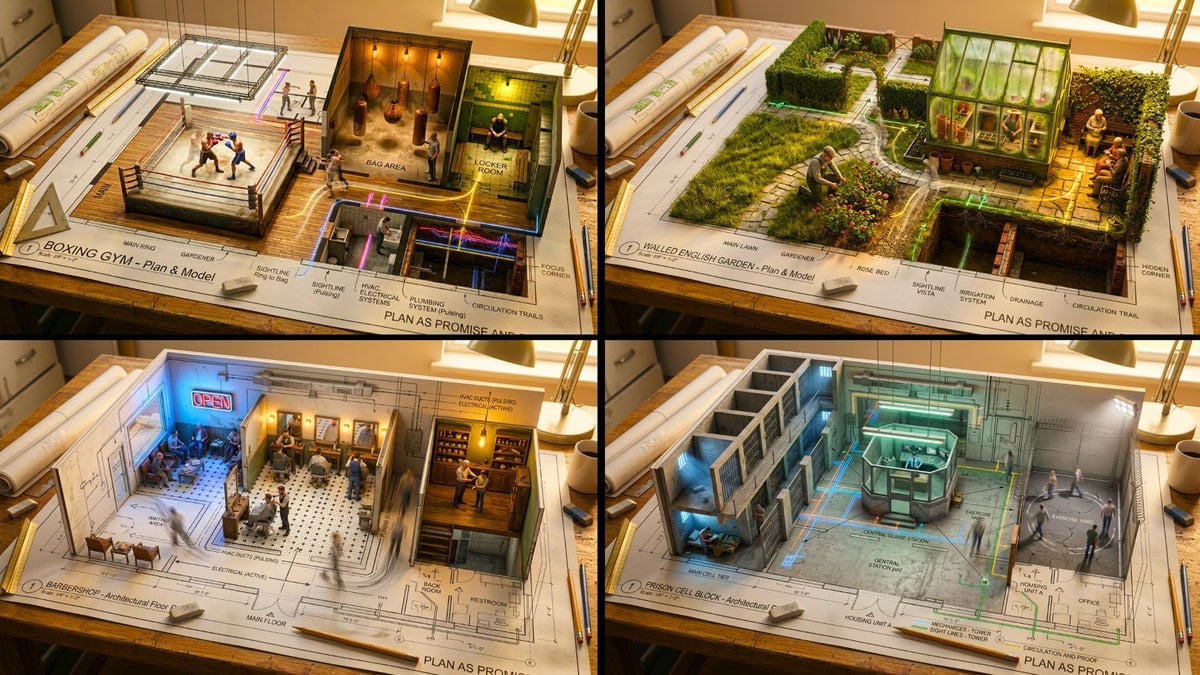
Paper Cut Scientific Illustration
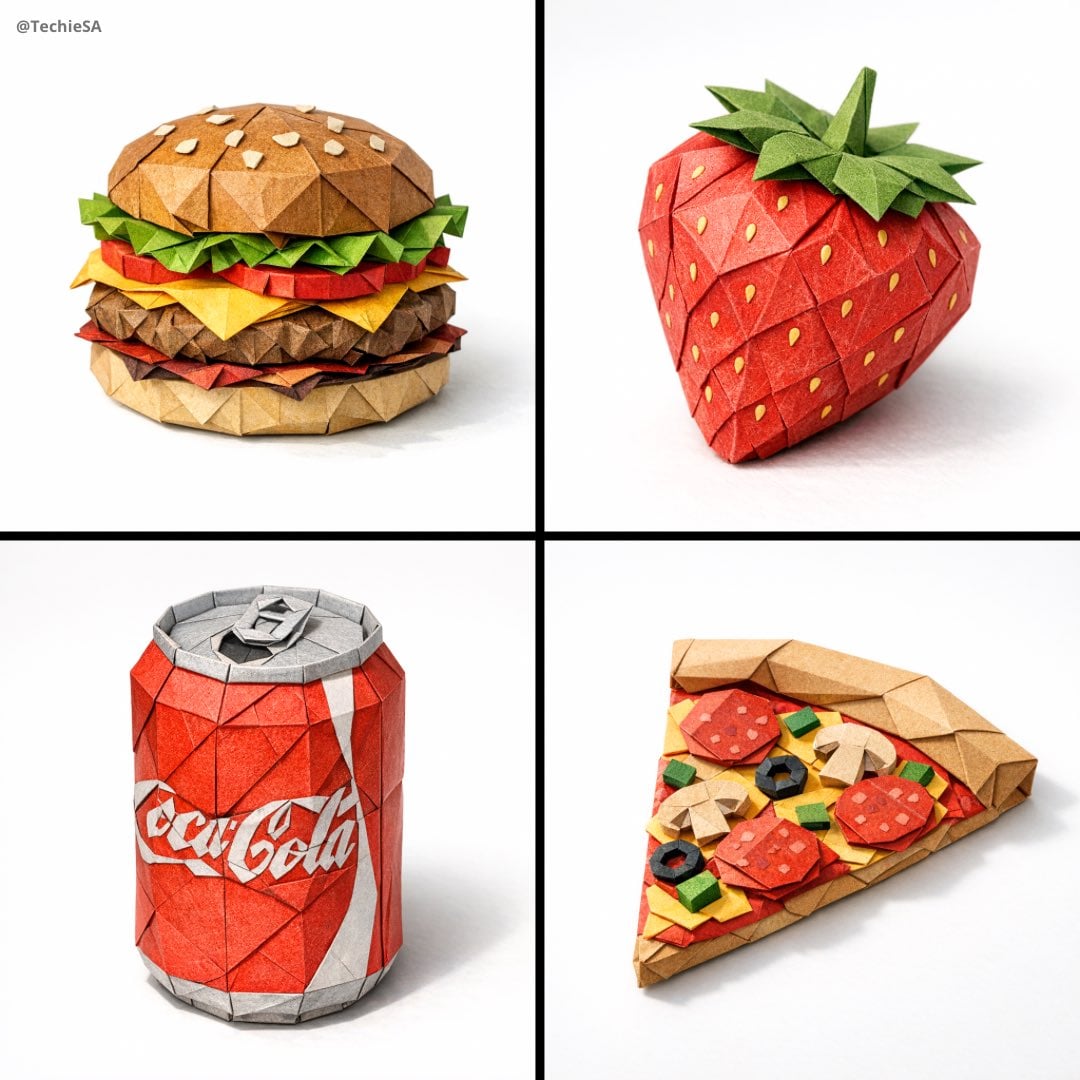
Paper Cut Botanical Illustration
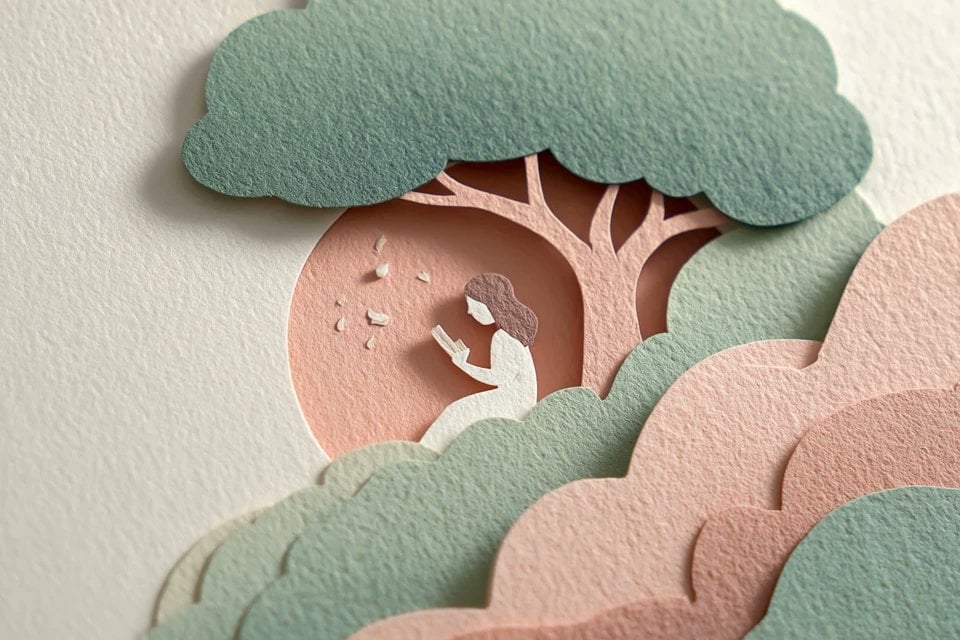
Master Layered Paper Cut Illustration — Overlapping Shapes with Handcrafted Textures

Master Paper Cut Illustration — Saudi Arabia Travel Poster in Layered Paper Art

Soft Handcrafted Paper-Cut Layered Illustration

Paper Cut Craft Illustration

Layered Paper Cut Illustration Template

Decorative Folk Flat Paper Cut Illustration

Quiet Minimalist Anime Style Guide
Make it yours
Nano Banana Pro meme-style clothing cut lines illustration prompt works as-is. These are the safest ways to change it without losing the look.
Change one field
Copy a single group, rewrite it, and generate again so you can see what that field is doing.
Keep the frame, change the subject
Hold the composition and light of Nano Banana Pro meme-style clothing cut lines illustration prompt, then swap wardrobe, props or the person for a new take.
| If the result… | Why | Fix |
|---|---|---|
| The result drifts from the preview | Too many fields changed at once. | Reuse Nano Banana Pro meme-style clothing cut lines illustration prompt as-is first, then change one group — subject, light, or setting. |
| The model over-stylizes the scene | The prose prompt leaves finish and camera underspecified. | Add one camera or lighting sentence and stay on Nano Banana 2. |
More Nano Banana 2 templates
Other prompts made for Nano Banana 2.

Photorealistic Leaf Shaped Like a Dragon

K-Pop Idol Portrait Grid for Rapid Selection

Poetic Rain Forest Portrait During Golden Hour

Urban Street Portrait with Cartoon Inner Self Duo

Candid Nighttime Photo with Cat Prompt

High-Concept 3D Diorama Generation Prompt

Cinematic Futuristic Studio Portrait Template

Skincare Editorial Photography Collage Prompt

Hyper-Realistic Commercial Product Photography (Splash Effect)

Hyper-Realistic Nightclub Portrait Prompt
More image prompts
Fresh picks from across the catalog.
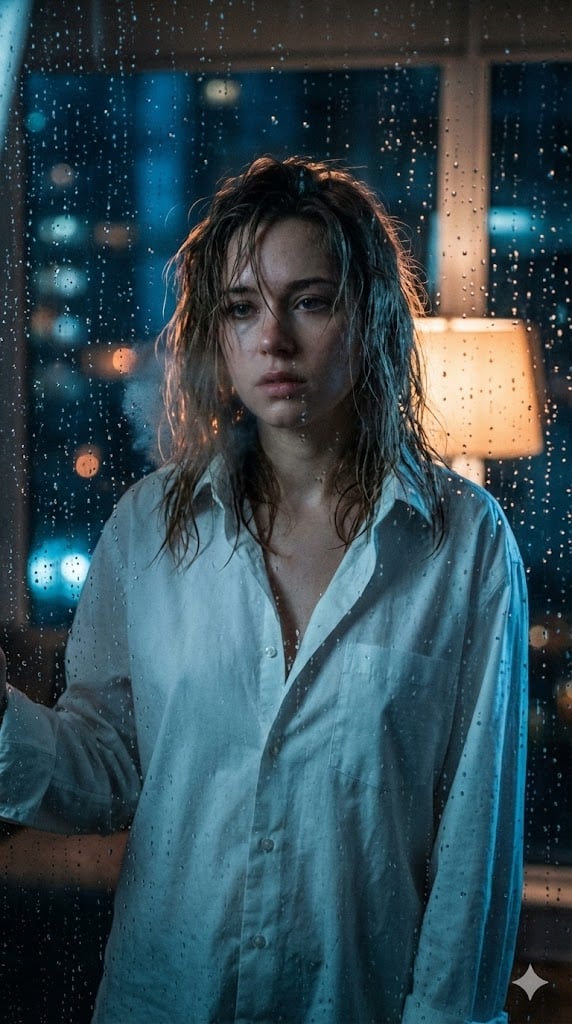
Cinematic Voyeuristic Portrait through Rain-Streaked Window
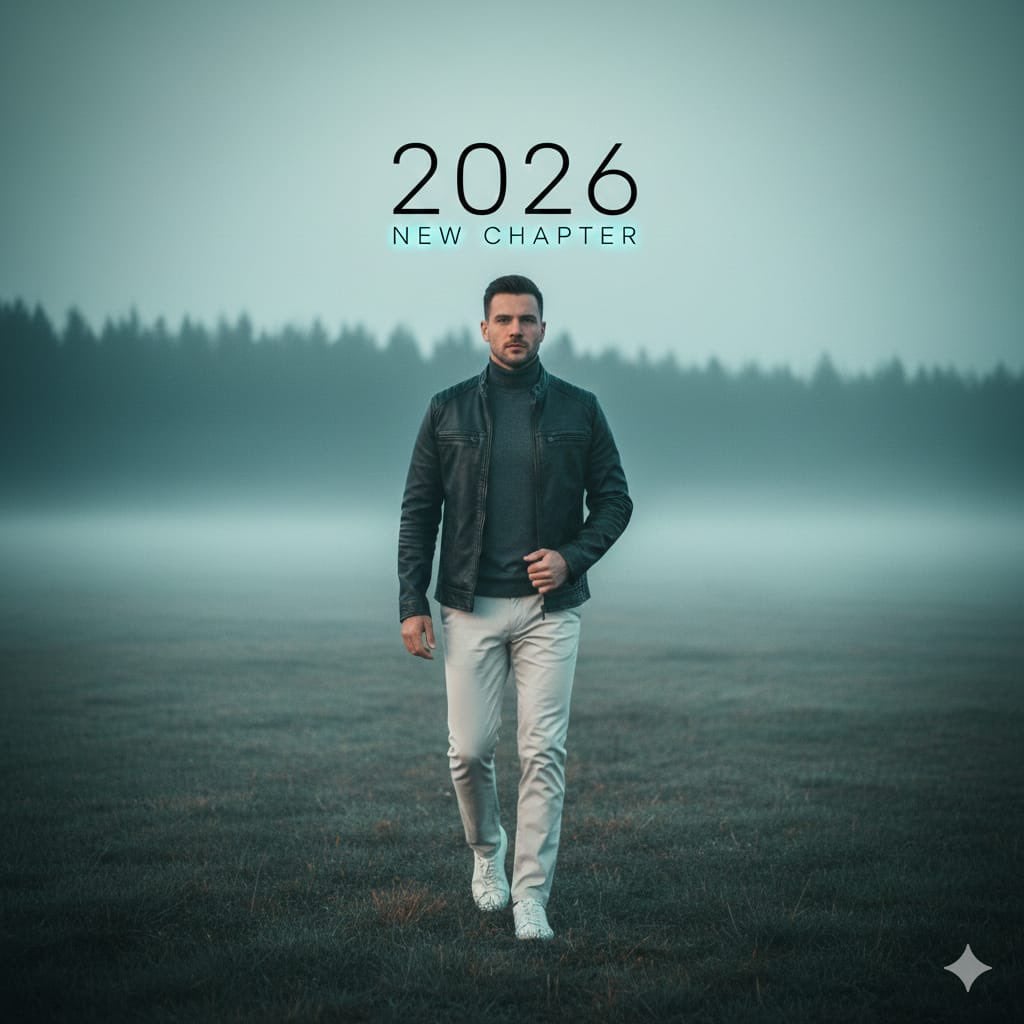
Cinematic Portrait: Man Walking in Foggy Meadow with Typography
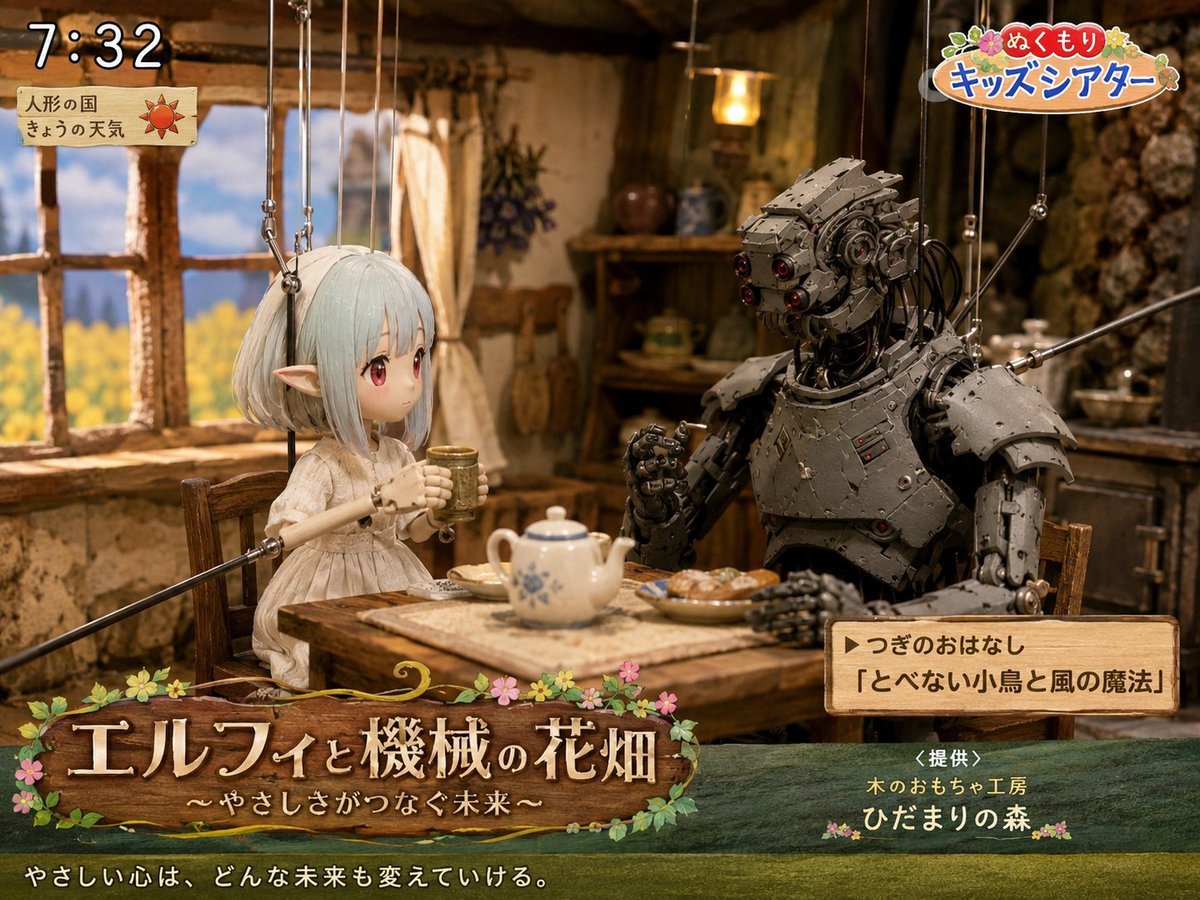
Elf and Robot Puppet Theater Still
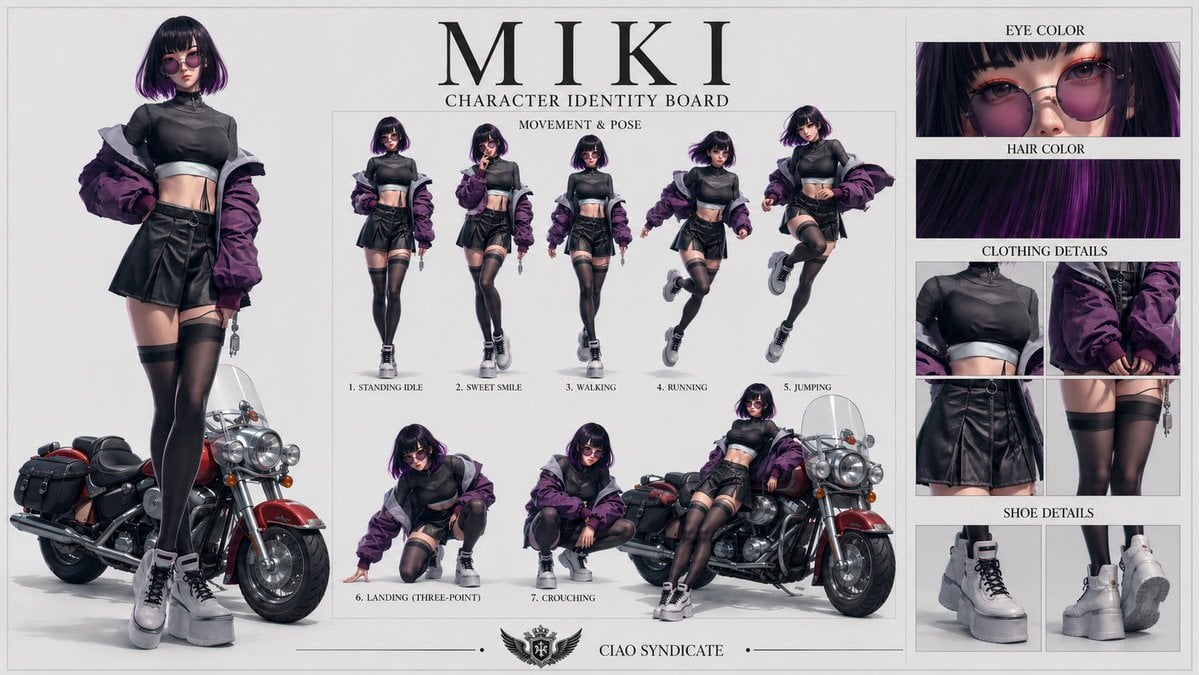
Consistent Character Identity Board
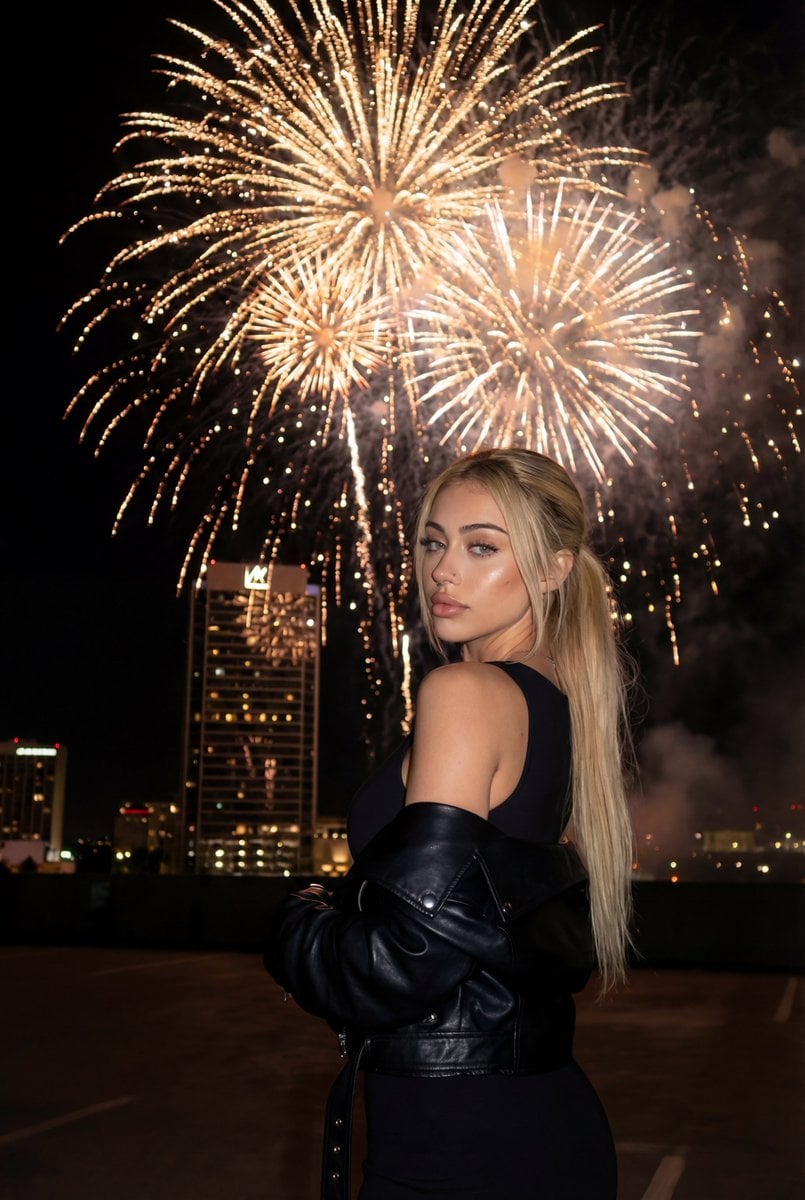
Cinematic New Year's Eve Cityscape Portrait

3D Cartoon Caricature with Identity Preservation
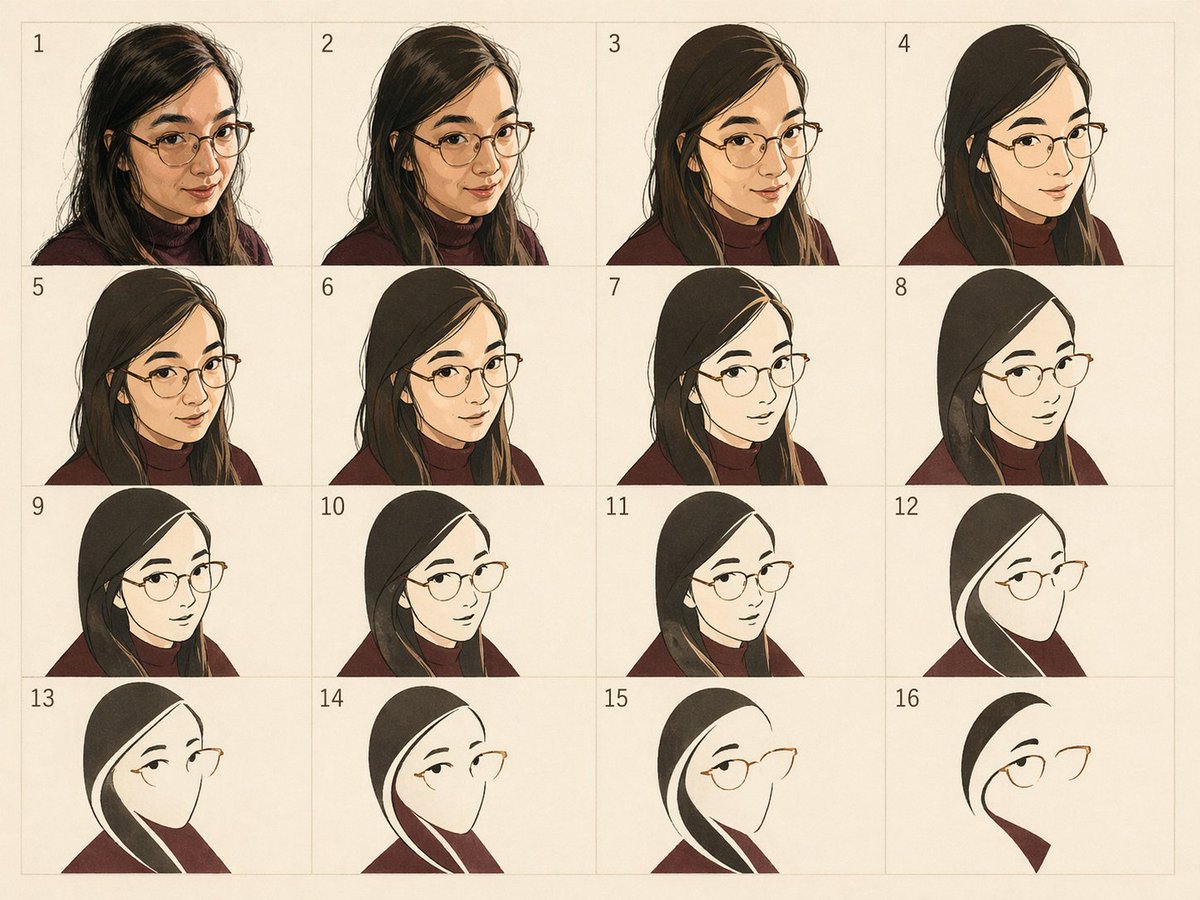
Panel Portrait Abstraction Study
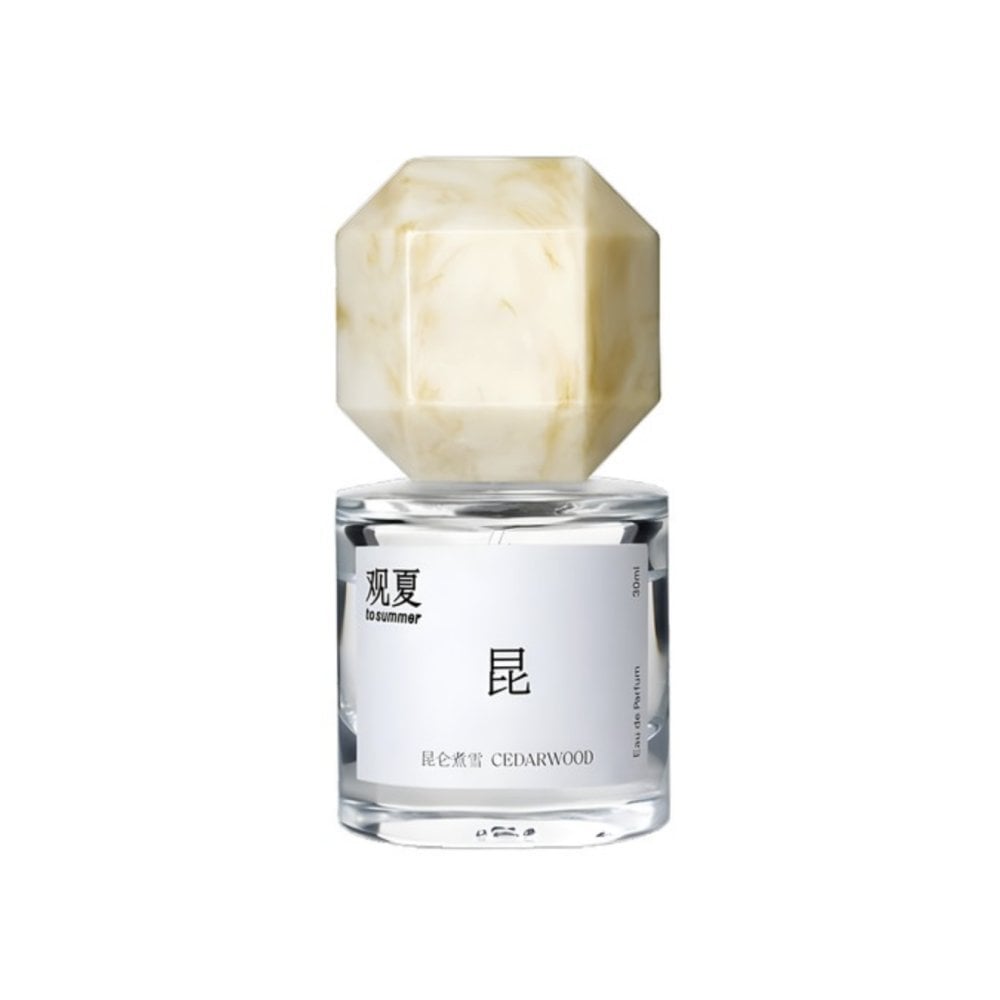
Perfume promo with niche Le Labo-like feel
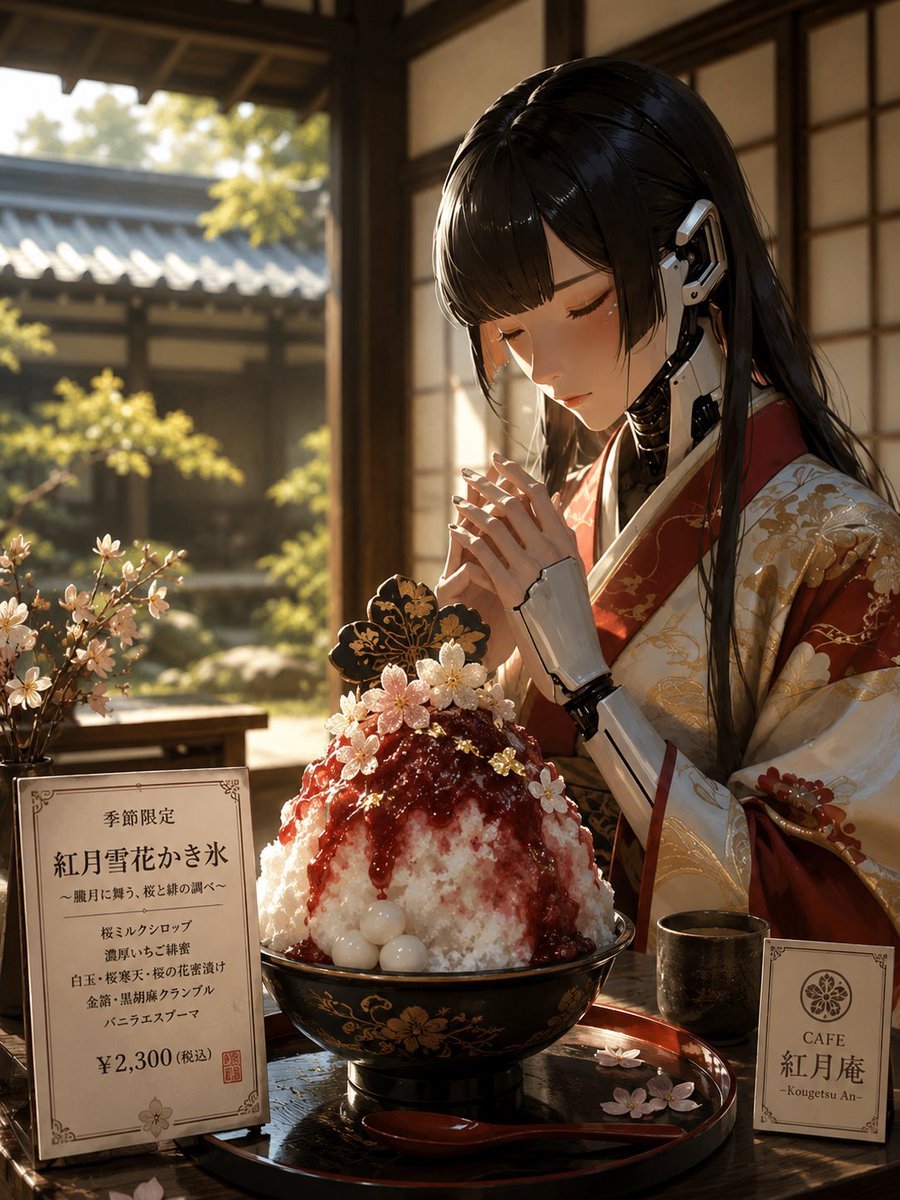
Luxury Cybernetic Kakigori Café Scene
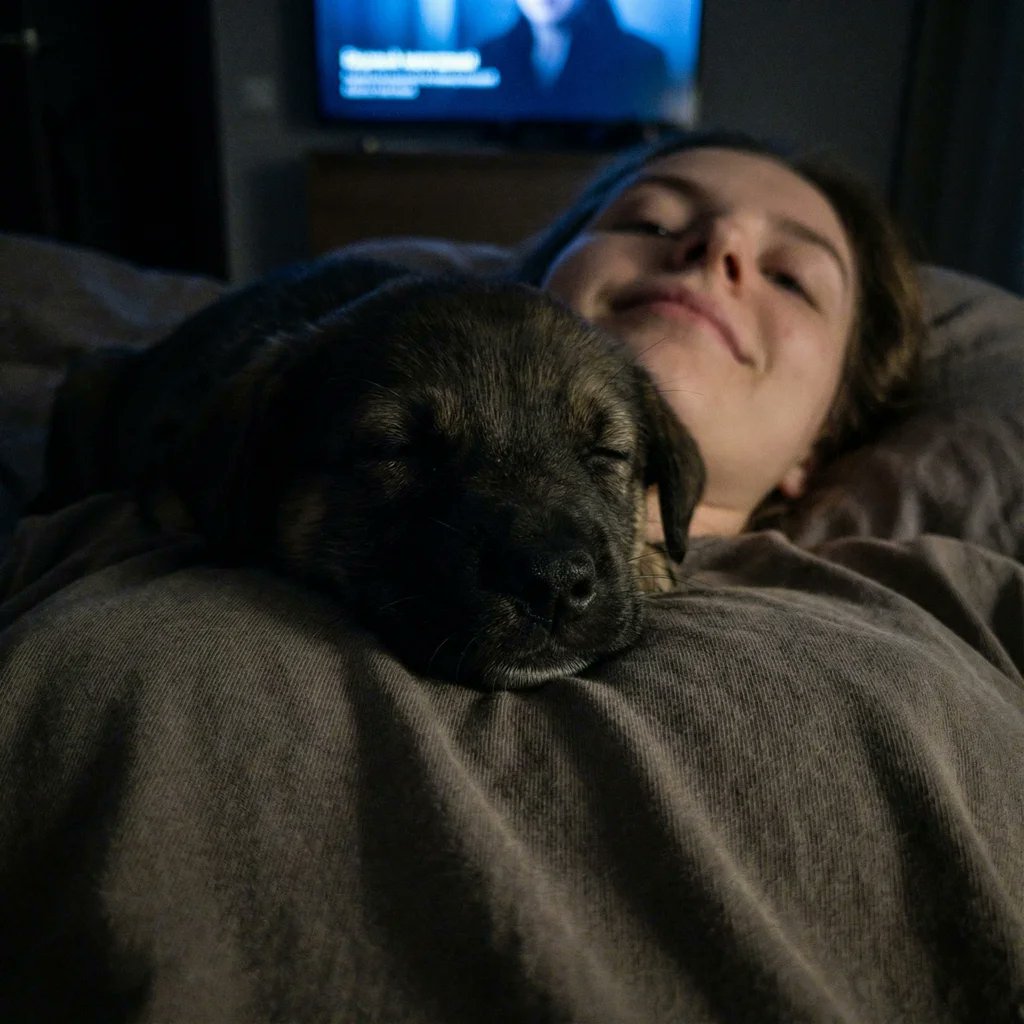
Extreme Close-up Puppy Selfie Prompt (Low Light)
Browse template categories
Nano Banana Pro meme-style clothing cut lines illustration prompt questions
How do I use the Nano Banana Pro meme-style clothing cut lines illustration prompt template?
Add your photo if the template asks for one, edit the prompt if you like — the template's model and format are already selected — and press Generate. Your version opens in PicX Studio.
Can I customize the Nano Banana Pro meme-style clothing cut lines illustration prompt template?
Yes. You can change the subject, setting, lighting, mood, format, and available model controls before creating your image.
Is the Nano Banana Pro meme-style clothing cut lines illustration prompt template free?
Opening and editing this template is free. Generating uses credits, shown on the Generate button when you are signed in.
Which AI model should I use?
Start with Nano Banana 2, which is the model associated with this template. You can compare another compatible model for a different finish.
Looking for something else? Browse all templates.

Your photo, any look
Thousands of ready templates for every top image and video model, from one credit balance.