
A hyper-realistic iPhone RAW photo, vertical 9 16 ratio, candid street
A hyper-realistic iPhone RAW photo, vertical 9:16 ratio, candid street photography style with natural daylight, no filter, no cinematic grading, realistic color balance, Pinterest-style artsy realism.

- Prompt included
- Model and format preset
- Premium template
The prompt behind this image
Copy the exact prompt behind A hyper-realistic iPhone RAW photo, vertical 9 16 ratio, candid street, or open it in the studio and make it yours.
A hyper-realistic iPhone RAW photo, vertical 9:16 ratio, candid street photography style with natural daylight, no filter, no cinematic grading, realistic color balance, Pinterest-style artsy realism. The camera angle MUST MATCH THE REFERENCE IMAGE EXACTLY: a slightly elevated wide-angle perspective looking down toward a zebra crosswalk, similar to a street-level overhead shot, capturing the full crosswalk lines horizontally with the subject positioned at the center and symmetrically surrounded by characters, maintaining the exact spatial relationship and perspective of the reference photo. A young adult man with an athletic and naturally fit build is walking forward mid-step on the zebra crossing, body orientation, walking direction, and pose following the reference precisely, expression calm, neutral, and candid as if casually crossing the street, not posing. Outfit consists of fashionable casual streetwear with relaxed silhouettes: an oversized jacket in earthy muted tones such as brown, olive, or charcoal, a simple inner shirt, loose straight-cut trousers, and clean minimalist sneakers, creating an effortless modern daily-wear look that supports the calm surreal theme. Props include multiple Popmart Skullpanda characters in fluffy costumes placed around the subject in the SAME formation, spacing, and positioning as the reference image, each Skullpanda featuring soft plush textures, rounded proportions, and varied colors, appearing to walk alongside the human subject on the crosswalk. The location is an empty urban street with a clearly visible zebra crossing, realistic asphalt texture with subtle grain and natural wear, no traffic, no extra people, and an identical street layout perspective to the reference. Camera and composition are wide shot and full-body framing with no portrait crop, handheld but steady feel with slight natural imperfections, realistic depth of field keeping both subject and surrounding characters in focus, matching reference scale and depth. Lighting is natural daylight from above with soft consistent shadows on the ground, balanced exposure, no harsh sunlight, and no dramatic contrast. Skin texture is realistic and human, smooth yet visibly porous with natural highlights and subtle imperfections, no airbrushing, no plastic or CGI skin. Negative prompt: different camera angle, low angle, eye-level shot, close-up portrait, cinematic lighting, HDR, oversharpening, overly smooth skin, CGI look, 3D render, cartoon human, face alteration, distorted anatomy, text, watermark, logo.
How to use A hyper-realistic iPhone RAW photo, vertical 9 16 ratio, candid street in 3 steps
- 1Upload ImagePNG, JPG or paste
Add your photo
Upload the photo the template builds on. The prompt, model and format are already set.
- 2…a portrait of your subject in softgolden-hour light, 85mm…
Personalize
Edit the subject and creative details for your destination.
- 3Generate
Generate
Press Generate — your image is created in PicX Studio, so you can compare it with the original and refine one variable at a time.
More like this
Templates with the same subject, style or setup. Open one to see its prompt.
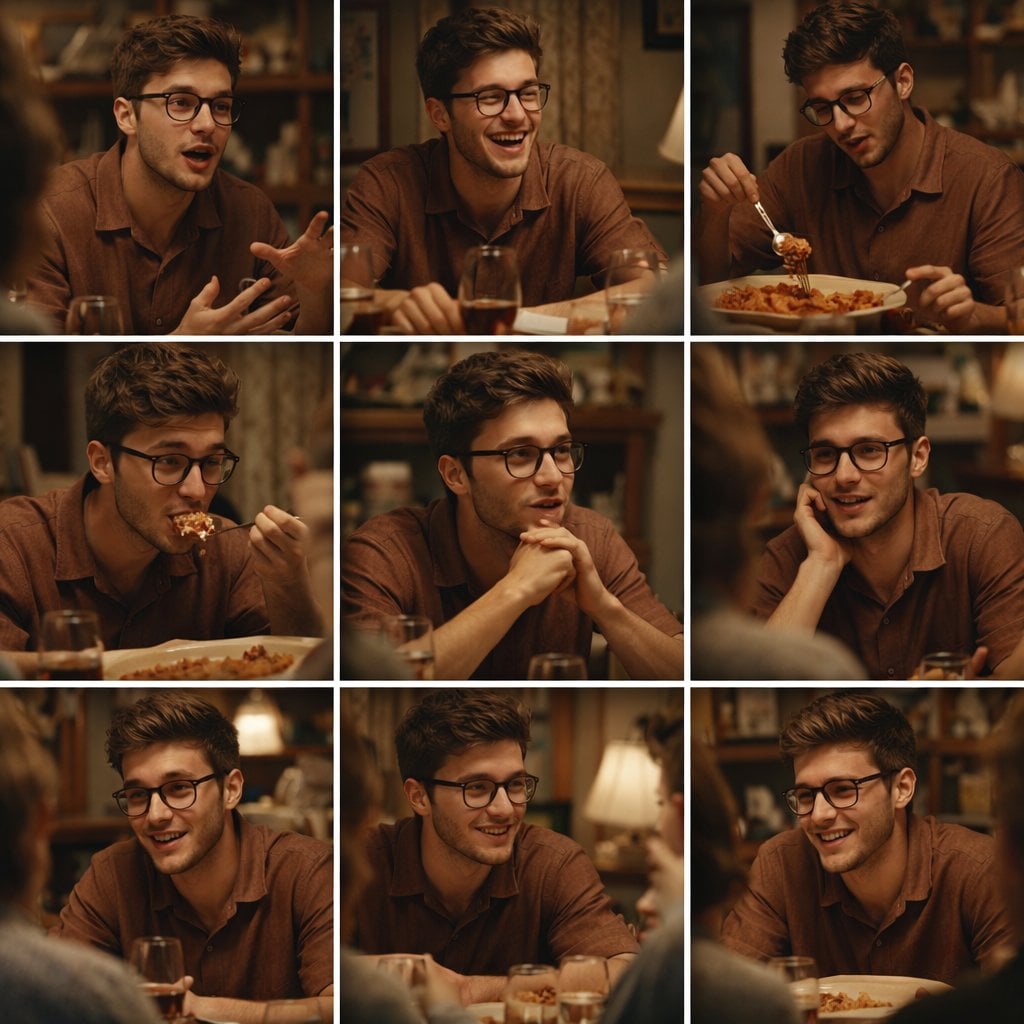
A 3x3 grid storyboard contact sheet comprised of nine candid, cinematic

青蛇小青写真大片,绿色紧身蛇鳞裙,湿发红唇,妖娆妩媚

Portrait of a young woman in her early 20s walking calmly on a beautiful

Artistic portrait of an elegant Asian woman wearing a black silk
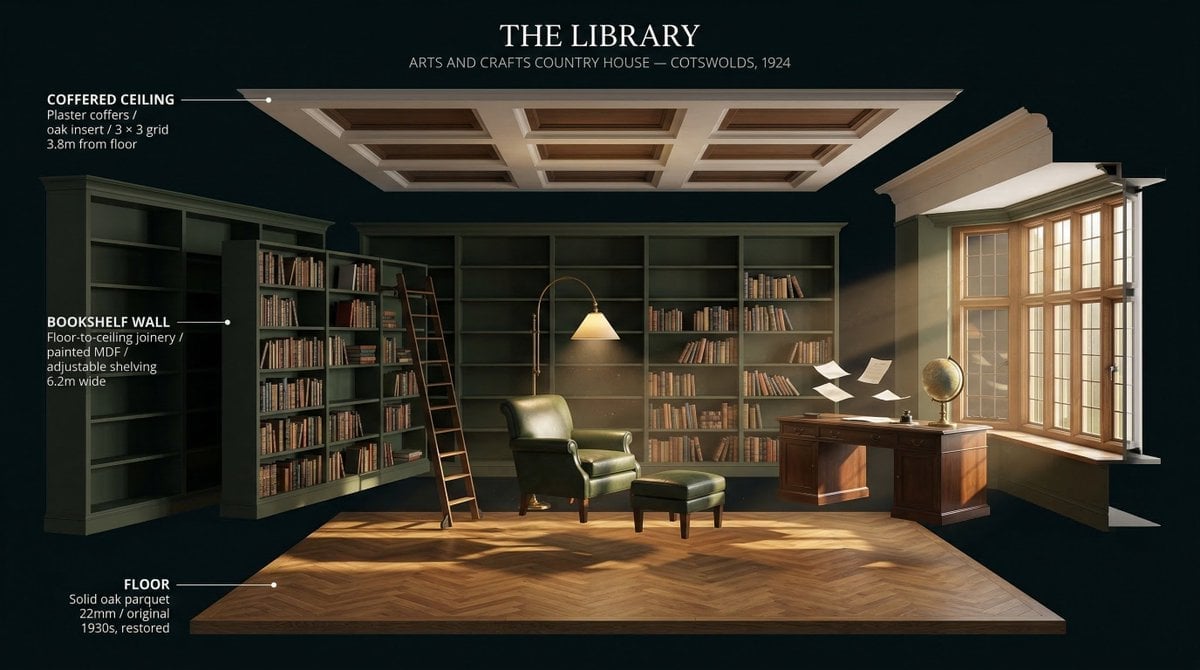
LIGHTING each element still lit by its original source, windows casting
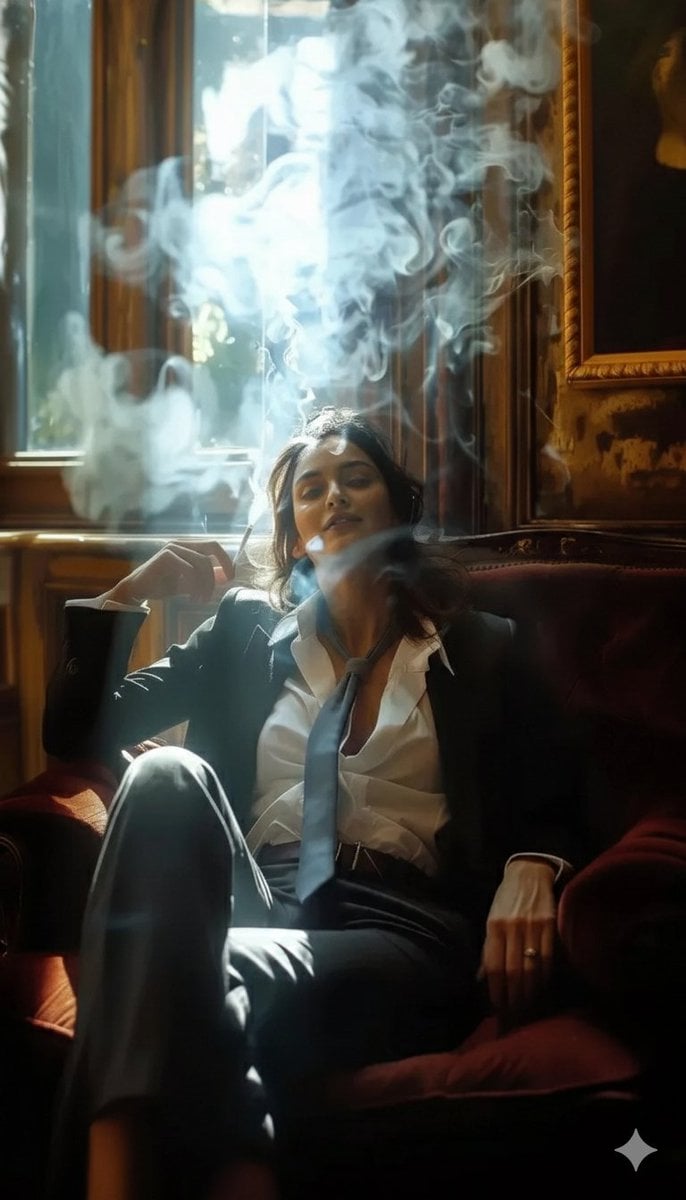
A high-definition cinematic portrait of a sophisticated woman sitting
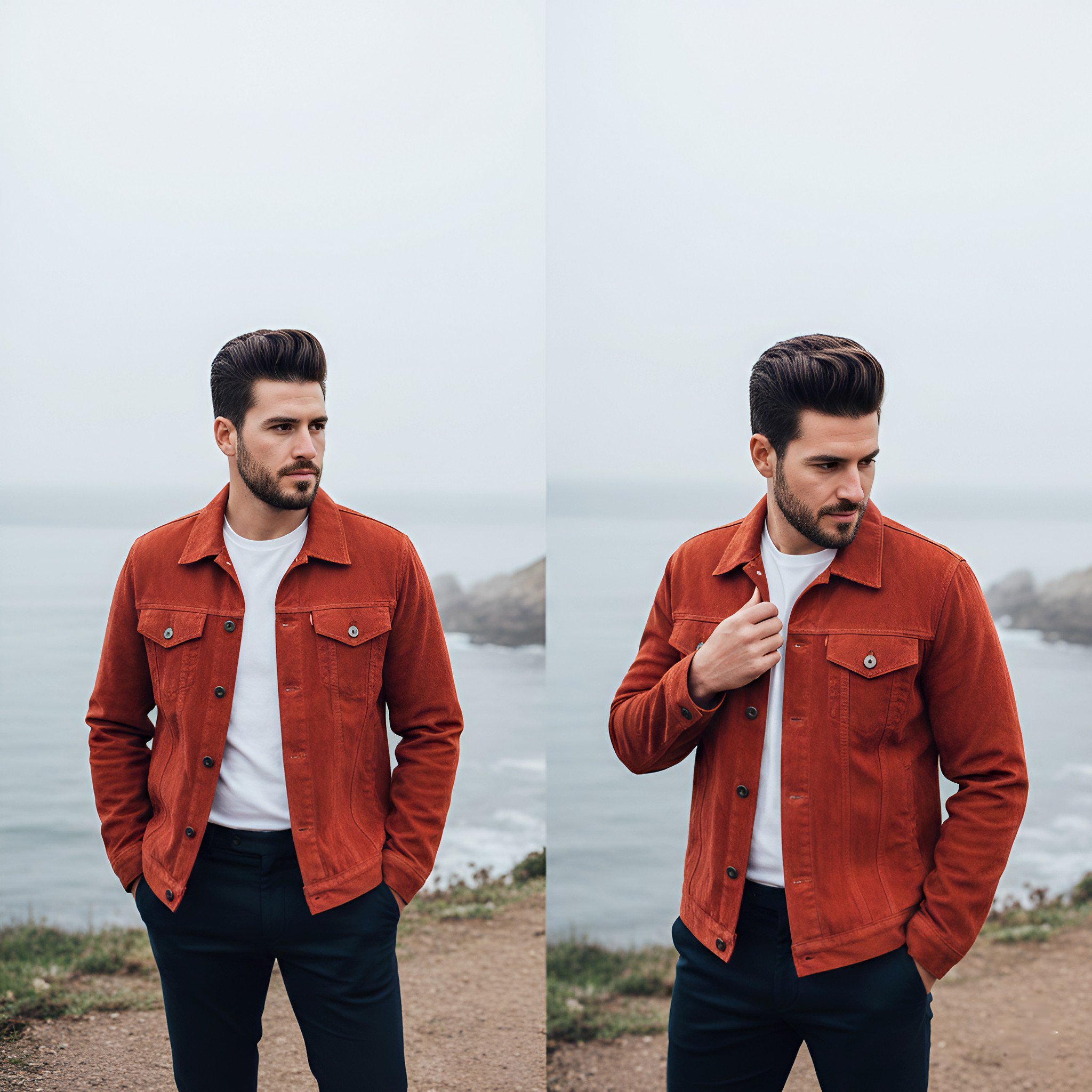
Lifestyle photography, cinematic color grading, shallow depth of field
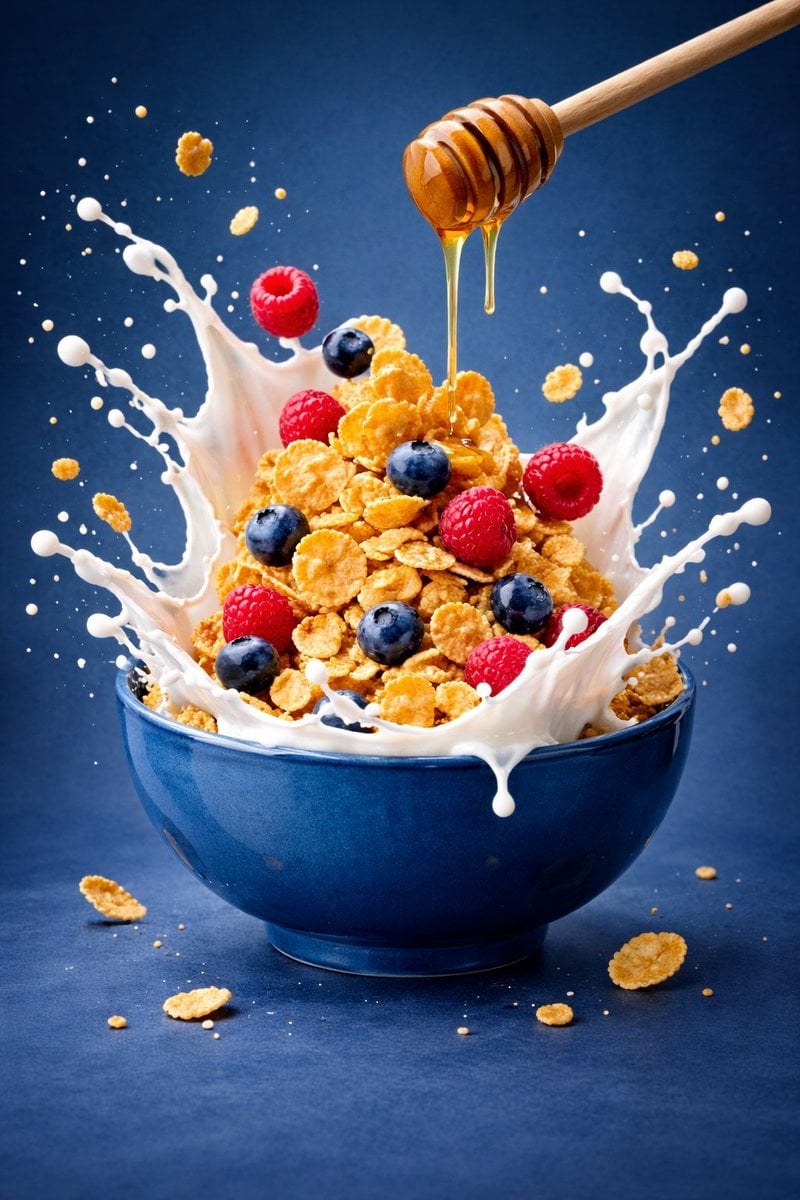
Ultra-premium cinematic food photography, 8K UHD, 3 4 aspect ratio
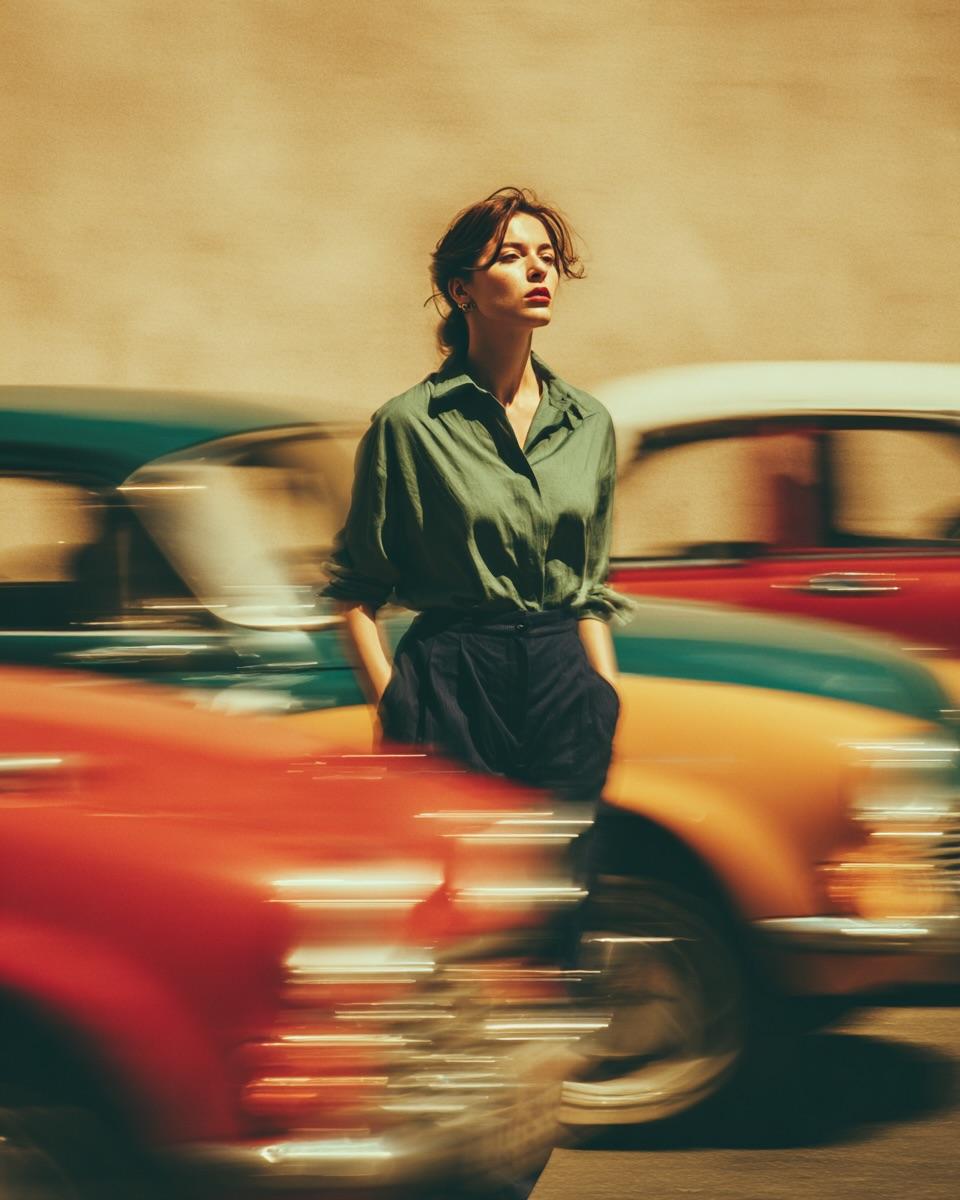
Dramatic motion blur trails, long-exposure photography effect, dynamic
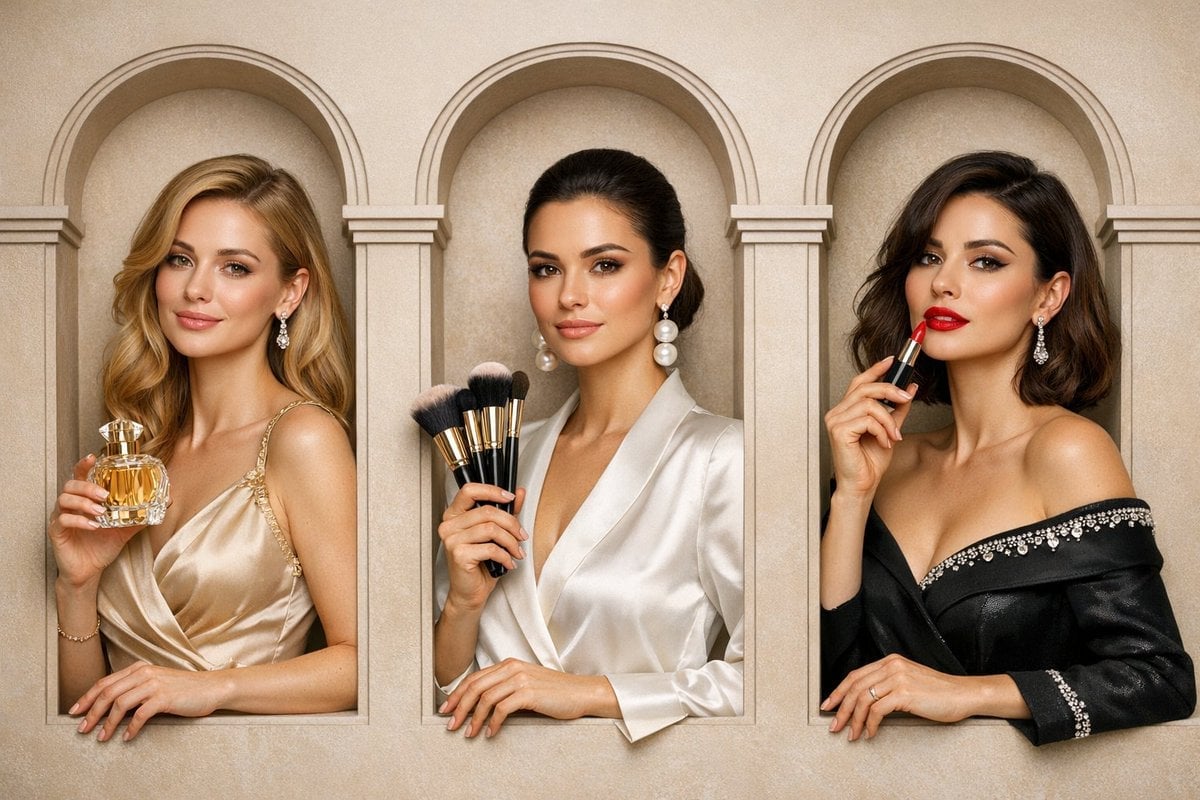
A luxury brand advertisement featuring three stylish arranged
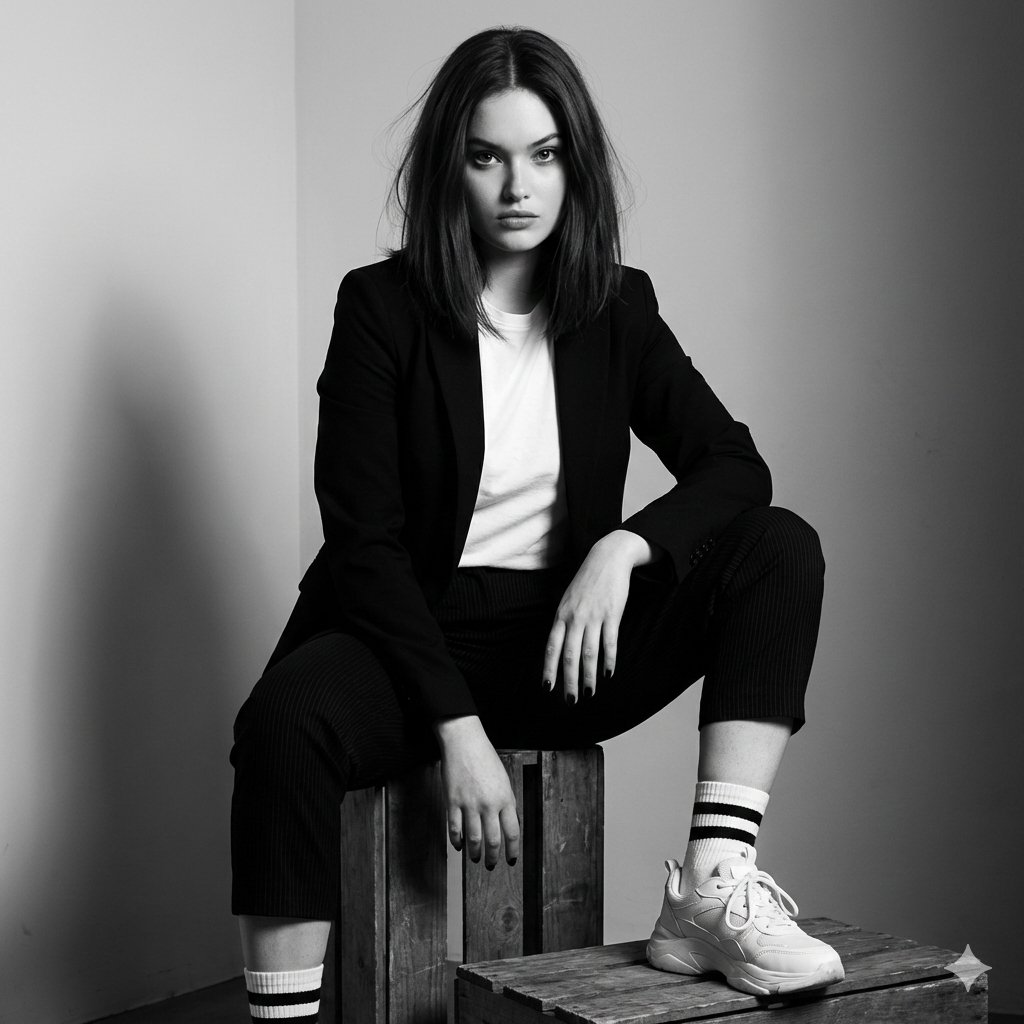
Realistic portrait 100 identical face, no editing allowed
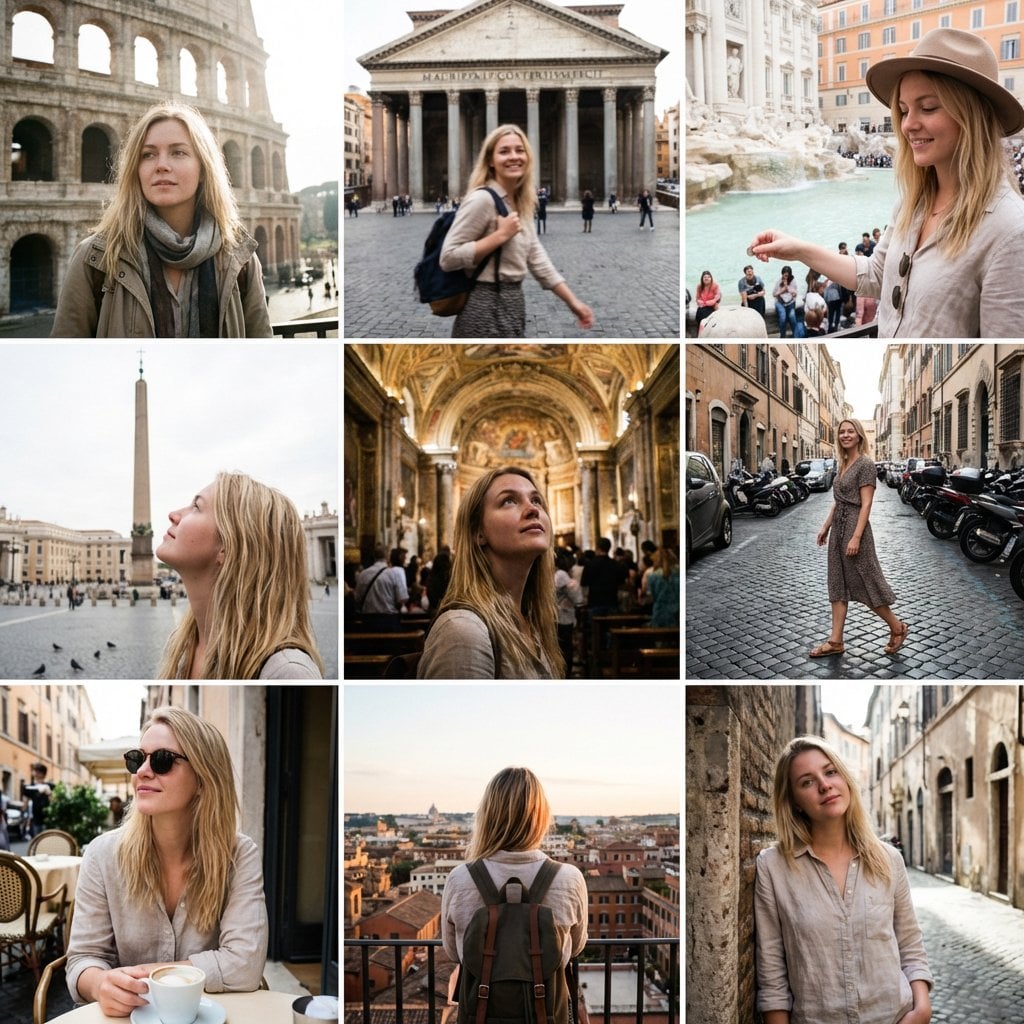
3x3 Instagram-style grid of low-quality smartphone photos featuring
Make it yours
A hyper-realistic iPhone RAW photo, vertical 9 16 ratio, candid street works as-is. These are the safest ways to change it without losing the look.
Change one field
Copy a single group, rewrite it, and generate again so you can see what that field is doing.
Keep the frame, change the subject
Hold the composition and light of A hyper-realistic iPhone RAW photo, vertical 9 16 ratio, candid street, then swap wardrobe, props or the person for a new take.
| If the result… | Why | Fix |
|---|---|---|
| The result drifts from the preview | Too many fields changed at once. | Reuse A hyper-realistic iPhone RAW photo, vertical 9 16 ratio, candid street as-is first, then change one group — subject, light, or setting. |
| The model over-stylizes the scene | The prose prompt leaves finish and camera underspecified. | Add one camera or lighting sentence and stay on GPT Image 2. |
More GPT Image 2 templates
Other prompts made for GPT Image 2.

Six VTuber Japanese Logo Sheet

Realistic Portrait of Woman and Deer

The Vista Modular Condo Poster

AI Model Routing Comparison Infographic

2.5D Anime Art Board

Isometric Productivity Desk Scene

New York Double Exposure Poster

Four-Panel AI Landscape Comparison

Japanese Tatami Lifestyle Magazine Cover

NESCAFÉ Coffee Map Poster
More image prompts
Fresh picks from across the catalog.

Minimalist Design Scene

Nano Banana Pro Image Generation Refusal Analysis (Freepik Example)

Hyper-realistic cinematic product shot of Fanta Orange can with exploding orange slices
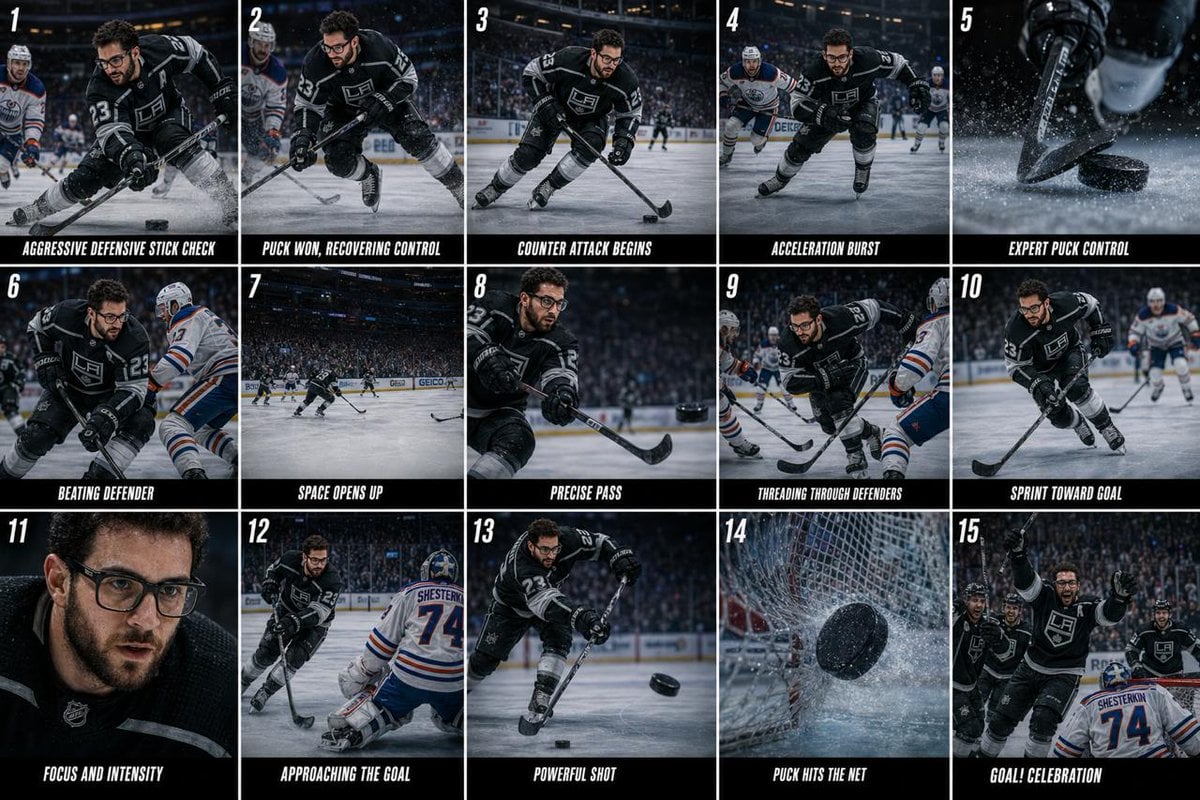
Hockey Game Cinematic Storyboard
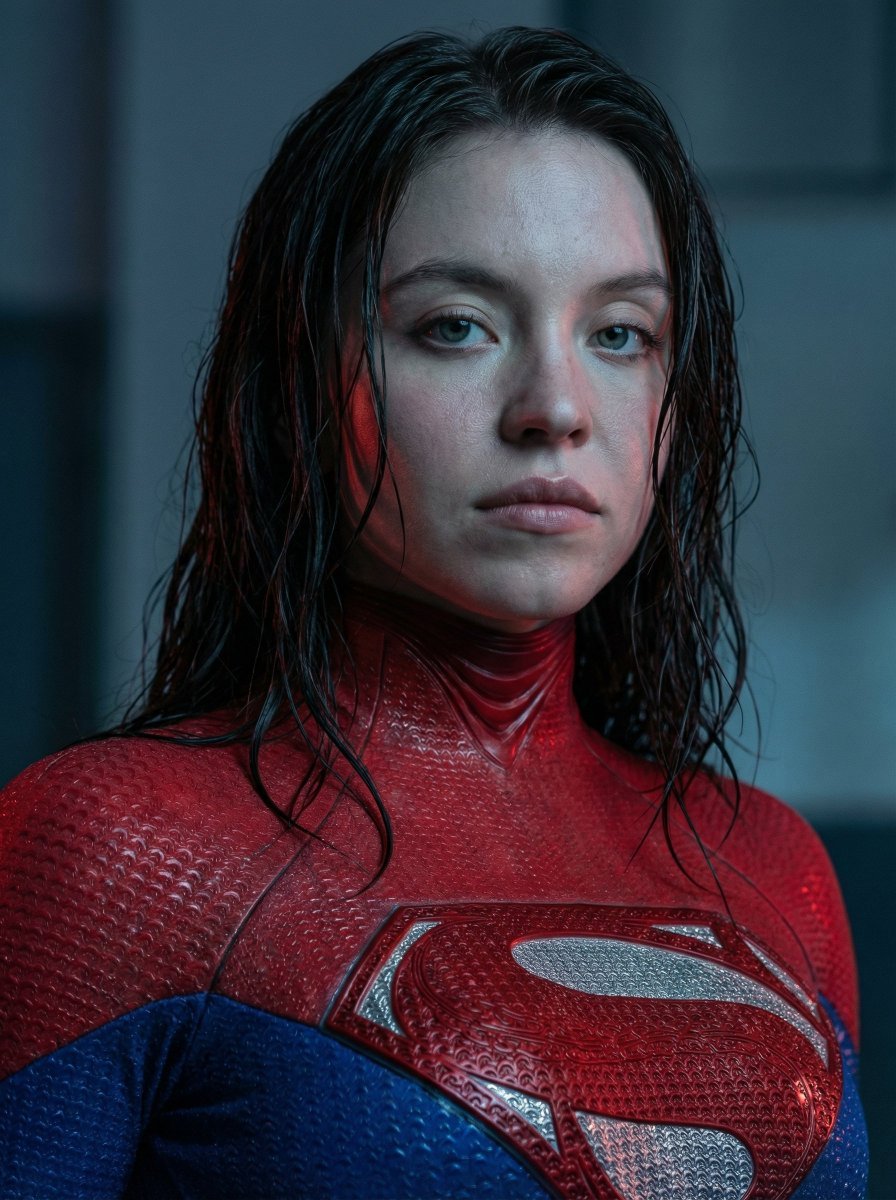
Ultra-Realistic Cinematic Female Superhero Portrait

Real Hiker in Minecraft Forest

Blue AI Influencer 3D Poster
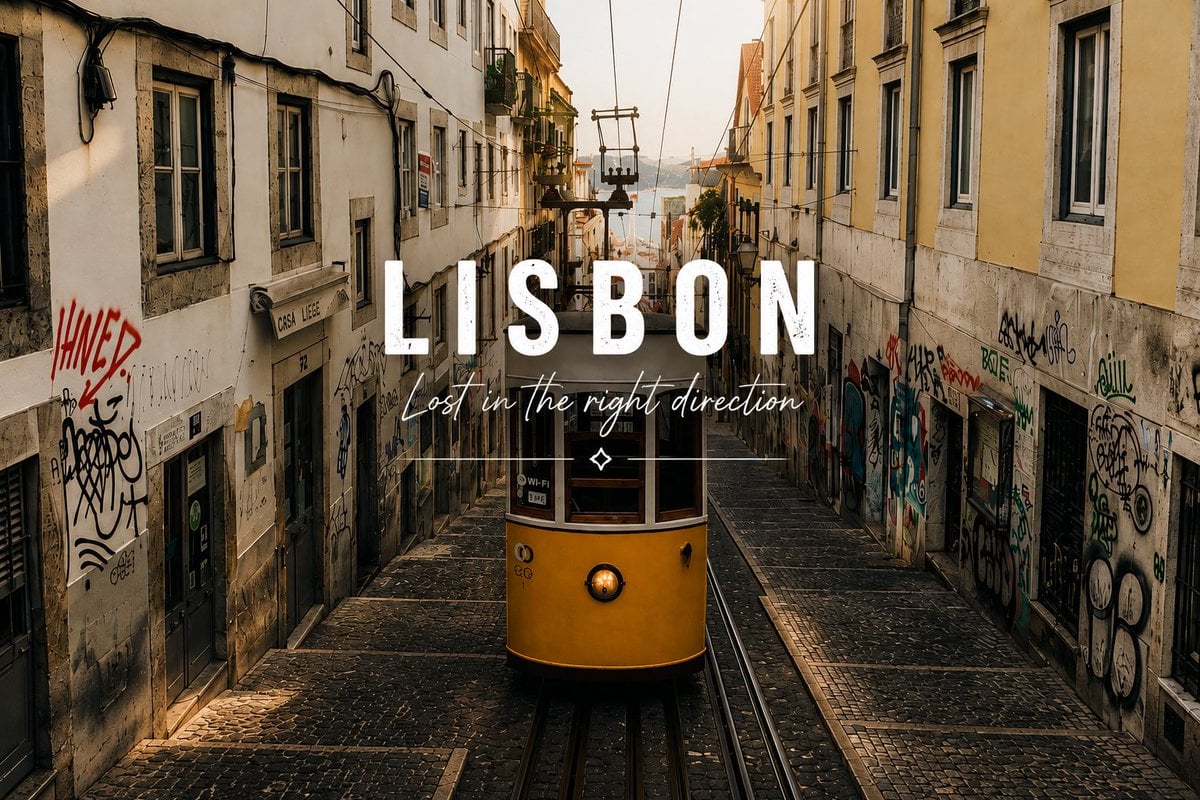
Lisbon Tram Travel Poster

Chinese Cooking Cognition Infographic

Propaganda School Trip Schedule Poster
Browse template categories
A hyper-realistic iPhone RAW photo, vertical 9 16 ratio, candid street questions
How do I use the A hyper-realistic iPhone RAW photo, vertical 9 16 ratio, candid street template?
Add your photo if the template asks for one, edit the prompt if you like — the template's model and format are already selected — and press Generate. Your version opens in PicX Studio.
Can I customize the A hyper-realistic iPhone RAW photo, vertical 9 16 ratio, candid street template?
Yes. You can change the subject, setting, lighting, mood, format, and available model controls before creating your image.
Is the A hyper-realistic iPhone RAW photo, vertical 9 16 ratio, candid street template free?
Opening and editing this template is free. Generating uses credits, shown on the Generate button when you are signed in.
Which AI model should I use?
Start with GPT Image 2, which is the model associated with this template. You can compare another compatible model for a different finish.
Looking for something else? Browse all templates.

Your photo, any look
Thousands of ready templates for every top image and video model, from one credit balance.