
Hand Pinching One-Yuan Coin
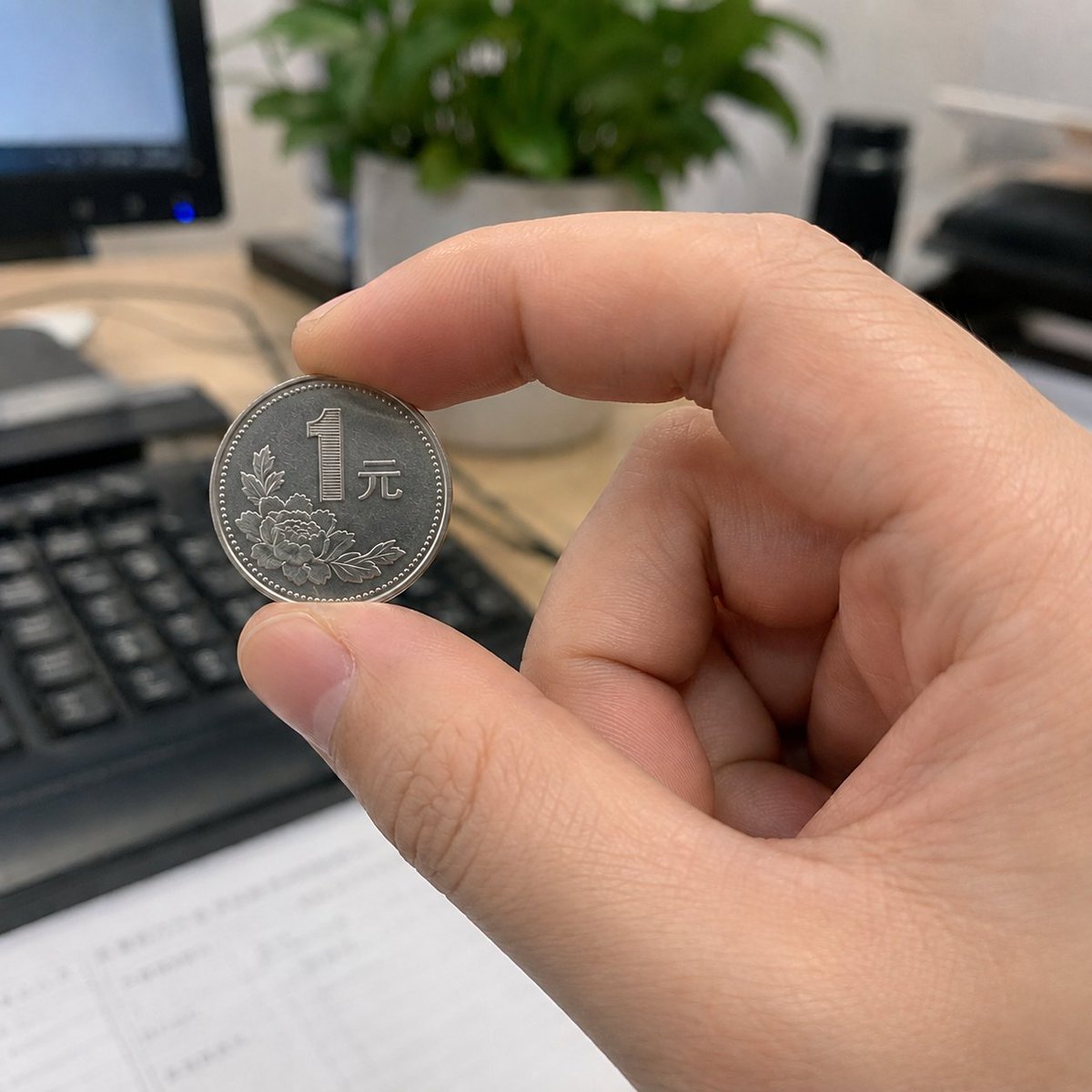
A photorealistic close-up of an adult right hand holding a one-yuan coin in a blurred office setting, useful for testing hand anatomy and legible coin text.
- Prompt included
- Model and format preset
- Free template
The prompt behind this image
Copy the exact prompt behind Hand Pinching One-Yuan Coin, or open it in the studio and make it yours.
Photorealistic square 1:1 close-up image of {argument name="hand description" default="an adult right hand"} pinching {argument name="coin description" default="a Chinese one-yuan coin"} between the thumb and index finger, with all five fingers anatomically correct and no extra fingers. The coin is held near the left-center of the frame, facing the camera, with realistic silver metal texture, ridged edge highlights, engraved floral motif, and the visible text {argument name="coin text" default="1 元"} clear and legible. The index finger curves above the coin and the thumb supports it from below; other fingers are naturally curled into the palm. Background is a softly blurred office desk with a black keyboard in the lower left, a computer monitor edge on the far left, pale wooden desktop, a green potted plant behind the hand, and dark office items on the right. Use shallow depth of field, natural indoor lighting, realistic skin pores, fingernails, creases, and soft shadows. Keep the composition candid and smartphone-photography-like, with the hand and coin sharply focused and the background bokeh blurred. Constraints: exactly one hand, exactly five fingers, exactly one coin, no distorted anatomy, no duplicate fingers, no watermark.
How to use Hand Pinching One-Yuan Coin in 3 steps
- 1Upload ImagePNG, JPG or paste
Add your photo
Upload the photo the template builds on. The prompt, model and format are already set.
- 2…a portrait of your subject in softgolden-hour light, 85mm…
Personalize
Edit the subject and creative details for your destination.
- 3Generate
Generate
Press Generate — your image is created in PicX Studio, so you can compare it with the original and refine one variable at a time.
More like this
Templates with the same subject, style or setup. Open one to see its prompt.

Two Tickets, One Night

One Dance Before Midnight

Two Hearts. One Scooter.
Simple Hand-Drawn Koala Mascot
Photorealistic Codex Token Coins

Teal Japanese Handwritten Lyric Card
Candid Winter Smartphone Portrait
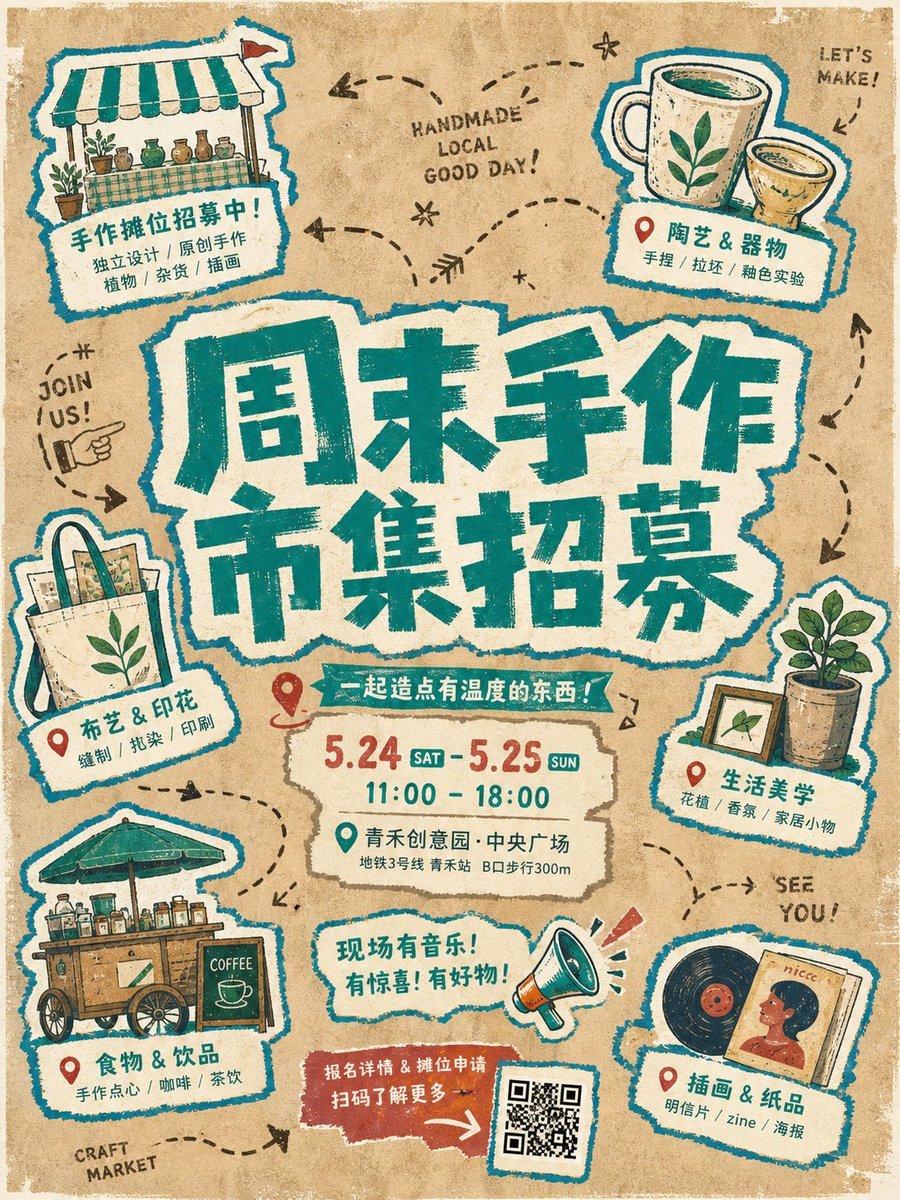
Handmade Torn Paper Poster Style

Hand-Drawn Doodle Grid Poster

Hand-drawn Breakfast Journal Aesthetic Poster
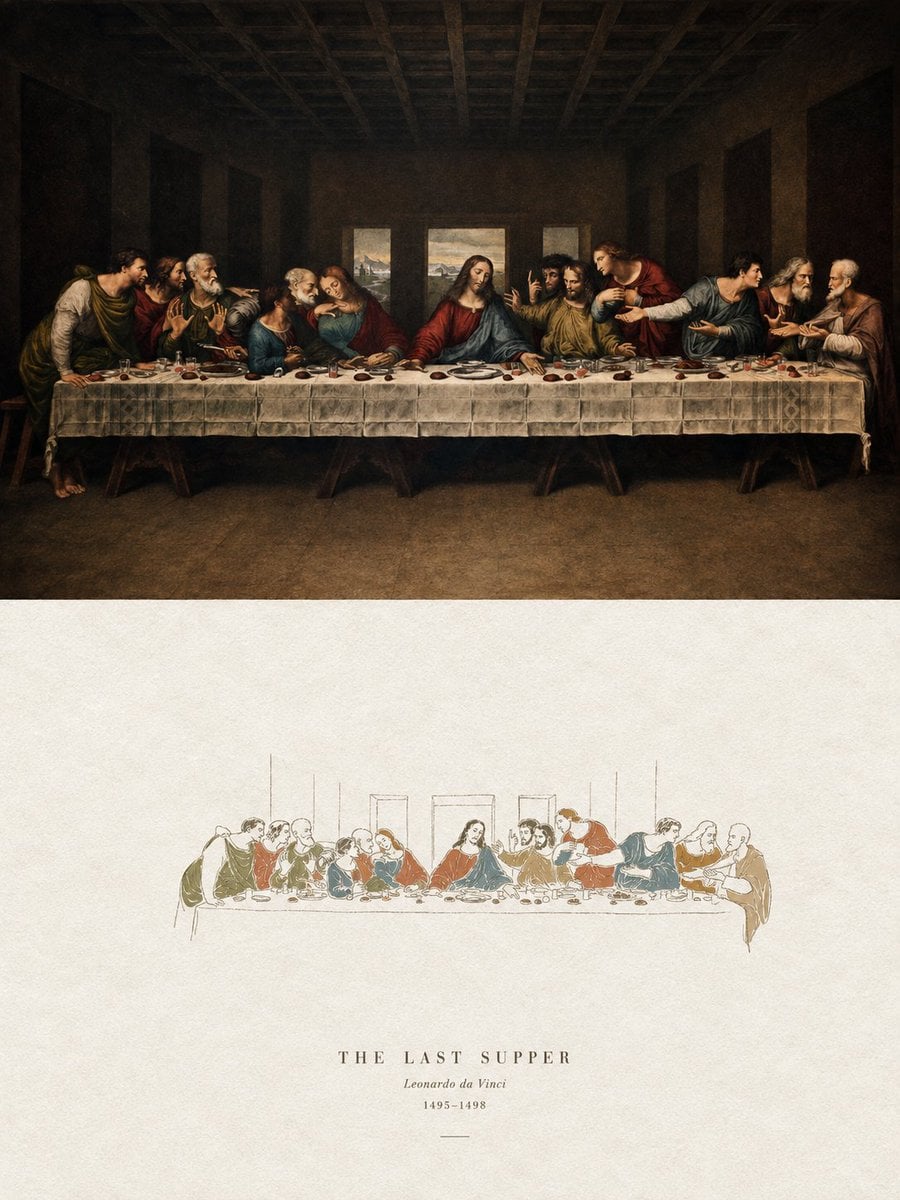
Acrylic Hand-Painted Style Poster Design
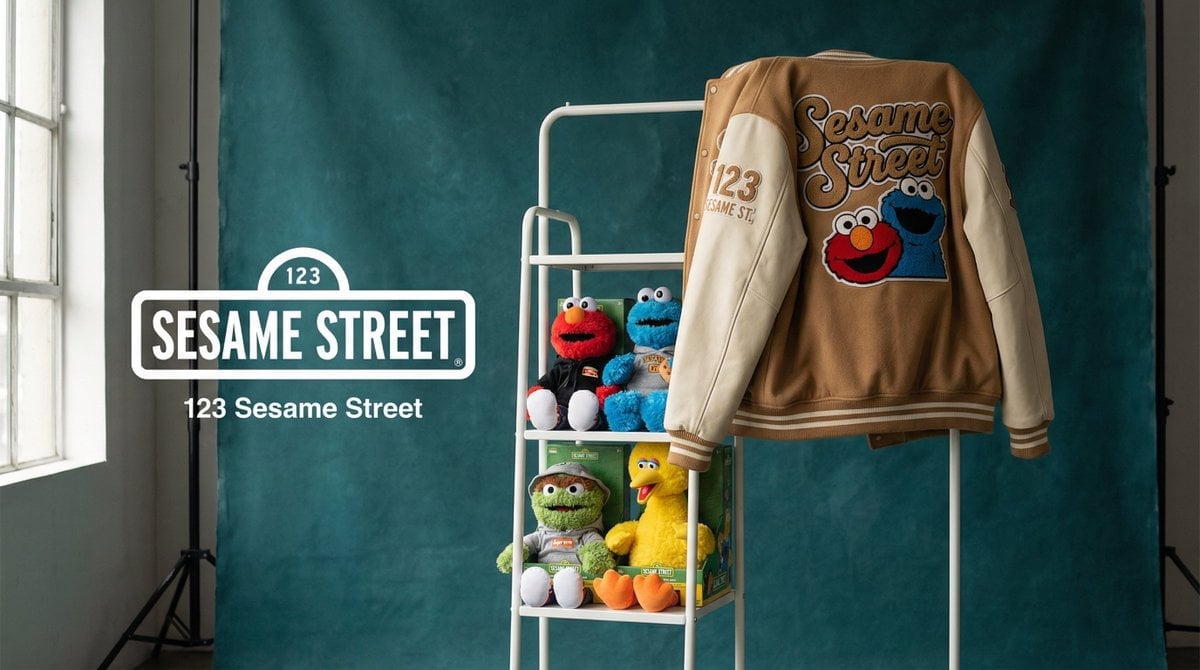
Photograph announcing a limited merchandise drop
Make it yours
Hand Pinching One-Yuan Coin works as-is. These are the safest ways to change it without losing the look.
Change one field
Copy a single group, rewrite it, and generate again so you can see what that field is doing.
Keep the frame, change the subject
Hold the composition and light of Hand Pinching One-Yuan Coin, then swap wardrobe, props or the person for a new take.
| If the result… | Why | Fix |
|---|---|---|
| The result drifts from the preview | Too many fields changed at once. | Reuse Hand Pinching One-Yuan Coin as-is first, then change one group — subject, light, or setting. |
| The model over-stylizes the scene | The prose prompt leaves finish and camera underspecified. | Add one camera or lighting sentence and stay on GPT Image 2. |
More GPT Image 2 templates
Other prompts made for GPT Image 2.

Six VTuber Japanese Logo Sheet

Realistic Portrait of Woman and Deer

The Vista Modular Condo Poster

AI Model Routing Comparison Infographic

2.5D Anime Art Board

Isometric Productivity Desk Scene

New York Double Exposure Poster

Four-Panel AI Landscape Comparison

Japanese Tatami Lifestyle Magazine Cover

NESCAFÉ Coffee Map Poster
More image prompts
Fresh picks from across the catalog.
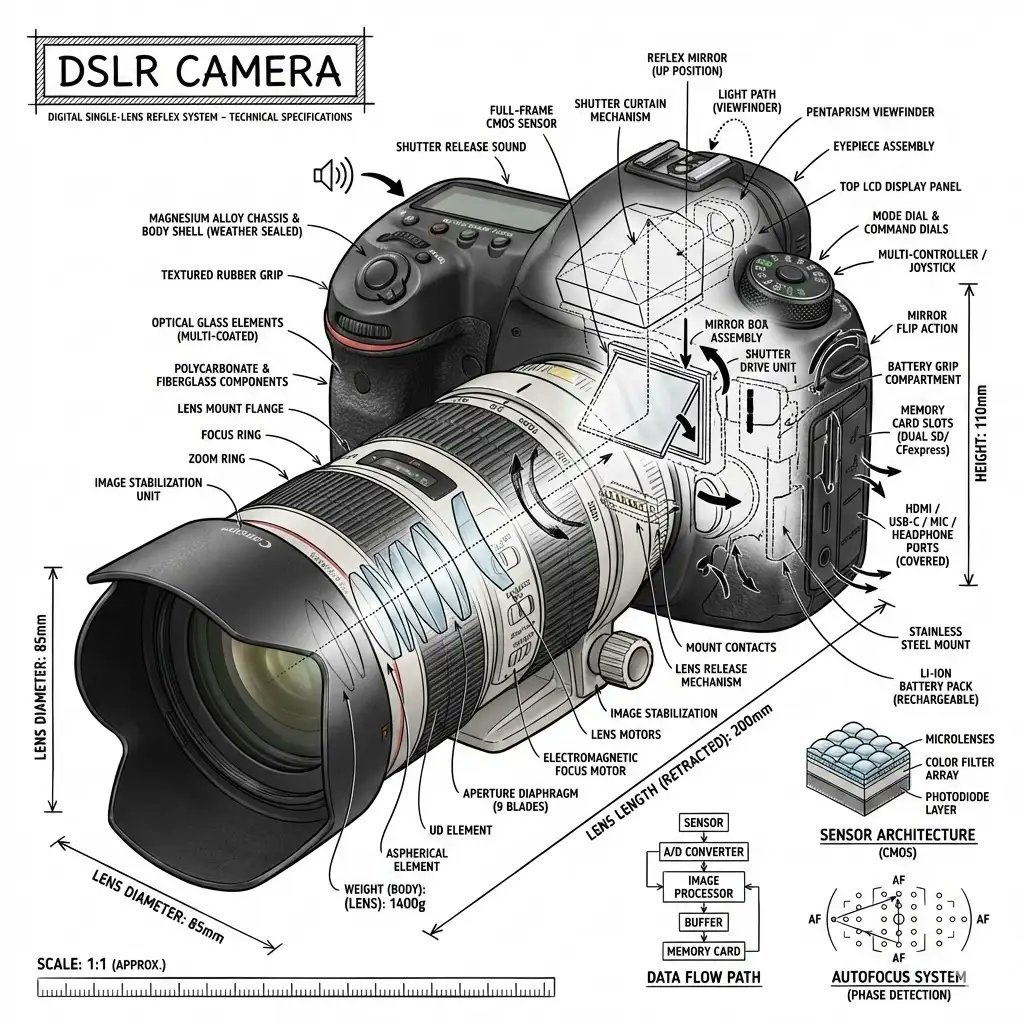
Infographic Prompt Template for Objects
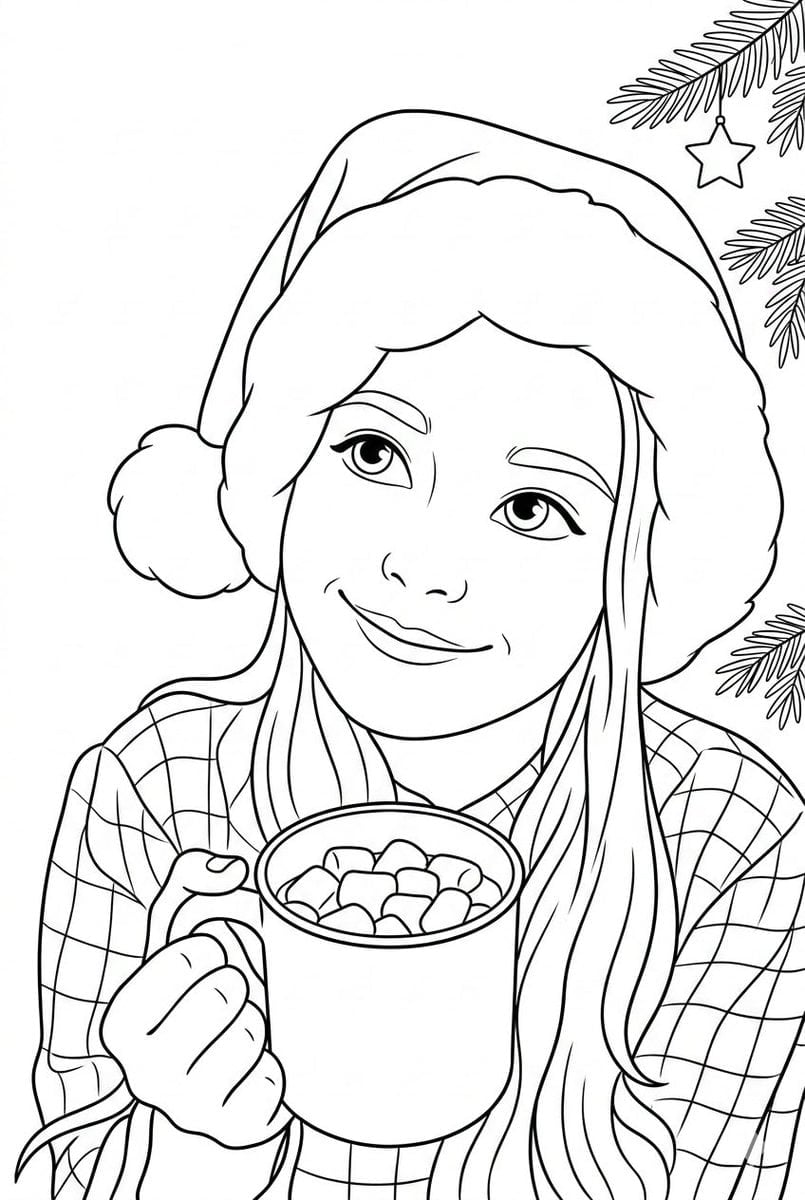
Convert Photo to Black and White Coloring Page
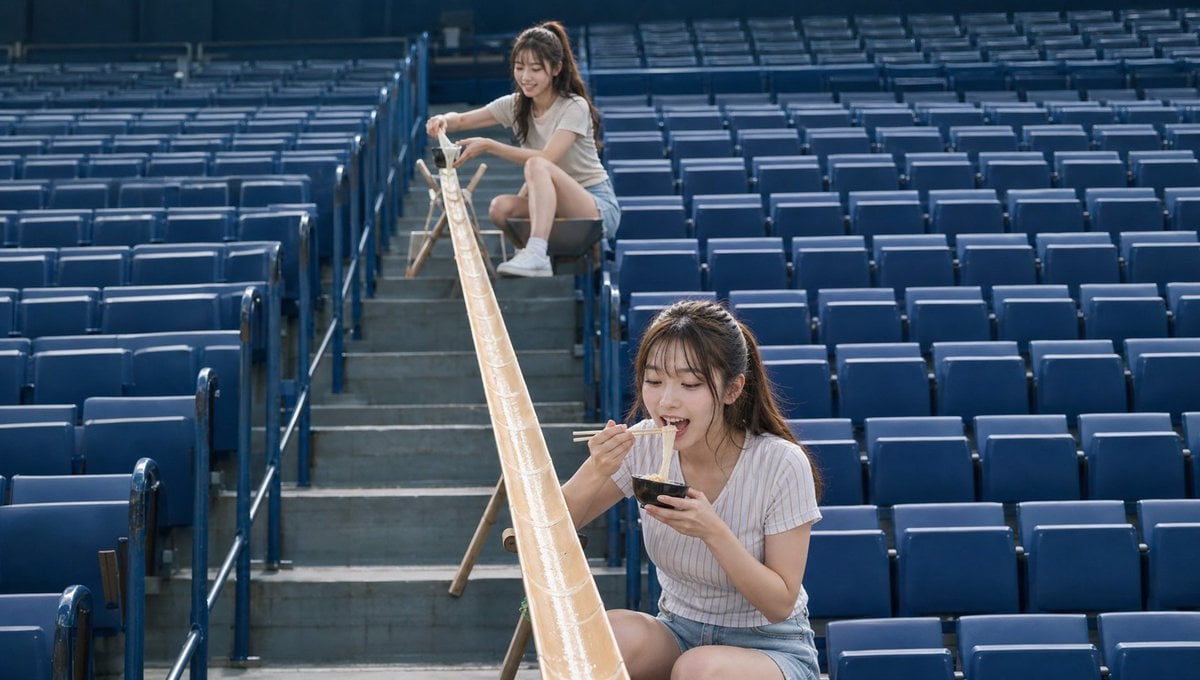
Empty Baseball Stadium Noodle Scene
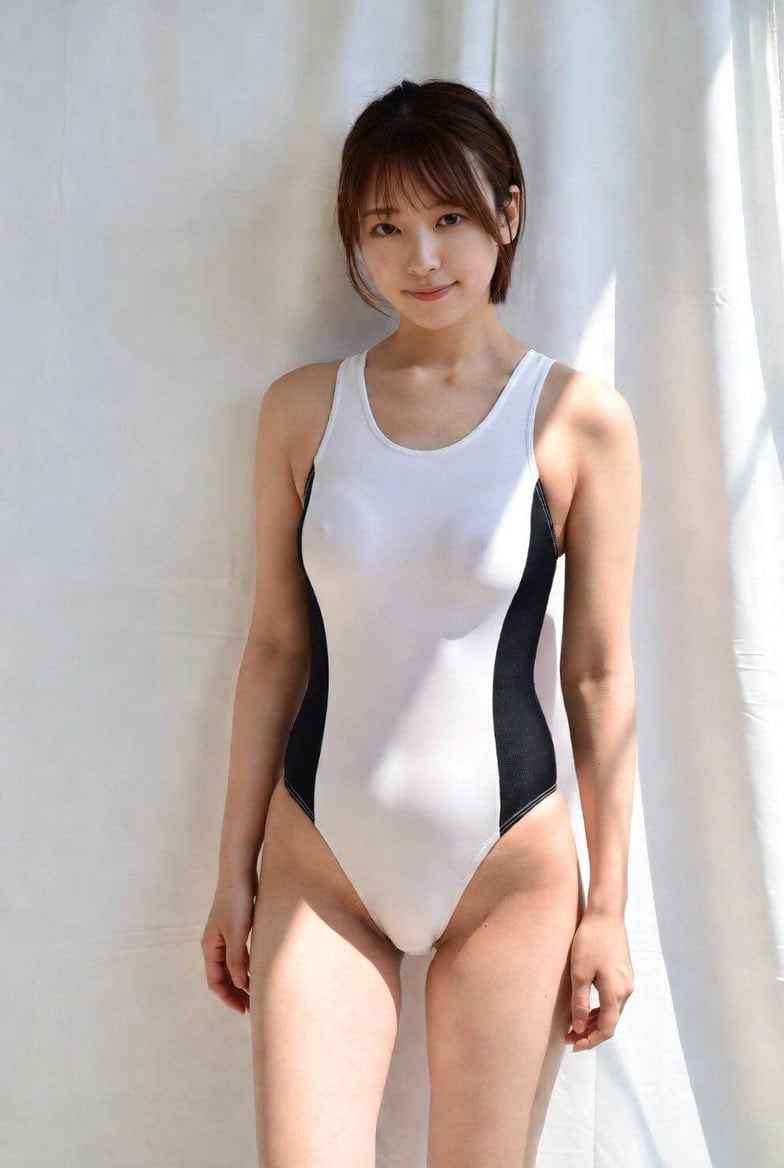
Image-to-Image Action Generation Template

Misty Lotus Pond Heron Sunrise

Man in Floating Glass Cube
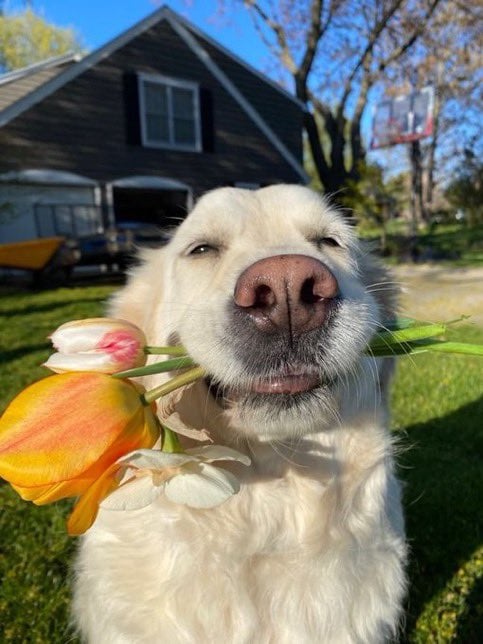
Cinematic 8K Photo Restoration
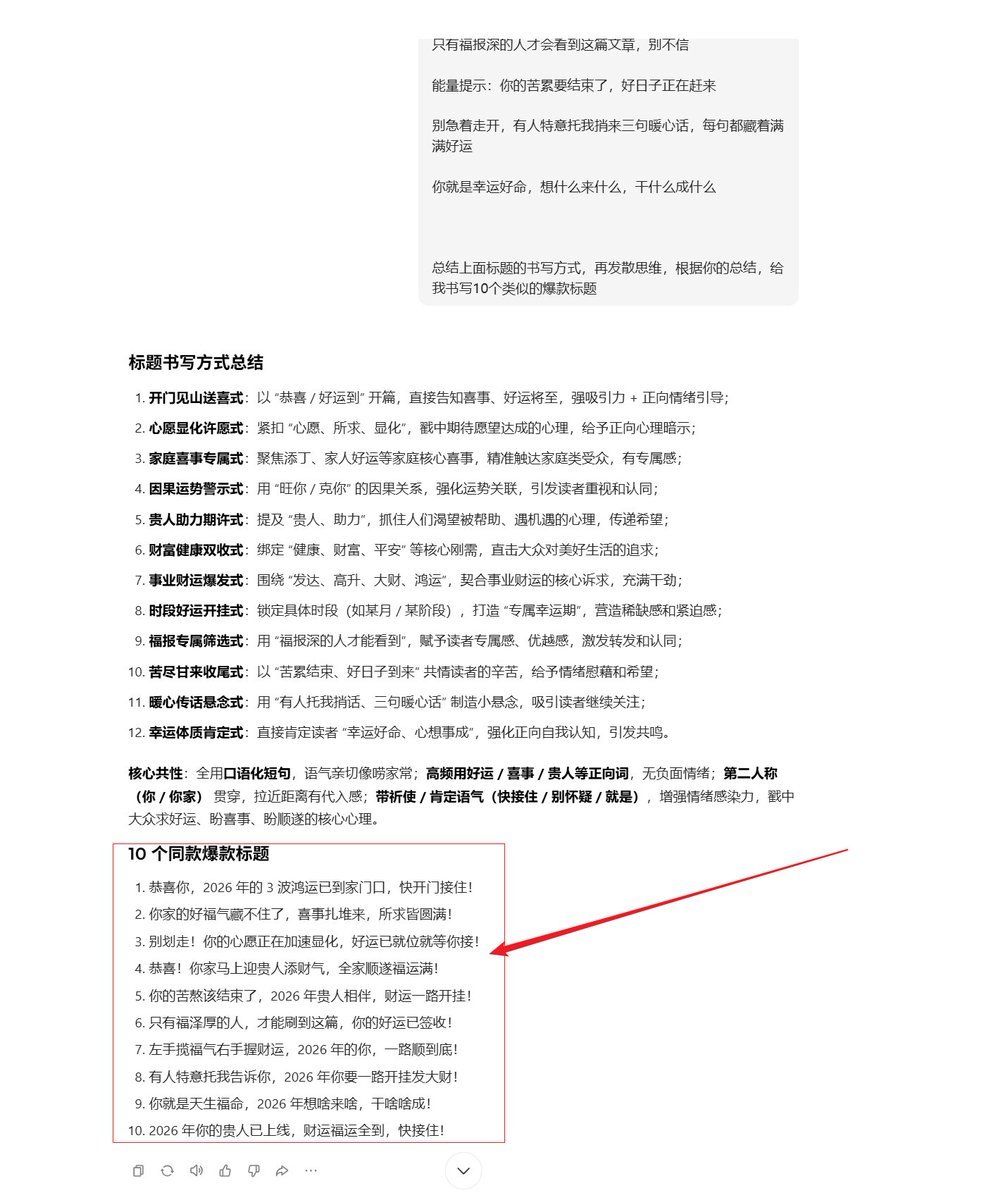
AI Prompt Template for Generating Viral Titles and Copy for Middle-Aged and Elderly Audiences

Cinematic Fashion-Editorial Portrait with Perspective Distortion
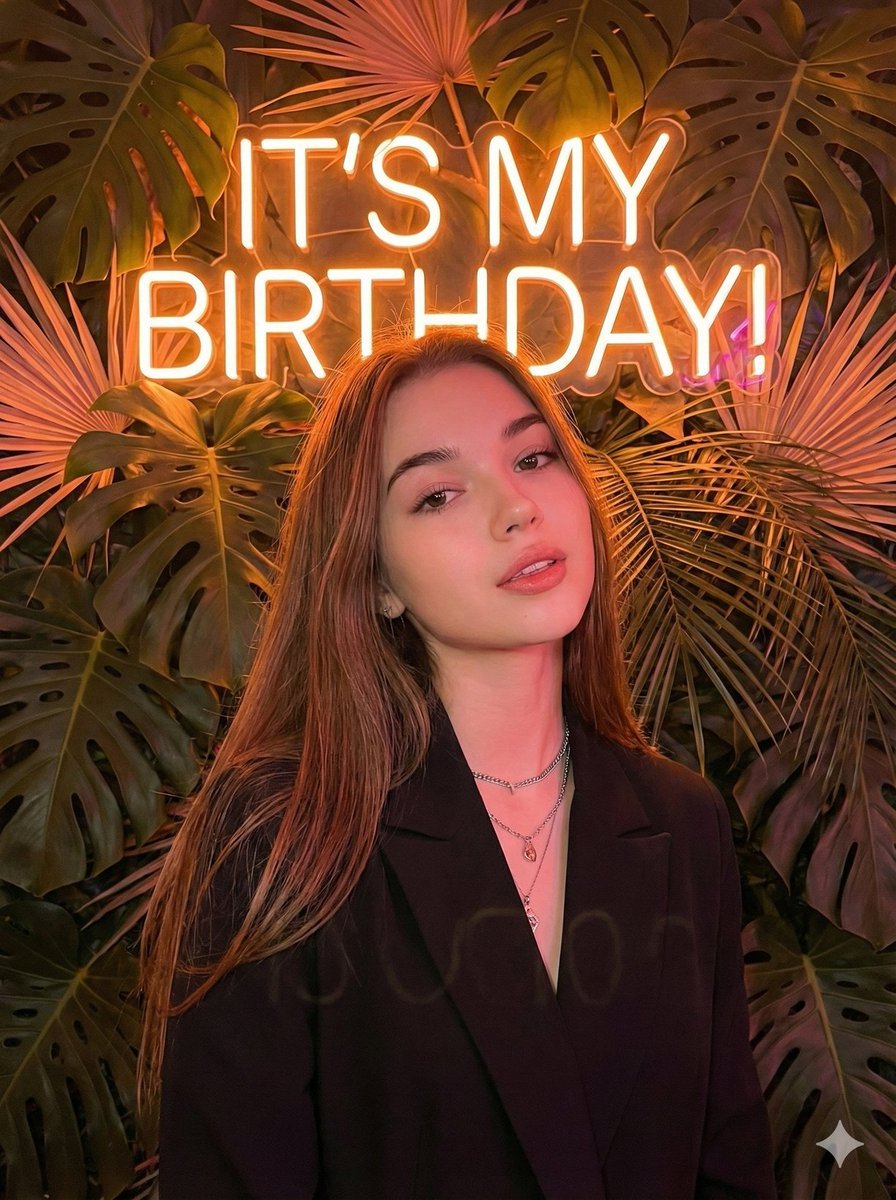
Birthday Celebration Neon Poster Collage Prompt
Browse template categories
Hand Pinching One-Yuan Coin questions
How do I use the Hand Pinching One-Yuan Coin template?
Add your photo if the template asks for one, edit the prompt if you like — the template's model and format are already selected — and press Generate. Your version opens in PicX Studio.
Can I customize the Hand Pinching One-Yuan Coin template?
Yes. You can change the subject, setting, lighting, mood, format, and available model controls before creating your image.
Is the Hand Pinching One-Yuan Coin template free?
Opening and editing this template is free. Generating uses credits, shown on the Generate button when you are signed in.
Which AI model should I use?
Start with GPT Image 2, which is the model associated with this template. You can compare another compatible model for a different finish.
Looking for something else? Browse all templates.

Your photo, any look
Thousands of ready templates for every top image and video model, from one credit balance.