
Photo to Doodle Character Transformation
A detailed instruction set to transform real people in a photo into hand-drawn doodles while preserving the original background.
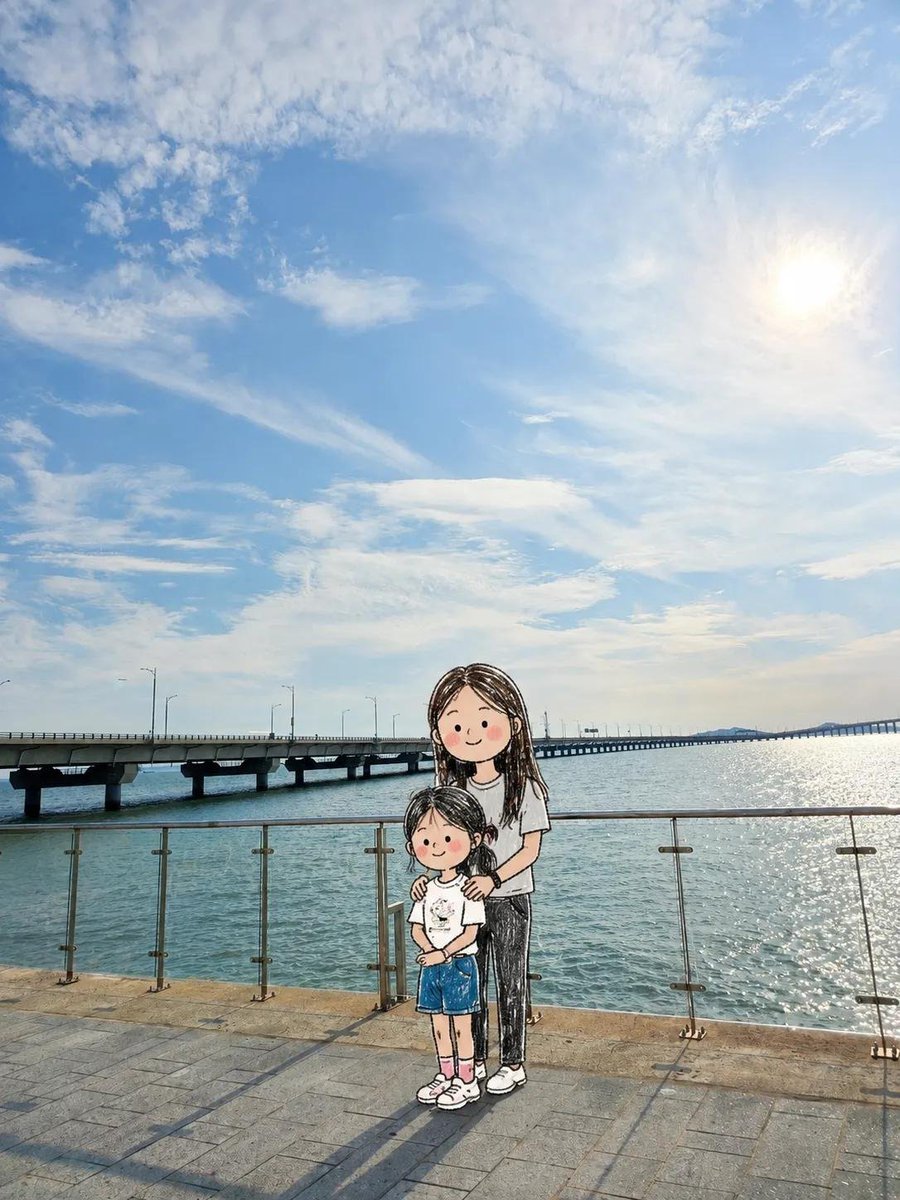
- Prompt included
- Model and format preset
- Free template
The prompt behind this image
Copy the exact prompt behind Photo to Doodle Character Transformation, or open it in the studio and make it yours.
Transform ONLY the people in the uploaded photo into adorable hand-drawn doodle characters while keeping the original photographic background unchanged. CORE RULE: Background = original realistic photo. People = cute hand-drawn doodle characters. PRESERVE THE BACKGROUND: Keep the original sky, landscape, buildings, water, furniture, ground, plants, railings, objects, lighting, colors, perspective, camera angle, framing, and textures as close to the original photo as possible. Do NOT redraw, simplify, illustrate, or apply doodle/crayon/pencil effects to the background or environmental objects. TRANSFORM ONLY PEOPLE: Replace each person with a charming, naive doodle version while preserving: - exact number of people - original position and relative scale - front/back/side/three-quarter orientation - head and body direction - pose and gesture - arm and leg positions - interactions with people or objects - hairstyle, clothing colors, and major accessories IMPORTANT: If someone faces away, keep them back-facing. If sideways, keep them sideways. If facing forward, keep them forward. Never rotate a person toward the viewer or invent a face that is not visible. CUTE DOODLE STYLE: Freely reinterpret realistic anatomy into an adorable, imperfect character: - oversized round head - tiny compact body - short simplified arms and legs - tiny hands and feet - cute awkward proportions - loose scribbled hair - tiny dot eyes and simple facial features when visible - rosy scribbled cheeks when appropriate Keep the original pose recognizable, but simplify and slightly exaggerate it for cuteness. DRAWING STYLE: Loose naive hand-drawn doodle, like a quick children's sketch. Use thin shaky black outlines, imperfect shapes, overlapping sketch lines, scribbled colored-pencil or crayon fills, uneven coloring, white gaps, and slightly messy edges. The character should look intentionally roughly drawn but extremely cute. OBJECTS: Objects, furniture, scenery, and items around the people should remain photographic whenever possible. A doodle character may naturally touch or hold a real photographic object. INTEGRATION: Keep correct scale, ground contact, depth, and occlusion so the doodle characters naturally occupy the same locations as the original people. FINAL LOOK: It should feel like the real people were removed from the original photograph and replaced with adorable little hand-drawn doodle versions of themselves, while the real-world background remained untouched. Prioritize: 1. Original photographic background 2. Person position and scale 3. Exact body orientation 4. Pose and gesture 5. Cute exaggerated doodle character design Avoid full-image illustration, background doodling, realistic anatomy, anime, manga, 3D cartoon, polished digital art, vector lines, changed poses, changed orientation, added people, or invented faces.
How to use Photo to Doodle Character Transformation in 3 steps
- 1Upload ImagePNG, JPG or paste
Add your photo
Upload the photo the template builds on. The prompt, model and format are already set.
- 2…a portrait of your subject in softgolden-hour light, 85mm…
Personalize
Edit the subject and creative details for your destination.
- 3Generate
Generate
Press Generate — your image is created in PicX Studio, so you can compare it with the original and refine one variable at a time.
More like this
Templates with the same subject, style or setup. Open one to see its prompt.
Real Illustration Split Portrait Transition
Funny Doodle Photo Transformation
Cartoon Doodle Transformation
Twitter Profile Doodle Art Transformation
Seedance - Character Transition
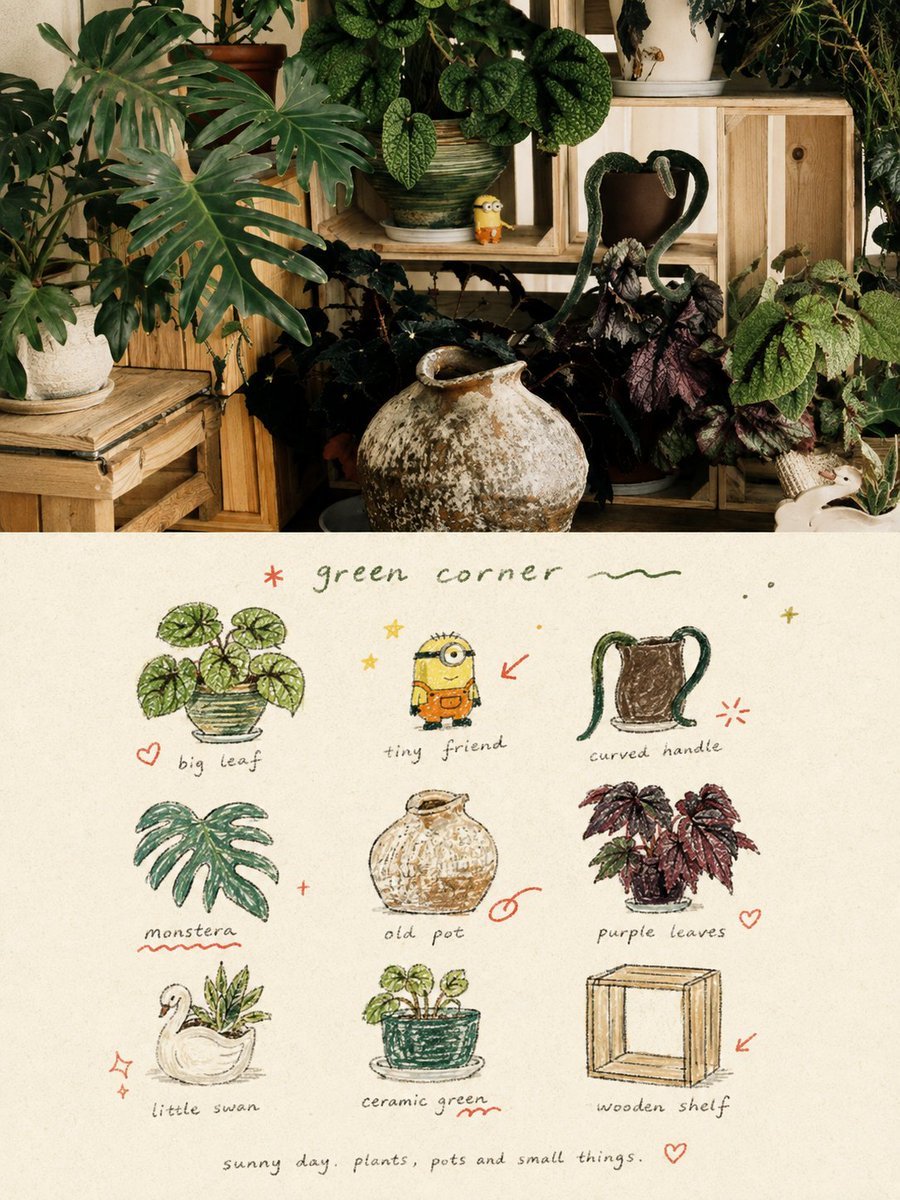
Hand-Drawn Doodle Grid Poster
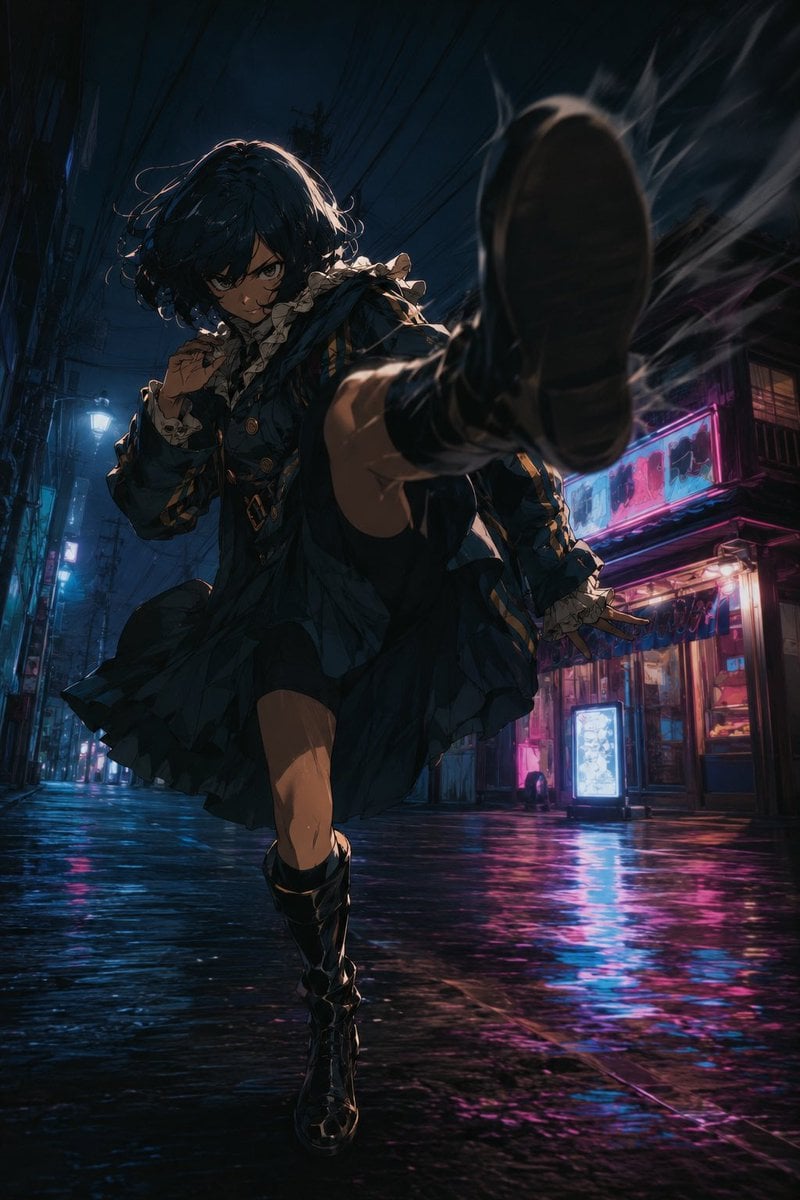
Anime Alley Kick Transformation
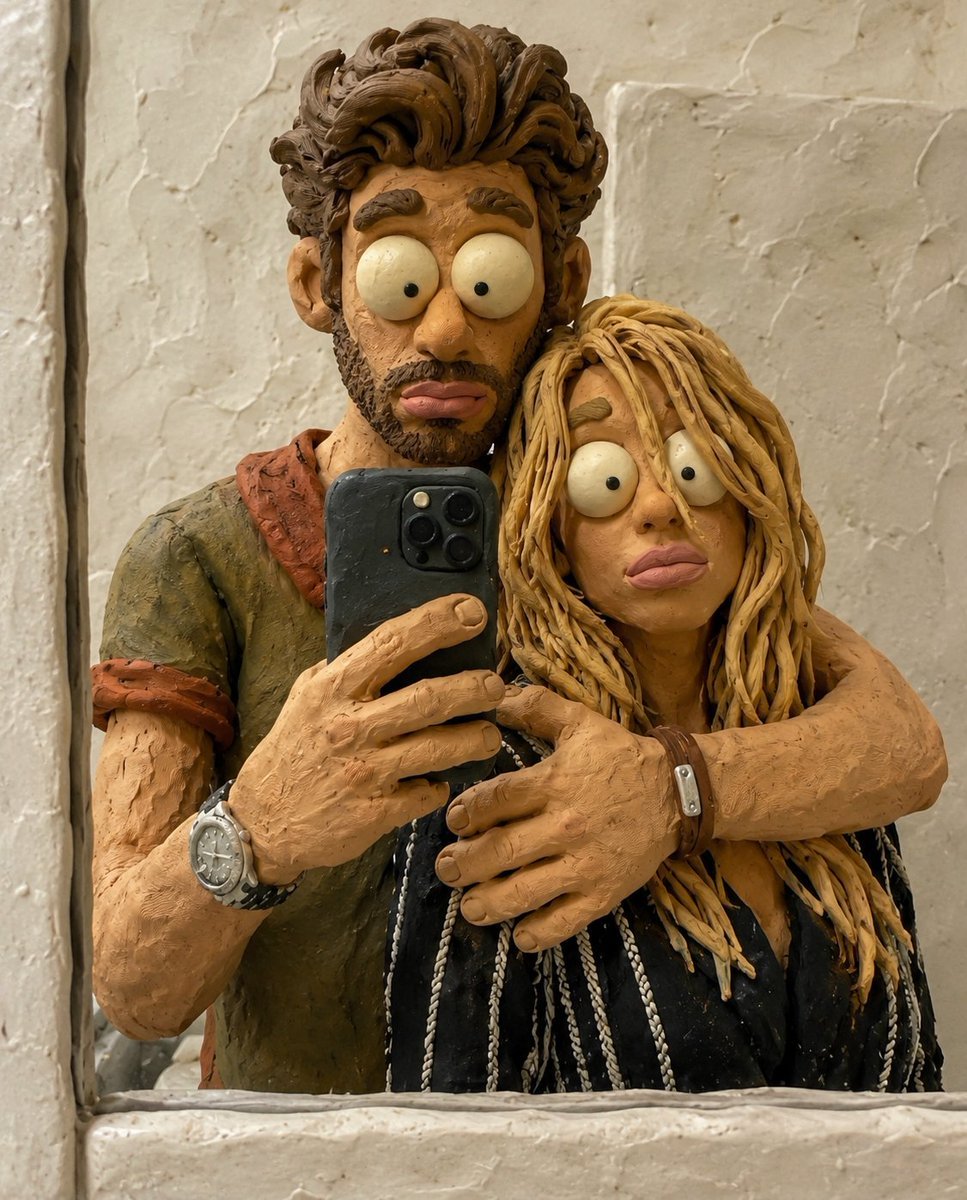
Chaotic Claymation Photo Transformation
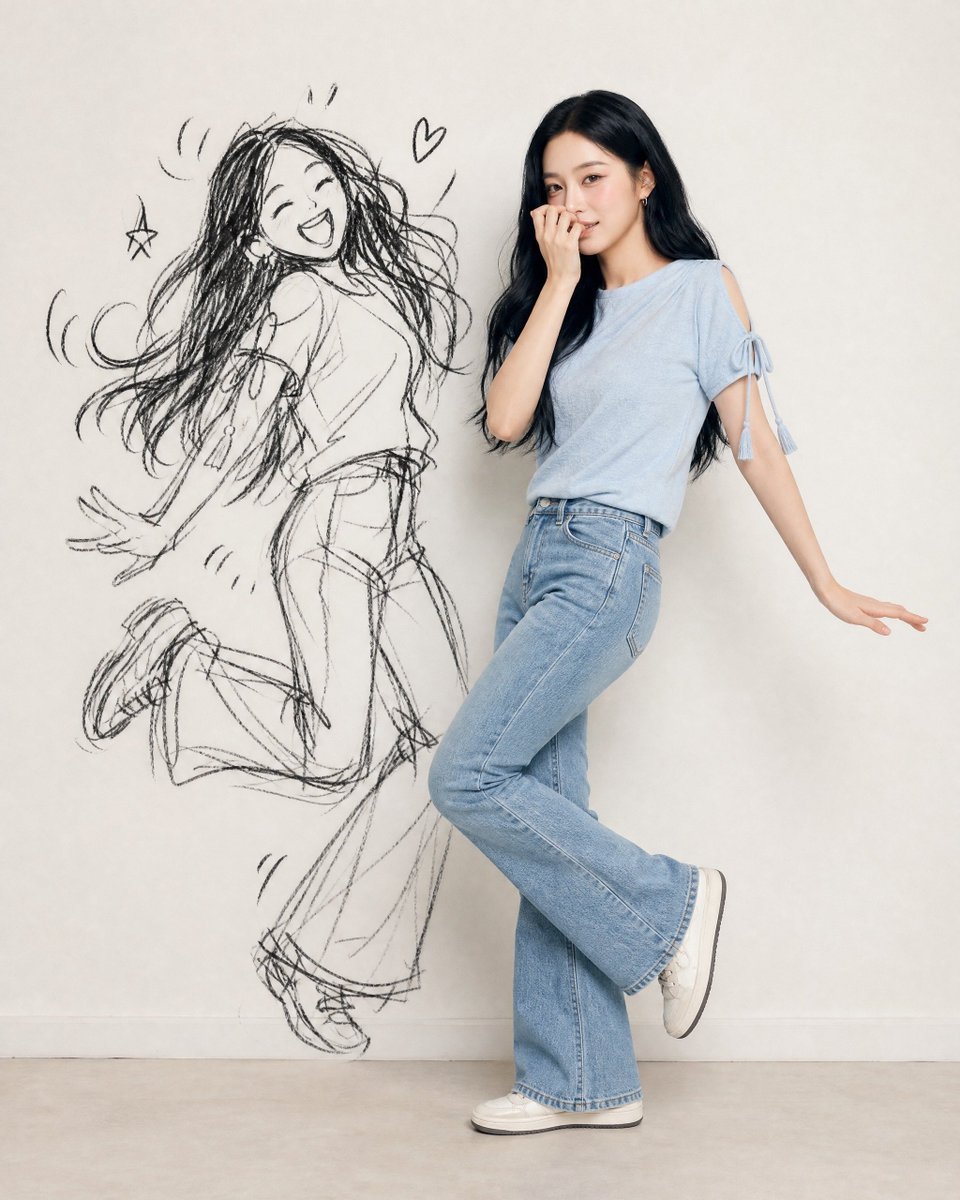
Ink-Twin Doodle Stylization
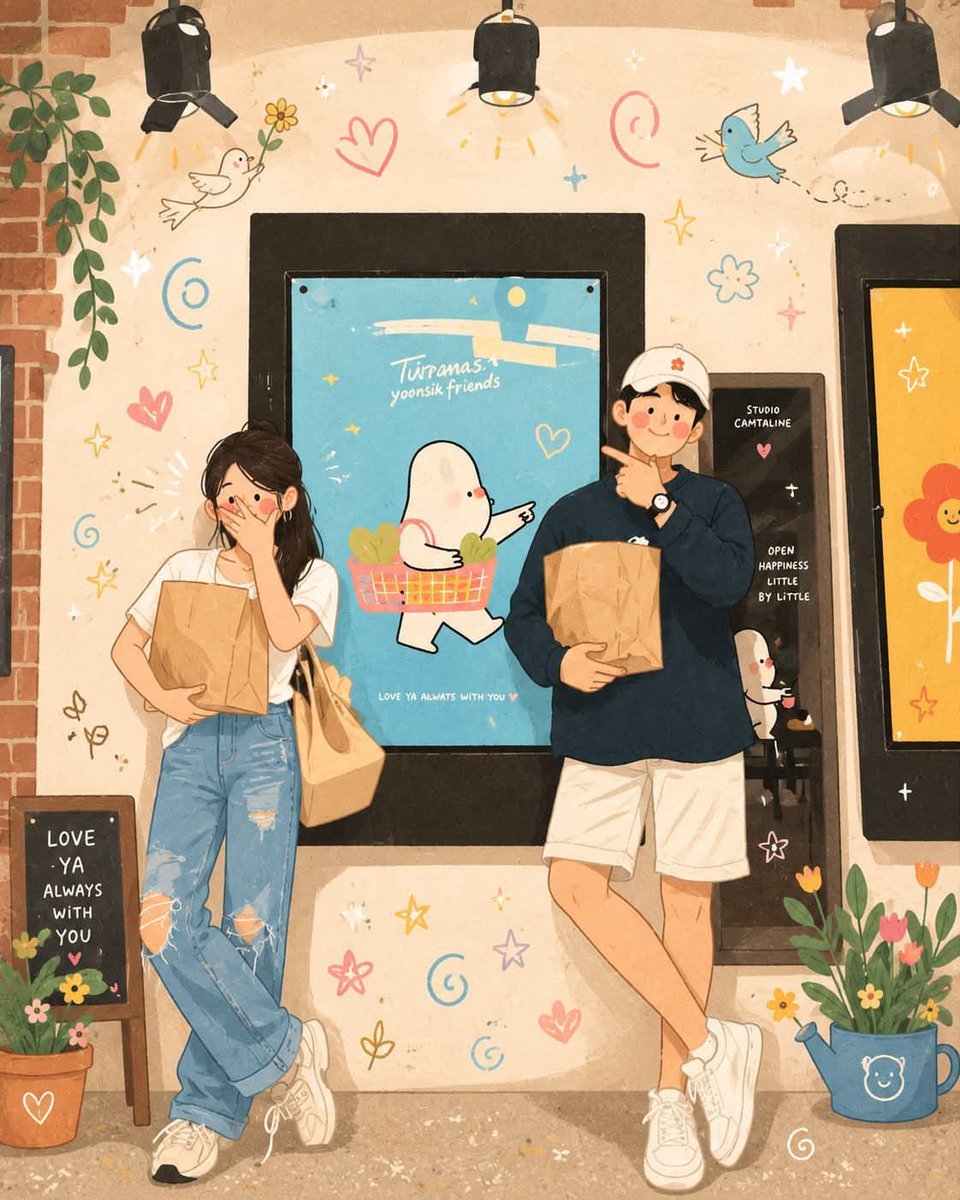
Korean-Inspired Whimsical Doodle Art
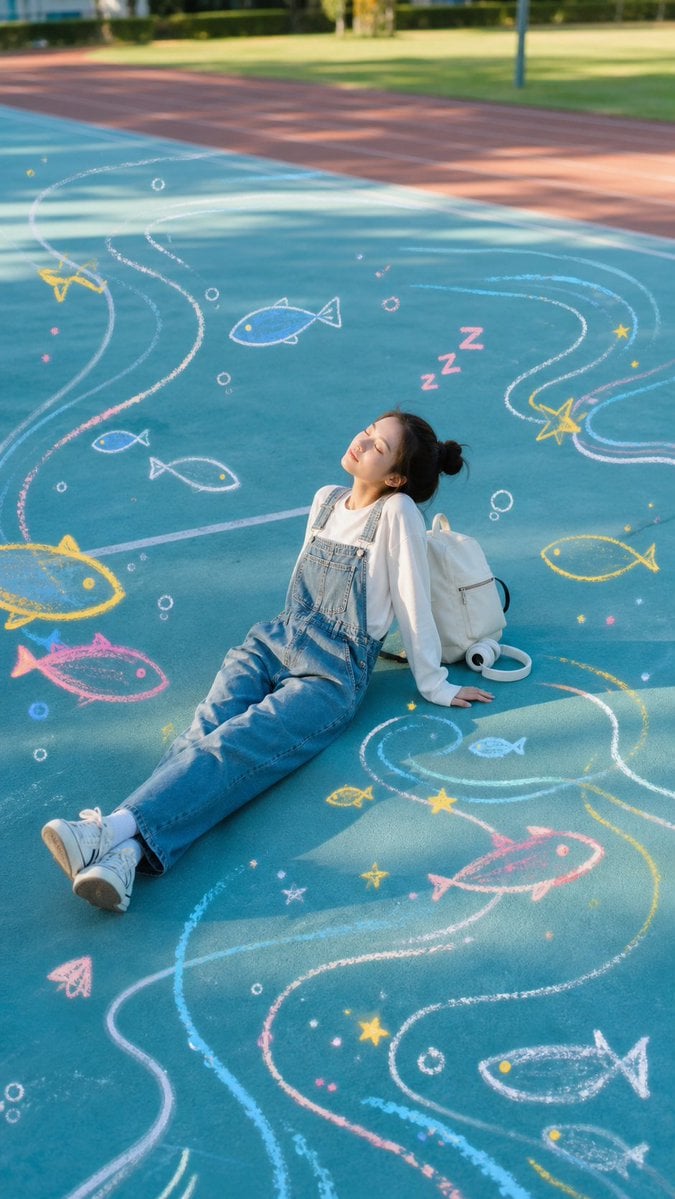
Sleeping Girl on Chalk Doodle Court
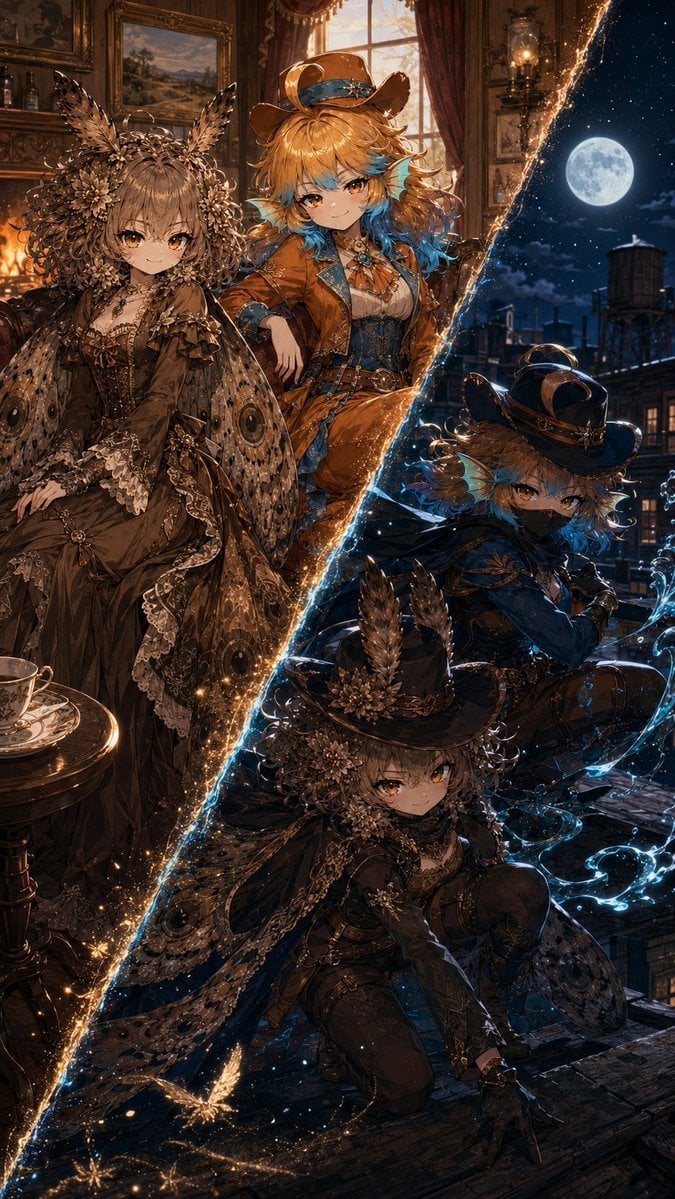
Superhero Era Transformation Split Portrait
Make it yours
Photo to Doodle Character Transformation works as-is. These are the safest ways to change it without losing the look.
Change one field
Copy a single group, rewrite it, and generate again so you can see what that field is doing.
Keep the frame, change the subject
Hold the composition and light of Photo to Doodle Character Transformation, then swap wardrobe, props or the person for a new take.
| If the result… | Why | Fix |
|---|---|---|
| The result drifts from the preview | Too many fields changed at once. | Reuse Photo to Doodle Character Transformation as-is first, then change one group — subject, light, or setting. |
| The model over-stylizes the scene | The prose prompt leaves finish and camera underspecified. | Add one camera or lighting sentence and stay on GPT Image 2. |
More GPT Image 2 templates
Other prompts made for GPT Image 2.

Six VTuber Japanese Logo Sheet

Realistic Portrait of Woman and Deer

The Vista Modular Condo Poster

AI Model Routing Comparison Infographic

2.5D Anime Art Board

Isometric Productivity Desk Scene

New York Double Exposure Poster

Four-Panel AI Landscape Comparison

Japanese Tatami Lifestyle Magazine Cover

NESCAFÉ Coffee Map Poster
More image prompts
Fresh picks from across the catalog.
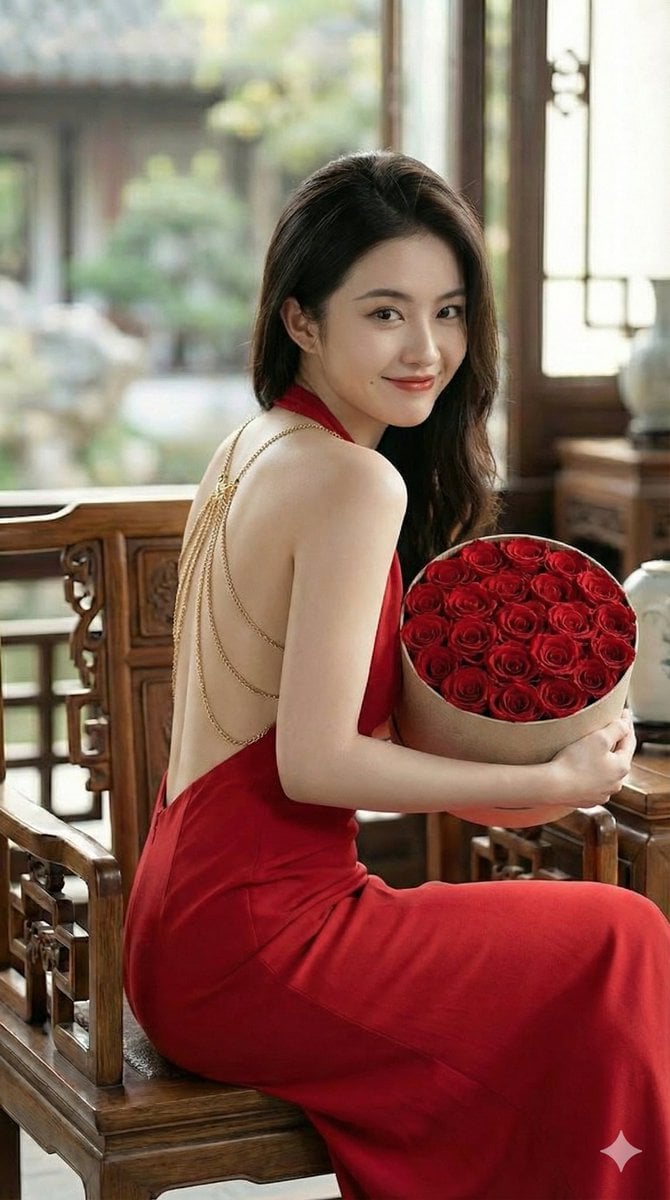
Romantic Opulence Portrait Prompt (Red Dress)
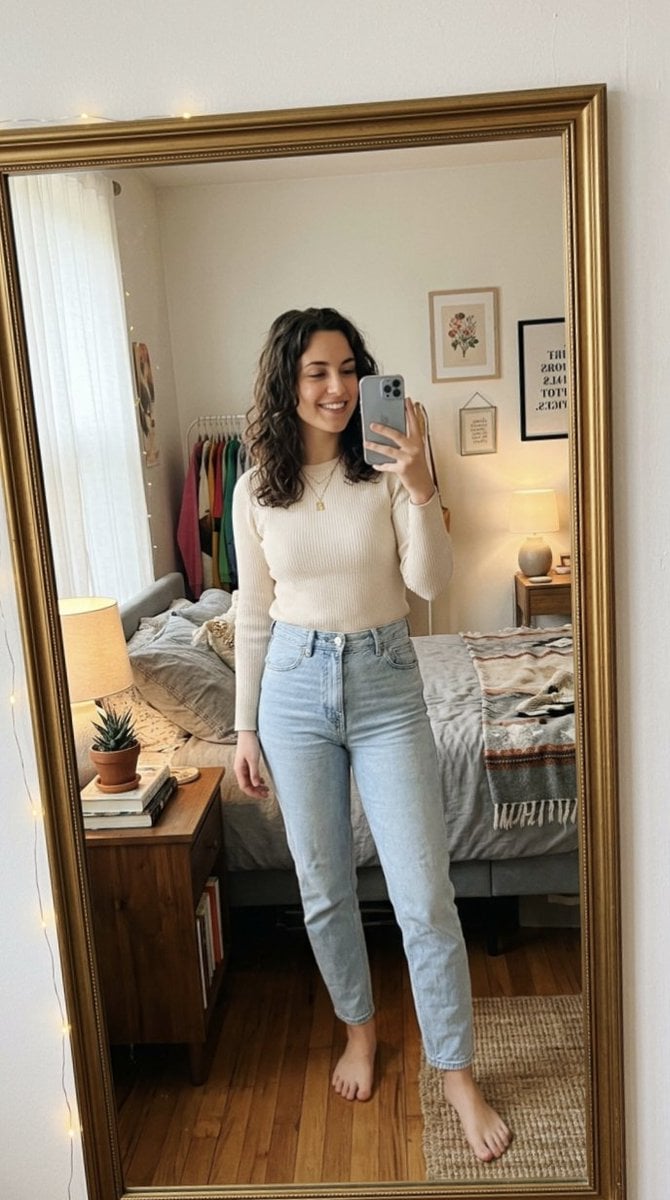
Photorealistic Mirror Selfie Portrait

SaaS AI Dashboard Landing Page
Convert Image to School Yearbook Portrait
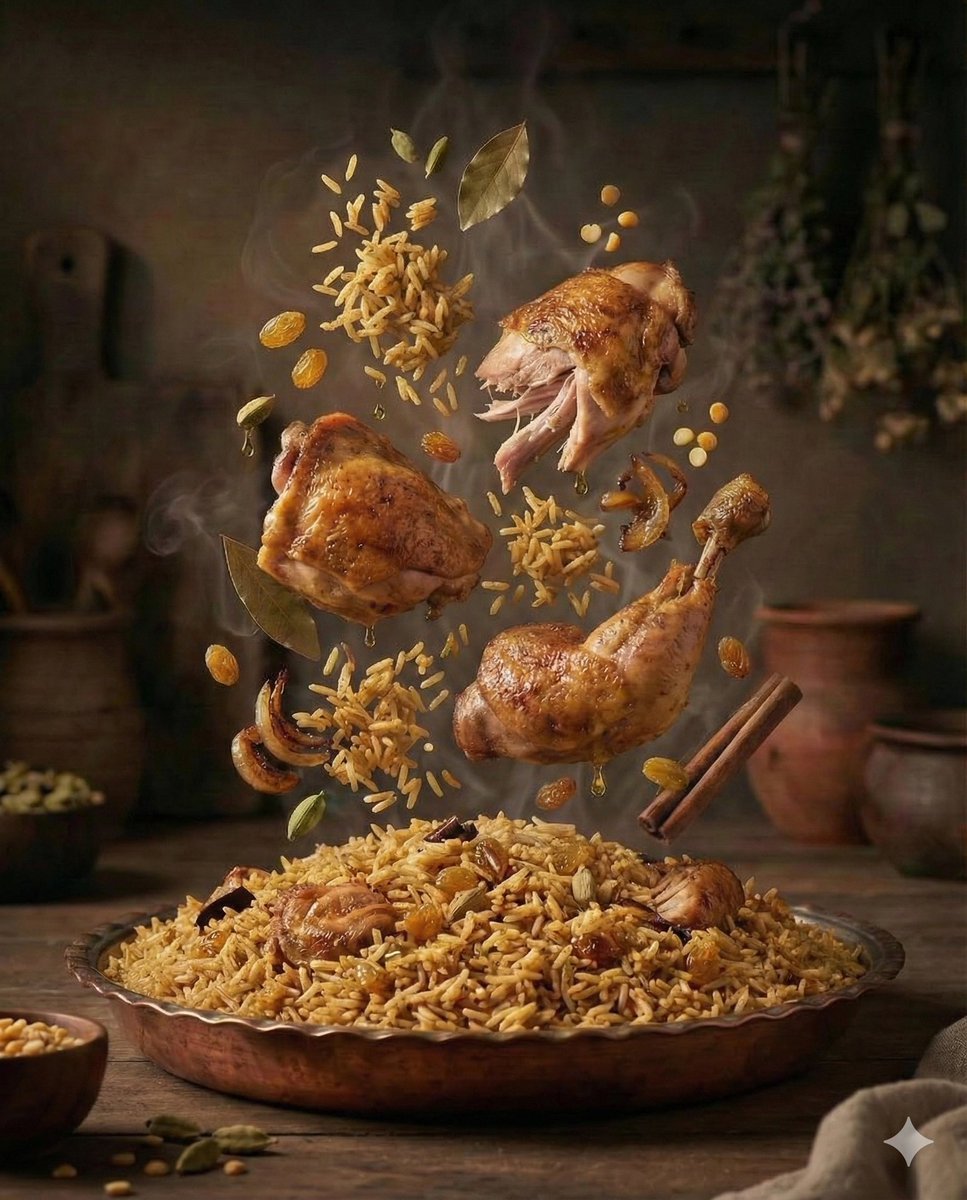
Cinematic Exploded-View Middle Eastern Food Scene

Translucent seawater whale in the clouds
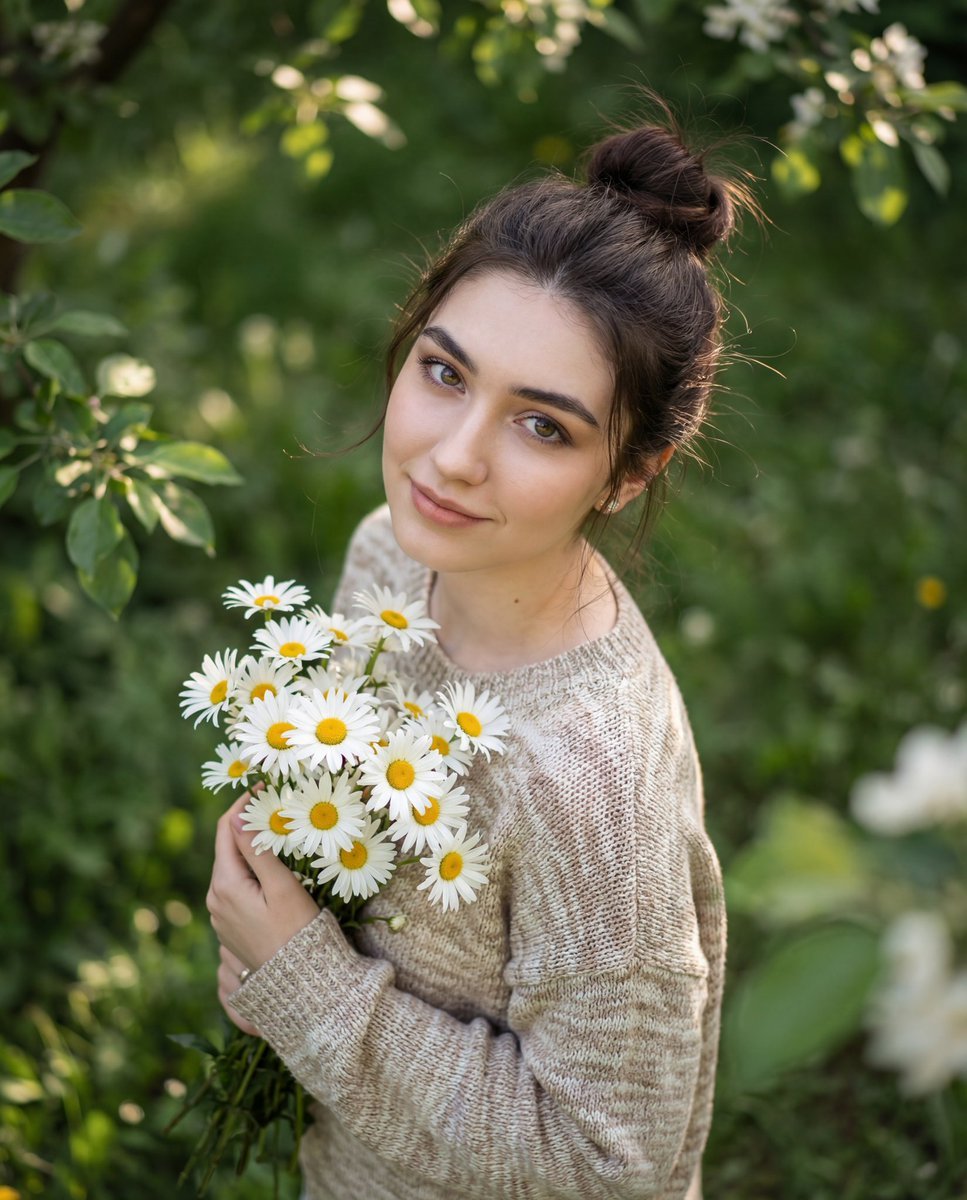
Luxury Editorial Candid Photo in a Garden
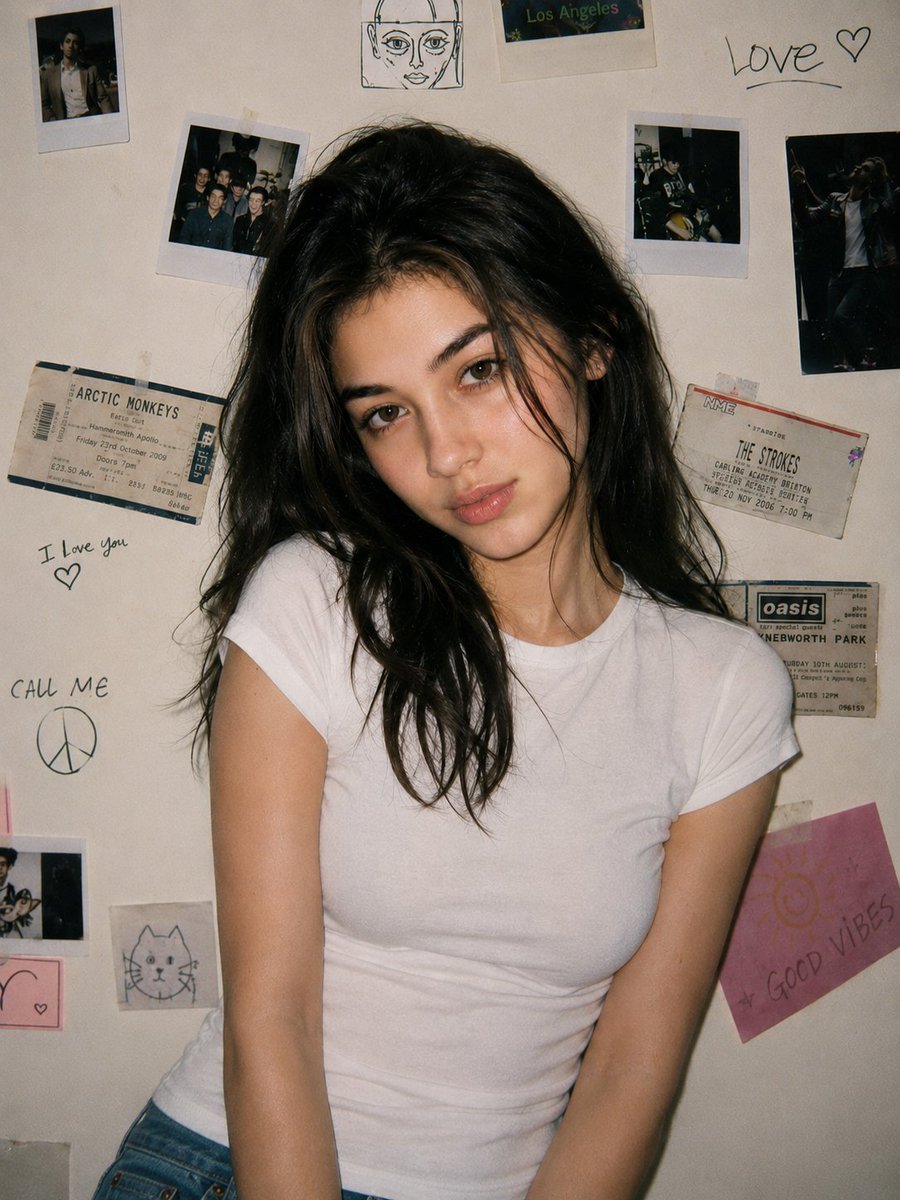
90s Disposable Camera Portrait
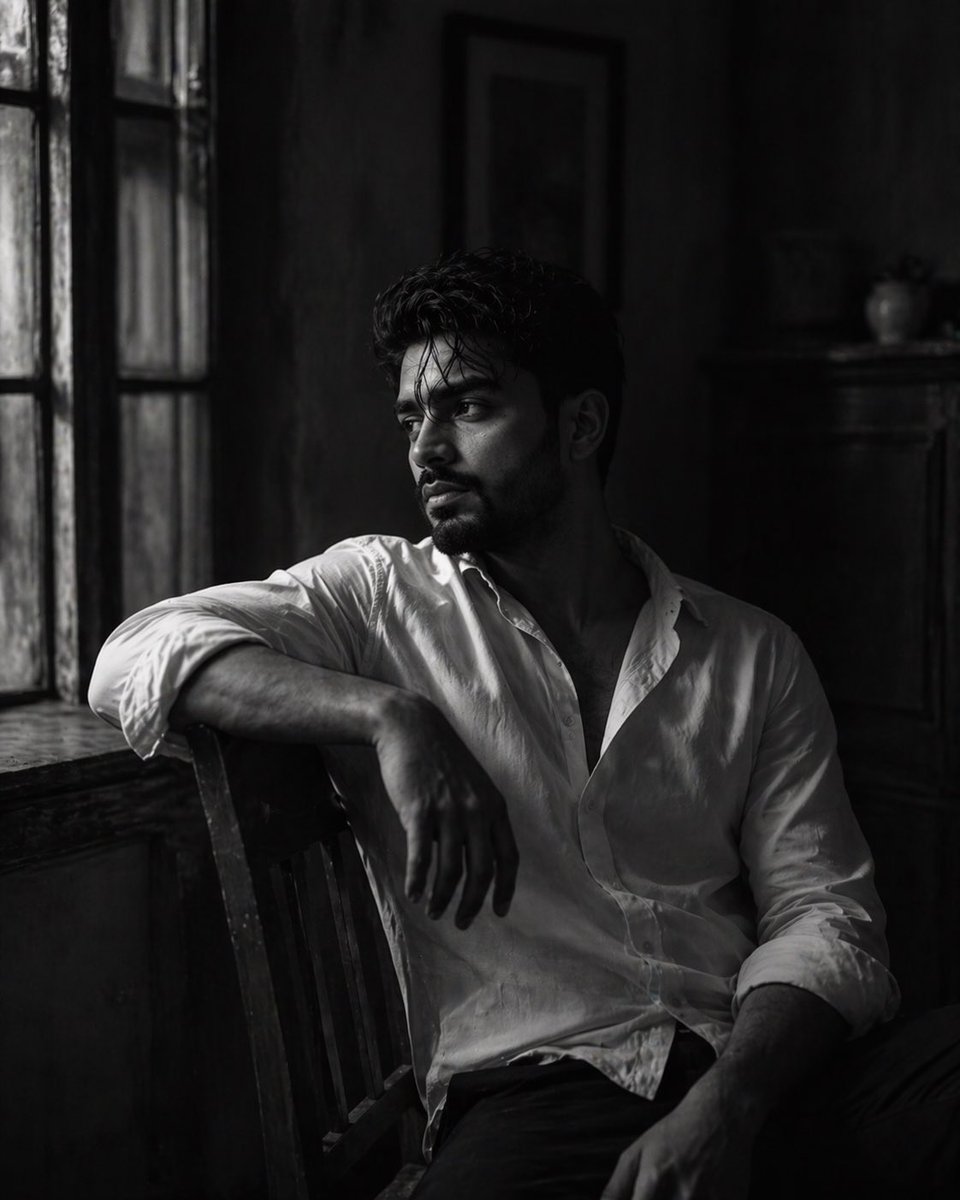
Black-and-White Fine Art Portrait
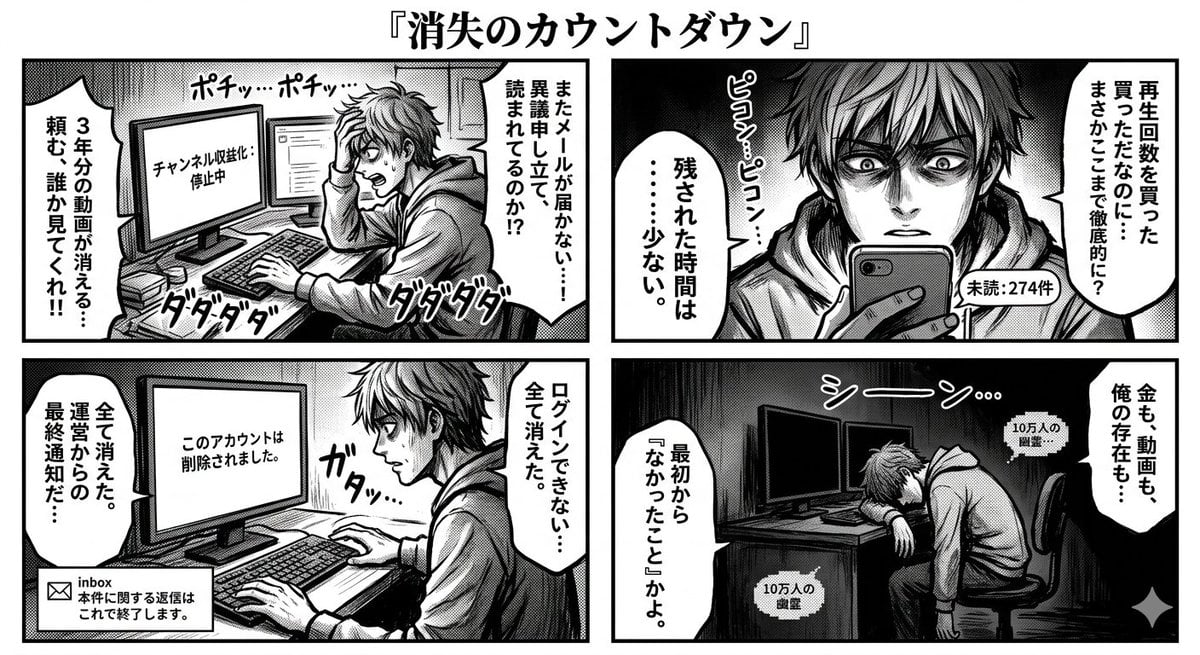
Four-Panel Manga: Countdown to Disappearance
Browse template categories
Photo to Doodle Character Transformation questions
How do I use the Photo to Doodle Character Transformation template?
Add your photo if the template asks for one, edit the prompt if you like — the template's model and format are already selected — and press Generate. Your version opens in PicX Studio.
Can I customize the Photo to Doodle Character Transformation template?
Yes. You can change the subject, setting, lighting, mood, format, and available model controls before creating your image.
Is the Photo to Doodle Character Transformation template free?
Opening and editing this template is free. Generating uses credits, shown on the Generate button when you are signed in.
Which AI model should I use?
Start with GPT Image 2, which is the model associated with this template. You can compare another compatible model for a different finish.
Looking for something else? Browse all templates.

Your photo, any look
Thousands of ready templates for every top image and video model, from one credit balance.