How do I use the Pixel Glass Alien and Astronaut Encounter template?
Choose the primary action to open PicX Studio with the available template settings. Review the model and format, personalize the creative direction, and generate when ready.
A surreal square sci-fi artwork of a translucent alien and astronaut touching hands while dissolving into glass-like pixel fragments. Change the subject, setting, or lighting one variable at a time.

Create a square 1:1 ultra-clean surreal sci-fi artwork in a modern pixel-glass aesthetic. Show exactly two centered full-body subjects facing each other in profile: on the left, {argument name="alien character" default="a tall translucent humanoid alien"} with a smooth elongated head, large dark almond eye, slender neck and delicate body made of transparent frosted glass filled with faint nebula colors; on the right, {argument name="human explorer" default="an astronaut in a white EVA spacesuit"} with a reflective helmet visor, ribbed suit joints, chest module, hoses, gloves, and a bulky backpack. Their raised hands meet gently palm-to-palm at the exact center, creating a small warm glow between their fingertips. Both figures partially dissolve into translucent square pixel blocks and glass cubes: count two main dissolving pixel fields, one surrounding the alien and one surrounding the astronaut, with many semi-transparent squares of varied sizes floating outward around their silhouettes. Use a deep black gradient studio background with soft haze, subtle smoke, tiny glittering particles, and a glossy dark floor that creates faint reflections beneath the figures. Lighting should mix cool blue-white rim light with subtle pink, violet, and amber cosmic highlights inside the alien body and warm golden light at the touching hands. Camera is front-facing, eye-level, centered, shot with an 85mm clean studio lens, crisp subject clarity, shallow depth of field, balanced negative space, static symmetrical composition, photorealistic rendering blended with abstract digital fragmentation. No text, no logo, no watermark, no extra characters.
Choose the primary action to open PicX Studio with the available template settings. Review the model and format, personalize the creative direction, and generate when ready.
Yes. You can change the subject, setting, lighting, mood, format, and available model controls before creating your image.
This template is free to open and customize. Generation usage is shown in PicX Studio before you create.
Start with GPT Image 2, which is the model associated with this template. You can compare another compatible model for a different finish.
Follow a topic to a crawlable collection of related PicX Studio templates.
43,474 public templates available. Verified via the PicX Studio public templates API; refreshed hourly.









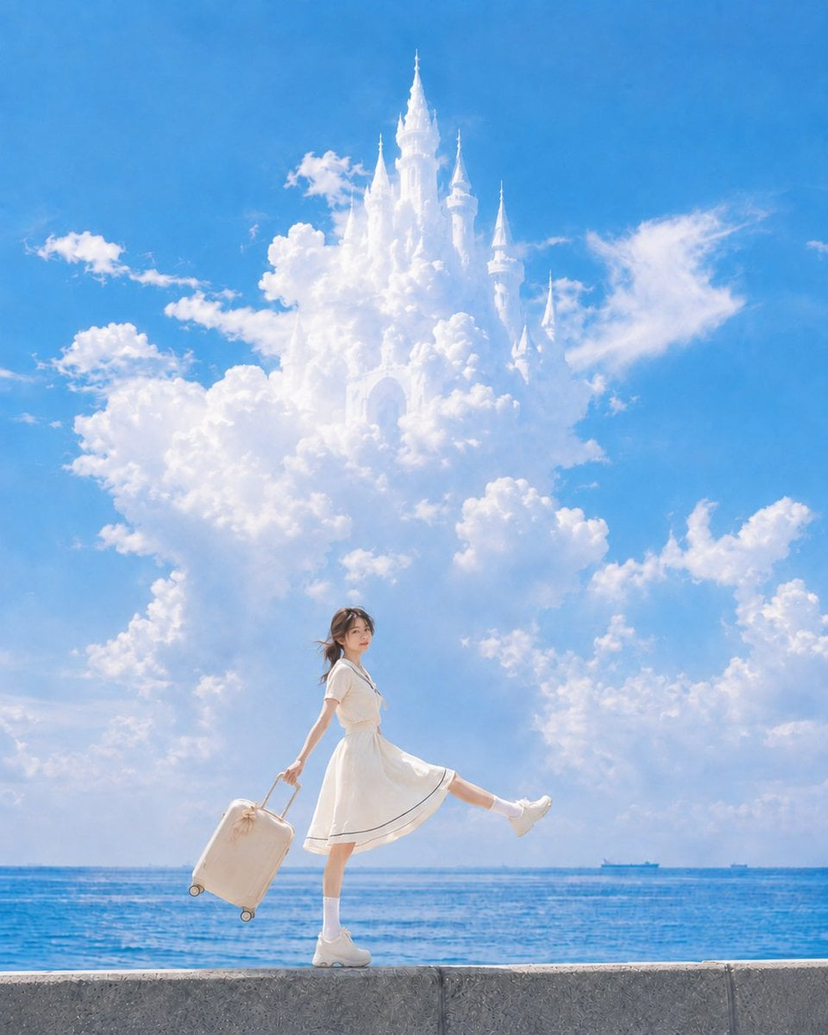




![Minimalist Flat Vector Travel Poster — Premium minimalist flat-vector travel poster for {argument name="city name" default="[CITY_NAME]"}, 3:4 vertical format.](https://cms-assets.youmind.com/media/1787917359711_3ug846_HQX205cbMAA6F6S-300x400.jpg)




















![Tilt-Shift Diorama Miniature City Prompt (Shanghai) — City_Name = {argument name="city name" default="Shanghai"} {+Macro +Tilt_Shift +Diorama +[CITY_NAME]_Archi](https://pbs.twimg.com/media/HB-bcoKXIAAG9Kk.jpg)


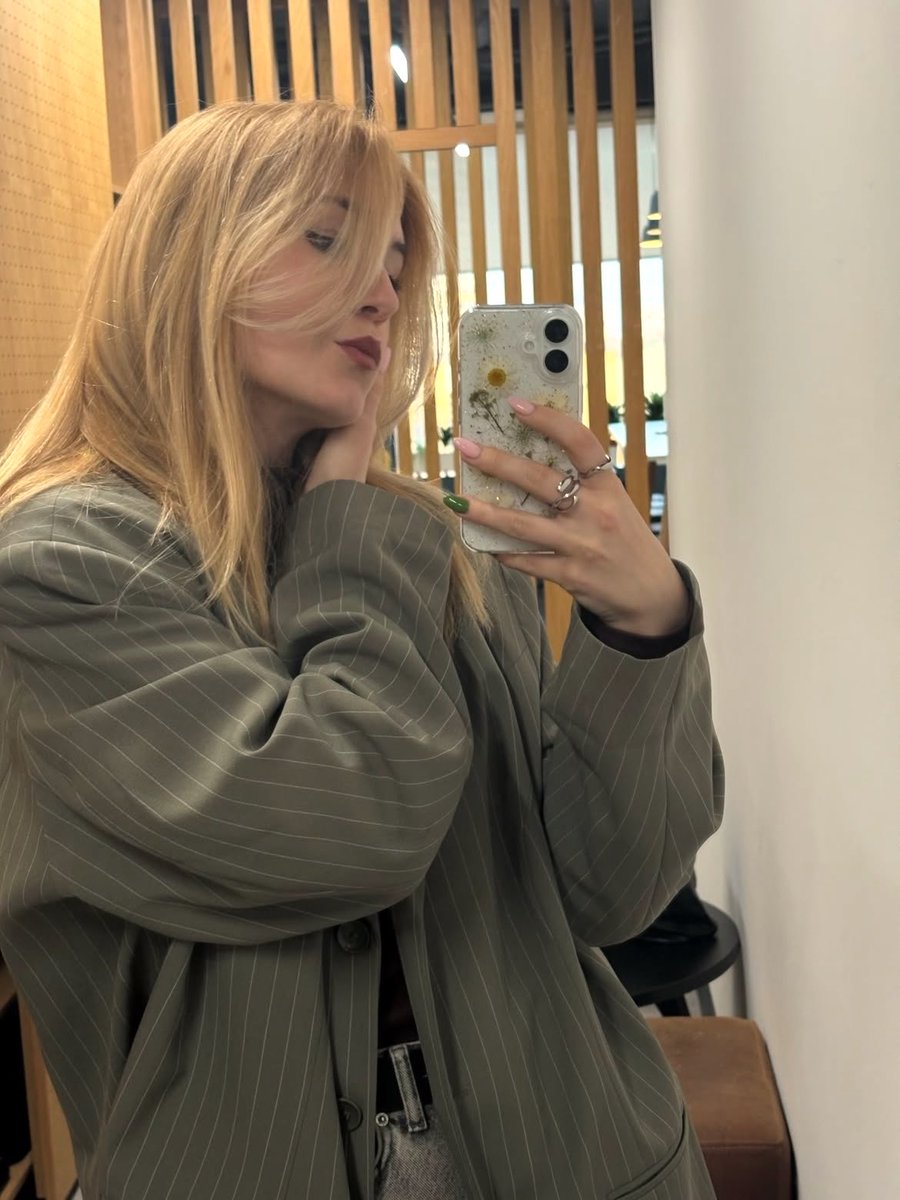


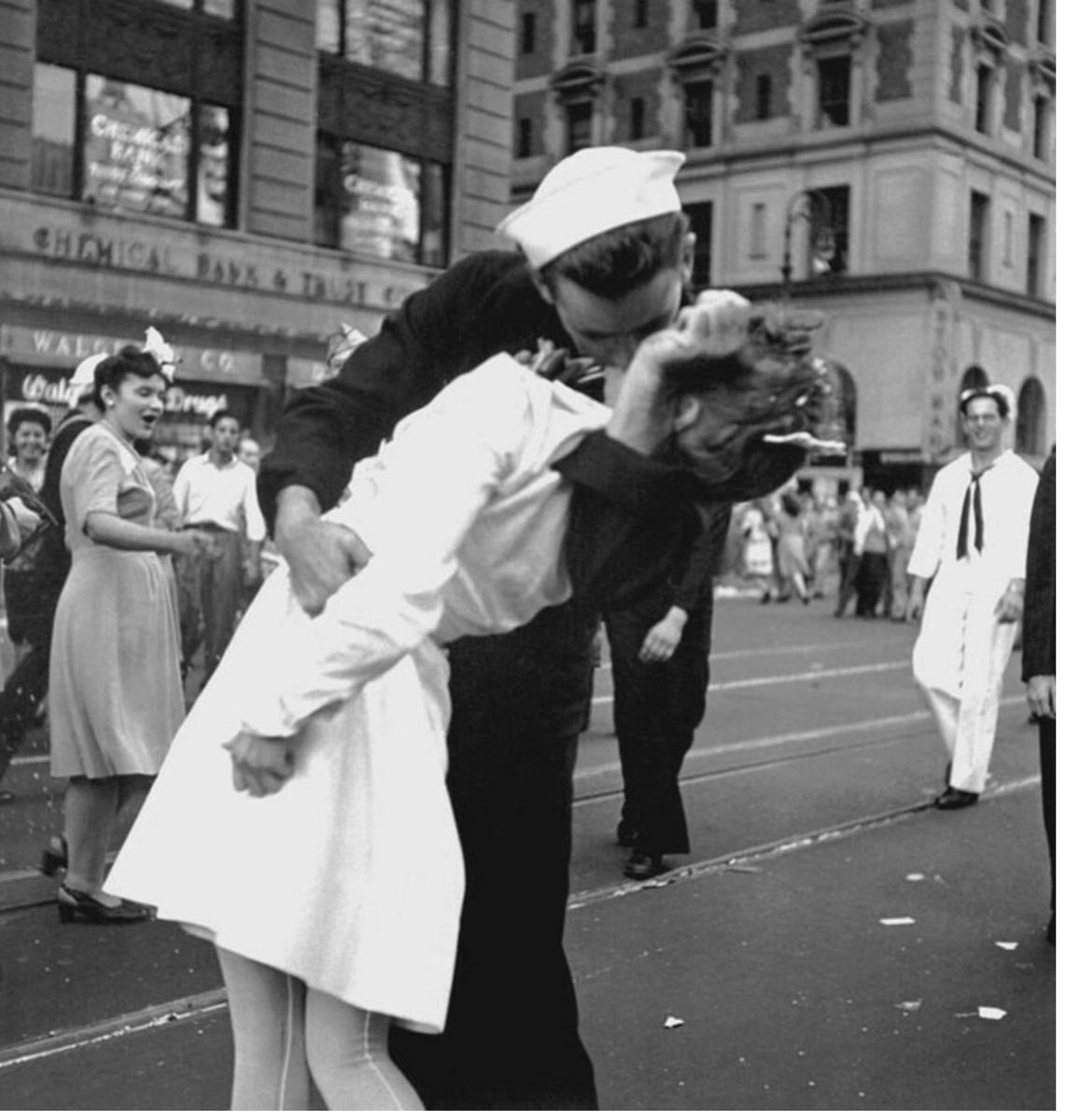

![Cozy Children's Birthday Portrait — Realistic portrait photo of a {argument name="age" default="[Age]"} years old young girl [Use the uploaded image as referenc](https://pbs.twimg.com/media/HCv0bSVaUAAhsxF.jpg)