
Futuristic Point Cloud Portrait
A sophisticated prompt for transforming reference images into high-density futuristic point-cloud visualizations with glowing particles and cyberpunk aesthetics.
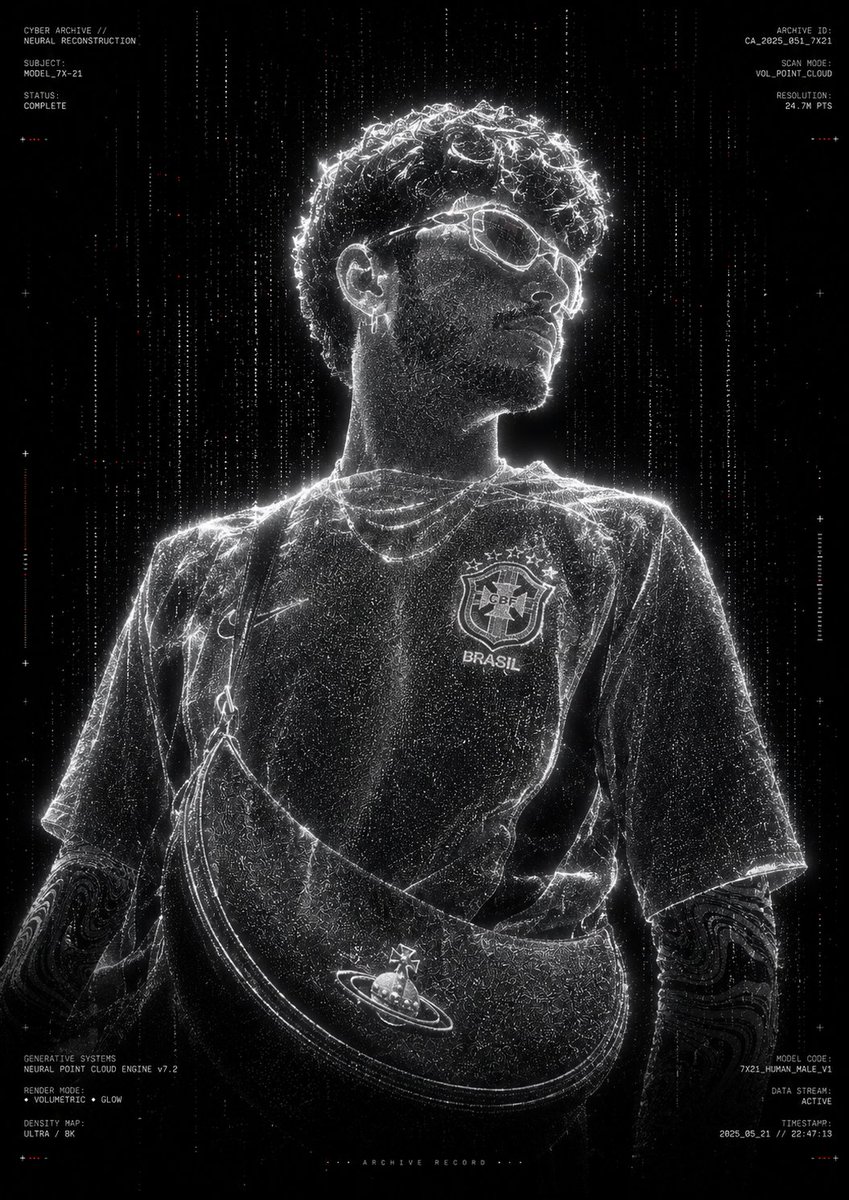
- Prompt included
- Model and format preset
- Free template
The prompt behind this image
Copy the exact prompt behind Futuristic Point Cloud Portrait, or open it in the studio and make it yours.
Transform the provided reference image into an ultra-premium futuristic point-cloud portrait. Preserve the exact pose, body proportions, clothing silhouette, facial structure, hairstyle, and overall composition from the reference image. Reconstruct the entire subject using millions of glowing white volumetric particles, data points, voxels, and digital dust, creating a high-density holographic scan effect. Subject standing centered in a black void, surrounded by subtle floating particles and {argument name="noise color" default="sparse red digital noise"}. Generate a realistic 3D point-cloud body structure with particle trails, depth mapping, scan-line artifacts, and volumetric light dispersion.\n{argument name="color palette" default="Monochrome black-and-white"} color palette, extreme contrast, cinematic darkness, cyberpunk archive aesthetic, futuristic AI scanning system, digital twin visualization, neural network reconstruction, holographic particle rendering, volumetric point-cloud simulation, generative systems artwork, ultra-detailed particle density, glowing edge contours, subtle light bloom, depth fog, data stream particles falling vertically around the subject.\nAdd minimal technical UI typography around the frame such as archive labels, scan identifiers, model codes, generative system metadata, voxel render information, and futuristic research annotations. Use clean micro-typography with a luxury tech-brand aesthetic. Keep text minimal, small, and strategically placed near the edges.\nPure black background, center composition, museum-grade digital art, premium poster design, experimental AI visualization, ultra-realistic particle simulation, high-end CGI render, Octane render quality, Unreal Engine 5, volumetric lighting, ray tracing, sharp particle definition, cinematic glow, futuristic archive documentation style.\nStyle Keywords: {argument name="main style" default="Point Cloud Human"}, Digital Ghost, Neural Reconstruction, Voxel Scan, Data Visualization, Cyber Archive, Holographic Entity, Generative Systems, Monochrome Tech Art, Luxury Futurism, Volumetric Particles, AI Scan Portrait, Experimental CGI.\nNegative Prompt: colorful background, cartoon, anime, low resolution, blurry subject, extra limbs, distorted anatomy, duplicate body parts, oversaturated colors, messy composition, excessive UI elements, watermark, logo, text overlap, low particle density, flat lighting, poor contrast, unrealistic proportions.
How to use Futuristic Point Cloud Portrait in 3 steps
- 1Upload ImagePNG, JPG or paste
Add your photo
Upload the photo the template builds on. The prompt, model and format are already set.
- 2…a portrait of your subject in softgolden-hour light, 85mm…
Personalize
Edit the subject and creative details for your destination.
- 3Generate
Generate
Press Generate — your image is created in PicX Studio, so you can compare it with the original and refine one variable at a time.
More like this
Templates with the same subject, style or setup. Open one to see its prompt.
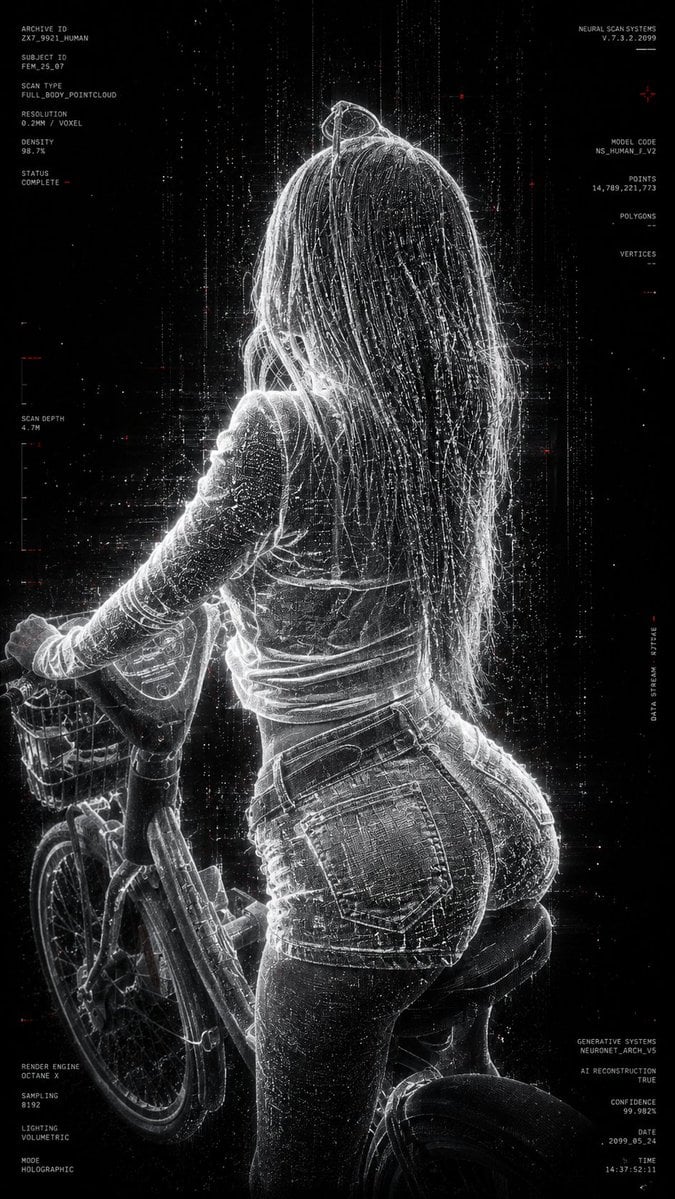
Futuristic Point Cloud Portrait
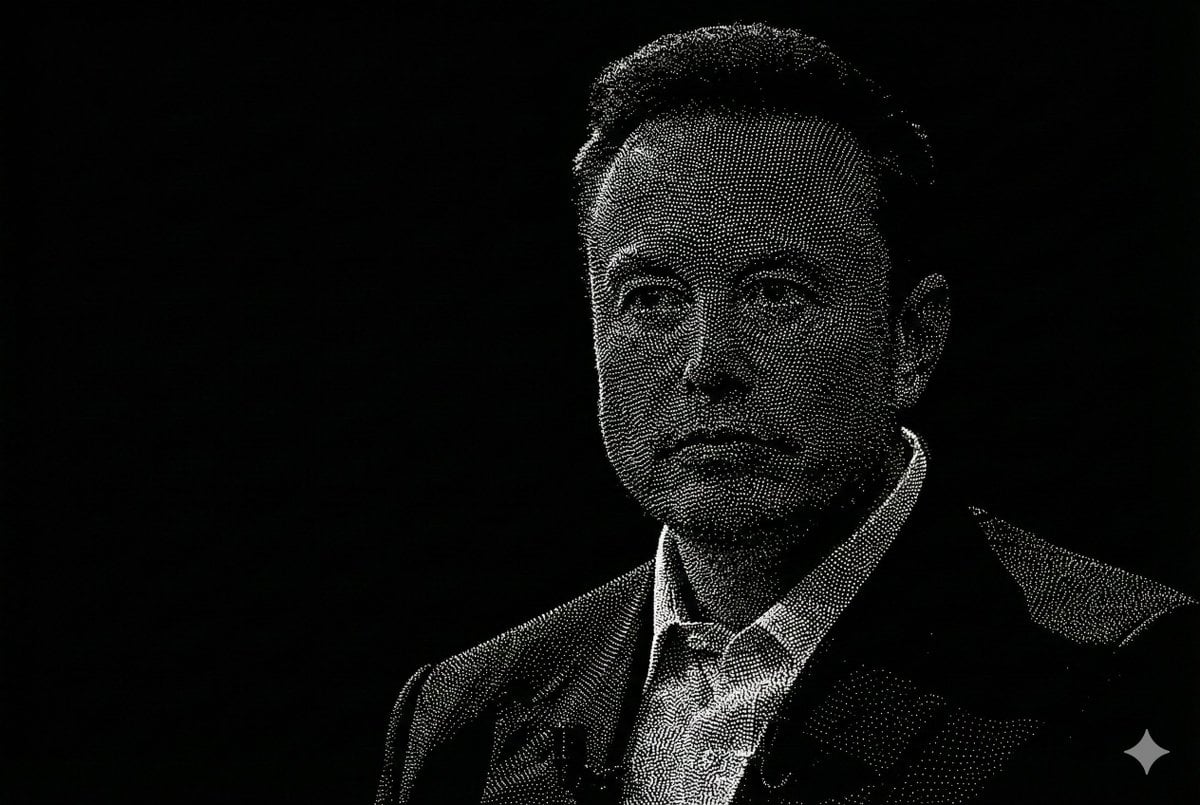
Censored Point-Cloud Portrait

Found Photograph: Us, 1970

80s Couple Studio Portrait

80s Bollywood Star

80s Golden Hour Cinema

Me in 1985

1985 Studio Portrait
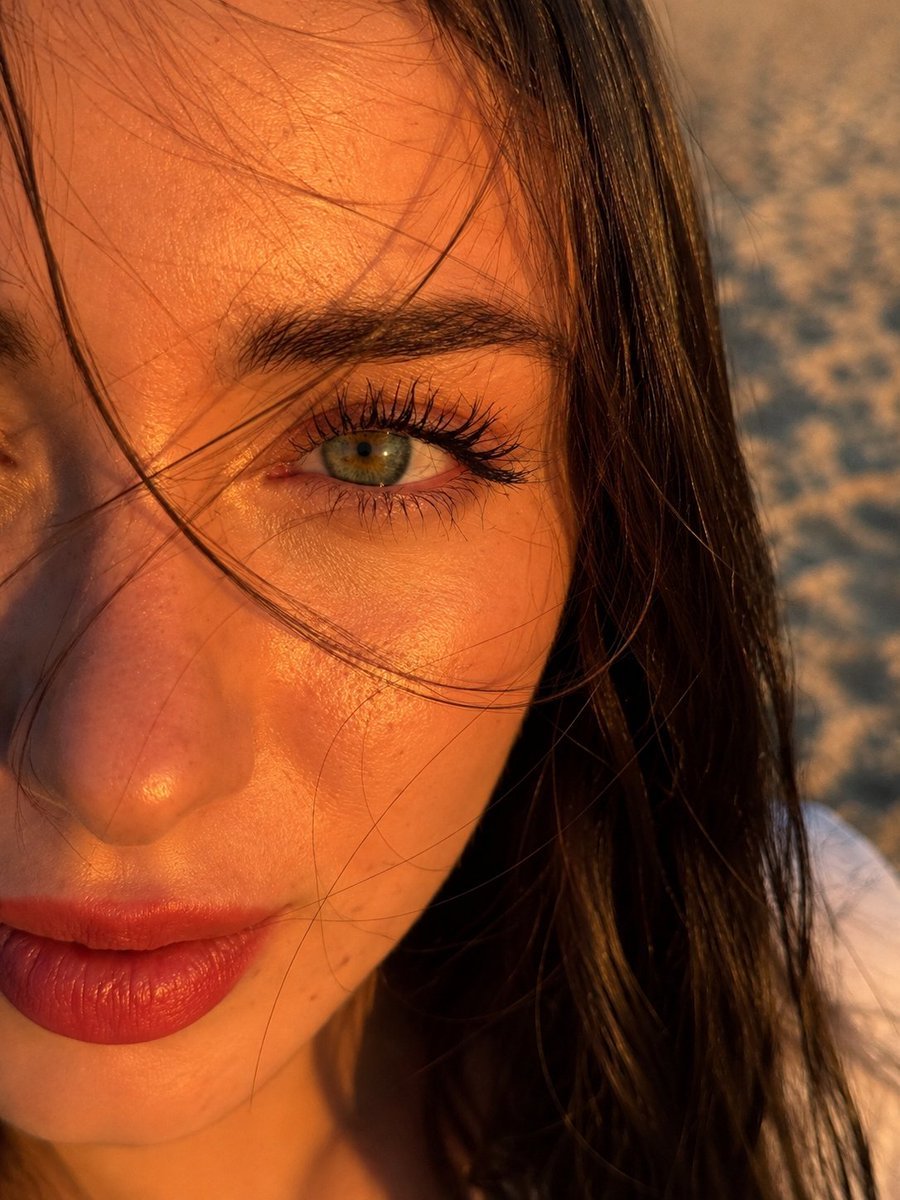
Hyper-Realistic Eye Focal Point Portrait

Hyper-Realistic Minecraft POV Portrait

Rooftop Fisheye — Cat-Ear Balaclava at Golden Hour

Rainy Café Window Moody Portrait
Make it yours
Futuristic Point Cloud Portrait works as-is. These are the safest ways to change it without losing the look.
Change one field
Copy a single group, rewrite it, and generate again so you can see what that field is doing.
Keep the frame, change the subject
Hold the composition and light of Futuristic Point Cloud Portrait, then swap wardrobe, props or the person for a new take.
| If the result… | Why | Fix |
|---|---|---|
| The result drifts from the preview | Too many fields changed at once. | Reuse Futuristic Point Cloud Portrait as-is first, then change one group — subject, light, or setting. |
| The model over-stylizes the scene | The prose prompt leaves finish and camera underspecified. | Add one camera or lighting sentence and stay on GPT Image 2. |
More GPT Image 2 templates
Other prompts made for GPT Image 2.

Six VTuber Japanese Logo Sheet

Realistic Portrait of Woman and Deer

The Vista Modular Condo Poster

AI Model Routing Comparison Infographic

2.5D Anime Art Board

Isometric Productivity Desk Scene

New York Double Exposure Poster

Four-Panel AI Landscape Comparison

Japanese Tatami Lifestyle Magazine Cover

NESCAFÉ Coffee Map Poster
More image prompts
Fresh picks from across the catalog.

Luxury Outdoor Breakfast Scene on a Golf Course

Enchanted Forest Root Kiss Scene By Nano
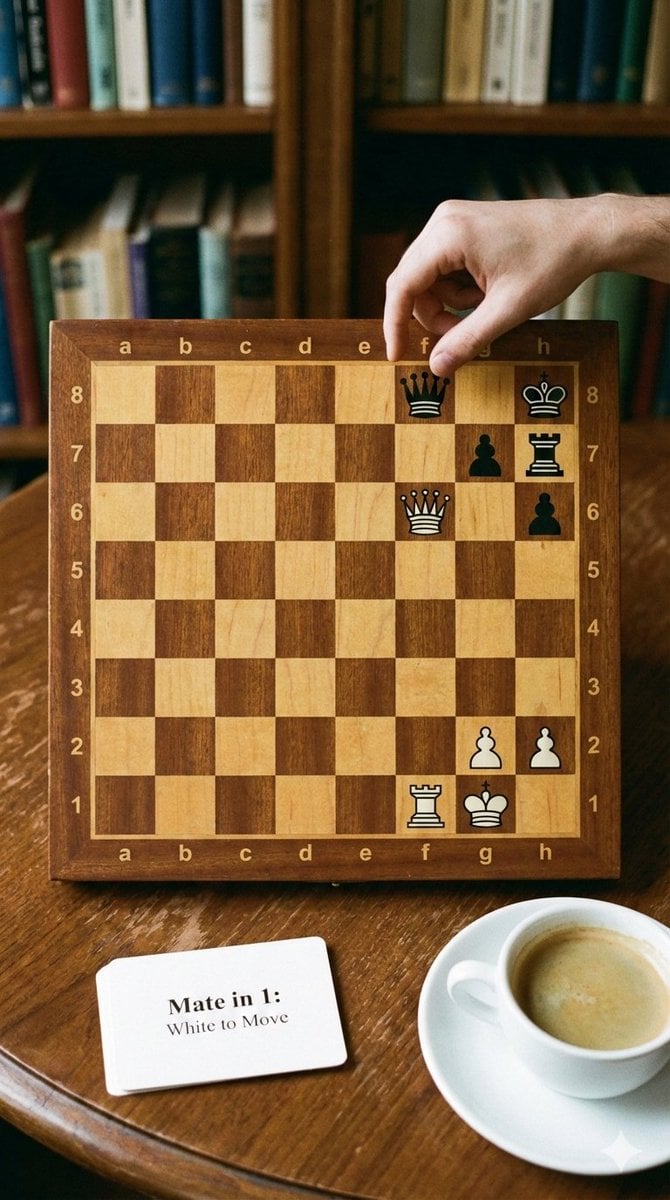
Phone-friendly mate-in-one chess puzzle image
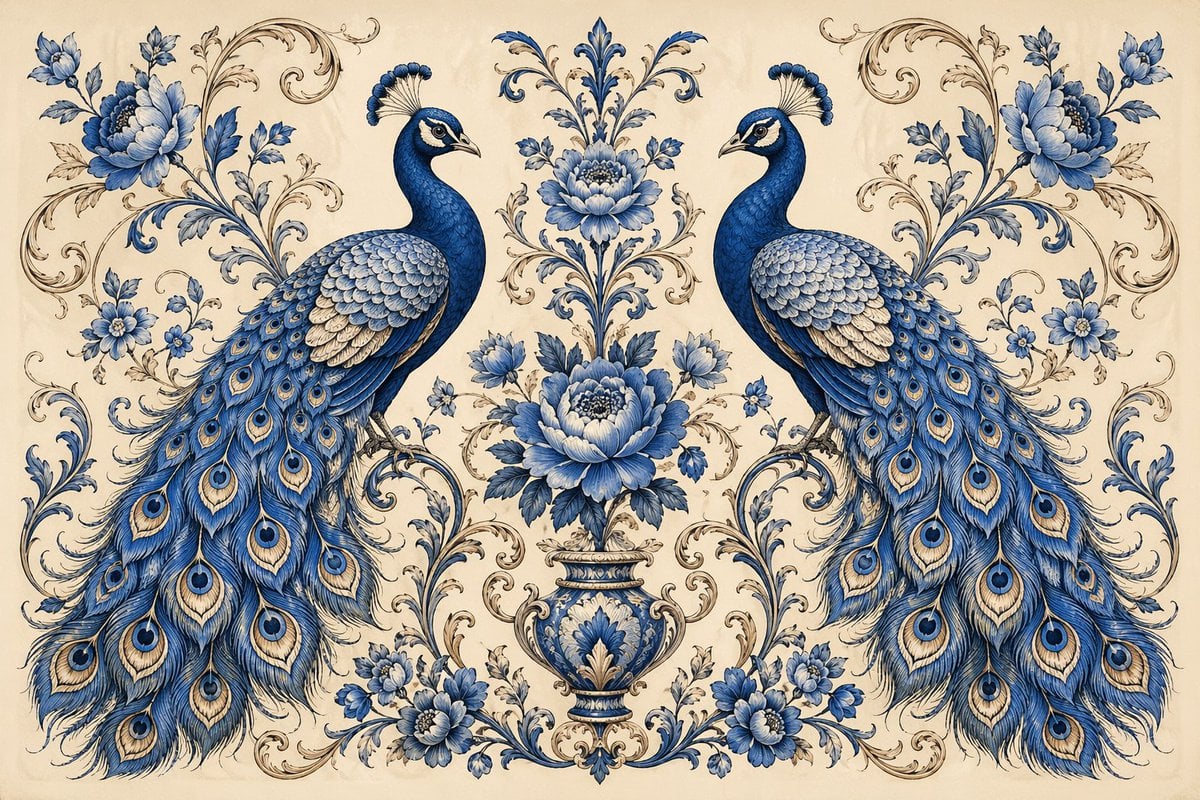
Vintage Peacock Botanical Illustration
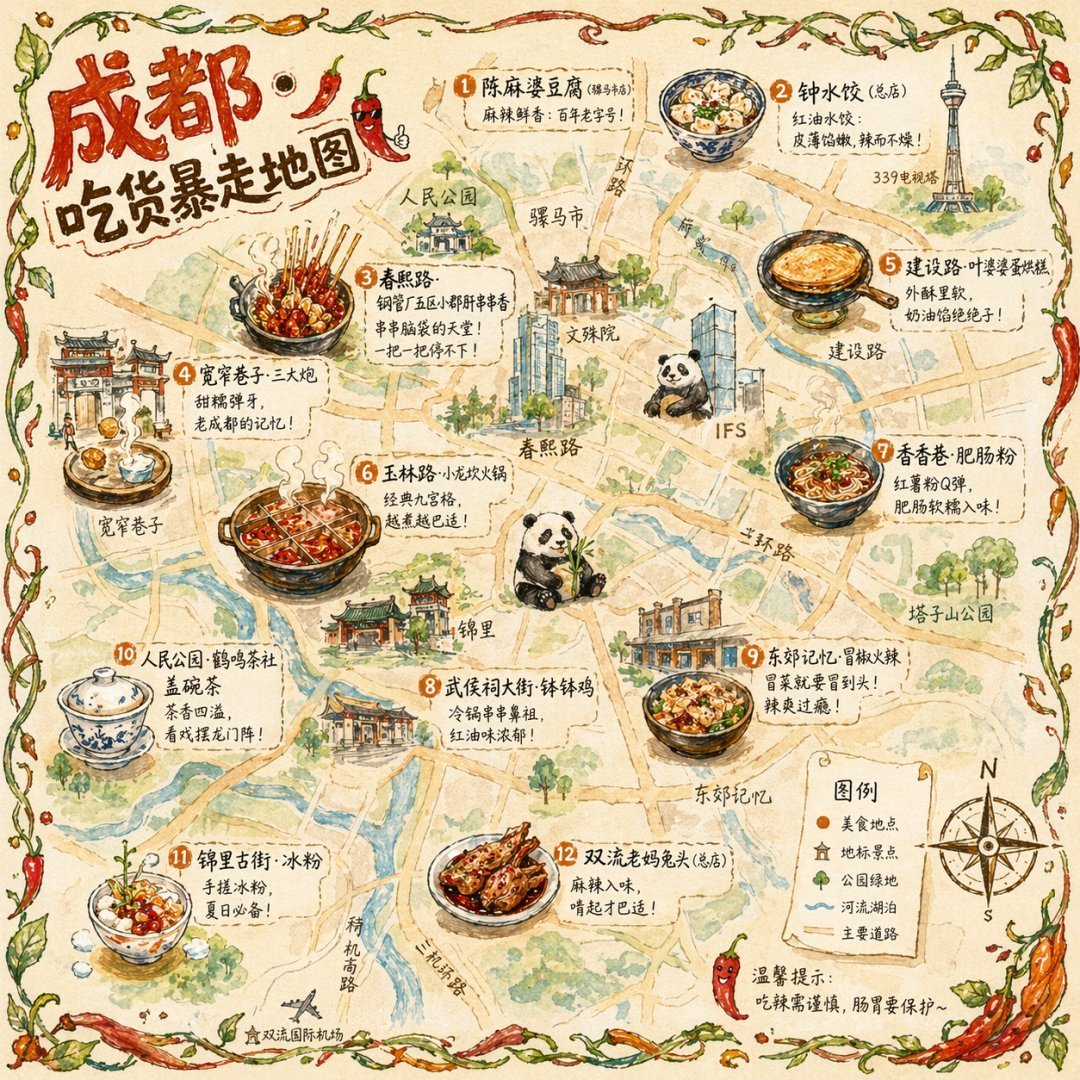
Gpt2 Illustrated City Food Map
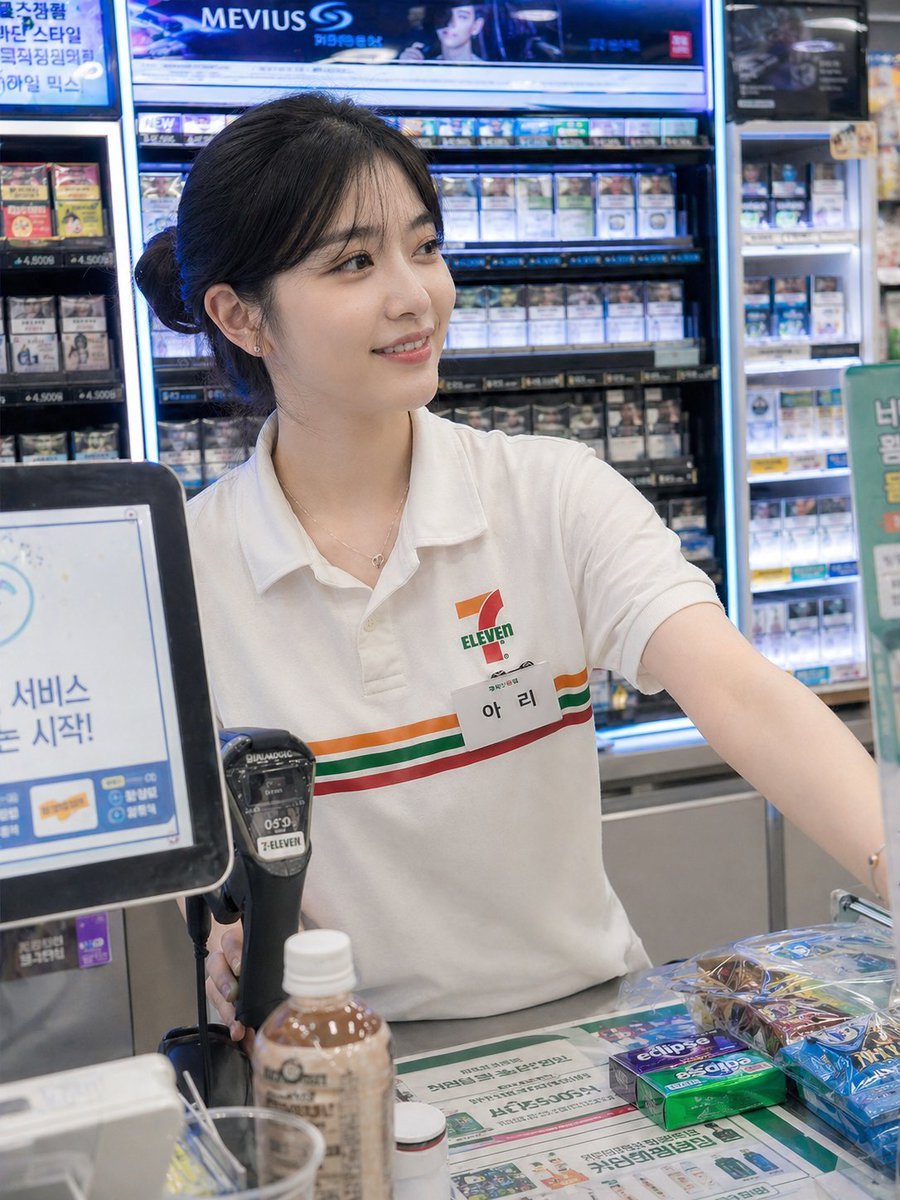
Candid Convenience Store Cashier
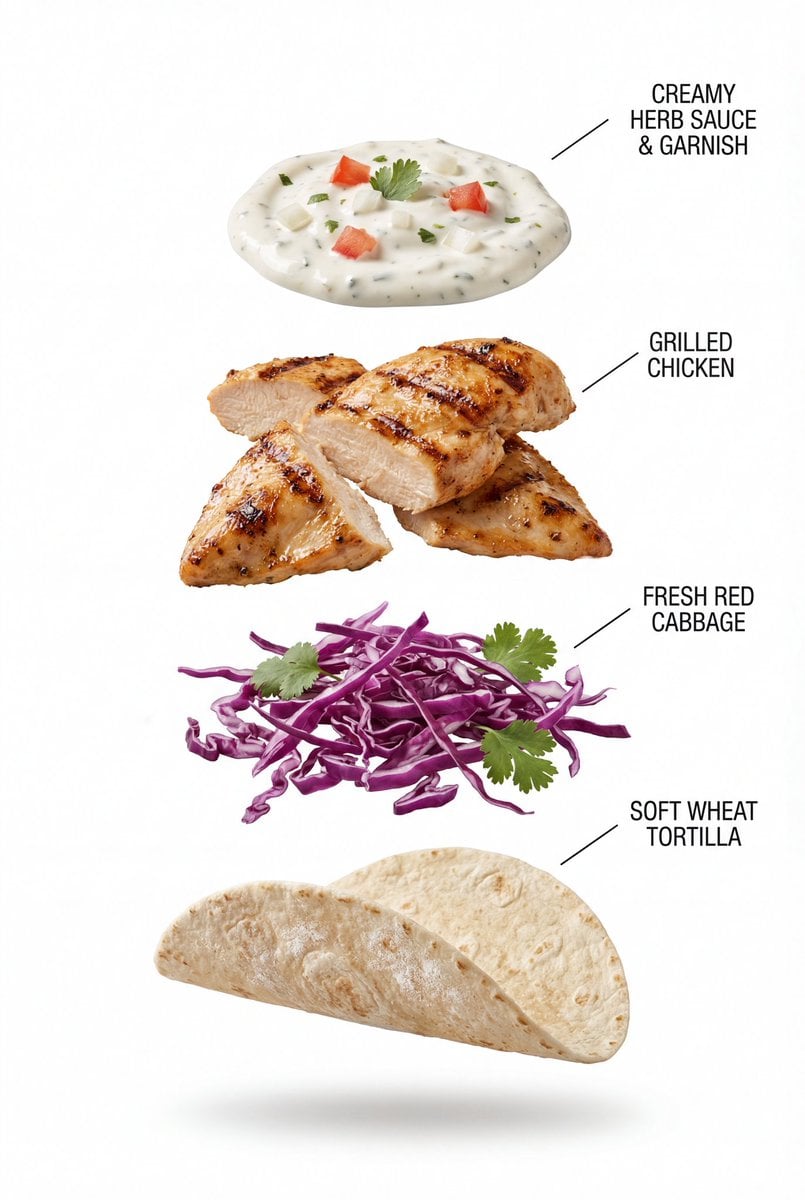
Exploded View Grilled Chicken Taco Product Photography
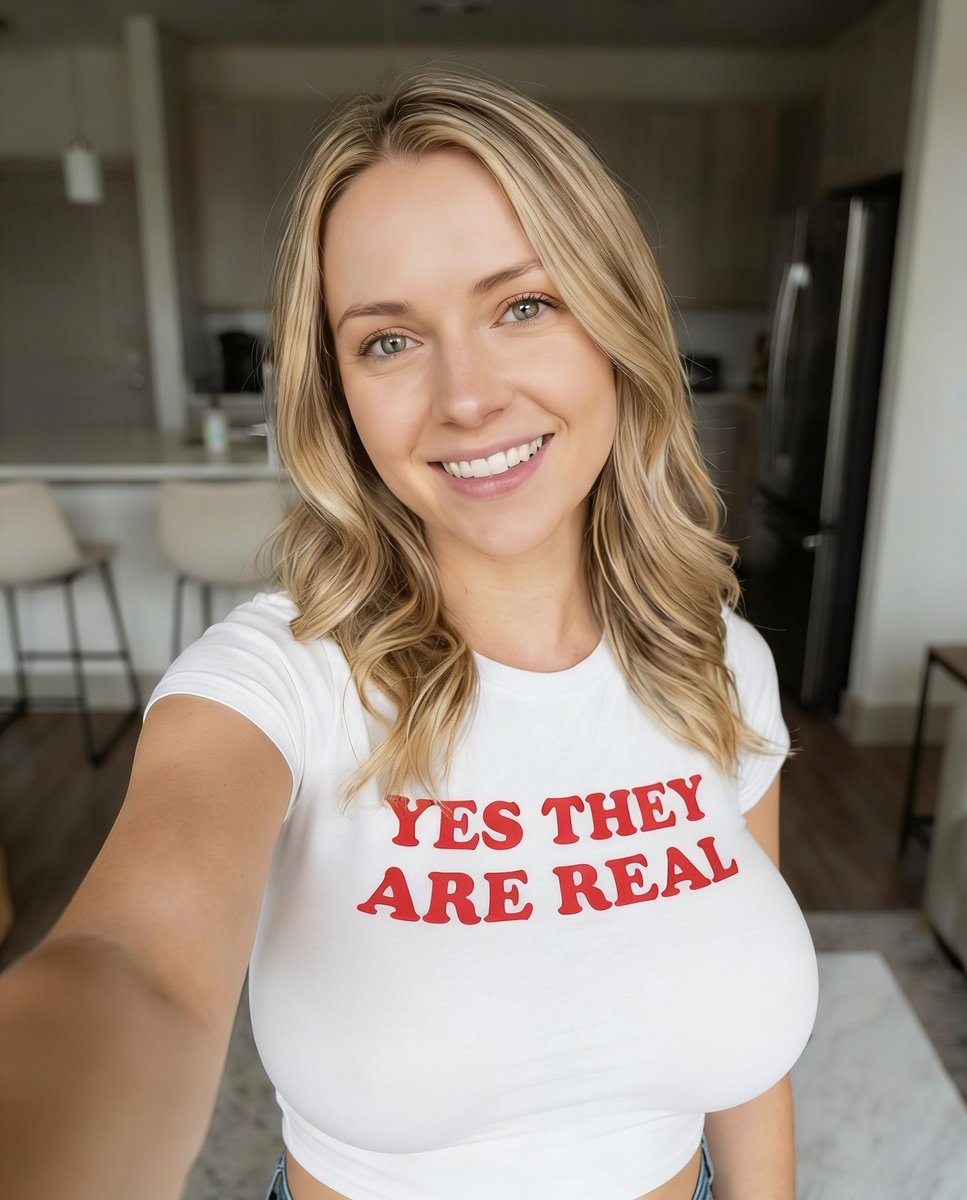
Highly Realistic Smartphone Selfie of a Woman
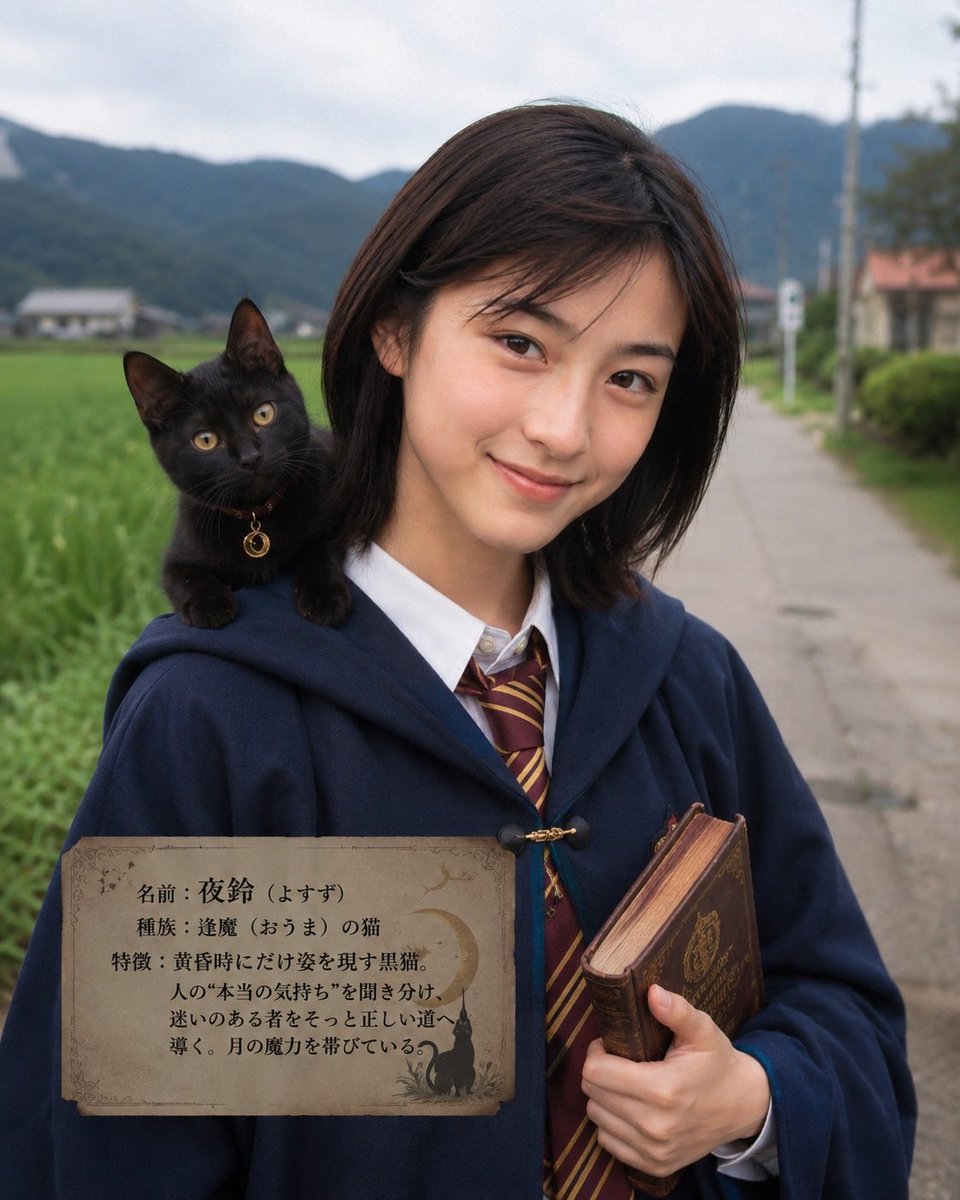
Character Familiar Selection Logic
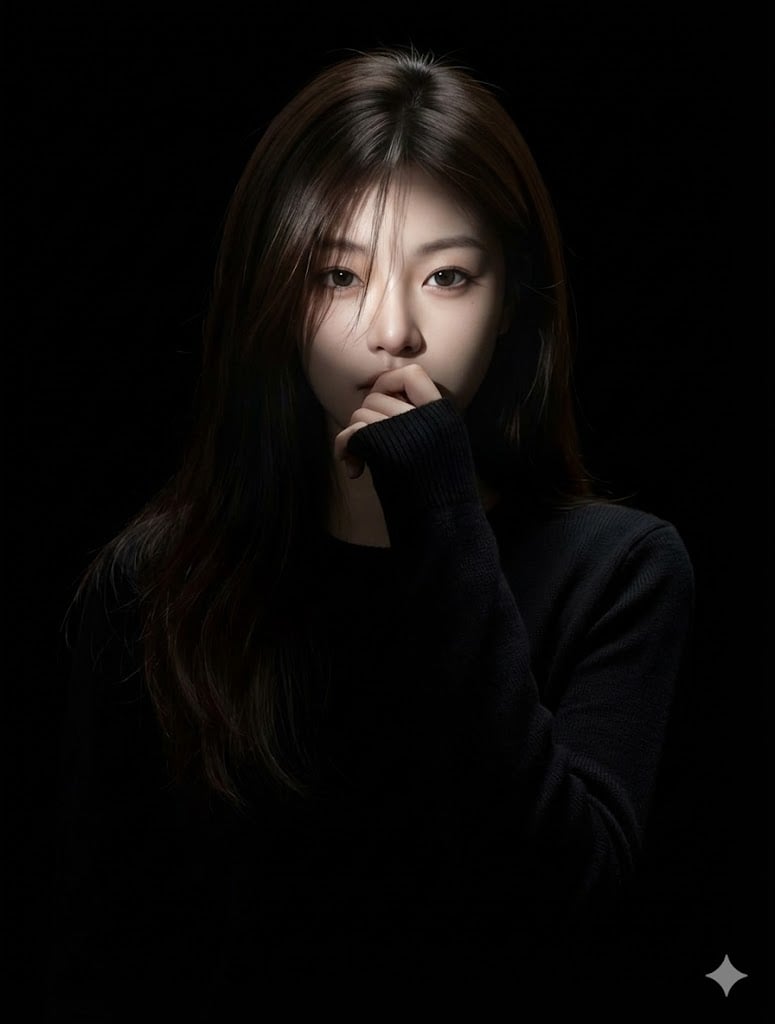
Hyperrealistic Anime Portrait with Split Lighting Prompt
Browse template categories
Futuristic Point Cloud Portrait questions
How do I use the Futuristic Point Cloud Portrait template?
Add your photo if the template asks for one, edit the prompt if you like — the template's model and format are already selected — and press Generate. Your version opens in PicX Studio.
Can I customize the Futuristic Point Cloud Portrait template?
Yes. You can change the subject, setting, lighting, mood, format, and available model controls before creating your image.
Is the Futuristic Point Cloud Portrait template free?
Opening and editing this template is free. Generating uses credits, shown on the Generate button when you are signed in.
Which AI model should I use?
Start with GPT Image 2, which is the model associated with this template. You can compare another compatible model for a different finish.
Looking for something else? Browse all templates.

Your photo, any look
Thousands of ready templates for every top image and video model, from one credit balance.