
Six Girls Baseball Team Photo
Generates a realistic vertical smartphone-style team portrait of six Japanese high school girls in matching baseball uniforms on a field.
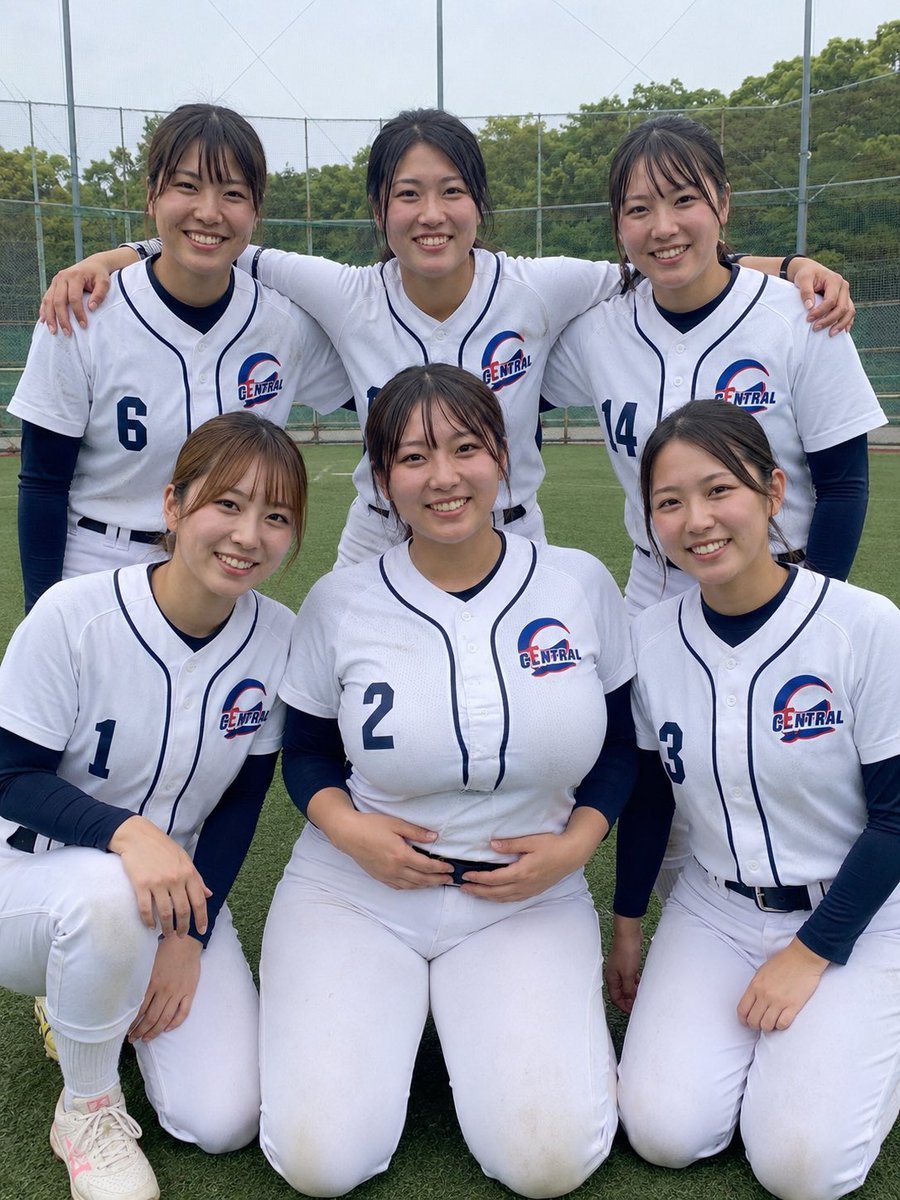
- Prompt included
- Model and format preset
- Free template
The prompt behind this image
Copy the exact prompt behind Six Girls Baseball Team Photo, or open it in the studio and make it yours.
Create a realistic vertical smartphone group photo of exactly six smiling Japanese high school girls on a baseball field, posed like a cheerful team snapshot after practice. The team is a girls’ baseball club version, wearing matching white baseball uniforms with navy piping, navy long-sleeve undershirts, white pants, black belts, and a chest logo reading {argument name="team name" default="CENTRAL"} with a red-and-blue curved emblem. Arrange them in two rows: three players standing in the back with arms around each other’s shoulders, and three players kneeling in the front. Visible jersey numbers must be exactly five: back-left player number 6, back-right player number 14, front-left player number 1, front-center player number 2, and front-right player number 3; the back-center player’s number is mostly hidden. All six have natural black or dark brown hair tied back or loosely tied, slightly messy bangs, minimal makeup, friendly natural smiles, and youthful athletic builds. The front-center player should be slightly more prominent in the composition, seated/kneeling with hands near her belt, smiling directly at the camera. Use {argument name="photo style" default="realistic candid smartphone photography"}, soft overcast daylight, natural skin texture, and a casual amateur sports-photo feel. Background: green artificial turf, baseball practice fencing and netting, tall poles, distant trees, and a pale cloudy sky. Camera: vertical 3:4 framing, eye-level to slightly above the kneeling row, medium-wide portrait crop, faces sharp, mild phone-camera distortion, no dramatic lighting. Keep the image wholesome, non-glamorous, team-oriented, and realistic; avoid extra players, avoid helmets or bats, avoid text overlays, avoid watermarks, and avoid changing the exact six-person arrangement.
How to use Six Girls Baseball Team Photo in 3 steps
- 1Upload ImagePNG, JPG or paste
Add your photo
Upload the photo the template builds on. The prompt, model and format are already set.
- 2…a portrait of your subject in softgolden-hour light, 85mm…
Personalize
Edit the subject and creative details for your destination.
- 3Generate
Generate
Press Generate — your image is created in PicX Studio, so you can compare it with the original and refine one variable at a time.
More like this
Templates with the same subject, style or setup. Open one to see its prompt.

Seal Team Six Desert Portrait

Seedance 2.0 - Anime Girl Fight
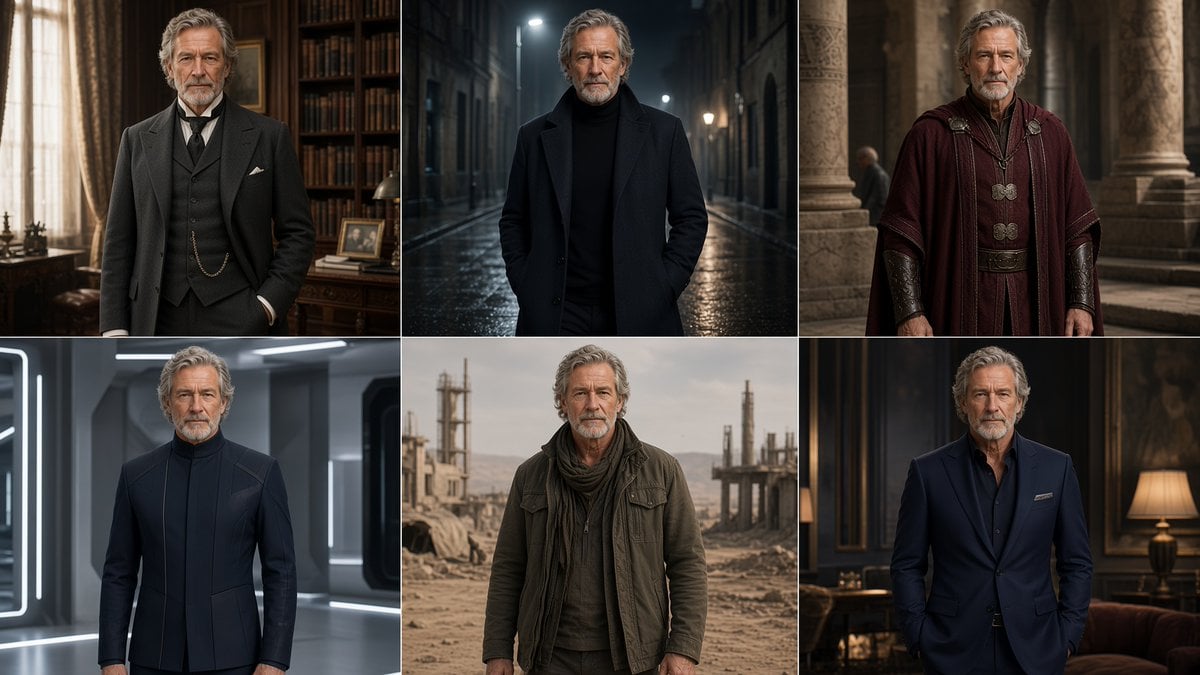
Six-Panel Cinematic Character Variations

Super Sentei Team Comic Illustration
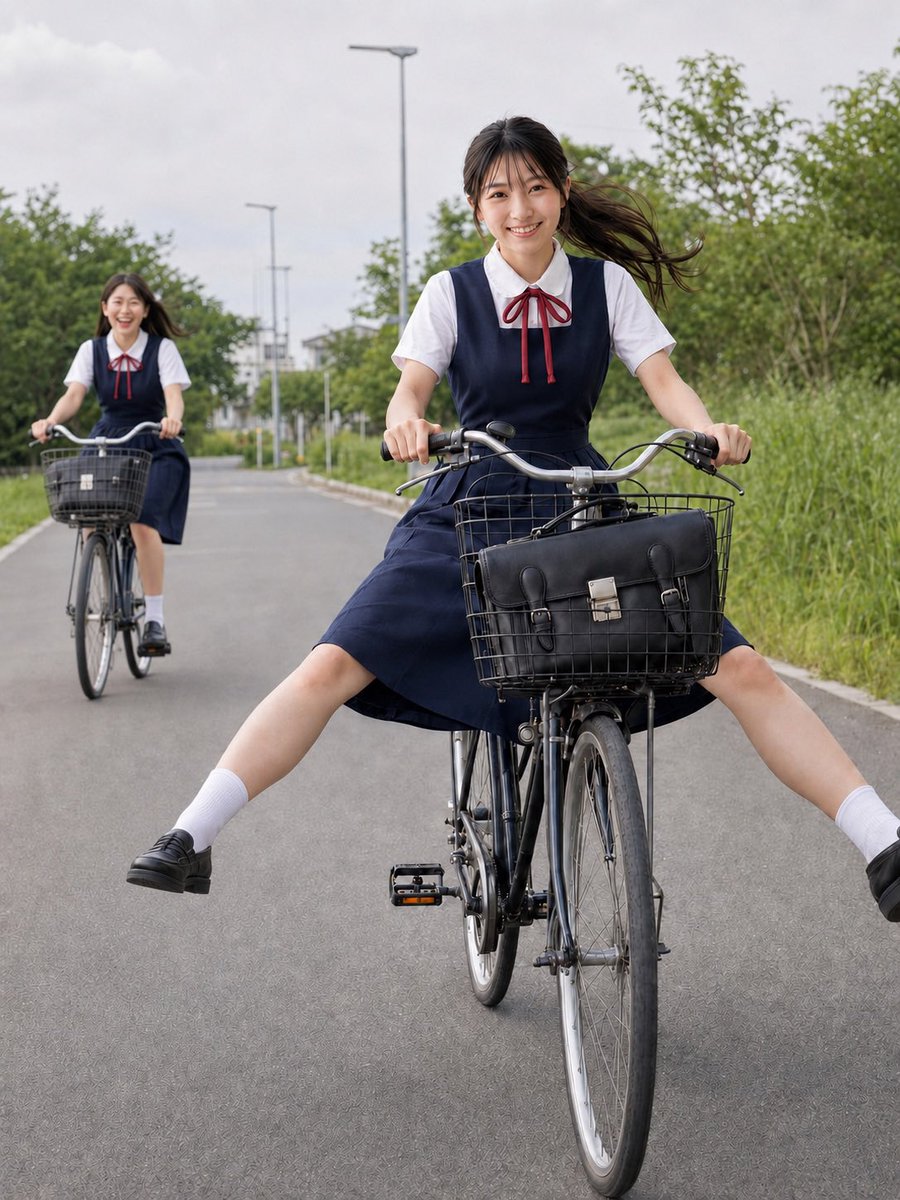
Schoolgirls Riding Bicycles
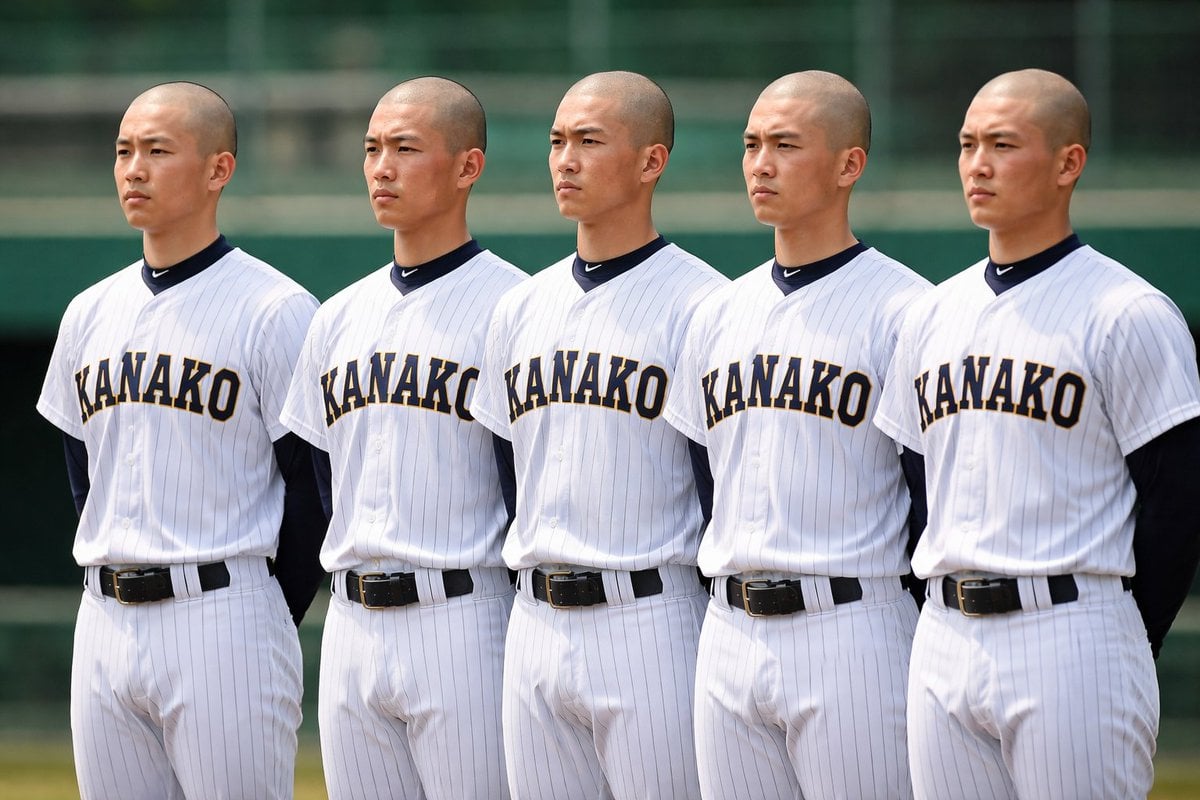
Identical Baseball Players Lineup
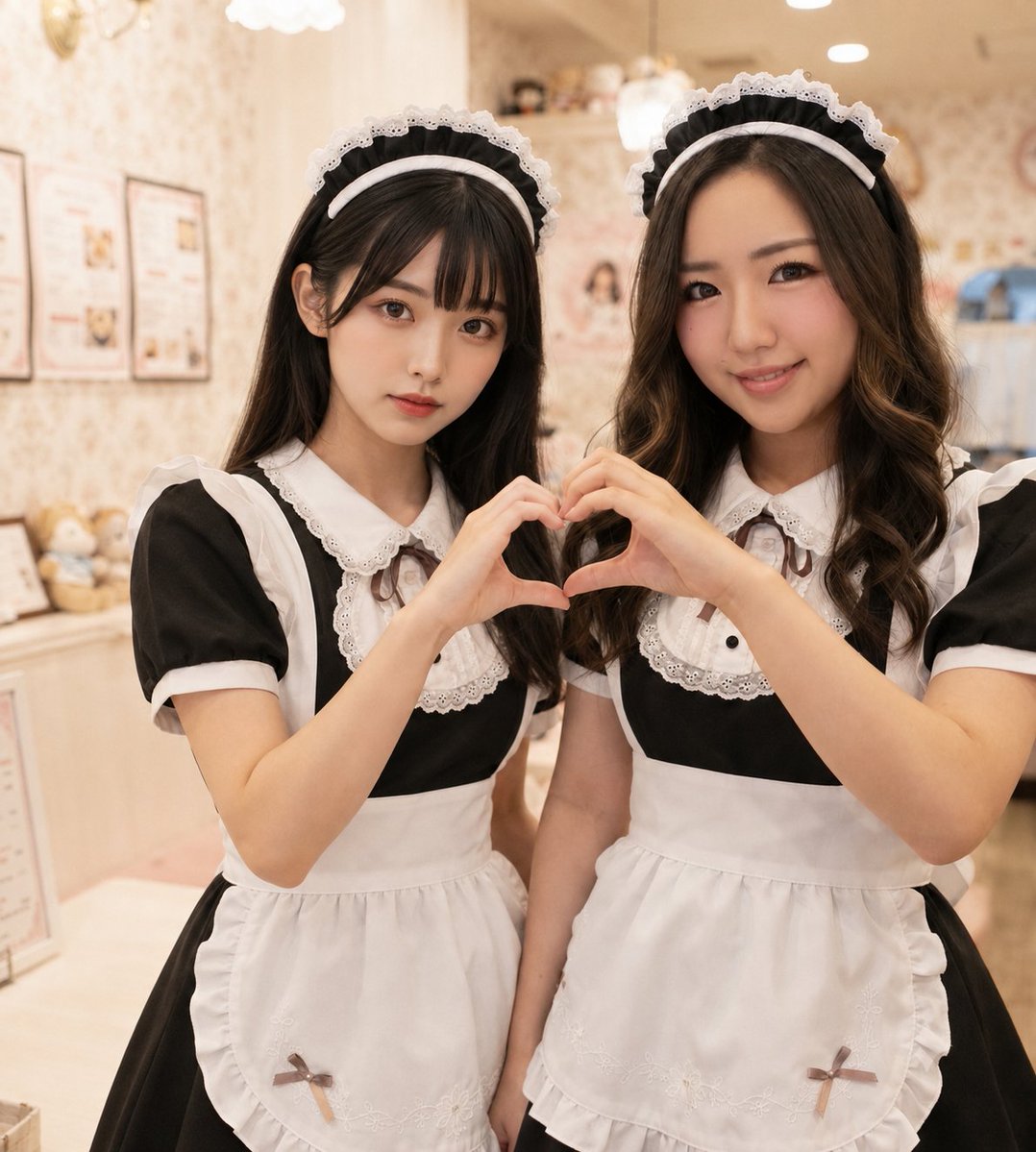
Two Maid Cafe Girls Making a Heart

Six VTuber Japanese Logo Sheet
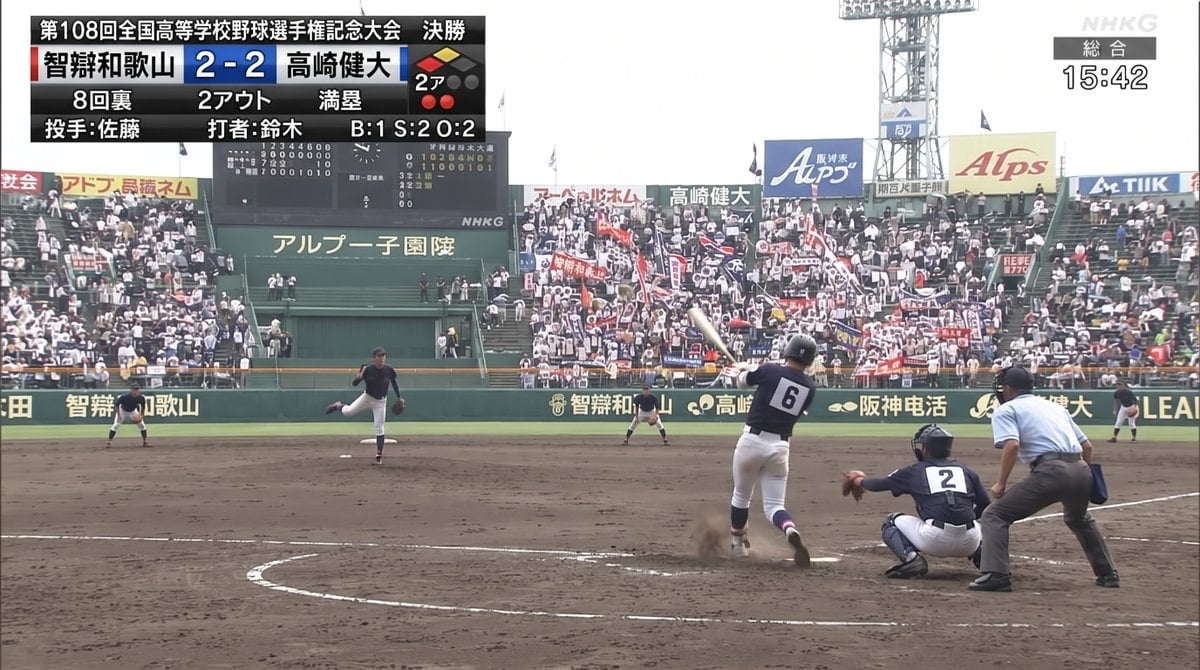
Koshien Baseball Broadcast Screen
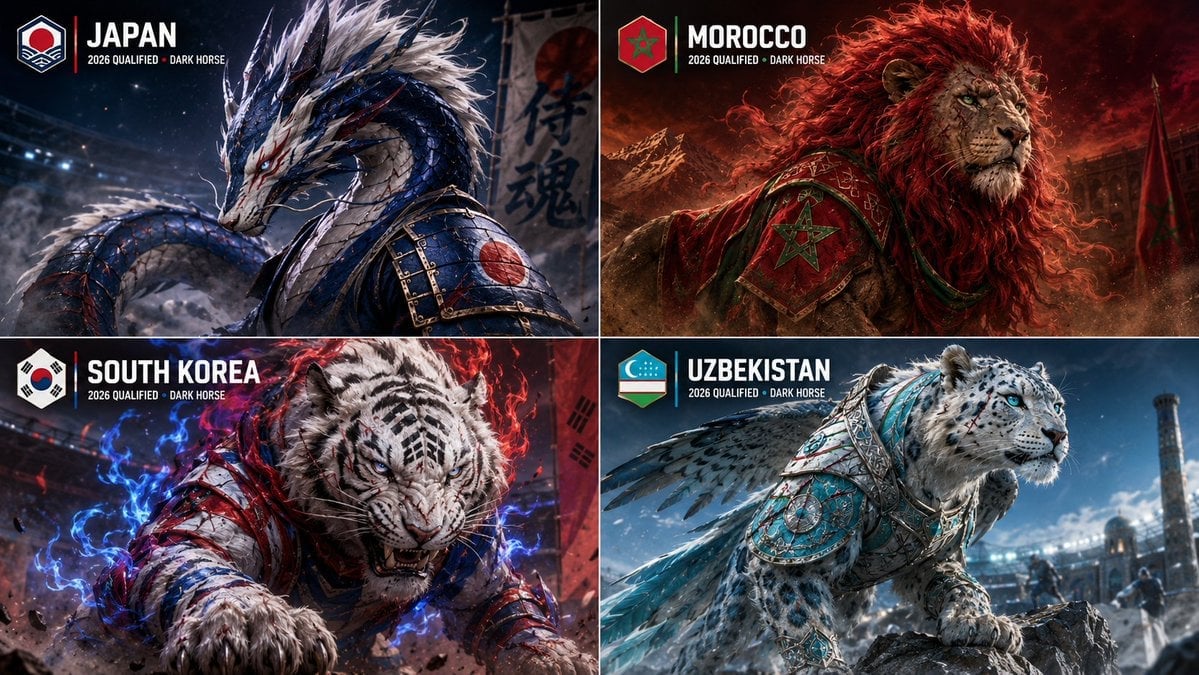
World Cup Dark Horse Teams Visualization
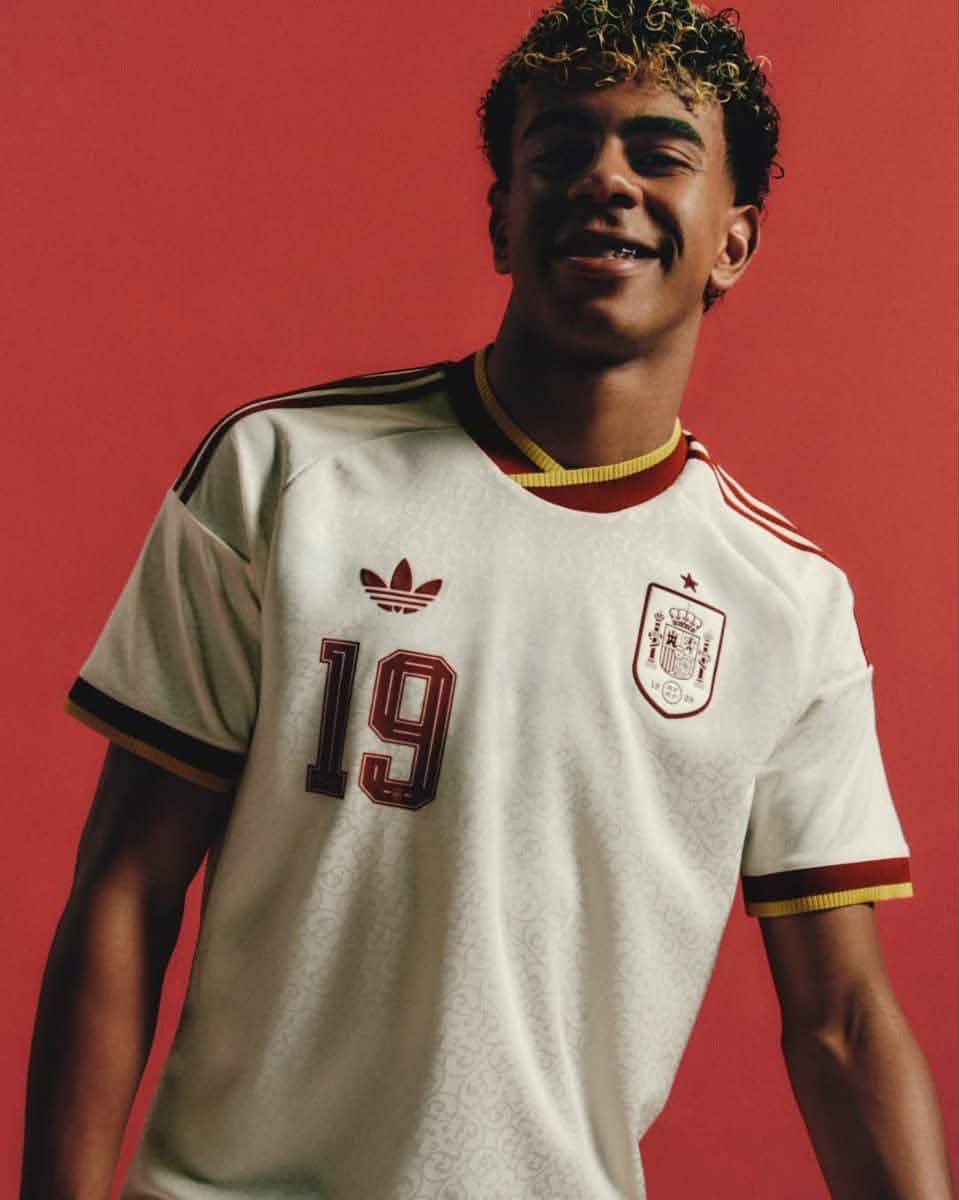
Retro National Team Football Player Portrait
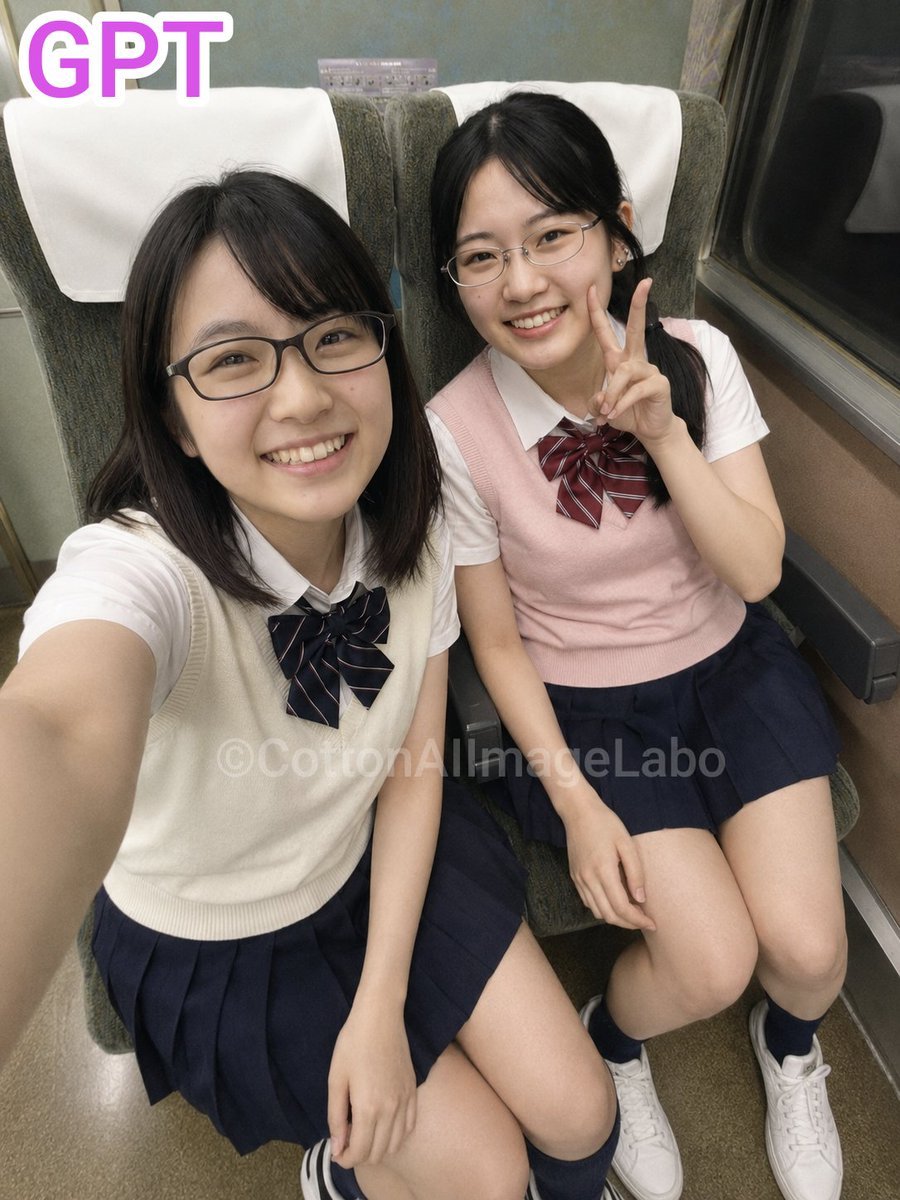
Japanese Train Selfie Girls
Make it yours
Six Girls Baseball Team Photo works as-is. These are the safest ways to change it without losing the look.
Change one field
Copy a single group, rewrite it, and generate again so you can see what that field is doing.
Keep the frame, change the subject
Hold the composition and light of Six Girls Baseball Team Photo, then swap wardrobe, props or the person for a new take.
| If the result… | Why | Fix |
|---|---|---|
| The result drifts from the preview | Too many fields changed at once. | Reuse Six Girls Baseball Team Photo as-is first, then change one group — subject, light, or setting. |
| The model over-stylizes the scene | The prose prompt leaves finish and camera underspecified. | Add one camera or lighting sentence and stay on GPT Image 2. |
More GPT Image 2 templates
Other prompts made for GPT Image 2.

Realistic Portrait of Woman and Deer

The Vista Modular Condo Poster

AI Model Routing Comparison Infographic

2.5D Anime Art Board

Isometric Productivity Desk Scene

New York Double Exposure Poster

Four-Panel AI Landscape Comparison

Japanese Tatami Lifestyle Magazine Cover

NESCAFÉ Coffee Map Poster

Brutalist Cogito Chinese Typography Poster
More image prompts
Fresh picks from across the catalog.
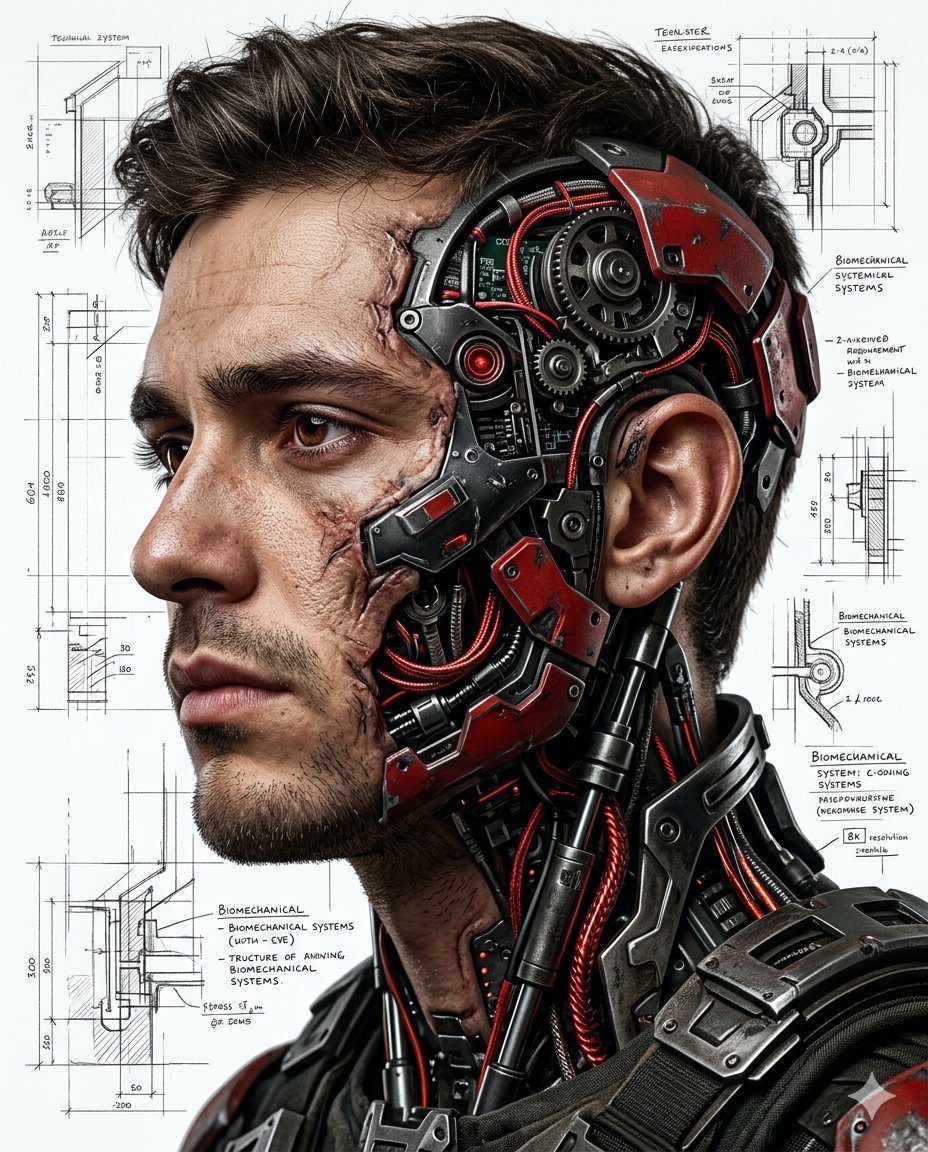
Hyper-realistic Cyborg Side Profile
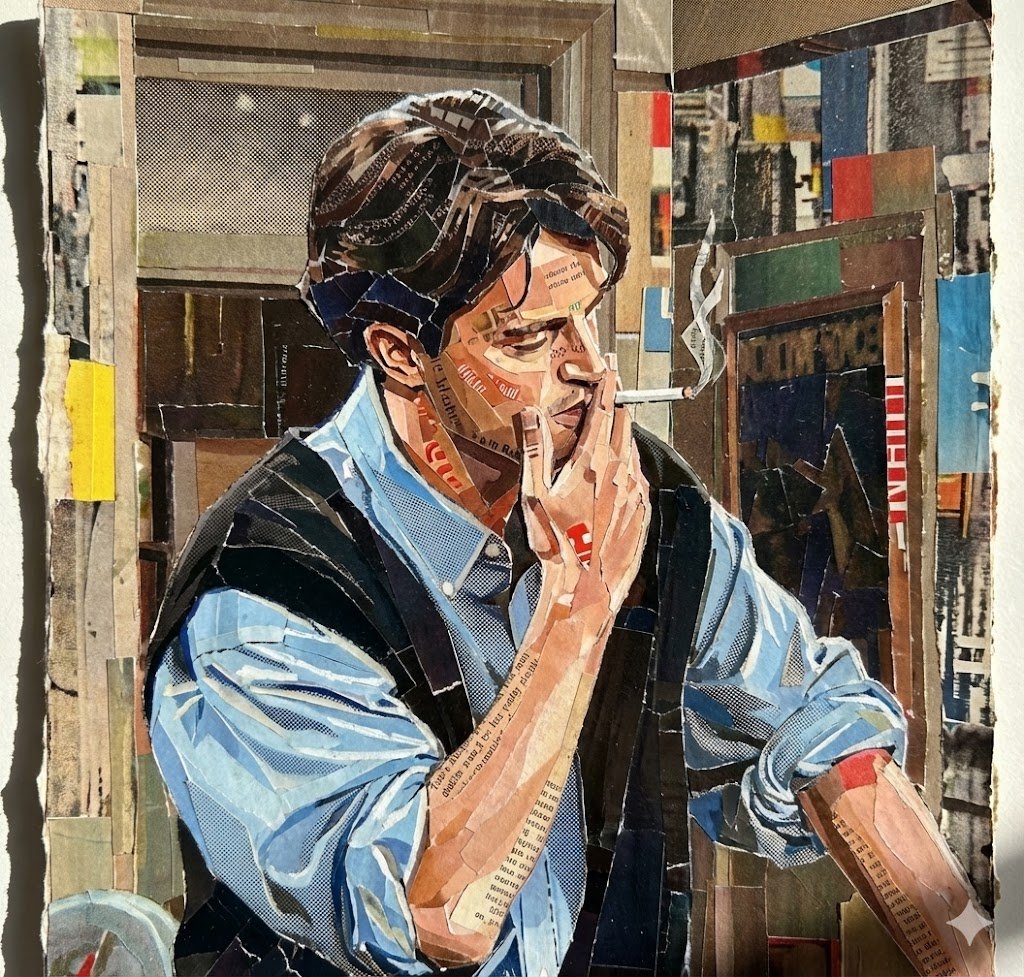
Prompt for Torn Magazine Collage Line Art

Black and White Fine-Art Portrait Prompt with Cinematic Contrast
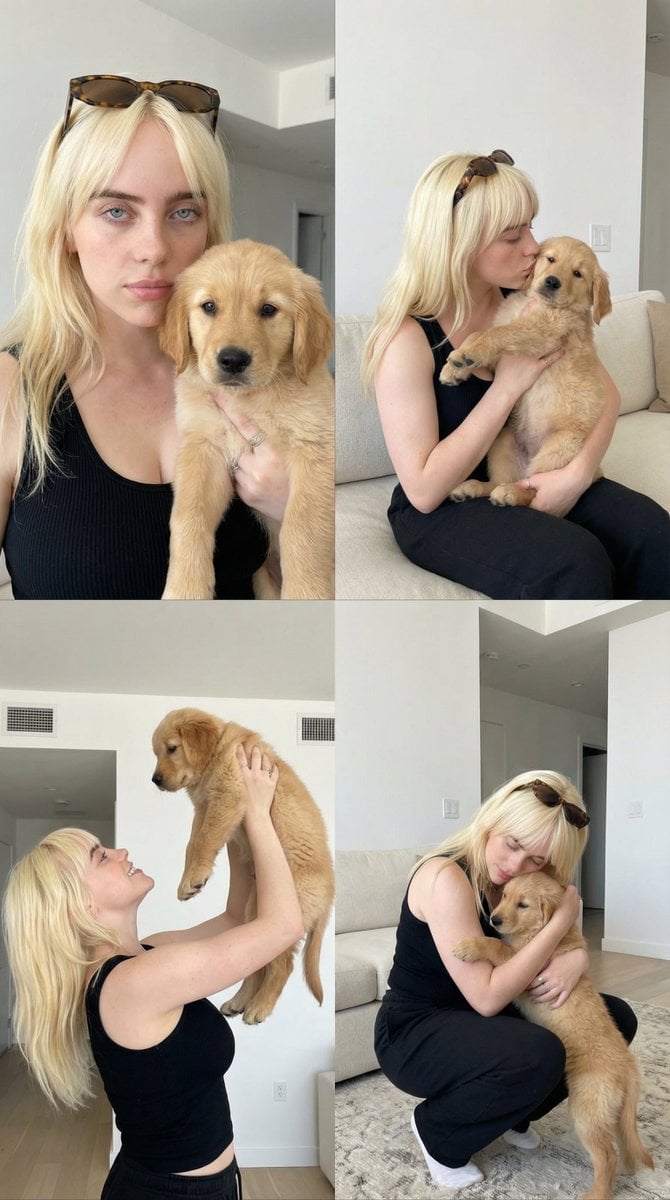
2x2 Collage of Woman with Golden Retriever Puppy
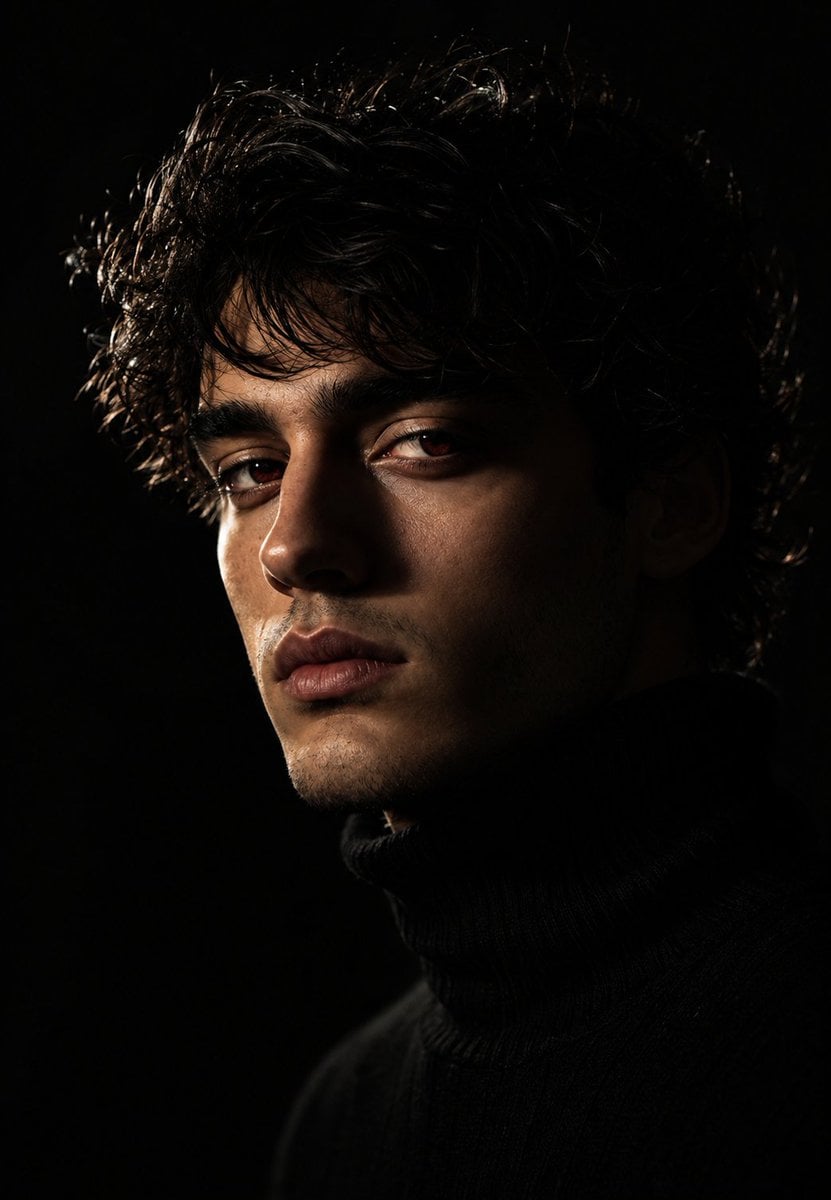
Moody Chiaroscuro Studio Portrait
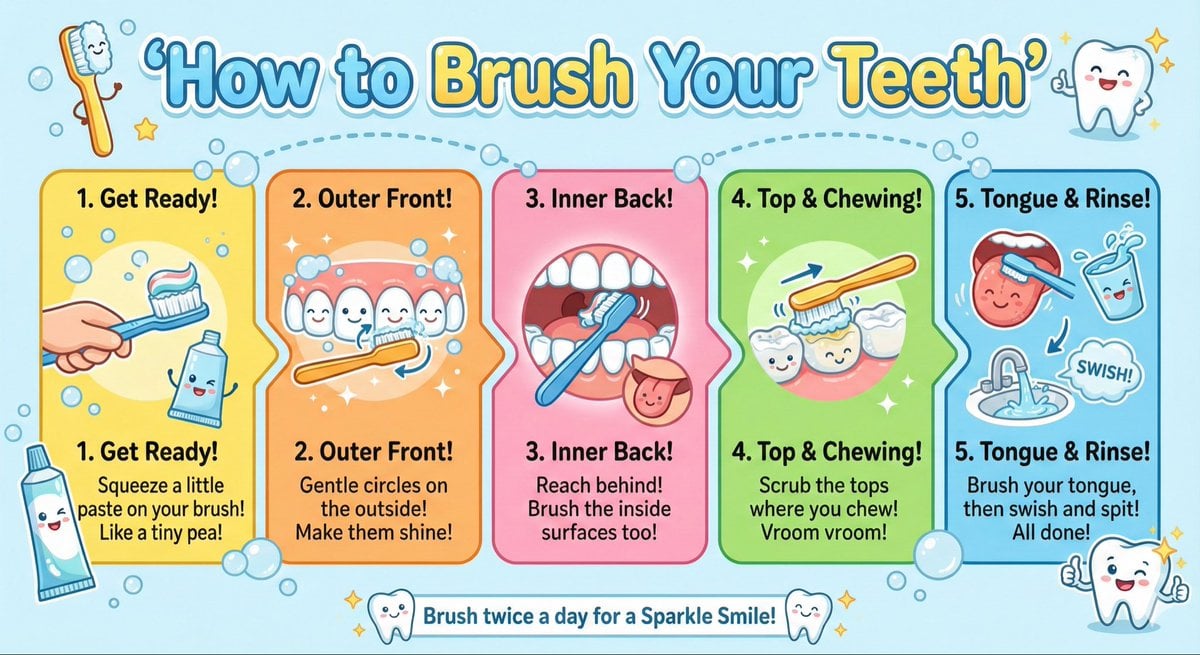
Kid-Friendly Routine Poster Prompt
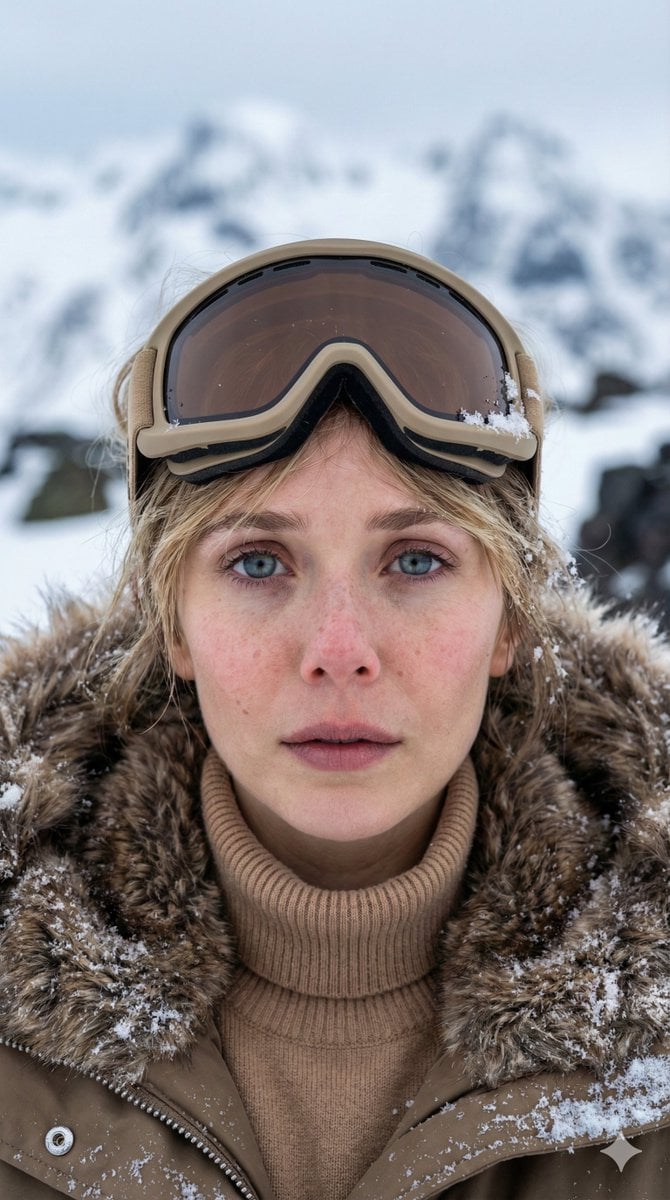
Vertical Cinematic Arctic Portrait (Tan/Brown Palette)
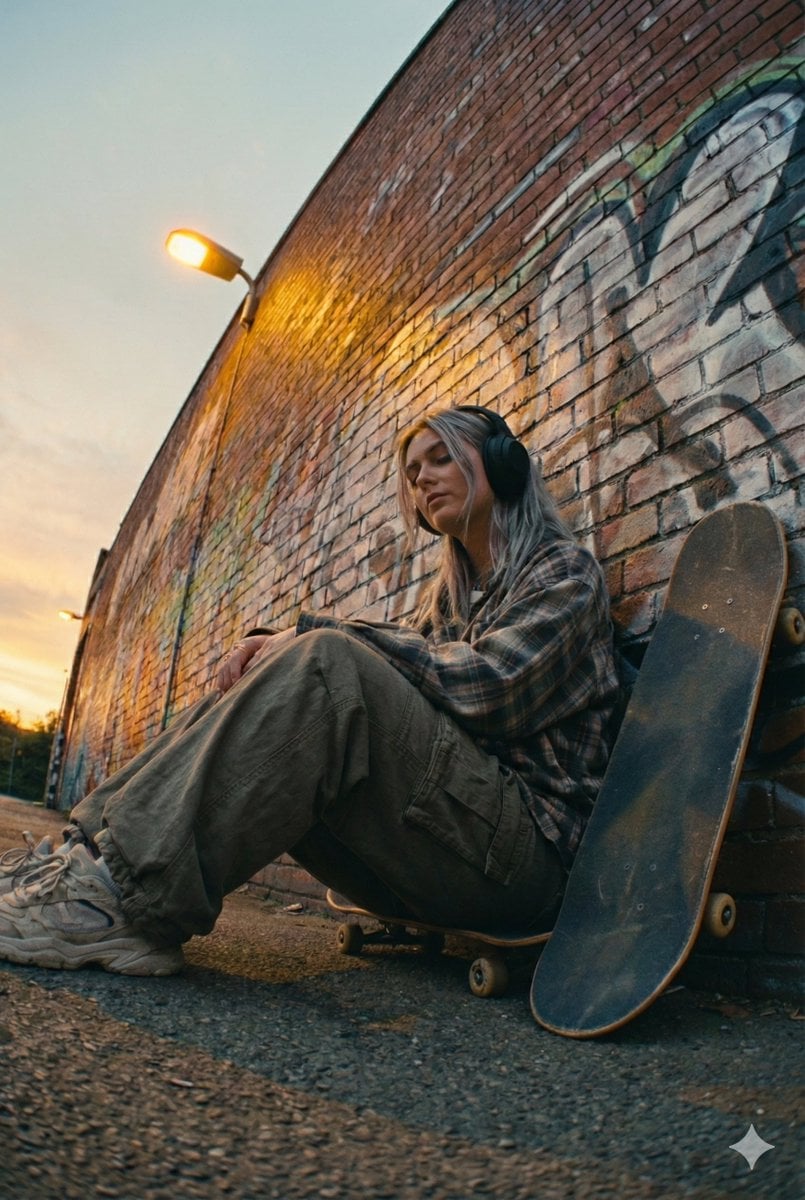
Cinematic Street Portrait of a Young Woman Listening to Music

Dexter Morgan Cinematic Portrait with Banana Prop Prompt
Ultra-Realistic Portrait from Reference Image
Browse template categories
Six Girls Baseball Team Photo questions
How do I use the Six Girls Baseball Team Photo template?
Add your photo if the template asks for one, edit the prompt if you like — the template's model and format are already selected — and press Generate. Your version opens in PicX Studio.
Can I customize the Six Girls Baseball Team Photo template?
Yes. You can change the subject, setting, lighting, mood, format, and available model controls before creating your image.
Is the Six Girls Baseball Team Photo template free?
Opening and editing this template is free. Generating uses credits, shown on the Generate button when you are signed in.
Which AI model should I use?
Start with GPT Image 2, which is the model associated with this template. You can compare another compatible model for a different finish.
Looking for something else? Browse all templates.

Your photo, any look
Thousands of ready templates for every top image and video model, from one credit balance.