
Luxury 3D Fashion Product Showcase
A premium photorealistic 3D display of sneakers, jerseys, bags, watches, sunglasses, and dress shoes for luxury fashion advertising.
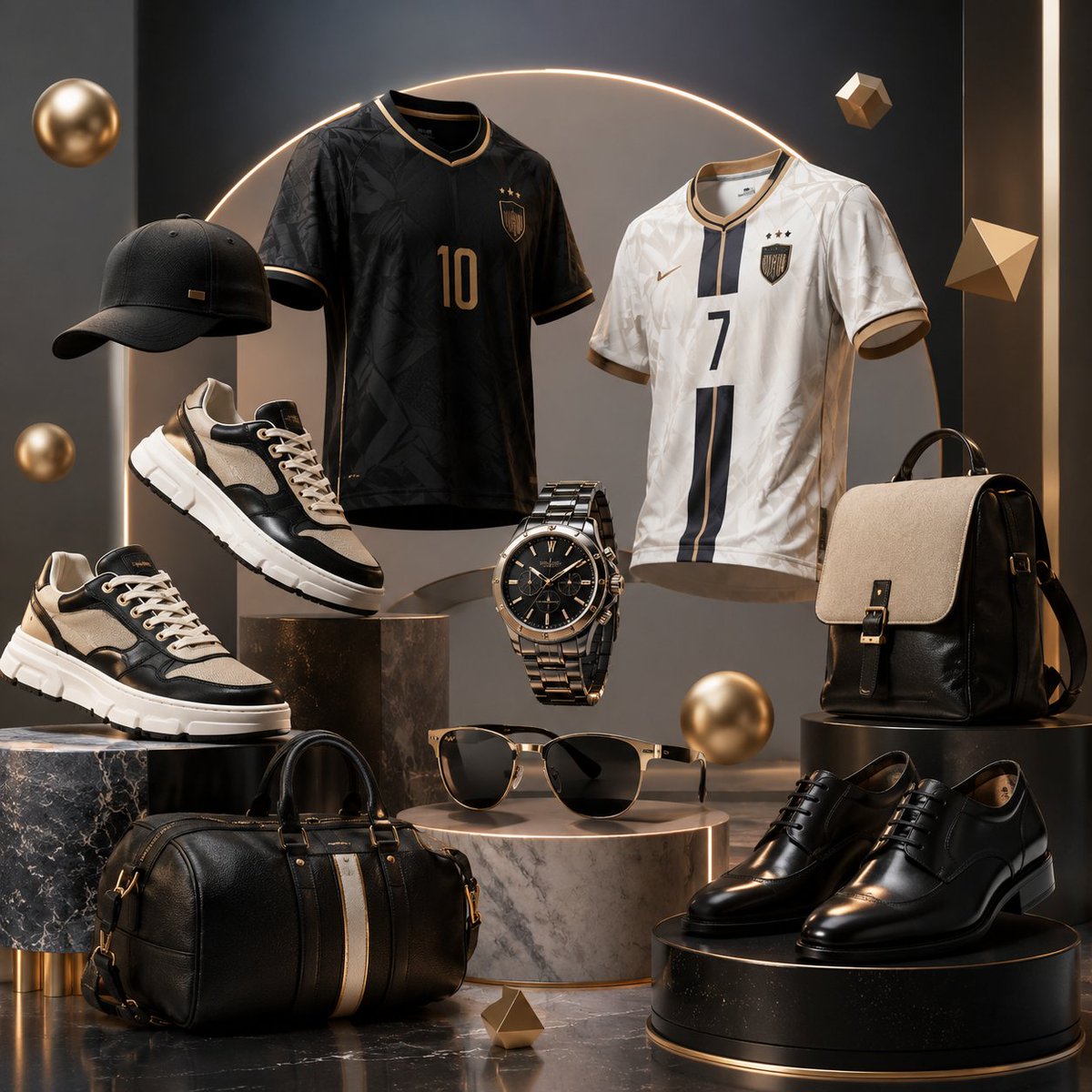
- Prompt included
- Model and format preset
- Free template
The prompt behind this image
Copy the exact prompt behind Luxury 3D Fashion Product Showcase, or open it in the studio and make it yours.
Create a premium square 3D fashion product showcase featuring exactly 9 main fashion items in a clean floating luxury composition: 1 black baseball cap on the left, 2 black-and-beige chunky luxury sneakers on staggered stone plinths, 1 black football jersey with gold trim and number 10, 1 white football jersey with black-and-gold trim and number 7, 1 metallic black-and-gold wristwatch floating in the center, 1 pair of black sunglasses with beige/gold frame on a marble cylinder, 1 black leather duffel bag with a vertical beige-and-gold stripe at the bottom left, 1 black-and-beige structured designer backpack on the right, and 1 pair of polished black leather dress shoes on a round black pedestal at the bottom right. Use {argument name="color palette" default="matte black, warm gold, cream beige, white, and charcoal gray"} with realistic leather, fabric, metal, rubber, and marble textures. Arrange the objects at different heights on cylindrical black marble, white marble, and dark stone podiums, with some items floating as if weightless. Background: dark charcoal studio wall with a soft glowing golden semicircle arch behind the jerseys, warm rim lighting, glossy reflections, subtle shadows, and floating decorative geometric accents including 3 gold spheres and 3 small gold polyhedrons. Style: high-end product advertising render, photorealistic 3D, cinematic lighting, crisp focus, luxurious boutique display, symmetrical but dynamic composition. Customize the jersey text details with {argument name="black jersey number" default="10"} and {argument name="white jersey number" default="7"}; include small crest-like badges and star details but no readable brand names or logos. Use {argument name="aspect ratio" default="1:1 square"}.
How to use Luxury 3D Fashion Product Showcase in 3 steps
- 1Upload ImagePNG, JPG or paste
Add your photo
Upload the photo the template builds on. The prompt, model and format are already set.
- 2…a portrait of your subject in softgolden-hour light, 85mm…
Personalize
Edit the subject and creative details for your destination.
- 3Generate
Generate
Press Generate — your image is created in PicX Studio, so you can compare it with the original and refine one variable at a time.
More like this
Templates with the same subject, style or setup. Open one to see its prompt.
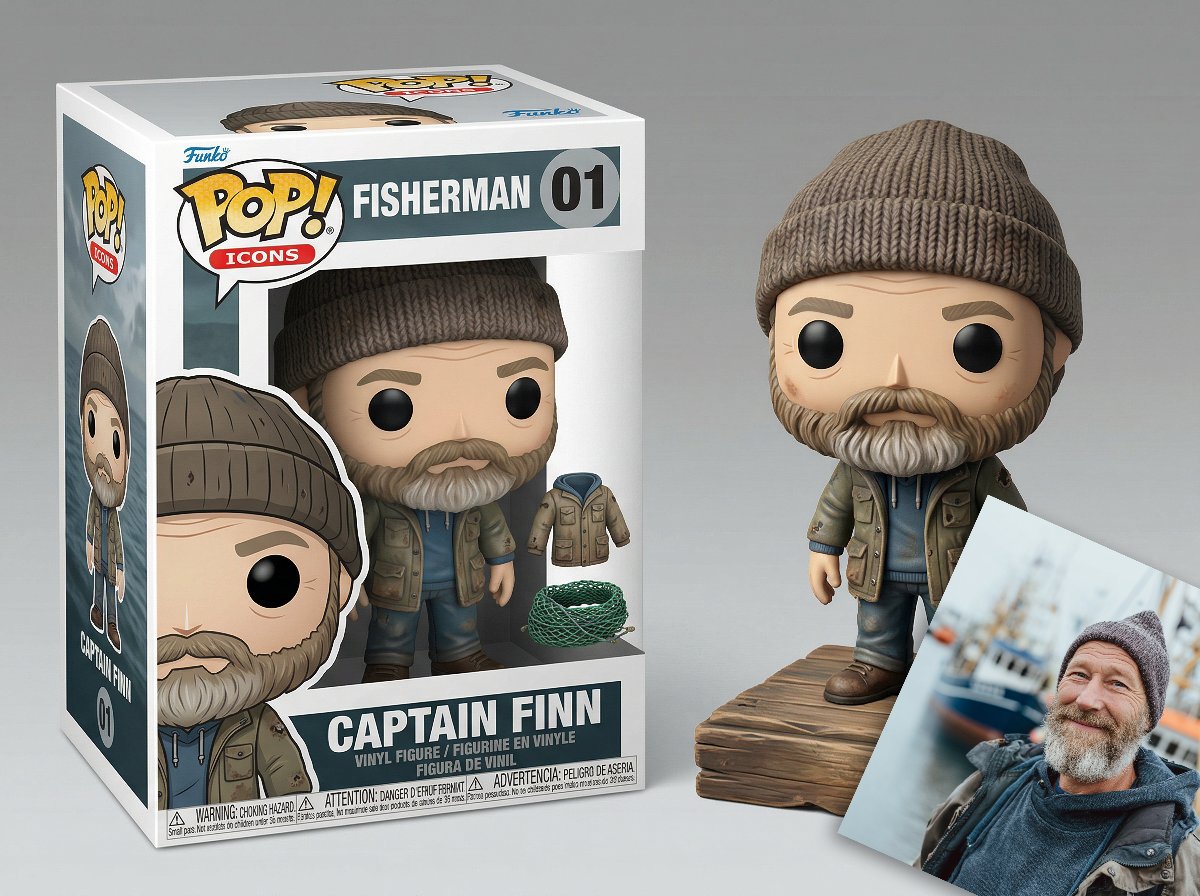
Isometric Luxury Product Showcase of a Vinyl Collectible Figure

19 Luxury Helicopter Travel — California Series

08 Rodeo Drive Luxury Exit — California Series
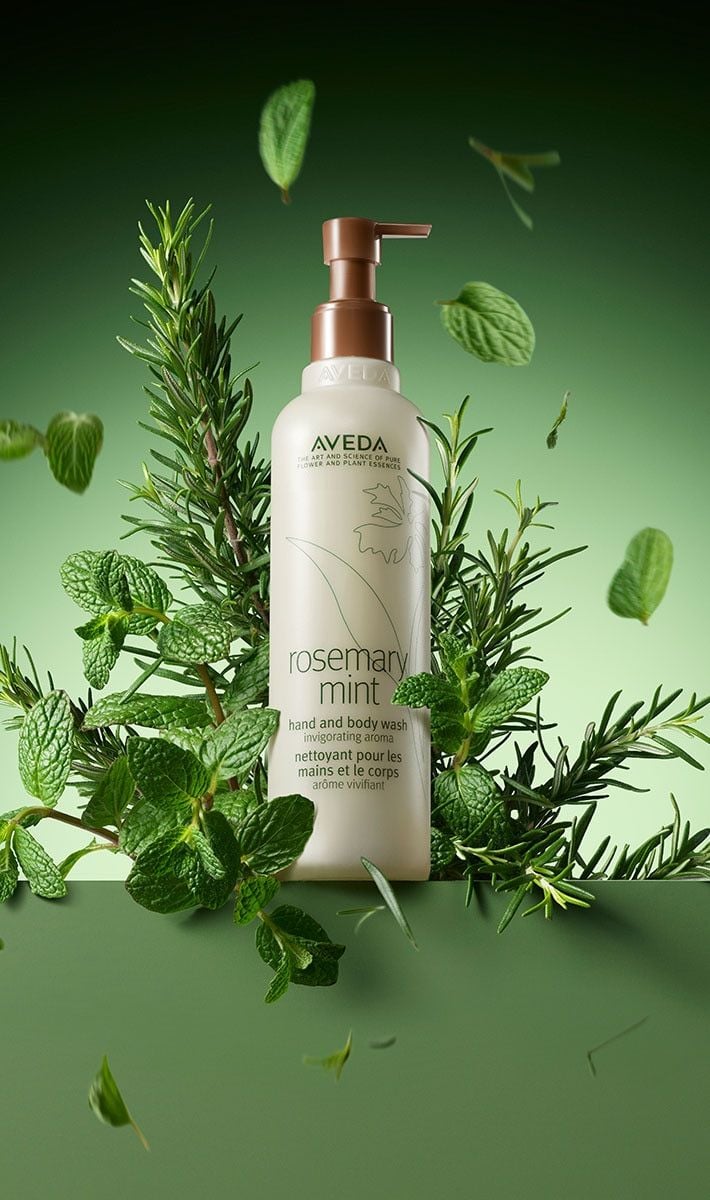
Botanical Rosemary Mint Product Showcase
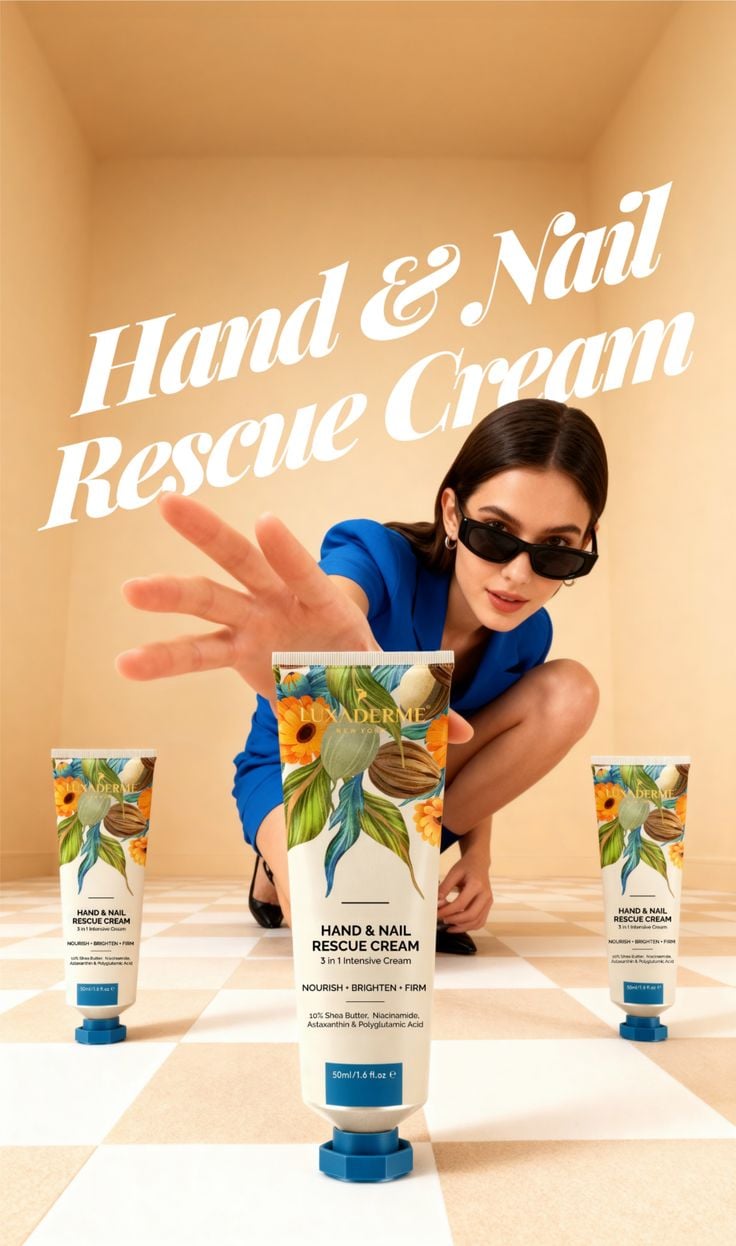
Modern Chic Product Showcase
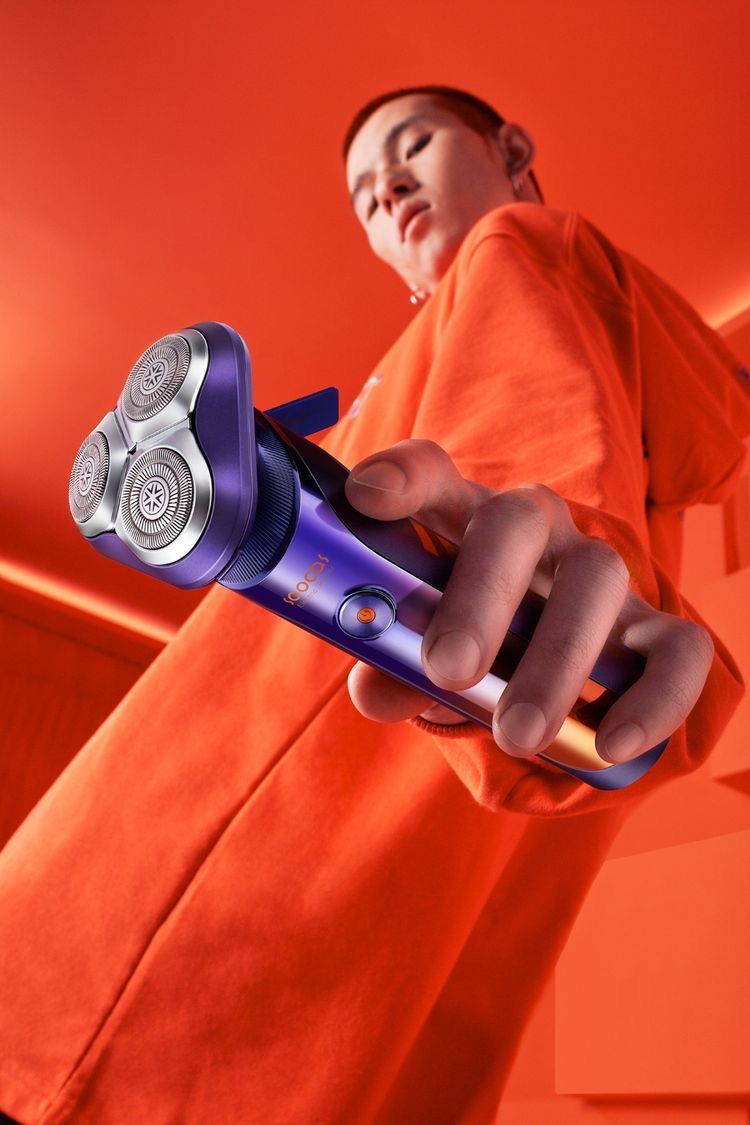
Modern Electric Shaver Showcase
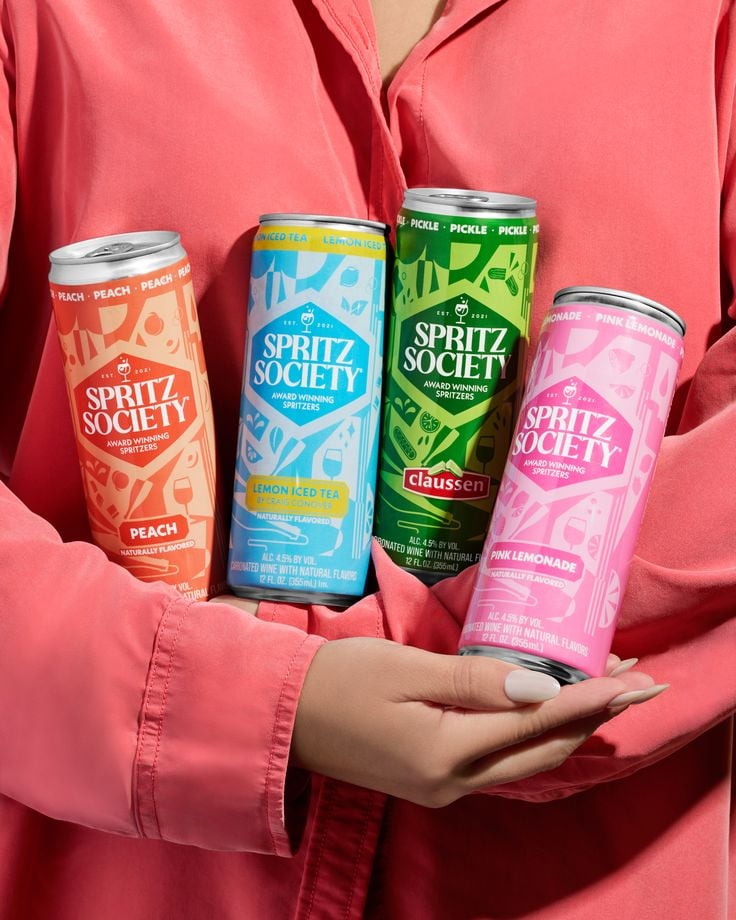
Vibrant Canned Beverage Showcase
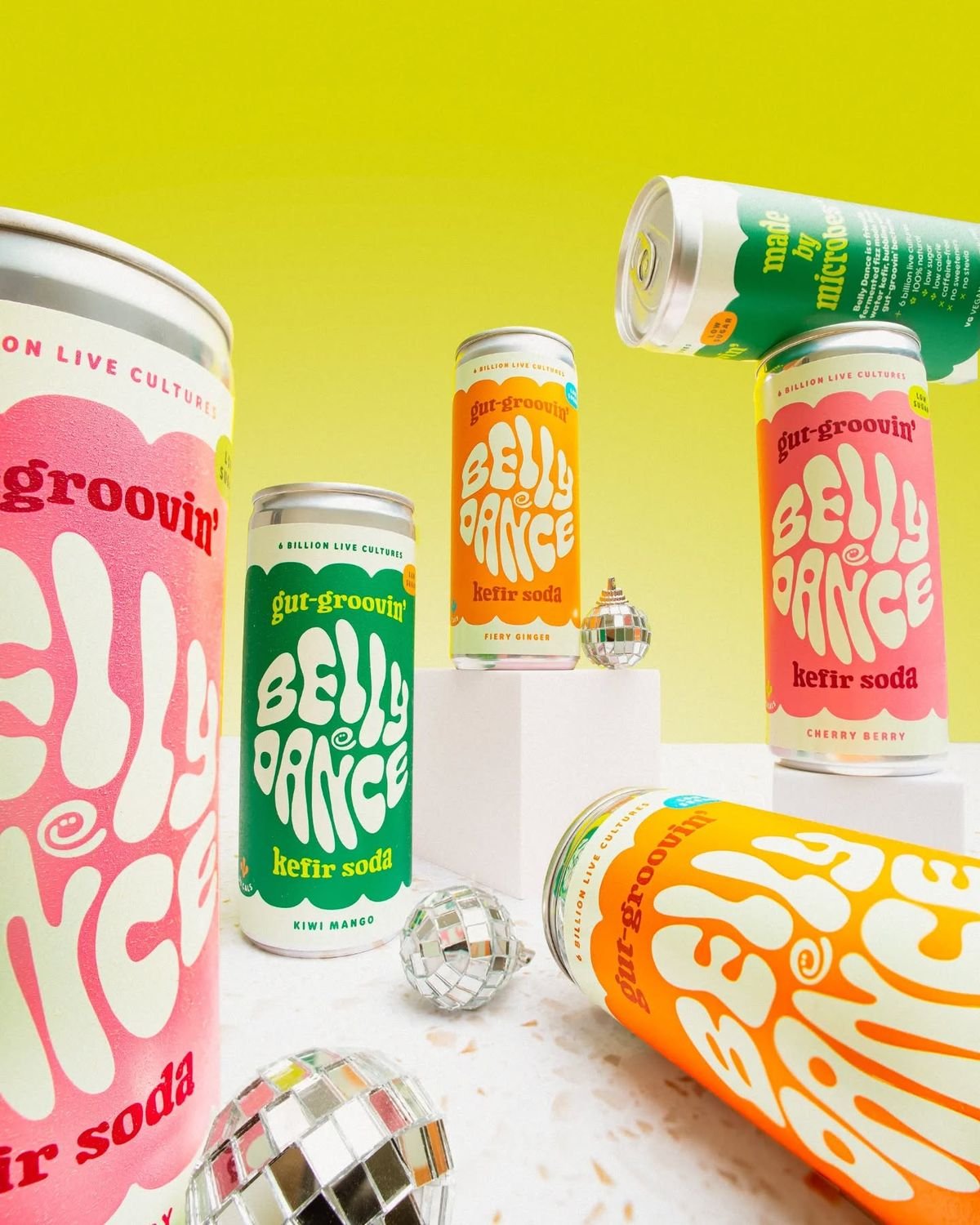
Retro Disco Beverage Showcase
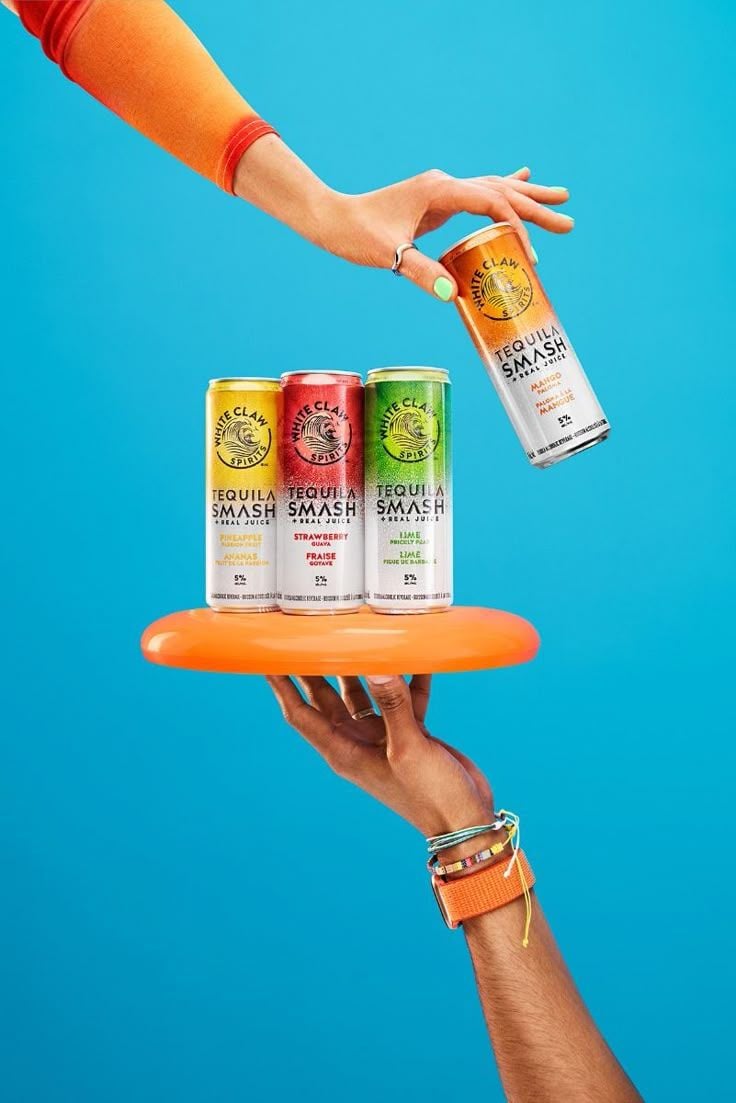
Vibrant Tequila Smash Product Showcase
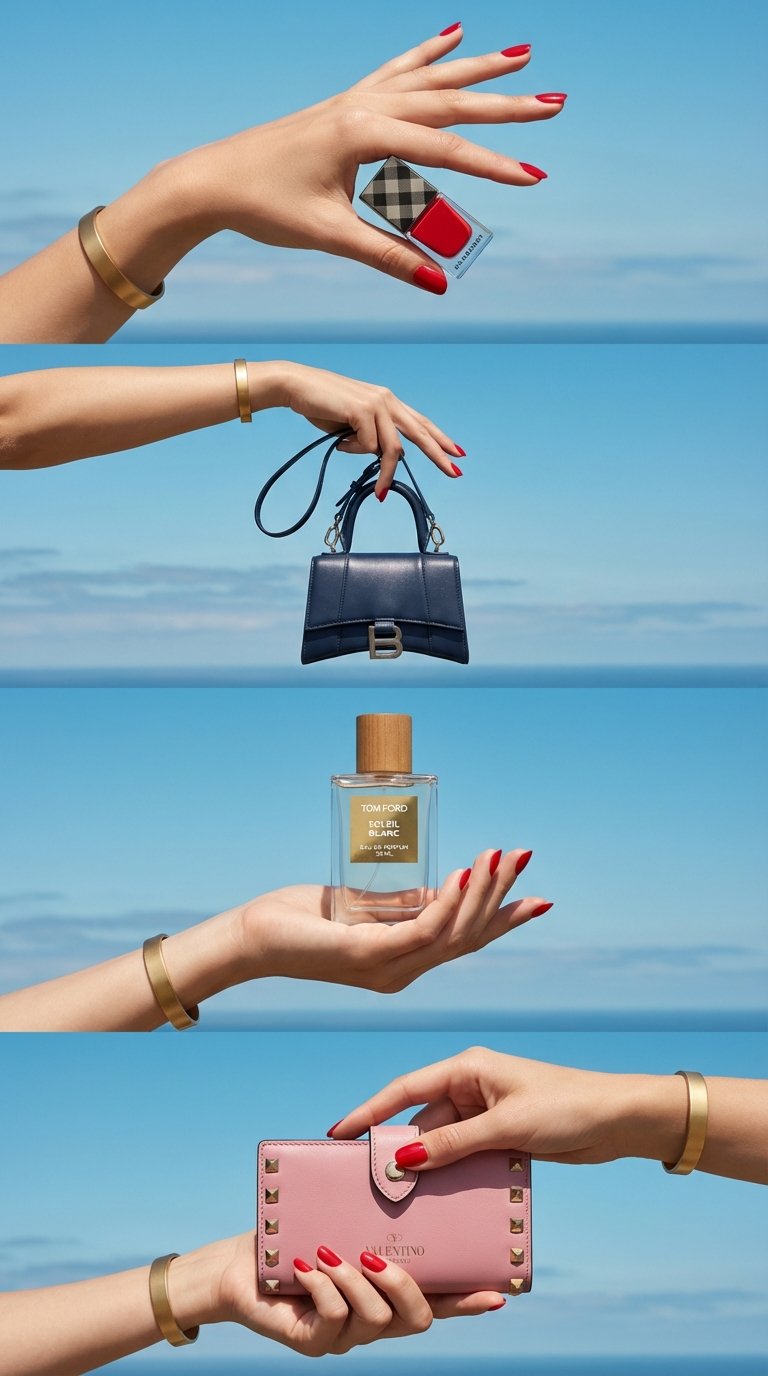
Luxe Minimalist Accessory Showcase
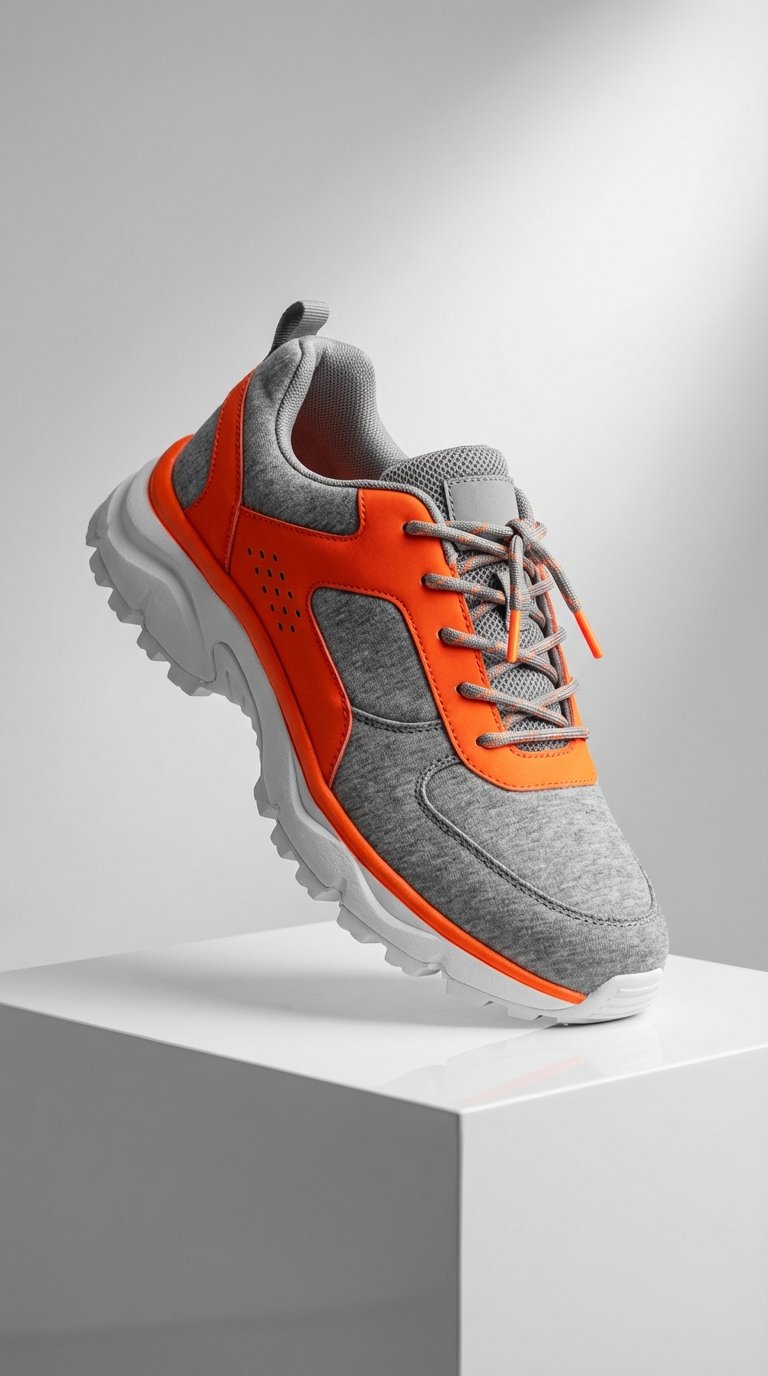
Modern Techwear Footwear Showcase
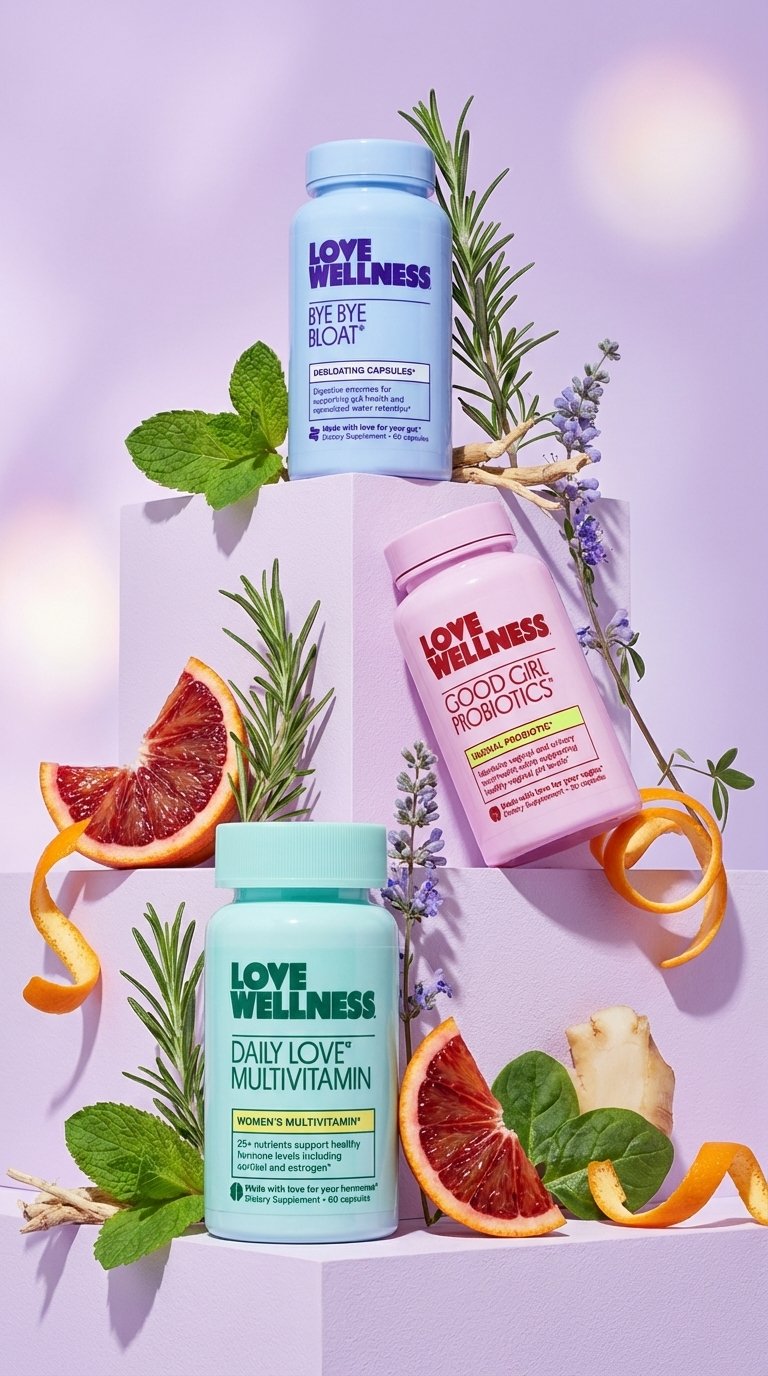
Vibrant Wellness Product Showcase
Make it yours
Luxury 3D Fashion Product Showcase works as-is. These are the safest ways to change it without losing the look.
Change one field
Copy a single group, rewrite it, and generate again so you can see what that field is doing.
Keep the frame, change the subject
Hold the composition and light of Luxury 3D Fashion Product Showcase, then swap wardrobe, props or the person for a new take.
| If the result… | Why | Fix |
|---|---|---|
| The result drifts from the preview | Too many fields changed at once. | Reuse Luxury 3D Fashion Product Showcase as-is first, then change one group — subject, light, or setting. |
| The model over-stylizes the scene | The prose prompt leaves finish and camera underspecified. | Add one camera or lighting sentence and stay on GPT Image 2. |
More GPT Image 2 templates
Other prompts made for GPT Image 2.

Six VTuber Japanese Logo Sheet

Realistic Portrait of Woman and Deer

The Vista Modular Condo Poster

AI Model Routing Comparison Infographic

2.5D Anime Art Board

Isometric Productivity Desk Scene

New York Double Exposure Poster

Four-Panel AI Landscape Comparison

Japanese Tatami Lifestyle Magazine Cover

NESCAFÉ Coffee Map Poster
More image prompts
Fresh picks from across the catalog.
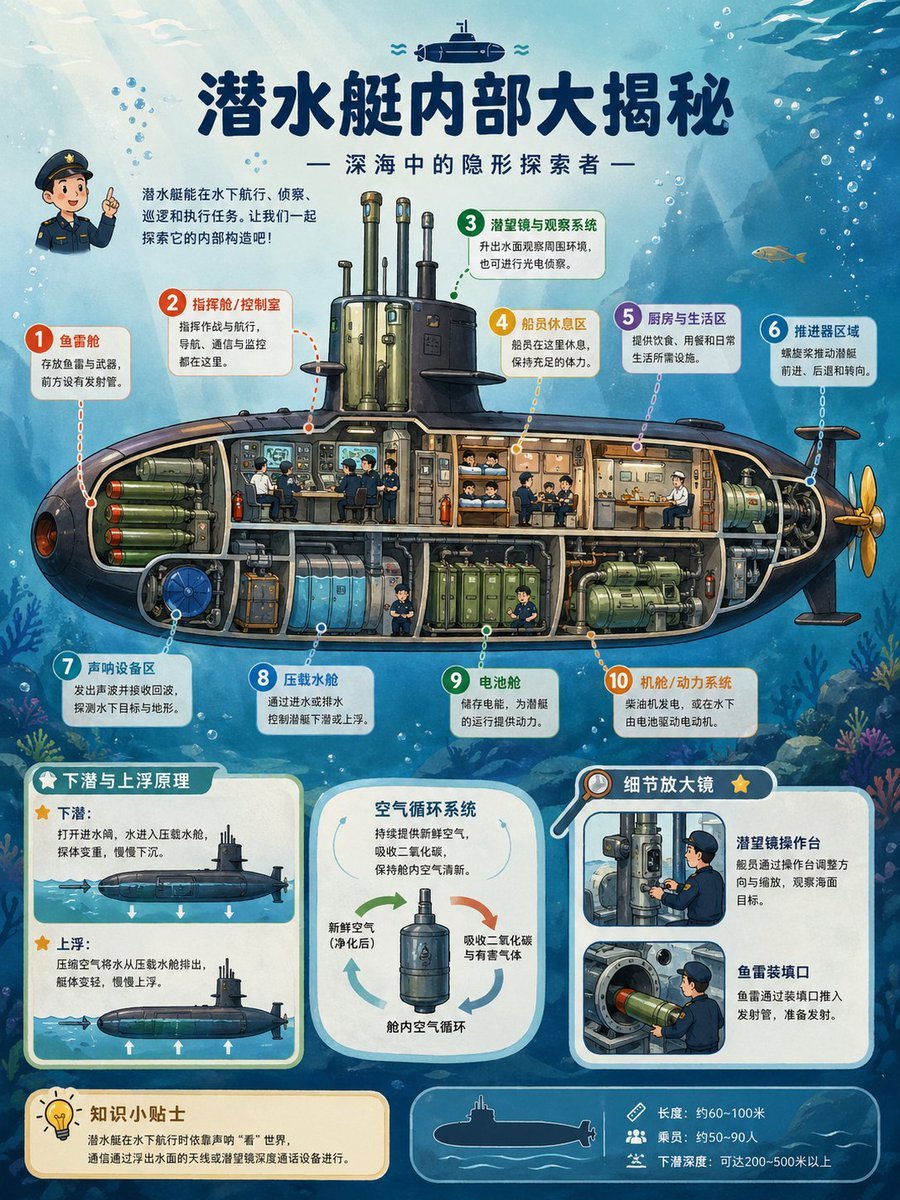
Submarine Cutaway Encyclopedia Poster
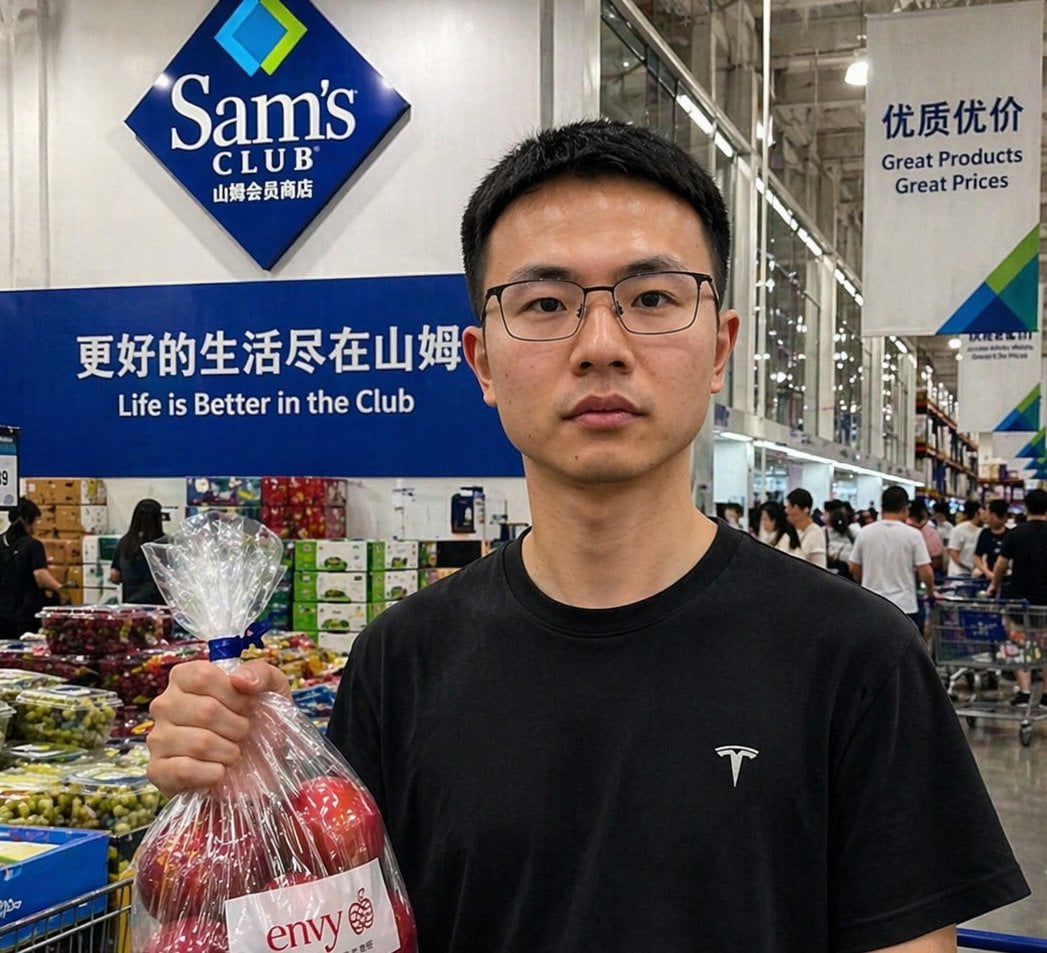
Realistic Sam's Club Shopping Snapshot
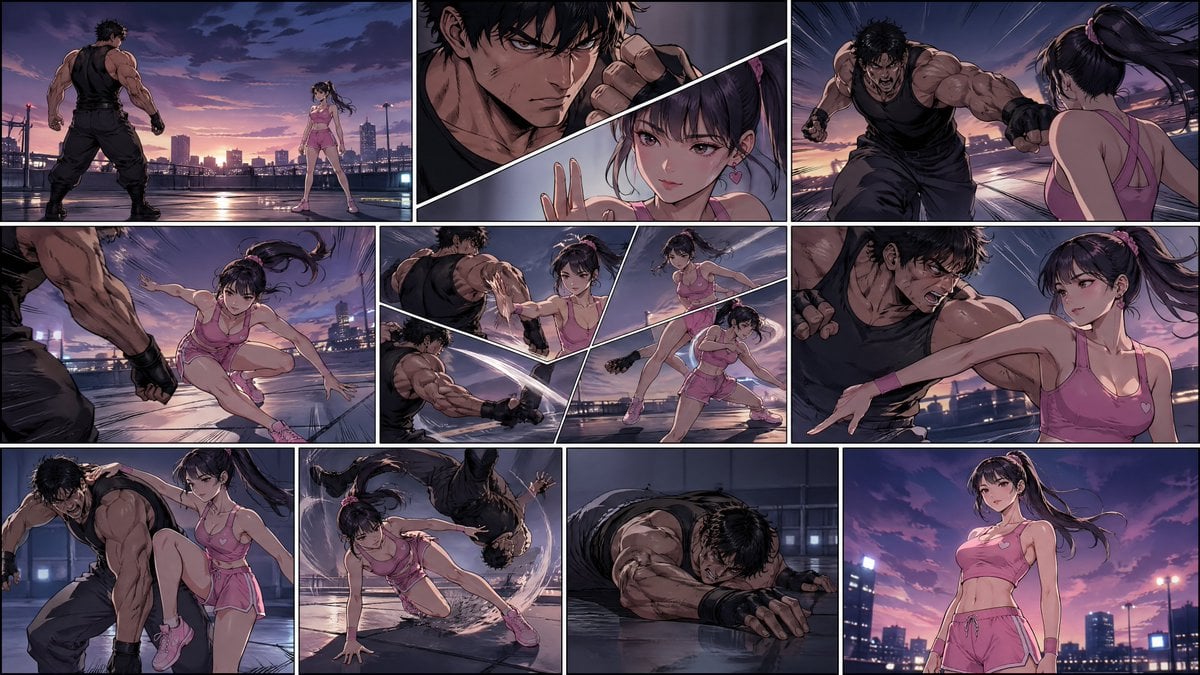
Manhwa Style Fighting Storyboard
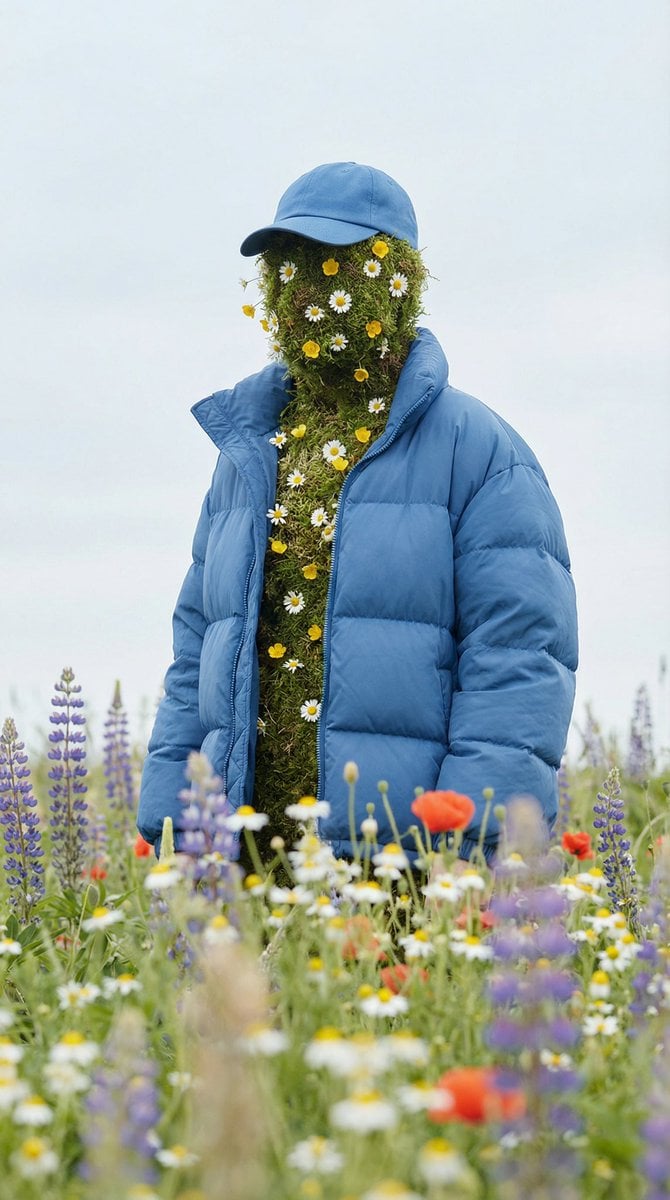
Surreal Nature Fashion Fusion Portrait
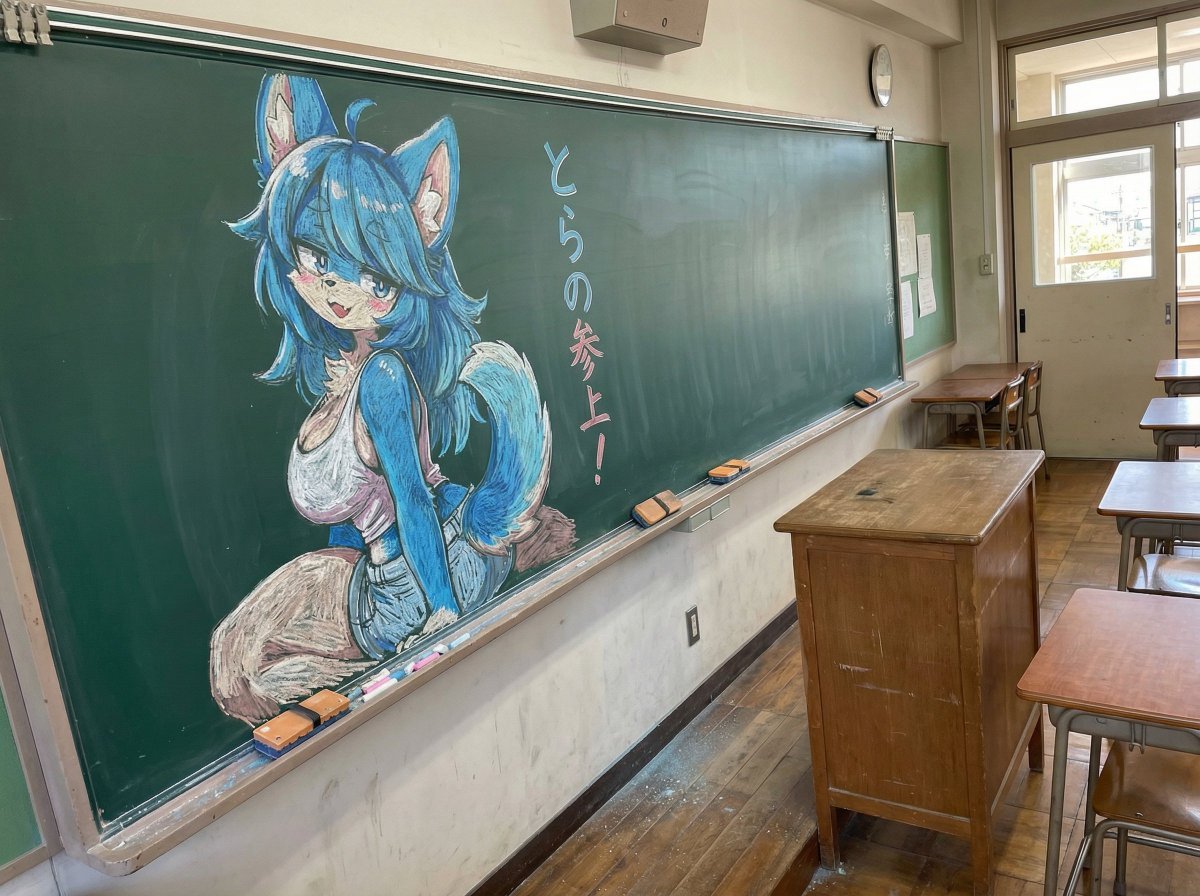
Chalk drawing of an illustration on a classroom blackboard
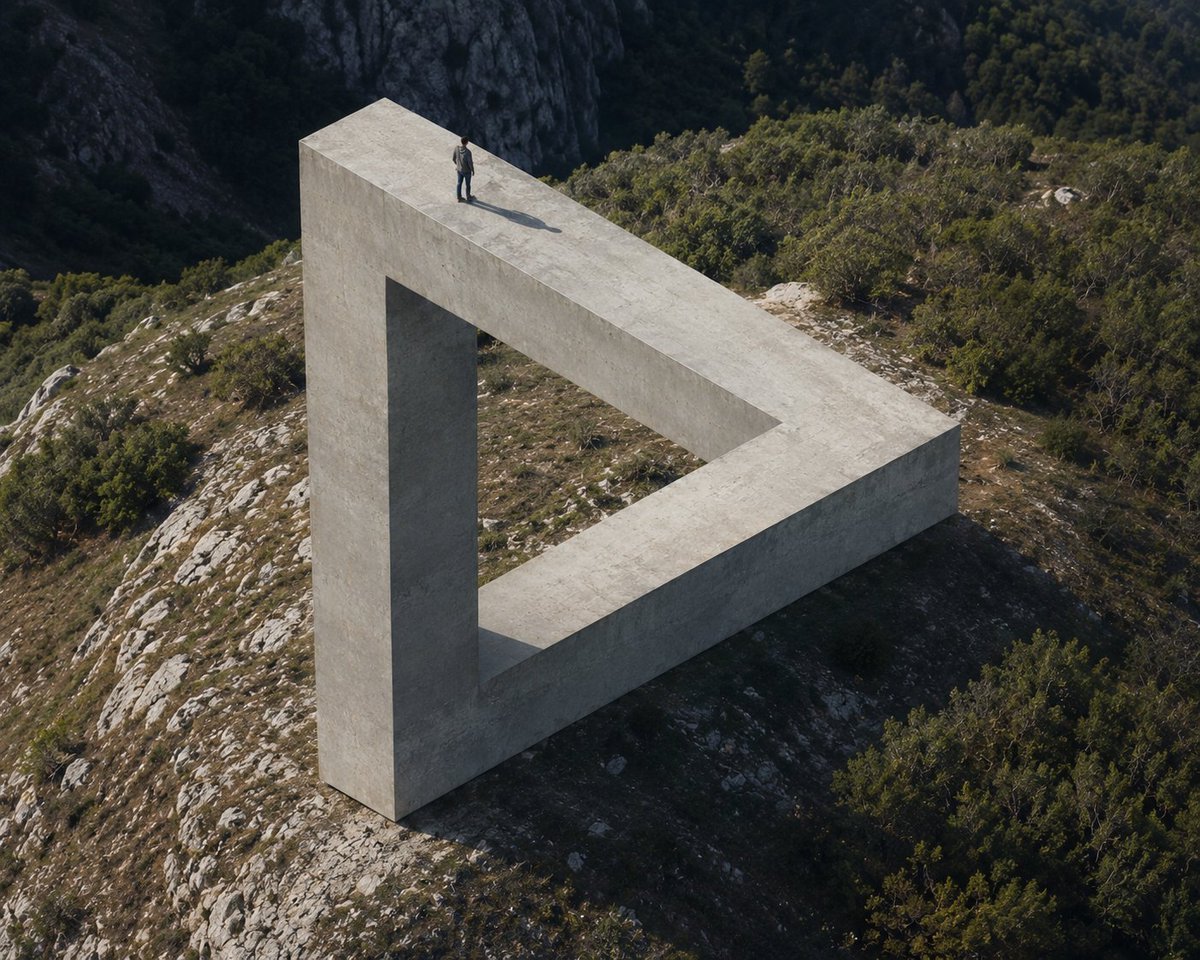
Penrose Impossible Triangle Structure
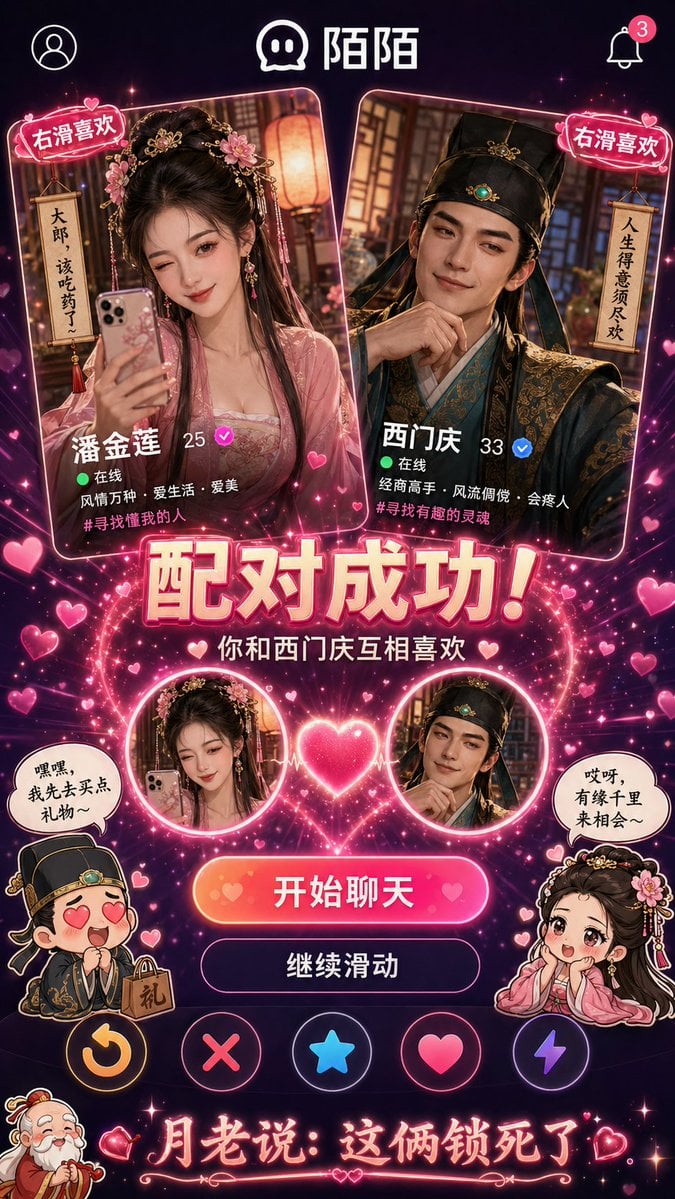
Historical Character Modern Match Interaction

Japanese infographic in Kasumigaura PowerPoint style

Censored Anime Businessman Portrait

Cozy Night Café Portrait
Browse template categories
Luxury 3D Fashion Product Showcase questions
How do I use the Luxury 3D Fashion Product Showcase template?
Add your photo if the template asks for one, edit the prompt if you like — the template's model and format are already selected — and press Generate. Your version opens in PicX Studio.
Can I customize the Luxury 3D Fashion Product Showcase template?
Yes. You can change the subject, setting, lighting, mood, format, and available model controls before creating your image.
Is the Luxury 3D Fashion Product Showcase template free?
Opening and editing this template is free. Generating uses credits, shown on the Generate button when you are signed in.
Which AI model should I use?
Start with GPT Image 2, which is the model associated with this template. You can compare another compatible model for a different finish.
Looking for something else? Browse all templates.

Your photo, any look
Thousands of ready templates for every top image and video model, from one credit balance.