
Early 2000s Digital Camera Screen Photo Prompt
A prompt designed to create a hyper-realistic image of a compact digital camera's screen, showing a photo preview within it.
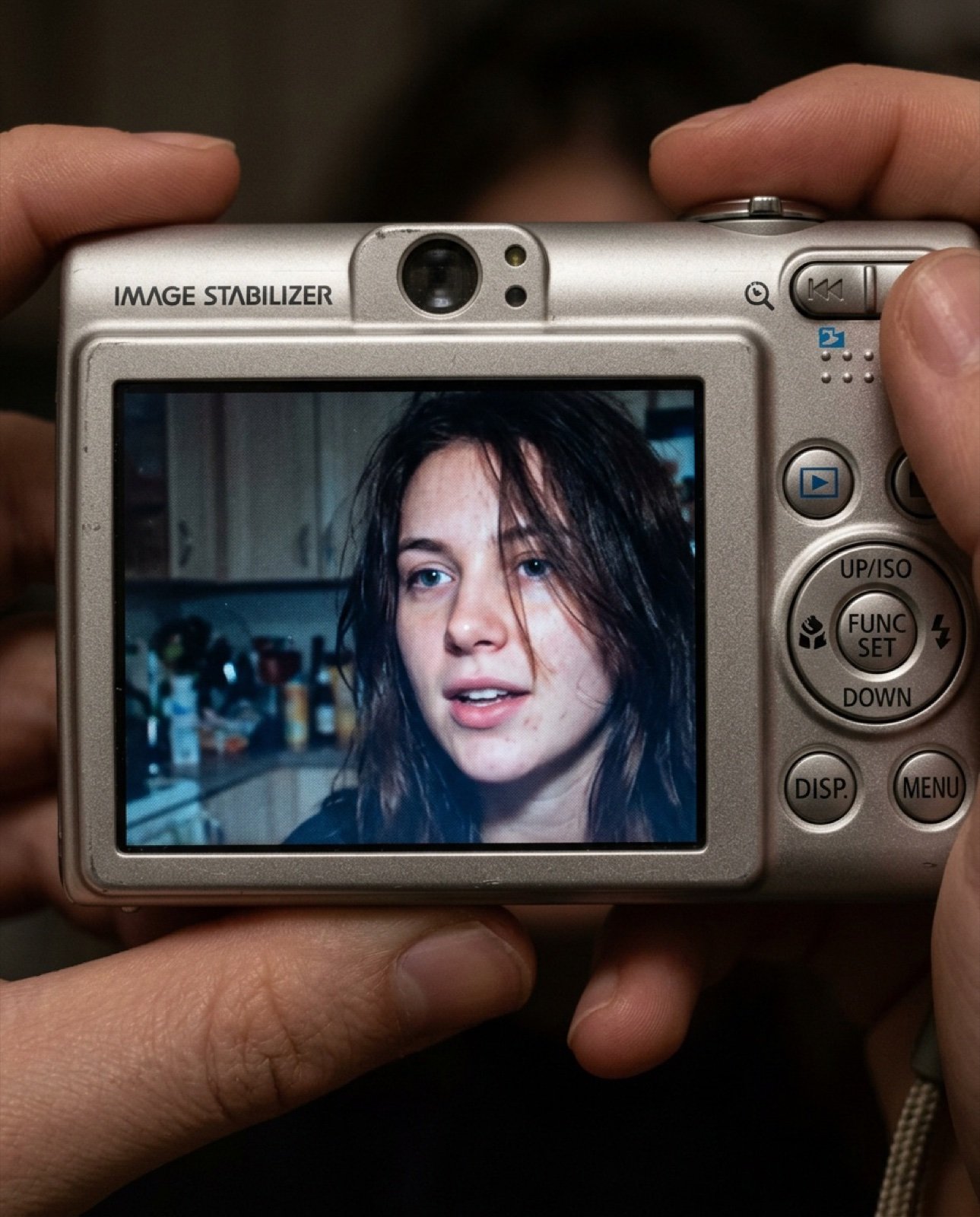
- Prompt included
- Model and format preset
- Free template
The prompt behind this image
Copy the exact prompt behind Early 2000s Digital Camera Screen Photo Prompt, or open it in the studio and make it yours.
- Aspect Ratio
- 4:5
- Style
- early-2000s compact digital camera aesthetic
- Prompt
- A hyper-realistic close-up photo displayed on the screen of a compact Canon-style digital camera. The camera body is visible around the preview, showing textured plastic, physical buttons, dials, FUNC/SET wheel, DISP button, and an 'IMAGE STABILIZER' label on the body. On the camera screen: a young woman using the exact facial features from the provided reference photo, no changes to identity. She is indoors at night, captured with a harsh built-in flash. Long dark hair partially covering her face, lips slightly parted, candid expression. Background shows a dim, cluttered kitchen softly blurred. Strong flash contrast, cool muted tones, subtle digital noise, slight screen glow, authentic early-2000s digital camera look.
- Camera View
- close-up of camera back with live preview visible
- Lighting
- harsh on-camera flash, cool tone, high contrast
- Details
- realistic LCD glow, slight screen grain, soft blur in background, natural skin texture, no beauty retouching
- Negative Prompt
- text inside photo preview, logos inside preview, watermark, timestamp, cartoon, illustration, painting, over-smooth skin, beauty filter, AI artifacts, distorted face, extra fingers, blurry subject
- Quality
- ultra realistic, high detail, photographic
- Render Style
- photorealistic, candid snapshot
Raw JSON
{
  "aspect_ratio": "4:5",
  "style": "early-2000s compact digital camera aesthetic",
  "prompt": "A hyper-realistic close-up photo displayed on the screen of a compact Canon-style digital camera. The camera body is visible around the preview, showing textured plastic, physical buttons, dials, FUNC/SET wheel, DISP button, and an 'IMAGE STABILIZER' label on the body. On the camera screen: a young woman using the exact facial features from the provided reference photo, no changes to identity. She is indoors at night, captured with a harsh built-in flash. Long dark hair partially covering her face, lips slightly parted, candid expression. Background shows a dim, cluttered kitchen softly blurred. Strong flash contrast, cool muted tones, subtle digital noise, slight screen glow, authentic early-2000s digital camera look.",
  "camera_view": "close-up of camera back with live preview visible",
  "lighting": "harsh on-camera flash, cool tone, high contrast",
  "details": [
    "realistic LCD glow",
    "slight screen grain",
    "soft blur in background",
    "natural skin texture",
    "no beauty retouching"
  ],
  "negative_prompt": "text inside photo preview, logos inside preview, watermark, timestamp, cartoon, illustration, painting, over-smooth skin, beauty filter, AI artifacts, distorted face, extra fingers, blurry subject",
  "quality": "ultra realistic, high detail, photographic",
  "render_style": "photorealistic, candid snapshot"
}How to use Early 2000s Digital Camera Screen Photo Prompt in 3 steps
- 1Upload ImagePNG, JPG or paste
Add your photo
Upload the photo the template builds on. The prompt, model and format are already set.
- 2…a portrait of your subject in softgolden-hour light, 85mm…
Personalize
Edit the subject and creative details for your destination.
- 3Generate
Generate
Press Generate — your image is created in PicX Studio, so you can compare it with the original and refine one variable at a time.
More like this
Templates with the same subject, style or setup. Open one to see its prompt.
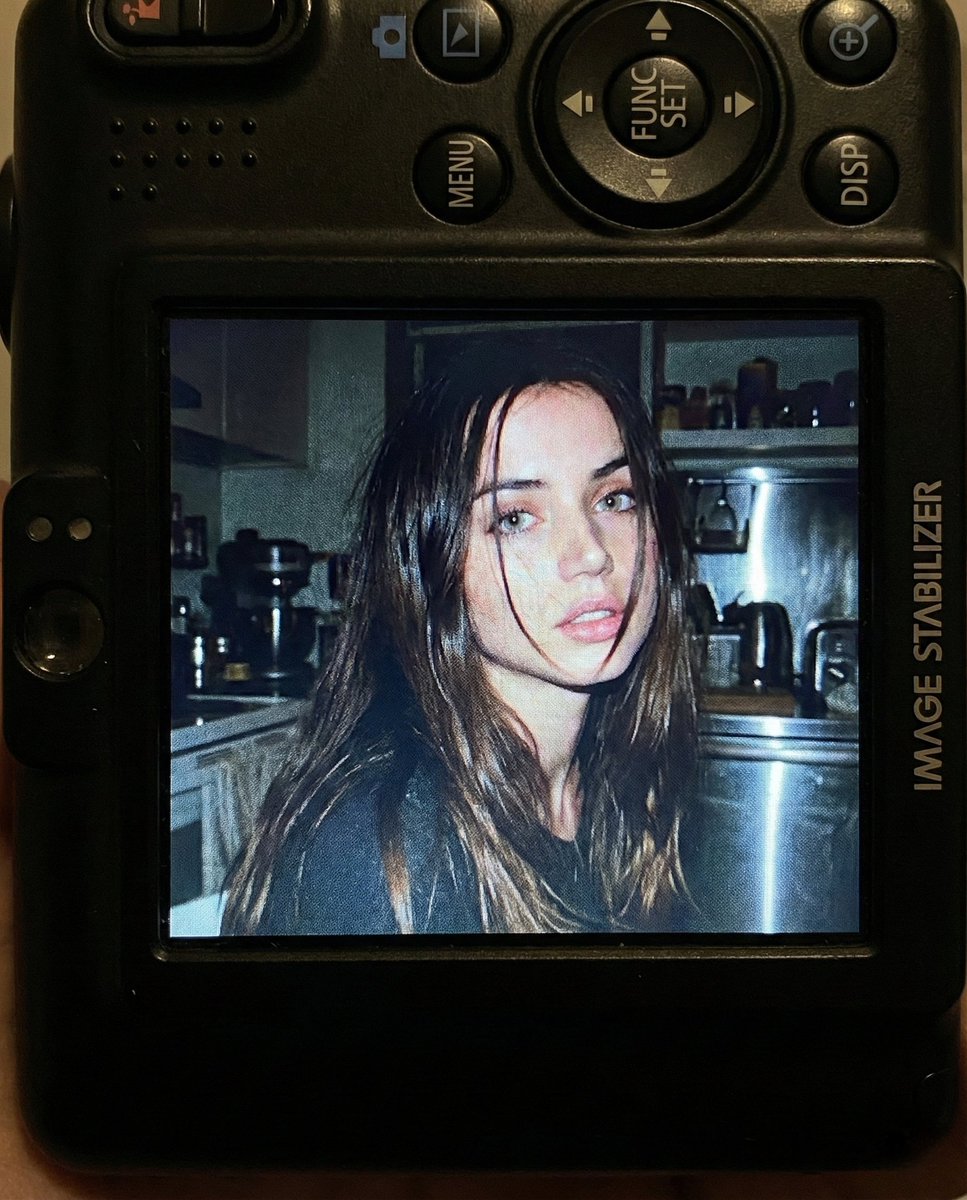
Nostalgic Early 2000s Digital Camera Portrait Prompt
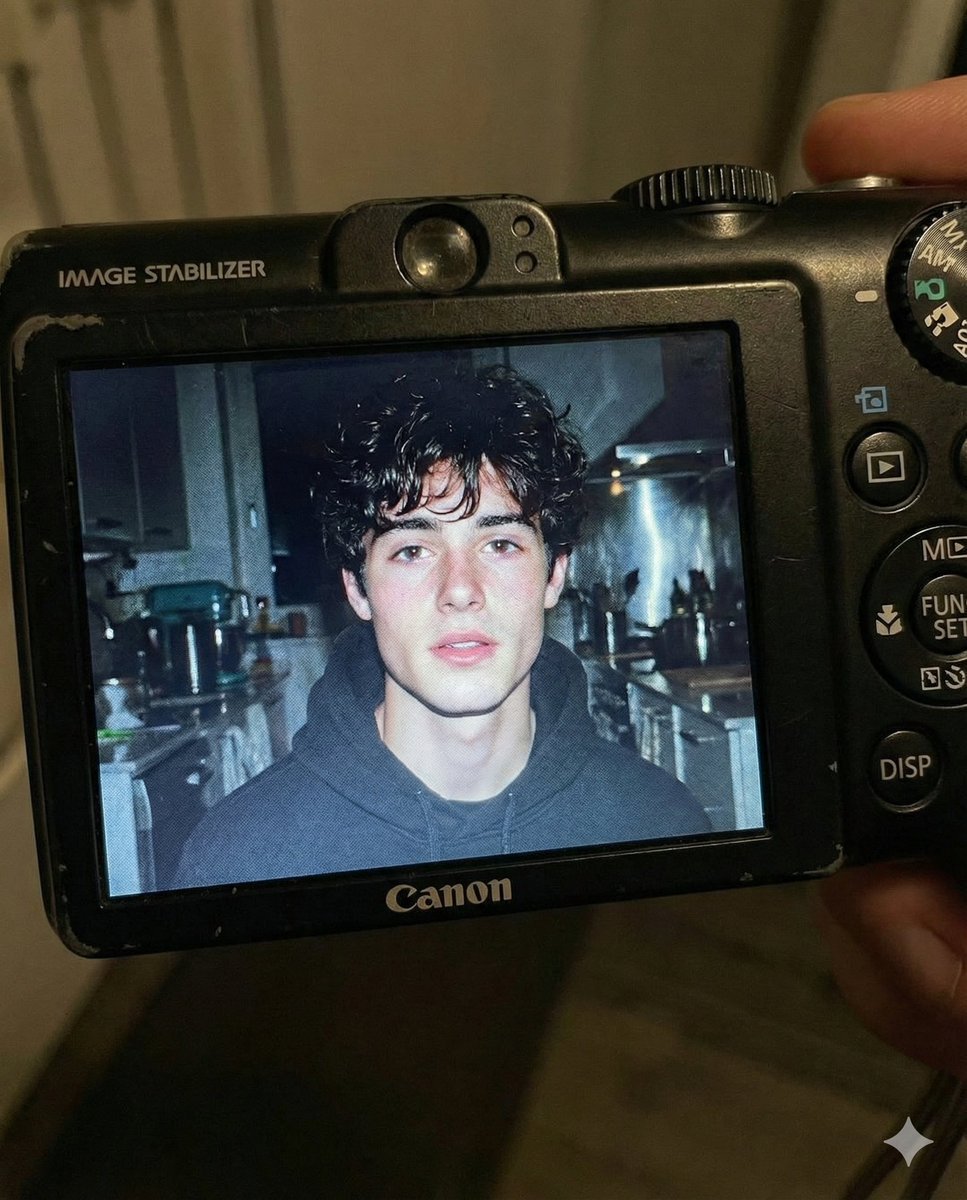
Early 2000s Digital Camera Flash Portrait Prompt
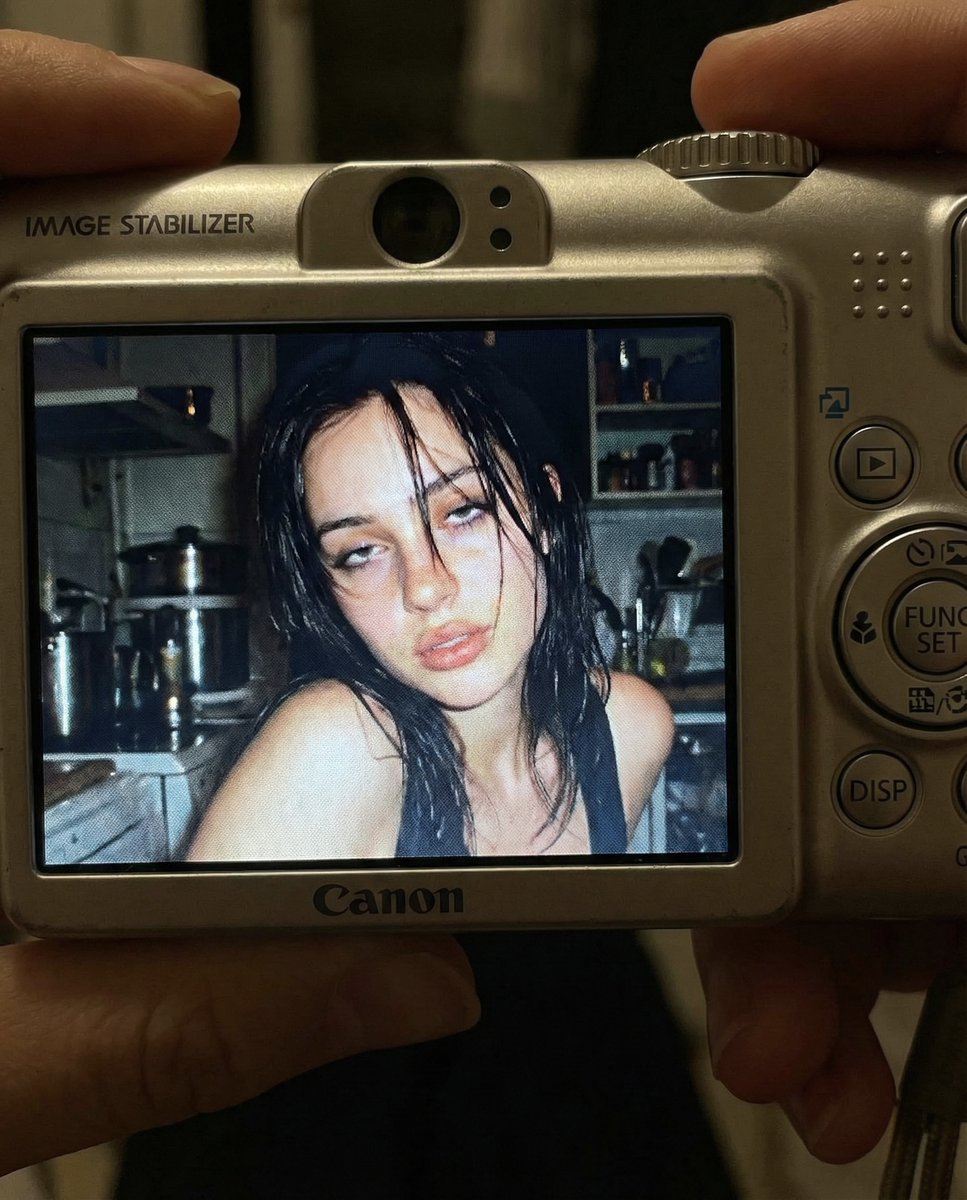
Early 2000s Digital Camera Snapshot Prompt
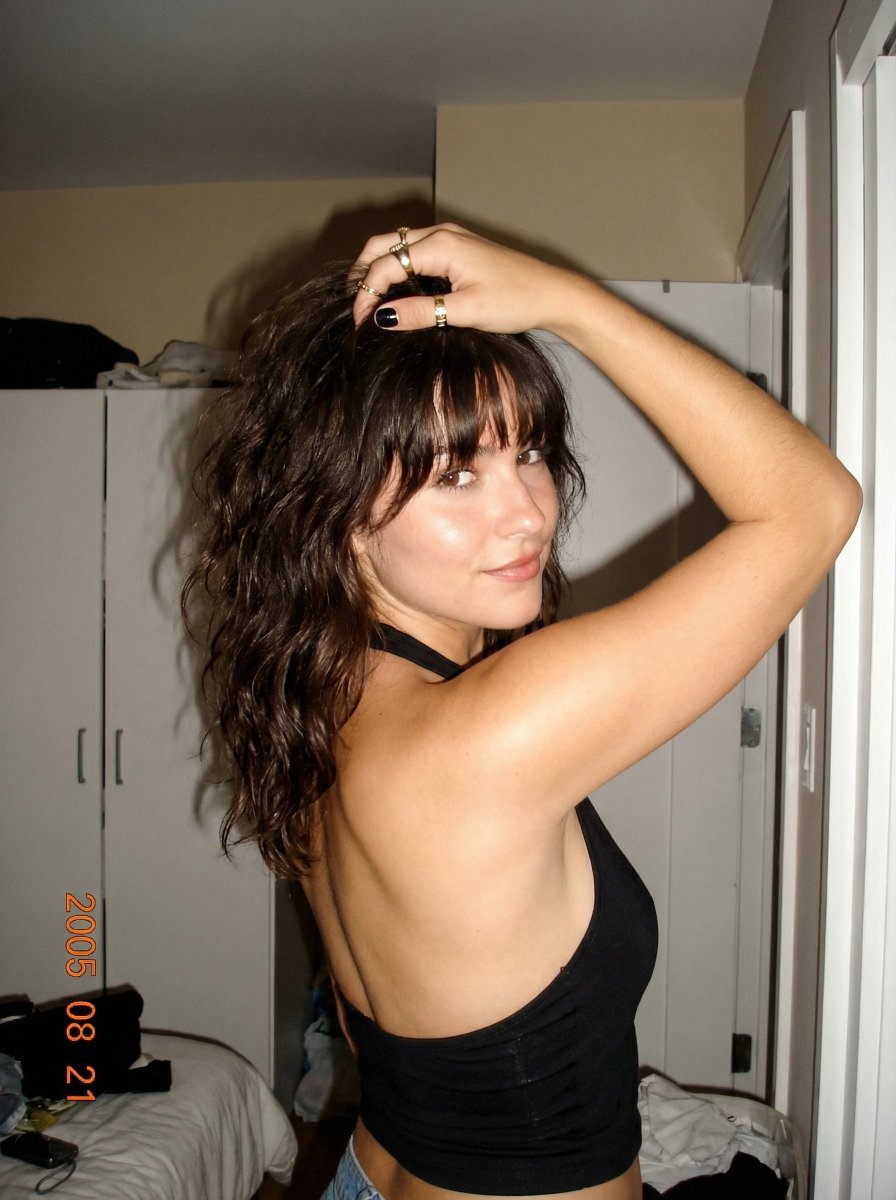
2000s Digital Camera Backless Top Snapshot Prompt
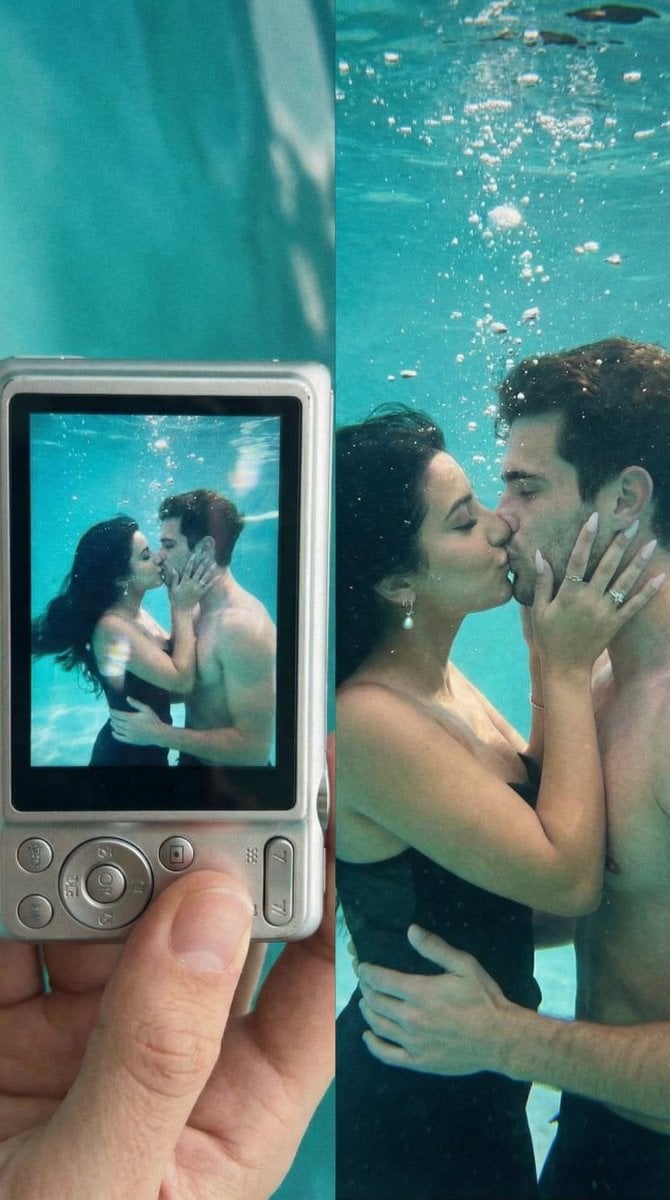
Underwater Kiss Diptych with Digital Camera Screen
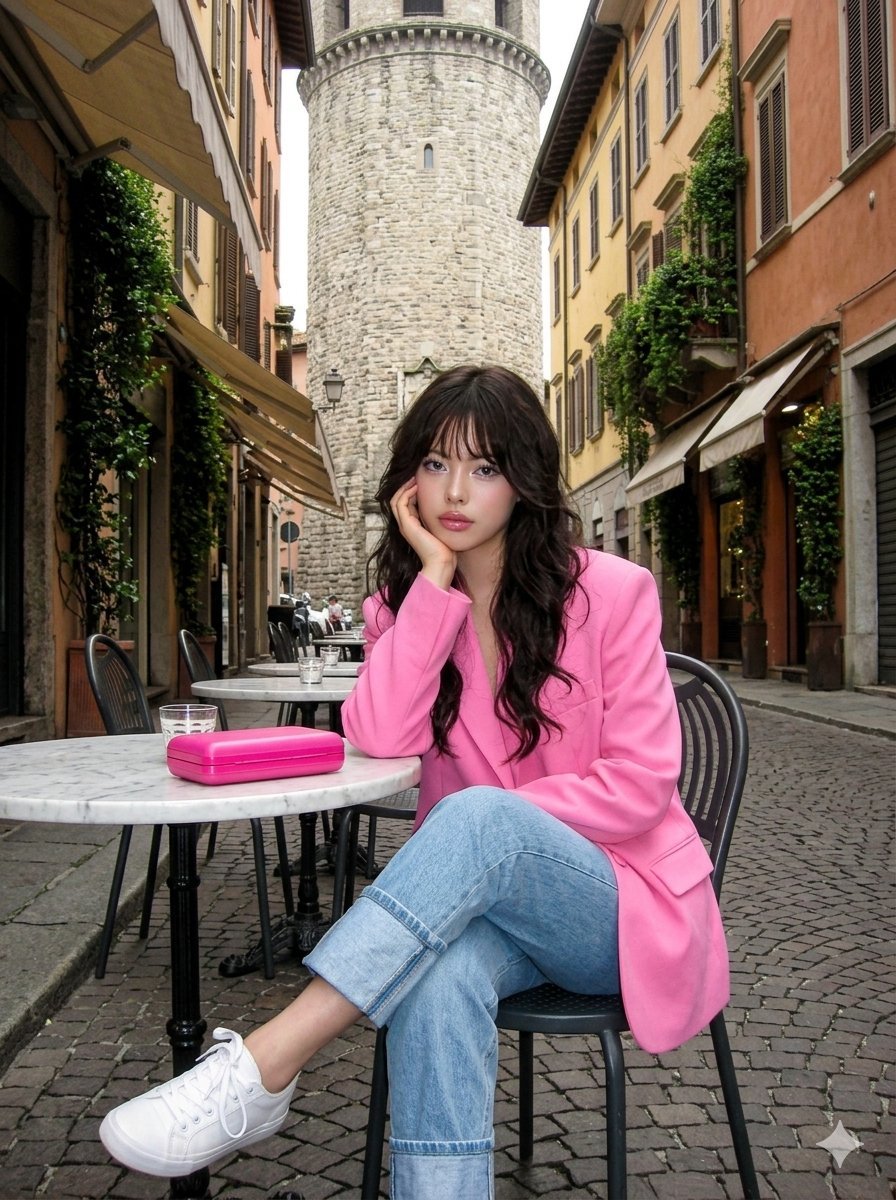
Early 2000s Digital Photo of Subject in Pink Blazer
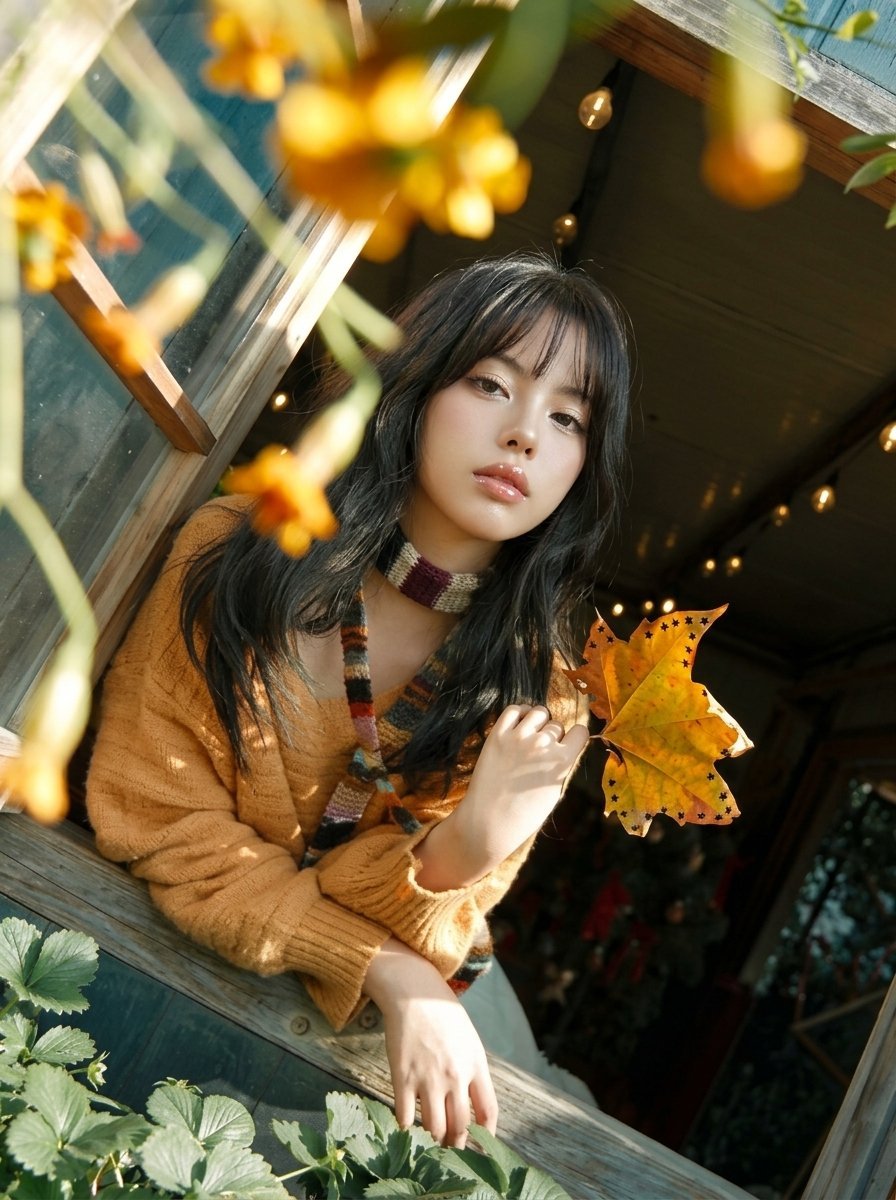
Y2K Windowsill Maple Leaf — Early 2000s Digital Photo
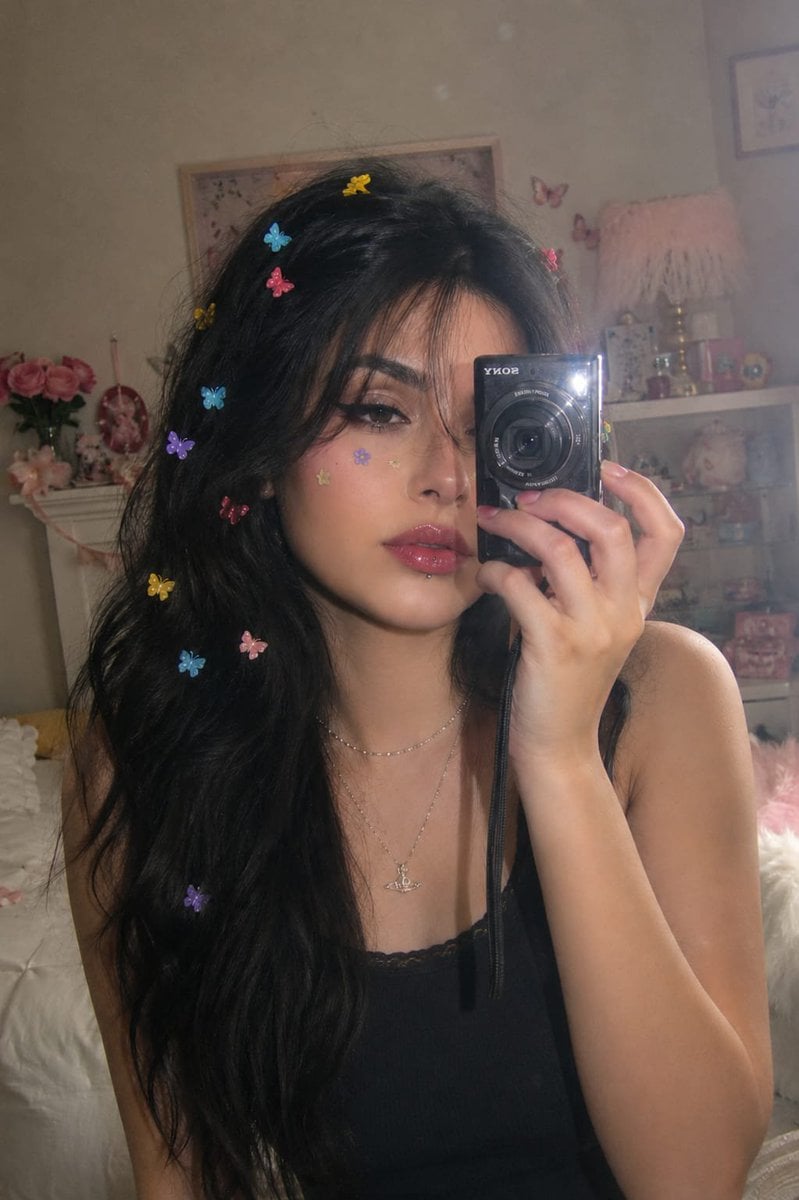
Dreamy Y2K Digital Camera Mirror Selfie
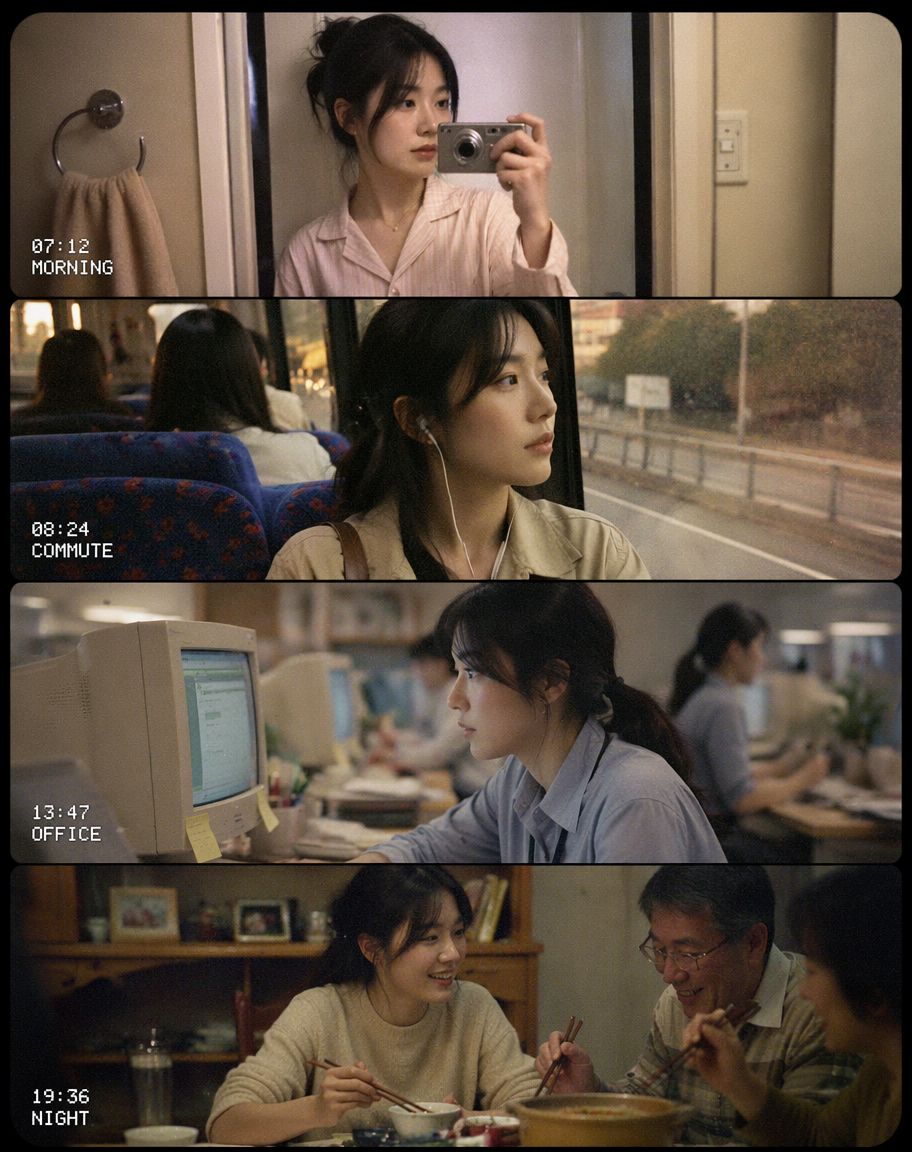
Early 2000s CCD Video Diary Storyboard

Nostalgic Early-2000s Cafe Snapshot

Early 2000s Nightlife Flash Portrait
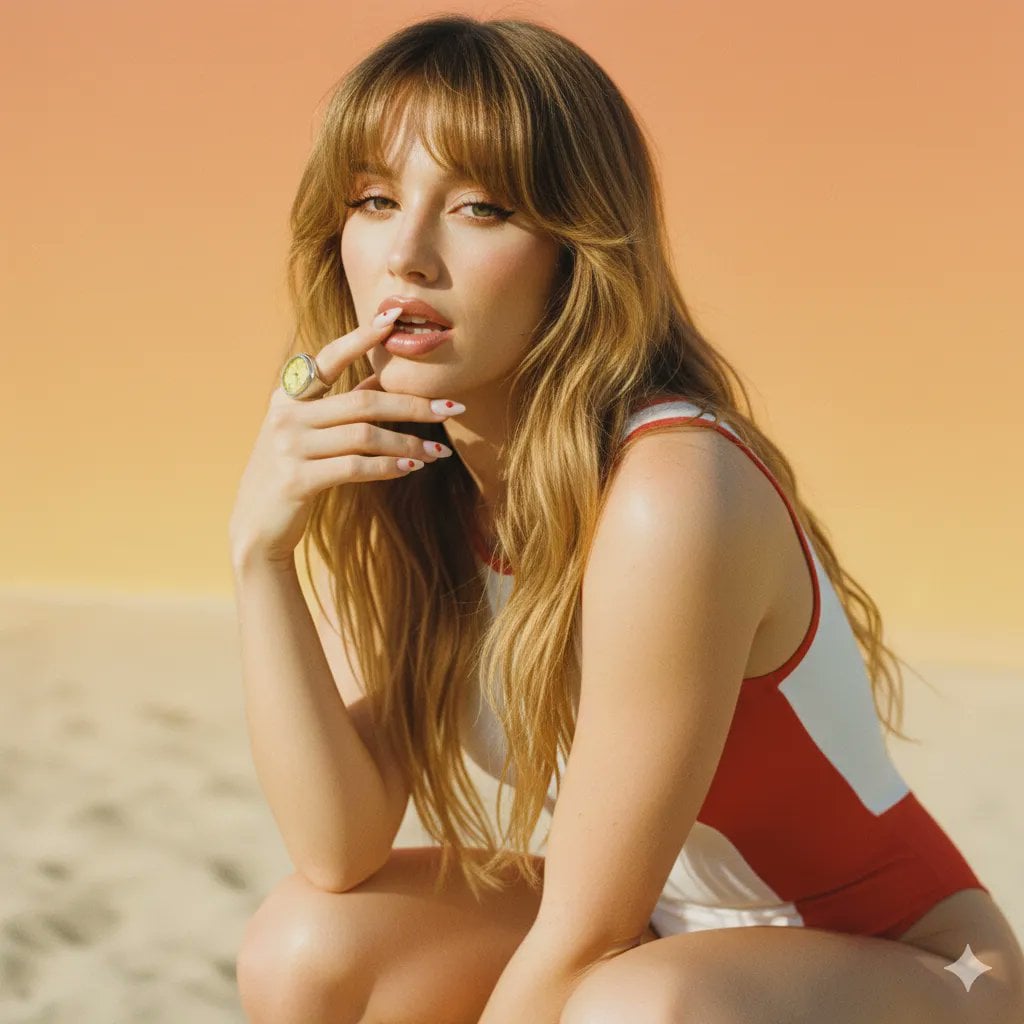
2000s Retro-Pop Fashion Cinematic Editorial Portrait
Make it yours
Early 2000s Digital Camera Screen Photo Prompt works as-is. These are the safest ways to change it without losing the look.
Swap the light
One lighting change is enough to compare takes. Current light: “harsh on-camera flash, cool tone, high contrast”.
Change one field
Copy a single group, rewrite it, and generate again so you can see what that field is doing.
Keep the frame, change the subject
Hold the composition and light of Early 2000s Digital Camera Screen Photo Prompt, then swap wardrobe, props or the person for a new take.
| If the result… | Why | Fix |
|---|---|---|
| The result drifts from the preview | Too many fields changed at once. | Reuse Early 2000s Digital Camera Screen Photo Prompt as-is first, then change one group — subject, light, or setting. |
| Nano Banana 2 ignores part of the JSON | Some models flatten or skip nested keys. | Keep the same values and paste them as a short paragraph instead. |
More Nano Banana 2 templates
Other prompts made for Nano Banana 2.

Photorealistic Leaf Shaped Like a Dragon

K-Pop Idol Portrait Grid for Rapid Selection

Poetic Rain Forest Portrait During Golden Hour

Urban Street Portrait with Cartoon Inner Self Duo

Candid Nighttime Photo with Cat Prompt

High-Concept 3D Diorama Generation Prompt

Cinematic Futuristic Studio Portrait Template

Skincare Editorial Photography Collage Prompt

Hyper-Realistic Commercial Product Photography (Splash Effect)

Hyper-Realistic Nightclub Portrait Prompt
More image prompts
Fresh picks from across the catalog.

Zhu Bajie 3D Character Poster

Hand-drawn Chengdu Food Map

Mobile Live Streaming App Interface
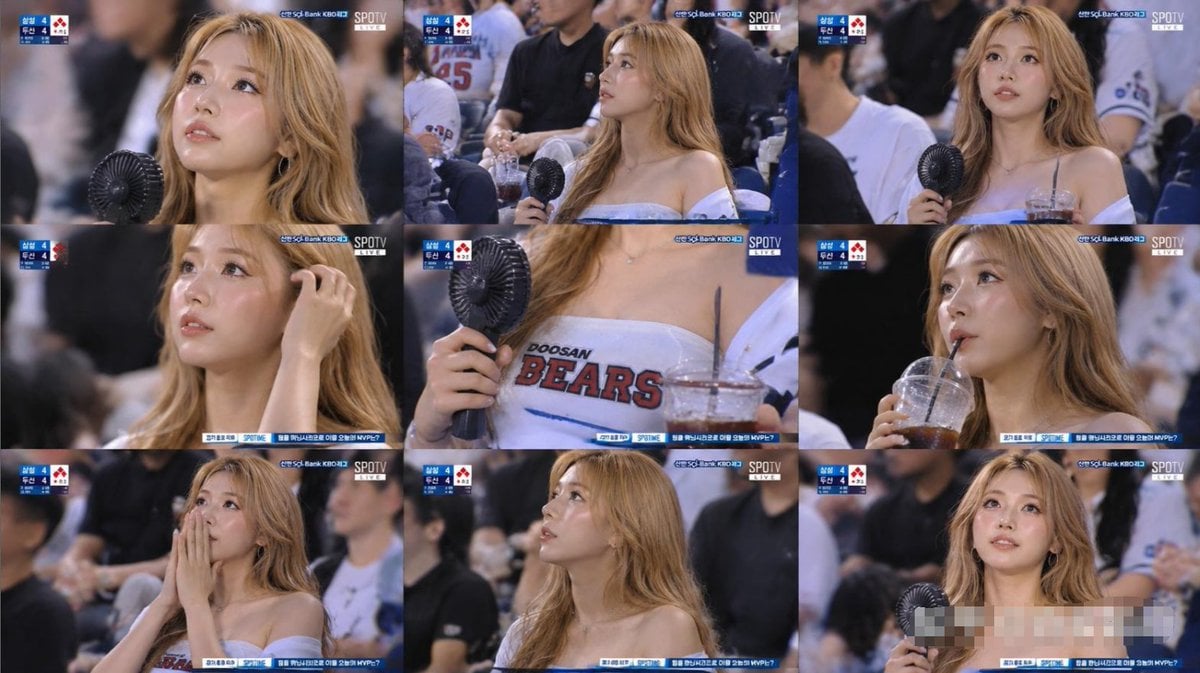
KBO Baseball Fan Television Broadcast Storyboard
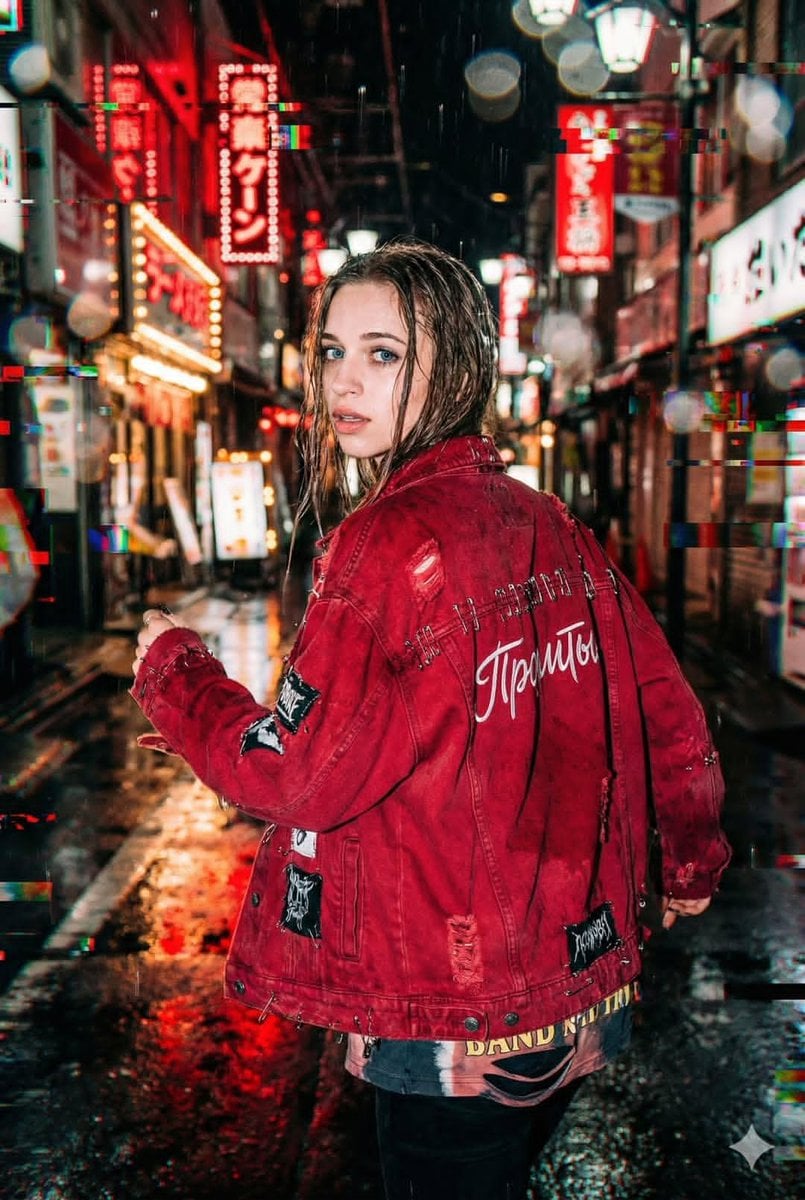
Neo-Tokyo Street Style Portrait Prompt with Glitch Effects

Gacha Game UI Mockup

Surreal Beauty Ad with Face Reference
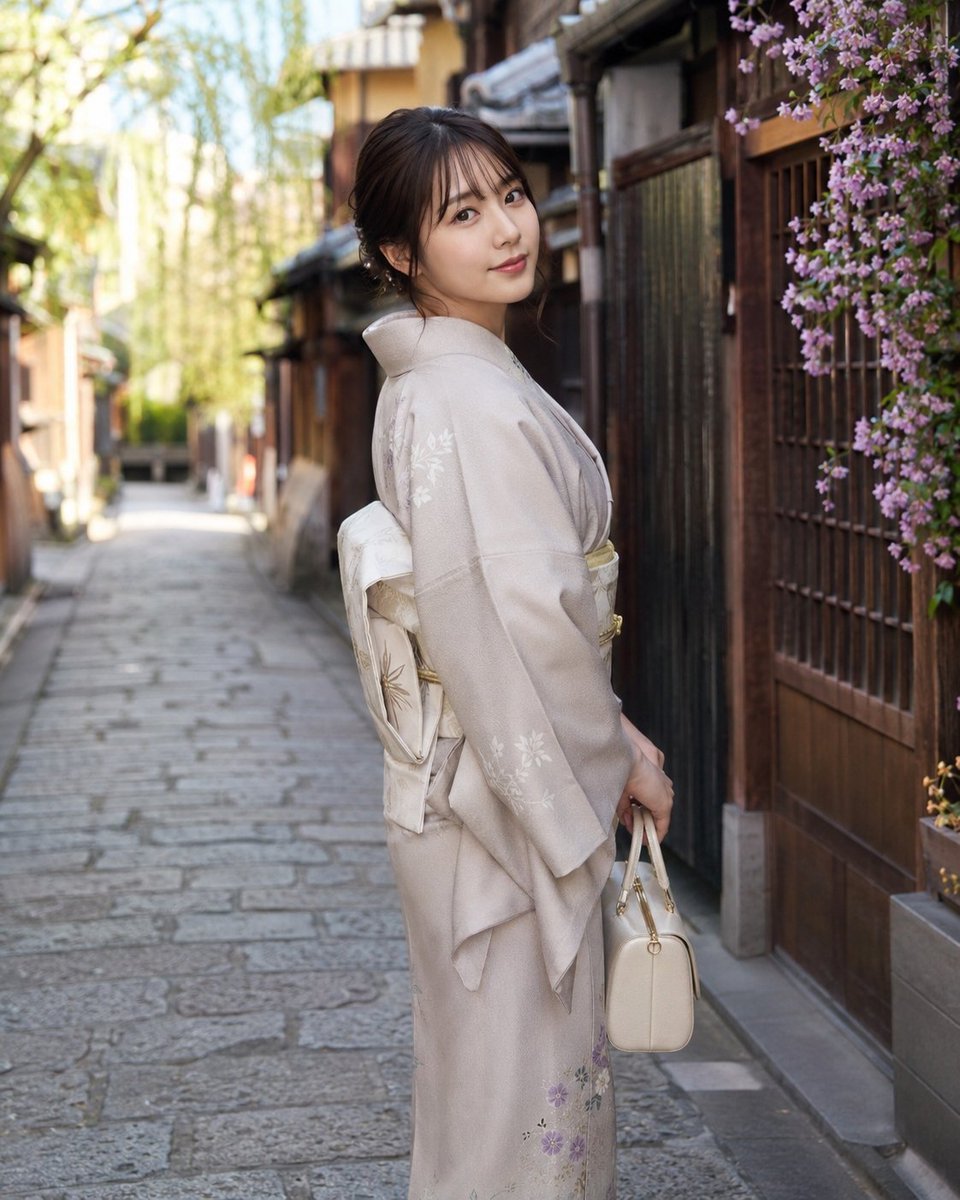
Global Beauty Standards Portraits
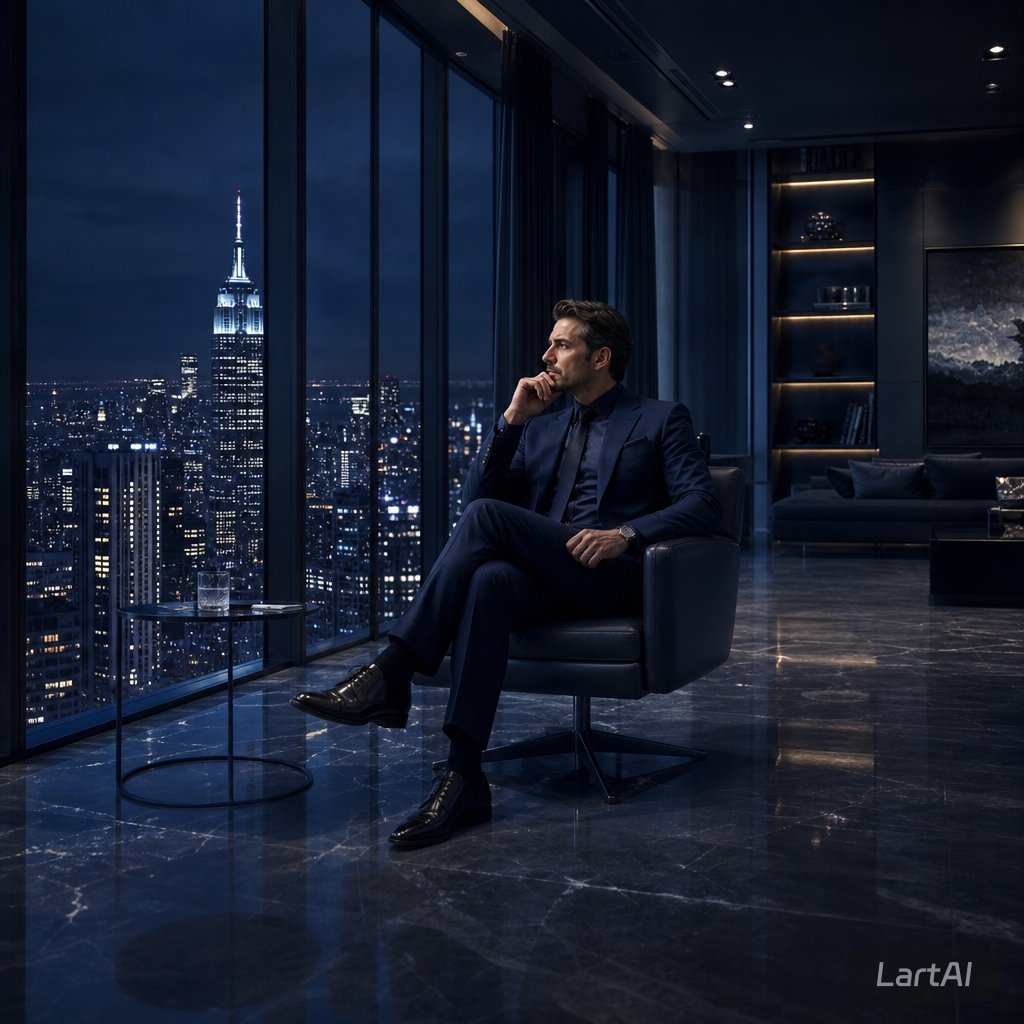
Luxury Penthouse Executive at Night

untitled
Browse template categories
Early 2000s Digital Camera Screen Photo Prompt questions
How do I use the Early 2000s Digital Camera Screen Photo Prompt template?
Add your photo if the template asks for one, edit the prompt if you like — the template's model and format are already selected — and press Generate. Your version opens in PicX Studio.
Can I customize the Early 2000s Digital Camera Screen Photo Prompt template?
Yes. You can change the subject, setting, lighting, mood, format, and available model controls before creating your image.
Is the Early 2000s Digital Camera Screen Photo Prompt template free?
Opening and editing this template is free. Generating uses credits, shown on the Generate button when you are signed in.
Which AI model should I use?
Start with Nano Banana 2, which is the model associated with this template. You can compare another compatible model for a different finish.
Looking for something else? Browse all templates.

Your photo, any look
Thousands of ready templates for every top image and video model, from one credit balance.