
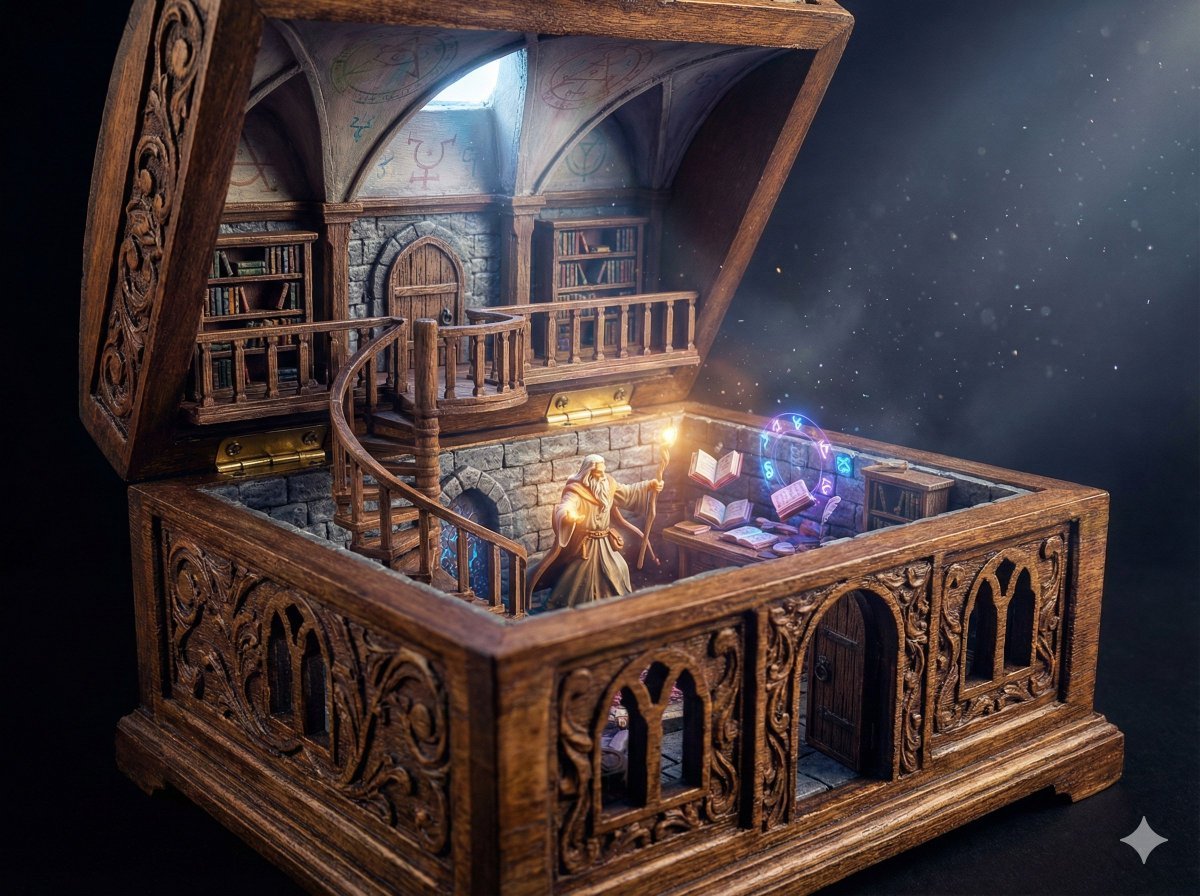
Wizard in a Box Miniature Diorama
A highly detailed prompt for generating an ultra-realistic, cinematic fantasy miniature diorama.
- Prompt included
- Model and format preset
- Free template
The prompt behind this image
Copy the exact prompt behind Wizard in a Box Miniature Diorama, or open it in the studio and make it yours.
SUBJECT: A two-level miniature wizard library tower where the ornate open antique box itself forms the architecture, the base container acting as the full ground floor chamber with the box walls serving directly as the structural stone or wooden walls, featuring an enthusiastic wizard actively working at a magical desk with floating books and glowing runes, the scene fully integrated into the box structure and not a separate room placed inside, not a wall frame or display frame ENVIRONMENT: The base of the ornate box is the ground floor surface and foundation, its interior sides transformed into the ground-floor walls containing carved doorways and window openings that are cut seamlessly into the box sides, perfectly aligned with and blending into the exterior ornamental carvings, a mezzanine first floor built above with railings and shelves attached directly to the box walls, connected by a spiral staircase, the inside of the open lid acting as the vaulted tower ceiling with faint arcane symbols DETAILS: Intricate baroque or gothic carved antique box with engraved panels, hinges clearly visible, exterior ornamentation continuing logically into interior architecture, doors and windows precisely cut into the box sides following the decorative patterns, believable miniature structural joins where beams meet the container walls, ultra-fine textures on books, wood grain, stone blocks, magical glyphs, levitating books, parchment pages, and drifting magical particles surrounding the wizard STYLE: Ultra-realistic cinematic fantasy miniature diorama photography, museum-grade handcrafted realism, extreme macro detail, physically believable materials, strong architectural integration of container and structure, Nano Banana Pro optimized LIGHTING: Warm magical glow from the wizard’s active spell combined with a soft overhead shaft of cool light entering from above, subtle rays catching window openings in the box walls, volumetric dust and glowing particle trails enhancing depth and scale COLOR: Deep mahogany shelves, aged parchment creams, warm amber magical light, jewel-toned magical blues and violets, muted stone greys, antique bronze or dark carved wood tones of the ornate box fully preserved CAMERA: Front-facing slightly elevated macro shot looking into the open box so the integrated ground floor walls, cut door openings, mezzanine, spiral staircase, and working wizard are all visible clearly, shallow depth of field centered on the wizard and structural integration ASPECT RATIO: 4:3
How to use Wizard in a Box Miniature Diorama in 3 steps
- 1Upload ImagePNG, JPG or paste
Add your photo
Upload the photo the template builds on. The prompt, model and format are already set.
- 2…a portrait of your subject in softgolden-hour light, 85mm…
Personalize
Edit the subject and creative details for your destination.
- 3Generate
Generate
Press Generate — your image is created in PicX Studio, so you can compare it with the original and refine one variable at a time.
More like this
Templates with the same subject, style or setup. Open one to see its prompt.

Isometric Brand Store Diorama
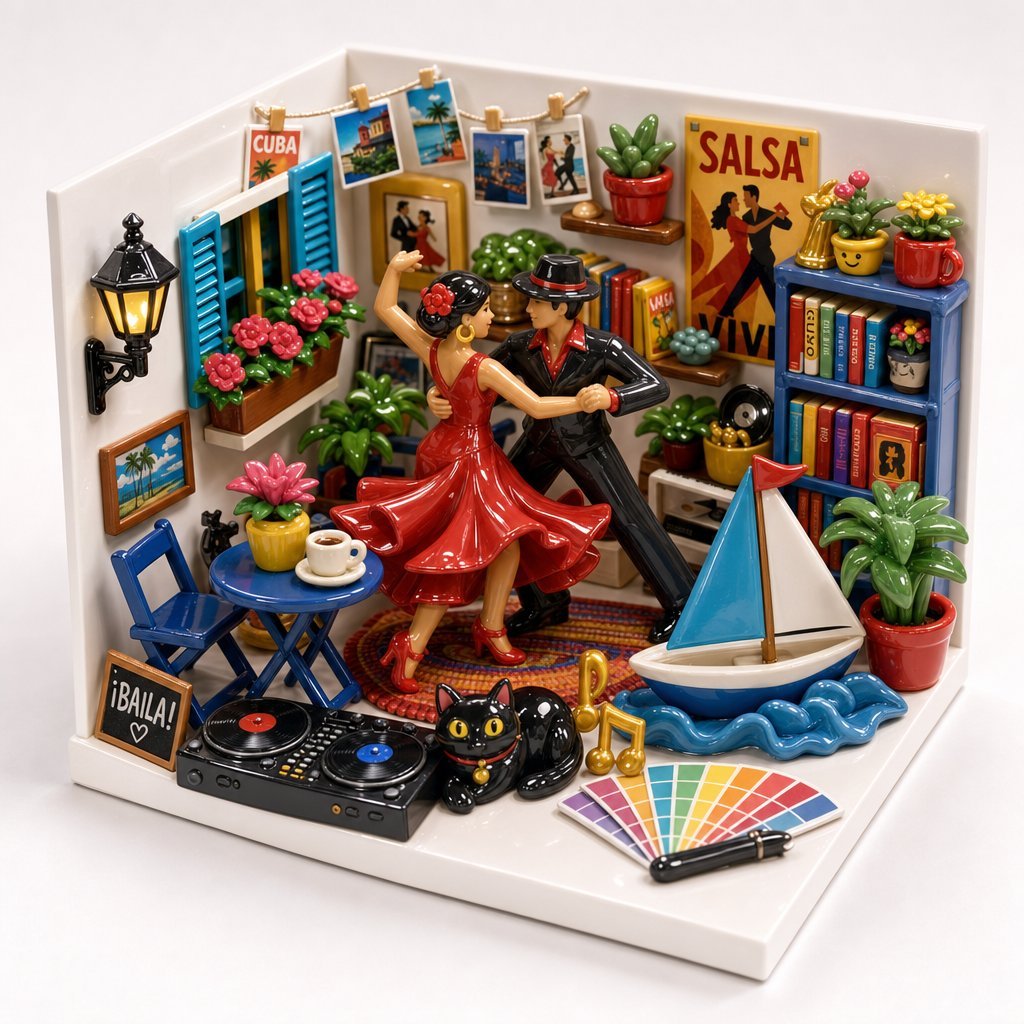
Miniature Salsa Box Garden Diorama
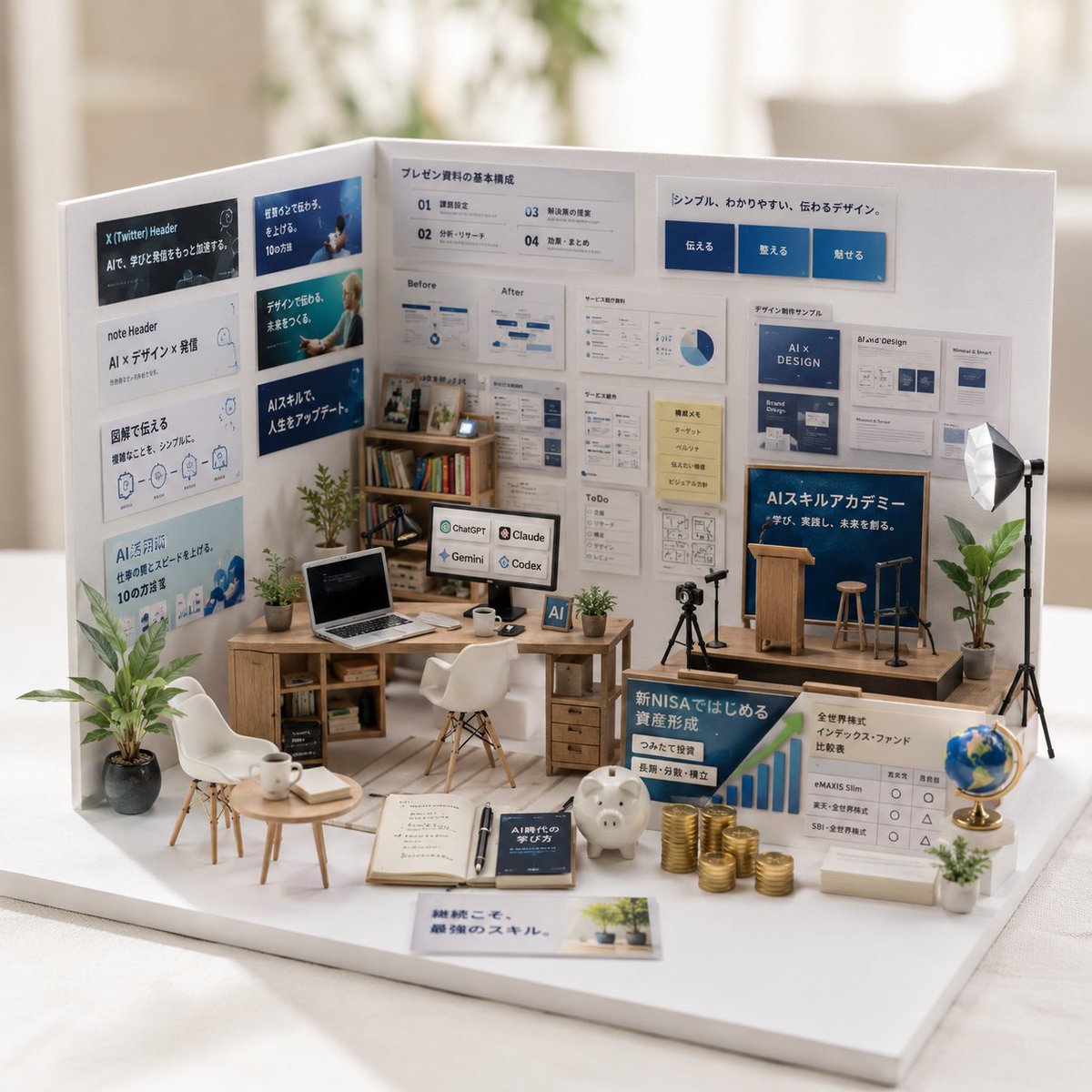
Miniature Garden Box Diorama

Miniature Sick Day Diorama

Stylized Miniature 3D Diorama Craft

Cozy Isometric Bathroom Miniature Diorama

Paper Tunnel Book Architecture

Layered Paper Cut Forest Diorama

Soft Handcrafted Paper-Cut Layered Illustration
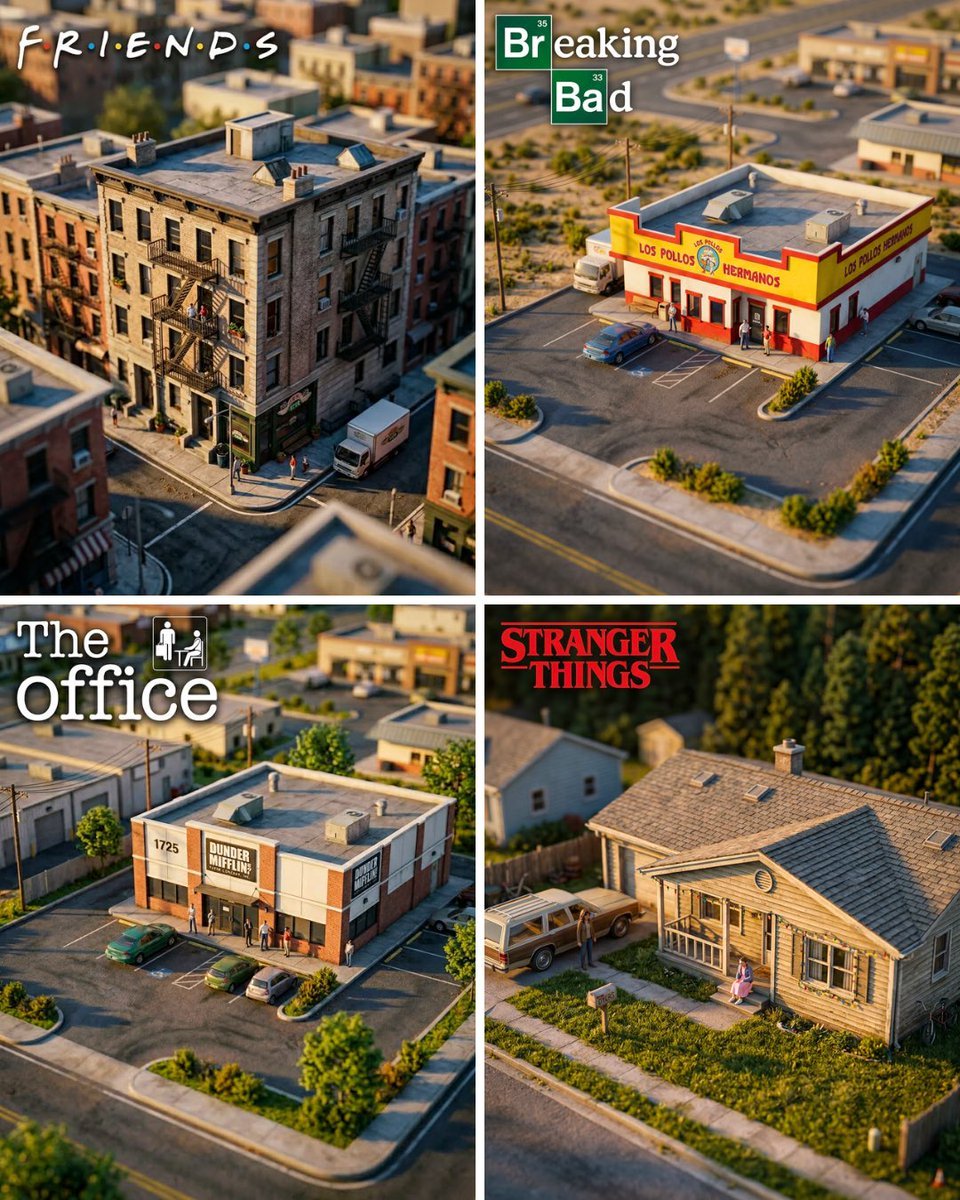
Hyper-Realistic Miniature Diorama Creator

Isometric Process Educational Diorama

FIFA World Cup — Brazil National Pass Diorama
Make it yours
Wizard in a Box Miniature Diorama works as-is. These are the safest ways to change it without losing the look.
Change one field
Copy a single group, rewrite it, and generate again so you can see what that field is doing.
Keep the frame, change the subject
Hold the composition and light of Wizard in a Box Miniature Diorama, then swap wardrobe, props or the person for a new take.
| If the result… | Why | Fix |
|---|---|---|
| The result drifts from the preview | Too many fields changed at once. | Reuse Wizard in a Box Miniature Diorama as-is first, then change one group — subject, light, or setting. |
| The model over-stylizes the scene | The prose prompt leaves finish and camera underspecified. | Add one camera or lighting sentence and stay on Nano Banana 2. |
More Nano Banana 2 templates
Other prompts made for Nano Banana 2.

Photorealistic Leaf Shaped Like a Dragon

K-Pop Idol Portrait Grid for Rapid Selection

Poetic Rain Forest Portrait During Golden Hour

Urban Street Portrait with Cartoon Inner Self Duo

Candid Nighttime Photo with Cat Prompt

High-Concept 3D Diorama Generation Prompt

Cinematic Futuristic Studio Portrait Template

Skincare Editorial Photography Collage Prompt

Hyper-Realistic Commercial Product Photography (Splash Effect)

Hyper-Realistic Nightclub Portrait Prompt
More image prompts
Fresh picks from across the catalog.
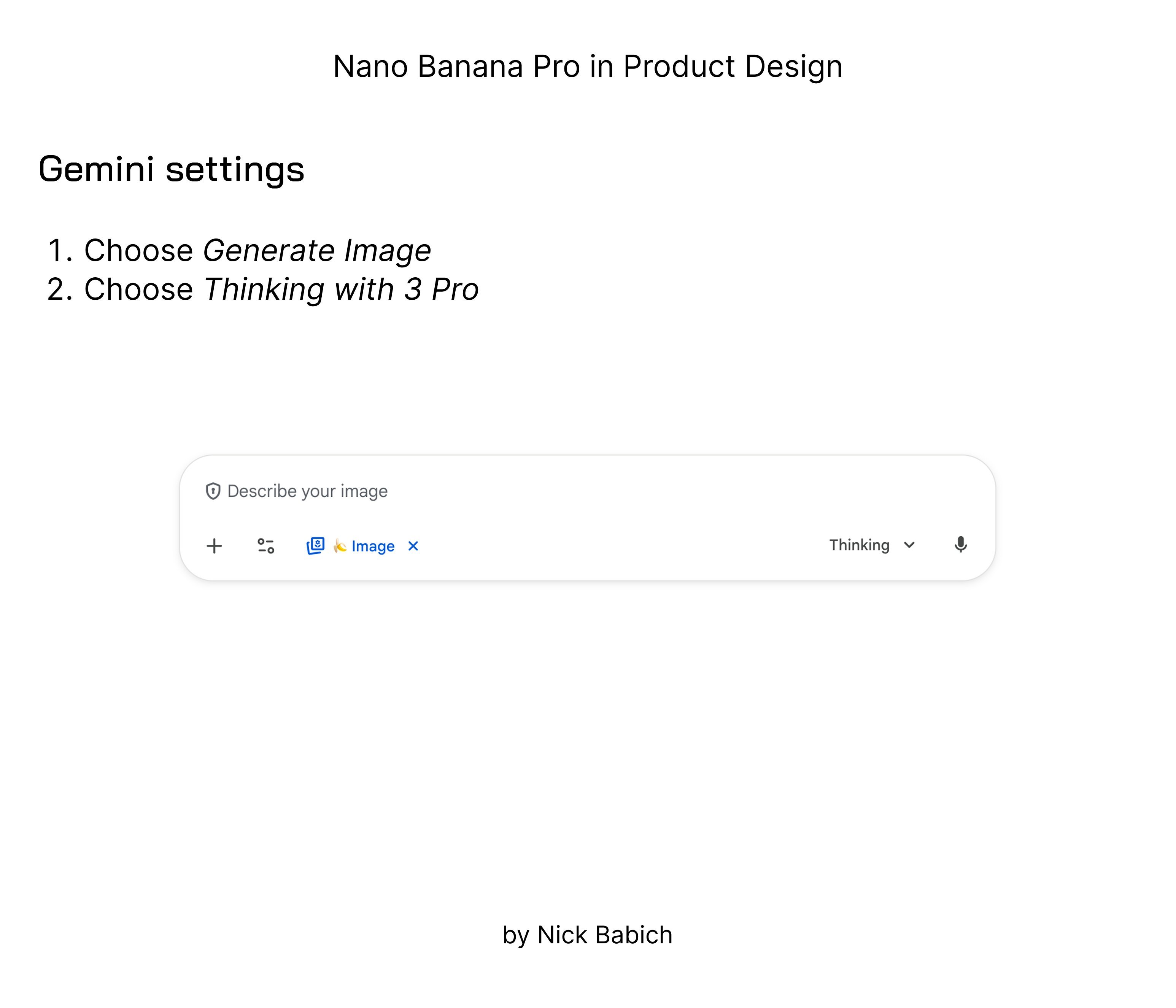
untitled
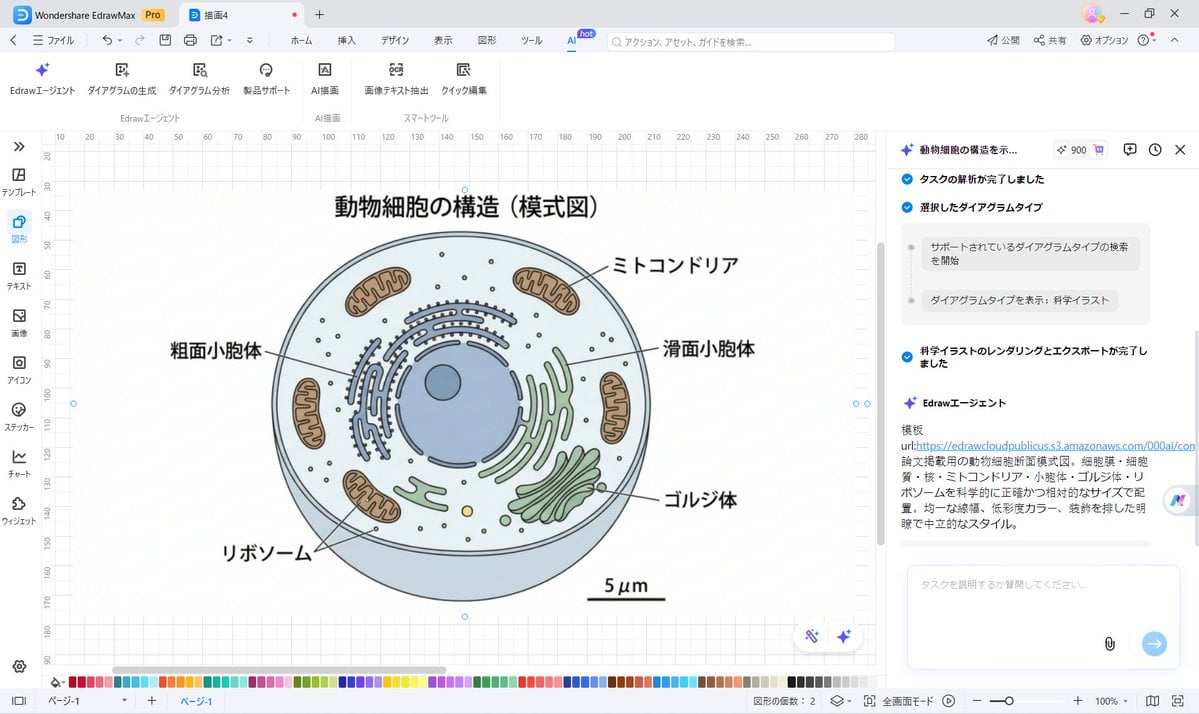
Nano Banana Pro for Scientific Illustration Generation
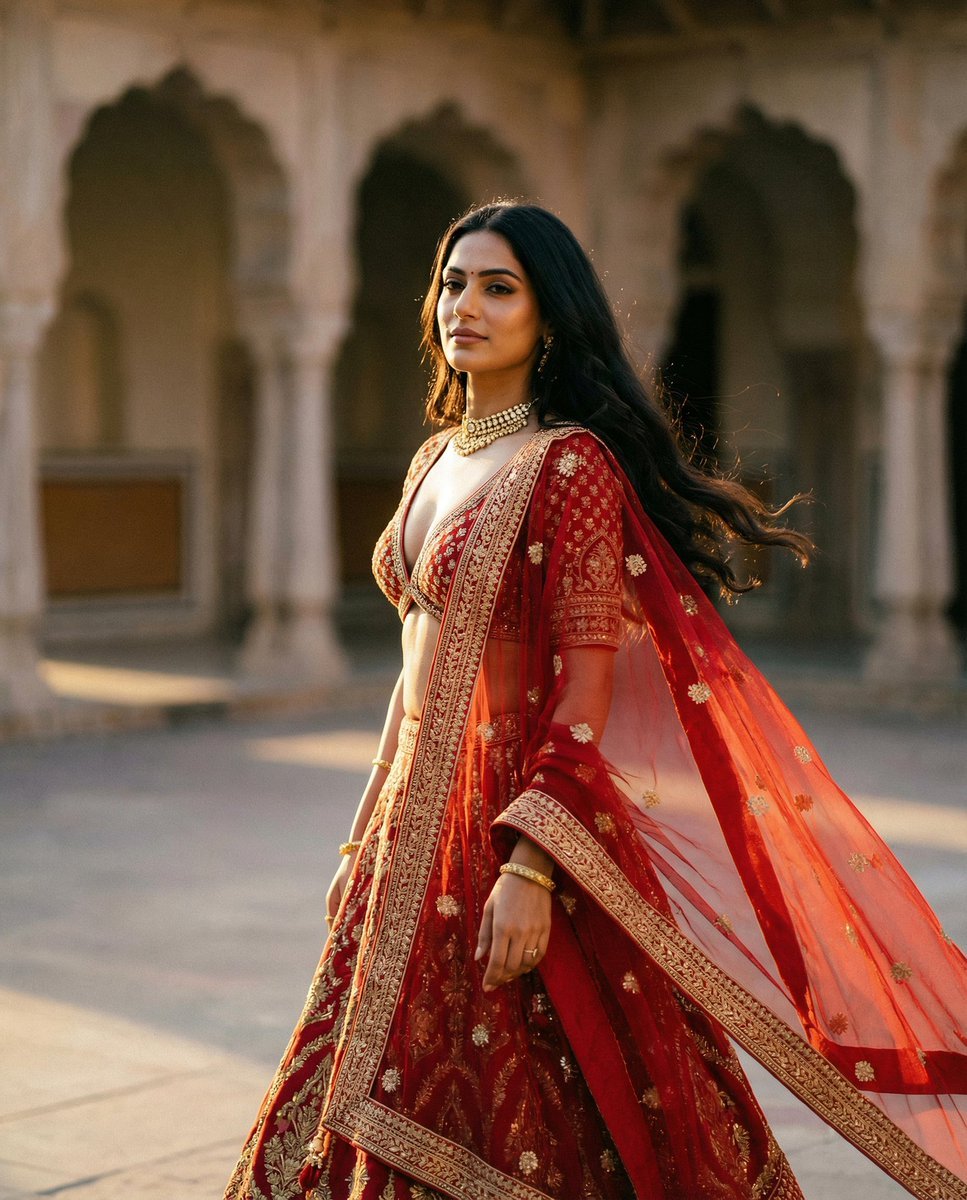
Cinematic Indian Royal Bridal Portrait
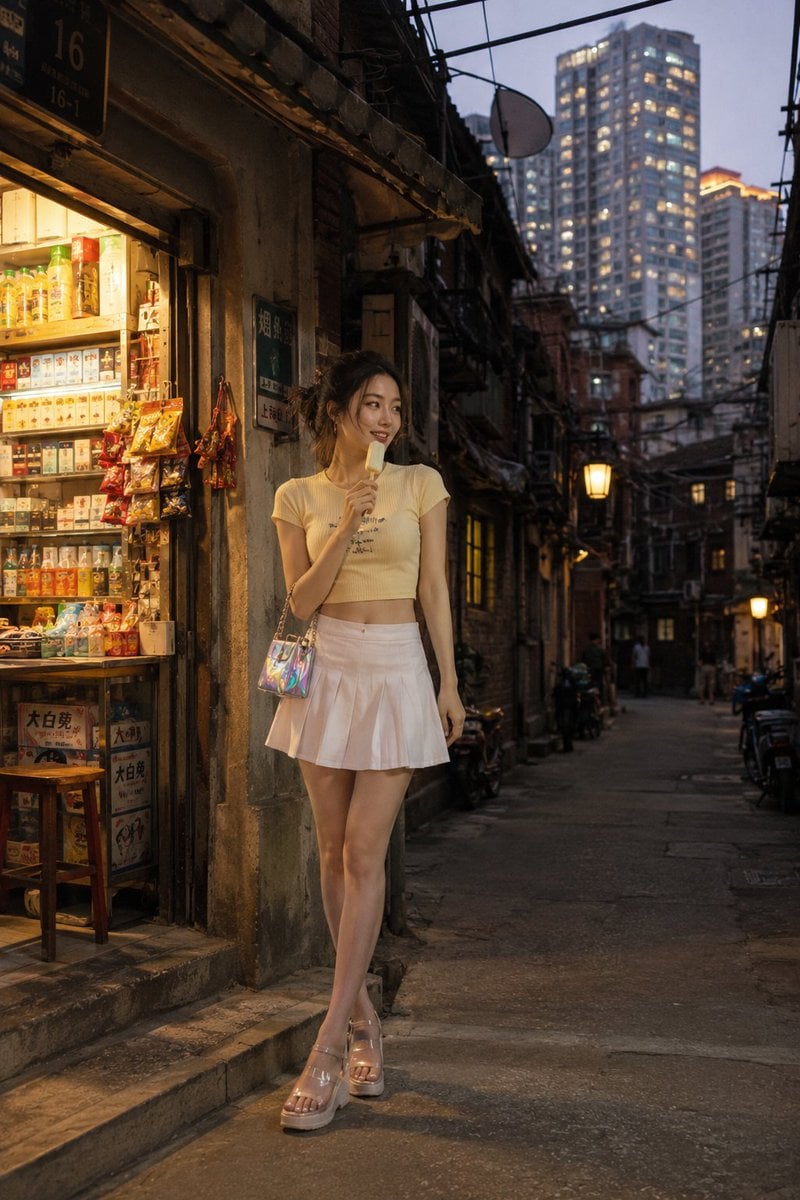
Shanghai Longtang Street Candid
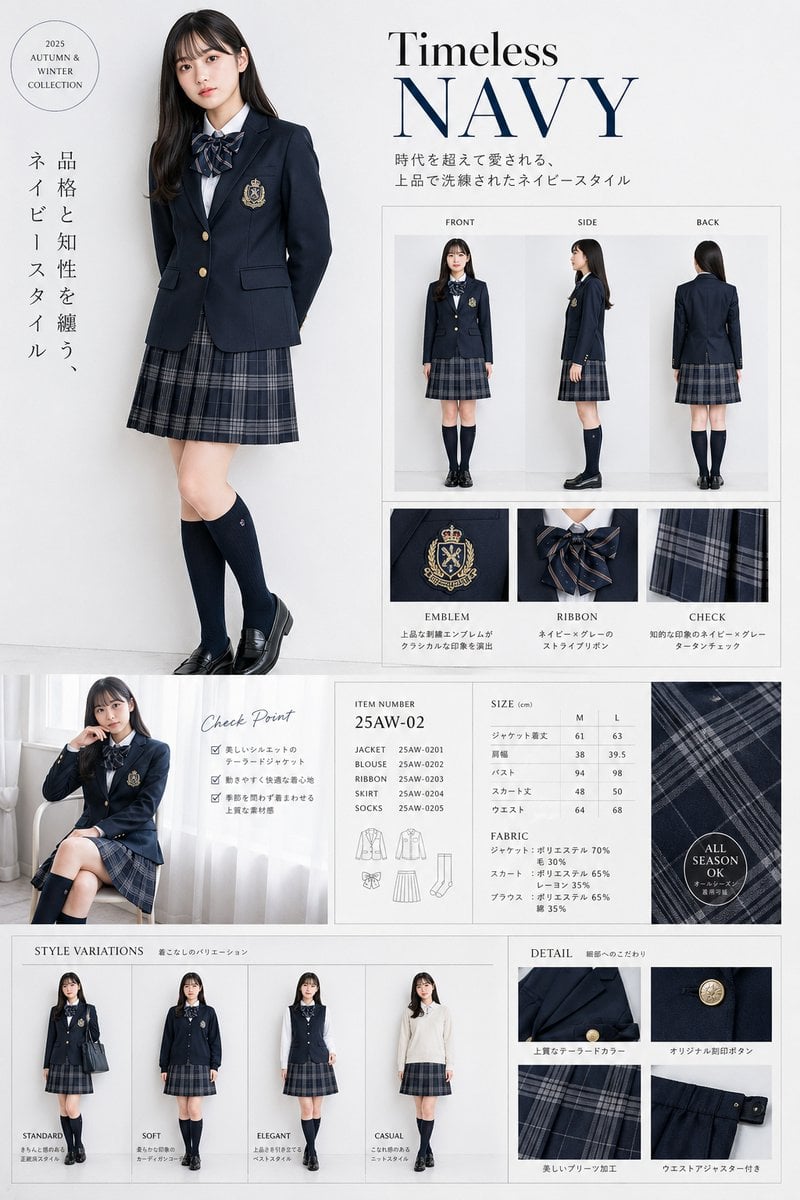
Luxury Navy School Uniform Catalog
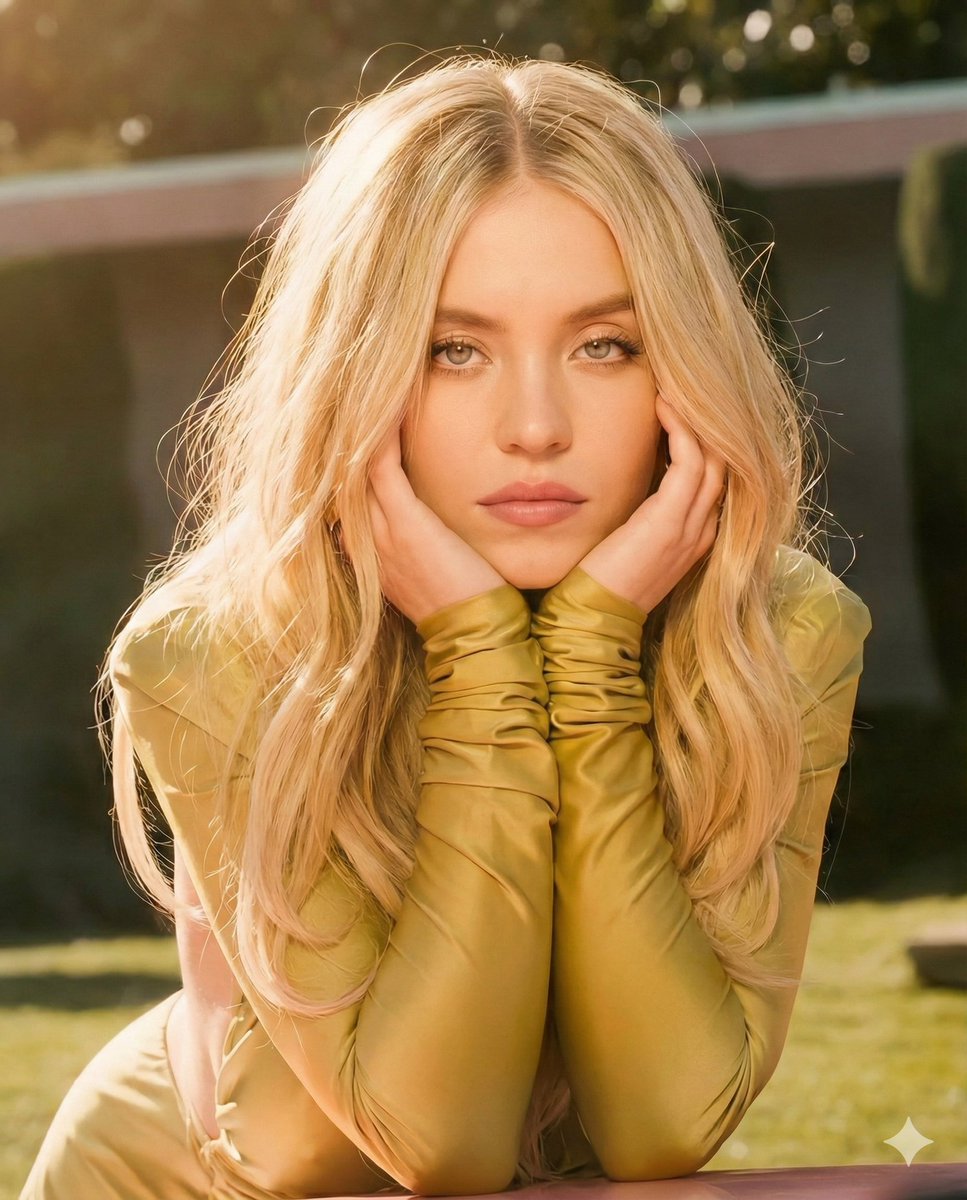
Golden Hour Cinematic Portrait Prompt
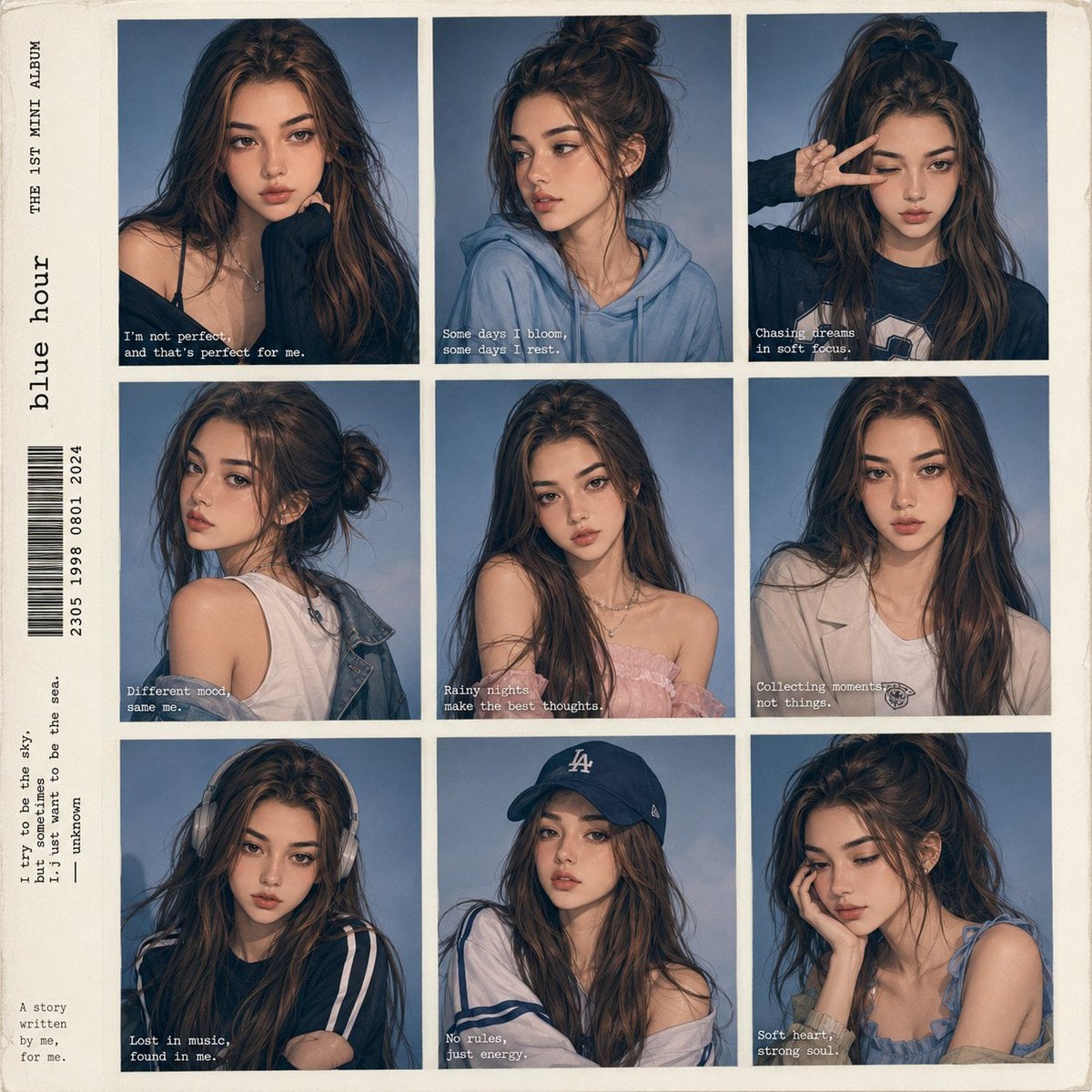
Anime Style K-Pop Collage
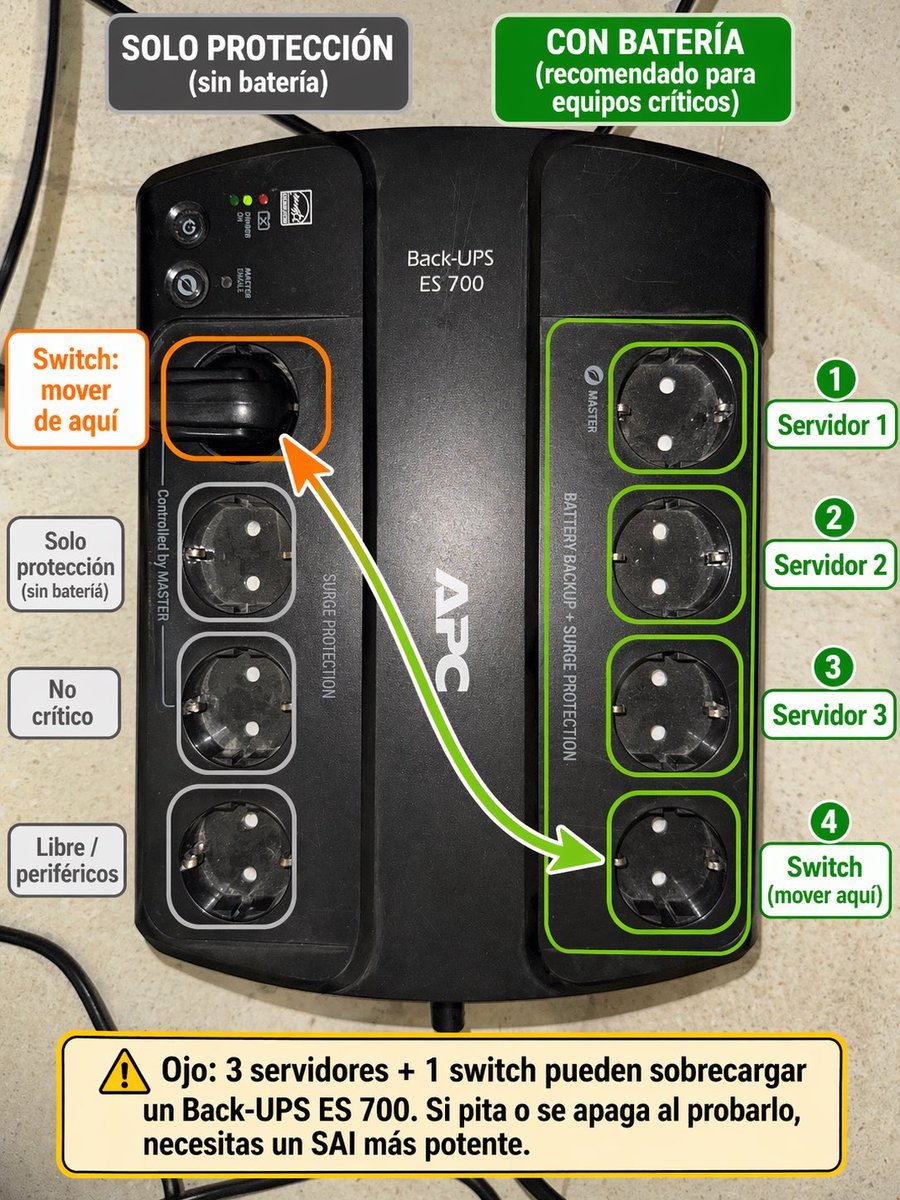
Spanish UPS outlet wiring infographic
Ultra-Cinematic Coffee Splash Photography
Censored Glam Selfie
Browse template categories
Wizard in a Box Miniature Diorama questions
How do I use the Wizard in a Box Miniature Diorama template?
Add your photo if the template asks for one, edit the prompt if you like — the template's model and format are already selected — and press Generate. Your version opens in PicX Studio.
Can I customize the Wizard in a Box Miniature Diorama template?
Yes. You can change the subject, setting, lighting, mood, format, and available model controls before creating your image.
Is the Wizard in a Box Miniature Diorama template free?
Opening and editing this template is free. Generating uses credits, shown on the Generate button when you are signed in.
Which AI model should I use?
Start with Nano Banana 2, which is the model associated with this template. You can compare another compatible model for a different finish.
Looking for something else? Browse all templates.

Your photo, any look
Thousands of ready templates for every top image and video model, from one credit balance.