
Golden Hour Lifestyle Portrait with Hanging Doll
A detailed lifestyle photography prompt for generating a medium shot portrait of a young woman in a cozy indoor setting during golden hour.
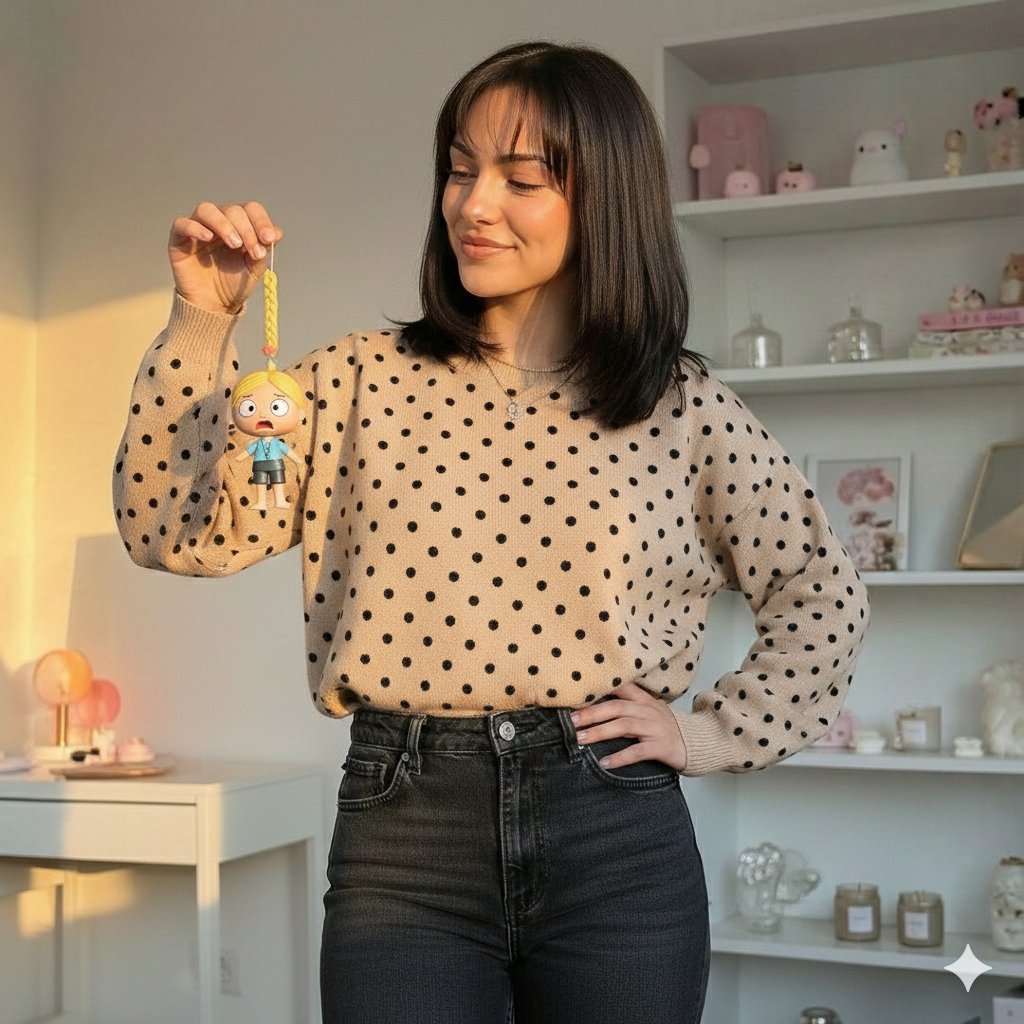
- Prompt included
- Model and format preset
- Premium template
The prompt behind this image
Copy the exact prompt behind Golden Hour Lifestyle Portrait with Hanging Doll, or open it in the studio and make it yours.
{ "scene": "A cozy indoor setting during golden hour, featuring a young woman holding up a small hanging doll figure.", "subject": { "character": "Young woman", "face": { "structure": "Oval shape with defined cheekbones and jawline", "skin": "Light to medium tone, smooth, illuminated by warm sun", "eyes": { "shape": "Almond", "color": "Dark brown", "expression": "Gazing gently at the object in hand" }, "mouth": { "lips": "Natural pink, closed in a soft, subtle smile" }, "makeup": "Natural look, groomed eyebrows, light mascara, subtle lip tint" }, "hair": { "color": "{argument name="hair color" default="Dark brown / Soft black"}", "length": "Shoulder-length bob", "texture": "Straight and smooth", "style": "Loose with wispy bangs covering the forehead", "shine": "High shine reflecting the sunlight" }, "accessories": { "necklace": "Thin silver chain with a small delicate pendant" } }, "object_held": { "type": "Hanging doll ornament", "details": "{argument name="doll details" default="Small figure with blonde hair, yellow braid, blue shirt, grey shorts, surprised expression, held by a yellow string"}" }, "pose": { "overall": "Standing casually, engaging with a handheld object", "position": { "base": "Standing", "orientation": "Body angled slightly to the right, facing towards the camera" }, "torso": { "direction": "Slightly turned", "posture": "Upright and relaxed" }, "arms": { "right": "Elbow bent, hand raised to shoulder height holding the doll", "left": "Bent with hand resting confidently on the hip" }, "head": { "turn": "Turned slightly to the right looking at the doll", "expression": "Amused and serene" } }, "outfit": { "top": { "type": "Sweater", "color": "{argument name="sweater color" default="Beige / Camel"}", "pattern": "Black polka dots", "style": "Crew neck, long sleeves, ribbed cuffs, relaxed fit" }, "bottom": { "type": "Jeans", "color": "Dark grey / Faded black", "style": "High-waisted, denim, fitted at the waist" } }, "body": { "type": "Slim / Average build", "skin": "Light/Tan" }, "environment": { "location": "Bedroom or home study", "furniture": { "shelves": "White shelving unit in the background filled with decorative items", "desk": "White desk or vanity visible on the left" }, "decor": { "items": "Plush toys (squishmallows), glass jars, candles, framed art", "palette": "Pastel pinks and whites" }, "background": { "wall": "White walls casting soft shadows" } }, "lighting": { "type": "Natural Sunlight (Golden Hour)", "quality": { "intensity": "Strong warm glow", "direction": "Coming from the left (likely a window)" }, "on_subject": { "skin": "Warm highlights on the face and right hand", "hair": "Glossy sheen on the dark hair", "shadows": "Soft shadows cast to the right side of the image" } }, "photography": { "angle": "Eye level", "framing": "Medium shot (waist up)", "focus": "Sharp focus on the subject and the doll, slightly softer background", "style": "Lifestyle, warm aesthetic, influencer style" }, "color_palette": { "subject": { "hair": "Dark Brown", "top": "Beige and Black", "jeans": "Charcoal" } }
How to use Golden Hour Lifestyle Portrait with Hanging Doll in 3 steps
- 1
Open
The prompt is already in the box next to the preview, with the template's model and format selected.
- 2…a portrait of your subject in softgolden-hour light, 85mm…
Personalize
Edit the subject and creative details for your destination.
- 3Generate
Generate
Press Generate — your image is created in PicX Studio, so you can compare it with the original and refine one variable at a time.
More like this
Templates with the same subject, style or setup. Open one to see its prompt.

80s Golden Hour Cinema

Rooftop Fisheye — Cat-Ear Balaclava at Golden Hour
Desert Doll Golden Hour Portrait with Flash

Minimalist Golden Hour Selfie

Cinematic Golden Hour Garden Portrait

Cinematic Golden Hour Urban Portrait

Golden Hour Redhead Portrait

Golden Hour Cinematic Boss Energy Portrait

Golden Hour Cinematic Portrait
Golden Hour Daisy Field Portrait
Golden Hour Rose Portrait

Golden Hour Korean Classroom Portrait
Make it yours
Golden Hour Lifestyle Portrait with Hanging Doll works as-is. These are the safest ways to change it without losing the look.
Change one field
Copy a single group, rewrite it, and generate again so you can see what that field is doing.
Keep the frame, change the subject
Hold the composition and light of Golden Hour Lifestyle Portrait with Hanging Doll, then swap wardrobe, props or the person for a new take.
| If the result… | Why | Fix |
|---|---|---|
| The result drifts from the preview | Too many fields changed at once. | Reuse Golden Hour Lifestyle Portrait with Hanging Doll as-is first, then change one group — subject, light, or setting. |
| The model over-stylizes the scene | The prose prompt leaves finish and camera underspecified. | Add one camera or lighting sentence and stay on Nano Banana 2. |
More Nano Banana 2 templates
Other prompts made for Nano Banana 2.

Photorealistic Leaf Shaped Like a Dragon

K-Pop Idol Portrait Grid for Rapid Selection

Urban Street Portrait with Cartoon Inner Self Duo

Candid Nighttime Photo with Cat Prompt

High-Concept 3D Diorama Generation Prompt

Cinematic Futuristic Studio Portrait Template

Skincare Editorial Photography Collage Prompt

Hyper-Realistic Commercial Product Photography (Splash Effect)

Hyper-Realistic Nightclub Portrait Prompt

Cinematic Urban Rain Scene Prompt (Neo-Noir)
More image prompts
Fresh picks from across the catalog.
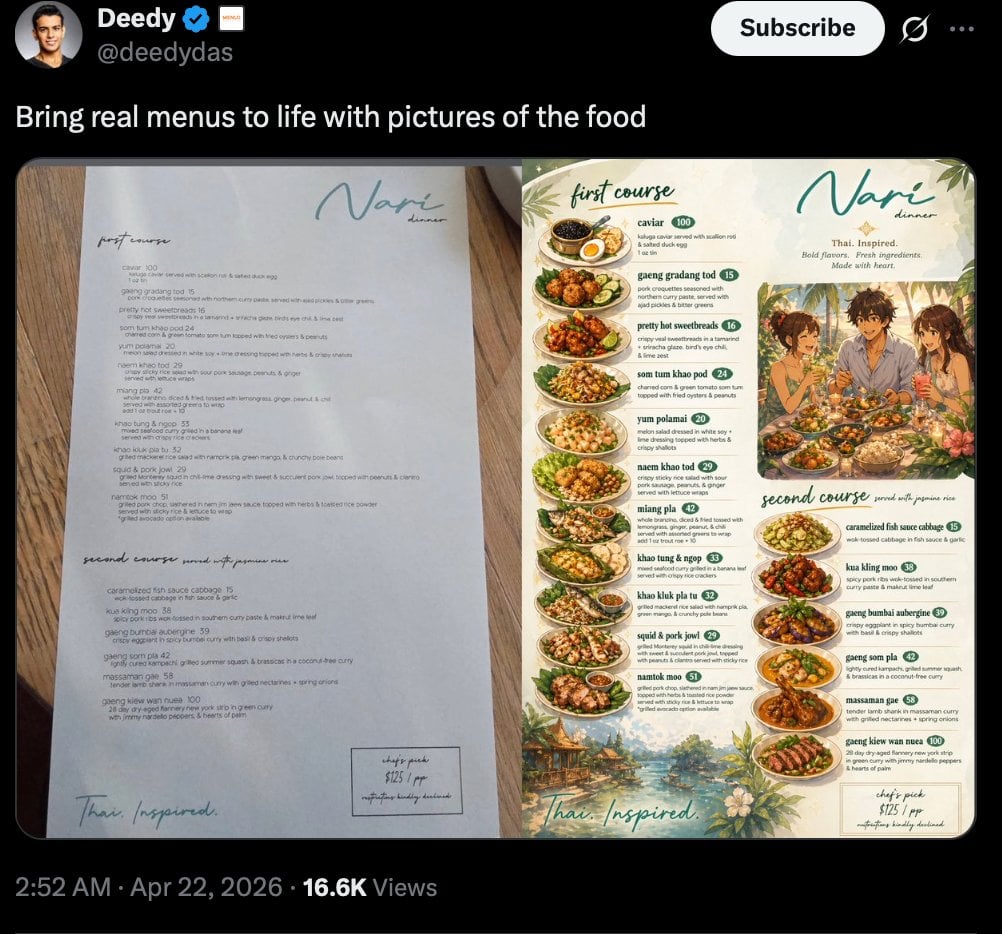
Viral Tweet Menu Before-and-After

Cyber-Poetry Portrait Photography
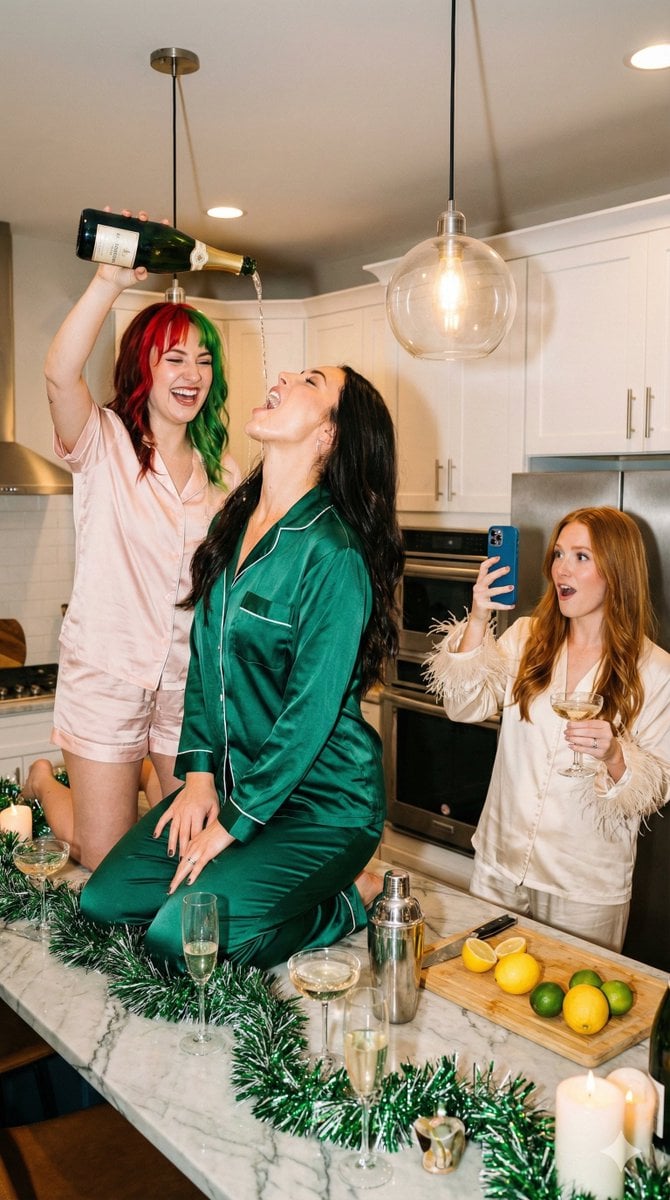
Candid Flash Photography: Chaotic Holiday Party (Duplicate)
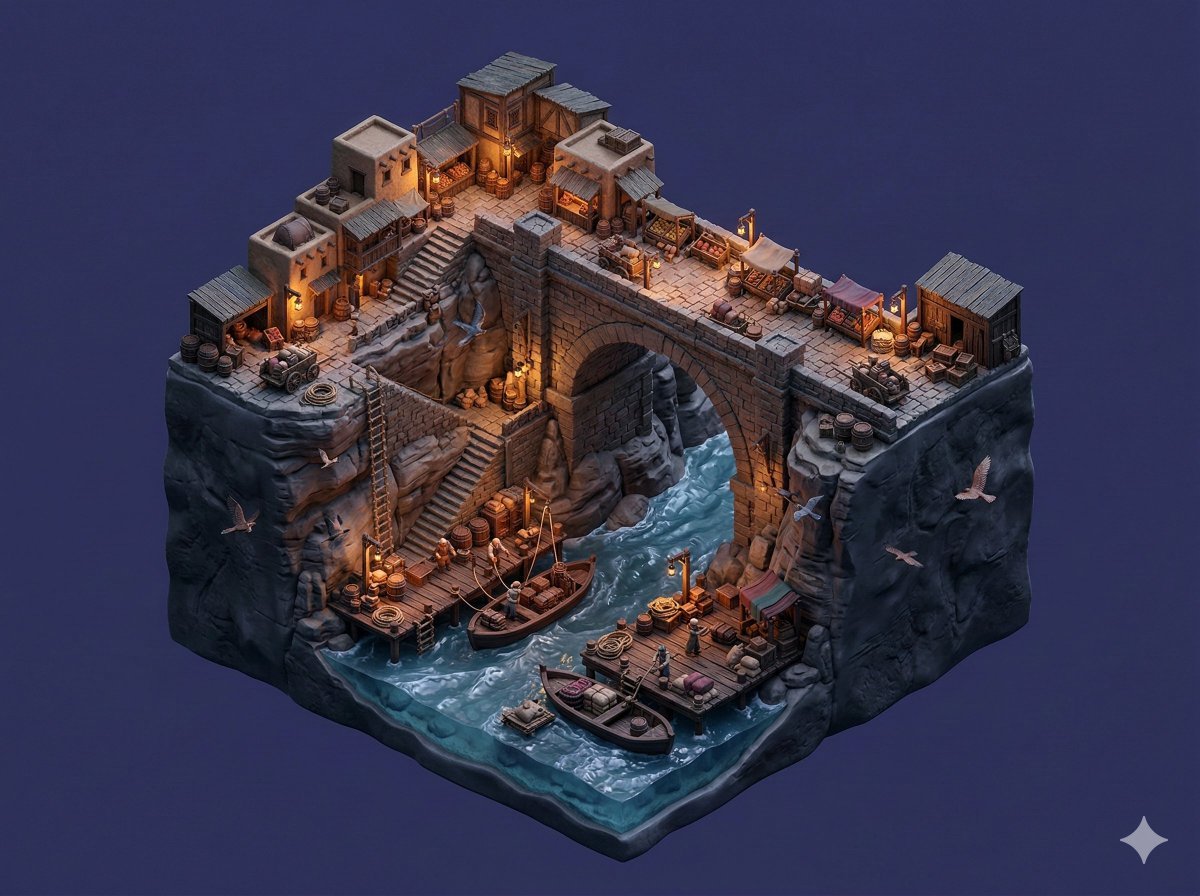
Floating Miniature Diorama Prompt

Japanese AI Design Webinar Thumbnail
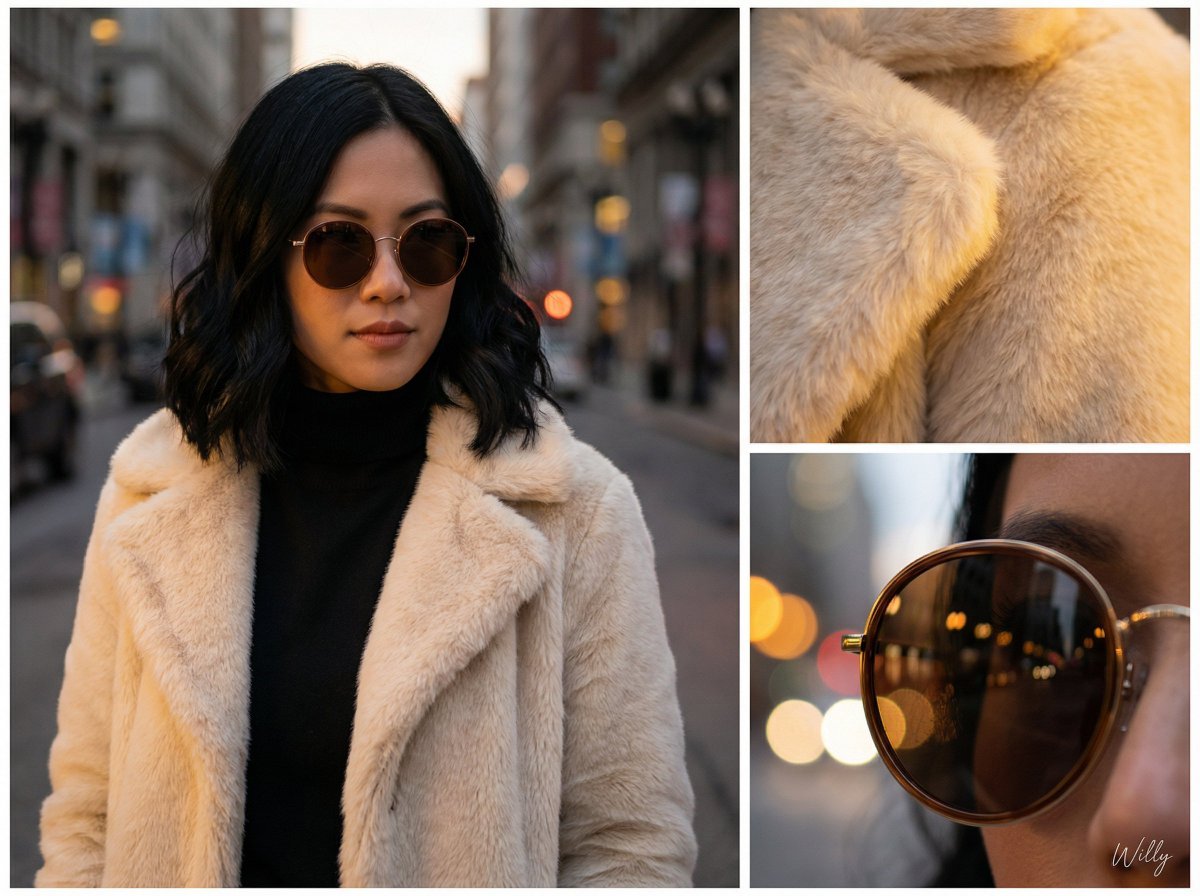
Asymmetric Grid Editorial Portrait with Detail Shots

Maverick Aviator Lifestyle Poster
Felt toy character prompt for Nano Banana Pro
Cockpit Interior Grid View
Macro Product Photography: Chilled Chocolate Drink Can
Browse template categories
Golden Hour Lifestyle Portrait with Hanging Doll questions
How do I use the Golden Hour Lifestyle Portrait with Hanging Doll template?
Add your photo if the template asks for one, edit the prompt if you like — the template's model and format are already selected — and press Generate. Your version opens in PicX Studio.
Can I customize the Golden Hour Lifestyle Portrait with Hanging Doll template?
Yes. You can change the subject, setting, lighting, mood, format, and available model controls before creating your image.
Is the Golden Hour Lifestyle Portrait with Hanging Doll template free?
Opening and editing this template is free. Generating uses credits, shown on the Generate button when you are signed in.
Which AI model should I use?
Start with Nano Banana 2, which is the model associated with this template. You can compare another compatible model for a different finish.
Looking for something else? Browse all templates.

Your photo, any look
Thousands of ready templates for every top image and video model, from one credit balance.