
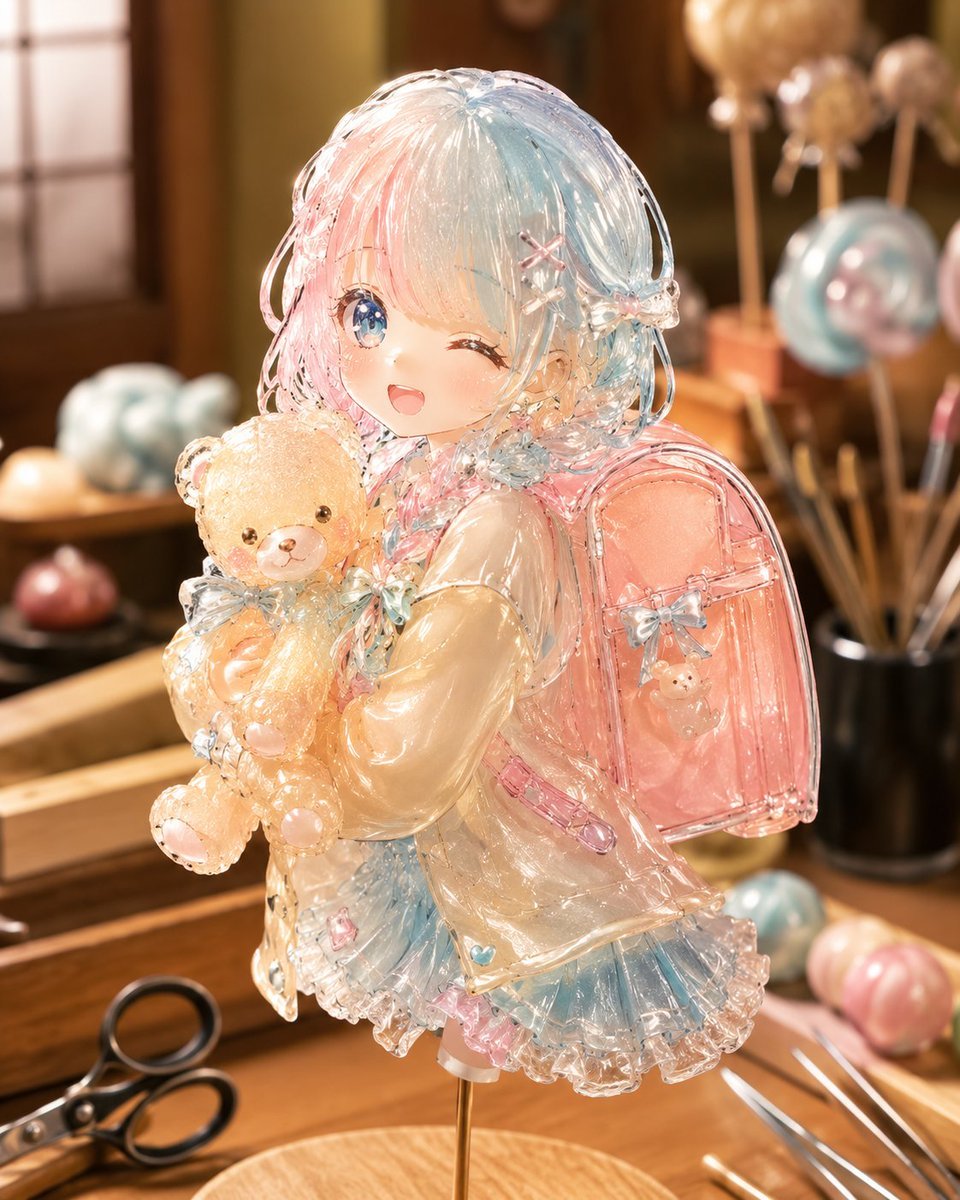
Anime Girl Candy Sculpture
A photorealistic prompt for creating a translucent artisan candy sculpture of an anime-style schoolgirl in a warm confectionery workshop.
- Prompt included
- Model and format preset
- Free template
The prompt behind this image
Copy the exact prompt behind Anime Girl Candy Sculpture, or open it in the studio and make it yours.
Create a highly detailed photorealistic close-up of a handcrafted character candy sculpture: one cute anime-style schoolgirl made entirely from glossy pulled sugar and hard candy, displayed on one thin brass support rod above a round wooden base in a warm artisan candy workshop. The face is intentionally covered by one plain soft peach square mask with no features. The character has {argument name="hair color" default="translucent pastel blue, pink, and white"} hair formed from many thin shiny strands of sugar, with looped side locks and tiny flower-like candy ornaments. She wears {argument name="outfit style" default="a translucent cream jacket over a frilly blue-and-pink skirt"}, all rendered as clear amber, pink, and blue candy with sparkling edges, bubbles, seams, and glassy highlights. She holds exactly one small golden teddy bear candy in both arms; the bear has two round ears, two dark bead eyes, a pale muzzle, and rounded paw pads. On her back is exactly one glossy transparent pink school backpack with a small blue bow and a tiny bear charm. Include exactly one visible pair of black-handled scissors on the wooden table in the lower left, exactly two slim silver candy-working rods in the lower right foreground, exactly one black tool cup at the right rear, exactly six round candy pieces or lollipops in the blurred background, and exactly three pastel striped candy pieces on the front-right tray. Use a shallow depth of field, warm golden lighting, bokeh highlights, macro product photography realism, intricate refractive caustics, wet-looking sugar shine, and a cozy wooden studio atmosphere. Avoid resin, glass, plastic, or porcelain; the object should clearly feel like master-level traditional candy art.
How to use Anime Girl Candy Sculpture in 3 steps
- 1Upload ImagePNG, JPG or paste
Add your photo
Upload the photo the template builds on. The prompt, model and format are already set.
- 2…a portrait of your subject in softgolden-hour light, 85mm…
Personalize
Edit the subject and creative details for your destination.
- 3Generate
Generate
Press Generate — your image is created in PicX Studio, so you can compare it with the original and refine one variable at a time.
More like this
Templates with the same subject, style or setup. Open one to see its prompt.
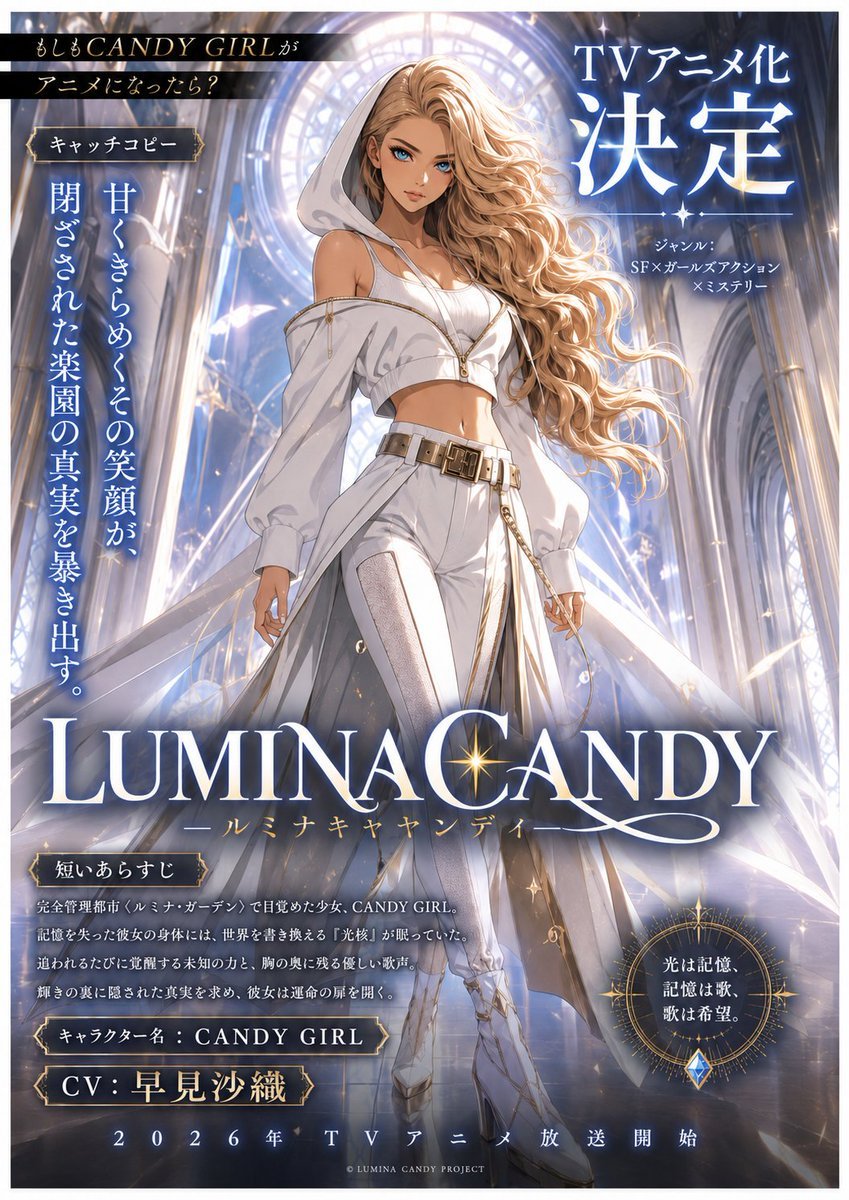
LUMINA CANDY Anime Announcement Poster

Teen Girl Alpine Lake Mountain View
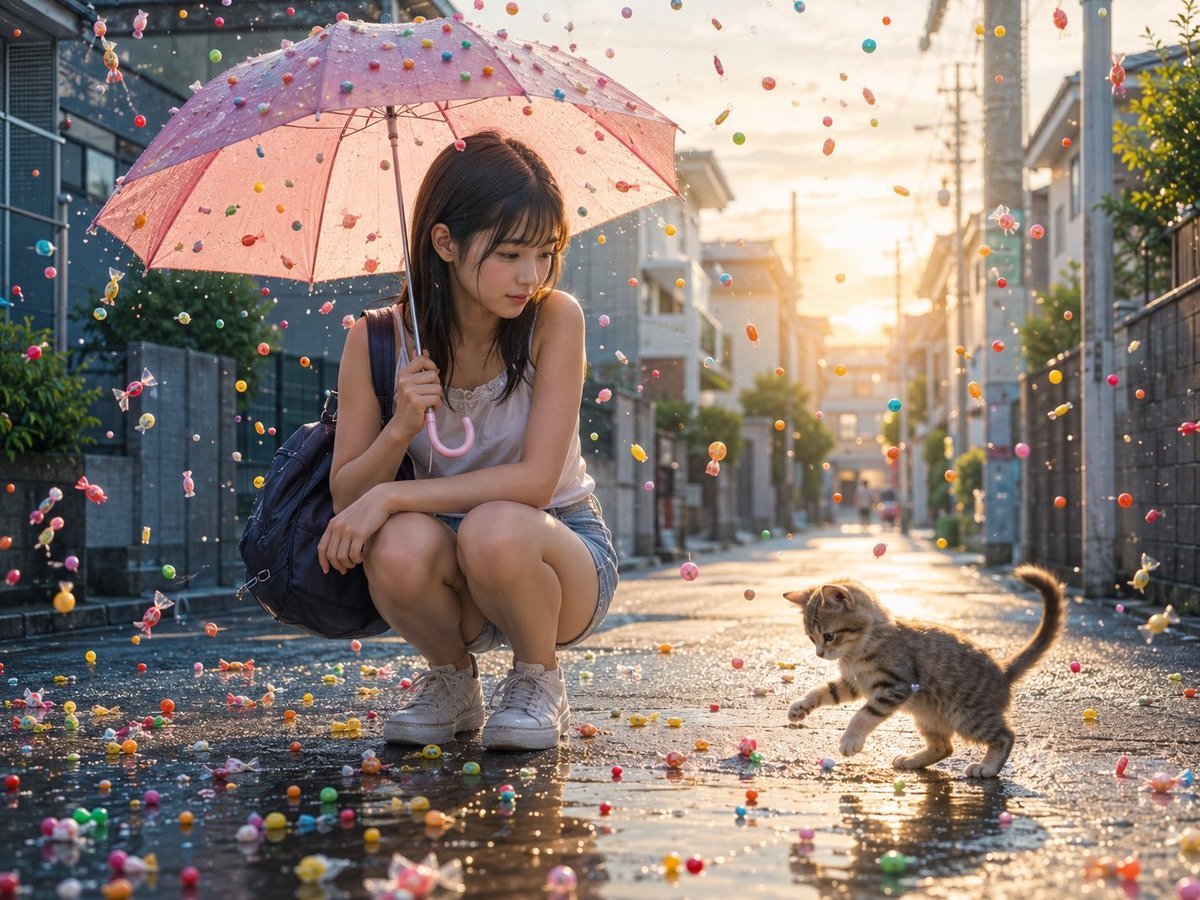
Candy Rain Street With Girl and Kitten

Framed Quilling Anime Girl

Anime Lantern Girl Character Sheet

Anime Girl Generation Grid

Chaotic Anime Schoolgirl Fan Collage

Cel 2D Finale Fireworks

Cel 2D Garden Maze

Cel 2D Rooftop Concert

Cel 2D Bicycle Coast

Cel 2D Castle Gate
Make it yours
Anime Girl Candy Sculpture works as-is. These are the safest ways to change it without losing the look.
Change one field
Copy a single group, rewrite it, and generate again so you can see what that field is doing.
Keep the frame, change the subject
Hold the composition and light of Anime Girl Candy Sculpture, then swap wardrobe, props or the person for a new take.
| If the result… | Why | Fix |
|---|---|---|
| The result drifts from the preview | Too many fields changed at once. | Reuse Anime Girl Candy Sculpture as-is first, then change one group — subject, light, or setting. |
| The model over-stylizes the scene | The prose prompt leaves finish and camera underspecified. | Add one camera or lighting sentence and stay on GPT Image 2. |
More GPT Image 2 templates
Other prompts made for GPT Image 2.

Six VTuber Japanese Logo Sheet

Realistic Portrait of Woman and Deer

The Vista Modular Condo Poster

AI Model Routing Comparison Infographic

2.5D Anime Art Board

Isometric Productivity Desk Scene

New York Double Exposure Poster

Four-Panel AI Landscape Comparison

Japanese Tatami Lifestyle Magazine Cover

NESCAFÉ Coffee Map Poster
More image prompts
Fresh picks from across the catalog.

Gpt2 Infographic Edu Visual Earth Signs Zodiac Character Poster
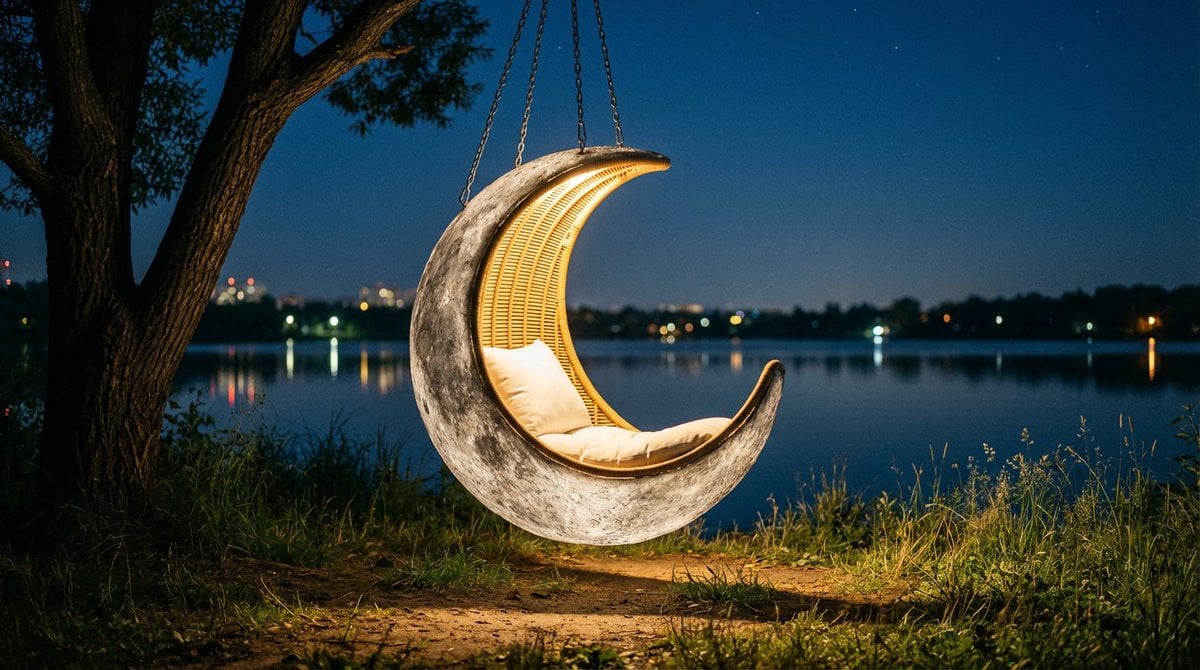
Cinematic lakeside hanging chair concept prompt with space object theme
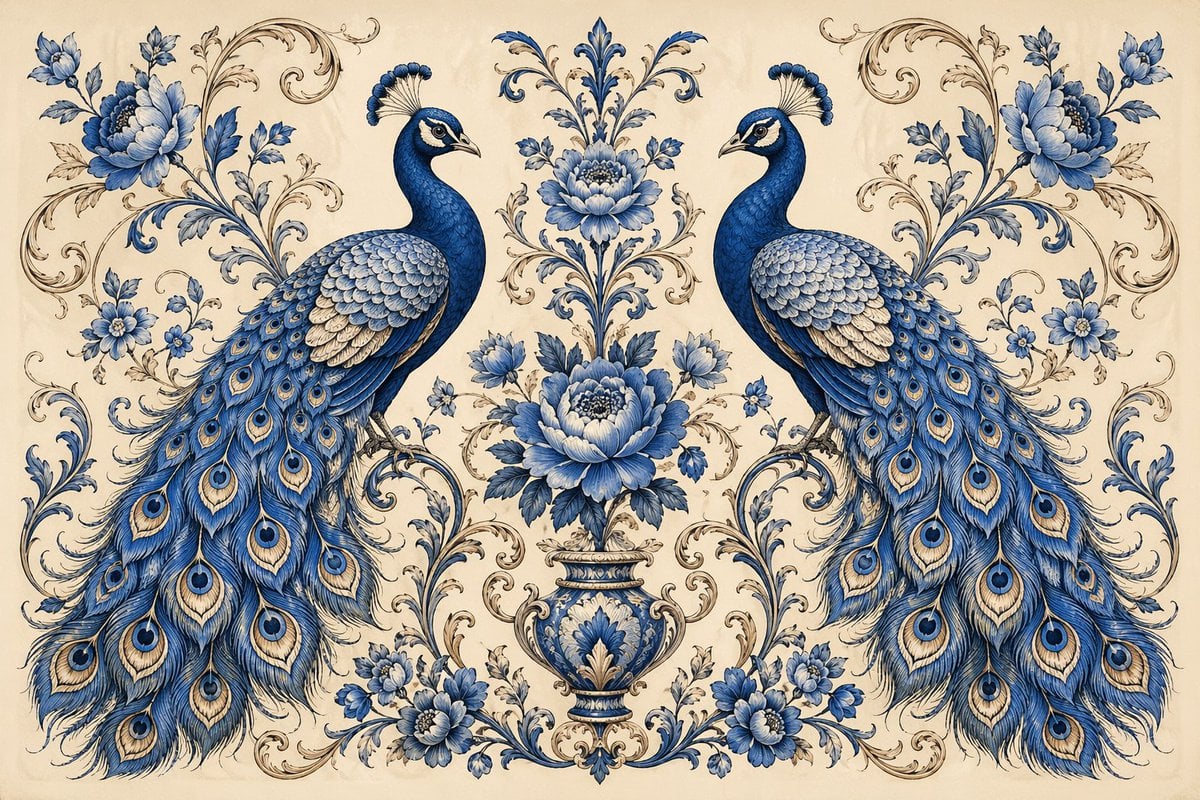
Vintage Peacock Botanical Illustration
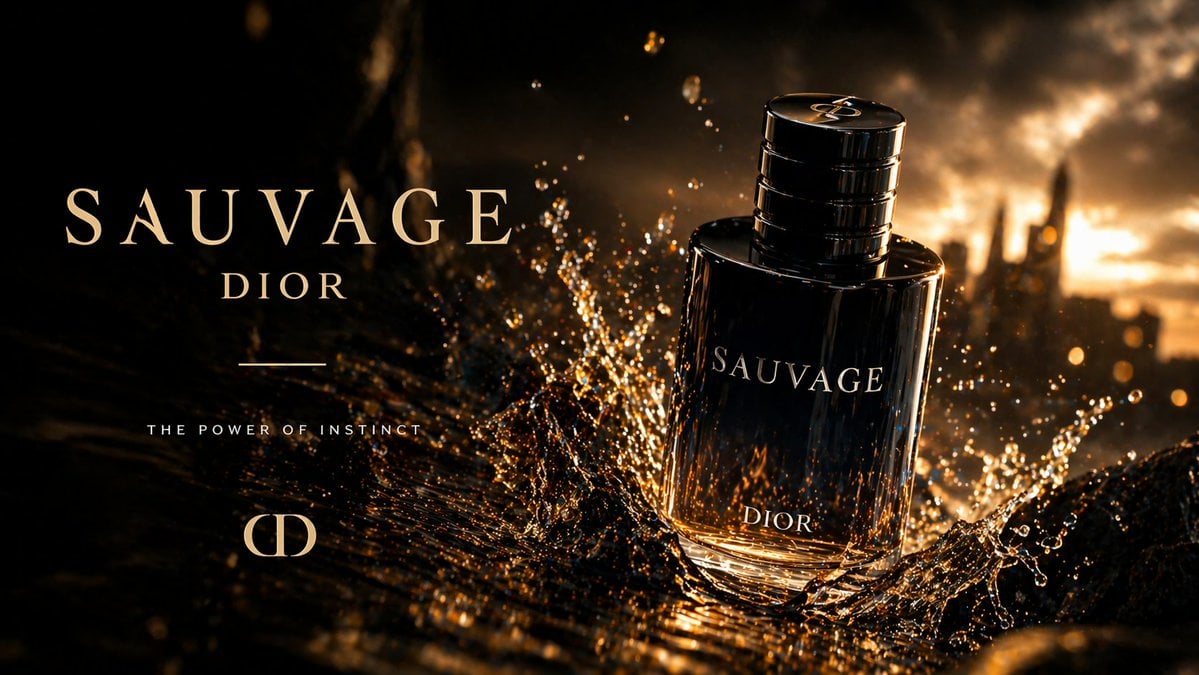
Luxury Perfume Splash Ad
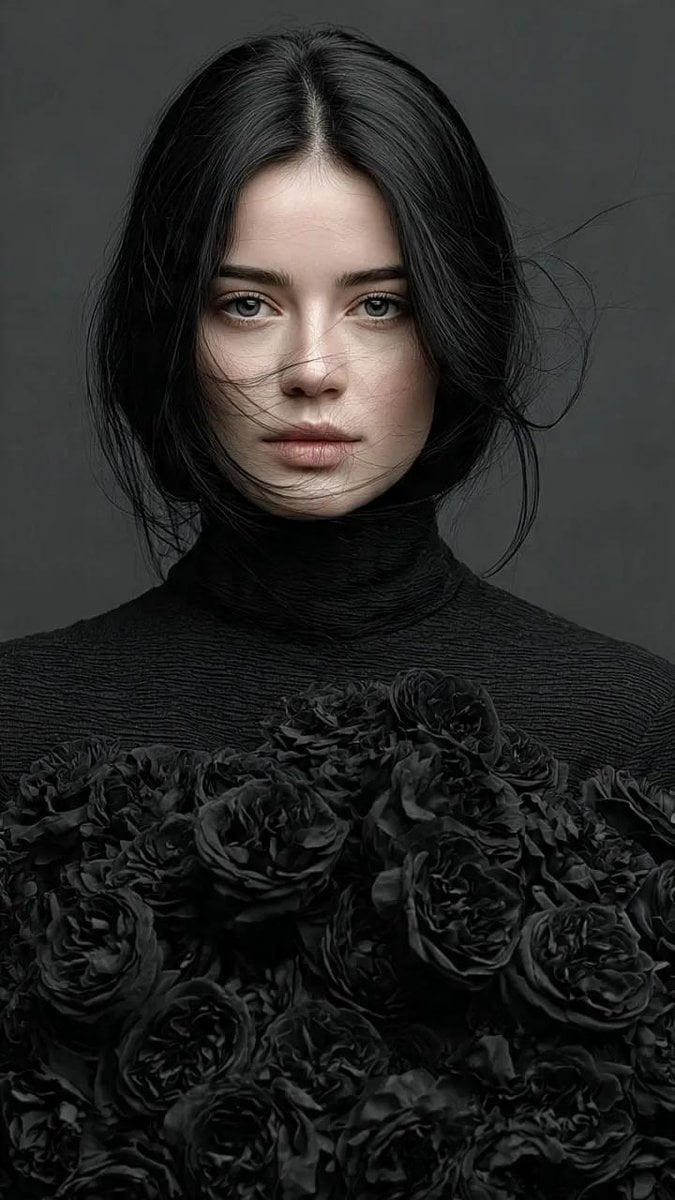
Gothic Elegance Fine-Art Editorial Portrait
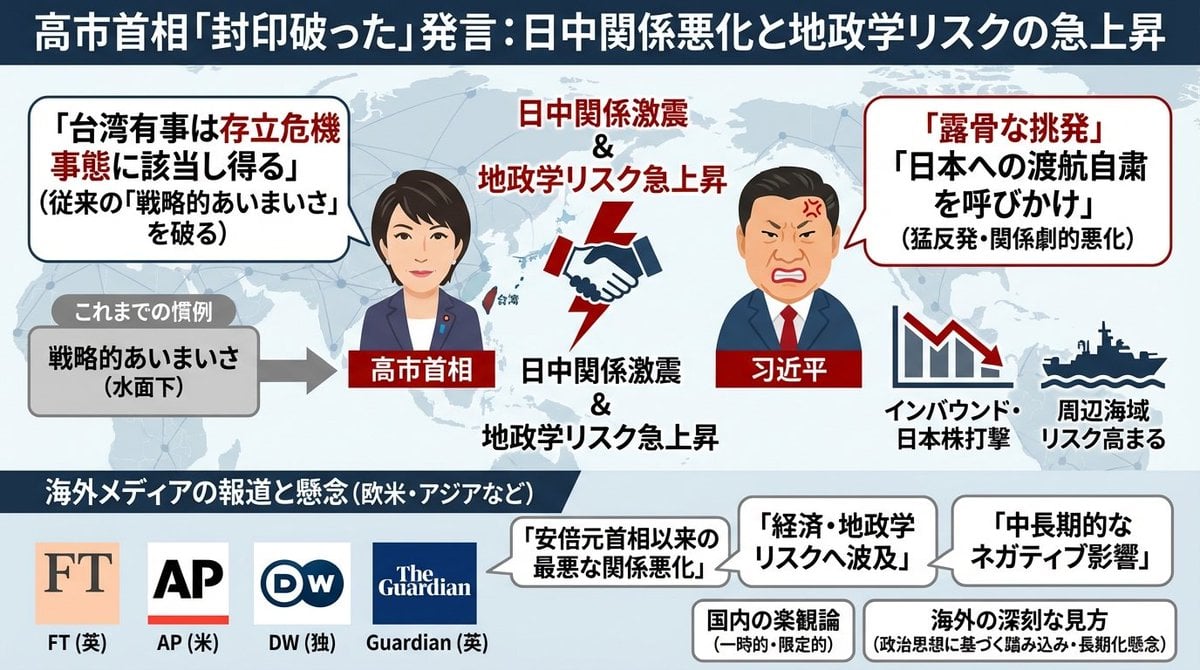
Single-slide illustration of a Yahoo News article
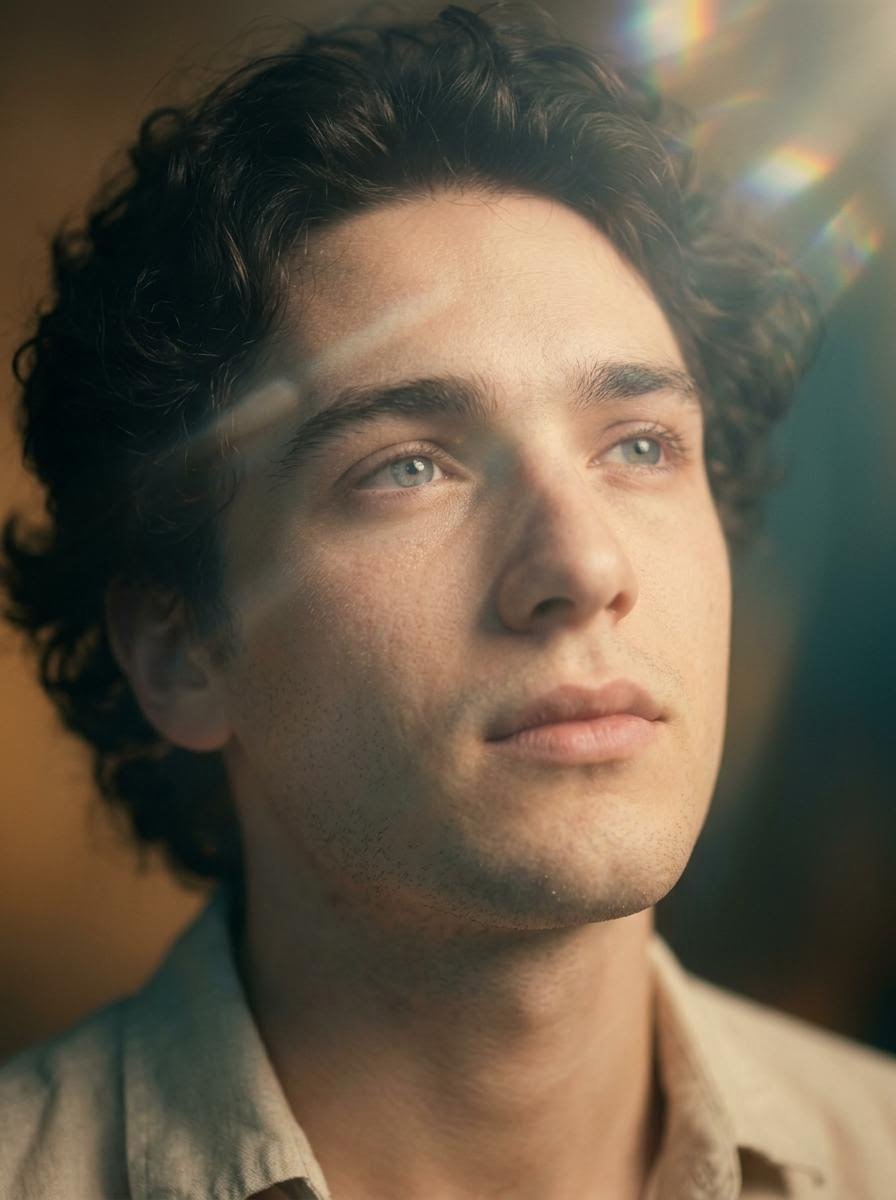
Cinematic Close-Up Portrait with Lens Flares
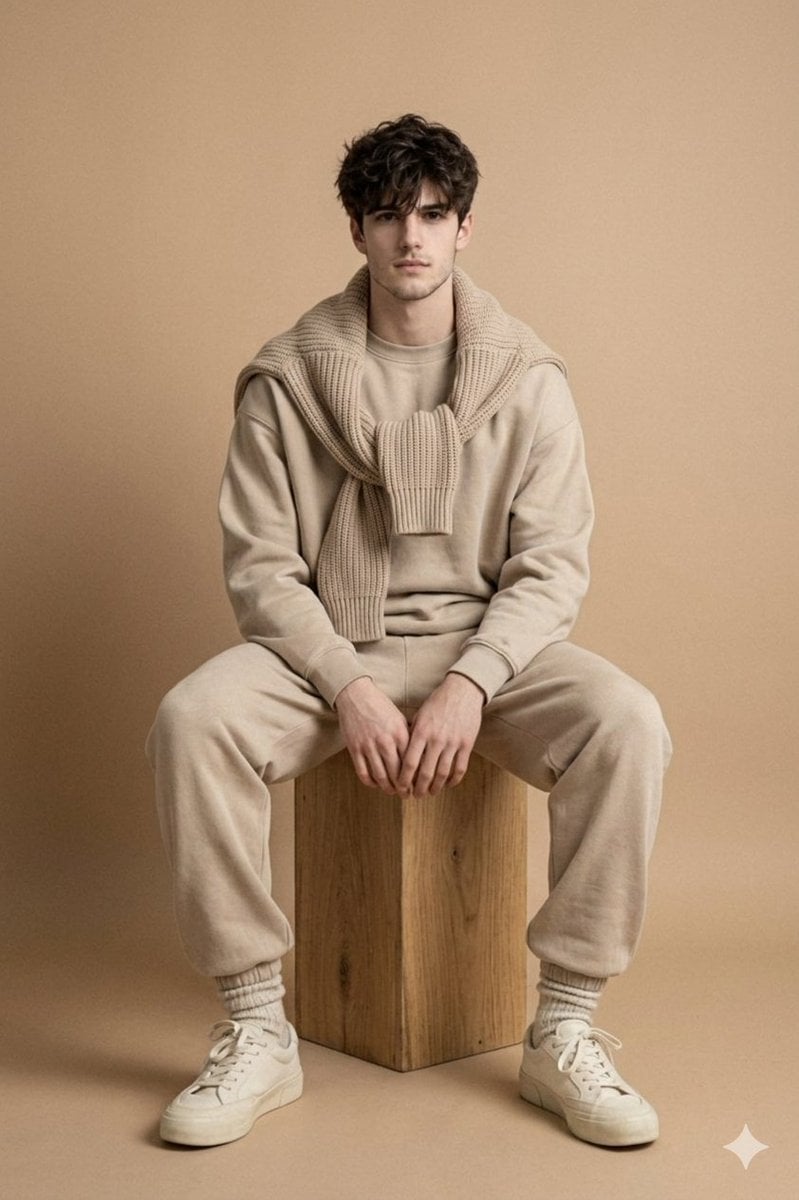
Minimalist Studio Fashion Photo of Young Man
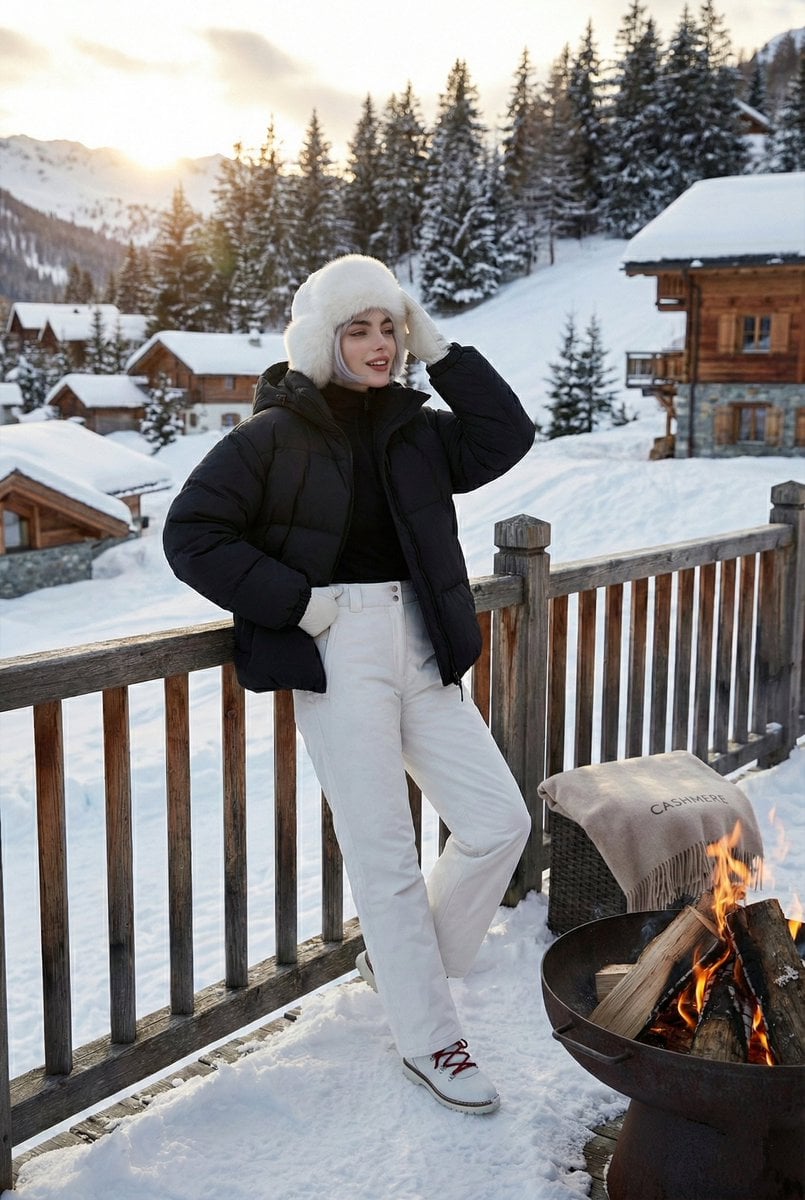
High-Fashion Winter Editorial on Ice

Dramatic Cinematic Kashmir Mountain Flood Rescue Scene
Browse template categories
Anime Girl Candy Sculpture questions
How do I use the Anime Girl Candy Sculpture template?
Add your photo if the template asks for one, edit the prompt if you like — the template's model and format are already selected — and press Generate. Your version opens in PicX Studio.
Can I customize the Anime Girl Candy Sculpture template?
Yes. You can change the subject, setting, lighting, mood, format, and available model controls before creating your image.
Is the Anime Girl Candy Sculpture template free?
Opening and editing this template is free. Generating uses credits, shown on the Generate button when you are signed in.
Which AI model should I use?
Start with GPT Image 2, which is the model associated with this template. You can compare another compatible model for a different finish.
Looking for something else? Browse all templates.

Your photo, any look
Thousands of ready templates for every top image and video model, from one credit balance.