
Candy Rain Street With Girl and Kitten
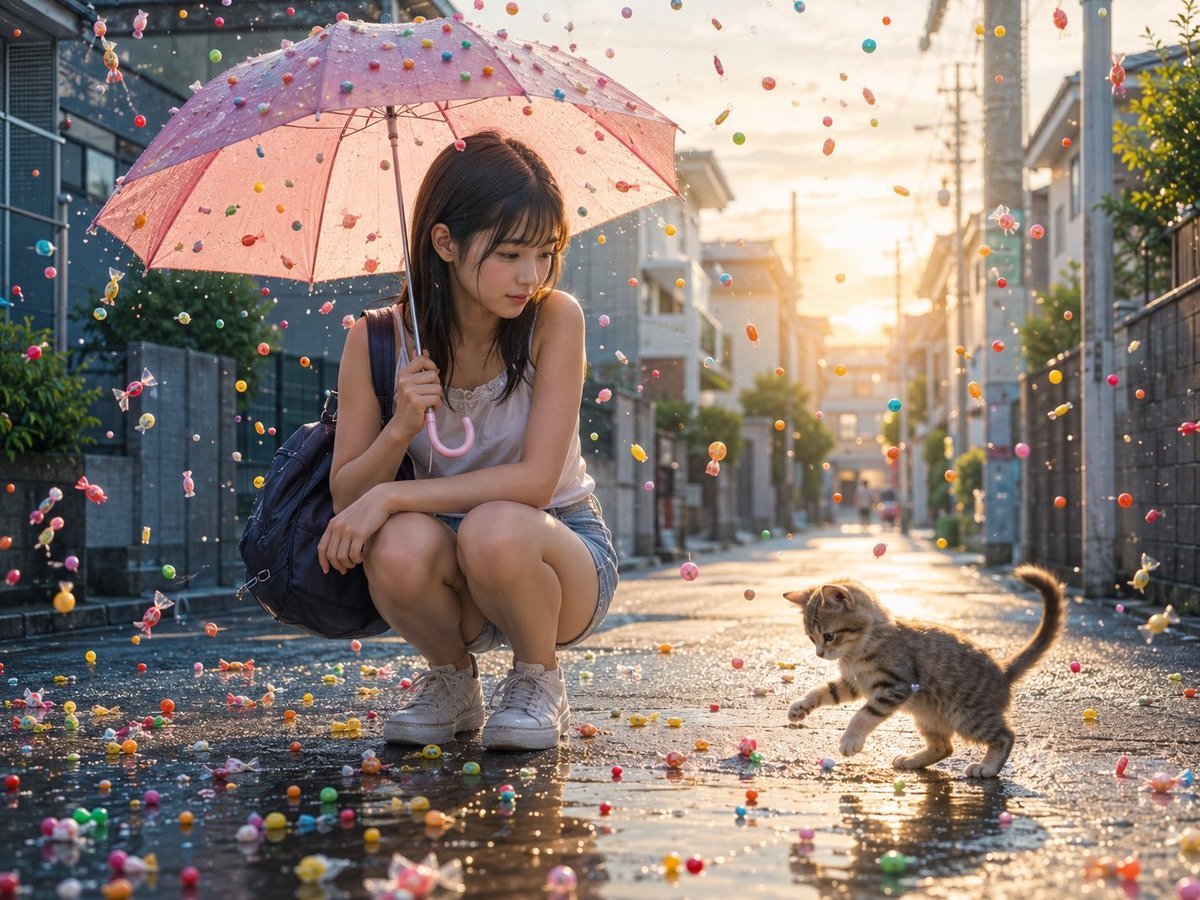
A photorealistic whimsical rainy street scene featuring a crouching girl under a pink umbrella watching a kitten play among falling candy.
- Prompt included
- Model and format preset
- Premium template
The prompt behind this image
Copy the exact prompt behind Candy Rain Street With Girl and Kitten, or open it in the studio and make it yours.
Create a cinematic photorealistic scene of a young Japanese woman crouching on a rain-wet residential street at golden-hour sunset, holding a translucent pale pink umbrella above her. The woman has {argument name="hair color" default="dark brown"} shoulder-length hair with bangs, a gentle thoughtful expression, a white sleeveless top, denim shorts, white sneakers, and a dark navy backpack over one shoulder. Beside her is exactly 1 small tabby kitten, mid-step and playfully reaching toward the ground. The street is glossy with puddles and reflections, lined with quiet suburban houses, walls, greenery, utility poles, and power lines receding into the warm sunlit distance. Show a magical candy rain filling the air and ground: around 200 visible candies total, including round colorful candy balls, individually wrapped hard candies, tiny lollipops, jelly beans, and small translucent sweets in red, pink, yellow, green, blue, orange, and purple. Some candies are suspended in midair, some bounce on the wet asphalt, and some float near the umbrella surface as if falling like rain. Use shallow depth of field, realistic water droplets, sparkling highlights, warm backlighting, soft lens flare, detailed reflections in puddles, and a whimsical yet realistic mood. Keep the composition wide landscape, with the woman on the left under the umbrella, the kitten on the lower right, and the sun glowing at the end of the street. No text, no watermark, no extra people.
How to use Candy Rain Street With Girl and Kitten in 3 steps
- 1Upload ImagePNG, JPG or paste
Add your photo
Upload the photo the template builds on. The prompt, model and format are already set.
- 2…a portrait of your subject in softgolden-hour light, 85mm…
Personalize
Edit the subject and creative details for your destination.
- 3Generate
Generate
Press Generate — your image is created in PicX Studio, so you can compare it with the original and refine one variable at a time.
More like this
Templates with the same subject, style or setup. Open one to see its prompt.

Meet Me When It Rains
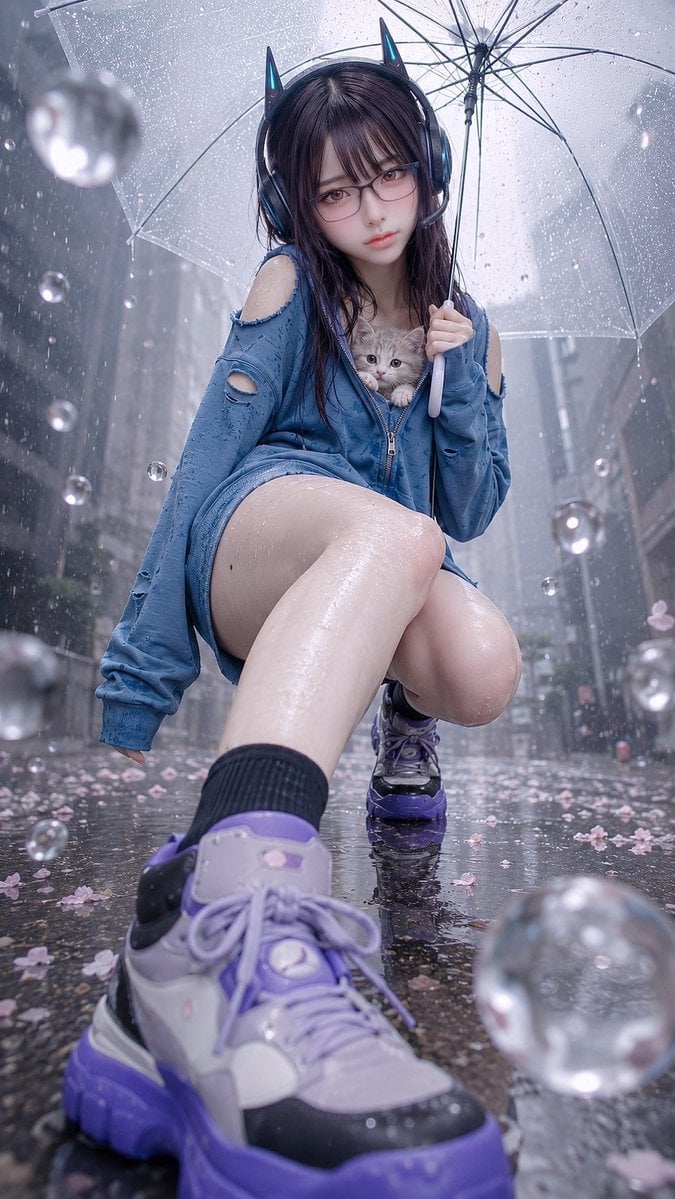
Rainy Cat-Ear Girl with Kitten

Two Tickets, One Night

Two Hearts. One Scooter.

1986 Street Couple

1985 Street Scene

Teen Girl Alpine Lake Mountain View
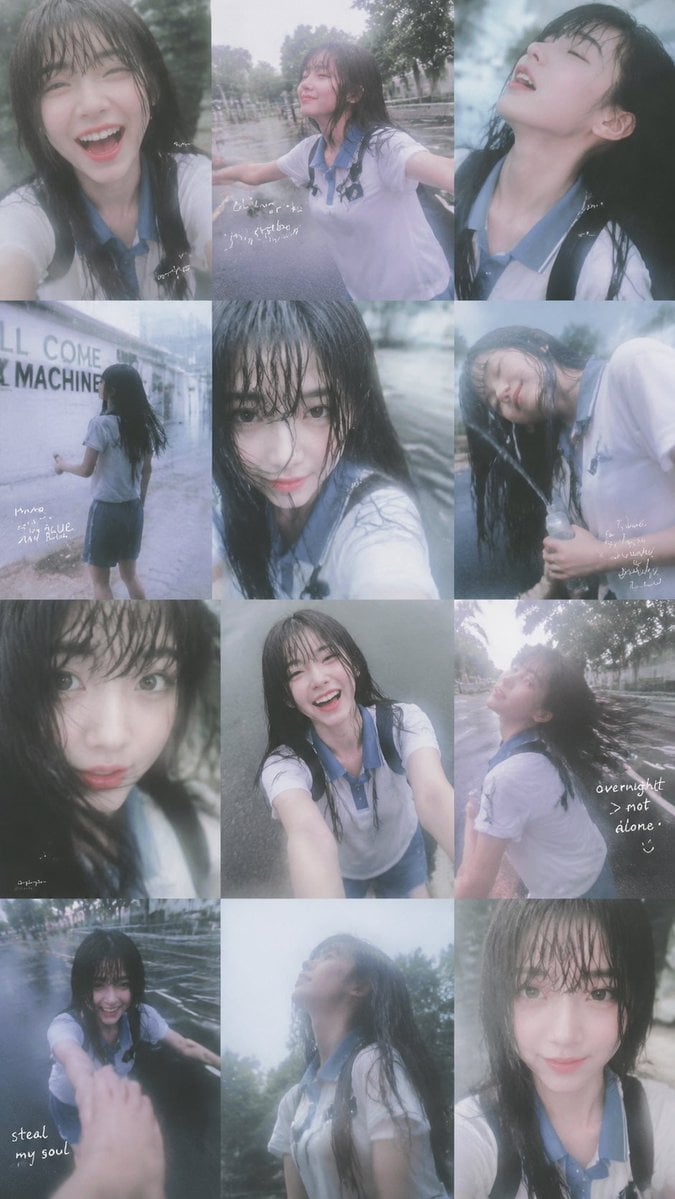
Rainy Schoolgirl Photo Diary Collage
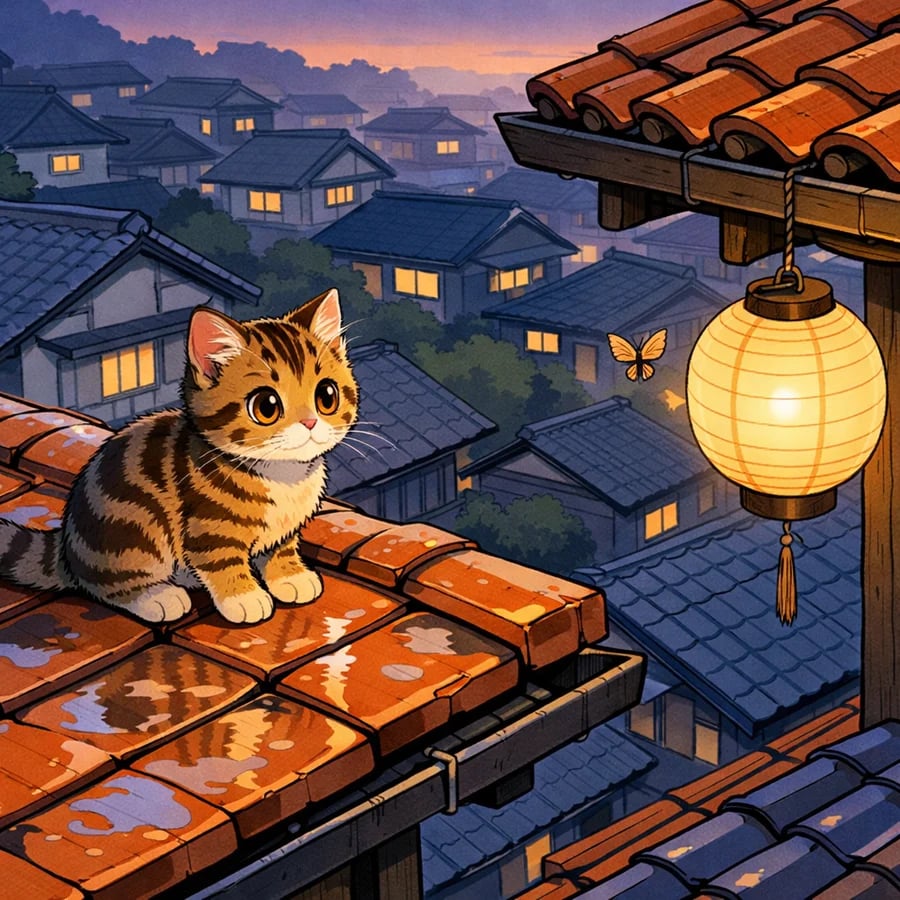
Tabby Kitten on Rain-Wet Rooftop

Cinematic Street Fashion Portrait Motion Blur Crowd

Blue Hour Editorial Fashion Portrait

Rainy Night Android Cyberpunk Portrait
Make it yours
Candy Rain Street With Girl and Kitten works as-is. These are the safest ways to change it without losing the look.
Change one field
Copy a single group, rewrite it, and generate again so you can see what that field is doing.
Keep the frame, change the subject
Hold the composition and light of Candy Rain Street With Girl and Kitten, then swap wardrobe, props or the person for a new take.
| If the result… | Why | Fix |
|---|---|---|
| The result drifts from the preview | Too many fields changed at once. | Reuse Candy Rain Street With Girl and Kitten as-is first, then change one group — subject, light, or setting. |
| The model over-stylizes the scene | The prose prompt leaves finish and camera underspecified. | Add one camera or lighting sentence and stay on GPT Image 2. |
More GPT Image 2 templates
Other prompts made for GPT Image 2.

Six VTuber Japanese Logo Sheet

Realistic Portrait of Woman and Deer

The Vista Modular Condo Poster

AI Model Routing Comparison Infographic

2.5D Anime Art Board

Isometric Productivity Desk Scene

New York Double Exposure Poster

Four-Panel AI Landscape Comparison

Japanese Tatami Lifestyle Magazine Cover

NESCAFÉ Coffee Map Poster
More image prompts
Fresh picks from across the catalog.

Cinematic 12-Panel Timeline of a Subject's Epic Day
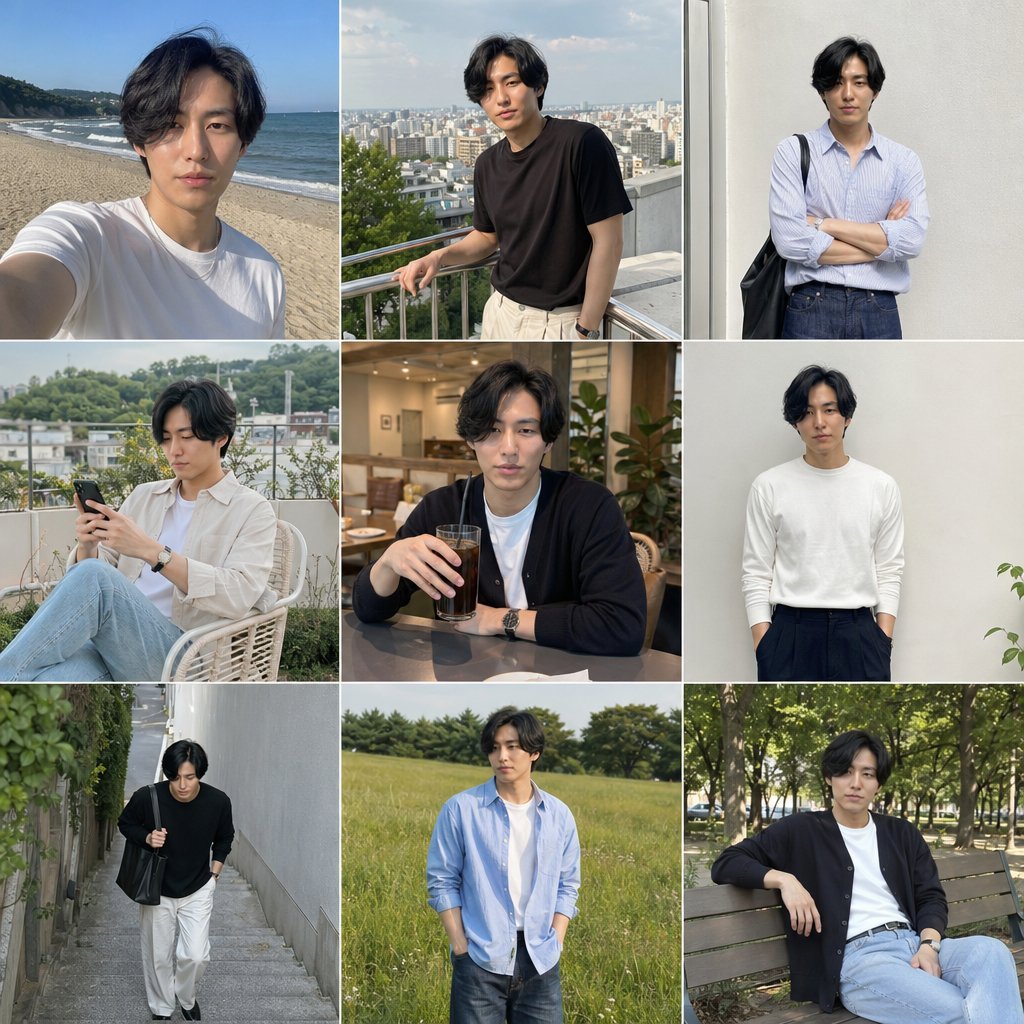
Photo Men's Fashion Collage
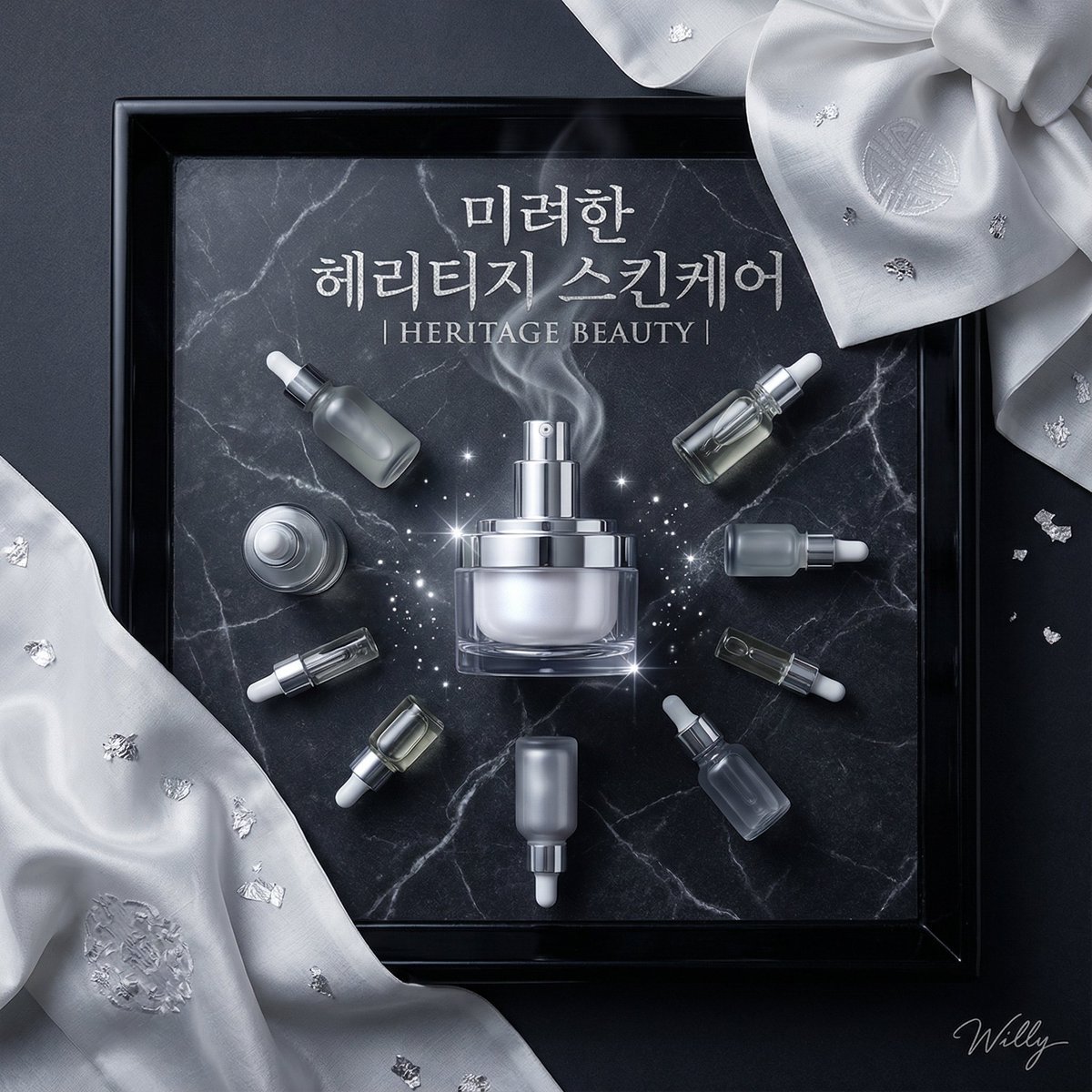
Luxury Korean Skincare Advertisement Prompt
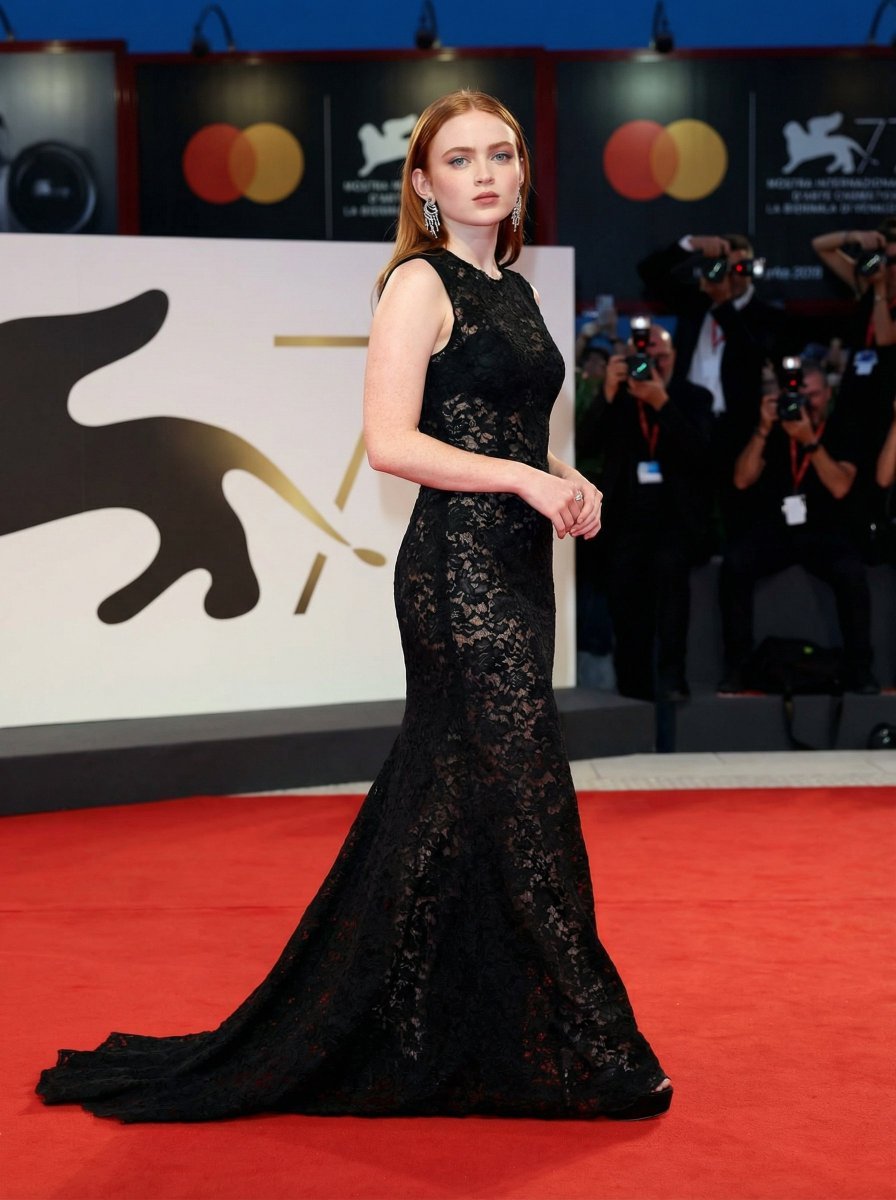
High Fashion Red Carpet Editorial Prompt
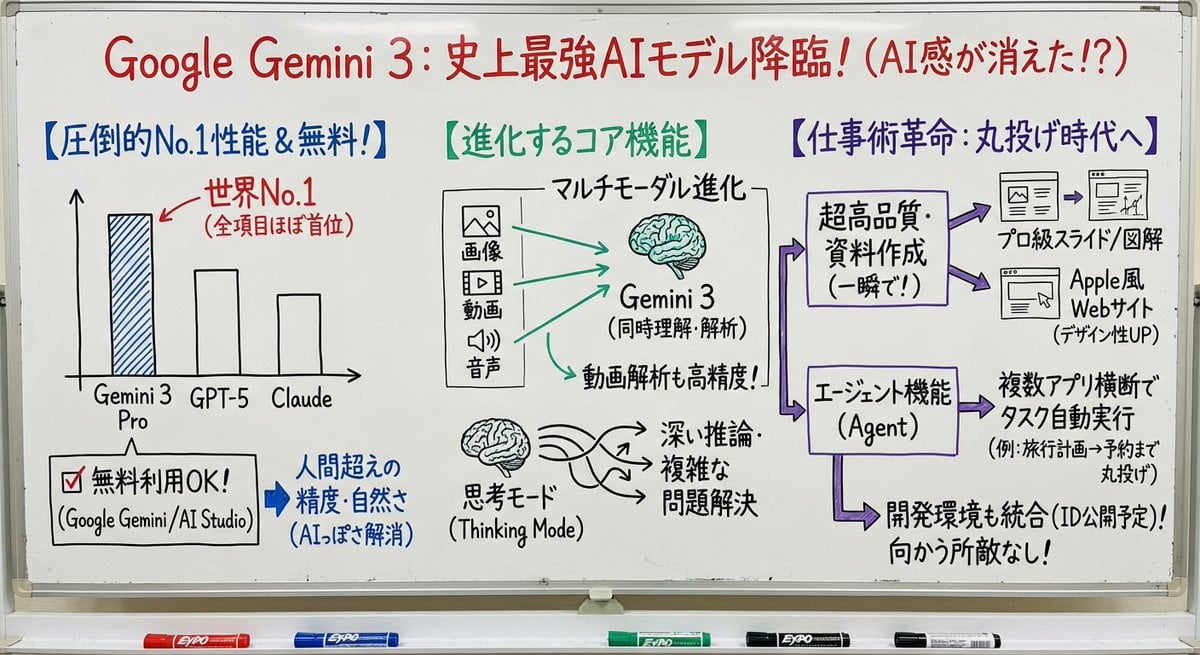
Professor explaining content on a whiteboard
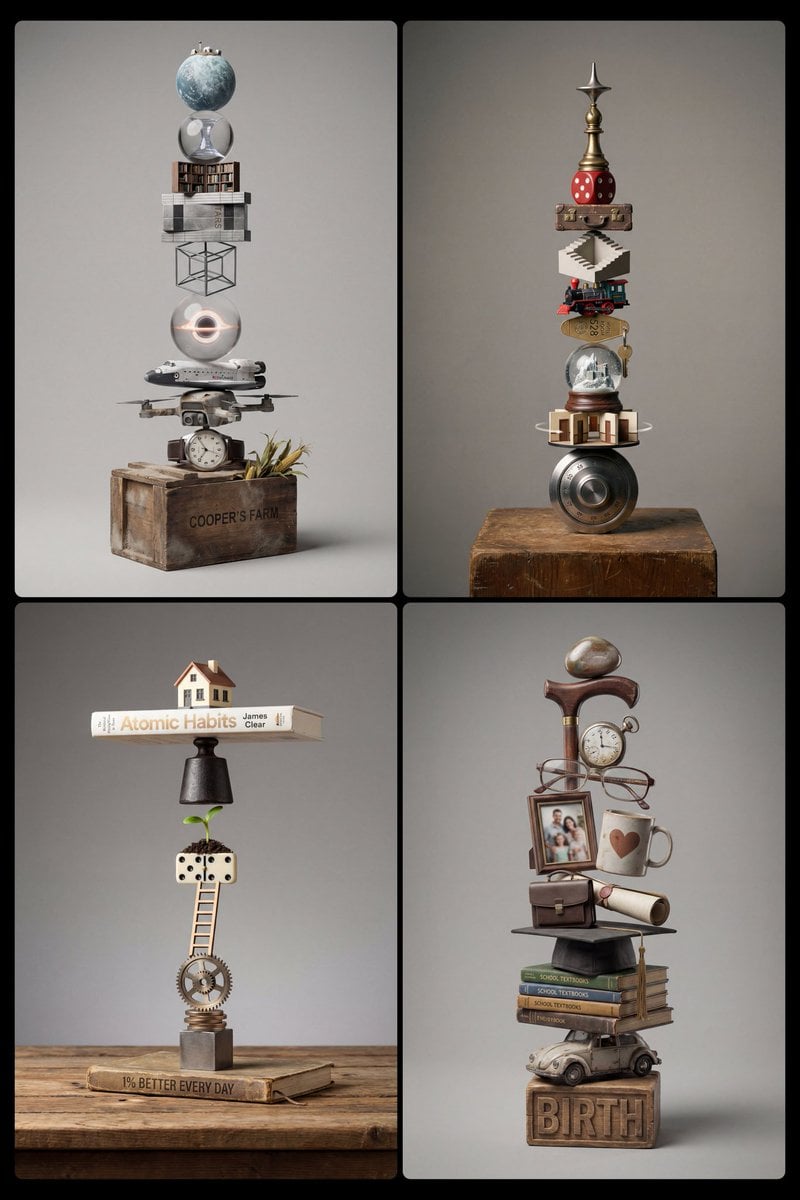
Stacked Objects Symbolizing a Concept
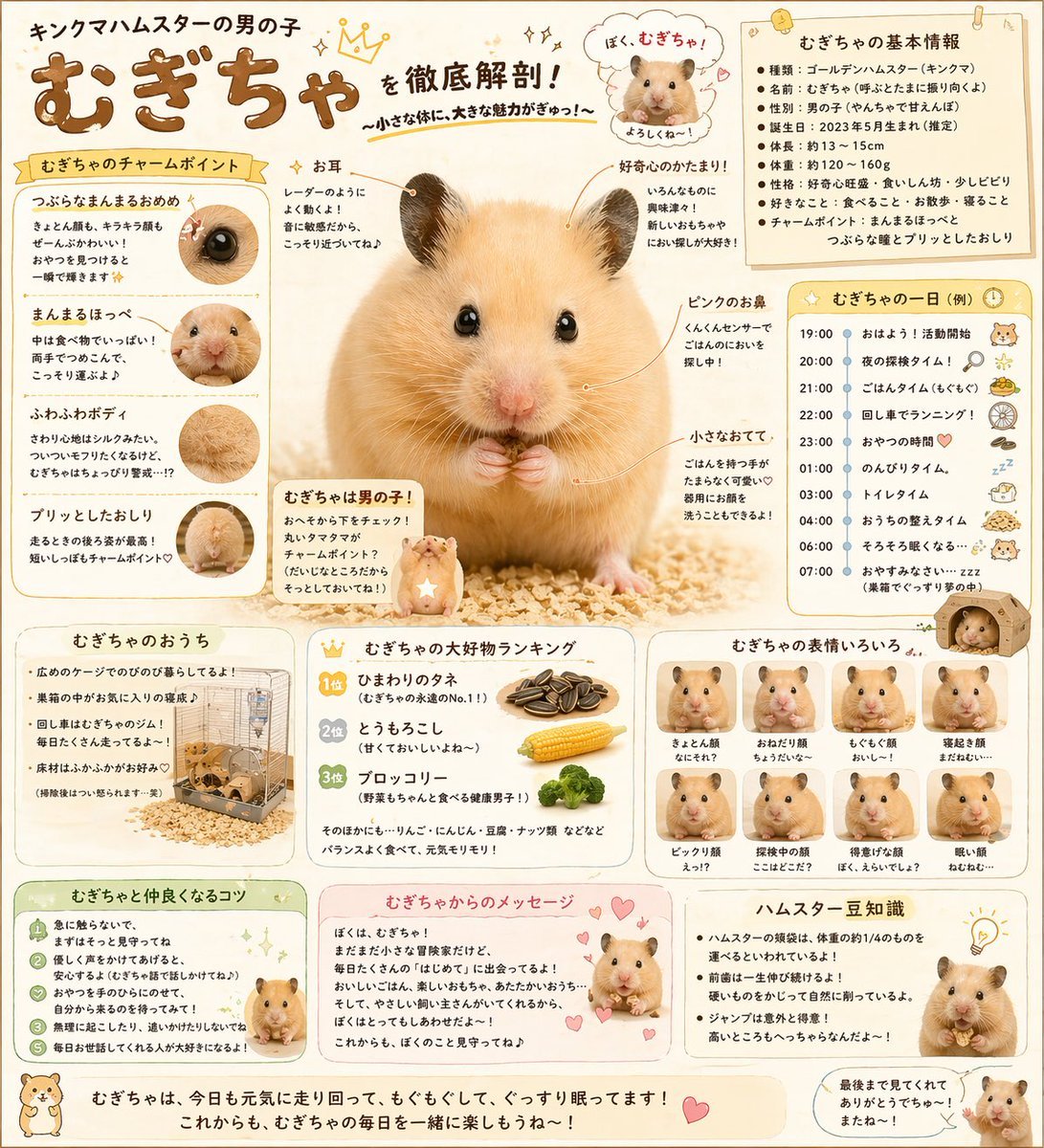
Cute Japanese Hamster Infographic
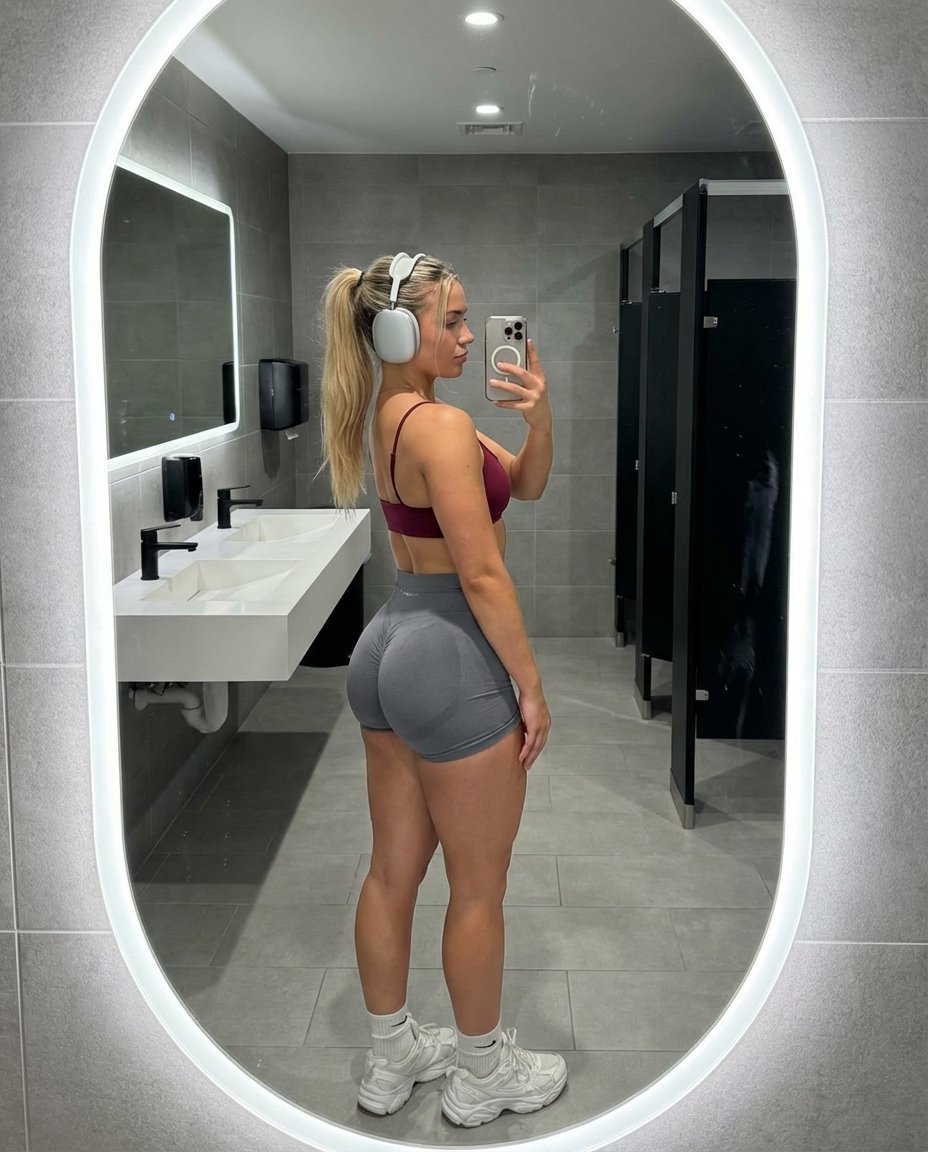
Hyper-Realistic Gym Mirror Selfie
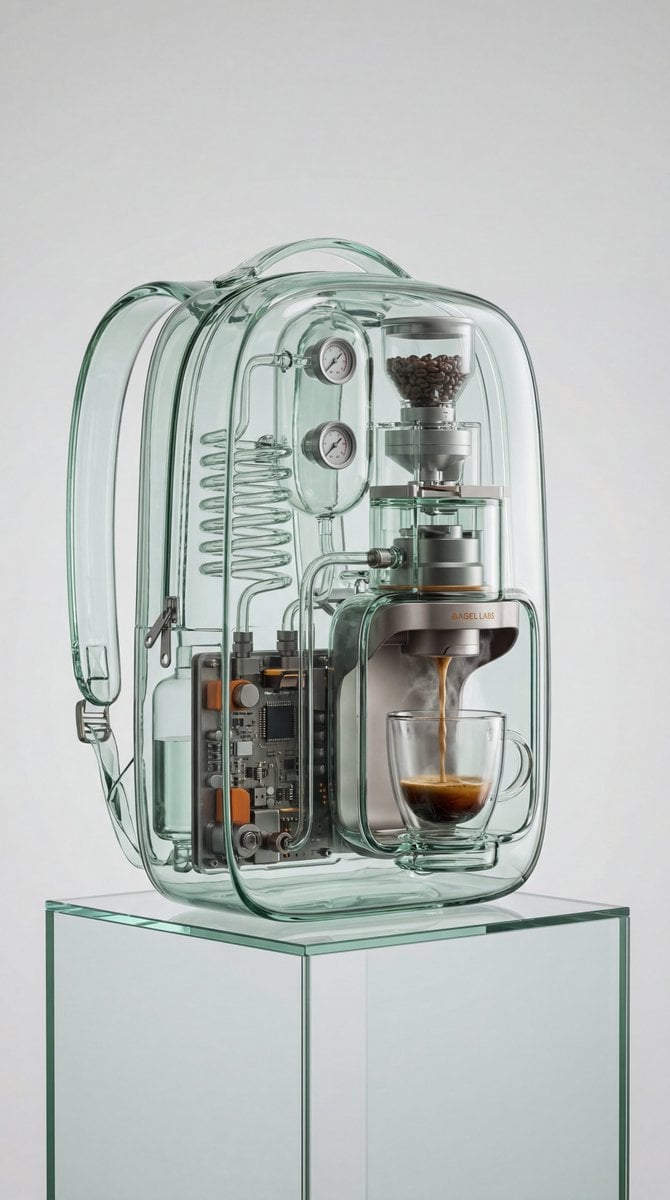
Recontextualized Backpack Espresso Machine Concept Prompt
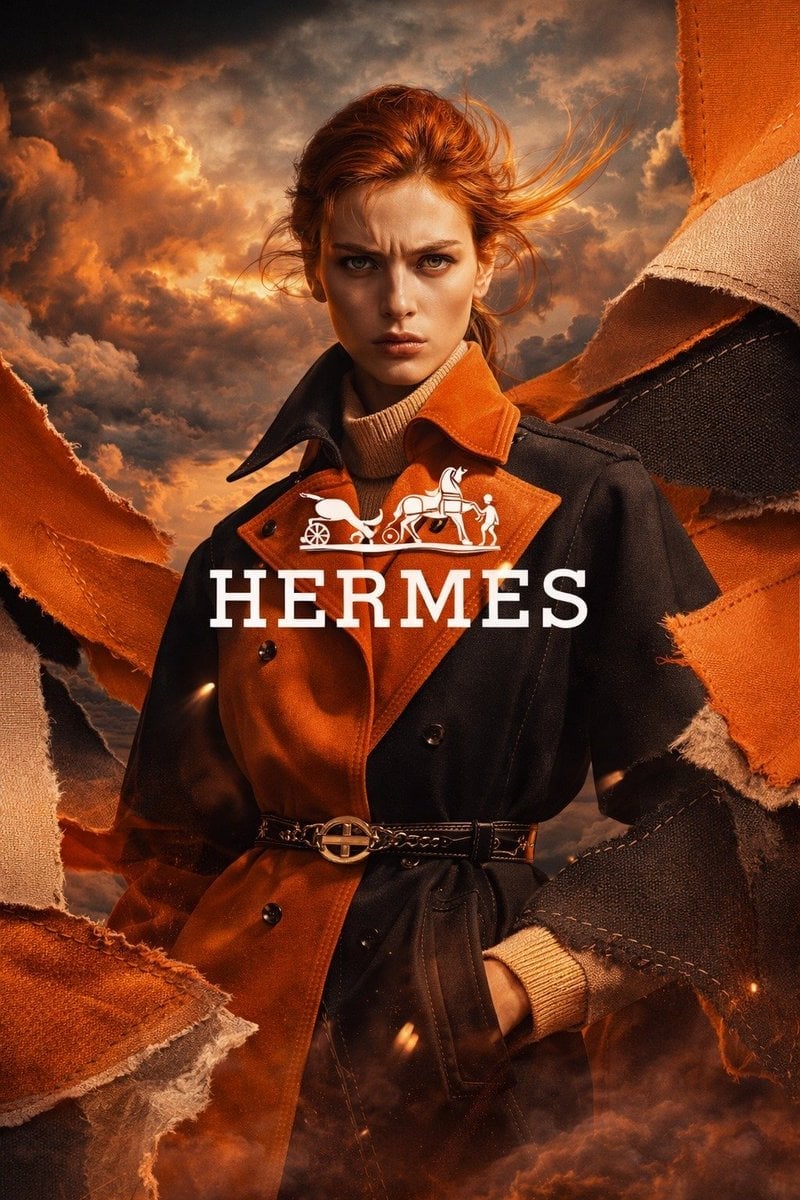
Luxury Fashion Ad Portrait
Browse template categories
Candy Rain Street With Girl and Kitten questions
How do I use the Candy Rain Street With Girl and Kitten template?
Add your photo if the template asks for one, edit the prompt if you like — the template's model and format are already selected — and press Generate. Your version opens in PicX Studio.
Can I customize the Candy Rain Street With Girl and Kitten template?
Yes. You can change the subject, setting, lighting, mood, format, and available model controls before creating your image.
Is the Candy Rain Street With Girl and Kitten template free?
Opening and editing this template is free. Generating uses credits, shown on the Generate button when you are signed in.
Which AI model should I use?
Start with GPT Image 2, which is the model associated with this template. You can compare another compatible model for a different finish.
Looking for something else? Browse all templates.

Your photo, any look
Thousands of ready templates for every top image and video model, from one credit balance.