
Stylish Nobunaga Ukiyo-e Portrait
Generates an ornate vertical Japanese warlord portrait with Sengoku armor, decorative Art Nouveau framing, and a censored face area.
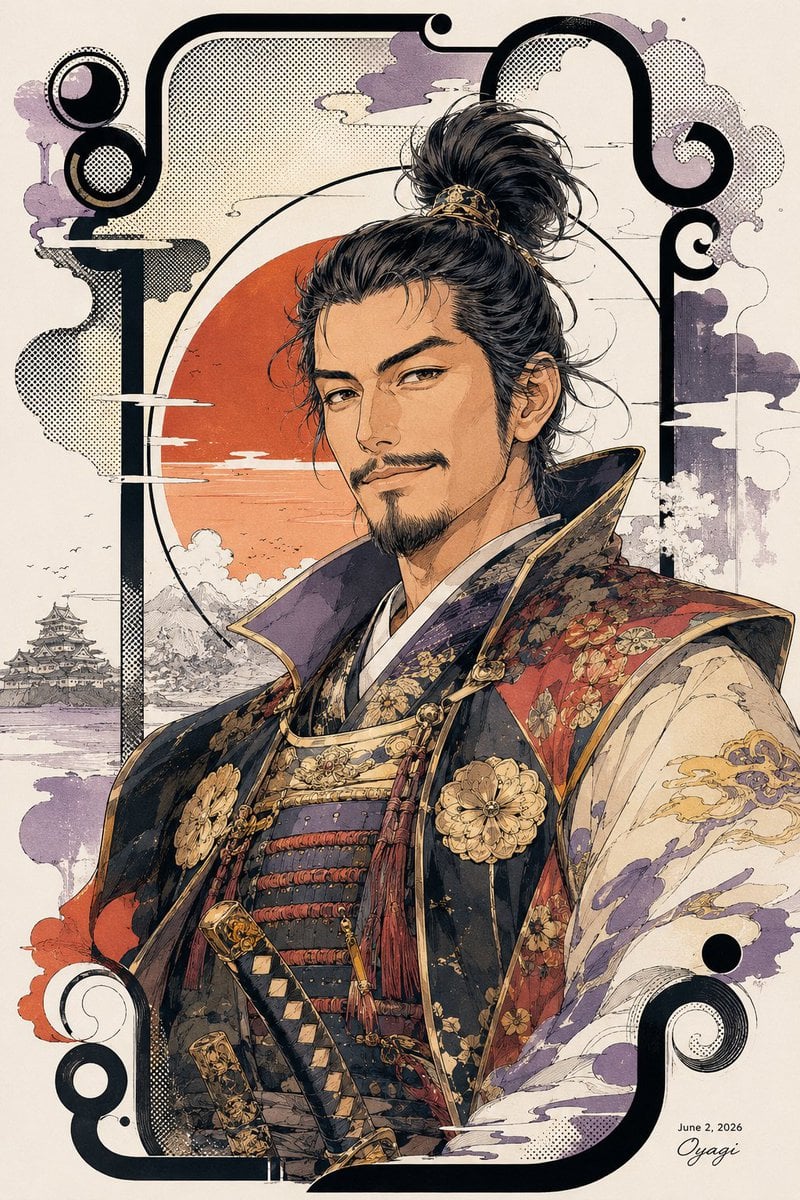
- Prompt included
- Model and format preset
- Free template
The prompt behind this image
Copy the exact prompt behind Stylish Nobunaga Ukiyo-e Portrait, or open it in the studio and make it yours.
Create a vertical 2:3 Japanese ukiyo-e inspired anime illustration of {argument name="character name" default="Oda Nobunaga"} as a stylish mature warlord, shown from the waist up in a dignified three-quarter portrait. He has a tall messy black topknot with loose strands and a gold hair ornament, one visible ear, and his face is intentionally obscured by a centered opaque tan rectangle covering the full facial area from forehead to chin. Dress him in ornate Sengoku-era armor and layered kimono: a high black collar with gold trim, dark navy and black lamellar chest armor with red cords, two large gold chrysanthemum-like crests on the chest, red brocade shoulder panels with floral patterns, cream sleeves with purple and gold cloud motifs, dangling red tassels, and two decorated sword hilts crossing at the lower front. The background is parchment cream with an orange-red setting sun disk behind the figure, fine black ink landscape lines, stylized white cloud streaks, purple-gray ink wash clouds, halftone dot textures, and a small Japanese castle in the lower left distance. Frame the composition with thick black Art Nouveau-style rounded corner borders and spiral ornaments: exactly 6 prominent black spiral/circle ornaments, with 2 at the upper left, 2 at the upper right, and 2 at the lower corners. Use detailed linework, muted antique colors, gold accents, print texture, manga-meets-traditional-Japanese-poster aesthetics, and dramatic heroic posture. Add a small signature and date in the lower right reading {argument name="date text" default="June 2, 2026"} and {argument name="signature text" default="Oyagi"}. No other text, no watermark, keep the central tan face-cover rectangle perfectly flat and untextured.
How to use Stylish Nobunaga Ukiyo-e Portrait in 3 steps
- 1Upload ImagePNG, JPG or paste
Add your photo
Upload the photo the template builds on. The prompt, model and format are already set.
- 2…a portrait of your subject in softgolden-hour light, 85mm…
Personalize
Edit the subject and creative details for your destination.
- 3Generate
Generate
Press Generate — your image is created in PicX Studio, so you can compare it with the original and refine one variable at a time.
More like this
Templates with the same subject, style or setup. Open one to see its prompt.

Found Photograph: Us, 1970

80s Couple Studio Portrait

80s Bollywood Star

80s Golden Hour Cinema

Me in 1985

1985 Studio Portrait

Hyper-Realistic Minecraft POV Portrait

Rooftop Fisheye — Cat-Ear Balaclava at Golden Hour

Rainy Café Window Moody Portrait

untitled

2025 Aesthetic Photography

Nano Banana Is So Addictive
Make it yours
Stylish Nobunaga Ukiyo-e Portrait works as-is. These are the safest ways to change it without losing the look.
Change one field
Copy a single group, rewrite it, and generate again so you can see what that field is doing.
Keep the frame, change the subject
Hold the composition and light of Stylish Nobunaga Ukiyo-e Portrait, then swap wardrobe, props or the person for a new take.
| If the result… | Why | Fix |
|---|---|---|
| The result drifts from the preview | Too many fields changed at once. | Reuse Stylish Nobunaga Ukiyo-e Portrait as-is first, then change one group — subject, light, or setting. |
| The model over-stylizes the scene | The prose prompt leaves finish and camera underspecified. | Add one camera or lighting sentence and stay on GPT Image 2. |
More GPT Image 2 templates
Other prompts made for GPT Image 2.

Six VTuber Japanese Logo Sheet

Realistic Portrait of Woman and Deer

The Vista Modular Condo Poster

AI Model Routing Comparison Infographic

2.5D Anime Art Board

Isometric Productivity Desk Scene

New York Double Exposure Poster

Four-Panel AI Landscape Comparison

Japanese Tatami Lifestyle Magazine Cover

NESCAFÉ Coffee Map Poster
More image prompts
Fresh picks from across the catalog.
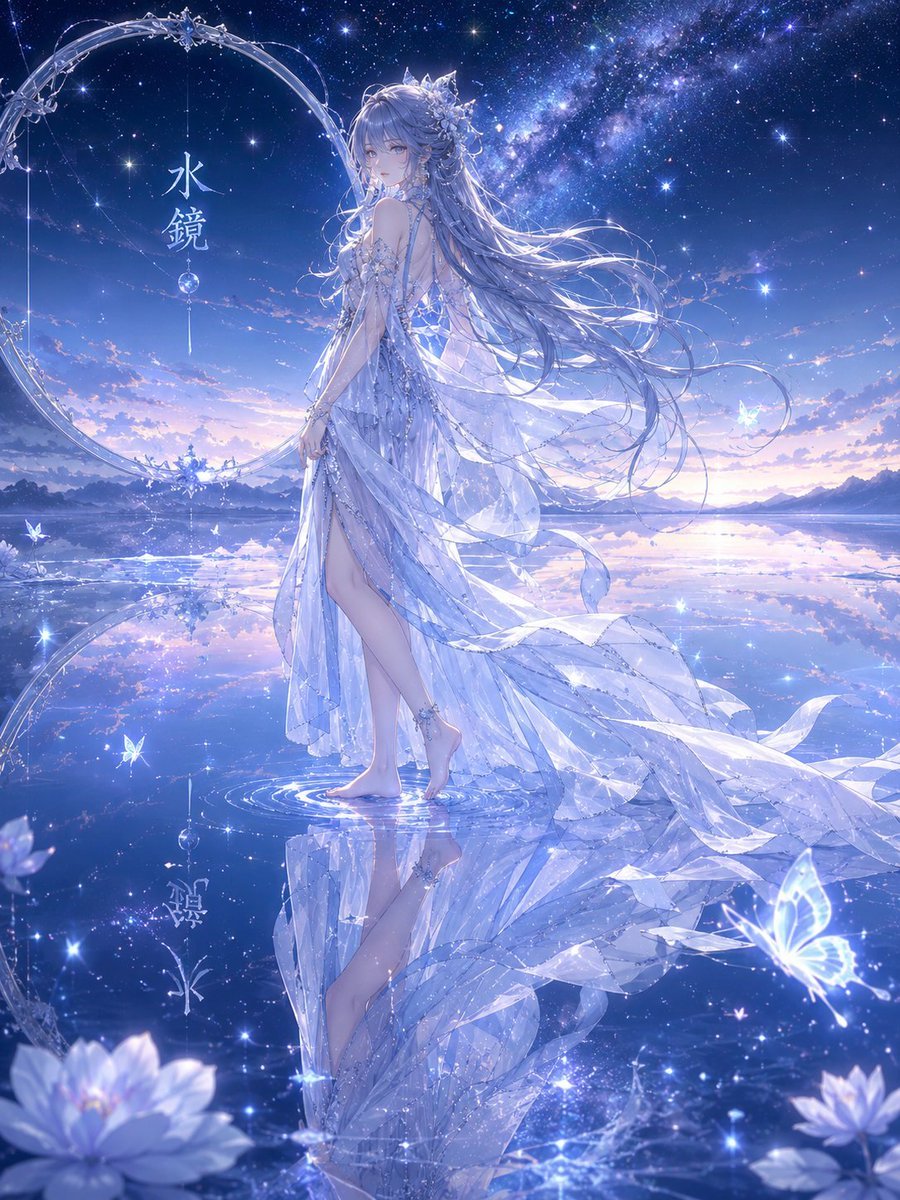
Water Mirror Fantasy Maiden
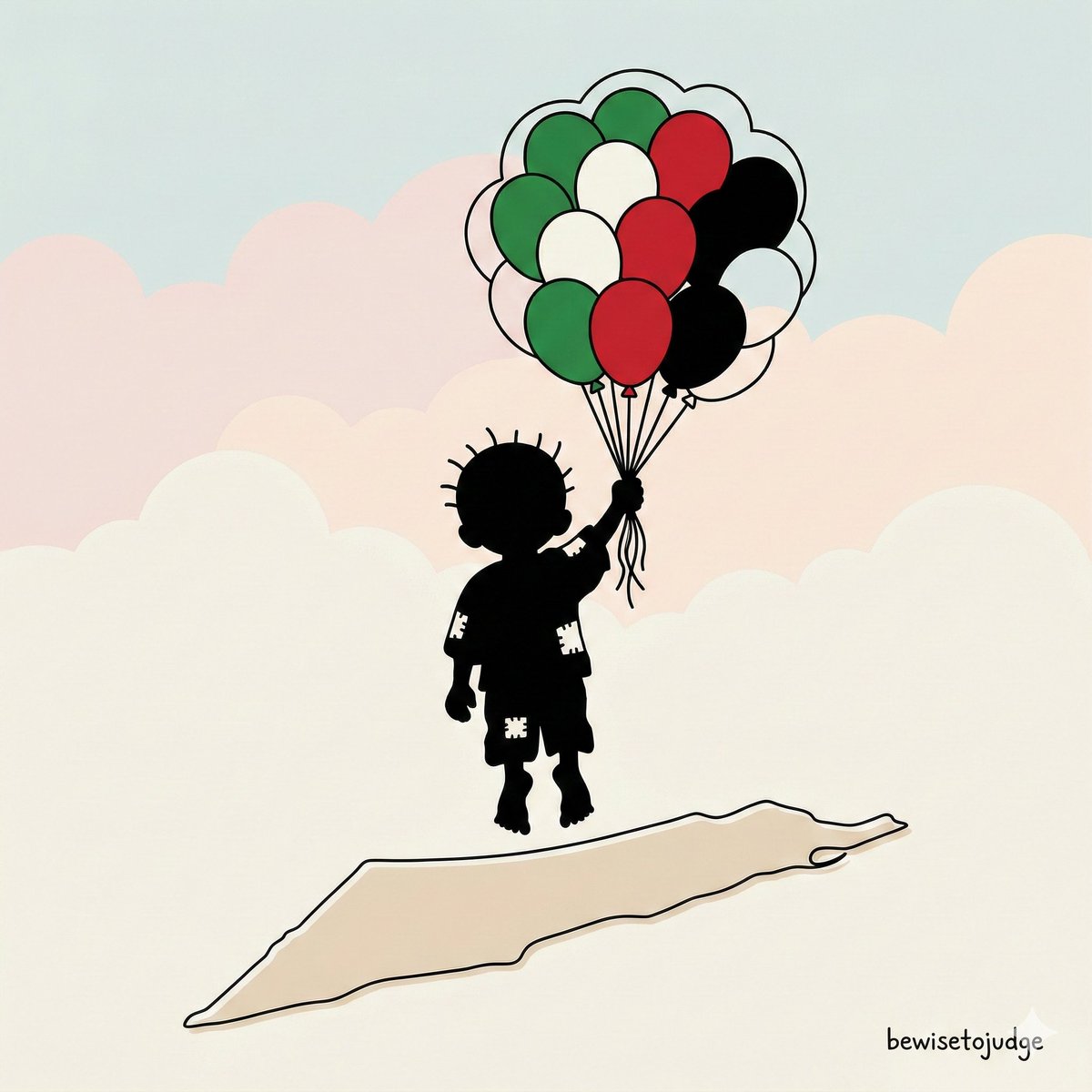
Minimalist Symbolic Illustration in Handala Style
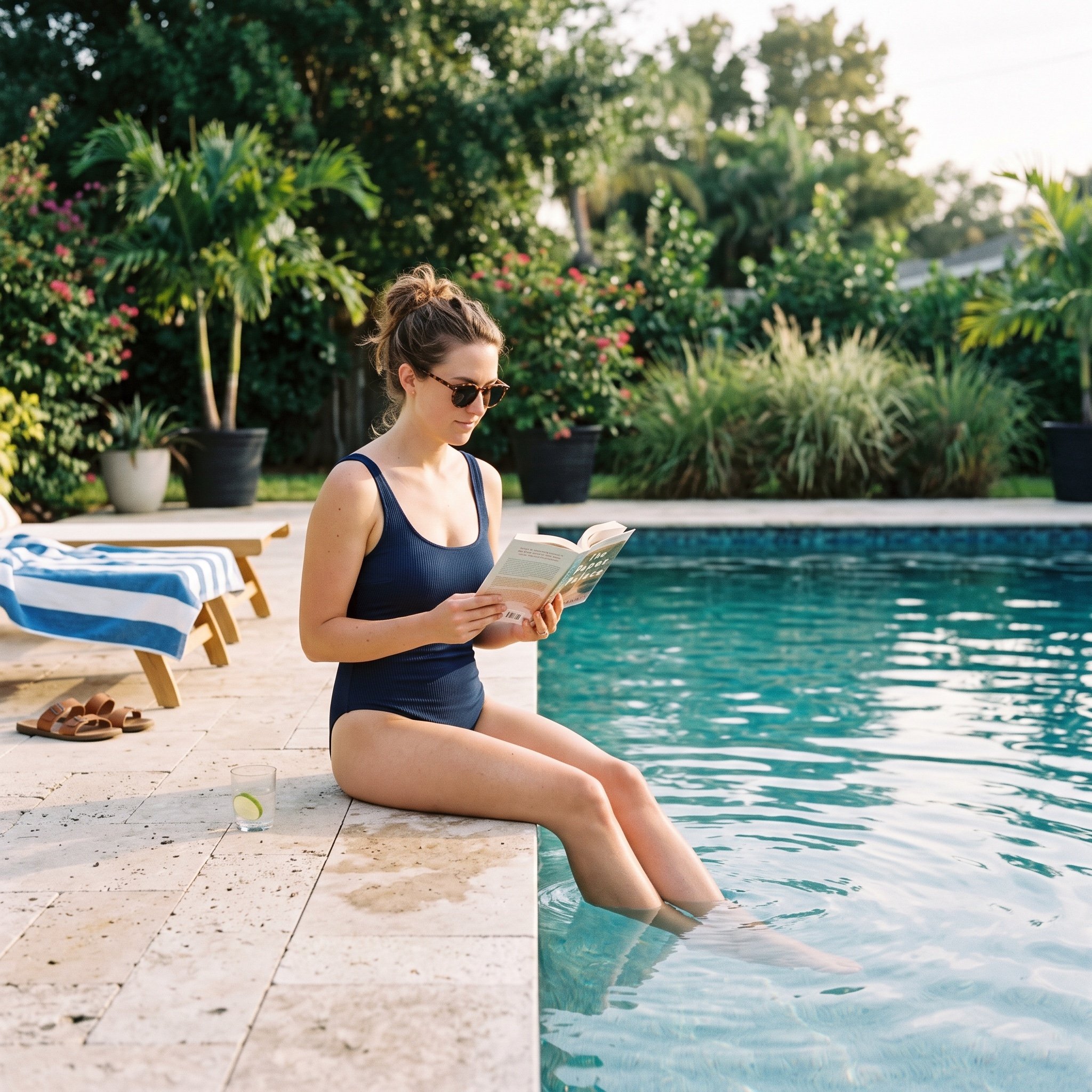
Pool Prompt for Realistic Image Generation
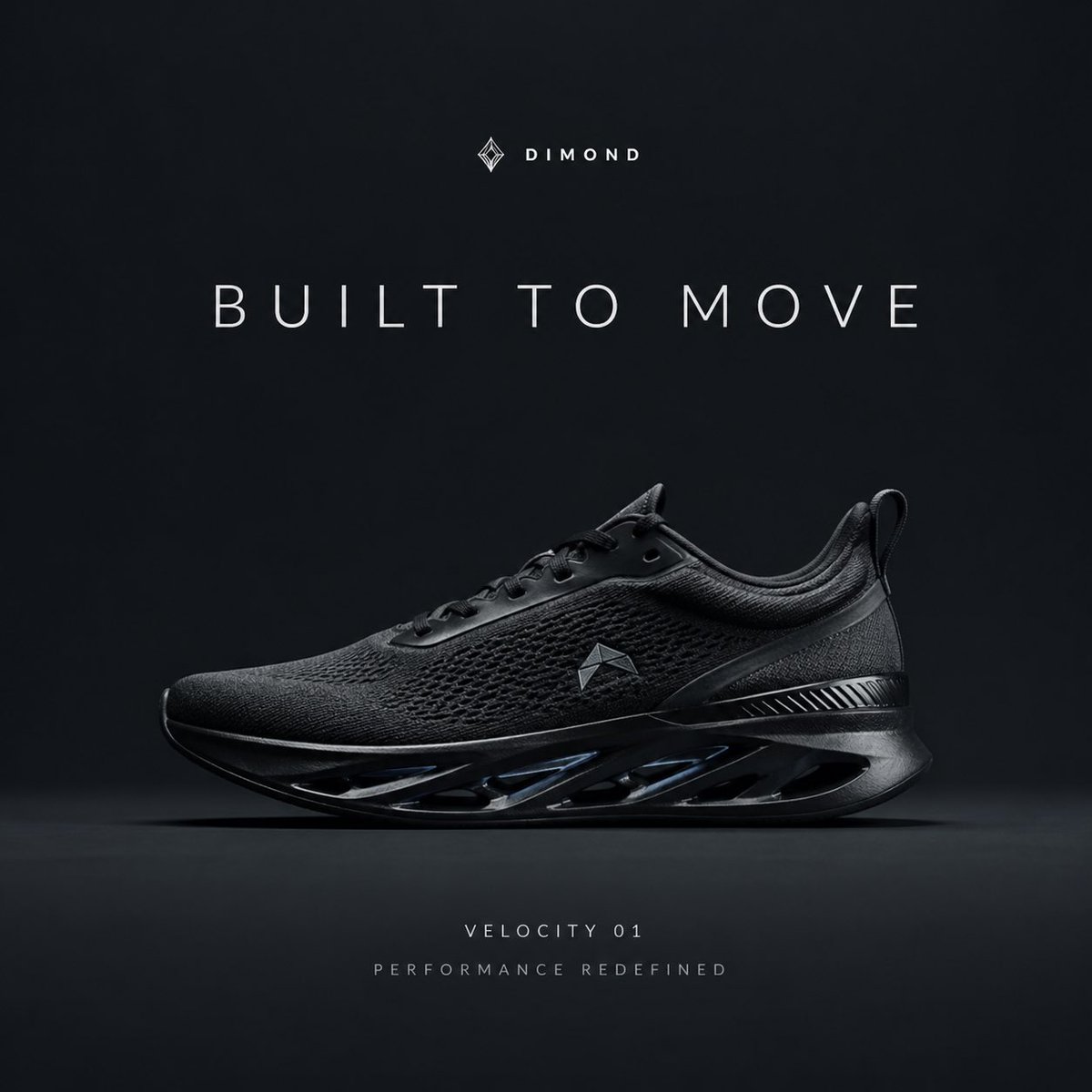
Premium Sportswear Campaign Poster Prompt

Minimalist Equestrian Luxury Wallpaper
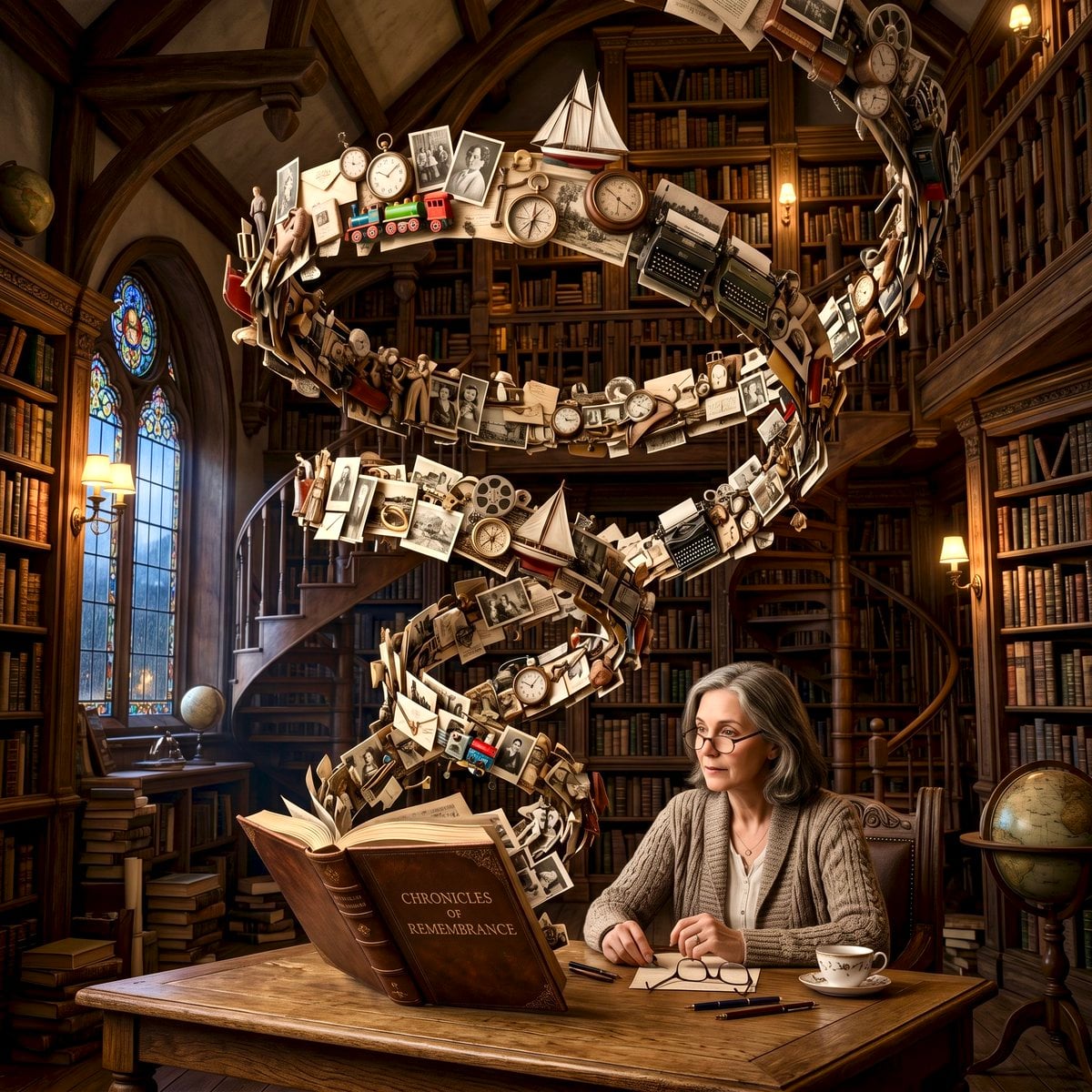
Surreal Memory Scene
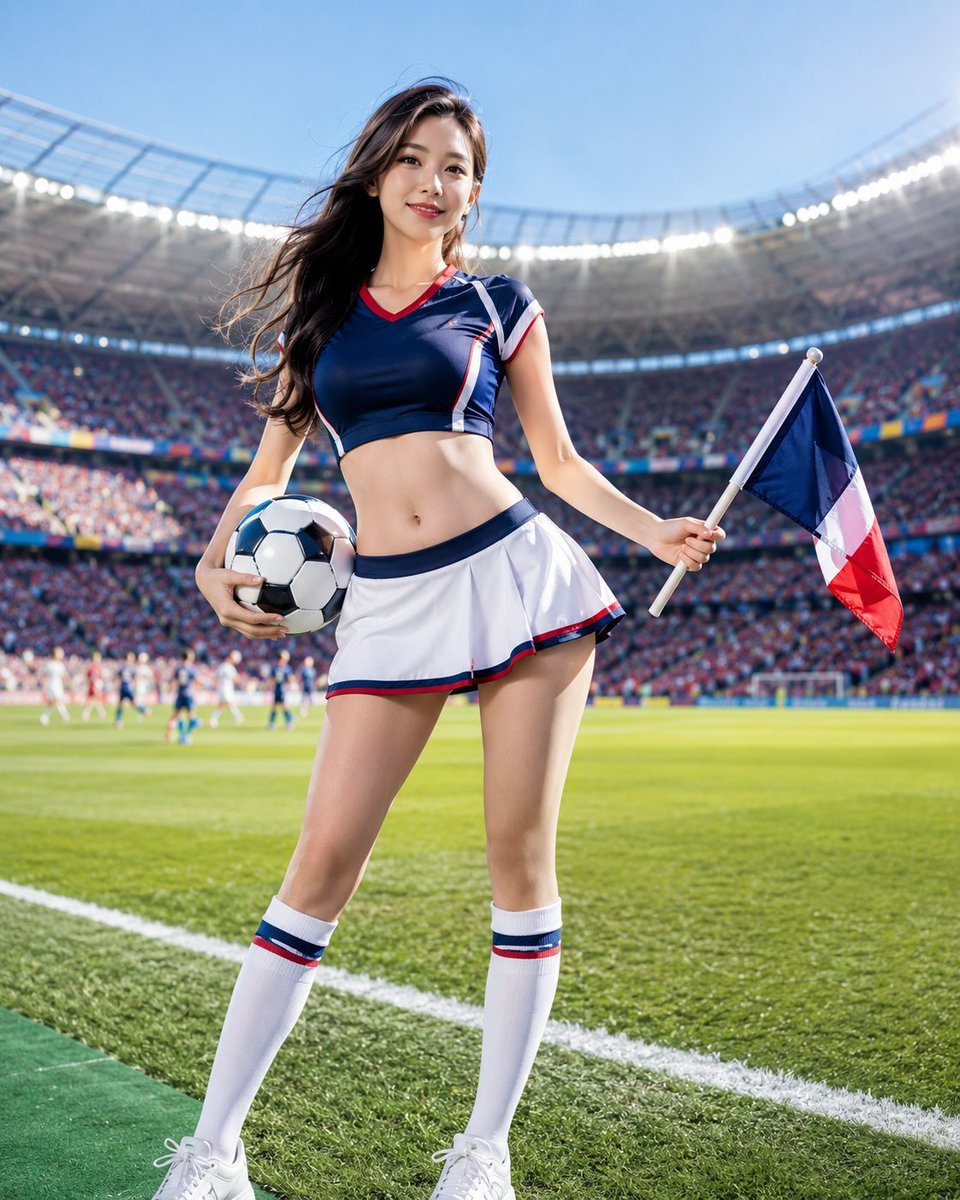
World Cup Cheerleader Action Shot
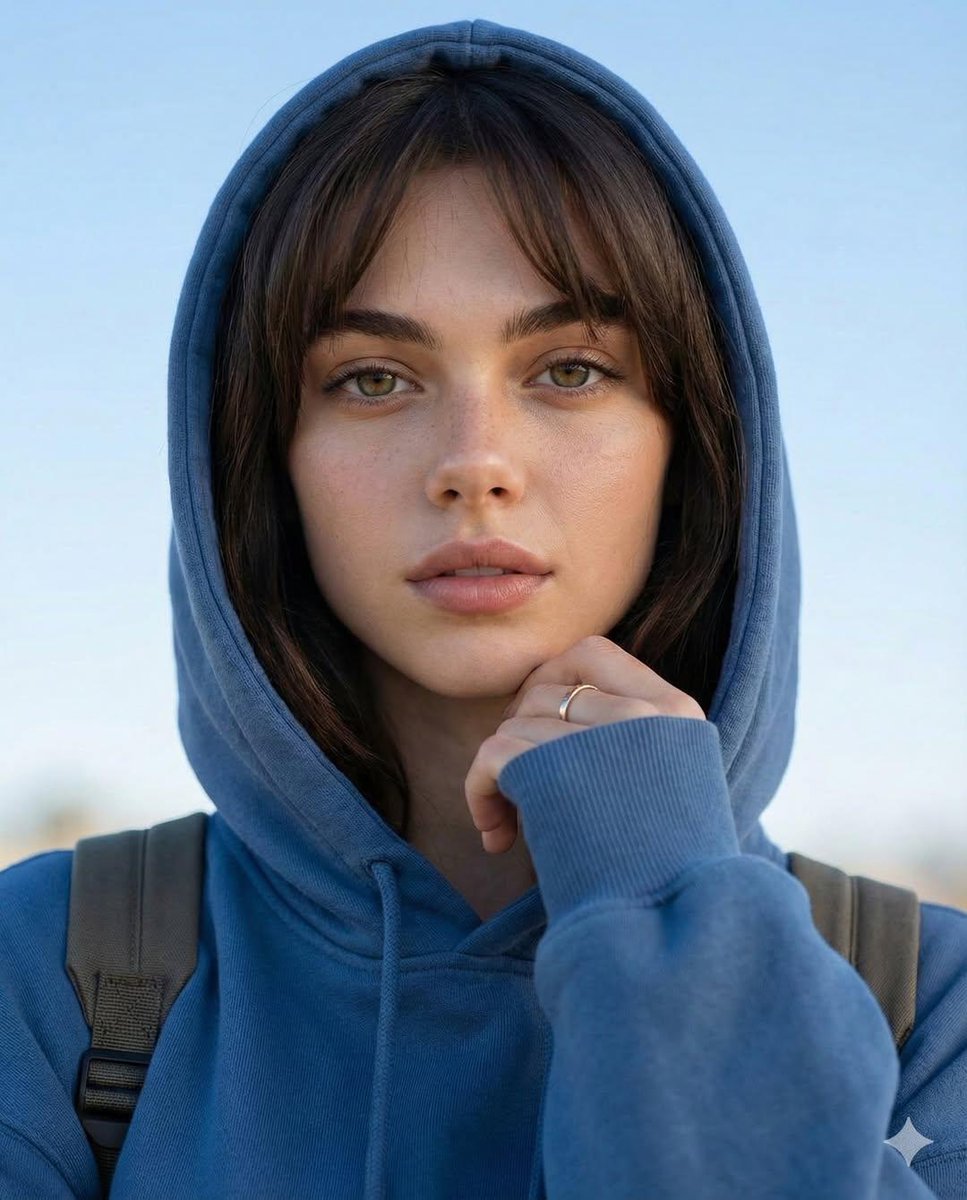
Photorealistic Portrait with Absolute Facial Identity Lock
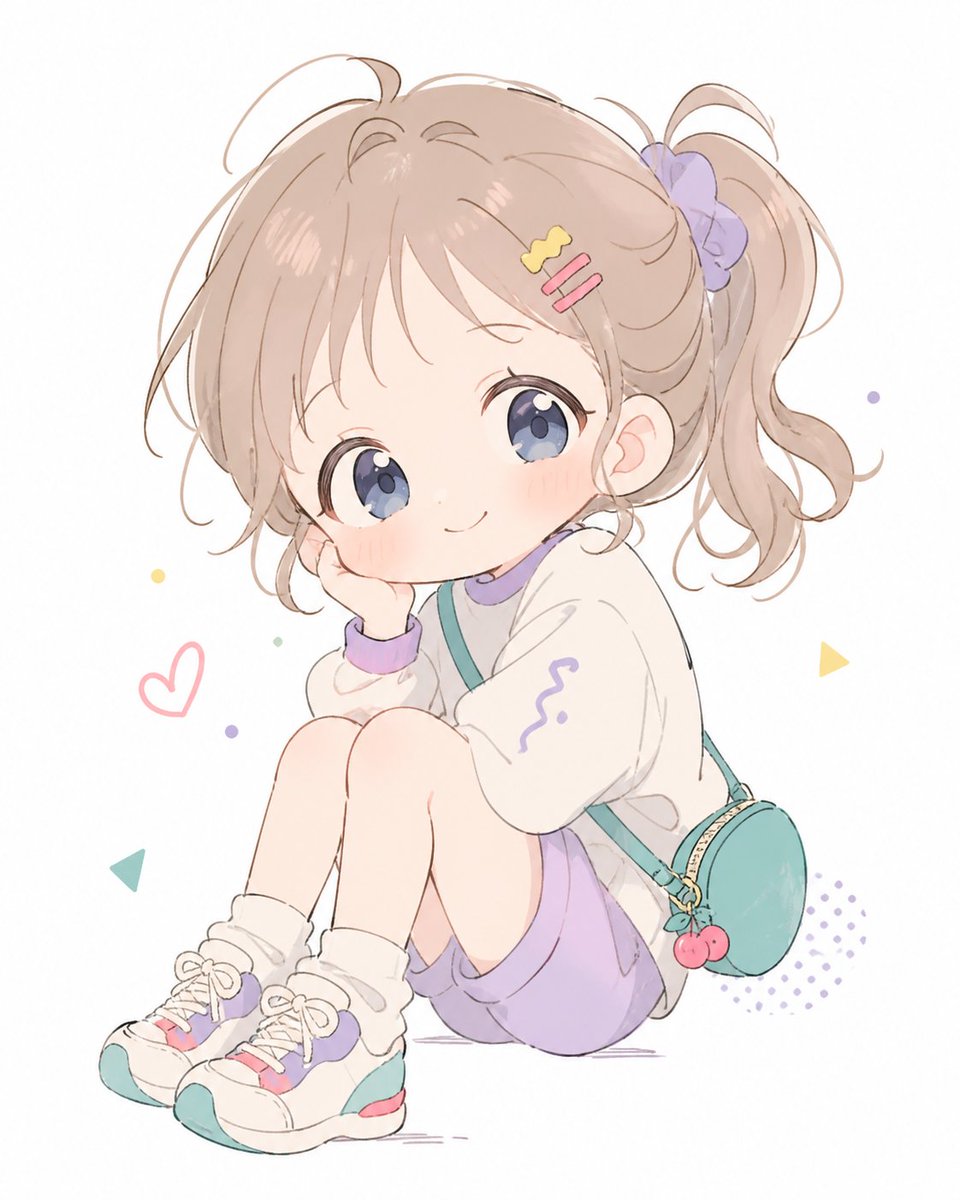
Pastel Chibi Girl Sitting Portrait
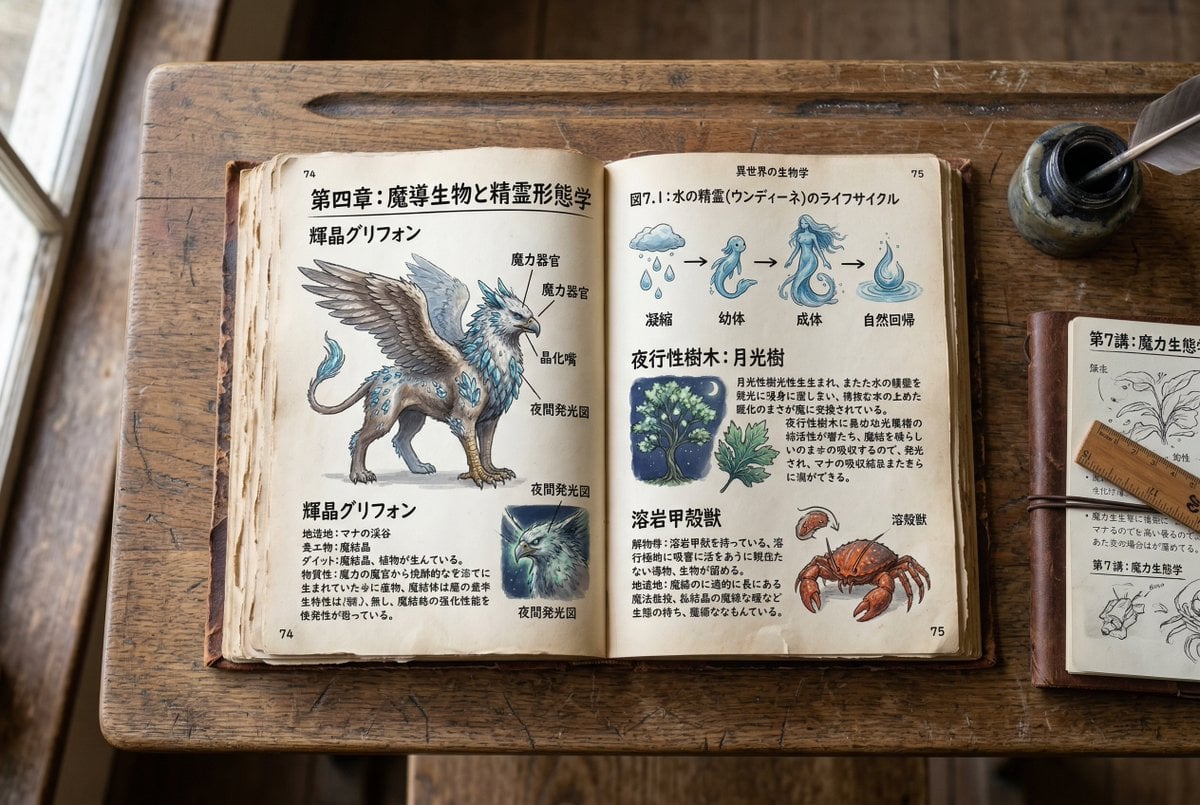
Template for generating a fictional textbook page
Browse template categories
Stylish Nobunaga Ukiyo-e Portrait questions
How do I use the Stylish Nobunaga Ukiyo-e Portrait template?
Add your photo if the template asks for one, edit the prompt if you like — the template's model and format are already selected — and press Generate. Your version opens in PicX Studio.
Can I customize the Stylish Nobunaga Ukiyo-e Portrait template?
Yes. You can change the subject, setting, lighting, mood, format, and available model controls before creating your image.
Is the Stylish Nobunaga Ukiyo-e Portrait template free?
Opening and editing this template is free. Generating uses credits, shown on the Generate button when you are signed in.
Which AI model should I use?
Start with GPT Image 2, which is the model associated with this template. You can compare another compatible model for a different finish.
Looking for something else? Browse all templates.

Your photo, any look
Thousands of ready templates for every top image and video model, from one credit balance.