
Cinematic Fashion Portrait Prompt
A comprehensive JSON prompt for generating a cinematic fashion photograph of an androgynous masculine subject wearing a tailored emerald green velvet suit, sitting on a deep red velvet staircase in a luxury vintage…
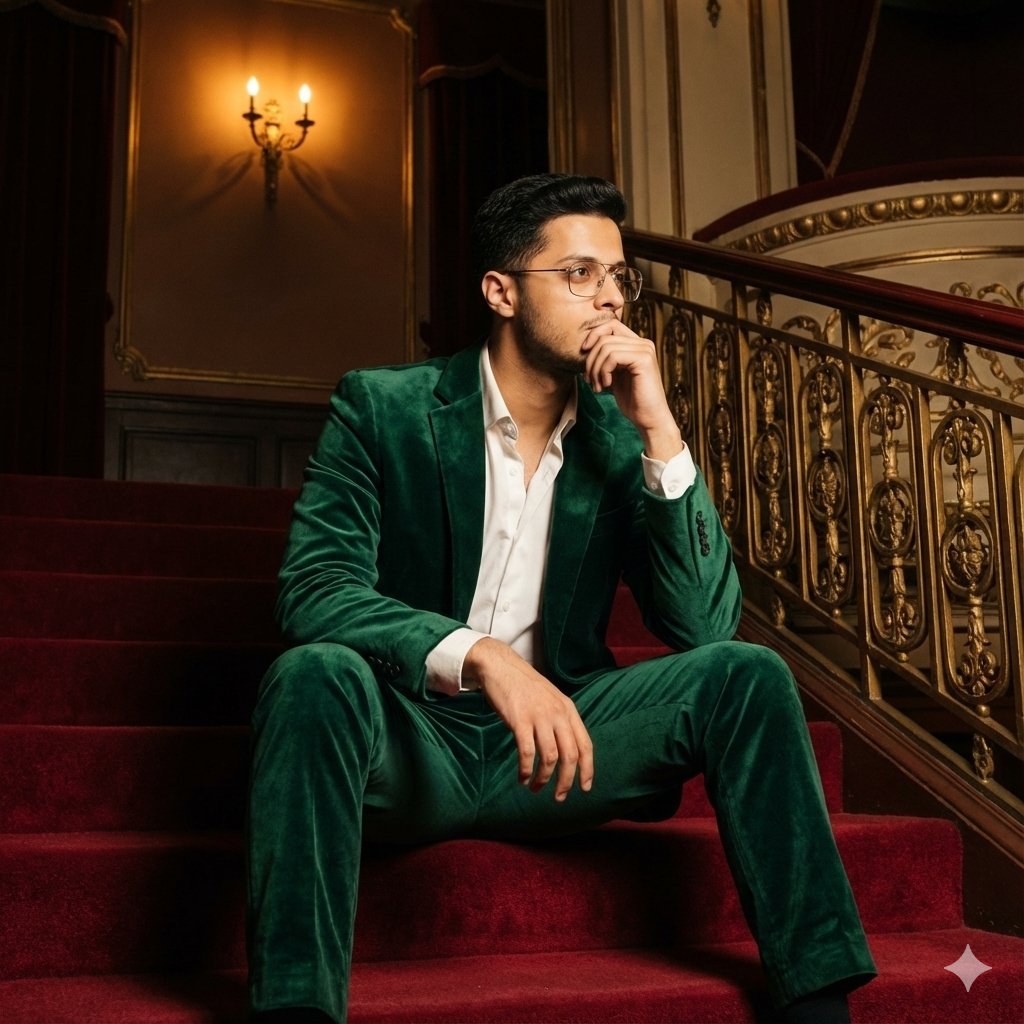
- Prompt included
- Model and format preset
- Free template
The prompt behind this image
Copy the exact prompt behind Cinematic Fashion Portrait Prompt, or open it in the studio and make it yours.
- Image Metadata › Resolution
- 1200x1200
- Image Metadata › Orientation
- square
- Image Metadata › Aspect Ratio
- 1:1
- Image Metadata › Visual Style
- cinematic fashion photography
- Image Metadata › Mood
- luxurious, mysterious, introspective, dramatic
- Subject › Count
- 1
- Subject › Gender Presentation
- androgynous masculine
- Subject › Age Range
- mid 20s to early 30s
- Subject › Ethnicity
- light to medium skin tone
- Subject › Facial Features › Face Shape
- oval
- Subject › Facial Features › Skin Texture
- smooth
- Subject › Facial Features › Expression
- thoughtful, distant gaze, slightly intense
- Subject › Facial Features › Eyes
- light-colored eyes, focused sideways, reflective
- Subject › Facial Features › Eyebrows
- thick, dark, well-shaped
- Subject › Facial Features › Lips
- natural, slightly parted
- Subject › Hair › Color
- dark brown to black
- Subject › Hair › Length
- short to medium
- Subject › Hair › Style
- slicked back with slight volume, classic vintage look
- Subject › Hair › Texture
- smooth, groomed
- Subject › Pose › Body Position
- sitting on stairs
- Subject › Pose › Legs
- spread slightly, relaxed posture
- Subject › Pose › Arms
- one arm resting on thigh, other hand touching face
- Subject › Pose › Hand Gesture
- fingers near mouth, contemplative pose
- Subject › Pose › Head Angle
- slightly tilted, looking to the side
Raw JSON
{
"image_metadata": {
"resolution": "1200x1200",
"orientation": "square",
"aspect_ratio": "1:1",
"visual_style": "cinematic fashion photography",
"mood": "luxurious, mysterious, introspective, dramatic"
},
"subject": {
"count": 1,
"gender_presentation": "androgynous masculine",
"age_range": "mid 20s to early 30s",
"ethnicity": "light to medium skin tone",
"facial_features": {
"face_shape": "oval",
"skin_texture": "smooth",
"expression": "thoughtful, distant gaze, slightly intense",
"eyes": "light-colored eyes, focused sideways, reflective",
"eyebrows": "thick, dark, well-shaped",
"lips": "natural, slightly parted"
},
"hair": {
"color": "dark brown to black",
"length": "short to medium",
"style": "slicked back with slight volume, classic vintage look",
"texture": "smooth, groomed"
},
"pose": {
"body_position": "sitting on stairs",
"legs": "spread slightly, relaxed posture",
"arms": "one arm resting on thigh, other hand touching face",
"hand_gesture": "fingers near mouth, contemplative pose",
"head_angle": "slightly tilted, looking to the side"
}
},
"clothing": {
"outfit_type": "formal suit",
"suit": {
"color": "emerald green",
"material": "velvet",
"texture": "soft, reflective, plush",
"fit": "tailored, slim fit",
"jacket": {
"lapel_style": "classic notched lapel",
"closure": "single-breasted",
"sleeves": "full-length"
},
"pants": {
"cut": "straight cut",
"length": "ankle length"
}
},
"shirt": {
"color": "white",
"style": "dress shirt",
"collar": "open collar, no tie",
"fabric": "cotton or silk blend"
},
"footwear": {
"shoes": {
"type": "dress shoes",
"color": "black",
"finish": "high gloss, polished",
"style": "lace-up"
},
"socks": {
"color": "black",
"length": "ankle to mid-calf"
}
},
"accessories": {
"rings": "subtle ring on finger",
"jewelry_style": "minimal, understated"
}
},
"environment": {
"location_type": "interior staircase",
"setting_style": "luxury vintage theater or upscale venue",
"stairs": {
"carpet_color": "deep red",
"material": "velvet or plush carpet",
"edges": "clean, well-defined steps"
},
"walls": {
"color_palette": ["deep red", "black"],
"finish": "matte with decorative trim",
"paneling": "classic wall paneling with gold or brass lining"
},
"railing": {
"material": "metal",
"color": "gold or brass",
"style": "ornamental, classic"
},
"lighting_fixtures": {
"type": "wall sconce",
"light_color": "warm yellow",
"design": "oval-shaped, frosted glass"
}
},
"lighting": {
"overall_lighting": "low-light cinematic",
"key_light": "frontal soft light illuminating subject",
"fill_light": "minimal",
"back_light": "subtle ambient glow from wall lamp",
"contrast": "high contrast between subject and background",
"shadows": "soft but deep shadows",
"color_temperature": "warm interior lighting"
},
"composition": {
"camera_angle": "slightly low angle",
"camera_distance": "full-body shot",
"framing": "subject centered slightly lower "
}}How to use Cinematic Fashion Portrait Prompt in 3 steps
- 1
Open
The prompt is already in the box next to the preview, with the template's model and format selected.
- 2…a portrait of your subject in softgolden-hour light, 85mm…
Personalize
Edit the subject and creative details for your destination.
- 3Generate
Generate
Press Generate — your image is created in PicX Studio, so you can compare it with the original and refine one variable at a time.
More like this
Templates with the same subject, style or setup. Open one to see its prompt.

Nano Banana 2 High Fashion Sports Campai

Couture Fashion Editorial Woman and Drag

Ive Yujin Fashion Portrait in Blue

Nano Banana 2 Editorial Fashion Portrait

Caution Tape Fashion — Industrial Editorial

Miniature Self Portrait Collage

Found Photograph: Us, 1970

80s Couple Studio Portrait

80s College Gate

1988 Mall Style

80s Polka Dot Saree

80s Bollywood Star
Make it yours
Cinematic Fashion Portrait Prompt works as-is. These are the safest ways to change it without losing the look.
Swap the setting
Keep the rest of the prompt and replace the location block. The current setting is “interior staircase”.
Swap the light
One lighting change is enough to compare takes. Current light: “wall sconce”.
Change one field
Copy a single group, rewrite it, and generate again so you can see what that field is doing.
| If the result… | Why | Fix |
|---|---|---|
| The result drifts from the preview | Too many fields changed at once. | Reuse Cinematic Fashion Portrait Prompt as-is first, then change one group — subject, light, or setting. |
| Nano Banana 2 ignores part of the JSON | Some models flatten or skip nested keys. | Keep the same values and paste them as a short paragraph instead. |
More Nano Banana 2 templates
Other prompts made for Nano Banana 2.

Photorealistic Leaf Shaped Like a Dragon

K-Pop Idol Portrait Grid for Rapid Selection

Poetic Rain Forest Portrait During Golden Hour

Urban Street Portrait with Cartoon Inner Self Duo

Candid Nighttime Photo with Cat Prompt

High-Concept 3D Diorama Generation Prompt

Cinematic Futuristic Studio Portrait Template

Skincare Editorial Photography Collage Prompt

Hyper-Realistic Commercial Product Photography (Splash Effect)

Hyper-Realistic Nightclub Portrait Prompt
More image prompts
Fresh picks from across the catalog.
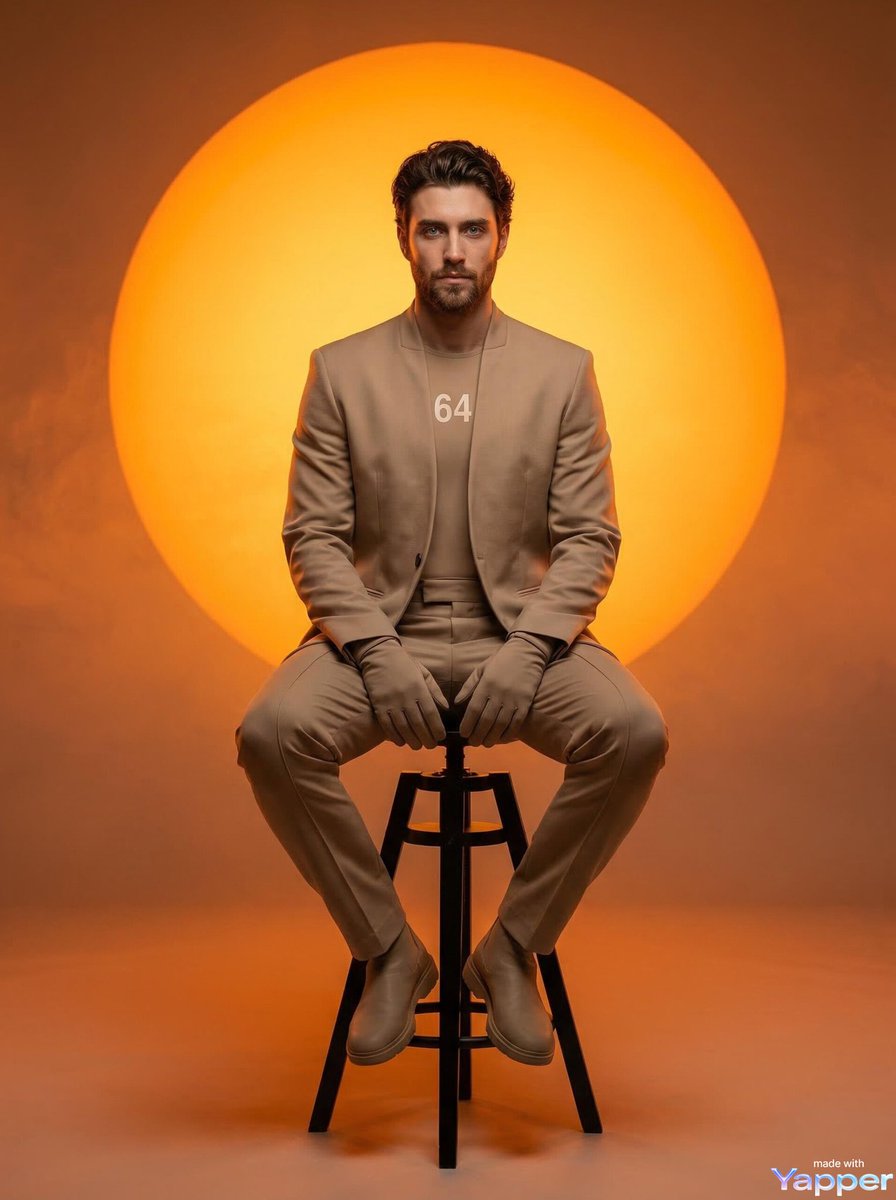
Futuristic Fashion Editorial Prompt for Nano Banana 2
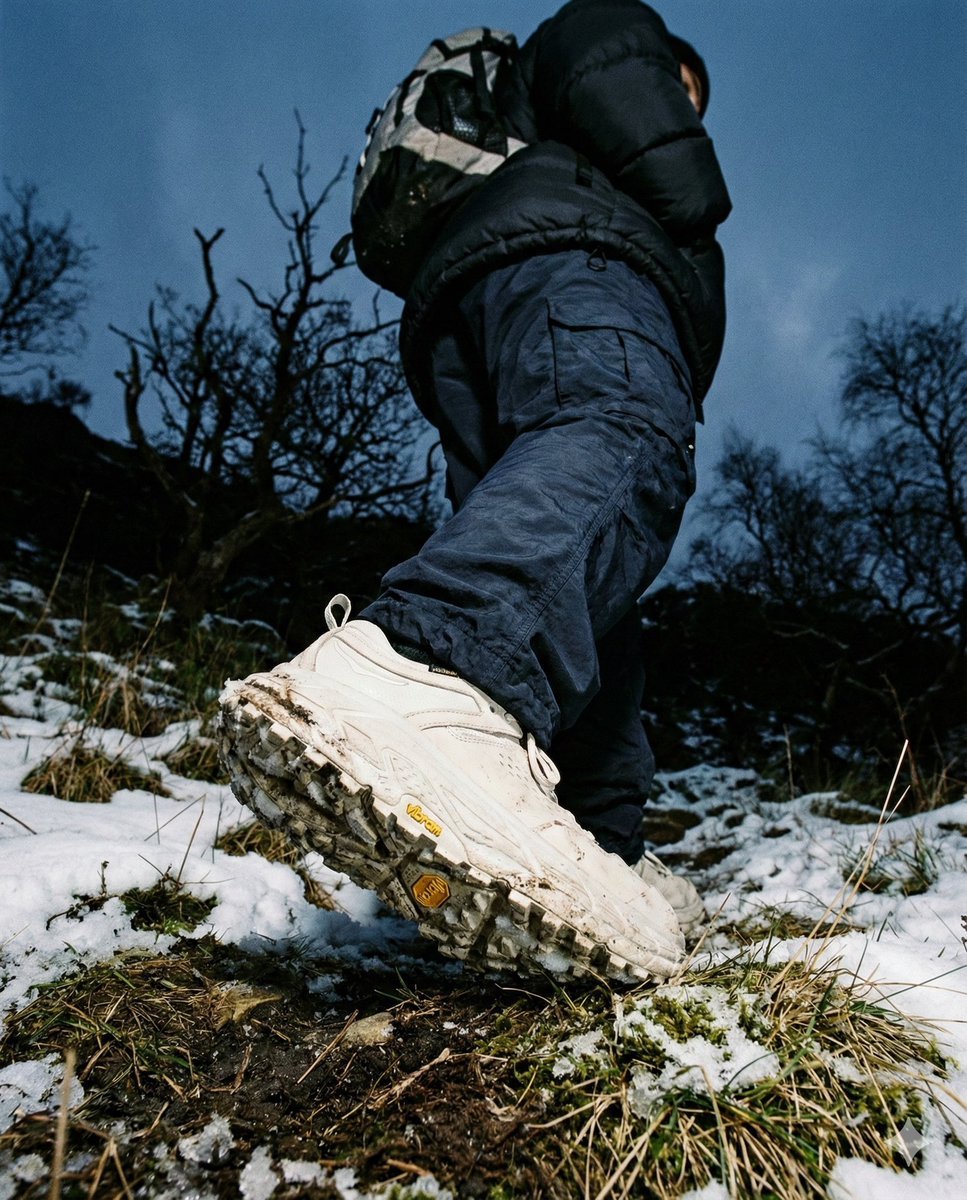
Gorpcore Editorial: Extreme Worm's-Eye View of Hiking Boot
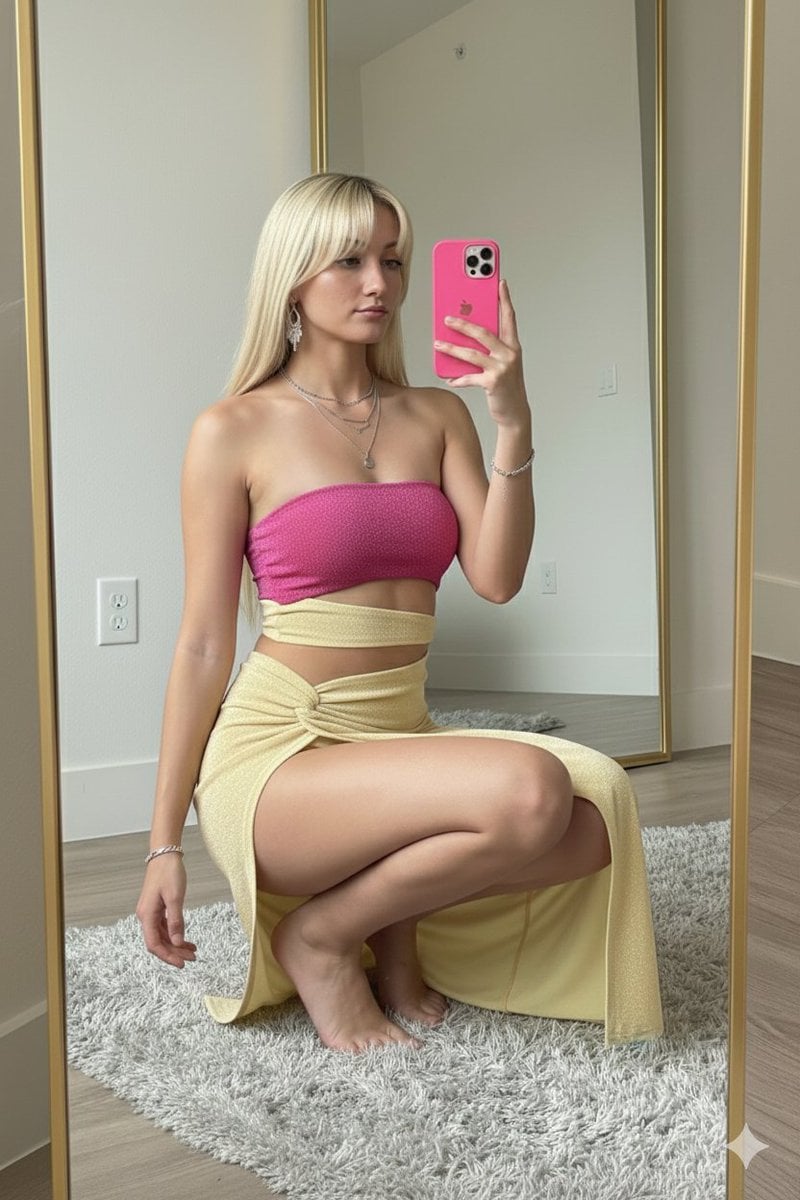
High-Fashion Mirror Selfie in Pink Shimmer Set
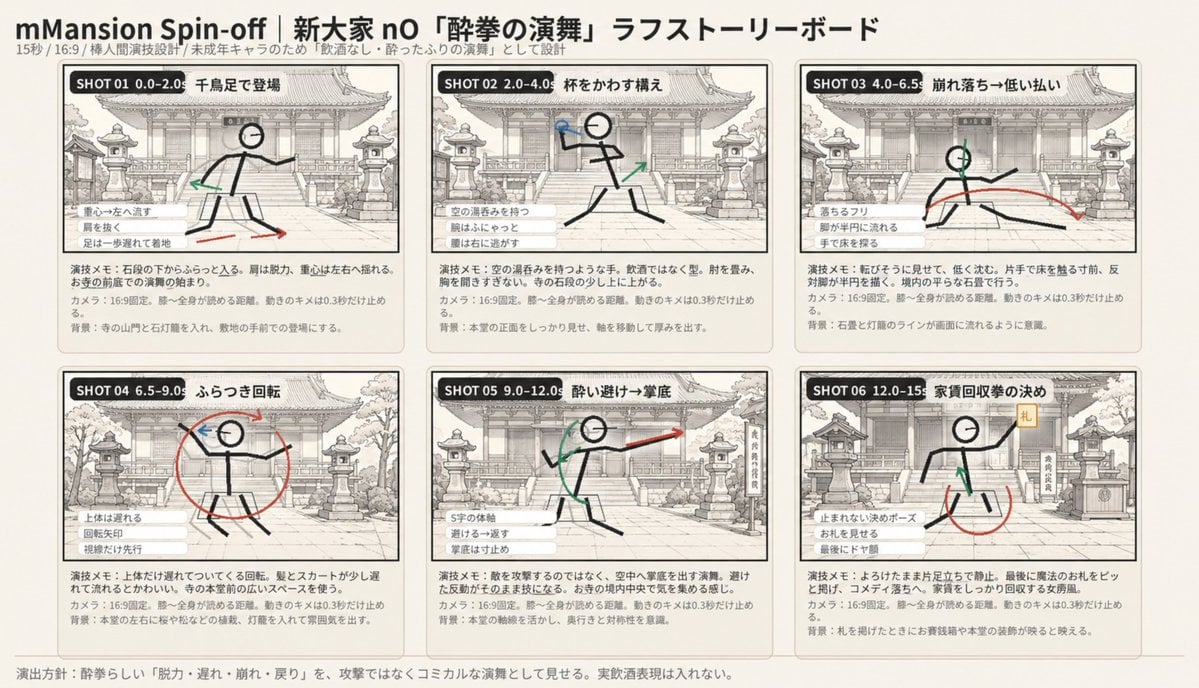
Six-Panel Drunken Kung Fu Storyboard
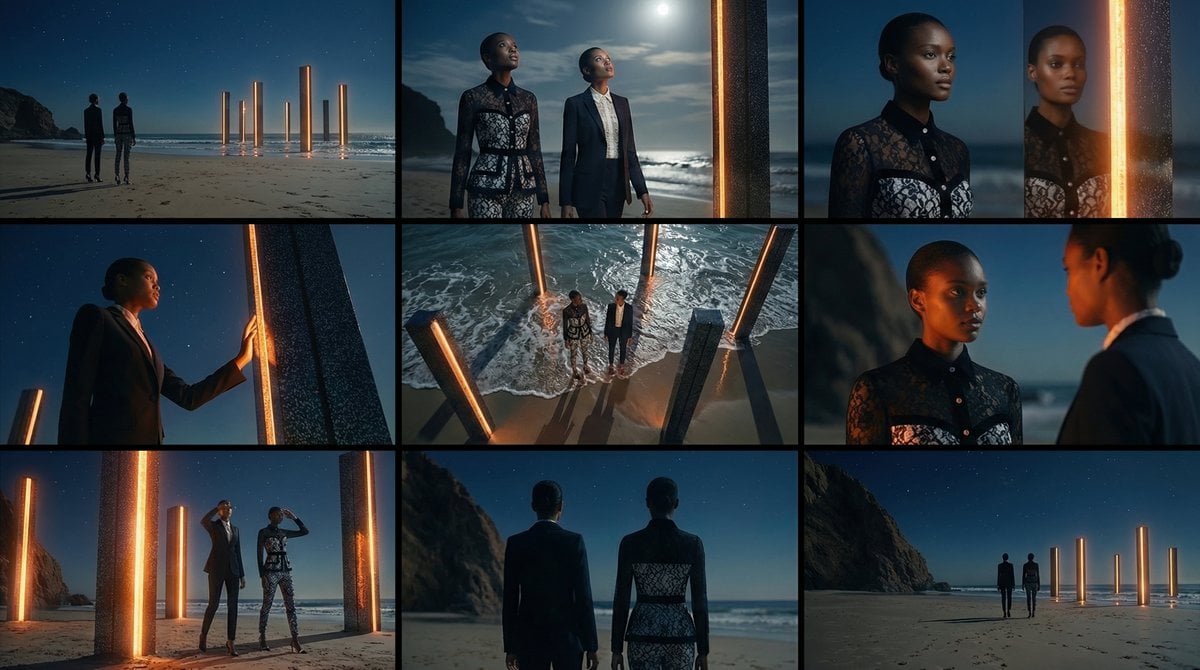
Storyboard Grid Generation Prompt (3x3)
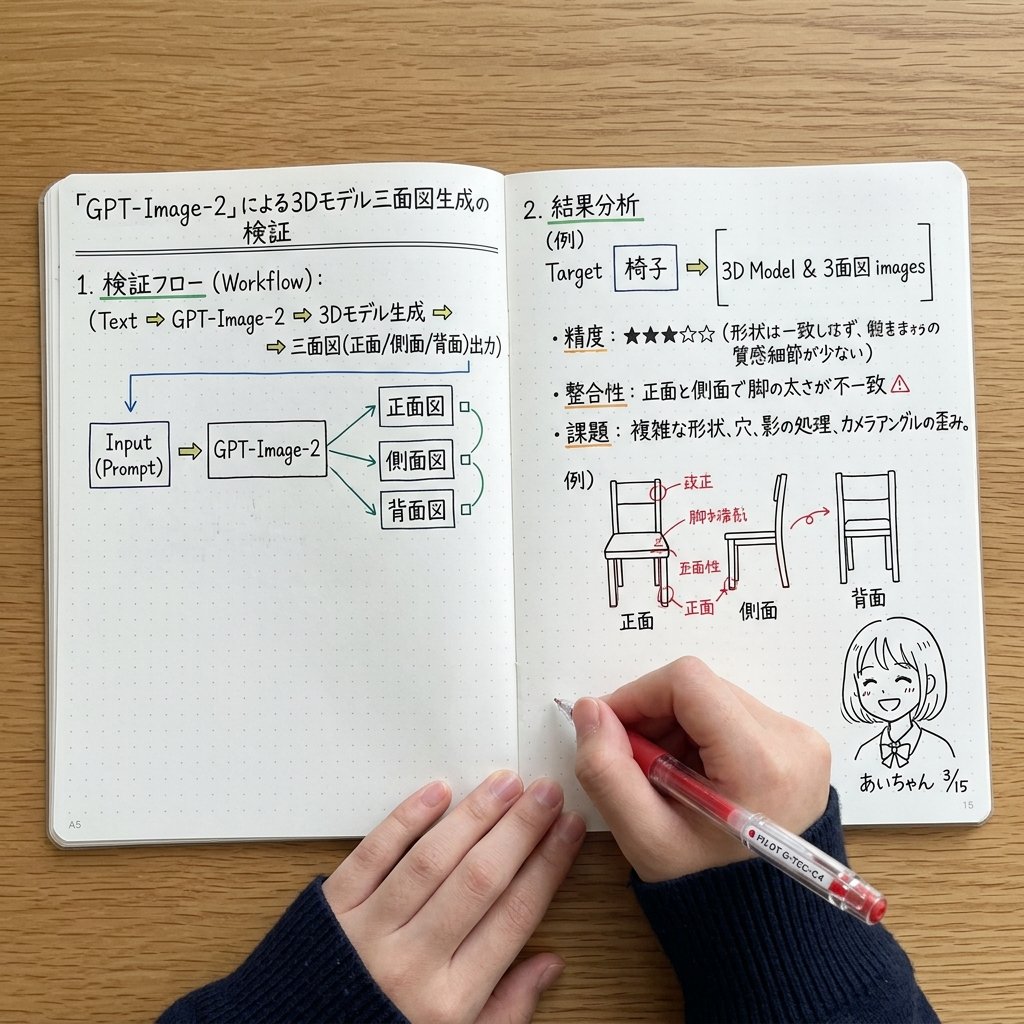
Notebook Spread with 3D Model Analysis Diagrams
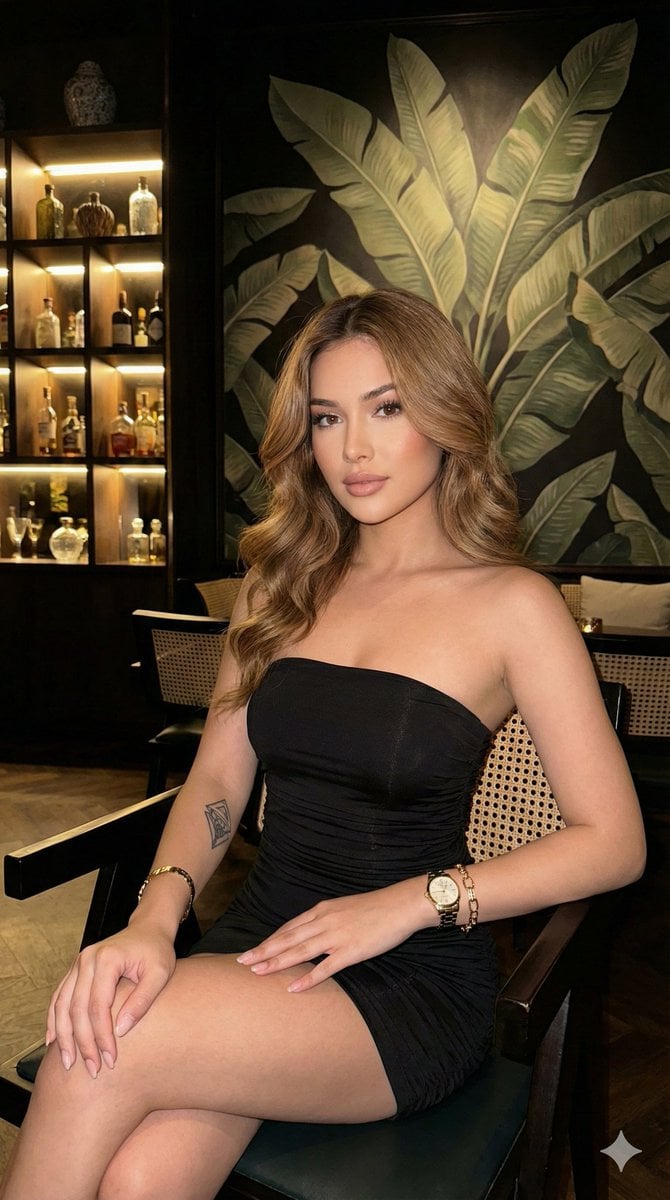
Ultra-realistic portrait in a luxury lounge
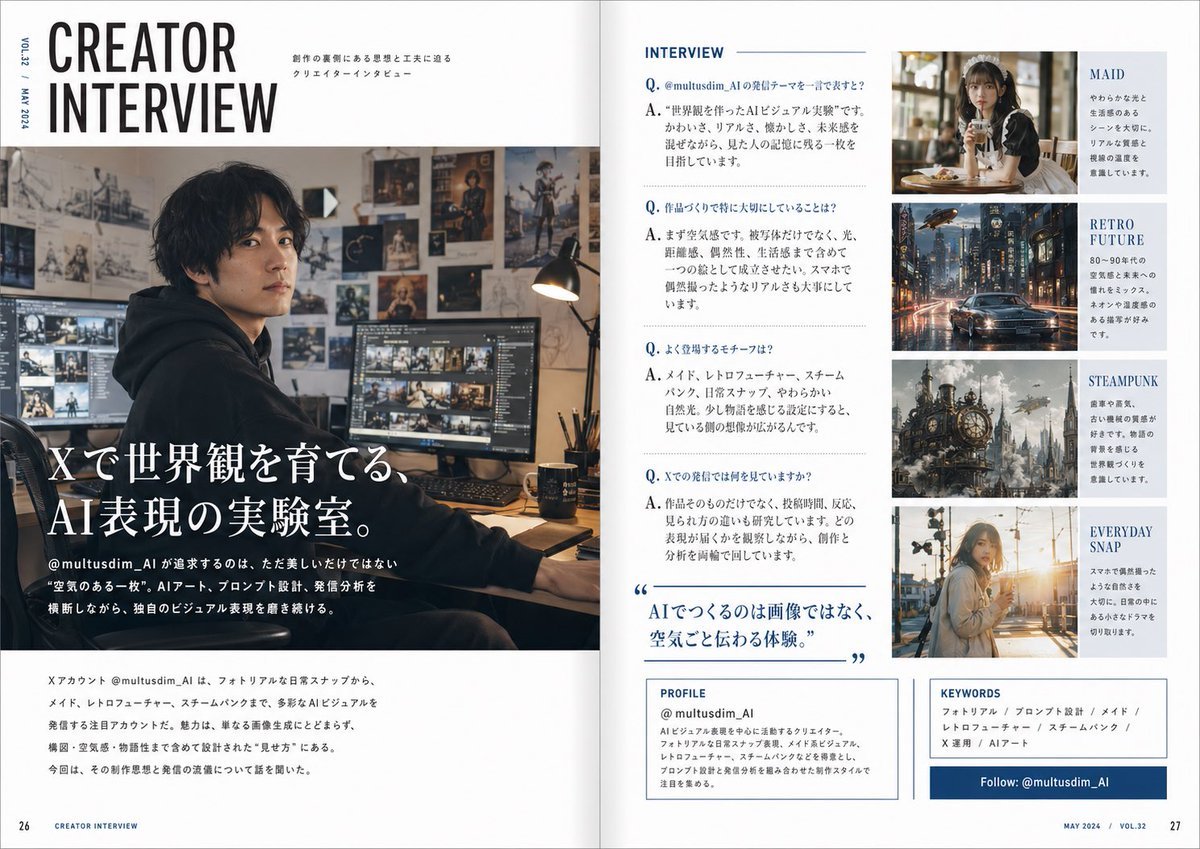
Japanese Creator Interview Magazine Spread
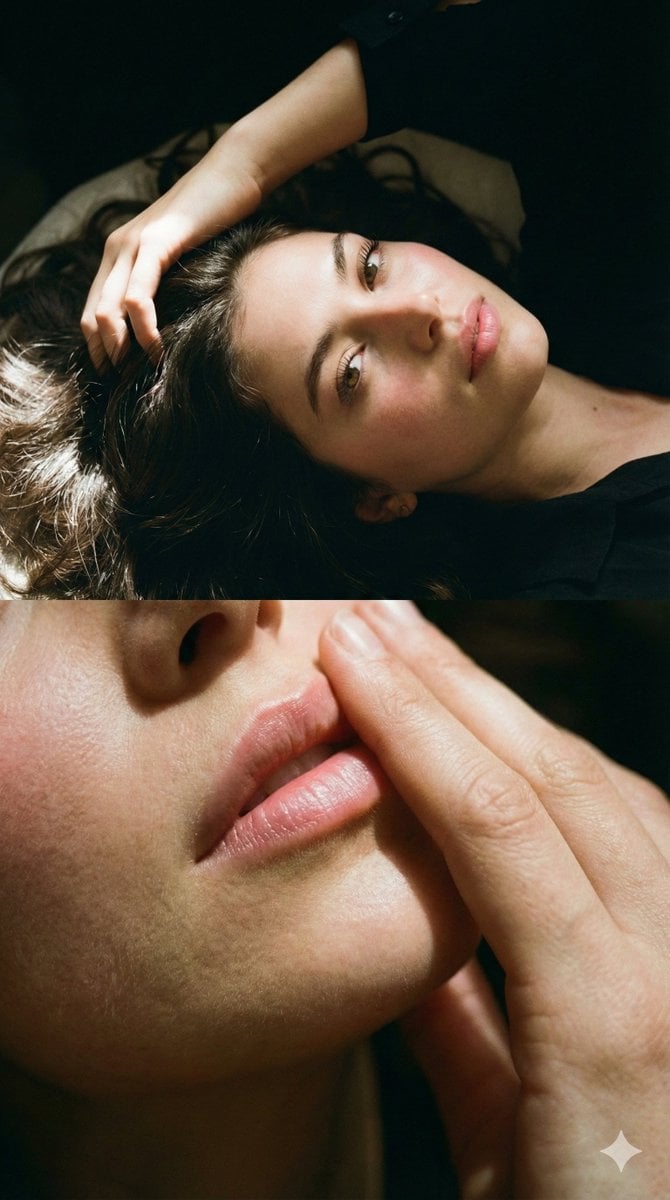
Two-Part Cinematic Portrait with Identity Lock
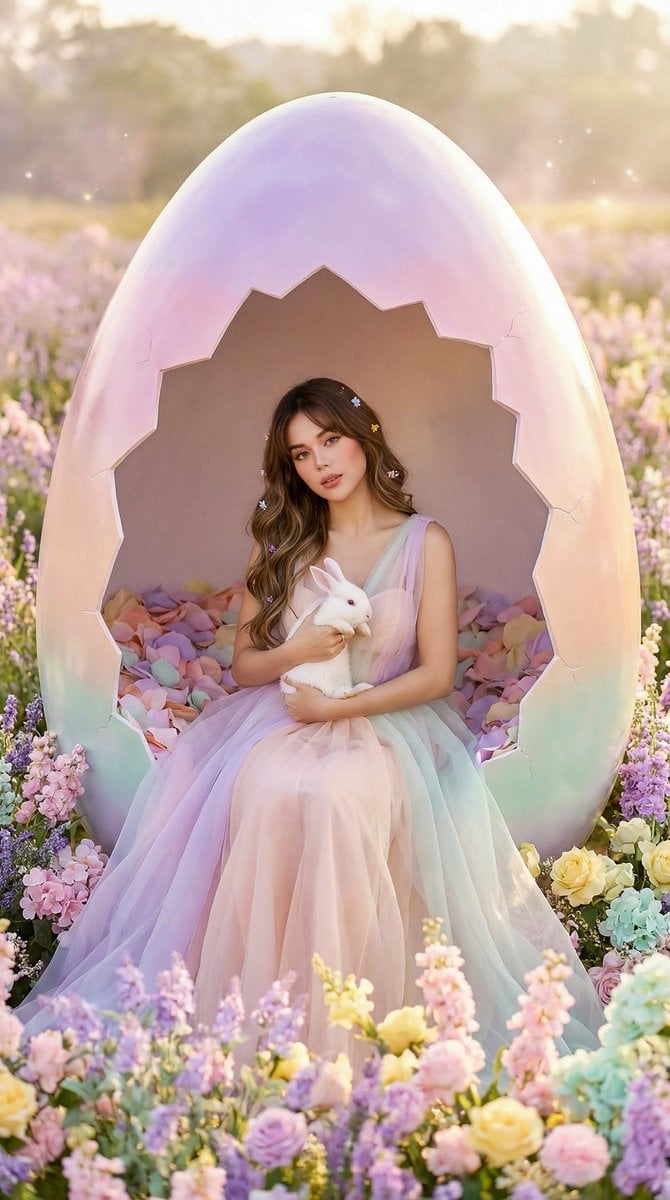
Easter Egg Edition: Monumental Egg with Seated Subject
Browse template categories
Cinematic Fashion Portrait Prompt questions
How do I use the Cinematic Fashion Portrait Prompt template?
Add your photo if the template asks for one, edit the prompt if you like — the template's model and format are already selected — and press Generate. Your version opens in PicX Studio.
Can I customize the Cinematic Fashion Portrait Prompt template?
Yes. You can change the subject, setting, lighting, mood, format, and available model controls before creating your image.
Is the Cinematic Fashion Portrait Prompt template free?
Opening and editing this template is free. Generating uses credits, shown on the Generate button when you are signed in.
Which AI model should I use?
Start with Nano Banana 2, which is the model associated with this template. You can compare another compatible model for a different finish.
Looking for something else? Browse all templates.

Your photo, any look
Thousands of ready templates for every top image and video model, from one credit balance.