
Audience with the King
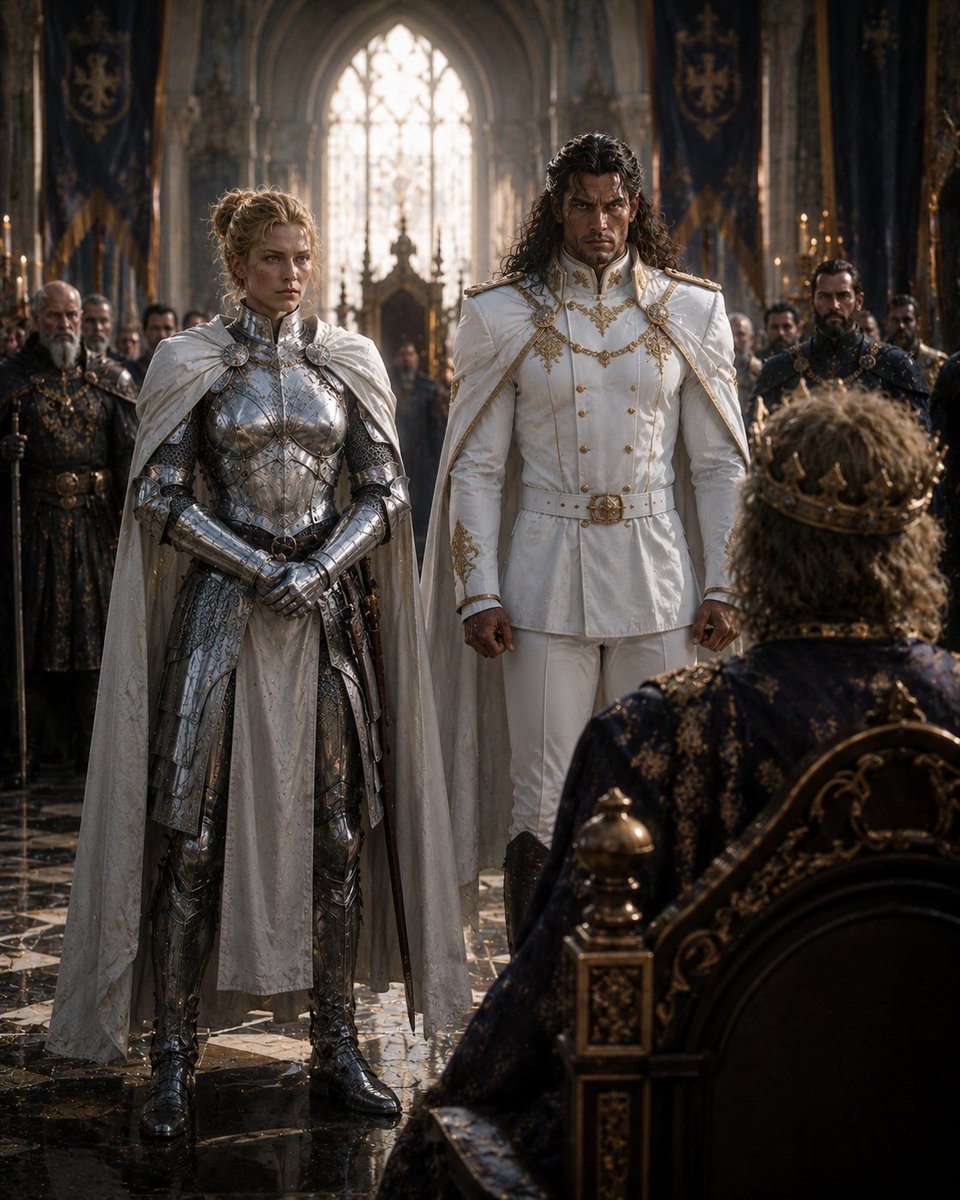
A cinematic photorealistic fantasy throne-room scene for creating a royal medieval audience with armored and noble characters.
- Prompt included
- Model and format preset
- Free template
The prompt behind this image
Copy the exact prompt behind Audience with the King, or open it in the studio and make it yours.
Create a cinematic photorealistic medieval fantasy scene titled {argument name="scene title" default="Audience with the King"}: inside a vast Gothic throne hall, a seated king is seen from behind in the lower right foreground, facing two dignified petitioners standing before him. The two central figures are a female knight in full polished silver plate armor with ornate engravings, chainmail details, gauntlets, boots, sword at her side, and a pale white cloak, and a tall prince or nobleman wearing an immaculate white military-style ceremonial suit with gold embroidery, gold buttons, epaulettes, braided chains, belt, and a white cape. The nobleman has long dark wavy hair; the knight has blonde hair tied up. Count exactly 3 main foreground characters: the king, the armored female knight, and the white-clad nobleman. Count exactly 8 background guards or courtiers, arranged symmetrically in dark armor and formal medieval dress along both sides behind the central pair, holding spears or standing at attention. The king wears a dark navy and gold brocade robe and an ornate golden crown, seated on a black-and-gold carved throne with gilded finials and scrollwork. The hall has towering pointed arches, a bright stained-glass lancet window centered in the background, tall dark blue banners with gold heraldic crests, candlelit candelabras, smoky atmospheric light rays, marble columns, and a glossy black-and-white patterned stone floor reflecting the figures. Use dramatic backlighting from the window, warm candle highlights, deep shadows, shallow cinematic depth of field, ultra-detailed costumes, realistic fabric, metal reflections, and a solemn royal-audience mood. Composition should be vertical 4:5, eye-level from slightly behind the king, with the two petitioners centered and full body visible. No text, no watermark, no modern objects.
How to use Audience with the King in 3 steps
- 1Upload ImagePNG, JPG or paste
Add your photo
Upload the photo the template builds on. The prompt, model and format are already set.
- 2…a portrait of your subject in softgolden-hour light, 85mm…
Personalize
Edit the subject and creative details for your destination.
- 3Generate
Generate
Press Generate — your image is created in PicX Studio, so you can compare it with the original and refine one variable at a time.
More like this
Templates with the same subject, style or setup. Open one to see its prompt.
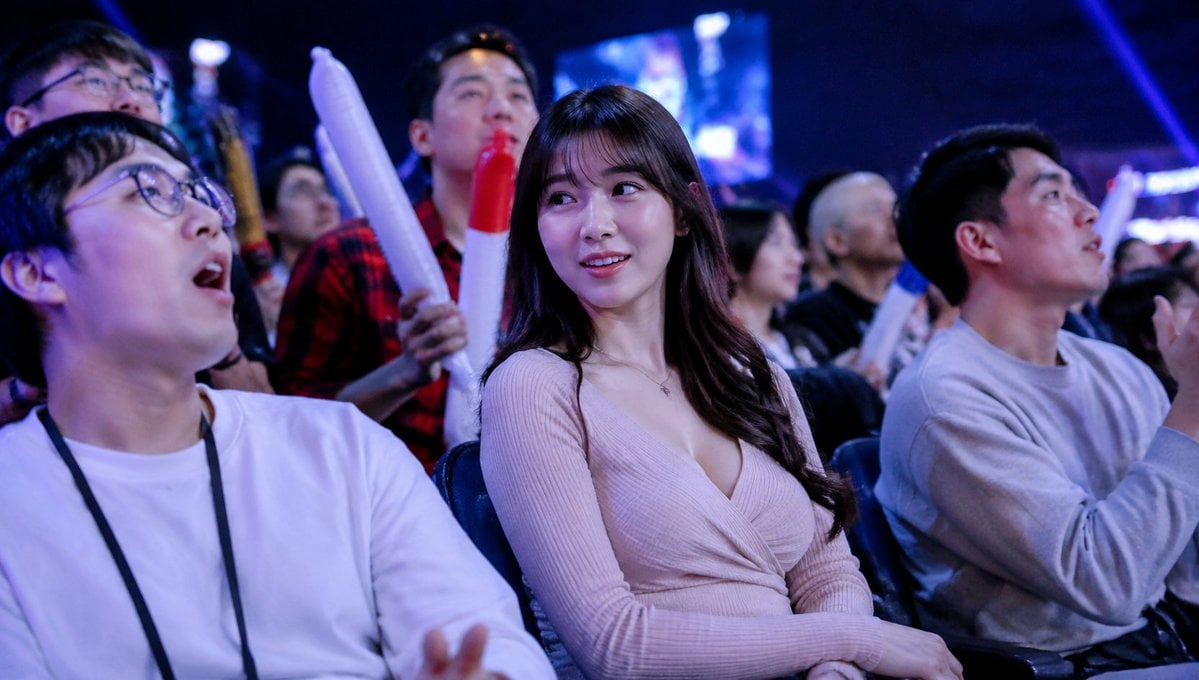
Blurred Esports Audience Crowd Shot
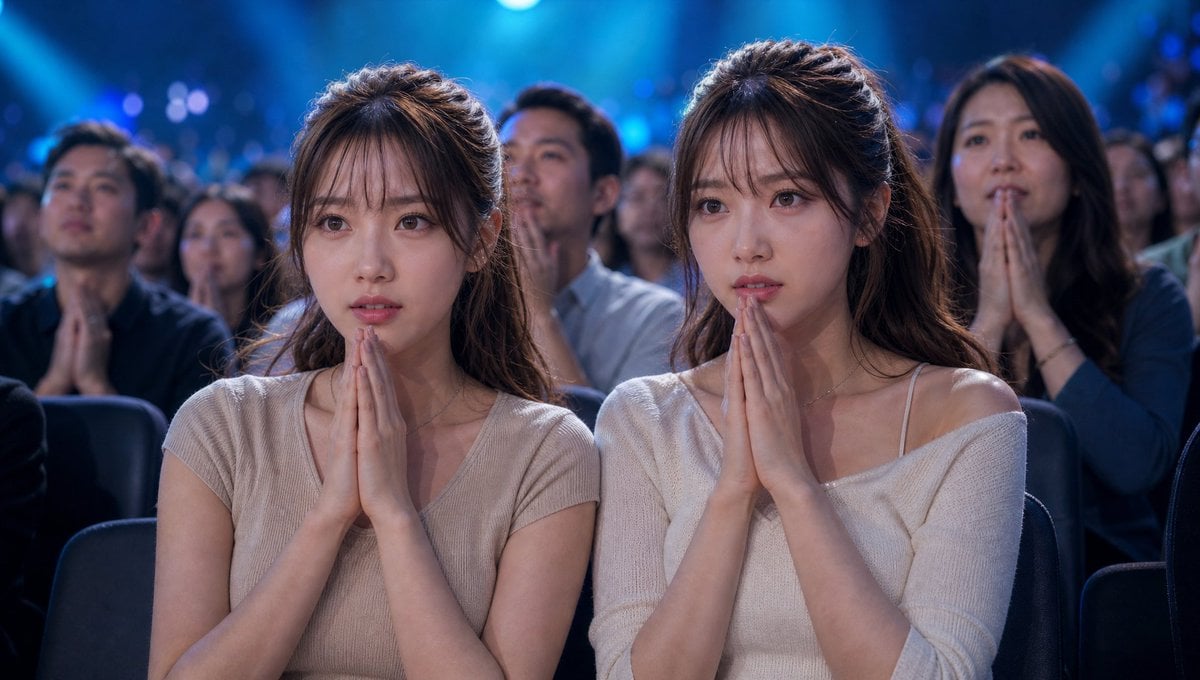
Cinematic Quiz Show Audience
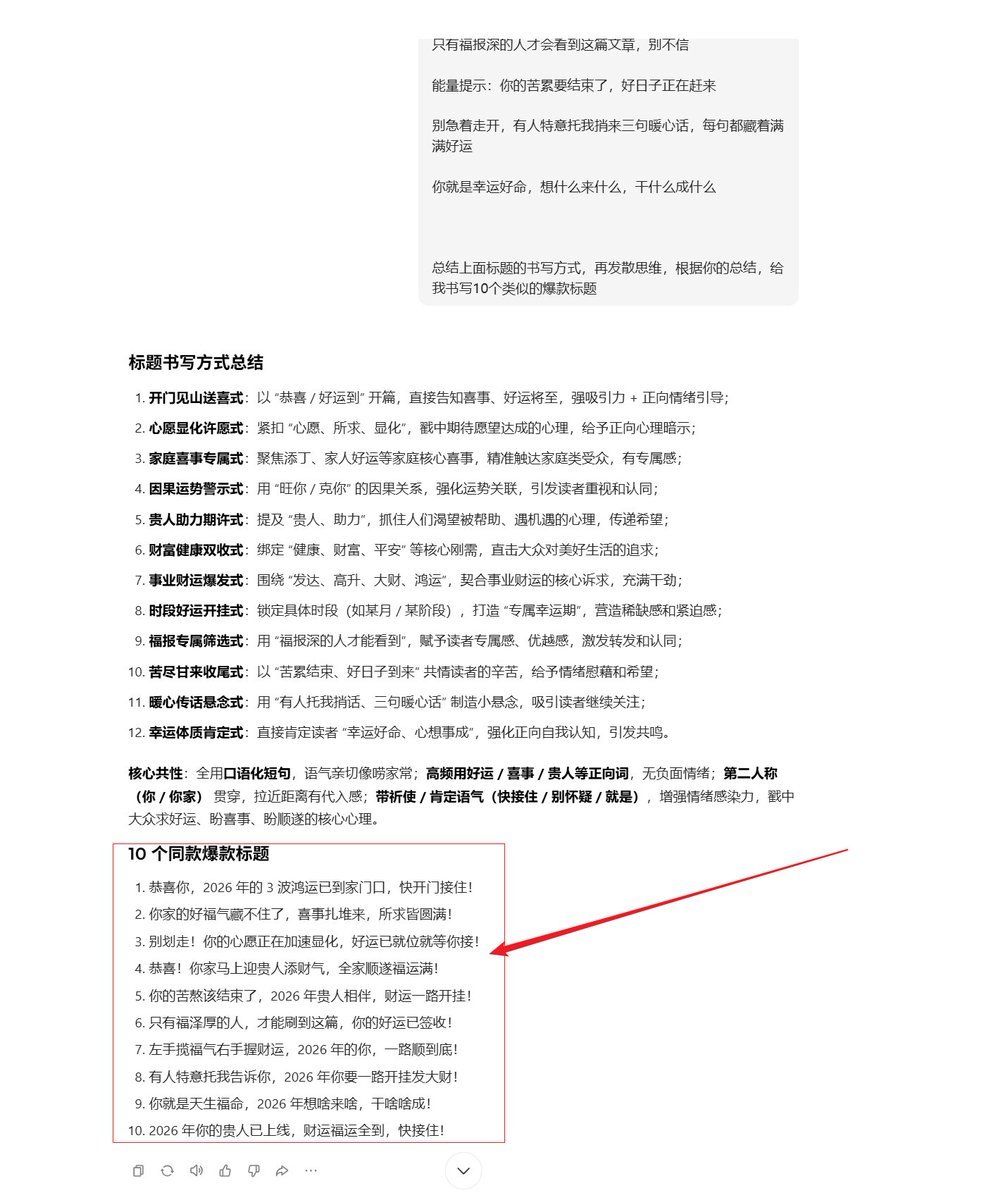
AI Prompt Template for Generating Viral Titles and Copy for Middle-Aged and Elderly Audiences

Musang King Durian Commercial Poster
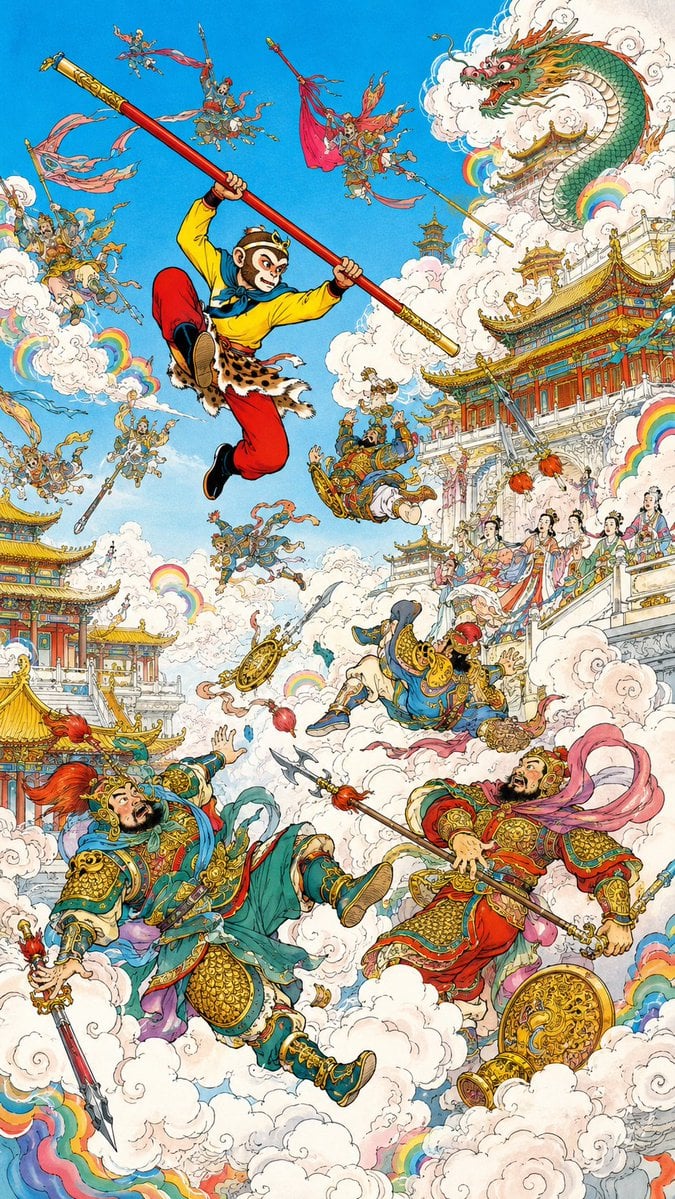
Monkey King Heavenly Battle Illustration
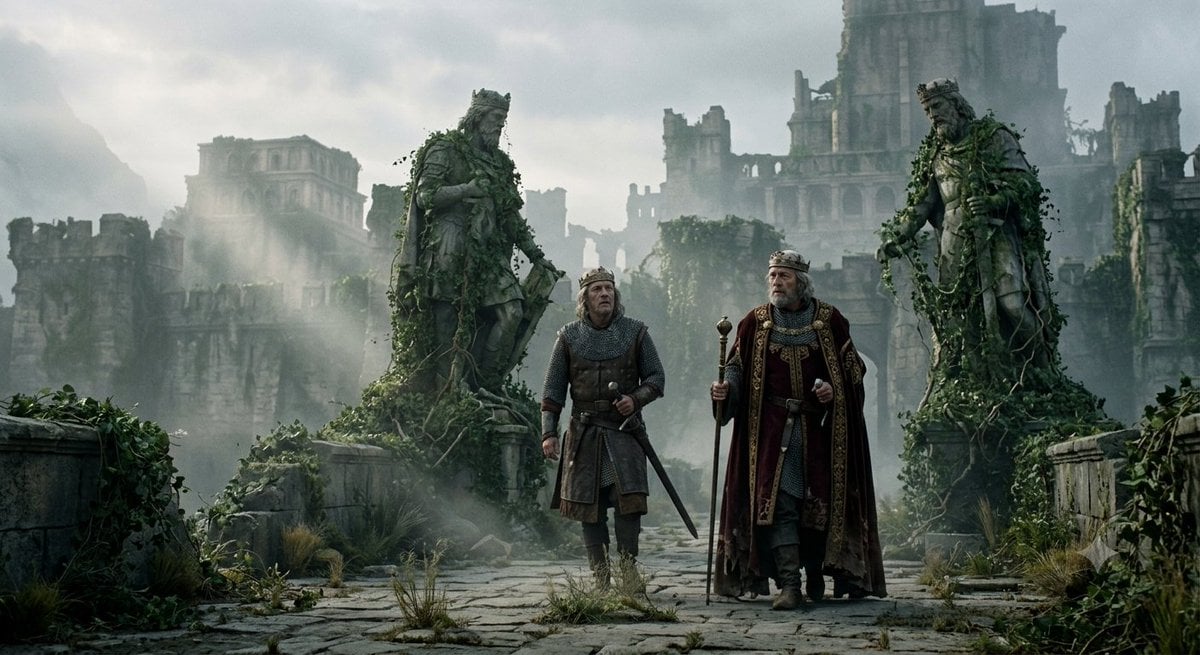
Ancient King's Return to Abandoned Kingdom
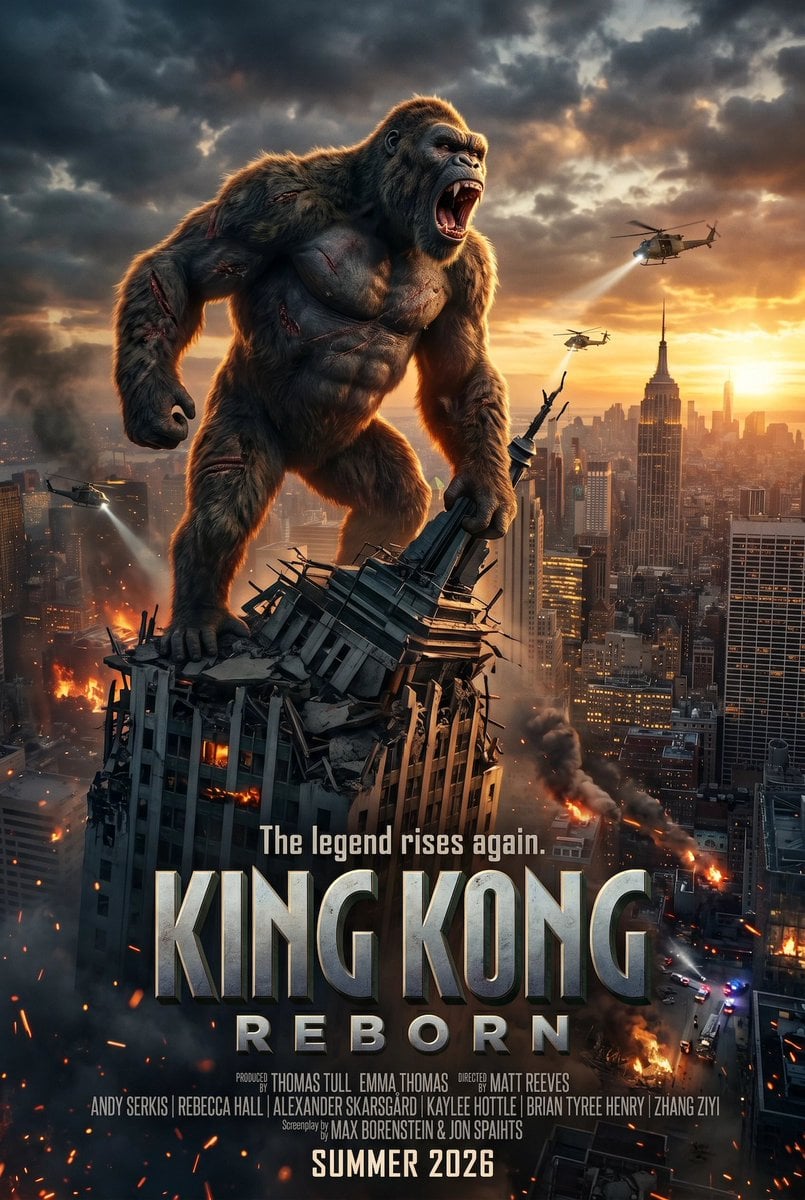
King Kong Reborn Movie Poster
Crude Pixel King Ninja Doodle
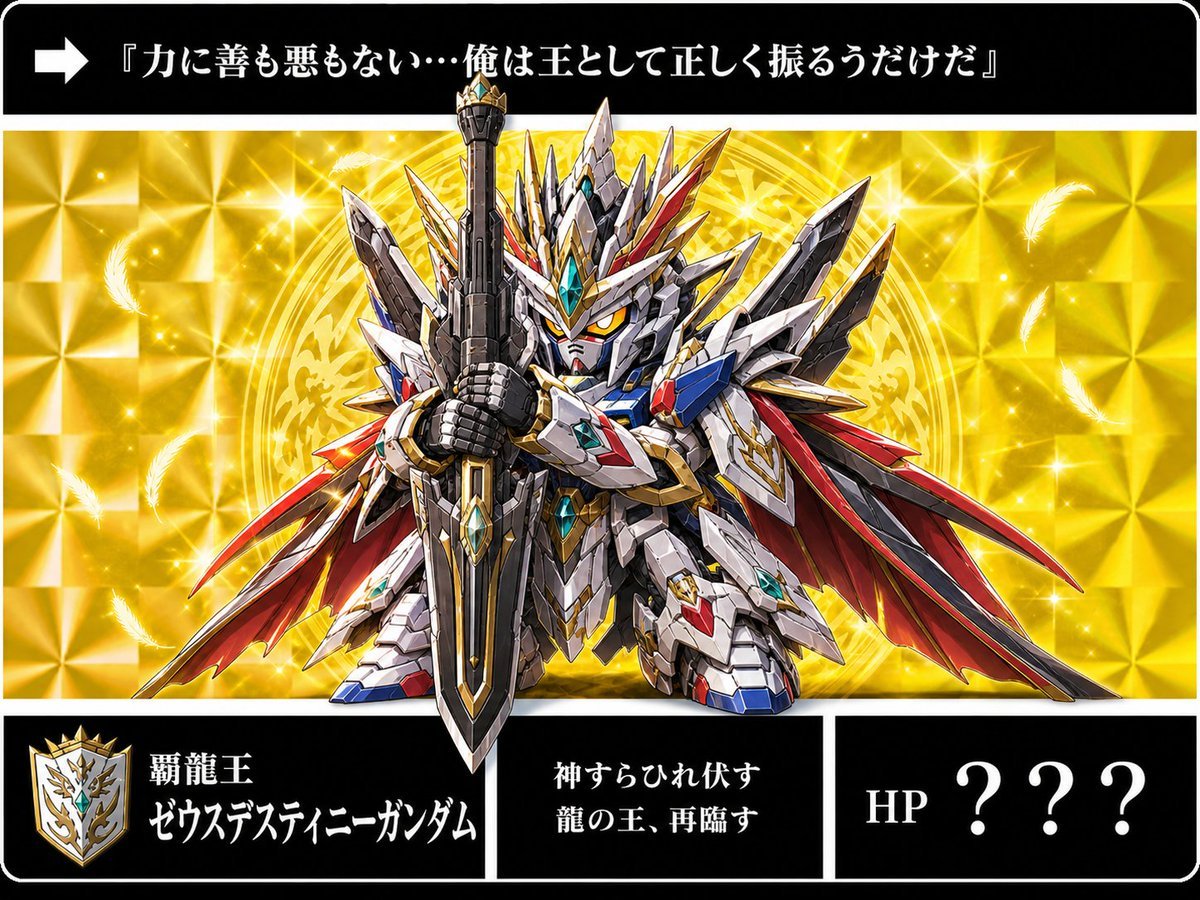
Holographic Dragon King Gundam Card
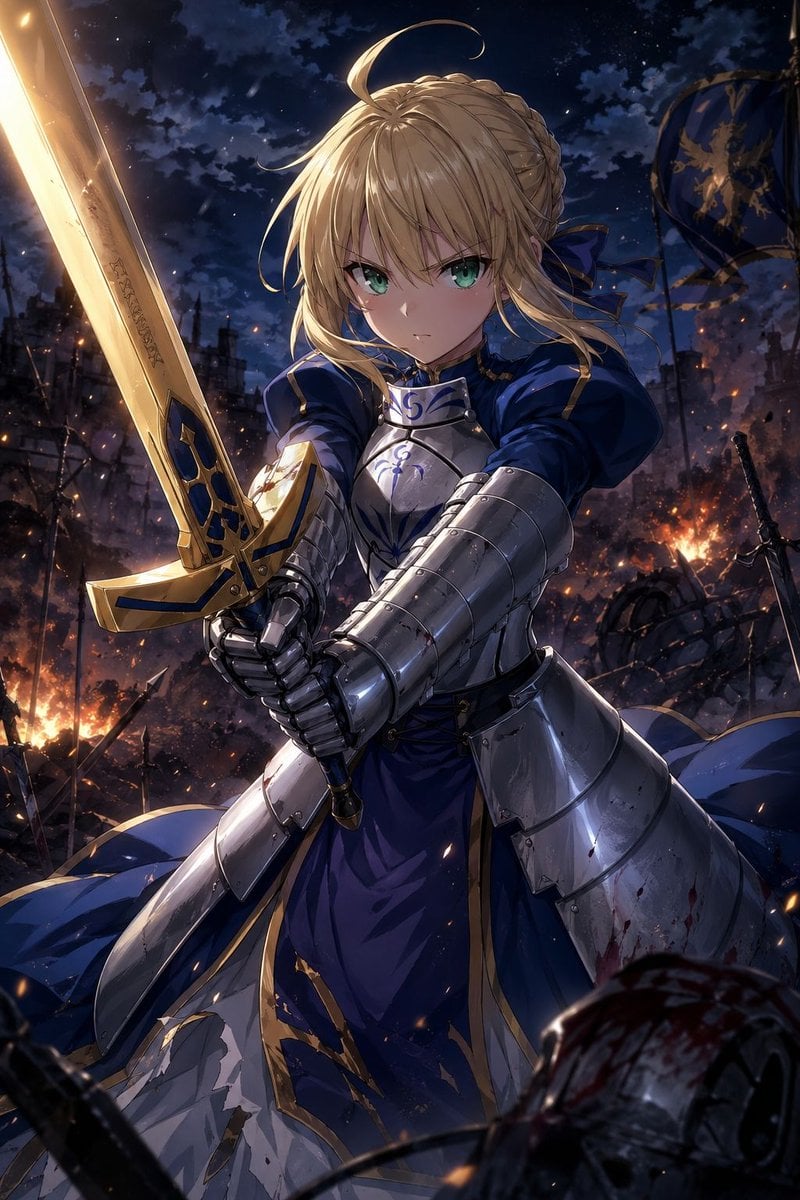
Anime Knight King on Burning Battlefield
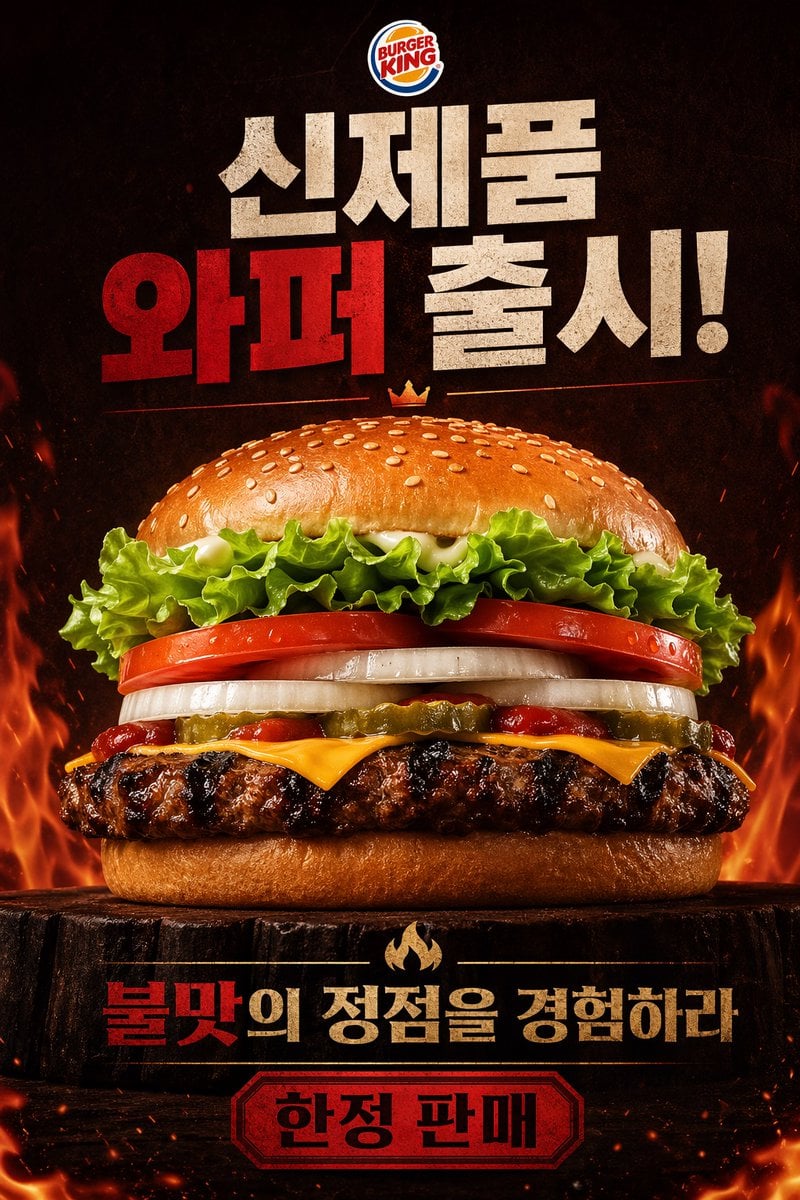
Fiery Burger King Whopper Poster
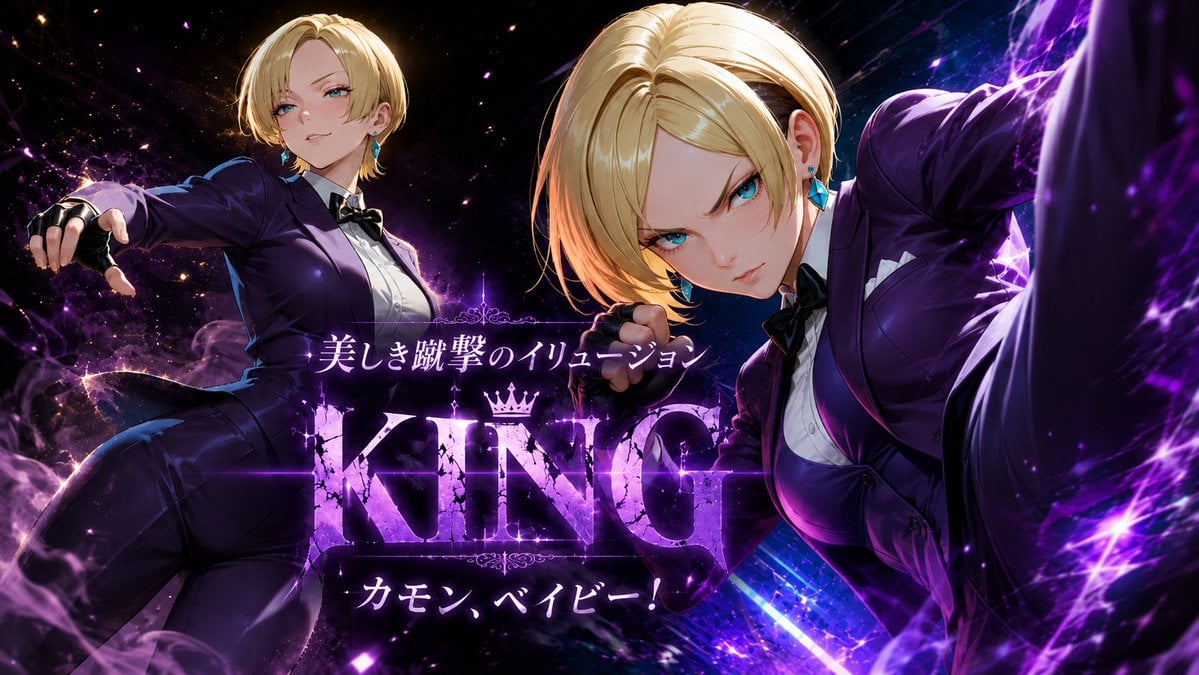
Purple Anime Fighter King Poster
Make it yours
Audience with the King works as-is. These are the safest ways to change it without losing the look.
Change one field
Copy a single group, rewrite it, and generate again so you can see what that field is doing.
Keep the frame, change the subject
Hold the composition and light of Audience with the King, then swap wardrobe, props or the person for a new take.
| If the result… | Why | Fix |
|---|---|---|
| The result drifts from the preview | Too many fields changed at once. | Reuse Audience with the King as-is first, then change one group — subject, light, or setting. |
| The model over-stylizes the scene | The prose prompt leaves finish and camera underspecified. | Add one camera or lighting sentence and stay on GPT Image 2. |
More GPT Image 2 templates
Other prompts made for GPT Image 2.

Six VTuber Japanese Logo Sheet

Realistic Portrait of Woman and Deer

The Vista Modular Condo Poster

AI Model Routing Comparison Infographic

2.5D Anime Art Board

Isometric Productivity Desk Scene

New York Double Exposure Poster

Four-Panel AI Landscape Comparison

Japanese Tatami Lifestyle Magazine Cover

NESCAFÉ Coffee Map Poster
More image prompts
Fresh picks from across the catalog.

Two-Story Japanese House Floor Plan
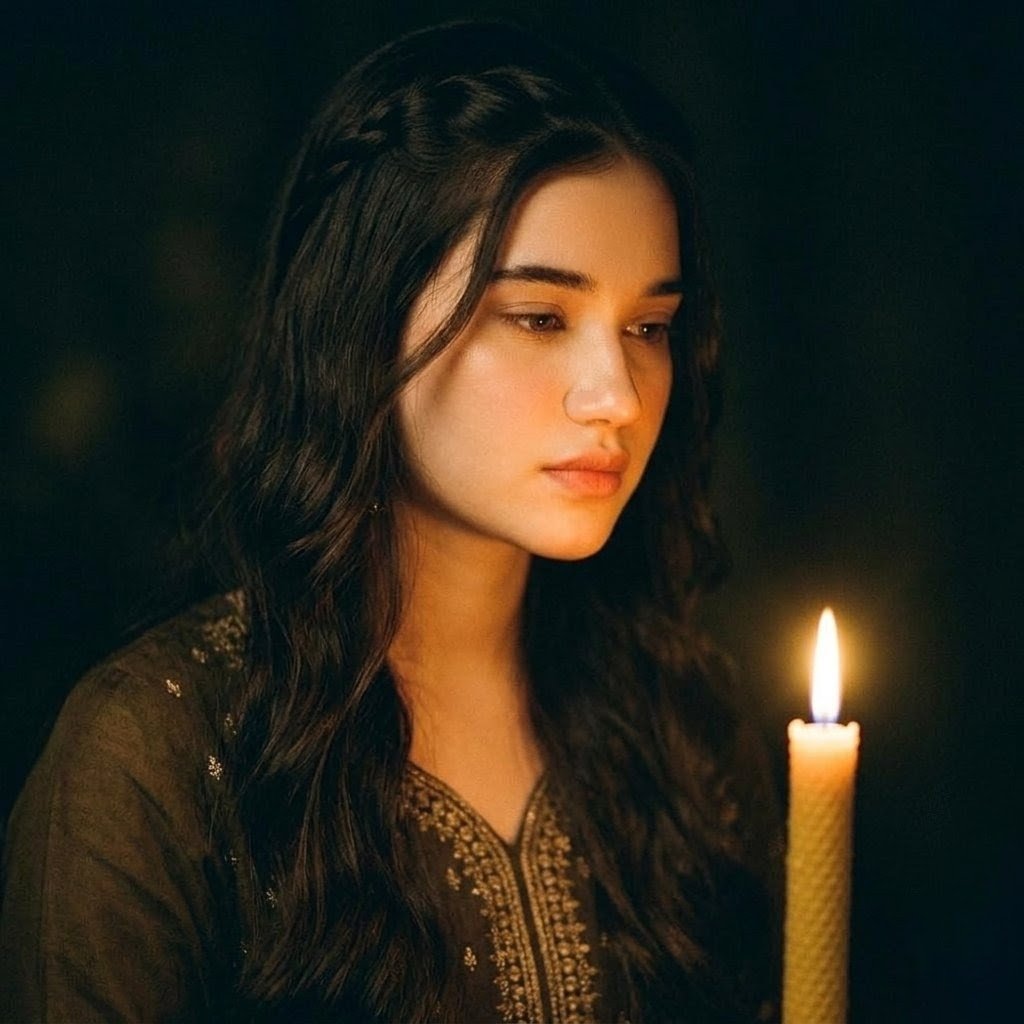
Candlelit Portrait With Obscured Face

Water Bottle Spilling in Desert
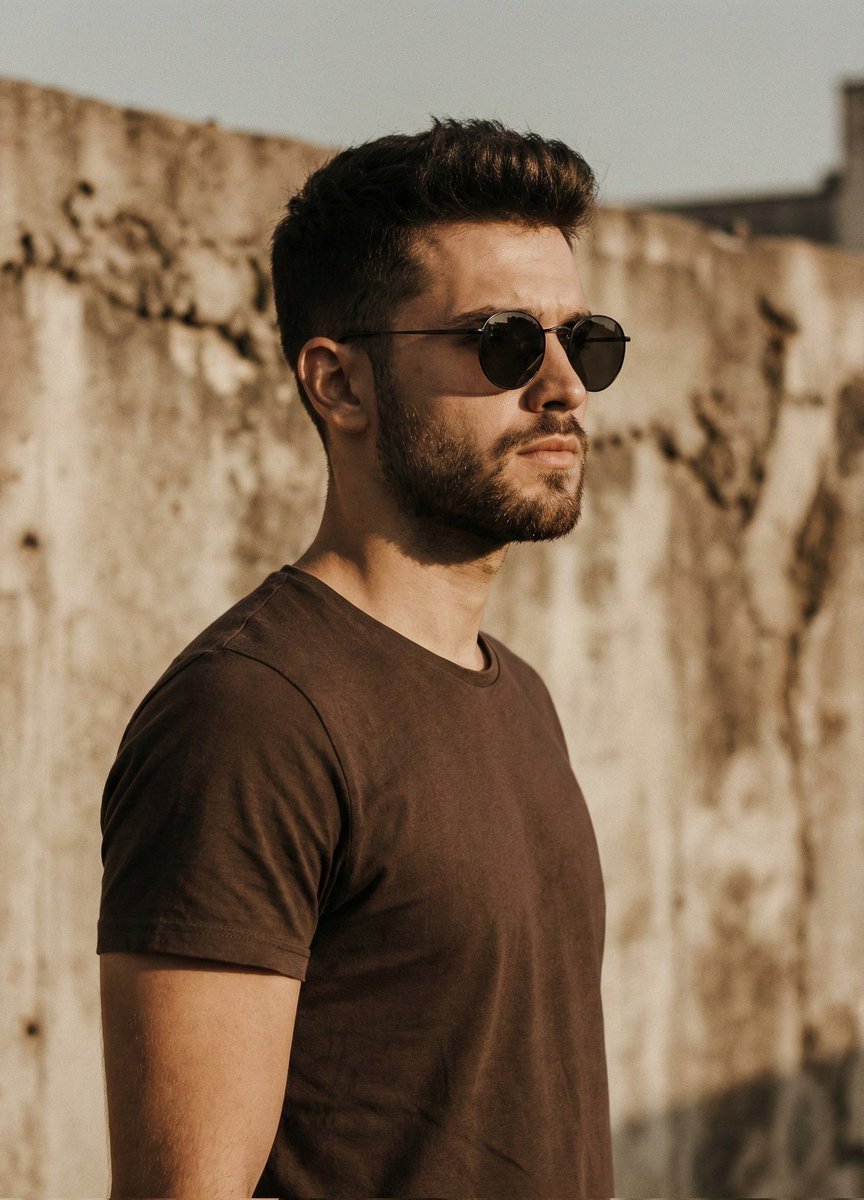
Cinematic Portrait of Man in Streetwear
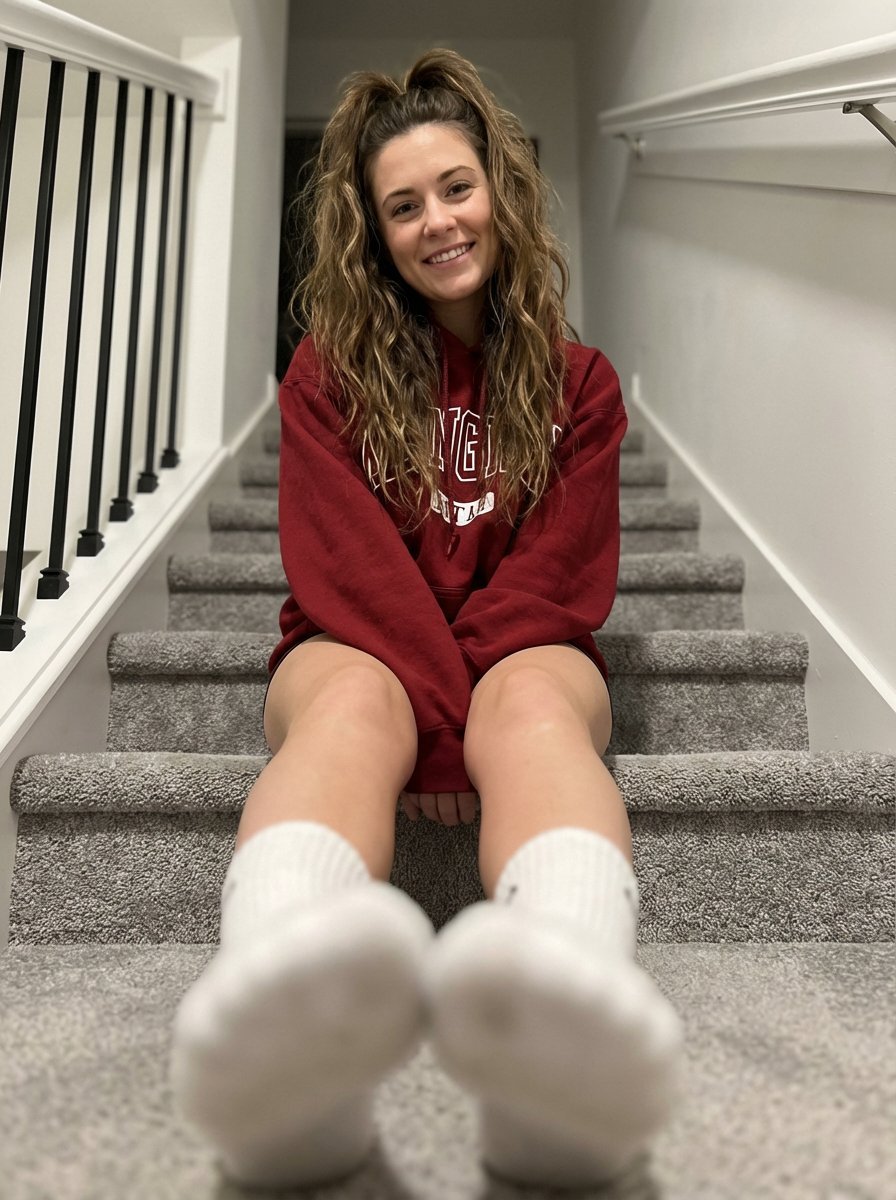
Cozy Indoor Portrait on Staircase with Foreshortening
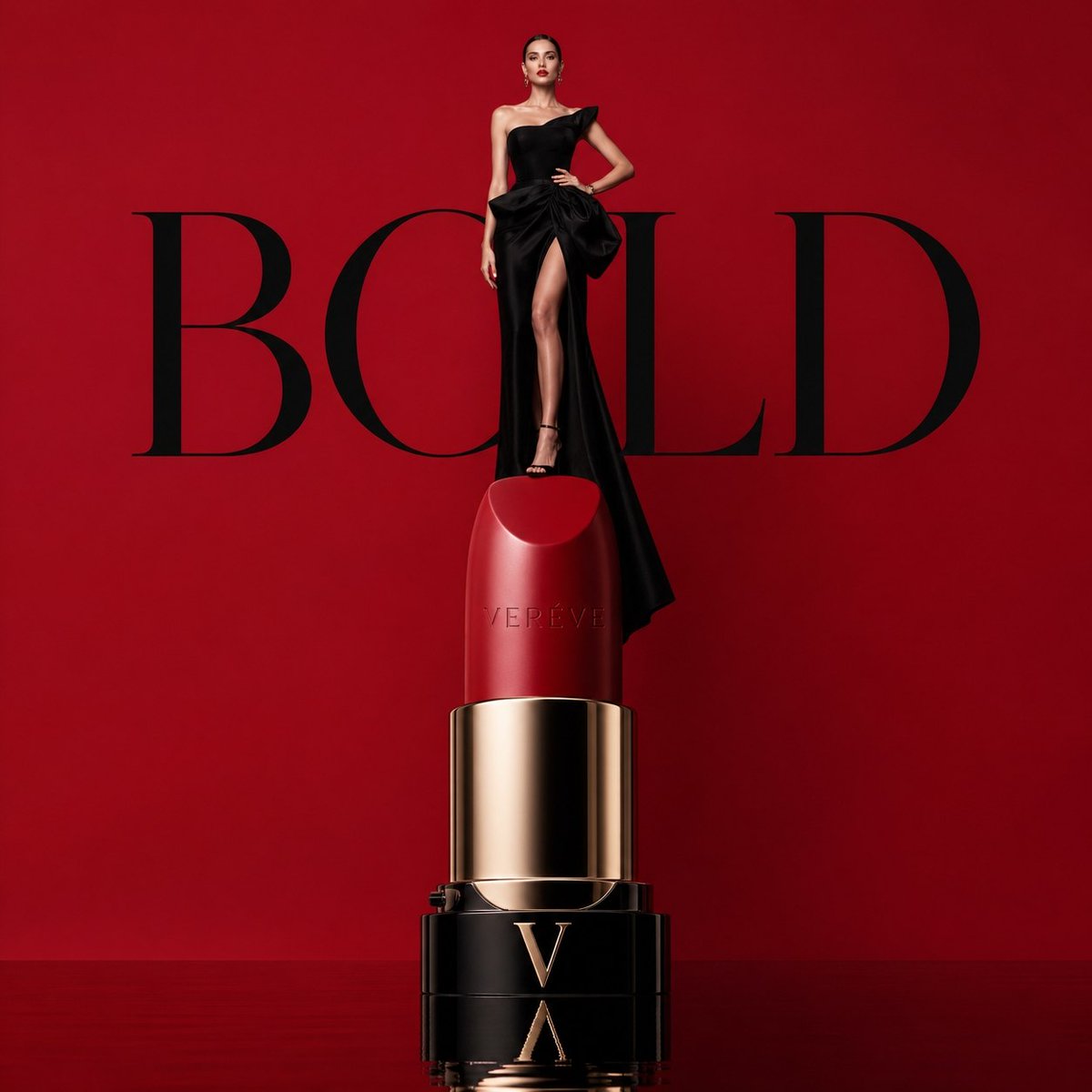
Avant-garde Luxury Beauty Campaign
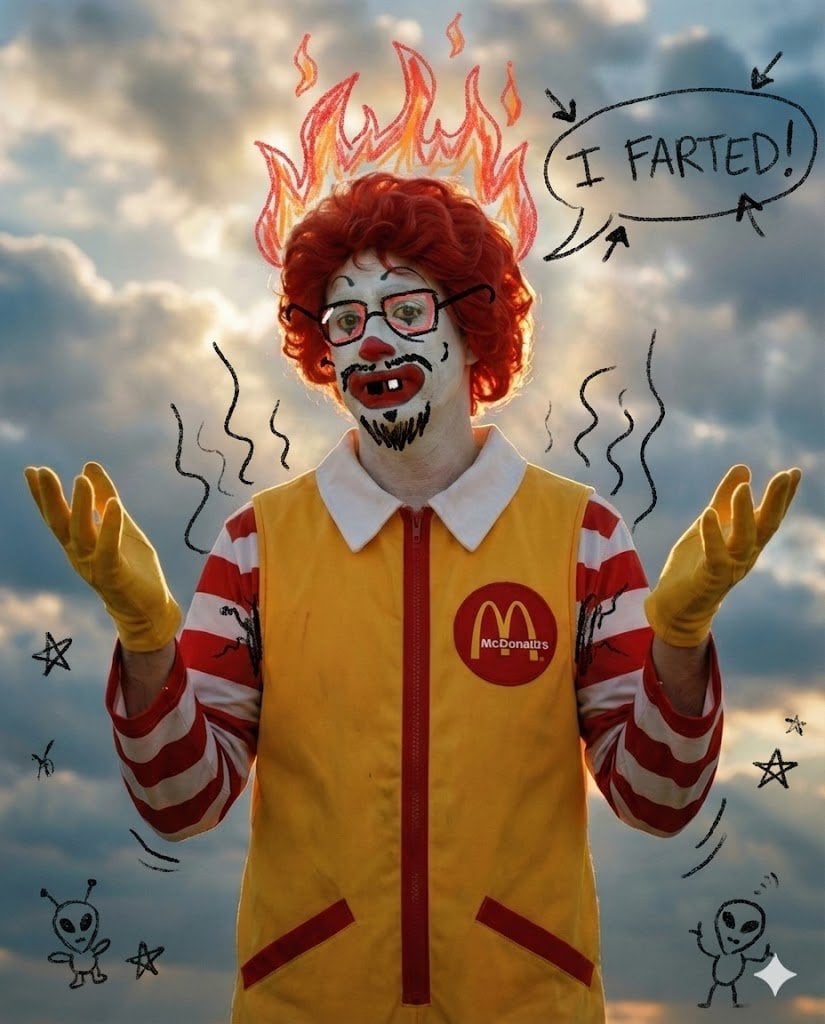
Nano Banana Pro Silly Doodle Generation Prompt
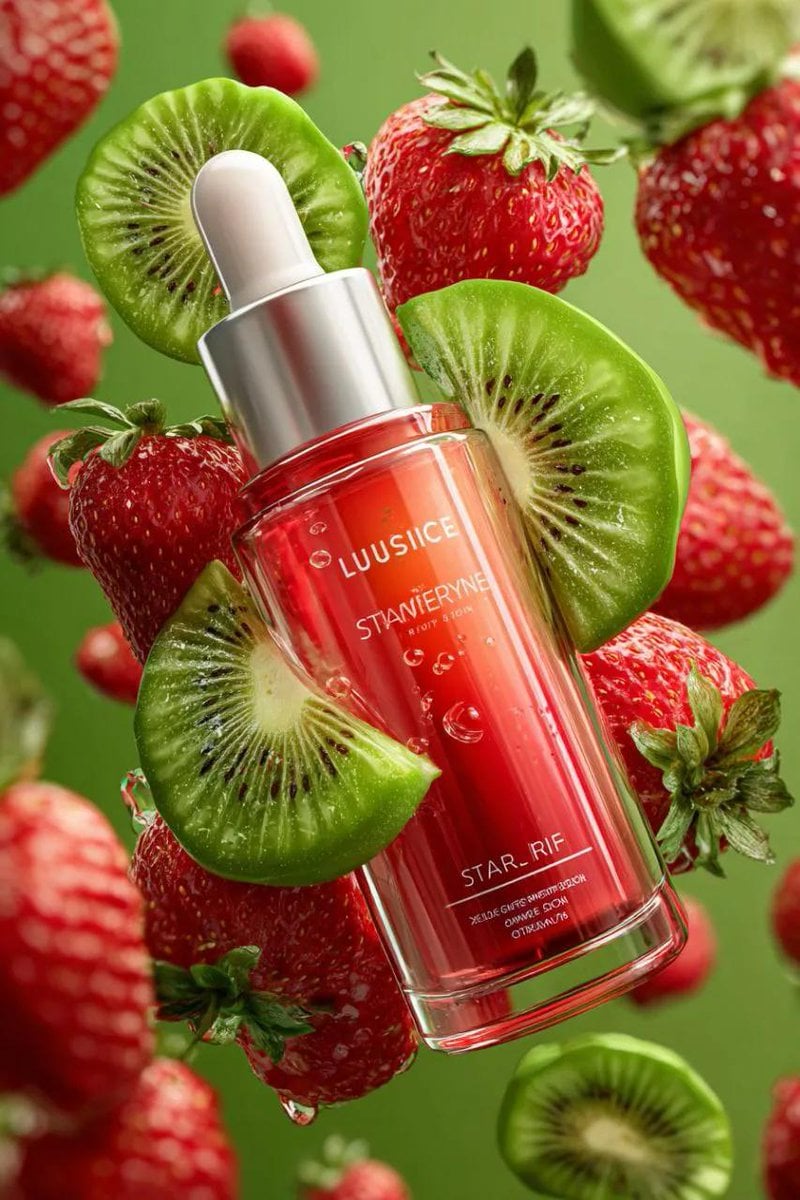
3D Floating Cosmetic Bottle Product Shots
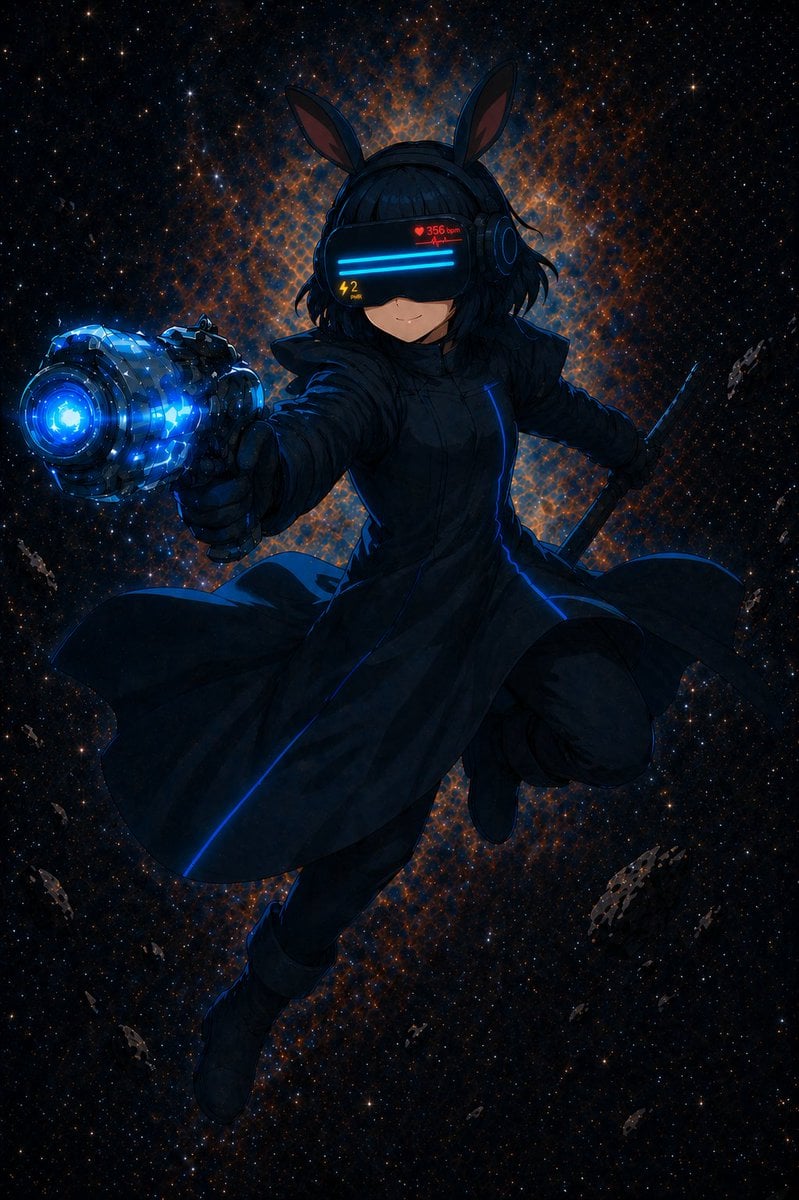
Cyber Bunny Visor Space Warrior
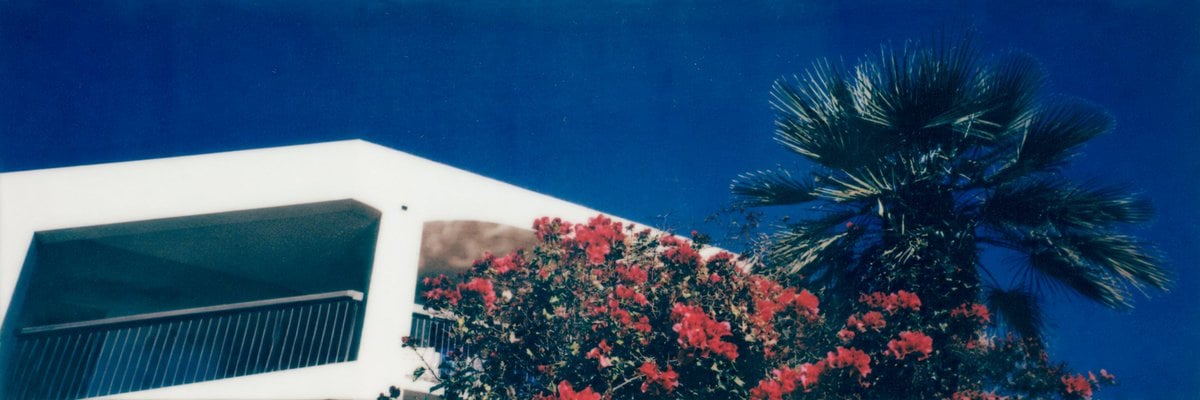
Mediterranean Villa Film Panorama
Browse template categories
Audience with the King questions
How do I use the Audience with the King template?
Add your photo if the template asks for one, edit the prompt if you like — the template's model and format are already selected — and press Generate. Your version opens in PicX Studio.
Can I customize the Audience with the King template?
Yes. You can change the subject, setting, lighting, mood, format, and available model controls before creating your image.
Is the Audience with the King template free?
Opening and editing this template is free. Generating uses credits, shown on the Generate button when you are signed in.
Which AI model should I use?
Start with GPT Image 2, which is the model associated with this template. You can compare another compatible model for a different finish.
Looking for something else? Browse all templates.

Your photo, any look
Thousands of ready templates for every top image and video model, from one credit balance.