
King Kong Reborn Movie Poster
A dramatic blockbuster-style giant ape movie poster with dense theatrical typography, ideal for cinematic film-poster generation and text-layout demos.
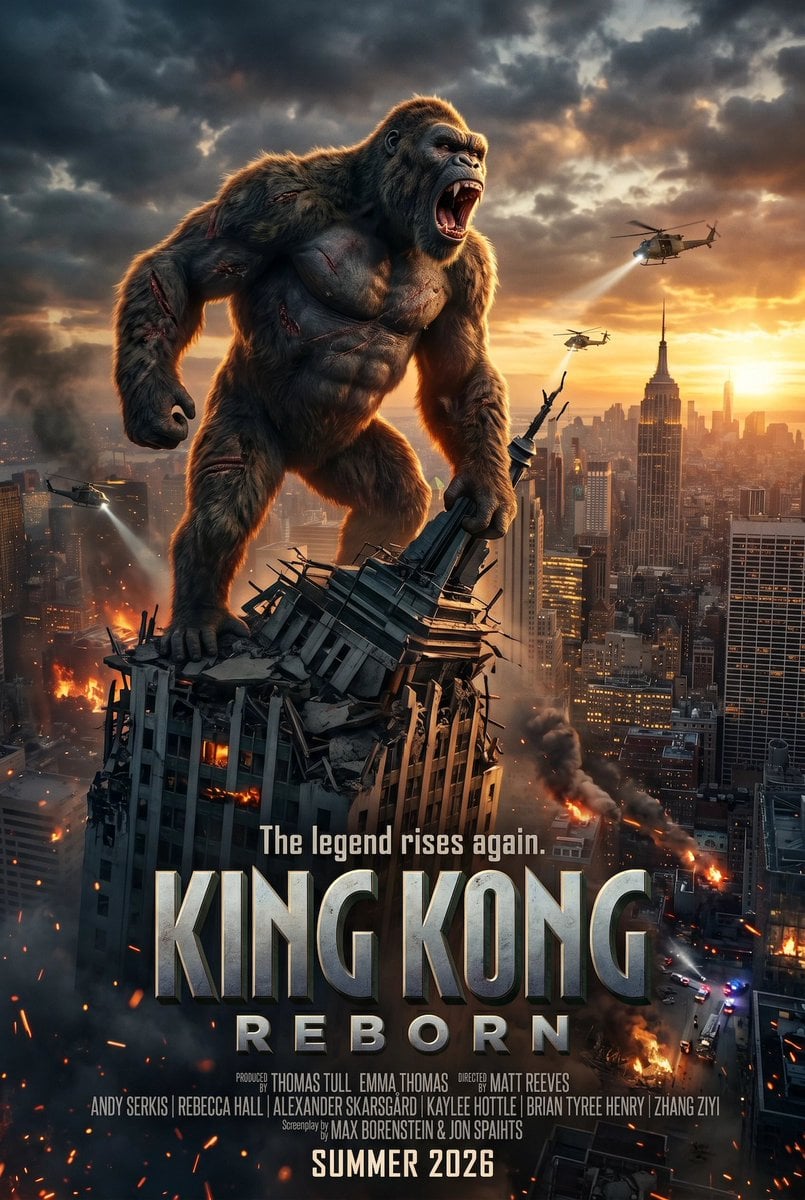
- Prompt included
- Model and format preset
- Free template
The prompt behind this image
Copy the exact prompt behind King Kong Reborn Movie Poster, or open it in the studio and make it yours.
A hyper-detailed cinematic movie poster for a giant monster reboot set in Manhattan at sunset. A colossal enraged gorilla resembling King Kong stands on top of a heavily destroyed skyscraper in the foreground, roaring with mouth wide open and teeth exposed. The creature is massively muscular, covered in dark brown fur, with multiple visible battle scars and fresh wounds across the chest, arms, shoulders, and legs. One hand grips the broken steel spire and shattered crown of the building, while one huge foot crushes the rooftop. The city below is New York, with the Empire State Building clearly visible in the mid-right background and a dense skyline fading into dramatic golden haze. The sky is filled with dark storm clouds split by warm orange sunset light. Include exactly 3 military helicopters: 1 near the upper right shining a bright searchlight toward the ape, 1 smaller helicopter near the center-right skyline, and 1 lower-left helicopter sweeping a searchlight across smoky buildings. Add fires, smoke plumes, glowing embers, street-level destruction, and a sense of large-scale urban chaos. Compose it as a polished modern Hollywood theatrical one-sheet with the monster centered and towering over the city. In the lower third, add the tagline text: {argument name="tagline text" default="The legend rises again."} Above the credits, place the huge metallic embossed title in two lines: {argument name="movie title" default="KING KONG"} and below it {argument name="subtitle" default="REBORN"}. Beneath that, add a dense realistic film-credit block with multiple producer, director, cast, and screenplay lines in small condensed type. At the very bottom, add the release line: {argument name="release text" default="SUMMER 2026"}. Use ultra-realistic lighting, dramatic contrast, blockbuster poster composition, volumetric smoke, sharp details, photoreal fur, and premium action-adventure disaster-film aesthetics.
How to use King Kong Reborn Movie Poster in 3 steps
- 1Upload ImagePNG, JPG or paste
Add your photo
Upload the photo the template builds on. The prompt, model and format are already set.
- 2…a portrait of your subject in softgolden-hour light, 85mm…
Personalize
Edit the subject and creative details for your destination.
- 3Generate
Generate
Press Generate — your image is created in PicX Studio, so you can compare it with the original and refine one variable at a time.
More like this
Templates with the same subject, style or setup. Open one to see its prompt.

Gpt2 Youtube Thumbnail Wuxia Movie Character Posters

Japan Travel Brochure Poster

Cartoon TV Show Poster Pack

Trendy Cafe Drink Promo Poster

Urban Fashion Editorial Collage Streetwear Poster

Premium Fashion Editorial Cover Layout System

Polo Ralph Lauren Luxury American Heritage Fashion Campaign

Monochrome Halftone Editorial Fashion Poster

Retro Mirror Luxury Fashion Campaign Poster

Luxury Fashion Campaign Typography Poster System

Premium Fashion Editorial Campaign Poster System

Ultra-Stylized High-Fashion Streetwear Poster
Make it yours
King Kong Reborn Movie Poster works as-is. These are the safest ways to change it without losing the look.
Change one field
Copy a single group, rewrite it, and generate again so you can see what that field is doing.
Keep the frame, change the subject
Hold the composition and light of King Kong Reborn Movie Poster, then swap wardrobe, props or the person for a new take.
| If the result… | Why | Fix |
|---|---|---|
| The result drifts from the preview | Too many fields changed at once. | Reuse King Kong Reborn Movie Poster as-is first, then change one group — subject, light, or setting. |
| The model over-stylizes the scene | The prose prompt leaves finish and camera underspecified. | Add one camera or lighting sentence and stay on GPT Image 2. |
More GPT Image 2 templates
Other prompts made for GPT Image 2.

Six VTuber Japanese Logo Sheet

Realistic Portrait of Woman and Deer

The Vista Modular Condo Poster

AI Model Routing Comparison Infographic

2.5D Anime Art Board

Isometric Productivity Desk Scene

New York Double Exposure Poster

Four-Panel AI Landscape Comparison

Japanese Tatami Lifestyle Magazine Cover

NESCAFÉ Coffee Map Poster
More image prompts
Fresh picks from across the catalog.

Luxury x E-commerce Split Poster
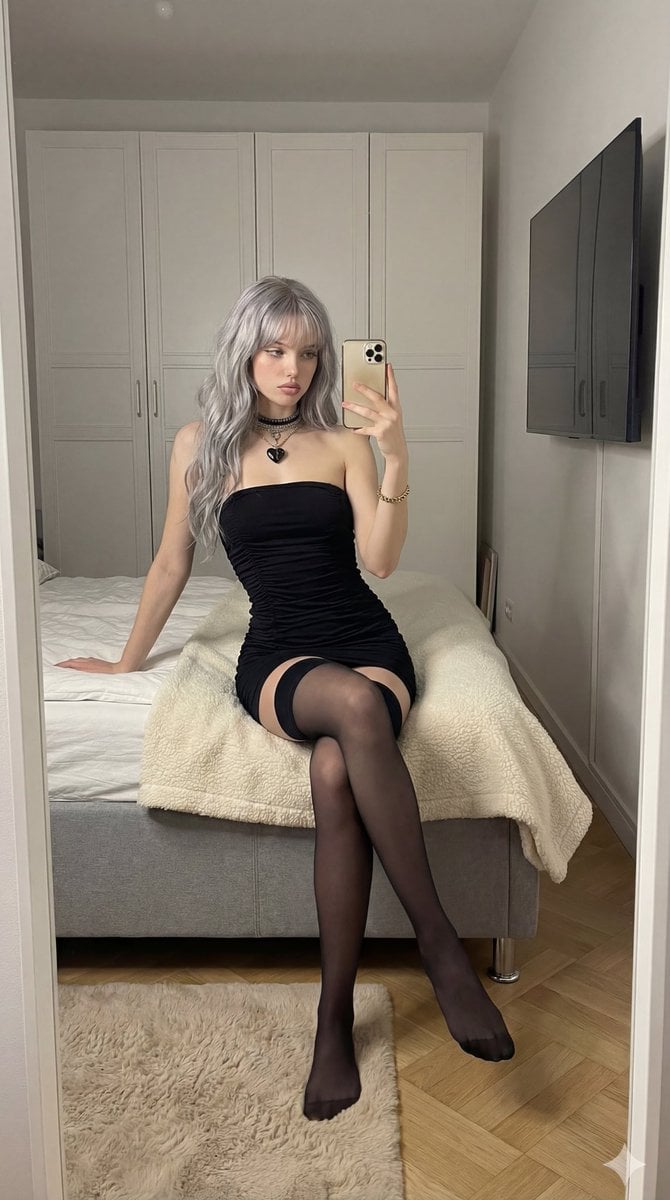
Mirror Selfie in Black Tube Dress Prompt

Surreal Fantasy Portrait Prompt (Fire and Ice)
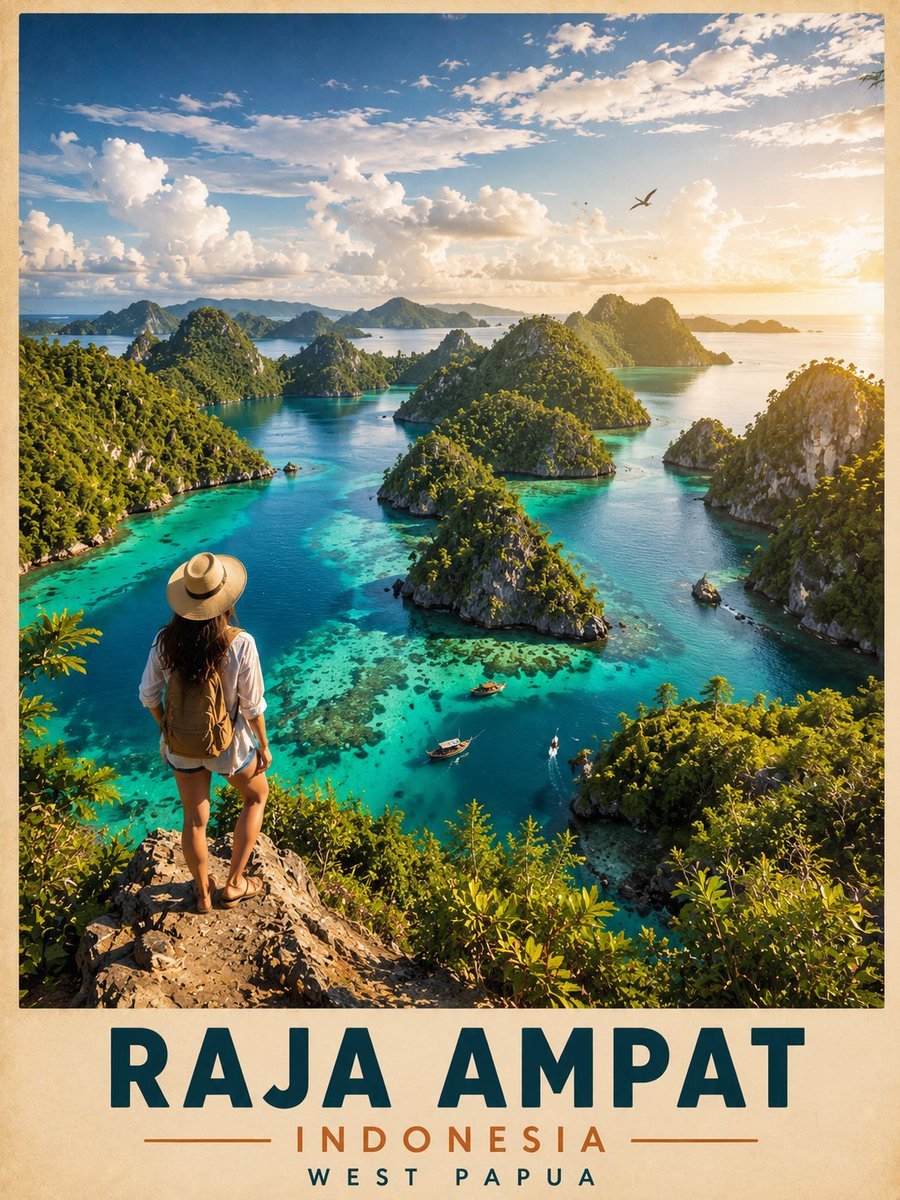
Vintage Cinematic Travel Poster
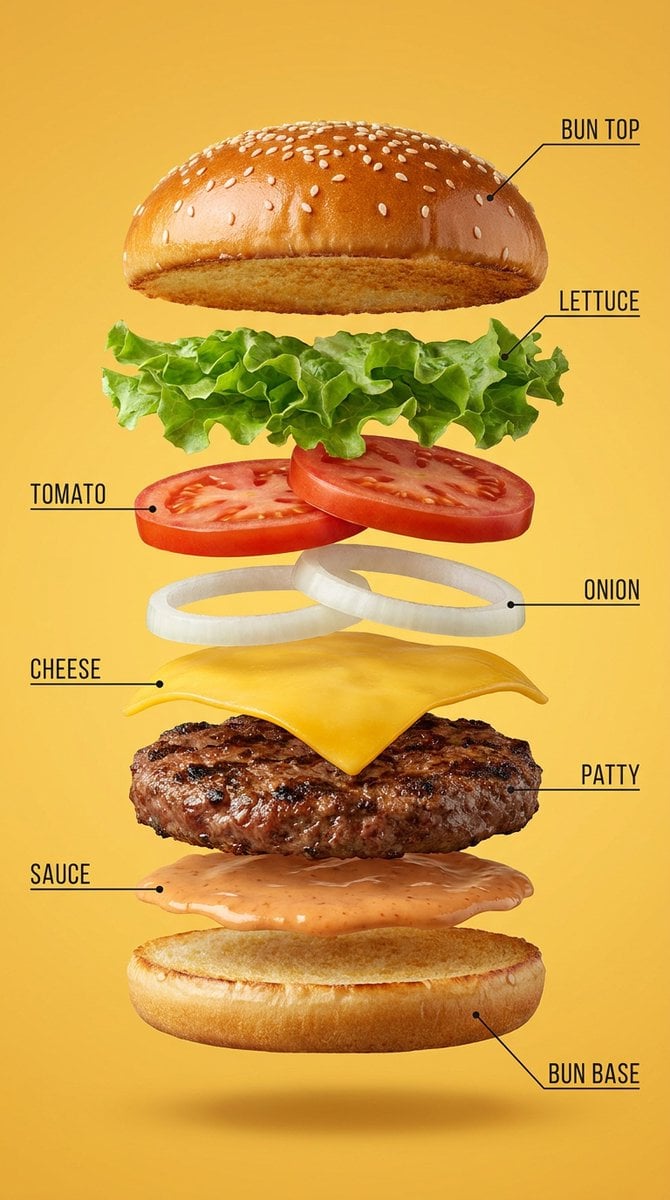
Vertical Exploded Food Infographic
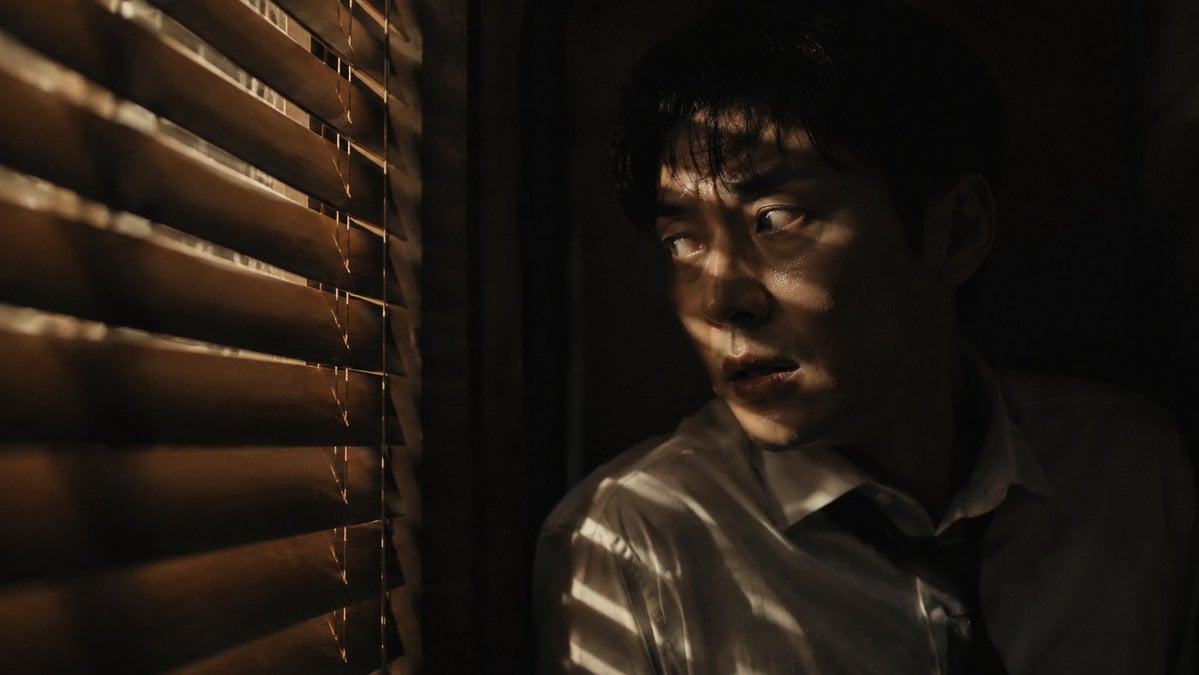
Dark Thriller Cinematic Still
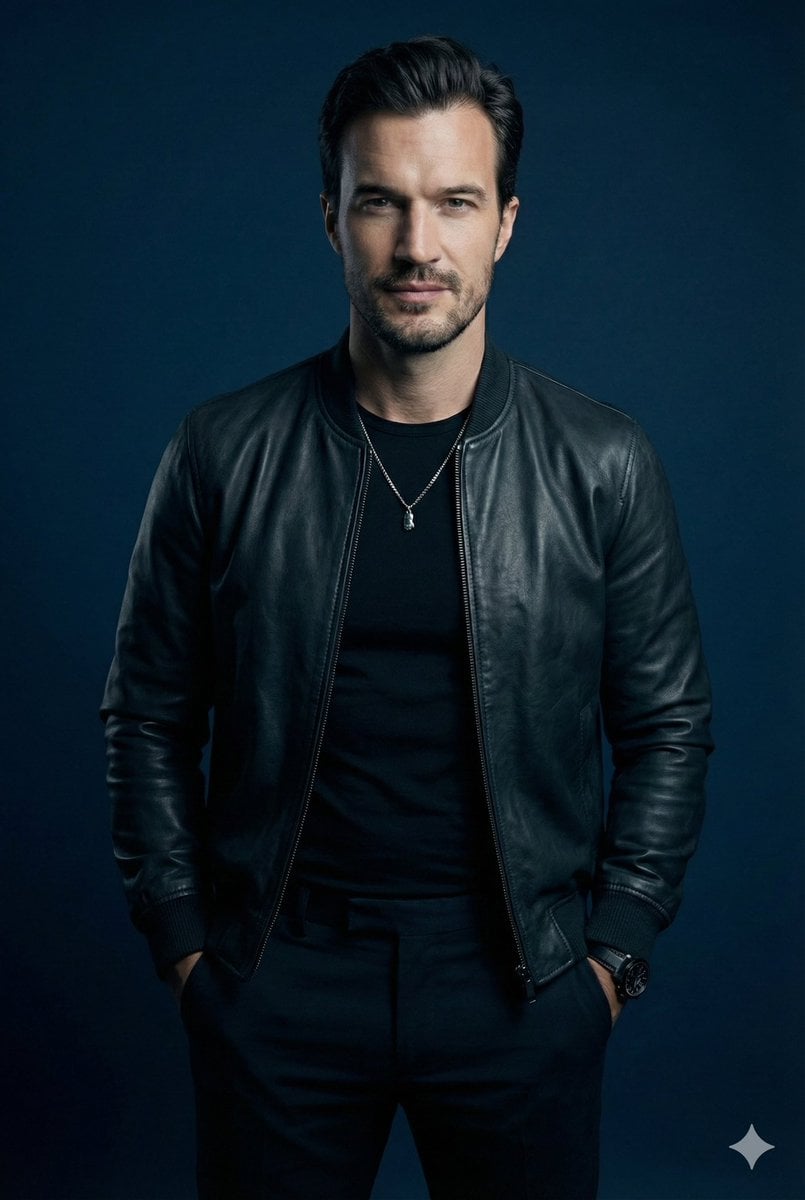
Moody Cinematic Studio Portrait Prompt

JSON Prompt for Candid Night Market Photography
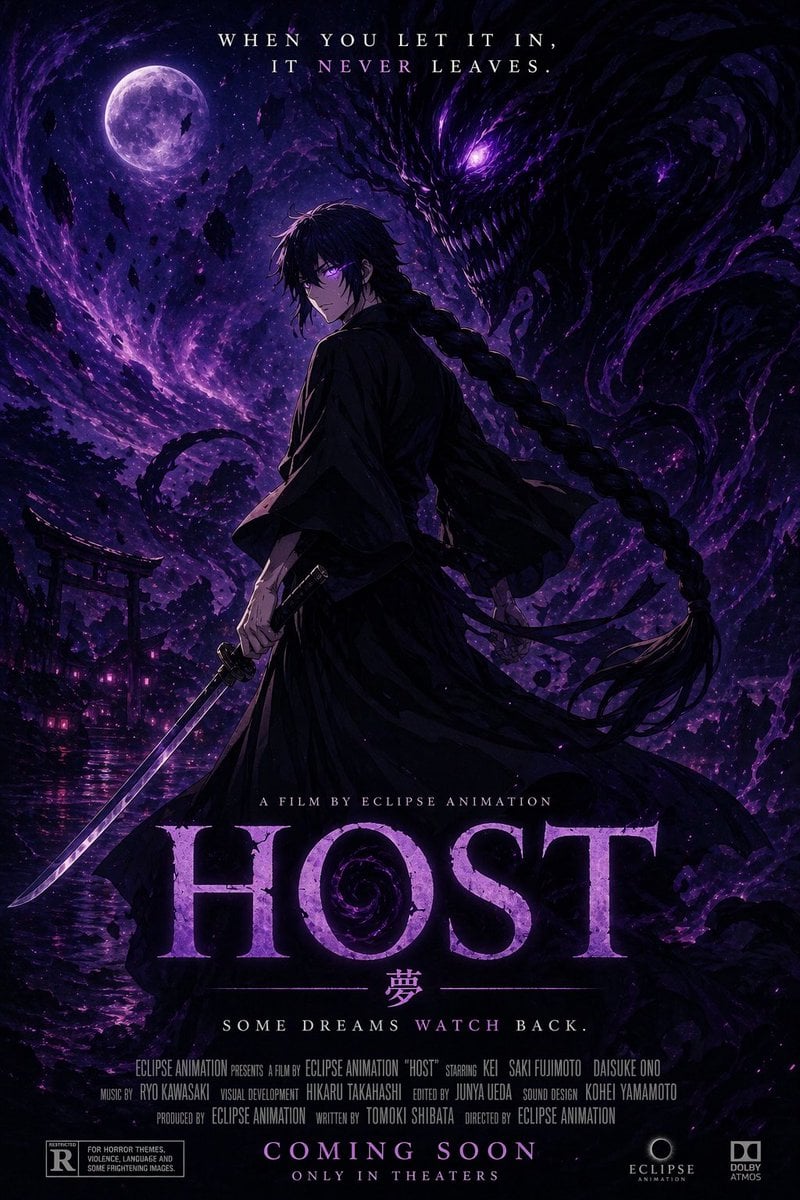
Horror Anime Movie Poster
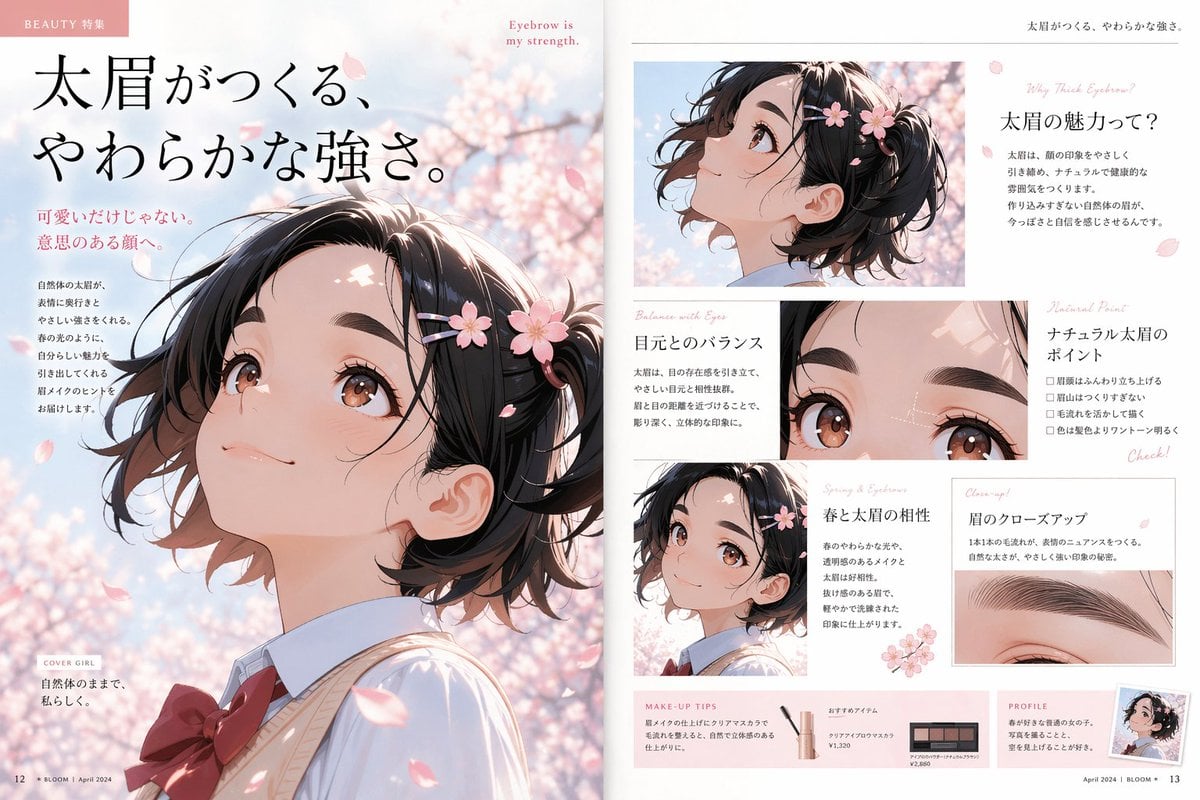
Anime Beauty Magazine Eyebrow Feature
Browse template categories
King Kong Reborn Movie Poster questions
How do I use the King Kong Reborn Movie Poster template?
Add your photo if the template asks for one, edit the prompt if you like — the template's model and format are already selected — and press Generate. Your version opens in PicX Studio.
Can I customize the King Kong Reborn Movie Poster template?
Yes. You can change the subject, setting, lighting, mood, format, and available model controls before creating your image.
Is the King Kong Reborn Movie Poster template free?
Opening and editing this template is free. Generating uses credits, shown on the Generate button when you are signed in.
Which AI model should I use?
Start with GPT Image 2, which is the model associated with this template. You can compare another compatible model for a different finish.
Looking for something else? Browse all templates.

Your photo, any look
Thousands of ready templates for every top image and video model, from one credit balance.