
JSON Prompt for Candid Night Market Photography
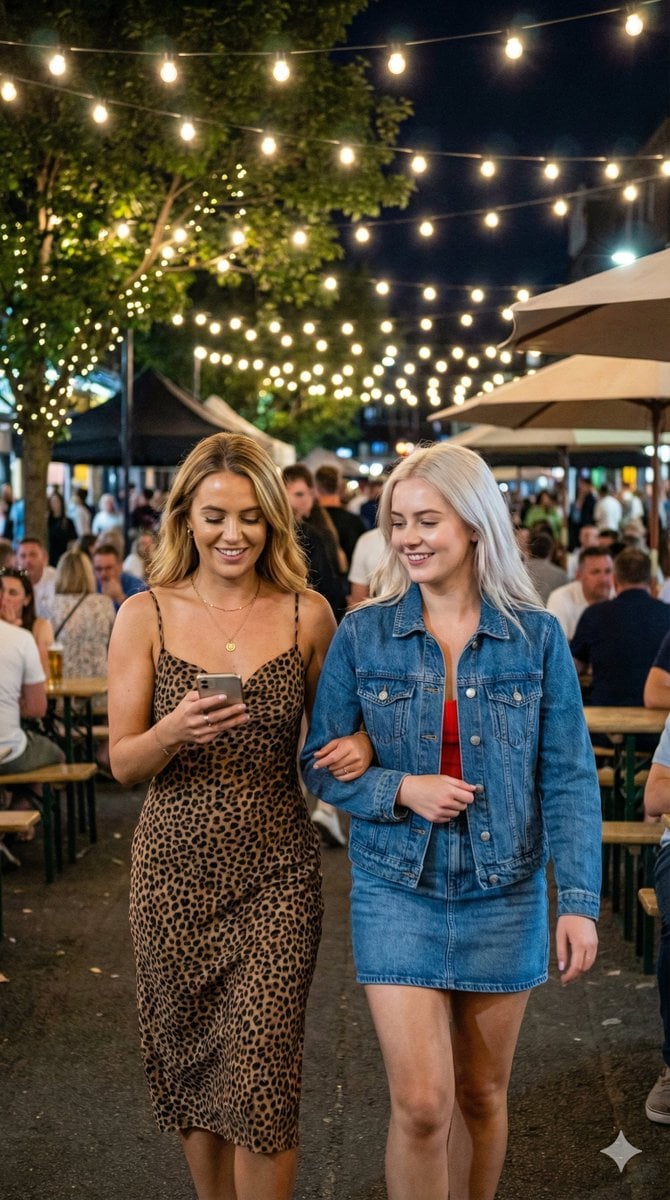
A detailed JSON prompt for Nano Banana Pro to generate an ultra-photorealistic image of two young women walking arm-in-arm through a bustling night market.
- Prompt included
- Model and format preset
- Free template
The prompt behind this image
Copy the exact prompt behind JSON Prompt for Candid Night Market Photography, or open it in the studio and make it yours.
{ "project_specifications": { "format": "{argument name="format" default="Single Image"}", "aspect_ratio": "{argument name="aspect ratio" default="9:16"}", "aesthetic_style": "{argument name="aesthetic style" default="Candid, High-Quality Smartphone Night Photography"}", "rendering_engine_hints": { "realism_level": "{argument name="realism level" default="Ultra-photorealistic"}", "texture_quality": "{argument name="texture quality" default="High (modern smartphone)"}", "lighting_simulation": "{argument name="lighting simulation" default="Warm, soft string lights, mixed artificial night lighting, natural skin glow"}" } }, "global_assets": { "subject_definition": { "identity": "{argument name="identity" default="Two cute young women with long, dark, glossy hair walking together arm-in-arm, with radiant, glowing skin"}", "wardrobe": { "outfit_left": "{argument name="outfit left" default="Brown leopard print spaghetti strap midi dress, delicate gold necklace, dewy makeup"}", "outfit_right": "{argument name="outfit right" default="Blue denim jacket over a red top, blue denim mini-skirt, radiant, healthy skin"}" }, "pose_and_action": { "stance": "{argument name="stance" default="Walking closely together. The woman on the left is smiling warmly at a smartphone she holds in both hands. The woman on the right is looking forward with a sweet, genuine smile, her arm linked through the other's."}", "expression": "{argument name="expression" default="Left: Happy, focused on phone. Right: Cute, mildly smiling, content."}" } }, "environment_definition": { "location": "{argument name="location" default="Bustling outdoor night market or patio"}", "background_elements": [ "{argument name="element 1" default="Numerous strands of warm, twinkling bulb string lights hanging overhead, creating a festive glow and soft bokeh"}", "{argument name="element 2" default="Blurred crowd of diverse people enjoying the night"}", "{argument name="element 3" default="Patio tables and chairs with warm golden light"}", "{argument name="element 4" default="Trees with fairy lights"}", "{argument name="element 5" default="Market umbrellas"}", "{argument name="element 6" default="Other colored lights (blue, red) in the distance creating depth"}" ], "atmosphere": "{argument name="atmosphere" default="Lively, warm, enchanting, nighttime, social"}" } }, "panel_architecture": [ { "position": "{argument name="position" default="Full Frame"}", "shot_type": "{argument name="shot type" default="Medium Shot, Handheld"}", "composition": { "angle": "{argument name="angle" default="Eye-level"}", "framing": "{argument name="framing" default="Captures the two women from the waist up as they walk through the scene, with natural light fall-off"}", "focus": "{argument name="focus" default="Sharp on the two women, highlighting their glowing complexions, with a softly blurred background"}" } } ], "negative_constraints": { "avoid": [ "{argument name="avoid 1" default="text overlays"}", "{argument name="avoid 2" default="watermarks"}", "{argument name="avoid 3" default="logos (except on phone)"}", "{argument name="avoid 4" default="studio lighting"}", "{argument name="avoid 5" default="oversaturated colors"}", "{argument name="avoid 6" default="heavy makeup"}", "{argument name="avoid 7" default="artificial highlights"}" ] } }
How to use JSON Prompt for Candid Night Market Photography in 3 steps
- 1
Open
The prompt is already in the box next to the preview, with the template's model and format selected.
- 2…a portrait of your subject in softgolden-hour light, 85mm…
Personalize
Edit the subject and creative details for your destination.
- 3Generate
Generate
Press Generate — your image is created in PicX Studio, so you can compare it with the original and refine one variable at a time.
More like this
Templates with the same subject, style or setup. Open one to see its prompt.

A 3x3 grid storyboard contact sheet comprised of nine candid, cinematic
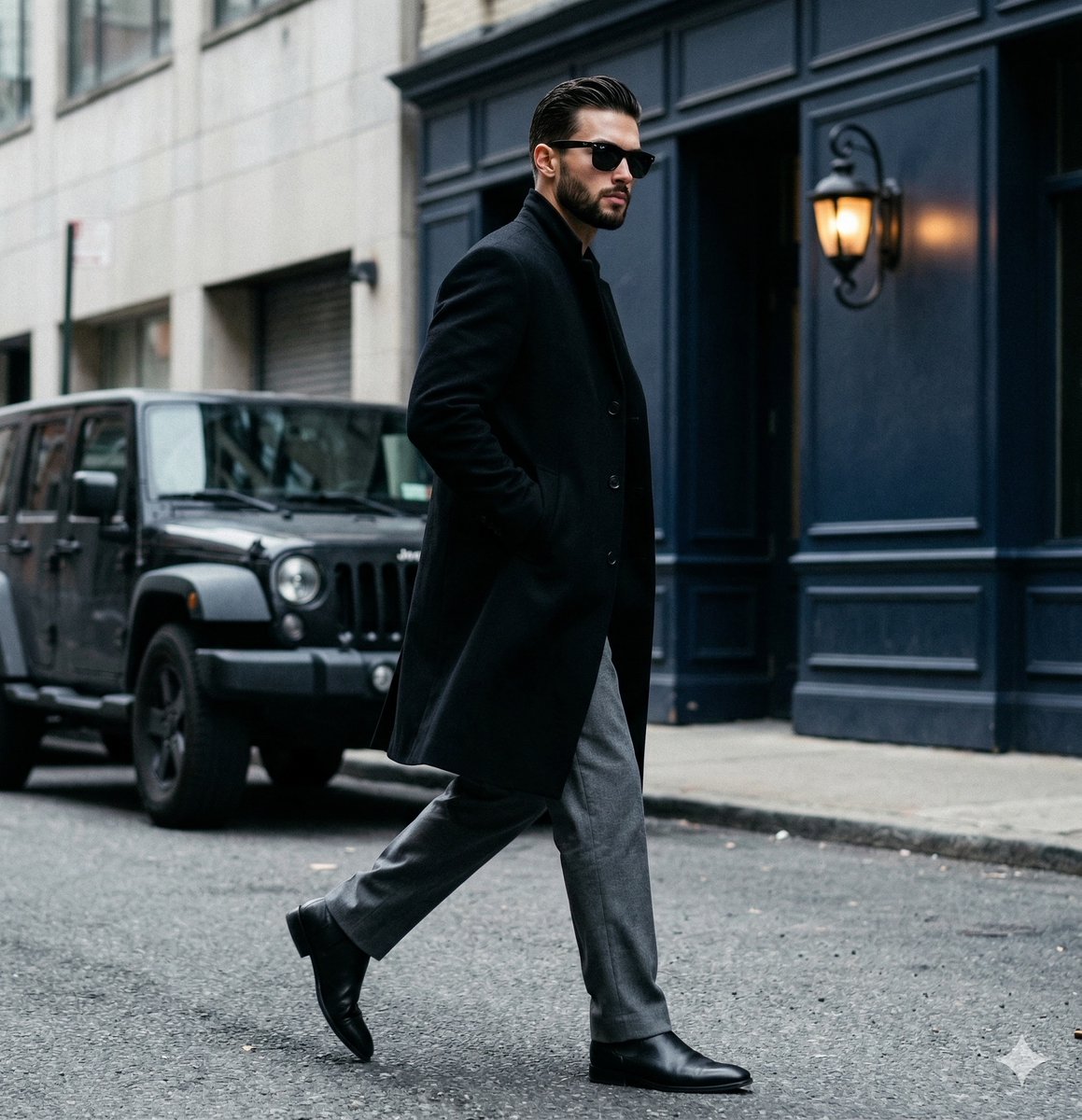
A candid paparazzi-style street photography shot of a handsome man

Neon Night Crosswalk Candid Portrait
Neon Night Crosswalk Candid Portrait
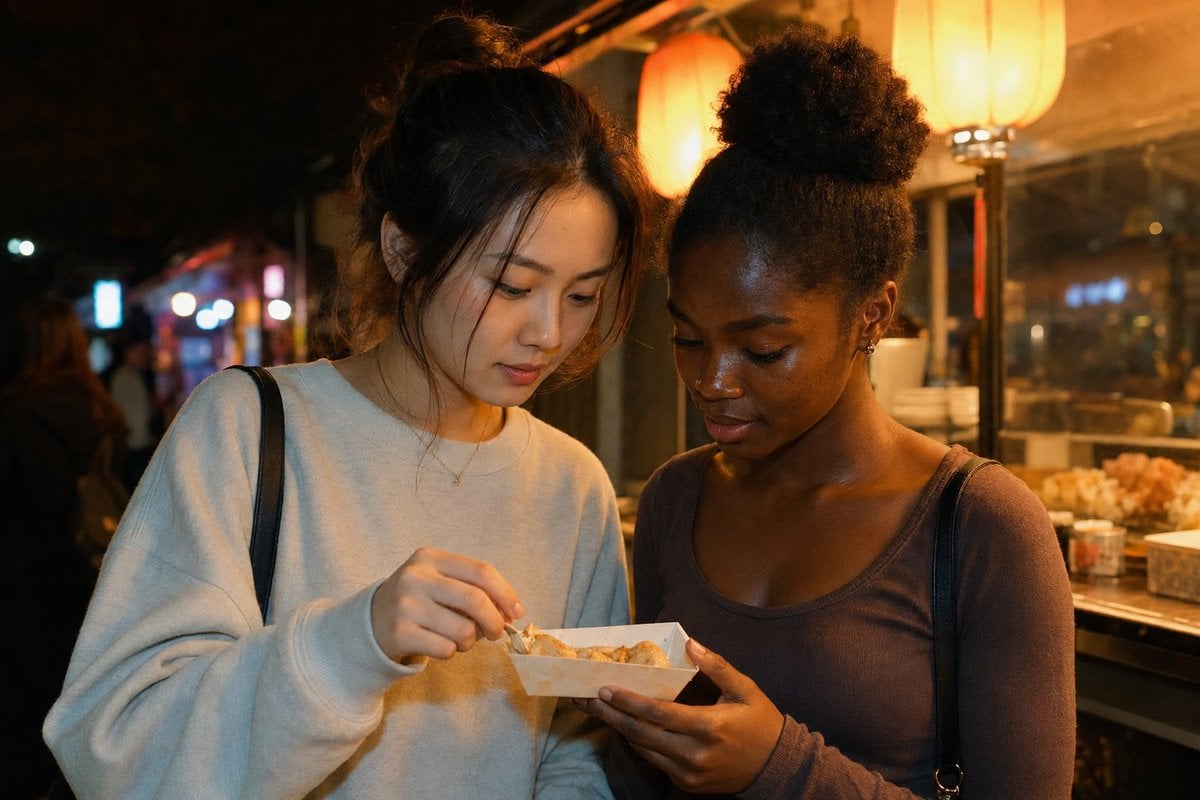
Candid Night Market Food Stall Friends
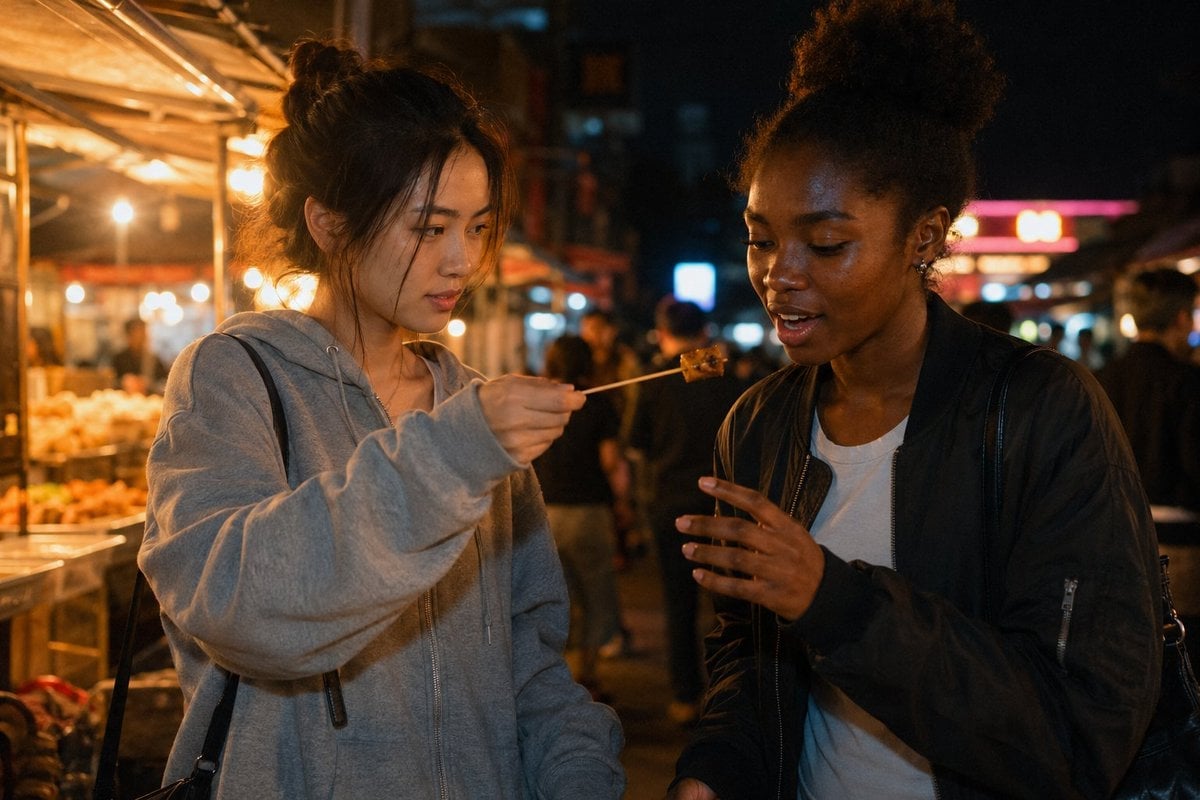
Candid Night Market Food Offering
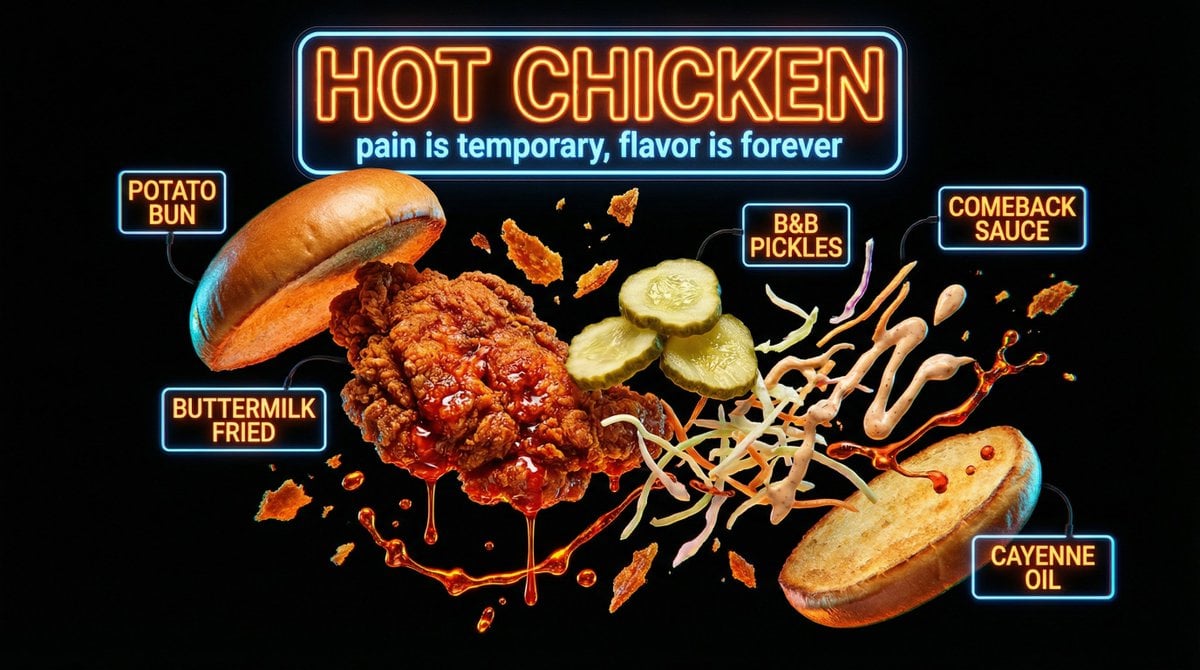
Neon Night Market Food Photography
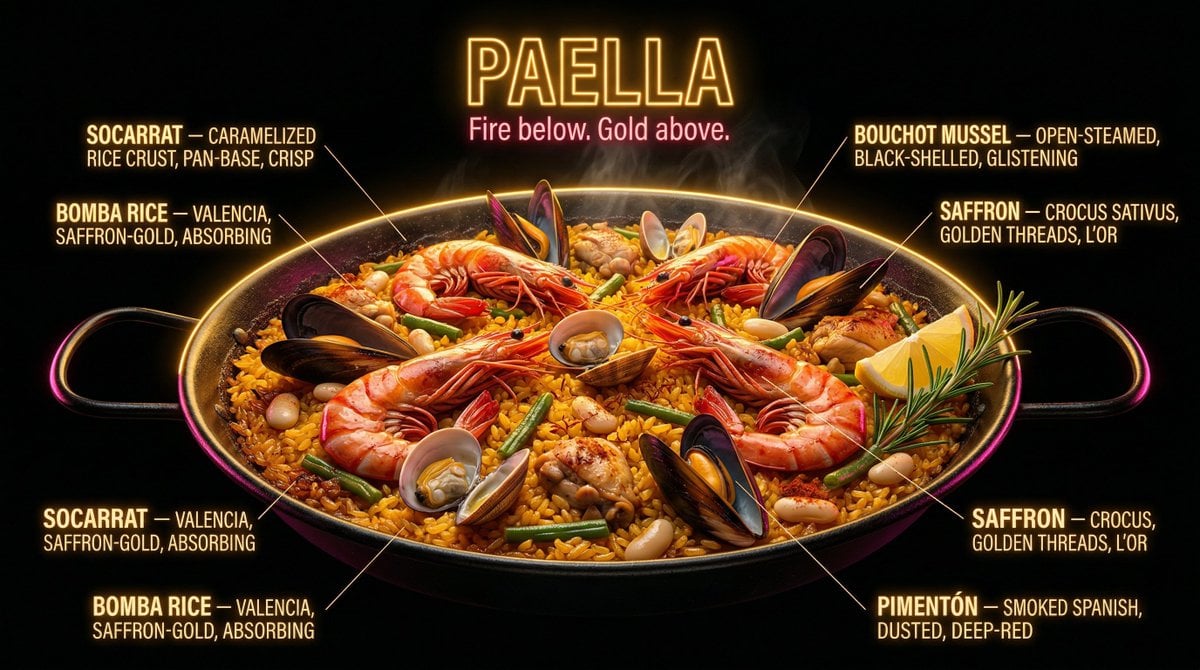
Neon Night Market Food Photography Prompt

Sunday Afternoon, 1988

Our Song was on a Cassette

The Date After College

80s College Gate
Make it yours
JSON Prompt for Candid Night Market Photography works as-is. These are the safest ways to change it without losing the look.
Change one field
Copy a single group, rewrite it, and generate again so you can see what that field is doing.
Keep the frame, change the subject
Hold the composition and light of JSON Prompt for Candid Night Market Photography, then swap wardrobe, props or the person for a new take.
| If the result… | Why | Fix |
|---|---|---|
| The result drifts from the preview | Too many fields changed at once. | Reuse JSON Prompt for Candid Night Market Photography as-is first, then change one group — subject, light, or setting. |
| The model over-stylizes the scene | The prose prompt leaves finish and camera underspecified. | Add one camera or lighting sentence and stay on Nano Banana 2. |
More Nano Banana 2 templates
Other prompts made for Nano Banana 2.

Photorealistic Leaf Shaped Like a Dragon

K-Pop Idol Portrait Grid for Rapid Selection

Poetic Rain Forest Portrait During Golden Hour

Urban Street Portrait with Cartoon Inner Self Duo

Candid Nighttime Photo with Cat Prompt

High-Concept 3D Diorama Generation Prompt

Cinematic Futuristic Studio Portrait Template

Skincare Editorial Photography Collage Prompt

Hyper-Realistic Commercial Product Photography (Splash Effect)

Hyper-Realistic Nightclub Portrait Prompt
More image prompts
Fresh picks from across the catalog.
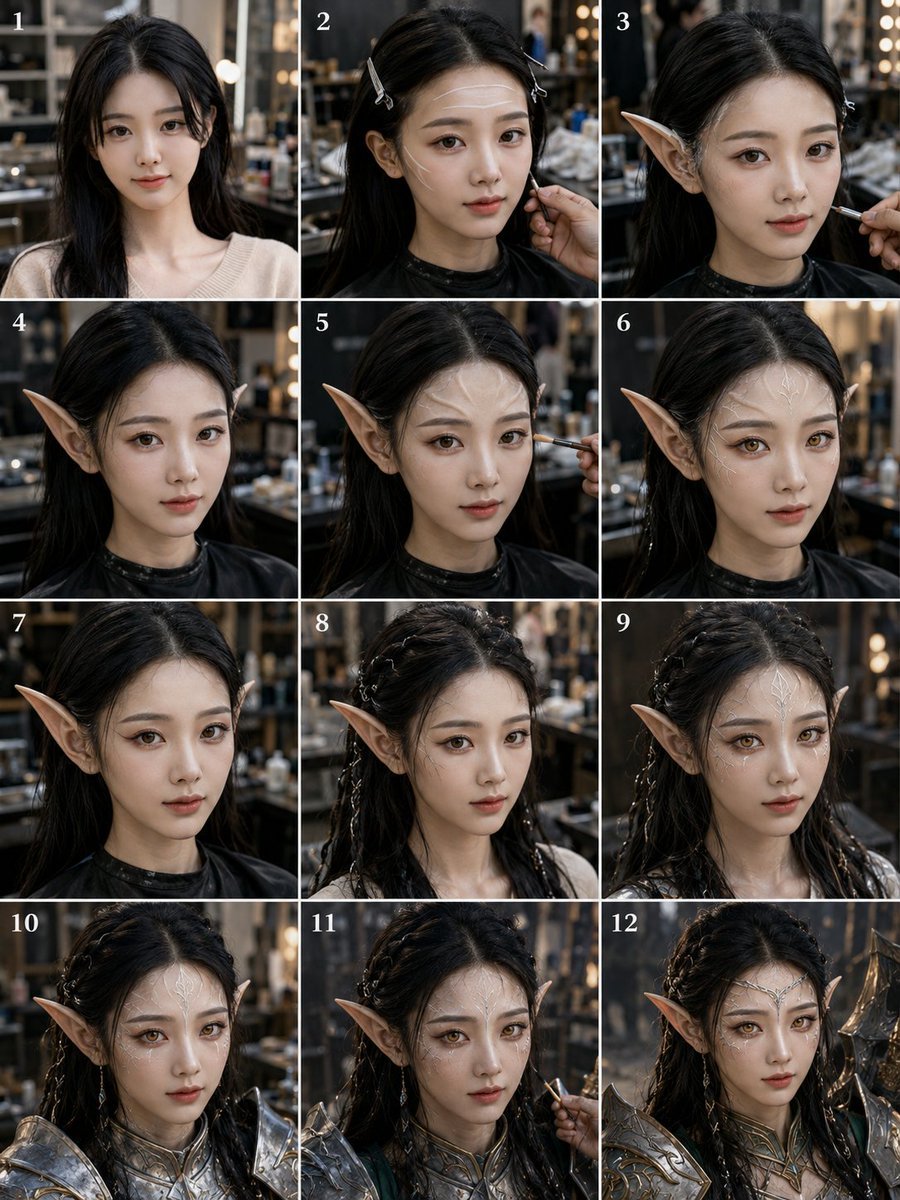
Elf Warrior Transformation Collage
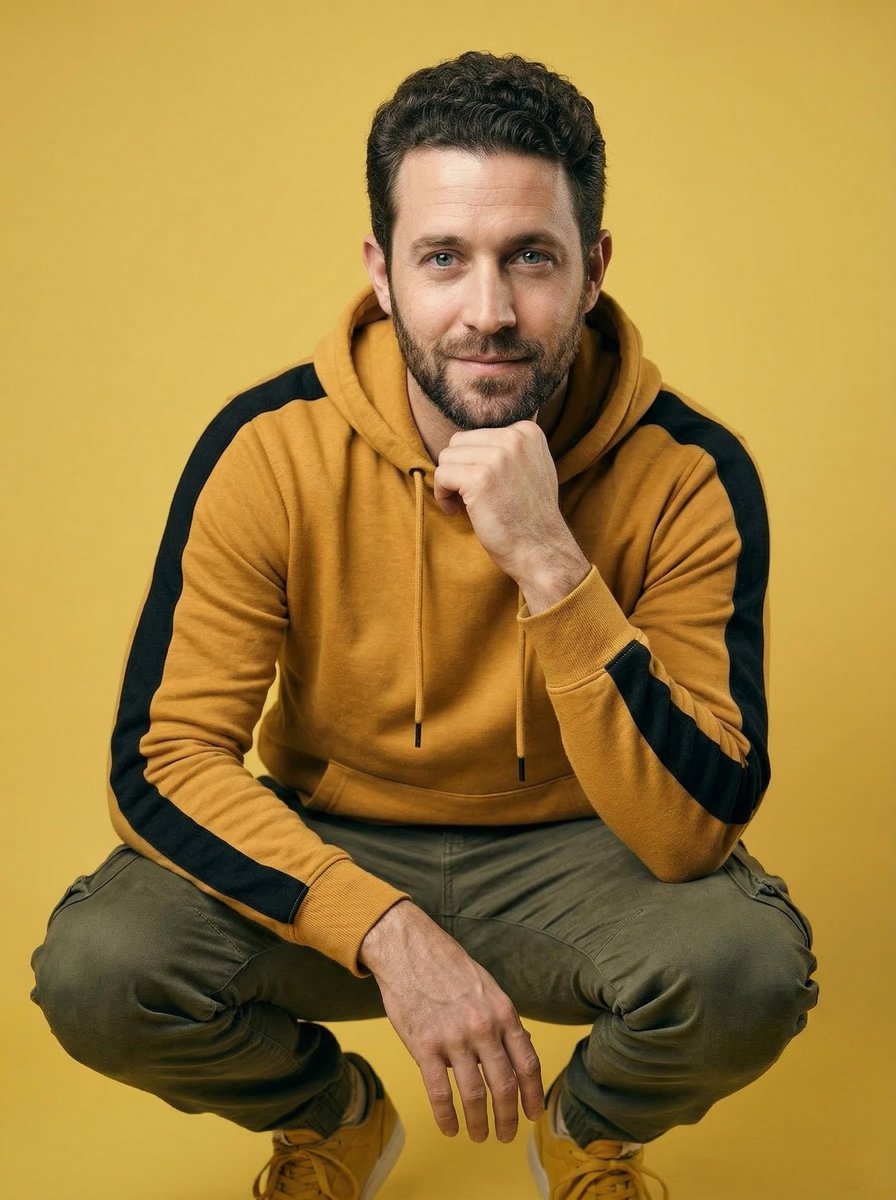
Ultra-Realistic Studio Portrait of Man in Mustard Hoodie
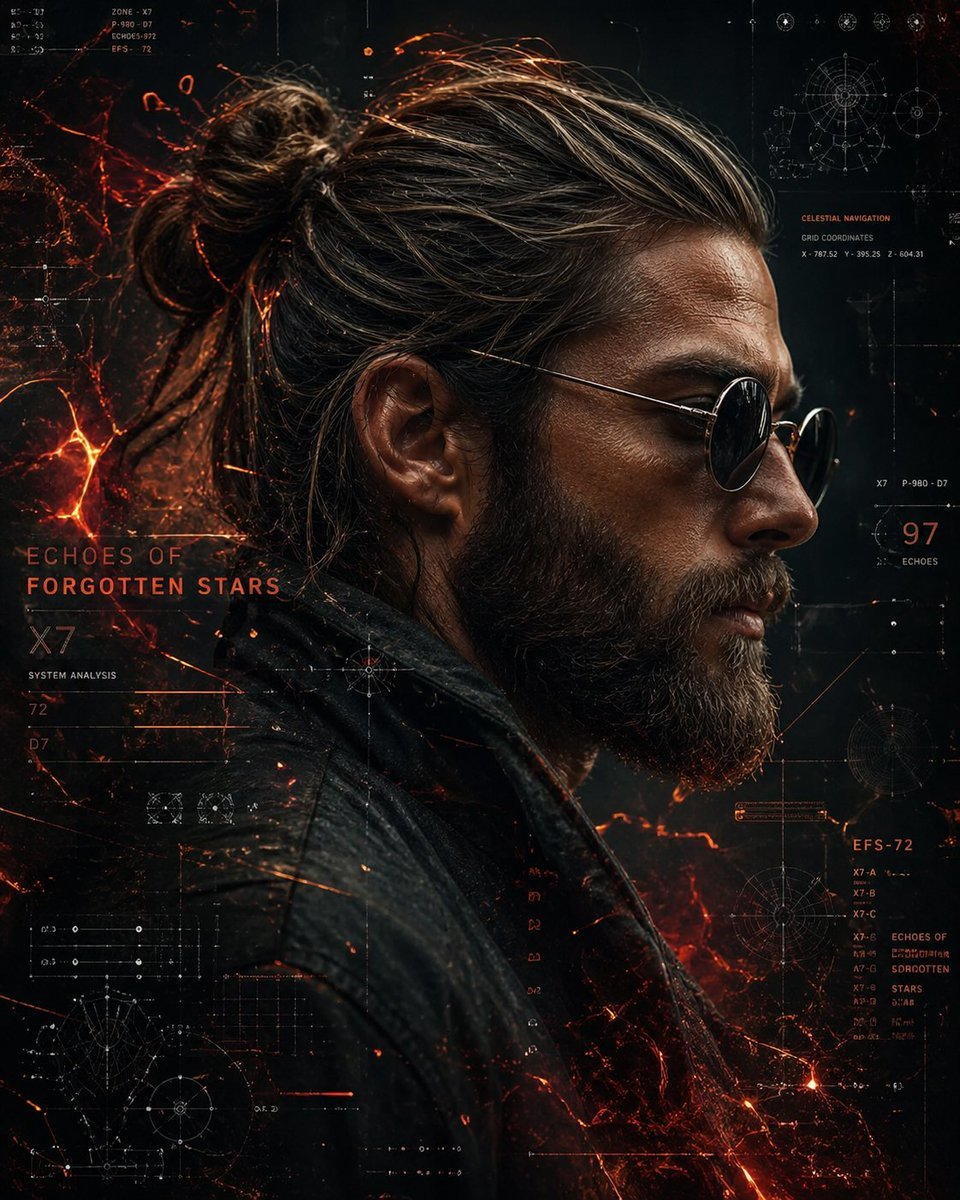
Cyberpunk Portrait with Sci-Fi Interface
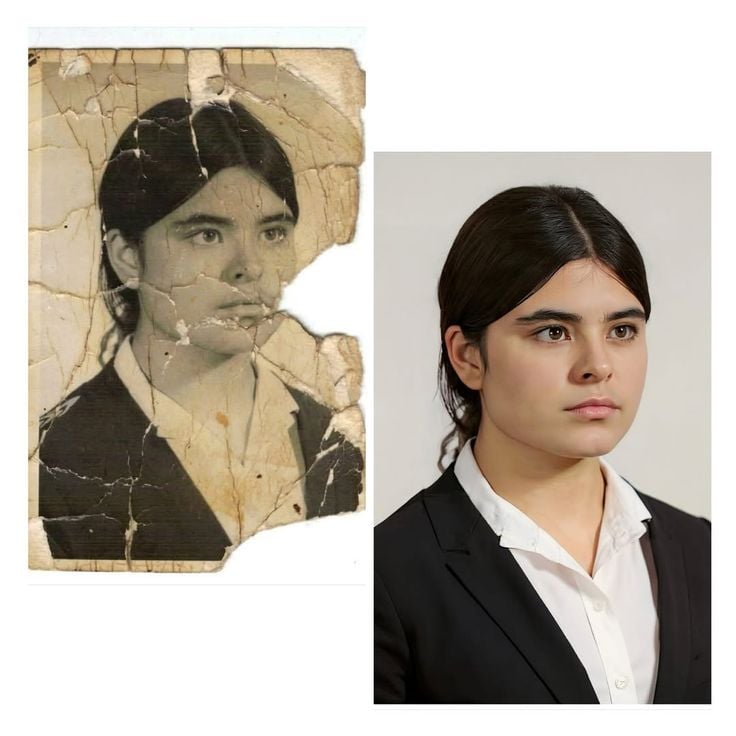
Advanced Image Restoration and Upscale Prompt
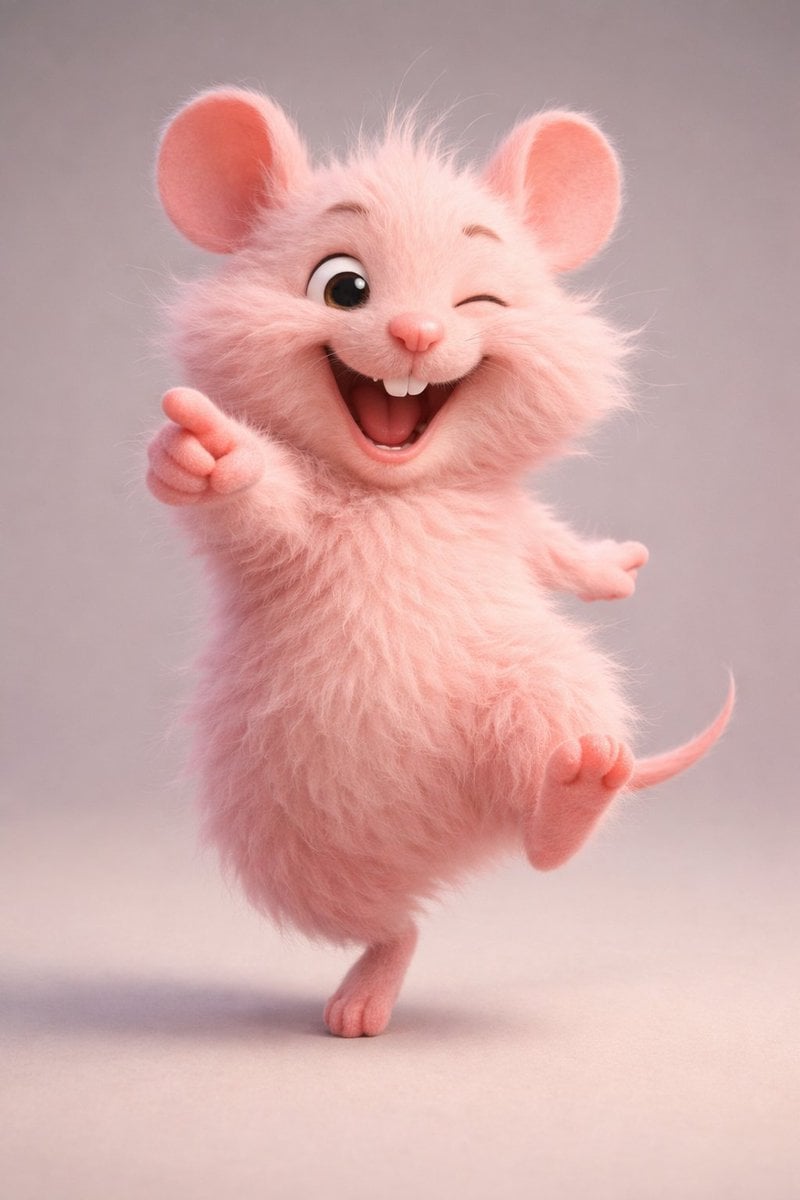
3D Anthropomorphic Bunny Character Prompt
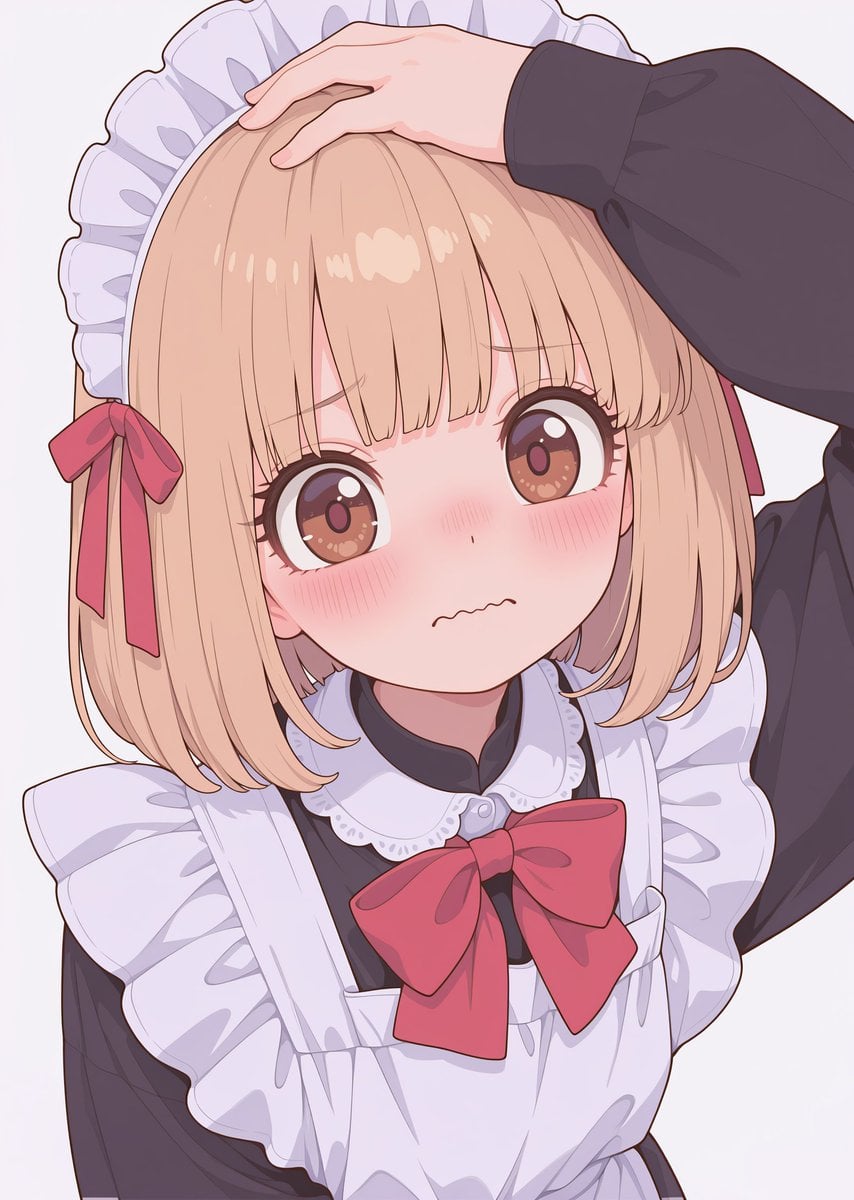
Texture and Style Variation Prompt
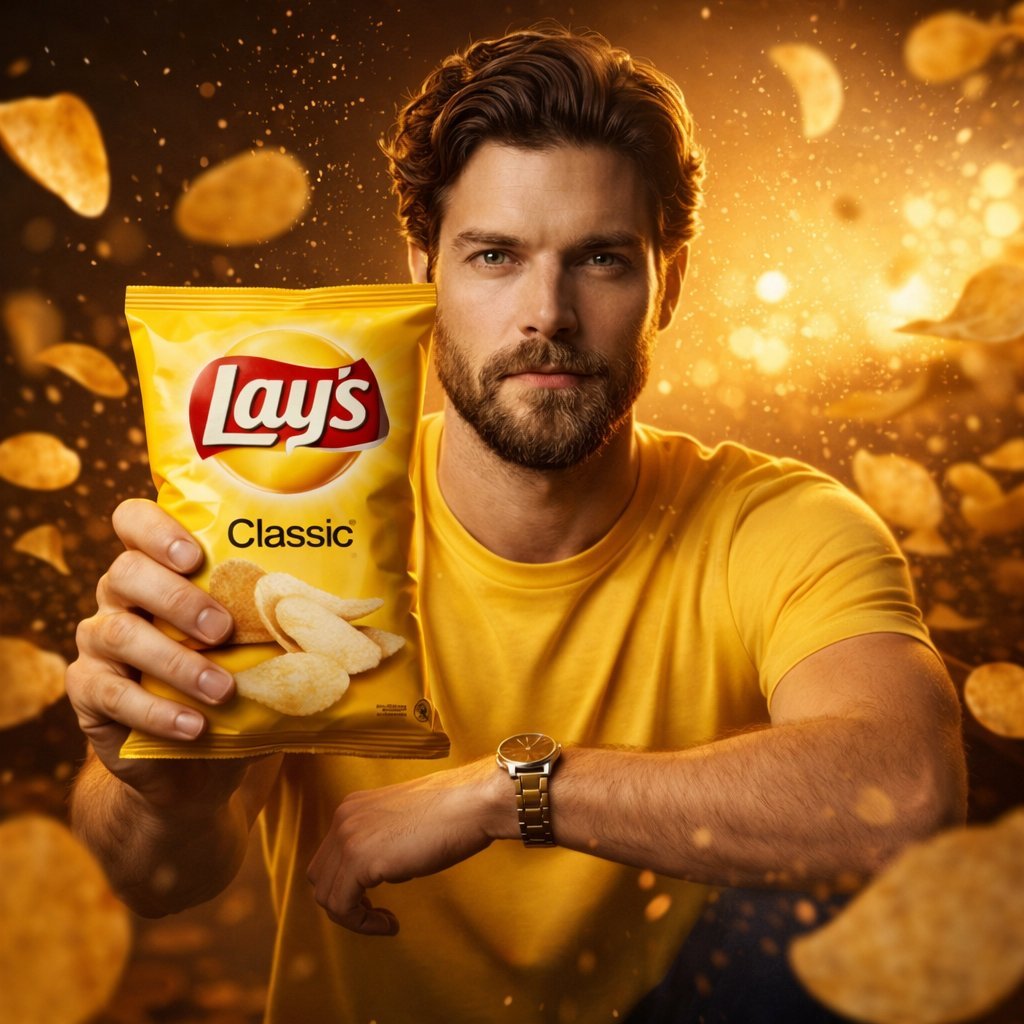
Ultra-Realistic Advertising Shot for Lay's Chips
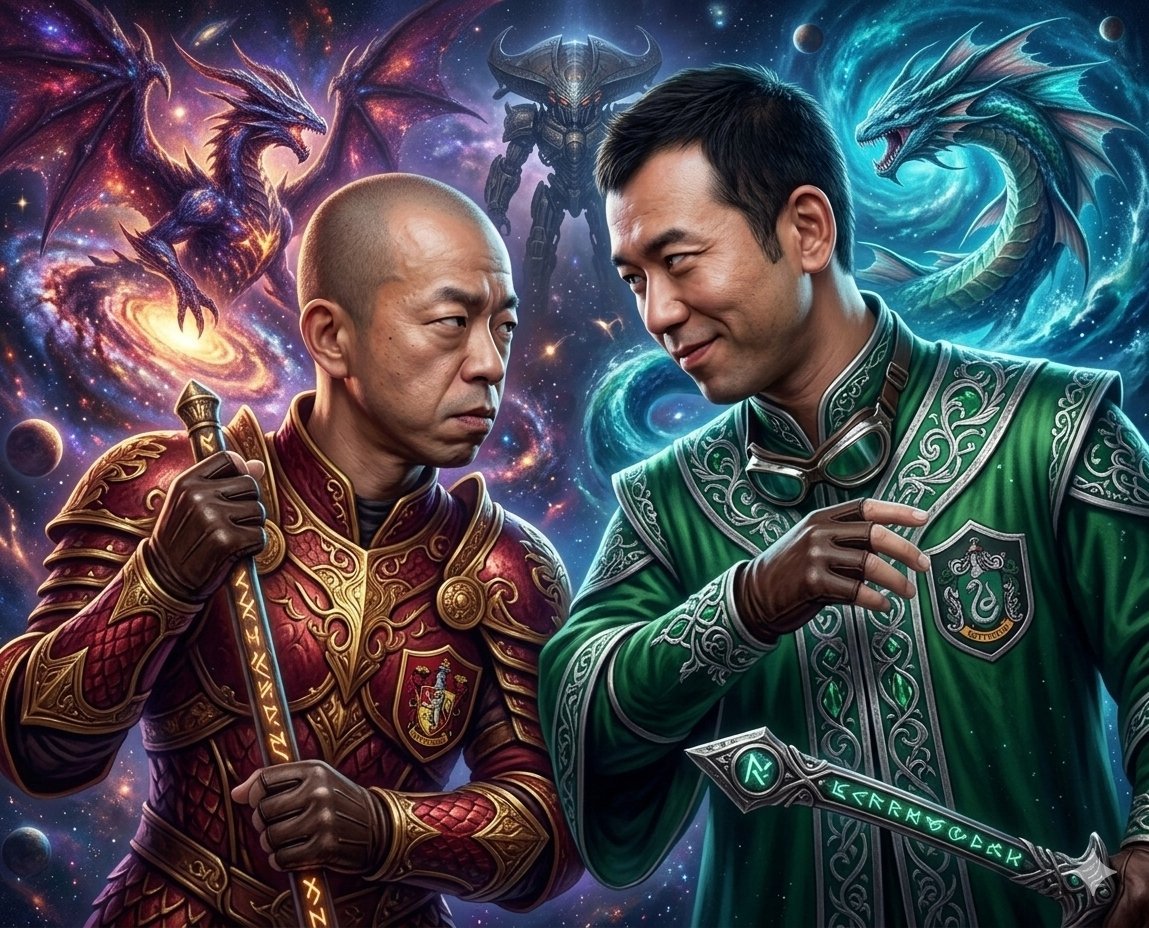
Final Fantasy themed battle scene image generation
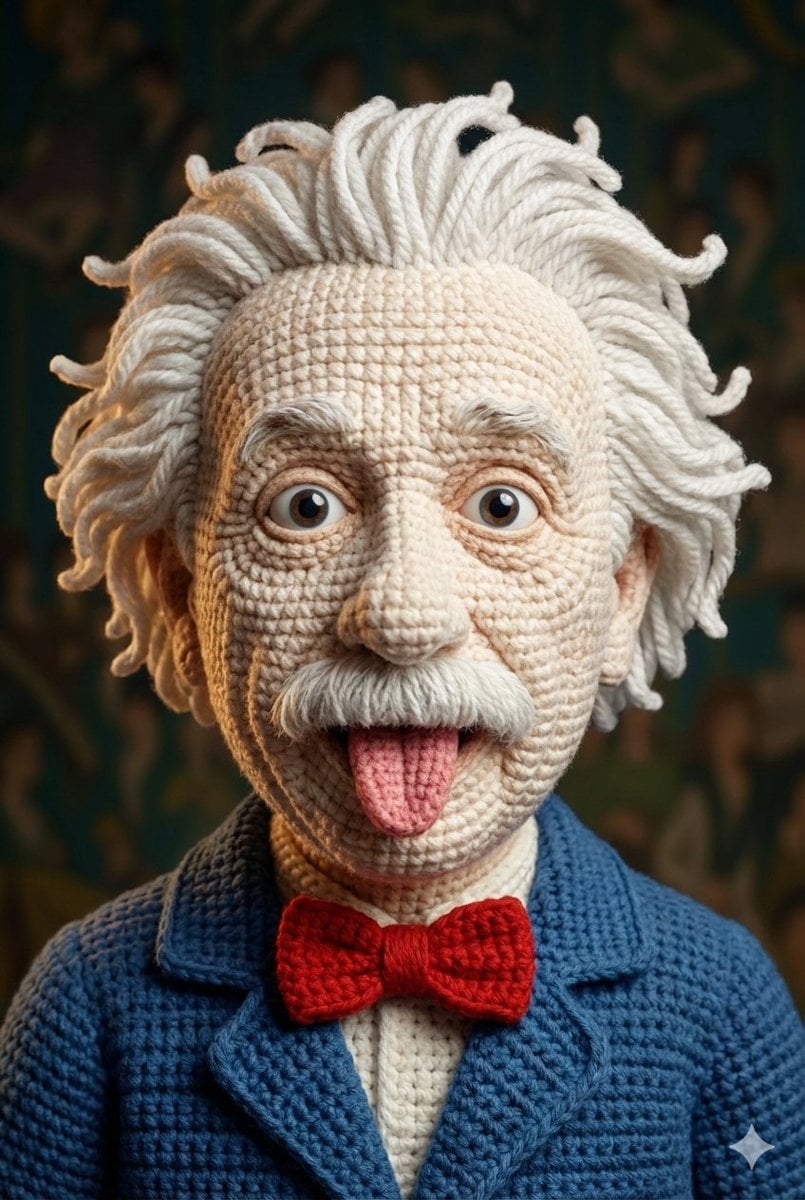
Hyper-Detailed Crocheted Portrait of a Legend
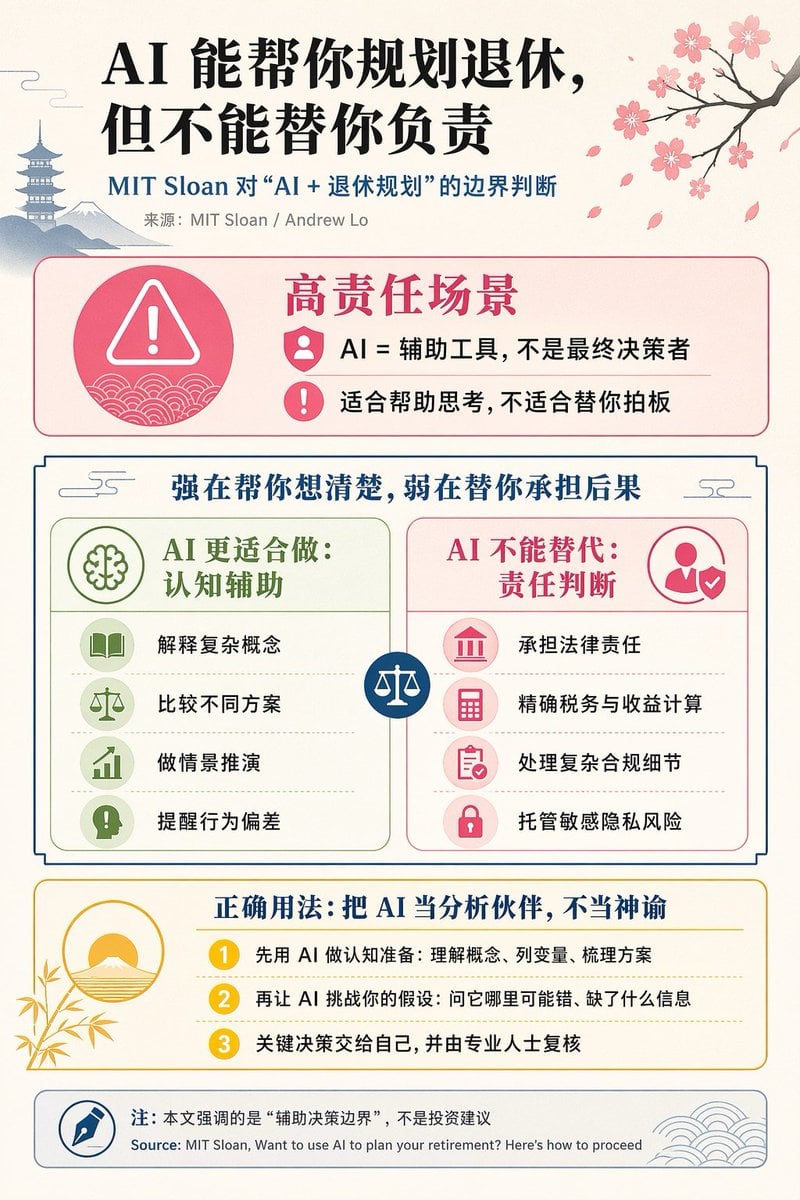
Chinese AI Retirement Planning Infographic
Browse template categories
JSON Prompt for Candid Night Market Photography questions
How do I use the JSON Prompt for Candid Night Market Photography template?
Add your photo if the template asks for one, edit the prompt if you like — the template's model and format are already selected — and press Generate. Your version opens in PicX Studio.
Can I customize the JSON Prompt for Candid Night Market Photography template?
Yes. You can change the subject, setting, lighting, mood, format, and available model controls before creating your image.
Is the JSON Prompt for Candid Night Market Photography template free?
Opening and editing this template is free. Generating uses credits, shown on the Generate button when you are signed in.
Which AI model should I use?
Start with Nano Banana 2, which is the model associated with this template. You can compare another compatible model for a different finish.
Looking for something else? Browse all templates.

Your photo, any look
Thousands of ready templates for every top image and video model, from one credit balance.