
3D Anthropomorphic Bunny Character Prompt
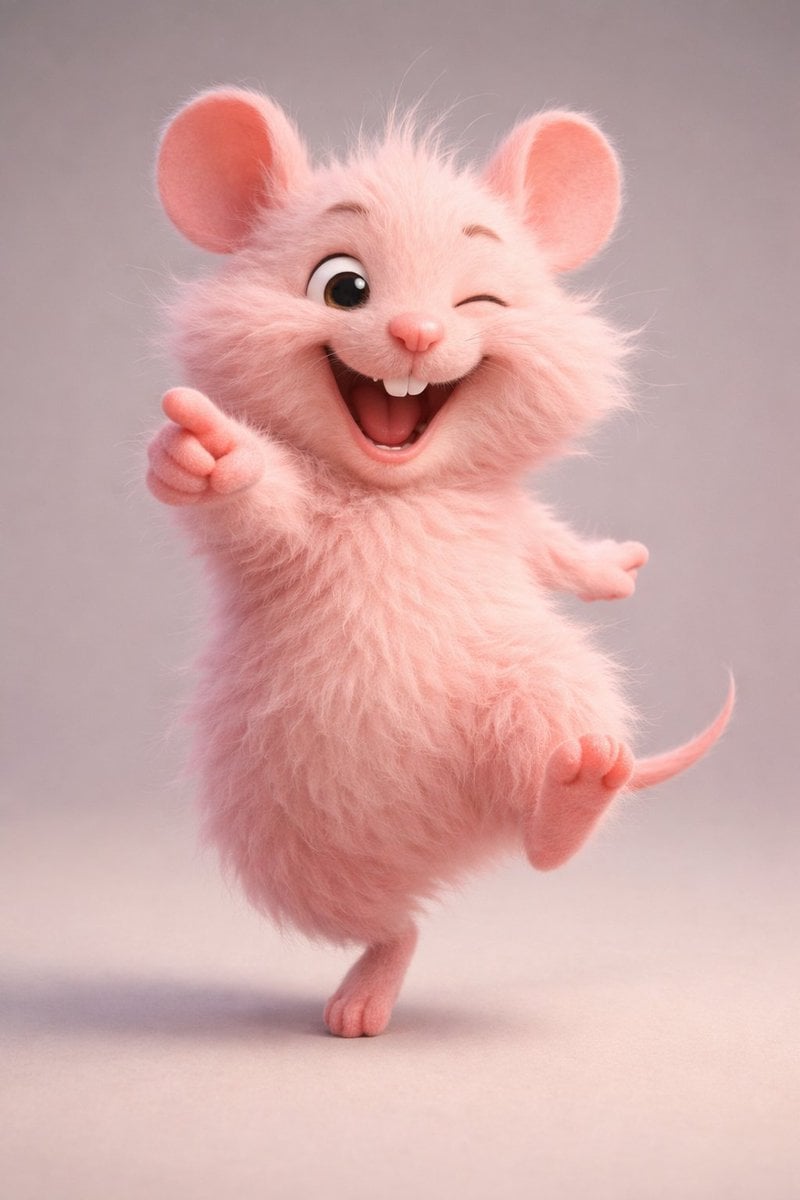
A structured prompt for generating a 3D animated, stylized-realistic image of a cheerful, chubby anthropomorphic white bunny wearing yellow overalls, focusing on fluffy fur detail, large glossy eyes, and soft studio…
- Prompt included
- Model and format preset
- Free template
The prompt behind this image
Copy the exact prompt behind 3D Anthropomorphic Bunny Character Prompt, or open it in the studio and make it yours.
{ "subject": { "type": "anthropomorphic bunny", "species": "rabbit", "gender": "not specified", "age_representation": "childlike / cartoon-styled", "pose": "standing on hind legs with one leg lifted forward, one arm raised upward, the other arm slightly bent outward", "expression": "happy, joyful, open-mouthed smile", "emotion": "cheerful, playful" }, "head_and_face": { "head_shape": "round and fluffy", "fur_color": "pure white", "fur_texture": "very soft, dense, fluffy, fine strands visible", "eyes": { "size": "very large", "shape": "round", "color": "blue with darker outer ring", "pupils": "large black pupils", "eye_style": "glossy, reflective, cartoon-like" }, "nose": { "size": "small", "shape": "rounded", "color": "soft pink" }, "mouth": { "state": "open", "shape": "small rounded opening", "inner_color": "dark pink", "teeth": "not visible" }, "cheeks": { "shape": "puffy", "tint": "light pink blush" } }, "ears": { "count": 2, "position": "upright", "shape": "long and slightly curved", "outer_fur": "white and fluffy", "inner_ear_color": "light pink", "accessory": { "type": "small hair band", "color": "red", "placement": "wrapped around one ear" } }, "body": { "proportions": "chubby, small torso with oversized head", "fur_color": "white", "fur_texture": "plush, soft, evenly groomed" }, "clothing": { "outfit_type": "overalls", "material_appearance": "soft fabric with visible texture", "color": "{argument name="overalls color" default="yellow"}", "design": { "straps": 2, "buttons": { "count": 2, "shape": "round", "color": "pink", "decoration": "flower-shaped" } }, "fit": "loose and rounded around the belly" }, "limbs": { "arms": { "count": 2, "fur_color": "white", "pose": { "left_arm": "raised upward in a waving gesture", "right_arm": "slightly bent outward" }, "paws": { "shape": "small and rounded", "pads_color": "light pink" } }, "legs": { "count": 2, "pose": { "support_leg": "standing firmly on ground", "raised_leg": "lifted forward in playful motion" }, "feet": { "shape": "rounded", "pads_color": "light pink" } } }, "background": { "type": "solid color", "color": "{argument name="background color" default="coral / warm reddish-pink"}", "texture": "smooth, gradient-free" }, "lighting": { "type": "soft studio lighting", "direction": "even frontal lighting", "shadows": "soft and subtle beneath the feet", "highlights": "gentle highlights on fur and eyes" }, "render_style": { "style": "3D animated character", "realism_level": "stylized realism", "fur_detail": "high strand"
How to use 3D Anthropomorphic Bunny Character Prompt in 3 steps
- 1
Open
The prompt is already in the box next to the preview, with the template's model and format selected.
- 2…a portrait of your subject in softgolden-hour light, 85mm…
Personalize
Edit the subject and creative details for your destination.
- 3Generate
Generate
Press Generate — your image is created in PicX Studio, so you can compare it with the original and refine one variable at a time.
More like this
Templates with the same subject, style or setup. Open one to see its prompt.

Whimsical Anthropomorphic Friendly Insect
Anthropomorphic Dog Streetwear Character
Ultra-realistic studio portrait of an anthropomorphic rooster styled
Anthropomorphic Dog Dance Crew
Anthropomorphic Fox Character in Winter Scene
Anthropomorphic Fox in a Winter City
8K 3D Illustration of Anthropomorphic Bees (Gym and Relaxing)
Surreal Anthropomorphic Lemon Still Life Prompt
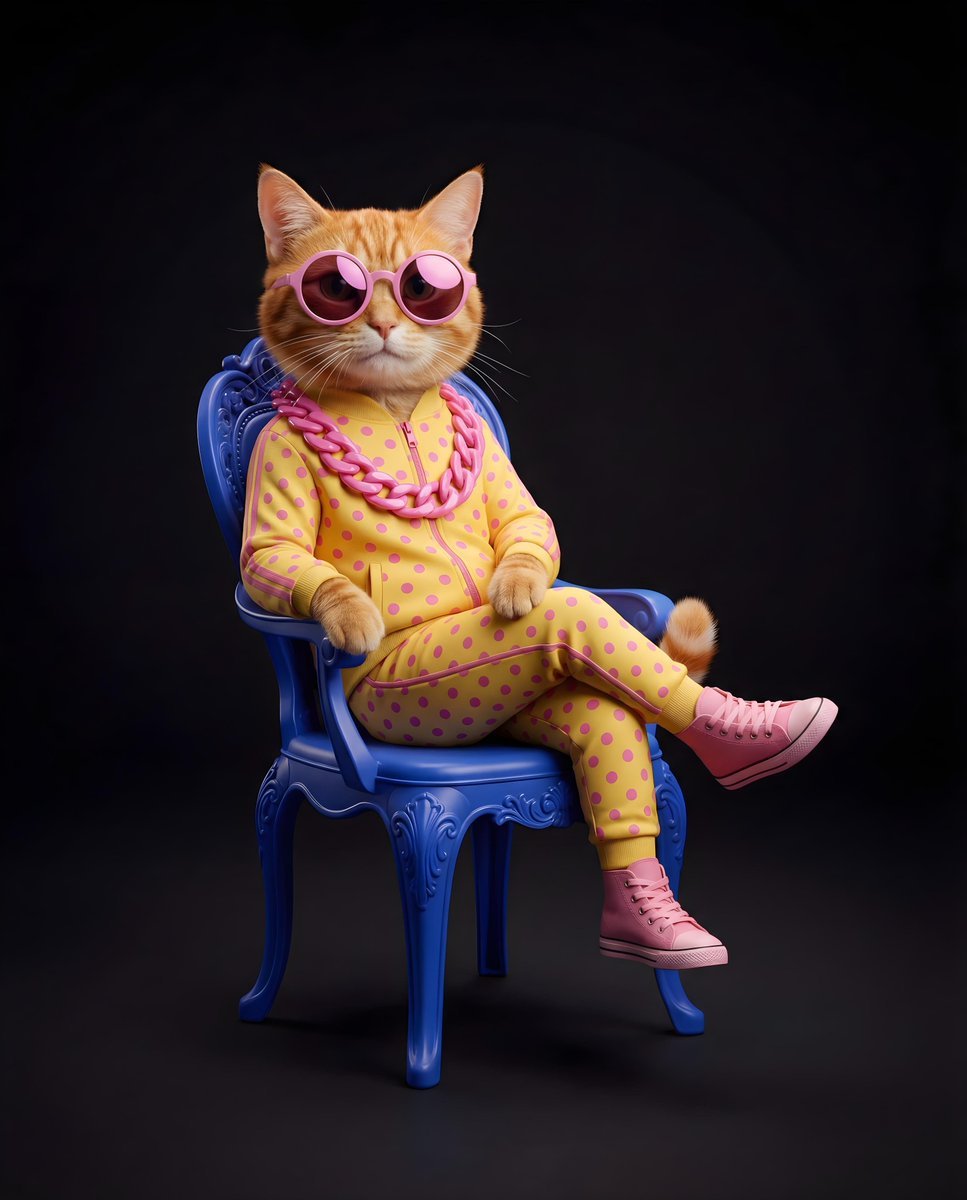
Stylish Anthropomorphic Cat in Tracksuit
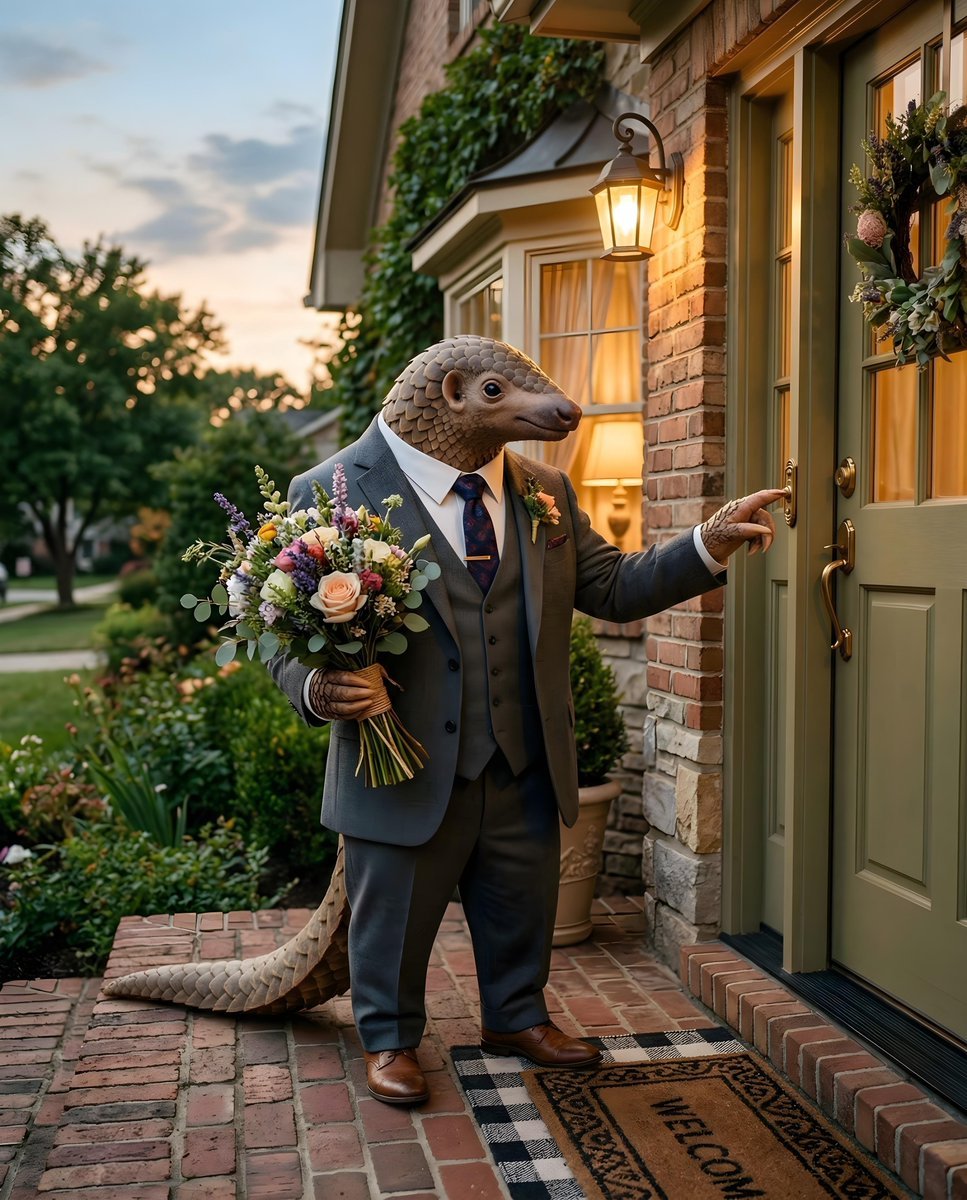
Anthropomorphic pangolin on a date night
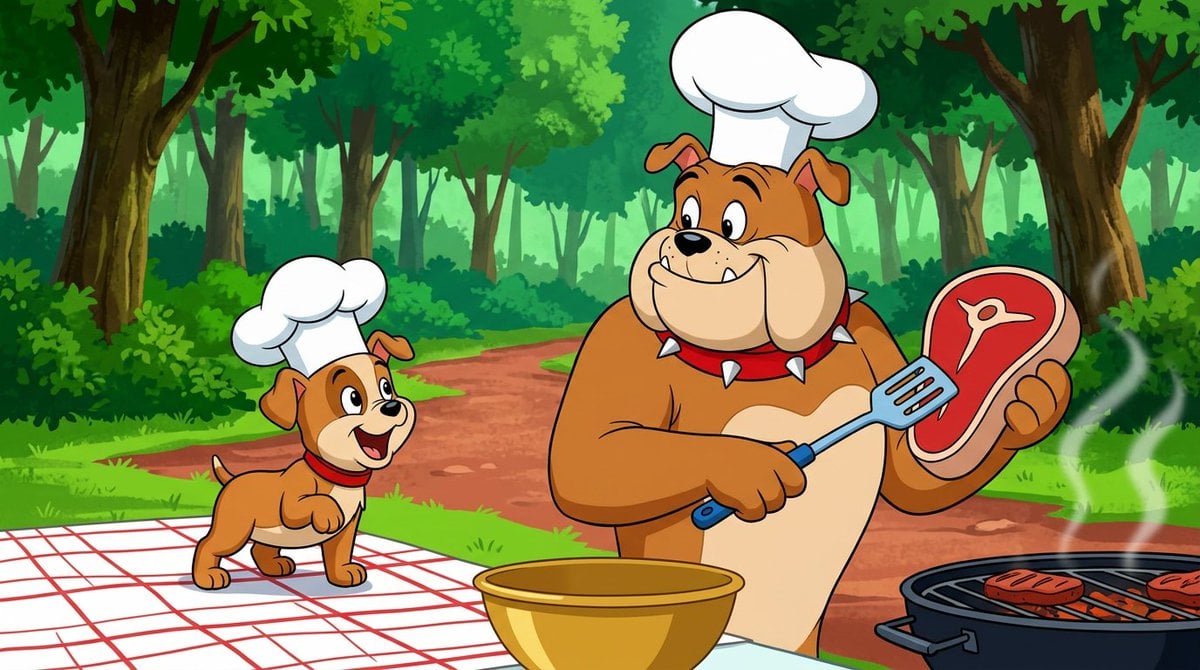
Anthropomorphic Bulldog Barbecue Scene (Classic Cartoon Style)
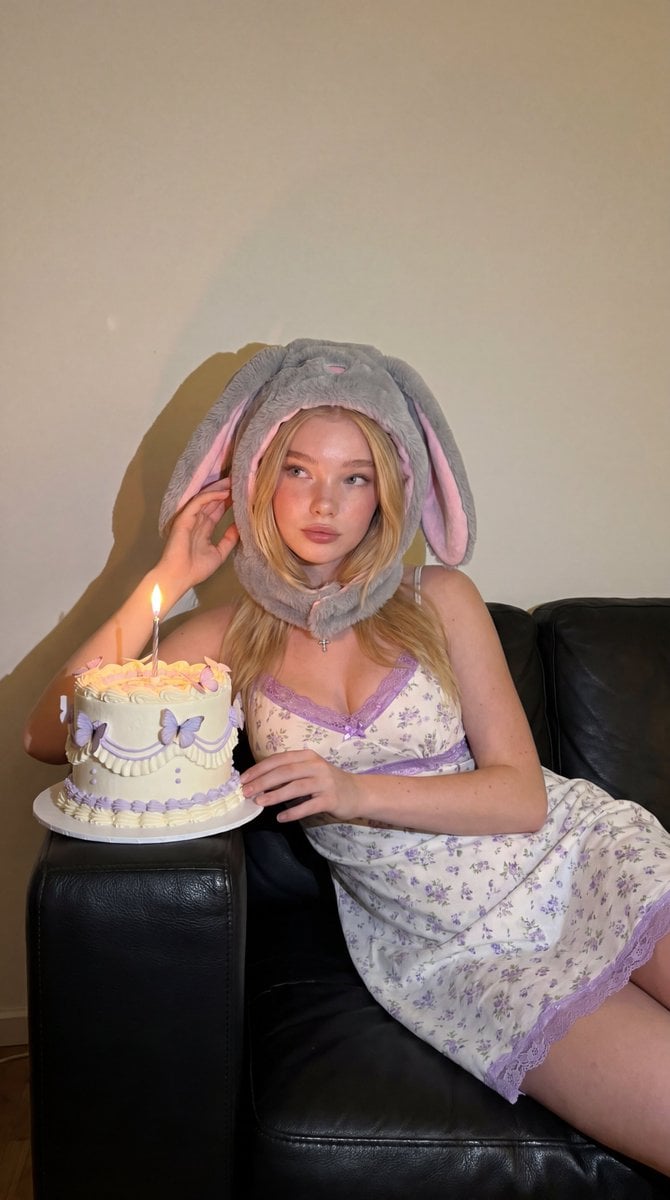
Whimsical Bunny Ear Portrait
Make it yours
3D Anthropomorphic Bunny Character Prompt works as-is. These are the safest ways to change it without losing the look.
Change one field
Copy a single group, rewrite it, and generate again so you can see what that field is doing.
Keep the frame, change the subject
Hold the composition and light of 3D Anthropomorphic Bunny Character Prompt, then swap wardrobe, props or the person for a new take.
| If the result… | Why | Fix |
|---|---|---|
| The result drifts from the preview | Too many fields changed at once. | Reuse 3D Anthropomorphic Bunny Character Prompt as-is first, then change one group — subject, light, or setting. |
| The model over-stylizes the scene | The prose prompt leaves finish and camera underspecified. | Add one camera or lighting sentence and stay on Nano Banana 2. |
More Nano Banana 2 templates
Other prompts made for Nano Banana 2.

Photorealistic Leaf Shaped Like a Dragon

K-Pop Idol Portrait Grid for Rapid Selection

Poetic Rain Forest Portrait During Golden Hour

Urban Street Portrait with Cartoon Inner Self Duo

Candid Nighttime Photo with Cat Prompt

High-Concept 3D Diorama Generation Prompt

Cinematic Futuristic Studio Portrait Template

Skincare Editorial Photography Collage Prompt

Hyper-Realistic Commercial Product Photography (Splash Effect)

Hyper-Realistic Nightclub Portrait Prompt
More image prompts
Fresh picks from across the catalog.
Sketch to Professional UI Design
Spanish Archaeology Magazine Cover
Language Translation and Layout Modification
Floral Cottage Café Kakigori

Gpt2 Youtube Thumbnail Anime Music Bootcamp Promo Poster
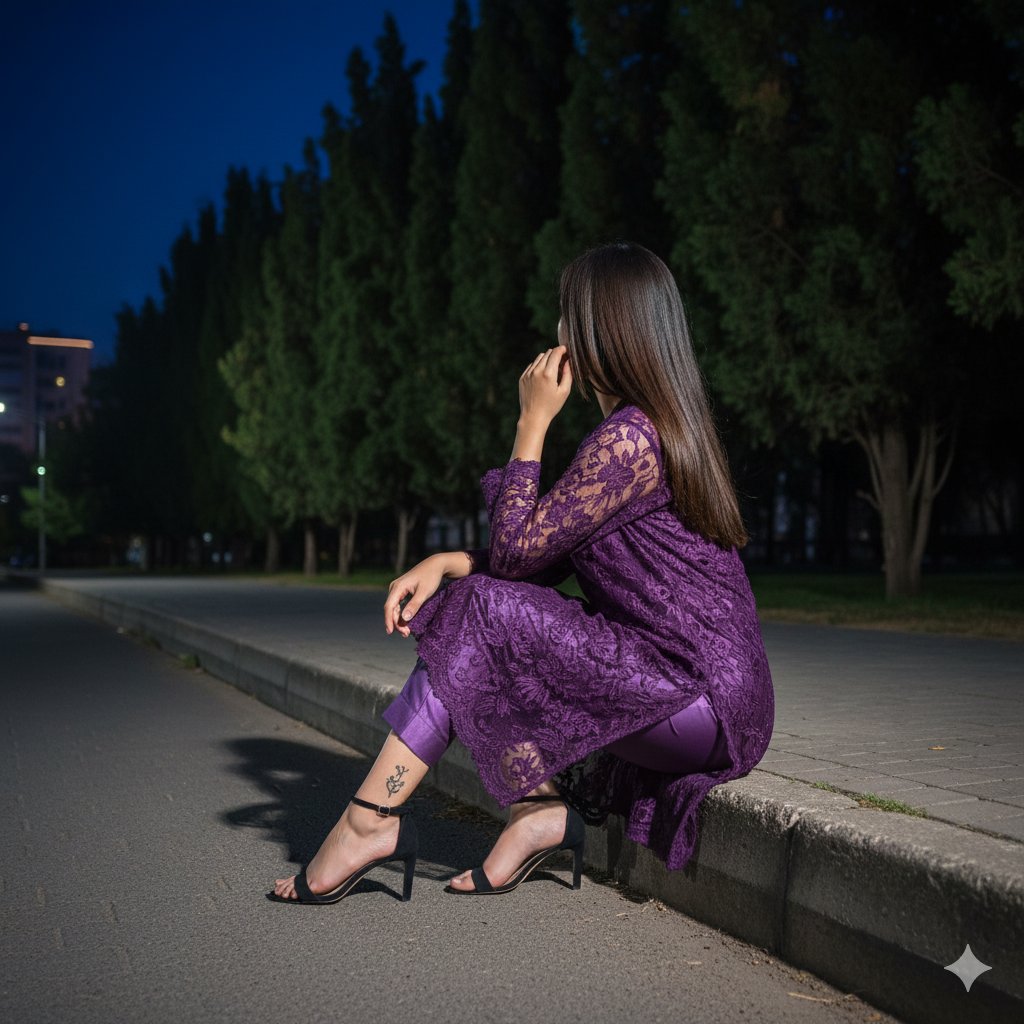
Elegant Nighttime Portrait in Purple Lace
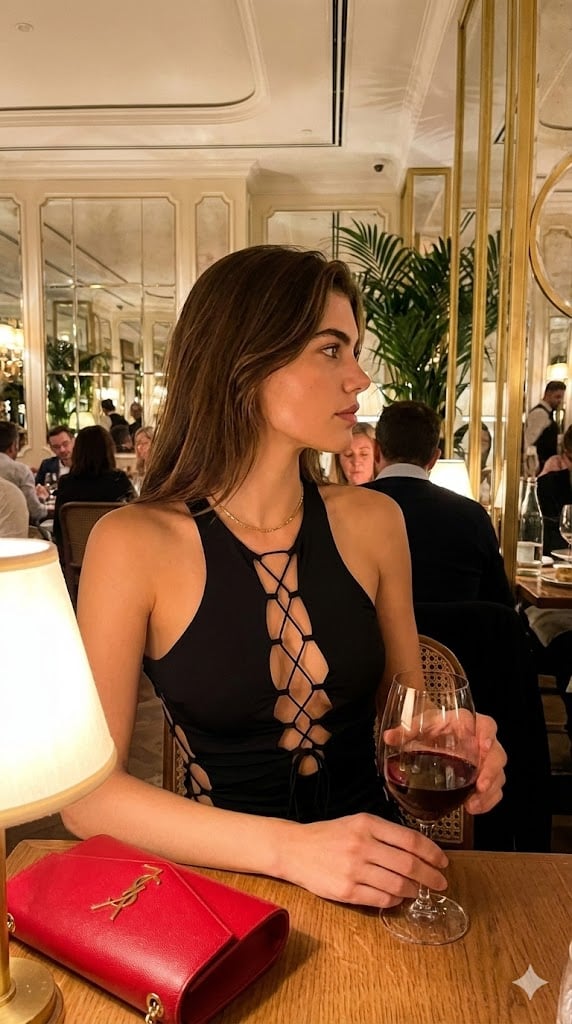
High-End Candid Portrait in an Italian Restaurant
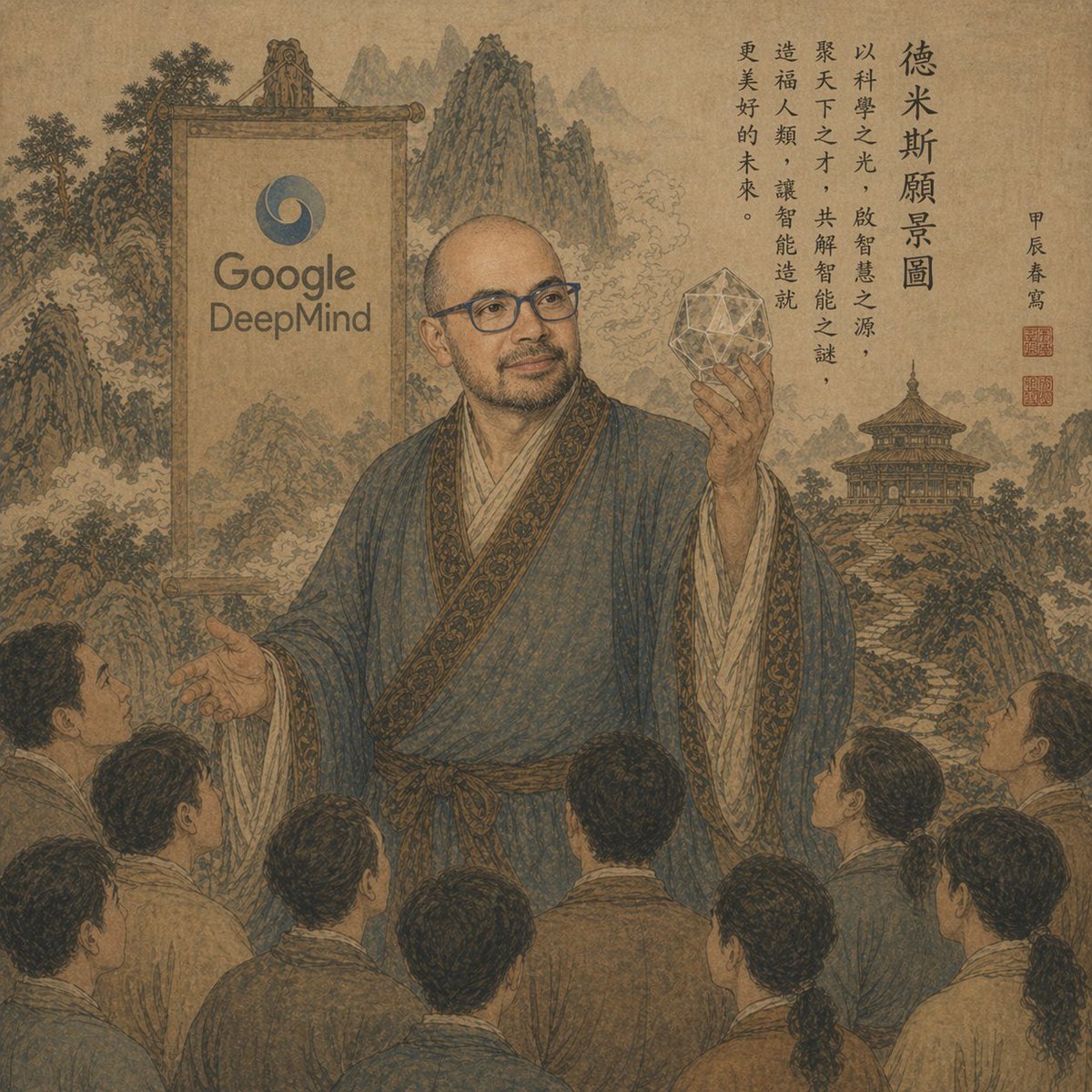
Ancient Scroll Google DeepMind Vision
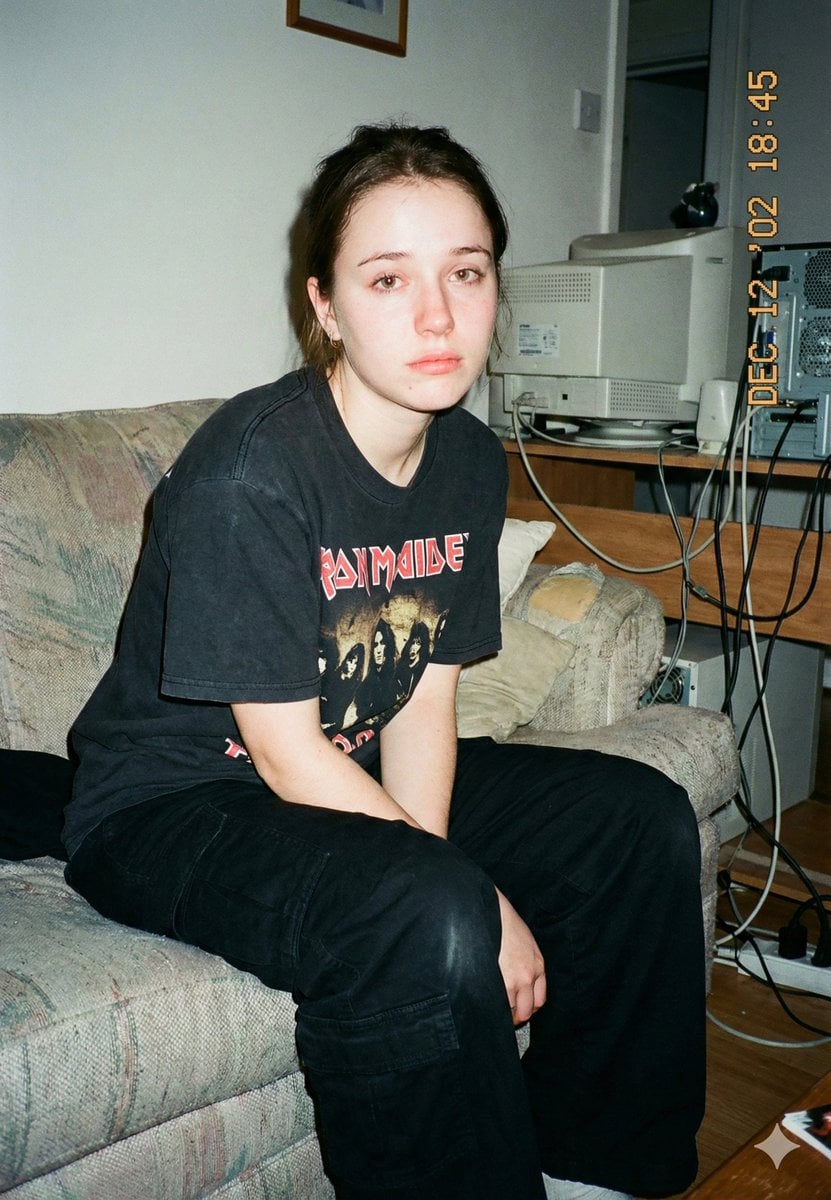
Lo-Fi Candid Portrait with Direct Flash (Early 2000s Aesthetic)
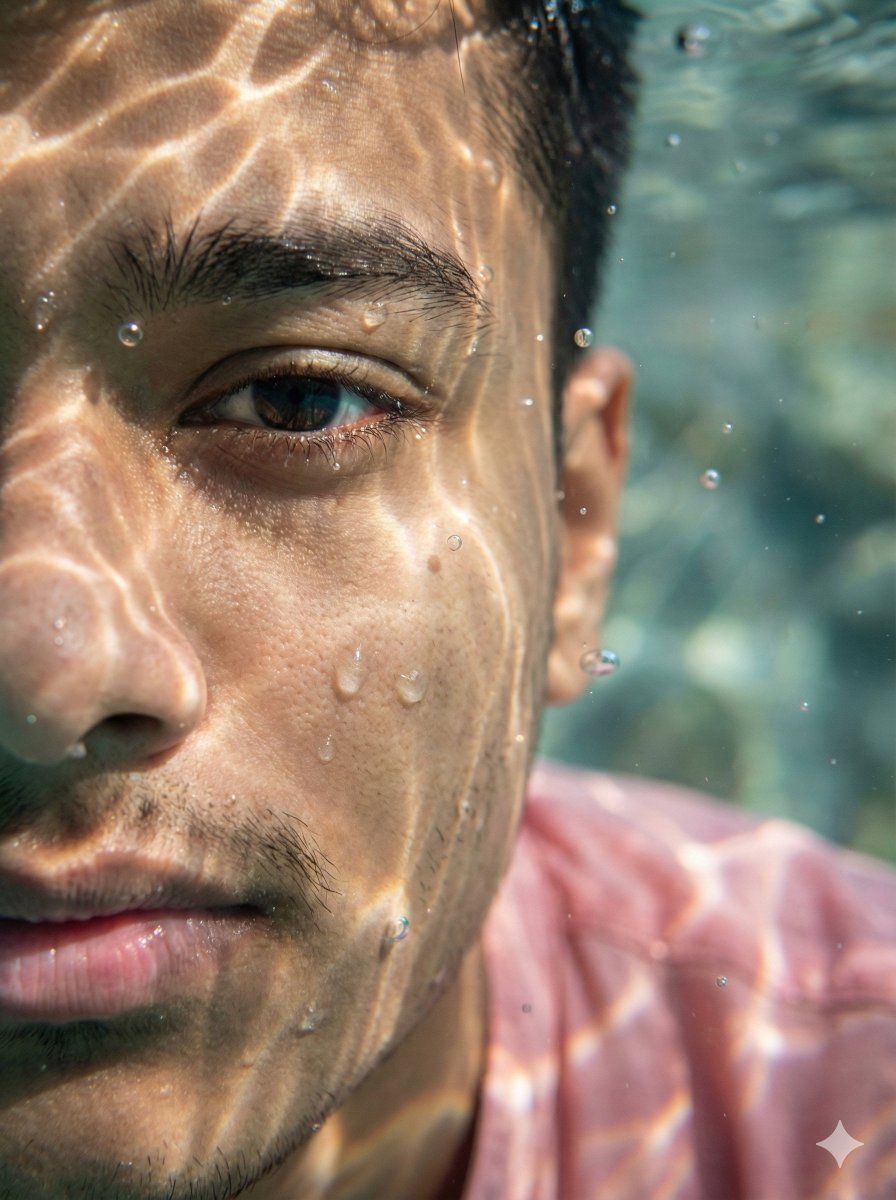
Surreal Underwater Macro Portrait
Browse template categories
3D Anthropomorphic Bunny Character Prompt questions
How do I use the 3D Anthropomorphic Bunny Character Prompt template?
Add your photo if the template asks for one, edit the prompt if you like — the template's model and format are already selected — and press Generate. Your version opens in PicX Studio.
Can I customize the 3D Anthropomorphic Bunny Character Prompt template?
Yes. You can change the subject, setting, lighting, mood, format, and available model controls before creating your image.
Is the 3D Anthropomorphic Bunny Character Prompt template free?
Opening and editing this template is free. Generating uses credits, shown on the Generate button when you are signed in.
Which AI model should I use?
Start with Nano Banana 2, which is the model associated with this template. You can compare another compatible model for a different finish.
Looking for something else? Browse all templates.

Your photo, any look
Thousands of ready templates for every top image and video model, from one credit balance.