
Anthropomorphic Dog Dance Crew
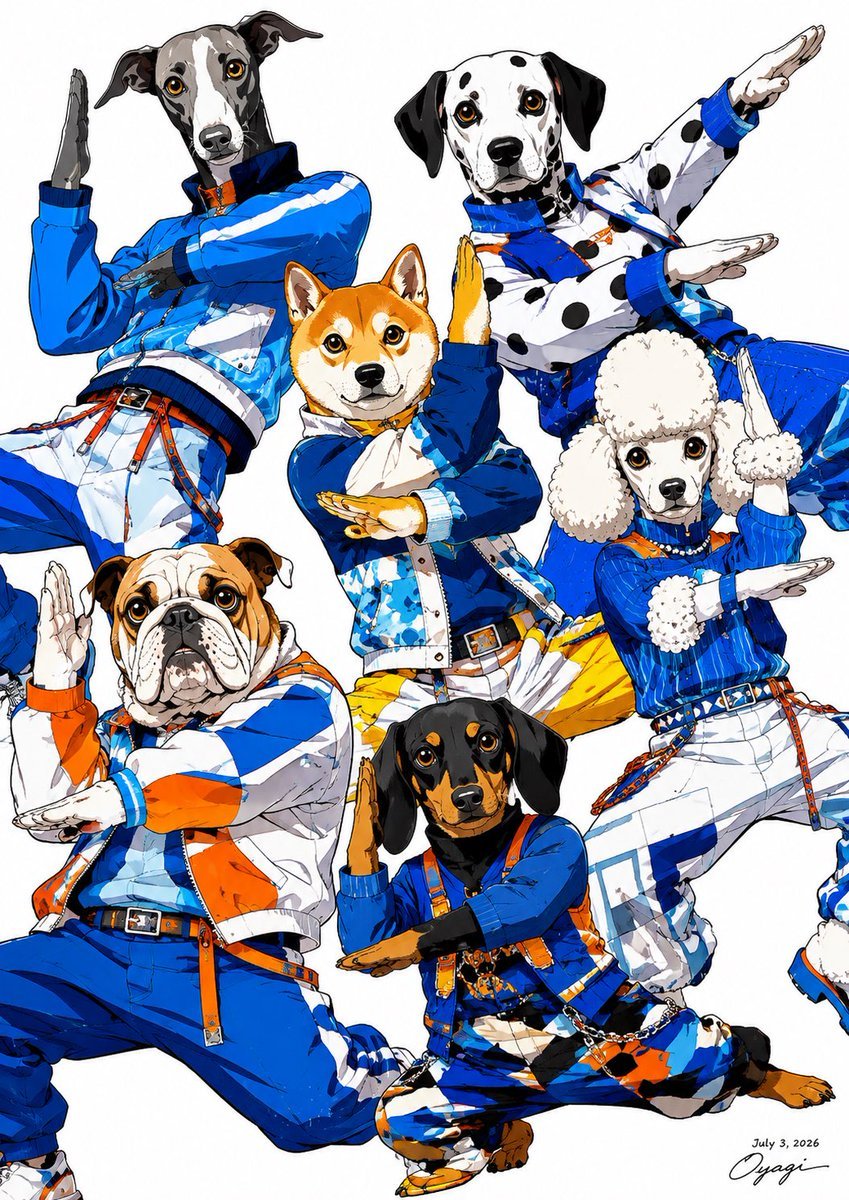
A dynamic anime fashion poster featuring six dog-headed street dancers in coordinated blue, white, and orange outfits.
- Prompt included
- Model and format preset
- Premium template
The prompt behind this image
Copy the exact prompt behind Anthropomorphic Dog Dance Crew, or open it in the studio and make it yours.
Goal: Create a high-energy fashion illustration of six anthropomorphic dog characters posing like an idol dance crew on a clean white background, with crisp anime linework, glossy marker coloring, and dynamic overlapping composition. Canvas: Vertical portrait poster, 3:4 ratio, white studio background, full-body and cropped-body figures filling the frame edge to edge. Use a polished Japanese anime / fashion magazine illustration style with bold black ink outlines, sharp facial detail, saturated royal blue, white, and orange accents, and subtle watercolor-marker texture. Subject details: Show exactly 6 dog characters, all with realistic dog heads and expressive eyes on human bodies, wearing coordinated streetwear dance outfits. Count and place them as follows: 1) upper left: a tall greyhound or whippet with a gray-and-black face, long muzzle, floppy ears, wearing a shiny royal-blue jacket and white pants, leaning diagonally with one hand raised vertically and the other arm crossing the body; 2) upper right: a Dalmatian with black spots, wearing a white spotted jacket with blue trim and blue pants, arms extended in a diagonal dance pose; 3) center: a Shiba Inu with orange fur and cream markings, wearing a blue-and-white jacket, white pants, yellow/orange lower garment accents, looking forward while making a strong crossed-arm pose; 4) lower left: a stocky English bulldog with tan-and-white wrinkled face, wearing a white jacket with bold orange and blue color blocking and blue pants, kneeling or lunging while holding one hand upright; 5) right middle: a white poodle with fluffy ears and rounded top fur, wearing a bright blue jacket with white fluffy cuffs, white pants, and orange/yellow accents, posed with both arms forming a sharp angled frame; 6) lower center: a black-and-tan dachshund with long floppy ears, wearing a blue-and-orange harness-style streetwear outfit and patterned pants, crouching with one hand vertical and the other horizontal. Wardrobe: Coordinated futuristic street-dance fashion with bomber jackets, belts, suspenders, straps, buckles, zippers, cuff details, white trousers, blue sneakers or boots where visible, and orange accent cords. Main palette is {argument name="main color palette" default="royal blue, white, orange, and small black details"}. The clothing should feel sporty, glossy, layered, and highly designed. Pose and composition: All six characters perform synchronized geometric hand choreography, with repeated vertical palms, horizontal forearms, diagonal elbows, and angular silhouettes. Arrange them tightly so limbs overlap naturally, creating a dense triangular group composition. Crop a few extremities at the image edges to enhance poster-like energy, but keep all six dog faces clearly visible. Style: Detailed anime fashion illustration, clean white background, dramatic but even lighting, crisp ink contours, high saturation, realistic dog facial anatomy combined with stylized human dance bodies, confident idol-group mood, no scenery. Add a tiny handwritten artist signature and small date text near the bottom right reading {argument name="date text" default="July 3, 2026"}.
How to use Anthropomorphic Dog Dance Crew in 3 steps
- 1Upload ImagePNG, JPG or paste
Add your photo
Upload the photo the template builds on. The prompt, model and format are already set.
- 2…a portrait of your subject in softgolden-hour light, 85mm…
Personalize
Edit the subject and creative details for your destination.
- 3Generate
Generate
Press Generate — your image is created in PicX Studio, so you can compare it with the original and refine one variable at a time.
More like this
Templates with the same subject, style or setup. Open one to see its prompt.
Anthropomorphic Dog Streetwear Character

Movement Sheet - Dance Reference (Seedance 2.0)
Anthropomorphic Bulldog Barbecue Scene (Classic Cartoon Style)
Nano Banana Pet Portrait Dog

One Dance Before Midnight
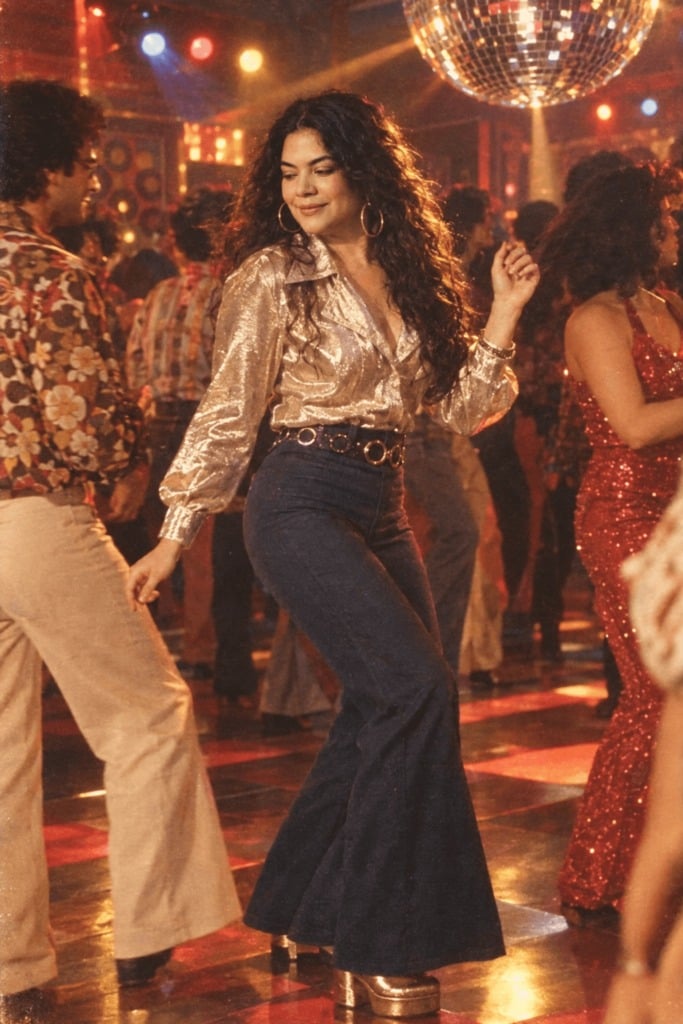
80s Disco Dancefloor
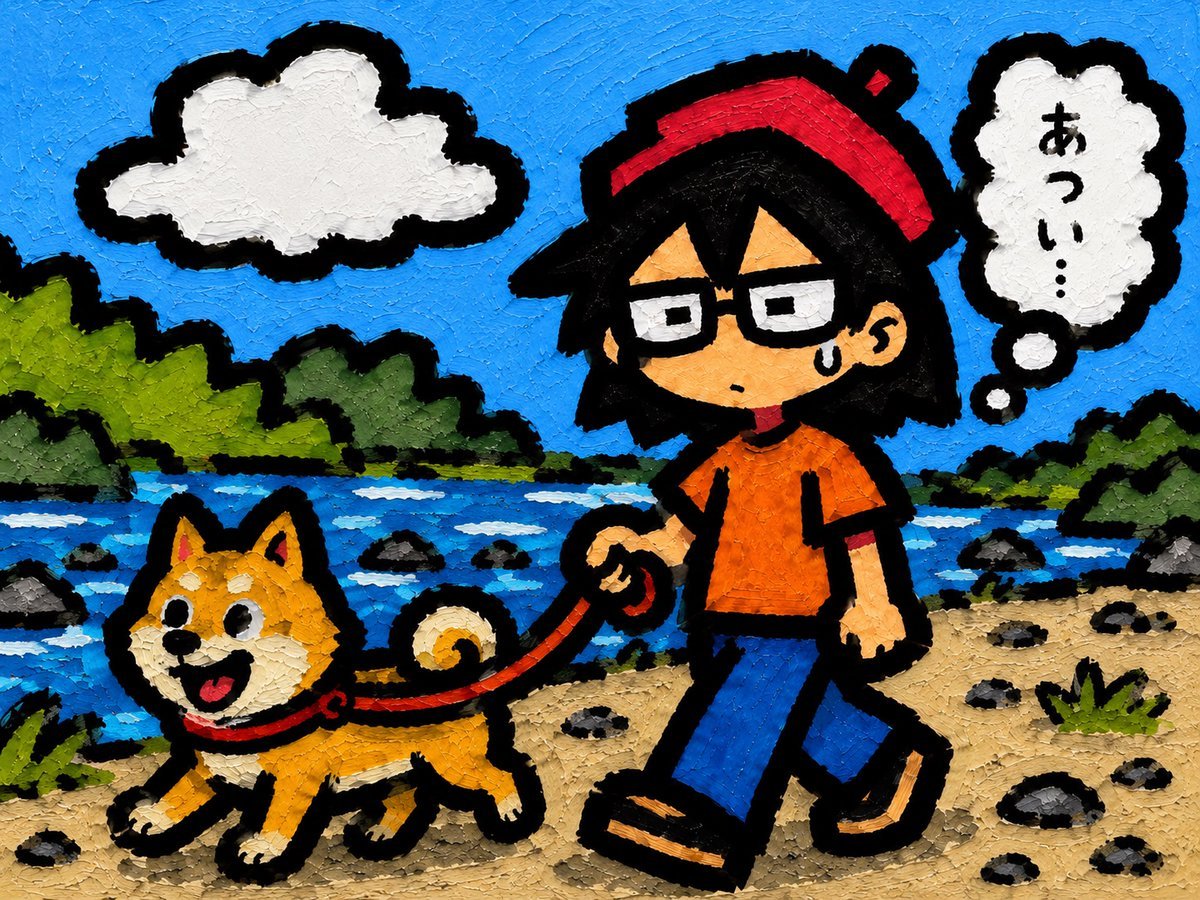
Riverside Dog Walk Character Expansion
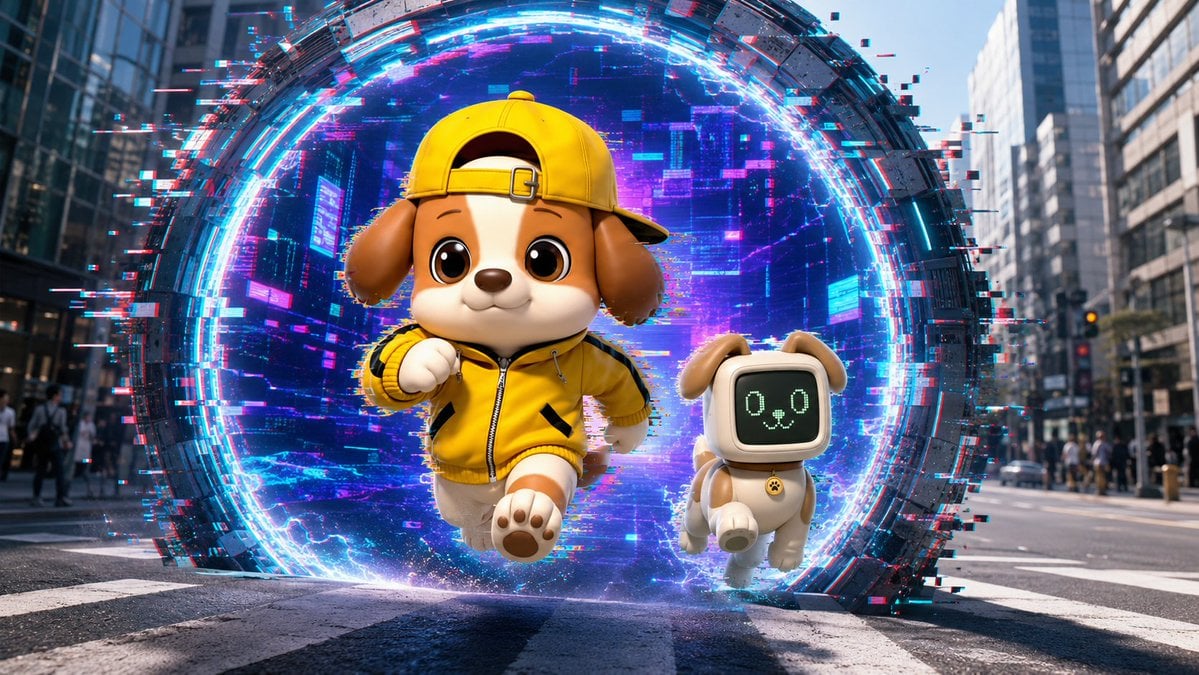
Puppy and Robot Dog Cyber Portal

Whimsical Anthropomorphic Friendly Insect
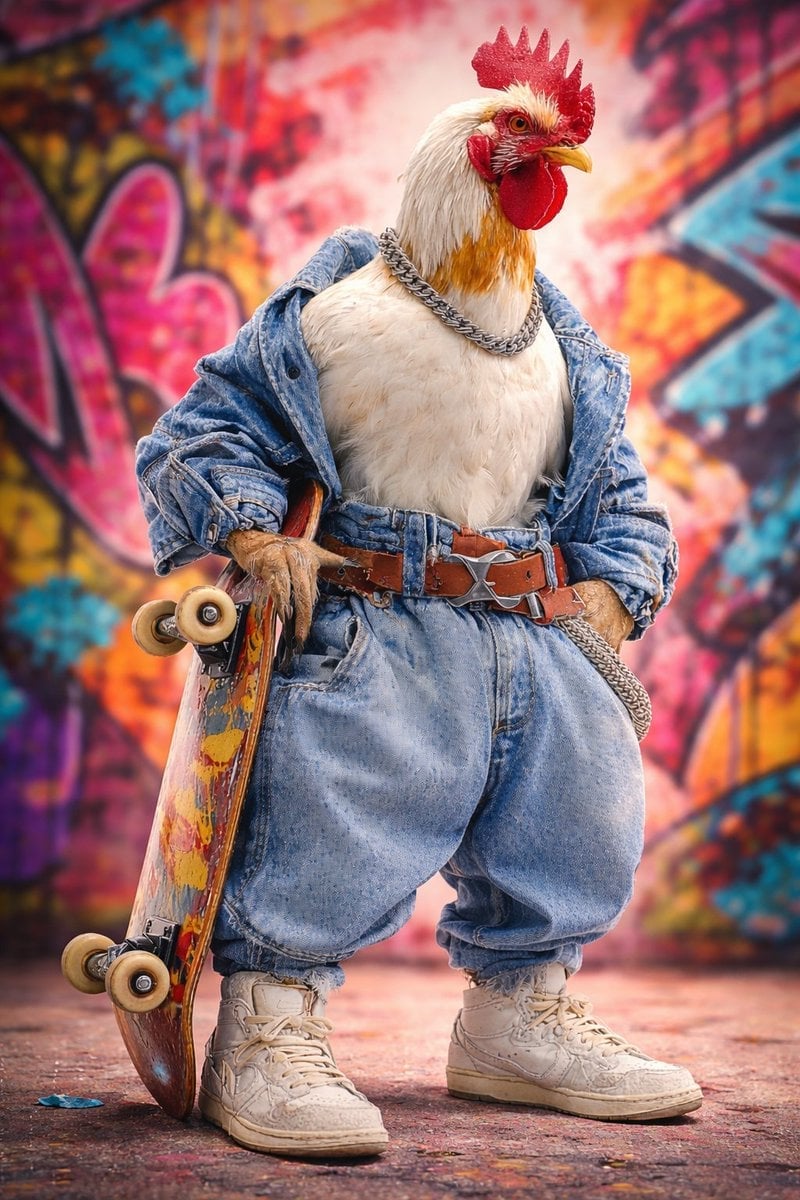
Ultra-realistic studio portrait of an anthropomorphic rooster styled
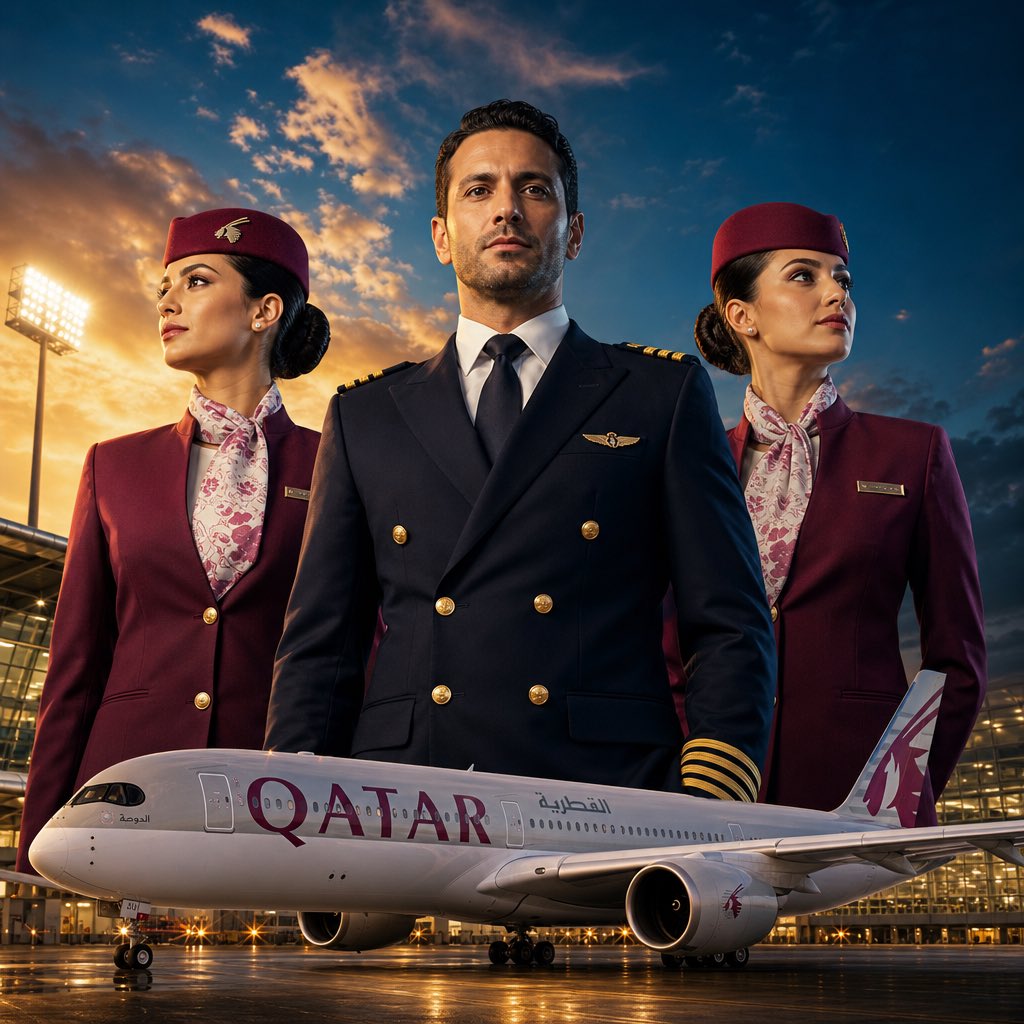
Airline Crew Promotional Poster
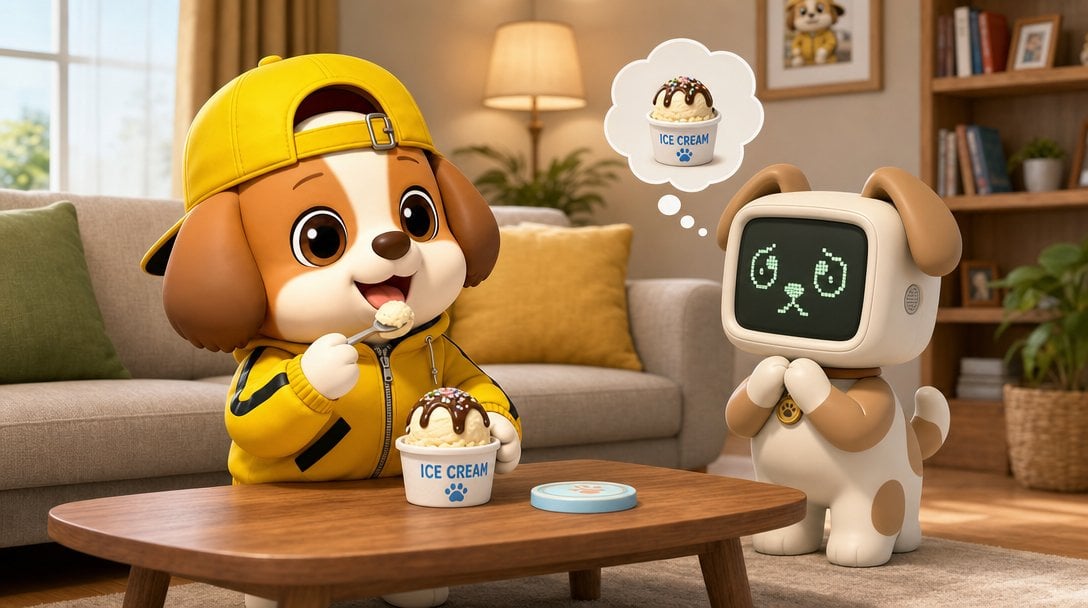
Puppy and Robot Dog Ice Cream Scene
Make it yours
Anthropomorphic Dog Dance Crew works as-is. These are the safest ways to change it without losing the look.
Change one field
Copy a single group, rewrite it, and generate again so you can see what that field is doing.
Keep the frame, change the subject
Hold the composition and light of Anthropomorphic Dog Dance Crew, then swap wardrobe, props or the person for a new take.
| If the result… | Why | Fix |
|---|---|---|
| The result drifts from the preview | Too many fields changed at once. | Reuse Anthropomorphic Dog Dance Crew as-is first, then change one group — subject, light, or setting. |
| The model over-stylizes the scene | The prose prompt leaves finish and camera underspecified. | Add one camera or lighting sentence and stay on GPT Image 2. |
More GPT Image 2 templates
Other prompts made for GPT Image 2.

Six VTuber Japanese Logo Sheet

Realistic Portrait of Woman and Deer

The Vista Modular Condo Poster

AI Model Routing Comparison Infographic

2.5D Anime Art Board

Isometric Productivity Desk Scene

New York Double Exposure Poster

Four-Panel AI Landscape Comparison

Japanese Tatami Lifestyle Magazine Cover

NESCAFÉ Coffee Map Poster
More image prompts
Fresh picks from across the catalog.
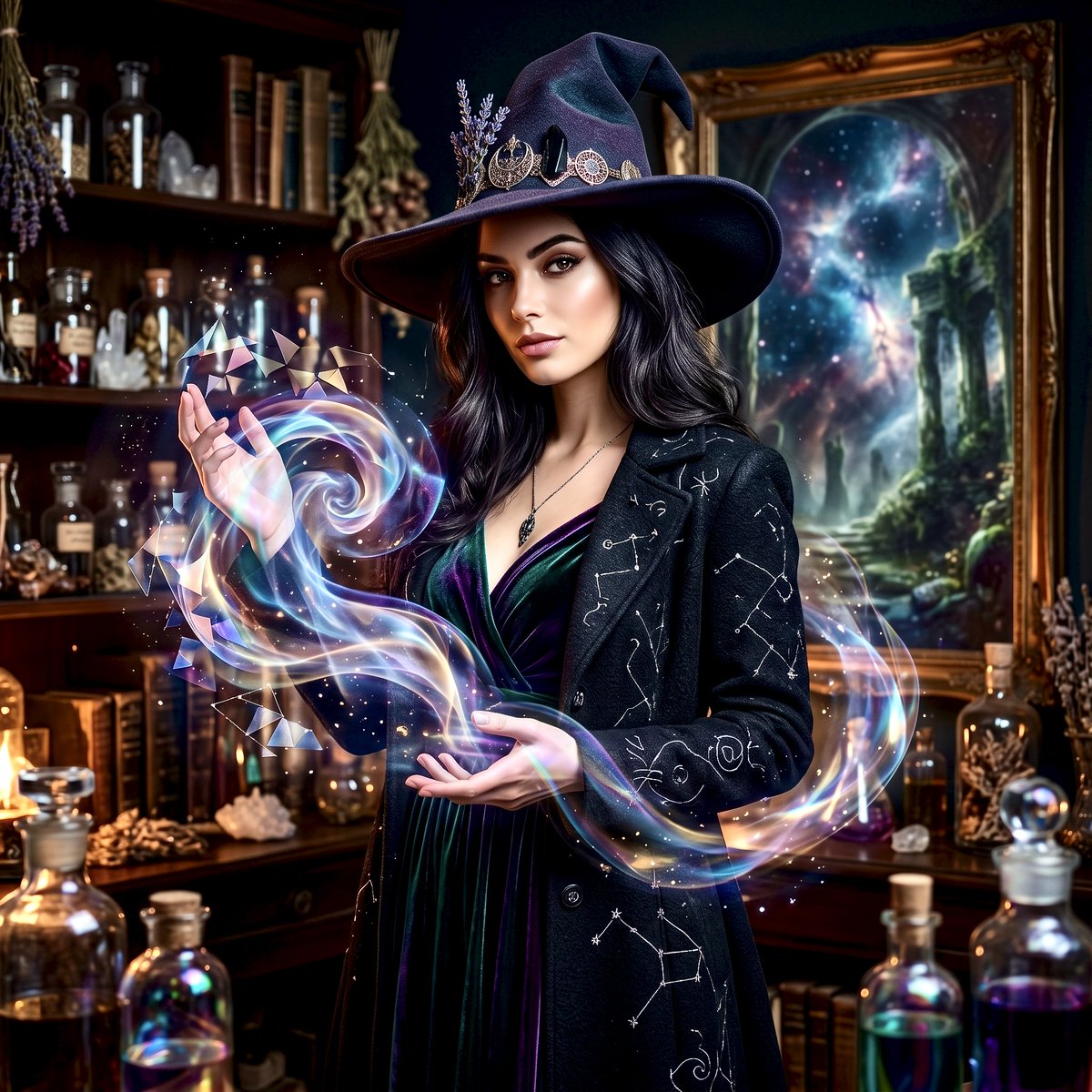
Mystical Witch Apothecary Portrait
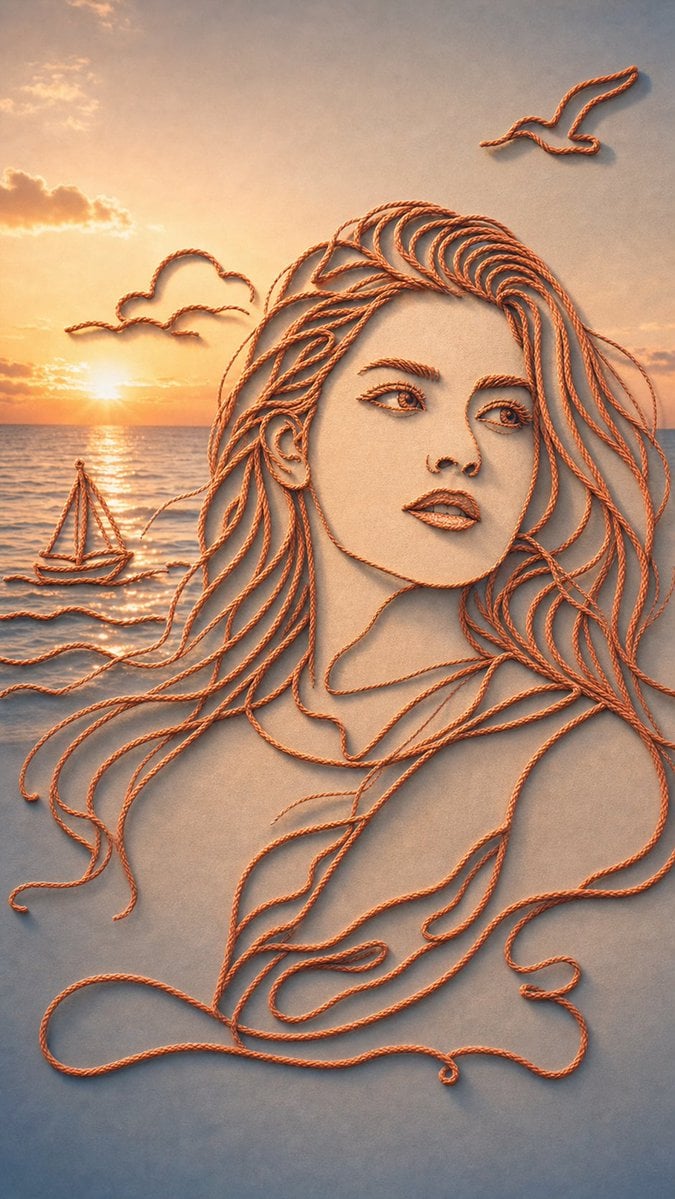
Minimalist Rope Line Art Portrait
Mixed Reality Street Portrait with Cartoon Twin
Pixel Mosaic Jungle Parrot
Whimsical Watermelon Elephant
Modern Beverage Commercial Poster
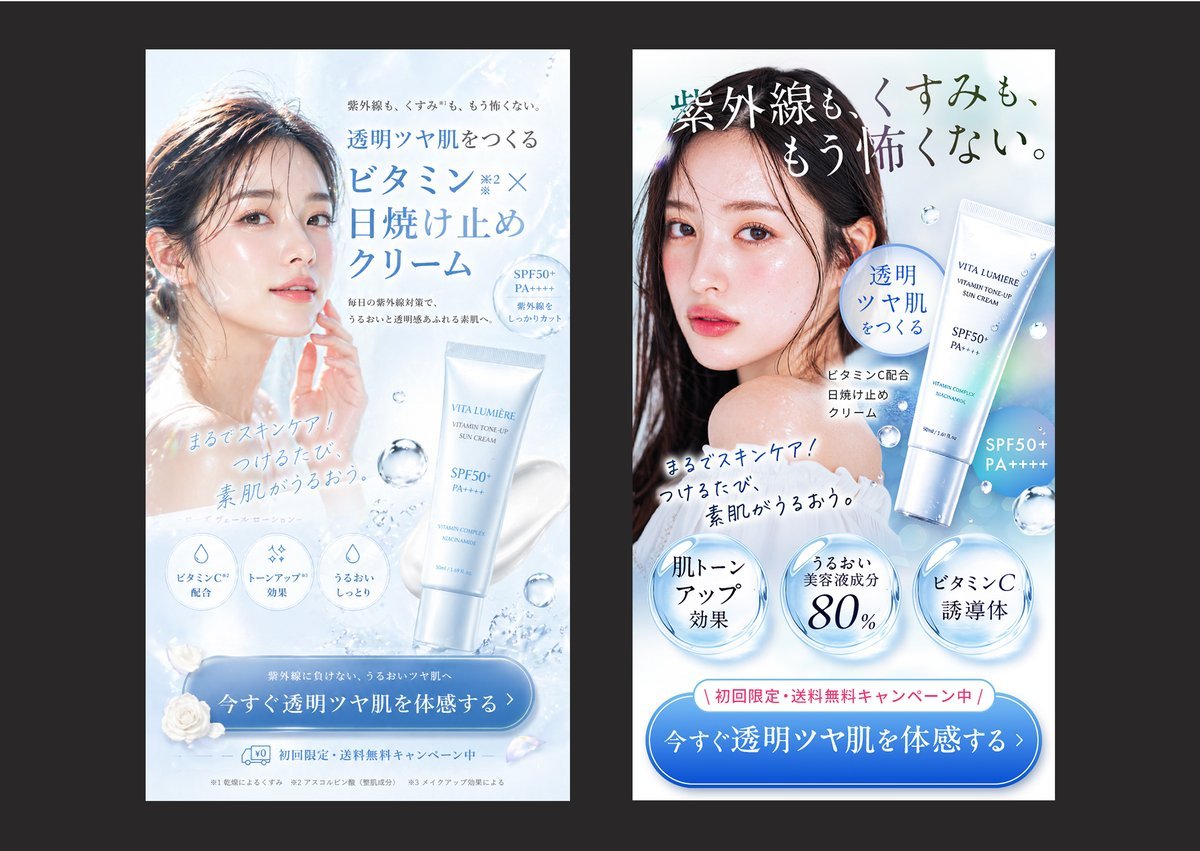
Japanese Skincare Ad Comparison
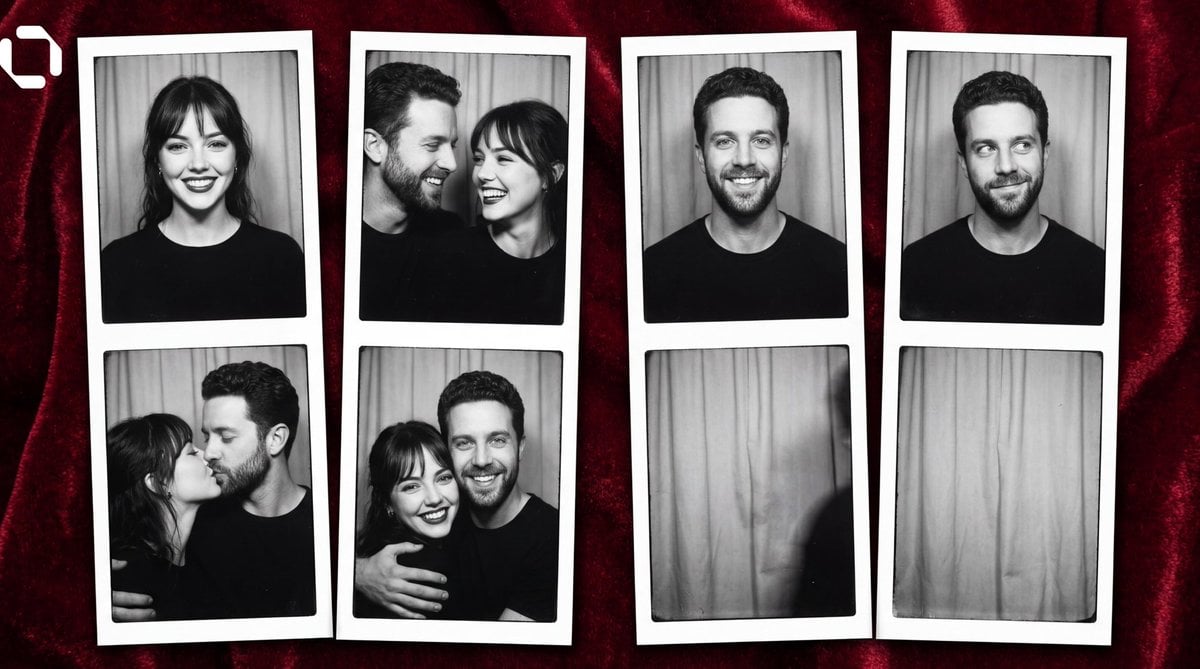
Photo Booth Strip Narrative Prompt for Nano Banana 2
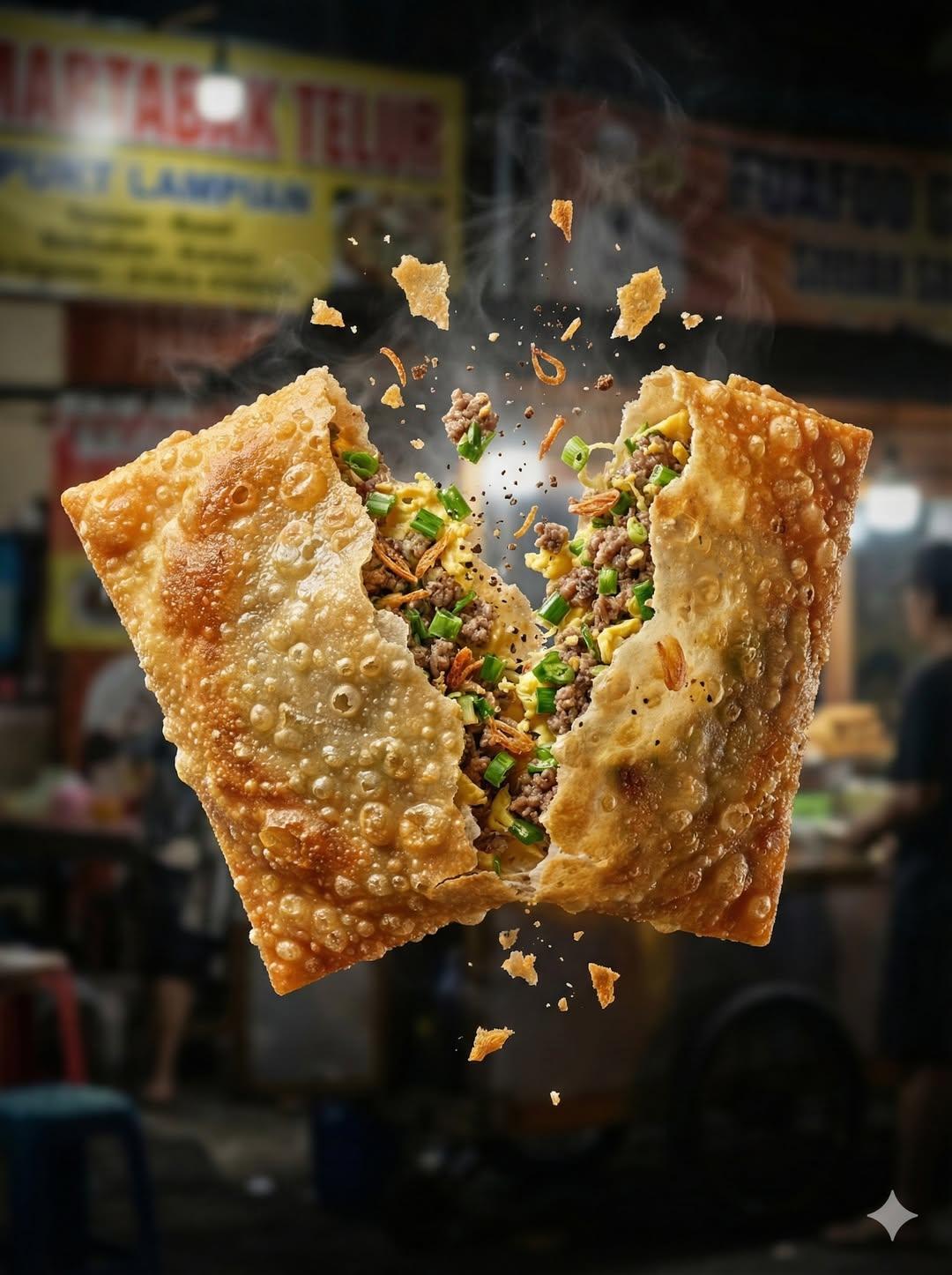
Ultra Realistic High Speed Food Photogra

Gpt2 Infographic Edu Visual Ink Wash Tribute Poster for Chen Uen
Browse template categories
Anthropomorphic Dog Dance Crew questions
How do I use the Anthropomorphic Dog Dance Crew template?
Add your photo if the template asks for one, edit the prompt if you like — the template's model and format are already selected — and press Generate. Your version opens in PicX Studio.
Can I customize the Anthropomorphic Dog Dance Crew template?
Yes. You can change the subject, setting, lighting, mood, format, and available model controls before creating your image.
Is the Anthropomorphic Dog Dance Crew template free?
Opening and editing this template is free. Generating uses credits, shown on the Generate button when you are signed in.
Which AI model should I use?
Start with GPT Image 2, which is the model associated with this template. You can compare another compatible model for a different finish.
Looking for something else? Browse all templates.

Your photo, any look
Thousands of ready templates for every top image and video model, from one credit balance.