
Giant Woman Breaking Through Wall
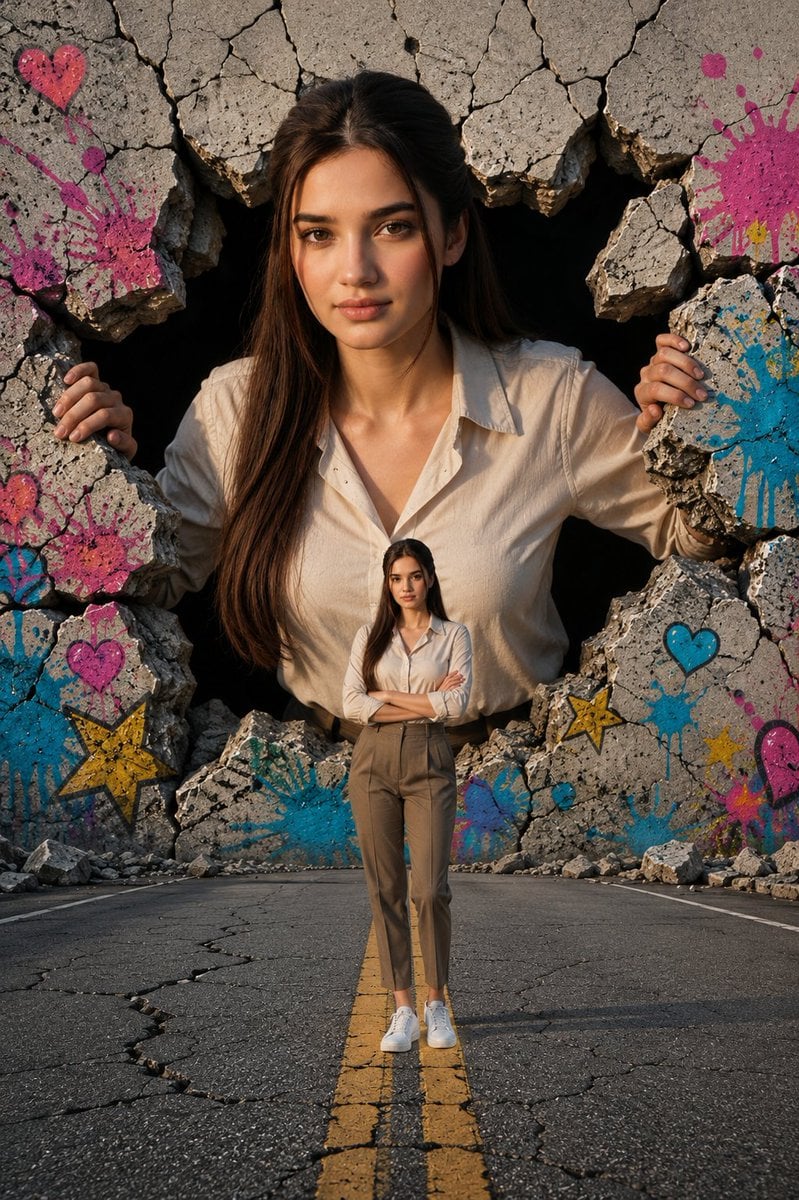
A cinematic surreal photoreal scene showing the same woman at giant and human scale on a cracked road before a graffiti-covered broken concrete wall.
- Prompt included
- Model and format preset
- Free template
The prompt behind this image
Copy the exact prompt behind Giant Woman Breaking Through Wall, or open it in the studio and make it yours.
Create a highly realistic cinematic surreal photograph of {argument name="character name" default="a young woman"} appearing twice in the same scene at radically different scales. The main figure is a giant version of the woman emerging through a huge jagged hole in a cracked concrete wall behind the road, with her upper body visible, both hands gripping broken slabs of concrete on the left and right edges of the opening. She has long dark brown hair, natural makeup, warm skin, a calm confident expression, and direct eye contact. She wears a slightly loose cream button-up shirt. In the foreground, place a normal-sized full-body version of the same woman standing centered on the double yellow line of an empty cracked asphalt road, arms crossed, wearing the same cream button-up shirt tucked into high-waisted taupe trousers and white sneakers. The road recedes toward the broken wall for strong depth and scale contrast. Surround the wall opening with rough rubble, fractured stone, and visible dark void behind the giant figure. Add colorful graffiti painted on the broken concrete: exactly 9 visible decorative graffiti elements, including 3 pink hearts, 2 blue hearts, 2 yellow stars, 1 large pink paint splash, and 1 large blue paint splash, with smaller drips and splatters around them. Use golden-hour sunlight from the side, realistic shadows, detailed skin texture, sharp cracked concrete texture, cinematic color grading, vertical portrait composition, low-to-mid camera angle, 35mm lens feel, shallow-to-moderate depth of field, ultra-detailed photorealism, surreal scale illusion, no text, no watermark.
How to use Giant Woman Breaking Through Wall in 3 steps
- 1Upload ImagePNG, JPG or paste
Add your photo
Upload the photo the template builds on. The prompt, model and format are already set.
- 2…a portrait of your subject in softgolden-hour light, 85mm…
Personalize
Edit the subject and creative details for your destination.
- 3Generate
Generate
Press Generate — your image is created in PicX Studio, so you can compare it with the original and refine one variable at a time.
More like this
Templates with the same subject, style or setup. Open one to see its prompt.

Giant Woman Forced Perspective Street Photo

Woman in Mall with Chanel Bag - Heart Gesture

Floating Woman Above Cityscape with Notifications

3D Pororo Winter Village Breaking the Fourth Wall

Cinematic Giant Cat Chasing Tiny Woman
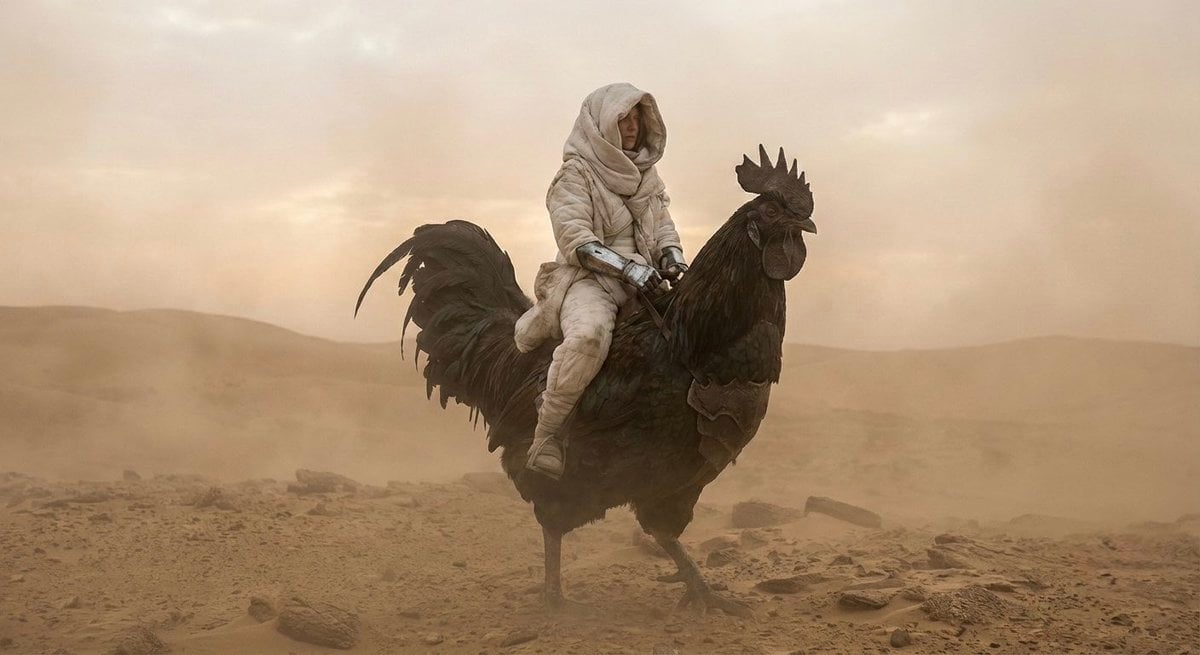
Dune-Inspired Epic Scene with Woman Riding a Giant Rooster

Giant Lotus Pond Portrait

Ultra-realistic photo composite of uploaded person breaking out
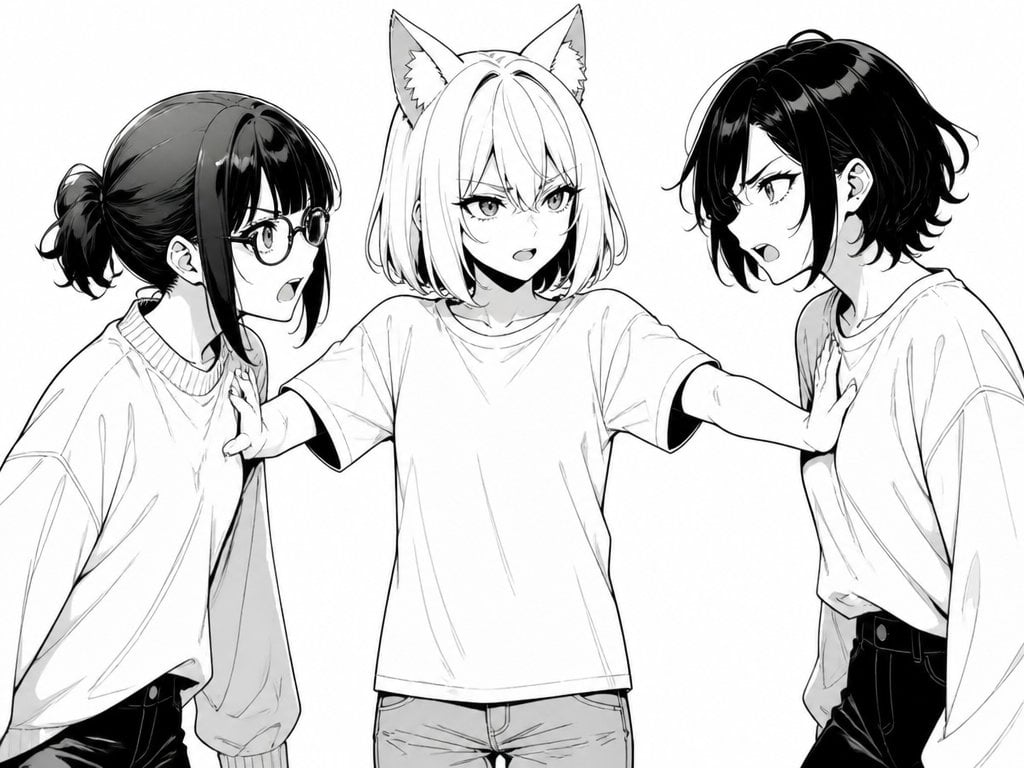
Manga Cat-Eared Girl Breaking Up Fight

Knight Facing Cathedral Giant
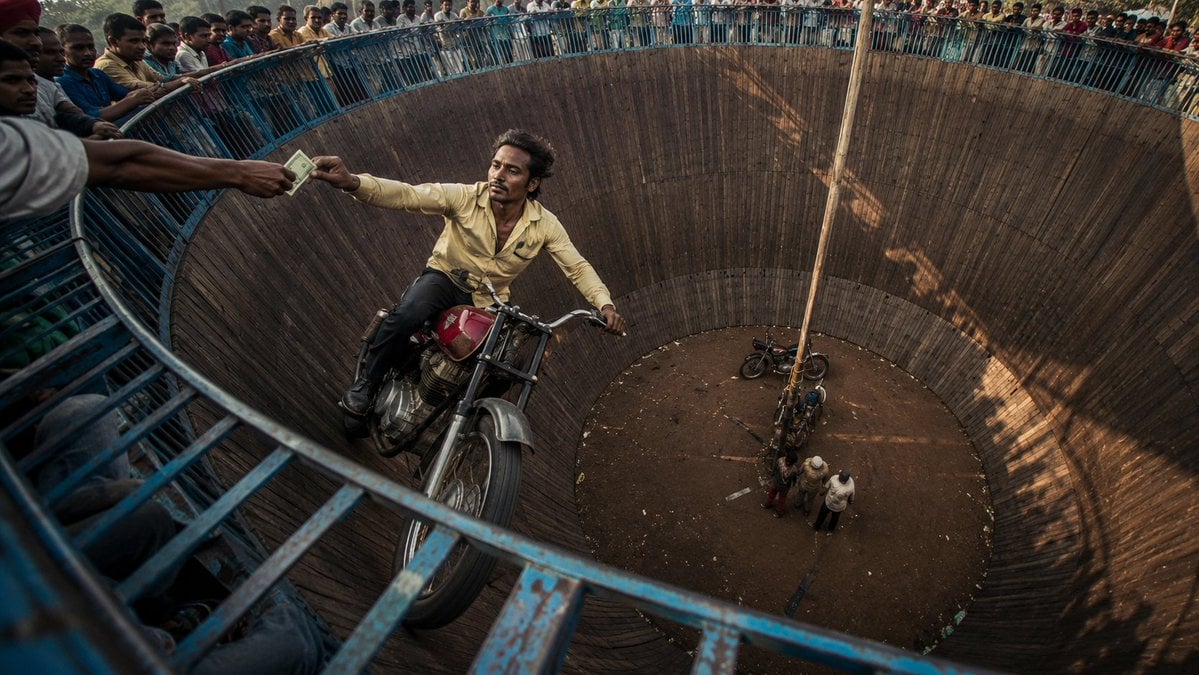
Wall of Death Fisheye Documentary
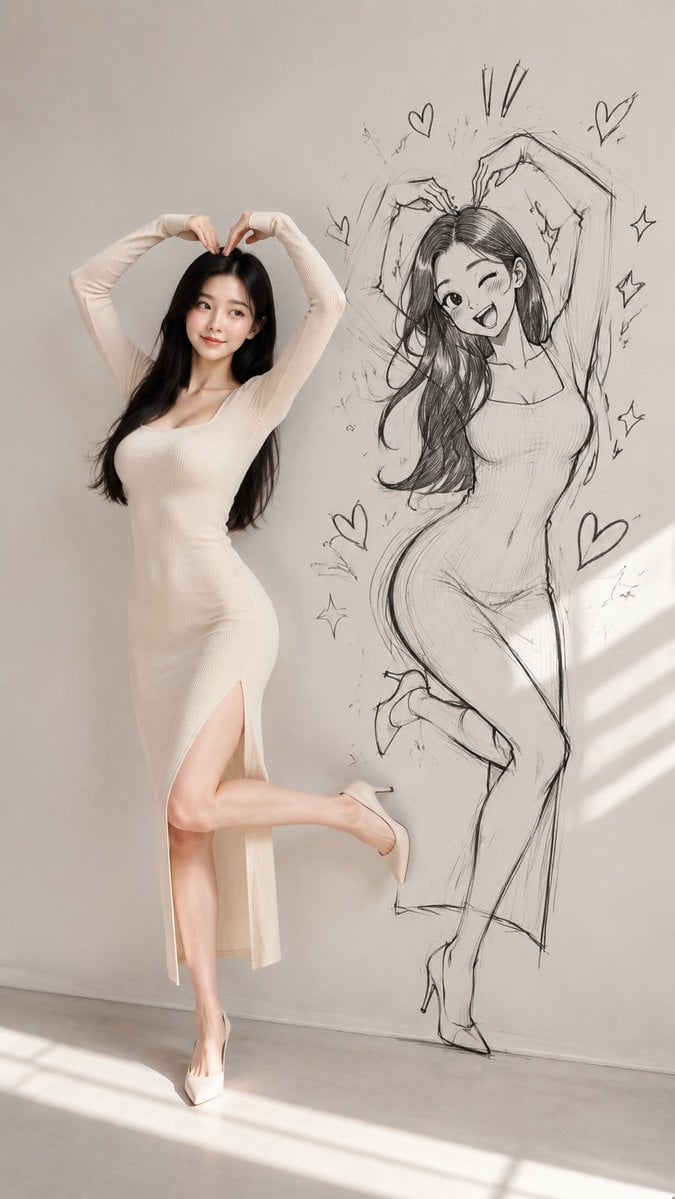
Model With Manga Wall Sketch
Make it yours
Giant Woman Breaking Through Wall works as-is. These are the safest ways to change it without losing the look.
Change one field
Copy a single group, rewrite it, and generate again so you can see what that field is doing.
Keep the frame, change the subject
Hold the composition and light of Giant Woman Breaking Through Wall, then swap wardrobe, props or the person for a new take.
| If the result… | Why | Fix |
|---|---|---|
| The result drifts from the preview | Too many fields changed at once. | Reuse Giant Woman Breaking Through Wall as-is first, then change one group — subject, light, or setting. |
| The model over-stylizes the scene | The prose prompt leaves finish and camera underspecified. | Add one camera or lighting sentence and stay on GPT Image 2. |
More GPT Image 2 templates
Other prompts made for GPT Image 2.

Six VTuber Japanese Logo Sheet

The Vista Modular Condo Poster

AI Model Routing Comparison Infographic

2.5D Anime Art Board

Isometric Productivity Desk Scene

New York Double Exposure Poster

Four-Panel AI Landscape Comparison

Japanese Tatami Lifestyle Magazine Cover

NESCAFÉ Coffee Map Poster

Brutalist Cogito Chinese Typography Poster
More image prompts
Fresh picks from across the catalog.
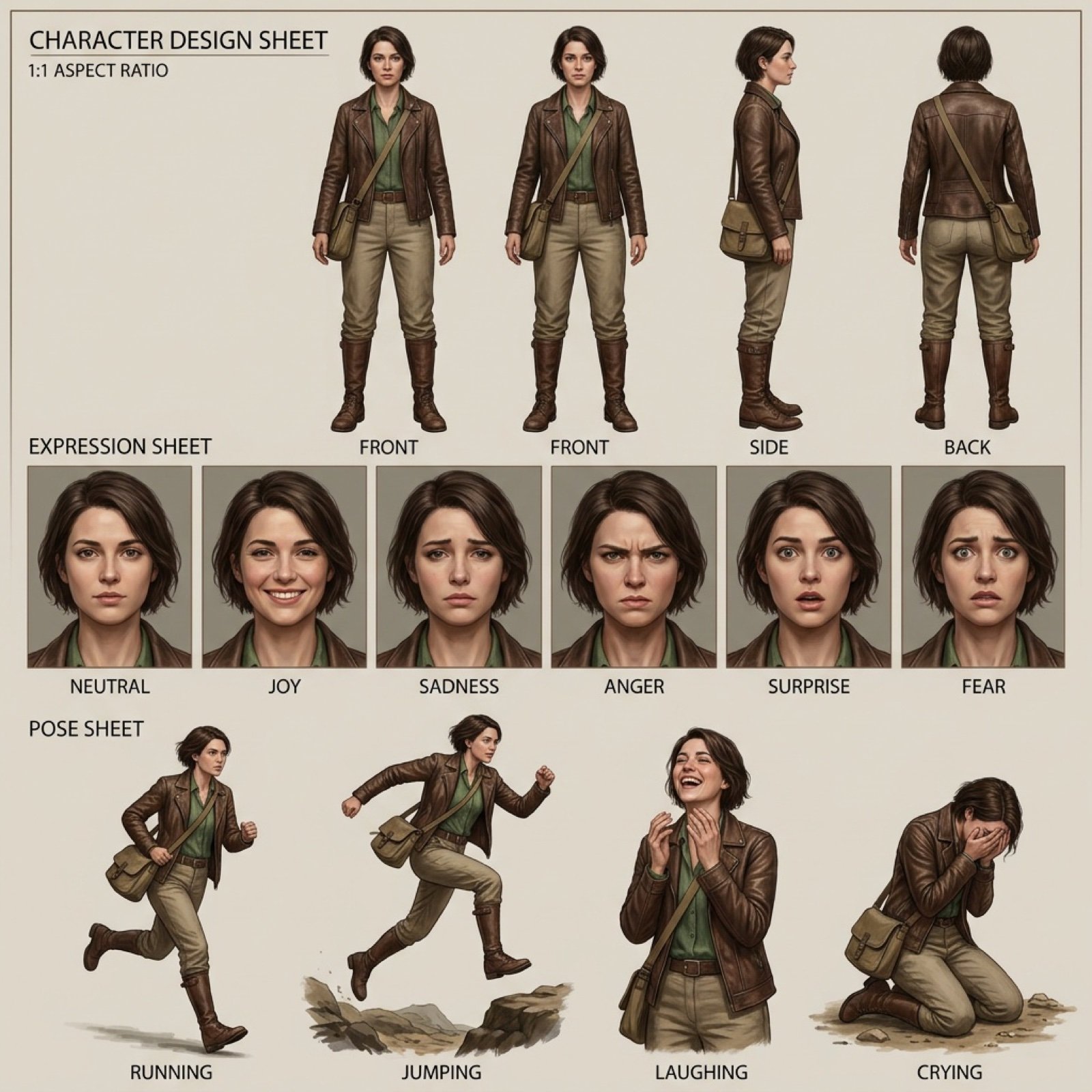
Realistic character design sheet from a photo

Moonlit Celestial Kimono Dancer

Elegant Office Lady in Jewelry Store

Photorealistic 8K Photo Restoration

Futuristic Techwear Studio Portrait

Fisheye Snow Streetwear Portrait

Extract a single panel from a 3x3 image grid with Nano Banana Pro
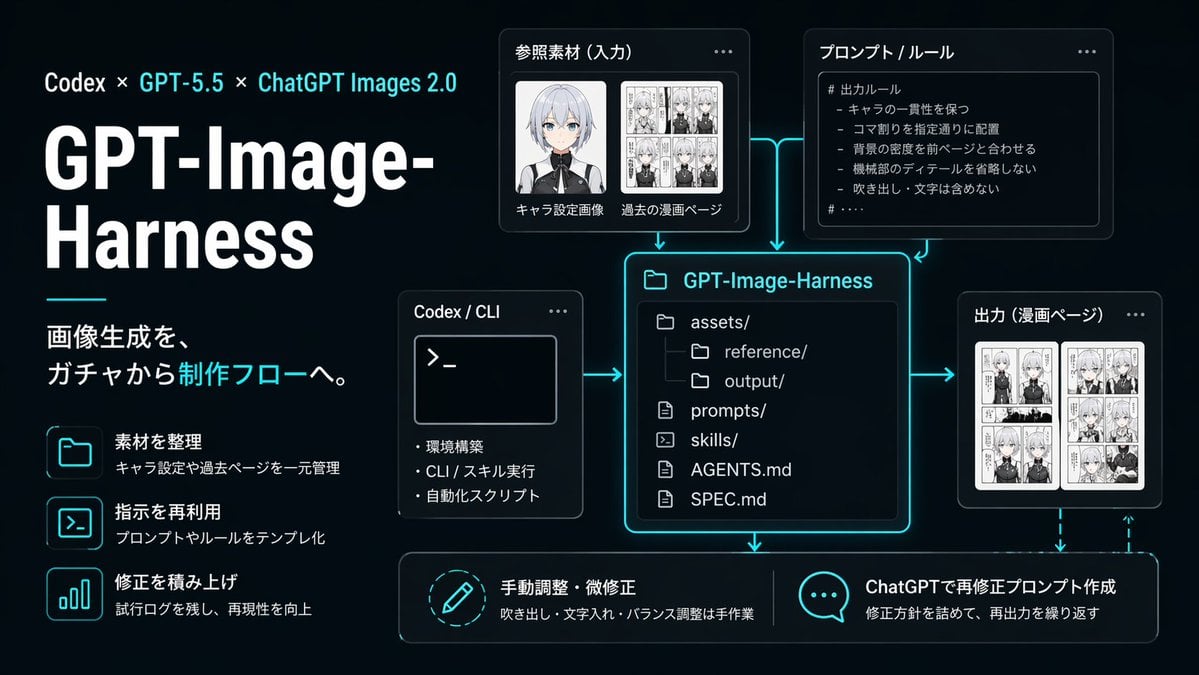
Neon AI Image Workflow Infographic

Ultra-Premium Cinematic Skincare Product Photography
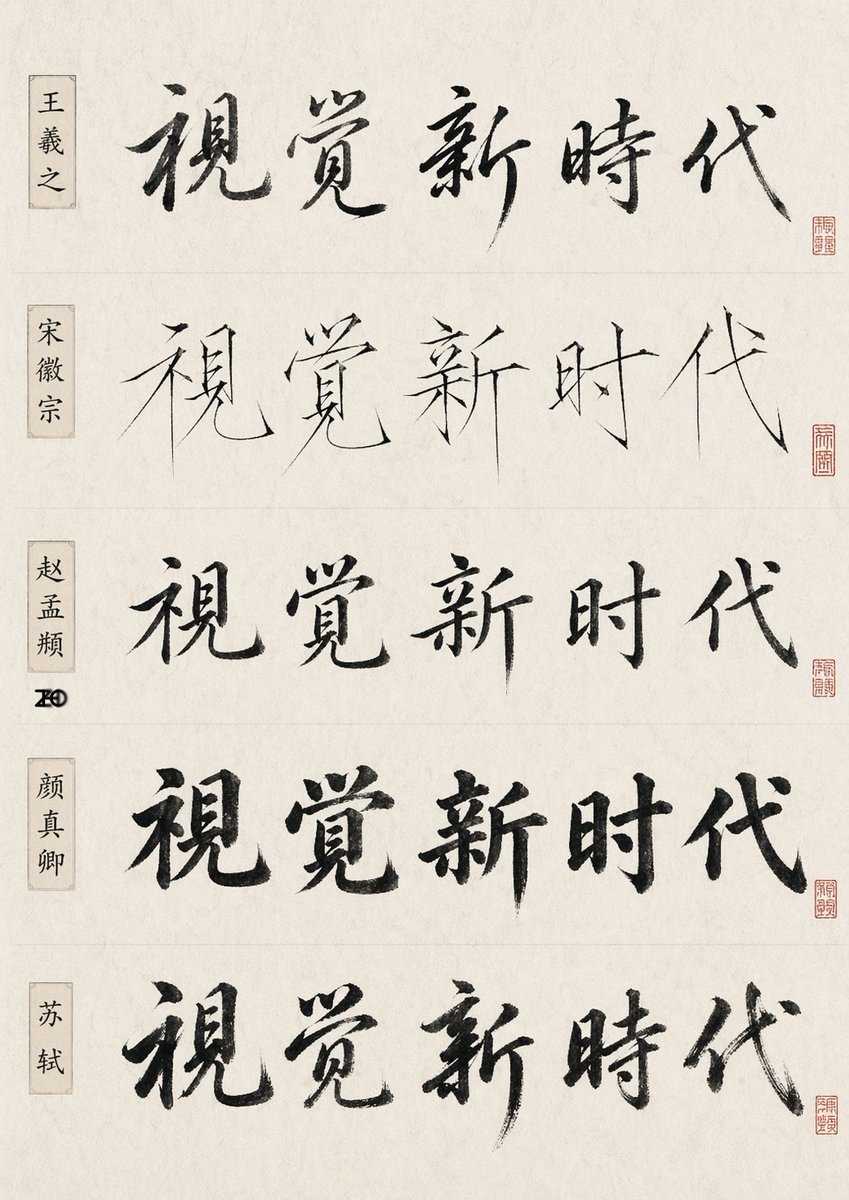
Chinese Calligraphy Style Comparison
Browse template categories
Giant Woman Breaking Through Wall questions
How do I use the Giant Woman Breaking Through Wall template?
Add your photo if the template asks for one, edit the prompt if you like — the template's model and format are already selected — and press Generate. Your version opens in PicX Studio.
Can I customize the Giant Woman Breaking Through Wall template?
Yes. You can change the subject, setting, lighting, mood, format, and available model controls before creating your image.
Is the Giant Woman Breaking Through Wall template free?
Opening and editing this template is free. Generating uses credits, shown on the Generate button when you are signed in.
Which AI model should I use?
Start with GPT Image 2, which is the model associated with this template. You can compare another compatible model for a different finish.
Looking for something else? Browse all templates.

Your photo, any look
Thousands of ready templates for every top image and video model, from one credit balance.