
Cybernetic Girl in Ruined Harbor
Generates a cinematic anime sci-fi character illustration set in a vast post-apocalyptic industrial seaport.
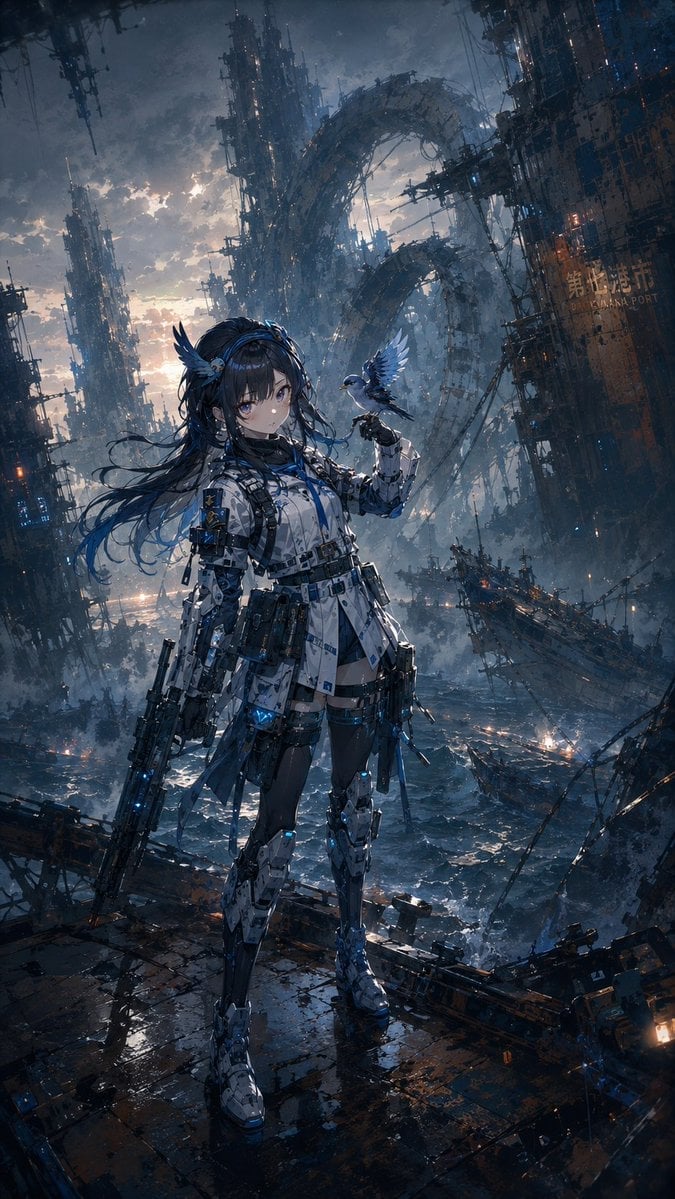
- Prompt included
- Model and format preset
- Free template
The prompt behind this image
Copy the exact prompt behind Cybernetic Girl in Ruined Harbor, or open it in the studio and make it yours.
Create a highly detailed vertical anime sci-fi illustration of {argument name="character name" default="a young cybernetic girl"} standing full-body on a wet, broken metal pier above a stormy ocean, in a ruined futuristic harbor. She has {argument name="hair color" default="long dark navy hair"} flowing in the wind, pale skin, large melancholy blue eyes, and a calm serious expression. She wears a white, black, and blue tactical cyber-armor outfit with many straps, belts, pouches, buckles, glowing blue tech accents, mechanical leg armor, armored boots, thigh-high dark stockings, and small wing-like hair ornaments. In her left hand she holds a large futuristic rifle pointed downward; on her raised right hand perches a small blue mechanical bird with spread wings. The background is an immense dystopian seaport filled with towering decayed megastructures, suspended scaffolding, cables, ruined ships, tilted industrial towers, and a massive broken circular arch structure looming through mist. The sea is dark and turbulent with scattered lights, sparks, smoke, rain haze, and reflective puddles on the foreground floor. Use a {argument name="mood" default="dark cinematic post-apocalyptic"} atmosphere, dramatic backlighting from a cloudy sunset sky, cold blue-gray tones with small warm orange lights, intricate mechanical detail, painterly anime realism, sharp focus on the character, deep perspective, epic scale, high contrast, ultra-detailed concept art, 9:16 vertical composition.
How to use Cybernetic Girl in Ruined Harbor in 3 steps
- 1Upload ImagePNG, JPG or paste
Add your photo
Upload the photo the template builds on. The prompt, model and format are already set.
- 2…a portrait of your subject in softgolden-hour light, 85mm…
Personalize
Edit the subject and creative details for your destination.
- 3Generate
Generate
Press Generate — your image is created in PicX Studio, so you can compare it with the original and refine one variable at a time.
More like this
Templates with the same subject, style or setup. Open one to see its prompt.

Little Girl in Ruined City

Teen Girl Alpine Lake Mountain View
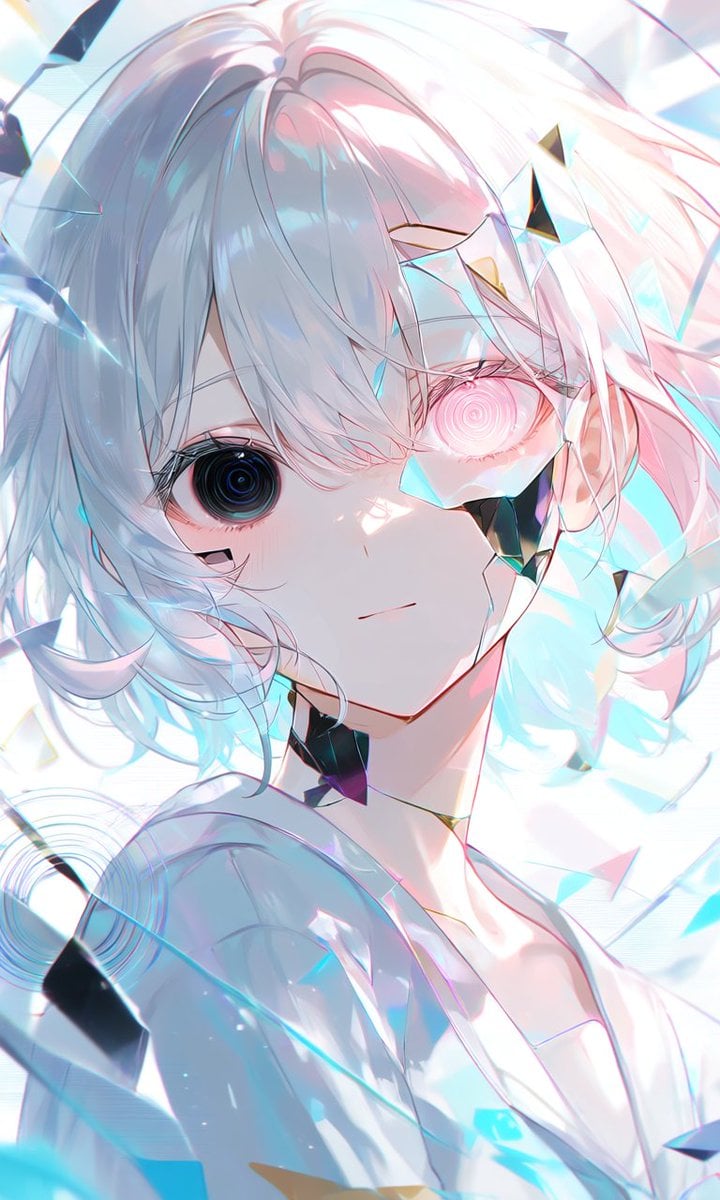
Crystalline Cybernetic Anime Girl
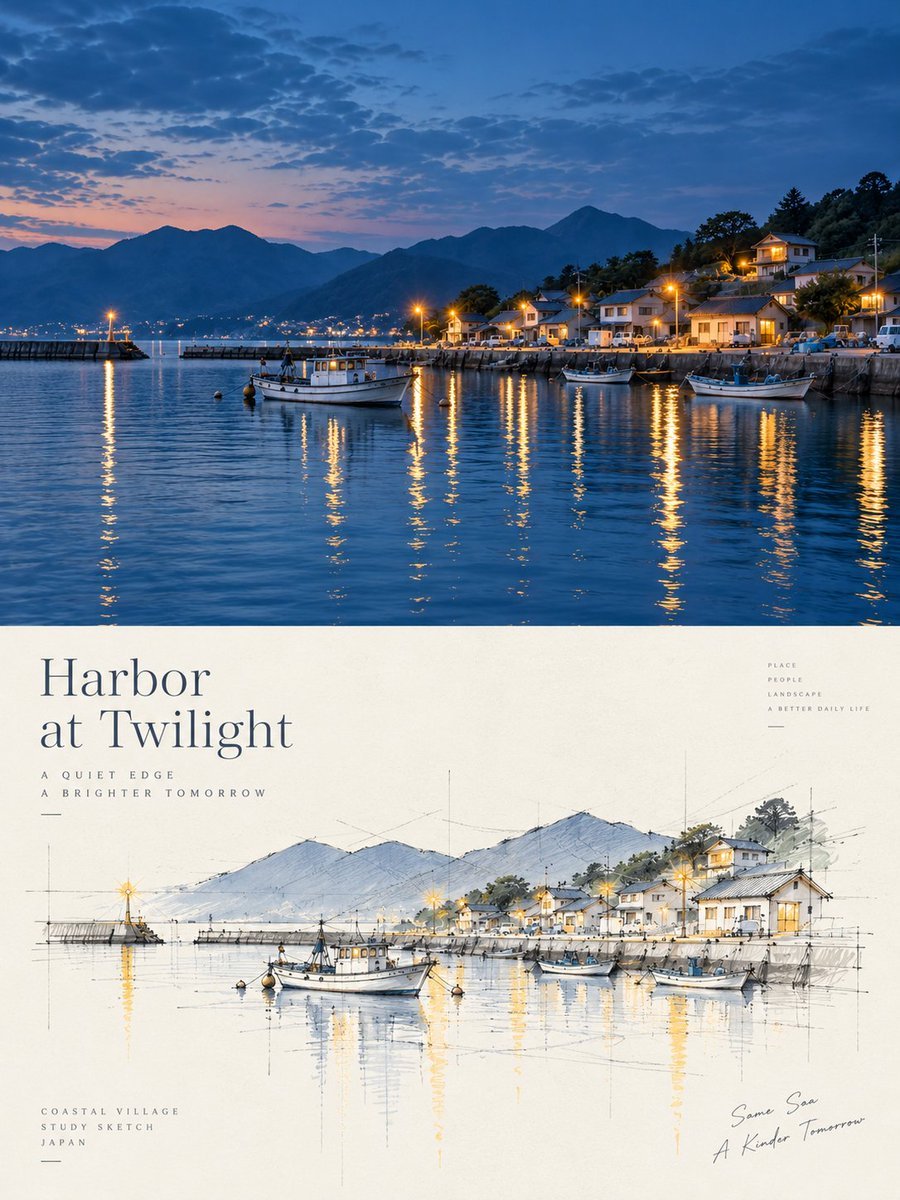
Harbor Twilight Photo Sketch Poster
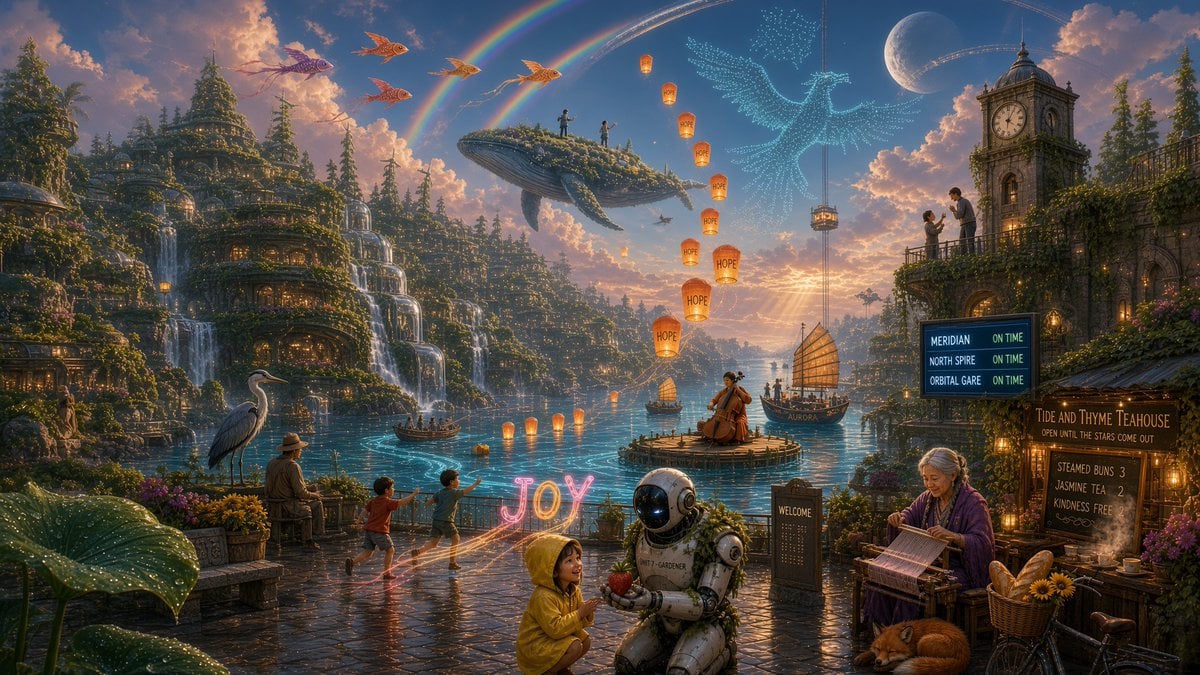
Solarpunk Harbor of Joy
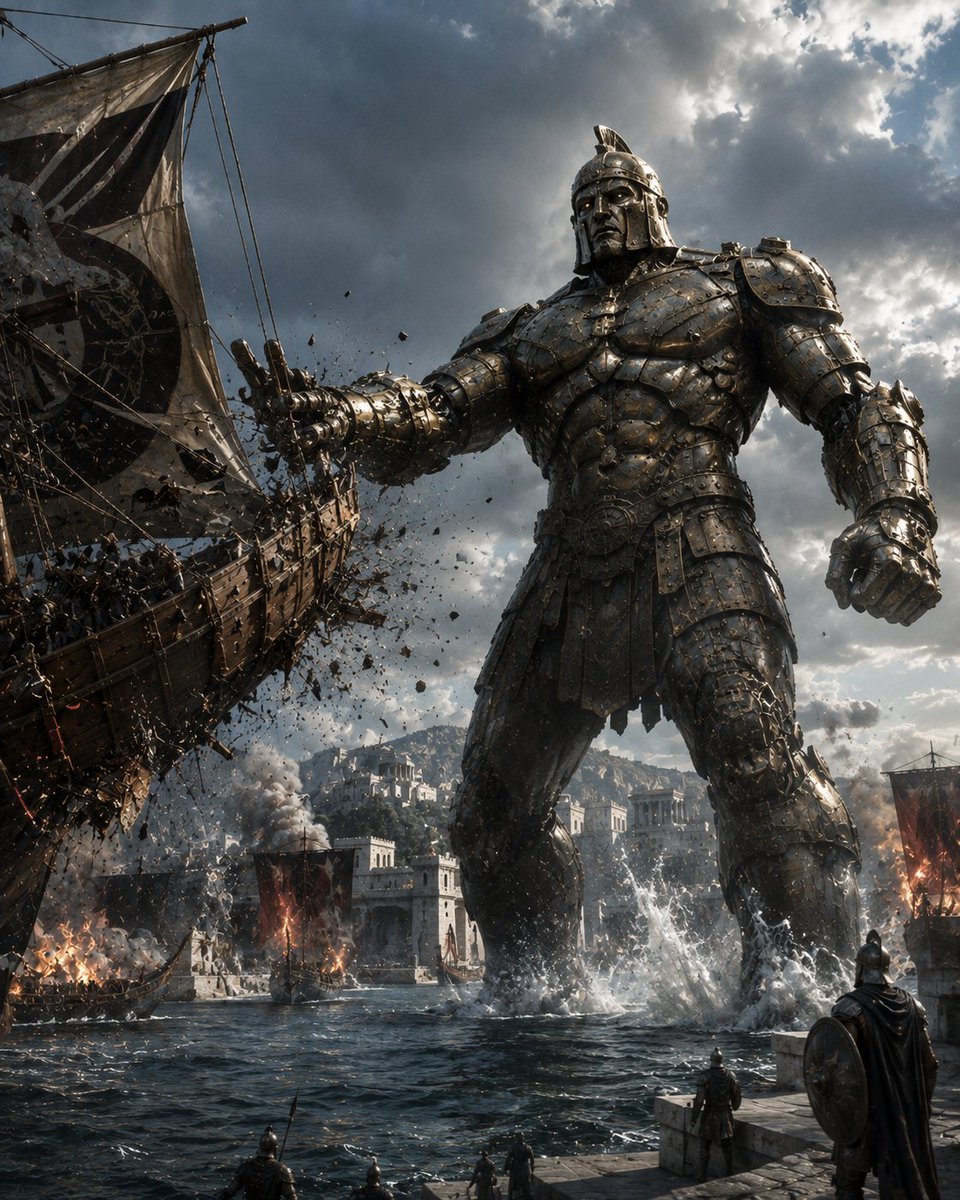
Bronze Talos Harbor Defense
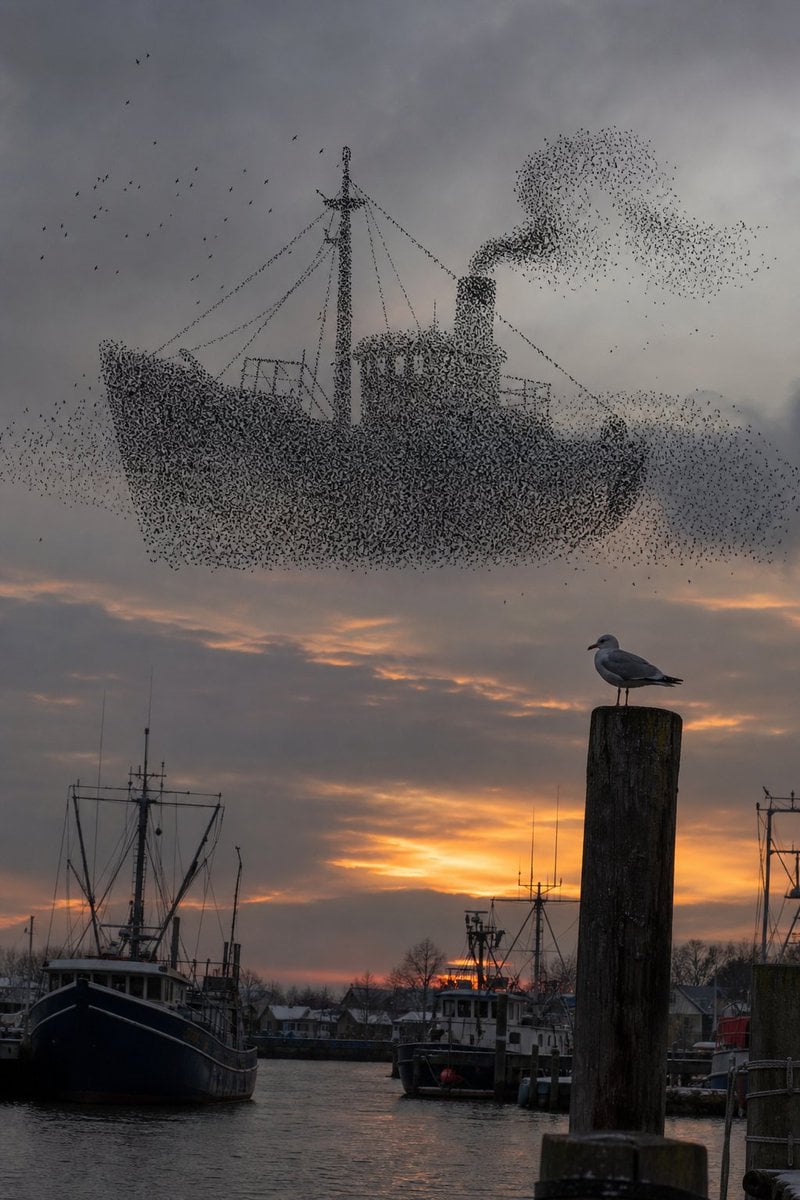
Harbor Murmuration Silhouette
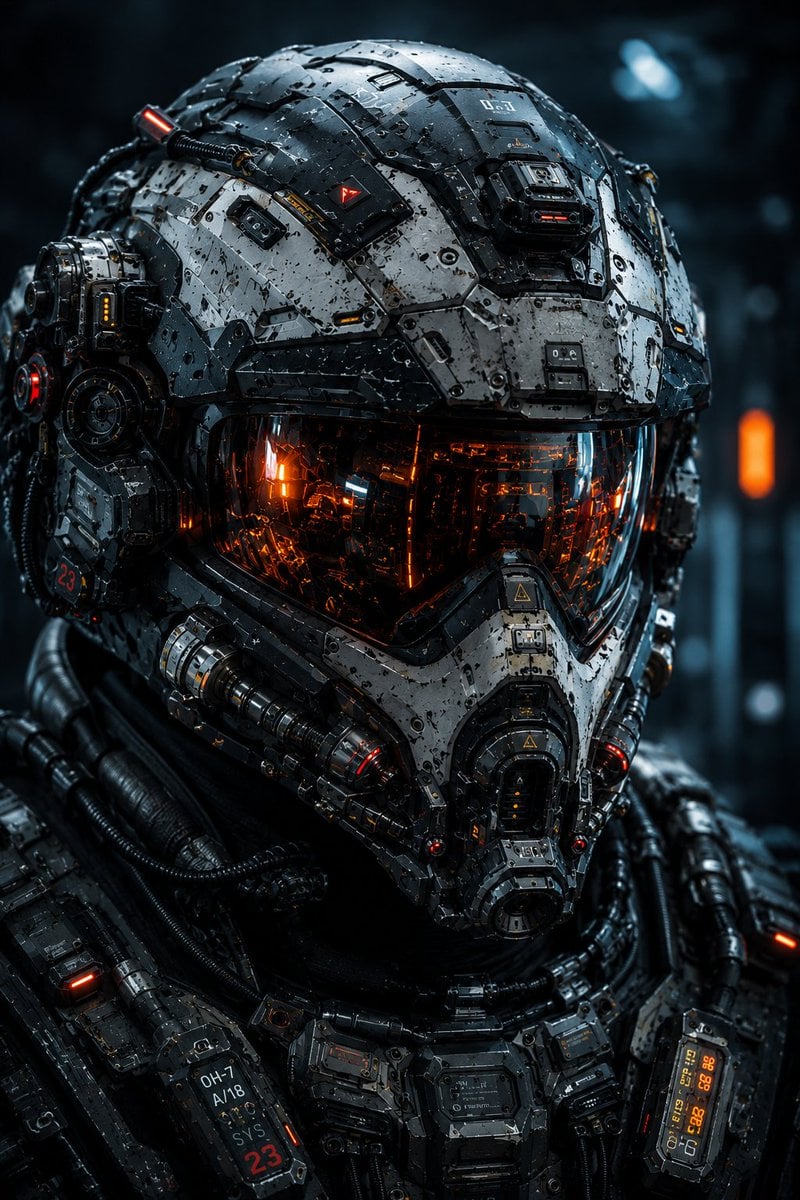
Cybernetic Tactical Soldier Portrait
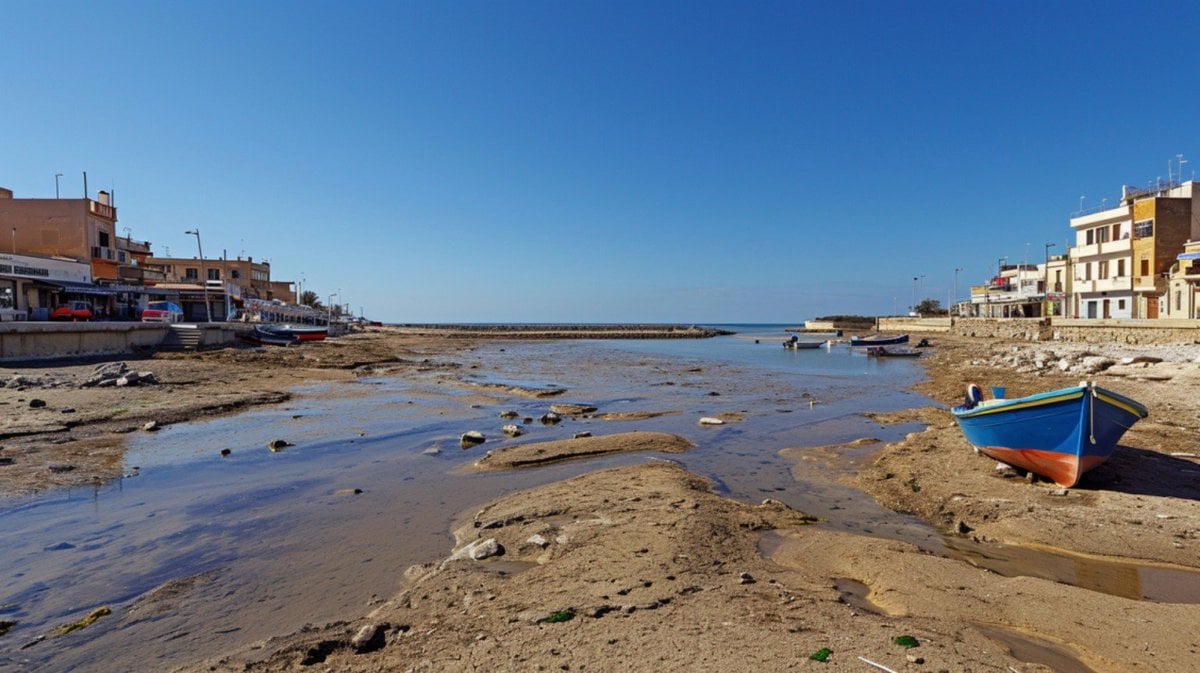
Mediterranean Low Tide Harbor
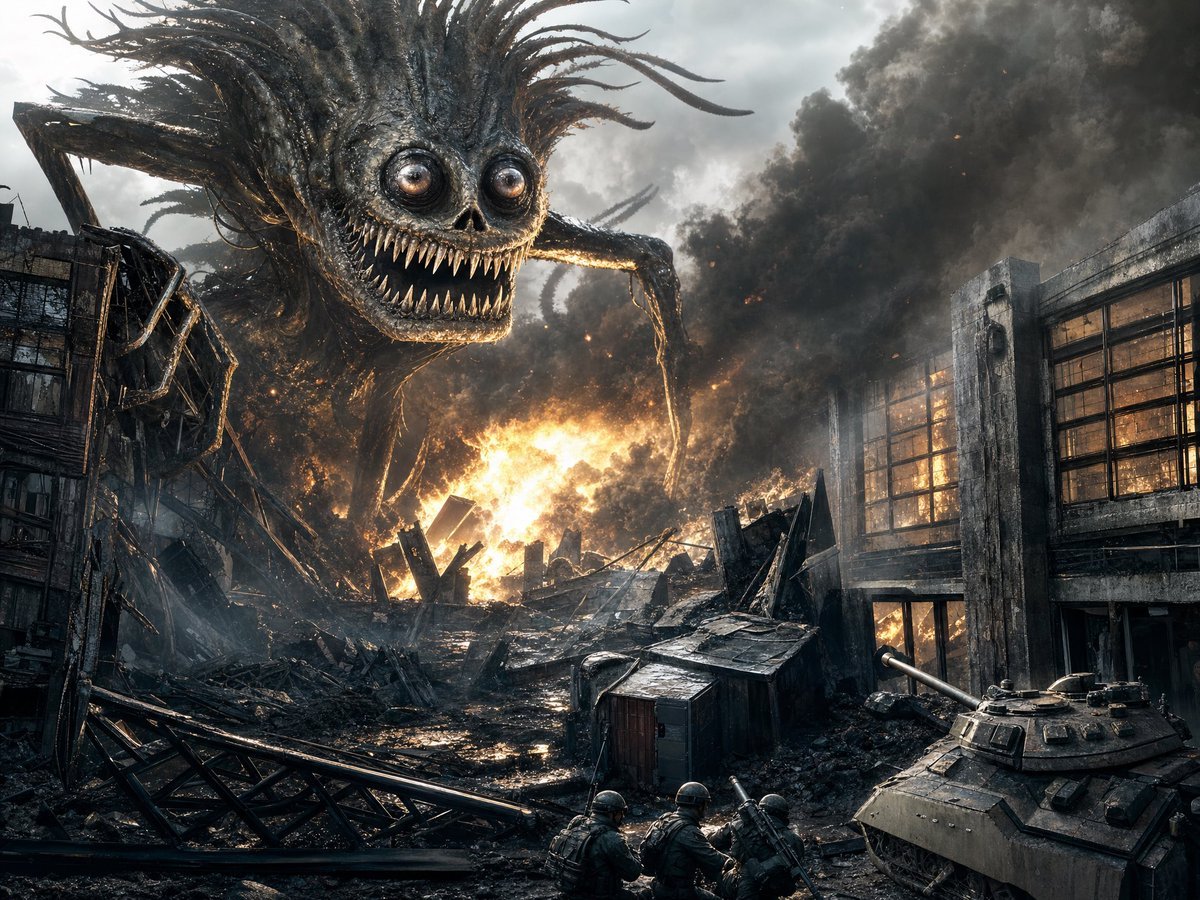
Giant Monster in Ruined War City
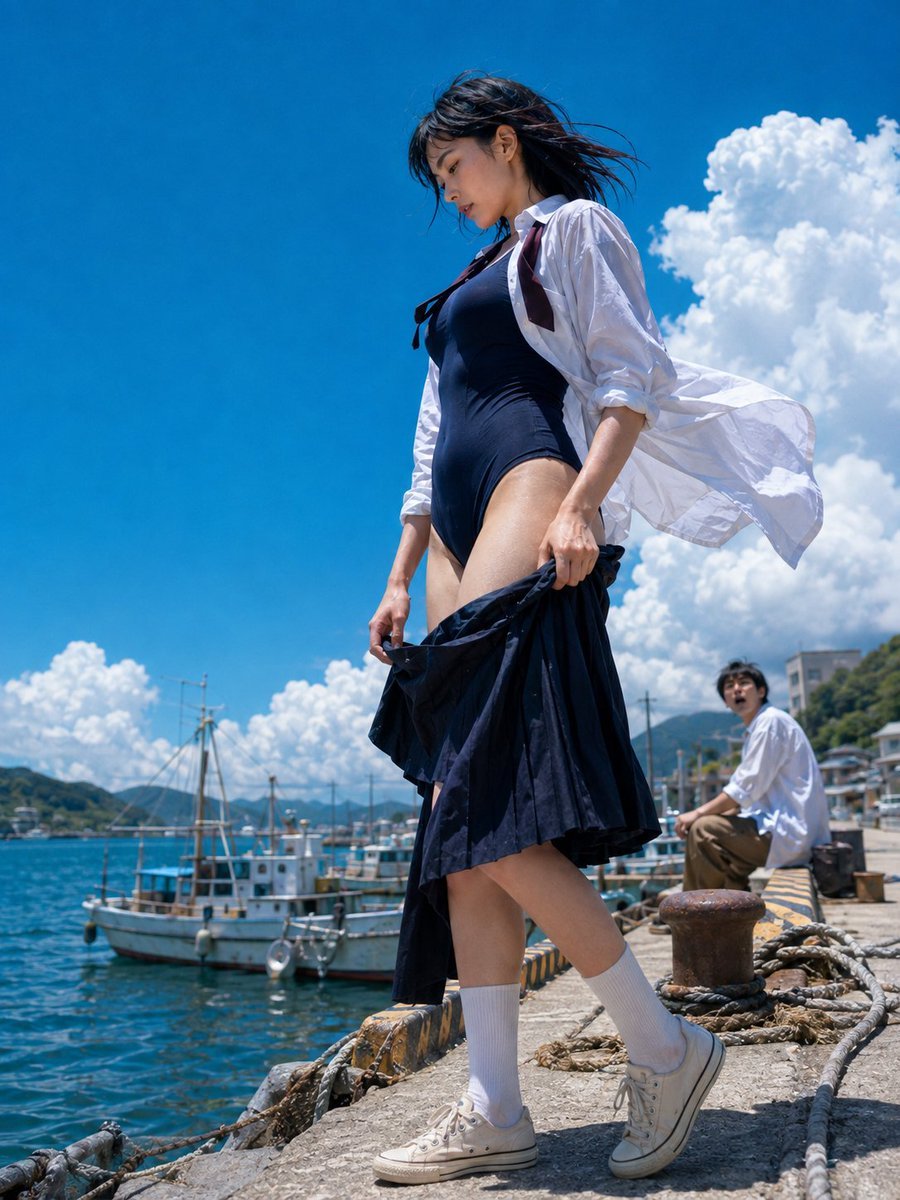
Sea Breeze Harbor Portrait
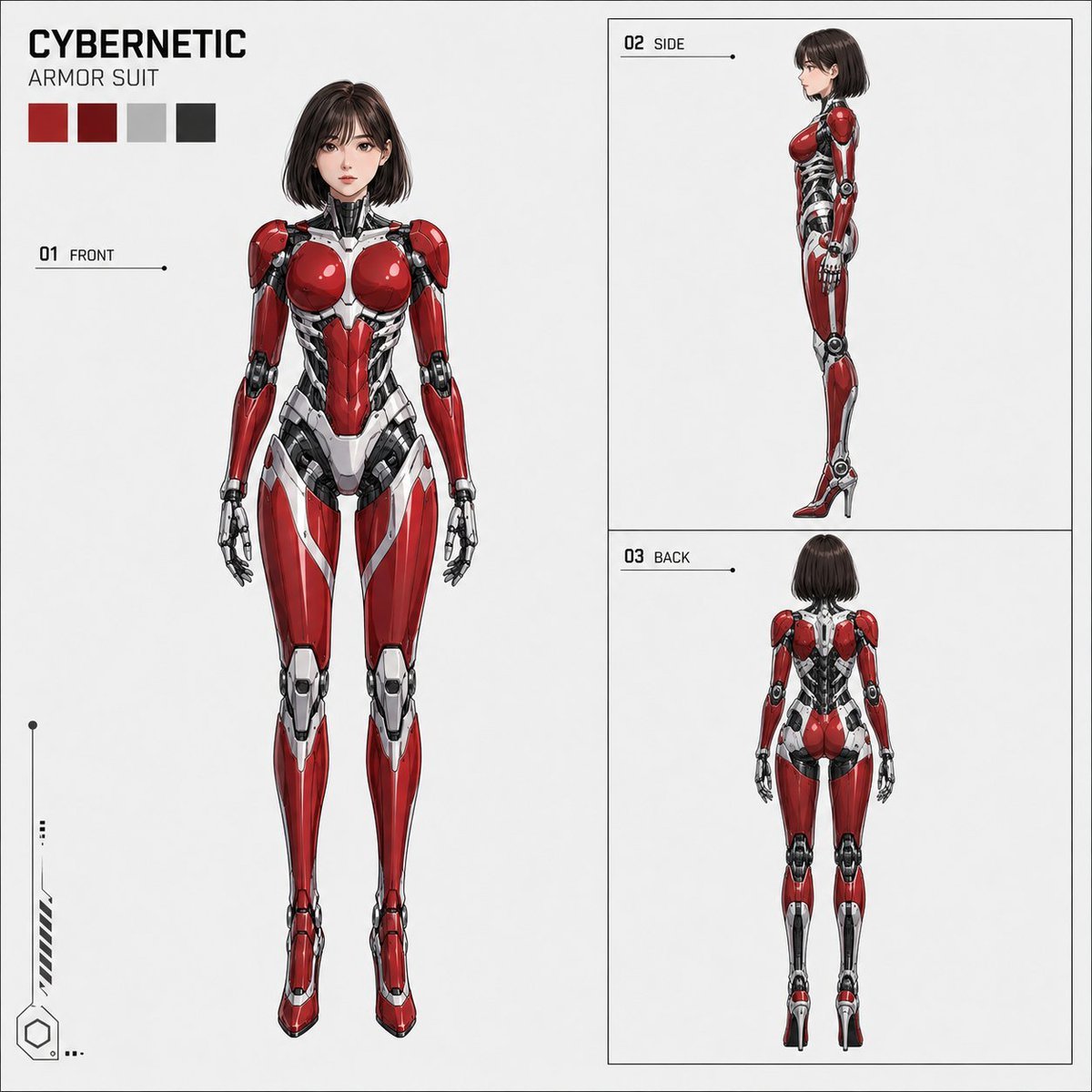
Anime Cybernetic Armor Character Sheet
Make it yours
Cybernetic Girl in Ruined Harbor works as-is. These are the safest ways to change it without losing the look.
Change one field
Copy a single group, rewrite it, and generate again so you can see what that field is doing.
Keep the frame, change the subject
Hold the composition and light of Cybernetic Girl in Ruined Harbor, then swap wardrobe, props or the person for a new take.
| If the result… | Why | Fix |
|---|---|---|
| The result drifts from the preview | Too many fields changed at once. | Reuse Cybernetic Girl in Ruined Harbor as-is first, then change one group — subject, light, or setting. |
| The model over-stylizes the scene | The prose prompt leaves finish and camera underspecified. | Add one camera or lighting sentence and stay on GPT Image 2. |
More GPT Image 2 templates
Other prompts made for GPT Image 2.

Six VTuber Japanese Logo Sheet

Realistic Portrait of Woman and Deer

The Vista Modular Condo Poster

AI Model Routing Comparison Infographic

2.5D Anime Art Board

Isometric Productivity Desk Scene

New York Double Exposure Poster

Four-Panel AI Landscape Comparison

Japanese Tatami Lifestyle Magazine Cover

NESCAFÉ Coffee Map Poster
More image prompts
Fresh picks from across the catalog.
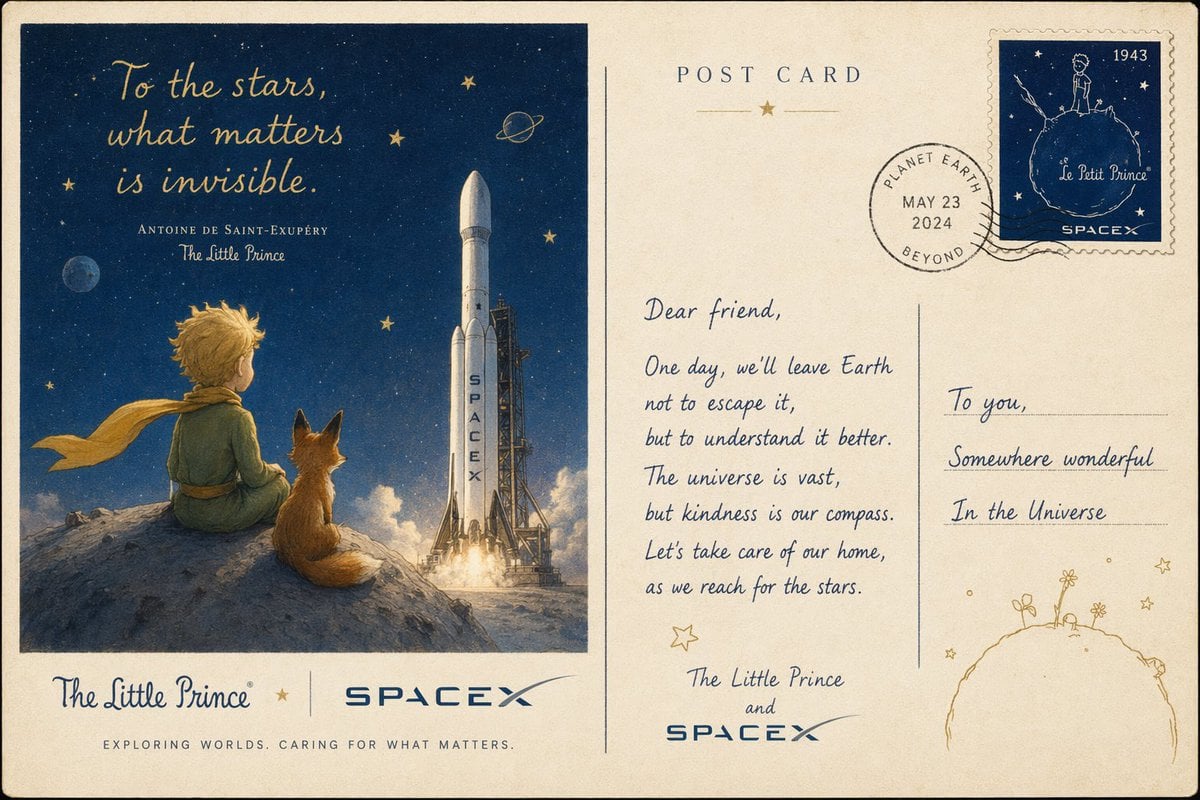
Vintage Little Prince Space Postcard

Dramatic Flame-Grilled Ad Poster

3D image generation prompt for God Ganesh worshipping God Mahadev

Poster Generation with Reference Images

Photorealistic Blonde Woman in Cozy Bedroom Prompt
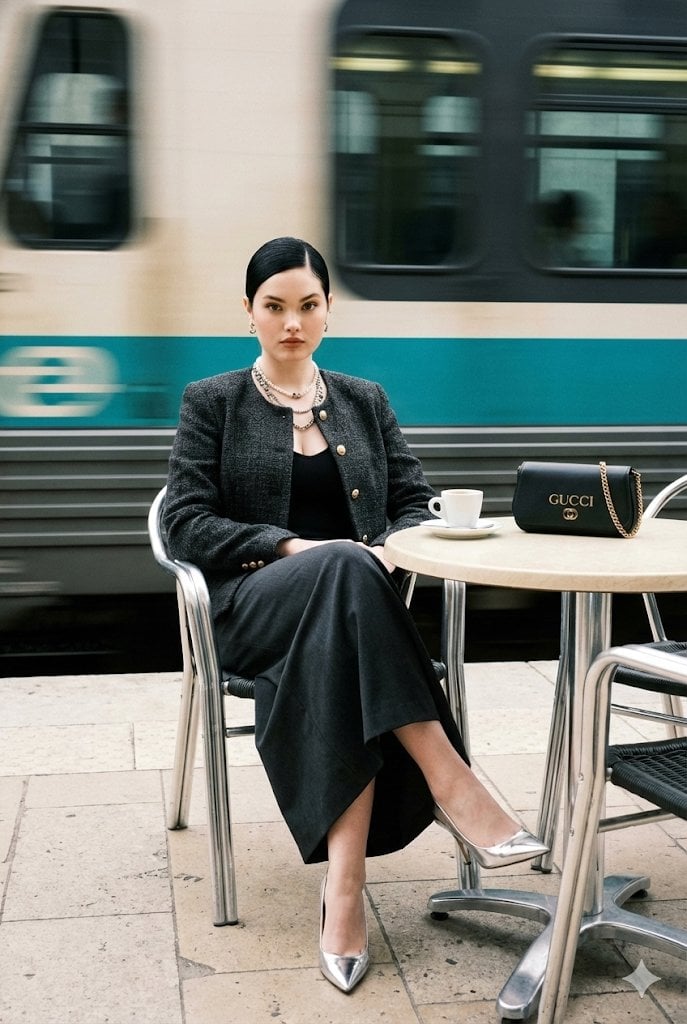
Ultra-Realistic Street-Fashion Portrait with Motion Blur
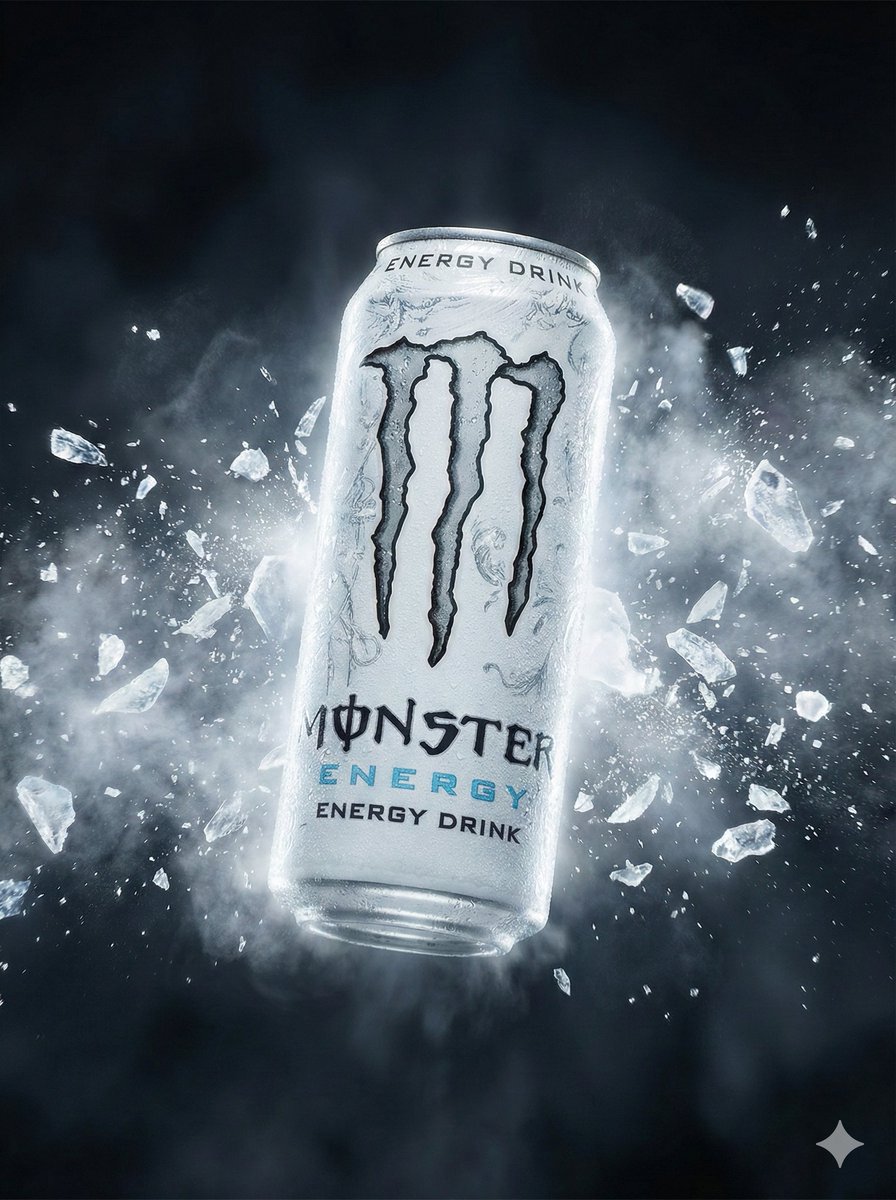
Hyper-Realistic Commercial Portrait for Monster Energy

2000s Fashion Magazine Cover Prompt

Hyper-Realistic Cinematic Portrait on a Jeep Hood Prompt

Generating Visuals from Real-Time Korean News
Browse template categories
Cybernetic Girl in Ruined Harbor questions
How do I use the Cybernetic Girl in Ruined Harbor template?
Add your photo if the template asks for one, edit the prompt if you like — the template's model and format are already selected — and press Generate. Your version opens in PicX Studio.
Can I customize the Cybernetic Girl in Ruined Harbor template?
Yes. You can change the subject, setting, lighting, mood, format, and available model controls before creating your image.
Is the Cybernetic Girl in Ruined Harbor template free?
Opening and editing this template is free. Generating uses credits, shown on the Generate button when you are signed in.
Which AI model should I use?
Start with GPT Image 2, which is the model associated with this template. You can compare another compatible model for a different finish.
Looking for something else? Browse all templates.

Your photo, any look
Thousands of ready templates for every top image and video model, from one credit balance.