
Cybernetic Demon Head UI Concept
A cinematic cyberpunk character concept featuring a floating horned cyborg head with bold app-like rating badges for sci-fi editorial or concept art use.
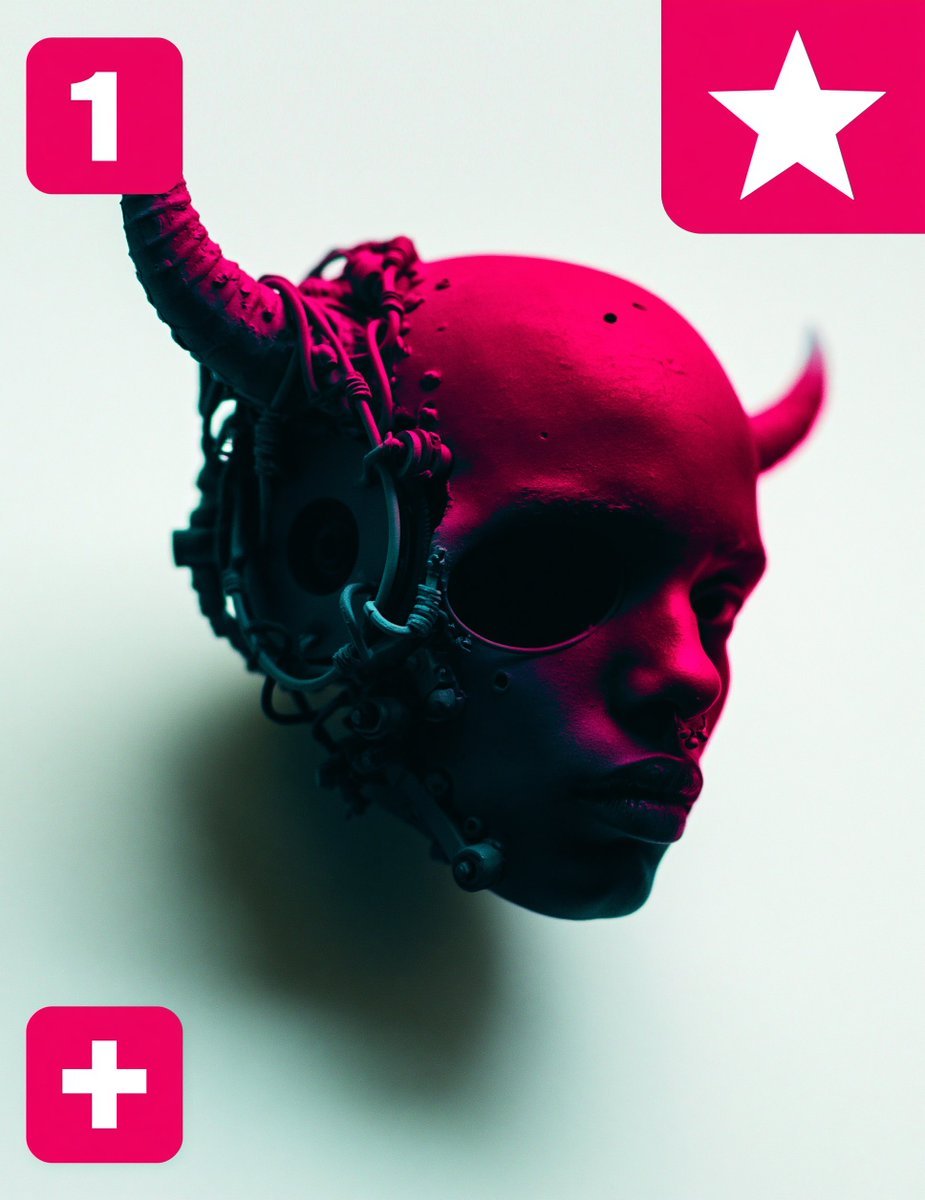
- Prompt included
- Model and format preset
- Free template
The prompt behind this image
Copy the exact prompt behind Cybernetic Demon Head UI Concept, or open it in the studio and make it yours.
Create a square editorial sci-fi character concept image with a floating cybernetic demon-child head in a minimalist studio setting. The subject is a dark-skinned, bald humanoid head in three-quarter view facing right, suspended in midair with no neck or body, expression calm and severe, lips slightly pursed, large shadowed eye socket area, small nose piercing or septum detail, and smooth skin marked by tiny pores and small dark speckles. Add two horn-like protrusions: 1 large curved organic-mechanical horn rising from the left side of the skull and curling upward, and 1 smaller horn on the right rear side pointing upward. The left side of the head is covered with dense cybernetic hardware: circular ear module, cables, tubes, rings, small joints, mechanical plates, and dangling connectors wrapping around the skull and cheek. Use dramatic neon magenta lighting from the upper right across the scalp and face, with deep teal-black shadows on the left mechanical side, against a pale mint-white background. The head casts a soft blurred shadow behind and below it, emphasizing that it floats. Overlay exactly 3 bright hot-pink rounded-square UI badges: top left badge contains a large white number “1”, top right partially cropped badge contains a large white five-point star, and bottom left badge contains a large white plus sign. Compose with the head centered slightly right and low enough that the top badges remain visible, high contrast, glossy cinematic 3D render, shallow depth of field, futuristic cyberpunk mood, clean negative space, no extra text, no watermark. Optional customizations: subject style {argument name="character style" default="cybernetic demon-child head"}, main lighting color {argument name="lighting color" default="neon magenta"}, background color {argument name="background color" default="pale mint-white"}, top left badge text {argument name="badge number" default="1"}, badge color {argument name="badge color" default="hot pink"}.
How to use Cybernetic Demon Head UI Concept in 3 steps
- 1Upload ImagePNG, JPG or paste
Add your photo
Upload the photo the template builds on. The prompt, model and format are already set.
- 2…a portrait of your subject in softgolden-hour light, 85mm…
Personalize
Edit the subject and creative details for your destination.
- 3Generate
Generate
Press Generate — your image is created in PicX Studio, so you can compare it with the original and refine one variable at a time.
More like this
Templates with the same subject, style or setup. Open one to see its prompt.

Glass Brand Logo Volcanic Landscape

Blueprint Split Reality Archetype Prompt

Real Illustration Split Portrait Transition
Future Spawn Flying Demon Drone
High-Fashion Character Concept Art Sheet
Cybernetic Tactical Soldier Portrait
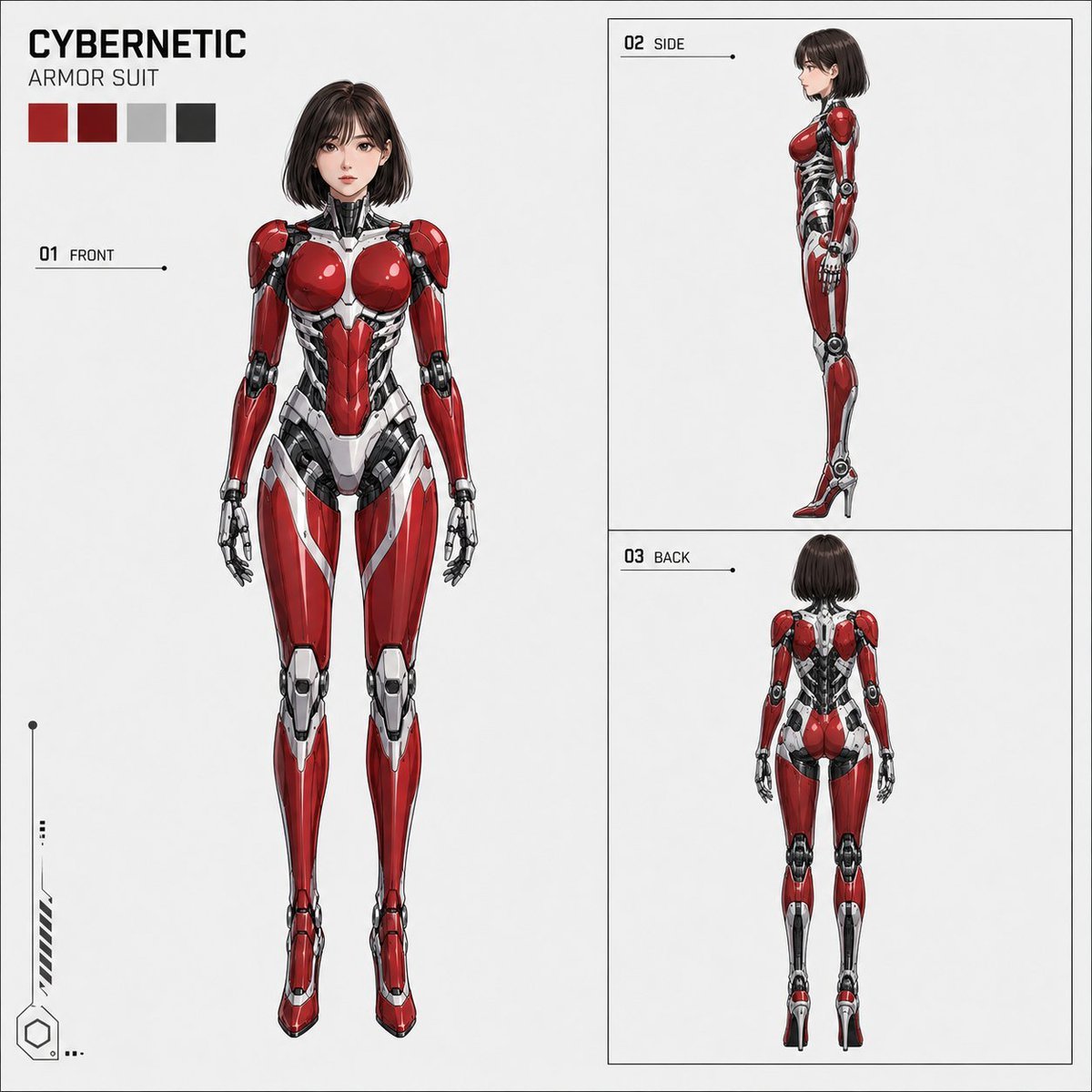
Anime Cybernetic Armor Character Sheet
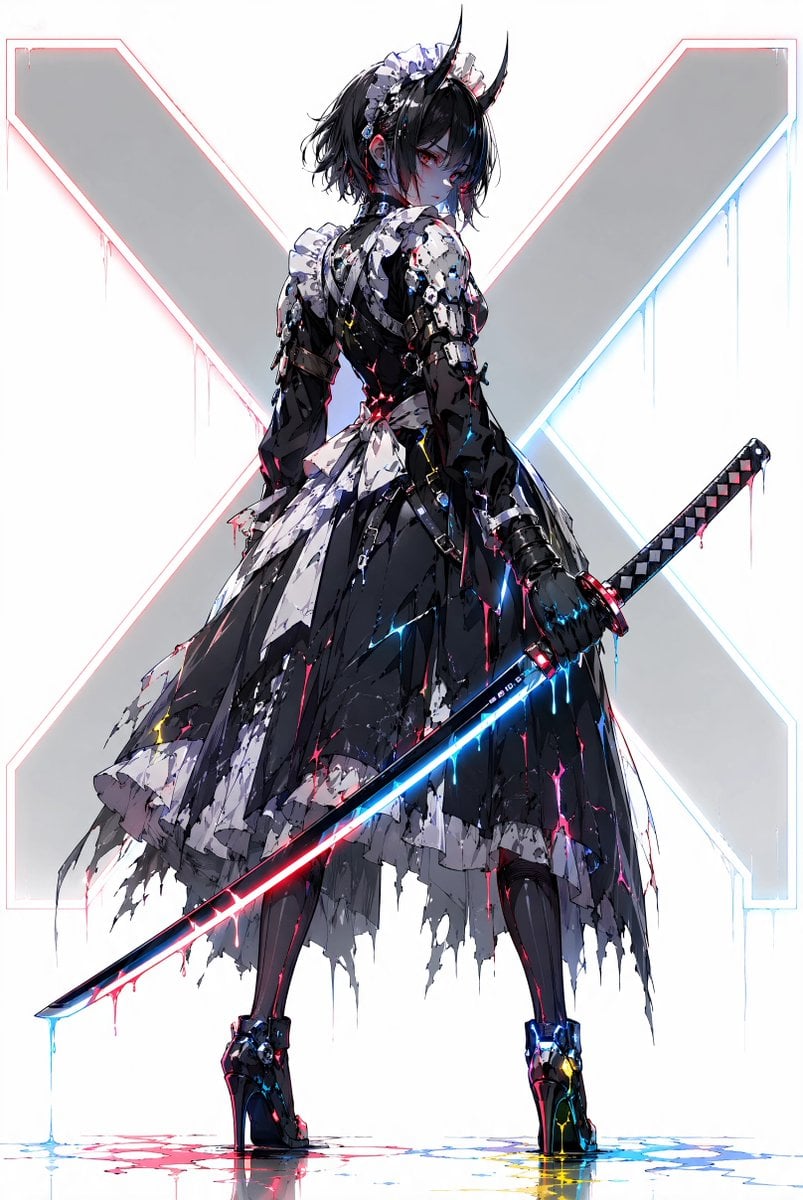
Cyber Demon Maid Katana

Futuristic Anime Tactical Concept Sheet
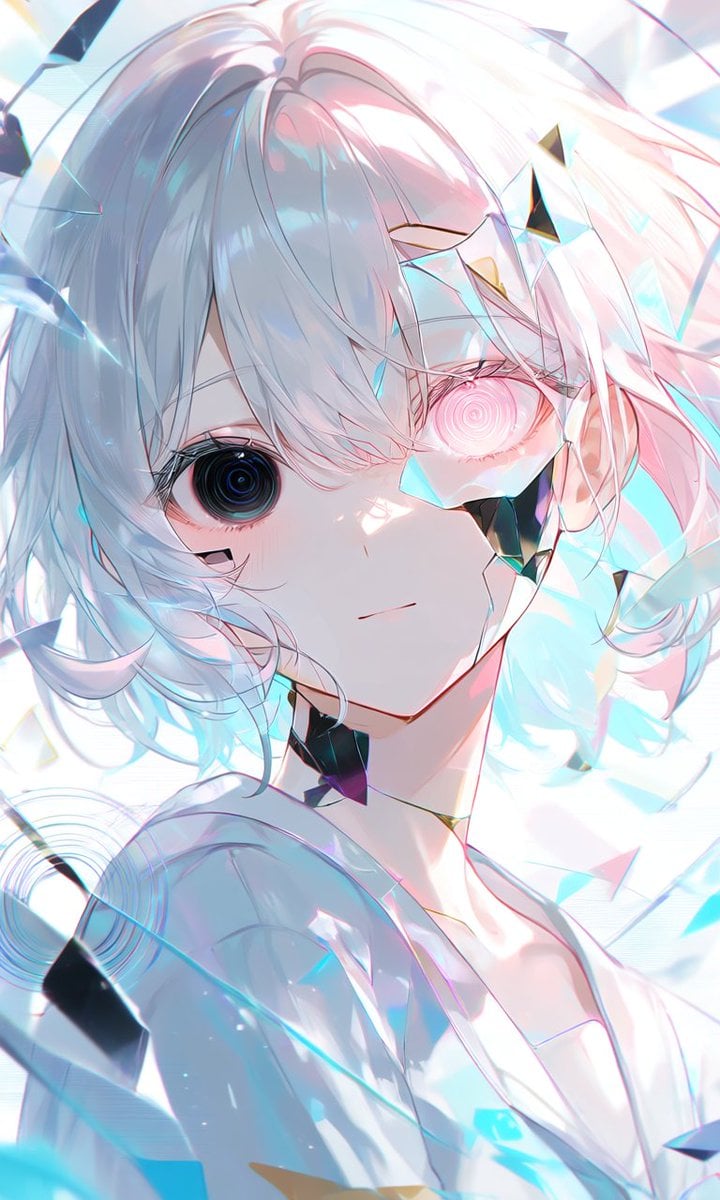
Crystalline Cybernetic Anime Girl
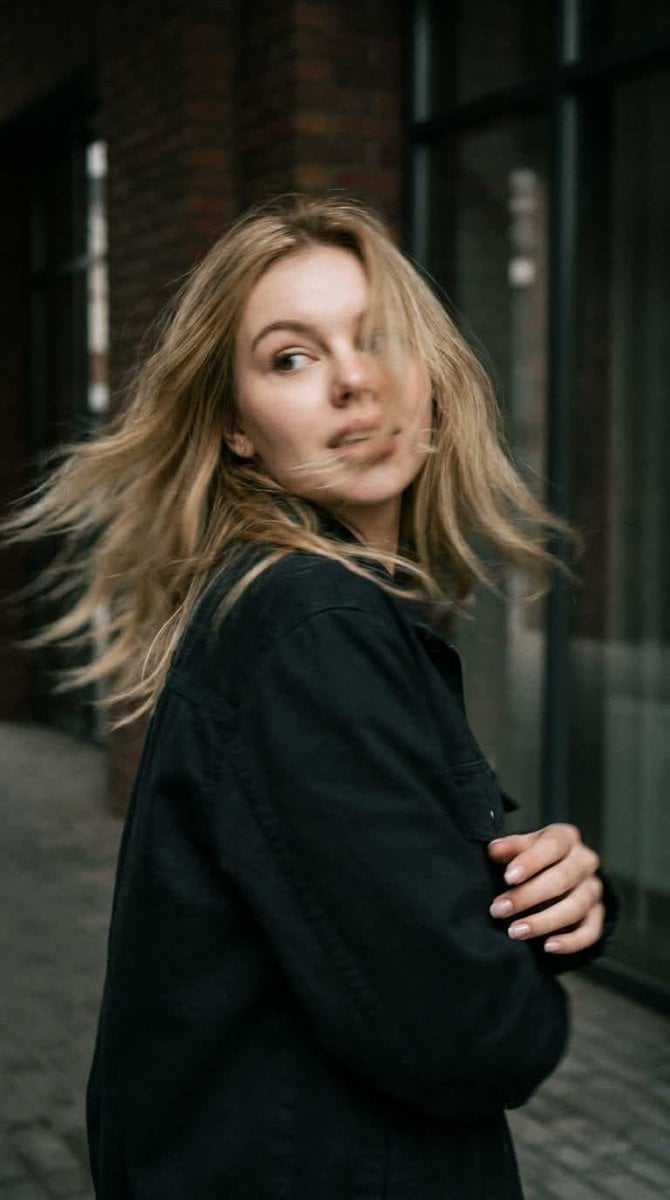
Candid Motion Blur Head Turn
Demon Office Girl Morning Drink
Make it yours
Cybernetic Demon Head UI Concept works as-is. These are the safest ways to change it without losing the look.
Change one field
Copy a single group, rewrite it, and generate again so you can see what that field is doing.
Keep the frame, change the subject
Hold the composition and light of Cybernetic Demon Head UI Concept, then swap wardrobe, props or the person for a new take.
| If the result… | Why | Fix |
|---|---|---|
| The result drifts from the preview | Too many fields changed at once. | Reuse Cybernetic Demon Head UI Concept as-is first, then change one group — subject, light, or setting. |
| The model over-stylizes the scene | The prose prompt leaves finish and camera underspecified. | Add one camera or lighting sentence and stay on GPT Image 2. |
More GPT Image 2 templates
Other prompts made for GPT Image 2.

Six VTuber Japanese Logo Sheet

Realistic Portrait of Woman and Deer

The Vista Modular Condo Poster

AI Model Routing Comparison Infographic

2.5D Anime Art Board

Isometric Productivity Desk Scene

New York Double Exposure Poster

Four-Panel AI Landscape Comparison

Japanese Tatami Lifestyle Magazine Cover

NESCAFÉ Coffee Map Poster
More image prompts
Fresh picks from across the catalog.
Romance Adventure Game CG Gallery UI
2x2 Editorial Grid: Pink Rhinestone Lips and Dance Fashion
8K Chiaroscuro Portrait JSON

Loona

Image Conversion to Berry Tart Dress Style
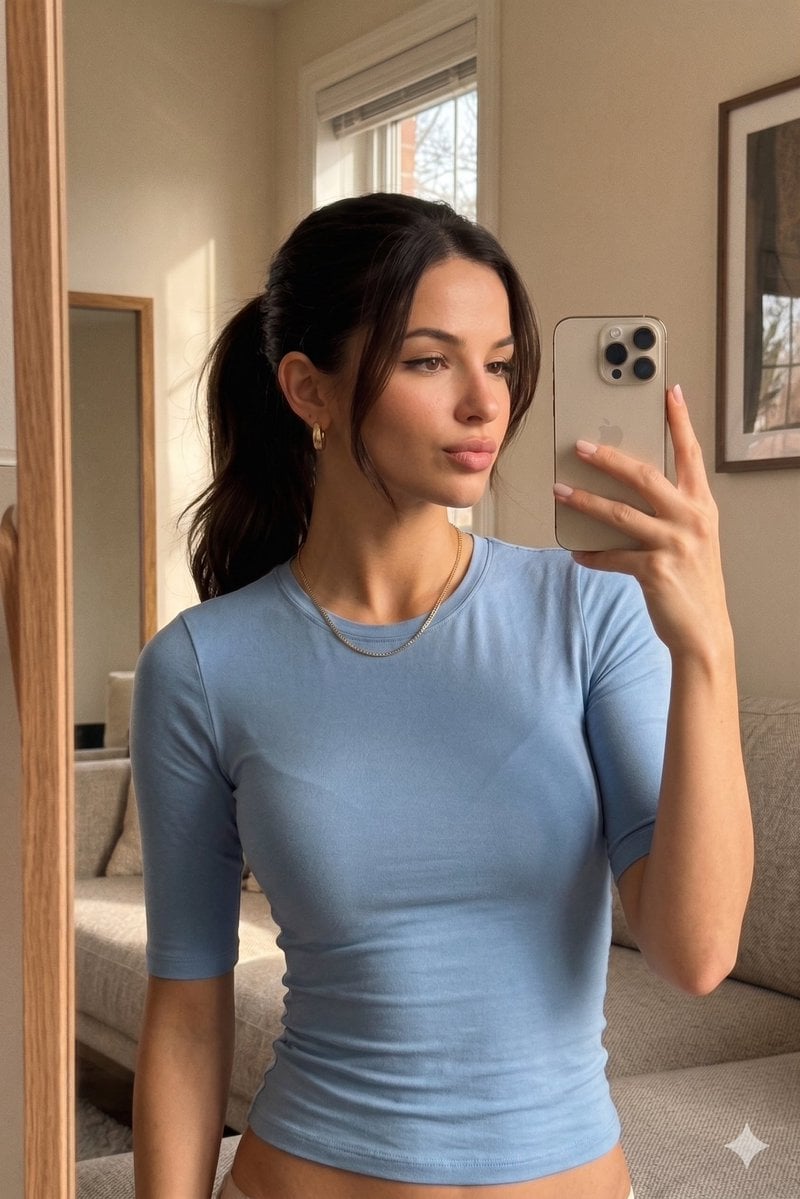
Realistic iPhone Mirror Selfie

Retro Deep-Sea Sci-Fi Anime Poster
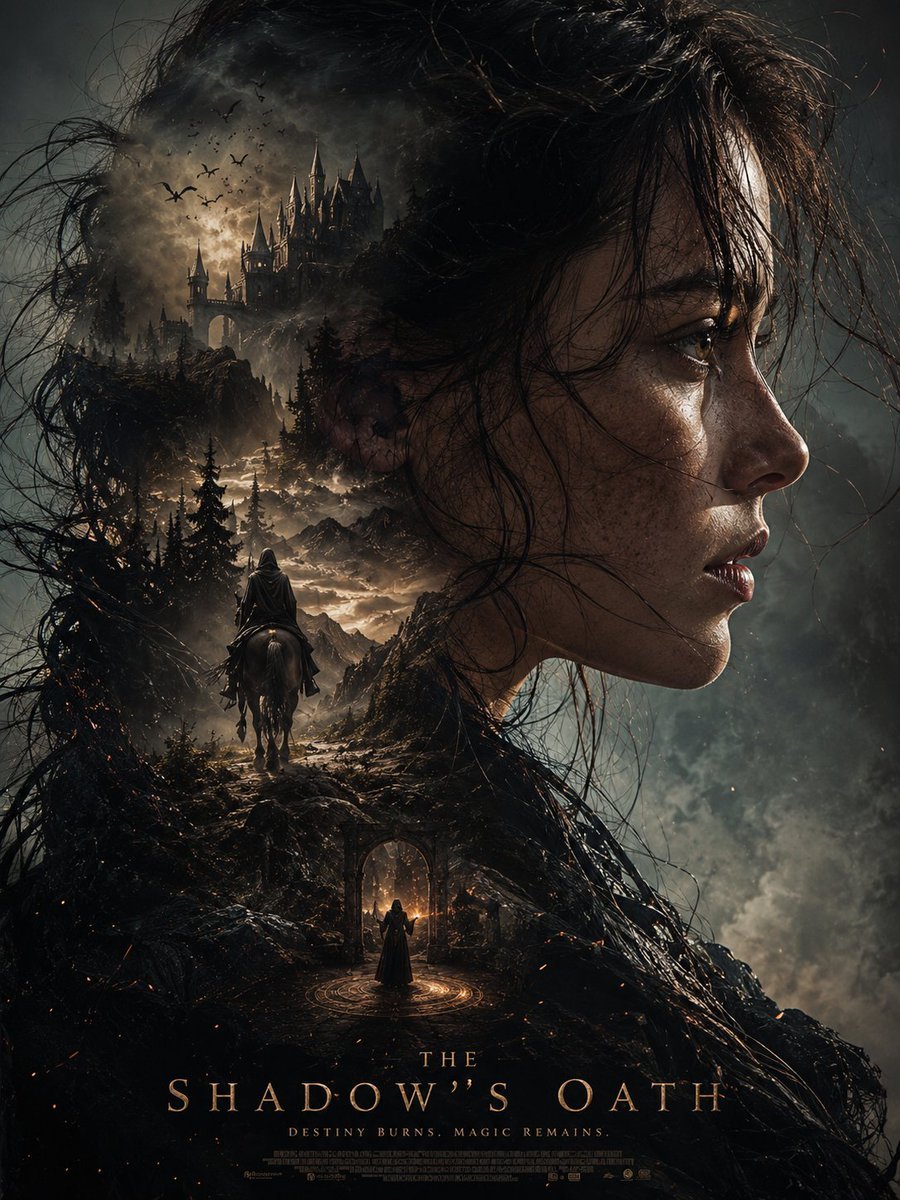
Dark Fantasy Double Exposure Poster
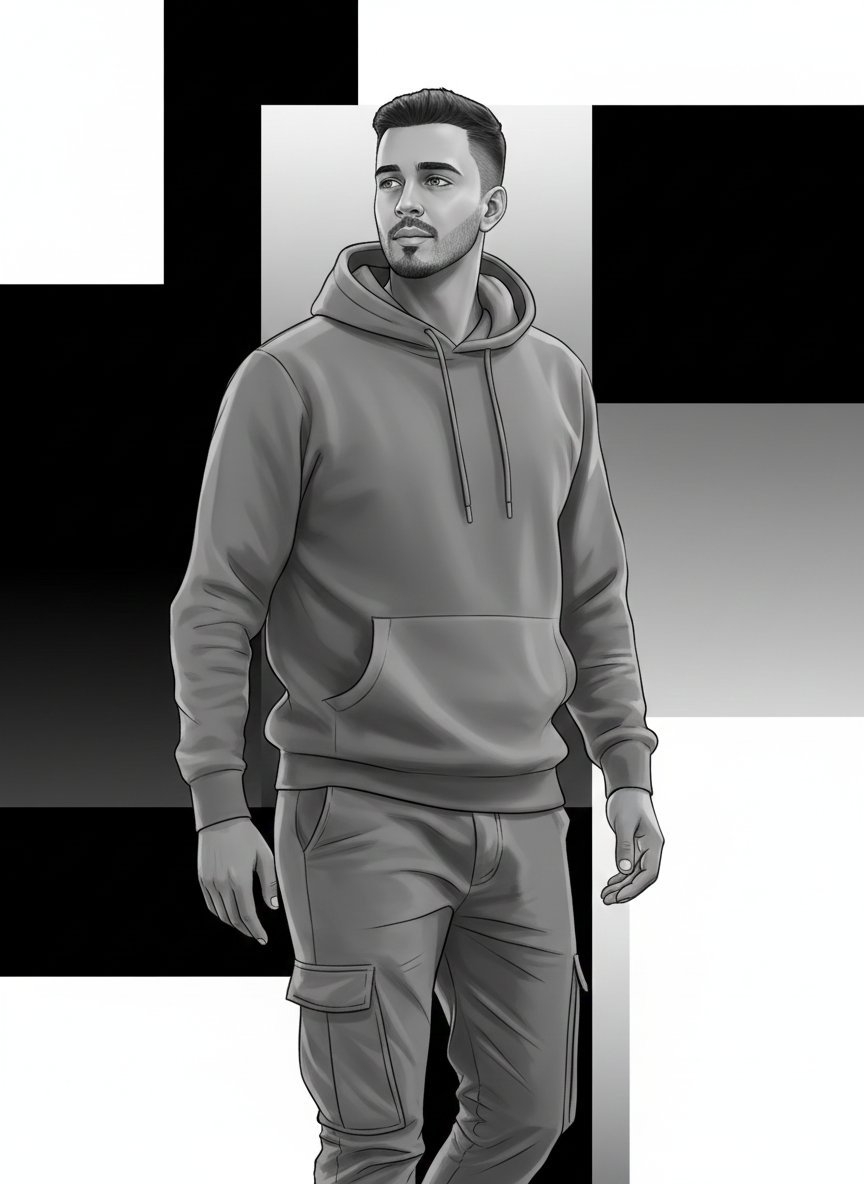
High-Fashion Monochrome Vector Illustration Prompt
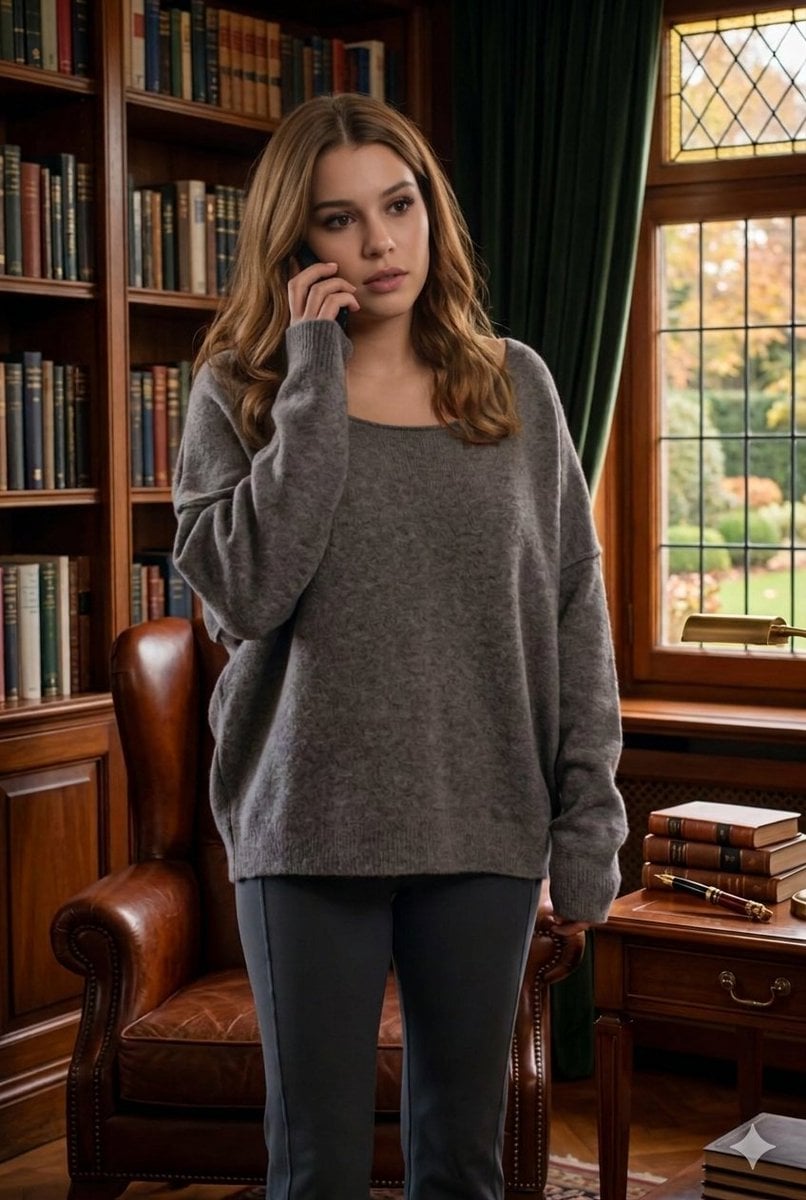
Cinematic Library Scene with Woman on Phone
Browse template categories
Cybernetic Demon Head UI Concept questions
How do I use the Cybernetic Demon Head UI Concept template?
Add your photo if the template asks for one, edit the prompt if you like — the template's model and format are already selected — and press Generate. Your version opens in PicX Studio.
Can I customize the Cybernetic Demon Head UI Concept template?
Yes. You can change the subject, setting, lighting, mood, format, and available model controls before creating your image.
Is the Cybernetic Demon Head UI Concept template free?
Opening and editing this template is free. Generating uses credits, shown on the Generate button when you are signed in.
Which AI model should I use?
Start with GPT Image 2, which is the model associated with this template. You can compare another compatible model for a different finish.
Looking for something else? Browse all templates.

Your photo, any look
Thousands of ready templates for every top image and video model, from one credit balance.