How do I use the Moonlit Fairy Outfit Analysis Poster template?
Edit the prompt in the box under the preview — the template's model and format are already selected — and press Generate. Your version appears right on this page.
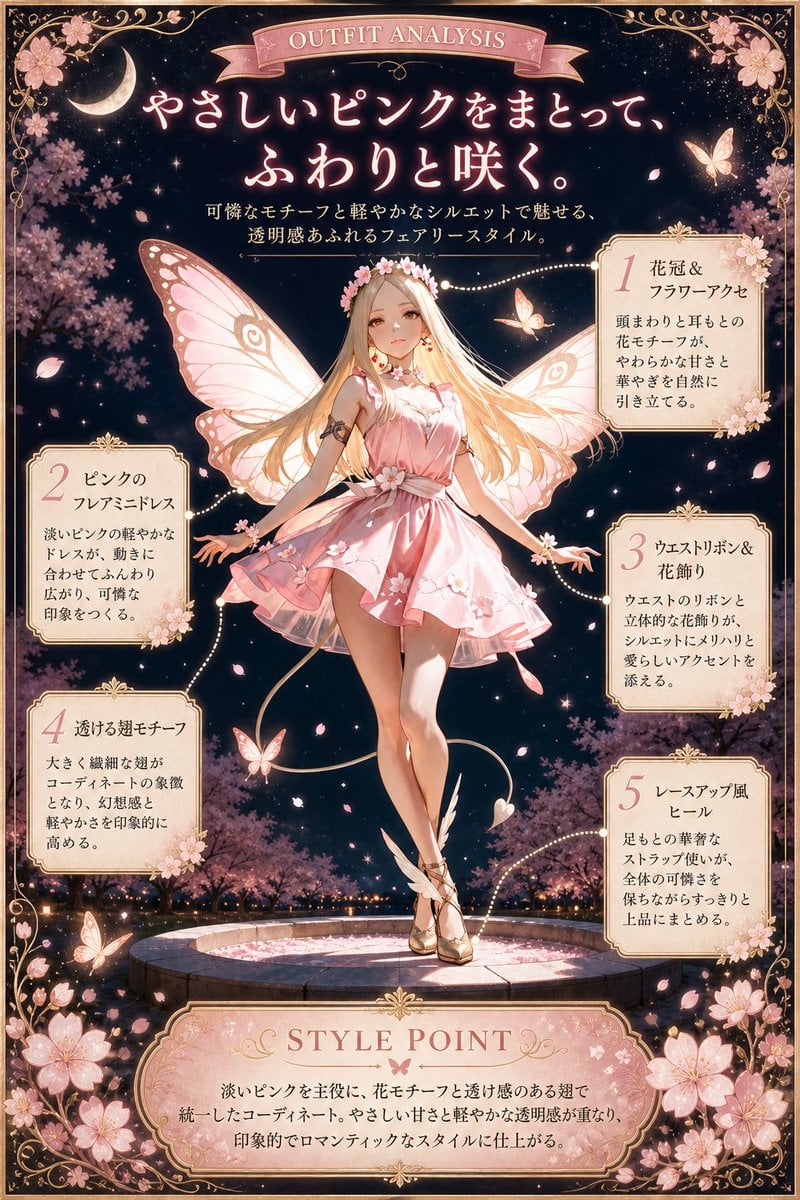
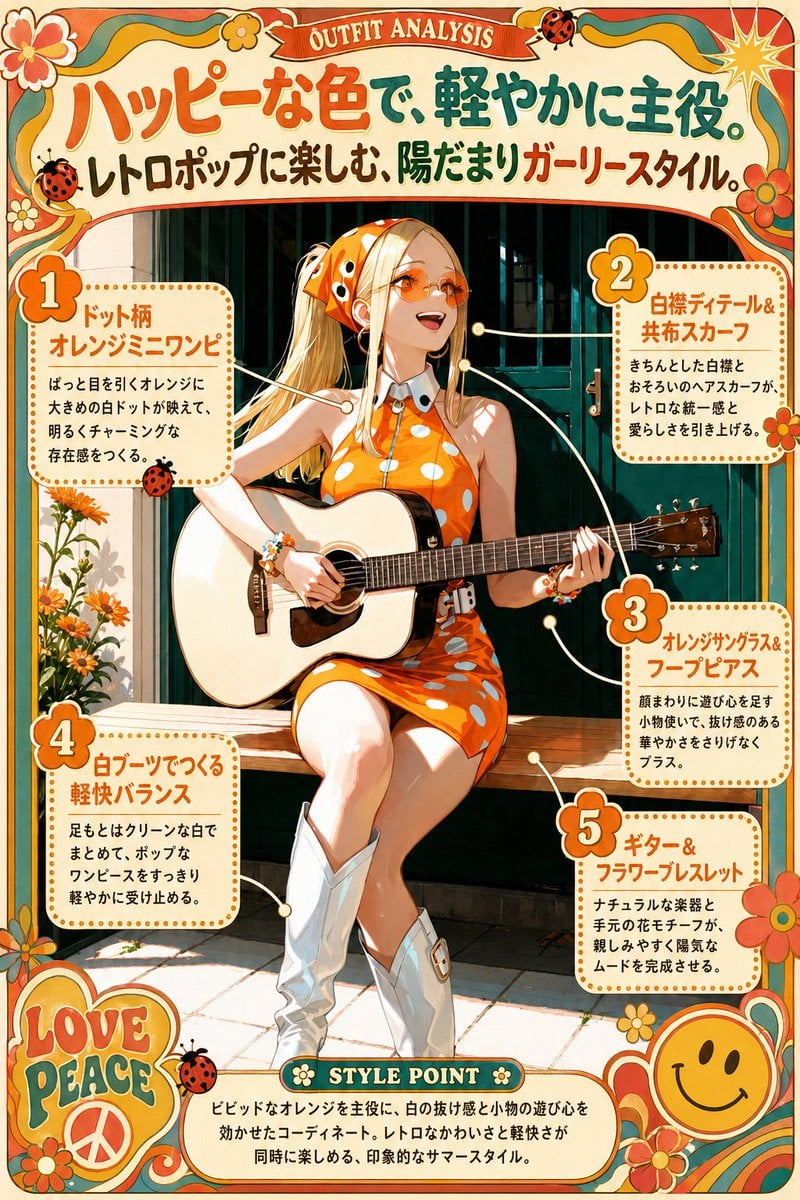
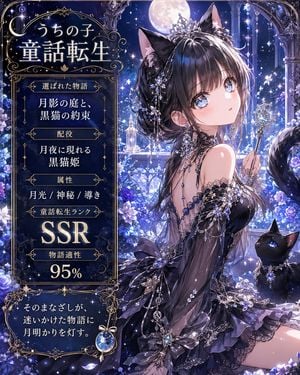
A richly ornamented fantasy fashion poster showing a fairy woman in a moonlit gothic setting with five labeled outfit callouts, ideal for editorial-style character costume showcases.

This template uses your photo — add one with the + button.
{"type":"fantasy fashion infographic poster","theme":"fairy romantic outfit analysis","style":"ornate gothic editorial illustration with art nouveau framing, luminous moonlit fantasy atmosphere, highly detailed anime painting, elegant gold filigree and decorative typography","palette":{"primary":["deep midnight blue","antique gold","warm beige","ivory","black"],"accents":["moon white","soft amber","muted teal"]},"canvas":{"aspect_ratio":"4:5","border":"elaborate symmetrical gold ornamental border with corner flourishes, butterflies, lilies, stars, and moon phases"},"background":{"setting":"ruined gothic cathedral interior खुल open to the night sky","key_elements":["1 giant full moon centered behind the character","tall arched windows","stone stairs","sparkling dust and tiny glowing lights","4 white lilies near the lower corners and mid-sides","4 decorative butterflies integrated into the frame","a row of moon phases along the top"]},"subject":{"count":1,"description":"a young ethereal fairy woman kneeling sideways on a stone platform, head tilted back and eyes closed, serene expression, slim build, soft romantic pose","hair":{"color":"{argument name=\"hair color\" default=\"golden blonde\"}","style":"long straight hair with soft layers and side-swept bangs"},"outfit":{"dress":"short satin-like beige mini dress with soft sheen, fitted waist, layered skirt, white floral embroidery near the hem, and a small bow at the waist","accessories":["feather-themed headpiece with 2 long curved feathers","floral earrings","fluffy fur choker","fur trim on upper arms and wrists"],"legwear":"sheer dark tights with lace garter tops","footwear":"black ankle boots with subtle floral motif"},"wings":"large butterfly-like wings in beige, cream, and brown with detailed veining and moth-inspired patterning"},"layout":{"header":{"title":"{argument name=\"headline text\" default=\"OUTFIT ANALYSIS\"}","subtitle_lines_count":2,"subtitle":"Japanese editorial copy centered below the ribbon banner"},"callouts":{"count":5,"items":[{"number":1,"position":"upper left","title":"羽根モチーフのヘッドアクセ","description":"focus on the feather-themed head accessory"},{"number":2,"position":"upper right","title":"サテン調ベージュドレス","description":"focus on the satin beige dress"},{"number":3,"position":"middle left","title":"ファートリムのディテール","description":"focus on the fur-trim details"},{"number":4,"position":"middle right","title":"ダークタイツ&ガーター","description":"focus on the dark tights and garters"},{"number":5,"position":"lower left","title":"翅モチーフ&黒ブーツ","description":"focus on the wing motif and black boots"}],"connectors":"thin dotted golden guide lines with glowing points connecting each callout box to the outfit details"},"footer":{"title":"{argument name=\"footer title\" default=\"STYLE POINT\"}","body":"Japanese paragraph centered in a framed plaque at the bottom"}},"text_language":"Japanese for body copy, English for the two main headings","rendering":"ultra-detailed, soft glow, polished magazine infographic composition, crisp decorative text, cinematic moon backlight, subtle rim light, luxurious textures, no modern UI elements"}
Edit the prompt in the box under the preview — the template's model and format are already selected — and press Generate. Your version appears right on this page.
Yes. You can change the subject, setting, lighting, mood, format, and available model controls before creating your image.
Opening and editing this template is free. Generating uses credits, shown on the Generate button when you are signed in.
Start with GPT Image 2, which is the model associated with this template. You can compare another compatible model for a different finish.
Follow a topic to a crawlable collection of related PicX Studio templates.