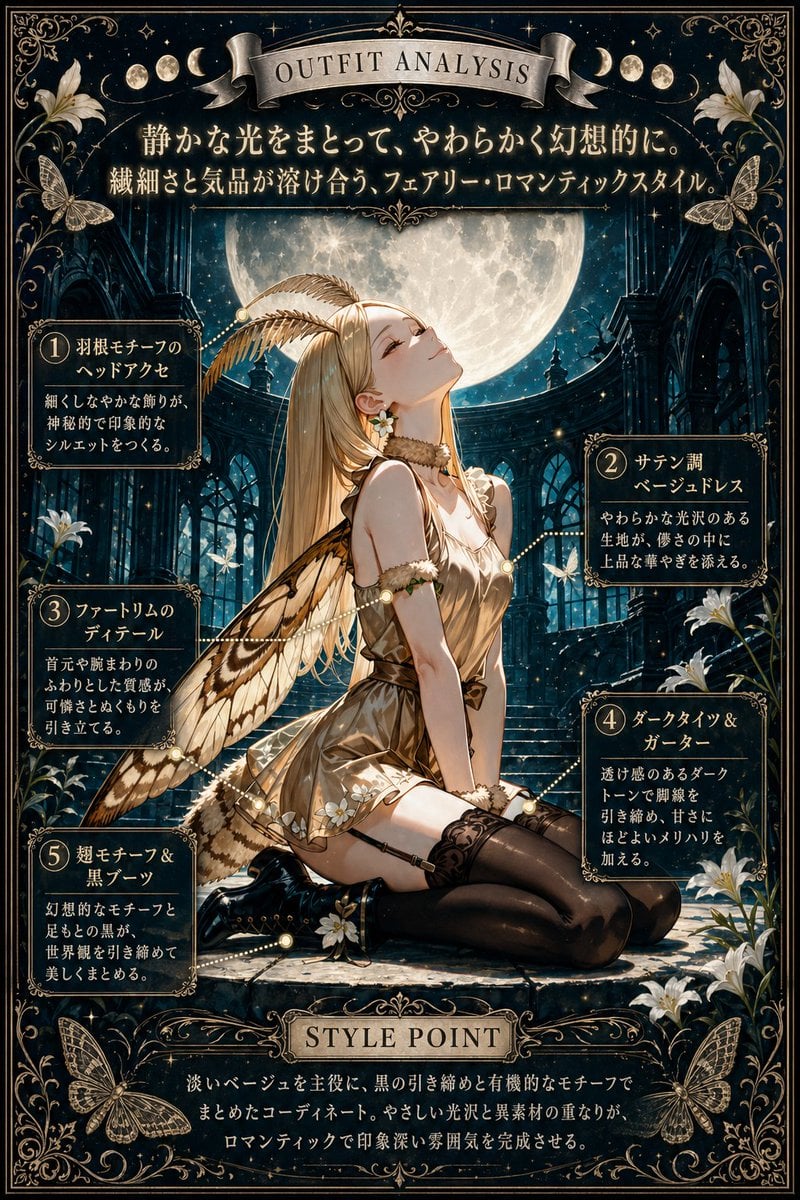
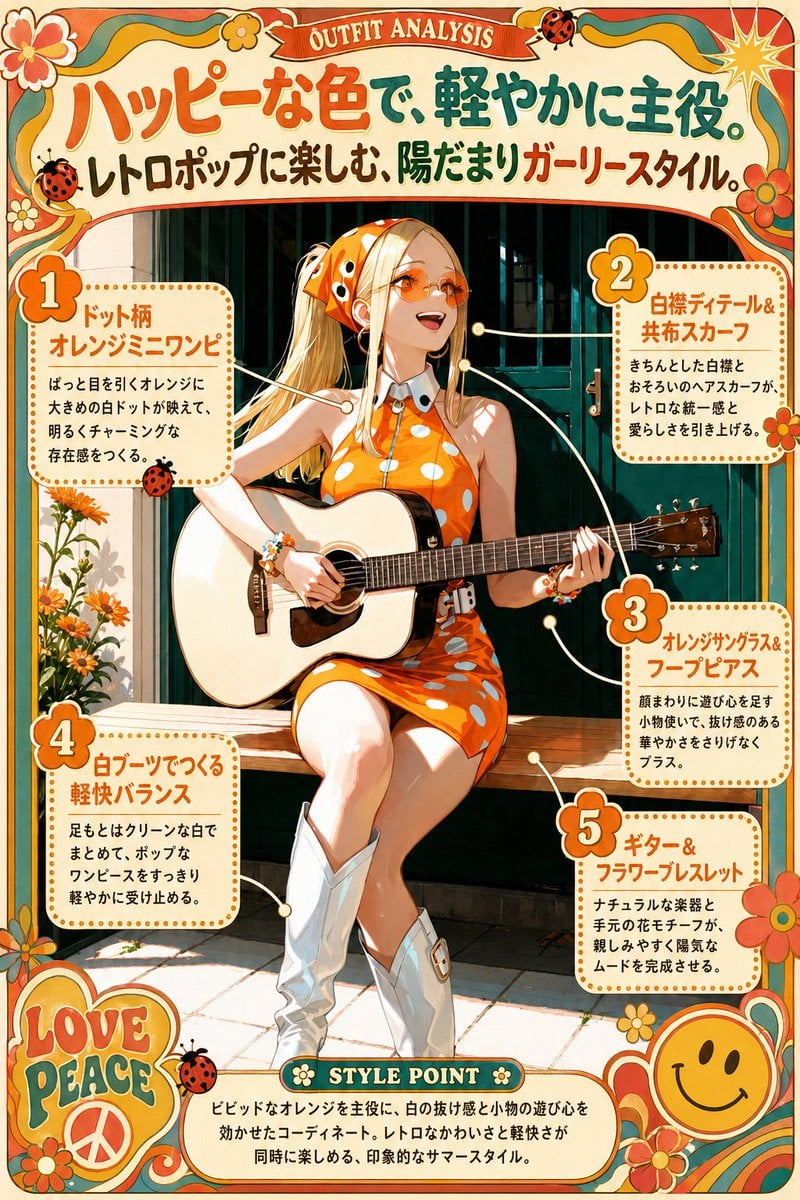
How do I use the Pink Fairy Outfit Analysis Poster template?
Edit the prompt in the box under the preview — the template's model and format are already selected — and press Generate. Your version appears right on this page.
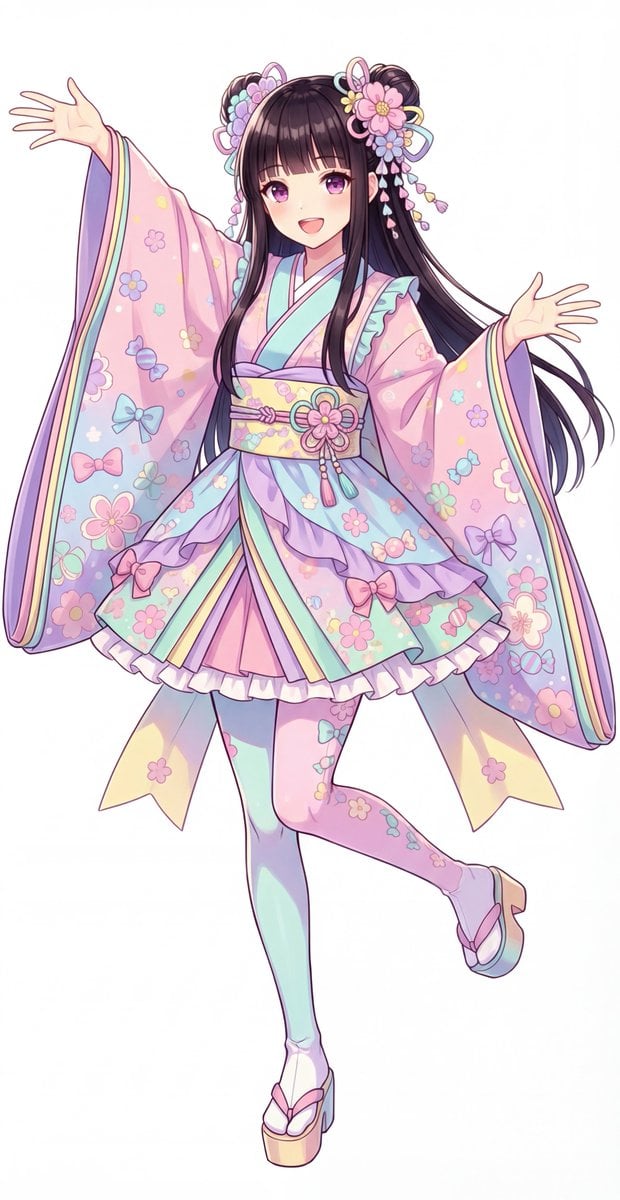
An ornate anime-style fashion breakdown poster showing a pink fairy outfit with five labeled design callouts, ideal for fantasy costume showcases and styled character presentations.

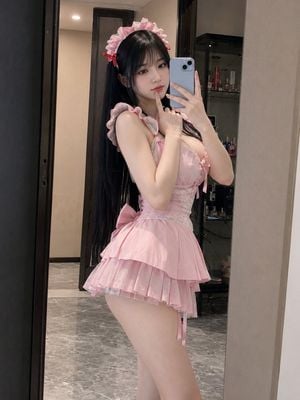
This template uses your photo — add one with the + button.
{"type":"ornate anime fashion analysis poster","subject":{"character":"full-body fairy girl standing centered on a round stone pedestal","identity":{"gender_presentation":"feminine","age_appearance":"young adult"},"hair":{"color":"long golden blonde","style":"very long flowing hair with soft waves, center part, flower crown and floral side ornaments"},"face":{"visibility":"face obscured by a soft blur block"},"outfit":{"theme":"soft pink fairy fashion","pieces":["pink flare mini dress","flower crown and floral hair accessories","waist ribbon with flower ornament","large translucent butterfly wings","lace-up style heels with wing-like ankle accents"]},"pose":"graceful light stance with one leg crossed forward, both arms gently extended outward, skirt and hair drifting softly as if in a breeze"},"scene":{"setting":"fantasy night garden under a star-filled sky","background_elements":["crescent moon in the upper left","glowing butterflies around the character","falling cherry blossom petals","cherry blossom trees framing both sides and the lower background","sparkling lights across the night sky"]},"style":{"illustration":"highly polished anime fantasy illustration","mood":"romantic, dreamy, elegant, delicate","palette":"navy blue, blush pink, warm gold, ivory glow","rendering":"soft luminous lighting, glossy fabric highlights, detailed floral ornamentation, decorative gold filigree border"},"text":{"top_banner":"OUTFIT ANALYSIS","headline":"やさしいピンクをまとって、ふわりと咲く。","subheadline":"可憐なモチーフと軽やかなシルエットで魅せる、透明感あふれるフェアリースタイル。","bottom_banner":"STYLE POINT","bottom_paragraph":"淡いピンクを主役に、花モチーフと透け感のある翅で統一したコーディネート。やさしい甘さと軽やかな透明感が重なり、印象的でロマンティックなスタイルに仕上がる。"},"layout":{"orientation":"vertical poster","border":"thick ornate floral frame with gold scrollwork and pink blossoms in all corners and edges","centerpiece":"single full-body character in the middle","sections":[{"title":"1","position":"upper right","count":1,"labels":["花冠&フラワーアクセ"]},{"title":"2","position":"mid left","count":1,"labels":["ピンクのフレアミニドレス"]},{"title":"3","position":"mid right","count":1,"labels":["ウエストリボン&花飾り"]},{"title":"4","position":"lower left","count":1,"labels":["透ける翅モチーフ"]},{"title":"5","position":"lower right","count":1,"labels":["レースアップ風ヒール"]}],"bottom_panel":{"title":"STYLE POINT","position":"bottom center"},"connectors":"dotted glowing guide lines linking each numbered callout box to the relevant outfit area"},"composition":{"symmetry":"mostly symmetrical ornamental layout","camera":"full-body straight-on view","spacing":"large central figure with five surrounding text boxes and a bottom summary plaque"}}
Edit the prompt in the box under the preview — the template's model and format are already selected — and press Generate. Your version appears right on this page.
Yes. You can change the subject, setting, lighting, mood, format, and available model controls before creating your image.
Opening and editing this template is free. Generating uses credits, shown on the Generate button when you are signed in.
Start with GPT Image 2, which is the model associated with this template. You can compare another compatible model for a different finish.
Follow a topic to a crawlable collection of related PicX Studio templates.