
Blue Fantasy Library Atrium
Generates a luminous anime fantasy library filled with blue-haired scholars, flying pages, birds, books, and a magical clock for dramatic AI art scenes.
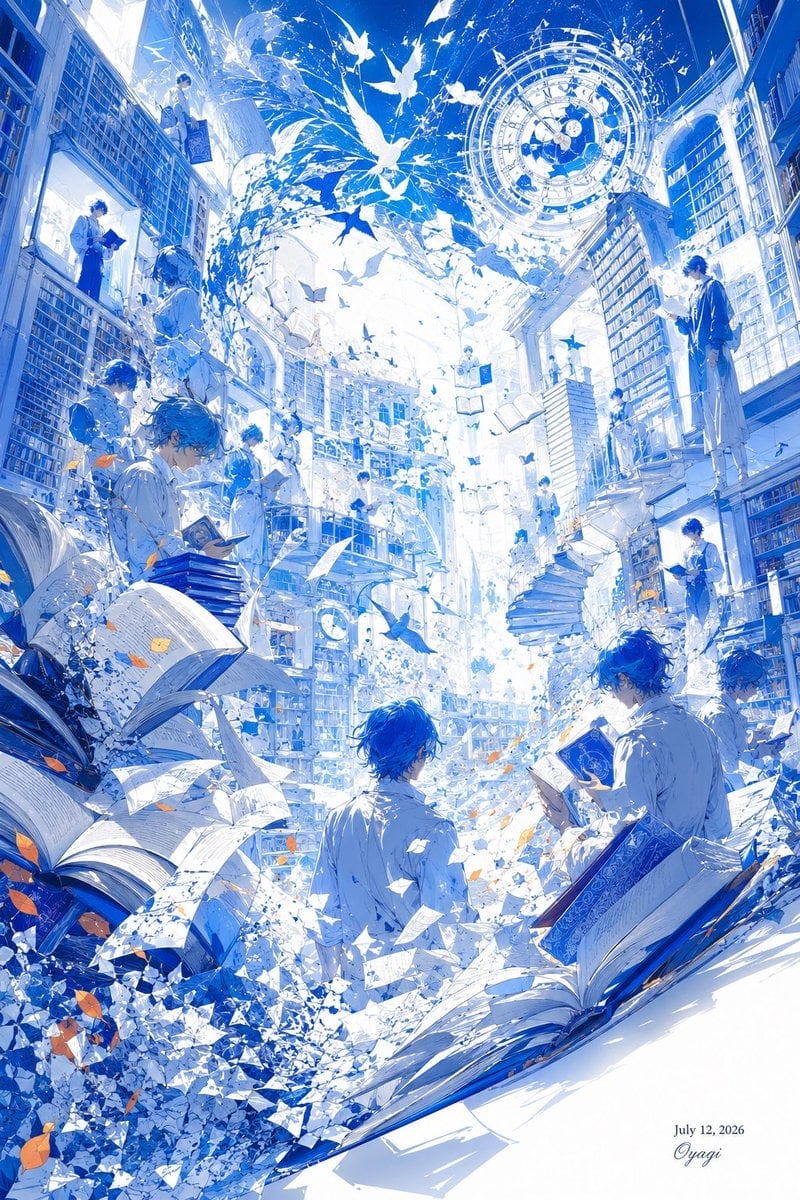
- Prompt included
- Model and format preset
- Free template
The prompt behind this image
Copy the exact prompt behind Blue Fantasy Library Atrium, or open it in the studio and make it yours.
Create a vertical 2:3 anime fantasy illustration of an impossibly tall, luminous library atrium, dominated by {argument name="color palette" default="cobalt blue and pure white with tiny warm orange leaf accents"}. The scene is packed with towering bookshelves on both sides, multiple balconies, ladders, stairs, arched windows, and a radiant white opening in the center that floods the whole space with light. Show exactly 14 visible human figures, all delicate blue-haired scholar boys in pale white or blue clothing: one reading at the lower left among giant open books, one crouched on a left shelf, one standing in a left window alcove, one floating near the upper left holding a rectangular case, one tiny figure on a distant central balcony, one tiny figure near the center lower shelves, one standing on the upper right balcony reading, one seated on a right-side railing, one standing by the right bookshelves, one reading at the lower right edge, one seated at the lower right with an open book, one back-facing figure in the lower center foreground, one tiny figure near the central stairs, and one tiny figure on a mid-background balcony. Fill the air with hundreds of fluttering book pages, paper shards, white birds, petals, crystalline fragments, and several open books suspended in motion; include two huge open books in the foreground, one at lower left and one sweeping across the lower right. At the upper right, place a large glowing circular astrolabe or magical clock made of concentric rings, symbols, and clockwork markings. The composition should feel like a vortex of knowledge and pages swirling upward, with extreme depth, intricate linework, high-key lighting, sparkling particles, and elegant manga-style rendering. Add a small handwritten signature and date in the bottom right reading {argument name="date text" default="July 12, 2026"} and {argument name="signature" default="Oyagi"}. No other readable text, no watermark, no frame.
How to use Blue Fantasy Library Atrium in 3 steps
- 1Upload ImagePNG, JPG or paste
Add your photo
Upload the photo the template builds on. The prompt, model and format are already set.
- 2…a portrait of your subject in softgolden-hour light, 85mm…
Personalize
Edit the subject and creative details for your destination.
- 3Generate
Generate
Press Generate — your image is created in PicX Studio, so you can compare it with the original and refine one variable at a time.
More like this
Templates with the same subject, style or setup. Open one to see its prompt.
Red and Blue Fantasy Sword Clash

Anime Fantasy Celestial Movie Poster
Anime Fantasy Celestial Movie Poster

Monochrome Portrait Jersey Accent Poster

Minecraft Fantasy Kingdom Voxel Landscape

Unfinished Sketch Comes Alive Portrait

Open Travel Journal Overhead Still Life

Tiny Woman Miniature Fantasy Macro Scene
Cylindrical Fantasy Library
Fantasy Library Poster for Epix & Ria

Cosmetic Tube Product — Nano Banana 2

Nano Banana - Evening Champagne Blue
Make it yours
Blue Fantasy Library Atrium works as-is. These are the safest ways to change it without losing the look.
Change one field
Copy a single group, rewrite it, and generate again so you can see what that field is doing.
Keep the frame, change the subject
Hold the composition and light of Blue Fantasy Library Atrium, then swap wardrobe, props or the person for a new take.
| If the result… | Why | Fix |
|---|---|---|
| The result drifts from the preview | Too many fields changed at once. | Reuse Blue Fantasy Library Atrium as-is first, then change one group — subject, light, or setting. |
| The model over-stylizes the scene | The prose prompt leaves finish and camera underspecified. | Add one camera or lighting sentence and stay on GPT Image 2. |
More GPT Image 2 templates
Other prompts made for GPT Image 2.

Six VTuber Japanese Logo Sheet

Realistic Portrait of Woman and Deer

The Vista Modular Condo Poster

AI Model Routing Comparison Infographic

2.5D Anime Art Board

Isometric Productivity Desk Scene

New York Double Exposure Poster

Four-Panel AI Landscape Comparison

Japanese Tatami Lifestyle Magazine Cover

NESCAFÉ Coffee Map Poster
More image prompts
Fresh picks from across the catalog.
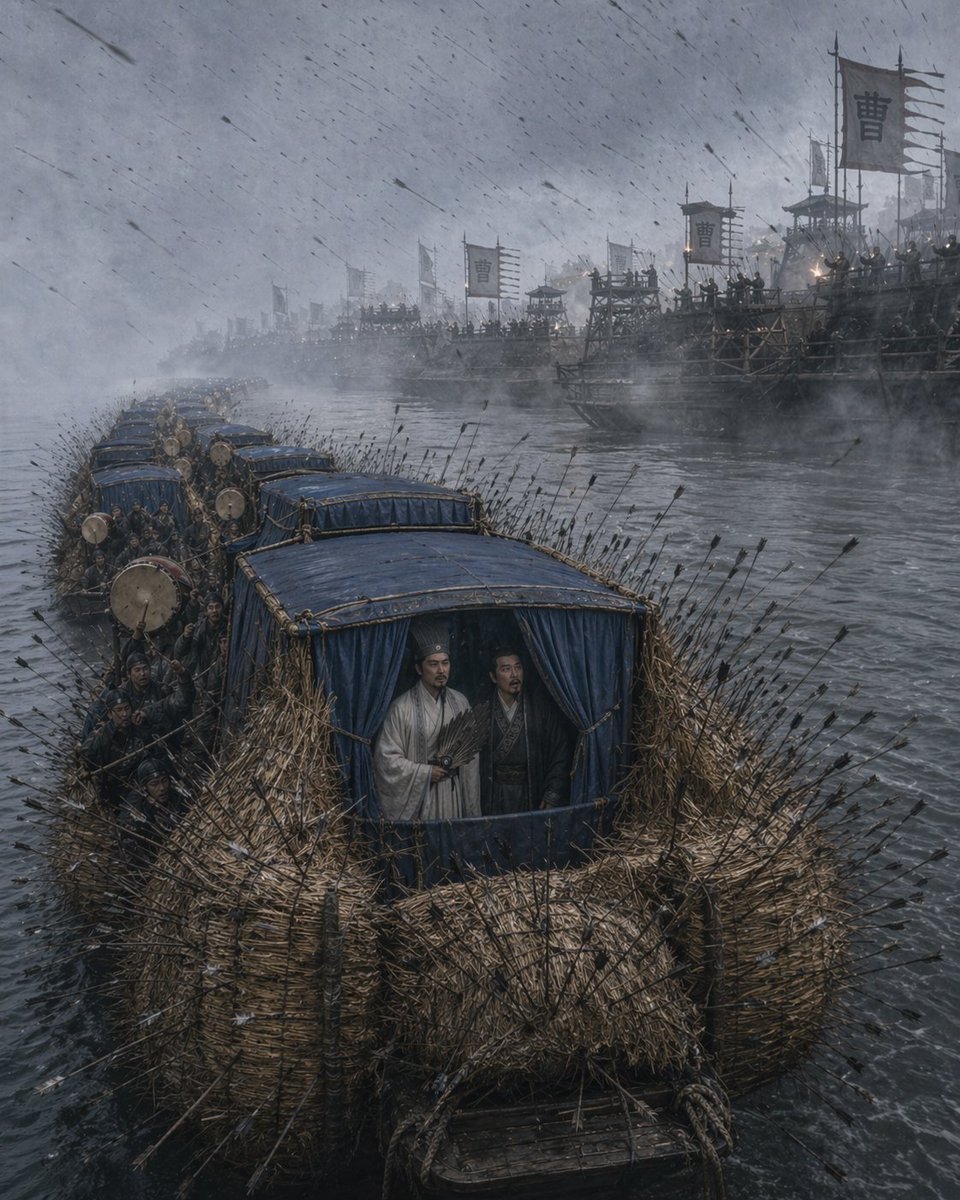
Borrowing Arrows with Straw Boats
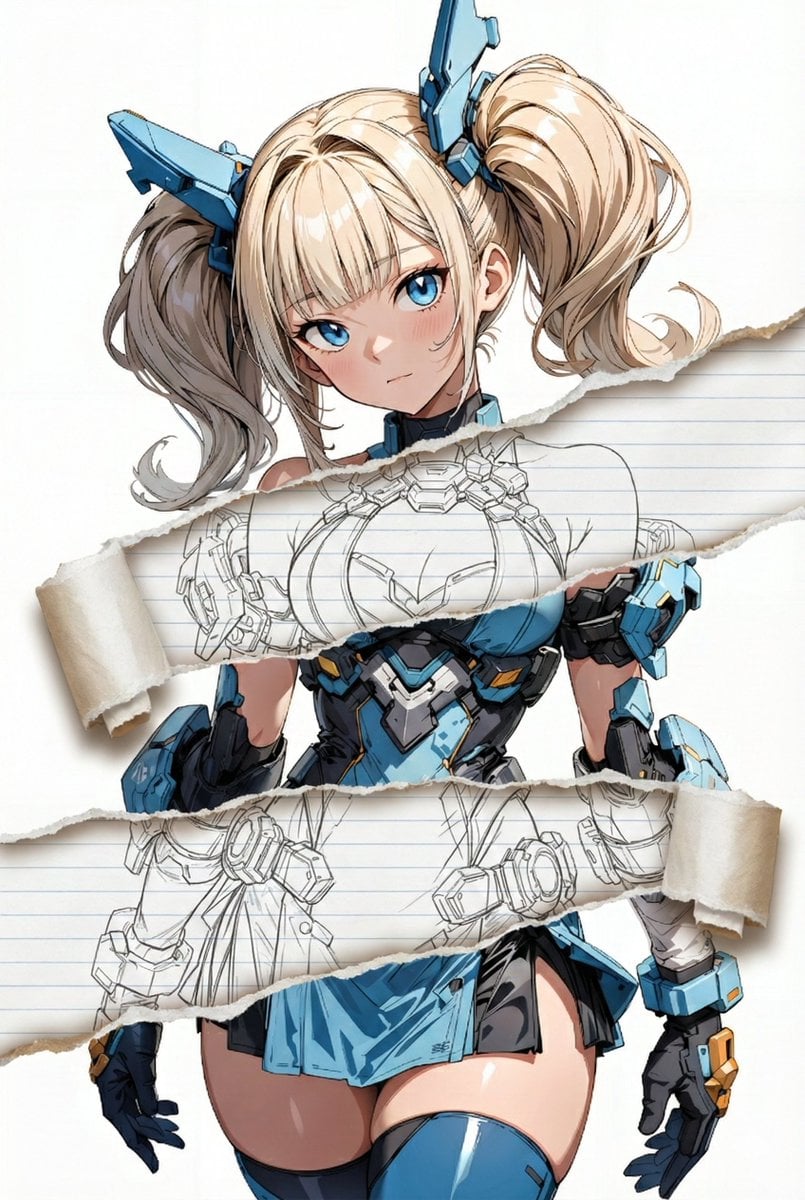
Nano Banana Pro torn paper style-switching edit prompt
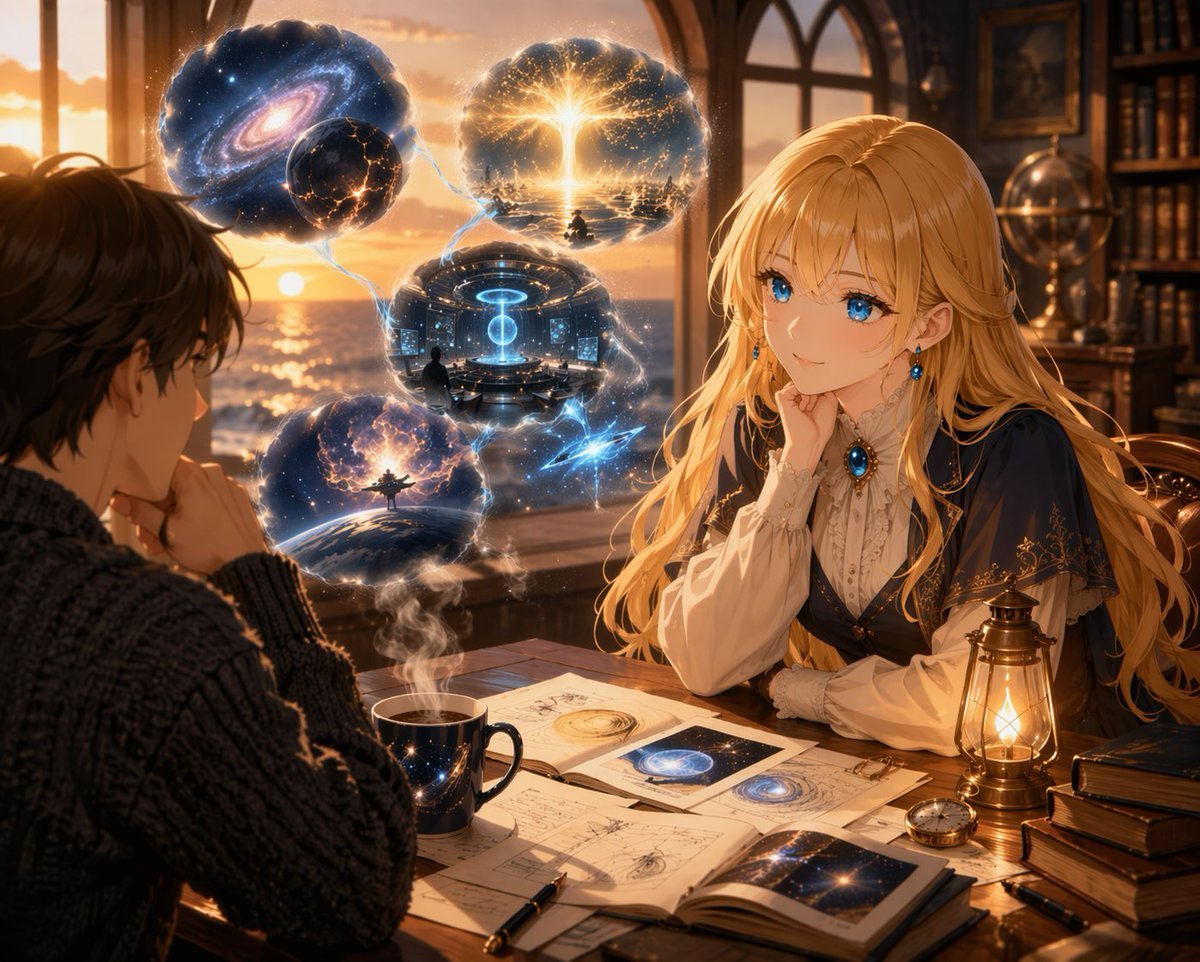
Anime Scholars with Cosmic Holograms
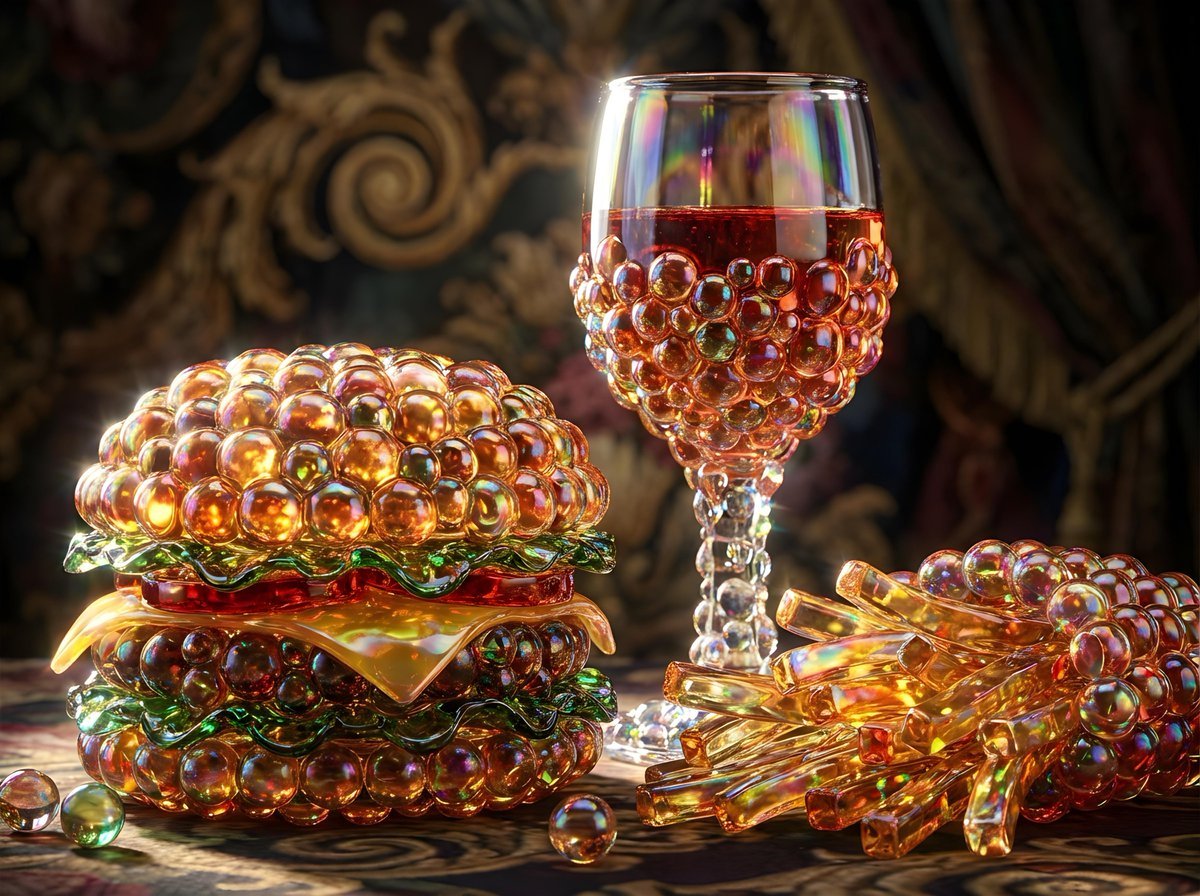
Bubbly Cheeseburger Still Life Prompt
High-Contrast Tennis Court Sports Portrait
Watercolor Trench Coat Fashion Illustration
Autumn City Vibe Full-Body Shot Prompt
JAL First Class Cabin Interior
Monochrome Eyewear Campaign Silhouette
Top-View Street Scene with Motion Blur
Browse template categories
Blue Fantasy Library Atrium questions
How do I use the Blue Fantasy Library Atrium template?
Add your photo if the template asks for one, edit the prompt if you like — the template's model and format are already selected — and press Generate. Your version opens in PicX Studio.
Can I customize the Blue Fantasy Library Atrium template?
Yes. You can change the subject, setting, lighting, mood, format, and available model controls before creating your image.
Is the Blue Fantasy Library Atrium template free?
Opening and editing this template is free. Generating uses credits, shown on the Generate button when you are signed in.
Which AI model should I use?
Start with GPT Image 2, which is the model associated with this template. You can compare another compatible model for a different finish.
Looking for something else? Browse all templates.

Your photo, any look
Thousands of ready templates for every top image and video model, from one credit balance.