
Cylindrical Fantasy Library
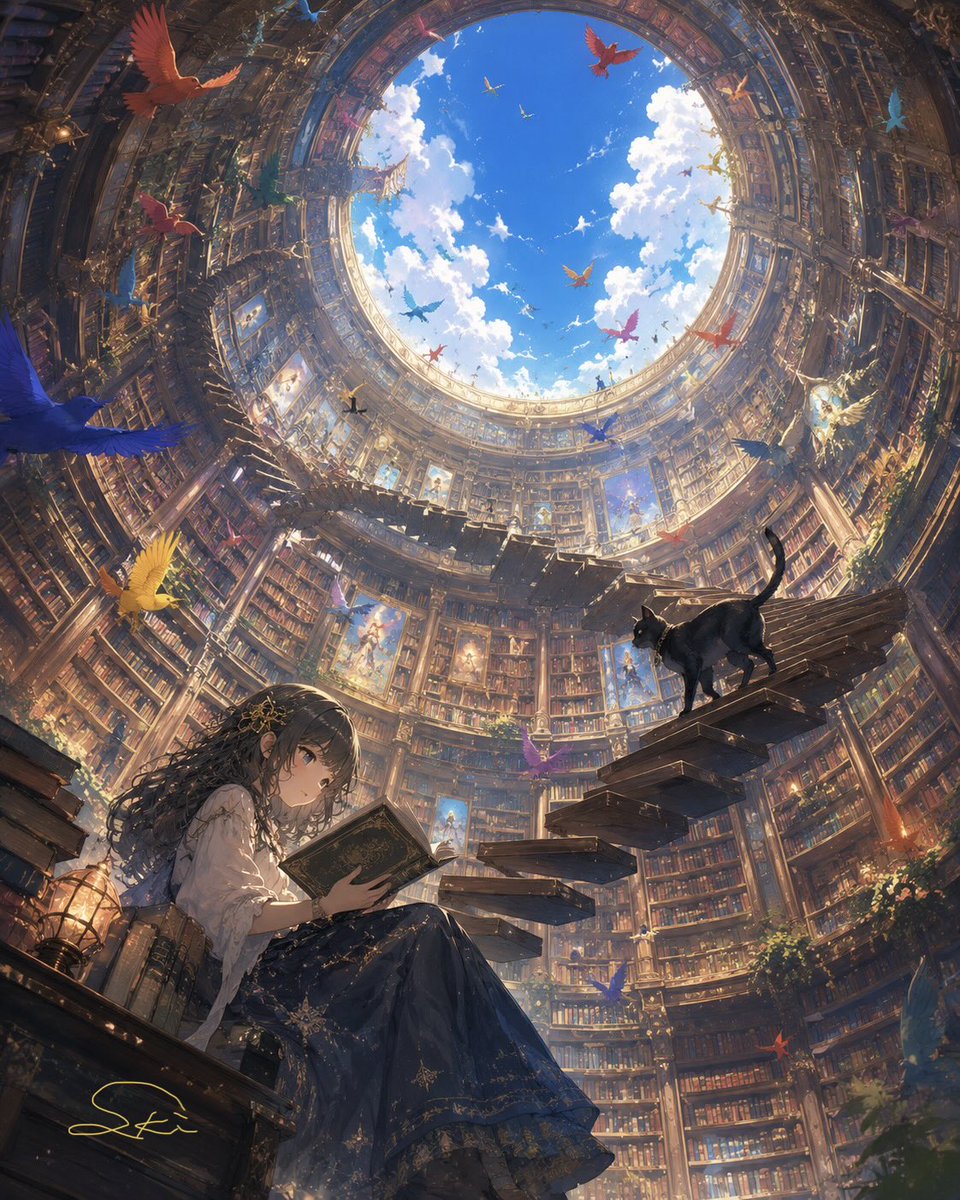
A cinematic anime fantasy scene of a girl reading in a vast circular magical library with birds, a black cat, and an open sky above.
- Prompt included
- Model and format preset
- Free template
The prompt behind this image
Copy the exact prompt behind Cylindrical Fantasy Library, or open it in the studio and make it yours.
Create a richly detailed vertical fantasy anime illustration of {argument name="character name" default="a young girl"} sitting in the lower left of a colossal circular library tower, reading an ornate dark green book. The viewpoint is a dramatic ultra-wide fisheye perspective from near floor level looking upward through the hollow cylindrical interior toward a round open skylight filled with vivid blue sky and fluffy white clouds. The library walls curve around the entire image and are packed with thousands of books, gilded shelves, ladders, balconies, framed paintings, glowing lamps, vines, and intricate brass-and-wood architectural details. Warm golden sunlight streams down from above, mixing with amber library lamp light and soft blue sky light. The girl has {argument name="hair color" default="long wavy dark brown hair"}, a delicate thoughtful expression, and wears a loose white blouse with a long dark navy skirt decorated with gold star embroidery; she sits beside glass lanterns and stacked books. A floating spiral staircase of dark wooden planks rises from the lower center toward the right side, where a sleek black cat stands on one step with its tail raised. Add exactly 22 visible birds flying through the library and skylight: 1 large blue bird cropped at the left edge, 1 yellow bird near the lower left shelves, 2 red birds on the upper left, 1 red bird near the top center, 1 blue bird near the center sky, 1 pink bird near the middle, 1 black bird near the center-left, 1 pale golden bird glowing at the right, 1 blue bird on the upper right, 2 red birds on the right side, and 10 tiny distant birds silhouetted or colored against the sky. Use a magical, painterly, high-detail style with cinematic lighting, ornate fantasy architecture, luminous dust motes, deep perspective, vibrant GPT-like teal-blue and warm gold color grading, and a small gold cursive artist signature in the bottom left. No modern objects, no text labels, no borders.
How to use Cylindrical Fantasy Library in 3 steps
- 1Upload ImagePNG, JPG or paste
Add your photo
Upload the photo the template builds on. The prompt, model and format are already set.
- 2…a portrait of your subject in softgolden-hour light, 85mm…
Personalize
Edit the subject and creative details for your destination.
- 3Generate
Generate
Press Generate — your image is created in PicX Studio, so you can compare it with the original and refine one variable at a time.
More like this
Templates with the same subject, style or setup. Open one to see its prompt.

Anime Fantasy Celestial Movie Poster
Anime Fantasy Celestial Movie Poster
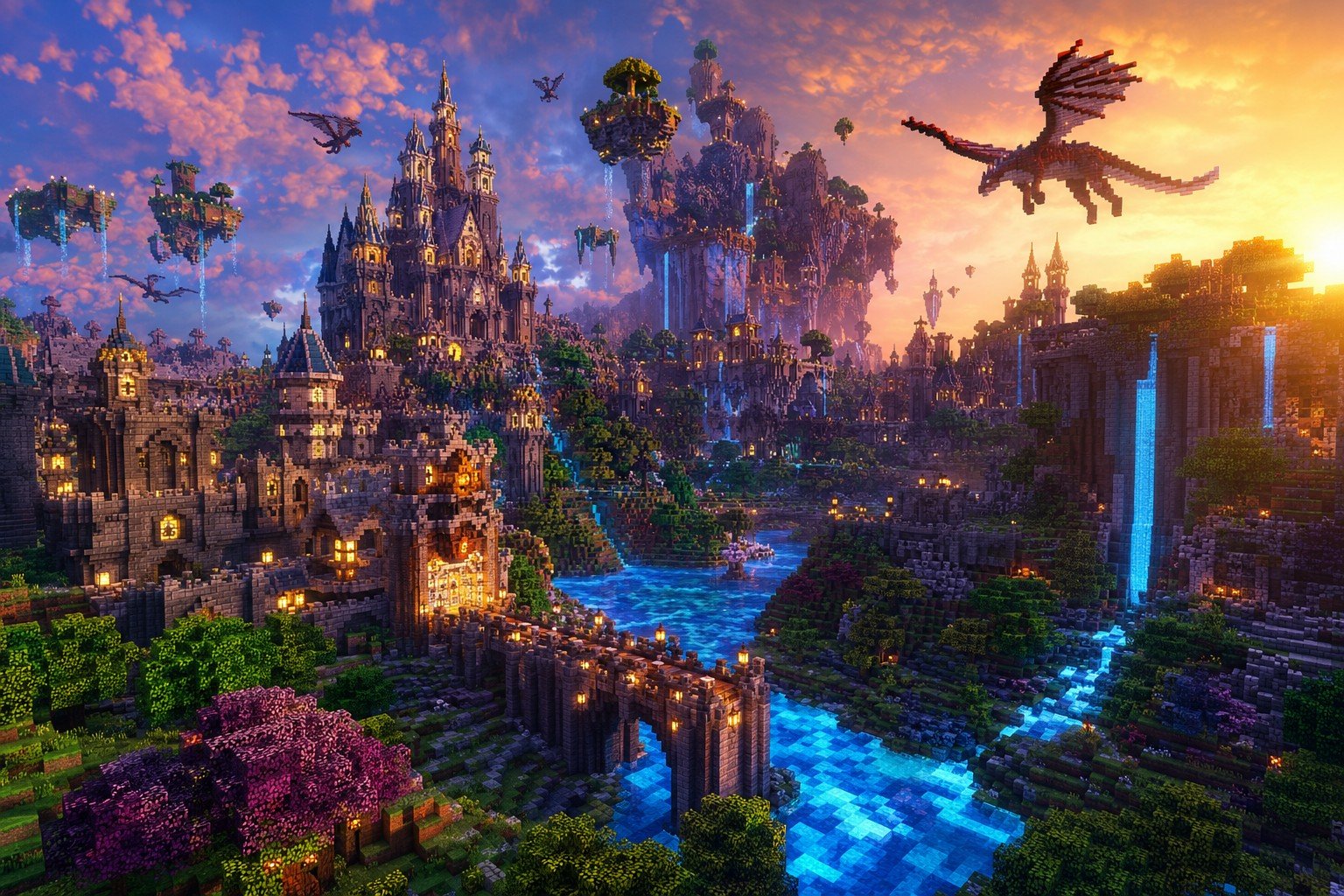
Minecraft Fantasy Kingdom Voxel Landscape
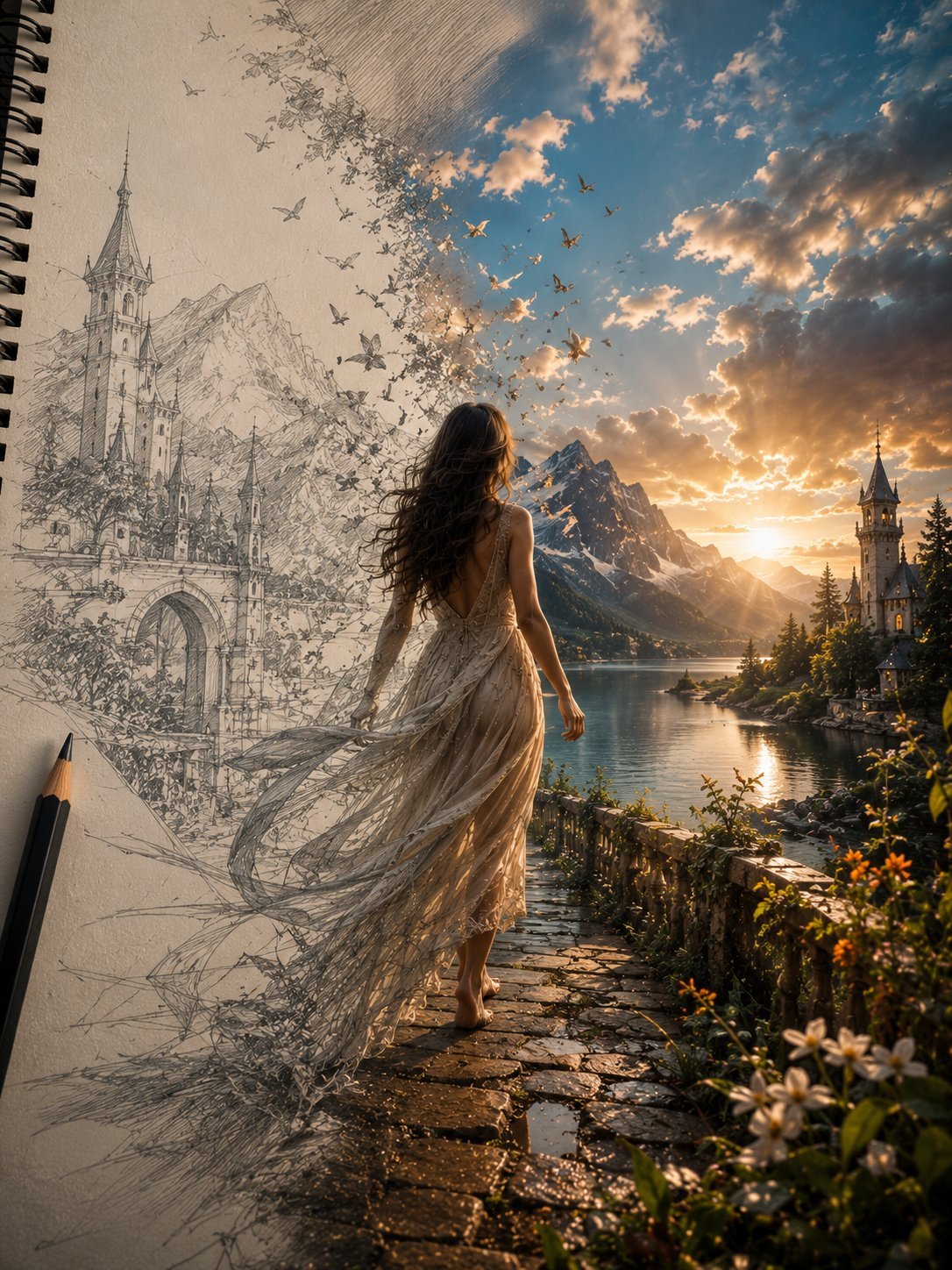
Unfinished Sketch Comes Alive Portrait
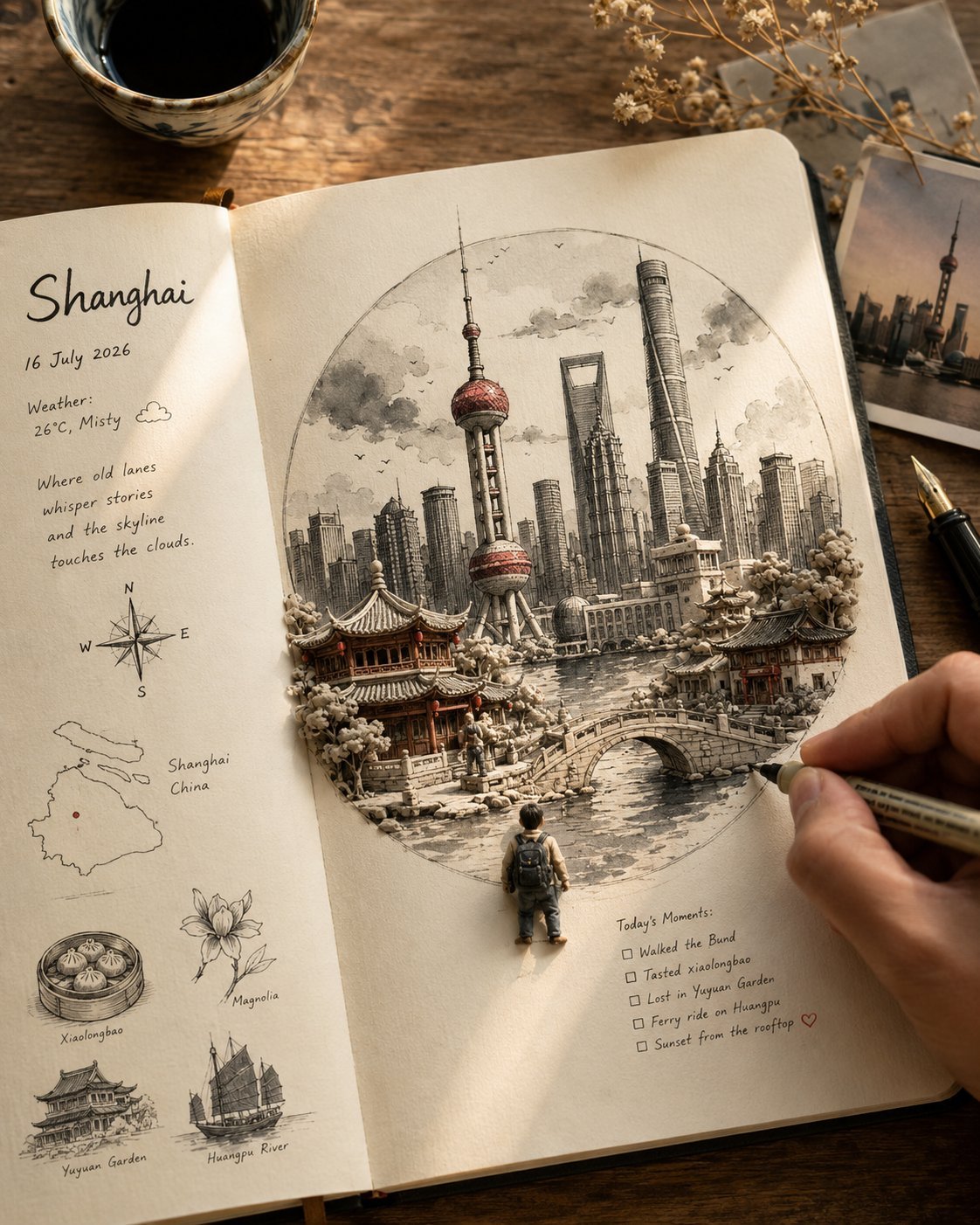
Open Travel Journal Overhead Still Life

Tiny Woman Miniature Fantasy Macro Scene
JSON Seedance - Fairy Macro Flight
Videogame Cinematic Trailer - Seedance 2.0
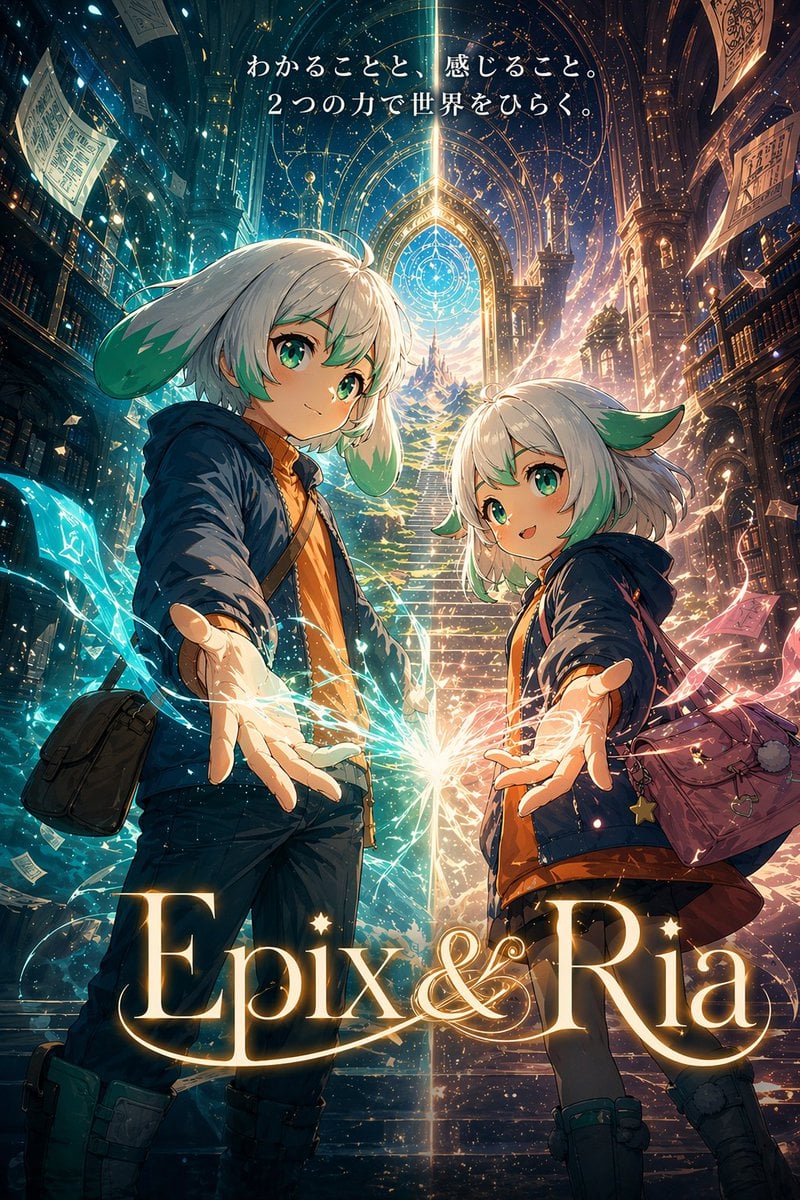
Fantasy Library Poster for Epix & Ria
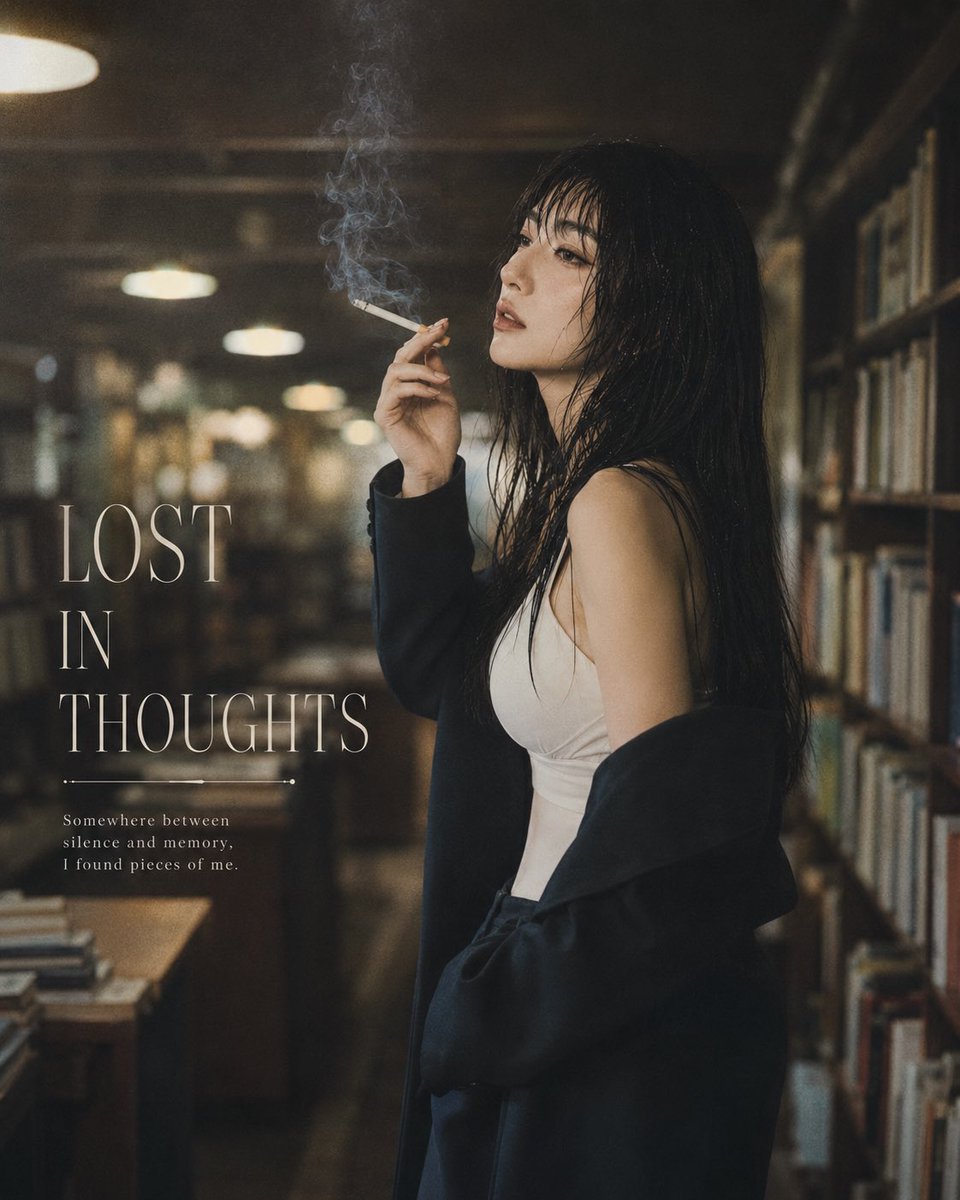
Moody Library Smoking Portrait
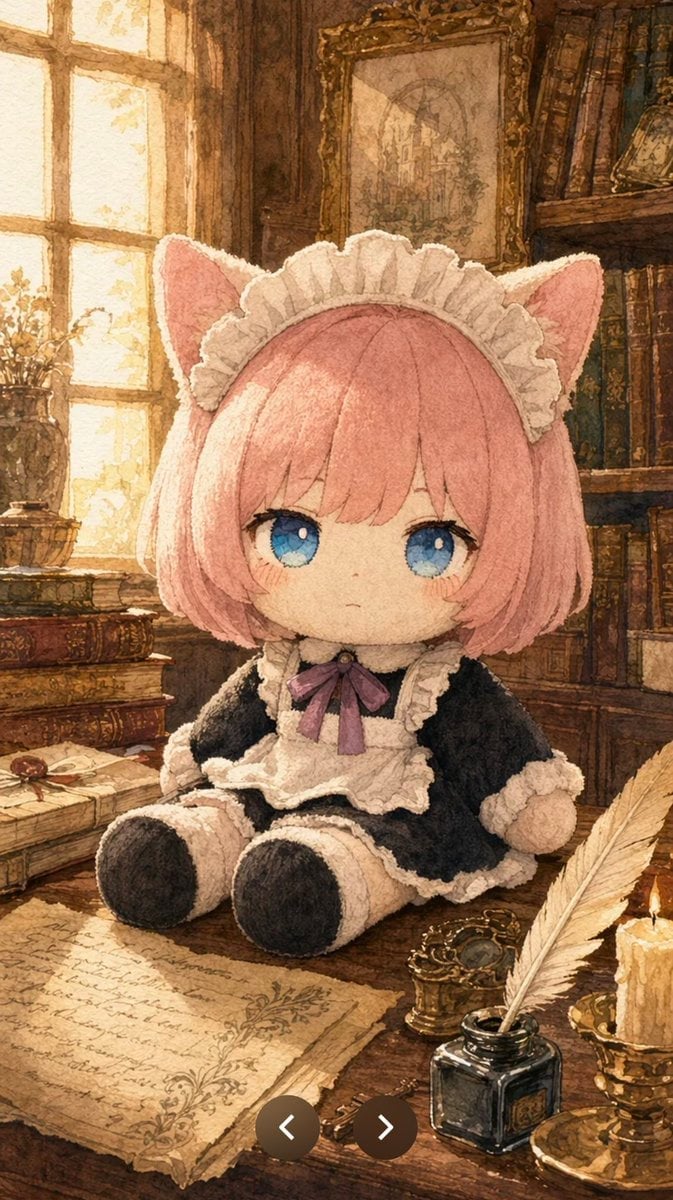
Plush Cat Maid Doll in Antique Library

3D AI Prompt Library Workspace
Make it yours
Cylindrical Fantasy Library works as-is. These are the safest ways to change it without losing the look.
Change one field
Copy a single group, rewrite it, and generate again so you can see what that field is doing.
Keep the frame, change the subject
Hold the composition and light of Cylindrical Fantasy Library, then swap wardrobe, props or the person for a new take.
| If the result… | Why | Fix |
|---|---|---|
| The result drifts from the preview | Too many fields changed at once. | Reuse Cylindrical Fantasy Library as-is first, then change one group — subject, light, or setting. |
| The model over-stylizes the scene | The prose prompt leaves finish and camera underspecified. | Add one camera or lighting sentence and stay on GPT Image 2. |
More GPT Image 2 templates
Other prompts made for GPT Image 2.

Six VTuber Japanese Logo Sheet

Realistic Portrait of Woman and Deer

The Vista Modular Condo Poster

AI Model Routing Comparison Infographic

2.5D Anime Art Board

Isometric Productivity Desk Scene

New York Double Exposure Poster

Four-Panel AI Landscape Comparison

Japanese Tatami Lifestyle Magazine Cover

NESCAFÉ Coffee Map Poster
More image prompts
Fresh picks from across the catalog.
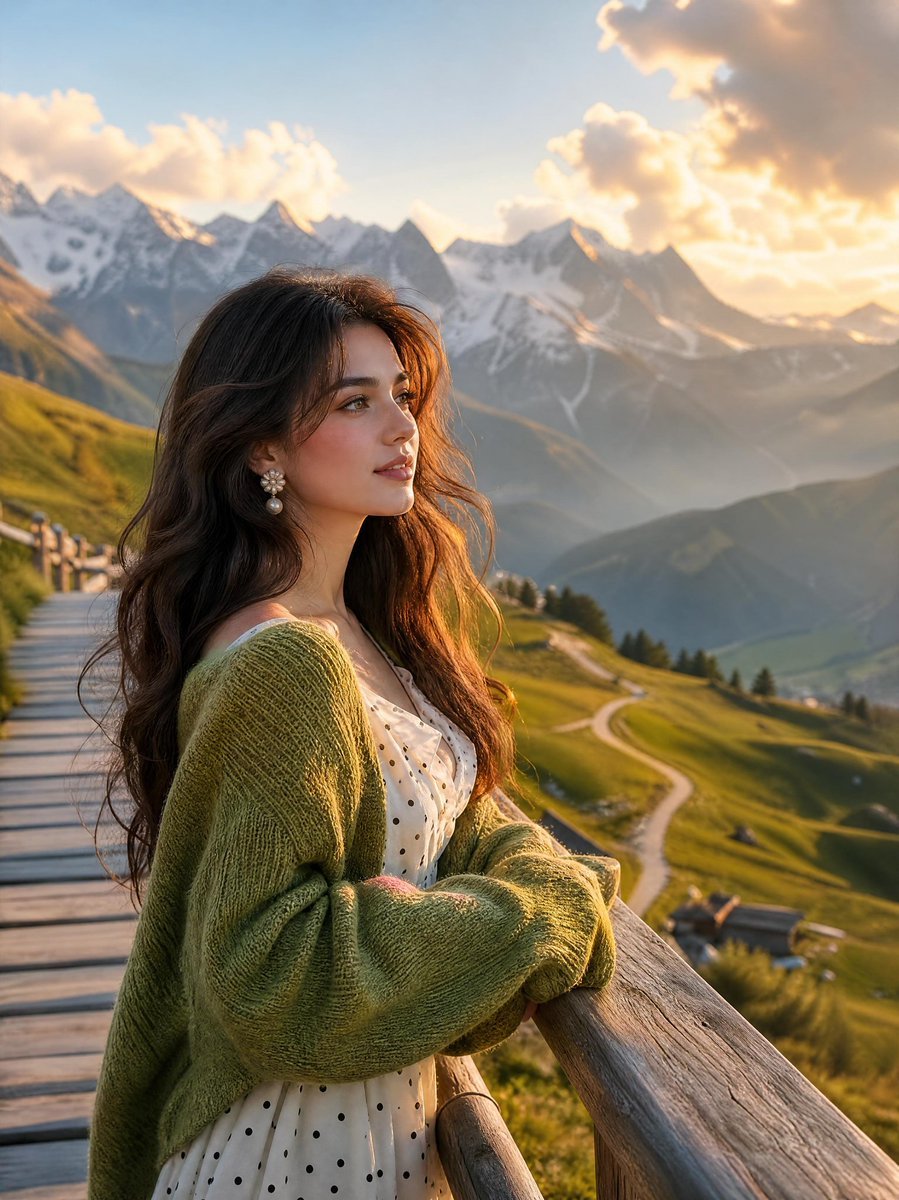
Alpine Landscape Mountain Boardwalk Portrait
Mobile Live Streaming App Interface
Style Anime Pet Collage
Cinematic Noir Film Strip Display
Elemental Physics Spill Collage Prompt
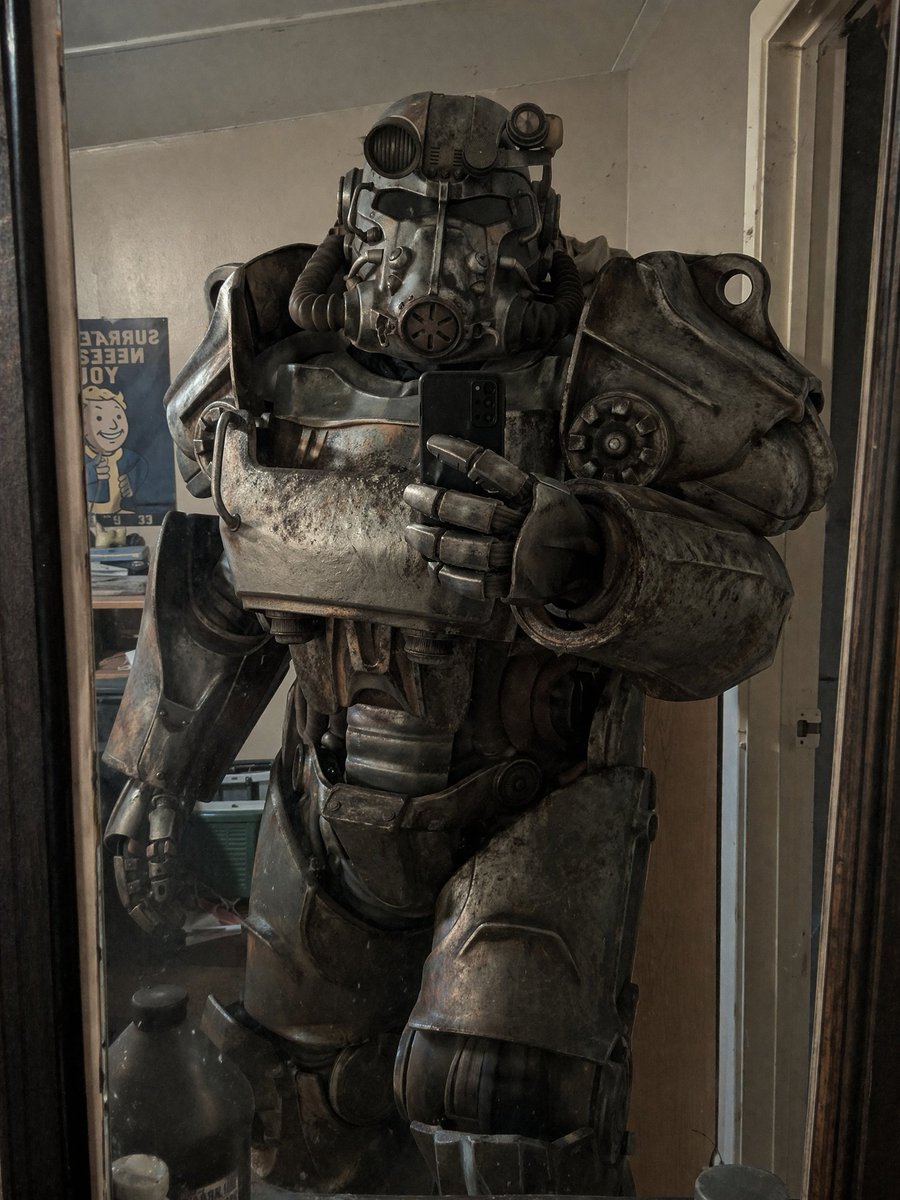
Power Armor Mirror Selfie
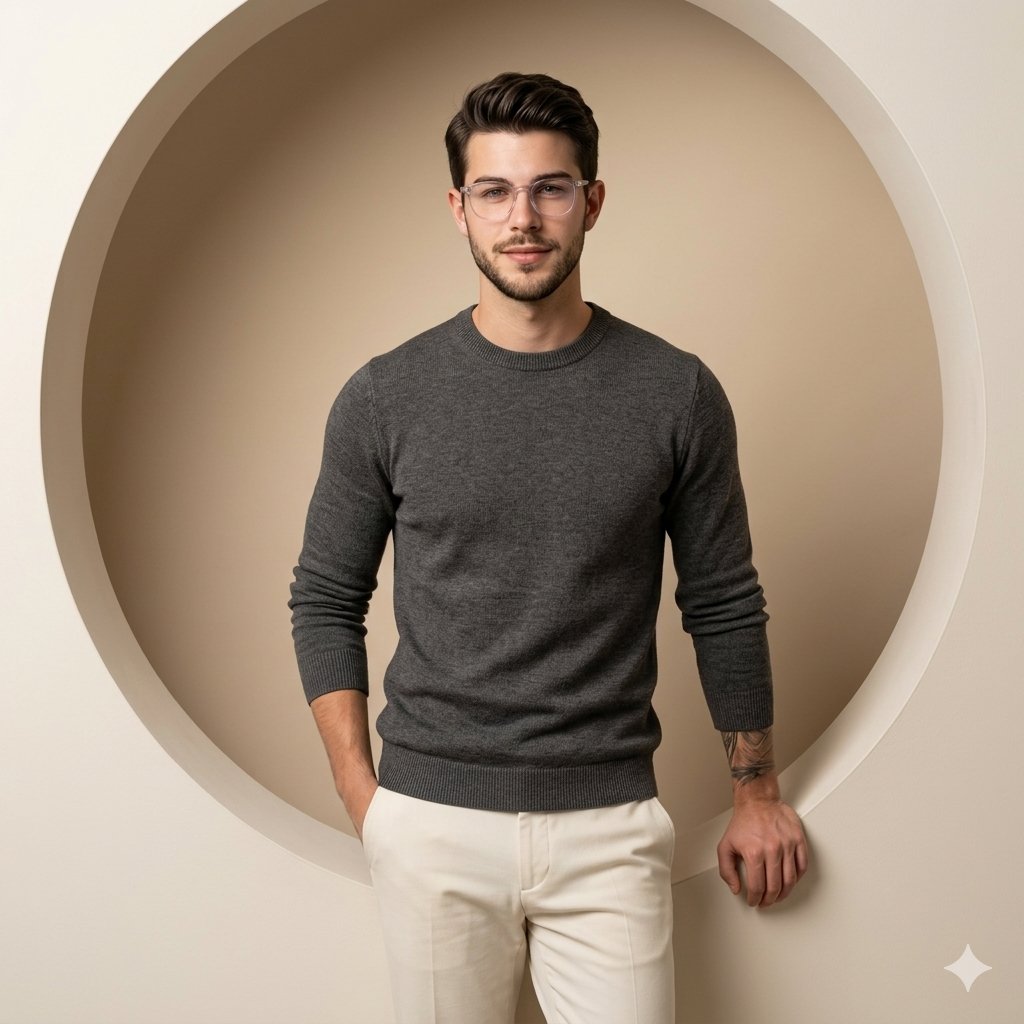
Nano Banana Pro on Gemini
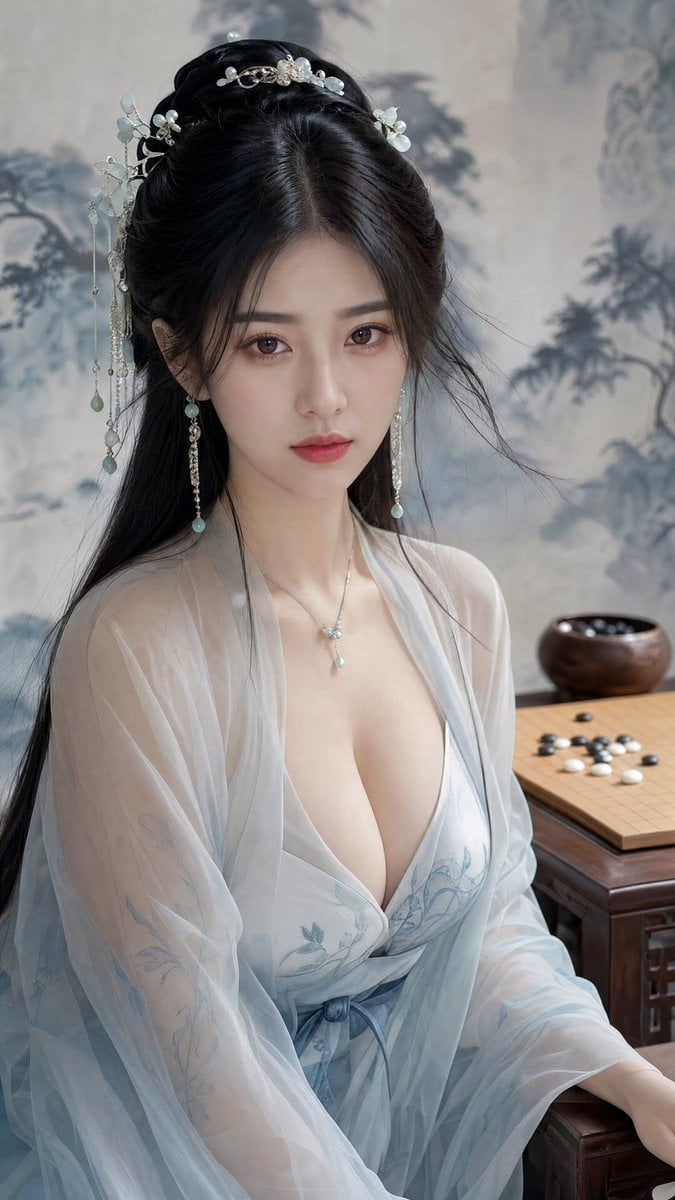
Classical Chinese Go Portrait
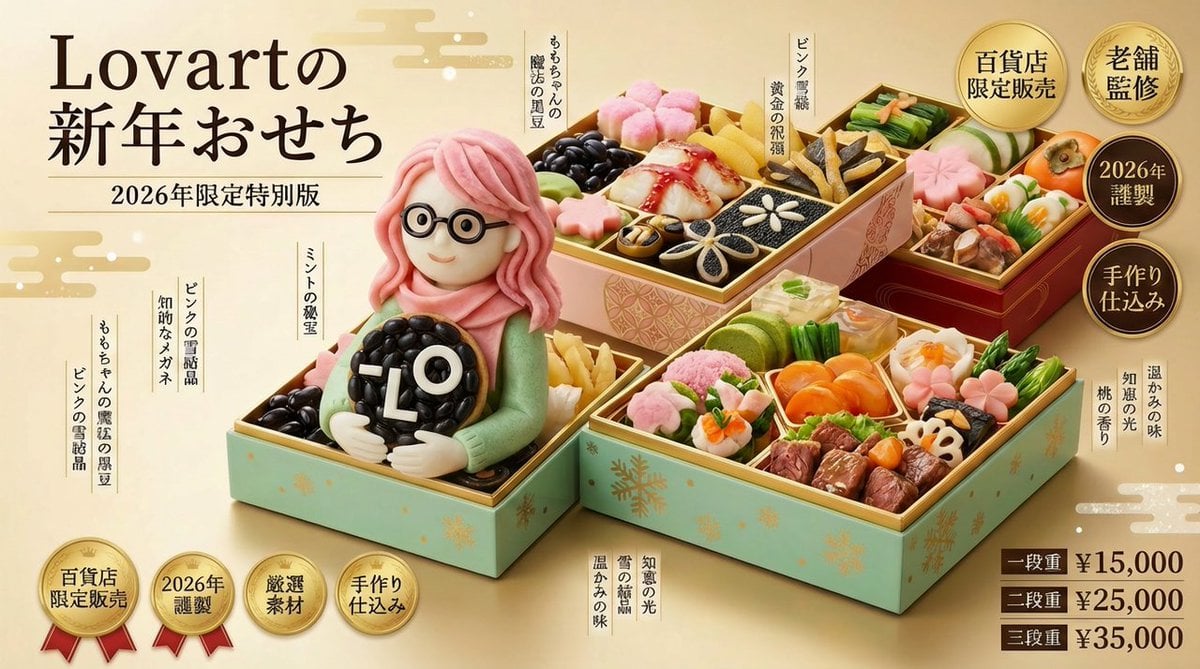
New Year's Osechi Dish Advertisement Key Visual Generation Prompt
Fashion Editorial Studio Portrait
Browse template categories
Cylindrical Fantasy Library questions
How do I use the Cylindrical Fantasy Library template?
Add your photo if the template asks for one, edit the prompt if you like — the template's model and format are already selected — and press Generate. Your version opens in PicX Studio.
Can I customize the Cylindrical Fantasy Library template?
Yes. You can change the subject, setting, lighting, mood, format, and available model controls before creating your image.
Is the Cylindrical Fantasy Library template free?
Opening and editing this template is free. Generating uses credits, shown on the Generate button when you are signed in.
Which AI model should I use?
Start with GPT Image 2, which is the model associated with this template. You can compare another compatible model for a different finish.
Looking for something else? Browse all templates.

Your photo, any look
Thousands of ready templates for every top image and video model, from one credit balance.