
Miniature Figurine With Watermelon
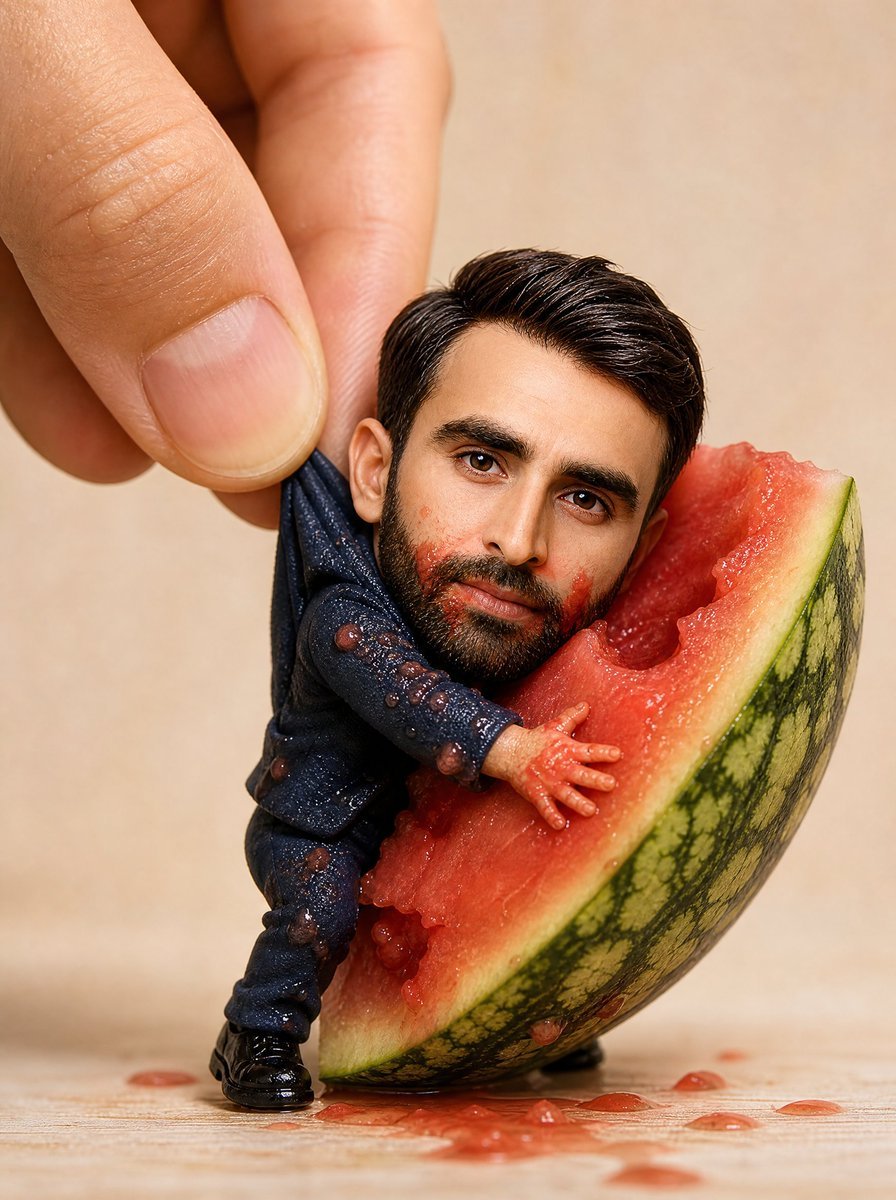
A macro product-style scene of a lifelike handmade miniature person figurine interacting with a juicy watermelon wedge.
- Prompt included
- Model and format preset
- Free template
The prompt behind this image
Copy the exact prompt behind Miniature Figurine With Watermelon, or open it in the studio and make it yours.
Create an ultra-realistic premium handmade miniature figurine portrait of {argument name="character name" default="the person in the identity reference"}, preserving the exact facial resemblance, facial proportions, eye shape and spacing, nose, mouth, jawline, hairstyle, expression, and natural details. Show the tiny full-body figurine leaning against and partly climbing into one large cut wedge of watermelon. The figurine wears a dark navy tailored suit with matching trousers, glossy black dress shoes, and a dark shirt; the fabric is slightly wet and dotted with visible watermelon pulp and juice droplets. One hand is pressed into the red watermelon flesh, the other arm is near the rind, and one leg is braced on the tabletop for balance. A real human hand enters from the upper left, thumb and fingers gently pinching the miniature by the back/shoulder area to emphasize scale. The watermelon wedge is oversized compared with the figure, with vivid red juicy flesh, pale green-white rind, dark green striped outer skin, bite-like gouged texture, seeds/pulp pieces, and juice dripping onto a light wooden surface. Use warm studio macro photography, shallow depth of field, soft beige background, crisp focus on the miniature, hand, and watermelon texture, realistic skin pores on the fingers, glossy highlights on wet fruit and shoes, premium handcrafted collectible quality, vertical composition, no text, no watermark.
How to use Miniature Figurine With Watermelon in 3 steps
- 1Upload ImagePNG, JPG or paste
Add your photo
Upload the photo the template builds on. The prompt, model and format are already set.
- 2…a portrait of your subject in softgolden-hour light, 85mm…
Personalize
Edit the subject and creative details for your destination.
- 3Generate
Generate
Press Generate — your image is created in PicX Studio, so you can compare it with the original and refine one variable at a time.
More like this
Templates with the same subject, style or setup. Open one to see its prompt.

Felt & Knit 3D Character — Photo-Exact Face, Pixar-Quality Plush Figurine

Paper Tunnel Book Architecture

Isometric Brand Store Diorama
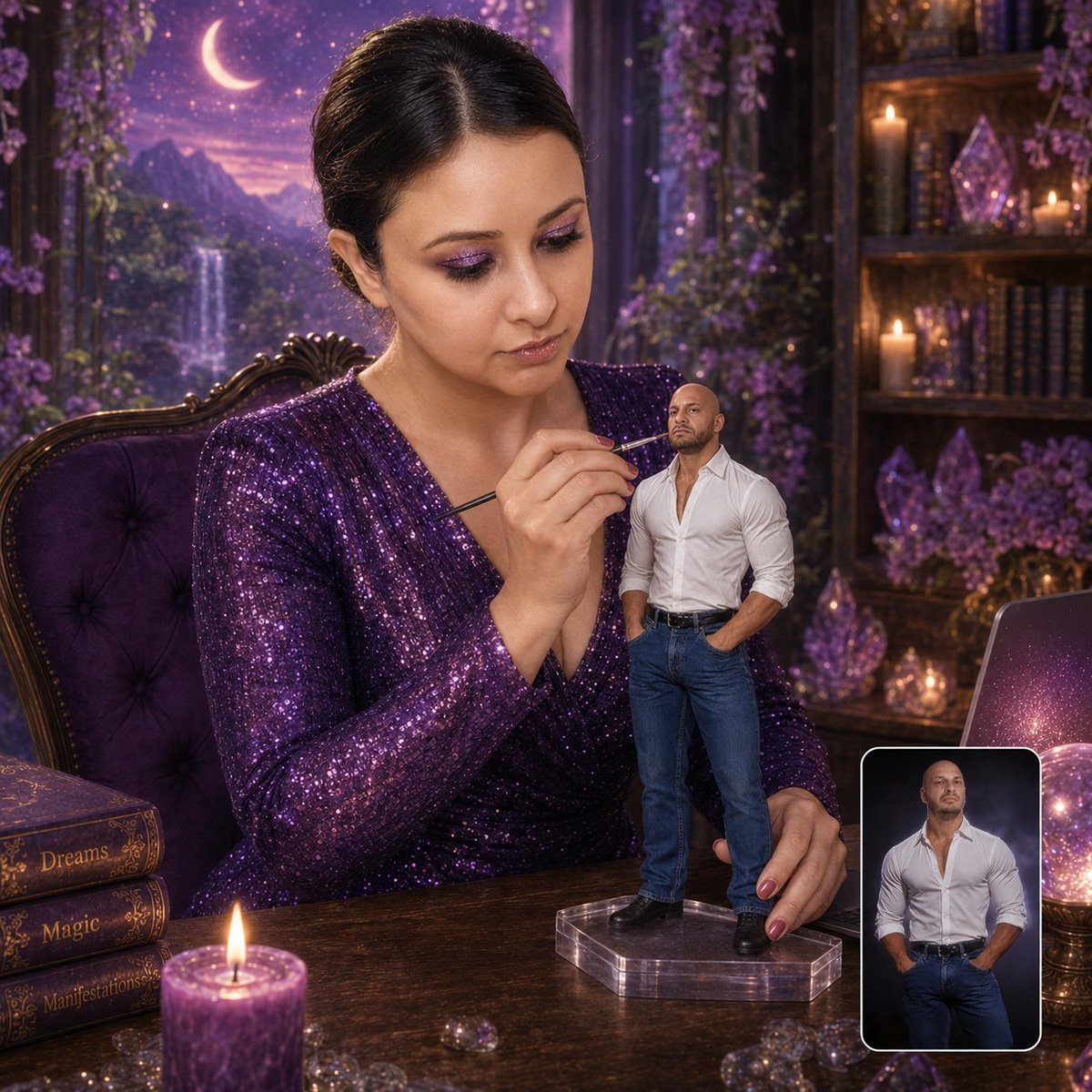
Miniature Figurine Painting Scene
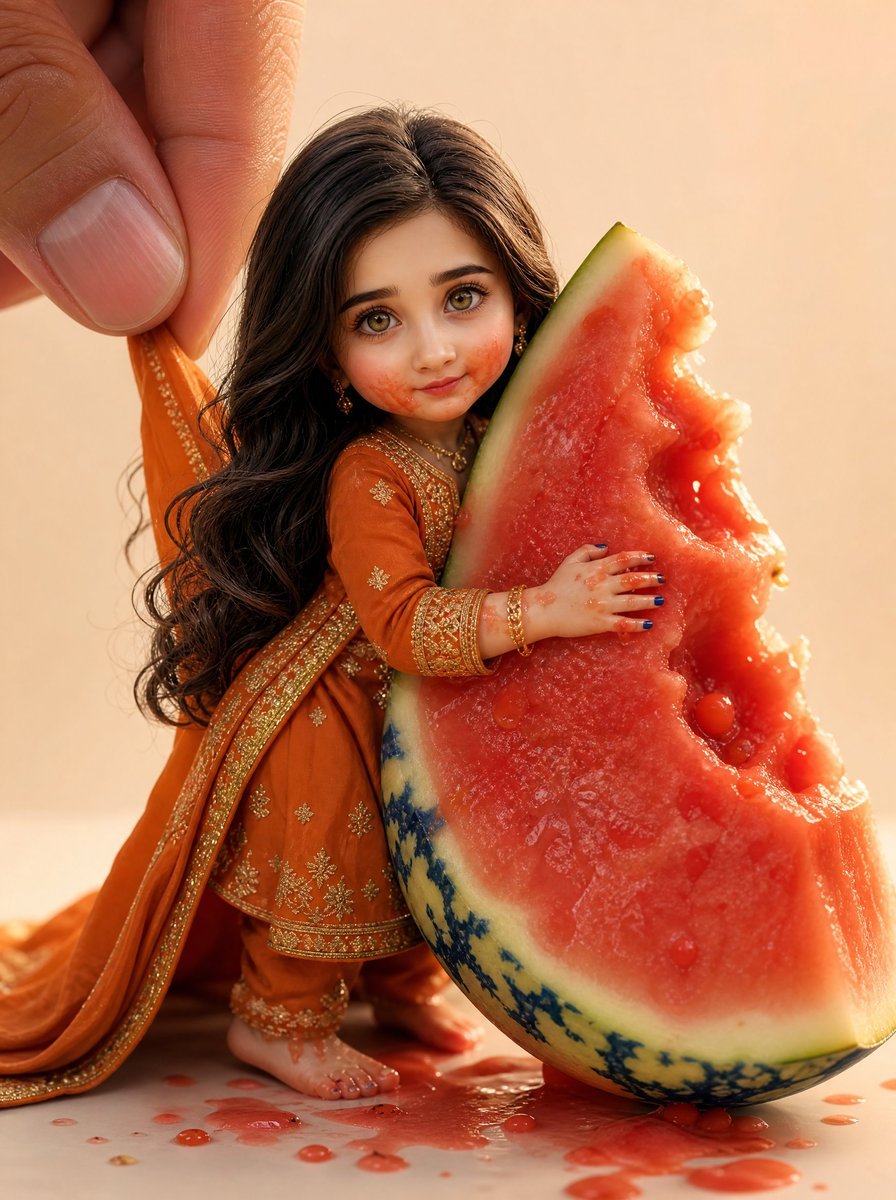
Miniature Doll Hugging Watermelon
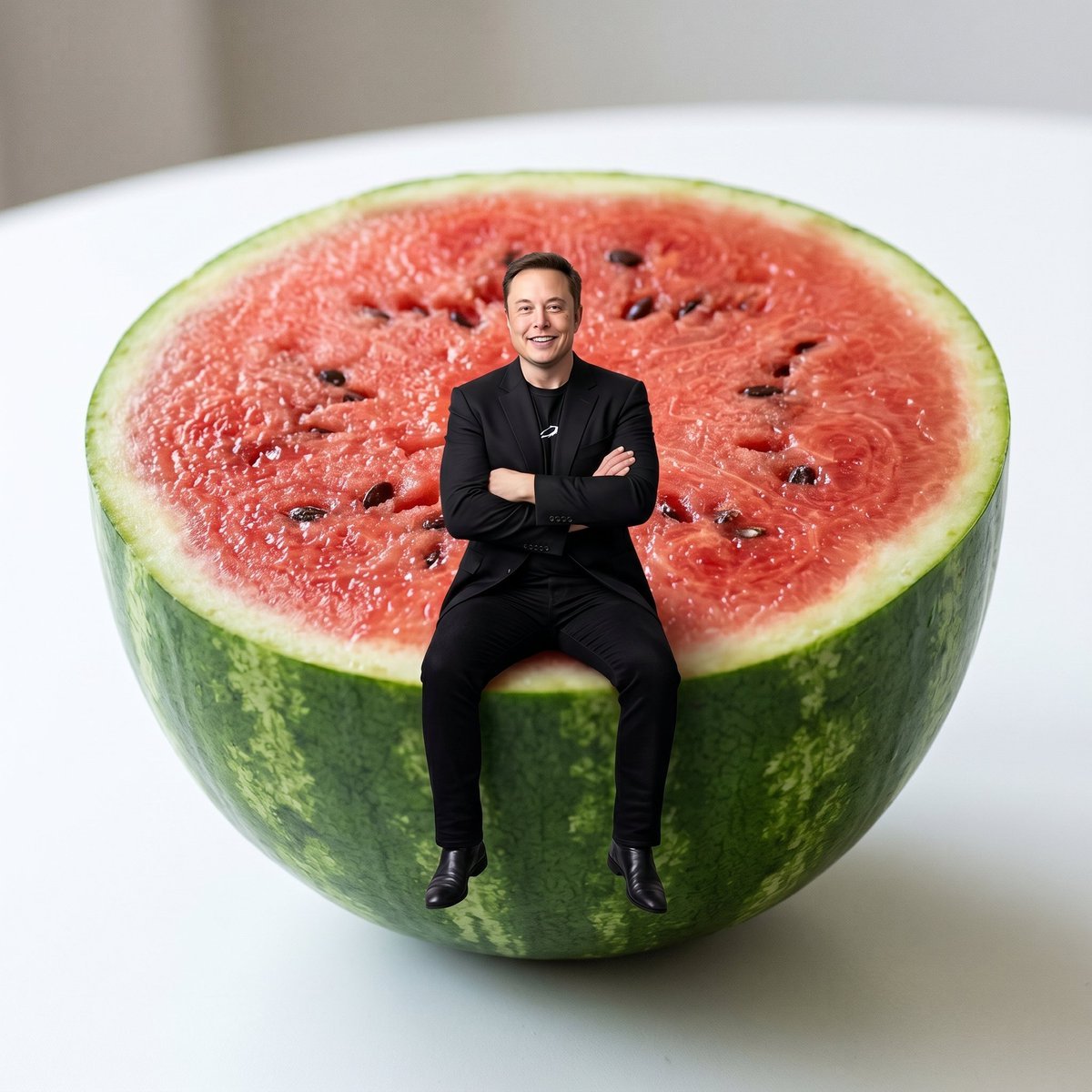
Miniature Person Sitting on Watermelon
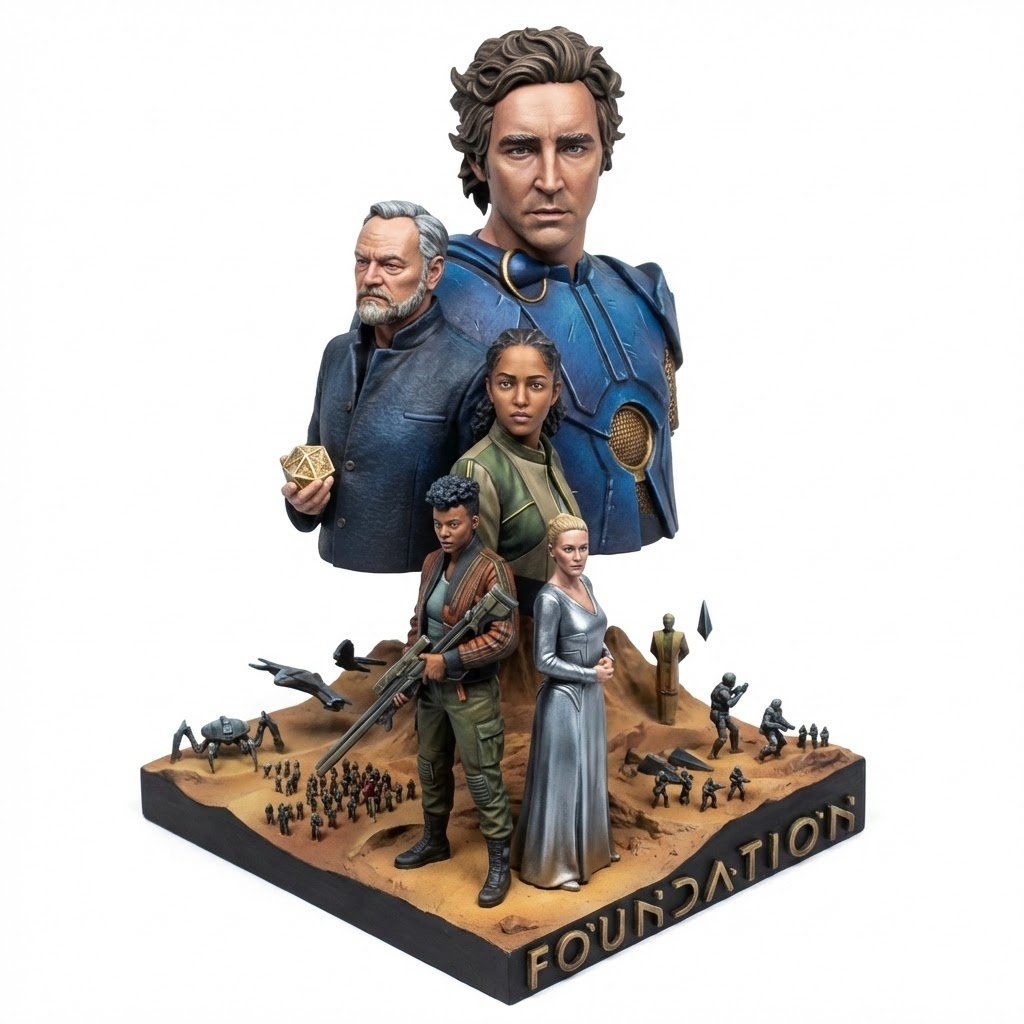
Realistic Miniature Sports Figurine Transformation
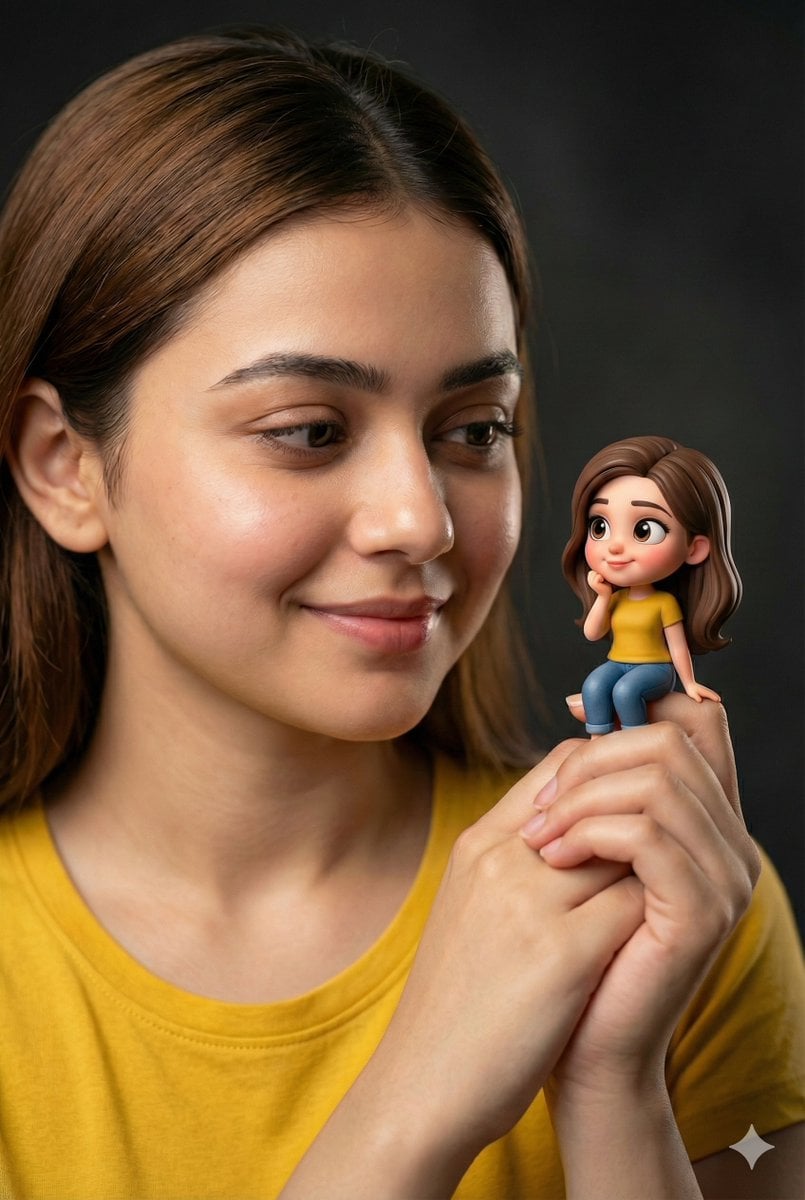
Woman Holding Miniature Figurine Portrait Prompt
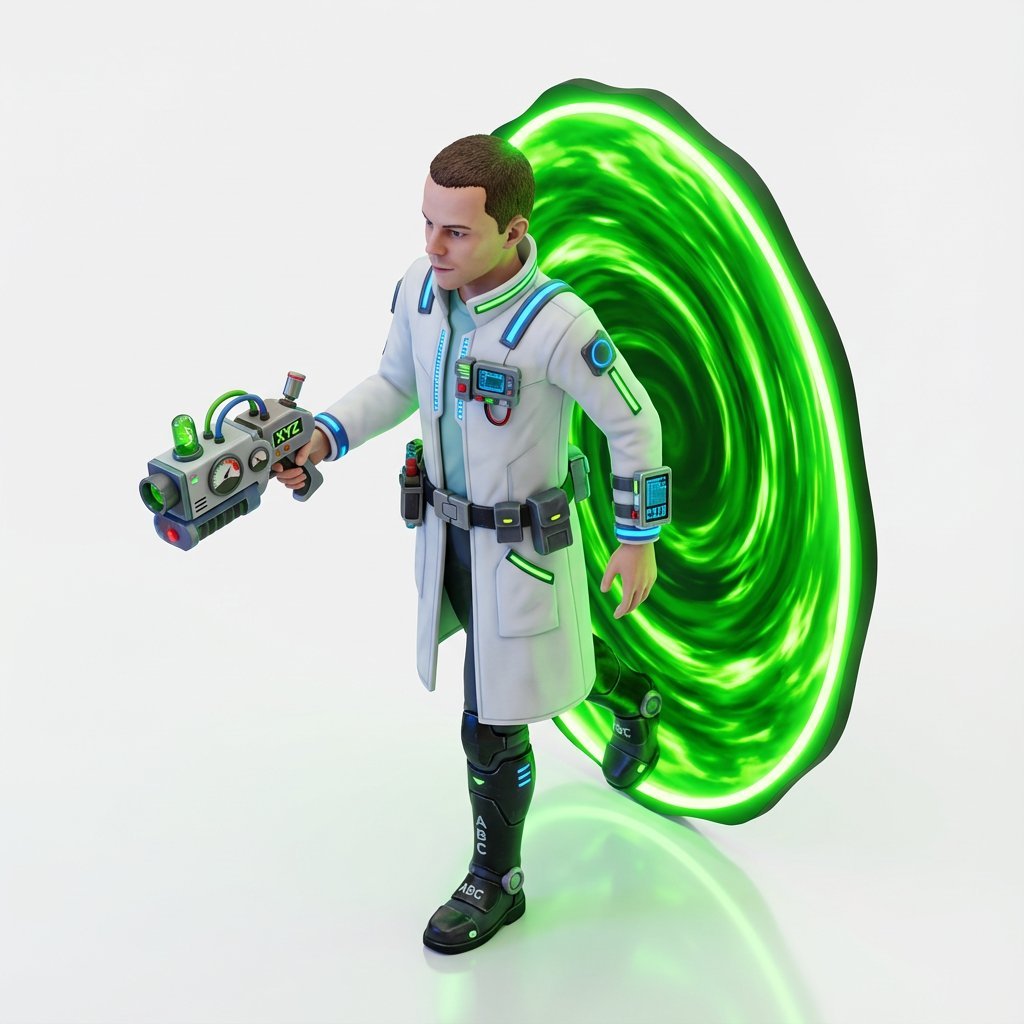
Miniature Isometric Figurine Prompt for nano banana pro
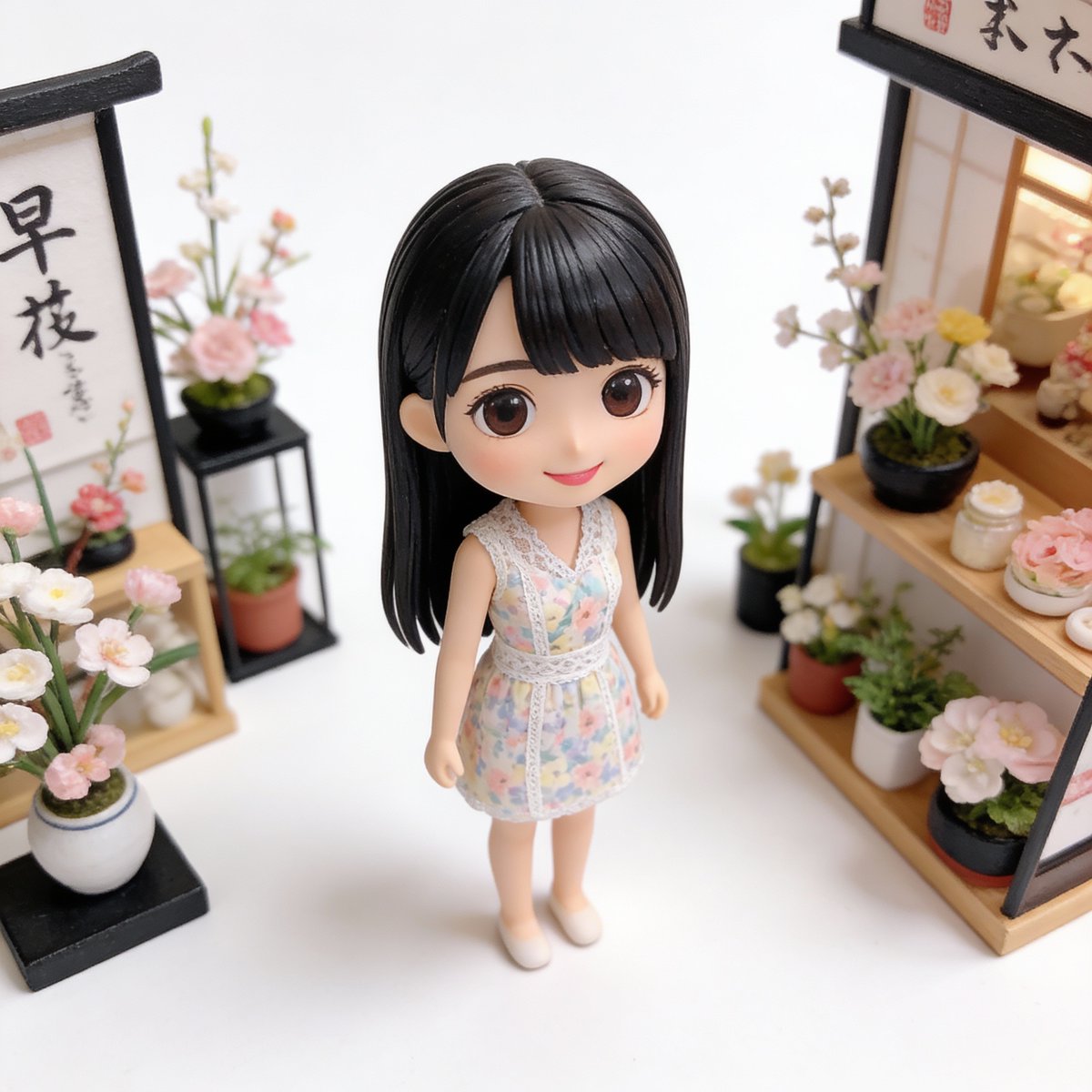
Isometric Miniature Figurine of a Character in a Japanese Flower Shop
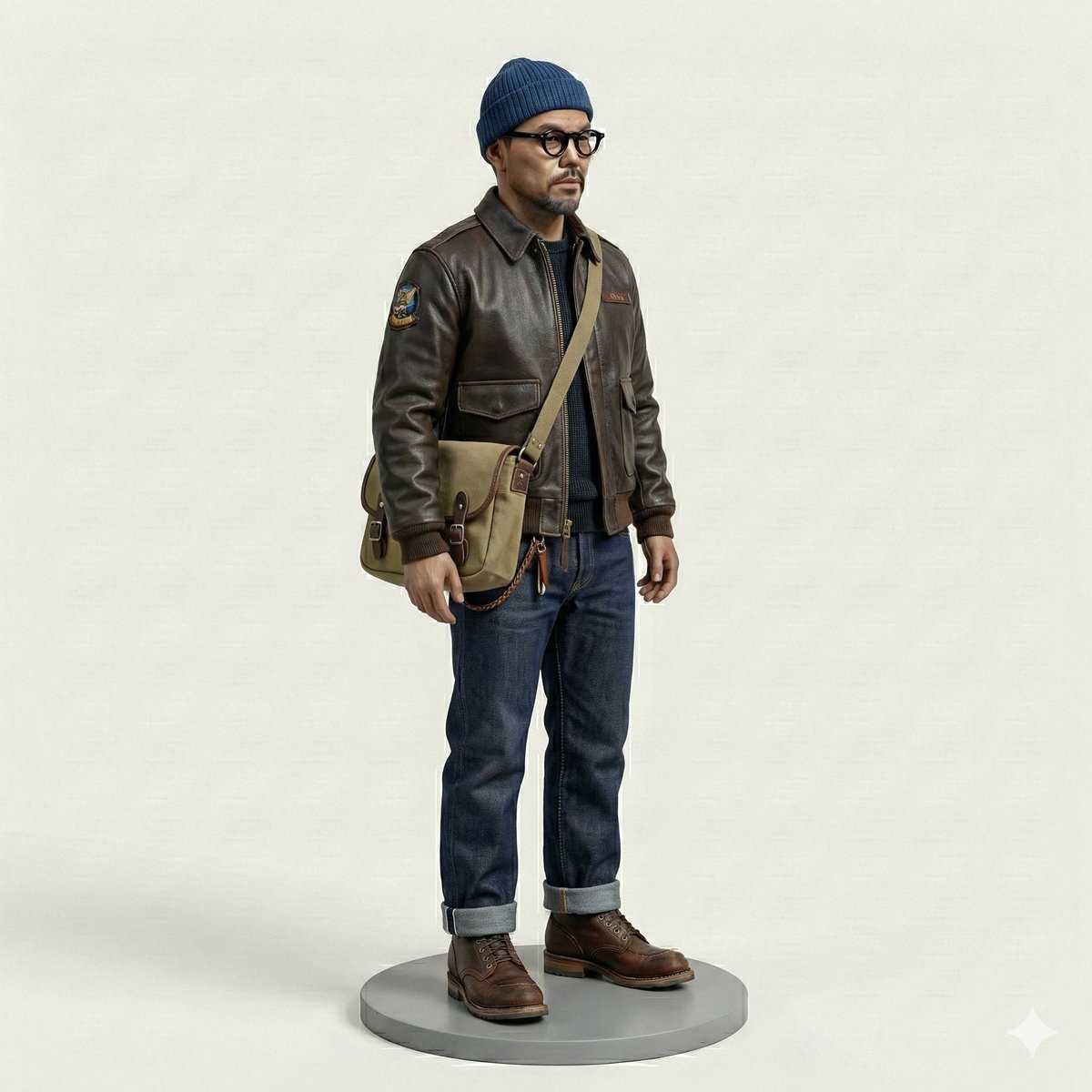
Miniature Figurine Prompt for Nano Banana Pro
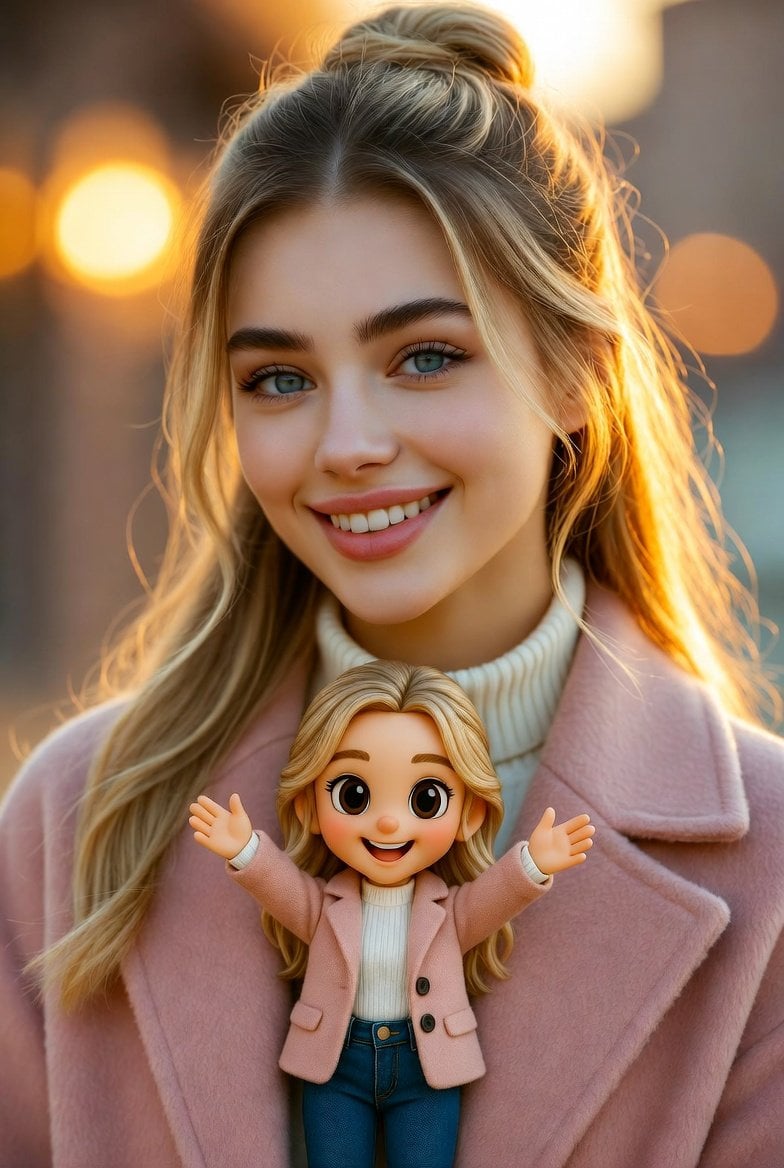
Cinematic Portrait with Miniature Chibi Figurine
Make it yours
Miniature Figurine With Watermelon works as-is. These are the safest ways to change it without losing the look.
Change one field
Copy a single group, rewrite it, and generate again so you can see what that field is doing.
Keep the frame, change the subject
Hold the composition and light of Miniature Figurine With Watermelon, then swap wardrobe, props or the person for a new take.
| If the result… | Why | Fix |
|---|---|---|
| The result drifts from the preview | Too many fields changed at once. | Reuse Miniature Figurine With Watermelon as-is first, then change one group — subject, light, or setting. |
| The model over-stylizes the scene | The prose prompt leaves finish and camera underspecified. | Add one camera or lighting sentence and stay on GPT Image 2. |
More GPT Image 2 templates
Other prompts made for GPT Image 2.

Six VTuber Japanese Logo Sheet

Realistic Portrait of Woman and Deer

The Vista Modular Condo Poster

AI Model Routing Comparison Infographic

2.5D Anime Art Board

Isometric Productivity Desk Scene

New York Double Exposure Poster

Four-Panel AI Landscape Comparison

Japanese Tatami Lifestyle Magazine Cover

NESCAFÉ Coffee Map Poster
More image prompts
Fresh picks from across the catalog.
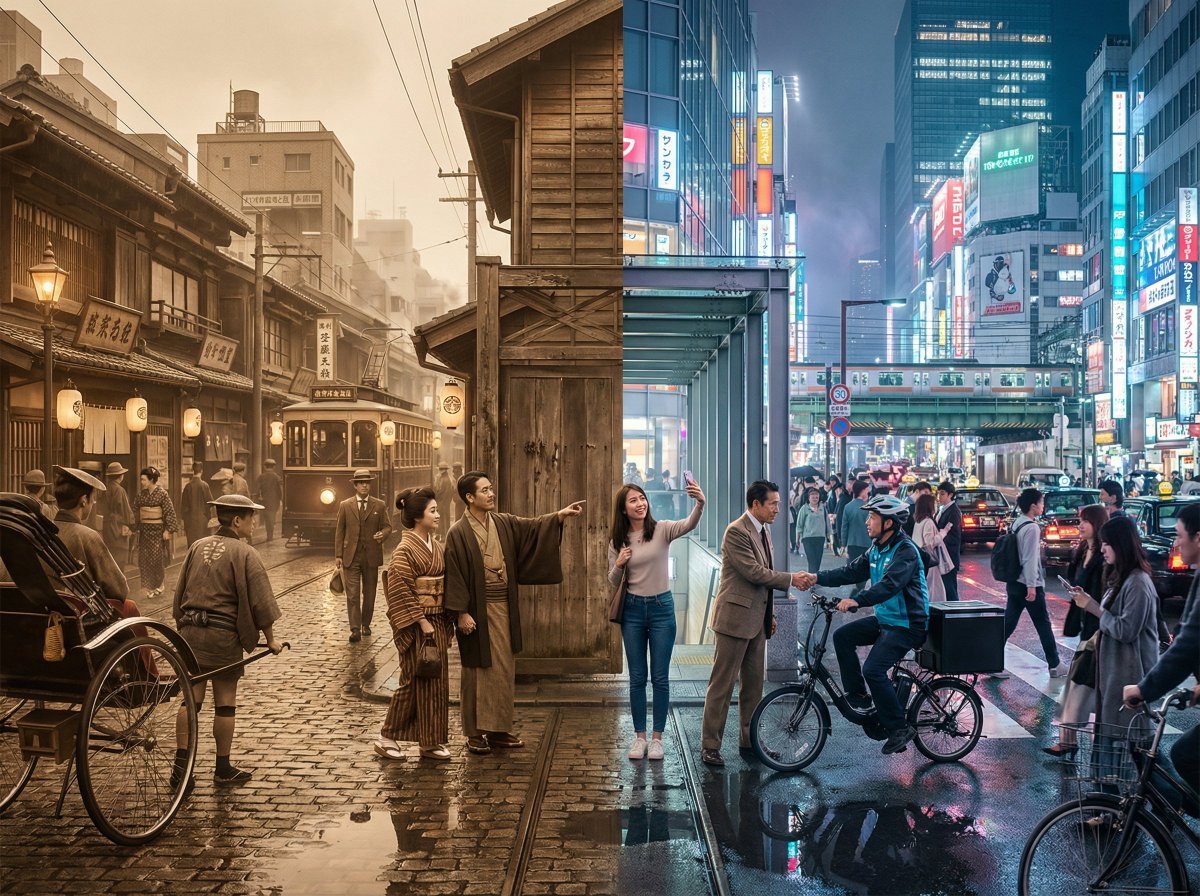
Tokyo Time-Blend Split-Screen
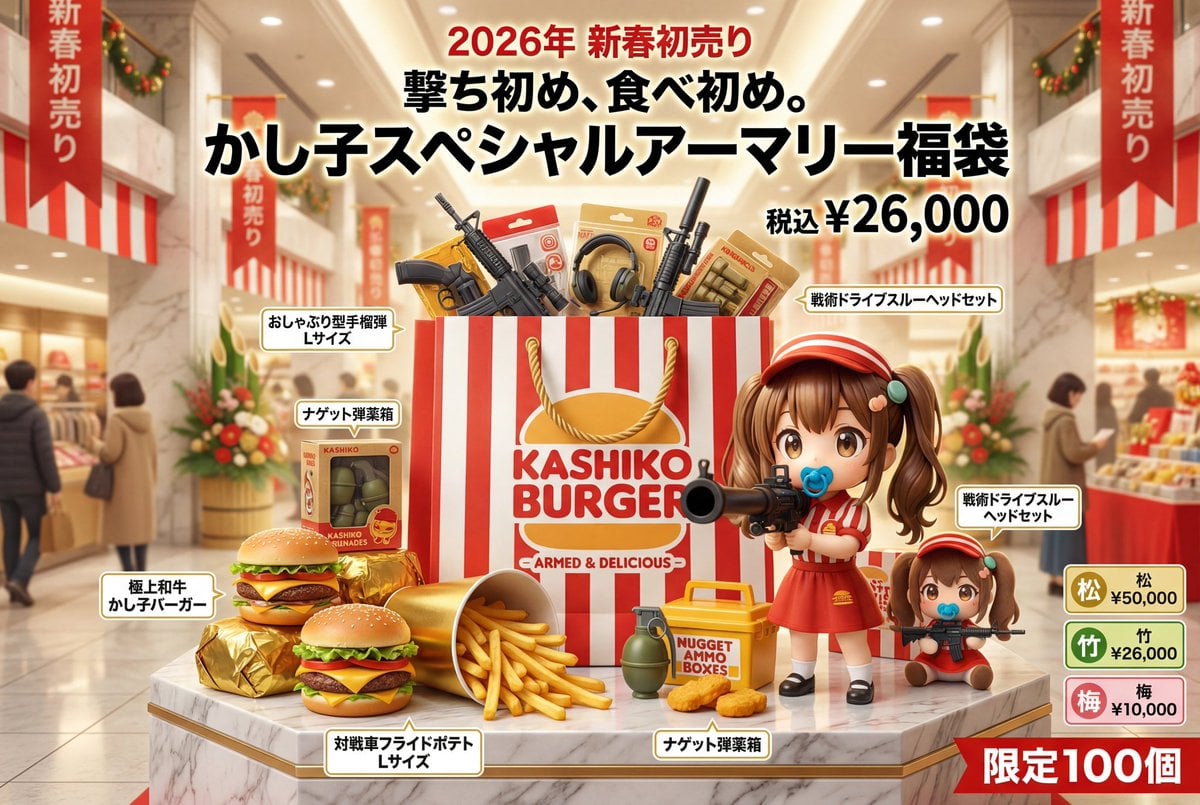
Luxury Fukubukuro (Lucky Bag) Advertisement Key Visual Prompt

Lounge Suit Cinematic Portrait
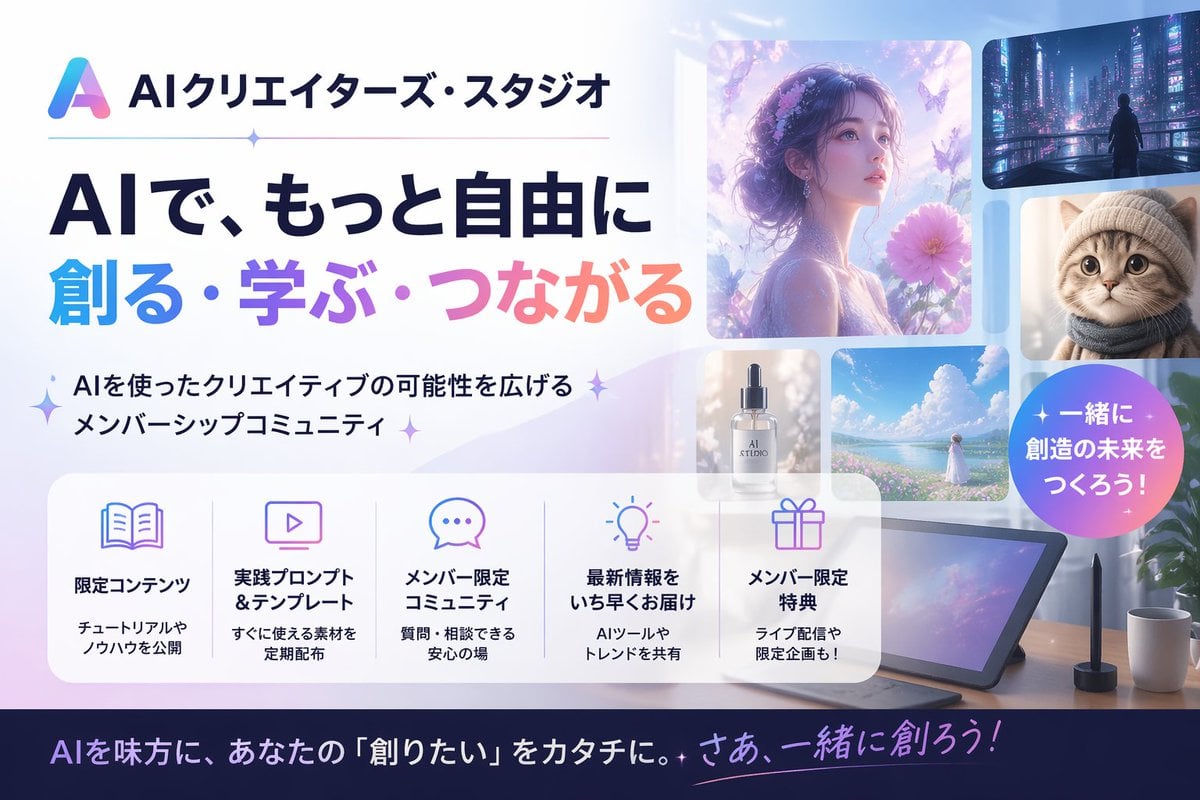
Japanese AI Creator Studio Banner
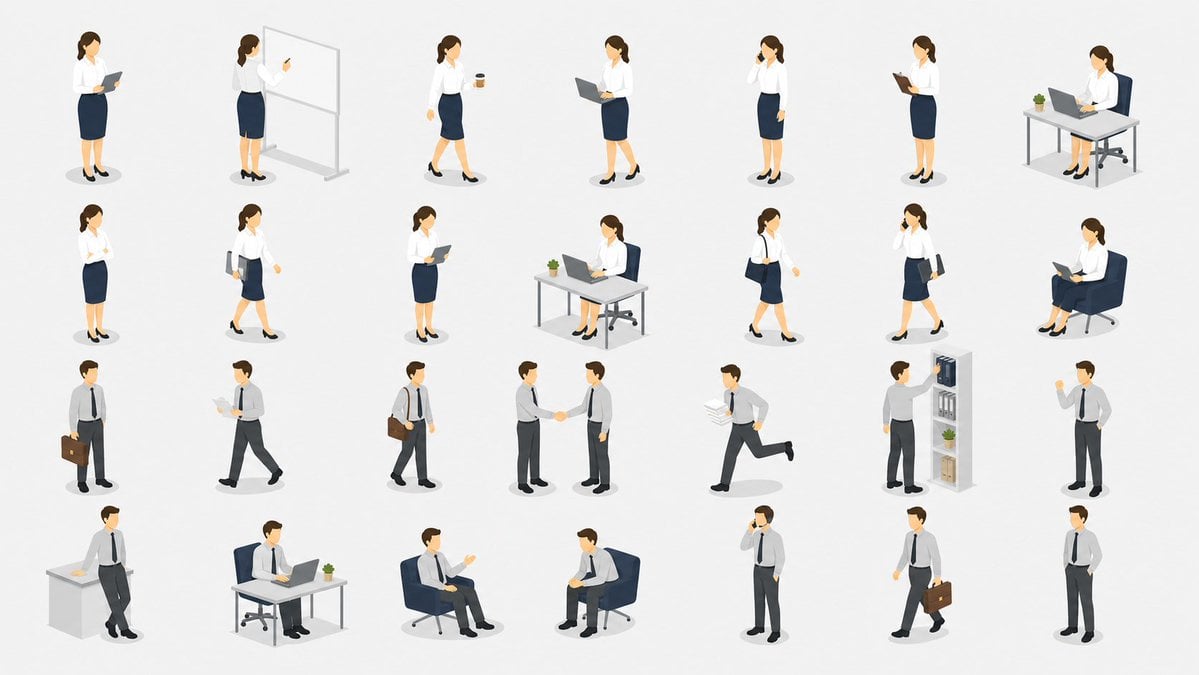
Isometric Office Worker Asset Sheet
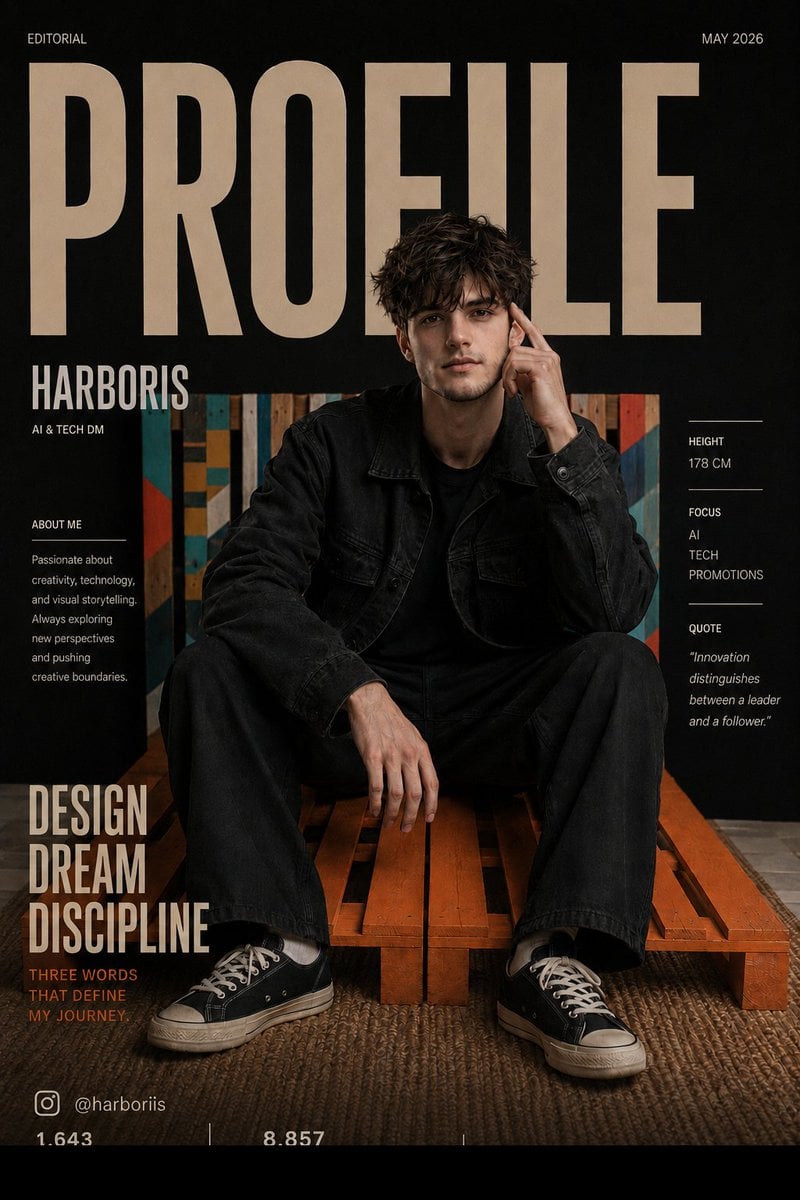
Fashion Magazine Cover Editorial
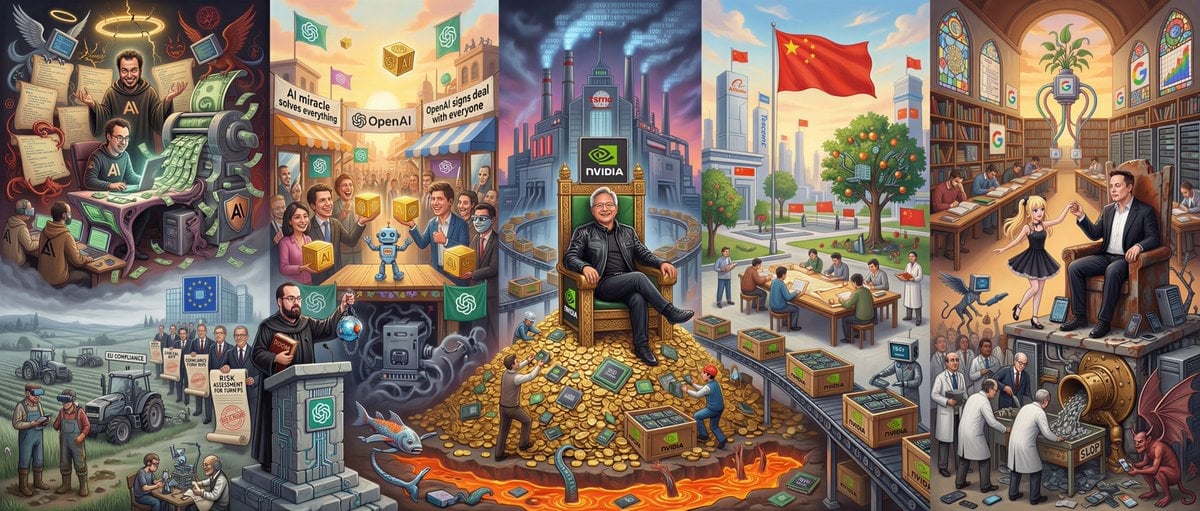
Hieronymus Bosch-style AI future painting
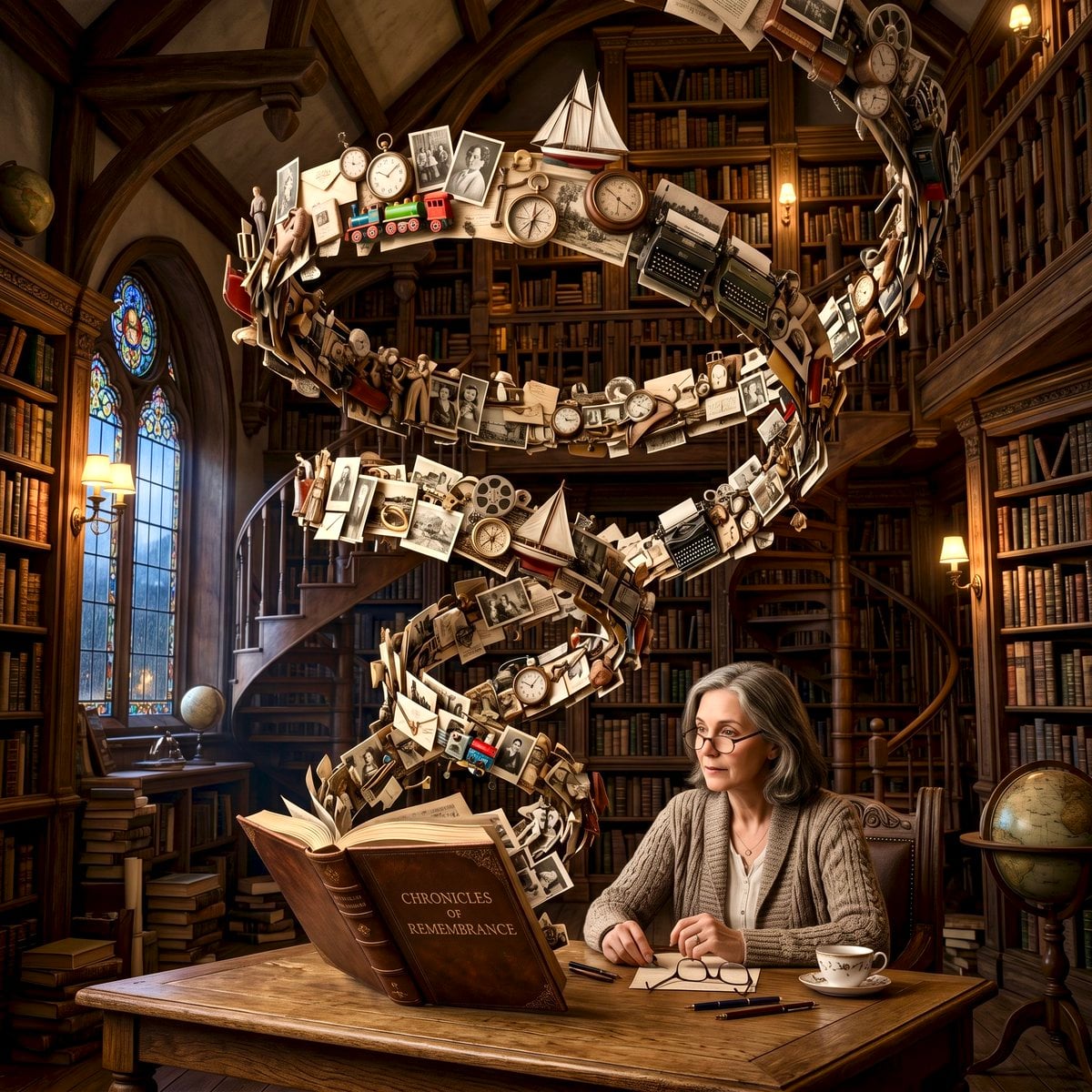
Surreal Memory Scene
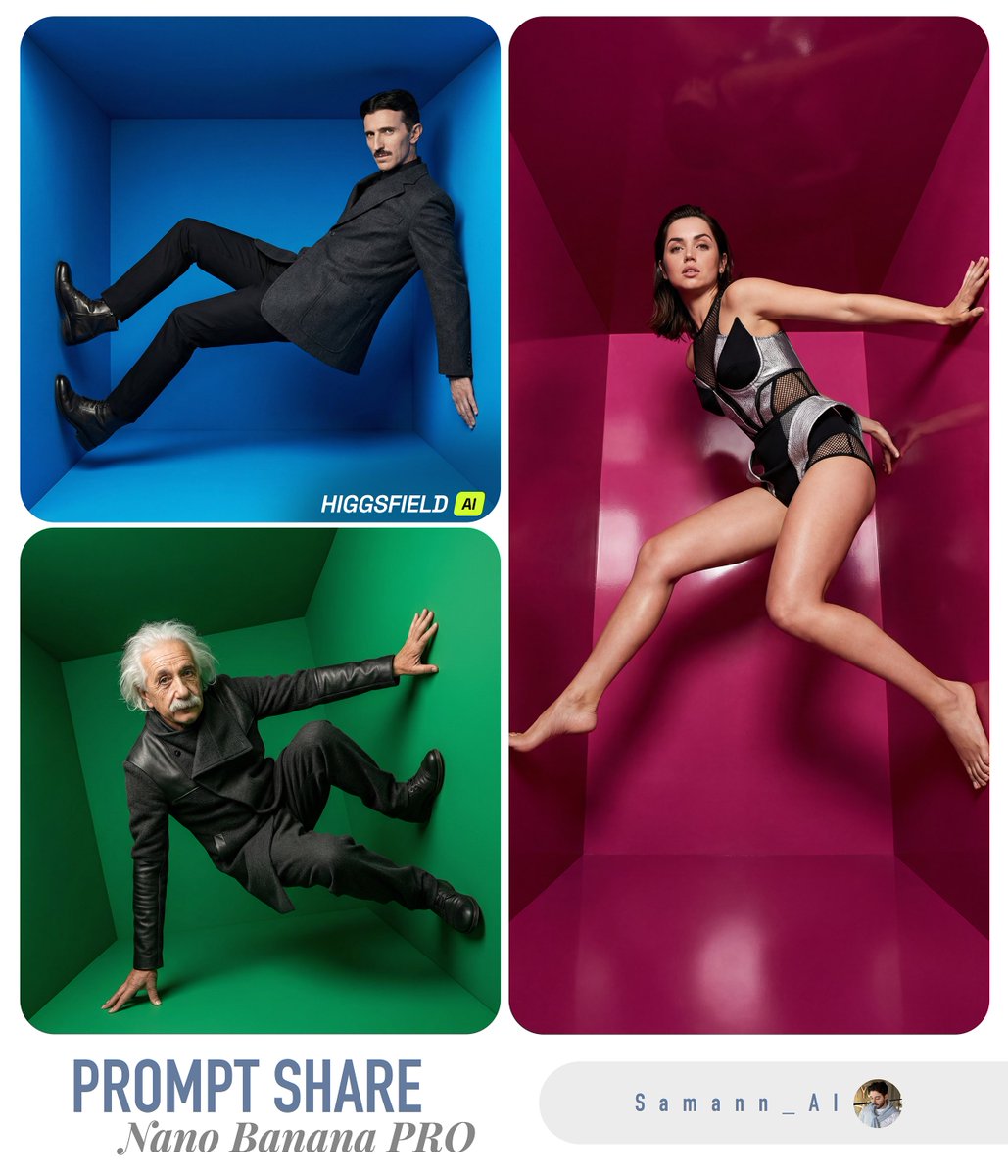
High-Fashion Editorial in Anti-Gravity Color Box
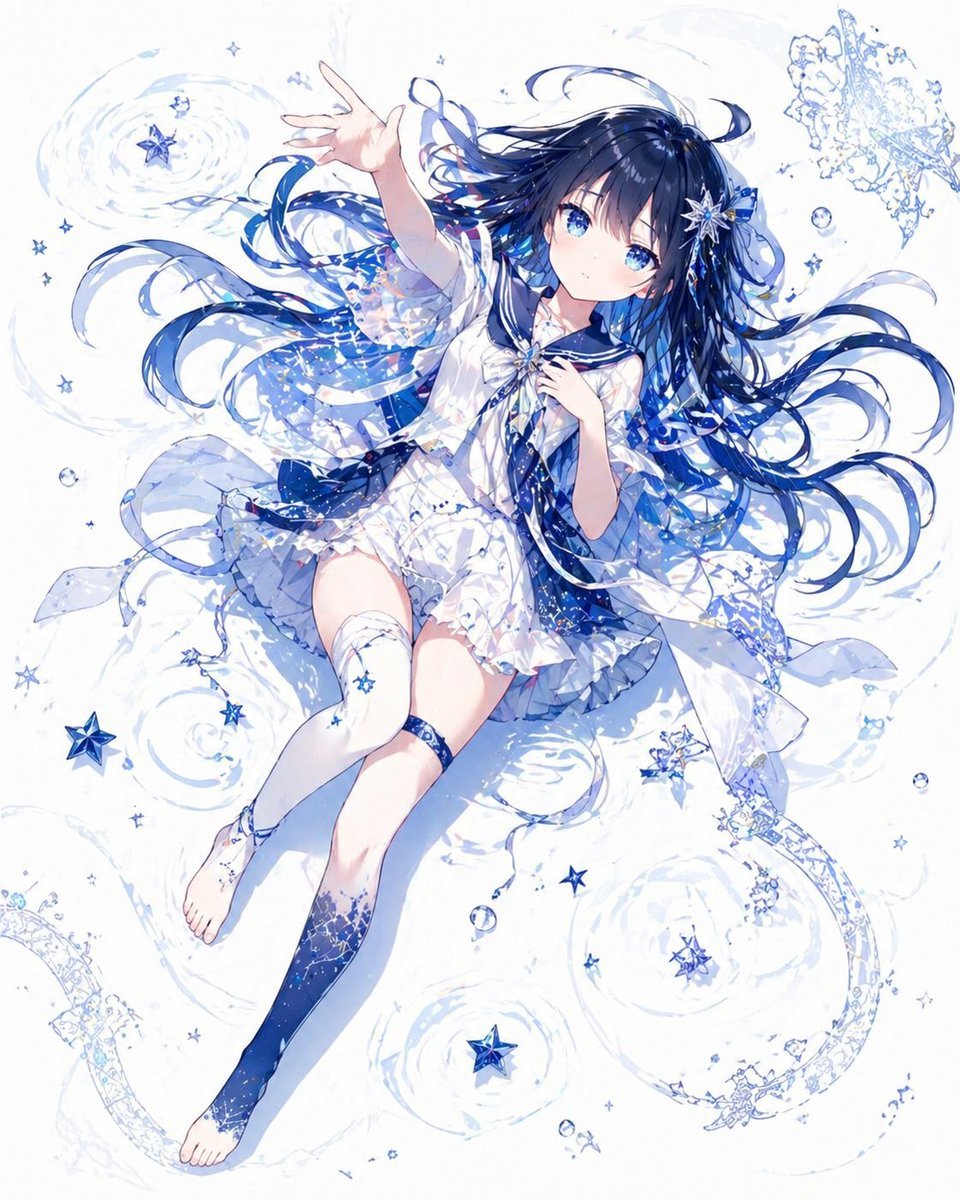
Celestial Blue Anime Girl Floating
Browse template categories
Miniature Figurine With Watermelon questions
How do I use the Miniature Figurine With Watermelon template?
Add your photo if the template asks for one, edit the prompt if you like — the template's model and format are already selected — and press Generate. Your version opens in PicX Studio.
Can I customize the Miniature Figurine With Watermelon template?
Yes. You can change the subject, setting, lighting, mood, format, and available model controls before creating your image.
Is the Miniature Figurine With Watermelon template free?
Opening and editing this template is free. Generating uses credits, shown on the Generate button when you are signed in.
Which AI model should I use?
Start with GPT Image 2, which is the model associated with this template. You can compare another compatible model for a different finish.
Looking for something else? Browse all templates.

Your photo, any look
Thousands of ready templates for every top image and video model, from one credit balance.