
Miniature Figurine Painting Scene
A complex prompt for gpt-image-2 to create a hyper-realistic scene of a woman painting a miniature figurine of another person.
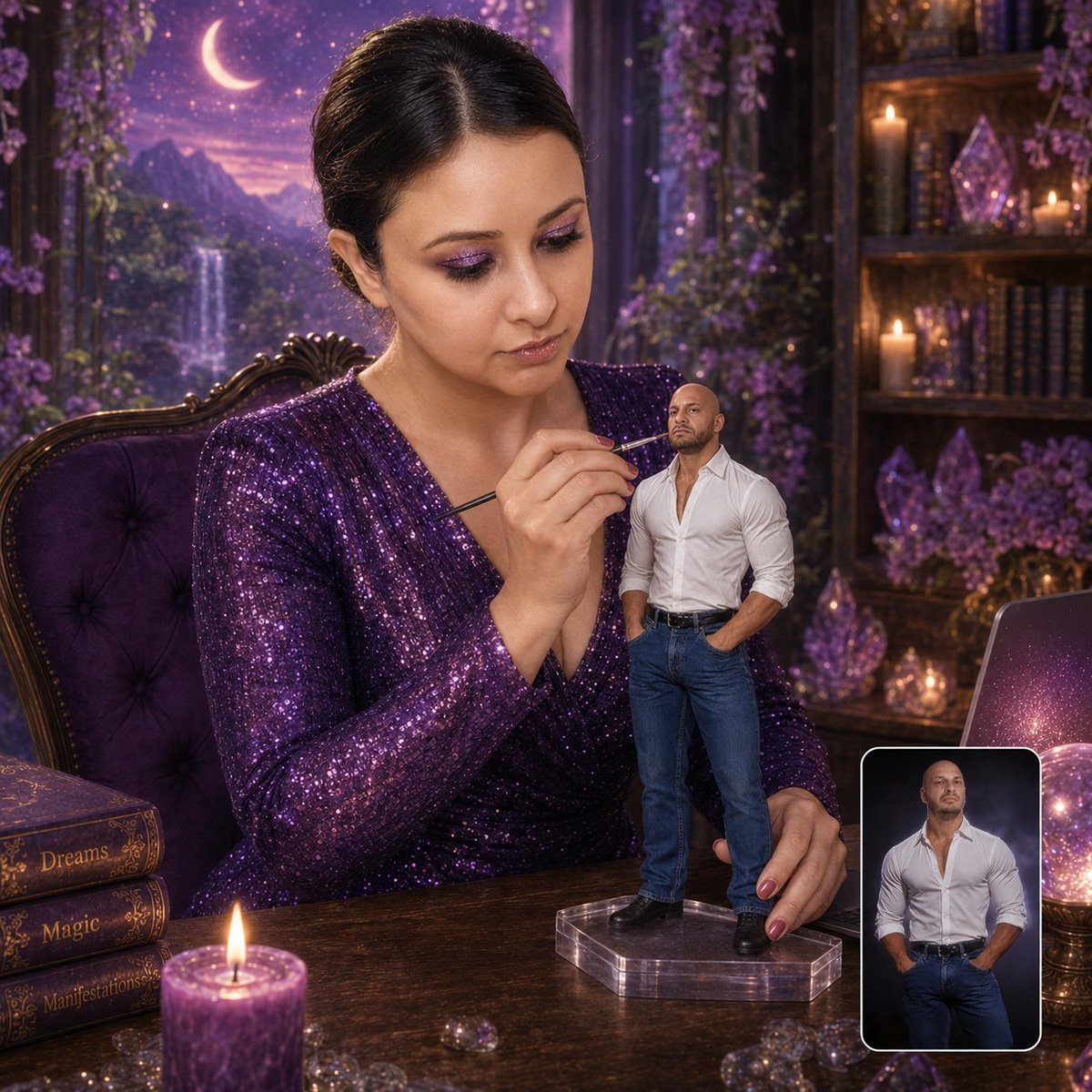
- Prompt included
- Model and format preset
- Free template
The prompt behind this image
Copy the exact prompt behind Miniature Figurine Painting Scene, or open it in the studio and make it yours.
Create a hyper-realistic 1:1 cinematic studio portrait of the woman from the first uploaded reference image ({argument name="outfit" default="sparkly purple sequined V-neck dress"}, dark hair in sleek updo, magical fantasy desk setting with waterfall, moon, crystals, glowing orb, laptop, purple candle, books labeled {argument name="book titles" default="Dreams/Magic/Manifestations"}, ornate purple chair) carefully painting a miniature figurine of the man from the second uploaded reference image. The figurine must exactly match the second uploaded photo: bald head, short trimmed beard/goatee, muscular build, white button-up shirt with top buttons undone showing chest, sleeves rolled up, blue jeans, black belt, hands-in-pockets stance, exact facial features and serious expression. Make the figurine highly detailed, realistic, approximately {argument name="size" default="8–10 inches"} tall, standing on a clear acrylic base on the desk. The woman must match the first uploaded photo exactly in face, makeup, hair, purple glitter dress, seated pose, and the entire enchanted purple fantasy background/desk setup. She is looking at the figurine with complete focus and concentration (not at camera). She delicately holds a fine paintbrush close to the figurine’s face while her other hand steadies the stand. Replace the quill-writing activity with this painting scene. In the bottom-right corner, include a small rounded-rectangle inset with clean white border showing the second uploaded reference photo of the man, indicating it is the source image used to create the figurine. Soft cinematic lighting, shallow depth of field, premium DSLR quality, ultra-realistic skin/fabric/figurine details, sharp focus, magical yet luxury collectible aesthetic. Keep every element from the woman’s original photo intact except for the new painting activity and added figurine + inset.
How to use Miniature Figurine Painting Scene in 3 steps
- 1Upload ImagePNG, JPG or paste
Add your photo
Upload the photo the template builds on. The prompt, model and format are already set.
- 2…a portrait of your subject in softgolden-hour light, 85mm…
Personalize
Edit the subject and creative details for your destination.
- 3Generate
Generate
Press Generate — your image is created in PicX Studio, so you can compare it with the original and refine one variable at a time.
More like this
Templates with the same subject, style or setup. Open one to see its prompt.

Felt & Knit 3D Character — Photo-Exact Face, Pixar-Quality Plush Figurine

Paper Tunnel Book Architecture

Isometric Brand Store Diorama
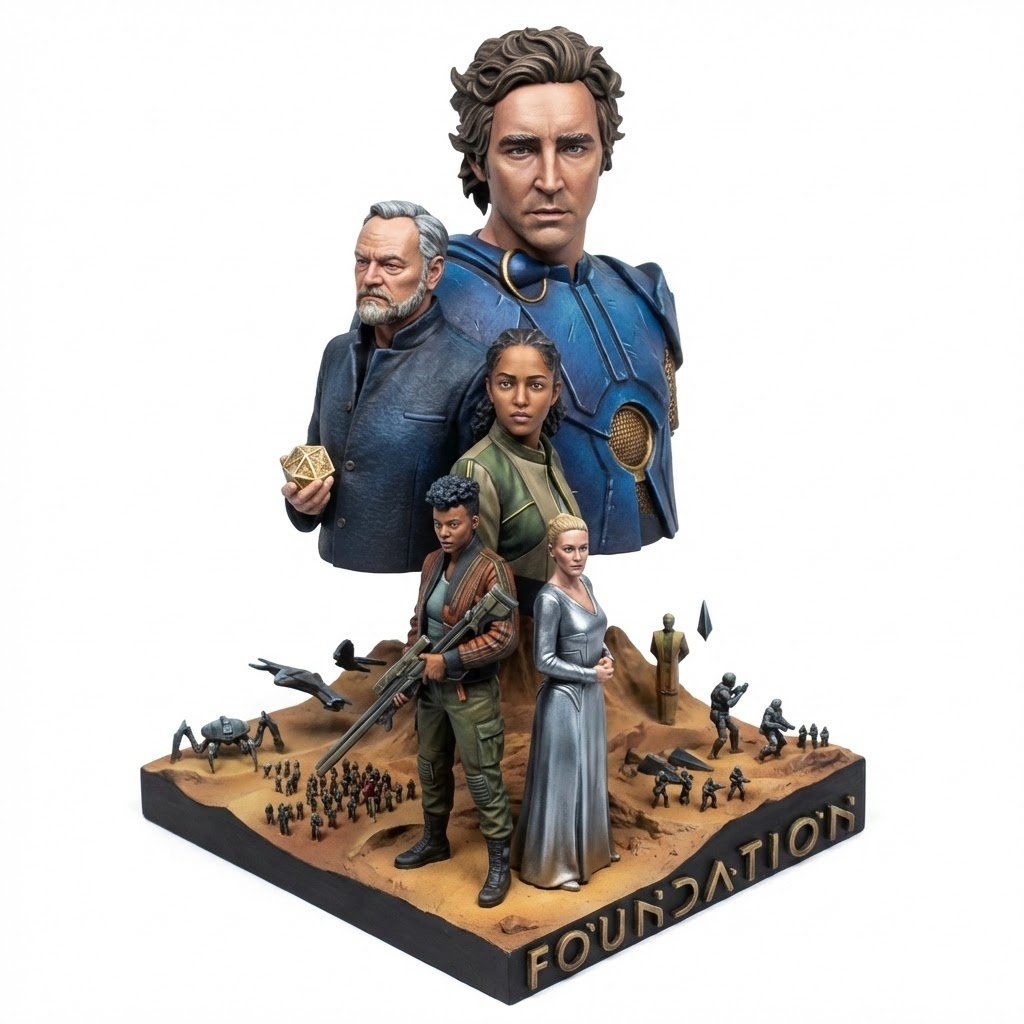
Realistic Miniature Sports Figurine Transformation
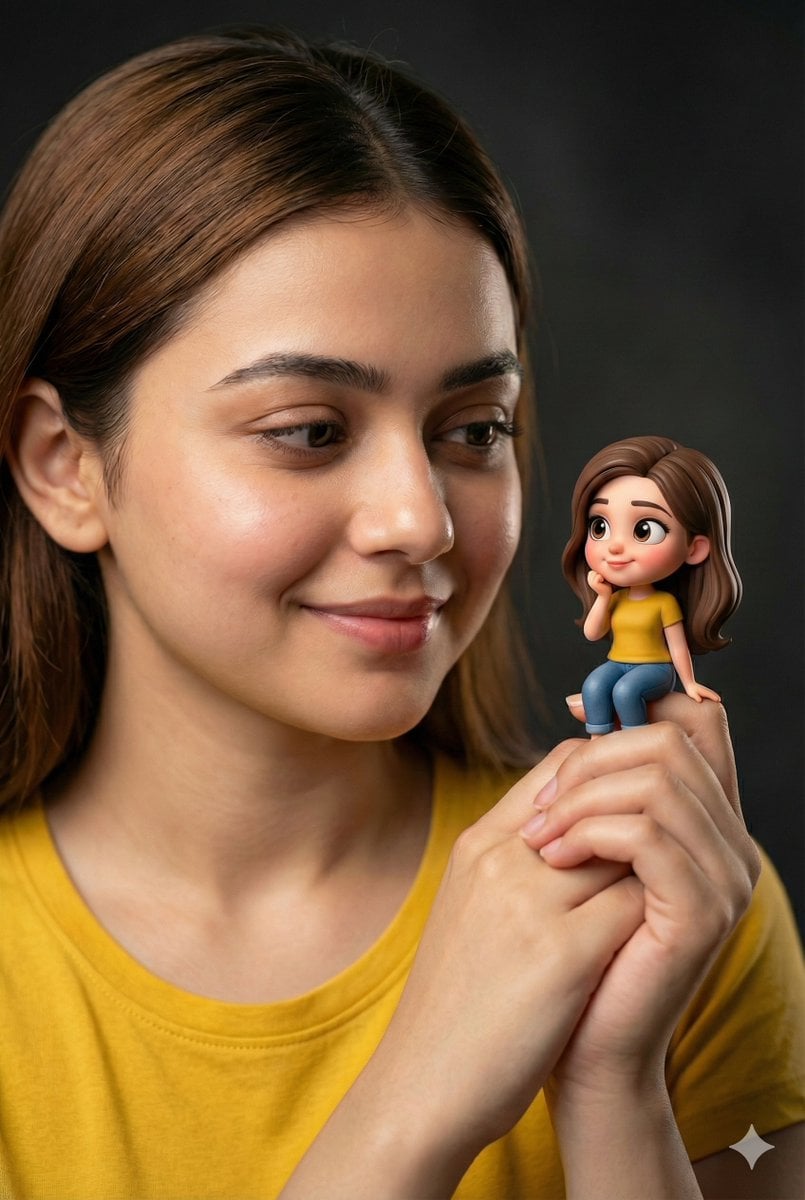
Woman Holding Miniature Figurine Portrait Prompt
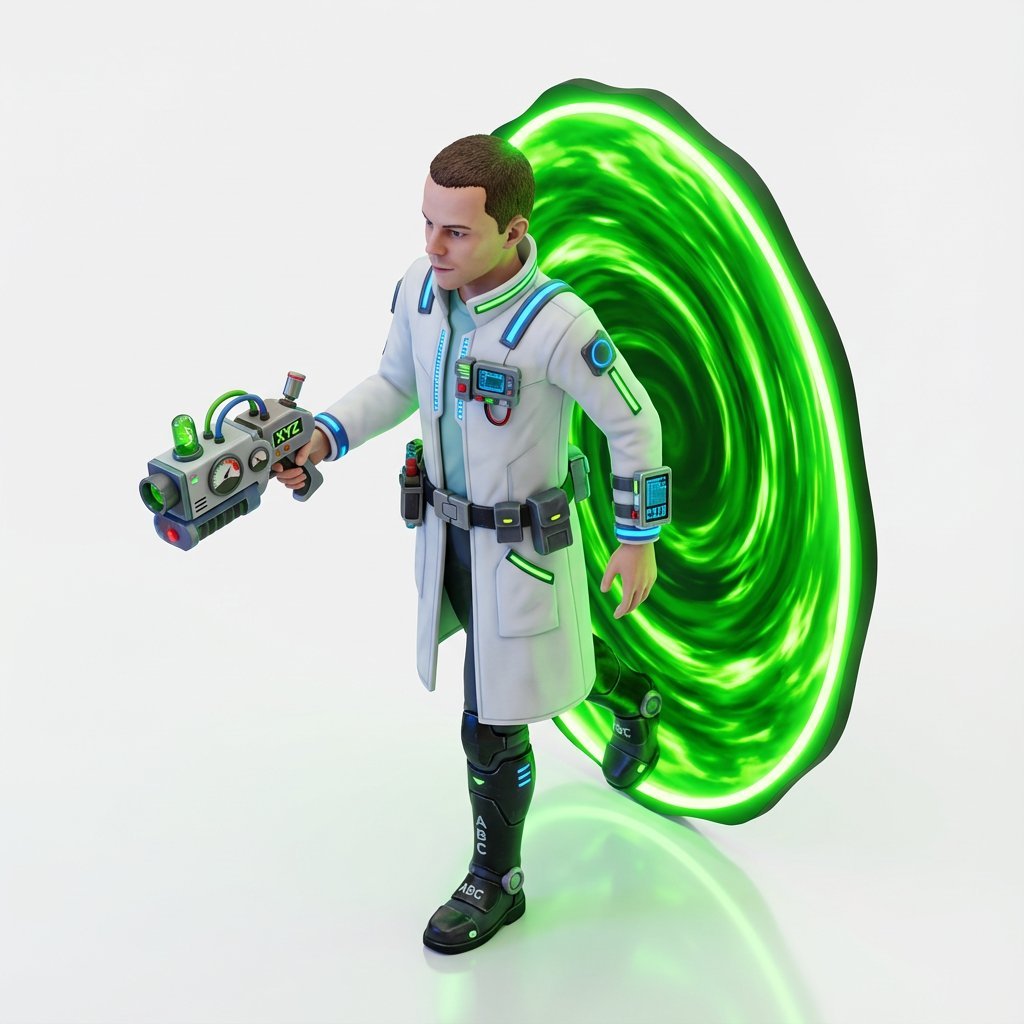
Miniature Isometric Figurine Prompt for nano banana pro
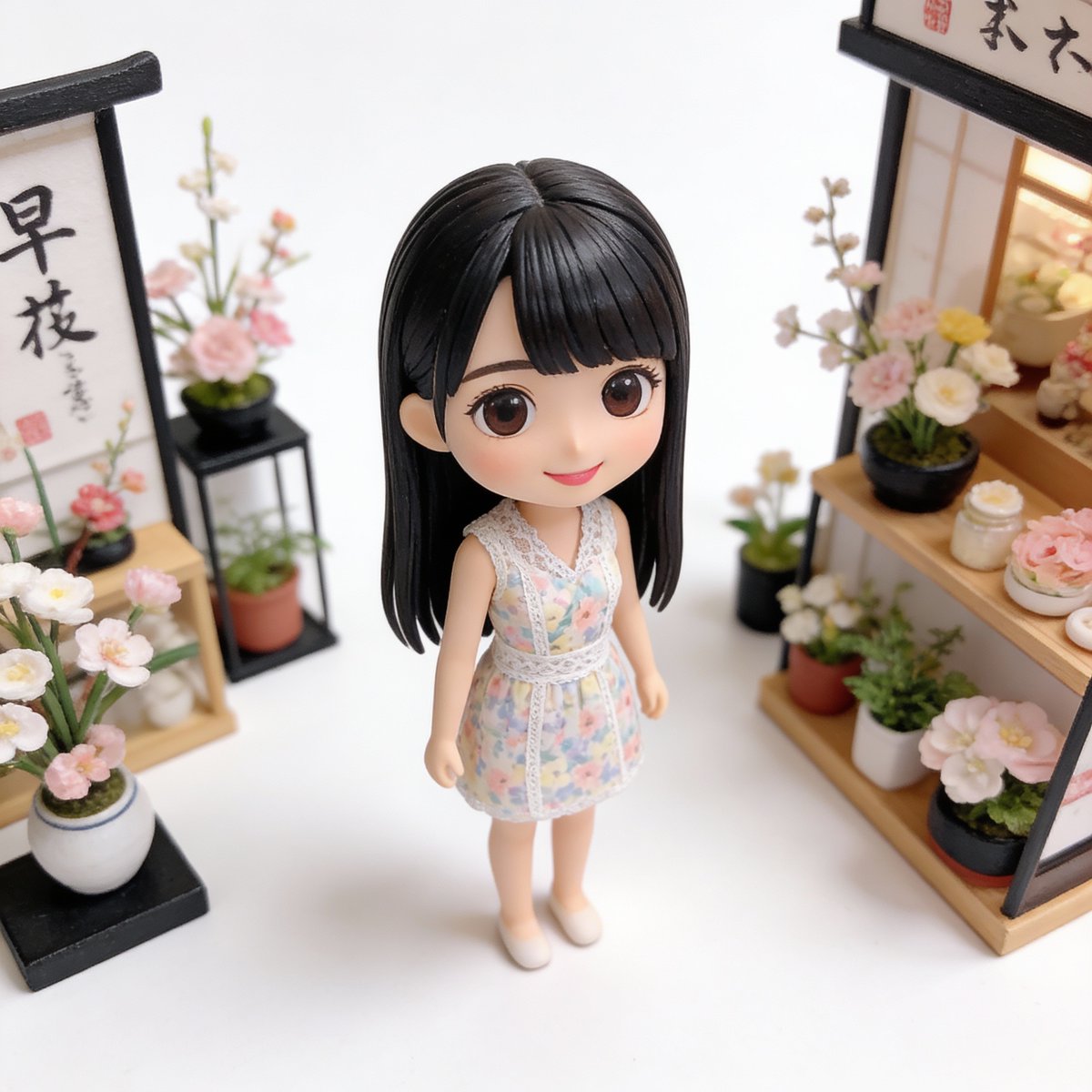
Isometric Miniature Figurine of a Character in a Japanese Flower Shop
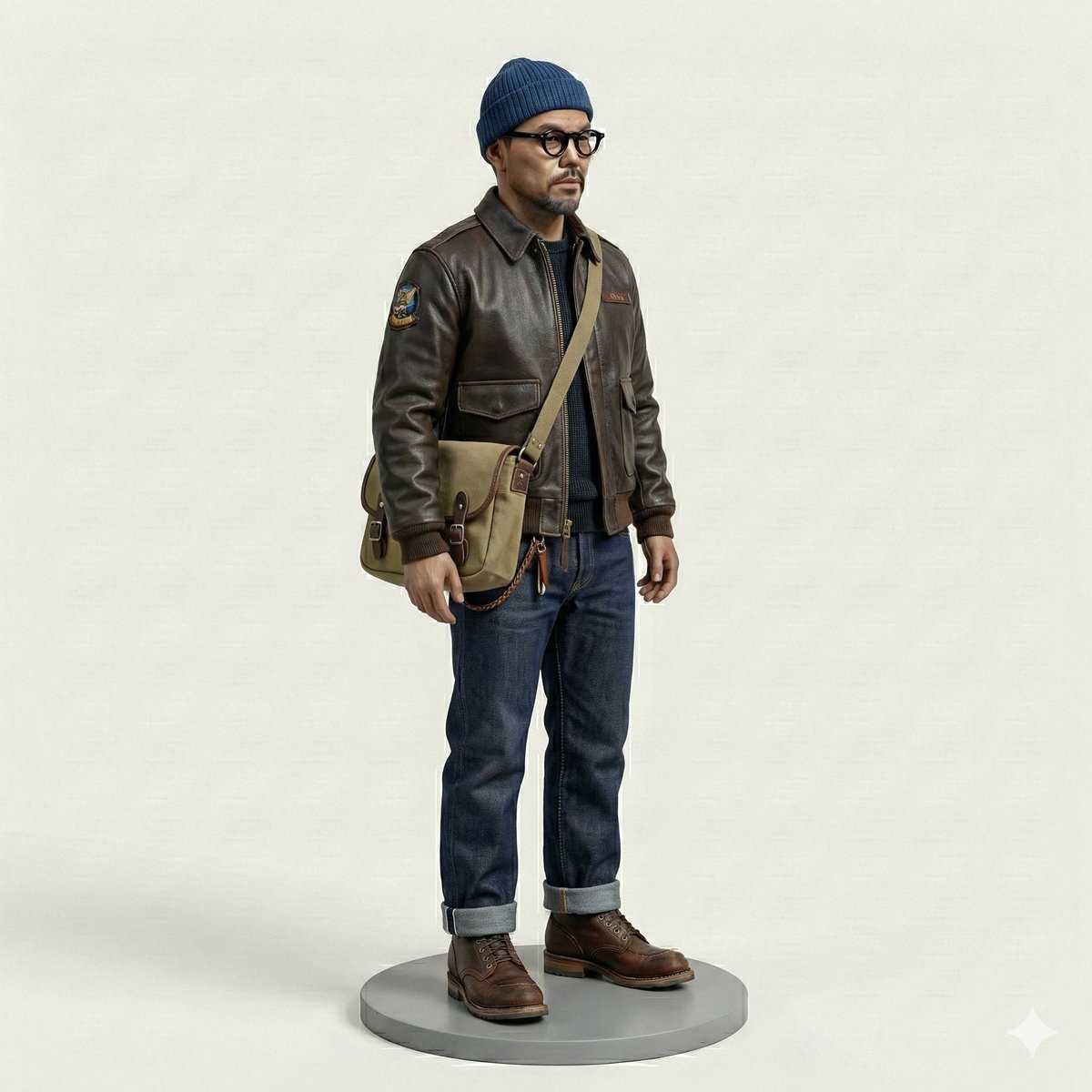
Miniature Figurine Prompt for Nano Banana Pro
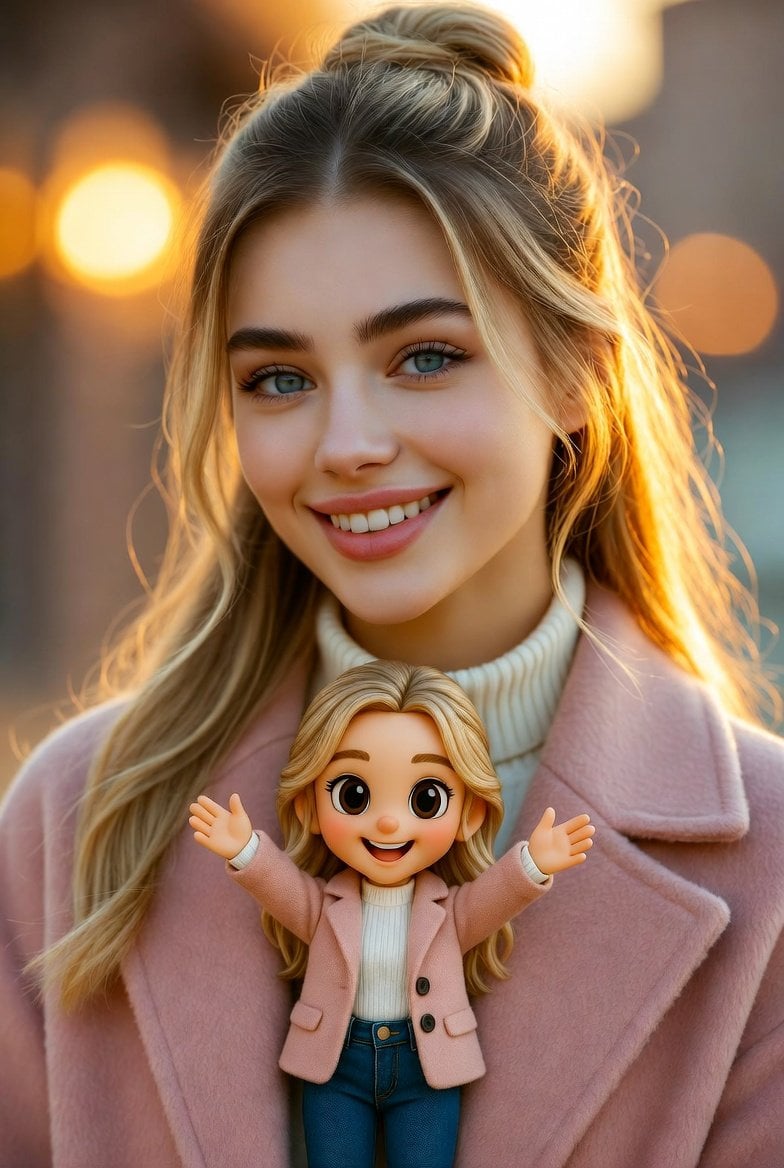
Cinematic Portrait with Miniature Chibi Figurine
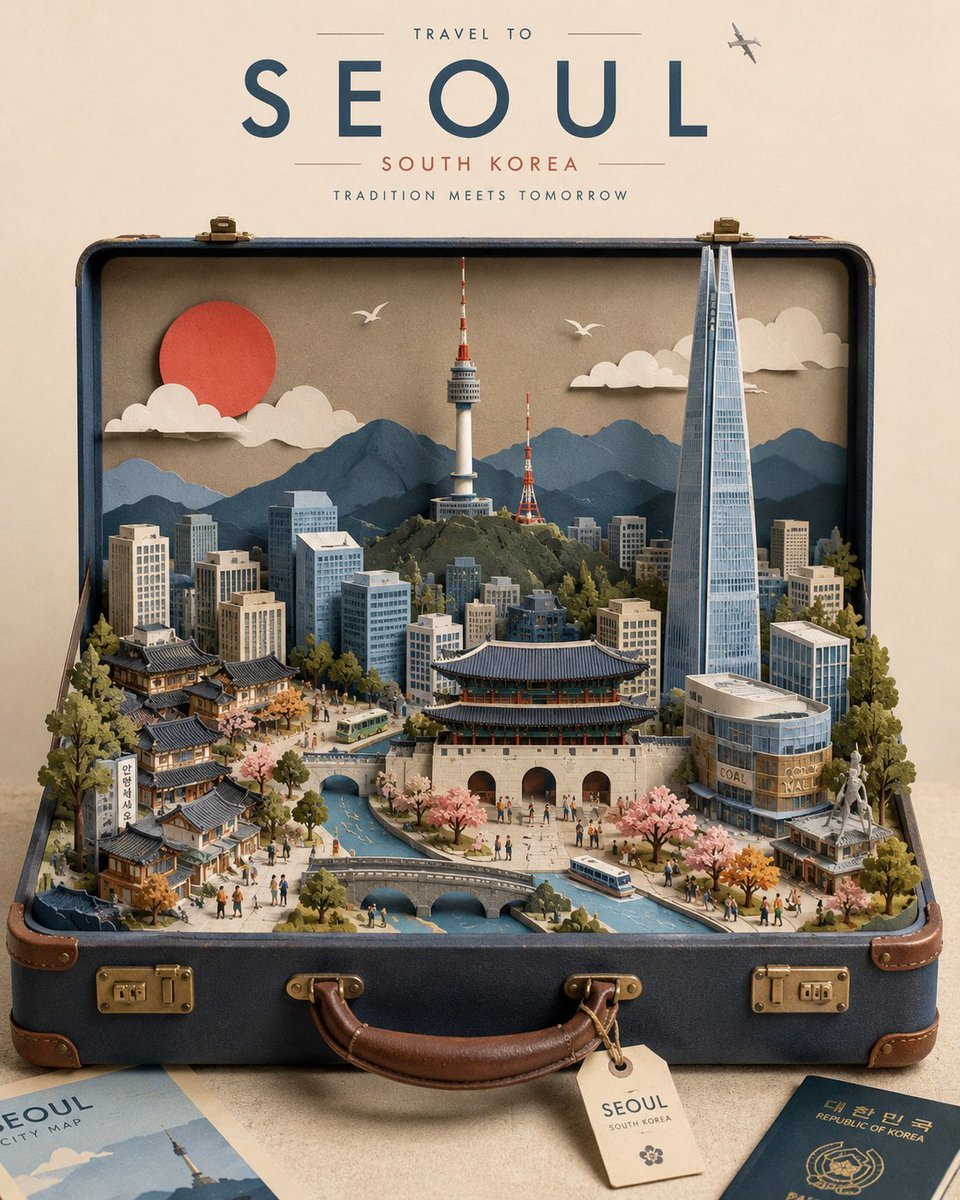
Miniature Suitcase Travel Poster
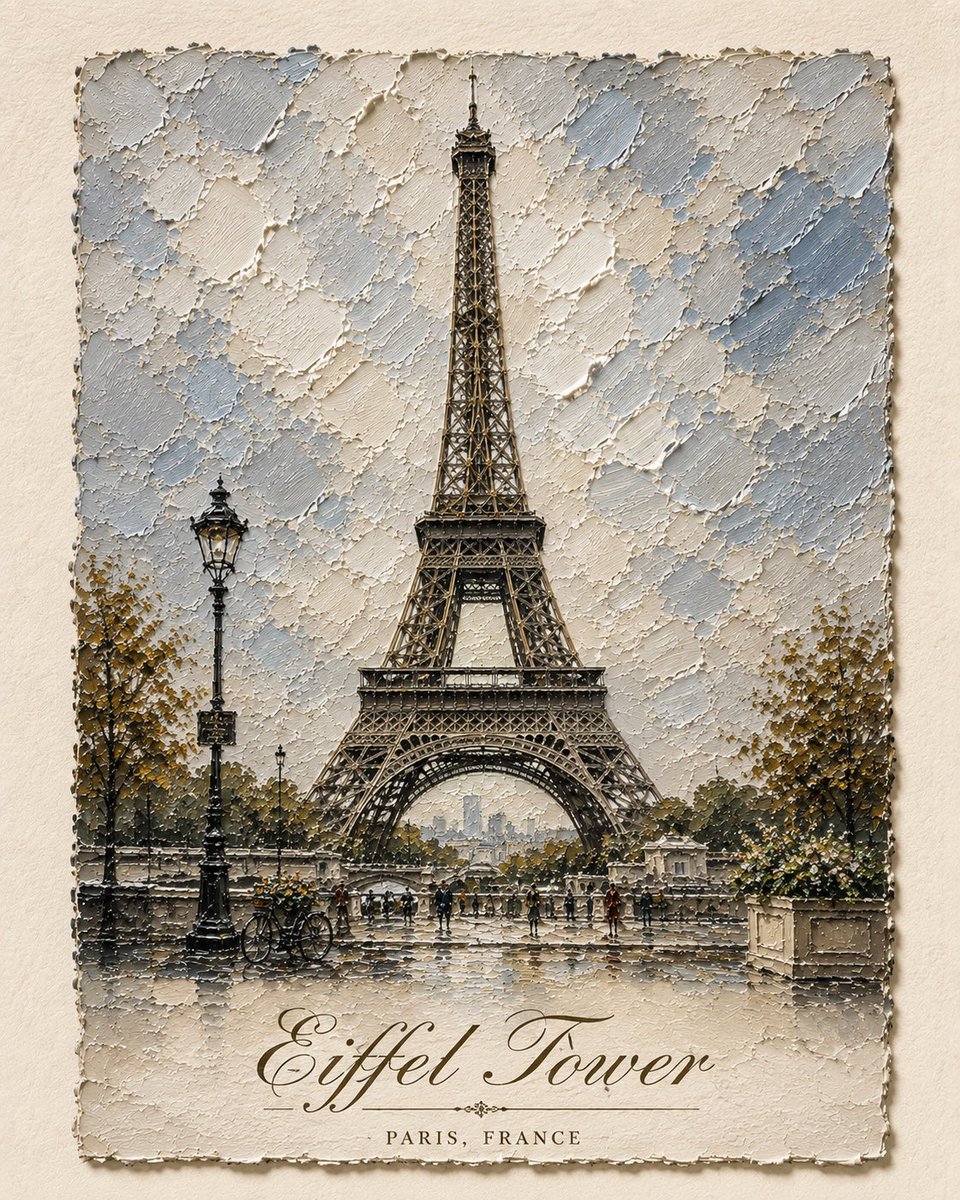
Impasto Oil Architectural Painting

Miniature Sick Day Diorama
Make it yours
Miniature Figurine Painting Scene works as-is. These are the safest ways to change it without losing the look.
Change one field
Copy a single group, rewrite it, and generate again so you can see what that field is doing.
Keep the frame, change the subject
Hold the composition and light of Miniature Figurine Painting Scene, then swap wardrobe, props or the person for a new take.
| If the result… | Why | Fix |
|---|---|---|
| The result drifts from the preview | Too many fields changed at once. | Reuse Miniature Figurine Painting Scene as-is first, then change one group — subject, light, or setting. |
| The model over-stylizes the scene | The prose prompt leaves finish and camera underspecified. | Add one camera or lighting sentence and stay on GPT Image 2. |
More GPT Image 2 templates
Other prompts made for GPT Image 2.

Six VTuber Japanese Logo Sheet

Realistic Portrait of Woman and Deer

The Vista Modular Condo Poster

AI Model Routing Comparison Infographic

2.5D Anime Art Board

Isometric Productivity Desk Scene

New York Double Exposure Poster

Four-Panel AI Landscape Comparison

Japanese Tatami Lifestyle Magazine Cover

NESCAFÉ Coffee Map Poster
More image prompts
Fresh picks from across the catalog.
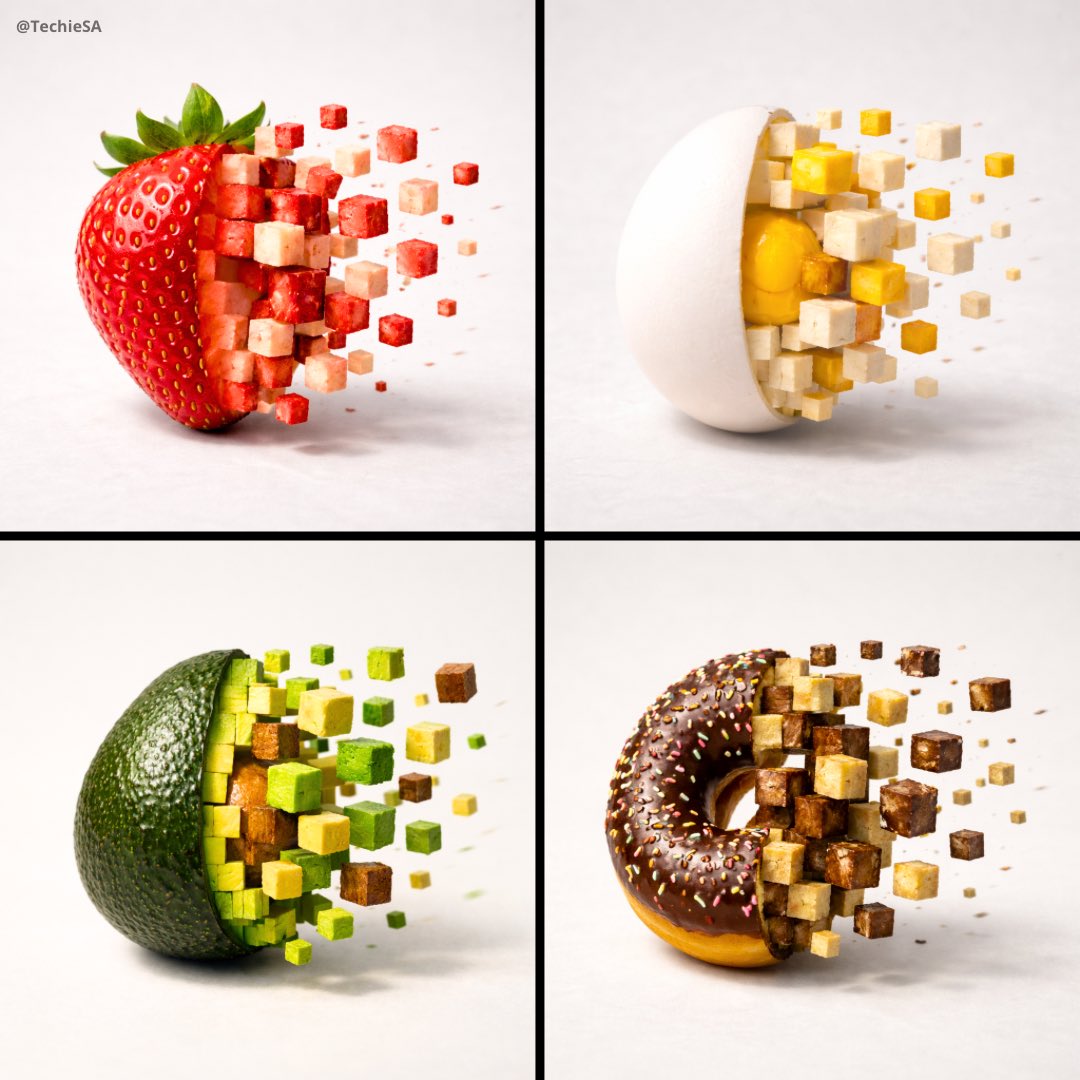
3D Pixel Food Disintegration
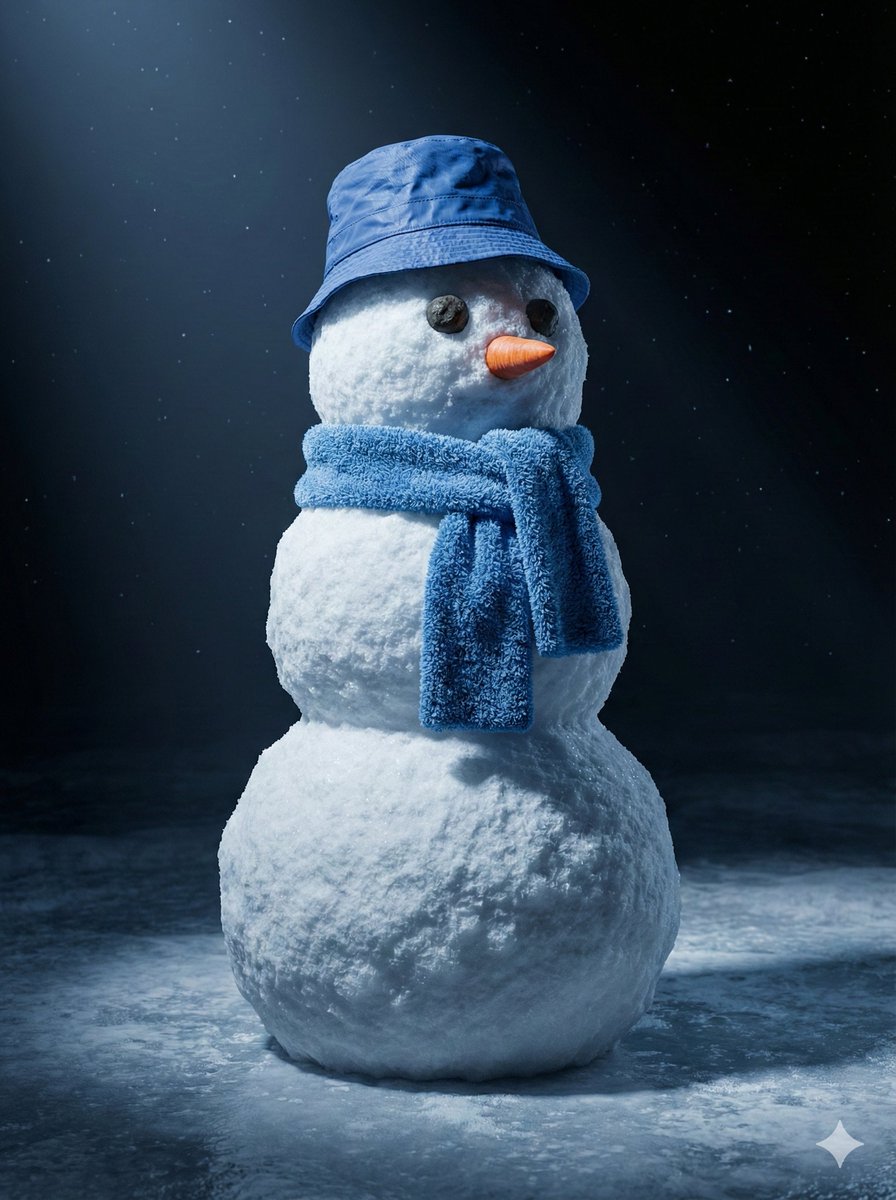
Cinematic 3D Snowman Portrait
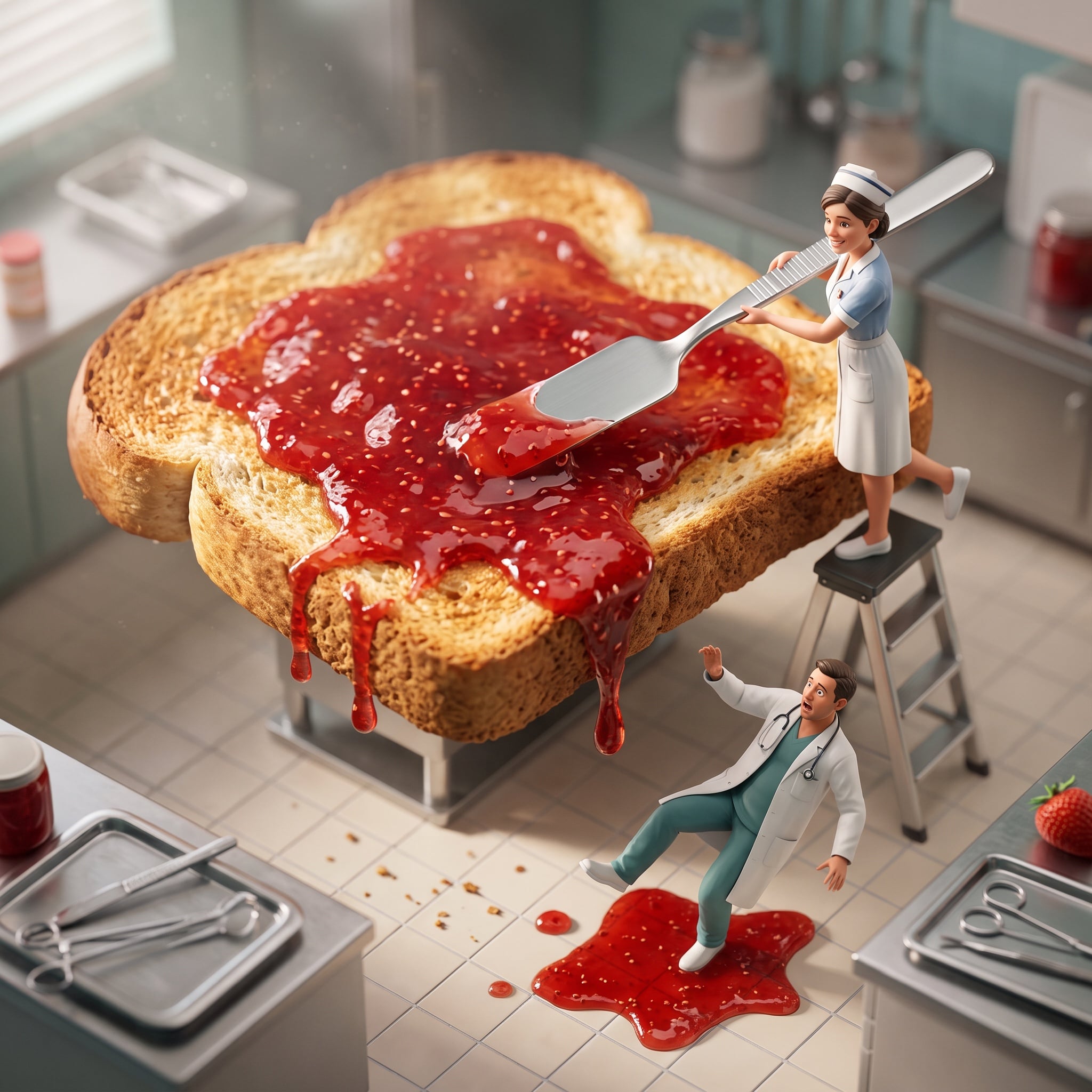
Cinematic Miniature Diorama Animation Prompt
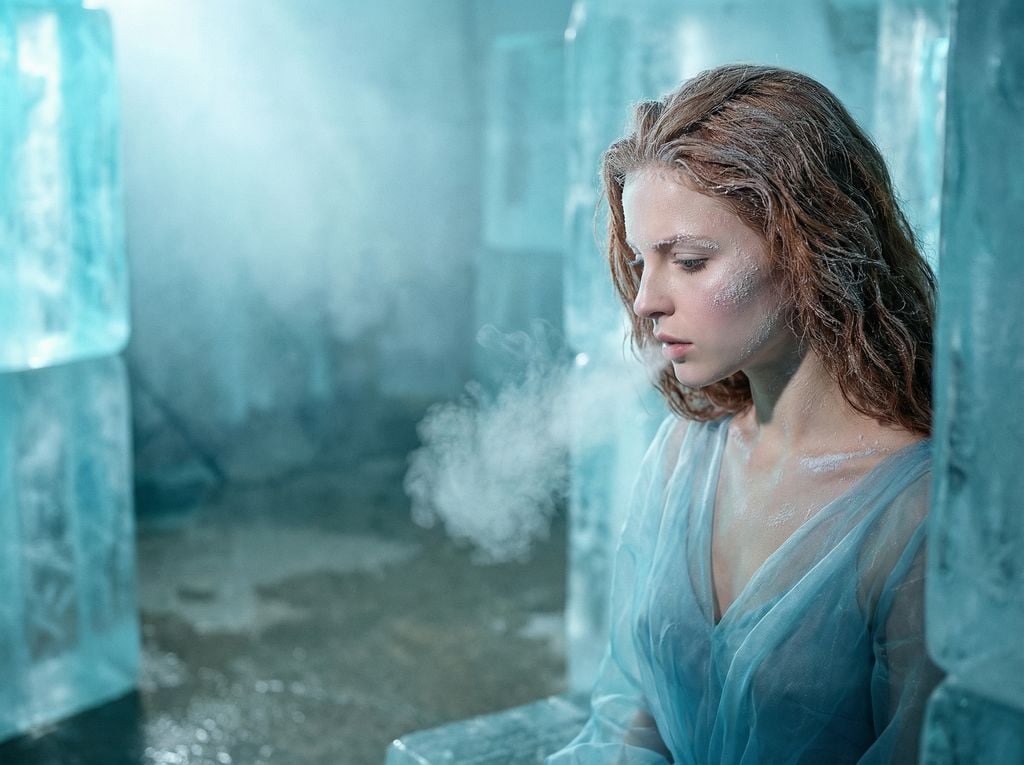
Crystallized Melancholy Ice Sculptor's Atelier
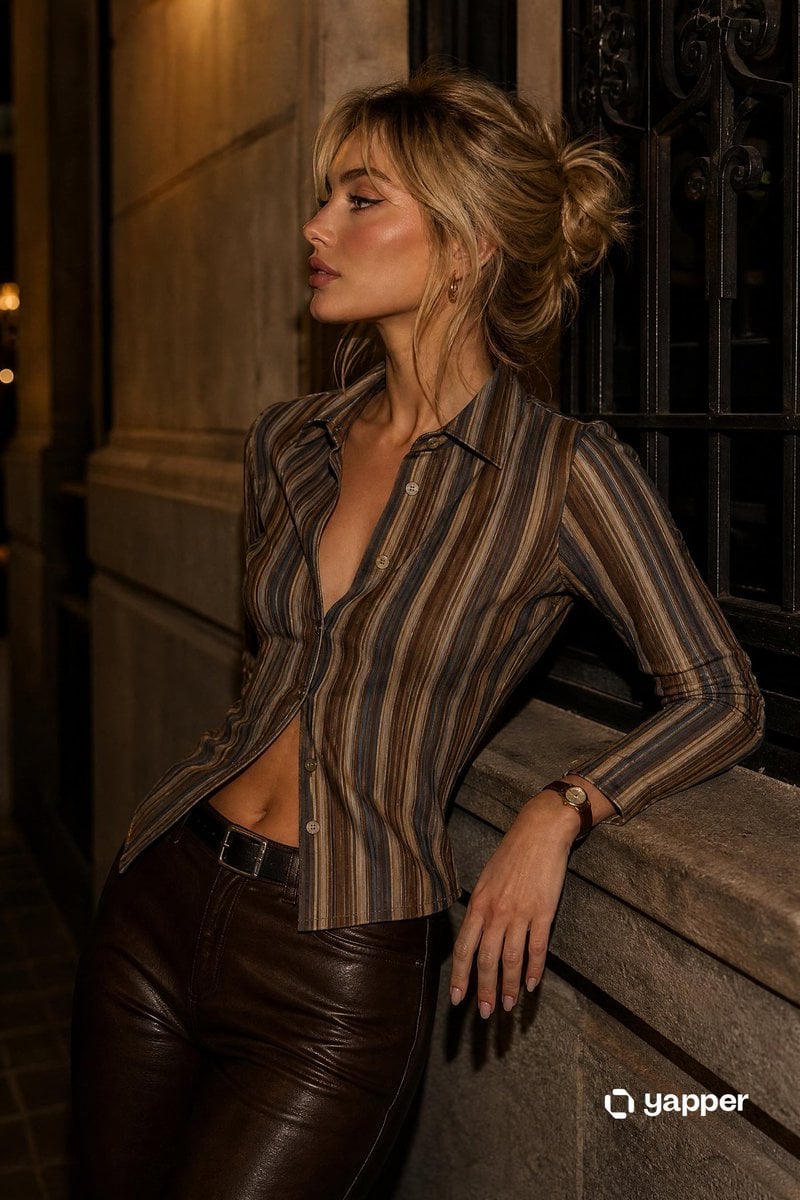
Sophisticated Urban Night Portrait
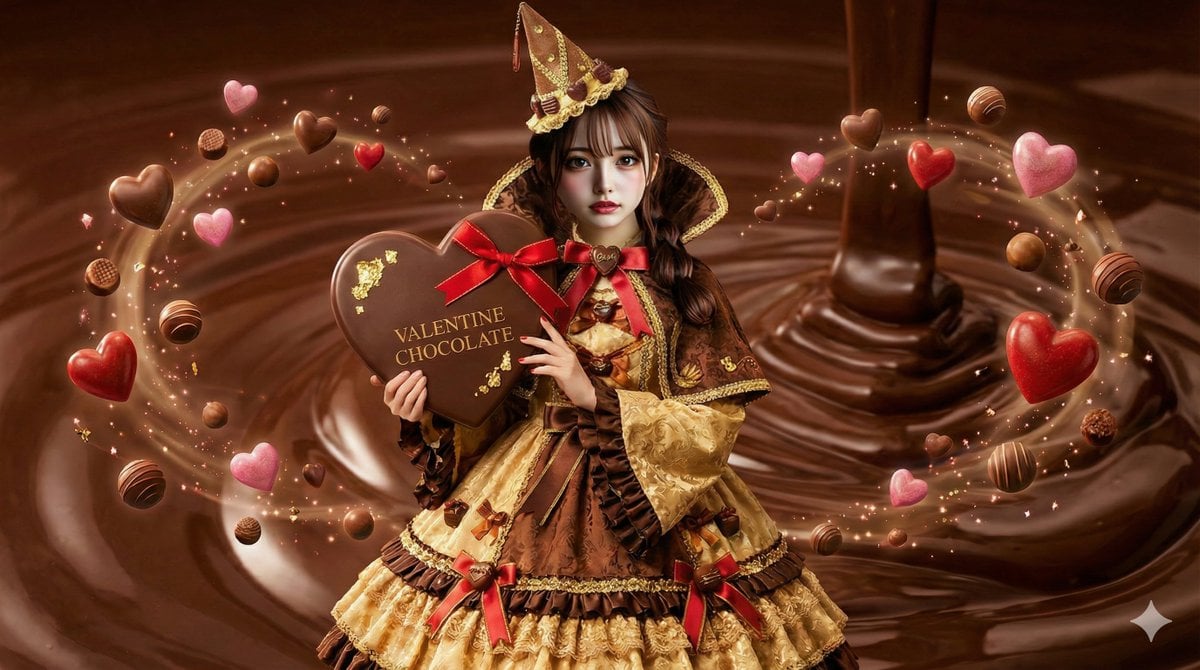
AI Illustration of a Wizard Making Valentine's Day Chocolate
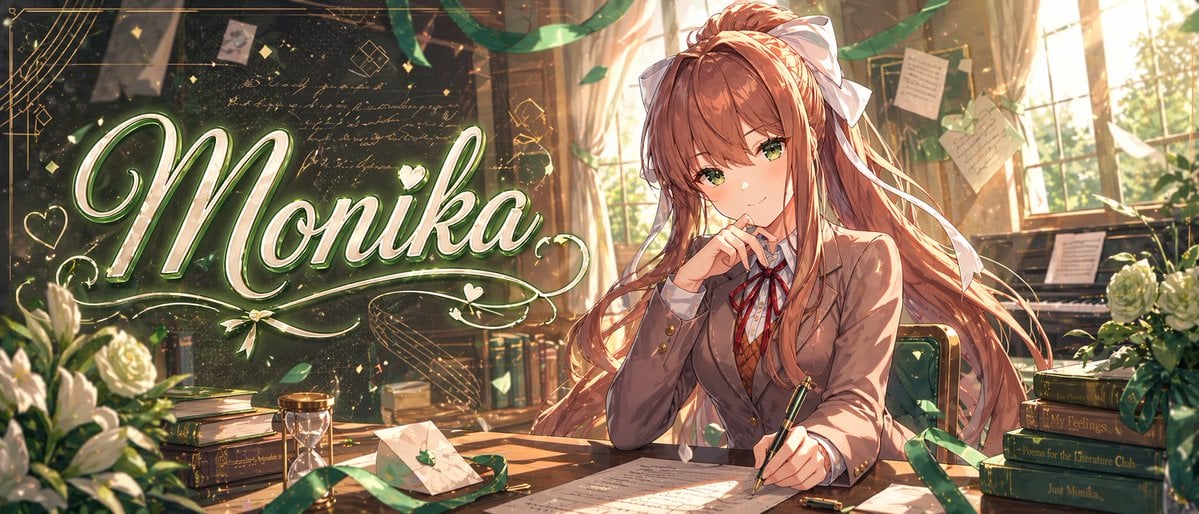
Gpt2 Youtube Thumbnail Monika Anime Banner Illustration
Cartoon to 4K Photo Transformation Prompt
High-Contrast Graphic Poster Portrait
untitled
Browse template categories
Miniature Figurine Painting Scene questions
How do I use the Miniature Figurine Painting Scene template?
Add your photo if the template asks for one, edit the prompt if you like — the template's model and format are already selected — and press Generate. Your version opens in PicX Studio.
Can I customize the Miniature Figurine Painting Scene template?
Yes. You can change the subject, setting, lighting, mood, format, and available model controls before creating your image.
Is the Miniature Figurine Painting Scene template free?
Opening and editing this template is free. Generating uses credits, shown on the Generate button when you are signed in.
Which AI model should I use?
Start with GPT Image 2, which is the model associated with this template. You can compare another compatible model for a different finish.
Looking for something else? Browse all templates.

Your photo, any look
Thousands of ready templates for every top image and video model, from one credit balance.